

Most form builders promise simplicity but bury you in settings, templates you can't customize, and logic rules that require a tutorial. If you just need to build a form that works and looks good without spending an afternoon figuring it out, you're in the right place.
This list focuses on one thing: ease of use. Each tool was evaluated on how quickly you can go from zero to a published, functional form, how intuitive the interface is for non-technical users, and how much hand-holding the platform requires. Whether you're capturing leads, collecting feedback, or qualifying prospects, these are the form builders that actually get out of your way.
"Easy" means different things depending on your context. For some teams, it means fast setup with zero configuration. For others, it means smart defaults that eliminate decisions entirely. We've covered both ends of that spectrum here, along with everything in between.
1. Orbit AI
Best for: High-growth SaaS and marketing teams focused on lead generation and conversion optimization
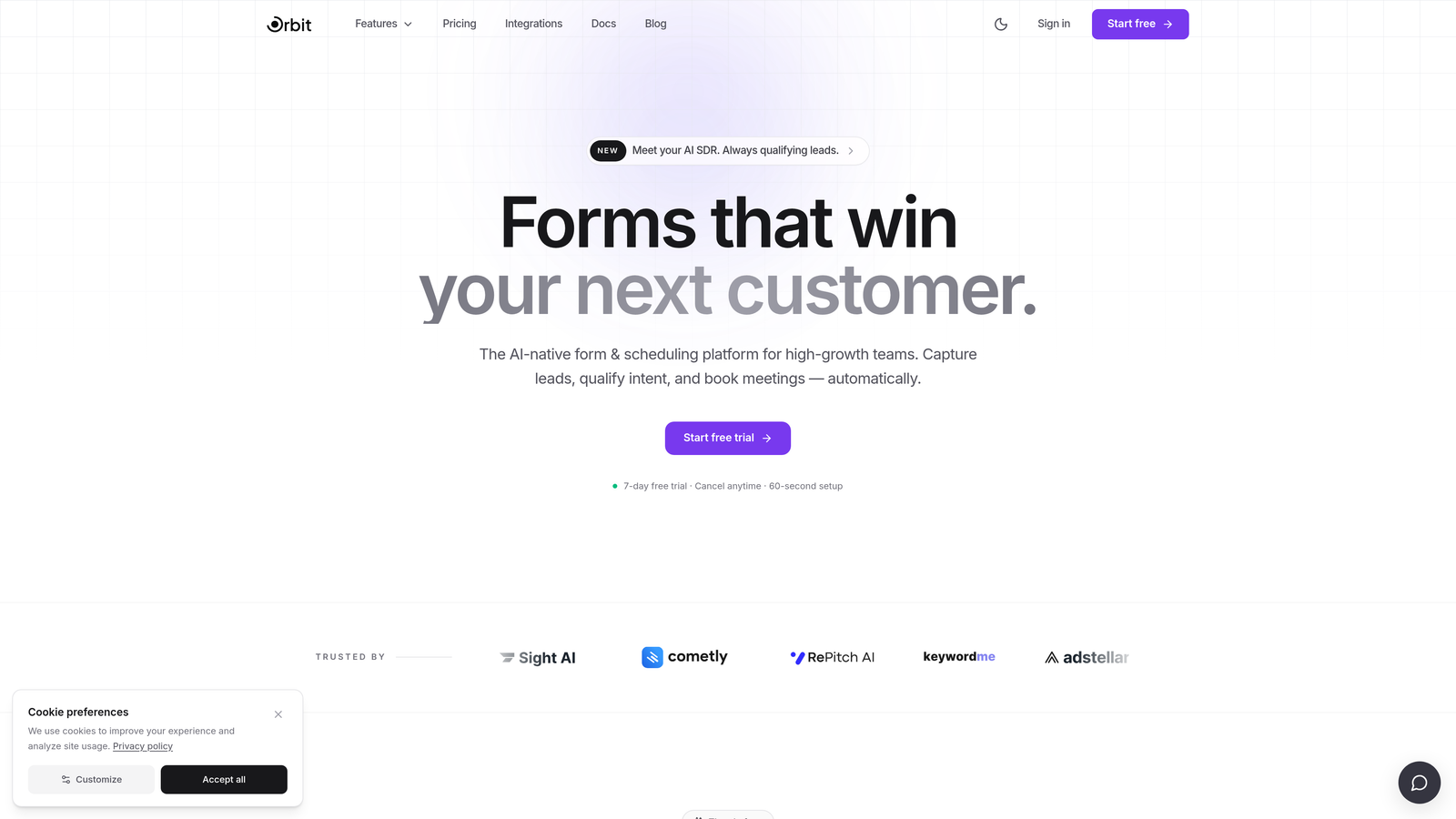
Orbit AI is an AI-powered form builder that generates form structure and qualification logic based on your goal, so you spend less time configuring and more time converting.
Where This Tool Shines
Most tools make ease of use synonymous with simplicity. Orbit AI takes a different approach: ease through intelligence. You describe what you're trying to accomplish, and the AI handles the form structure, field selection, and qualification logic. The result is a conversion-optimized form that's ready to publish without the usual back-and-forth of manual setup.
This is particularly valuable for teams that need forms to do more than collect data. Built-in lead qualification surfaces high-intent prospects automatically, which means your sales team spends time on the right leads rather than sorting through every submission manually.
Key Features
AI-Generated Form Structure: Describe your goal and the AI builds the form structure, field types, and flow for you.
Built-In Lead Qualification: Automatically identifies and surfaces high-intent prospects without manual scoring or tagging.
Conversion-Optimized Defaults: Design and UX decisions are built around reducing friction and improving completion rates from the start.
Clean, Modern UI: Minimal setup required; the interface is designed to get you to a published form fast.
SaaS and Marketing Team Focus: Purpose-built for the workflows, integrations, and goals that growth teams actually care about.
Best For
Orbit AI is the strongest fit for SaaS companies, marketing teams, and growth-focused businesses that need forms to qualify leads, not just collect them. If your current form builder requires significant manual effort to configure logic and scoring, this is the upgrade worth exploring.
Pricing
Visit orbitforms.ai for current pricing and plan details. A free starting option is available.
2. Typeform
Best for: Teams that want a polished, conversational respondent experience with strong brand presence
Typeform is a conversational form builder known for its one-question-at-a-time format and visually refined respondent experience.

Where This Tool Shines
Typeform's signature format, presenting one question at a time in a full-screen layout, makes forms feel less like forms and more like conversations. This approach is well-regarded for keeping respondents engaged, particularly for longer surveys and multi-step lead capture flows.
The template library is solid and the builder is intuitive enough that most users can publish a functional form in under 30 minutes. Logic jumps and conditional branching are available, though they can get complex at scale and may require some experimentation to set up correctly.
Key Features
Conversational Single-Question Flow: One question at a time creates an engaging, low-friction experience for respondents.
Strong Template Library: Dozens of pre-built templates across common use cases to accelerate setup.
Logic Jumps and Conditional Branching: Route respondents through different paths based on their answers.
Marketing Tool Integrations: Connects with major platforms including HubSpot, Mailchimp, and Slack.
Mobile-Optimized by Default: Forms look and function well on any device without additional configuration.
Best For
Typeform works well for marketing teams, researchers, and creators who prioritize a premium respondent experience. It's less suited for teams that need deep lead qualification or CRM-native workflows without additional integration setup.
Pricing
Free tier available; paid plans start from approximately $25/month. Verify current pricing at typeform.com.
3. Google Forms
Best for: Internal data collection, quick surveys, and anyone who needs a free form with zero setup
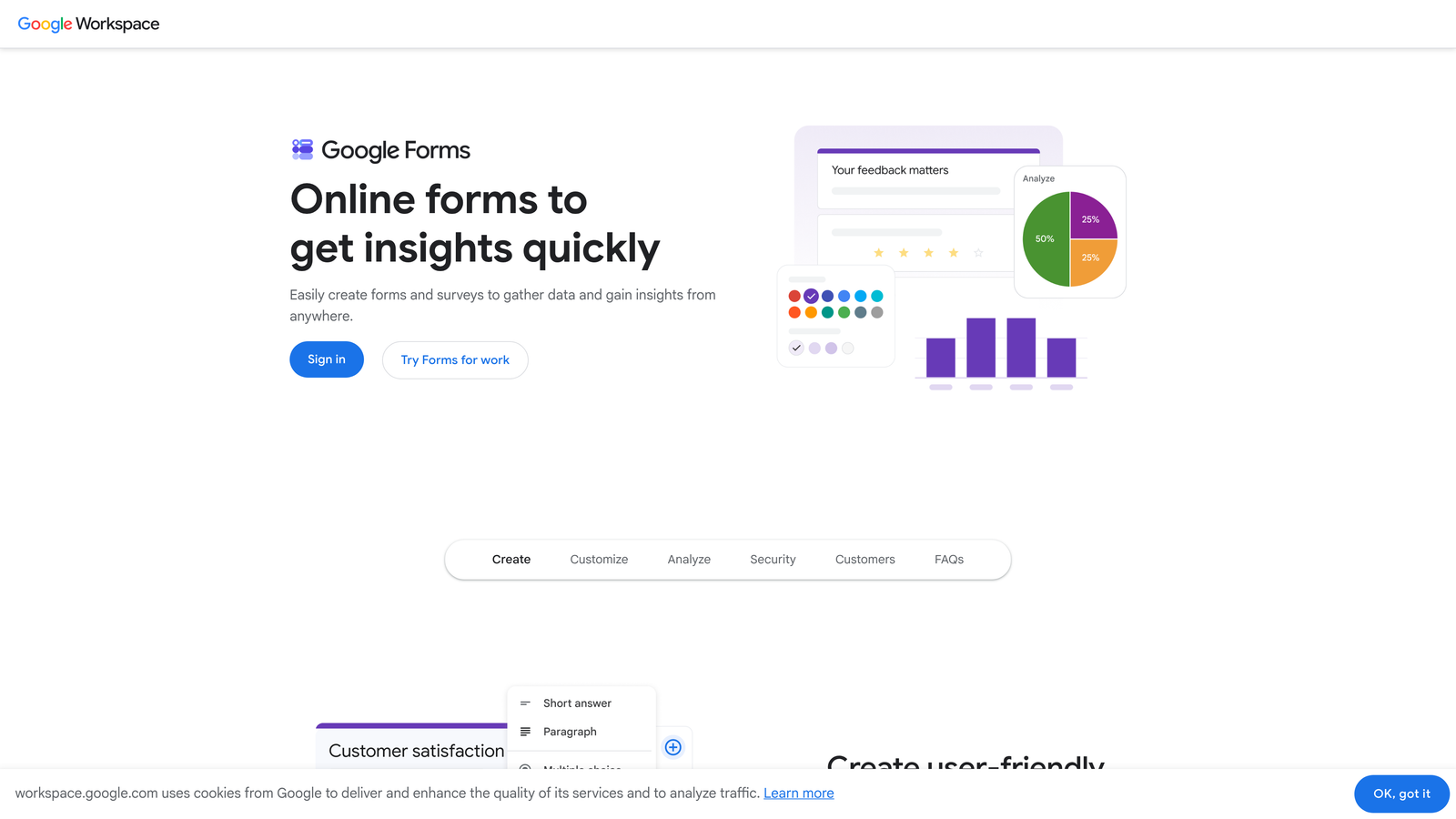
Google Forms is a completely free form builder built into Google Workspace, offering the fastest path from idea to published form with no cost and no learning curve.
Where This Tool Shines
If speed and zero cost are your primary criteria, nothing beats Google Forms. Most people already have a Google account, which means there's no new software to sign up for, no billing to configure, and no interface to learn from scratch. Open it, add your questions, and share the link.
Responses sync automatically to Google Sheets, which makes basic data analysis immediately accessible. The tradeoff is design flexibility: customization options are minimal, and the output looks unmistakably like a Google Form. For internal use, feedback collection, or quick one-offs, that's rarely a problem.
Key Features
Completely Free: No cost, no submission limits, no paid tier required.
Auto-Syncs to Google Sheets: Responses are immediately available in a spreadsheet without any export steps.
Basic Section Branching: Route respondents to different sections based on their answers.
Shareable via Link or Embed: Distribute forms instantly through a URL or embed on any webpage.
No Design Configuration Needed: The interface is fixed and clean, which removes decisions but also limits brand expression.
Best For
Google Forms is ideal for internal surveys, event registrations, feedback collection, and any scenario where cost is the primary constraint. It's not the right tool for brand-forward lead generation or conversion-focused landing pages.
Pricing
Free with any Google account. No paid tiers.
4. Tally
Best for: Indie makers, startup teams, and anyone who wants a Notion-like editing experience for free
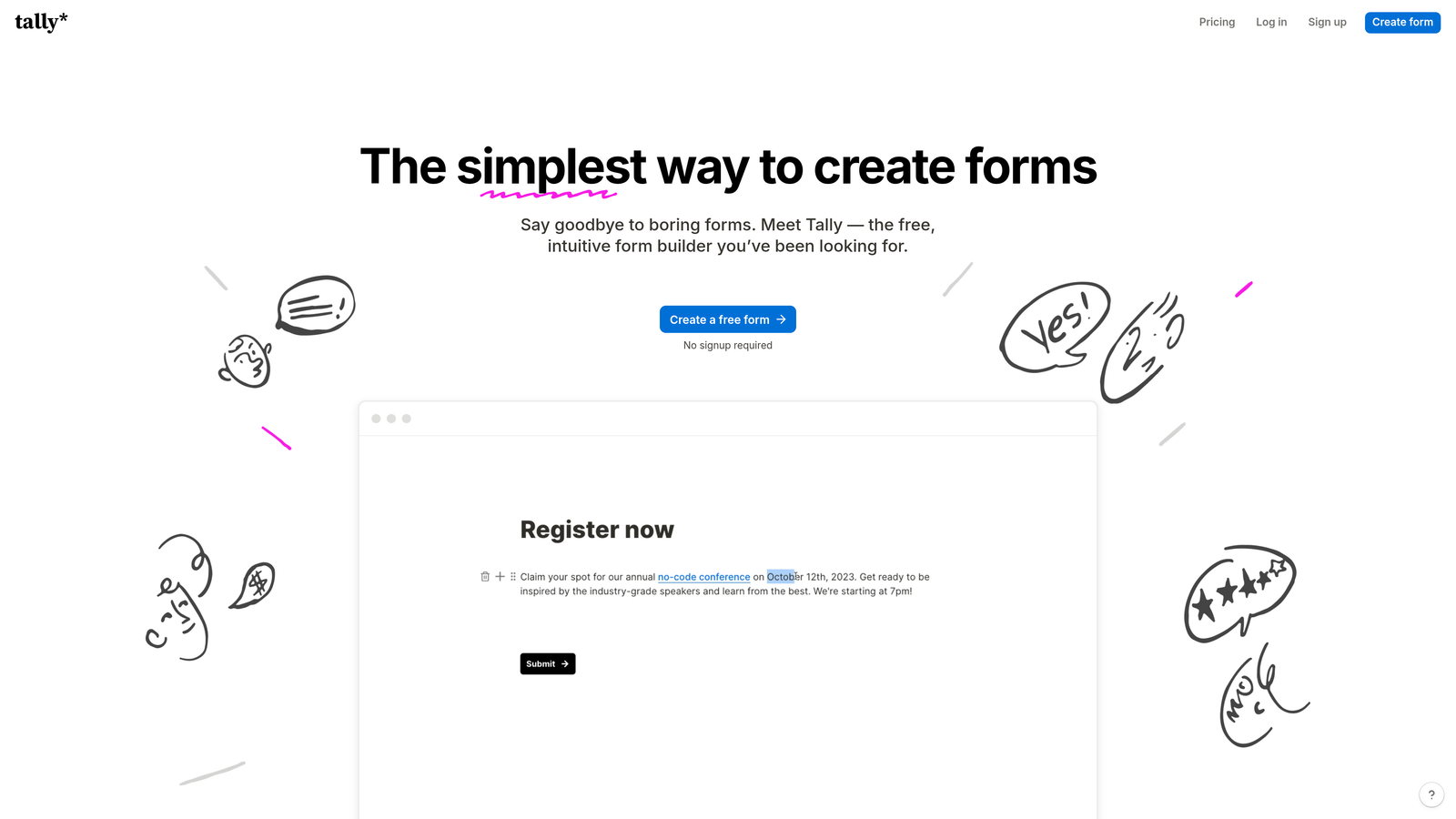
Tally is a block-based form builder with a clean, minimal interface that feels immediately familiar to anyone who's used Notion, and it's surprisingly capable for a tool with such a generous free tier.
Where This Tool Shines
Tally's editing experience is one of the most approachable in the category. You build forms the same way you'd write a document: type your question, hit enter, and add the next block. There's no separate settings panel to navigate, no drag-and-drop grid to wrestle with. It's just fast.
The free tier is unusually generous, supporting unlimited forms and responses without a submission cap. This makes Tally a legitimate option for early-stage teams that need functional forms without a monthly bill.
Key Features
Block-Based Editor: Build forms like a document with a zero-friction editing experience that requires no tutorial.
Generous Free Tier: Unlimited forms and responses on the free plan, with no submission caps.
Conditional Logic and Multi-Page Support: Route respondents and break longer forms into sections without complex configuration.
File Uploads and Payment Collection: Handle more complex intake flows even on lower-tier plans.
Embed-Friendly Design: Forms embed cleanly into websites and tools without layout issues.
Best For
Tally is a strong fit for startup founders, product teams, and solo operators who want a capable form builder without the overhead of a paid subscription. It's also a natural choice for teams already living in Notion who want a consistent editing feel.
Pricing
Free tier available; Pro plan approximately $29/month. Verify current pricing at tally.so.
5. Jotform
Best for: Teams that want to start from a template and get a professional form live in minutes
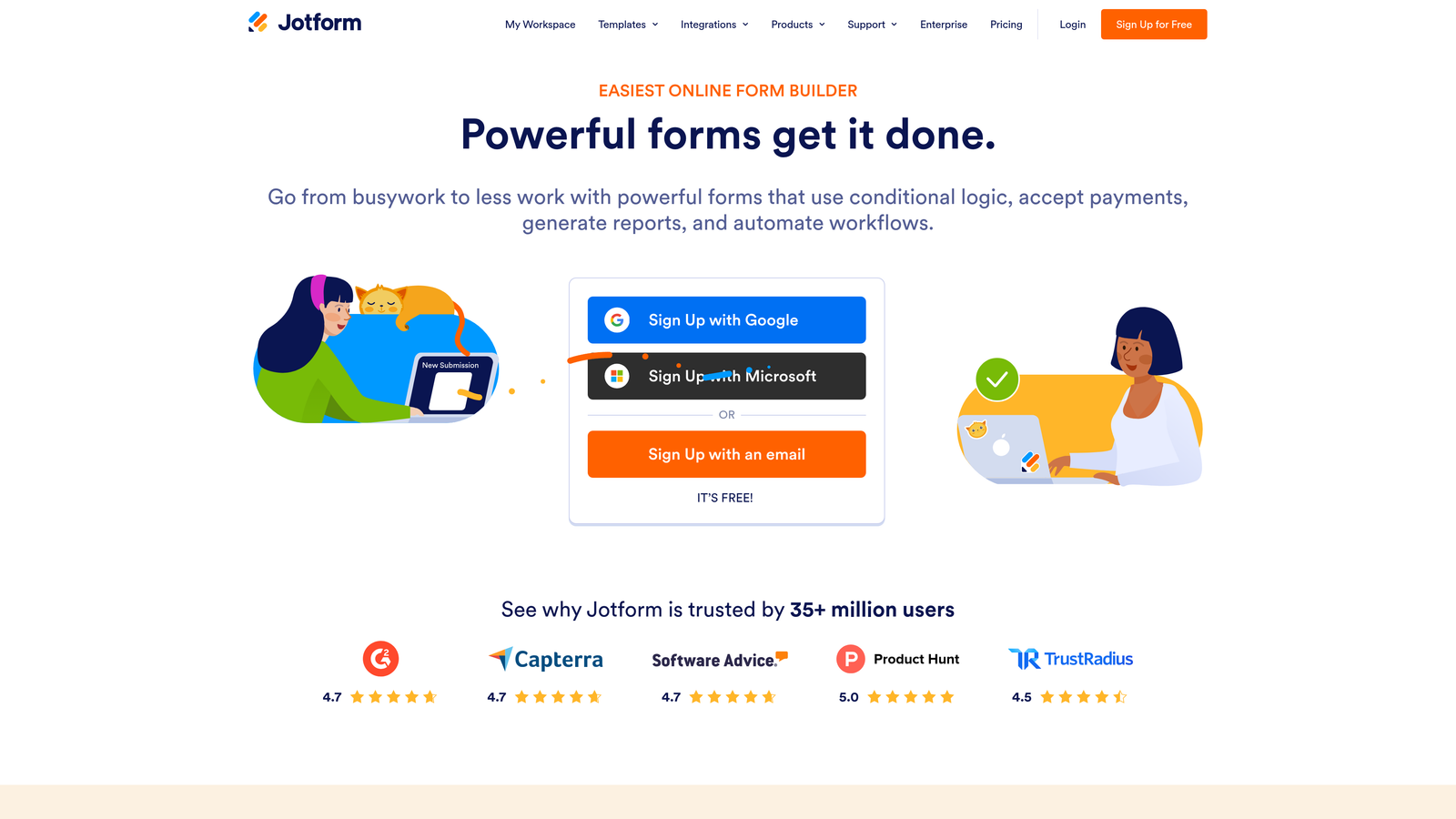
Jotform is a mature, full-featured form builder with one of the largest template libraries in the category, making it easy to find a starting point for almost any use case.
Where This Tool Shines
Jotform's template library is genuinely impressive. With thousands of pre-built forms across industries and use cases, you're rarely starting from a blank page. Find the template closest to your need, swap out the fields and branding, and you're done. For teams that value speed-to-publish over customization depth, this approach works extremely well.
The drag-and-drop builder is mature and well-documented, with extensive field types that cover everything from standard text inputs to e-signatures and payment collection. The breadth of features can feel overwhelming at first, but the template-first workflow largely sidesteps that problem.
Key Features
Thousands of Pre-Built Templates: One of the largest template libraries available, spanning dozens of industries and use cases.
Drag-and-Drop Builder: Mature, well-documented interface with an extensive range of field types.
100+ Native Integrations: Connects with CRMs, payment processors, email platforms, and project management tools.
Payment Collection and E-Signature Support: Handle transactions and document signing directly within forms.
Robust Free Tier: Functional free plan with submission limits that work for low-volume use cases.
Best For
Jotform is well-suited for small businesses, agencies, and non-profits that need professional-looking forms quickly and across varied use cases. It's particularly strong when a relevant template already exists for your workflow.
Pricing
Free tier available with submission limits; paid plans vary. Verify current pricing at jotform.com.
6. HubSpot Forms
Best for: Teams already using HubSpot CRM who want zero-friction form-to-CRM data flow
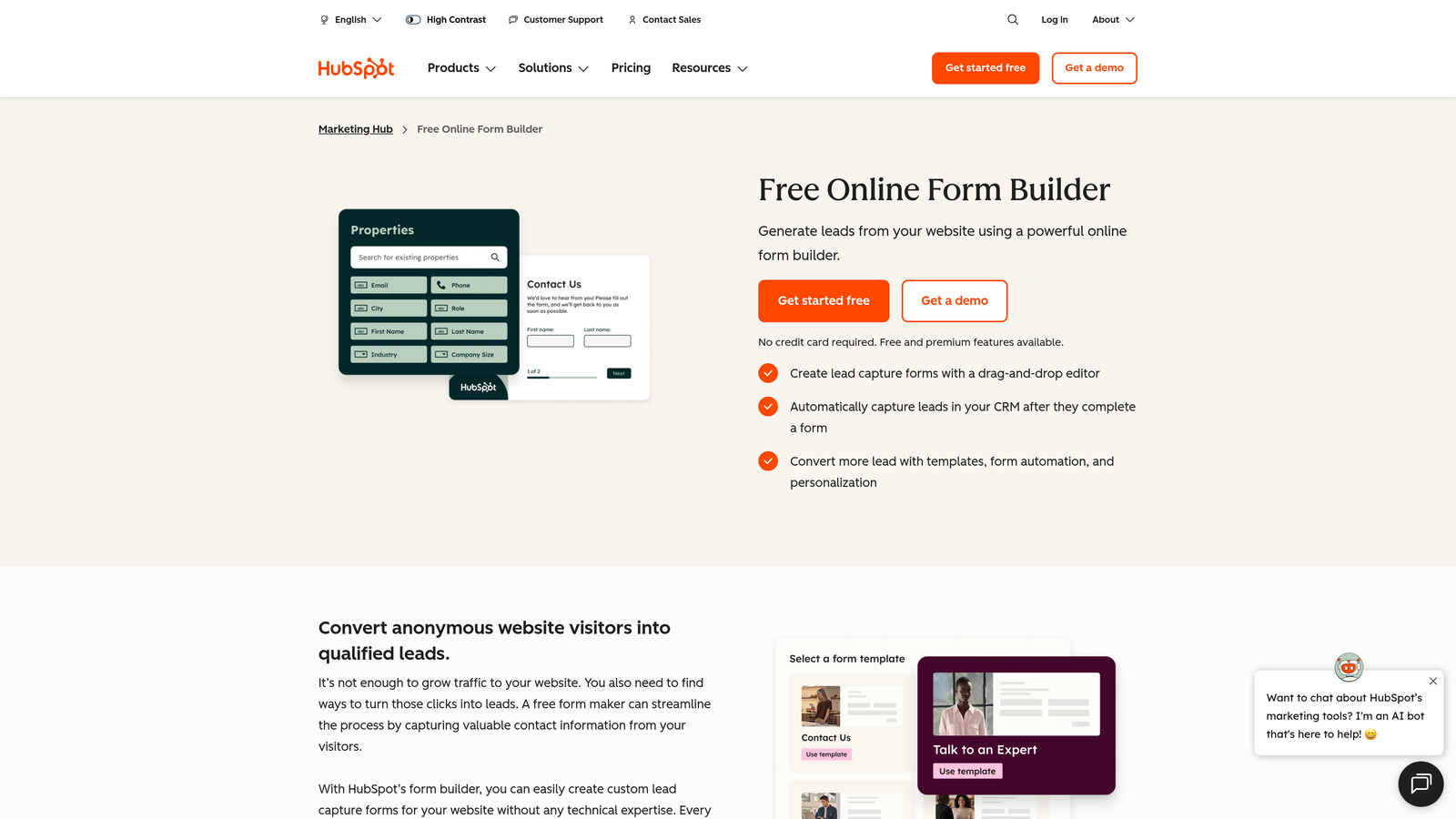
HubSpot Forms is a native form builder within the HubSpot ecosystem, offering seamless CRM integration without any additional setup or third-party connectors.
Where This Tool Shines
The primary value proposition here is integration, not the form builder itself. If your team runs on HubSpot, every form submission flows directly into your CRM with contact records created or updated automatically. No Zapier, no CSV imports, no manual data entry. For HubSpot users, this is a meaningful time saver.
Progressive profiling is a standout feature: returning visitors who are already in your CRM see different fields so you're not asking for information you already have. This reduces form friction for known contacts while continuing to enrich your data over time.
Key Features
Native HubSpot CRM Sync: Form submissions create or update contact records automatically with no integration required.
Progressive Profiling: Show different fields to known contacts to avoid redundant questions and improve completion rates.
Smart Fields: Pre-populate fields with known contact data for returning visitors.
Embed on Any Website: Add forms to any site via embed code, not just HubSpot-hosted pages.
Free with HubSpot's Free CRM Tier: No additional cost for teams already on HubSpot's free plan.
Best For
HubSpot Forms is the right choice specifically for teams already invested in the HubSpot ecosystem. If you're not using HubSpot CRM, the form builder alone isn't a compelling standalone product compared to other options on this list.
Pricing
Free with HubSpot's free plan; advanced features available on paid Marketing Hub tiers. Verify current pricing at hubspot.com.
7. Paperform
Best for: Service businesses, coaches, and creators who want forms that look like branded landing pages
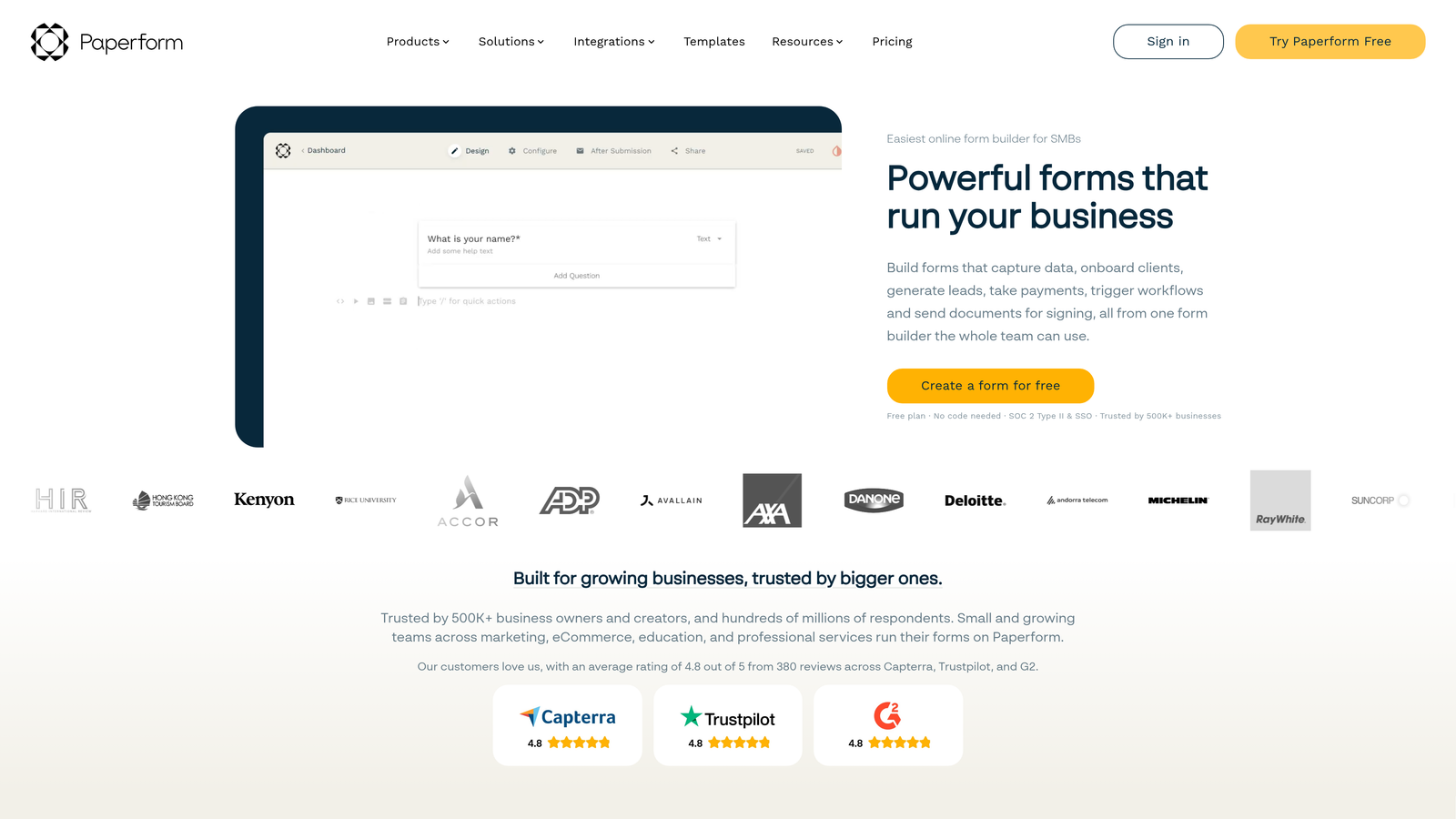
Paperform is a freeform, page-like form builder that blends form functionality with landing page design, producing outputs that feel more like a branded experience than a standard survey.
Where This Tool Shines
Paperform's editing approach is genuinely different from most builders. You're not filling in a form template; you're writing a page. Text blocks, images, and video sit naturally between questions, which lets you add context, instructions, or brand personality throughout the form without it feeling awkward.
This makes Paperform particularly strong for client-facing workflows: intake forms, onboarding questionnaires, service booking flows, and anything where first impressions matter. The output looks polished without requiring design expertise.
Key Features
Freeform Page-Like Layout: Mix rich media, text, and form fields freely to create a branded, document-style experience.
Conditional Logic and Calculation Fields: Build dynamic forms that respond to inputs and compute values in real time.
Payment and Booking Support: Accept payments and schedule appointments directly within forms.
Rich Media Between Questions: Add images, video, and explanatory text at any point in the form flow.
Strong for Client-Facing Workflows: Intake, onboarding, and service forms that reflect your brand without extra design work.
Best For
Paperform suits freelancers, agencies, coaches, and service businesses that want forms to feel like a natural extension of their brand. It's less suited for high-volume lead generation or teams that need deep CRM integrations.
Pricing
Paid plans from approximately $24/month. Verify current pricing at paperform.co.
8. Microsoft Forms
Best for: Microsoft 365 users who need internal surveys, quizzes, or feedback forms without adopting new software
Microsoft Forms is a built-in form and survey tool for Microsoft 365 subscribers, offering a no-friction option for organizations already operating within the Microsoft ecosystem.
Where This Tool Shines
For enterprise teams running on Microsoft 365, the ease-of-use case here is straightforward: there's nothing new to install, sign up for, or learn to budget for. Open it from your Microsoft account, build your form, and share it within Teams or SharePoint. The barrier to entry is essentially zero for existing subscribers.
Quiz mode with automatic grading is a useful feature for training teams, HR onboarding, and educational contexts. Responses sync to Excel, which fits naturally into workflows that already rely on Microsoft's productivity suite.
Key Features
Included with Microsoft 365: No additional cost or software adoption required for existing subscribers.
Syncs Responses to Excel: Data flows directly into Excel for analysis using familiar tools.
Quiz Mode with Automatic Grading: Assign point values and get scored results without manual review.
Basic Branching Logic: Route respondents to different questions based on their answers.
Native Teams and SharePoint Integration: Share and embed forms directly within Microsoft's collaboration tools.
Best For
Microsoft Forms is the right tool for enterprise teams, HR departments, and educational institutions already on Microsoft 365. It's not designed for external marketing forms or conversion-focused use cases, and design customization is limited.
Pricing
Included with Microsoft 365 subscriptions at no additional cost.
9. Fillout
Best for: Product and ops teams that need complex conditional logic without the usual complexity tax
Fillout is a newer form builder that makes multi-step forms and conditional logic genuinely approachable, combining meaningful power with an interface that doesn't overwhelm first-time users.
Where This Tool Shines
Conditional logic is where most form builders either fall short or become genuinely painful to configure. Fillout's visual logic builder is one of the cleaner implementations in the category: you can see your branching paths clearly, make changes without hunting through nested settings, and test your logic before publishing. For non-technical users who need more than basic branching, this is a meaningful differentiator.
Native integrations with Notion and Airtable make Fillout particularly strong for product and operations teams that use those tools as their source of truth. You can build intake forms, onboarding flows, and request forms that write directly to your existing databases.
Key Features
Visual Conditional Logic Builder: An intuitive interface for building branching paths that's accessible to non-technical users.
Multi-Step Forms with Progress Indicators: Break longer forms into steps with visible progress to improve completion rates.
Native Notion and Airtable Integrations: Write form responses directly to your existing databases without middleware.
Calculation and Scoring Fields: Compute values and scores based on respondent inputs within the form itself.
Clean UI That Doesn't Overwhelm: A modern interface that balances feature depth with approachability for new users.
Best For
Fillout is a strong fit for product teams, operations teams, and technical founders who need more logic and database connectivity than basic form builders offer, but don't want to spend hours configuring it. It's also a natural choice for teams already working in Notion or Airtable.
Pricing
Free tier available; paid plans are competitively priced. Verify current pricing at fillout.com.
Which Tool Is Right for Your Use Case
The right form builder depends less on which tool has the longest feature list and more on what "easy" actually means for your team. Here's a quick breakdown to help you decide.
For lead generation and conversion optimization: Orbit AI is the strongest choice. The AI handles form structure and qualification logic automatically, which means you're not just building a form, you're building a system that surfaces your best leads without manual effort.
For free and simple needs: Google Forms and Tally are both excellent. Google Forms wins on pure familiarity and zero cost. Tally wins if you want something that looks more polished and supports conditional logic on the free tier.
For template-heavy workflows: Jotform's library is unmatched. If there's a pre-built template for your use case, you can be live in under 15 minutes.
For CRM-integrated teams on HubSpot: HubSpot Forms is the obvious choice. The native sync eliminates integration overhead entirely.
For Microsoft 365 environments: Microsoft Forms requires no new adoption and handles internal surveys and quizzes cleanly.
For branded, client-facing forms: Paperform produces the most polished output for service businesses and creators who want forms that feel like extensions of their brand.
For complex logic without complexity: Fillout handles conditional branching and database integrations more intuitively than most tools at a similar price point.
If your team is focused on growth and you need forms that do more than collect data, the AI-powered approach is worth exploring. Transform your lead generation with AI-powered forms that qualify prospects automatically while delivering the modern, conversion-optimized experience your high-growth team needs. Start building free forms today and see how intelligent form design can elevate your conversion strategy.


