

When you're building a startup, every dollar counts — especially on tools you'll use every single day. Form builders sit at the center of your lead capture, onboarding, qualification, and survey workflows, but the pricing on some platforms can eat into your runway faster than you'd expect.
The good news: most leading form builder platforms offer startup discounts, extended trials, or special pricing through accelerator programs. Knowing where to look can save your team hundreds of dollars per year on a tool you're using constantly.
This guide covers the top form builder tools with startup-friendly pricing in 2026, including what each discount actually gets you, who qualifies, and which platform makes the most sense based on your growth stage. Whether you're pre-seed, freshly funded, or scaling fast, there's a deal here worth claiming.
We've also included resources on how to build effective web forms, how to improve lead quality, and how to increase form submissions to help you get the most out of whichever tool you choose.
1. Orbit AI
Best for: High-growth SaaS and B2B teams that need AI-powered lead qualification baked into their forms
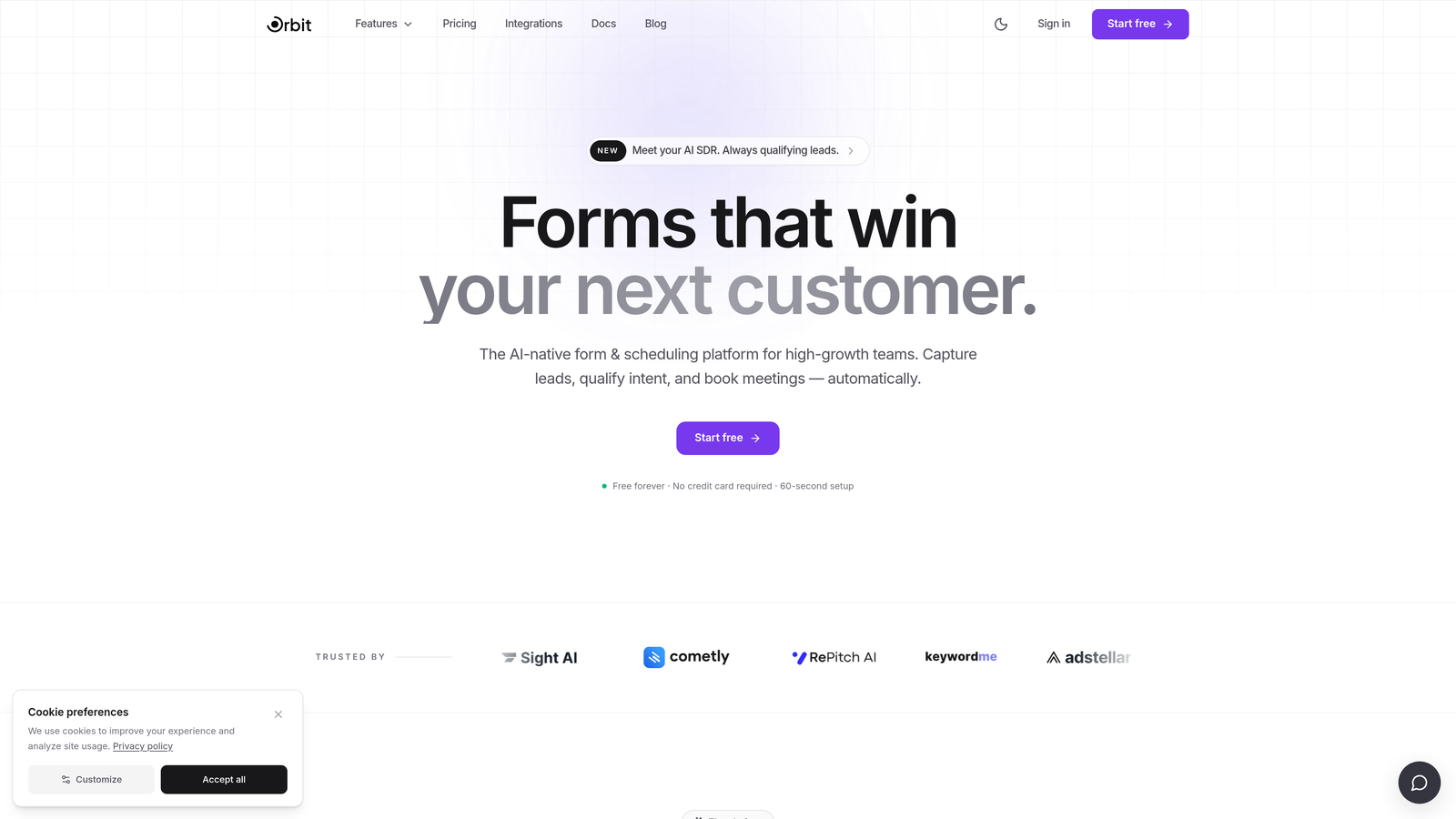
Orbit AI is an AI-powered form builder with native lead qualification and conversion optimization built specifically for high-growth SaaS and B2B teams.
Where This Tool Shines
Most form builders are passive data collectors. Orbit AI is different because the intelligence lives inside the form itself. Lead scoring and qualification happen at the point of capture, meaning your sales team receives prioritized, pre-qualified inbound leads rather than a raw list to sort through manually.
For startups where the founding team is often doing sales, this kind of automation removes a significant operational bottleneck. You're not just collecting submissions — you're routing the right leads to the right people automatically, without stitching together a separate CRM workflow or integration layer to make it happen.
Key Features
AI-Powered Lead Qualification: Qualification logic runs natively inside the form layer, with no third-party integration required to score or route leads.
Conversion-Optimized Design: Modern, beautiful form UI out of the box, designed to reduce friction and improve completion rates without needing a designer.
Dynamic Conditional Logic: Personalized form flows that adapt based on user responses, creating a more relevant experience for each respondent.
Lead Scoring and Routing: Automatically prioritizes inbound leads and routes them to the right sales rep or workflow based on qualification criteria you define.
Startup-Friendly Pricing: Pricing designed with fast-scaling teams in mind, so you're not paying enterprise rates while you're still finding product-market fit.
Best For
Startups and scale-ups in SaaS or B2B that are actively generating inbound leads and want to qualify them automatically. Particularly valuable for teams running demo request flows, product trials, or multi-touch onboarding sequences where lead quality matters as much as lead volume.
Pricing
Startup pricing available. Visit orbitforms.ai for current plans and to explore startup-specific pricing options.
2. Typeform
Best for: Teams that prioritize brand experience and conversational form UX
Typeform is a conversational form builder known for its one-question-at-a-time format and strong visual customization capabilities.

Where This Tool Shines
Typeform's signature UX, presenting one question at a time in a clean, full-screen layout, tends to feel more engaging than a traditional stacked form. For brand-conscious teams, the ability to match the form's look and feel to your existing design system is a genuine advantage.
Startup discounts are available through various accelerator partner programs. If your team is part of a Y Combinator batch, Techstars cohort, or similar program, it's worth checking your benefits portal for a Typeform credit before paying full price.
Key Features
Conversational Format: One-question-at-a-time flow that can improve completion rates compared to traditional multi-field forms.
Visual Customization: Strong brand-matching capabilities with custom fonts, colors, and background imagery.
Logic Jumps: Conditional branching that routes respondents through different question paths based on their answers.
Wide Integration Ecosystem: Connects with HubSpot, Salesforce, Slack, Google Sheets, and hundreds of other tools via native integrations and Zapier.
Accelerator Partner Discounts: Startup pricing available through select accelerator and VC partner programs.
Best For
Early-stage teams with a strong brand identity who want their forms to feel like an extension of their product experience. Also a solid choice for customer research, NPS surveys, and onboarding flows where presentation matters.
Pricing
Free tier available with submission limits. Paid plans from approximately $25/month. Startup discounts available via accelerator partner programs — check your accelerator's benefits portal.
3. Tally
Best for: Bootstrapped founders and pre-revenue teams who need capable forms at zero cost
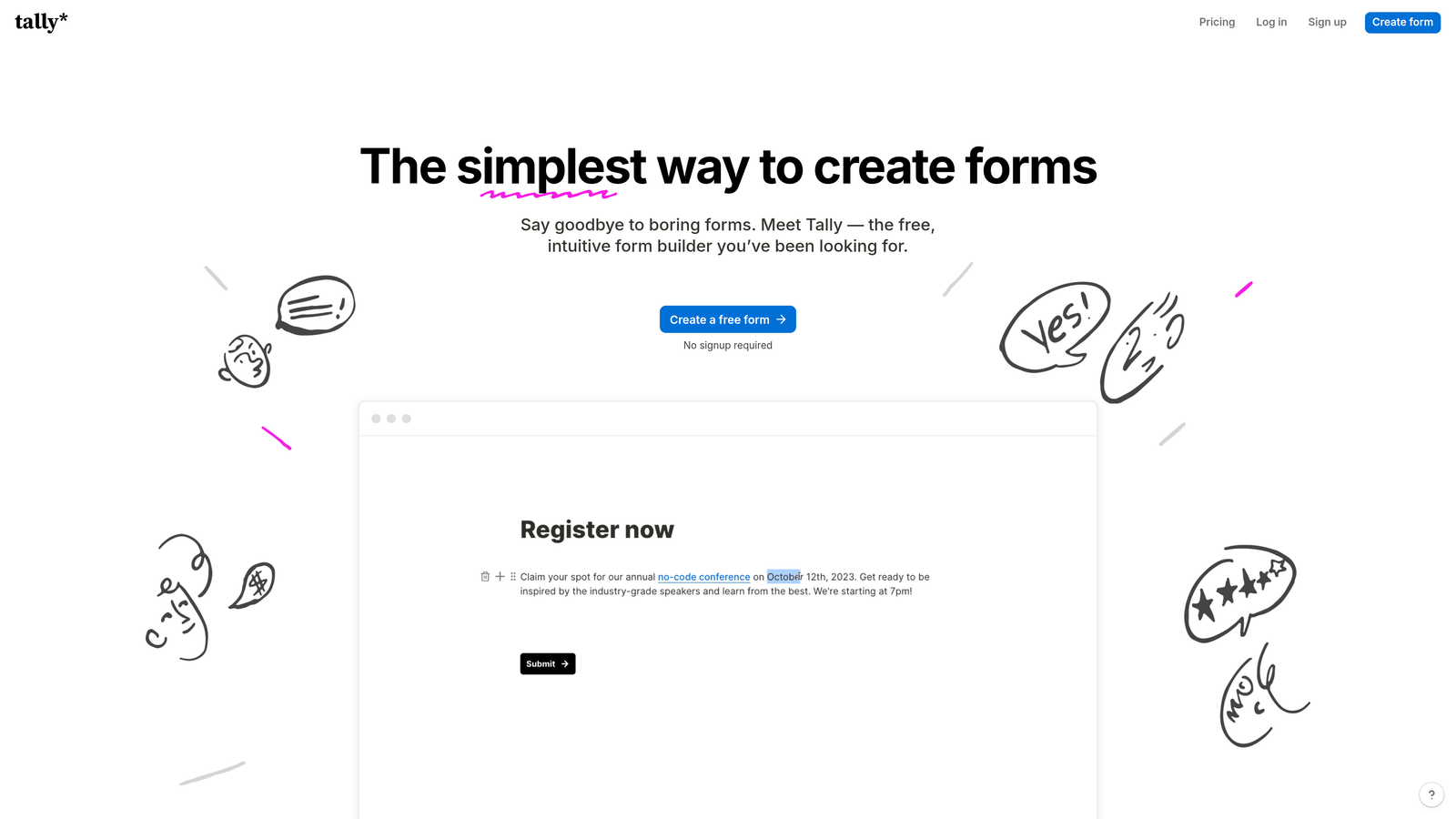
Tally is a freemium form builder with one of the most generous free tiers in the market, making it a natural starting point for early-stage and bootstrapped founders.
Where This Tool Shines
Tally's free plan is genuinely unlimited — unlimited forms, unlimited submissions, and access to features like payment collection, file uploads, and conditional logic without paying anything. For a pre-revenue startup, this is effectively a permanent startup discount built into the product's pricing model.
The editing experience is Notion-like, which means most technical founders pick it up in minutes. There's no learning curve to speak of, and you can have a working form live in under ten minutes from a blank canvas.
Key Features
Unlimited Free Tier: Unlimited forms and unlimited submissions on the free plan, with no artificial caps to force an upgrade.
Payments, File Uploads, and Logic: Core features that many competitors lock behind paid plans are available on Tally's free tier.
Notion-Style Editor: Fast, intuitive block-based editing experience that feels familiar to teams already using Notion.
No Branding on Paid Plan: Upgrade to Pro to remove Tally branding and add custom domains.
Affordable Pro Plan: For teams that need the extras, the Pro plan is priced accessibly compared to many alternatives.
Best For
Bootstrapped founders, solo operators, and early-stage teams who need reliable forms without any budget. Also a strong pick for internal tooling, quick surveys, and low-stakes data collection where advanced qualification isn't needed.
Pricing
Free forever with unlimited forms and submissions. Pro plan approximately $29/month or around $19/month billed annually.
4. JotForm
Best for: Teams that need a wide feature set and extensive template library without enterprise pricing
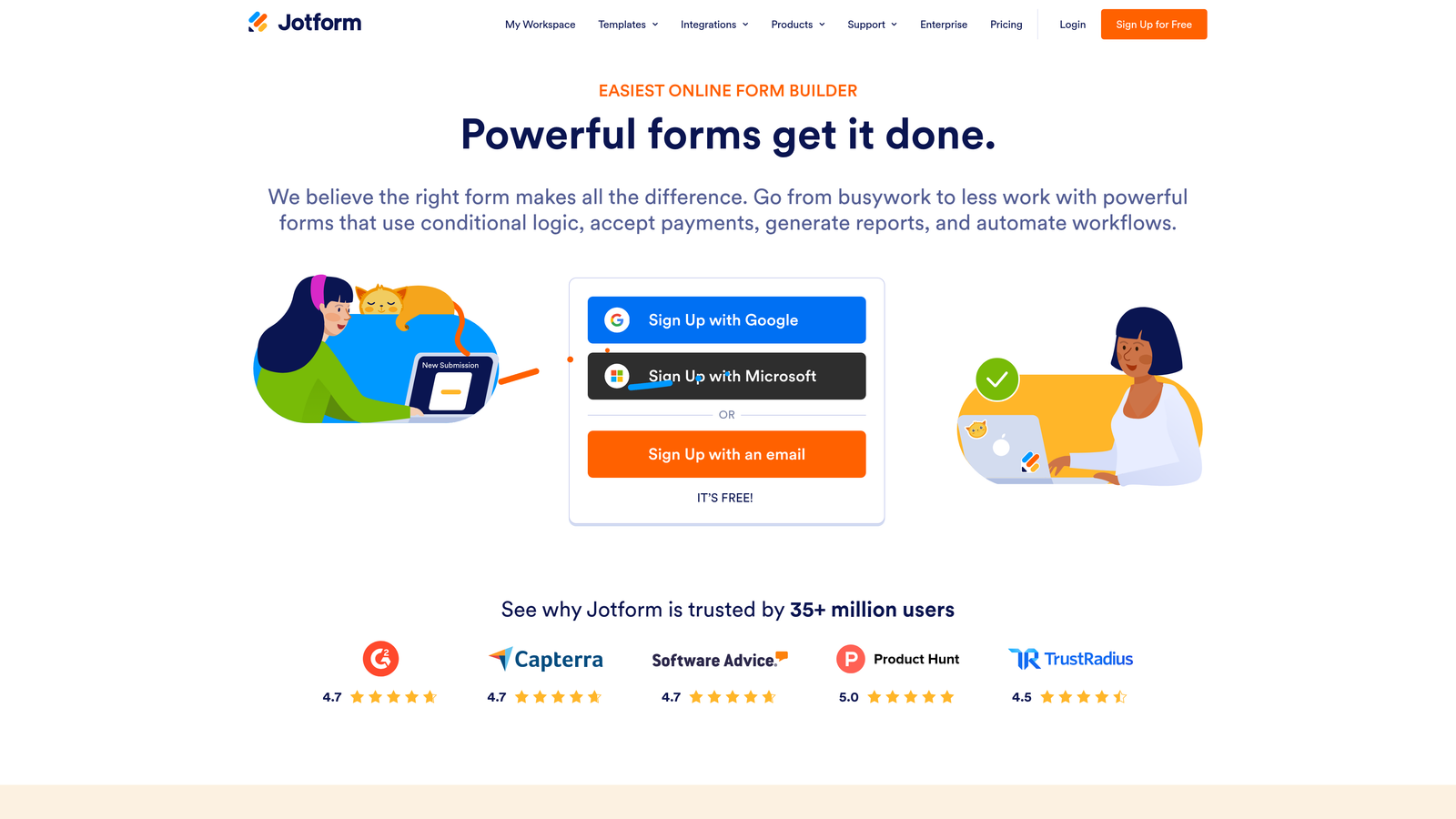
JotForm is a feature-rich form builder with one of the largest template libraries available and enterprise-grade capabilities at SMB-friendly pricing.
Where This Tool Shines
JotForm's depth is its biggest selling point. With over 10,000 templates spanning virtually every industry use case, you can go from zero to a functional, polished form in minutes. For startups that need forms across multiple departments — sales, HR, operations, customer success — JotForm handles the variety without requiring different tools for different jobs.
Startup and partner discount programs have historically been available through JotForm's partner ecosystem. It's worth checking deal aggregators like Pocketed or Deal.io, as JotForm credits frequently appear in accelerator benefit portals.
Key Features
10,000+ Templates: An extensive library covering lead capture, contracts, surveys, registration, payments, and more.
Built-In Payments and E-Signatures: Accept payments and collect legally binding signatures without additional tools.
Approval Workflows: Route form submissions through multi-step internal approval processes.
Strong Integration Library: Native connections to Salesforce, HubSpot, Slack, Google Drive, and many more platforms.
Offline Form Support: Collect responses without an internet connection — useful for field teams or events.
Best For
Startups with diverse form needs across multiple departments, or teams that want a single platform handling everything from lead capture to internal approvals to payment collection.
Pricing
Free tier available with 100 monthly submissions. Paid plans from approximately $34/month. Discounts available via partner programs — check accelerator portals and deal aggregators for current offers.
5. HubSpot Forms
Best for: Startups already in the HubSpot ecosystem or those eligible for HubSpot's structured startup program
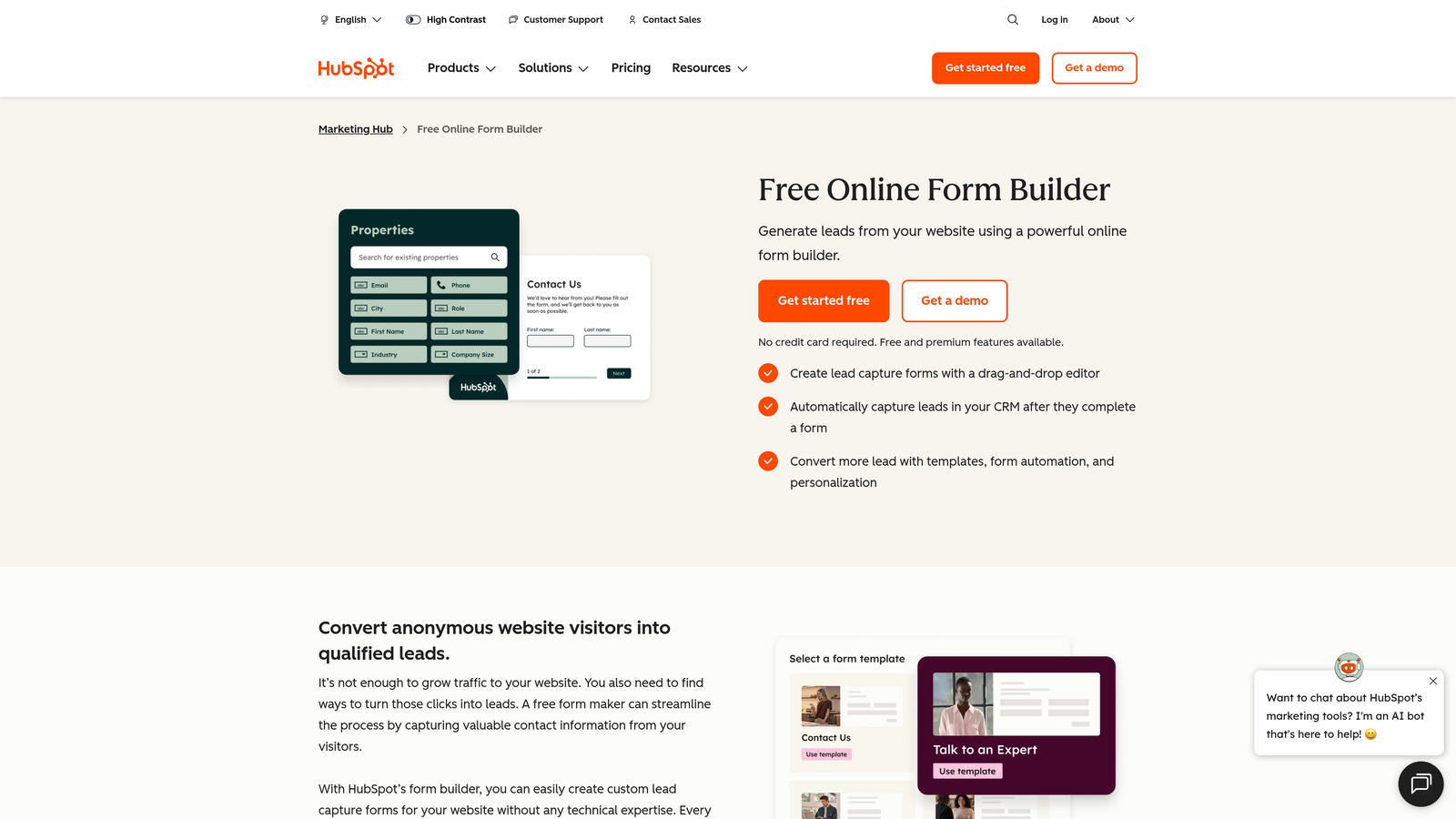
HubSpot Forms is a free native form builder included within HubSpot's CRM platform, backed by one of the most structured startup discount programs in the SaaS industry.
Where This Tool Shines
The form builder itself is free, but the real value here is the HubSpot for Startups program. Eligible startups can access significant discounts on HubSpot's full suite, which includes the forms product alongside its CRM, email marketing, workflows, and reporting tools. If you're going to use HubSpot anyway, this program makes it dramatically more accessible at early stages.
Every form submission automatically creates or updates a contact record in HubSpot CRM, which means your lead data flows directly into your pipeline without any manual work or integration setup. For a small team managing inbound at scale, that native sync is genuinely valuable.
Key Features
Free with HubSpot CRM: No separate subscription needed — forms are included in HubSpot's free CRM tier.
HubSpot for Startups Program: Significant discounts on paid HubSpot tiers for eligible startups, with Year 1 discounts that can be substantial (eligibility tied to accelerator or VC affiliation).
Automatic Contact Creation: Form submissions instantly create or update CRM contact records and trigger workflows.
Native Workflow Integration: Works directly with HubSpot's email sequences, lead nurturing workflows, and reporting dashboards.
Lead Tracking: Tracks which forms a contact has submitted across their entire lifecycle in your CRM.
Best For
Startups that are building on HubSpot's CRM or planning to, and teams affiliated with an accelerator or VC that qualifies for the HubSpot for Startups program. Eligibility requirements apply — check the program page for current criteria.
Pricing
Forms free with HubSpot CRM. HubSpot for Startups offers meaningful discounts on paid tiers for eligible companies — visit HubSpot's startup program page for current terms and eligibility requirements.
6. Paperform
Best for: Lean marketing teams that want design-forward form and landing page hybrids
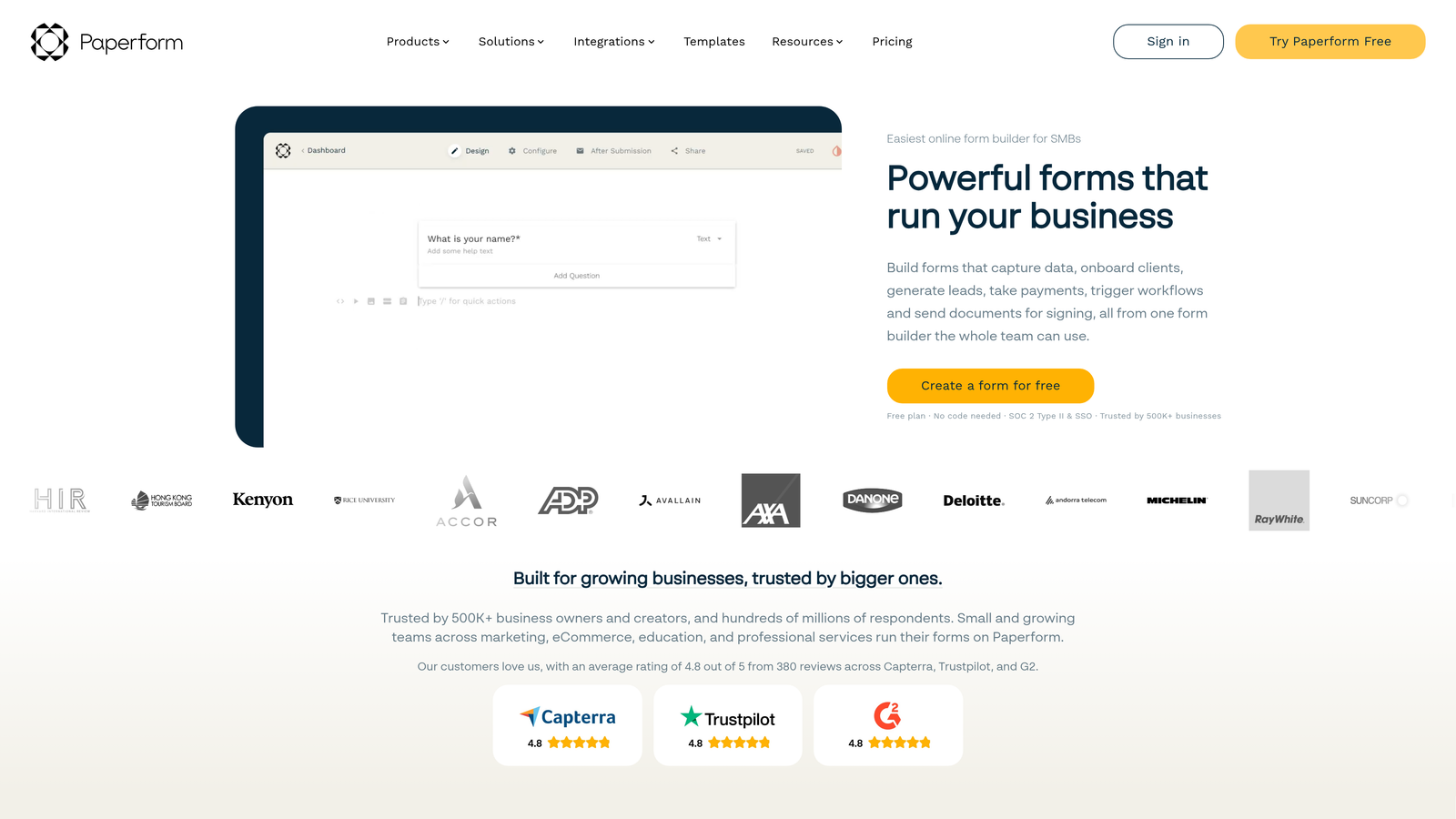
Paperform is a multi-purpose form builder that lets you create rich, design-forward pages that blend form fields with text, images, and video — without needing a separate landing page tool.
Where This Tool Shines
Paperform sits in an interesting position between a form builder and a lightweight landing page builder. You can create a single page that includes a compelling narrative, product images or video, and a form — all in one place. For a lean startup team without dedicated design resources, this kind of flexibility removes a lot of friction from campaign execution.
Startup discounts have been available through select accelerator programs. Paperform also supports direct payment collection within forms, which makes it a practical choice for startups running pre-sales, event registrations, or paid consultations.
Key Features
Rich Content Blocks: Mix text, images, video embeds, and form fields on a single page without needing a separate landing page builder.
Built-In Payment Processing: Accept payments directly within forms via Stripe and other supported gateways.
Conditional Logic and Calculations: Dynamic fields that adapt based on responses, including calculated pricing or scoring fields.
Design-Forward Output: Clean, polished results without needing a designer or custom CSS.
Accelerator Program Discounts: Startup discounts available through select partner programs — check current accelerator portals.
Best For
Startups with small or no dedicated marketing teams that want to run campaigns, collect payments, and qualify leads from a single, well-designed page. Particularly useful for product launches, event sign-ups, and pre-sale flows.
Pricing
Plans from approximately $24/month billed annually. Startup discounts available via partner programs — check accelerator benefit portals for current offers.
7. Fillout
Best for: Technical founders and teams running on Notion, Airtable, or Supabase
Fillout is a database-connected form builder with native two-way integrations for Notion, Airtable, and Supabase — making it a standout choice for technically-oriented startup teams.

Where This Tool Shines
What separates Fillout from most form builders is how it handles data. Rather than collecting responses and then exporting them somewhere, Fillout connects directly to your existing databases and writes data back in real time. If your team is already living in Airtable or Notion, this removes an entire layer of middleware from your stack.
The pricing model is also inherently startup-friendly. The free tier is generous, and the paid plans start at a low entry price point, so you're not facing a steep jump the moment you need a feature beyond the basics.
Key Features
Native Two-Way Database Sync: Direct integration with Notion, Airtable, Google Sheets, and Supabase — no Zapier or middleware required.
Unlimited Forms on Free Tier: Build and publish as many forms as you need without hitting a paywall.
Scheduling, Payments, and E-Signatures: Core advanced features bundled into the platform without requiring separate tools.
No Middleware Required: Database connections are native, keeping your stack lean and reducing integration maintenance overhead.
Competitive Entry Pricing: Paid plans start at a low price point, making it accessible for teams at any stage.
Best For
Technical founders and ops-heavy teams whose workflow is built around Airtable, Notion, or Supabase, and who want form data flowing directly into those databases without building custom integrations.
Pricing
Free tier available with unlimited forms. Paid plans from approximately $15/month, making it one of the more affordable paid options in this list.
8. Google Forms
Best for: Startups with zero form budget that need a reliable, no-setup baseline
Google Forms is a completely free, no-frills form builder from Google — the default baseline option for startups that need functional forms without spending anything.
Where This Tool Shines
There's no discount to claim here because there's no cost in the first place. Google Forms is free, has no submission limits, and requires no new account if your team is already using Google Workspace. For internal surveys, quick feedback forms, or simple data collection tasks, it covers the basics reliably.
The real value is in the zero-friction setup. If you need a form live in the next five minutes and you don't need conditional logic, custom branding, or lead scoring, Google Forms gets the job done. It's a pragmatic choice for pre-revenue teams validating ideas before investing in a more capable platform.
Key Features
Completely Free: No submission limits, no paid tiers, no hidden costs — free with any Google account.
Google Sheets Integration: Responses flow automatically into a connected spreadsheet for easy analysis.
No New Tool to Learn: Works within the Google Workspace environment most teams already use.
Basic Branching Logic: Simple conditional section routing based on responses.
Instant Sharing: Share via link, embed on a page, or send directly from the form interface.
Best For
Pre-revenue startups, internal teams running quick surveys, or any situation where the form is a one-off need rather than a core part of the product or growth stack. When you're ready for something more capable, see our guide on alternatives to Google Forms for a comparison of what you're missing.
Pricing
Free. Included with Google Workspace, which also has a free personal tier available.
9. Growform
Best for: Teams running paid acquisition campaigns that need conversion-optimized lead gen forms
Growform is a multi-step form builder purpose-built for lead generation and paid acquisition, with a UX designed specifically to improve conversion rates on ad-driven traffic.
Where This Tool Shines
Growform is built around a specific insight: most lead gen forms lose potential customers because they ask for too much information at once. By breaking the form into multiple steps with progress indicators, Growform's UX is designed to reduce abandonment and improve the quality of leads that make it through to submission.
For startups running Google Ads, Meta campaigns, or other paid channels, this kind of conversion optimization at the form layer can meaningfully improve the return on your ad spend. Startup pricing is available, and it's worth checking the site directly for current offers.
Key Features
Multi-Step Form UX: Designed specifically to reduce abandonment on lead gen flows by breaking questions into manageable steps.
Progress Bars and Mobile Optimization: Built-in visual cues and mobile-first layouts to keep respondents moving through the form.
Conditional Logic and Qualification Fields: Custom field types and branching logic to qualify leads as they move through the form.
CRM and Ad Platform Integrations: Connects with major CRMs and advertising platforms to close the loop between ad click and CRM entry.
Startup Pricing Available: Check the Growform site for current startup discount offers and program details.
Best For
Startups with an active paid acquisition strategy that want to improve lead gen conversion rates at the form layer. Particularly well-suited for performance marketing teams tracking cost-per-lead and looking to squeeze more value from existing ad spend.
Pricing
Paid plans from approximately $49/month. Startup discounts available — check the Growform site for current offers and eligibility.
Which Form Builder Is Right for Your Stage?
The right tool depends less on features and more on where you are right now. Here's a quick way to think about it.
If you're pre-revenue or bootstrapped with no form budget, start with Tally or Google Forms. Both are free, both work reliably, and neither requires any commitment. Tally edges ahead if you need conditional logic or payment collection on the free tier.
If you're generating B2B leads and want to qualify them automatically without building a separate workflow, Orbit AI is the strongest fit. The AI lead qualification runs inside the form itself, which means your sales team is working from a prioritized list from day one rather than sorting through raw submissions manually. For a high-growth SaaS team, that's not a nice-to-have — it's a meaningful operational advantage.
If your team is already committed to HubSpot's CRM and you're affiliated with an accelerator or VC that qualifies for the HubSpot for Startups program, HubSpot Forms becomes an obvious choice. The native CRM sync alone removes a significant integration burden.
If you're running paid acquisition campaigns and optimizing for cost-per-lead, Growform's multi-step UX is purpose-built for that problem. And if your stack runs on Airtable, Notion, or Supabase, Fillout's native database connections make it the most frictionless choice for technical teams.
One last note on finding discounts: many of these programs don't live on the tool's main marketing page. Check your accelerator's benefits portal, deal aggregators like Pocketed or Deal.io, and the tool's startup program page directly. Annual billing also consistently offers meaningful savings across almost every platform on this list.
If you're building a B2B or SaaS product and lead quality is a priority, start building free forms today with Orbit AI and see how AI-powered qualification can change what your inbound pipeline looks like. You can also explore our resources on improving lead quality and increasing form submissions to get more out of whichever tool you choose.


