

If you've ever hit a wall with a form builder's built-in options, needing a custom validation script, a pixel fire on submission, or a conditional logic flow that the UI simply can't handle, you already know why custom code access matters. Not every form tool is built for teams that want to go beyond drag-and-drop. Some lock you into their ecosystem entirely. Others offer just enough flexibility to be frustrating.
The tools in this list were chosen specifically because they give developers and growth teams real control: the ability to inject JavaScript, add custom CSS, embed webhooks, or modify form behavior at the code level. Whether you're building a high-converting lead capture flow, a multi-step qualification funnel, or a branded form experience that needs pixel-perfect styling, here's a breakdown of which tool fits which use case and what you actually get under the hood.
1. Orbit AI
Best for: High-growth SaaS and B2B teams that need AI-powered lead qualification with developer-level customization
Orbit AI is an AI-powered form builder built specifically for conversion optimization and intelligent lead qualification.

Where This Tool Shines
Most form builders treat custom code as an afterthought, a settings panel buried three menus deep. Orbit AI approaches it differently: developer flexibility and intelligent form behavior are baked into the same platform. You get CSS and JavaScript injection alongside AI-driven lead qualification that scores and routes prospects directly within the form flow.
This combination is rare. Teams that want to fire tracking pixels on submission, add custom validation logic, or modify form behavior based on URL parameters can do all of that without stitching together a separate dev workflow. The conversion-optimized templates and modern design defaults mean you're starting from a strong baseline, not a blank canvas.
Key Features
AI-Driven Lead Qualification: Scores and qualifies leads automatically within the form flow, so your sales team receives pre-filtered, high-intent prospects.
Custom CSS and JavaScript Injection: Full developer access to inject custom code for tracking, validation, conditional behavior, and visual customization.
Multi-Step Form Logic: Conditional branching across multi-step forms lets you build sophisticated qualification funnels without writing logic from scratch.
Conversion-Optimized Templates: Pre-built form designs built around conversion best practices, with modern defaults that reduce friction out of the box.
Native CRM and Marketing Integrations: Connects directly with CRMs and marketing tools so qualified leads flow into your pipeline without manual intervention.
Best For
Orbit AI is the strongest fit for growth-focused SaaS teams, B2B marketing teams, and revenue operations professionals who need both developer flexibility and intelligent lead handling in a single platform. If you're running high-volume lead generation campaigns and want form behavior that adapts to your data layer, this is purpose-built for that use case.
Pricing
Paid plans available. Visit orbitforms.ai for current pricing details and plan options.
2. Typeform
Best for: Teams wanting a polished, conversational form experience with JavaScript embed customization
Typeform is a conversational form builder known for its one-question-at-a-time UX and flexible embed API.

Where This Tool Shines
Typeform's custom code story lives primarily in its embed layer. Developers can use the JavaScript embed API to control when forms appear, pre-populate fields via URL parameters, and listen for submission events to trigger downstream actions like pixel fires or CRM updates. It's not a raw HTML editor, but the embed API gives meaningful behavioral control.
The conversational format also tends to improve completion rates for longer forms, making it a solid choice when you need both a great user experience and the ability to hook into submission events programmatically.
Key Features
JavaScript Embed API: Control form initialization, field population, and submission events via JavaScript for custom behavioral logic.
Custom Hidden Fields and URL Parameters: Pass UTM data, user IDs, or session information directly into form submissions without user input.
Webhook Support: Send submission data to any endpoint for custom handling, data routing, or third-party integrations.
Conditional Logic and Branching: Build branching question flows based on previous answers without writing code.
Wide Integration Ecosystem: Connects with HubSpot, Salesforce, Slack, and hundreds of other tools via native integrations and Zapier.
Best For
Typeform works well for marketing and growth teams that prioritize a premium user experience and need JavaScript-level embed control. It's less suited for teams needing deep CSS customization or server-side logic, but strong for conversion-focused lead capture with custom event tracking.
Pricing
Free plan available. Paid plans start at approximately $25/month, with business features unlocked at higher tiers.
3. Tally
Best for: Developers and startups who want clean embed architecture and custom CSS without enterprise pricing
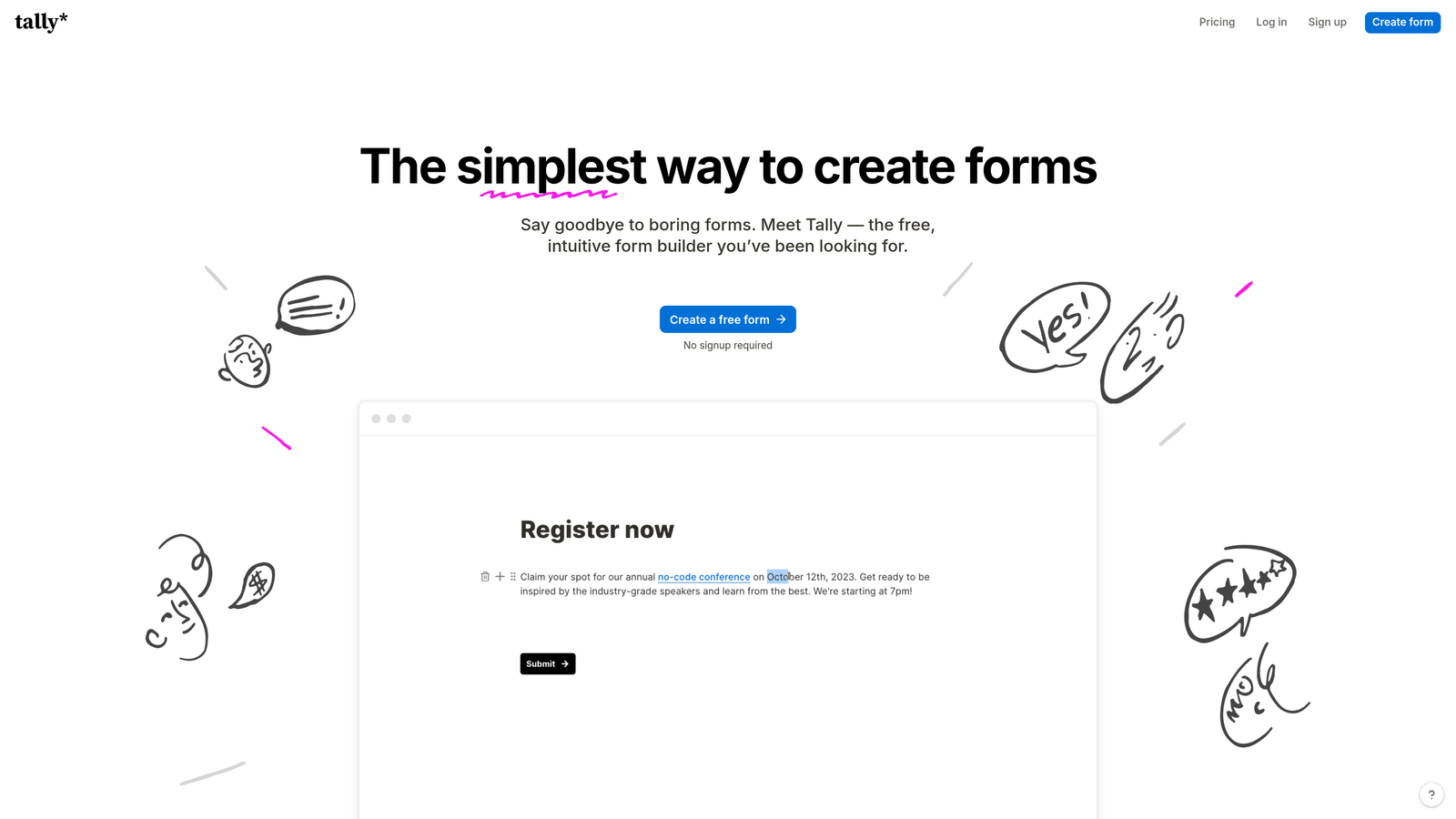
Tally is a developer-friendly form builder with an open embed system, custom CSS support, and a generous free tier.
Where This Tool Shines
Tally has built a strong following in the developer and indie startup community for good reason. Its embed architecture is clean and well-documented, making it straightforward to inject custom CSS and integrate forms into custom-built web applications. The free tier is genuinely useful, with no submission limits, which is unusual in this space.
For teams that want code-level control without committing to an enterprise contract, Tally hits a practical sweet spot. It's not the most feature-rich platform on this list, but what it does, it does cleanly.
Key Features
Custom CSS Injection: Apply custom styles through embed settings to match any brand or design system.
Clean Embed System: Open, well-documented embed architecture designed with developers in mind for easy integration into any web environment.
Conditional Logic and Multi-Step Forms: Build branching logic and multi-step flows without requiring a paid plan.
Webhook and Zapier Integration: Route submission data to custom endpoints or connect to hundreds of apps via Zapier.
Generous Free Tier: No submission limits on the free plan, making it accessible for early-stage teams and side projects.
Best For
Tally is ideal for developers, indie hackers, and early-stage startups that need a reliable, customizable form tool without high overhead. Teams building on custom stacks who need clean embed control will find it particularly well-suited.
Pricing
Free plan available with no submission limits. Tally Pro starts at approximately $29/month for advanced features.
4. Webflow Forms
Best for: Teams already building on Webflow who need full HTML/CSS control and custom JavaScript in the same environment
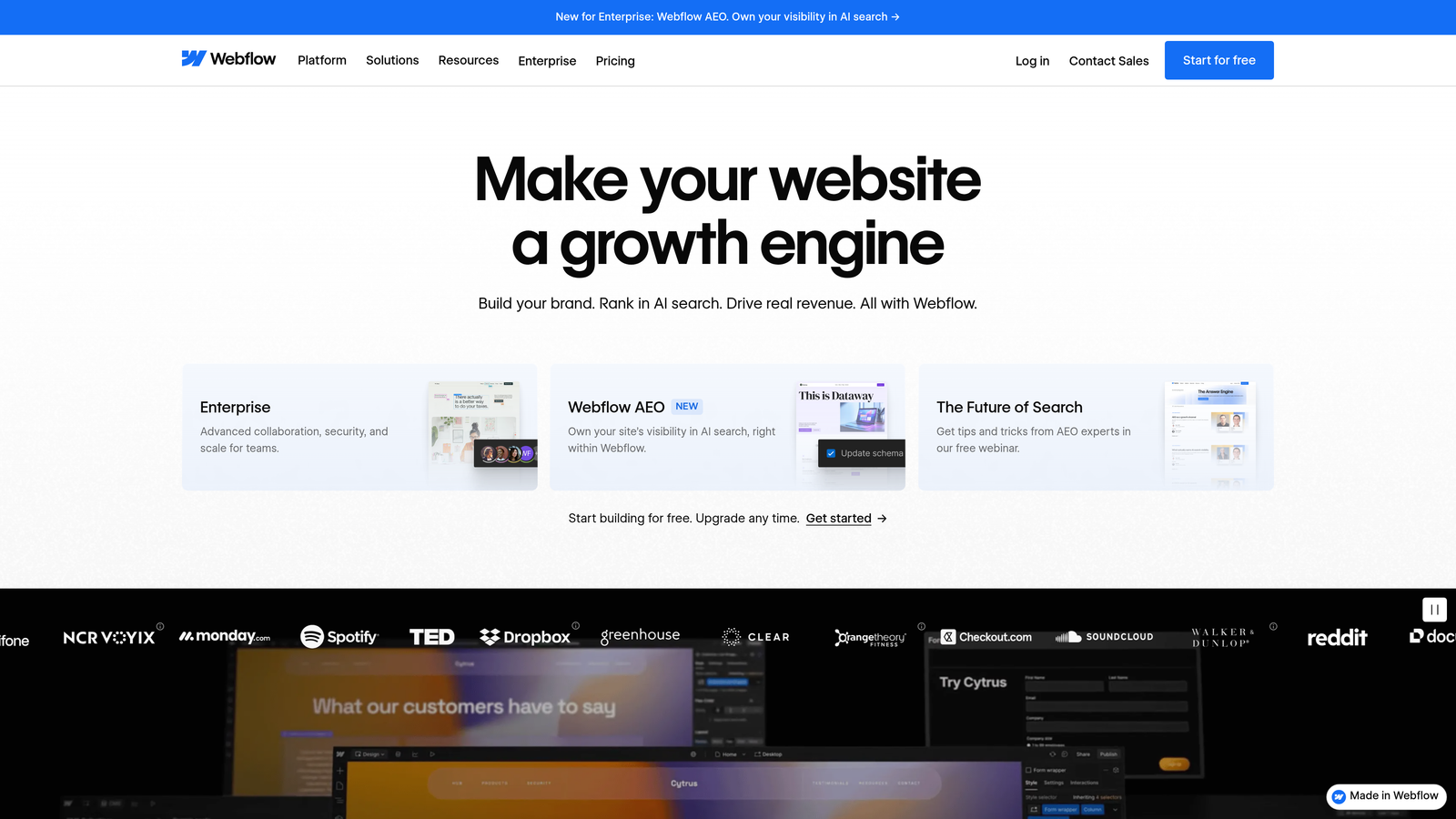
Webflow Forms is the native form functionality within the Webflow website builder, offering complete design control and custom code via embed blocks.
Where This Tool Shines
If your team is already building in Webflow, the native form tool is the most powerful option in that ecosystem. You get full HTML and CSS control within the Webflow Designer, and custom JavaScript can be added via embed elements anywhere on the page. This means form behavior, validation logic, and submission handling can all be customized without leaving the Webflow environment.
The key caveat: this is not a standalone form builder. Its strengths are inseparable from the Webflow platform itself.
Key Features
Full HTML/CSS Control: Design and style forms at the code level within the Webflow Designer for pixel-perfect results.
Custom JavaScript via Embed Elements: Add custom scripts anywhere on the page to control form behavior, validation, and submission events.
Native Webflow CMS and Logic Integration: Forms work natively with Webflow's CMS and logic features for dynamic, data-driven experiences.
Custom Form Actions and Redirects: Define custom submission endpoints and redirect URLs directly in the form settings.
Responsive Design Built In: All form elements inherit Webflow's responsive design system automatically.
Best For
Webflow Forms is the right choice exclusively for teams building their site or product on Webflow. For anyone outside that ecosystem, other tools on this list offer more flexibility as standalone solutions.
Pricing
Included in Webflow site plans, which start at approximately $14/month. No separate cost for form functionality.
5. Gravity Forms
Best for: WordPress developers who need PHP-level control over every aspect of form behavior
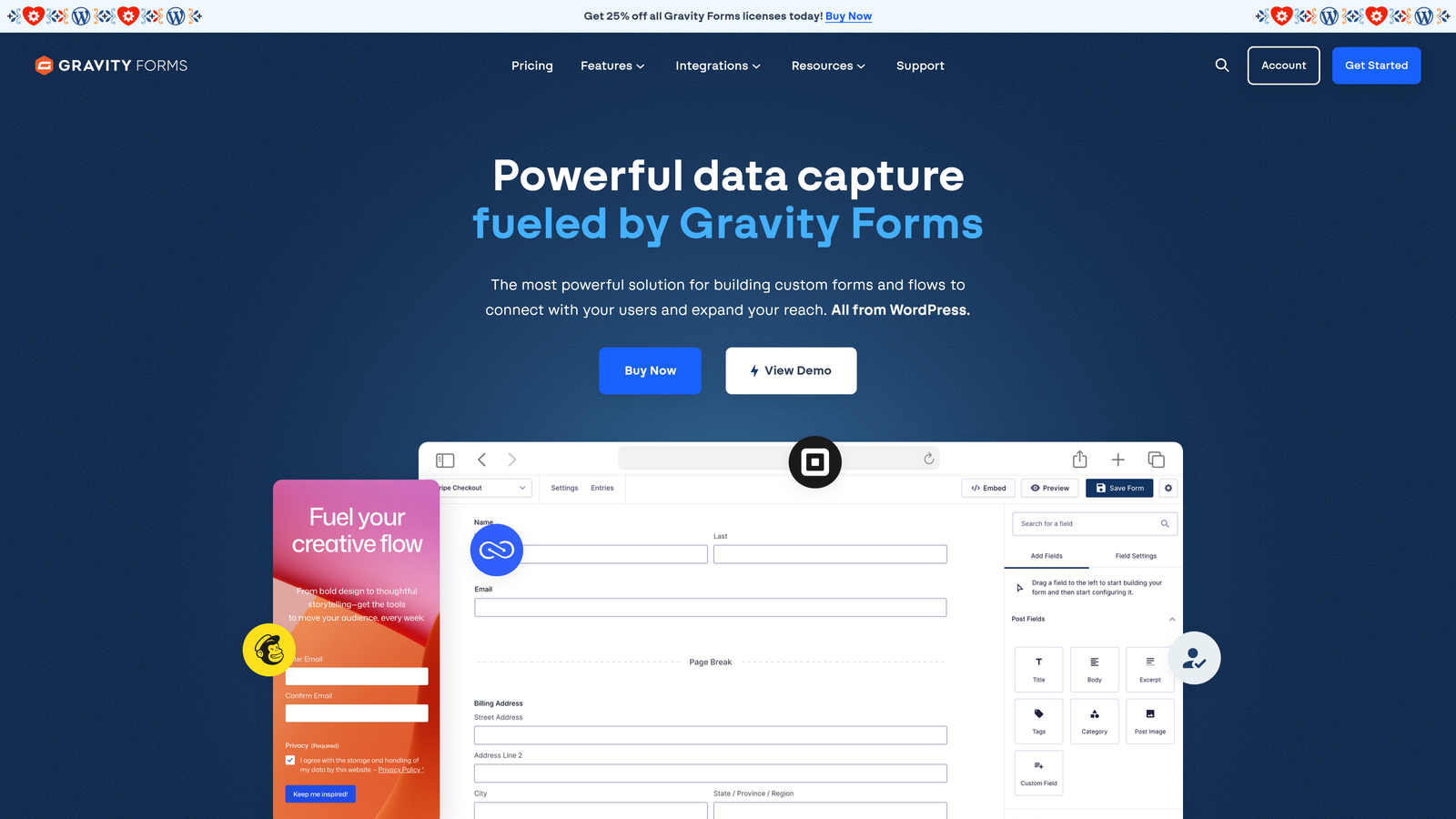
Gravity Forms is a WordPress form plugin with one of the deepest hook and filter systems available in the form builder space.
Where This Tool Shines
Gravity Forms is the gold standard for WordPress developers who need serious customization. Nearly every form event, from field rendering and validation to submission handling and notification routing, can be intercepted and modified via PHP hooks and filters. This level of control is simply not available in most SaaS form builders.
The add-on ecosystem extends its capabilities into payments, CRM integrations, user registration, and more. For WordPress-based applications that need form behavior deeply integrated with the rest of the site's logic, Gravity Forms is difficult to match.
Key Features
Extensive PHP Hooks and Filters: Modify form behavior at every stage, including validation, submission, notifications, and field rendering, via WordPress hooks.
Custom Validation Logic: Write custom PHP validation functions to enforce any business rule or data requirement.
Conditional Logic and Multi-Page Forms: Build complex branching flows and multi-page forms through the UI or programmatically.
Add-On Ecosystem: Official and third-party add-ons for payments, CRM sync, email marketing, and more.
Custom Field Types via Developer API: Register entirely new field types with custom rendering and data handling logic.
Best For
Gravity Forms is purpose-built for WordPress developers and agencies building custom web applications. It requires a WordPress hosting environment and is not suitable for teams on other platforms.
Pricing
Starts at approximately $59/year for a single site license. Higher tiers unlock additional add-ons and multi-site support.
6. Formidable Forms
Best for: WordPress teams building data-driven applications with calculators, directories, or custom views
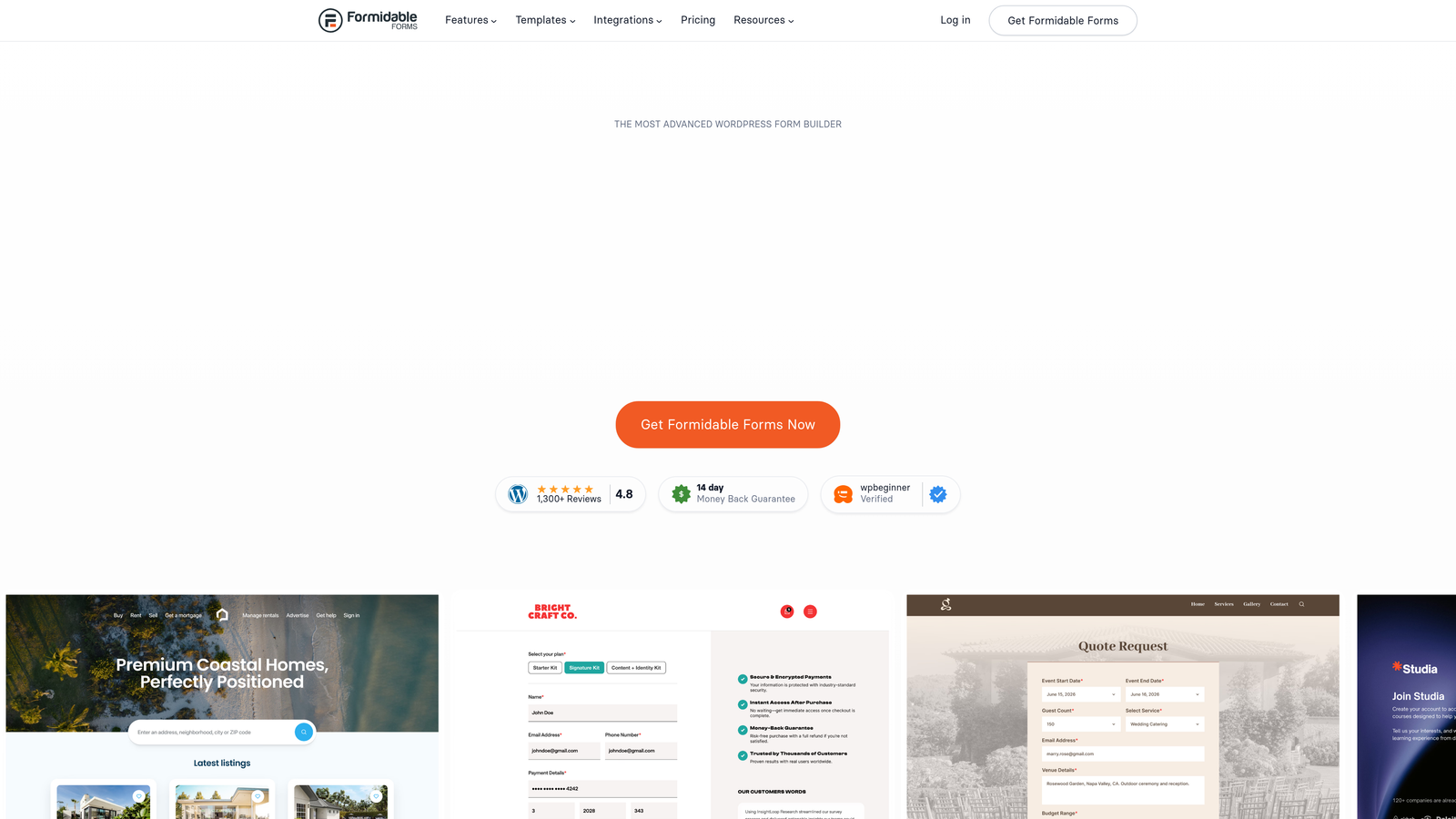
Formidable Forms is a WordPress form builder with shortcodes, custom HTML fields, and a powerful calculation engine.
Where This Tool Shines
Formidable Forms occupies a unique niche: it's less a form tool and more a data application builder that happens to use forms as its input layer. The calculation engine lets you build pricing calculators, mortgage estimators, and other data-driven tools directly within WordPress. Custom HTML fields and shortcodes give developers fine-grained control over field rendering and output.
The ability to create custom views for displaying submitted data is particularly powerful for directory-style applications or user-generated content systems built on WordPress.
Key Features
Custom HTML and Shortcode Fields: Insert raw HTML or WordPress shortcodes anywhere within a form for maximum layout flexibility.
Advanced Calculation Engine: Build complex calculations using submitted field values for pricing tools, estimators, and data-driven forms.
Custom Views for Submitted Data: Display and filter submitted form data on the front end using custom view templates.
PHP Hooks for Developer Customization: Extend form behavior at the code level using WordPress action and filter hooks.
Front-End Post Editing: Allow users to submit and edit WordPress content through forms without accessing the admin panel.
Best For
Formidable Forms is the best fit for WordPress developers building interactive tools and data-driven applications. It's overkill for simple lead capture but exceptional for complex form-based web apps.
Pricing
Free version available. Paid plans start at approximately $39.50/year, with higher tiers unlocking the full add-on library.
7. JotForm
Best for: Mid-size businesses and agencies needing versatile customization with a built-in CSS editor and broad integrations
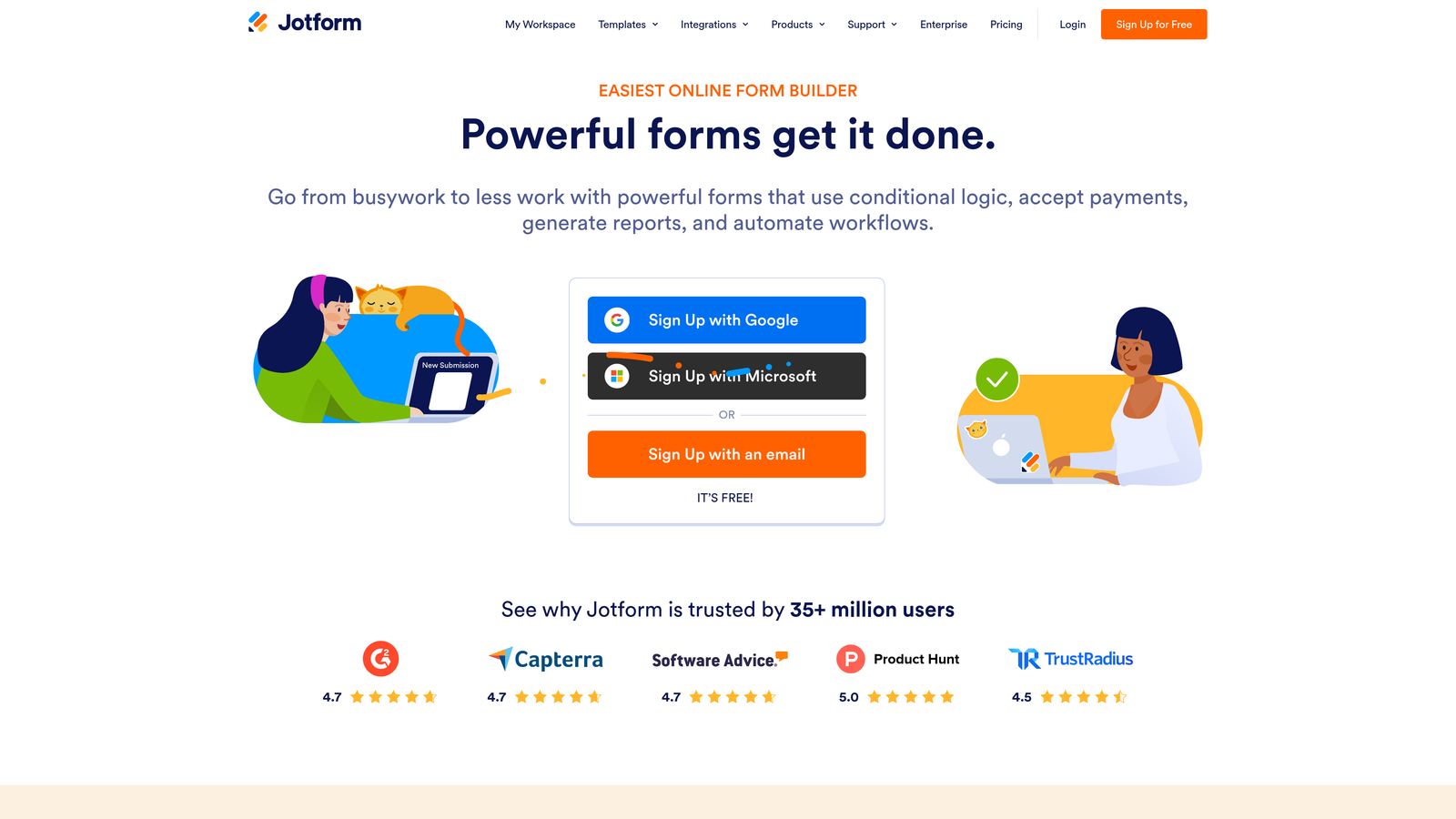
JotForm is a versatile form builder with a built-in custom CSS editor, JavaScript injection support, and over 100 native integrations.
Where This Tool Shines
JotForm makes custom code access more accessible than most platforms by surfacing a CSS editor and JavaScript injection panel directly in the form builder interface. You don't need to dig through embed documentation to apply custom styles or attach custom scripts. This lowers the barrier for teams that have some technical ability but aren't full-stack developers.
The breadth of its integration ecosystem is also a genuine strength. With over 100 native integrations, JotForm connects to most CRMs, payment processors, and marketing tools without requiring custom webhook logic.
Key Features
Built-In Custom CSS Editor: Apply custom styles directly within the form builder interface without touching embed code.
JavaScript Injection: Add custom scripts to control form behavior, trigger events, or integrate with third-party tools.
Conditional Logic and Calculation Fields: Build branching logic and dynamic calculations without writing code.
100+ Native Integrations: Connect directly with Salesforce, HubSpot, Google Sheets, Stripe, and many more.
Custom Thank-You Page and Redirect Options: Control post-submission behavior including custom pages, messages, and URL redirects.
Best For
JotForm works well for agencies and mid-size businesses that need a broad, capable platform with accessible customization. It scales with submission volume, so teams with high form traffic should evaluate pricing tiers carefully.
Pricing
Free plan available. Paid plans start at approximately $34/month, with pricing scaling based on submission volume and feature access.
8. Paperform
Best for: Design-conscious teams who want custom CSS and a freeform page-style editor for rich form experiences
Paperform is a form builder with a freeform page-style editor, custom CSS support, and strong conditional logic for visually polished forms.
Where This Tool Shines
Paperform sits at the intersection of form builder and landing page tool. Its freeform editor lets you mix text, images, video, and form fields on a single page, which is useful for creating immersive form experiences that feel more like a branded page than a data entry widget. Custom CSS gives design teams full control over visual presentation.
It's less developer-focused than Gravity Forms or Tally, but it offers more design flexibility than most traditional form builders. The built-in payment collection also makes it practical for registration, booking, and order forms without additional integrations.
Key Features
Custom CSS for Visual Control: Apply custom styles to achieve pixel-perfect branding and design consistency.
Freeform Page Editor: Mix rich content, including text, images, and video, with form fields on a single editable canvas.
Conditional Logic and Calculation Fields: Show or hide fields based on answers and perform dynamic calculations within the form.
Custom Domain Embedding: Embed forms on custom domains for a fully branded experience.
Built-In Payment Collection: Accept payments directly through forms without requiring a separate payment integration setup.
Best For
Paperform is ideal for marketing teams, consultants, and small businesses that prioritize visual design and want a form experience that doubles as a landing page. Less suited for teams needing deep JavaScript or server-side customization.
Pricing
Starts at approximately $24/month when billed annually. Higher tiers add team features and advanced integrations.
9. HubSpot Forms
Best for: Teams already in the HubSpot ecosystem who need a JavaScript API for custom submission handling and lead routing
HubSpot Forms is a CRM-native form tool with a JavaScript API for custom submission events, event tracking, and intelligent lead routing.
Where This Tool Shines
HubSpot Forms earns its place on this list because of its JavaScript API, which lets developers listen for form submission events, populate hidden fields programmatically, and trigger custom downstream actions like pixel fires or data layer pushes. For teams running HubSpot as their CRM, this is the most seamless way to capture leads with full tracking context.
Progressive profiling is another standout feature. Rather than showing all fields on every visit, HubSpot Forms can surface new questions to returning visitors, gradually building a richer contact profile without increasing form friction.
Key Features
JavaScript API for Custom Submission Events: Listen for and respond to form events programmatically for custom tracking, redirects, or data layer updates.
Custom Embed Code with Full Styling Control: Embed forms anywhere with custom CSS applied via the embed snippet.
Native HubSpot CRM Integration and Lead Routing: Submissions flow directly into HubSpot with automatic lead assignment, lifecycle stage updates, and workflow triggers.
Progressive Profiling: Show different fields to returning visitors to collect more data over time without overwhelming new leads.
Custom Hidden Fields and UTM Capture: Automatically capture UTM parameters, referral sources, and custom identifiers alongside every submission.
Best For
HubSpot Forms is the clear choice for teams running HubSpot as their CRM who need JavaScript-level customization and robust lead routing. Standalone use without HubSpot significantly limits its value proposition compared to other tools on this list.
Pricing
Free with HubSpot CRM. Advanced features are available in paid Marketing Hub plans starting at approximately $15/month per seat.
Which Form Builder Is Right for Your Team?
The right tool depends heavily on what kind of custom code access you actually need and what environment you're working in. Here's a quick way to think through it.
If you're on a high-growth team running lead generation campaigns and you want AI-powered qualification alongside developer-level customization, Orbit AI is purpose-built for that combination. You're not choosing between intelligence and flexibility; you get both in the same platform.
For teams on WordPress, the choice comes down to use case. Gravity Forms is the right call if you need PHP-level control over form behavior and a deep hook system. Formidable Forms makes more sense if you're building a data-driven application, calculator, or directory on top of WordPress.
If you're building on Webflow, the native forms tool is the obvious answer since the full HTML, CSS, and JavaScript environment is already available to you. For teams on custom stacks who want a clean, developer-friendly embed without enterprise overhead, Tally is worth a close look.
JotForm and HubSpot Forms serve different segments of the mid-market. JotForm is the better standalone option with broad integration coverage. HubSpot Forms is the stronger choice when your CRM is already HubSpot and you need tight lead routing with JavaScript event handling.
Typeform and Paperform round out the list for teams where user experience and visual design are the primary drivers. Typeform's JavaScript embed API gives meaningful behavioral control. Paperform's freeform editor gives design teams more creative latitude than a standard form builder.
The key distinction to keep in mind across all of these: CSS customization changes how a form looks. JavaScript injection changes how it behaves. PHP hooks change how it processes data. Knowing which layer of customization you actually need will point you to the right tool faster than any feature checklist.
For high-growth teams focused on lead generation and conversion optimization, intelligent form behavior is as important as developer flexibility. Transform your lead generation with AI-powered forms that qualify prospects automatically while delivering the modern, conversion-optimized experience your team needs. Start building free forms today and see how intelligent form design can elevate your conversion strategy.


