

Your landing page looks great, your traffic is flowing, but your form completion rate is stuck at 3%. The problem isn't your offer—it's your form. High-converting form builders go beyond basic field collection. They use smart logic, AI qualification, mobile optimization, and psychological design principles to turn more visitors into leads.
We tested dozens of form builders to find the ones that actually move the conversion needle. Here are nine platforms that combine beautiful design with conversion science, ranked by their ability to help high-growth teams capture and qualify more leads.
1. Orbit AI
Best for: High-growth teams who need to qualify leads automatically while maximizing conversion rates.
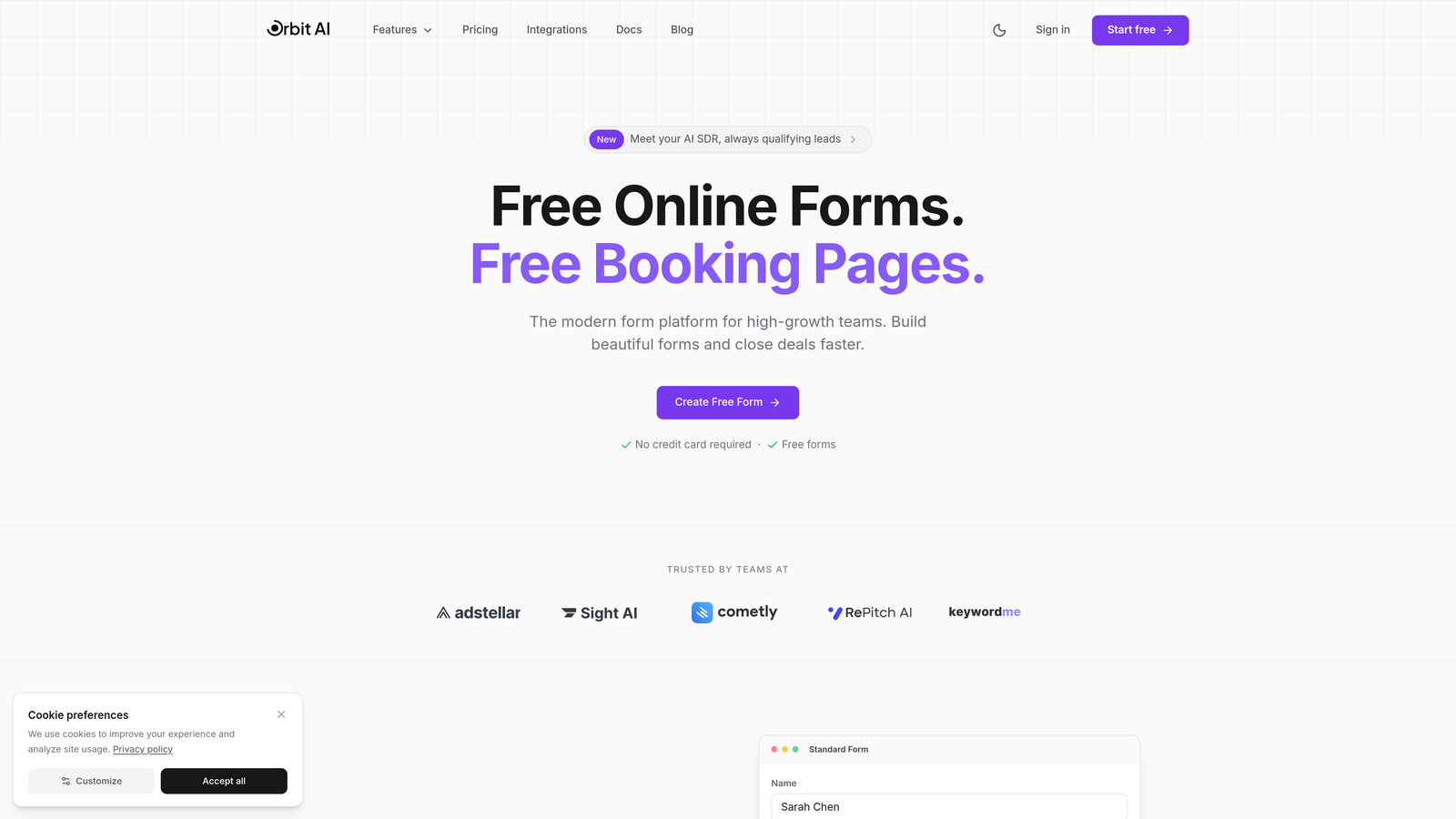
Orbit AI is an AI-powered form builder that combines conversion-optimized design with intelligent lead qualification and scoring.
Where This Tool Shines
Most form builders make you choose between beautiful design and lead intelligence. Orbit AI delivers both. The platform uses AI to automatically score and qualify leads as they complete your forms, so your sales team knows exactly which prospects deserve immediate attention.
The forms themselves are built for conversion. Clean, modern designs that work flawlessly on mobile. Smart conditional logic that adapts based on responses. Real-time analytics that show you exactly where visitors drop off.
Key Features
AI-Powered Lead Qualification: Automatically scores and qualifies leads based on their responses, routing high-value prospects to sales immediately.
Conversion-Optimized Templates: Modern, mobile-first designs built specifically to reduce friction and increase completion rates.
Smart Conditional Logic: Forms adapt based on responses, showing only relevant questions to keep forms short and focused.
Native CRM Integrations: Seamlessly connects with your existing marketing and sales tools to ensure qualified leads flow directly into your workflow.
Real-Time Analytics: Track conversion rates, drop-off points, and lead quality metrics to continuously optimize performance.
Best For
High-growth SaaS teams, B2B companies with complex sales processes, and marketing teams who need to prove ROI on their lead generation efforts. If you're tired of sorting through unqualified leads manually, Orbit AI handles the qualification work automatically.
Pricing
Free tier available for teams getting started. Paid plans start at competitive rates designed for growing teams who need advanced qualification and analytics capabilities.
2. Typeform
Best for: Creating engaging, conversational form experiences that feel less like forms and more like conversations.
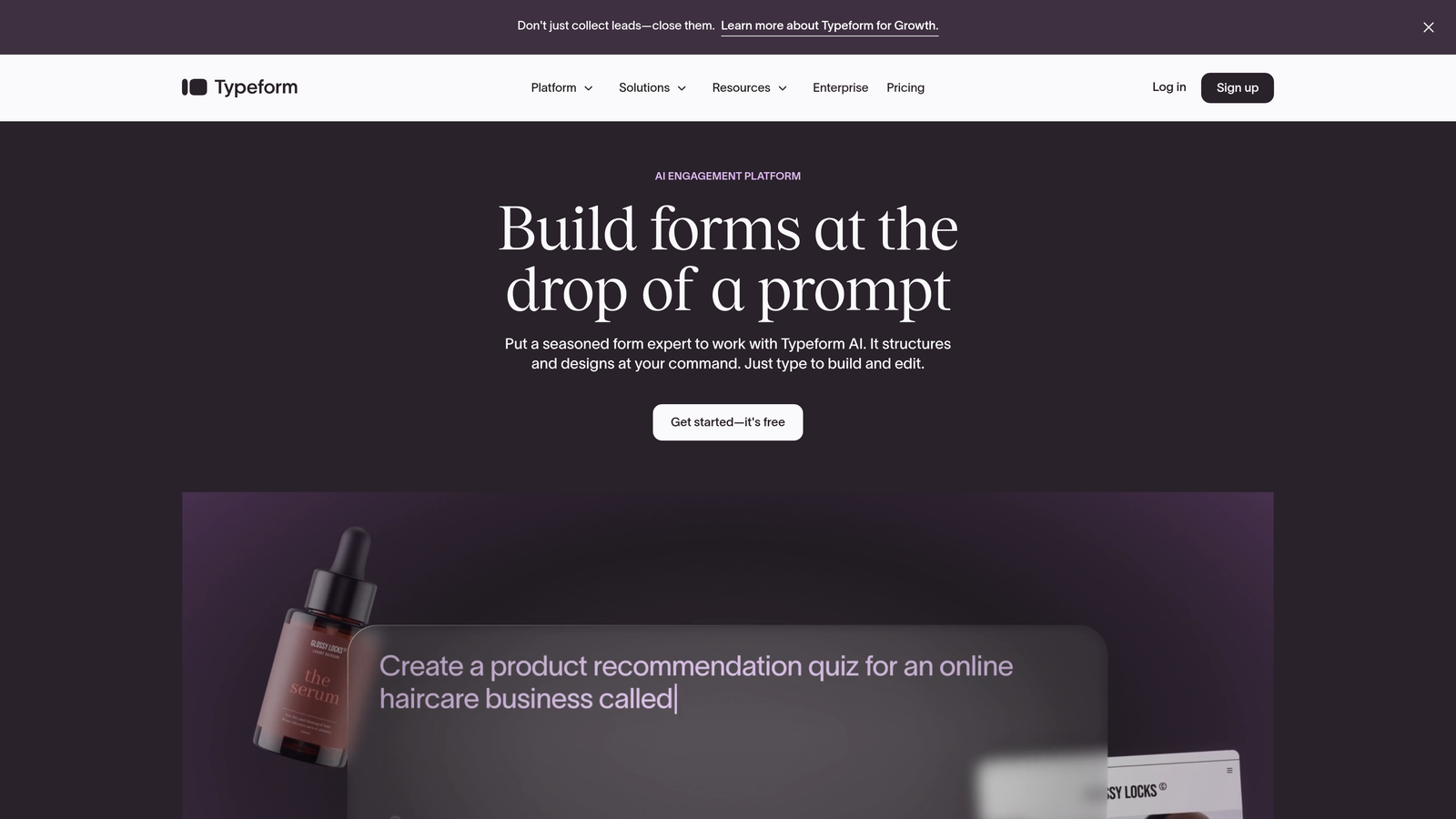
Typeform is a conversational form builder that presents one question at a time, creating an interactive experience that keeps users engaged.
Where This Tool Shines
Typeform transformed how people think about online forms. Instead of confronting users with a wall of fields, it presents questions one at a time in a conversational flow. This approach significantly reduces the psychological friction that kills form completion rates.
The platform excels at brand customization. You can match your exact brand colors, add background images or videos, and create forms that feel like a natural extension of your website rather than a generic data collection tool.
Key Features
One-Question-at-a-Time Format: Conversational interface that reduces cognitive load and increases completion rates by focusing attention on a single question.
Beautiful Brand Customization: Extensive design controls let you create forms that perfectly match your brand identity and visual standards.
Logic Jumps and Branching: Create dynamic forms that adapt based on previous answers, showing different paths to different users.
Rich Media Embedding: Add videos, images, and GIFs directly into your forms to create more engaging, visual experiences.
Extensive Integration Library: Connects with hundreds of tools including CRMs, email platforms, analytics tools, and payment processors.
Best For
Brands focused on user experience and engagement. Marketing teams running campaigns where brand perception matters. Companies willing to invest in premium form experiences to differentiate themselves from competitors using generic forms.
Pricing
Free tier available with limited responses. Basic plan starts at $25/month for individuals and small teams needing more responses and features.
3. Leadpages
Best for: Running paid advertising campaigns where landing pages and forms need to work together seamlessly.
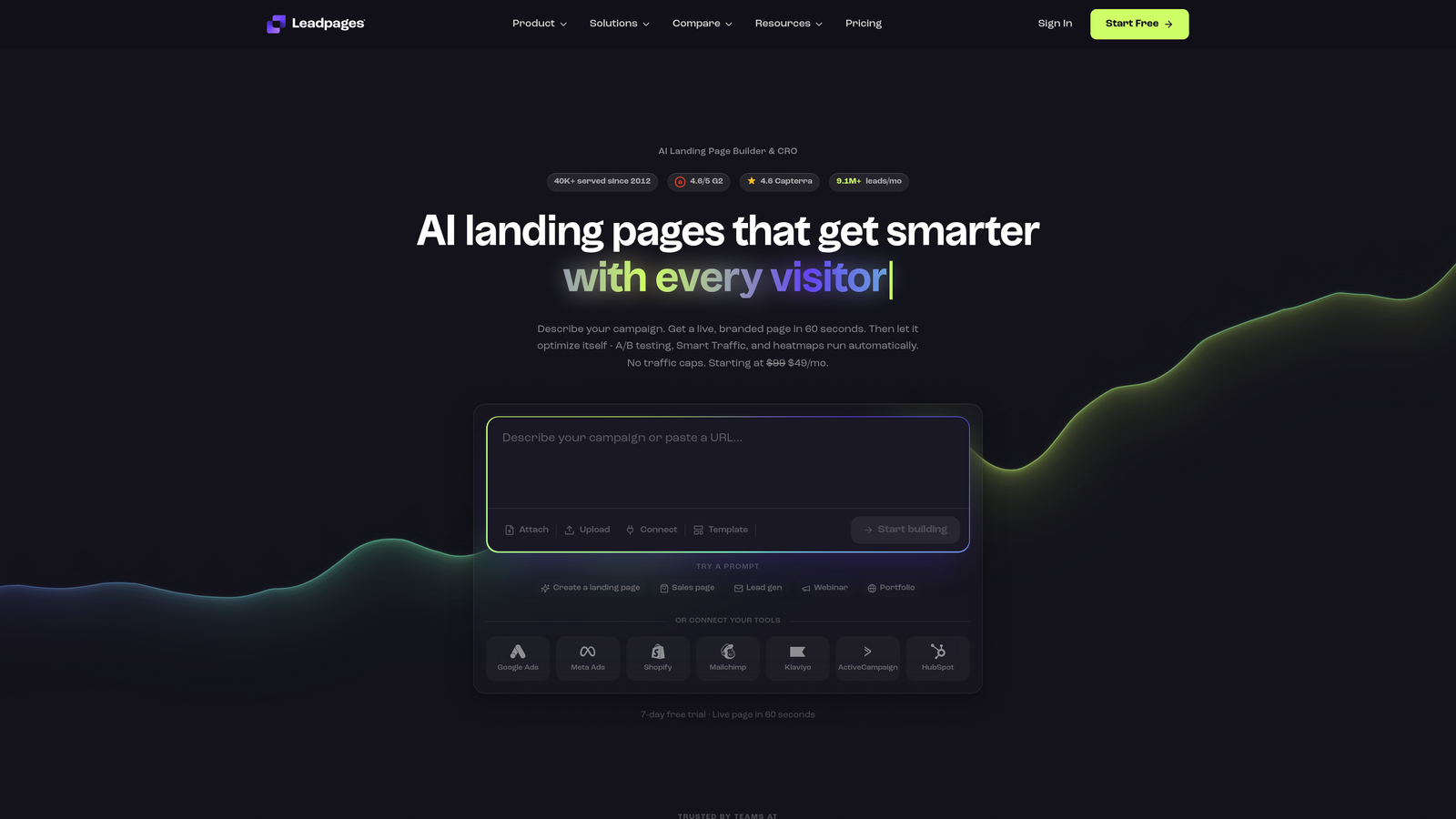
Leadpages is a landing page builder with integrated high-converting form functionality, designed specifically for lead generation campaigns.
Where This Tool Shines
Leadpages understands that forms don't exist in isolation—they're part of a complete landing page experience. The platform combines page building and form creation in one tool, ensuring your entire conversion funnel is optimized together.
The built-in A/B testing makes it easy to experiment with different form placements, field configurations, and button copy. You're not guessing what works—you're testing and proving it with real data.
Key Features
Integrated Landing Page Builder: Create complete landing pages with embedded forms, ensuring design consistency and optimal form placement.
Built-In A/B Testing: Test different versions of your forms and pages to identify which combinations drive the highest conversion rates.
Pop-Up and Alert Bar Forms: Capture leads with strategically timed pop-ups and sticky bars that don't require dedicated landing pages.
Conversion-Focused Templates: Pre-built templates designed specifically for lead generation, with forms positioned for maximum visibility and completion.
Real-Time Conversion Tips: The platform provides optimization suggestions as you build, helping you avoid common conversion mistakes.
Best For
Digital marketers running paid traffic campaigns on Google, Facebook, or LinkedIn. Teams who need to launch landing pages quickly without developer help. Companies focused on optimizing every element of their conversion funnel.
Pricing
Standard plan starts at $37/month. Pro plan at $74/month adds A/B testing and advanced integrations essential for serious optimization work.
4. Unbounce Smart Builder
Best for: Teams who want AI to automatically optimize their forms and pages for better conversion performance.
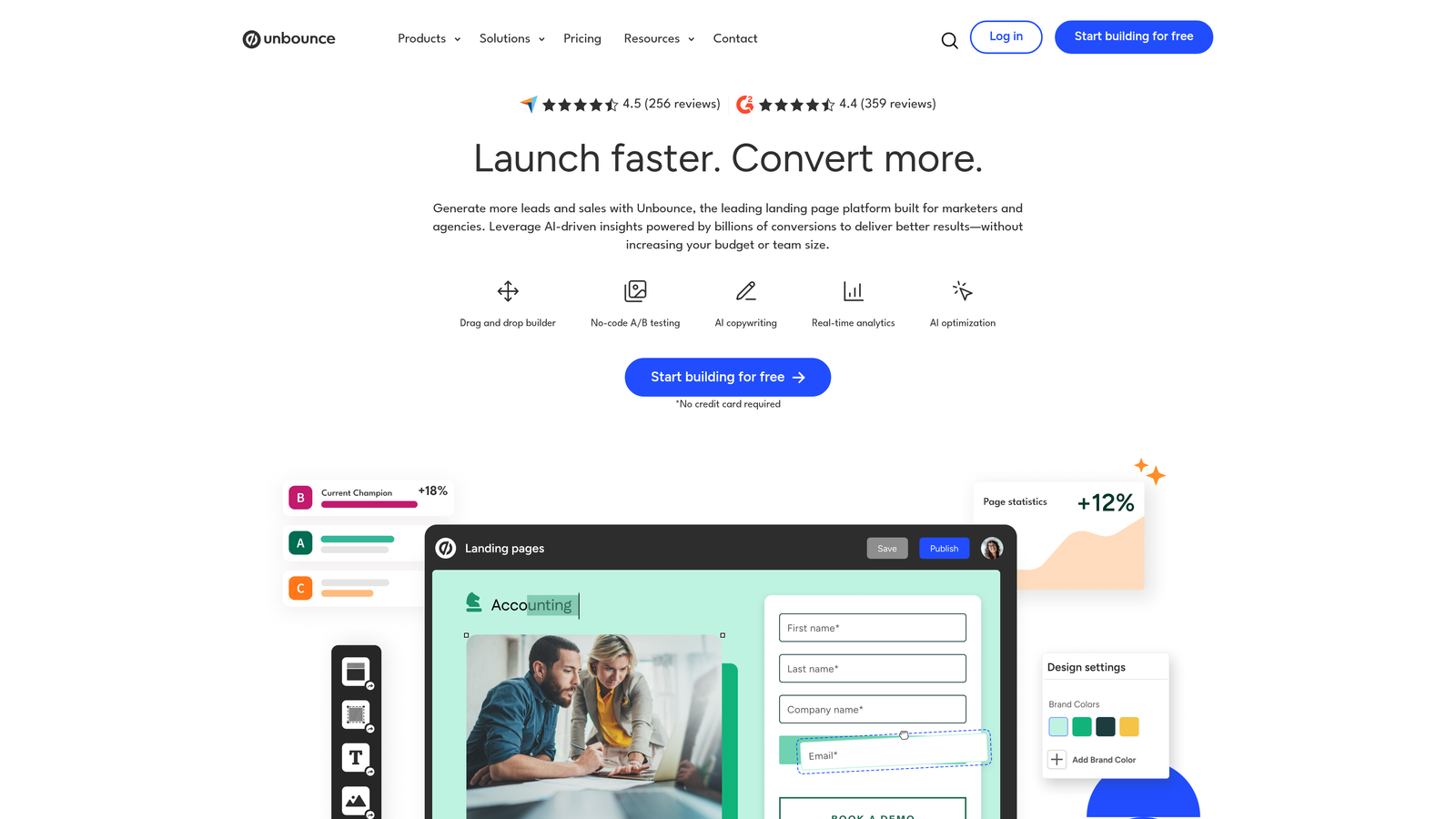
Unbounce Smart Builder is an AI-powered landing page platform that uses machine learning to optimize forms and pages for higher conversion rates.
Where This Tool Shines
Unbounce takes optimization beyond manual A/B testing. The Smart Traffic feature uses AI to automatically route visitors to the page variant most likely to convert them based on their characteristics and behavior patterns.
The platform provides real-time conversion optimization suggestions as you build. It analyzes your page structure, form placement, and copy to recommend specific changes that could improve performance—like a conversion expert looking over your shoulder.
Key Features
AI-Powered Optimization Suggestions: Get specific, actionable recommendations to improve conversion rates based on analysis of your page structure and form design.
Smart Traffic Technology: AI automatically directs visitors to the page variant most likely to convert them, optimizing performance without manual testing.
Dynamic Text Replacement: Automatically customize form headlines and copy based on the ad or keyword that brought visitors to your page.
Sticky Bars and Pop-Ups: Create forms that appear at optimal moments without requiring visitors to scroll or navigate to specific page sections.
Advanced Targeting and Scheduling: Show different forms to different audience segments and schedule form appearance based on campaign timing.
Best For
Performance marketers managing multiple campaigns simultaneously. Teams with significant paid traffic who need to maximize ROI on every visitor. Companies ready to invest in premium optimization technology.
Pricing
Launch plan starts at $99/month. Optimize plan at $145/month includes Smart Traffic and advanced AI features essential for serious conversion optimization.
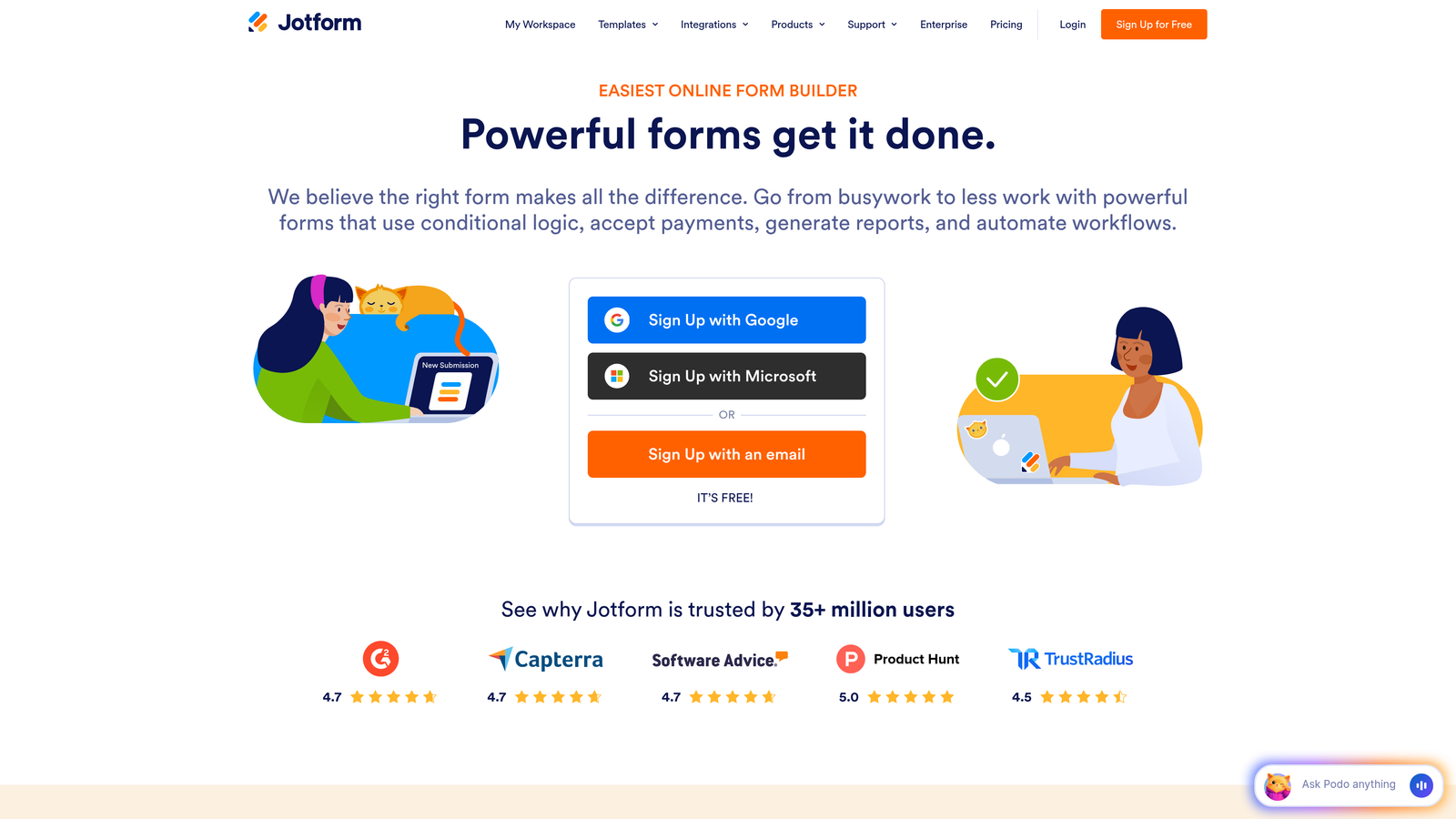
5. Jotform
Best for: Teams needing versatile form functionality across diverse use cases, from simple contact forms to complex applications.
Jotform is a comprehensive form builder with thousands of templates and deep customization options for virtually any form requirement.
Where This Tool Shines
Jotform's strength is versatility. With over 10,000 pre-built templates, you're likely to find something close to what you need regardless of your industry or use case. This saves hours of design and configuration time.
The platform handles complex requirements that simpler form builders can't manage. Need to collect payments? Generate PDFs? Capture e-signatures? Jotform includes these capabilities without requiring third-party integrations.
Key Features
10,000+ Pre-Built Templates: Extensive template library covering virtually every industry and use case, dramatically reducing setup time.
Advanced Conditional Logic: Create sophisticated form flows that adapt based on multiple conditions and previous responses.
Payment Collection Integration: Accept payments directly through your forms using major payment processors without additional tools.
PDF Generation and E-Signatures: Automatically generate PDFs from form submissions and collect legally binding electronic signatures.
HIPAA-Compliant Options: Enterprise plans include HIPAA compliance features for healthcare organizations handling protected health information.
Best For
Organizations with diverse form needs across multiple departments. Healthcare providers needing HIPAA compliance. Teams who value extensive template libraries and don't want to build everything from scratch.
Pricing
Free tier available for basic needs. Bronze plan starts at $34/month for growing teams needing more submissions and advanced features.
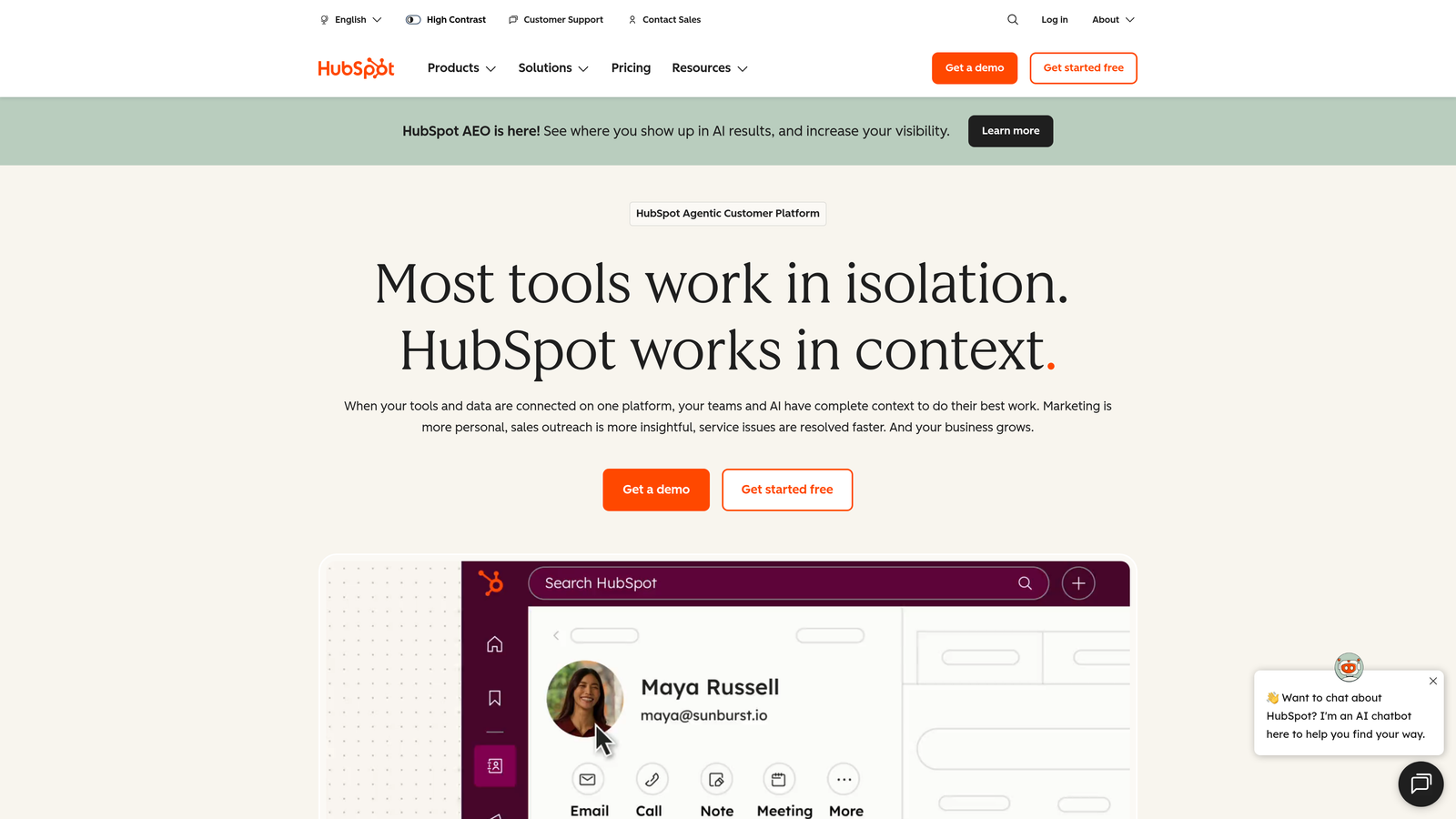
6. HubSpot Forms
Best for: Teams already using HubSpot CRM who want seamless integration and progressive profiling capabilities.
HubSpot Forms is a CRM-integrated form builder with progressive profiling that reduces friction by collecting information over multiple interactions.
Where This Tool Shines
HubSpot Forms solves a critical conversion problem: how to gather comprehensive lead data without overwhelming people with long forms. Progressive profiling shows different questions to returning visitors, building complete contact profiles over time rather than demanding everything upfront.
The native CRM integration means every form submission automatically creates or updates contact records with zero manual work. Lead data flows instantly into your sales and marketing workflows without integration headaches.
Key Features
Progressive Profiling: Automatically show different questions to returning visitors, gradually building complete contact profiles without form fatigue.
Native CRM Integration: Form submissions instantly create or update CRM contacts with automatic data enrichment and deduplication.
Smart Fields: Forms automatically adapt for known contacts, hiding fields you've already collected and showing only new questions.
Follow-Up Automation: Trigger email sequences, task assignments, and workflow actions automatically based on form submissions and field values.
Detailed Analytics: Track form performance, conversion rates, and attribution across your entire marketing funnel within the HubSpot platform.
Best For
Companies already invested in the HubSpot ecosystem. Marketing and sales teams who need tight integration between forms, CRM, and automation workflows. Organizations focused on building long-term customer relationships rather than one-time conversions.
Pricing
Free with HubSpot CRM, including basic form functionality. Advanced features like progressive profiling require Marketing Hub from $45/month.
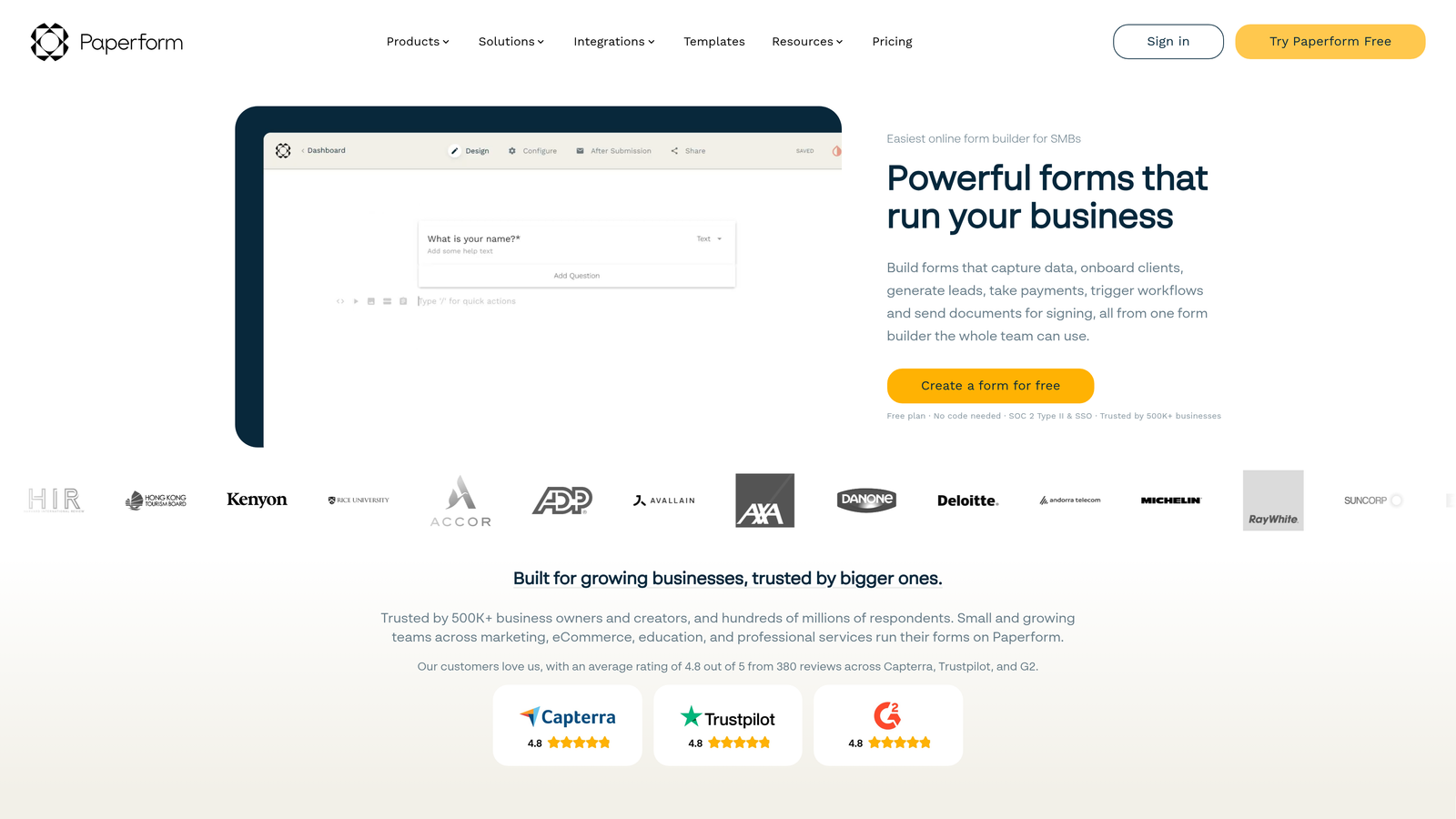
7. Paperform
Best for: Creating forms that blend seamlessly with content-rich landing pages for a unique, document-style experience.
Paperform is a document-style form builder that combines forms with landing page content for content-rich, engaging experiences.
Where This Tool Shines
Paperform breaks the traditional form mold. Instead of treating forms as separate elements on a page, it lets you create document-style experiences where form fields flow naturally within rich content, images, and explanatory text.
This approach works exceptionally well for complex products or services that need explanation before someone can intelligently complete a form. You're not forcing people to jump between your website and a form—everything lives in one cohesive experience.
Key Features
Document-Style Layout: Create forms that look like content-rich landing pages with text, images, and form fields flowing naturally together.
Built-In Payment Processing: Accept payments directly through your forms without external payment page redirects that hurt conversion.
Conditional Logic and Calculations: Show or hide sections based on responses and perform calculations for quotes, pricing, or order totals.
Custom Success Pages: Design unique thank-you pages that continue the conversation after form submission rather than generic confirmation messages.
Appointment Scheduling: Integrate calendar booking directly into your forms for service businesses and consultations.
Best For
Service businesses that need to explain offerings before collecting information. Companies selling products or services that require education and context. Teams who want forms that feel like natural extensions of their content rather than separate data collection tools.
Pricing
Essentials plan at $24/month for individuals and small teams. Pro plan at $49/month adds advanced features and higher submission limits.
8. Formstack
Best for: Enterprise organizations requiring advanced security, compliance, and workflow automation capabilities.
Formstack is an enterprise-grade form builder with advanced security, compliance features, and sophisticated workflow automation.
Where This Tool Shines
Formstack addresses enterprise requirements that consumer-focused form builders ignore. HIPAA compliance, GDPR data handling, SOC 2 certification—these aren't optional features for regulated industries, and Formstack builds them into the core platform.
The approval workflow capabilities go beyond basic form submission. You can route submissions through multi-step approval processes, generate documents automatically, and trigger complex business workflows based on form data.
Key Features
Enterprise Compliance: HIPAA, GDPR, and SOC 2 compliance built in, with data handling that meets regulatory requirements for healthcare, finance, and other regulated industries.
Advanced Approval Workflows: Route form submissions through multi-step approval processes with role-based access and automated notifications.
Document Generation: Automatically create PDFs, contracts, and other documents from form data with e-signature collection capabilities.
Salesforce-Native Integration: Deep integration with Salesforce that goes beyond basic data sync to include custom object mapping and workflow triggers.
Role-Based Access Controls: Granular permissions that control who can create, edit, view, and export form data across your organization.
Best For
Healthcare organizations handling protected health information. Financial services firms with strict compliance requirements. Large enterprises needing sophisticated workflow automation and access controls. Companies already invested in Salesforce.
Pricing
Starter plan at $50/month for small teams. Teams plan at $83/month includes advanced features essential for enterprise deployments.
9. Tally
Best for: Budget-conscious teams who need powerful form functionality without monthly subscription costs.
Tally is a simple, fast form builder with a generous free tier that includes features other platforms charge for.
Where This Tool Shines
Tally's value proposition is refreshingly simple: unlimited forms and unlimited submissions on the free tier. Most form builders limit you to a handful of submissions before demanding payment. Tally removes that constraint entirely.
The interface borrows from Notion's editing experience, making it instantly familiar if you've used Notion. This reduces the learning curve dramatically—you can build your first form in minutes without watching tutorials.
Key Features
Unlimited Free Tier: Create unlimited forms with unlimited submissions at no cost, removing the artificial limits that constrain other free plans.
Clean, Minimal Interface: Straightforward design that prioritizes usability over feature bloat, making form creation fast and intuitive.
Conditional Logic Included: Show or hide questions based on previous answers without upgrading to paid plans, unlike competitors who paywall this feature.
Notion-Like Editing: Familiar editing experience for anyone who's used Notion, with slash commands and block-based form building.
Basic Integrations: Connect with popular tools like Slack, Google Sheets, and Zapier to automate workflows without complex configuration.
Best For
Startups and bootstrapped companies watching every dollar. Side projects and MVPs that need forms but can't justify subscription costs. Teams who value simplicity over advanced features and don't need enterprise compliance or complex workflows.
Pricing
Free tier includes most features with no artificial submission limits. Pro plan at $29/month adds advanced customization, file uploads, and priority support for teams needing more.
Making the Right Choice
The best high-converting form builder depends on your specific needs and constraints. For teams focused on lead quality over quantity, Orbit AI delivers AI-powered qualification built directly into beautiful, conversion-optimized forms. Your sales team stops wasting time on unqualified leads because the platform identifies your best prospects automatically.
Typeform excels when brand experience matters most—when you need forms that feel like a natural extension of your website rather than generic data collection tools. Leadpages and Unbounce work best for paid campaign optimization, where you're driving significant traffic and need to maximize ROI on every visitor.
HubSpot Forms makes sense if you're already invested in their ecosystem and need seamless CRM integration. For budget-conscious teams or early-stage projects, Tally offers surprising capability at no cost.
Start by identifying your biggest conversion bottleneck. Is it form abandonment? Lead quality issues? Integration complexity? Mobile performance? Choose the tool that directly addresses that specific challenge rather than the one with the longest feature list.
Transform your lead generation with AI-powered forms that qualify prospects automatically while delivering the modern, conversion-optimized experience your high-growth team needs. Start building free forms today and see how intelligent form design can elevate your conversion strategy.


