

Choosing the right monthly form builder subscription can quietly determine whether your lead generation pipeline thrives or stalls. The wrong tool means low completion rates, disconnected data, and forms that collect submissions without qualifying the people behind them. The right tool turns every form into a conversion asset.
For high-growth SaaS and B2B teams, the stakes are higher than ever. You're not just looking for a way to collect email addresses. You need conditional logic that routes leads intelligently, integrations that push data directly into your CRM, and design quality that reflects your brand. Ideally, you want AI-powered qualification built into the form experience itself, not tacked on afterward.
This guide covers the top monthly form builder subscriptions available in 2026, evaluated on design flexibility, AI capabilities, lead qualification features, integration depth, and pricing value. Whether you're switching from a legacy tool or building your first serious form stack, here's a clear picture of what each platform does best.
1. Orbit AI
Best for: High-growth SaaS and B2B teams that need AI-powered lead qualification built into the form experience.
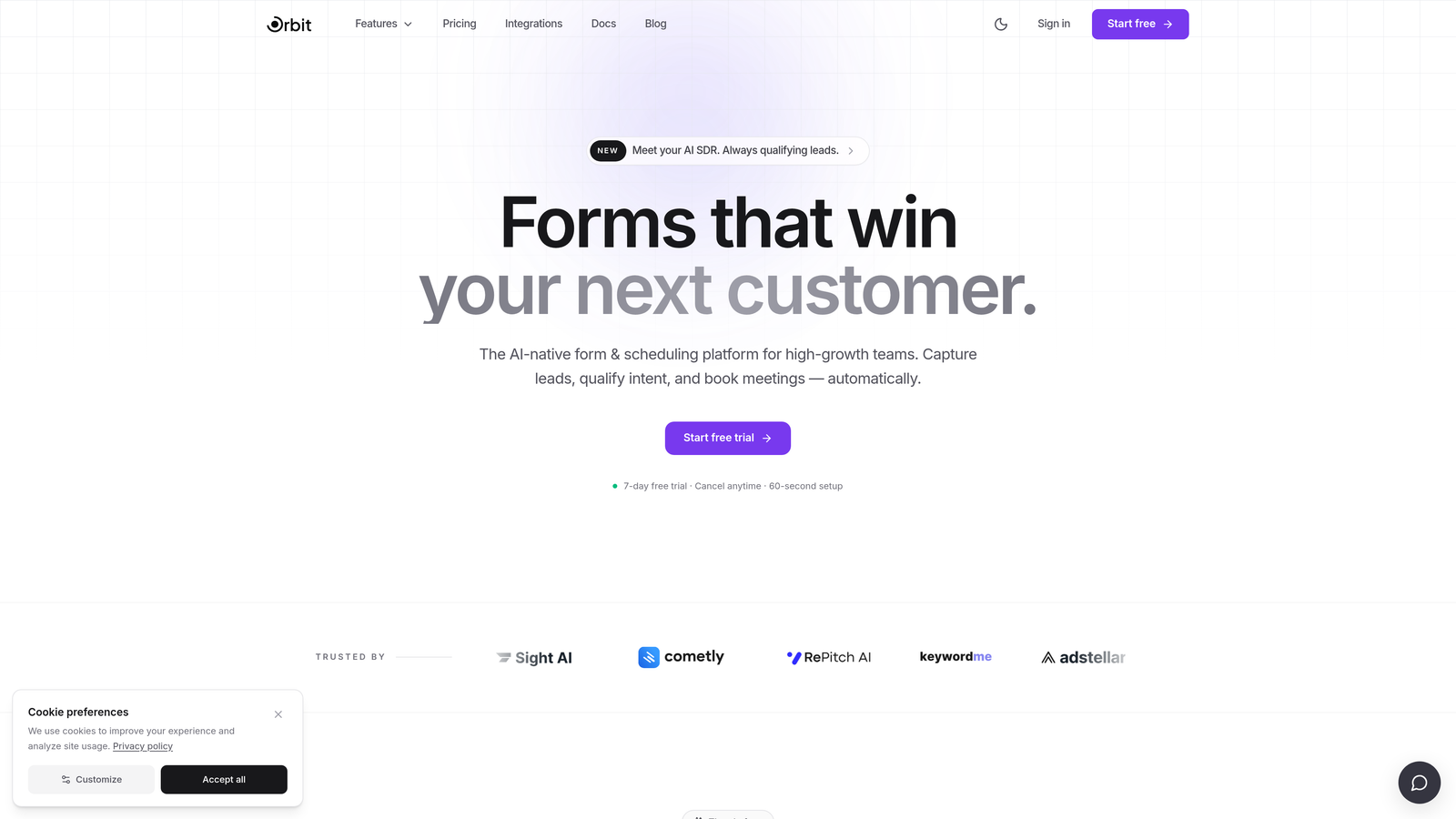
Orbit AI is an AI-powered form builder designed from the ground up for conversion-focused teams who need more than data collection.
Where This Tool Shines
Most form builders were built as survey tools and later adapted for lead generation. Orbit AI takes the opposite approach: it's built specifically for teams where form submissions are pipeline events, not just database entries. The AI-powered lead qualification is embedded directly into the form flow, meaning prospects are scored and segmented as they interact with the form, without any third-party integration required.
The design quality is genuinely modern. Forms look polished and conversion-optimized out of the box, which matters when your form is the first touchpoint a prospect has with your brand. Conditional logic adapts dynamically based on lead quality signals, so high-intent visitors see a different experience than low-fit submissions.
Key Features
AI-Powered Lead Qualification: Intelligent scoring embedded directly in the form flow, not bolted on after submission.
Conversion-Optimized Design: Modern, polished UI built to maximize completion rates and reflect premium brand standards.
Adaptive Conditional Logic: Branching that responds to lead quality signals in real time, not just static answer choices.
Built for High-Growth Teams: Purpose-built for SaaS and B2B use cases, not repurposed from a general survey platform.
No Add-Ons Required for Lead Scoring: Qualification capabilities are native to the platform, keeping your stack lean.
Best For
SaaS companies, B2B marketing teams, and growth-focused operators who want their forms to actively contribute to pipeline quality. Particularly valuable for teams running inbound lead generation where qualification speed and accuracy directly affect revenue.
Pricing
Monthly subscription available. Visit orbitforms.ai for current plan details and to explore the free tier.
2. Typeform
Best for: Teams prioritizing conversational UX and high form completion rates through engaging, one-question-at-a-time design.
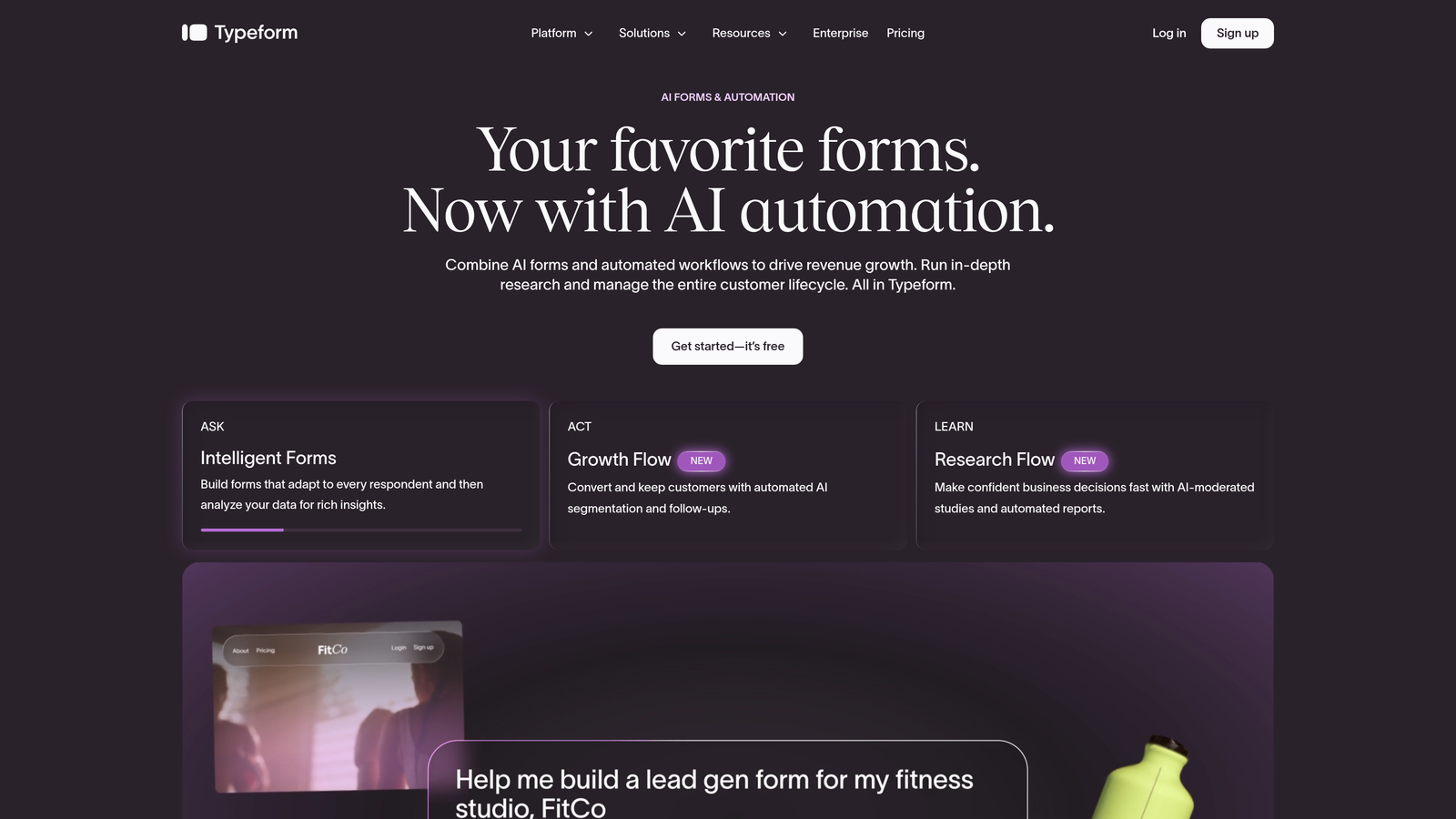
Typeform is a conversational form platform known for its distinctive one-question-at-a-time format that keeps respondents engaged.
Where This Tool Shines
Typeform's core insight is that traditional multi-field forms feel like bureaucracy. By presenting one question at a time in a clean, full-screen layout, the experience feels more like a conversation than a data entry task. This format tends to improve completion rates, particularly for longer forms where respondent fatigue is a real concern.
Brand customization is strong, with control over fonts, colors, backgrounds, and media embeds. The integration library is wide, covering HubSpot, Salesforce, Slack, Mailchimp, and dozens of other tools via native connections and Zapier.
Key Features
Conversational Format: One-question-at-a-time flow that reduces friction and improves completion rates.
Visual Customization: Deep brand control including custom fonts, colors, images, and video embeds.
Logic Jumps: Conditional branching that routes respondents based on their answers.
Integration Library: Native connections with HubSpot, Salesforce, Slack, and many more.
Video and Image Embedding: Rich media support within individual question screens.
Best For
Marketing teams that prioritize form UX and brand presentation. Well-suited for customer research surveys, lead capture forms, and onboarding questionnaires where the respondent experience matters as much as the data collected.
Pricing
Free plan available with limited responses. Paid plans start at approximately $25/month billed monthly, with higher tiers unlocking more responses and advanced features.
3. Jotform
Best for: Teams with diverse form needs who want maximum template variety, built-in workflows, and payment collection in one platform.
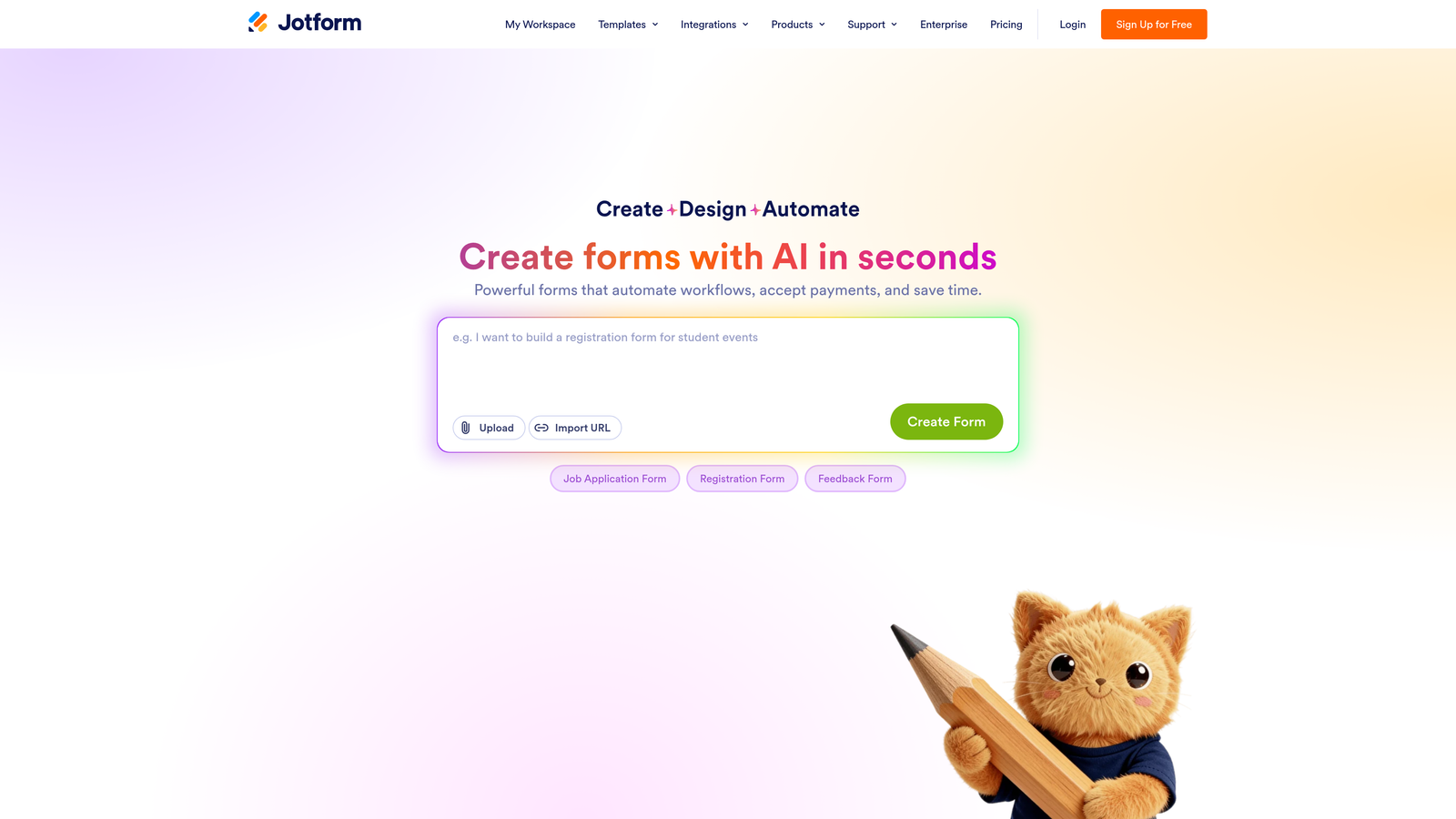
Jotform is a feature-rich form builder offering thousands of templates, approval workflows, and broad payment integrations.
Where This Tool Shines
Jotform's defining characteristic is breadth. With over 10,000 templates spanning industries from healthcare to e-commerce, it's rare to encounter a use case the platform hasn't anticipated. This makes it a strong choice for operations teams, agencies, and businesses that need to spin up many different types of forms quickly without building from scratch.
Beyond form building, Jotform includes built-in approval workflows, team collaboration features, and Jotform Tables, which turns response data into a structured, database-style view. For teams managing form submissions as part of a larger internal process, this adds meaningful operational value.
Key Features
10,000+ Templates: An extensive library covering virtually every industry and use case.
Approval Workflows: Built-in workflow automation for routing and approving form submissions.
Payment Collection: Native integrations with Stripe, PayPal, and Square for transactional forms.
Conditional Logic and Calculations: Dynamic fields that respond to user input with formula support.
Jotform Tables: Database-style response management built directly into the platform.
Best For
Operations teams, agencies, and businesses that need high template variety and built-in workflow automation. Also strong for teams collecting payments or managing multi-step approval processes.
Pricing
Free plan available with response limits. Paid plans start at approximately $34/month billed monthly, scaling by submission volume and feature access.
4. Tally
Best for: Early-stage startups and indie builders who want a generous free tier, clean design, and a Notion-like editing experience.
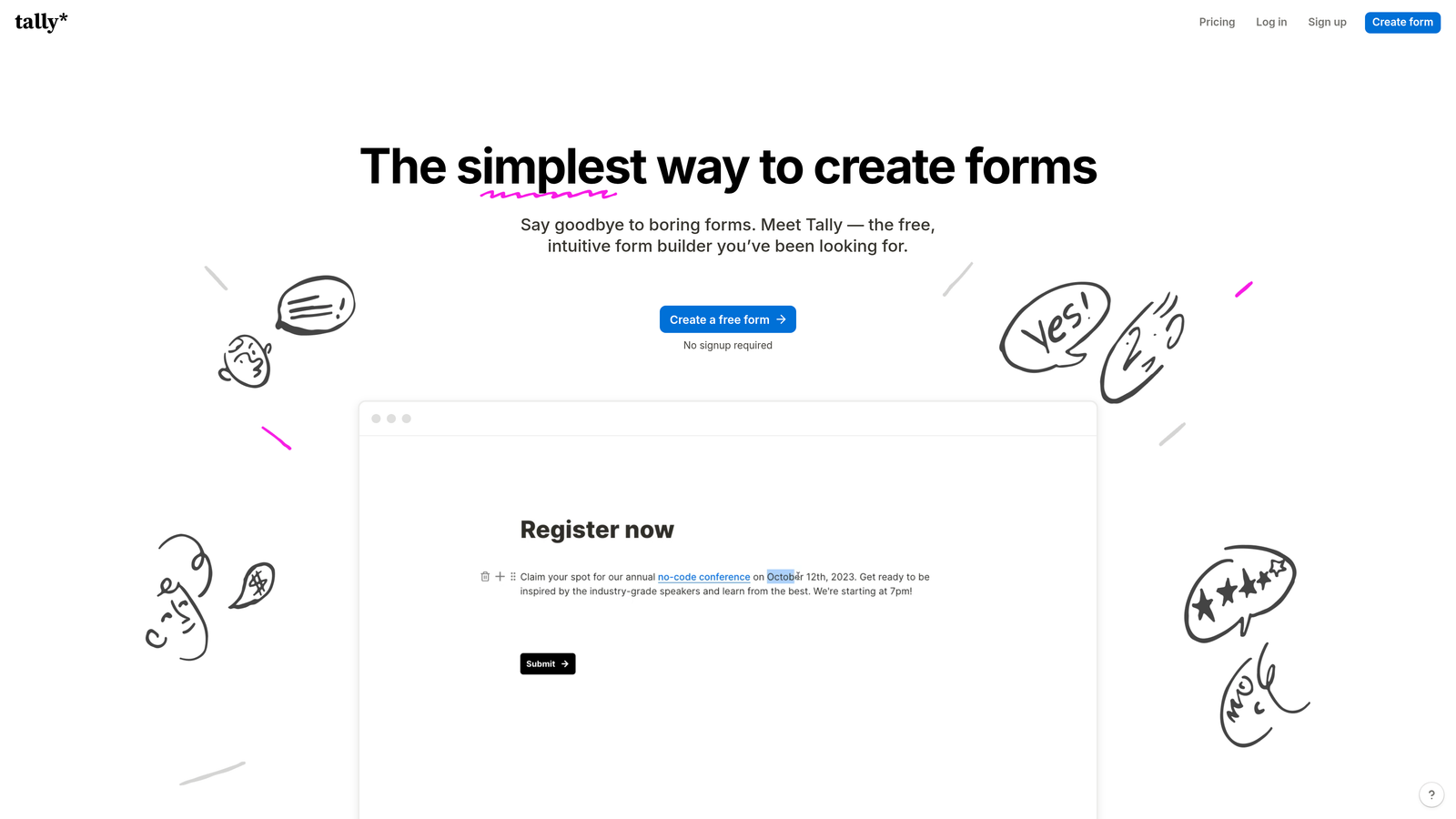
Tally is a Notion-inspired form builder with a block-based editor, unlimited forms on the free tier, and a minimalist aesthetic.
Where This Tool Shines
Tally's free plan is genuinely generous: unlimited forms and unlimited responses with no monthly cost. This makes it an attractive starting point for teams that want a capable form tool without committing to a subscription. The block-based editor will feel immediately familiar to anyone who uses Notion, lowering the learning curve considerably.
The paid Pro plan unlocks custom domains, white-labeling, and deeper integrations with tools like Notion, Airtable, and Google Sheets. For teams that outgrow the free tier, the upgrade path is straightforward and competitively priced.
Key Features
Unlimited Free Forms and Responses: No submission caps on the free plan, which is rare in this market.
Block-Based Editor: Notion-style editing experience that's intuitive for modern productivity tool users.
Custom Domains and White-Labeling: Available on the paid Pro plan for branded form experiences.
Conditional Logic and Hidden Fields: Dynamic form behavior without requiring a paid upgrade.
Native Integrations: Direct connections with Notion, Airtable, and Google Sheets.
Best For
Early-stage startups, indie makers, and small teams that want a capable form builder without a monthly subscription commitment. Also a good fit for Notion-heavy workflows where native integration matters.
Pricing
Free plan with unlimited forms and responses. Pro plan approximately $29/month billed monthly, unlocking custom branding and advanced integrations.
5. HubSpot Forms
Best for: Teams already using HubSpot CRM who want seamless, zero-setup lead capture that feeds directly into their contact database.
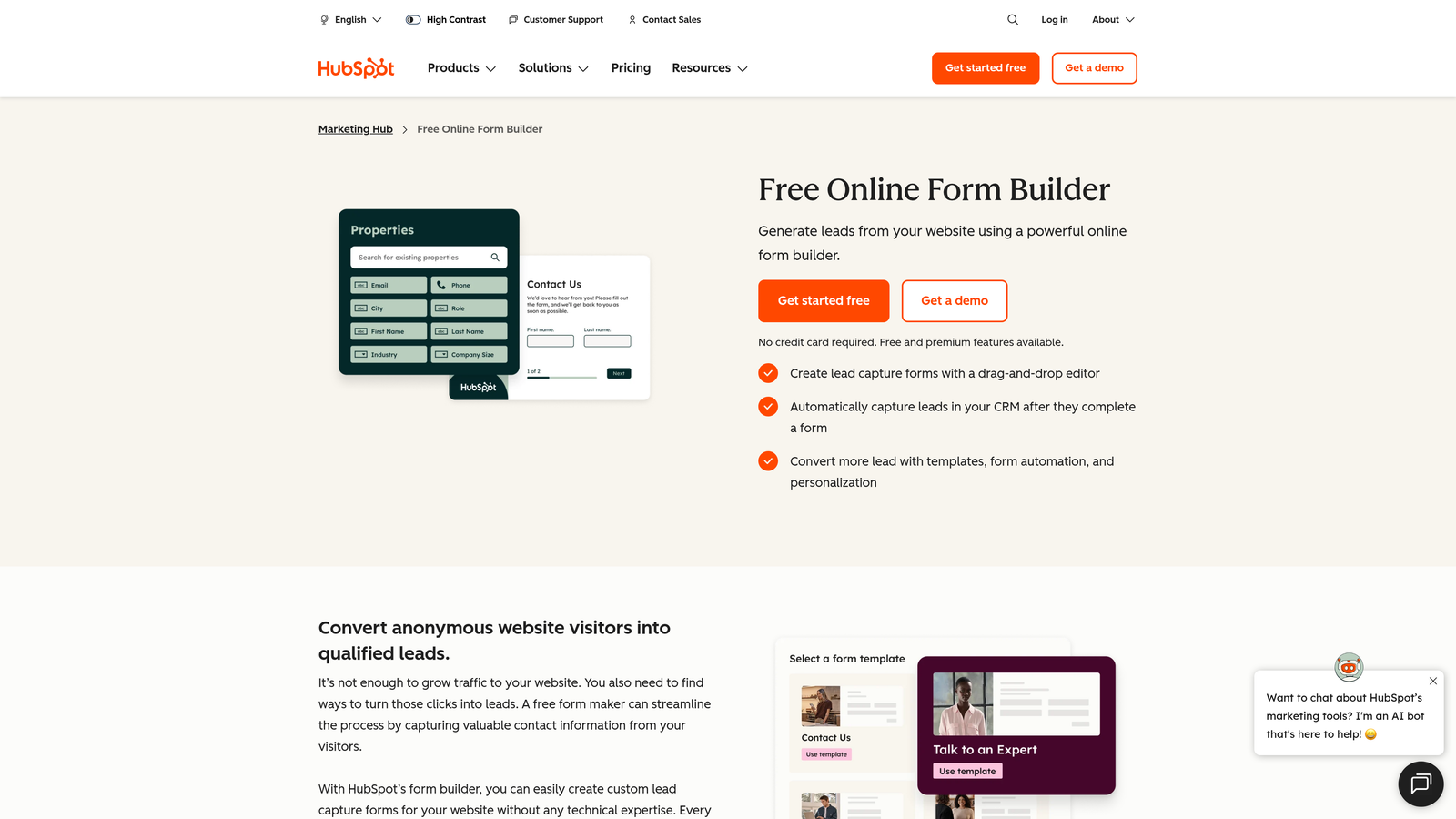
HubSpot Forms is a CRM-native form tool that captures leads directly into HubSpot's contact database with automatic workflow triggers.
Where This Tool Shines
The value of HubSpot Forms is almost entirely contextual: if you're already in the HubSpot ecosystem, it's an obvious choice. Form submissions automatically create or update contact records, map to custom properties, and can trigger any workflow in your HubSpot account. There's no integration to configure, no field mapping to maintain, and no data sync to troubleshoot.
Progressive profiling is a standout feature. HubSpot Forms can detect known contacts and replace fields you already have data for with new questions, keeping forms short while building richer contact profiles over time.
Key Features
Native CRM Sync: Submissions automatically create and update HubSpot contacts with no integration required.
Workflow Triggers: Any form submission can instantly trigger HubSpot automation sequences.
Progressive Profiling: Dynamically replaces known fields with new questions for returning contacts.
Automatic Property Mapping: Form fields map directly to HubSpot contact and deal properties.
Free Tier Availability: Basic forms are available on HubSpot's free CRM plan.
Best For
Marketing and sales teams running their pipeline in HubSpot. Standalone value is limited, but for HubSpot users, it's the most frictionless lead capture option available.
Pricing
Free with HubSpot CRM. Advanced marketing features require Marketing Hub, starting at approximately $20/month, scaling significantly at higher tiers.
6. Paperform
Best for: Service businesses and creators who want a single tool that handles forms, payments, bookings, and product listings together.
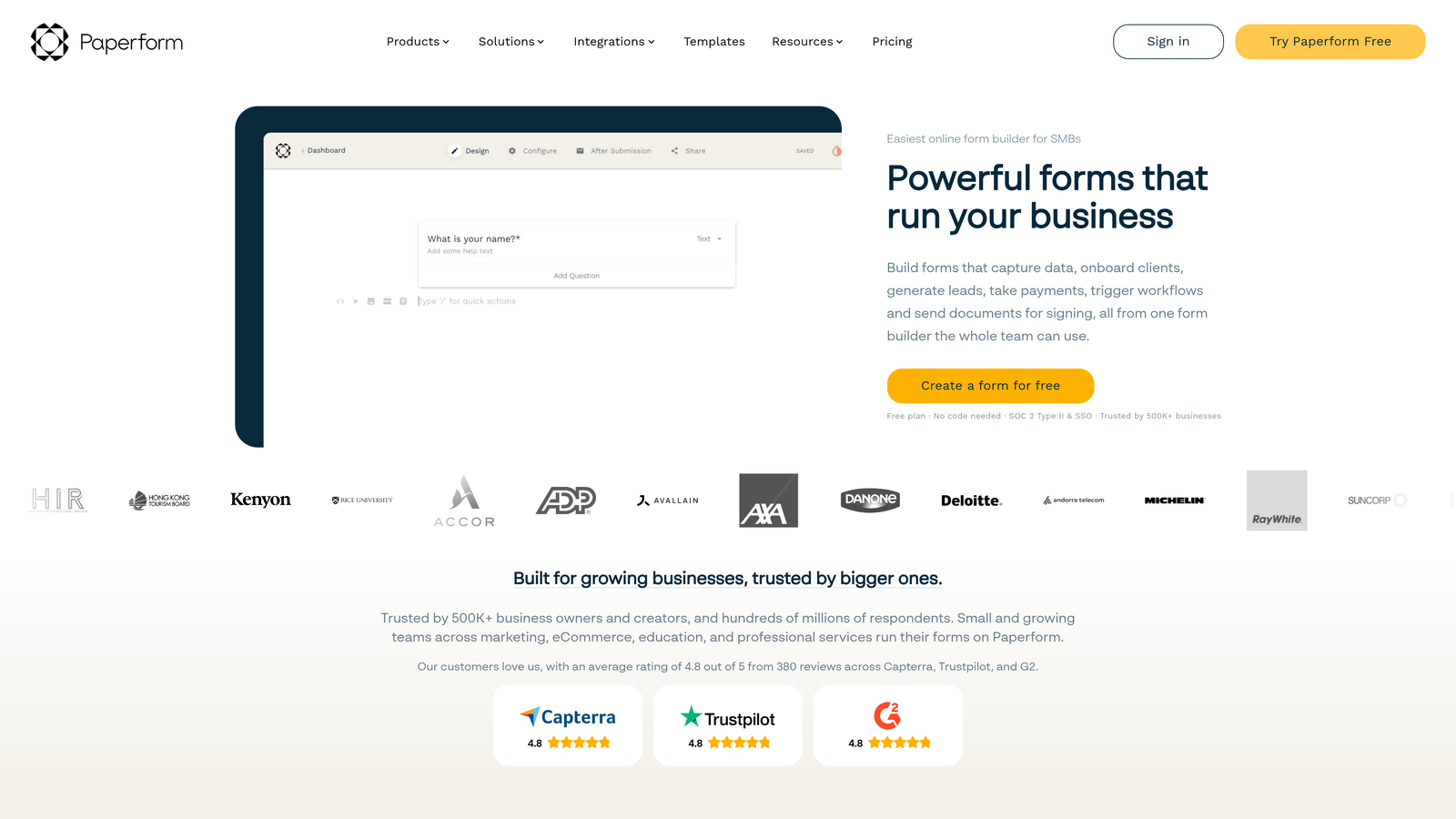
Paperform is a hybrid form builder and mini landing page tool that combines standard form fields with payment collection, bookings, and product listings.
Where This Tool Shines
Paperform occupies an interesting niche: it's less a pure form builder and more a lightweight transaction tool. You can build something that looks like a landing page, collects intake information, presents product options, and processes payment, all within a single Paperform document. For service businesses, consultants, and creators, this eliminates the need for a separate checkout or booking tool.
The editor supports rich text and media embedding, so forms can include explanatory copy, images, and video alongside question fields. This makes the form-as-landing-page concept genuinely workable rather than just a marketing claim.
Key Features
Form Meets Landing Page: Combine product listings, bookings, and intake forms in a single document.
Payment Integrations: Native support for Stripe, PayPal, and Braintree.
Rich Media Embedding: Add text, images, and video alongside form fields for a full-page experience.
Conditional Logic and Calculations: Dynamic fields and formula-based pricing calculations.
Custom Domain Support: Available on all paid plans for branded URLs.
Best For
Service businesses, coaches, consultants, and creators who want to combine intake, booking, and payment collection without managing multiple tools. Less suited for pure lead generation at scale.
Pricing
Essentials plan starts at approximately $29/month billed monthly. Higher tiers unlock additional features and submission volumes.
7. Fillout
Best for: Technical and no-code teams who need forms that read and write directly to Notion, Airtable, or Supabase databases.
Fillout is a technically capable form builder with native database integrations and advanced conditional logic for data-driven workflows.

Where This Tool Shines
Fillout's differentiation is database connectivity. Where most form builders push data to a spreadsheet or CRM, Fillout can read from and write to Notion databases, Airtable bases, and Supabase tables. This means forms can pre-populate with existing data, update records rather than just creating new ones, and integrate deeply with no-code app stacks.
The conditional logic engine is more advanced than most tools at this price point, supporting complex branching paths and multi-page form structures. Scheduling and calendar booking forms are also natively supported, adding flexibility for teams managing appointments or demos.
Key Features
Native Database Integration: Read and write directly to Notion, Airtable, and Supabase without middleware.
Advanced Conditional Logic: Complex branching and multi-path form flows.
Multi-Step and Multi-Page Forms: Structured form experiences with progress indicators.
Scheduling and Booking Forms: Calendar integration for appointment and demo scheduling.
Competitive Pricing: Generous free tier with affordable paid plans.
Best For
No-code builders, technical operators, and product teams using Notion or Airtable as their primary data layer. Strong fit for teams that want forms tightly integrated with their existing database infrastructure.
Pricing
Free plan available with solid feature access. Paid plans start at approximately $19/month billed monthly, making it one of the more affordable options on this list.
8. Cognito Forms
Best for: Finance, operations, and admin teams who need calculation fields, order forms, and data-heavy form logic.
Cognito Forms is a data-heavy form builder specializing in calculation fields, pricing tables, and order forms for complex data entry scenarios.
Where This Tool Shines
Cognito Forms does something most form builders handle poorly: math. Formula-based calculation fields let you build quote generators, pricing tables, registration fee calculators, and order forms with itemized totals, all without connecting to a separate tool. For operations and finance teams, this is a meaningful capability that typically requires custom development elsewhere.
Repeating sections allow respondents to add multiple line items dynamically, which is essential for order forms and expense submissions. Entry management tools make it easy to review, edit, and export submission data in structured formats.
Key Features
Calculation Fields: Formula-based fields for quotes, pricing tables, and fee calculations.
Order Forms with Itemized Totals: Full order form functionality with payment collection.
Repeating Sections: Dynamic multi-row data entry for line items and variable inputs.
Entry Management Tools: Review, edit, and export submissions with structured data controls.
HIPAA-Compliant Plan: Available for healthcare and regulated industry use cases.
Best For
Finance teams, operations managers, and healthcare organizations that need calculation-heavy forms, order processing, or HIPAA-compliant data collection. Not the strongest choice for conversion-focused marketing forms.
Pricing
Free plan available. Paid plans start at approximately $15/month billed monthly, making it one of the most affordable paid options for specialized use cases.
9. Google Forms
Best for: Teams with zero budget who need basic data collection, internal surveys, or simple response gathering within Google Workspace.
Google Forms is Google's free, no-frills form tool with unlimited responses, zero monthly cost, and native Google Sheets integration.
Where This Tool Shines
Google Forms earns its place on this list for one reason: it costs nothing and does the basics reliably. For internal surveys, event RSVPs, employee feedback collection, or simple data gathering within a Google Workspace environment, it's hard to argue against a tool that's already included in your Google account.
Real-time collaboration works exactly as you'd expect from a Google product, and response data flows directly into Google Sheets for analysis. For teams with no form budget and straightforward needs, it remains a practical default.
Key Features
Completely Free: No monthly subscription, no response limits, no hidden costs.
Unlimited Forms and Responses: No caps on how many forms you create or how many submissions you receive.
Native Google Sheets Integration: Response data automatically populates a connected spreadsheet.
Basic Conditional Logic: Simple branching based on answer selection.
Google Workspace Collaboration: Real-time co-editing with teammates using Google accounts.
Best For
Internal teams, educators, and organizations with no form budget who need basic data collection. Not suitable for conversion-focused lead generation, branded form experiences, or any use case requiring advanced logic or CRM integration.
Pricing
Free with a Google account. Google Workspace plans for businesses start at approximately $6/user/month, though Forms itself carries no additional cost.
Which Monthly Form Builder Subscription Is Right for You?
The right choice depends almost entirely on what you need your forms to do after someone hits submit.
If lead qualification is your primary goal, Orbit AI is the purpose-built answer. It's the only tool on this list where AI-powered qualification is native to the form experience rather than an afterthought. For high-growth SaaS and B2B teams where pipeline quality matters as much as volume, that distinction is significant.
If conversational UX is your priority and you want forms that feel more like a dialogue than a questionnaire, Typeform remains the benchmark. For teams already running their pipeline in HubSpot, HubSpot Forms is the obvious default. If you need database connectivity for Notion or Airtable workflows, Fillout is the technically strongest option. And if budget is the primary constraint, Tally's free tier or Google Forms cover the basics at no cost.
Quick recommendation matrix:
AI lead qualification: Orbit AI
Conversational UX and brand design: Typeform
CRM-native lead capture: HubSpot Forms
Database-connected forms: Fillout
Payments and bookings combined: Paperform
Calculation-heavy or order forms: Cognito Forms
Budget-first or internal use: Tally (free) or Google Forms
Transform your lead generation with AI-powered forms that qualify prospects automatically while delivering the modern, conversion-optimized experience your high-growth team needs. Start building free forms today and see how intelligent form design can elevate your conversion strategy.


