

First impressions in SaaS are made or broken during onboarding. A clunky, generic sign-up form can send a qualified lead straight to a competitor, while a smart, well-designed onboarding form can qualify, segment, and convert users before they ever touch your product.
But not all form tools are built for SaaS onboarding. Some are glorified survey builders. Others lack the conditional logic, CRM integrations, or lead qualification intelligence that growing SaaS teams actually need.
This list focuses on tools purpose-built or well-suited for SaaS onboarding flows, covering everything from AI-powered qualification forms to lightweight embeddable options. We evaluated each platform on ease of setup, customization, logic capabilities, integrations, and how well it handles the specific demands of SaaS user onboarding.
1. Orbit AI
Best for: SaaS teams that need AI-powered lead qualification built directly into the onboarding flow.
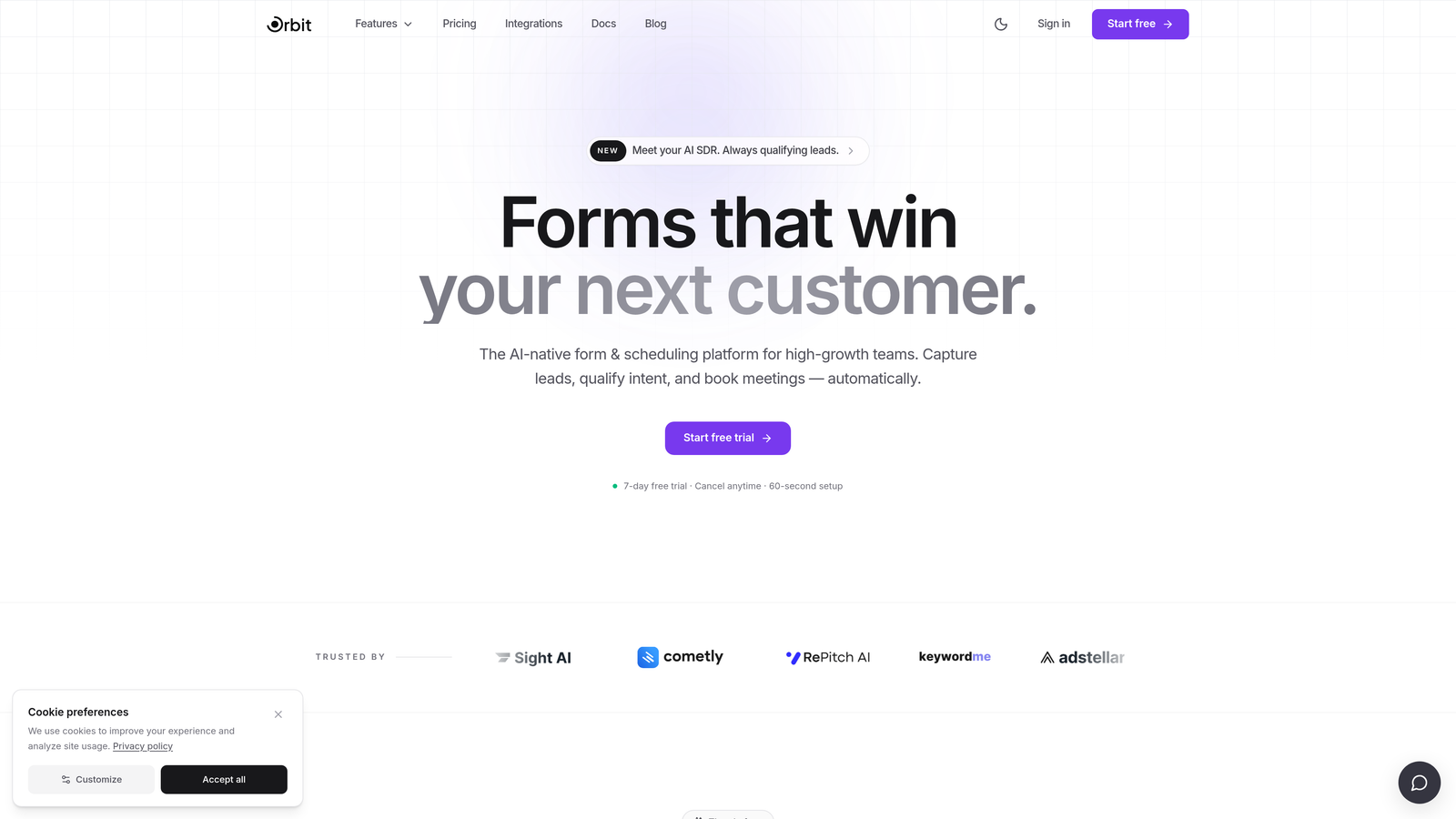
Orbit AI is an AI-powered form builder designed specifically for high-growth SaaS teams who need more than just data collection at the point of sign-up.
Where This Tool Shines
Most form tools treat qualification as an afterthought, something you do downstream in your CRM after the submission comes in. Orbit AI flips that model. Its AI qualification logic scores and segments leads as they move through the form, so by the time a user hits submit, your team already knows whether they're a self-serve fit, a sales opportunity, or somewhere in between.
For SaaS teams running trial sign-ups, product-led growth intake flows, or demo request forms, this kind of front-loaded intelligence can meaningfully improve how quickly the right leads reach the right hands. The form design is also genuinely modern, which matters when your onboarding form is often the first branded touchpoint a prospect experiences.
Key Features
AI Lead Qualification: Scores and segments users in real time as they complete the form, before submission hits your CRM.
Conversion-Optimized Templates: Modern, customizable form designs built with SaaS onboarding use cases in mind.
Conditional Logic: Personalizes onboarding paths based on user responses, so different user types see different questions.
SaaS-Native Use Cases: Built specifically for trial sign-ups, PLG intake flows, and demo requests, not adapted from a generic form tool.
CRM and Automation Integrations: Connects to CRMs and marketing automation tools to route qualified leads without manual intervention.
Best For
High-growth SaaS teams who want lead qualification intelligence baked into the onboarding experience itself, not bolted on afterward. Particularly valuable for teams with both self-serve and sales-assisted motions who need to route leads accurately from the very first interaction.
Pricing
Visit orbitforms.ai for current pricing plans. A free starting option is available.
2. Typeform
Best for: SaaS teams prioritizing user engagement and completion rates on longer onboarding flows.
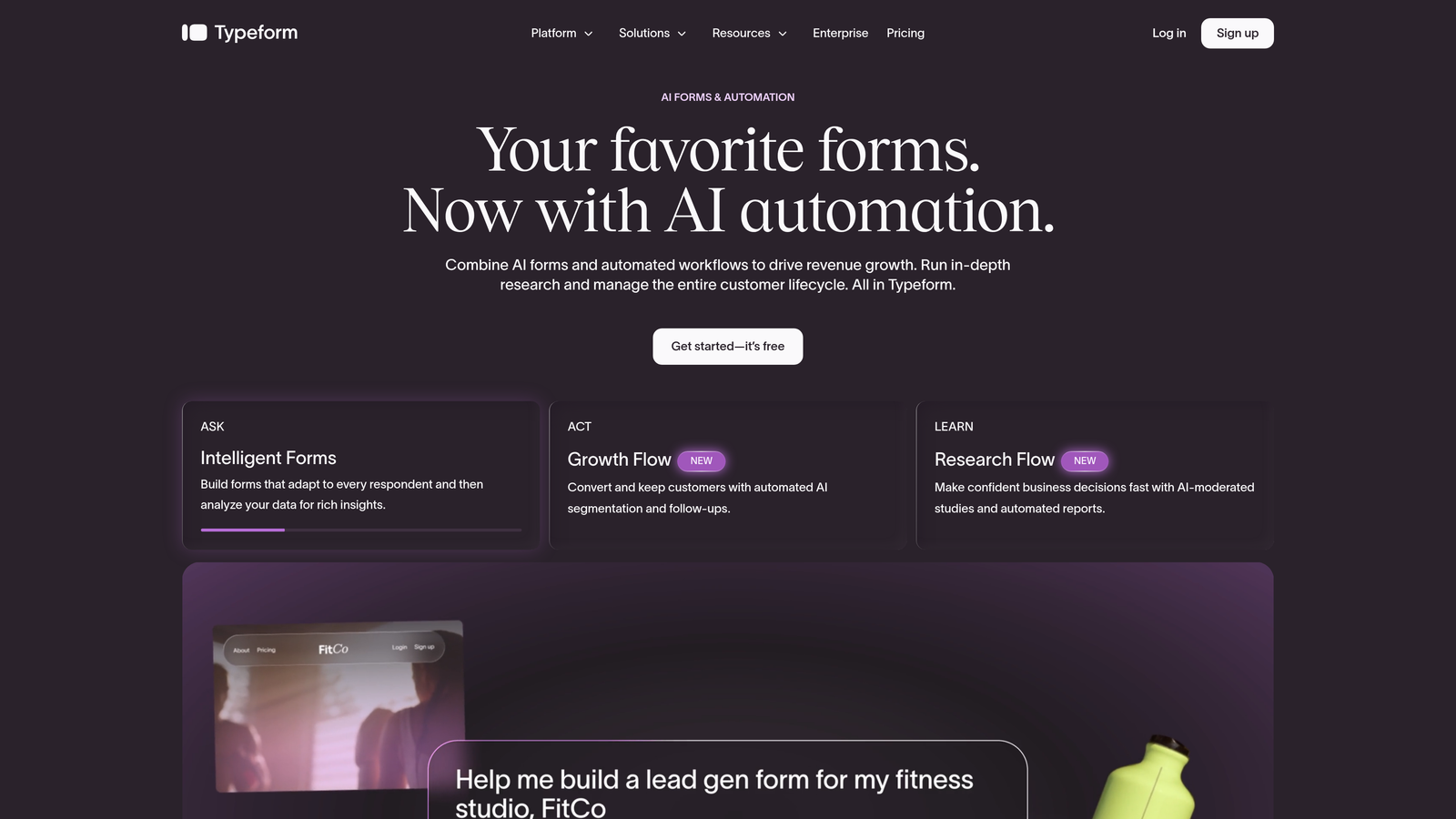
Typeform is a well-established conversational form builder known for its one-question-at-a-time interface that can improve engagement on multi-step onboarding experiences.
Where This Tool Shines
Typeform's core strength is its UX. The progressive disclosure model, showing one question at a time, can reduce the visual overwhelm that causes users to abandon longer onboarding forms. For SaaS products that need to collect role, company size, use case, and intent data during sign-up, that engagement lift matters.
It also has a mature integration ecosystem. Native connections to HubSpot, Salesforce, and Zapier mean submissions flow cleanly into most SaaS marketing stacks without custom development. The embed options, including popup, slider, and inline variants, give product and marketing teams flexibility in how the form appears within the product or landing page.
Key Features
Conversational Interface: One-question-at-a-time UX that can improve completion rates on longer forms.
Conditional Logic and Branching: Routes users to different questions based on prior answers.
Native Integrations: Direct connections to HubSpot, Salesforce, and Zapier without middleware.
Flexible Embed Options: Deploy as popup, slider, or inline within your SaaS product or landing pages.
Analytics Dashboard: Drop-off analysis to identify where users abandon the onboarding flow.
Best For
SaaS teams that want a polished, engagement-focused onboarding form and are already using HubSpot or Salesforce. Less ideal for teams that need AI-level qualification logic or want to avoid per-response pricing as they scale.
Pricing
Free tier available. Paid plans start around $25/month. Verify current pricing at typeform.com.
3. Tally
Best for: Early-stage SaaS teams that need a capable, free form builder with solid conditional logic.
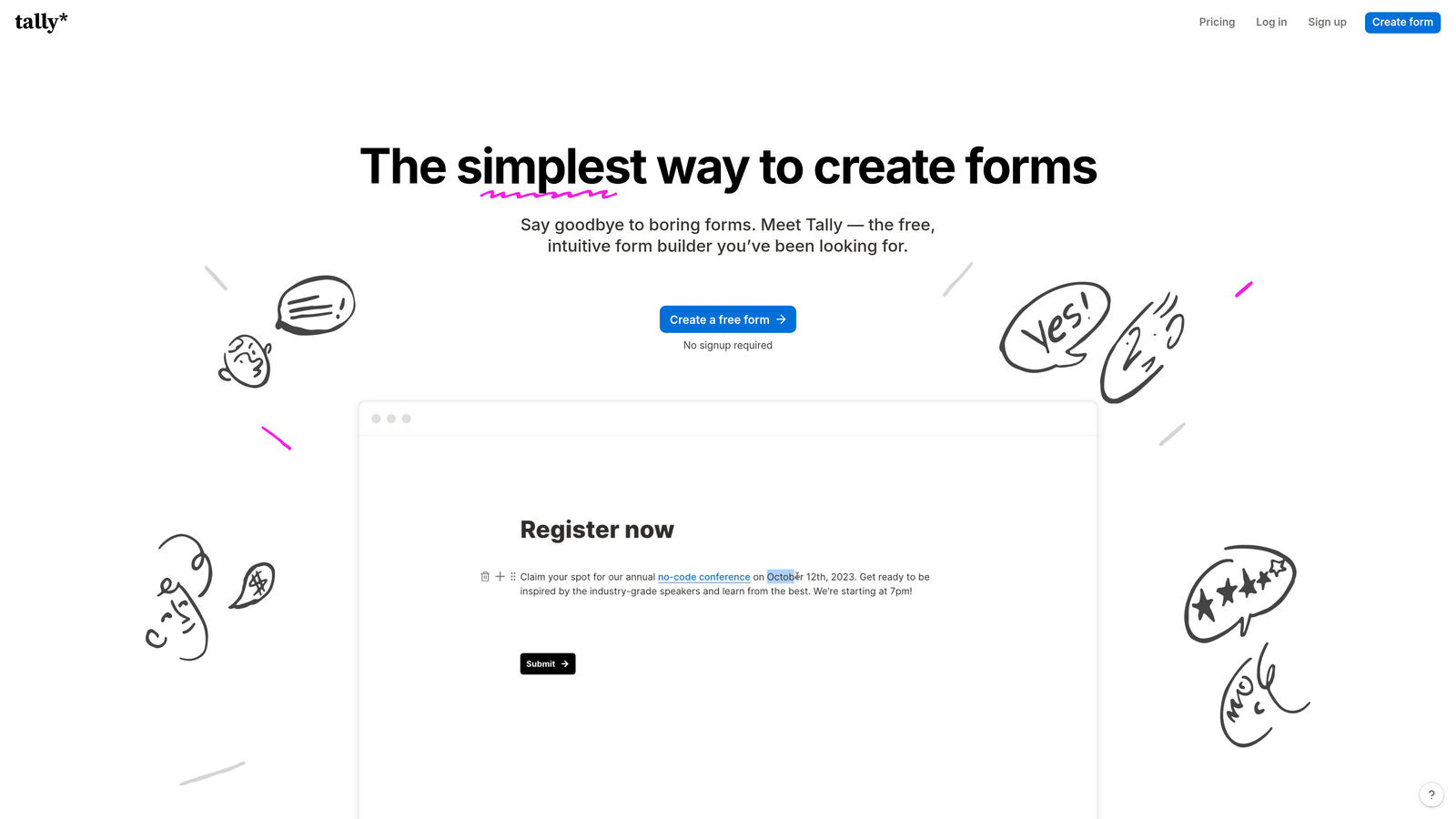
Tally is a free-first form builder with a Notion-style block editor that has become a favorite among early-stage SaaS teams and indie developers who need real functionality without a subscription.
Where This Tool Shines
The free tier is genuinely generous. Unlimited forms, unlimited responses, conditional logic, hidden fields, and webhook support are all available without paying anything. For a pre-revenue SaaS team building a waitlist or beta sign-up flow, that's a hard offer to pass up.
The editor experience is also notably fast. If you've used Notion, Tally will feel immediately familiar, which means less time fighting the tool and more time refining your onboarding questions. It won't win on enterprise CRM integrations or AI features, but for speed, cost, and simplicity, it punches well above its price point.
Key Features
Notion-Style Block Editor: Intuitive, fast form creation with minimal learning curve.
Conditional Logic on Free Plan: Branching and hidden fields available without upgrading.
Webhook Support: Route submissions to any downstream tool without native integrations.
Clean Embed Options: Works well embedded in SaaS sign-up pages and landing pages.
Unlimited Free Tier: Unlimited forms and responses make it viable for high-volume sign-up flows.
Best For
Early-stage SaaS teams, indie developers, and bootstrapped products that need reliable onboarding forms without spending on tooling. Also useful for internal intake flows where polish matters less than function.
Pricing
Free tier is very generous and covers most early-stage needs. Tally Pro is available for advanced features. Verify at tally.so.
4. HubSpot Forms
Best for: SaaS teams already using HubSpot who want zero-friction CRM sync on every form submission.
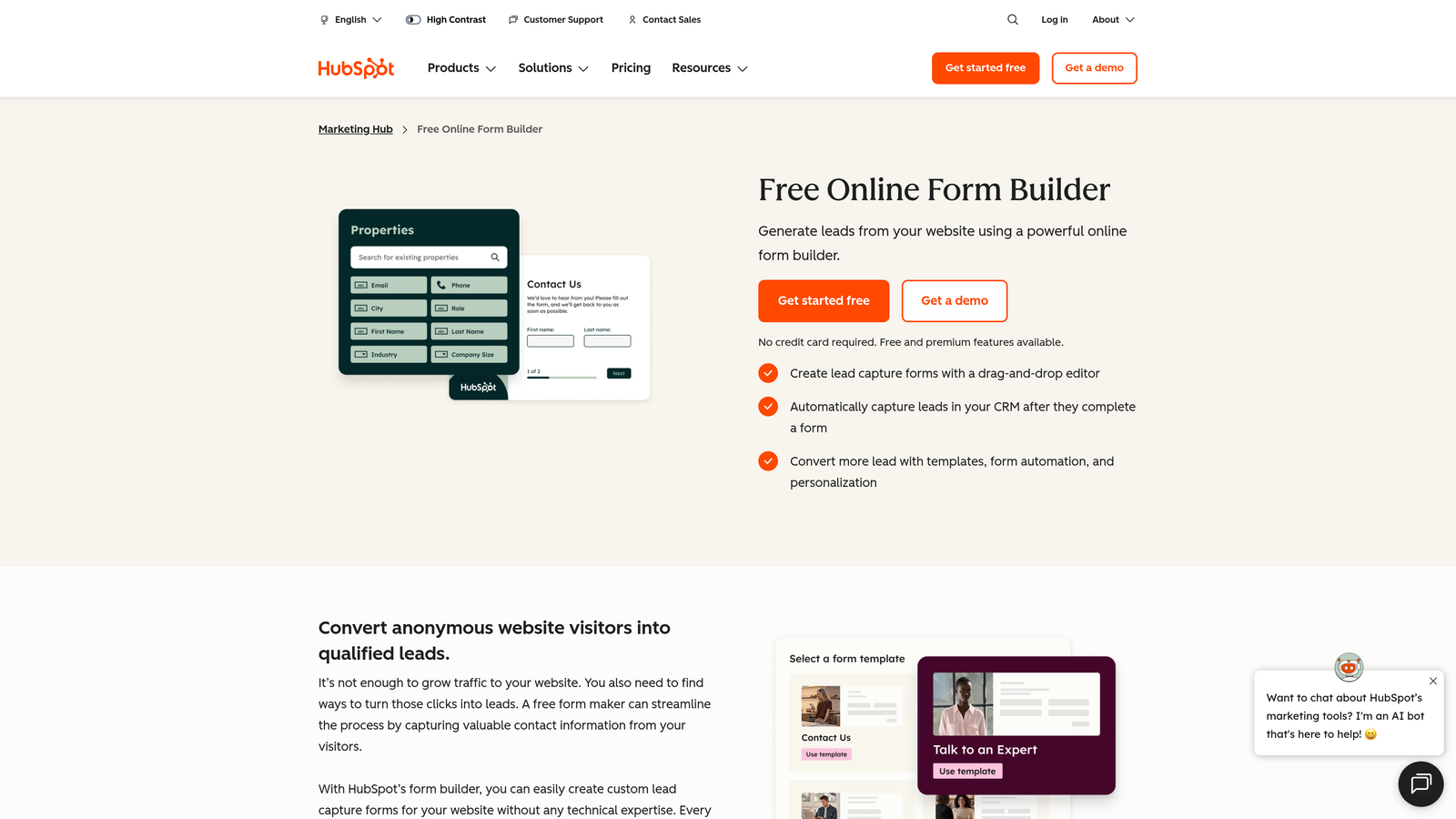
HubSpot Forms is the native form builder within HubSpot's marketing and CRM suite, offering seamless data sync and workflow automation for teams already in the HubSpot ecosystem.
Where This Tool Shines
If your team runs on HubSpot, this is the obvious choice for onboarding forms. Every submission maps directly to a HubSpot contact record with no Zapier layer in between. That means less data loss, faster routing, and cleaner attribution across your funnel.
The progressive profiling feature is particularly useful for SaaS onboarding. Rather than asking the same questions to returning visitors, HubSpot Forms can surface new fields based on what it already knows about a contact, making the experience feel smarter without requiring any extra configuration from the user.
Key Features
Native CRM Sync: Every submission maps directly to a HubSpot contact record with no middleware required.
Progressive Profiling: Shows different fields for known vs. unknown contacts to enrich data over time.
Workflow Automation Triggers: Kick off nurture sequences, lead routing, or sales alerts on form submission.
A/B Testing: Available on higher HubSpot tiers for conversion optimization.
GDPR Consent Fields: Built-in compliance fields for SaaS teams serving European markets.
Best For
SaaS teams with HubSpot as their CRM and marketing hub. Standalone, it's not competitive with the other tools on this list, but within the HubSpot ecosystem, it's the most frictionless option available.
Pricing
Free with HubSpot CRM. Advanced features like A/B testing and smart forms require paid HubSpot tiers. Verify at hubspot.com.
5. Jotform
Best for: SaaS teams with complex onboarding requirements involving multiple steps, approvals, or stakeholders.
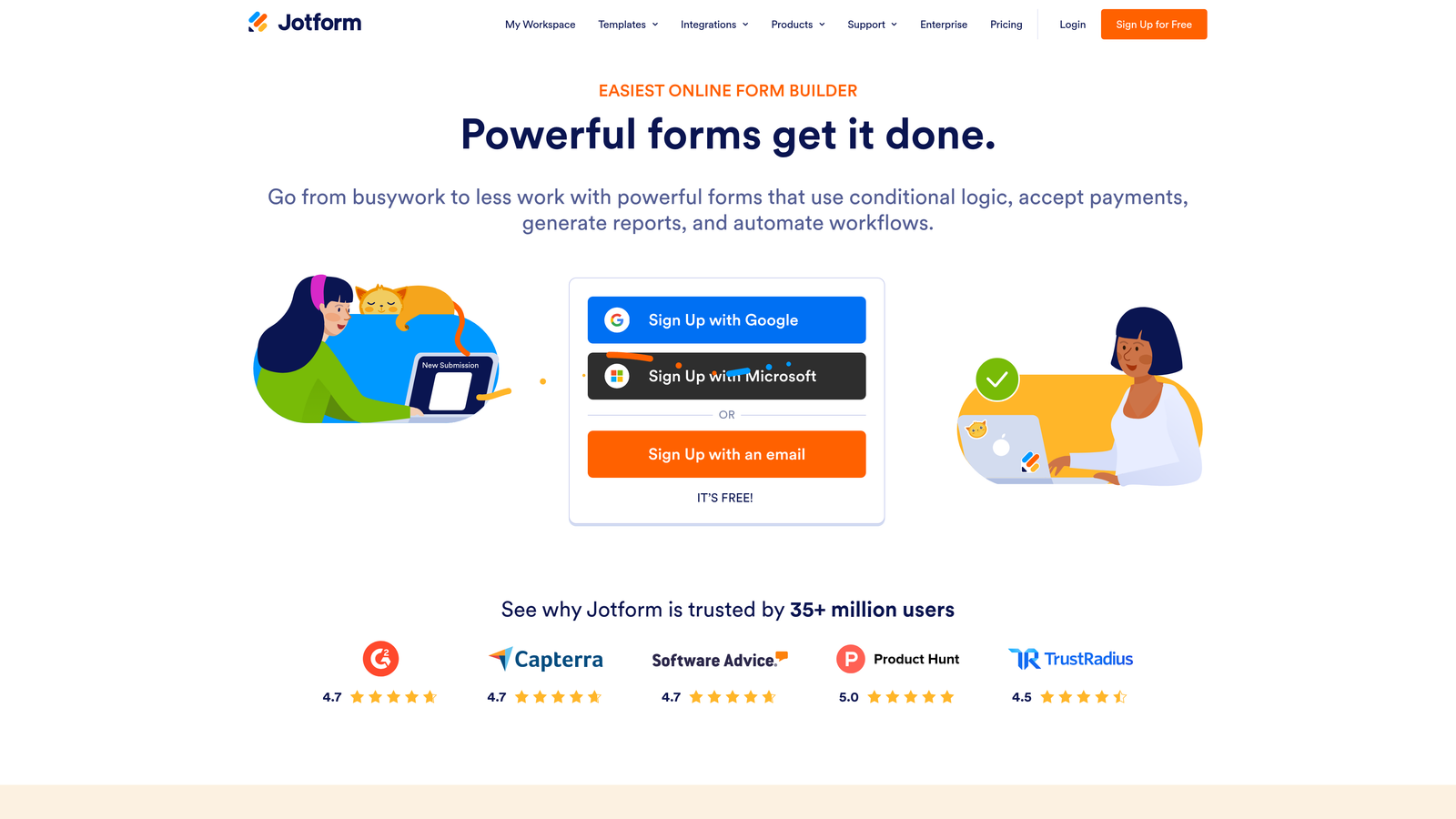
Jotform is one of the most feature-rich form builders available, with an extensive template library and workflow automation suited for enterprise-grade SaaS onboarding flows.
Where This Tool Shines
Where Jotform stands out is depth. If your onboarding flow involves multiple steps, conditional routing, approval workflows, payment collection, or e-signature requirements, Jotform can handle it without needing to stitch together multiple tools. The template library is extensive, and there are SaaS-specific templates for registration flows, trial sign-ups, and customer intake forms.
It's particularly well-suited for enterprise SaaS onboarding where multiple internal stakeholders need to review or approve submissions before a new account is provisioned. That kind of approval logic is rare in lighter form tools and genuinely useful for complex B2B onboarding scenarios.
Key Features
Extensive Template Library: Over 10,000 templates including SaaS onboarding and registration flows.
Multi-Step Forms: Progress indicators and paginated forms for complex onboarding sequences.
Approval Workflows: Route submissions through internal review before triggering downstream actions.
Payment and E-Signature Support: Useful for SaaS products with paid onboarding or contract requirements.
Wide Integration Library: Connects to Salesforce, Slack, Google Workspace, and hundreds of other tools.
Best For
Mid-market and enterprise SaaS teams with complex onboarding requirements. Can feel like overkill for simple sign-up flows, but is hard to beat when the onboarding process involves multiple data points, stakeholders, or approval steps.
Pricing
Free tier available. Paid plans start around $34/month. Verify current pricing at jotform.com.
6. Fillout
Best for: Tech-forward SaaS teams using Airtable, Notion, or Supabase as their primary data layer.
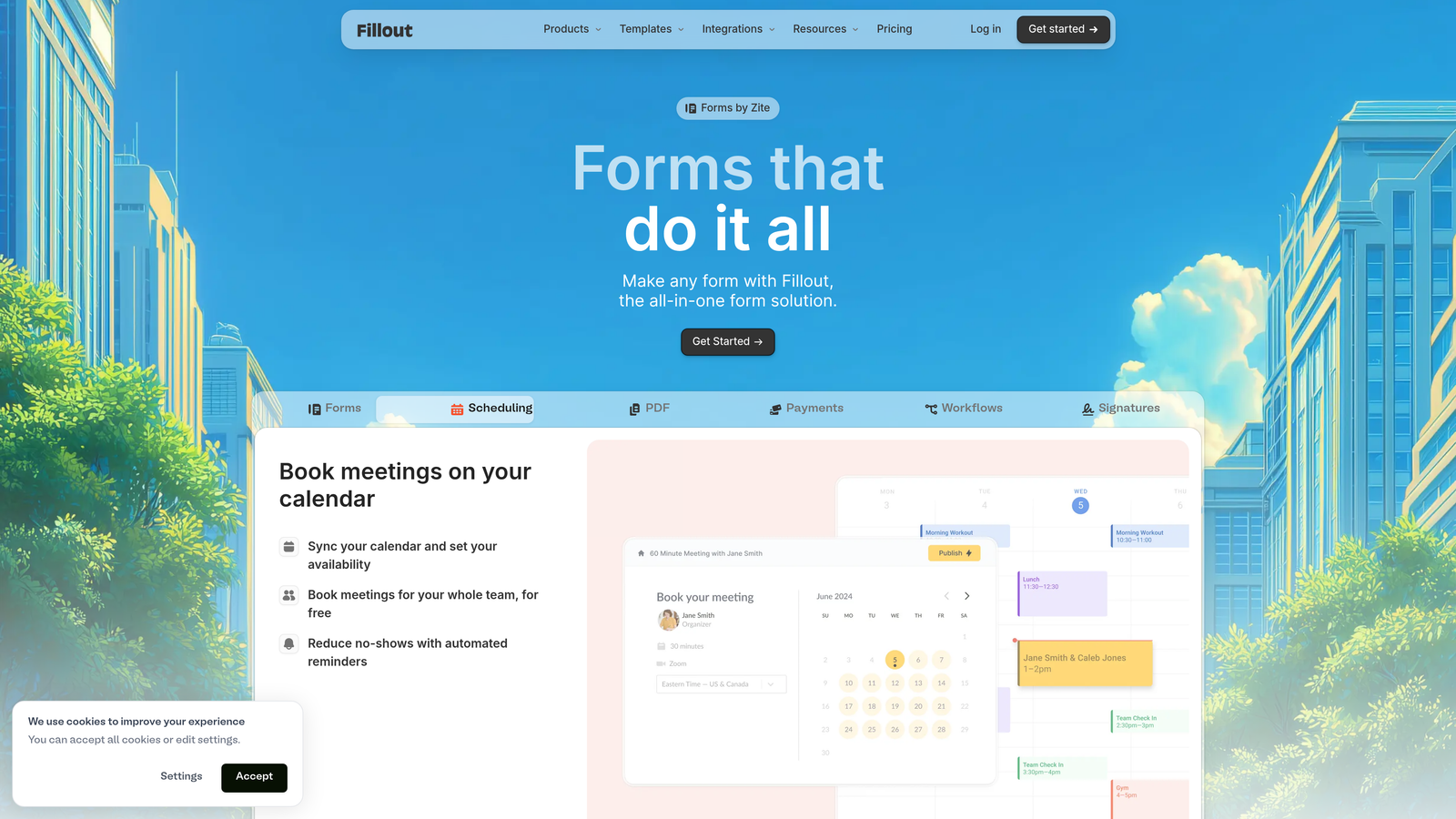
Fillout is a modern form builder that has gained traction among no-code and product-led SaaS teams who need forms that connect natively to modern database tools rather than legacy CRMs.
Where This Tool Shines
Fillout's defining feature is its native database integrations. While most form tools route submissions to a CRM or spreadsheet, Fillout connects directly to Airtable, Notion, Supabase, and Google Sheets, making it the natural choice for SaaS teams that manage their user data in those environments. There's no Zapier layer needed, which means cleaner data and fewer points of failure.
The UI is clean and modern, and the multi-step form builder handles conditional logic well. It also supports scheduling and calendar embeds, which is useful for SaaS teams that want to combine sign-up and demo booking into a single form flow.
Key Features
Native Database Integrations: Direct connections to Airtable, Notion, Supabase, and Google Sheets.
Multi-Step Forms with Conditional Logic: Personalized paths based on user responses across paginated forms.
Scheduling and Calendar Embeds: Combine sign-up and demo booking in a single onboarding flow.
Modern, Responsive UI: Clean design with strong mobile responsiveness out of the box.
Generous Free Tier: Suitable for early-stage teams before committing to a paid plan.
Best For
Product-led SaaS teams and no-code builders who manage user data in Airtable, Notion, or Supabase and want form submissions to flow there directly, without middleware.
Pricing
Free tier available. Paid plans available for higher volume and advanced features. Verify current pricing at fillout.com.
7. Paperform
Best for: SaaS teams where the onboarding form is a core part of the brand experience and visual presentation matters.
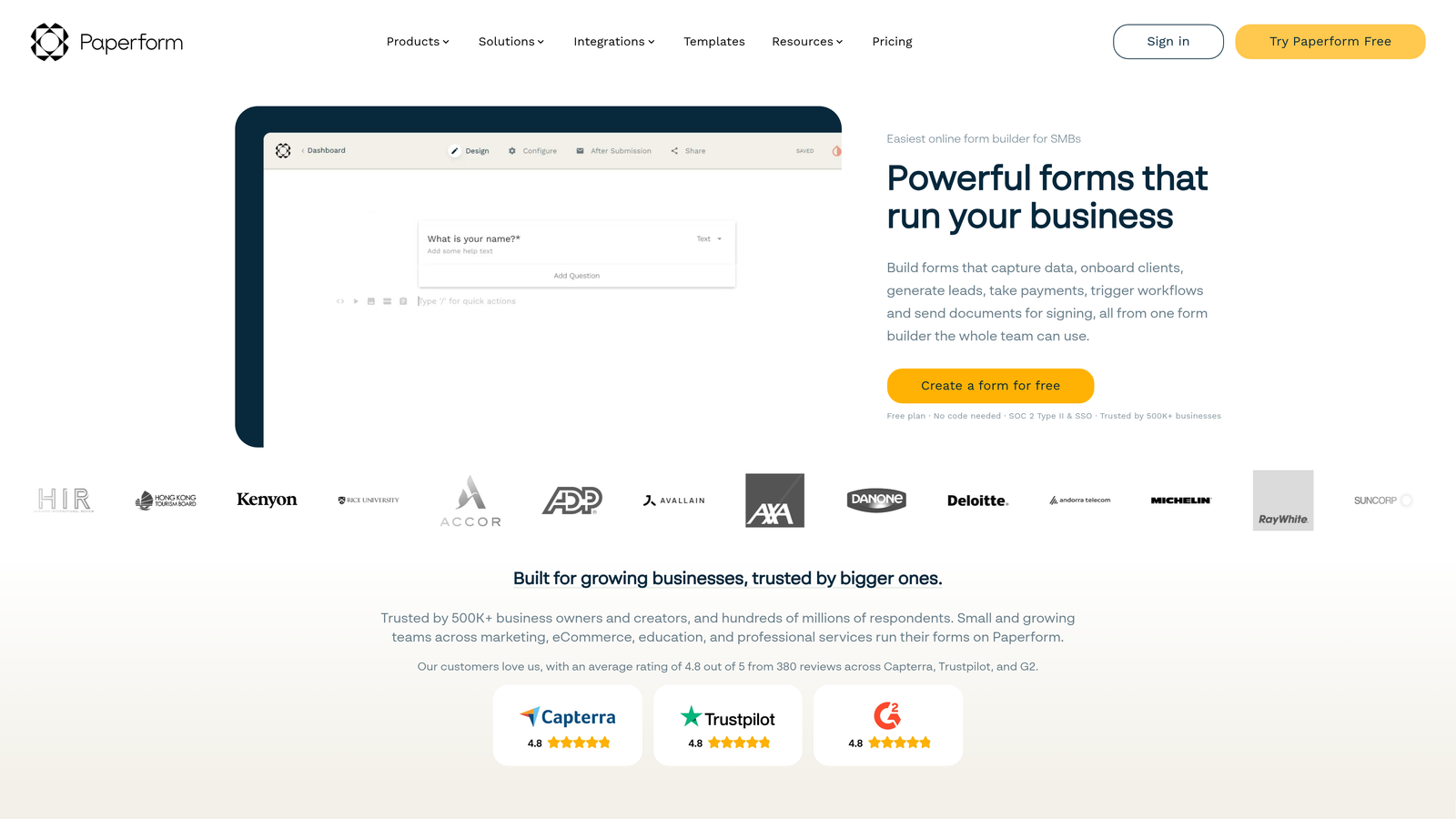
Paperform is a visually rich form builder that lets SaaS teams embed images, videos, and product content directly into the onboarding form experience, blurring the line between form and landing page.
Where This Tool Shines
Paperform treats forms more like documents or mini landing pages than data collection interfaces. You can embed product screenshots, explainer videos, or feature highlights directly within the form, which can help contextualize the questions you're asking and keep users engaged through a longer onboarding sequence.
For SaaS products where first impressions carry significant weight, like design tools, creative platforms, or consumer-facing B2B products, this visual richness can make the onboarding form feel like a natural extension of the product itself rather than an administrative hurdle.
Key Features
Rich Media Embedding: Add images, videos, and product previews directly within form sections.
Deep Visual Customization: Full brand control over fonts, colors, layouts, and backgrounds.
Conditional Sections and Calculations: Logic-based routing and calculated fields for dynamic forms.
Built-In Payment Collection: Useful for SaaS products with paid onboarding tiers.
Integrations: Connects to Zapier, HubSpot, and Slack for downstream automation.
Best For
SaaS teams with strong brand identities who want the onboarding form to feel like part of the product experience. Less suited for teams prioritizing CRM-heavy workflows or AI-level lead qualification.
Pricing
Paid-only tool. Plans start around $24/month. Verify current pricing at paperform.co.
8. Formspree
Best for: Developer-led SaaS teams who want full frontend control and need a reliable form processing backend.
Formspree is an API-first form backend that handles submission processing, spam filtering, and routing without requiring a drag-and-drop builder or a managed frontend.
Where This Tool Shines
Formspree is built for engineering teams. Instead of using a visual builder, developers write their own form in HTML, React, or Vue and point the submission endpoint at Formspree. The service handles the backend: processing submissions, filtering spam, managing file uploads, and forwarding data via webhooks to whatever downstream service the team uses.
This model gives SaaS teams complete control over the form's look, feel, and behavior without maintaining their own form processing infrastructure. For teams with design systems, custom component libraries, or specific accessibility requirements, that frontend flexibility is genuinely valuable and difficult to replicate with no-code tools.
Key Features
Works with Any Frontend: Compatible with HTML, React, Vue, or any custom form implementation.
No Backend Required: Formspree handles all submission processing via API.
Spam Filtering and File Uploads: Built-in protection and file handling without custom server logic.
Webhook Forwarding: Route submissions to any downstream service or data pipeline.
Full Design Control: The form looks exactly how your design system dictates, with no third-party UI constraints.
Best For
Engineering-led SaaS teams who want to build onboarding forms within their own design system and need a reliable, scalable backend for processing submissions. Not suited for non-technical teams or anyone who needs a visual builder.
Pricing
Free tier for basic use. Paid plans available for higher submission volumes and advanced features. Verify current pricing at formspree.io.
9. Wispform
Best for: Small SaaS teams that need a simple, fast-to-deploy form for waitlists, beta sign-ups, or basic intake flows.
Wispform is a lightweight, minimal form builder positioned as a straightforward option for SaaS teams where speed of setup is the primary requirement.
Where This Tool Shines
Wispform doesn't try to compete on features. Its value proposition is simplicity: get a clean, distraction-free form live quickly, embed it on a landing page, and start collecting sign-ups. For teams launching a waitlist, running a beta program, or collecting early interest before a product is ready, that low-friction setup is exactly what's needed.
The embed experience is clean and works well on modern SaaS landing pages without requiring any technical configuration. It's not the right tool for complex, multi-step onboarding flows with CRM routing and conditional logic, but for the use cases it targets, it delivers without getting in the way.
Key Features
Fast Form Creation: Minimal interface designed for speed of setup over feature depth.
Clean Embed Experience: Works well on landing pages without technical overhead.
Basic Conditional Logic: Handles simple branching for straightforward onboarding flows.
Waitlist and Beta Sign-Up Ready: Well-suited for pre-launch and early-access collection scenarios.
Affordable Pricing: Accessible cost structure for small teams and solo founders.
Best For
Early-stage SaaS teams, solo founders, and small product teams who need a working sign-up or waitlist form deployed quickly without a steep learning curve or a significant budget commitment.
Pricing
Free tier available. Affordable paid plans for additional features. Verify current pricing at wispform.com.
Which Onboarding Form Tool Is Right for Your SaaS?
The right tool depends on three things: your stack, your team's technical capacity, and how much intelligence you need at the top of your funnel.
If lead qualification is a priority, and you want to know who's signing up before they hit your CRM, Orbit AI is the only tool on this list that addresses that natively. Its AI-powered qualification logic works at the form level, giving high-growth teams a meaningful advantage in routing and converting users from the very first interaction.
For teams already running on HubSpot, HubSpot Forms is the obvious, lowest-friction choice. For developer-led teams who need full frontend control, Formspree is purpose-built for that use case. And for early-stage teams watching their tooling budget, Tally's free tier is genuinely hard to beat.
Here's a quick breakdown by use case:
AI-powered lead qualification at sign-up: Orbit AI
Engagement-focused, conversational onboarding: Typeform
Free tier with real conditional logic: Tally
HubSpot-native CRM sync: HubSpot Forms
Complex, multi-stakeholder onboarding: Jotform
Airtable, Notion, or Supabase data layer: Fillout
Brand-rich, visually immersive forms: Paperform
Full developer control over form frontend: Formspree
Fast waitlist or beta sign-up deployment: Wispform
For teams that want AI-powered qualification baked into their onboarding flow from day one, start building free forms today and see how intelligent form design can transform the way you qualify and convert users at the top of your funnel.


