

Your forms are often the first real interaction prospects have with your business—and most form builders treat them as an afterthought. Generic templates, clunky interfaces, and zero intelligence behind the submission. For high-growth teams focused on lead generation, that's leaving money on the table.
The right professional form builder does more than collect data. It qualifies leads, integrates with your stack, and turns submissions into pipeline. We evaluated dozens of platforms based on conversion optimization features, integration capabilities, customization depth, and value for growing teams.
Here are the top professional form builder software options worth your attention in 2026.
1. Orbit AI
Best for: High-growth teams needing AI-powered lead qualification built into their forms
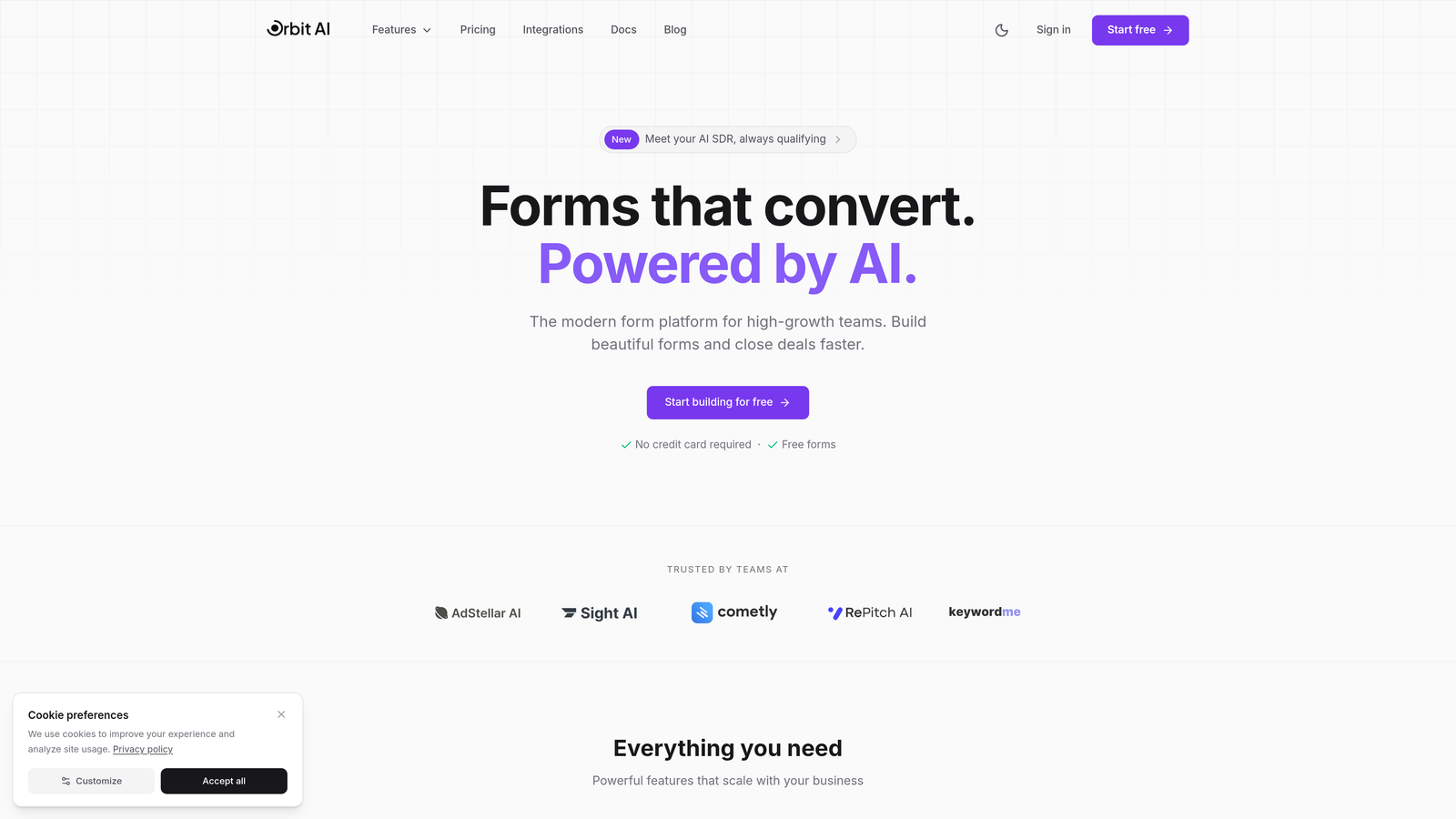
Orbit AI is an AI-powered form builder platform designed specifically for teams that treat forms as a critical conversion point, not just a data collection tool.
Where This Tool Shines
The standout feature is intelligent lead qualification that happens automatically as submissions come in. The AI scores each lead based on criteria you define, then routes high-value prospects to the right team members instantly. No manual sorting, no delayed follow-up.
The platform was built with conversion optimization at its core. Templates are designed around what actually drives submissions, and the analytics show you exactly where prospects drop off so you can fix friction points fast.
Key Features
AI-Powered Lead Qualification: Automatically scores and routes submissions based on your ideal customer profile without manual intervention.
Conversion-Optimized Templates: Pre-built forms designed around proven lead generation patterns that reduce abandonment.
Native CRM Integrations: Direct connections to HubSpot, Salesforce, and Pipedrive with two-way data sync.
Built-In Analytics: Track submission rates, completion percentages, and drop-off points to continuously improve performance.
Workflow Automation: Trigger instant follow-up sequences based on lead score or form responses.
Best For
High-growth B2B teams that need forms to do more than collect contact info. If you're running paid ads, gated content, or demo requests where lead quality matters as much as quantity, the AI qualification saves hours of manual sorting while getting hot leads to sales faster.
Pricing
Free plan available to get started. Paid plans start at competitive rates for growing teams, scaling with your submission volume and automation needs.
2. Typeform
Best for: Creating engaging, conversational form experiences that feel human
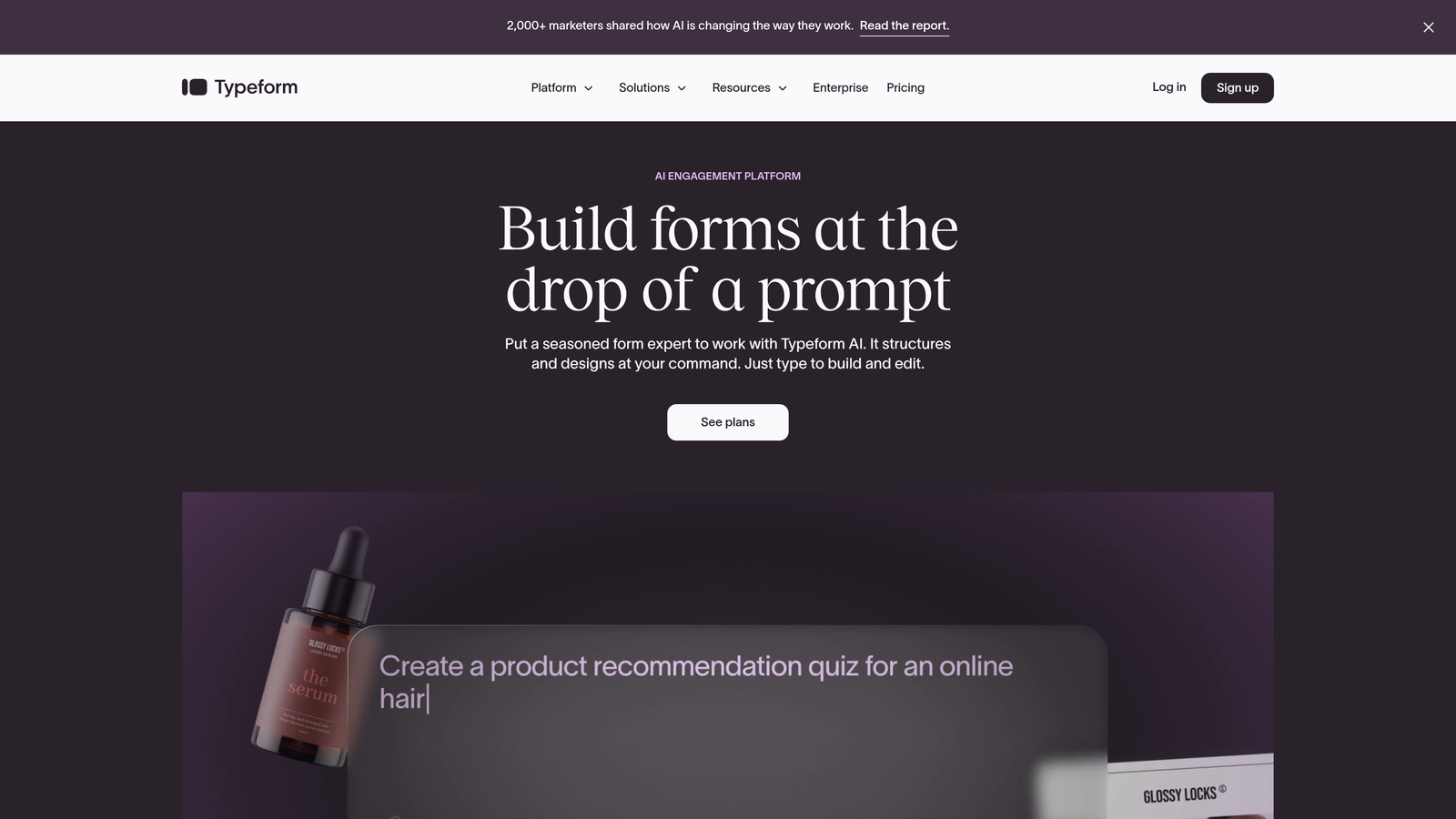
Typeform pioneered the one-question-at-a-time format that makes filling out forms feel more like a conversation than a chore.
Where This Tool Shines
The conversational interface keeps users focused on one question at a time, which significantly reduces the overwhelm that kills completion rates on traditional multi-field forms. It's particularly effective for surveys, quizzes, and lead capture where you're asking for more than basic contact info.
Brand customization is exceptionally strong. You can match your exact fonts, colors, and visual style, then embed images and videos directly into questions to create memorable experiences that stand out from generic web forms.
Key Features
Conversational Interface: One-question-at-a-time format that increases completion rates by reducing cognitive load.
Advanced Logic Jumps: Create personalized paths through your form based on previous answers.
Rich Media Support: Embed videos, images, and GIFs directly into questions for engaging experiences.
Strong Branding Options: Full control over fonts, colors, backgrounds, and custom domains.
Marketing Integrations: Native connections to popular tools like Google Sheets, Slack, and Mailchimp.
Best For
Brands that want forms to feel like an extension of their website experience rather than a generic data collection tool. Works exceptionally well for customer feedback, event registrations, and lead qualification flows where engagement matters.
Pricing
Free plan with limited responses. Basic plan starts at $25/month for 100 responses, with higher tiers for increased volume and advanced features.
3. Jotform
Best for: Teams needing maximum flexibility with thousands of templates and widgets
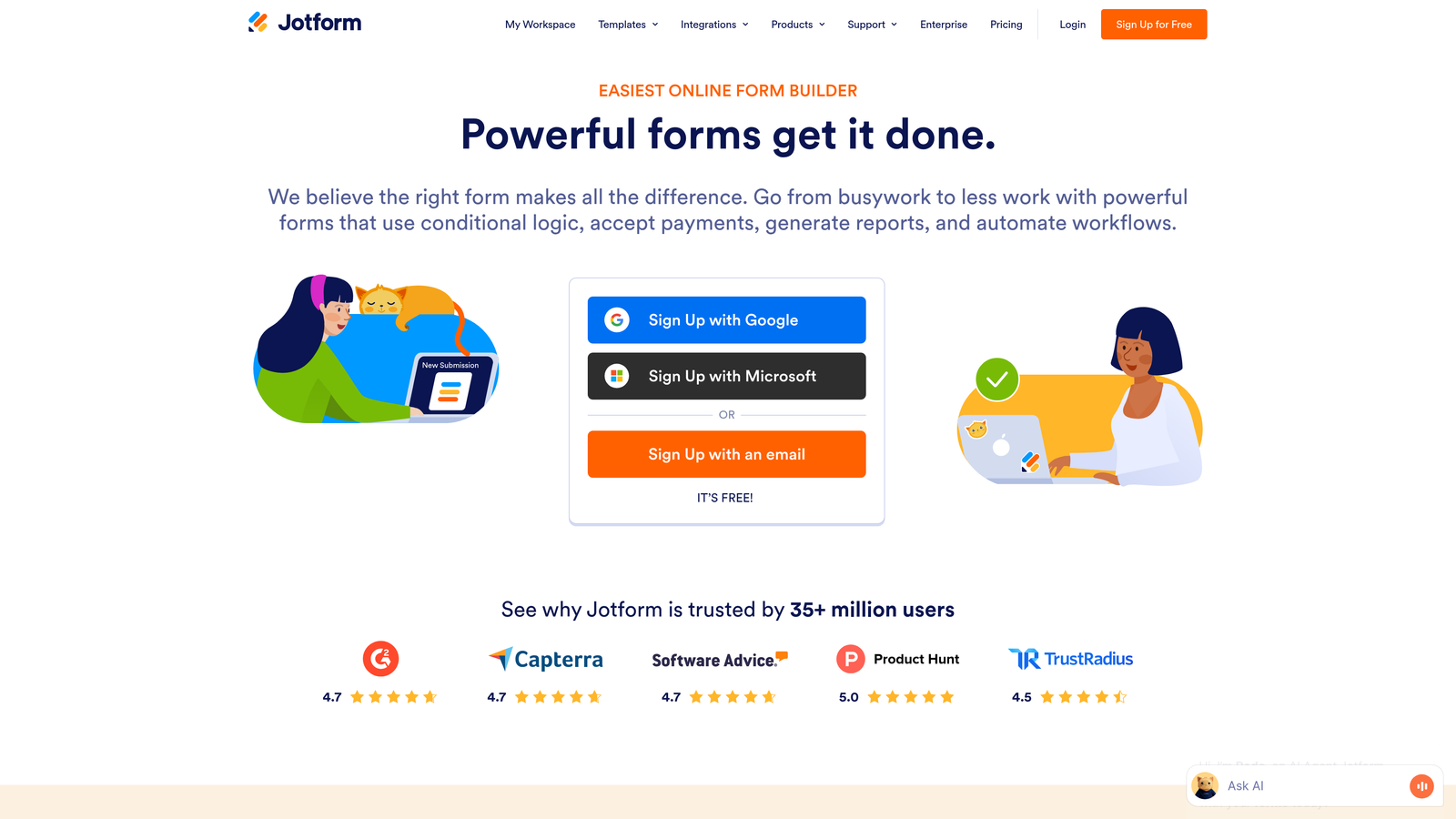
Jotform is a versatile drag-and-drop form builder with an enormous library of pre-built templates and widgets for virtually any use case.
Where This Tool Shines
The sheer breadth of options is Jotform's superpower. With over 10,000 templates, you're rarely starting from scratch. Need to collect e-signatures? There's a widget. Want to accept payments? Built in. Looking for appointment scheduling? Covered.
Jotform Tables transforms submission management by presenting your data in a spreadsheet-like interface where you can sort, filter, and collaborate on responses without exporting to another tool.
Key Features
10,000+ Templates: Pre-built forms for every industry and use case, from healthcare intake to event registration.
Extensive Widget Library: Add e-signatures, payment processing, file uploads, and hundreds of specialized fields.
Conditional Logic: Show or hide fields based on user responses to create dynamic forms.
PDF Form Creation: Build and edit PDF forms directly within the platform.
Jotform Tables: Manage submissions in a collaborative spreadsheet interface without leaving the platform.
Best For
Organizations that need one form builder to handle diverse use cases across departments. If you're building everything from simple contact forms to complex multi-page applications with payment processing, Jotform's flexibility handles it all.
Pricing
Free plan includes 5 forms with 100 monthly submissions. Bronze plan starts at $34/month for unlimited forms.
4. HubSpot Forms
Best for: Teams already using HubSpot CRM who want seamless contact management
HubSpot Forms is the native form builder within the HubSpot ecosystem, designed for tight integration with HubSpot's CRM and marketing automation.

Where This Tool Shines
If you're running HubSpot, the integration is unbeatable. Form submissions automatically create or update contact records, trigger workflows, and populate your CRM without any middleware or manual data entry. Everything lives in one system.
Progressive profiling is a standout feature that remembers returning visitors and asks different questions each time, gradually building complete contact profiles without overwhelming users with long forms on first visit.
Key Features
Native CRM Integration: Submissions automatically create contacts and update records in HubSpot with zero configuration.
Progressive Profiling: Show different fields to returning visitors to gradually collect more data over time.
Smart Fields: Auto-populate known information for returning visitors to reduce friction.
Built-In Analytics: Track form performance within HubSpot's reporting dashboard alongside other marketing metrics.
Workflow Triggers: Automatically start email sequences or assign tasks when specific forms are submitted.
Best For
Marketing and sales teams already invested in the HubSpot ecosystem. The value is in the seamless connection to your existing workflows, not in standalone form-building capabilities.
Pricing
Free with HubSpot CRM. Advanced features like progressive profiling require Marketing Hub Starter at $45/month.
5. Formstack
Best for: Enterprise teams needing advanced compliance, workflows, and document generation
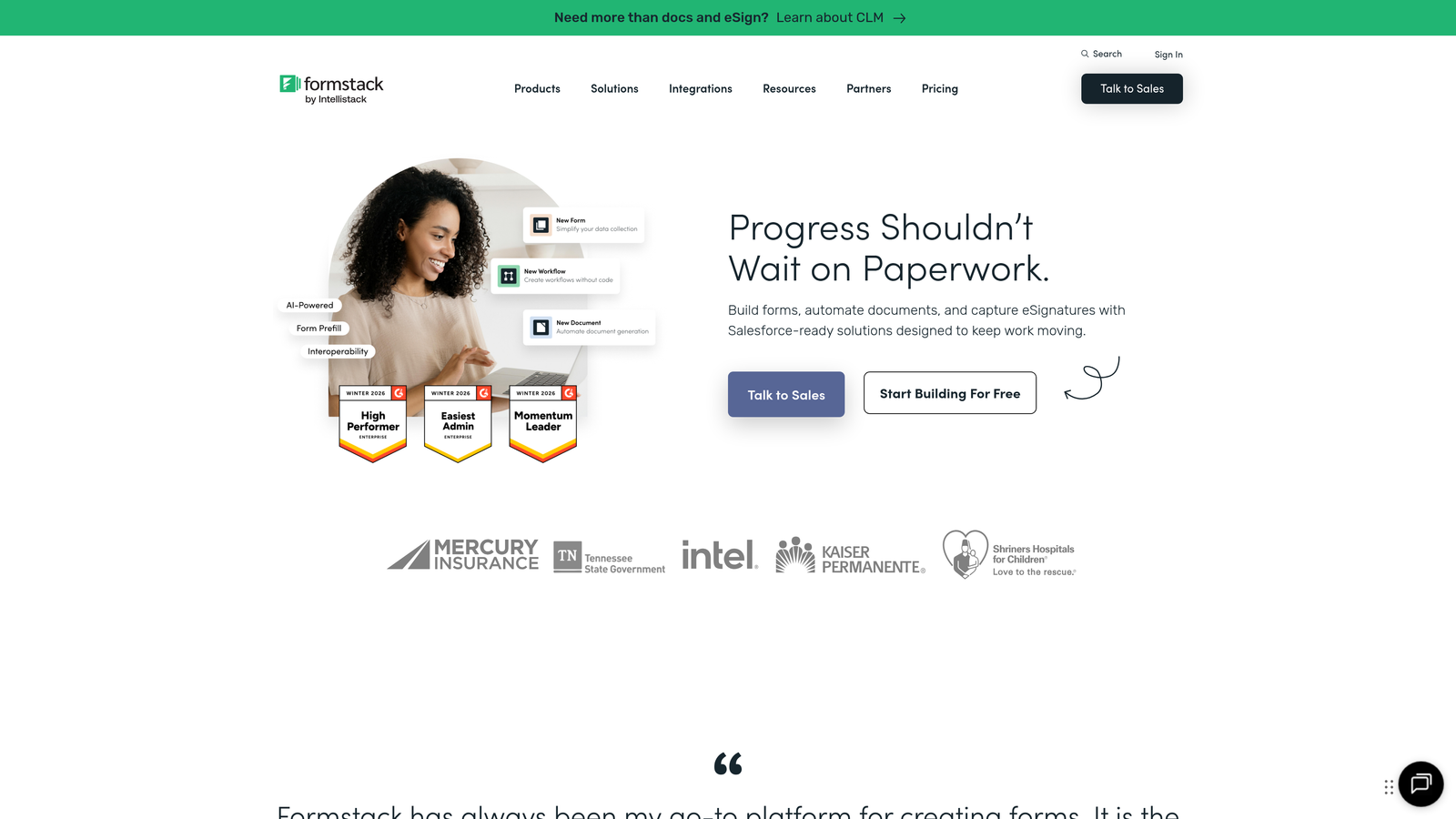
Formstack is an enterprise-grade form builder with sophisticated workflow automation, compliance features, and document generation capabilities that go beyond basic data collection.
Where This Tool Shines
Formstack excels at complex business processes that require multi-step approvals, document generation from submissions, and strict compliance requirements. The conditional logic engine handles intricate rule sets that would break simpler form builders.
For healthcare organizations, the HIPAA-compliant infrastructure is critical. Formstack provides the encryption, access controls, and audit trails required for handling protected health information through web forms.
Key Features
Advanced Conditional Logic: Build complex rule sets with multiple conditions and actions for sophisticated form flows.
HIPAA Compliance: Encrypted data storage and transmission meeting healthcare industry requirements.
Document Generation: Automatically create PDFs, contracts, or reports from form submission data.
Workflow Automation: Route submissions through approval processes with notifications and status tracking.
Salesforce-Native App: Optional Salesforce integration that runs entirely within your Salesforce instance.
Best For
Healthcare organizations, financial services, and enterprise teams with complex approval workflows or strict compliance requirements. The platform handles use cases that go well beyond simple lead capture.
Pricing
Starter plan at $50/month. Teams plan at $83/month includes advanced features like workflows and document generation.
6. Cognito Forms
Best for: Payment collection, complex calculations, and repeating sections with generous free tier
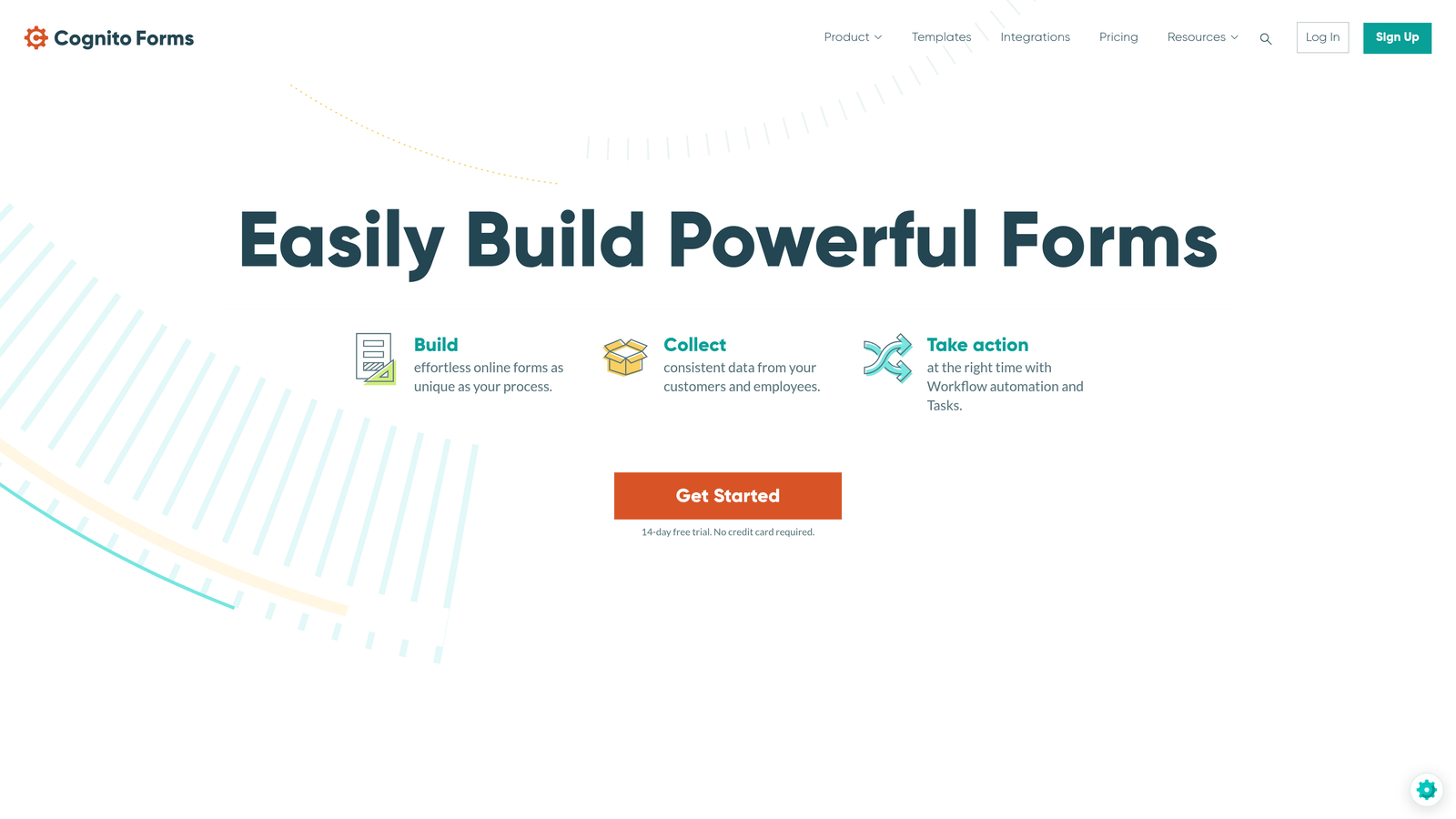
Cognito Forms is a feature-rich form builder that excels at payment processing, advanced calculations, and dynamic data entry through repeating sections.
Where This Tool Shines
The calculation engine is remarkably powerful. You can build order forms, quote generators, or registration forms with complex pricing logic, taxes, and conditional fees—all calculated in real-time as users fill out the form.
Repeating sections let users add multiple entries within a single form submission. Think event registration where someone can add multiple attendees, or order forms where customers can add multiple line items without navigating through separate pages.
Key Features
Built-In Payment Processing: Accept payments through Stripe, PayPal, and Square directly within your forms.
Advanced Calculations: Build complex formulas for quotes, totals, and conditional pricing.
Repeating Sections: Allow users to add multiple entries of the same data set within one submission.
Inventory Tracking: Set quantity limits and track remaining capacity for registrations or orders.
Data Encryption: Encrypt sensitive fields at rest for compliance and security requirements.
Best For
Organizations collecting payments, building registration forms, or creating quote calculators. The free tier is exceptionally generous, making it ideal for nonprofits and small businesses with budget constraints.
Pricing
Free plan with unlimited forms and submissions. Pro plan at $15/month removes branding and adds advanced features.
7. Paperform
Best for: Creating landing page-style forms with rich media and e-commerce features
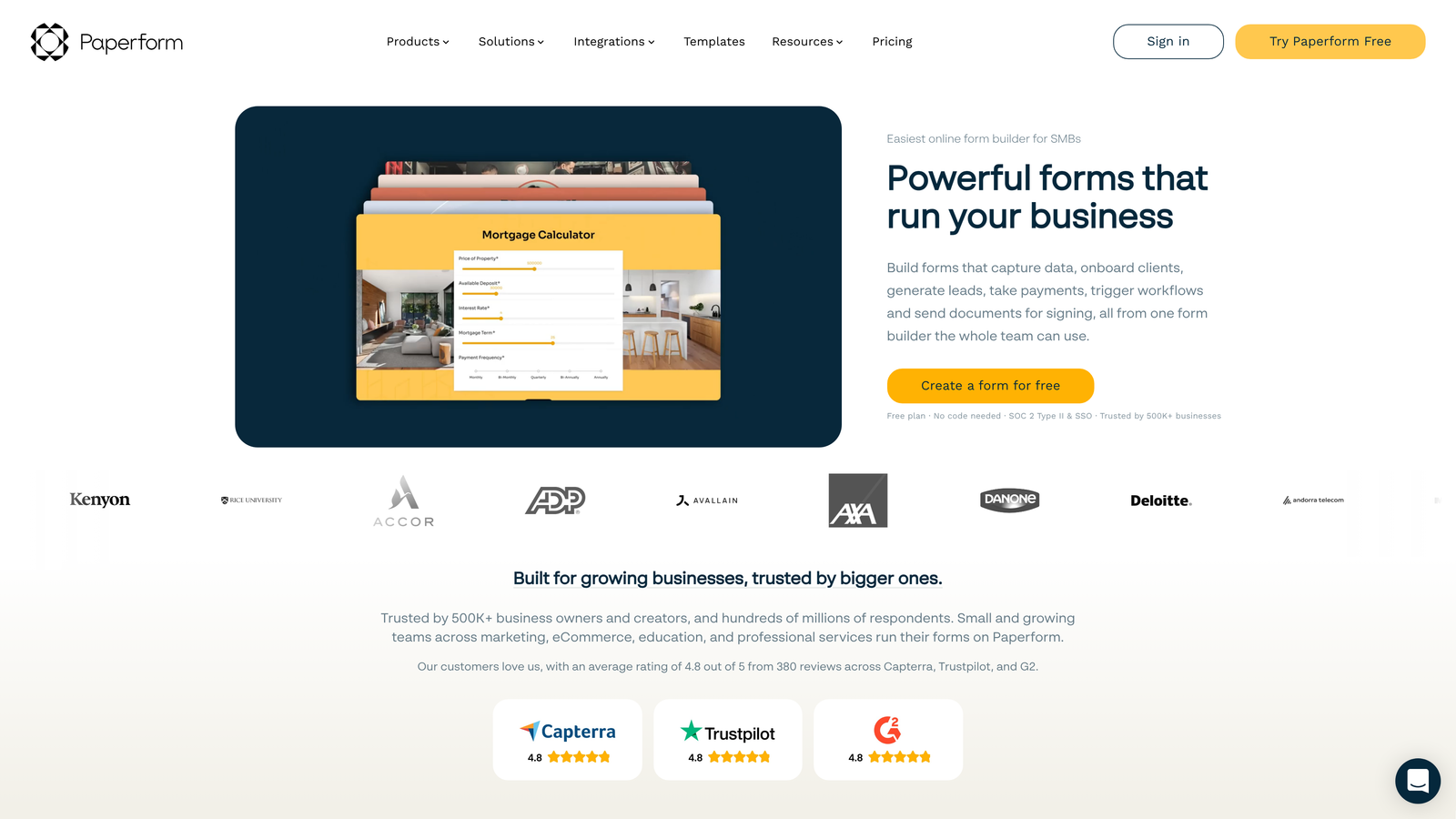
Paperform blurs the line between forms and landing pages, creating form experiences that feel like standalone web pages with rich text, images, and media throughout.
Where This Tool Shines
The landing page-style approach means your forms can include headers, body text, images, and videos interspersed with form fields. This creates context and engagement that traditional field-after-field forms lack, particularly effective for product orders or service bookings.
Built-in e-commerce features go beyond basic payment collection. You can build product catalogs with images, descriptions, and variants, then accept orders through forms that feel like dedicated product pages.
Key Features
Landing Page Design: Mix form fields with rich text, images, and media to create page-like experiences.
Product Catalog: Build e-commerce forms with product images, descriptions, and inventory management.
Appointment Scheduling: Embed calendar booking directly within forms for service-based businesses.
Custom Success Pages: Design branded confirmation pages or redirect to specific URLs after submission.
Calculation Fields: Build dynamic pricing and total calculations based on user selections.
Best For
Service businesses, coaches, and product sellers who want forms that double as sales pages. The rich media capabilities work particularly well for applications, bookings, and orders where context matters.
Pricing
Essentials plan at $24/month. Pro plan at $49/month adds advanced integrations and removes limits.
8. Tally
Best for: Unlimited forms and submissions on a generous free plan with Notion-like interface
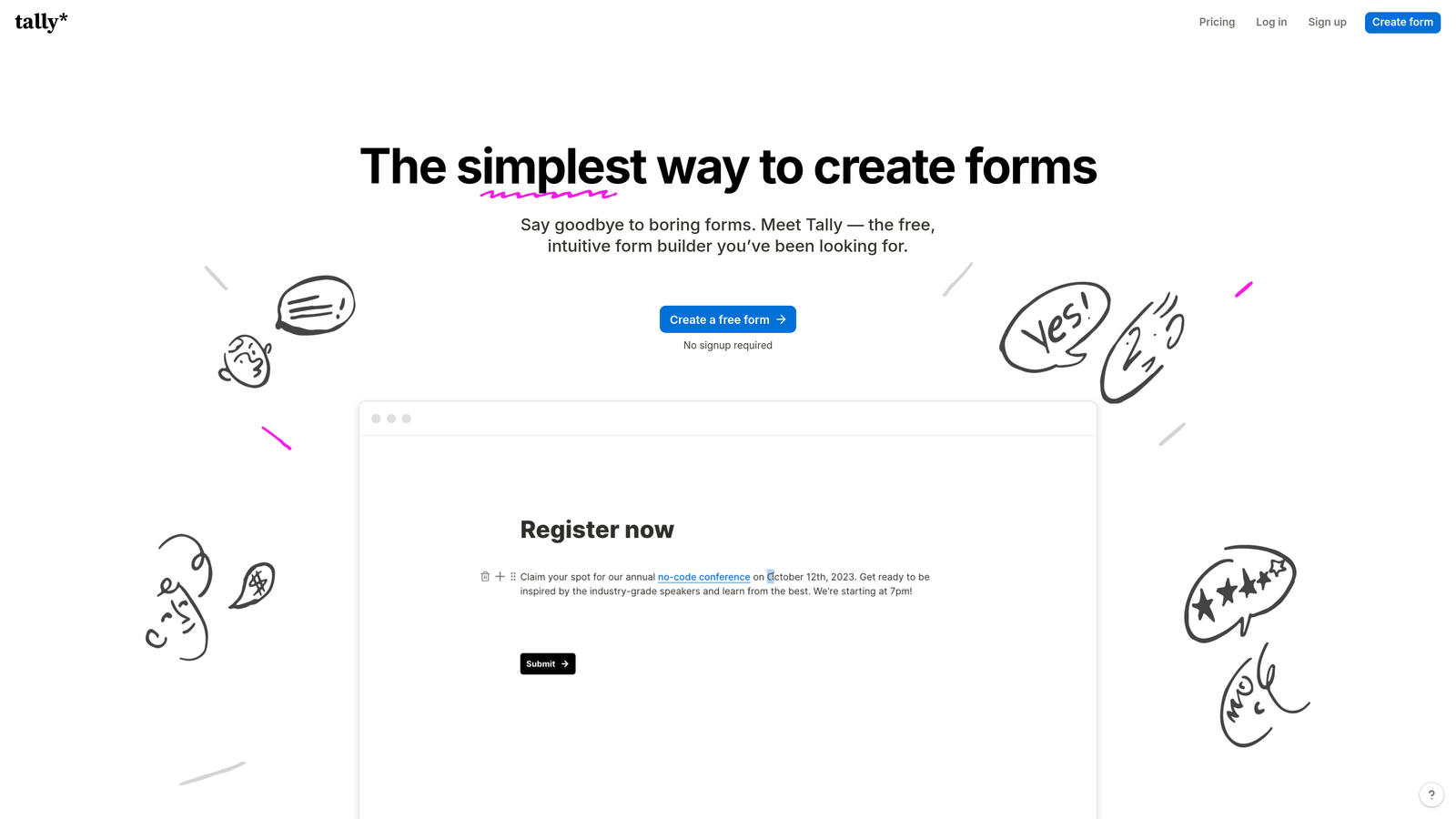
Tally is a minimalist form builder with a clean, Notion-inspired interface that offers unlimited forms and responses even on its free tier.
Where This Tool Shines
The free plan is genuinely unlimited—no caps on forms, submissions, or storage. For teams just starting out or running high-volume campaigns on tight budgets, this removes the constant worry about hitting usage limits.
The Notion integration is seamless if you're already managing projects and databases there. Forms can populate Notion databases directly, keeping all your data in one workspace without export/import workflows.
Key Features
Unlimited Free Plan: No limits on forms, submissions, or storage on the free tier.
Notion-Style Interface: Clean, block-based editor familiar to Notion users.
Conditional Logic: Show or hide questions based on previous answers.
Payment Blocks: Accept payments through Stripe integration.
Calculator Fields: Build forms with dynamic calculations and totals.
Best For
Startups, solopreneurs, and teams already working in Notion who want a simple form builder without usage anxiety. The free tier handles serious volume without forcing upgrades.
Pricing
Free for unlimited forms and submissions. Pro plan at $29/month adds custom domains and removes Tally branding.
9. Gravity Forms
Best for: WordPress sites needing deep integration and extensive add-on ecosystem
Gravity Forms is the premium WordPress form plugin with an extensive add-on library and one-time annual licensing that appeals to agencies and WordPress-focused teams.
Where This Tool Shines
The WordPress integration is native and deep. Forms can be embedded via shortcodes, blocks, or PHP, and they inherit your theme styling automatically. For WordPress sites, this eliminates the iframe embed issues that plague third-party form builders.
The add-on ecosystem is massive. Official add-ons connect to virtually every major platform, while third-party developers have built hundreds more. If you need a specific integration, someone has likely built a Gravity Forms add-on for it.
Key Features
Native WordPress Integration: Embed forms via shortcodes, Gutenberg blocks, or direct PHP calls.
Extensive Add-On Library: Official and third-party add-ons for CRMs, payment processors, and marketing tools.
Conditional Logic: Show or hide fields and sections based on user input.
User Registration: Create WordPress user accounts directly from form submissions.
Multi-Page Forms: Break long forms into multiple pages with progress indicators.
Best For
WordPress agencies, developers, and site owners who want forms that feel like part of their site rather than embedded widgets. The one-time annual licensing is cost-effective for agencies managing multiple client sites.
Pricing
Basic License at $59/year for one site. Elite License at $259/year includes all add-ons and unlimited sites.
10. Fillout
Best for: Teams using Notion or Airtable who want forms that sync directly with their databases
Fillout is a modern form builder designed specifically for database-first workflows, with exceptional Notion and Airtable integration that goes beyond basic data export.
Where This Tool Shines
The Notion and Airtable integrations are bidirectional and sophisticated. You can pre-fill forms with data from your database, let users update existing records, or create new entries—all without leaving your database workflow.
This makes Fillout particularly powerful for internal tools, customer portals, or any scenario where forms need to interact with existing database records rather than just create new submissions.
Key Features
Native Database Integration: Direct two-way sync with Notion and Airtable databases.
Pre-Fill Capabilities: Populate form fields automatically from database records.
Record Updates: Allow users to edit existing database entries via forms.
Modern Templates: Clean, conversion-focused form designs out of the box.
Scheduling and Payments: Built-in appointment booking and payment collection.
Best For
Teams already managing data in Notion or Airtable who want forms that integrate seamlessly with their existing databases. Works exceptionally well for internal tools, client portals, and workflow automation.
Pricing
Free plan available. Starter plan at $15/month for increased submissions and advanced features.
11. 123FormBuilder
Best for: Regulated industries requiring GDPR, HIPAA, or PCI compliance
123FormBuilder is a security-focused form builder with strong compliance features suited for regulated industries and enterprise security requirements.
Where This Tool Shines
Compliance infrastructure is built into the platform rather than bolted on. GDPR, HIPAA, and PCI compliance options come with the necessary encryption, access controls, and audit trails that regulated industries require for handling sensitive data.
Role-based access and team collaboration features make it practical for larger organizations where multiple people need to build and manage forms without giving everyone admin access to everything.
Key Features
Compliance Options: GDPR, HIPAA, and PCI compliance features with proper encryption and controls.
Multi-Page Workflows: Break complex forms into multiple pages with save-and-resume functionality.
Role-Based Access: Control who can create, edit, and view forms and submissions.
Advanced Reporting: Generate custom reports and analytics from submission data.
CRM Integrations: Native connections to Salesforce and other major business platforms.
Best For
Healthcare providers, financial services, and enterprises with strict data security requirements. The compliance features justify the investment for organizations that can't risk data breaches or regulatory violations.
Pricing
Free plan with limited submissions. Gold plan at $32/month for increased volume and compliance features.
Making the Right Choice
The best professional form builder depends entirely on what you're optimizing for. If lead quality matters as much as quantity, AI-powered qualification changes the game. Orbit AI eliminates the manual sorting that slows down sales follow-up, while the conversion-optimized templates reduce abandonment from the start.
For teams already invested in specific ecosystems, native solutions make sense. HubSpot Forms for HubSpot users, Gravity Forms for WordPress sites, and Fillout for Notion or Airtable workflows all deliver value through deep integration rather than standalone features.
Budget-conscious teams have solid options. Tally's unlimited free plan handles serious volume, while Cognito Forms offers powerful payment and calculation features without forcing upgrades. Both prove you don't need enterprise pricing for professional results.
Regulated industries need to prioritize compliance from day one. Formstack and 123FormBuilder provide the HIPAA and security infrastructure that healthcare and financial services require, while Jotform's breadth handles diverse use cases across departments.
The conversational approach works when engagement matters more than speed. Typeform and Paperform create experiences that stand out from generic web forms, particularly effective for surveys, quizzes, and applications where you're asking for more than basic contact info.
Transform your lead generation with AI-powered forms that qualify prospects automatically while delivering the modern, conversion-optimized experience your high-growth team needs. Start building free forms today and see how intelligent form design can elevate your conversion strategy.


