

Progressive profiling flips the traditional form approach on its head. Instead of overwhelming visitors with a 15-field form upfront, you gather data incrementally across multiple touchpoints, building richer lead profiles without killing conversion rates. For high-growth teams running inbound lead generation or multi-touch nurture flows, this approach isn't just a nice-to-have: it's a competitive advantage.
But not every form builder handles progressive profiling equally well. Some treat it as an afterthought bolted onto a basic form editor. Others have built their entire product around intelligent, adaptive data collection. The difference matters significantly when your north-star metric is lead quality, not just form completions.
This list covers the best progressive profiling forms software available in 2026. Each tool has been assessed on conditional logic depth, CRM and integration ecosystem, respondent UX, and how intelligently the platform surfaces new questions based on what it already knows about a contact. Whether you're a B2B SaaS team qualifying inbound leads or a marketing agency building multi-touch nurture flows, there's a right tool here for your use case.
1. Orbit AI
Best for: AI-powered lead qualification and conversion-optimized progressive profiling
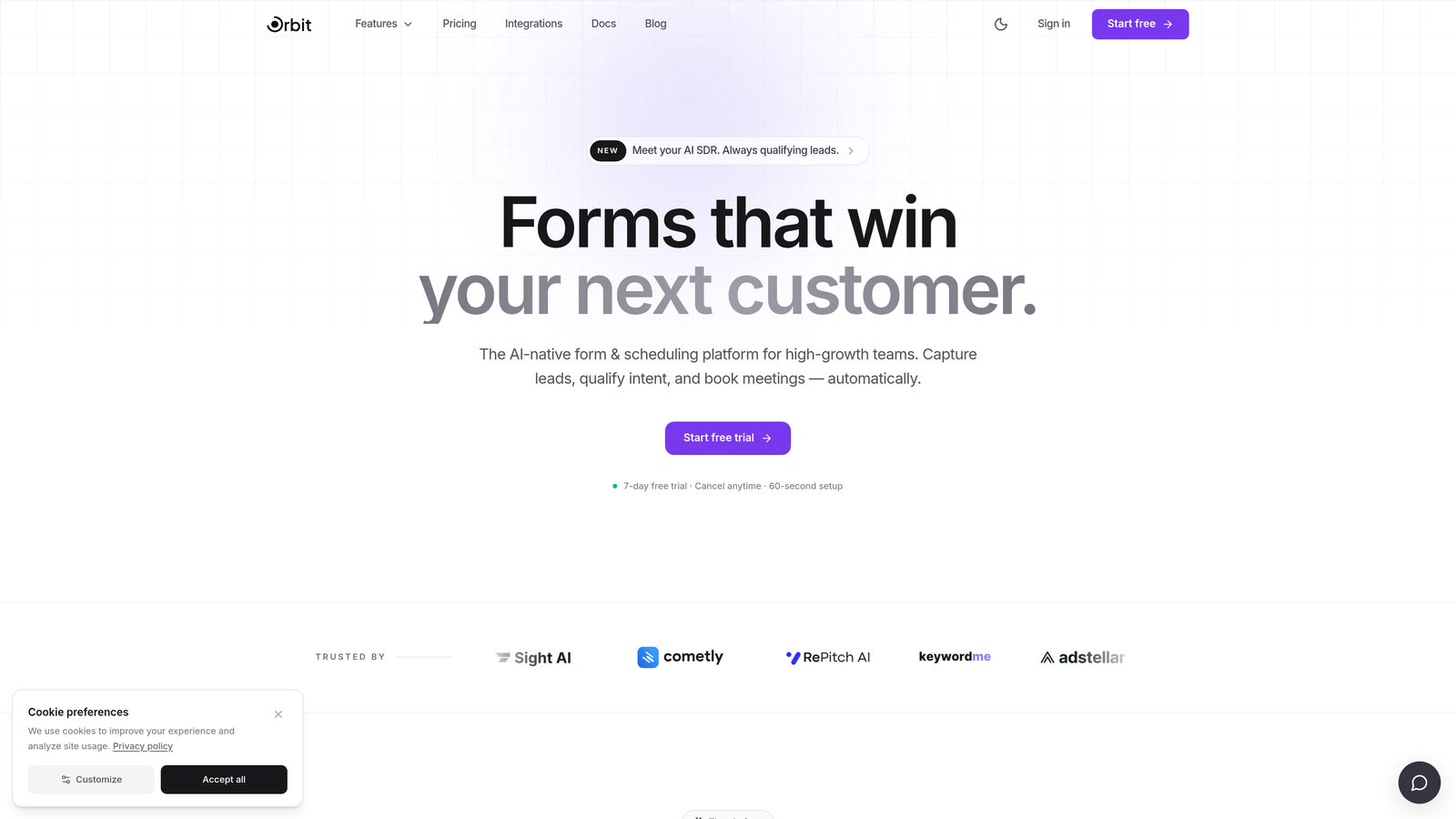
Orbit AI is an AI-powered form builder and lead qualification platform built specifically for high-growth teams that need more than rule-based conditional logic.
Where This Tool Shines
What sets Orbit AI apart from every other tool on this list is the intelligence layer underneath the form experience. Most form builders let you write rules: "if the respondent answered X, show field Y." Orbit AI goes further by using AI to adapt which questions appear based on prior answers and existing contact data, meaning the form gets smarter with every interaction rather than just following a static decision tree.
This is particularly valuable for B2B SaaS teams running account-based or inbound programs where the same contact might engage across multiple touchpoints. Instead of re-asking what you already know, Orbit AI surfaces the next most relevant question based on the full picture of what the platform has already learned about that contact.
Key Features
AI-Driven Question Sequencing: Adapts which questions appear based on prior answers and existing contact data, going beyond static conditional logic rules.
Built-In Lead Qualification Scoring: Automatically scores and routes high-fit leads so your sales team focuses on the contacts most likely to convert.
Conversion-Optimized Form Design: Multi-step and conversational UX options that reduce form fatigue and keep respondents engaged through the entire flow.
CRM and Marketing Automation Integrations: Syncs and enriches contact profiles across your existing stack, so progressive data collection feeds directly into your pipeline.
Analytics and A/B Testing: Built-in performance tools to continuously improve form completion rates and lead quality over time.
Best For
Orbit AI is the strongest fit for B2B SaaS companies, demand generation teams, and growth marketers who need lead qualification baked into the form experience itself. If your team measures success by pipeline quality rather than raw submission volume, the AI qualification layer makes a meaningful difference.
Pricing
Visit orbitforms.ai for current plan pricing. The platform offers options suited to teams at different growth stages.
2. Typeform
Best for: Brand-forward conversational form experiences at the top of the funnel
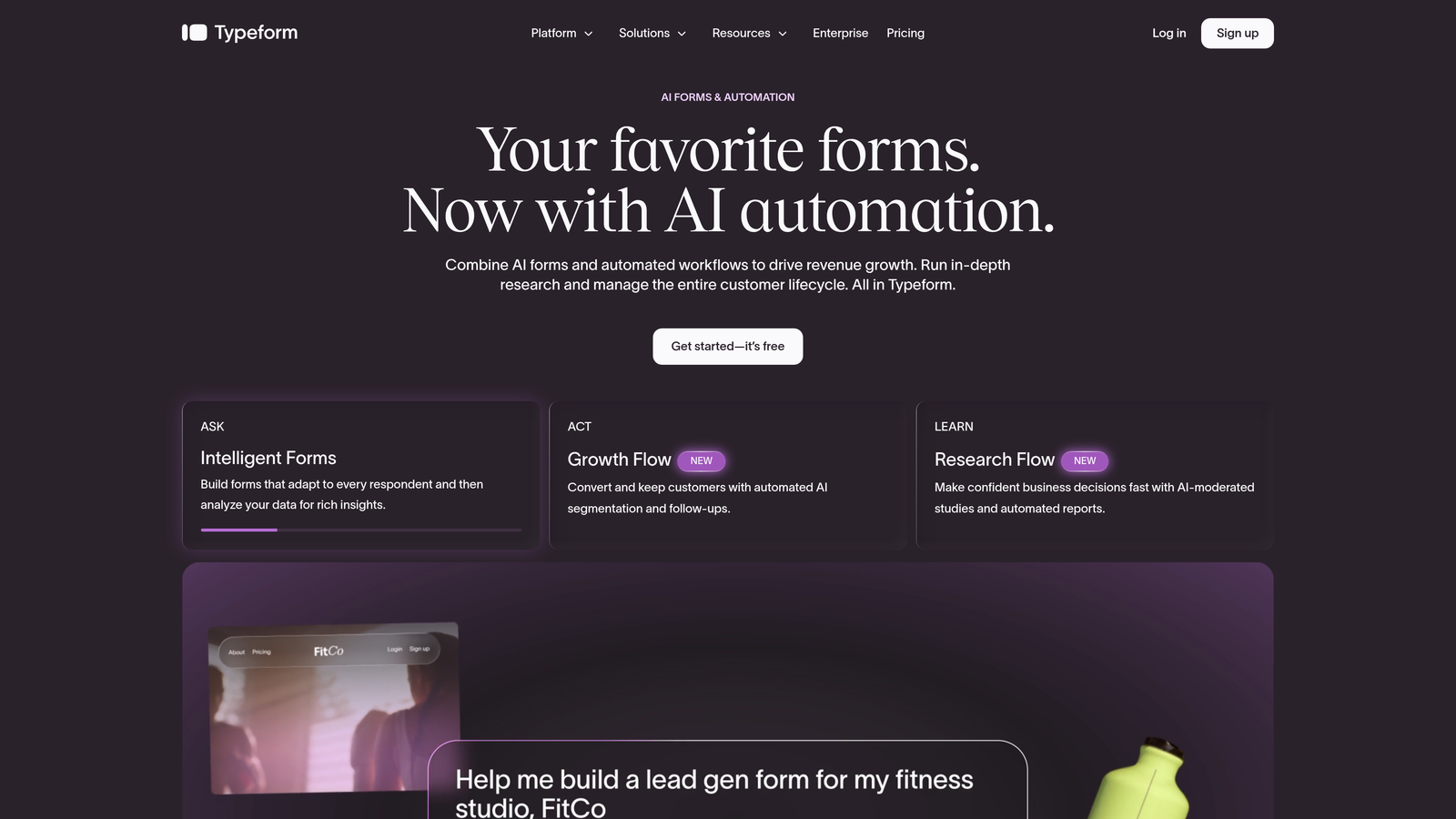
Typeform is a conversational form builder known for its one-question-at-a-time format and polished respondent experience that consistently reduces form abandonment.
Where This Tool Shines
Typeform's core UX principle, presenting one question at a time, naturally mimics a conversation and reduces the visual weight that causes respondents to abandon long forms. For top-of-funnel lead capture where first impressions matter, this approach works well. The Logic Jumps feature allows you to branch question paths based on prior answers, which creates a basic progressive-style experience within a single session.
The Recall Fields feature is a nice touch for personalization: you can surface a respondent's name or a previous answer later in the form, creating a sense that the form "remembers" them. That said, cross-session contact recognition (where the tool knows what a returning visitor already told you) requires workarounds via URL parameters and CRM integration rather than being native behavior.
Key Features
Logic Jumps: Branch question paths dynamically based on how a respondent answered earlier questions in the same session.
Recall Fields: Surface a respondent's previous answers later in the form to create a personalized, conversational feel.
HubSpot and Salesforce Integrations: Connect form responses to your CRM for enrichment and follow-up automation, available on higher-tier plans.
One-Question-at-a-Time UX: The signature format that reduces form fatigue and keeps completion rates strong for top-of-funnel flows.
Custom Branding and Embed Options: Maintain brand consistency across channels with flexible embedding and visual customization.
Best For
Typeform is a strong choice for marketing teams that prioritize respondent experience and brand aesthetics. It works best for single-session progressive flows rather than true cross-session profiling, making it ideal for initial lead capture rather than ongoing enrichment programs.
Pricing
Free plan available; paid plans from approximately $25/month. Verify current pricing at typeform.com.
3. Jotform
Best for: Complex conditional logic and broad integration needs across enterprise workflows
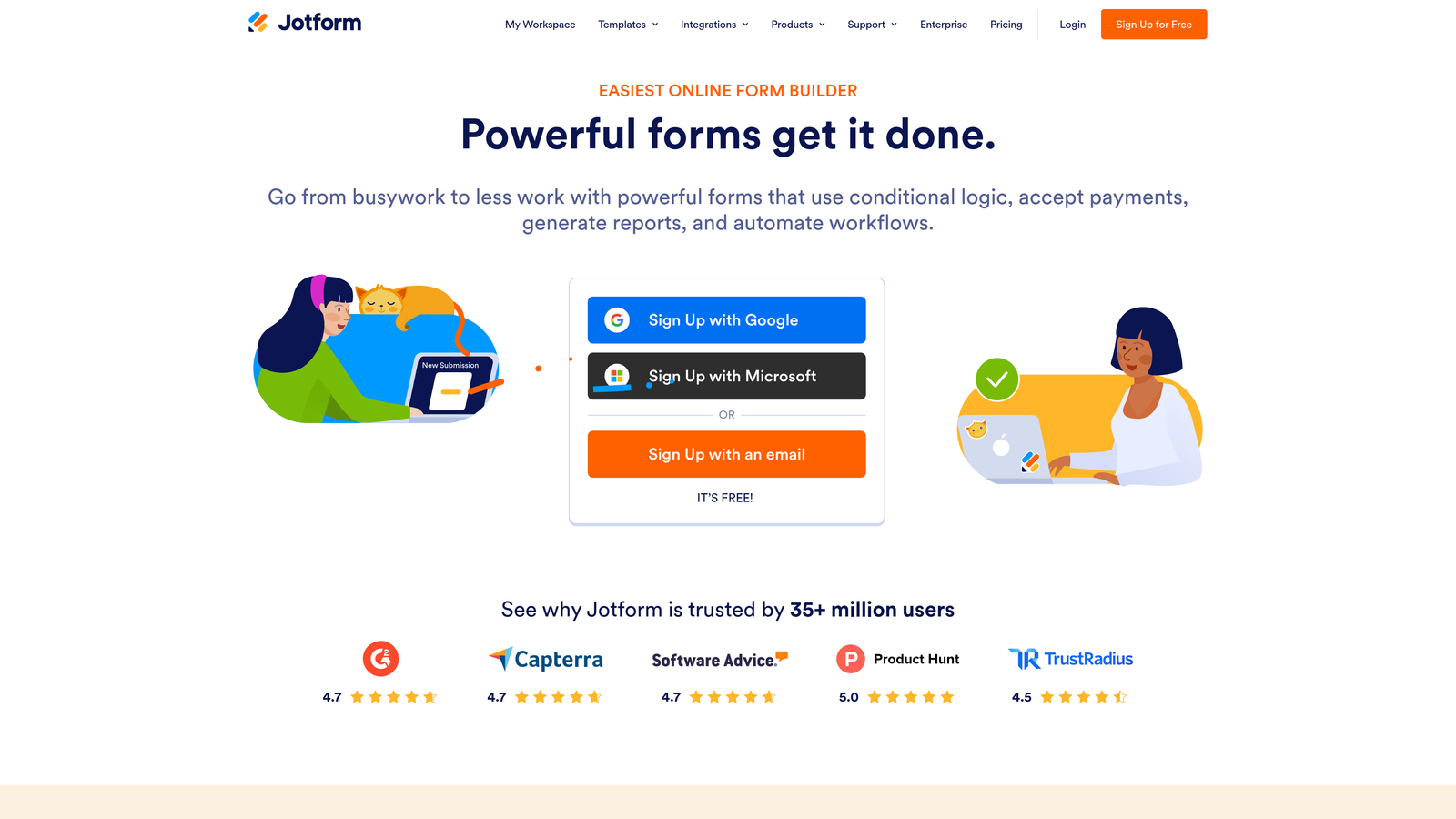
Jotform is one of the most feature-rich no-code form builders available, with a mature conditional logic engine and an integration library that covers virtually every tool in a modern marketing or ops stack.
Where This Tool Shines
Jotform's conditional logic engine is among the most capable in the no-code space. You can build complex show/hide rules at the field level, create multi-step flows, and chain conditions in ways that would require custom development in less mature tools. For teams with sophisticated data collection requirements, this depth is genuinely useful.
The URL parameter prefill capability is where Jotform earns its place on a progressive profiling list. When combined with a CRM or marketing automation platform, you can pass known field values into a new form session via URL, effectively skipping questions you've already answered. It's not AI-driven adaptation, but it's a reliable and widely used workaround for teams that need cross-session profiling without upgrading to a more specialized tool.
Key Features
Extensive Conditional Logic: Field-level show/hide rules with the ability to chain multiple conditions, one of the most mature rule engines in no-code form building.
URL Parameter Prefill: Carry known contact data into new form sessions from your CRM or email platform to avoid re-asking answered questions.
150+ Integrations: Native connectors to Salesforce, HubSpot, Zoho CRM, and a wide range of email, payment, and productivity tools.
Jotform Tables: Manage and organize form submissions as a lightweight database, useful for teams that need operational visibility beyond just data export.
Approval Workflows and Multi-Step Forms: Route submissions through review processes and build multi-page form experiences for complex data collection.
Best For
Jotform suits operations-heavy teams and agencies that need breadth of logic and integration coverage. It's a practical choice when your use case spans multiple departments or requires connecting to a wide variety of tools, and you're comfortable setting up URL-based prefill rather than relying on native contact recognition.
Pricing
Free tier available; paid plans scale by submission volume. Verify current pricing at jotform.com.
4. Formstack
Best for: Salesforce-native revenue operations and enterprise-grade progressive profiling
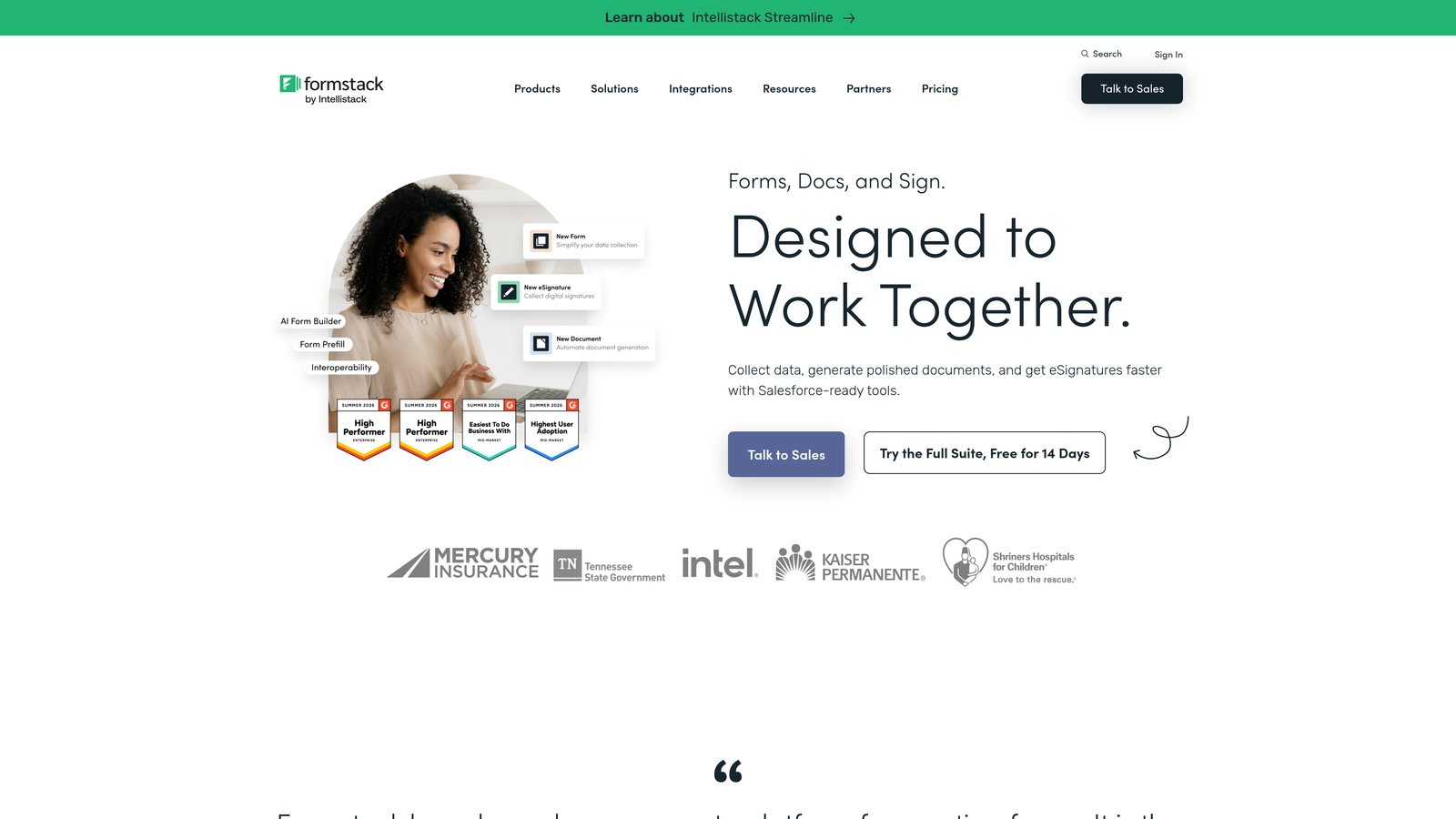
Formstack is an enterprise-grade form and workflow platform with deep Salesforce capabilities that make it a genuine progressive profiling tool for sales-led organizations.
Where This Tool Shines
Formstack's differentiator is its ability to prefill form fields directly from existing Salesforce records. This is one of the cleanest implementations of progressive profiling in a CRM-native context: when a known contact visits a form, fields that Salesforce already has on file can be pre-populated or skipped entirely, so you're only asking for genuinely new information. For RevOps teams where Salesforce is the system of record, this integration depth is hard to replicate with lighter-weight tools.
Beyond forms, Formstack extends into workflow automation and document generation, which means the data you collect doesn't just sit in a database. It can trigger approval processes, populate contracts, or feed into downstream sales workflows. This broader platform scope is valuable for enterprise teams but adds complexity that smaller teams may not need.
Key Features
Smart Field Prefill from Salesforce: Pull existing CRM record values into forms so returning contacts aren't asked questions Salesforce already has on file.
Salesforce-Native Bidirectional Sync: Two-way data flow between forms and Salesforce records, keeping your CRM continuously enriched with new form data.
Workflow Automation and Document Generation: Extend form data into approval routing, document creation, and downstream sales processes.
Conditional Logic for Dynamic Experiences: Build branching form flows that adapt based on respondent answers within a session.
Team Collaboration and Approval Routing: Multi-user workflows with role-based access suitable for larger revenue operations teams.
Best For
Formstack is the right choice for enterprise and mid-market companies where Salesforce is the primary system of record and RevOps teams need forms to be a genuine part of the revenue workflow, not just a data collection endpoint.
Pricing
Enterprise and team pricing tiers. Verify current plans at formstack.com.
5. Paperform
Best for: Flexible, design-rich forms that blend landing page aesthetics with conditional logic
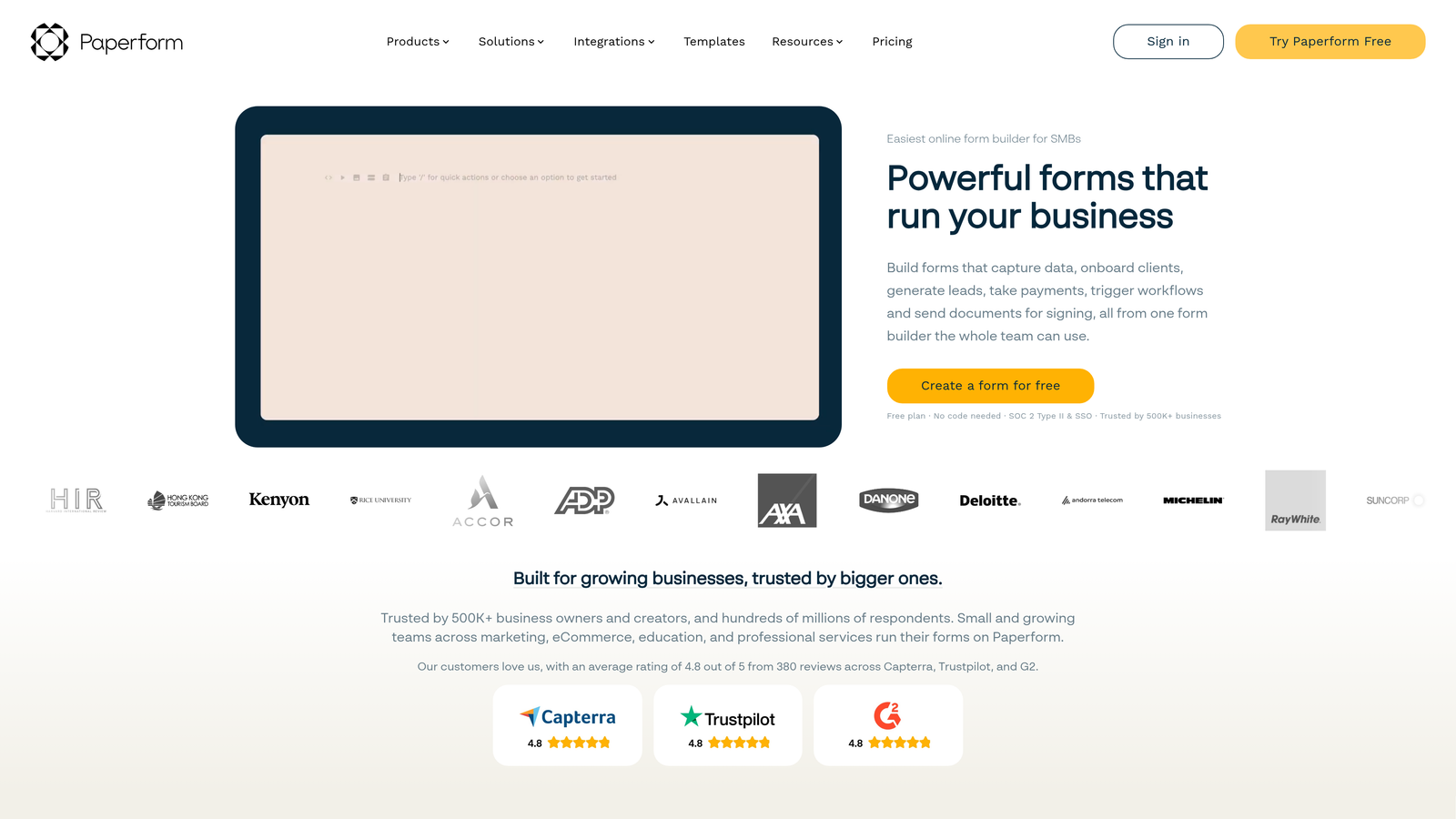
Paperform is a design-first form builder that lets you create forms that look and feel like landing pages, with conditional sections and calculation fields that enable real-time adaptation without enterprise complexity.
Where This Tool Shines
Paperform's rich text editor is genuinely different from most form builders. You can intersperse form fields with images, video, formatted copy, and branded design elements, making the form feel like a curated experience rather than a data entry task. For teams that care about the aesthetic quality of their lead capture touchpoints, this flexibility is a real advantage.
Conditional sections let you show or hide entire content blocks based on prior answers, which creates a smooth adaptive experience within a session. For basic cross-session progressive profiling, URL parameter prefill works when connected to an email platform or CRM. It's not as deep as Formstack's Salesforce integration or as intelligent as Orbit AI's adaptive sequencing, but it covers the majority of use cases for lean marketing teams.
Key Features
Rich Text Editor with Landing Page Design: Blend form fields with formatted content, images, and branded visuals to create forms that feel like curated experiences.
Conditional Sections: Show or hide entire content blocks based on how respondents answered earlier questions, enabling adaptive flows without complex rule builders.
Calculation Fields: Dynamic scoring or pricing logic that updates in real time based on respondent inputs, useful for qualification or configurator flows.
URL Parameter Prefill: Pass known contact data into form sessions from email campaigns or CRM workflows to support basic cross-session profiling.
Native Integrations and Zapier: Connect to email platforms, CRMs, and automation tools through native connectors and Zapier for broader workflow coverage.
Best For
Paperform suits lean marketing teams and agencies that want beautiful, flexible forms without the overhead of enterprise tooling. It's a strong fit for teams that need conditional logic and design quality in equal measure, and who are comfortable using URL parameters or Zapier for cross-session data continuity.
Pricing
Paid plans from approximately $24/month. Verify current pricing at paperform.co.
6. Tally
Best for: Free-tier accessibility and fast setup for early-stage teams exploring progressive profiling
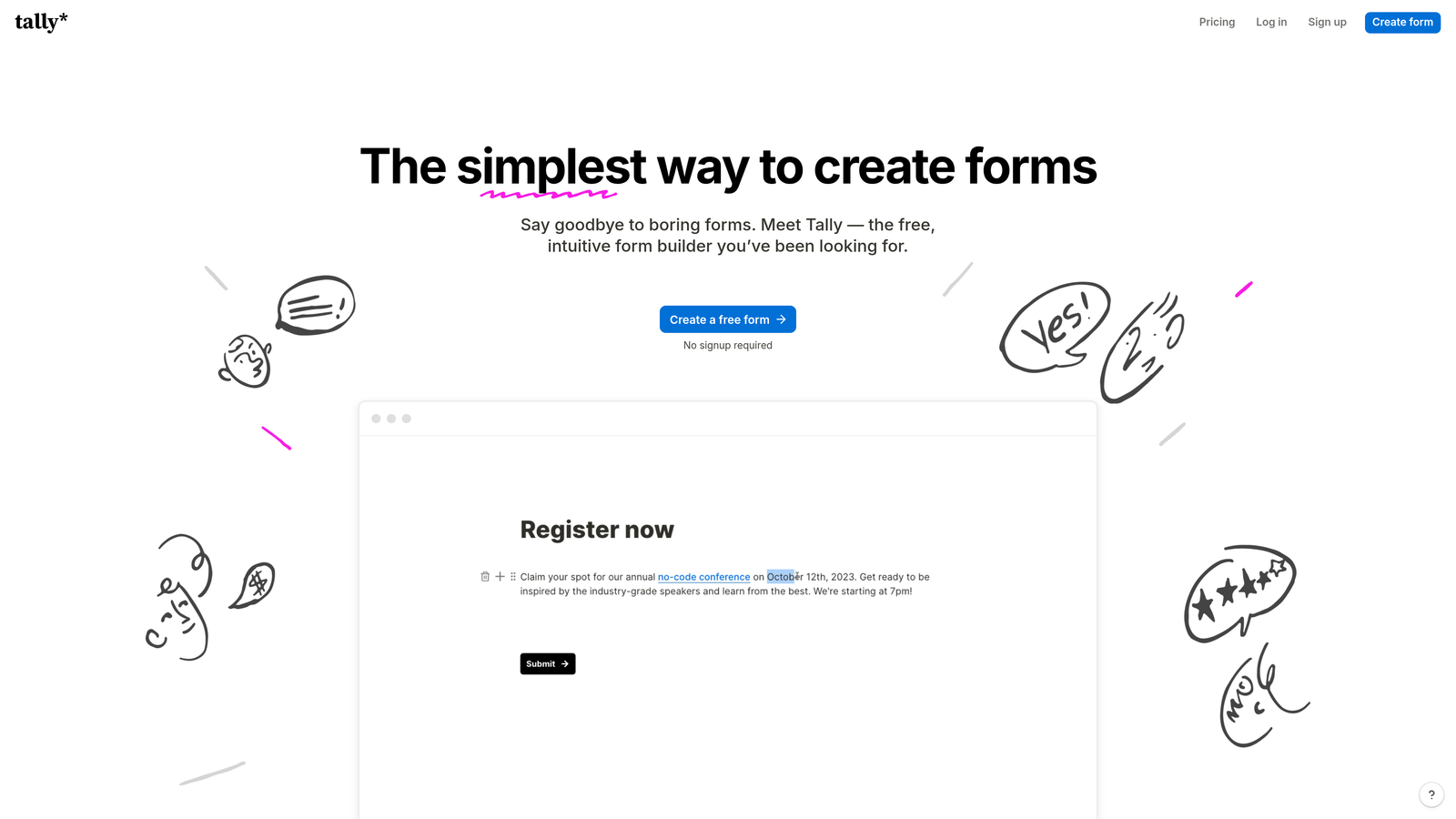
Tally is a free-first form builder with a clean, Notion-like block editor and solid conditional logic available on its free plan, making it the most accessible entry point for teams exploring progressive profiling on a budget.
Where This Tool Shines
Tally's biggest advantage is its free plan generosity. Unlimited forms, unlimited responses, and conditional logic without a paid upgrade is a rare combination in the form builder market. For early-stage startups or developers who need to test progressive profiling concepts before committing to a paid platform, Tally removes the financial barrier entirely.
The block-based editor is fast to learn and produces clean, distraction-free forms that work well across devices. Native cross-session contact recognition isn't built in, so true progressive profiling across multiple visits requires connecting Tally to a CRM or automation platform via Zapier or Make. That's a reasonable trade-off for a free tool, and the developer community around Tally has documented common workarounds well.
Key Features
Unlimited Forms and Responses on Free Plan: No submission caps or form limits on the free tier, which is genuinely unusual in this category.
Conditional Logic Without a Paid Upgrade: Branch and adapt form flows based on prior answers without needing to upgrade to a paid plan.
Block-Based Editor: A fast, intuitive Notion-style editor that new users can learn in minutes rather than hours.
Zapier and Make Integrations: Connect Tally to CRMs, marketing automation platforms, and other tools to enable cross-session progressive profiling via automation.
Lightweight Embed Script: Embed forms anywhere with minimal code, making it easy to deploy across landing pages, product surfaces, or documentation sites.
Best For
Tally is the right starting point for startups, indie developers, and early-stage teams that want to experiment with progressive profiling flows before investing in a more specialized platform. It's also a practical choice for internal forms and low-stakes use cases where the free tier covers everything you need.
Pricing
Generous free plan available; Tally Pro from approximately $29/month. Verify current pricing at tally.so.
Which Tool Is Right for Your Team
Progressive profiling is only as powerful as the software running it. The right tool should reduce friction for respondents while giving your team richer, more actionable data with every interaction. Here's how the options on this list stack up by use case.
AI-powered lead qualification and conversion optimization: Orbit AI is the clear choice. The adaptive AI logic goes beyond rule-based branching to actively route leads based on fit signals, which puts it in a different category from the other tools on this list.
Brand-forward conversational experiences: Typeform's one-question-at-a-time format and polished design make it the strongest option for top-of-funnel flows where first impressions drive completion rates.
Complex enterprise workflows with broad integrations: Jotform's mature conditional logic engine and 150+ integrations make it the right fit for operations-heavy teams that need coverage across a wide technology stack.
Salesforce-native revenue operations: Formstack's bidirectional Salesforce sync and smart field prefill make it the natural choice for RevOps teams where the CRM is the system of record.
Flexible design without the learning curve: Paperform gives lean marketing teams landing page-quality aesthetics with solid conditional logic, at a price point that doesn't require enterprise budget approval.
Free-tier simplicity for early-stage teams: Tally's generous free plan and fast editor make it the lowest-friction starting point for teams that want to explore progressive profiling before committing to a paid platform.
If lead qualification and conversion rate are your north-star metrics, the AI qualification layer inside Orbit AI puts it ahead of the field. Start building free forms today and see how intelligent, adaptive form design compares to static forms that ask everything at once. Whatever tool you choose, the principle remains the same: ask less, learn more, and let each interaction build on the last.


