

Collecting signatures digitally used to mean clunky PDF workflows, separate e-sign tools, and frustrated clients. Today, the best form builders fold signature capture directly into the form experience — no extra software, no broken handoffs. Whether you're onboarding clients, collecting consent, processing service agreements, or qualifying leads before a contract goes out, having signature capture built into your form builder changes the entire workflow.
This guide covers the best signature capture form builders available in 2026, evaluated on ease of use, signature UX, integrations, and value for high-growth teams. Each tool has been selected based on its ability to handle real-world use cases, from simple one-field consent forms to multi-step lead qualification flows that end with a binding signature. If you're also thinking about how forms fit into your broader lead generation strategy, our guide on lead forms for B2B companies and how to qualify leads with forms are worth reading alongside this one.
1. Orbit AI
Best for: High-growth SaaS and B2B teams combining lead qualification with signature capture.
Orbit AI is an AI-powered form builder designed for conversion-focused teams who need more than a basic input field at the end of a form.
Where This Tool Shines
What separates Orbit AI from most form builders on this list is where signature capture sits in the overall workflow. Rather than bolting a signature field onto a generic form, Orbit AI is built around intelligent lead qualification logic that routes, scores, and filters prospects before they ever reach the signature step. The result is a form flow that feels intentional rather than transactional.
For teams running onboarding sequences, service agreements, or consent-gated content, this means the signature isn't just a formality. It's the natural conclusion of a qualification process that has already done meaningful work. The design quality is also worth noting: Orbit AI produces forms that look polished out of the box, which matters when a signature step is the first formal touchpoint in a client relationship.
Key Features
AI-Powered Lead Qualification: Intelligent logic built into the form flow scores and qualifies leads before they reach the signature step.
Signature Capture Field: Native signature input for consent forms, agreements, and onboarding sequences, integrated directly into the form experience.
Conversion-Optimized Design: Beautiful, modern form layouts built for high completion rates without requiring design work from your team.
Lead Scoring Logic: Conditional paths and qualification rules ensure only the right prospects advance through the form to signature.
Modern UX Standards: Built with the expectations of high-growth SaaS teams in mind, with a clean interface that reflects well on your brand.
Best For
Orbit AI is the strongest fit for SaaS and B2B teams where the signature step is part of a larger lead generation or onboarding workflow. If you want to qualify prospects, route them intelligently, and collect a signature all within one seamless form experience, this is the tool built for that exact use case.
Pricing
Visit orbitforms.ai for current pricing and plan details, as plans are updated regularly to reflect new features.
2. Jotform
Best for: Teams with high document volume needing flexible signature options and deep integrations.
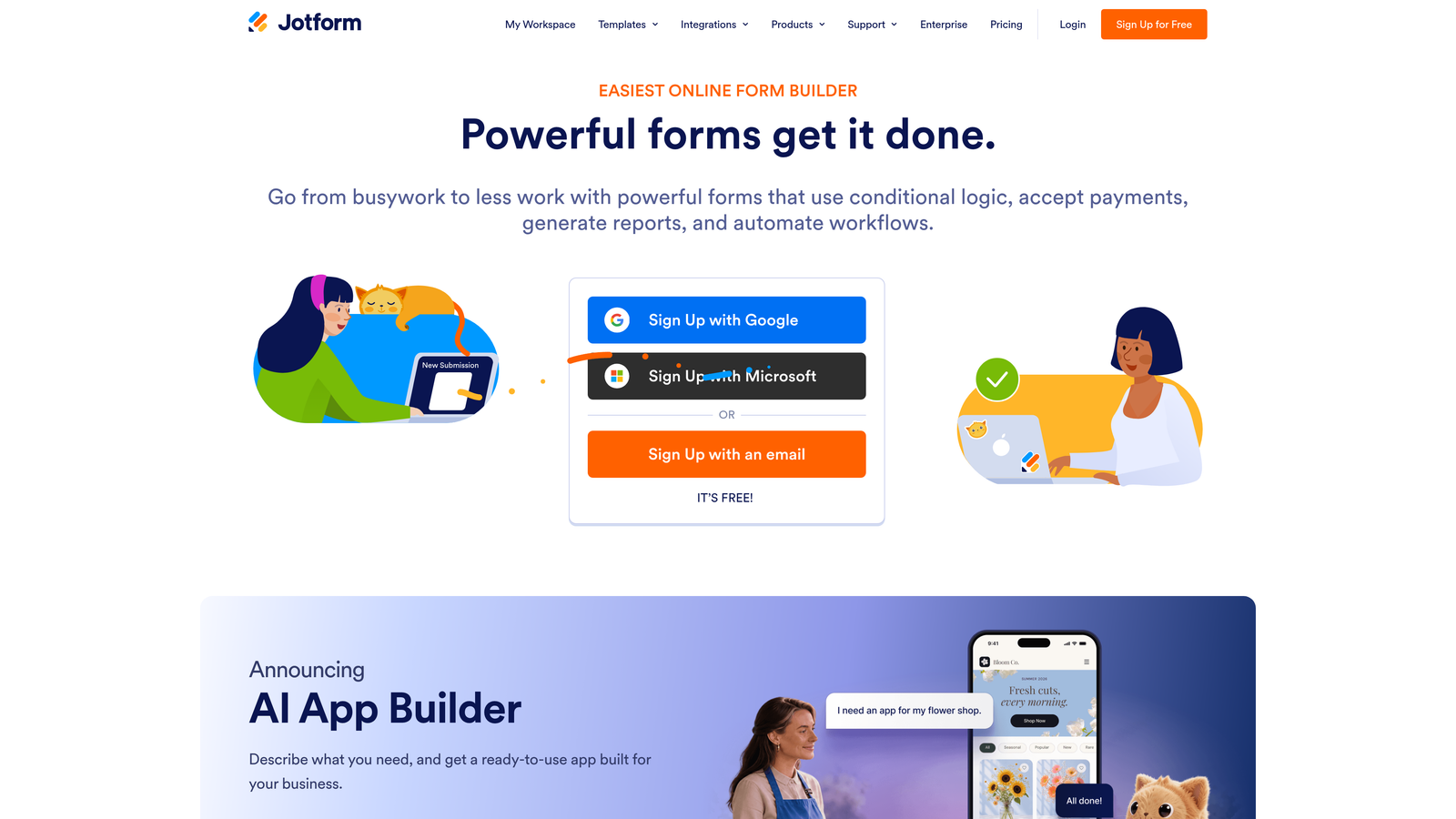
Jotform is one of the most established form builders on the market, with a robust signature widget and an extensive library of contract and agreement templates.
Where This Tool Shines
Jotform has had a dedicated signature field for years, and that maturity shows. You can collect drawn, typed, or image-based signatures, and wrap conditional logic around the signature field so it only appears when relevant. The template library is one of the most comprehensive available, with purpose-built contract, consent, and agreement forms ready to customize.
The integration depth is also a genuine strength. Jotform connects with a wide range of CRMs, payment processors, and document platforms, making it a practical choice for teams that need signature data to flow into existing systems without manual work.
Key Features
Dedicated Signature Element: Supports drawn, typed, and image-based signatures within the same form field.
Conditional Logic: Show or hide the signature field based on earlier form responses for dynamic, context-aware forms.
Template Library: Hundreds of contract and agreement templates available as starting points.
Integration Ecosystem: Native connections to popular CRMs, payment tools, and document platforms.
Free Tier: A functional free plan makes it accessible for teams testing the platform before committing.
Best For
Jotform works well for operations teams, HR departments, and small businesses that need reliable signature capture with strong template support and integration flexibility. It can feel feature-heavy for simpler use cases, but that depth is an asset for teams with complex document workflows.
Pricing
Free tier available with limitations on submissions and storage. Paid plans scale with volume and features. Check jotform.com for current pricing.
3. Typeform
Best for: Onboarding and consent flows where form completion rate is the top priority.
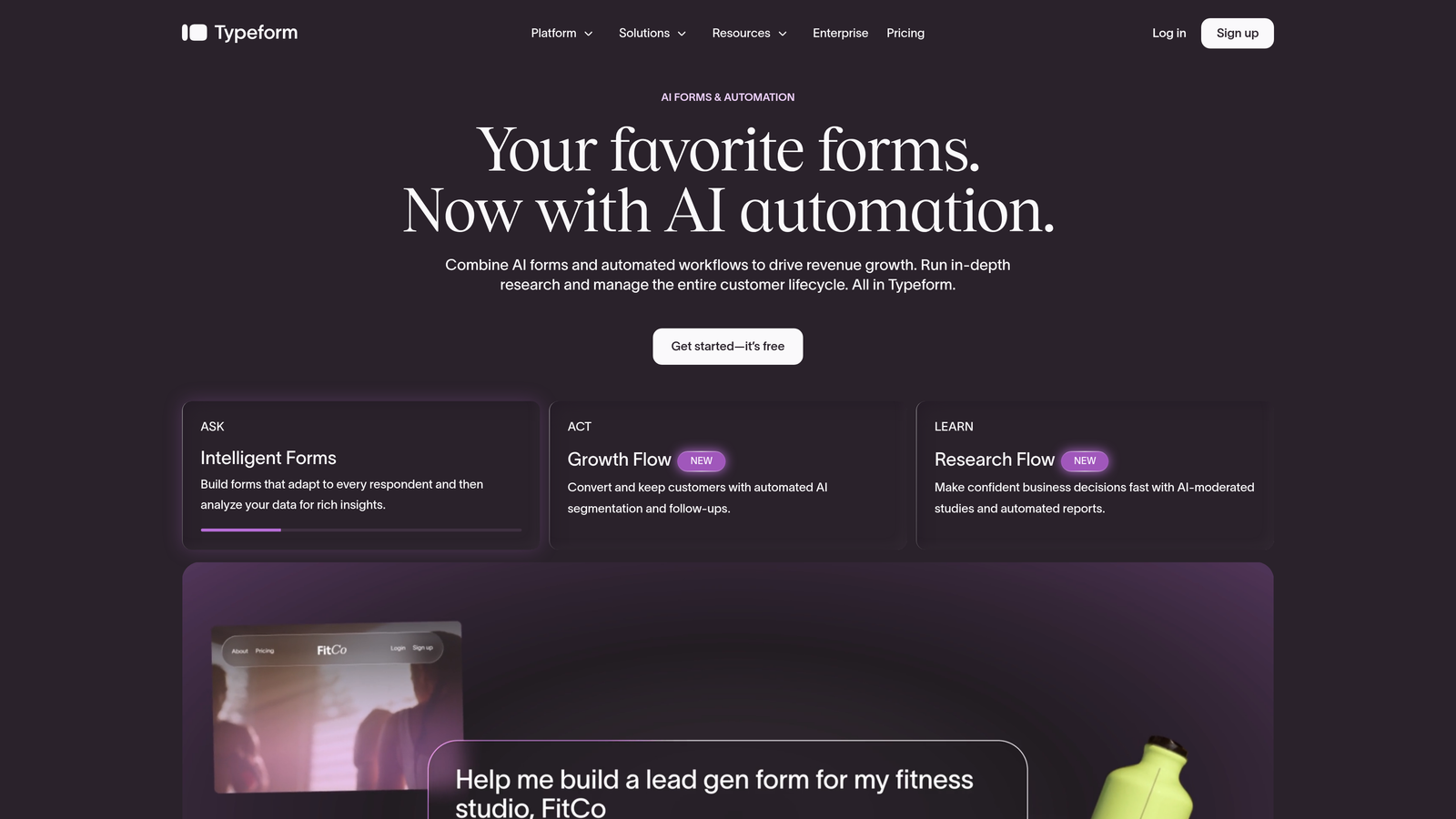
Typeform is a conversational form builder known for its one-question-at-a-time format, with signature field support available on paid plans.
Where This Tool Shines
Typeform's core differentiator is the form experience itself. By presenting one question at a time, it reduces the visual overwhelm that causes abandonment on longer forms. For onboarding sequences or consent flows that include multiple steps before a signature, this format can meaningfully improve the number of people who actually complete the form.
The signature field fits naturally as the final step in a Typeform flow, and the platform's logic jump capabilities allow you to route respondents down different paths before they reach it. The mobile experience is also strong, which matters when clients are signing on their phones.
Key Features
Conversational Format: One-question-at-a-time presentation that can improve completion rates on longer forms.
Signature Field: Available on paid plans as a native form field within the conversational flow.
Logic Jumps: Conditional branching before the signature step based on earlier responses.
Native Integrations: Direct connections to HubSpot, Salesforce, Slack, and other common business tools.
Mobile-Optimized Design: Clean, responsive layouts that work well for respondents on any device.
Best For
Typeform is a strong choice for marketing and customer success teams focused on onboarding, consent, and survey flows where the form experience itself drives completion. It's not primarily a document or contract tool, so teams with complex signing requirements may find its signature capabilities lighter than purpose-built options.
Pricing
Free tier available with limited responses. The signature field requires a paid plan. Check typeform.com for current pricing.
4. Paperform
Best for: Freelancers, agencies, and professional services teams where the form is the agreement.
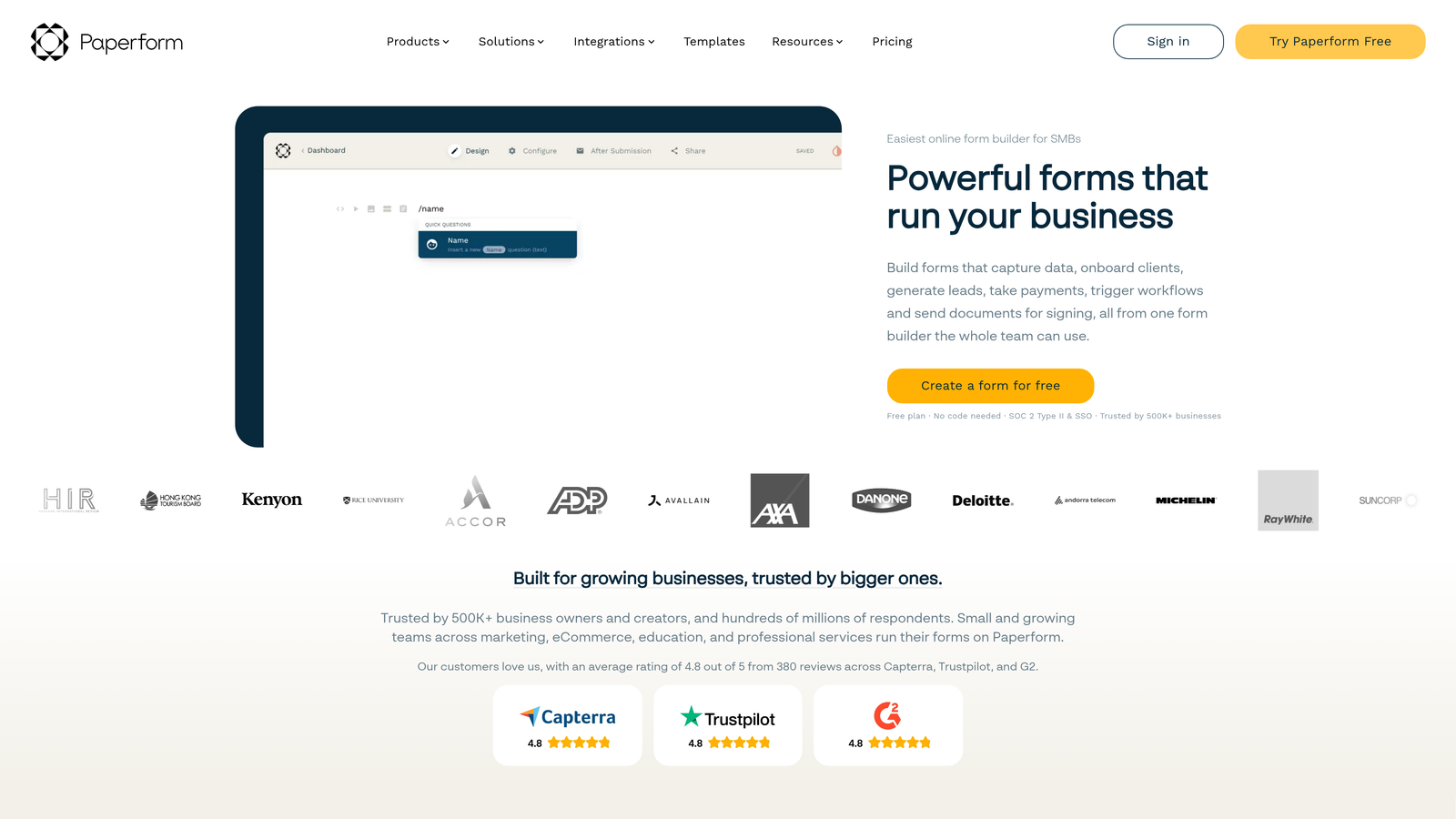
Paperform is a hybrid form builder and document creator that lets teams design forms that look and feel like branded agreements, with inline signature capture built in.
Where This Tool Shines
Paperform takes a fundamentally different approach to form design. Rather than a structured field-by-field layout, it offers a free-form document-style canvas where you can mix rich text, images, pricing tables, and form fields on the same page. This makes it uniquely suited for situations where the form itself needs to present like a professional agreement or proposal.
The inline signature capture fits naturally within this document-style format. You're not attaching a signature field to a generic form; you're embedding it within a branded, well-designed document that reflects your business. For client-facing workflows where presentation matters, that distinction is significant.
Key Features
Document-Style Layout: Free-form canvas that blends rich content with form fields for agreement-style presentations.
Inline Signature Capture: Signature field embedded naturally within rich content blocks rather than appended at the end.
Visual Customization: Strong branding and design controls for professional client-facing forms.
Workflow Integrations: Native connections plus Zapier and Make support for automating downstream steps.
Flexible Content Blocks: Mix text, media, pricing, and form inputs on a single page for comprehensive agreement forms.
Best For
Paperform is the best fit for freelancers, creative agencies, and professional services teams who want their form to double as a polished client-facing document. It's less suited for high-volume data collection and more suited for bespoke agreements where visual quality matters.
Pricing
Paid plans only with no meaningful free tier. Check paperform.co for current pricing and plan details.
5. Formstack
Best for: Regulated industries needing HIPAA compliance, audit trails, and multi-party signing.
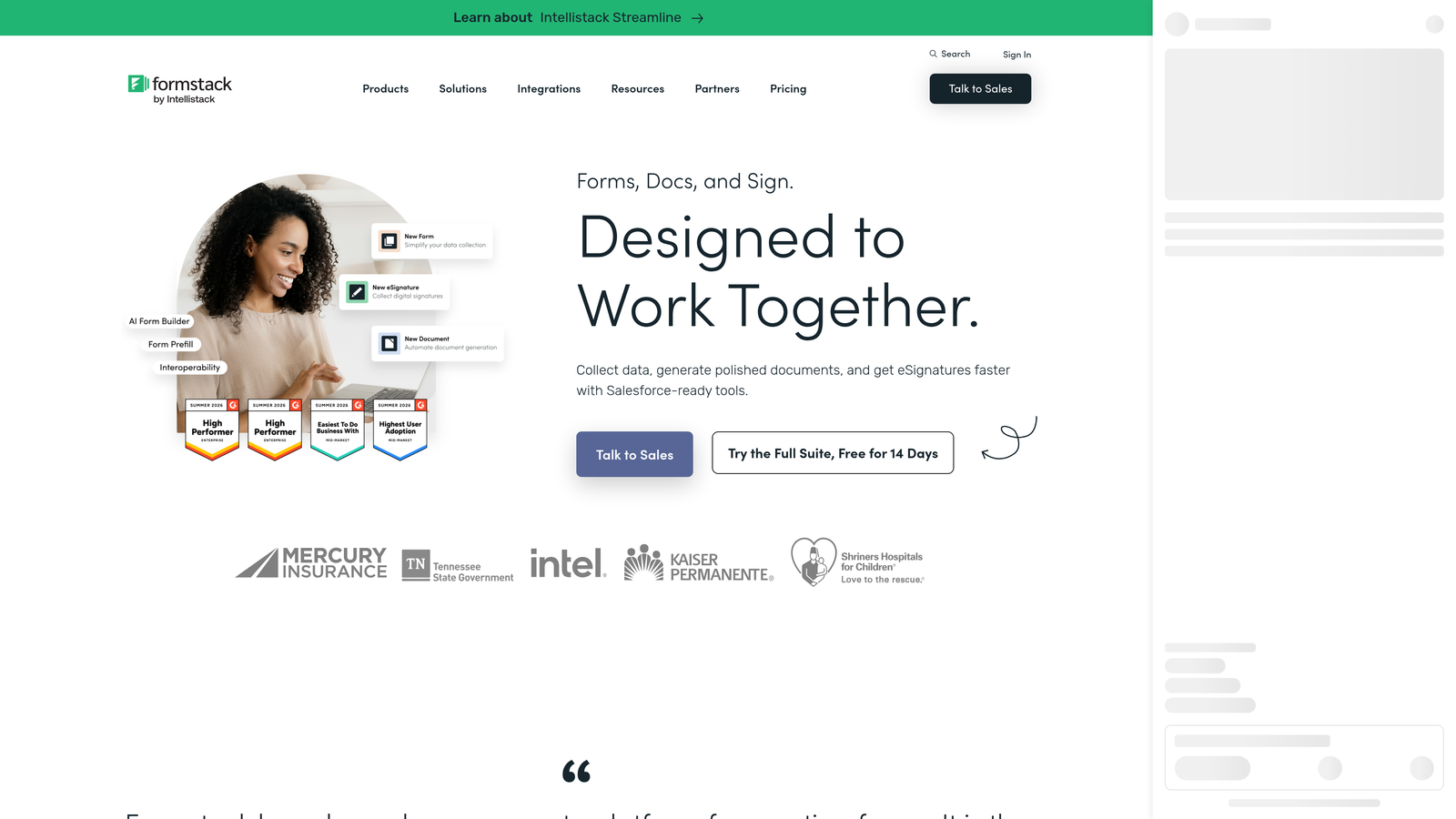
Formstack is an enterprise-grade form and document workflow platform with a dedicated e-signature product and compliance infrastructure built for complex signing requirements.
Where This Tool Shines
Formstack operates at a different level of complexity than most tools on this list. Its Formstack Sign integration creates a full e-signature workflow rather than a simple form field, complete with audit trails, timestamps, document routing, and multi-party signing capabilities. For teams in healthcare, legal, or financial services where signature compliance is a regulatory requirement, this infrastructure matters.
The HIPAA-compliant configuration is a genuine differentiator. Very few form builders can support healthcare-grade signature capture within a managed compliance framework, and Formstack has built its enterprise positioning around exactly this capability.
Key Features
Formstack Sign Integration: Full e-signature workflow tightly coupled with Formstack Forms for end-to-end document management.
HIPAA Compliance: Signature capture configured for healthcare teams with appropriate data handling controls.
Audit Trails: Timestamps, signer records, and document history for compliance and legal defensibility.
Multi-Party Signing: Workflows that route documents to multiple signers in sequence or parallel.
Enterprise Security Controls: Role-based access, data governance, and enterprise-grade security configurations.
Best For
Formstack is the right choice for enterprise teams and regulated industries where signature compliance is non-negotiable. It's more complex to set up than simpler tools and carries a higher price point, making it overkill for basic consent forms but well-suited for healthcare, legal, and financial workflows.
Pricing
Higher price point reflecting enterprise positioning and compliance infrastructure. Check formstack.com for current pricing and plan options.
6. Tally
Best for: Startups and solo operators who need simple signature capture at no cost.
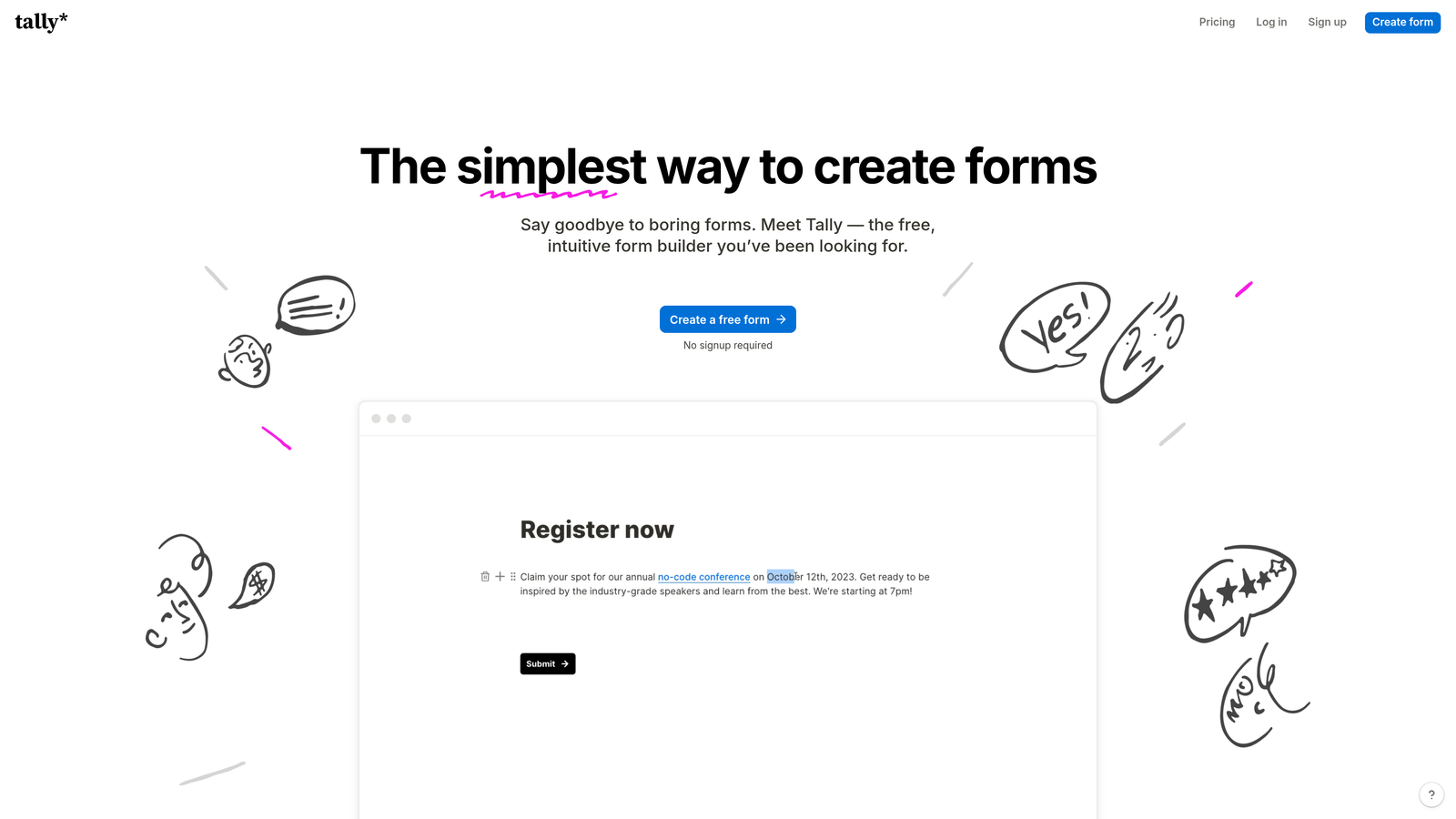
Tally is a free-first form builder with a clean, minimal interface and signature field support, making it the most accessible entry point for straightforward signature capture needs.
Where This Tool Shines
Tally's strongest argument is its free tier. Unlike most form builders that lock signature functionality behind a paid plan, Tally includes the signature field in its free offering. For early-stage startups, solo operators, or teams running occasional consent or onboarding forms, this makes it an easy starting point with no financial commitment required.
The interface is clean and Notion-inspired, which means the learning curve is minimal. You can build a functional signature form in minutes without tutorials or onboarding. The trade-off is that Tally's native integration depth is lighter than Jotform or Formstack, so more complex automation typically routes through Zapier or Make.
Key Features
Generous Free Tier: Signature field included in the free plan, not locked behind a paywall.
Notion-Inspired Interface: Clean, block-based form building that most users can pick up immediately.
Simple Setup: Minimal configuration required to get a signature form live and collecting responses.
Zapier and Make Integrations: Workflow automation available for connecting Tally to other tools in your stack.
Tally Pro: Affordable paid plan that unlocks additional features for teams that grow beyond the free tier.
Best For
Tally is the right starting point for bootstrapped startups, individual freelancers, or internal teams that need occasional signature capture without budget allocation. Teams with more complex qualification logic, compliance requirements, or high-volume workflows will likely outgrow it quickly.
Pricing
Robust free tier with signature field included. Tally Pro paid plan available for additional features. Check tally.so for current pricing.
Choosing the Right Tool for Your Team
The right signature capture form builder depends almost entirely on what happens before and after the signature itself. Here's how to think through the decision quickly.
For lead qualification and onboarding flows: Orbit AI is the strongest fit. If your signature step is the conclusion of a multi-step qualification or onboarding sequence, you need a platform built around intelligent form logic, not just a field appended to a generic form. The combination of lead scoring, conditional logic, and conversion-optimized design makes it the most purpose-built option for high-growth SaaS and B2B teams.
For regulated industries with compliance requirements: Formstack is the clear choice. HIPAA compliance, audit trails, and multi-party signing workflows are not features you want to improvise. If your industry has real regulatory obligations around signature capture, invest in the infrastructure built for it.
For professional services and branded agreements: Paperform's document-style canvas makes it the best fit when the form itself needs to present like a polished client deliverable.
For budget-constrained teams just getting started: Tally's free tier with included signature field is the most accessible starting point. It won't scale with complex needs, but it removes every barrier to getting started.
Jotform and Typeform sit in the middle of the market, each with genuine strengths. Jotform wins on template depth and integration breadth; Typeform wins on form UX and completion rate optimization.
If you're building forms that need to do more than collect a signature, including qualifying the people who sign them, Start building free forms today and see how intelligent form design can elevate your conversion strategy. For more on building forms that drive results, explore our guides on lead forms for B2B companies and how to qualify leads with forms.


