

Finding form software with flexible monthly billing sounds simple until you're three tabs deep in pricing pages, trying to figure out what you actually get at each tier. Monthly billing matters for growing teams: it keeps your options open, lets you scale without annual lock-in, and makes it easier to switch if your needs change.
This guide breaks down the top form builders with transparent monthly pricing, covering what each tool does well, who it's built for, and what you can expect to pay. Selection criteria focused on value at each pricing tier, feature depth for lead generation and conversion optimization, scalability, and integration flexibility. Before diving in, it's also worth reading up on how to build effective web forms to get the most out of whichever tool you choose.
Whether you're a lean startup testing your first lead gen funnel or a high-growth team managing multiple pipelines, there's a monthly plan here that fits.
1. Orbit AI
Best for: High-growth teams that want AI-powered lead qualification built directly into their forms.
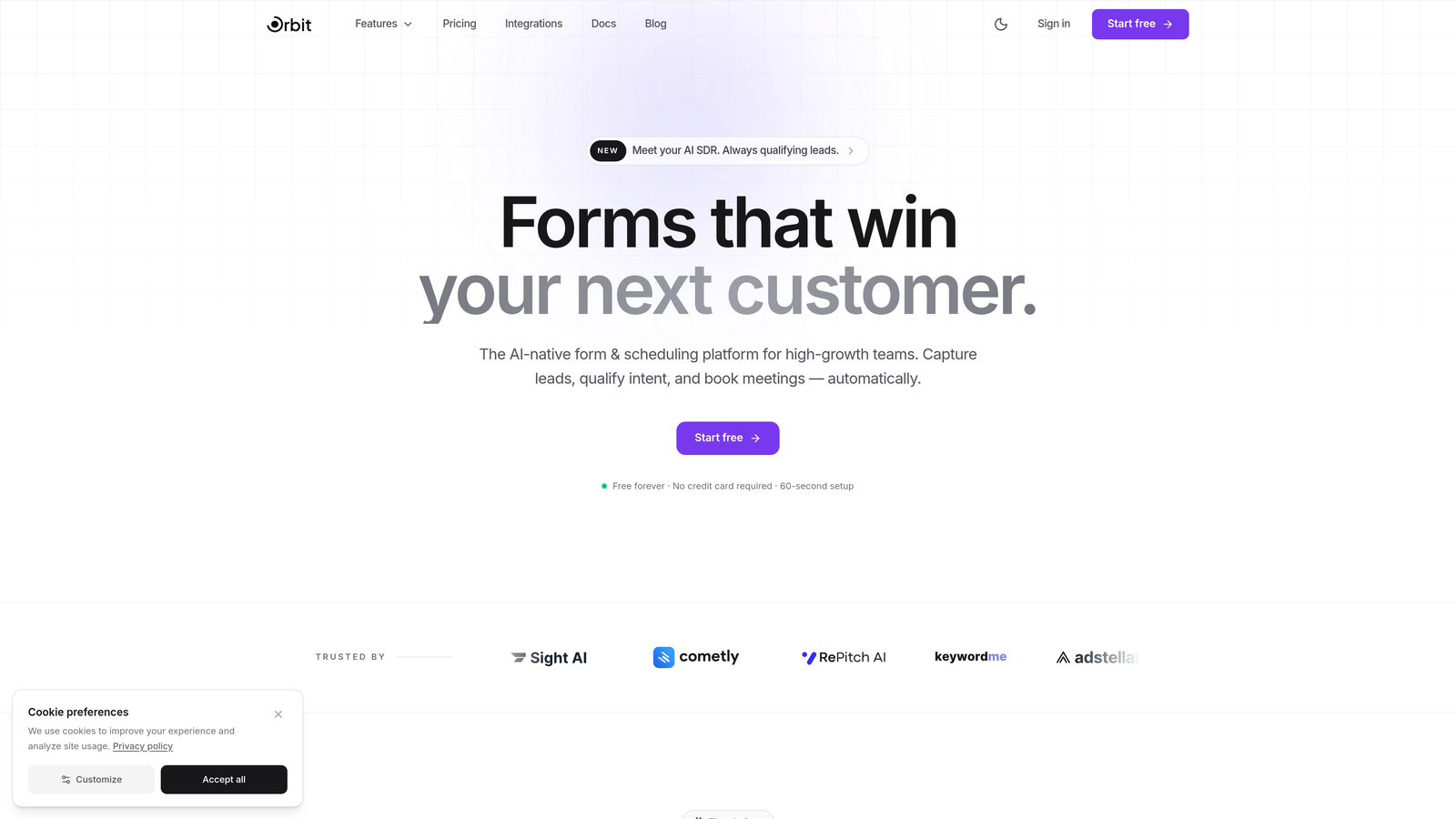
Orbit AI is an AI-powered form builder platform designed specifically for teams focused on conversion optimization and lead generation.
Where This Tool Shines
Most form builders collect data and stop there. Orbit AI goes further by qualifying leads as they fill out your form, scoring responses in real time so your sales team knows exactly who to prioritize. That's a meaningful shift for any team that's tired of manually sorting through low-intent submissions.
The design side is equally strong. Forms are built to look modern and perform well across devices, with conversion-optimized templates that reflect how people actually interact with forms today. It's a platform built for teams that care about both aesthetics and outcomes.
Key Features
AI Lead Qualification and Scoring: Automatically scores and qualifies leads based on form responses, so your team focuses on the highest-intent prospects.
Conversion-Optimized Templates: Pre-built templates designed specifically for lead generation, not just generic data collection.
Smart Conditional Logic: Dynamic form behavior that adapts based on user inputs, creating personalized paths through each form.
Modern Responsive Design: Beautiful, mobile-first layouts that maintain brand quality across every device.
CRM and Marketing Integrations: Connects with popular CRMs and marketing tools so qualified leads flow directly into your existing workflows.
Best For
High-growth SaaS teams, marketing agencies, and B2B companies running active lead generation campaigns who need more than a data collection tool. Ideal if lead quality and conversion rate are metrics you actively optimize.
Pricing
Monthly billing available. See current plans and pricing at orbitforms.ai for the most up-to-date tier details.
2. Typeform
Best for: Teams that prioritize conversational, visually polished forms with strong completion rates.
Typeform is a conversational form builder known for its one-question-at-a-time format and high-quality design output.

Where This Tool Shines
Typeform's core idea is simple: asking one question at a time feels less like filling out a form and more like having a conversation. That format tends to keep respondents engaged longer, which can meaningfully improve completion rates on longer surveys or multi-step lead forms.
The design customization options are among the best in the category. You can match forms closely to your brand, embed video and images mid-form, and create branching logic paths that feel genuinely personalized rather than just conditional.
Key Features
Conversational One-Question Format: Presents one question at a time to reduce cognitive load and improve form completion.
Logic Jumps and Branching: Routes respondents through different question paths based on their answers.
Design Customization: Extensive branding controls including fonts, colors, background images, and themes.
Native Integrations: Connects directly with HubSpot, Slack, Zapier, Google Sheets, and more.
Video and Image Embedding: Add visual context within forms to enrich the respondent experience.
Best For
Marketing teams running lead generation campaigns, user research teams conducting surveys, and brands that want their forms to feel like an extension of their product experience rather than an afterthought.
Pricing
Free tier available with limited responses. Paid plans start around $25/month billed monthly. Verify current pricing at typeform.com as plans are updated regularly.
3. Jotform
Best for: Teams that need a massive template library and no-code app building alongside their forms.
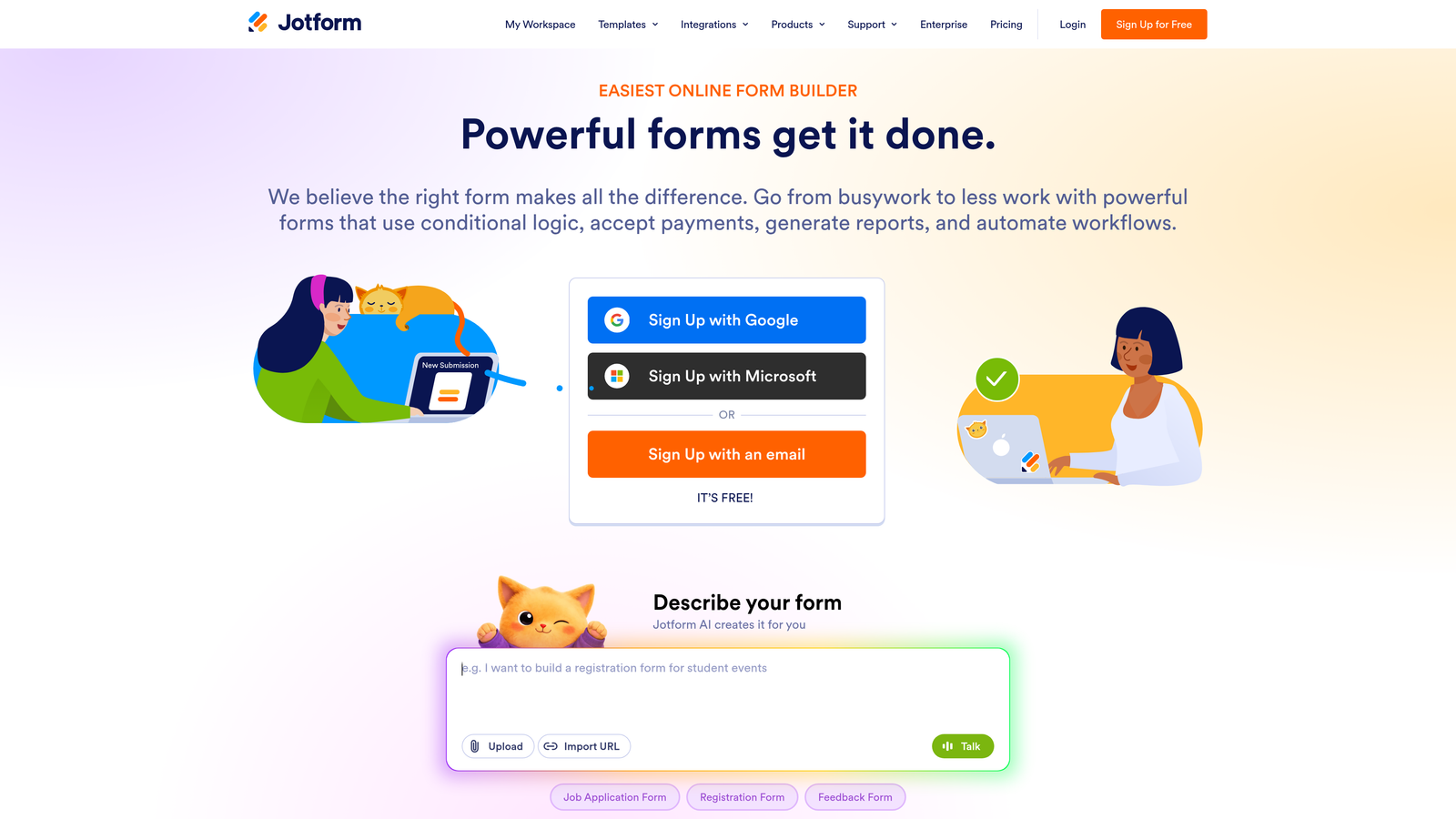
Jotform is a feature-rich form builder with over 10,000 templates and a built-in no-code app builder included in paid plans.
Where This Tool Shines
If breadth of functionality is your priority, Jotform is hard to beat. The template library alone covers an extraordinary range of use cases, from event registration to medical intake forms, meaning you're rarely starting from scratch. The drag-and-drop builder is approachable enough for non-technical users while still offering serious depth.
The Jotform Apps feature is a genuine differentiator: you can turn any form or collection of forms into a mobile app without writing code. For teams managing field operations, client portals, or internal tools, that capability adds real value beyond basic form building.
Key Features
10,000+ Form Templates: One of the largest template libraries available, covering virtually every industry and use case.
Jotform Apps: Build no-code mobile apps directly from your forms without any development work.
Payment Integrations: Native connections to PayPal, Stripe, Square, and other payment processors.
Conditional Logic: Show or hide fields dynamically based on user responses.
HIPAA-Compliant Plans: Available for healthcare teams that need compliant data handling.
Best For
Small businesses, nonprofits, healthcare providers, and teams managing high-volume form submissions across multiple departments. Also strong for anyone who wants payment collection and app building in one platform.
Pricing
Free tier includes up to 5 forms. Paid plans start around $34/month billed monthly. Verify current pricing at jotform.com.
4. Tally
Best for: Individuals and small teams who want unlimited forms and a clean editing experience at low or no cost.
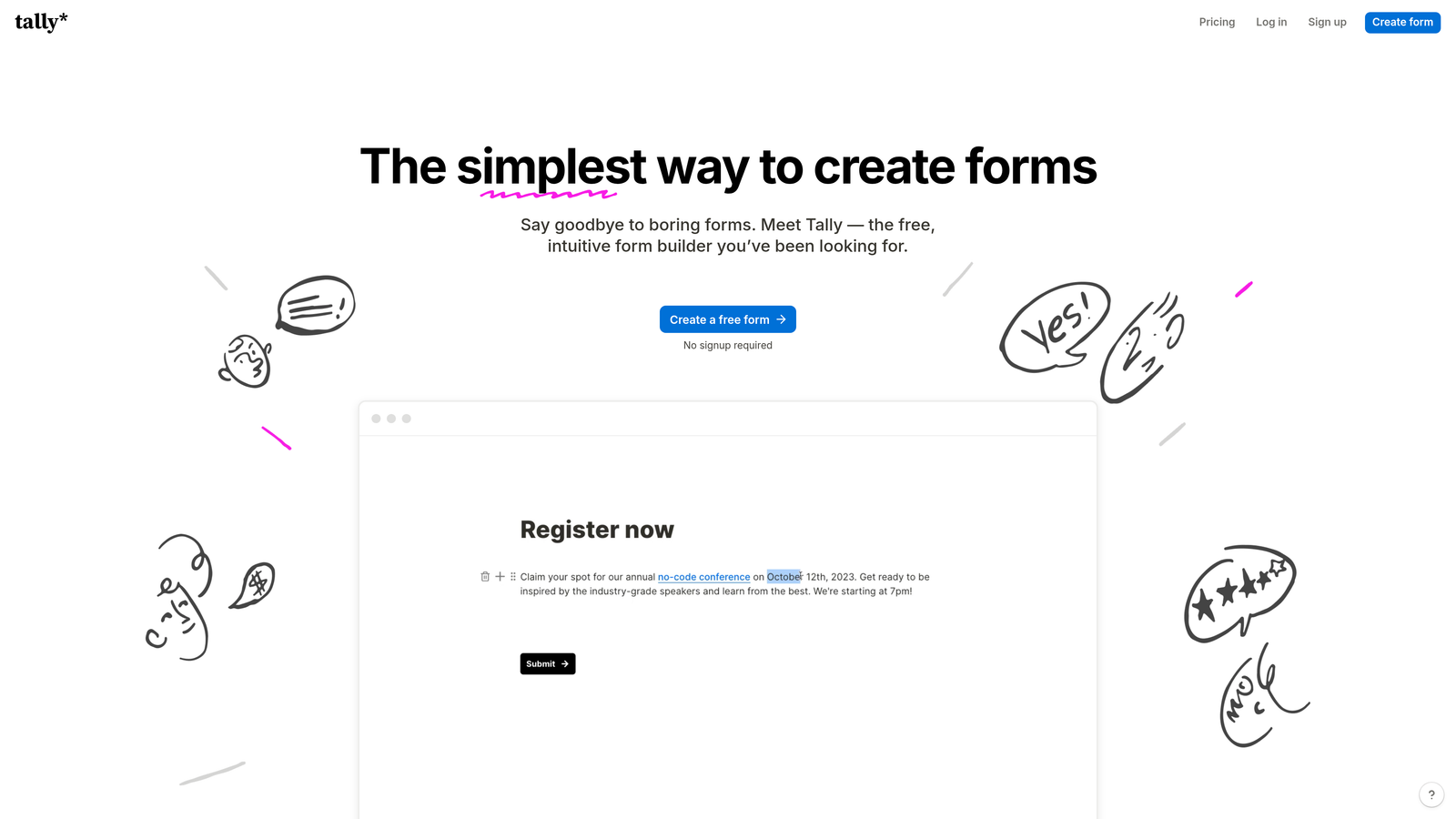
Tally is a minimalist form builder with a Notion-style block editor and unlimited forms available even on the free plan.
Where This Tool Shines
Tally's free tier is genuinely generous. Unlimited forms and unlimited submissions without paying anything makes it an easy starting point for freelancers, indie makers, or early-stage teams testing ideas. The block-based editor feels familiar if you've used Notion, which lowers the learning curve significantly.
For teams that want to remove Tally branding and use a custom domain, the Pro plan is priced accessibly. It's a tool that punches above its price point, particularly for straightforward lead capture and research use cases.
Key Features
Unlimited Free Forms: No restrictions on form count or submission volume on the free plan.
Block-Based Editor: Notion-style editing interface that's intuitive for anyone familiar with modern document tools.
Conditional Logic and Calculators: Add branching logic, hidden fields, and calculation fields without paid upgrades.
Custom Domain and White Labeling: Available on Pro for teams that need branded form URLs.
Webhooks and Native Integrations: Connect to other tools via webhooks or direct integrations.
Best For
Solo creators, early-stage startups, and researchers who need capable forms without a monthly budget commitment. Also a strong pick for teams already embedded in the Notion ecosystem.
Pricing
Free tier with unlimited forms and submissions. Pro plan starts around $29/month. Verify current pricing at tally.so.
5. Paperform
Best for: Teams that want to combine rich content, forms, payments, and scheduling on a single branded page.
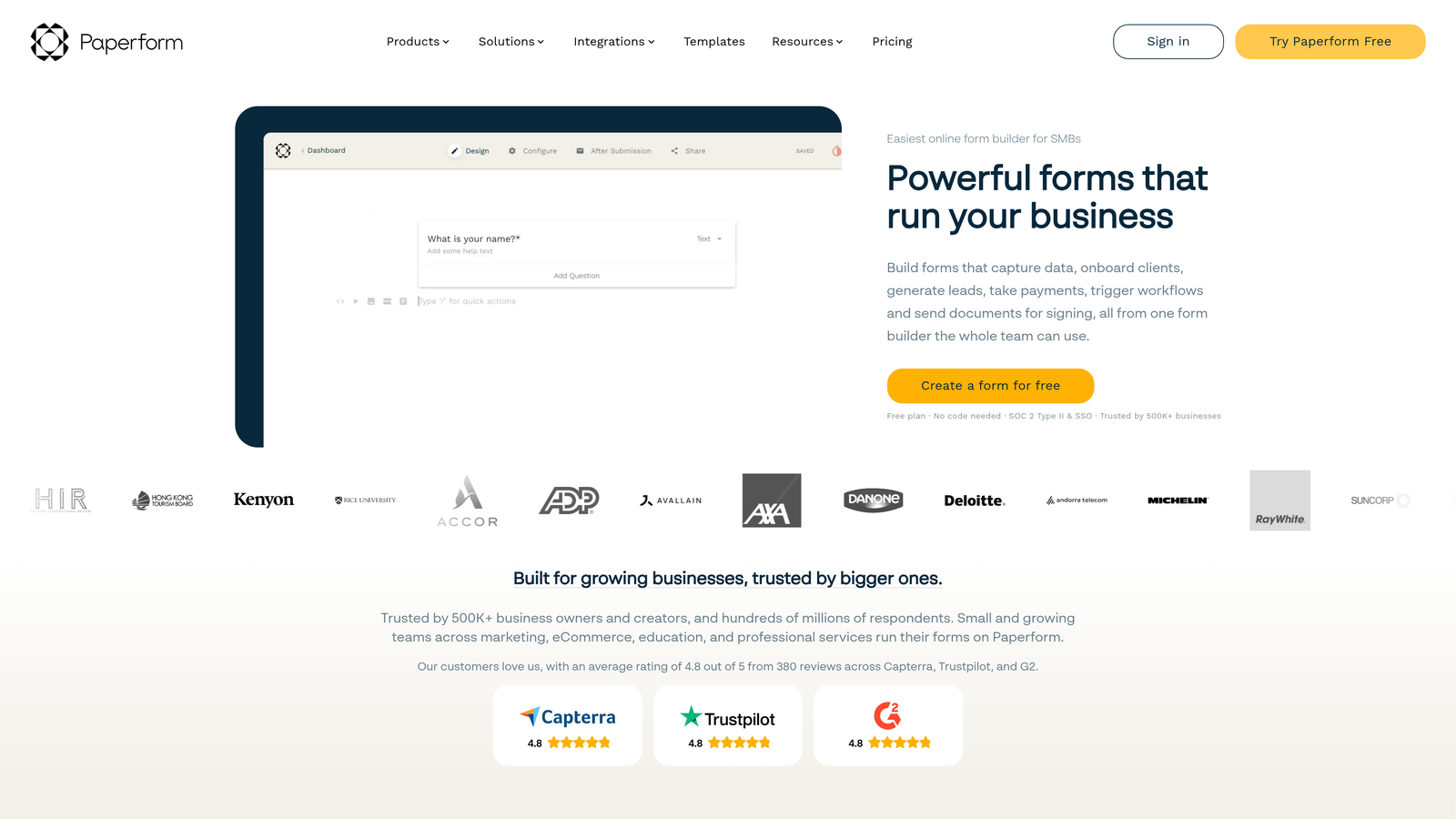
Paperform is a document-style form builder that blends content creation, data collection, payment processing, and appointment scheduling in one experience.
Where This Tool Shines
Paperform's document-style editor sets it apart from typical drag-and-drop builders. You write and design your form page like a document, mixing text, images, and form fields naturally. The result feels more like a landing page than a traditional form, which works well for product orders, service bookings, or lead capture pages that need context alongside the fields.
Built-in payment processing and scheduling mean you can often replace multiple tools with one Paperform page. That consolidation is genuinely useful for small teams managing client-facing workflows.
Key Features
Document-Style Editor: Create content-rich form pages that blend explanatory text, media, and form fields seamlessly.
Built-In Payments and Scheduling: Accept payments and bookings without third-party integrations for basic use cases.
Advanced Conditional Logic: Sophisticated branching and calculation capabilities for complex forms.
Custom Branding: Full control over fonts, colors, and themes to match your brand.
Partial Submission Recovery: Capture data even when respondents don't complete the full form.
Best For
Consultants, small agencies, and service businesses that want a single page handling intake, payment, and scheduling. Strong for teams replacing multiple point solutions with one flexible tool.
Pricing
Plans start around $24/month billed monthly. Verify current pricing at paperform.co.
6. Formstack
Best for: Enterprise teams that need forms, document generation, and e-signatures in a unified compliance-ready platform.
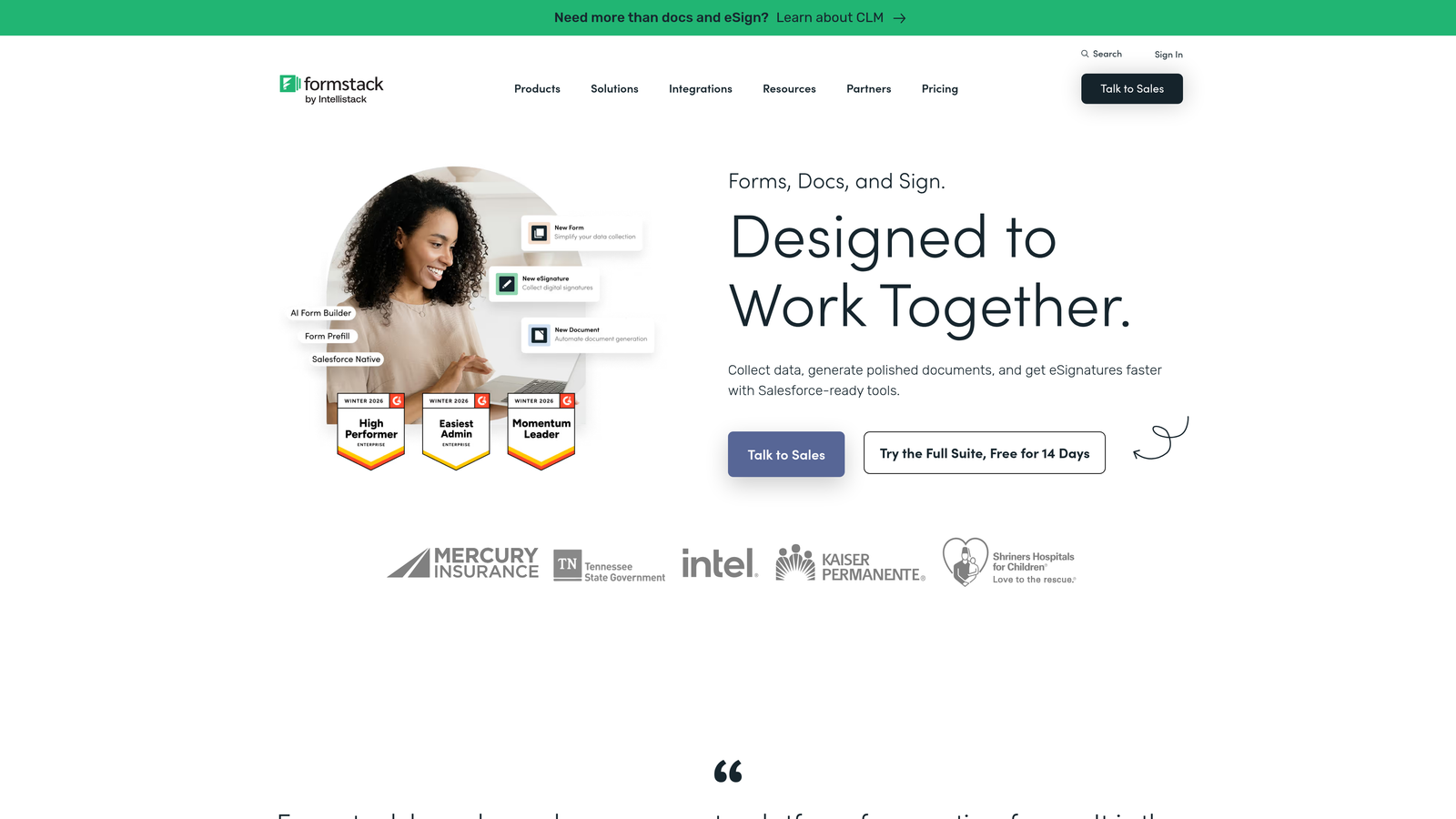
Formstack is an enterprise-grade workflow platform combining forms, document automation, and digital signatures with strong security and compliance credentials.
Where This Tool Shines
Formstack is built for organizations where data security, compliance, and cross-functional workflows are non-negotiable. HIPAA, GDPR, and SOC 2 compliance are built in, making it one of the few form platforms that enterprise IT and legal teams will sign off on without extensive vetting.
The platform's real strength is workflow depth. You're not just collecting form data: you're routing it through approval processes, auto-generating documents, and collecting signatures, all within a single connected system. That's a different category of tool compared to most form builders on this list.
Key Features
Workflow Automation Suite: Combines forms, document generation, and e-signatures into connected automated workflows.
Enterprise Compliance: HIPAA, GDPR, and SOC 2 compliance built into the platform.
A/B Testing: Test form variations to optimize conversion rates and submission quality.
Salesforce-Native Integration: Deep integration for teams running Salesforce as their CRM.
Approval Routing: Route submissions through custom approval chains before processing.
Best For
Mid-market and enterprise teams in regulated industries (healthcare, finance, legal) that need compliant data collection with document and signature workflows. Less suited for lean startups due to pricing and complexity.
Pricing
Forms-only plan starts around $50+/month. Full suite pricing is higher. Formstack leans toward annual contracts, so monthly billing may carry a premium. Verify at formstack.com.
7. Fillout
Best for: Teams that want forms connecting directly to databases like Airtable, Notion, or Google Sheets.
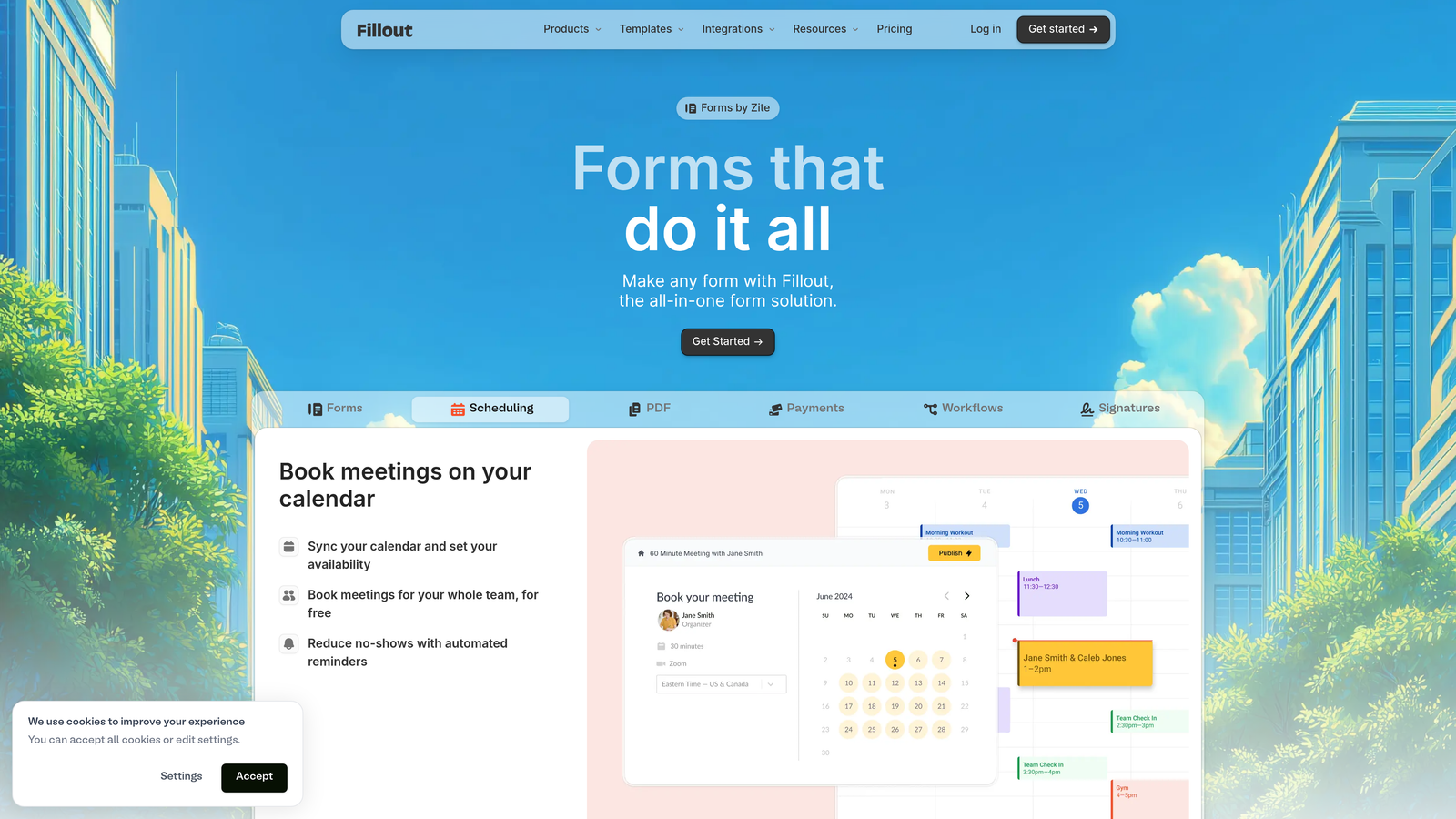
Fillout is a database-native form builder that reads and writes directly to connected data sources, making it a natural fit for operations and product teams.
Where This Tool Shines
Most form builders export data to a spreadsheet or CRM as a secondary step. Fillout treats your database as the primary destination, writing form responses directly into Airtable, Notion, Supabase, or Google Sheets in real time. For teams already managing their data in those tools, that direct connection eliminates a lot of manual syncing.
The free tier is also notably generous, making it easy to evaluate the platform before committing to a paid plan. Scheduling forms and payment collection round out the feature set for teams that need more than basic data capture.
Key Features
Database-Native Integrations: Direct read/write connections to Airtable, Notion, Supabase, Google Sheets, and more.
Multi-Page Forms and Conditional Logic: Build complex multi-step forms with branching paths.
Scheduling Forms: Collect appointment bookings directly within your forms.
Payment Collection: Accept payments alongside form submissions.
Generous Free Tier: Meaningful limits on the free plan make it practical for smaller teams to start without paying.
Best For
Operations teams, product managers, and no-code builders who live in Airtable or Notion and want forms that feed directly into their existing data structures without middleware.
Pricing
Free tier available. Paid plans start around $15-19/month. Verify current pricing at fillout.com.
8. HubSpot Free Form Builder
Best for: Teams already using HubSpot CRM who want forms that feed directly into their contact database.
HubSpot's form builder is included with the free HubSpot CRM, offering tight contact management and marketing automation integration out of the box.
Where This Tool Shines
The form builder itself is straightforward, but the real value is the ecosystem it connects to. Every form submission automatically creates or updates a contact in HubSpot CRM, enriches their profile, and can trigger marketing automation workflows. For teams running inbound marketing on HubSpot, that native connection removes a lot of integration overhead.
Pop-up, embedded, and standalone form types cover most placement scenarios, and the free tier is genuinely usable for basic lead capture. The limitation is that more advanced features like progressive profiling require paid Marketing Hub tiers.
Key Features
Free Unlimited Forms: Create and publish unlimited forms on the free HubSpot CRM plan.
Automatic Contact Creation: Form submissions instantly create or update CRM contacts without manual data entry.
Multiple Form Types: Pop-up, embedded, and standalone form options for different placement contexts.
Progressive Profiling: Available on paid tiers, shows new questions to returning contacts to gradually build richer profiles.
Built-In Analytics: Track form views, submissions, and conversion rates within HubSpot.
Best For
Inbound marketing teams running HubSpot as their CRM and marketing automation platform. Strong for teams that want zero-friction lead capture without managing separate form and CRM integrations.
Pricing
Free with HubSpot CRM. Advanced form features included in Marketing Hub Starter at $20+/month and above. Verify current pricing at hubspot.com.
9. Cognito Forms
Best for: Teams that need advanced calculation fields, repeating sections, and payment collection at an affordable price point.
Cognito Forms is an affordable form builder with standout math and calculation capabilities, dynamic repeating sections, and built-in payment processing.
Where This Tool Shines
Cognito Forms earns attention for two things most form builders handle poorly: calculations and repeating sections. If you're building order forms with quantity-based pricing, event registration with variable ticket types, or any form where math needs to happen in real time, Cognito handles it cleanly without custom code.
Repeating sections let respondents add multiple entries of the same field group, which is genuinely useful for things like adding multiple products to an order or listing multiple attendees. It's a capability that sounds niche until you need it, and then it becomes essential.
Key Features
Advanced Calculation Fields: Build complex math and conditional calculations directly within form fields.
Repeating Sections: Allow respondents to dynamically add multiple entries of the same field group.
Payment Integration: Connect with Stripe, PayPal, and Square for form-based payment collection.
Conditional Logic and Multi-Page Forms: Control field visibility and create multi-step form experiences.
Inventory and Quantity Tracking: Set limits on form entries, useful for event registration or limited-quantity orders.
Best For
Small businesses, event organizers, and operations teams that need calculation-heavy forms or order management without paying enterprise prices. A strong value pick for teams with specific data entry complexity requirements.
Pricing
Free tier available. Paid plans start around $15/month. Verify current pricing at cognitoforms.com.
Finding the Right Monthly Plan for Your Team
The right form software depends less on feature lists and more on where your team actually operates. A few clear patterns emerge from this comparison worth keeping in mind.
If lead generation and conversion quality are your primary goals, Orbit AI stands out as the only tool on this list with AI-powered lead qualification built directly into the form experience. That's a meaningful difference for high-growth teams where lead quality matters as much as lead volume. Start building free forms today to see how intelligent form design can elevate your conversion strategy.
For teams prioritizing design and respondent experience, Typeform remains a strong choice. If you need breadth of templates and no-code app building, Jotform covers more ground than almost any competitor. Teams embedded in Airtable or Notion will find Fillout reduces integration friction significantly.
On the budget-conscious end, Tally and Cognito Forms offer serious capability at low cost, with Tally's free tier being particularly generous. For enterprise teams in regulated industries, Formstack is in a different category entirely, built for compliance and workflow automation rather than quick deployment.
One practical note on monthly billing: many of these platforms charge a premium of roughly 20-30% compared to annual plans. If you're confident in your tool choice after a month or two of testing, switching to annual billing often makes financial sense. Monthly plans are ideal for the evaluation phase or when your team size and needs are actively shifting.
Start with what fits your current workflow, build in the flexibility to move if your needs change, and prioritize tools that connect cleanly to the CRM or data infrastructure you're already running.


