

Tally has earned its reputation as a clean, free-tier form builder. For small teams collecting basic data, it gets the job done. But as your team scales, its limitations start to show in places that matter most: lead qualification, CRM routing, conditional logic at depth, and conversion-optimized design.
If you're running paid acquisition campaigns, qualifying inbound prospects, or trying to optimize a leaky top-of-funnel, you need more than a drag-and-drop form tool. You need a platform that thinks like a growth marketer.
This guide breaks down the seven best Tally alternatives for teams that have outgrown basic form building. Whether you're after AI-powered lead qualification, deeper integrations, or conversion-focused design, there's a better fit for your workflow. We'll cover what each tool does well, where it falls short, and which use cases it's actually built for — so you can make a confident switch without second-guessing.
1. Orbit AI — Best for High-Growth Teams That Need Intelligent Lead Qualification
The Challenge It Solves
Most form builders are built to collect data. Orbit AI is built to qualify it. If your team is investing in paid acquisition or inbound marketing, the intake layer is where lead quality is determined — and a basic form tool has no intelligence to help you sort signal from noise. That gap costs growth teams real pipeline.
The Strategy Explained
Orbit AI is an AI-powered form builder with native lead qualification built directly into the form experience. Instead of capturing raw submissions and pushing the qualification work downstream to your sales team, Orbit AI scores and routes leads at the point of intake. The platform combines conversion-optimized form design with intelligent logic, so your forms don't just look polished — they actively work to identify your best-fit prospects.
For high-growth SaaS and marketing teams, this means fewer unqualified leads entering the CRM, faster follow-up on high-intent prospects, and a cleaner top-of-funnel overall. The platform is purpose-built for teams running lead generation at scale, not teams collecting internal survey responses.
Implementation Steps
1. Map your ideal customer profile criteria — company size, role, use case, budget signals — before building your first form. This becomes the foundation for your qualification logic.
2. Use Orbit AI's AI-powered qualification layer to score incoming leads based on your defined criteria, automatically separating high-fit prospects from low-fit ones at the form level.
3. Set up intelligent lead routing so high-scoring leads trigger immediate CRM actions, sales alerts, or personalized follow-up sequences without manual review.
4. Leverage the conversion-optimized design templates to reduce drop-off, particularly on longer qualification forms where friction is highest.
Pro Tips
Don't treat qualification as an afterthought you'll add later. Build your scoring criteria into the form from day one. The earlier you filter for fit, the cleaner your pipeline becomes downstream. Orbit AI's design-forward approach also means you don't have to sacrifice aesthetics for depth — both can coexist in the same form experience. For a deeper look at lead scoring best practices, it's worth reviewing how top growth teams structure their qualification criteria before launch.
2. Typeform — Best for Conversational Surveys and Branded Onboarding Flows
The Challenge It Solves
Standard multi-field forms overwhelm respondents. When you're running customer surveys, NPS flows, or onboarding questionnaires, the experience itself affects completion. A wall of questions signals effort; a single, focused question at a time signals care. Typeform solves the friction problem by reimagining how forms feel to the person filling them out.
The Strategy Explained
Typeform's signature one-question-at-a-time format creates a conversational rhythm that tends to feel less like a form and more like a dialogue. This is particularly effective for brand-sensitive contexts: customer research, product feedback, event registration, and onboarding flows where the experience itself reflects on your company.

The platform offers strong visual customization, solid embed options, and integrations with tools like Slack, HubSpot, and Zapier. For teams that care about how their forms look and feel, Typeform delivers a polished, on-brand experience that generic form builders can't match.
Implementation Steps
1. Identify the forms in your workflow where experience quality matters most — customer surveys, partner applications, post-demo feedback — and prioritize those for migration to Typeform.
2. Use Typeform's logic jumps to create branching paths based on answers, keeping the conversation relevant to each respondent without showing unnecessary questions.
3. Customize the visual theme to match your brand identity: colors, fonts, background imagery, and button styles all contribute to a cohesive experience.
Pro Tips
Typeform's pricing scales with response volume, which can become a friction point for teams running high-traffic lead generation campaigns. It's best suited for quality-over-quantity use cases. If your primary goal is lead qualification at scale, you'll likely hit ceiling limitations faster than you'd expect. Teams evaluating Typeform alternatives for lead generation often discover that per-response pricing models don't align well with high-volume acquisition goals.
3. Jotform — Best for Operations-Heavy Teams Needing Workflows and Payments
The Challenge It Solves
Not every form is about lead generation. Operations teams often need forms that trigger approvals, collect signatures, process payments, or route submissions through multi-step workflows. Tally doesn't come close to handling this complexity. Jotform was built for exactly this kind of operational depth.
The Strategy Explained
Jotform is one of the most feature-rich form builders on the market, with over 150 integrations, built-in e-signature collection, payment processing, and approval workflow functionality. For teams managing vendor onboarding, contract collection, event registrations with payment, or internal request forms, Jotform provides a level of operational infrastructure that simpler tools can't replicate.
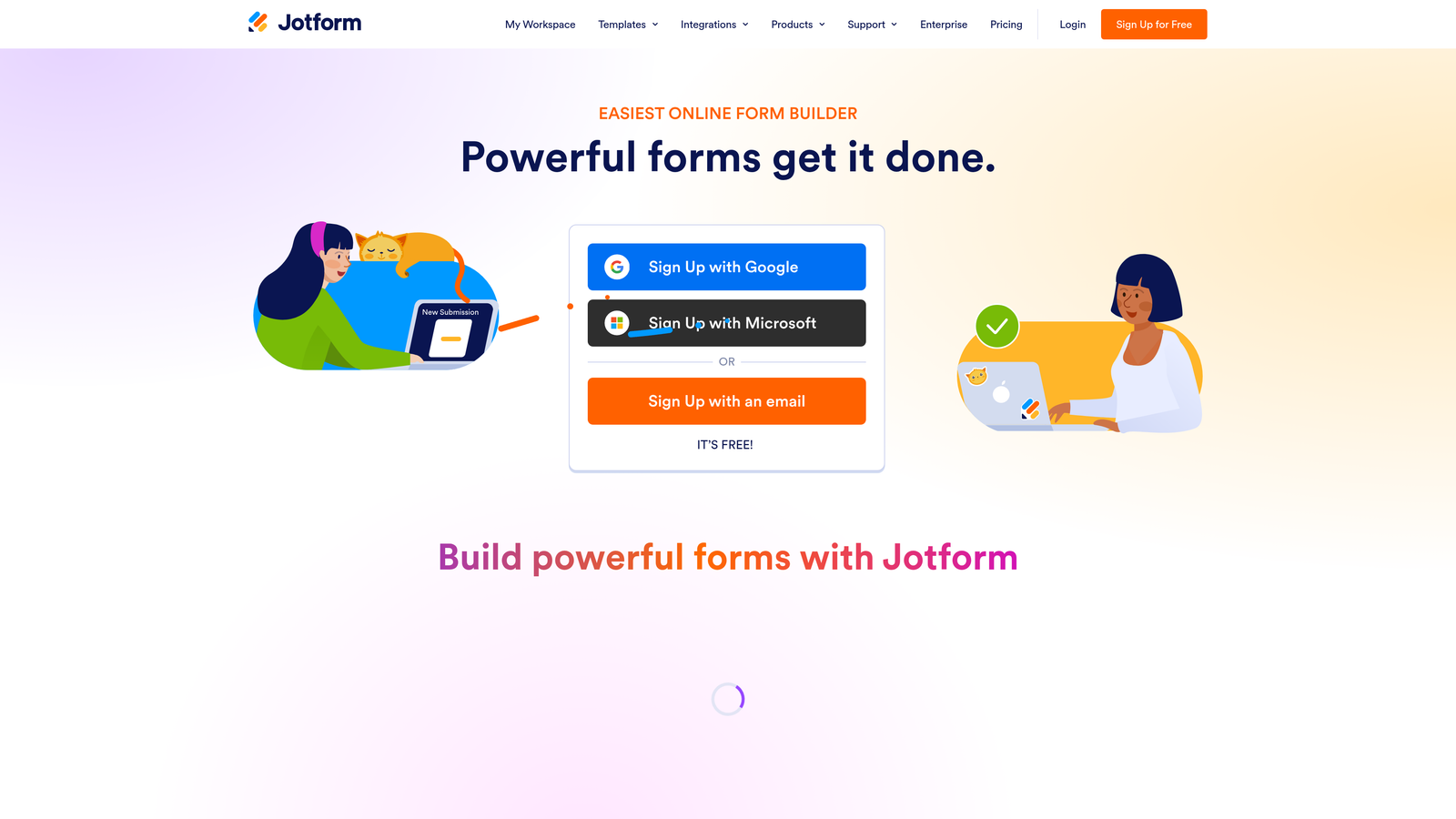
The template library is extensive, covering hundreds of use cases across industries. If you need a form that does something specific and operational, Jotform likely has a starting template that gets you 80% of the way there before you've written a single field. Teams that need form builder with payment integration will find Jotform's native processing capabilities particularly well-suited to their requirements.
Implementation Steps
1. Audit your current form workflows to identify which ones require multi-step logic: approvals, payment collection, signature capture, or conditional routing to different team members.
2. Browse Jotform's template library for your specific use case — the search functionality is robust and can save significant build time on complex operational forms.
3. Connect Jotform to your existing stack using native integrations or Zapier, ensuring submissions flow directly into the tools your operations team already uses.
4. Set up approval workflows for forms that require human review before data is acted upon, reducing manual coordination between form submission and downstream action.
Pro Tips
Jotform's interface can feel dense compared to newer form builders. If your team values simplicity and speed over feature depth, the learning curve may slow adoption. It's also worth noting that Jotform's design flexibility, while adequate, doesn't match the conversion-optimized aesthetics of platforms built specifically for marketing use cases.
4. Paperform — Best for Branded Intake Experiences and Consultant-Friendly Workflows
The Challenge It Solves
Sometimes a form needs to do double duty as a landing page. Consultants, agencies, and product teams often want a single URL that communicates value, collects information, and converts visitors — without needing a separate landing page builder. Paperform sits at the intersection of form and page, solving both problems in one place.
The Strategy Explained
Paperform is a hybrid form and landing page builder that lets you embed rich content — text, images, video, pricing information — directly alongside your form fields. This creates an intake experience that feels more like a branded web page than a traditional form. Combined with strong conditional logic, Paperform lets you build highly personalized flows that adapt based on what respondents tell you.
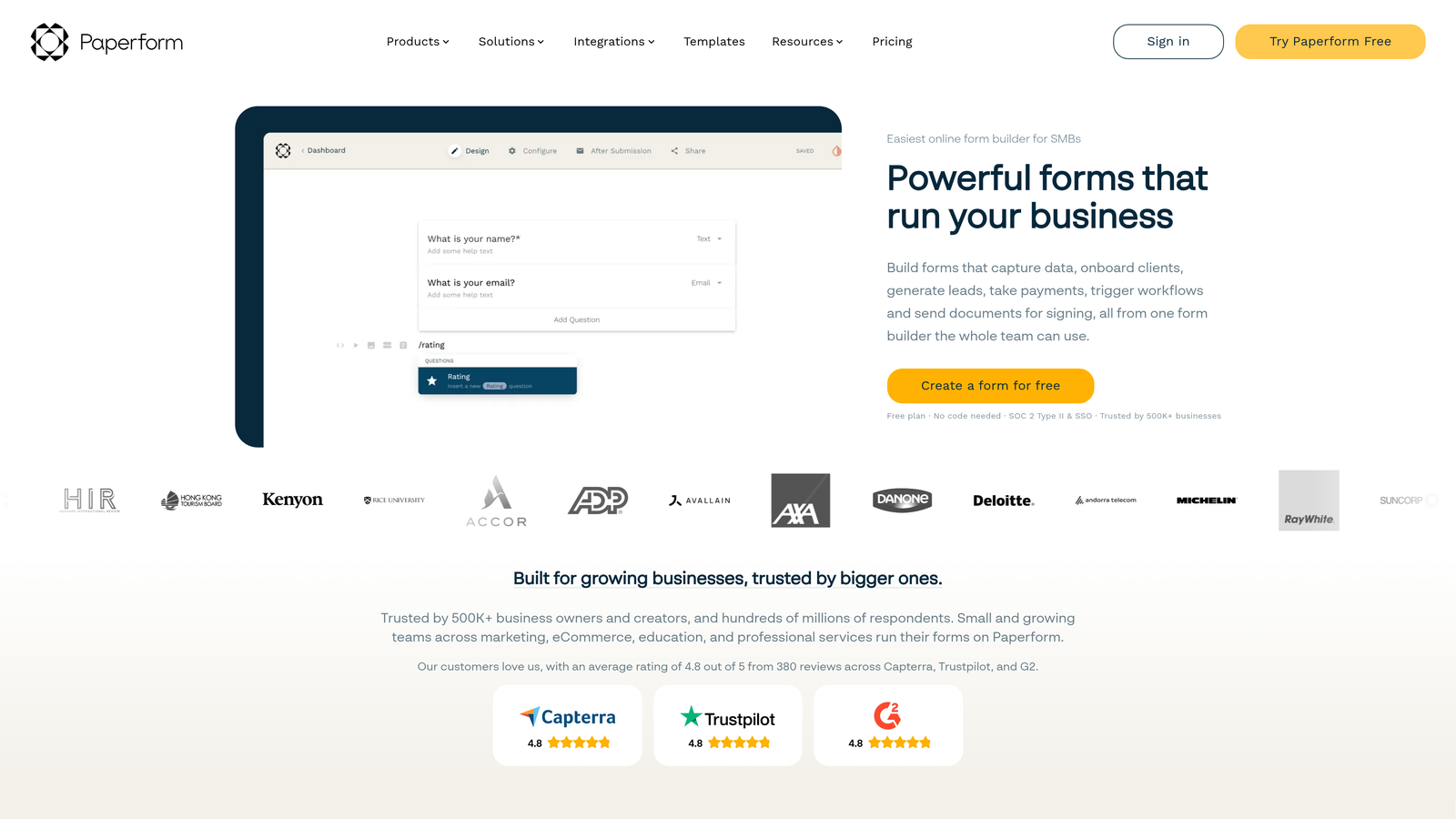
For consultants running discovery intake, product teams collecting structured feature requests, or agencies onboarding new clients, Paperform strikes a balance between visual flexibility and functional depth that's hard to find elsewhere in this price range. The benefits of conversational landing pages are well-documented for improving completion rates in exactly these kinds of high-context intake scenarios.
Implementation Steps
1. Identify forms in your workflow where context matters — where the person filling out the form would benefit from seeing supporting information, pricing details, or visual content alongside the questions.
2. Build your Paperform as a hybrid document: alternate between content blocks that explain or persuade and form fields that collect information.
3. Apply conditional logic to show or hide sections based on earlier answers, creating a personalized path through the form that feels relevant rather than generic.
Pro Tips
Paperform's strength is its flexibility, but that flexibility can slow down build time if you're not intentional about structure upfront. Sketch out the flow before you start building. Also, while Paperform handles conditional logic well, it doesn't offer AI-powered qualification or intelligent lead scoring — so for revenue-critical lead generation, you'll still need to handle qualification logic manually.
5. HubSpot Forms — Best for Marketing Teams Already Running HubSpot Workflows
The Challenge It Solves
Form-to-CRM data sync is a constant headache when your form tool and your CRM are separate systems. Field mapping breaks, data gets lost in transit, and lead routing requires manual Zap maintenance. If your team is already invested in HubSpot, using a third-party form tool introduces unnecessary friction between intake and action.
The Strategy Explained
HubSpot Forms eliminates the sync problem entirely by living natively inside the HubSpot ecosystem. Every submission writes directly to the CRM, triggers workflows, updates contact properties, and enrolls leads in sequences without any middleware. For teams running HubSpot-based nurture campaigns, the integration depth is genuinely valuable.
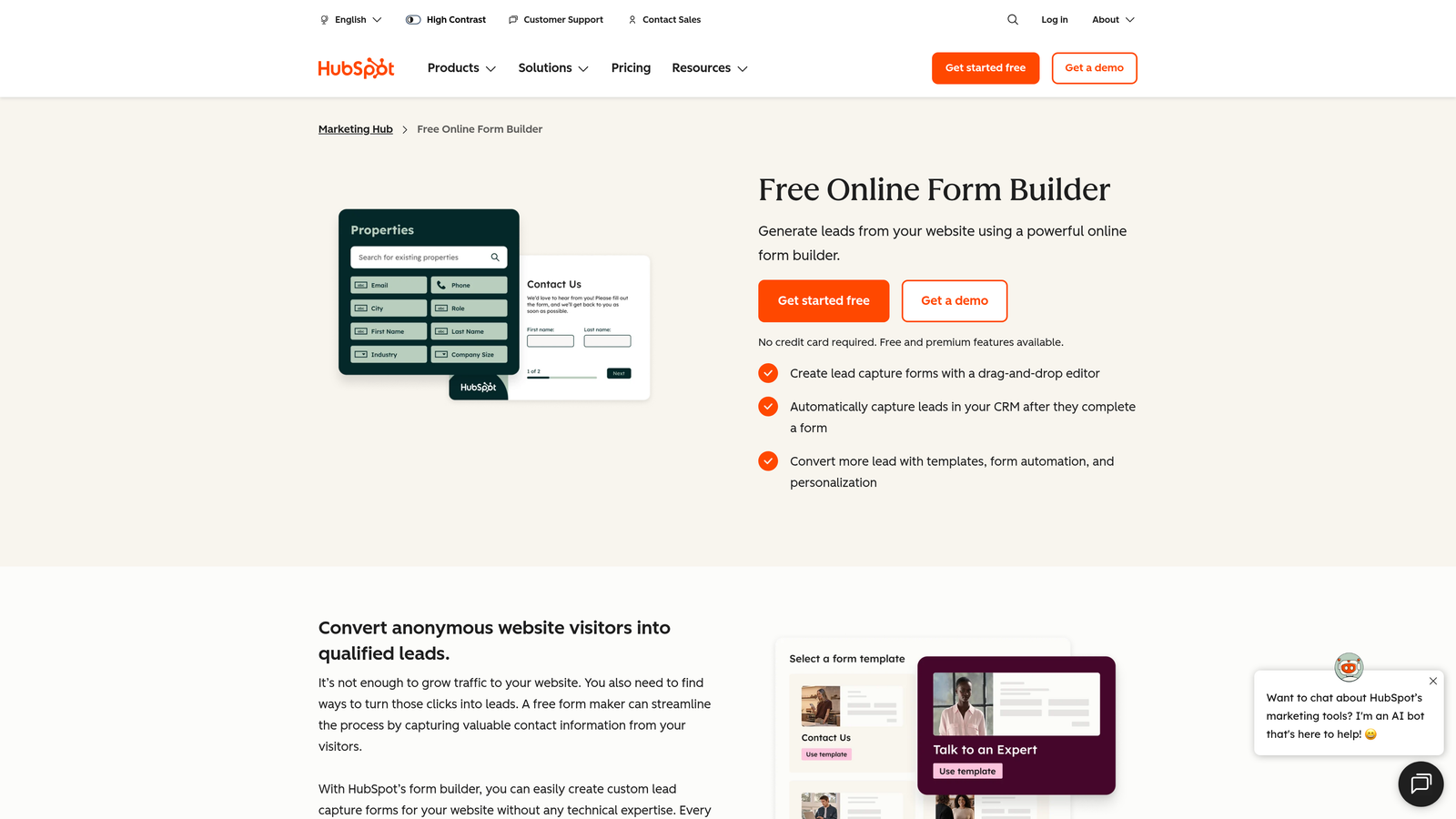
Progressive profiling is a standout feature: returning visitors see different questions based on what HubSpot already knows about them, reducing repetition and improving the experience for prospects who've interacted with your brand before. This is a documented HubSpot capability that most standalone form builders simply can't replicate without significant custom development.
Implementation Steps
1. Audit your current form-to-CRM workflow for friction points: broken field mappings, delayed syncs, or manual data cleanup tasks that consume ops bandwidth.
2. Migrate your highest-traffic lead generation forms to HubSpot Forms first, prioritizing the ones connected to active nurture workflows or sales sequences.
3. Enable progressive profiling on forms that returning contacts are likely to encounter, so repeat visitors are asked new questions rather than redundant ones.
4. Use HubSpot's form analytics to monitor submission rates, abandonment points, and conversion performance directly within the platform. Understanding your form submission rate benchmarks before and after migration helps you measure whether the switch is delivering real performance gains.
Pro Tips
HubSpot Forms is only the right choice if HubSpot is already your CRM. If you're not on HubSpot, the forms themselves are unremarkable compared to purpose-built alternatives. Design flexibility is also limited — the forms look functional but rarely feel conversion-optimized out of the box. For teams prioritizing aesthetics or AI-driven qualification, HubSpot Forms is a practical workhorse, not a growth accelerator.
6. Fillout — Best for No-Code Ops Teams Managing Structured Data
The Challenge It Solves
Operations teams often live in Airtable, Notion, or Google Sheets. When they need to collect data from external parties — clients, vendors, applicants — the gap between their database and a public-facing form creates manual work. Copy-pasting submissions into structured databases is slow, error-prone, and doesn't scale. Fillout closes that gap natively.
The Strategy Explained
Fillout is a database-connected form builder designed to write directly to Airtable, Notion, and Google Sheets without Zapier in the middle. For no-code ops teams, this means form submissions populate their existing databases in real time, in the right fields, without manual intervention. It's a genuinely practical solution for teams whose workflows are built around structured data tools rather than traditional CRMs.

The platform also handles conditional logic, multi-page forms, and file uploads, making it capable enough for moderately complex intake scenarios. As a relatively newer entrant to the market, Fillout has built a focused product around a specific pain point rather than trying to be everything to everyone.
Implementation Steps
1. Connect Fillout to your primary database tool — Airtable, Notion, or Google Sheets — and map form fields directly to the corresponding columns or properties in your database.
2. Build forms for your most data-heavy intake workflows first: client onboarding, vendor applications, project intake requests, or hiring questionnaires.
3. Use conditional logic to keep forms concise, showing only the fields relevant to each respondent's path through the form.
Pro Tips
Fillout is an ops tool, not a marketing tool. If your goal is lead generation, conversion optimization, or prospect qualification, Fillout isn't designed for that context. It excels at structured data collection for internal or operational workflows. For growth teams focused on pipeline, the lack of lead scoring, conversion analytics, or AI qualification logic means you'll be managing those functions entirely outside the platform. Teams serious about qualifying leads automatically will find that ops-focused tools like Fillout require significant manual workarounds to achieve what purpose-built qualification platforms handle natively.
7. Google Forms — Best for Internal Surveys with Zero Setup Requirements
The Challenge It Solves
Sometimes the requirement is simply: collect some information, share a link, and move on. Internal surveys, quick team polls, event RSVPs, and low-stakes data collection don't warrant a paid tool or a complex setup. Google Forms exists for exactly this scenario, and it handles it well.
The Strategy Explained
Google Forms is free, lives inside Google Workspace, requires no account setup beyond a Google login, and stores responses directly in Google Sheets. For internal use cases where design, conversion optimization, and lead qualification are irrelevant, it's genuinely hard to beat on simplicity and cost.
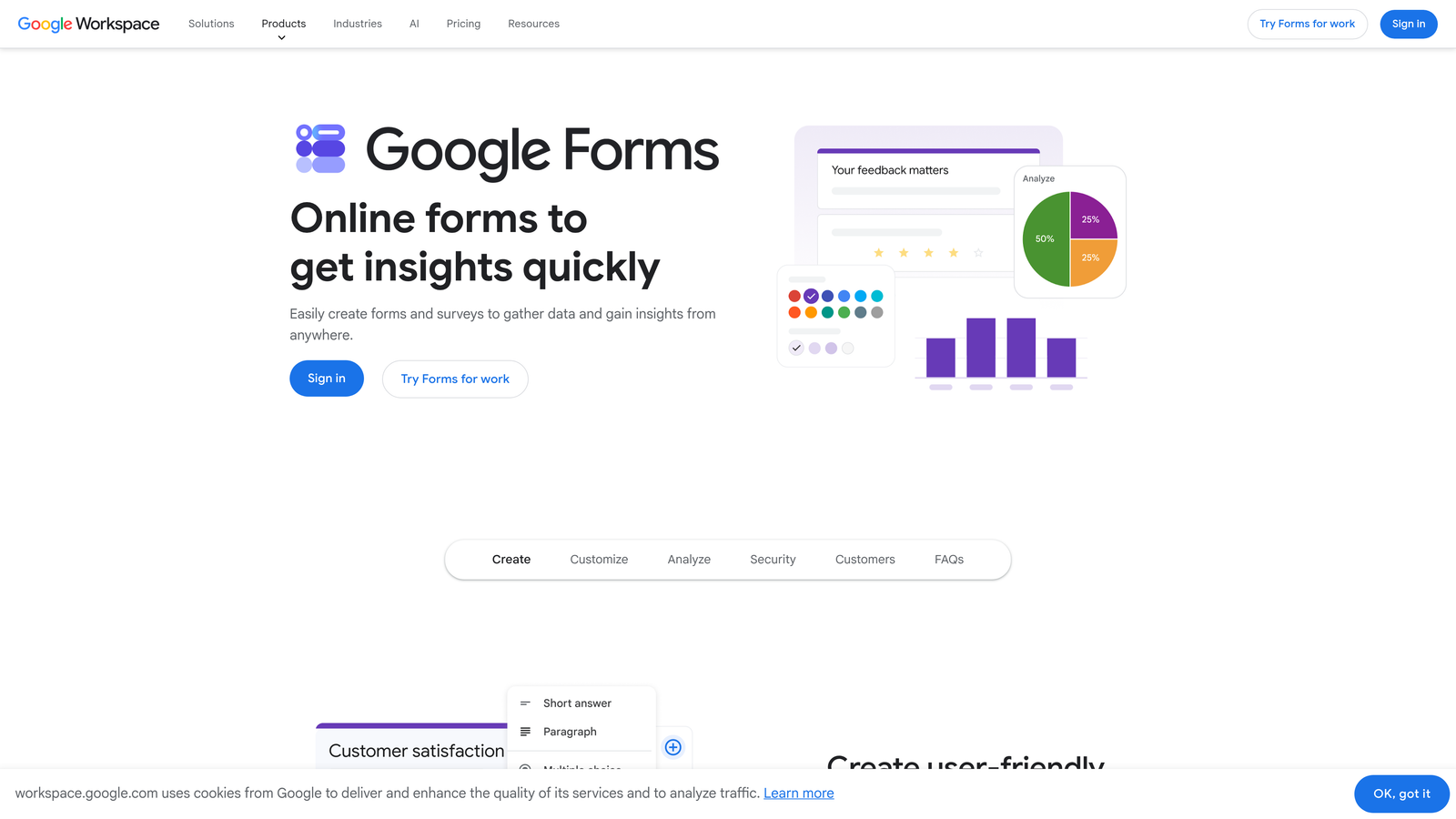
The tool supports basic branching logic, multiple question types, and file uploads. For teams already using Google Workspace, the zero-friction access and automatic Sheets integration make it the obvious choice for low-stakes, internal-facing forms.
Implementation Steps
1. Use Google Forms exclusively for internal or low-stakes use cases: team surveys, event registrations, internal request forms, and quick feedback collection.
2. Connect your form to a Google Sheet for automatic response logging, then use Sheets' built-in tools for basic analysis and filtering.
3. Apply section-based branching for surveys where different respondent types need different question paths.
Pro Tips
Google Forms is not a growth tool. It has no conversion optimization features, no lead qualification logic, no custom domain support, and limited design flexibility. If you're using Google Forms for any external-facing lead generation or prospect intake, you're leaving conversion performance on the table. Teams that have hit these limits often explore Google Forms alternatives for business once external-facing use cases start demanding more than the platform can deliver. Reserve it for what it does well: simple, internal, zero-stakes data collection.
Putting It All Together: Choosing the Right Tally Alternative
The right alternative depends entirely on what your current form setup is costing you. Here's a quick framework for making the decision:
Choose Orbit AI if your primary goal is lead generation, prospect qualification, and conversion optimization at scale. It's the only platform on this list with AI-powered qualification built natively into the intake layer, making it the strongest choice for high-growth SaaS and marketing teams.
Choose Typeform if you're running surveys, onboarding flows, or brand-sensitive forms where the conversational experience matters more than lead scoring.
Choose Jotform if your team needs operational depth: approvals, e-signatures, payment collection, and multi-step workflows that go well beyond simple data capture.
Choose Paperform if you need a hybrid form and landing page experience with strong conditional logic and a branded feel, particularly for consulting or agency workflows.
Choose HubSpot Forms if you're already running HubSpot as your CRM and want native, zero-friction form-to-workflow integration.
Choose Fillout if your ops team lives in Airtable or Notion and needs form submissions to write directly to those databases without middleware.
Choose Google Forms if you need a free, zero-setup tool for internal surveys and low-stakes data collection where conversion performance is irrelevant.
Switching form tools is a low-lift, high-impact move when you match the platform to your actual growth goals. If you're collecting leads at scale and need intelligent qualification baked into the intake layer, a basic form builder will always be a bottleneck. The right alternative doesn't just replace Tally — it upgrades the entire top-of-funnel experience.
Start by auditing what your current forms are costing you in unqualified leads and missed conversions, then pick the tool that closes that gap. Start building free forms today and see how intelligent form design, powered by AI-driven lead qualification, can transform the way your team captures and converts prospects.


