

Tally has earned its reputation as one of the most generous free form builders on the market. Clean interface, unlimited forms, no submission caps on the free plan. For a lot of teams, it's the perfect starting point.
But starting points have a way of becoming bottlenecks. When your team starts asking questions like "can we score leads automatically?" or "how do we trigger a CRM workflow based on form answers?" or "why does this form look nothing like our brand?"—that's usually the signal it's time to explore what else is out there.
This list covers the top form builders worth considering in 2026, evaluated on ease of use, pricing transparency, integration depth, design flexibility, and conversion optimization capabilities. Whether you're running simple contact forms or complex lead-gen funnels, there's something here for every use case and budget. Tools are ordered by overall versatility for growth-focused teams.
If you're also thinking about how to structure your forms for better results, our guides on how to build effective web forms and Typeform alternatives are worth a read alongside this list.
1. Orbit AI
Best for: High-growth teams that want AI-powered lead qualification built directly into the form experience.
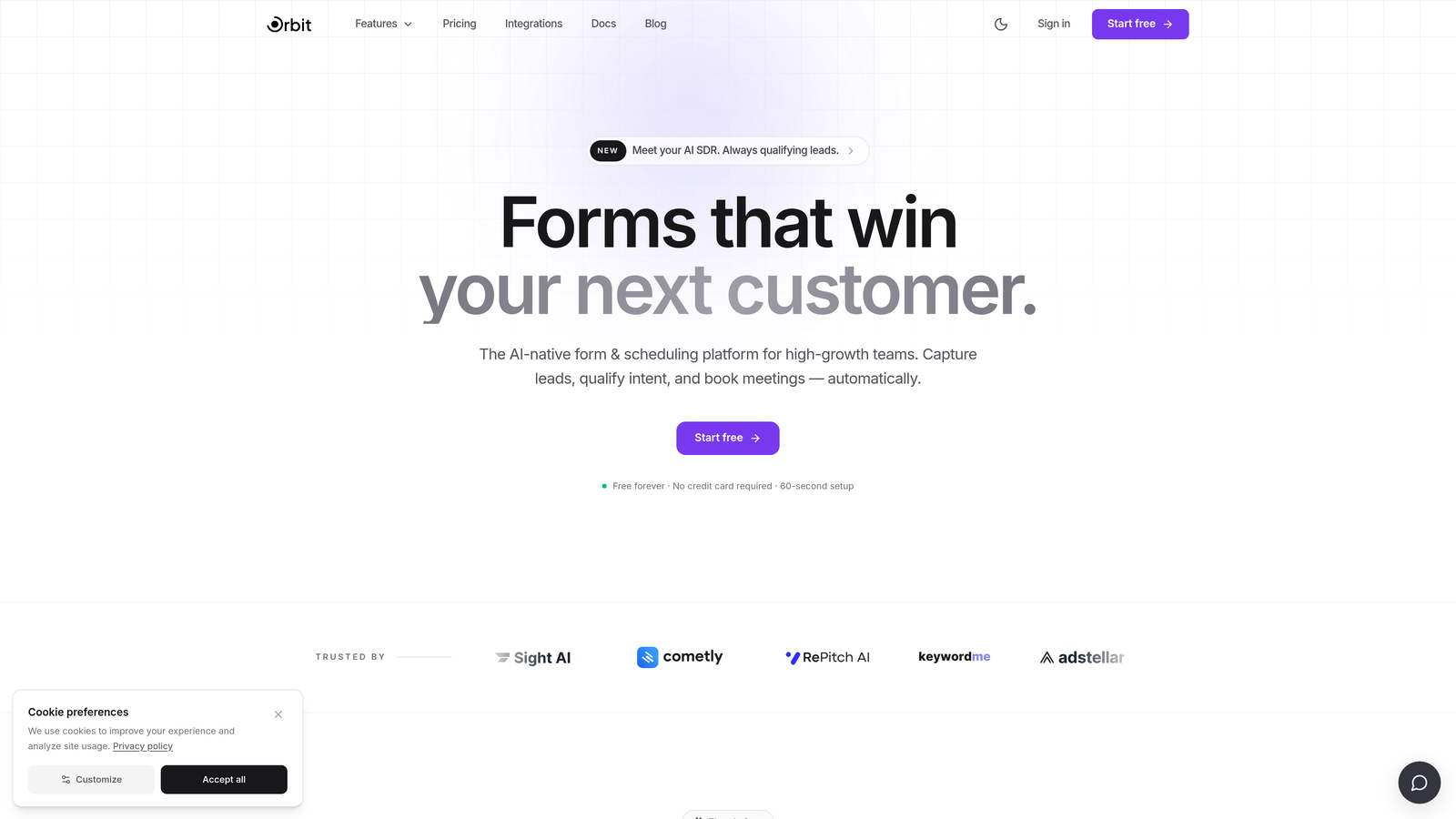
Orbit AI is an AI-powered form builder platform designed to turn form submissions into qualified leads automatically, without manual sorting or delayed follow-up.
Where This Tool Shines
Most form builders collect data and stop there. Orbit AI goes a step further by embedding lead qualification intelligence directly into the form flow. As prospects answer questions, the platform scores and routes them in real time, so your sales team receives a warm, pre-qualified lead instead of a raw CSV dump.
For teams running paid acquisition or outbound campaigns, that speed-to-qualification difference can meaningfully impact conversion rates. The forms themselves are also built with conversion optimization in mind: modern design, smart branching, and templates that reflect how high-performing lead-gen pages actually work.
Key Features
AI-Powered Lead Scoring: Real-time qualification happens as users complete the form, routing high-intent leads to the right team immediately.
Conversion-Optimized Templates: Purpose-built templates for lead generation that prioritize completion rates and qualified submissions.
Dynamic Conditional Logic: Intelligent branching adapts the form experience based on each respondent's answers, keeping forms relevant and concise.
CRM and Automation Integrations: Connects with major CRM and marketing automation platforms to trigger workflows the moment a lead submits.
Brand Customization: Full design control to match your brand identity with a polished, modern aesthetic.
Best For
Growth-stage SaaS companies, marketing teams running lead-gen campaigns, and sales teams tired of manually qualifying form submissions. Particularly valuable when speed-to-lead and lead quality are primary metrics.
Pricing
Visit orbitforms.ai for current plan details and to explore available tiers.
2. Tally
Best for: Individuals and small teams who need unlimited forms at zero cost with minimal setup friction.
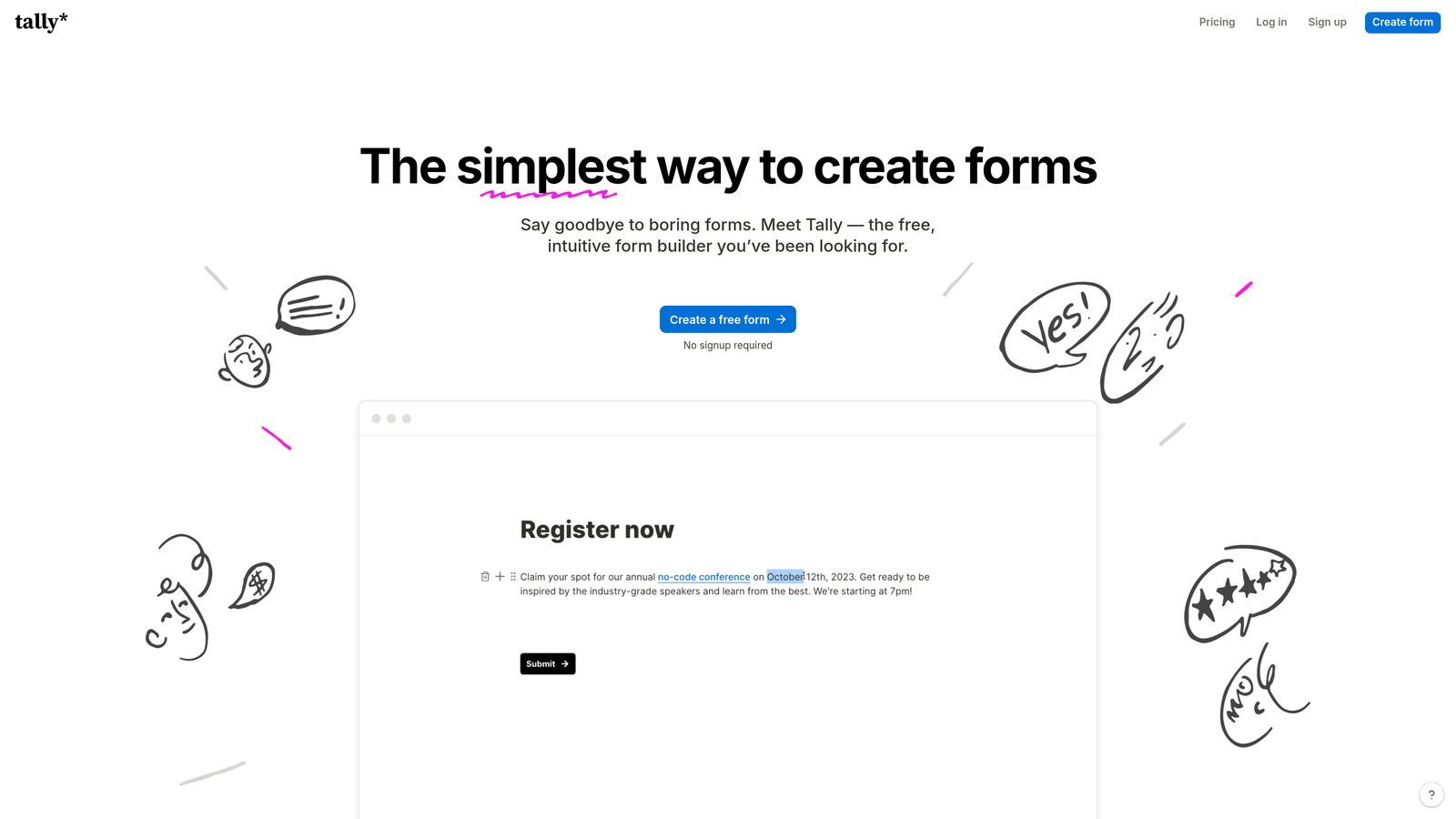
Tally is a free-first form builder with a Notion-inspired block editor, offering unlimited forms and submissions on its free plan.
Where This Tool Shines
Tally's free plan is genuinely hard to beat for what it includes. No submission limits, no form limits, and a clean editing experience that feels familiar to anyone who uses Notion. For straightforward data collection, feedback surveys, or internal forms, it delivers without asking for a credit card.
Where Tally starts to show its limits is when teams need advanced lead qualification, native CRM sync, or sophisticated conditional logic. The free plan also keeps Tally branding on forms, which can feel out of place for customer-facing touchpoints.
Key Features
Unlimited Free Forms and Submissions: No caps on the free plan, making it accessible for high-volume data collection without cost concerns.
Block-Based Editor: Notion-style editing experience that's intuitive for teams already familiar with that workflow.
Basic Conditional Logic: Simple branching and calculation fields for standard form flows.
Webhooks and Zapier: Connect to external tools via webhooks or Zapier for basic automation needs.
Custom Domains and Branding: Available on the Pro plan to remove Tally branding and use your own domain.
Best For
Freelancers, early-stage startups, and internal teams who need functional forms quickly without a budget. Less suited for customer-facing lead gen where brand polish and qualification logic matter.
Pricing
Free plan available with generous limits. Pro plan starts at $29/month, adding custom domains, branding removal, and priority support.
3. Typeform
Best for: Teams prioritizing conversational form UX and high completion rates through polished, one-question-at-a-time design.
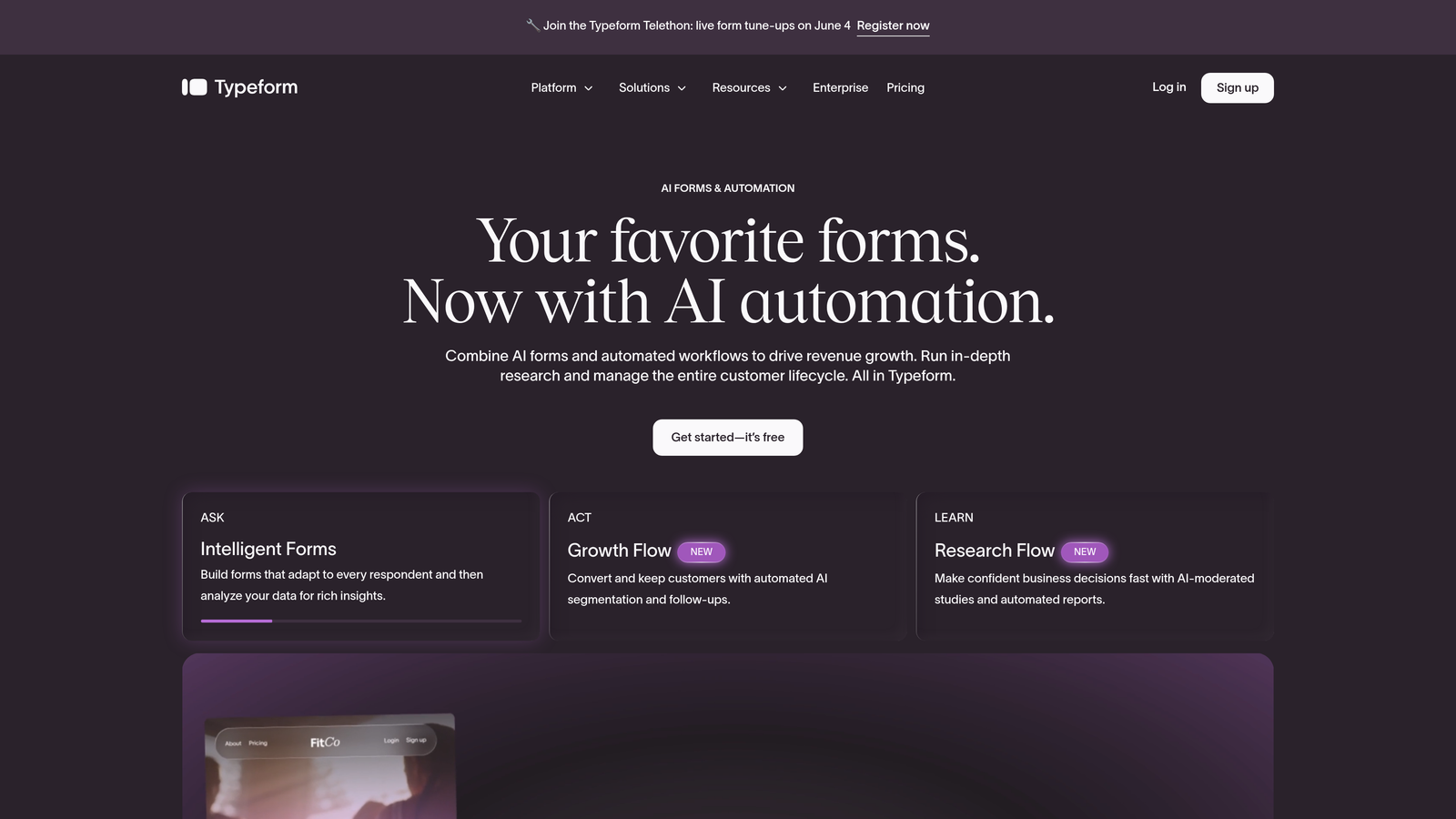
Typeform is the original conversational form builder, presenting one question at a time to create an engaging, interview-like experience.
Where This Tool Shines
Typeform essentially invented the conversational form format, and it's still one of the best at it. The one-question-at-a-time flow reduces cognitive load and tends to produce higher completion rates for longer forms, particularly in survey and lead-gen contexts where respondent fatigue is a real concern.
The tradeoff is cost. Typeform can become expensive at scale, and the free plan's response limits are restrictive for active campaigns. Teams doing high-volume lead generation often find themselves hitting plan ceilings quickly.
Key Features
Conversational Format: One-question-at-a-time presentation that creates a more engaging, less overwhelming form experience.
Advanced Logic Jumps: Sophisticated branching logic that adapts form paths based on previous answers.
Rich Media Embedding: Add videos and images directly into form questions to increase context and engagement.
Native CRM Integrations: Direct connections to HubSpot, Salesforce, and other major platforms without requiring middleware.
Custom Thank-You Screens: Redirect logic and personalized completion screens to continue the conversion journey.
Best For
Marketing teams running surveys, product research, or mid-funnel lead qualification where form experience quality directly affects completion rates. Budget-conscious teams may find the pricing model challenging at scale.
Pricing
Free plan available with limited monthly responses. Paid plans start at $25/month, with higher tiers required for advanced features and higher response volumes.
4. Jotform
Best for: Teams that need a massive template library, payment collection, and no-code app creation from a single platform.
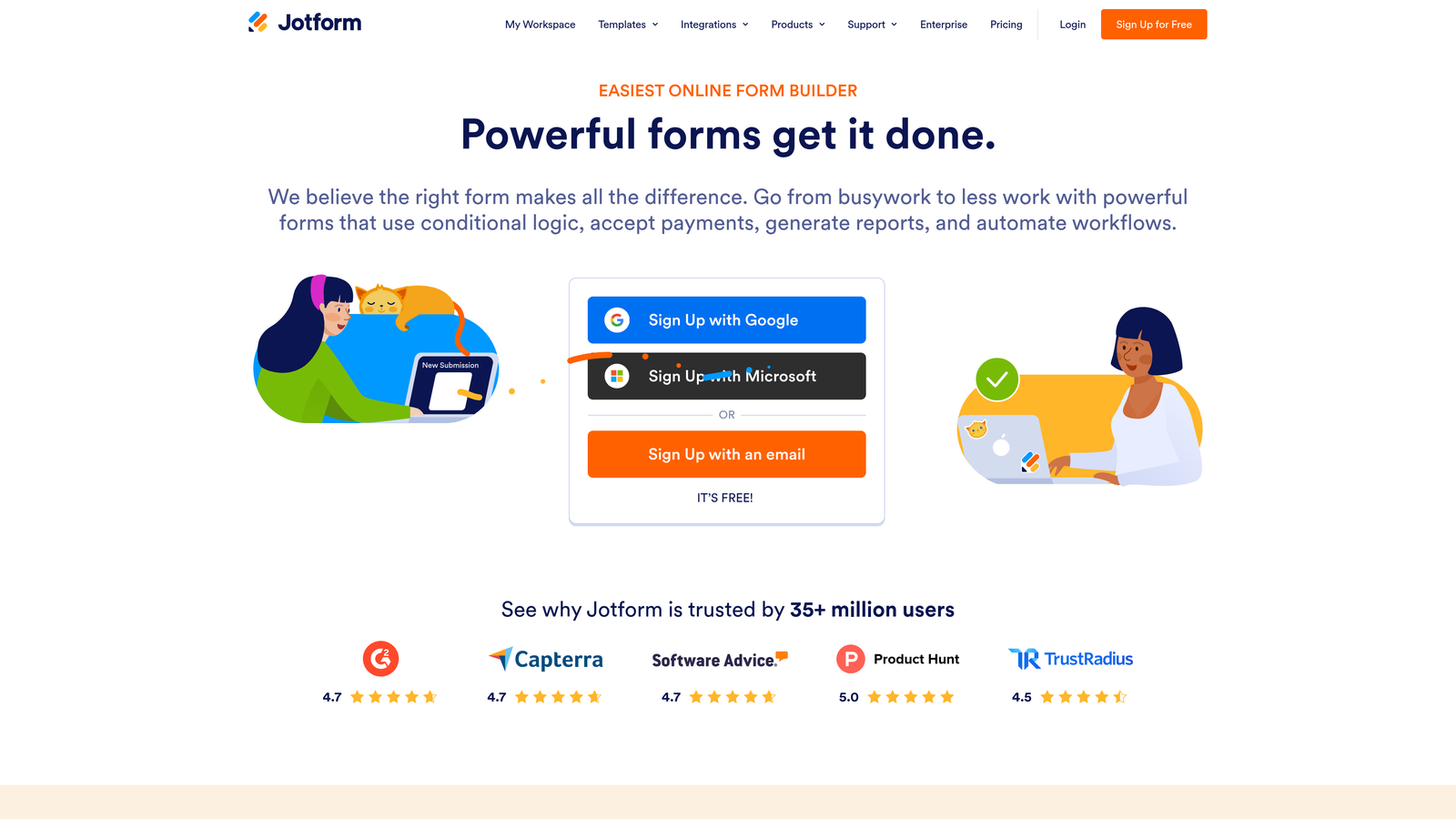
Jotform is a feature-rich form builder with over 10,000 templates, drag-and-drop editing, and a suite of tools that extend well beyond basic form creation.
Where This Tool Shines
Jotform's depth is its defining characteristic. The template library alone covers virtually every industry and use case imaginable, from healthcare intake forms to e-commerce order forms to event registrations. If you need a starting point, there's almost certainly a template for it.
The Jotform Apps feature is particularly interesting for teams that want to package multiple forms and content into a mobile-friendly app experience without writing code. It's a meaningful differentiator for field teams and service businesses.
Key Features
10,000+ Templates: One of the largest template libraries available, covering virtually every industry and form type.
Drag-and-Drop Editor: Visual form building that requires no technical knowledge to create complex, multi-field forms.
Jotform Apps: Package forms into no-code mobile app experiences for field teams or customer-facing workflows.
Payment Integrations: Native connections to Stripe, PayPal, Square, and other payment processors for transactional forms.
PDF Report Generation: Automatically generate formatted PDF documents from form submissions.
Best For
Small businesses, agencies managing multiple clients, and teams in industries like healthcare, education, or events that need specialized templates and payment collection built in.
Pricing
Free plan available with submission and storage limits. Paid plans start at $34/month, scaling with submission volume and feature access.
5. Google Forms
Best for: Teams already in the Google Workspace ecosystem who need fast, free, collaborative form creation with automatic spreadsheet sync.
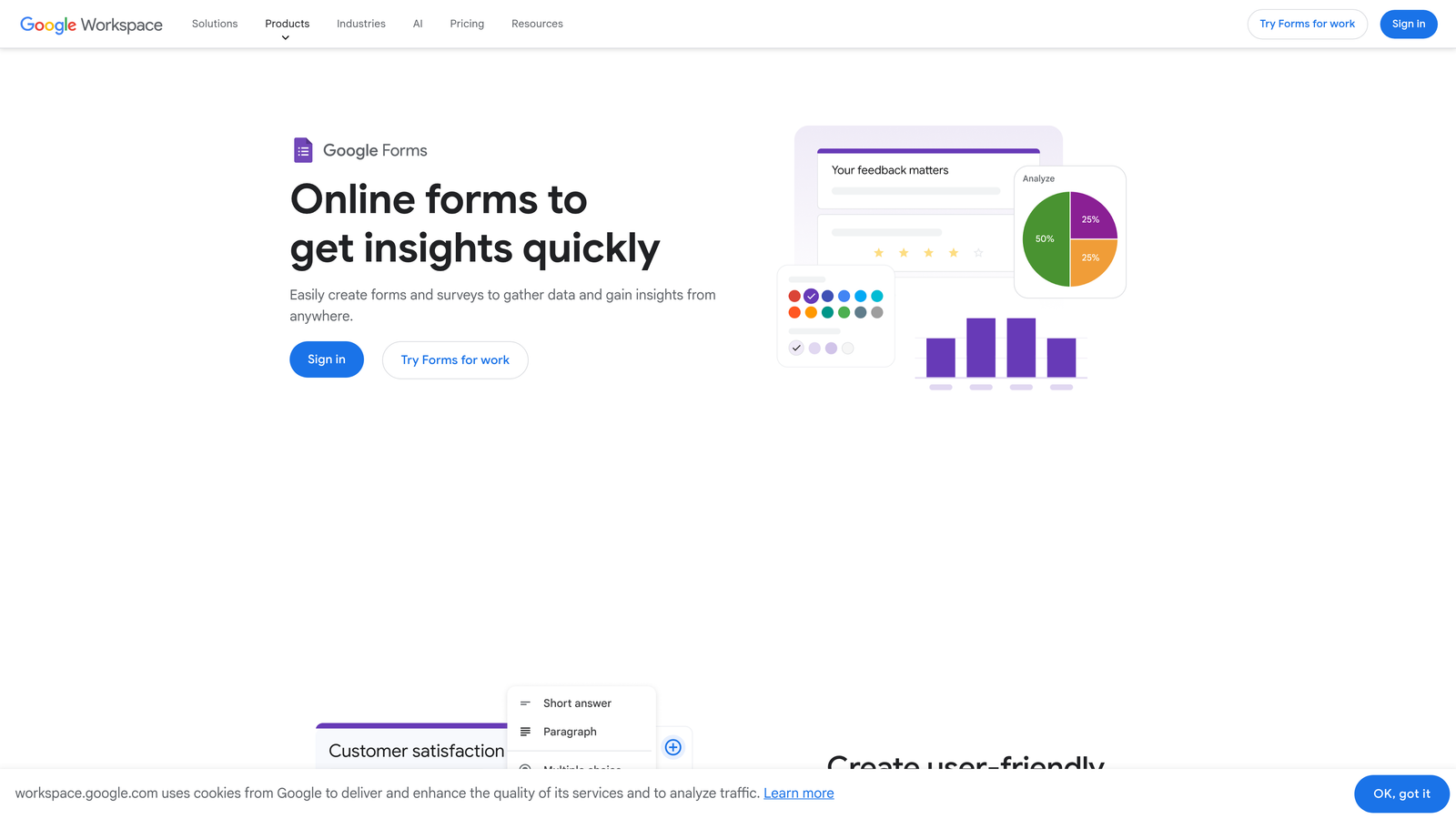
Google Forms is Google's free form tool, offering unlimited forms and responses with direct integration into Google Sheets and the broader Workspace suite.
Where This Tool Shines
Google Forms wins on accessibility and zero cost. If your team uses Google Workspace, it's already available, and the automatic sync to Google Sheets means response data is immediately available in a familiar environment. Real-time collaboration on form editing is also genuinely useful for teams that build forms together.
The limitations are equally clear: design flexibility is minimal, branding options are essentially nonexistent, and the integration ecosystem outside of Google products is thin. For internal surveys and simple data collection, it's hard to beat free. For customer-facing lead gen, it typically falls short.
Key Features
Completely Free: No submission limits, no paid tiers, included with any Google account.
Automatic Sheets Sync: Every response populates a connected Google Sheet in real time without any setup.
Real-Time Collaboration: Multiple team members can edit forms simultaneously, similar to Google Docs.
Basic Conditional Sections: Simple branching to show different sections based on answers.
Built-In Analytics: Basic response summaries and charts available directly in the form interface.
Best For
Internal teams, educators, and researchers who need quick, collaborative data collection without any budget. Not recommended for customer-facing forms where design, branding, or conversion optimization matter.
6. HubSpot Forms
Best for: Teams already using HubSpot CRM who want form submissions to automatically create and update contact records and trigger marketing workflows.
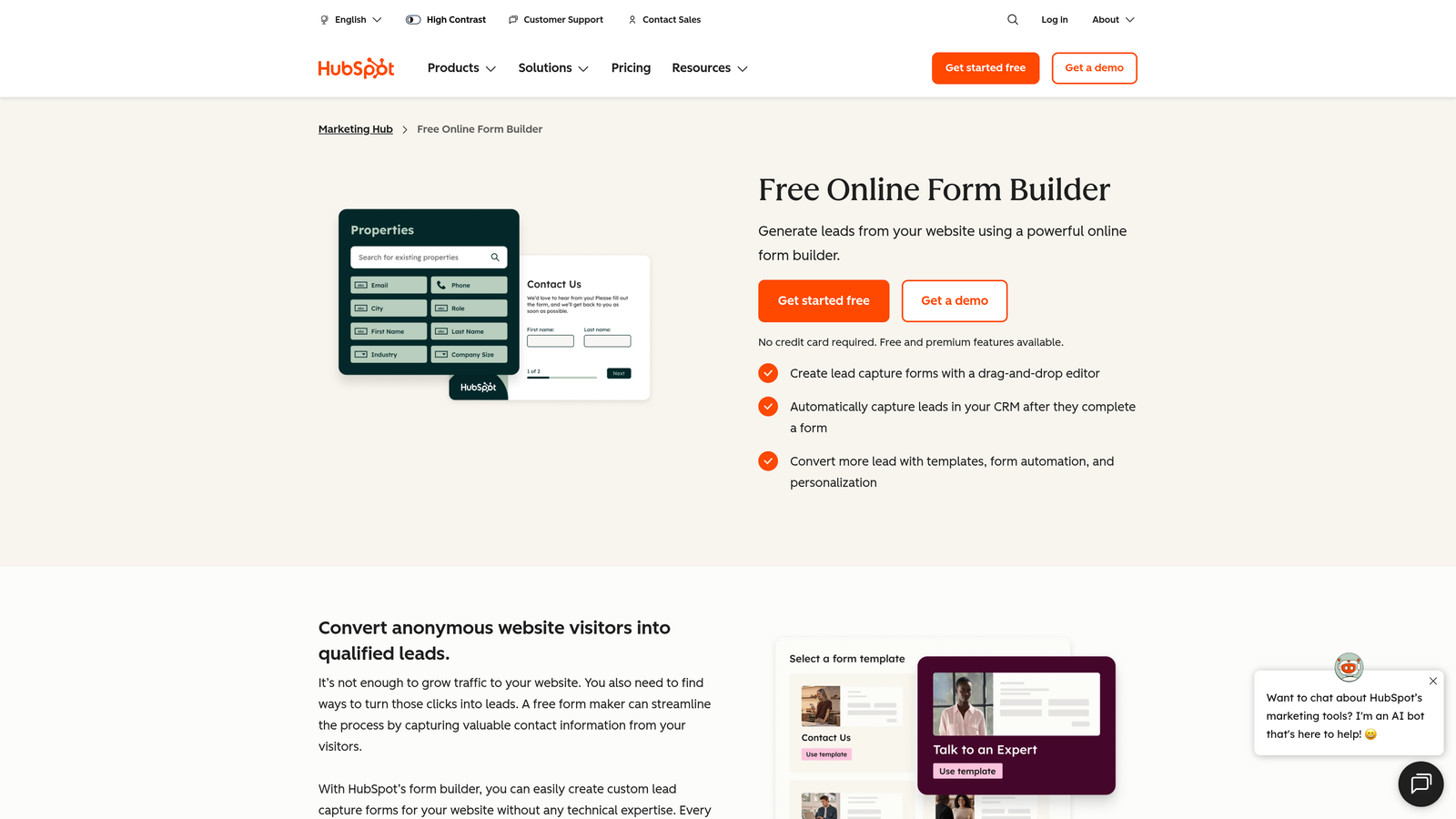
HubSpot Forms is a CRM-native form builder that writes directly to the HubSpot contact database, enabling immediate marketing automation and sales follow-up.
Where This Tool Shines
If your team lives in HubSpot, the native form builder is a genuinely compelling option. Form submissions don't just collect data—they create or update contact records, enroll leads in workflows, and trigger sequences automatically. The integration is seamless because it's not really an integration at all; it's the same system.
Progressive profiling is a standout feature: HubSpot Forms can recognize returning visitors and ask new questions instead of repeating ones they've already answered, building richer contact profiles over time without friction.
Key Features
Direct CRM Contact Creation: Every submission automatically creates or updates a HubSpot contact record with no middleware required.
Progressive Profiling: Recognizes returning visitors and serves new questions to build contact profiles incrementally.
Workflow Triggers: Form submissions can instantly enroll contacts in email sequences, notify sales reps, or update deal stages.
Smart Fields and Dependent Logic: Show or hide fields based on contact properties or form answers.
Built-In A/B Testing: Test form variants to optimize conversion rates within the HubSpot interface.
Best For
Marketing and sales teams already invested in the HubSpot ecosystem. Significantly less useful if you're not using HubSpot CRM, as the core value proposition is the native data connection.
Pricing
Basic forms are free with a HubSpot account. Advanced features require Marketing Hub, which starts at $20/month with significant feature unlocks at higher tiers.
7. Paperform
Best for: Creators and small businesses who want to blend rich content with form fields in a single, landing-page-style experience.
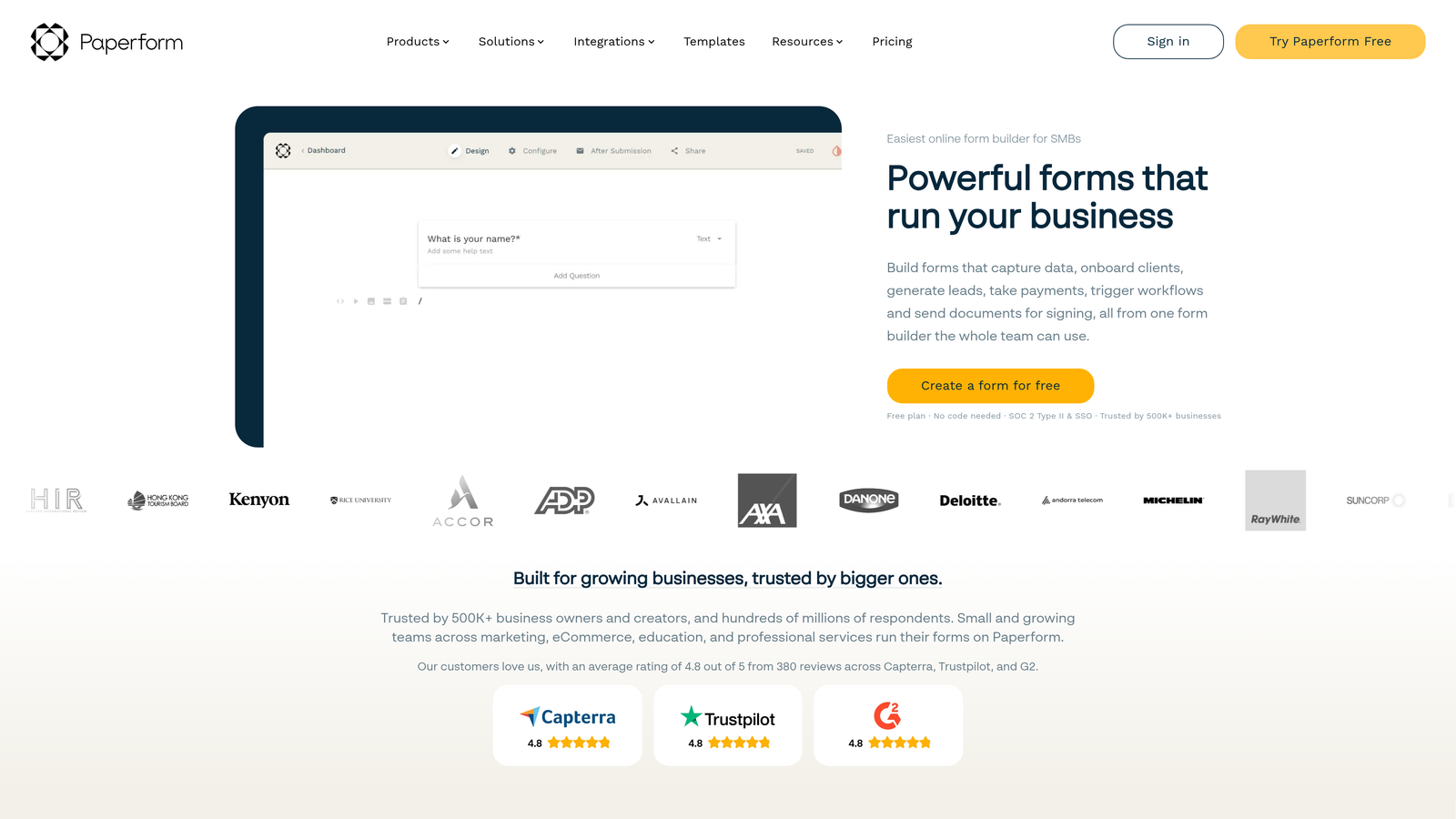
Paperform is a form builder that functions equally as a landing page creator, letting you weave text, images, and video together with form fields in one cohesive page.
Where This Tool Shines
Paperform occupies a unique niche: it's less "form embedded on a page" and more "page that happens to include form fields." This makes it particularly effective for use cases where context matters, like a product order form that benefits from detailed descriptions, or a booking form that needs to explain service options before asking for details.
The built-in payment and e-commerce capabilities also mean you can handle the entire transaction flow, from product description to checkout, without leaving the Paperform environment.
Key Features
Rich Content Editor: Mix text blocks, images, and video with form fields in a single page layout.
Built-In Payments: Accept payments via Stripe and other processors directly within the form page.
Conditional Logic and Calculations: Dynamic fields that respond to answers and perform calculations in real time.
Custom Success Pages: Fully customizable completion experiences with redirect options.
Scheduling and Booking Forms: Native booking form types for appointment and service scheduling workflows.
Best For
Coaches, consultants, small e-commerce operators, and service businesses that need a form and a landing page in one, without managing two separate tools. Requires a paid plan from the start.
Pricing
Starts at $24/month. No free plan is available, though a trial period lets you test before committing.
8. Fillout
Best for: Teams using Notion or Airtable as their primary database who want form responses written directly to existing tables.
Fillout is a modern form builder built around deep database integrations, particularly with Notion and Airtable, treating form submissions as direct database writes rather than separate data exports.
Where This Tool Shines
Fillout has become a go-to for teams that have built their operations inside Notion or Airtable and want forms that feel like a native part of that infrastructure. Instead of exporting CSVs or setting up Zapier automations, responses land directly in your existing tables with the correct field mapping.
The calendar scheduling integration is also worth noting for teams that want to combine form qualification with meeting booking, creating a single flow from "fill out this form" to "book a call."
Key Features
Native Notion and Airtable Integration: Form responses write directly to existing database tables without middleware or manual exports.
Multi-Step Forms with Conditional Logic: Create branching, multi-page form experiences with clean progress indicators.
Scheduling Integration: Combine form completion with calendar booking for seamless qualification-to-meeting flows.
Custom URL Slugs and Branding: Branded form URLs and visual customization to match your identity.
File Upload and Signature Fields: Handle document collection and e-signatures within the same form flow.
Best For
Operations teams, project managers, and product teams running their workflows in Notion or Airtable who want forms that feel native to their existing stack rather than bolted on.
Pricing
Free plan available with core features. Paid plans start at $19/month, offering higher submission limits, custom branding, and advanced integrations.
9. Formstack
Best for: Enterprise teams that need forms, document generation, and e-signatures unified in a single compliant workflow platform.
Formstack is an enterprise-grade platform that combines form building with document automation and electronic signature capabilities into one workflow suite.
Where This Tool Shines
Formstack is built for organizations where forms are part of larger, regulated workflows. Healthcare organizations needing HIPAA-compliant data collection, financial services teams managing approval chains, and enterprises running Salesforce-native processes will find capabilities here that consumer-grade form builders simply don't offer.
The unified suite approach is Formstack's core value: rather than stitching together a form builder, a document tool, and an e-signature platform, teams get all three in a single environment with native connections between them.
Key Features
Unified Workflow Suite: Forms, document generation, and e-signatures in one platform with native connections between each product.
HIPAA Compliance and Enterprise Security: Built-in compliance features for regulated industries handling sensitive data.
Advanced Approval and Routing Workflows: Multi-step approval chains that route form submissions through defined review processes.
Salesforce-Native Form Building: Build and manage forms directly within Salesforce for teams deeply embedded in that ecosystem.
A/B Testing and Conversion Analytics: Test form variants and analyze conversion performance with built-in reporting tools.
Best For
Enterprise organizations in regulated industries, Salesforce-heavy teams, and operations teams that need workflow automation beyond what standard form builders provide. The pricing reflects the enterprise positioning.
Pricing
Starts at $50/month for the base plan. Enterprise pricing is available for larger organizations with custom requirements.
Which Form Builder Is Right for Your Team?
The right choice comes down to what you're actually optimizing for. Here's a quick-pick guide to cut through the noise.
Best free option: Google Forms if you're in the Google ecosystem, or Tally if you need a more polished interface with unlimited submissions and no Google dependency.
Best for lead generation and qualification: Orbit AI, particularly if your team needs forms that do more than collect data. The built-in AI qualification means leads are scored and routed the moment they submit, eliminating the lag between form fill and sales action.
Best for conversational design: Typeform remains the benchmark for form experiences that feel more like conversations than questionnaires, which matters when completion rate is the primary metric.
Best for enterprise workflows: Formstack, especially for teams in regulated industries or those running Salesforce-native processes that require compliance, document generation, and e-signatures in one place.
Best for Notion or Airtable teams: Fillout, which treats form submissions as native database writes rather than data exports requiring additional steps.
If you're thinking about how to get more out of your forms beyond just collecting responses, our guides on how to improve form conversion rates and how to qualify leads with forms cover the strategy side in depth.
For growth-focused teams specifically, the form builder question is really a lead quality question. Collecting submissions is easy. Knowing which submissions are worth acting on immediately is where most teams leave revenue on the table.
Transform your lead generation with AI-powered forms that qualify prospects automatically while delivering the modern, conversion-optimized experience your high-growth team needs. Start building free forms today and see how intelligent form design can elevate your conversion strategy.


