

Developers evaluating form builders face a distinct set of requirements that most listicles gloss over. Clean APIs, webhook support, headless embed options, custom validation logic, TypeScript compatibility, and pricing that doesn't punish growth all matter. Generic drag-and-drop tools often fall short, either locking you into rigid templates or offering so little extensibility that you end up rebuilding core functionality yourself.
This list cuts through the noise. We evaluated nine form builders specifically through a developer lens, weighing API quality, embed flexibility, logic capabilities, integration ecosystems, and pricing transparency. Whether you're building a lead capture flow for a SaaS product, a multi-step qualification form, or a lightweight contact form for a client site, there's a right tool for your use case. For additional context on building forms that actually convert, check out our guide on how to build effective web forms.
1. Orbit AI
Best for: High-growth SaaS teams building lead qualification flows with AI-powered routing.
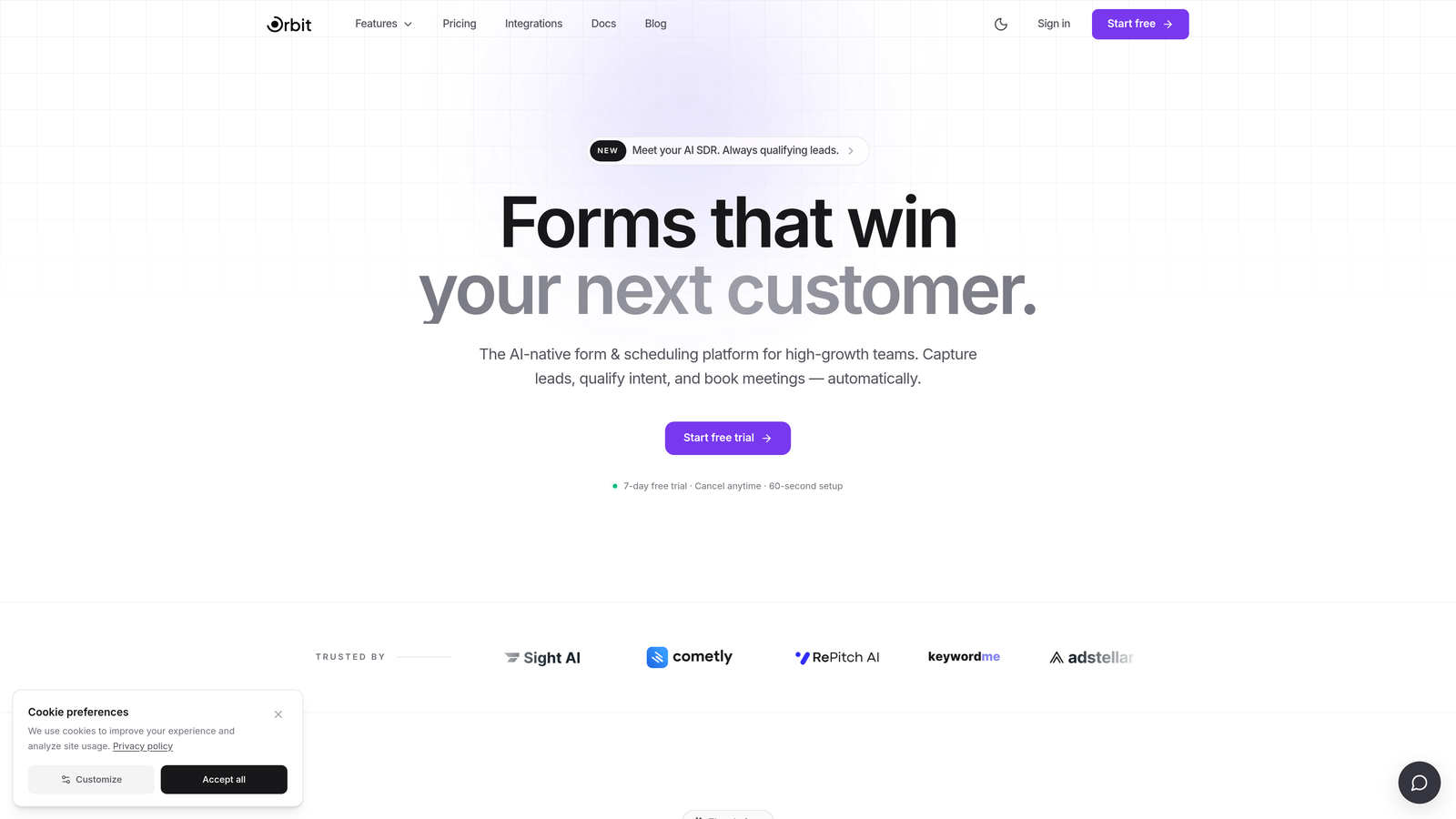
Orbit AI is an AI-powered form builder with built-in lead qualification and conversion optimization, designed specifically for high-growth SaaS teams.
Where This Tool Shines
Most form builders are passive data collectors. Orbit AI is built around a different premise: forms should do qualification work, not just capture responses. The AI-powered logic layer can score and route leads based on what respondents actually answer, reducing your reliance on downstream CRM automation to do the heavy lifting.
For developers building lead generation infrastructure for SaaS products, this matters. Instead of stitching together a form tool, a scoring model, and routing rules across multiple platforms, the qualification logic lives at the form layer. The modern, conversion-optimized UI defaults also mean you're starting from a strong baseline rather than fighting generic styling.
Key Features
AI-Powered Lead Qualification: Scores and routes leads based on form responses without requiring external automation tools.
Conversion-Optimized Design: Modern, clean UI defaults built for high completion rates out of the box.
Lead Scoring and Routing: Directs qualified leads into the right sales pipeline stages based on response logic.
Embed Flexibility: Embed-friendly architecture with integration support for common SaaS stacks.
Sales Pipeline Integration: Form data is designed to feed directly into sales workflows, not just a spreadsheet.
Best For
SaaS teams where form data connects directly to sales pipelines and lead quality matters as much as lead volume. Particularly strong for developers who need the qualification layer built into the form itself rather than bolted on afterward.
Pricing
See orbitforms.ai for current pricing and free trial options.
2. Typeform
Best for: Teams prioritizing completion rates with a conversational, one-question-at-a-time UX.
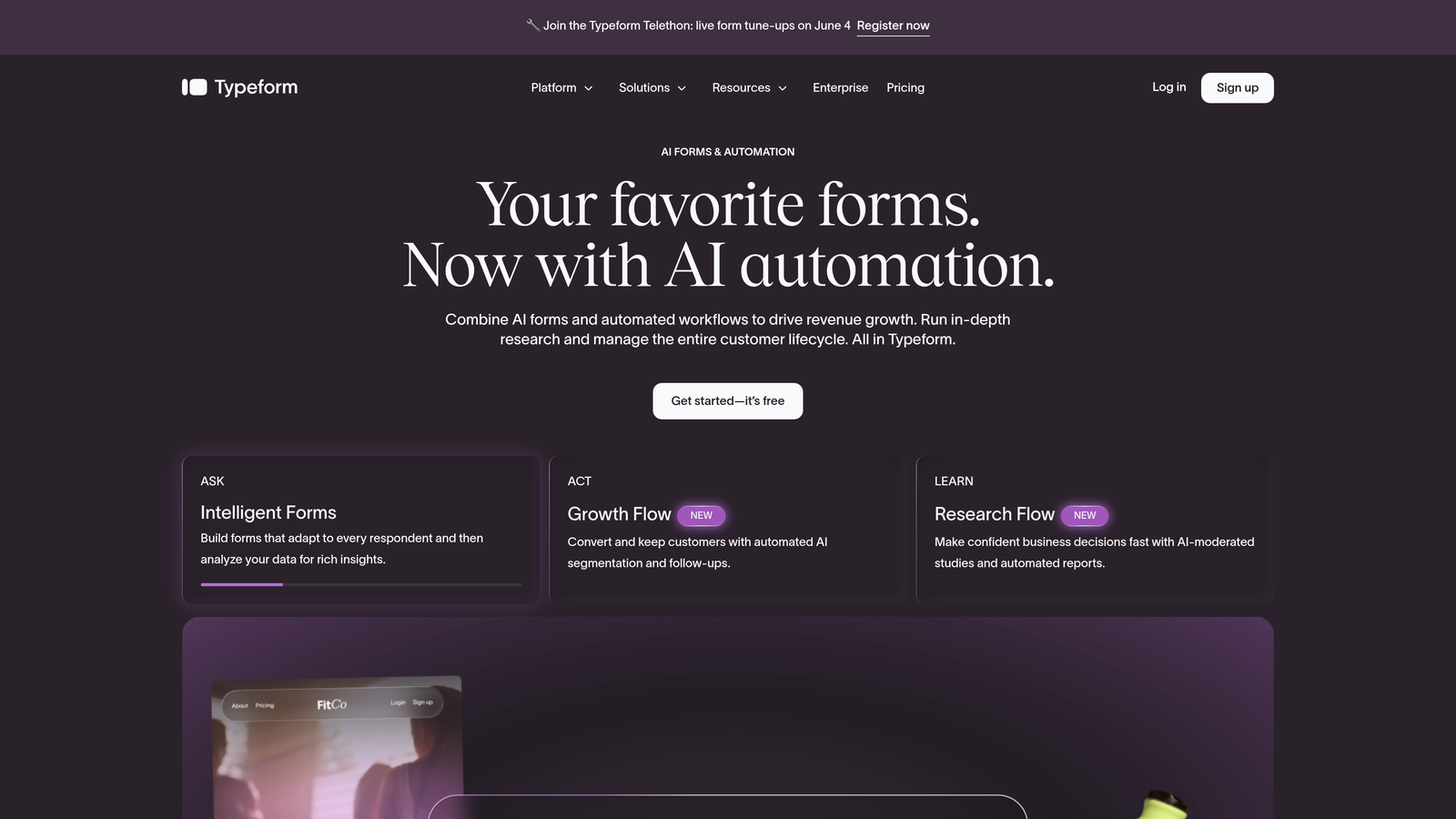
Typeform is a conversational form platform known for its distinctive UX, Logic Jumps, and a developer-friendly REST API.
Where This Tool Shines
Typeform's one-question-at-a-time format is its defining characteristic. For use cases where respondent experience directly affects completion rates, such as lead forms, surveys, and quizzes, this format tends to feel less overwhelming than a wall of fields. It's a qualitative differentiator that many teams find genuinely useful.
On the developer side, Typeform offers a solid REST API (v3), a React SDK, webhook support, and native integrations with major platforms. The embed options are flexible enough for most use cases, and the Logic Jumps system handles conditional branching without requiring custom code.
Key Features
Conversational Format: One-question-at-a-time UX designed to reduce abandonment and improve respondent experience.
Logic Jumps: Conditional branching that routes respondents based on their answers.
REST API v3 and React SDK: Well-documented API with a React-specific integration path for developers.
Webhook Support: Real-time submission forwarding to custom endpoints or third-party tools.
Template Library: Extensive library covering surveys, quizzes, lead forms, and more.
Best For
Teams where respondent experience and completion rate are the primary metrics, and who need a capable API without building fully custom UI. Also a strong fit for agencies managing multiple client form projects.
Pricing
Free plan available; paid plans start at $25/month billed annually. Pricing has shifted over time, so verify current tiers at typeform.com.
3. Tally
Best for: Indie developers and early-stage startups needing a genuinely functional free tier.
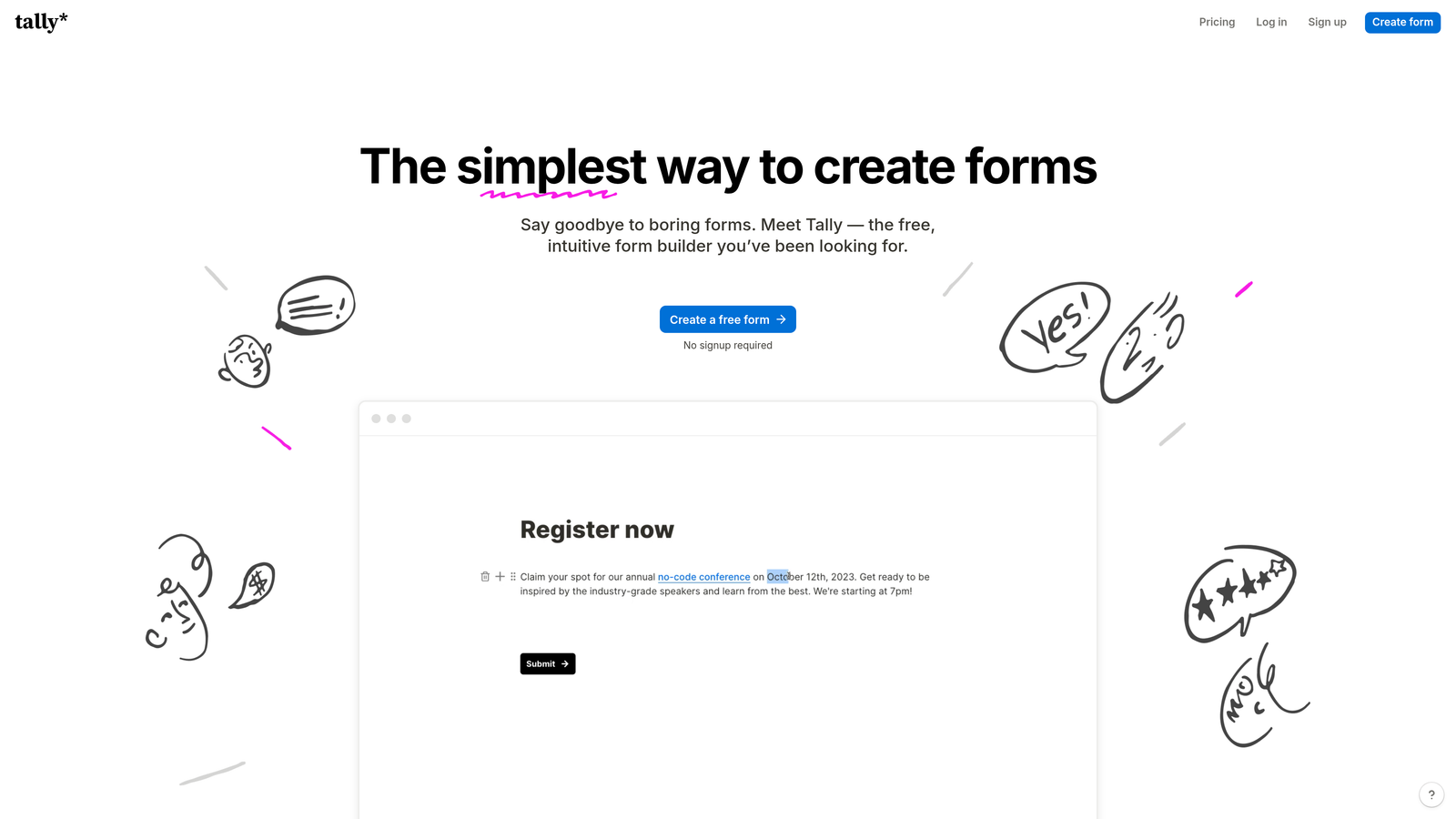
Tally is a Notion-inspired form builder with unlimited forms and submissions on its free plan, and no platform branding on free-tier forms.
Where This Tool Shines
Tally's free tier is legitimately generous in a way that most form tools are not. Unlimited forms, unlimited submissions, and no Tally branding on the free plan are rare combinations. For developers prototyping, building client sites on tight budgets, or running side projects, this removes a lot of friction.
The block-based editor feels familiar if you use Notion, which speeds up form creation considerably. It's not the most API-deep tool on this list, but for embed-and-go use cases, the iframe and native embed options cover most scenarios.
Key Features
Unlimited Free Forms: No submission caps or form limits on the free plan, with no Tally branding shown to respondents.
Conditional Logic: Branching logic for multi-path forms without upgrading to a paid plan.
Stripe Payment Support: Collect payments directly through forms without a separate integration layer.
Embed Options: Iframe and native embed script for flexible deployment across any site.
Notion-Like Editor: Block-based form creation that's fast and intuitive for teams already in the Notion ecosystem.
Best For
Indie developers, early-stage startups, and freelancers who need a capable form tool without a paid subscription. Also solid for teams that want quick embed deployment without deep API requirements.
Pricing
Free plan is genuinely functional for most use cases. Tally Pro starts at $29/month. Verify current pricing at tally.so.
4. Formspree
Best for: Frontend developers on JAMstack or static sites who want zero backend form handling.
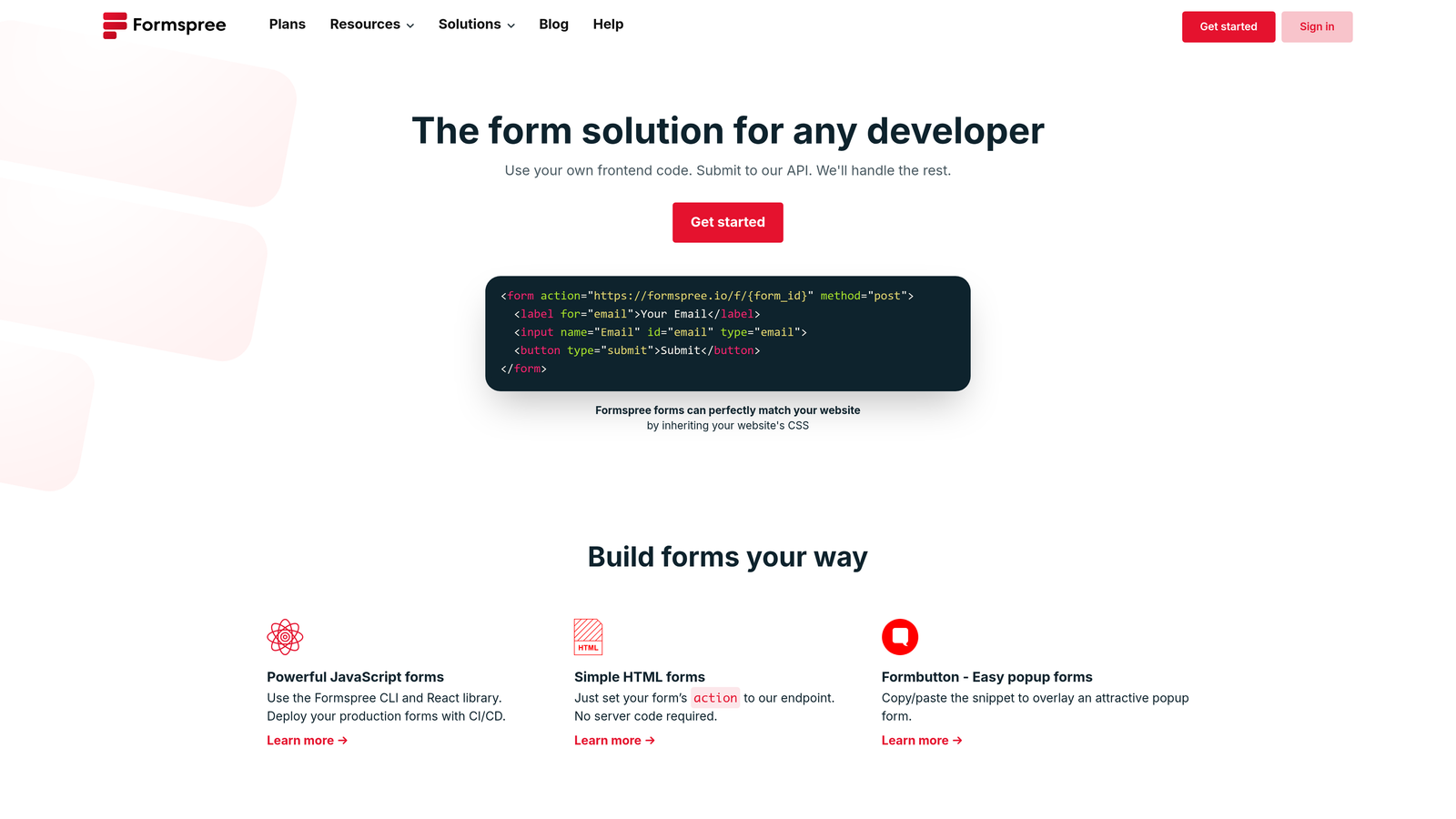
Formspree is a form backend service that lets you point any HTML form at an endpoint and skip server-side code entirely.
Where This Tool Shines
Formspree's core value proposition is friction removal for frontend developers. Point your HTML form's action attribute at a Formspree endpoint, and submissions are captured, spam-filtered, and forwarded to your email or webhook without writing a single line of backend code. No JavaScript required for basic use.
This makes it a natural fit for static site generators, JAMstack deployments, and any project where standing up a form submission server isn't worth the overhead. It handles the infrastructure so you don't have to.
Key Features
Drop-In HTML Endpoint: No backend required; works with any HTML form by changing the action attribute.
Built-In Spam Filtering: reCAPTCHA and honeypot protection included without additional configuration.
Webhook Forwarding: Route submissions to custom endpoints or downstream tools in real time.
Email Notifications: Automatic email alerts on new submissions with configurable recipients.
JAMstack Compatibility: Works with any static site generator including Next.js, Gatsby, Hugo, and Eleventy.
Best For
Frontend developers building static sites or JAMstack applications who need reliable form submission handling without managing backend infrastructure. Excellent for contact forms, simple lead capture, and client sites.
Pricing
Free tier available with limited monthly submissions. Paid plans start at $10/month for higher submission limits and advanced features. Verify at formspree.io.
5. React Hook Form
Best for: React developers building fully custom form UIs with performance as a priority.
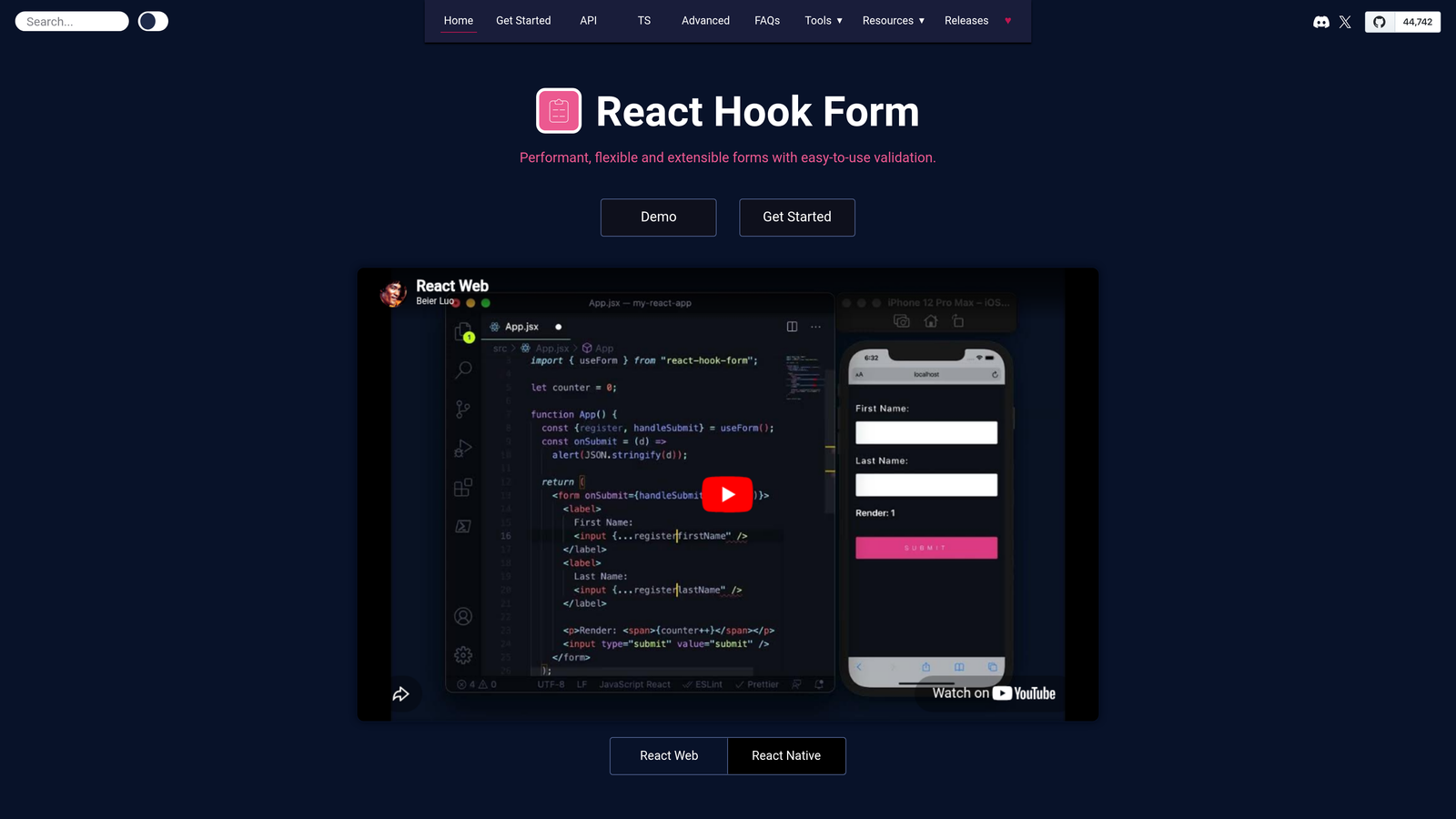
React Hook Form is an open-source React library for building performant, flexible forms with minimal re-renders and full TypeScript support.
Where This Tool Shines
React Hook Form is a fundamentally different category from the other tools on this list. It's not a SaaS form builder with a UI editor; it's a library that gives React developers fine-grained control over form state, validation, and submission handling. The minimal re-render approach keeps performance tight even in complex, multi-field forms.
Zero dependencies and a small bundle size make it a clean addition to any React project. Because it has no UI opinions, it works with any component library: MUI, Radix, shadcn/ui, or your own custom components. Schema validation via Zod, Yup, or Joi integrates naturally.
Key Features
Minimal Re-Renders: Optimized render strategy that keeps form interactions fast even at scale.
Native TypeScript Support: Full type safety out of the box with no additional configuration.
Schema Validation Integration: Works directly with Zod, Yup, and Joi for declarative validation logic.
Zero Dependencies: Small bundle footprint with no external runtime dependencies.
UI Agnostic: No component opinions; integrates with any React component library or design system.
Best For
React developers who need complete control over form UX and are building custom component-based interfaces. Ideal when the design system is already established and you need a validation and state management layer, not a form builder.
Pricing
Free and open-source under the MIT license. Available via npm at no cost.
6. Jotform
Best for: Enterprise teams needing HIPAA compliance, payment processing, and deep integration coverage.
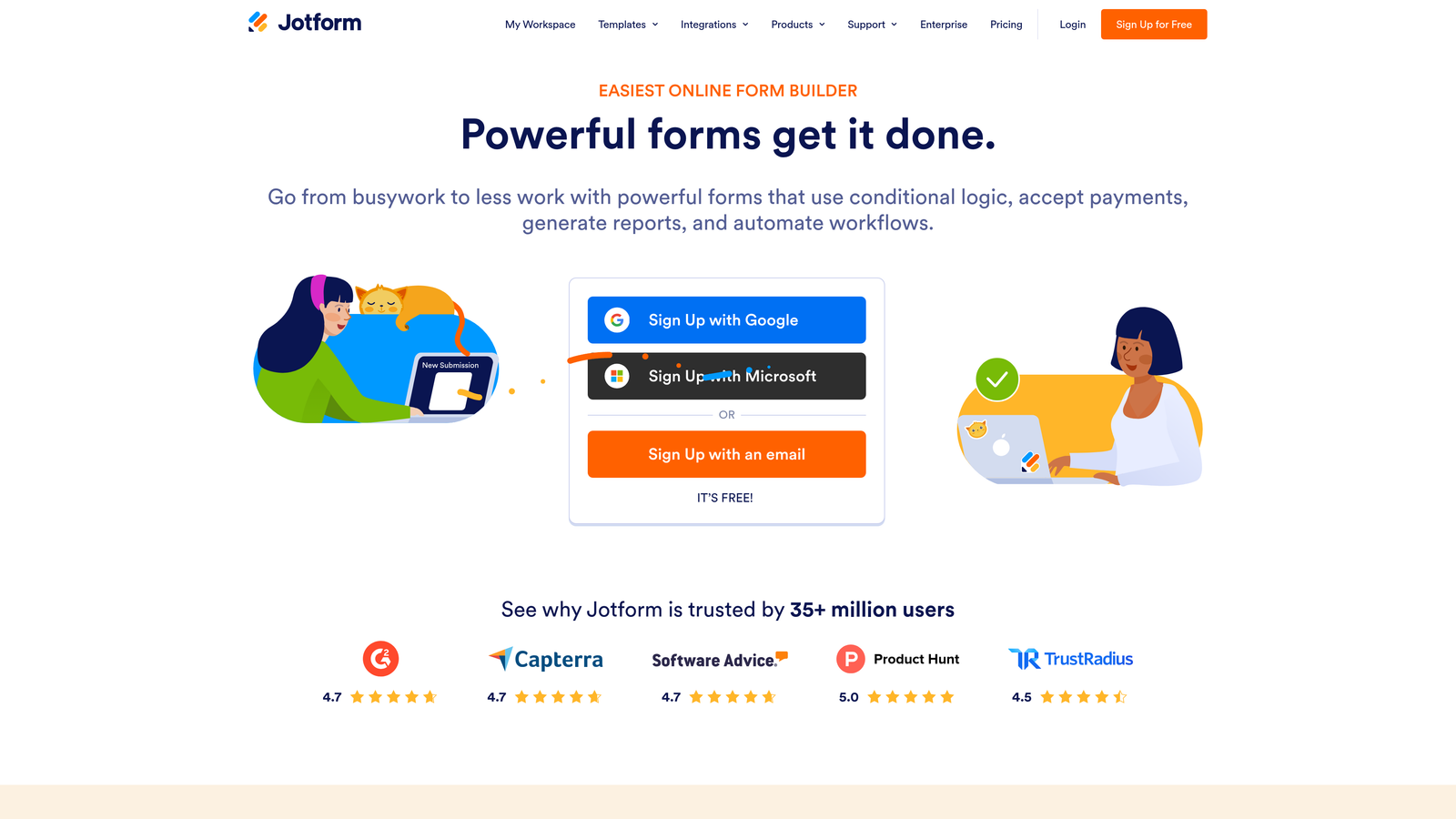
Jotform is a feature-rich form builder with enterprise-grade capabilities including compliance options, payment integrations, and approval workflows.
Where This Tool Shines
Jotform is the most feature-complete no-code form builder on this list. The breadth of what it covers is genuinely impressive: over 10,000 templates, 150-plus native integrations, HIPAA-compliant plan options, payment collection via Stripe, PayPal, and Square, and a PDF builder for document generation workflows.
For developer teams working in regulated industries or building forms that touch payment flows and approval chains, Jotform covers requirements that most lighter tools don't. The REST API is available for custom integrations, though the tool is primarily designed for no-code and low-code use cases.
Key Features
10,000+ Templates: Extensive template library across industries and use cases, verifiable directly on jotform.com.
HIPAA-Compliant Plans: Available for healthcare and regulated industry use cases.
Payment Processing: Native integrations with Stripe, PayPal, and Square for direct payment collection.
Conditional Logic and Multi-Page Forms: Branching logic and paginated form flows without custom code.
150+ Native Integrations: Broad ecosystem coverage including CRMs, email platforms, and project management tools.
Best For
Enterprise teams, healthcare organizations, and businesses with compliance requirements. Also strong for teams that need payment collection and approval workflows without building custom infrastructure.
Pricing
Free plan available. Paid plans start at $34/month. Verify current tiers at jotform.com.
7. Formbricks
Best for: Developer teams requiring full data ownership, self-hosting, and GDPR-first architecture.
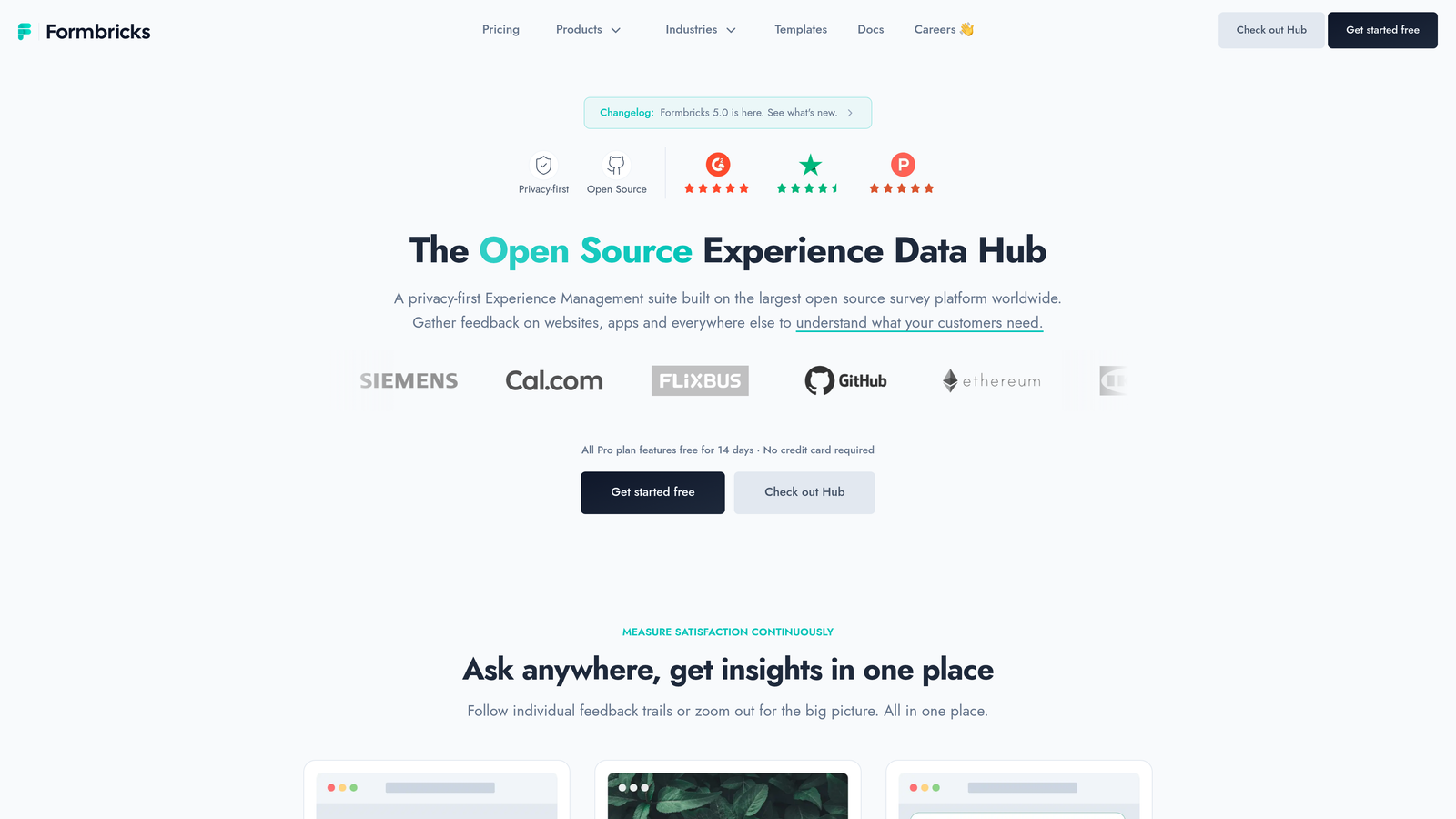
Formbricks is an open-source, self-hostable form and survey platform built for teams that cannot send data to third-party infrastructure.
Where This Tool Shines
Formbricks is the only serious open-source contender on this list. Self-hosting via Docker means your submission data never touches Formbricks' servers, which makes it a strong fit for GDPR-sensitive deployments, enterprise environments with strict data residency requirements, and SaaS teams running in-app feedback loops.
The in-app survey capability is particularly useful for product teams. Surveys can be triggered by user events, making it straightforward to run NPS surveys, feature feedback prompts, or churn research directly within your application. A cloud-hosted option is available for teams that want the open-source model without managing their own infrastructure.
Key Features
Fully Self-Hostable: Docker-based deployment keeps all data on your own infrastructure.
GDPR-Friendly by Design: No third-party data transfer when self-hosted; built with compliance in mind.
In-App Event-Triggered Surveys: Surveys that fire based on user behavior, ideal for SaaS product feedback.
Link Forms and Embedded Surveys: Flexible deployment options beyond in-app use cases.
Cloud Option Available: Managed hosting for teams that want the open-source model without the ops overhead.
Best For
Developer teams where data ownership is non-negotiable, SaaS product teams running in-app surveys and feedback loops, and organizations in regions with strict data residency requirements.
Pricing
Self-hosted version is free and open-source. Cloud plans are available; verify current pricing at formbricks.com.
8. Netlify Forms
Best for: Developers deploying static sites on Netlify who want zero-configuration form handling.
Netlify Forms is a zero-configuration form handling service built directly into the Netlify deployment platform.
Where This Tool Shines
If you're already deploying on Netlify, this is the path of least resistance for form handling. Add a netlify attribute to any HTML form, and Netlify automatically detects it at build time and starts capturing submissions. No third-party service, no API keys, no backend setup required.
The constraint is equally clear: this tool is only relevant if you're on Netlify. It's not a standalone form platform. But within that constraint, the integration is tight and the developer experience is genuinely smooth, especially when combined with Netlify Functions for custom submission processing logic.
Key Features
Zero Configuration: A single HTML attribute enables form capture on any Netlify-deployed site.
Built-In Spam Filtering: Automatic spam protection without additional setup.
Email Notifications and Webhooks: Submission alerts and real-time forwarding to external endpoints.
Netlify Functions Integration: Trigger serverless functions on form submission for custom processing logic.
Framework Agnostic: Works with any static site framework deployed on Netlify.
Best For
Developers already in the Netlify ecosystem who want form handling without adding a third-party tool. Best for contact forms, simple lead capture, and low-to-medium submission volume use cases.
Pricing
Free tier includes 100 submissions per month. Higher limits are included in paid Netlify plans. Verify at netlify.com.
9. HubSpot Forms
Best for: Teams already invested in the HubSpot ecosystem who need native CRM sync on form submissions.
HubSpot Forms is a free form builder included in HubSpot's marketing platform, with native CRM contact sync and progressive profiling built in.
Where This Tool Shines
HubSpot Forms' primary differentiator is how deeply it integrates with the HubSpot CRM. Every submission automatically creates or updates a contact record, which means your sales team has immediate visibility without any manual data transfer or integration work. Progressive profiling takes this further by showing returning known contacts different fields, gradually enriching their profile over multiple interactions.
As a standalone form tool, it's functional but not exceptional. The value compounds significantly when your team is already using HubSpot for email, CRM, and marketing automation. Without that ecosystem context, dedicated form tools offer more flexibility for less overhead.
Key Features
Native CRM Sync: Submissions automatically create or update HubSpot CRM contact records in real time.
Progressive Profiling: Shows different fields to returning known contacts to enrich data over time.
Smart Fields and Conditional Logic: Dynamic field display based on respondent data and answers.
JavaScript Embed: Embed forms on any external site via a standard JavaScript snippet.
Free Tier: Fully functional for basic lead capture with a free HubSpot account.
Best For
Marketing and sales teams already committed to the HubSpot platform who want form-to-CRM sync without custom integration work. Less compelling as a standalone choice if HubSpot is not your CRM.
Pricing
Free with any HubSpot account. Advanced features require paid Marketing Hub plans. Verify current tiers at hubspot.com.
Which Tool Is Right for Your Stack?
The best form builder for developers isn't the one with the most features. It's the one that fits your stack, respects your users' time, and gets out of your way. Here's a quick-reference breakdown by use case.
Building lead qualification flows for a SaaS product: Orbit AI is the clear starting point. Its AI-powered qualification layer does work that most form builders require external tools to replicate, and it's designed specifically for teams where form data feeds directly into sales pipelines.
Frontend development with no backend: Formspree and Netlify Forms both remove the most friction. Formspree works anywhere; Netlify Forms is the better choice if you're already on Netlify.
React developers building fully custom UIs: React Hook Form is the right answer. It's not a SaaS product, it's a library, and that distinction matters when you need complete control over form state and validation.
Generous free tier with solid embed options: Tally is hard to beat. Unlimited forms, no branding, and a functional free plan make it the default choice for early-stage teams and indie developers.
Enterprise compliance requirements: Jotform covers the most ground, particularly for HIPAA use cases and payment-integrated workflows.
Data ownership and self-hosting: Formbricks is the only serious open-source contender, with Docker-based self-hosting and GDPR-first architecture.
Completion rate as the primary metric: Typeform remains the strongest choice when the respondent experience is the deciding factor.
Already in the HubSpot ecosystem: HubSpot Forms makes sense when native CRM sync is more valuable than form flexibility.
If conversion optimization and lead quality matter to your team, exploring how dynamic form fields and lead qualification frameworks work together can take your forms significantly further. Transform your lead generation with AI-powered forms that qualify prospects automatically while delivering the modern, conversion-optimized experience your high-growth team needs. Start building free forms today and see how intelligent form design can elevate your conversion strategy.


