

Buying form software isn't just about collecting data—it's about maximizing ROI from every visitor who lands on your site. The right form platform can transform passive information gathering into an intelligent lead qualification system that saves your team hours of manual work while boosting conversion rates. With dozens of options flooding the market in 2026, the buying decision comes down to a few critical factors: AI-powered automation that qualifies leads in real-time, seamless integration with your existing tech stack, transparent pricing that scales with your growth, and an interface your team can actually use without a PhD in web development.
For high-growth teams, the stakes are especially high. Every form abandonment represents lost revenue, and every unqualified lead wastes sales time. The best form software in 2026 combines conversion-optimized design with intelligent automation—think AI agents that score leads, route them to the right team members, and trigger personalized follow-ups automatically.
Here are the top form software platforms worth your investment this year, evaluated for their ability to drive real business results.
1. Orbit AI
Best for: High-growth teams prioritizing AI-powered lead qualification and conversion optimization
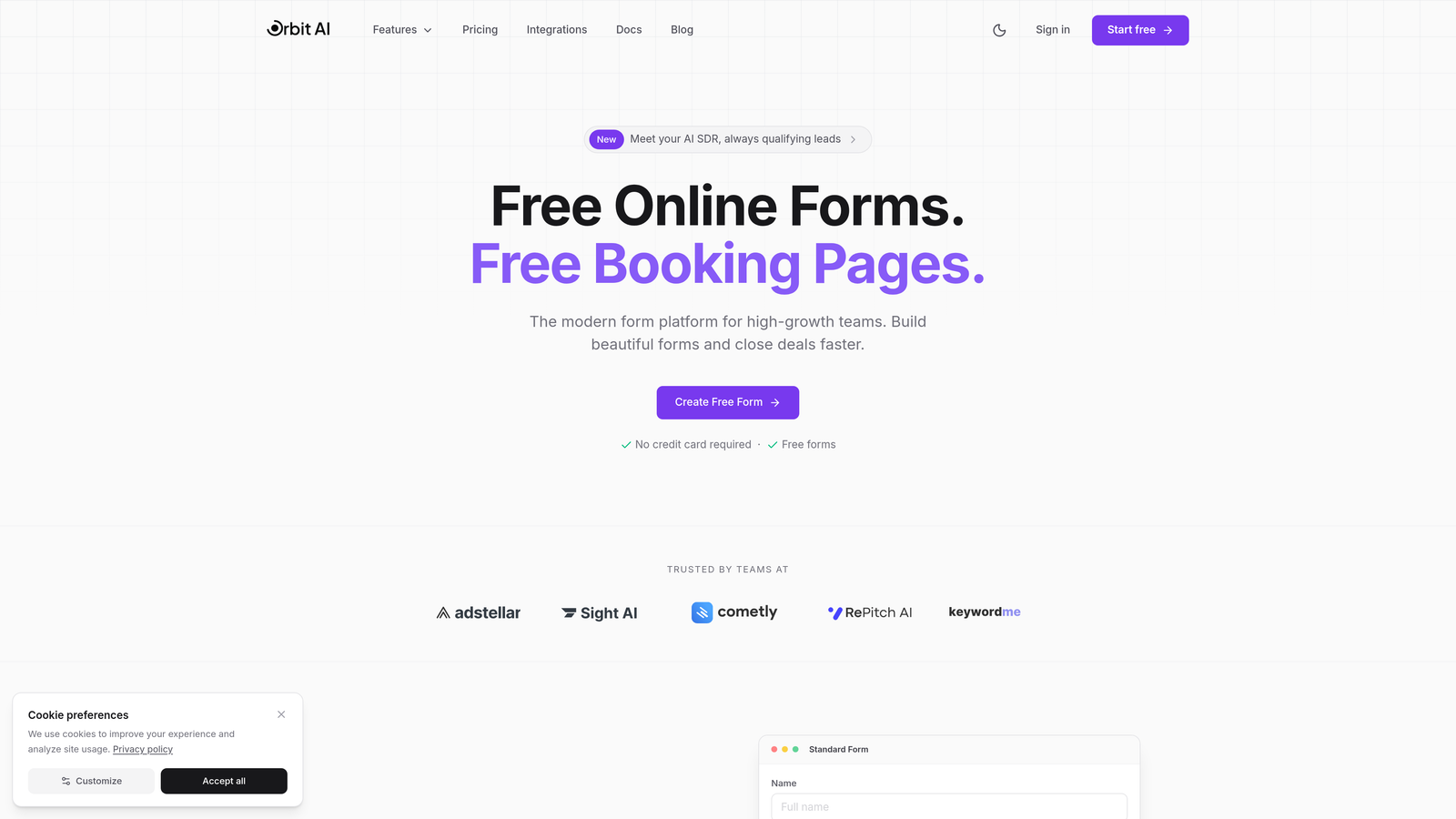
Orbit AI represents the next generation of form software, built specifically for teams that need more than basic data collection.
Where This Tool Shines
What sets Orbit AI apart is its AI-first approach to lead generation. Instead of dumping every form submission into your CRM as a cold lead, the platform uses AI agents to automatically score, qualify, and route prospects based on their responses and behavior patterns. This means your sales team only sees leads worth their time.
The conversion-optimized templates aren't just aesthetically pleasing—they're designed using behavioral psychology principles that reduce friction and increase completion rates. For teams tired of choosing between beautiful forms and effective ones, Orbit AI delivers both in a single platform.
Key Features
AI-Powered Lead Qualification: Automatically scores and qualifies leads based on response patterns, eliminating manual triage work.
Conversion-Optimized Templates: Pre-built form designs engineered for maximum completion rates across devices.
Workflow Automation with AI Agents: Intelligent routing, personalized follow-ups, and automated handoffs triggered by lead behavior.
Native CRM Integrations: Seamless data flow into Salesforce, HubSpot, and other major platforms without middleware.
Real-Time Analytics Dashboard: Conversion tracking, drop-off analysis, and lead quality metrics in one unified view.
Best For
Orbit AI is purpose-built for B2B companies and high-growth SaaS teams where lead quality matters more than lead volume. If your sales team spends hours qualifying prospects manually, or if you're losing deals because follow-up happens too slowly, this platform addresses those pain points directly with intelligent automation.
Pricing
Visit the pricing page for current plan details. Orbit AI typically offers tiered pricing that scales with form submissions and advanced AI features, with options suitable for growing teams and enterprise organizations.
2. Typeform
Best for: Creating engaging, conversational form experiences that improve completion rates
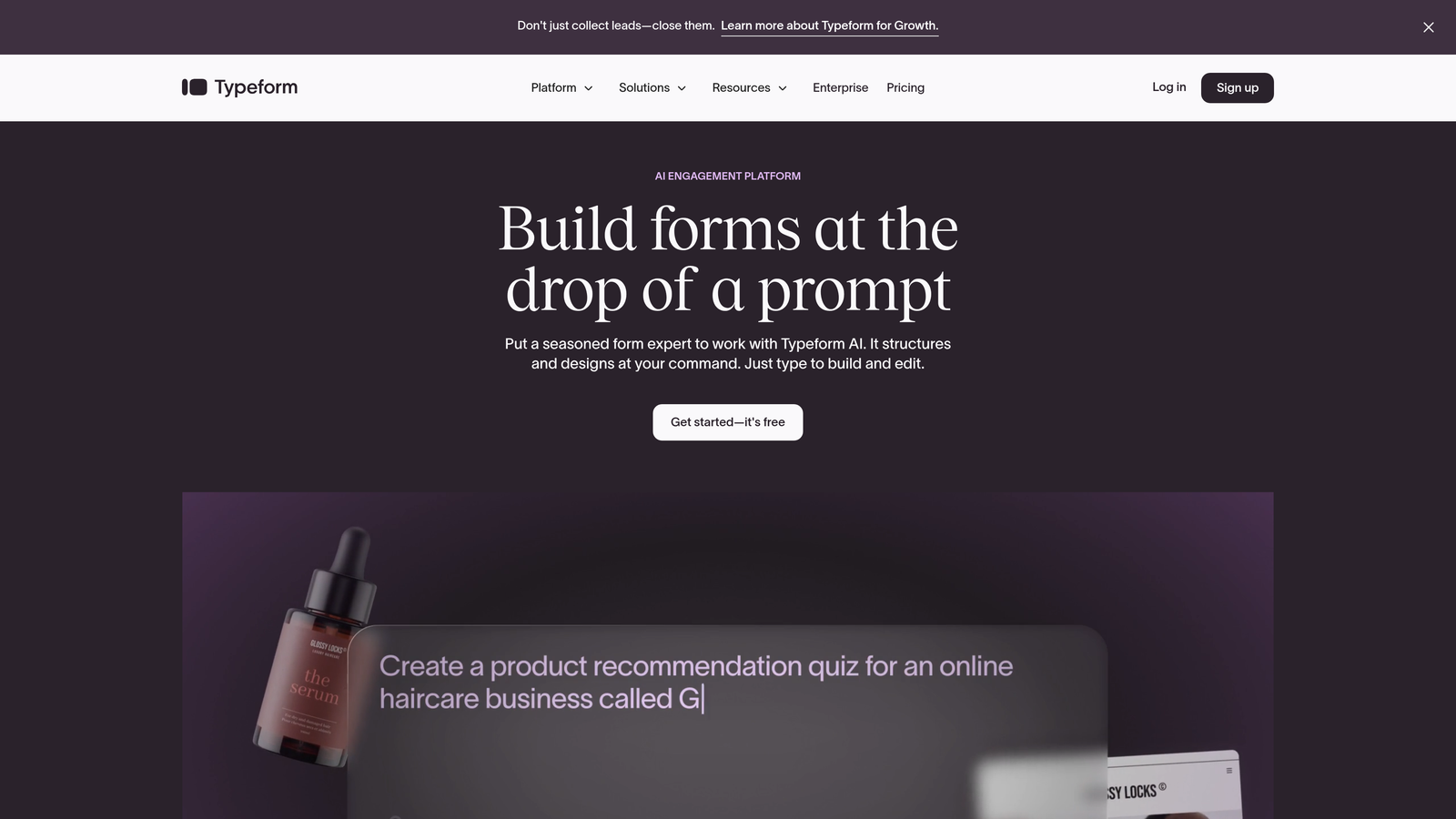
Typeform pioneered the conversational form format that presents one question at a time, creating a more human, less overwhelming experience.
Where This Tool Shines
Typeform's signature one-question-at-a-time interface fundamentally changes how people interact with forms. Instead of facing a wall of fields, respondents engage in what feels like a natural conversation. This approach consistently delivers higher completion rates, especially for longer surveys or complex qualification forms.
The platform excels at brand customization, letting you create forms that feel like a natural extension of your website rather than a generic data collection tool. When first impressions matter and you need forms that reflect your brand's personality, Typeform delivers.
Key Features
Conversational Interface: One-question-at-a-time format that reduces cognitive load and increases engagement.
Logic Jumps and Branching: Create personalized question paths based on previous answers for smarter data collection.
Rich Media Embedding: Add videos, images, and GIFs to create visually compelling form experiences.
Advanced Customization: Deep brand control including custom fonts, colors, and even custom code injection.
Integration Hub: Native connections to major marketing and sales platforms for automated workflows.
Best For
Typeform works best for companies where user experience is paramount and form abandonment is a known issue. Marketing teams creating lead magnets, customer success teams running NPS surveys, and HR departments conducting employee feedback all benefit from Typeform's engaging approach.
Pricing
Free tier available with Typeform branding and basic features. Paid plans start at $25/month, with higher tiers unlocking advanced logic, integrations, and removal of Typeform branding.
3. Jotform
Best for: Teams needing extensive template variety and robust features on a budget
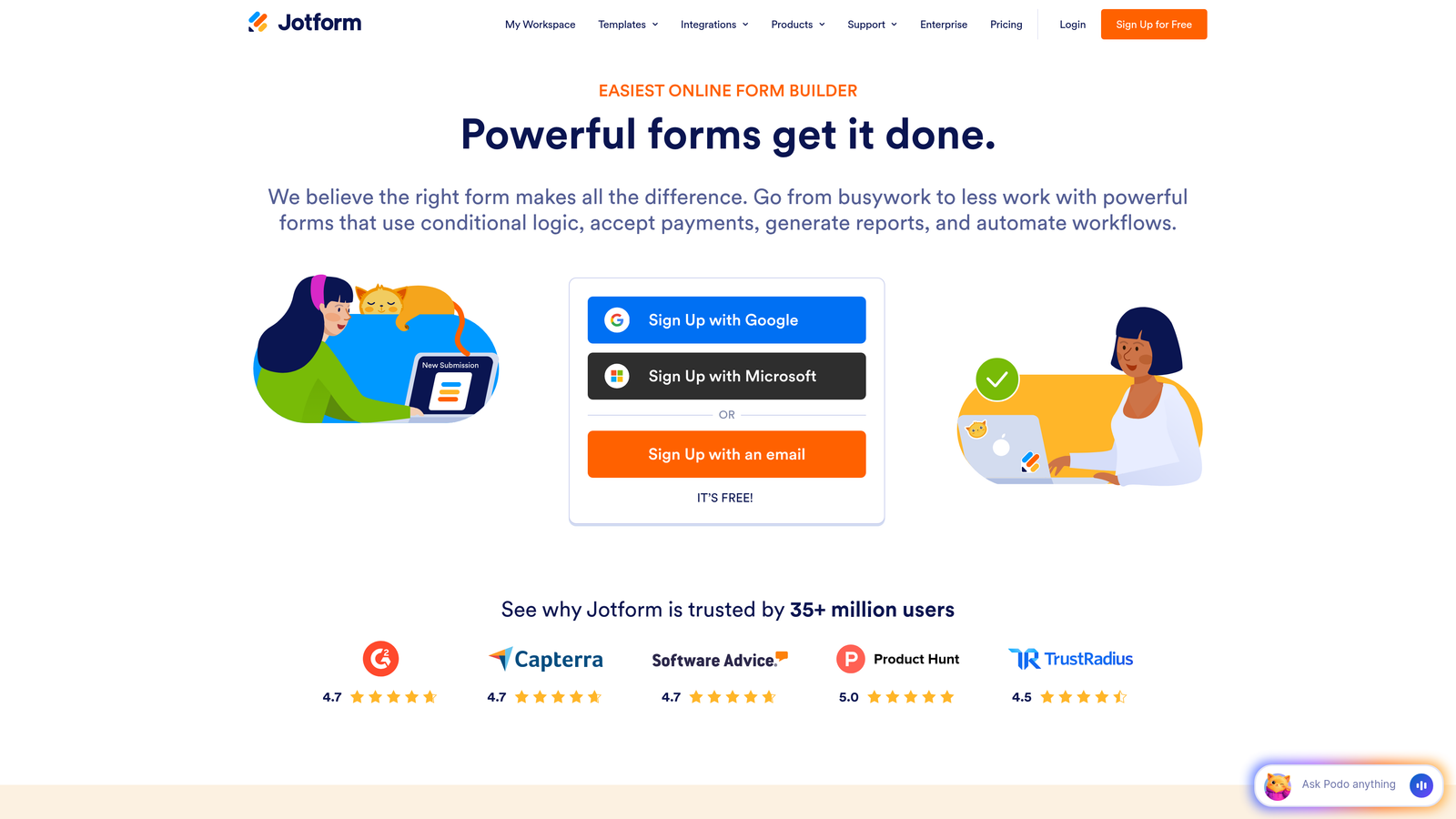
Jotform offers one of the most comprehensive template libraries in the industry, with over 10,000 pre-built forms covering virtually every use case.
Where This Tool Shines
The sheer breadth of Jotform's template collection means you'll rarely need to build a form from scratch. Whether you need a complex multi-page application form, a simple contact form, or an event registration with payment processing, there's likely a template that gets you 80% of the way there.
For teams in regulated industries, Jotform's HIPAA-compliant option stands out. Healthcare providers, insurance companies, and other organizations handling sensitive data can collect information securely without building custom solutions from scratch.
Key Features
10,000+ Templates: Industry-specific form templates that dramatically reduce setup time for common use cases.
PDF Form Generation: Automatically convert form submissions into branded PDF documents for easy sharing and archiving.
E-Signature Collection: Built-in digital signature capabilities for contracts, agreements, and consent forms.
Mobile App Builder: Create native mobile apps for offline form collection in field environments.
HIPAA Compliance: Enterprise-grade security and compliance features for healthcare and regulated industries.
Best For
Jotform serves organizations with diverse form needs across multiple departments. The extensive template library and feature set make it ideal for companies that need everything from HR onboarding forms to customer surveys to payment collection—all in one platform.
Pricing
Free tier includes up to 5 forms and 100 monthly submissions. Paid plans start at $34/month, with higher tiers adding more forms, submissions, storage, and advanced features like HIPAA compliance.
4. HubSpot Forms
Best for: HubSpot users needing native CRM integration and marketing automation
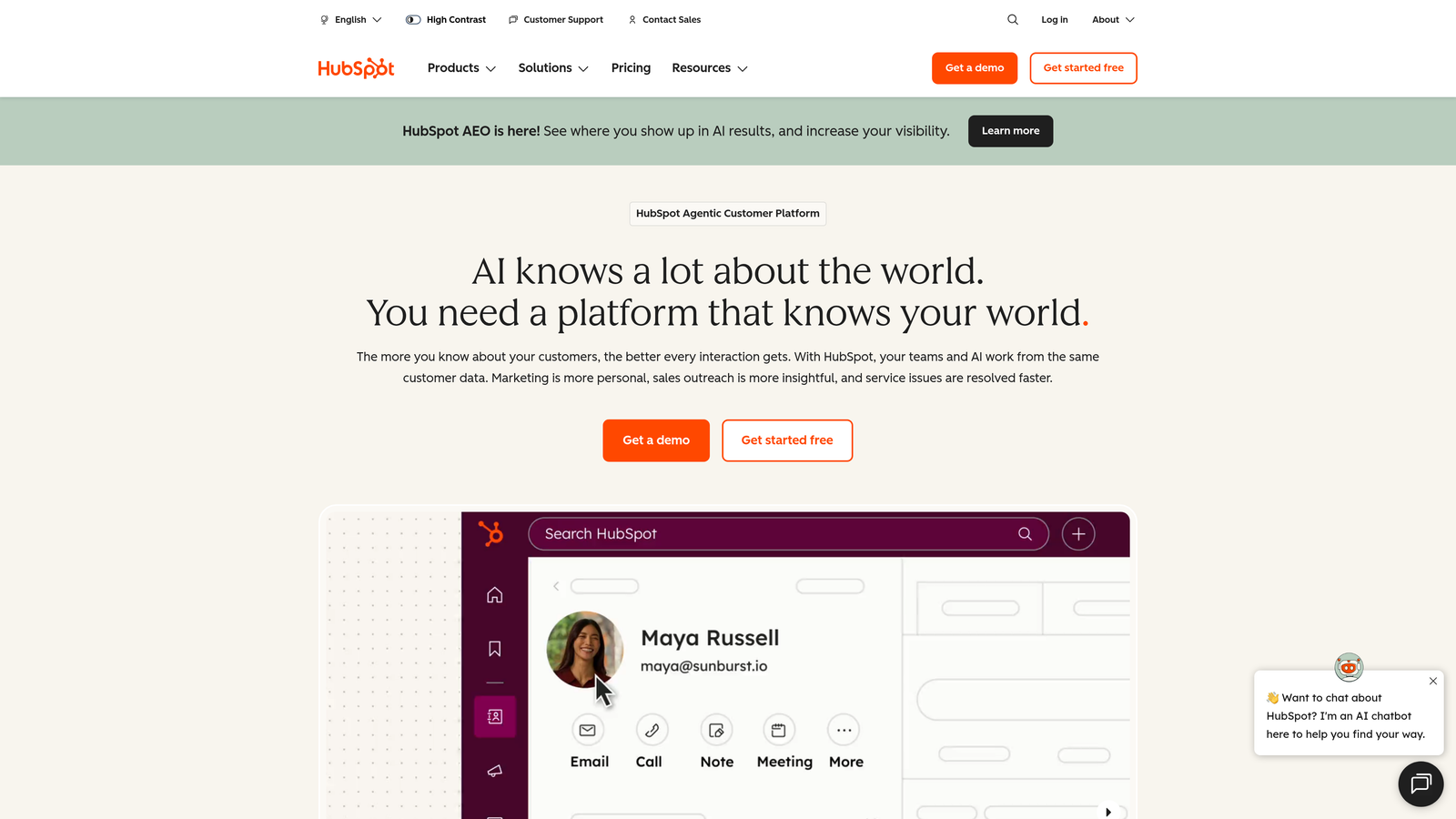
HubSpot Forms is the native form builder within the HubSpot ecosystem, designed for seamless integration with HubSpot's CRM and marketing tools.
Where This Tool Shines
If you're already using HubSpot, the native forms integration is unbeatable. Form submissions automatically populate contact records, trigger workflows, and update deal stages without any middleware or custom integration work. This direct connection eliminates data sync delays and reduces the technical complexity of your marketing stack.
Progressive profiling is where HubSpot Forms truly differentiates itself. Instead of asking returning visitors the same questions repeatedly, the system automatically shows new fields based on what information you already have, creating a smarter, more personalized experience over time.
Key Features
Direct CRM Population: Form data flows instantly into contact records with zero configuration required.
Progressive Profiling: Automatically adjust form fields based on existing contact data to avoid redundant questions.
Smart Content Personalization: Display different form fields or messaging based on contact properties or lifecycle stage.
Marketing Automation Triggers: Launch email sequences, task creation, and deal updates automatically upon form submission.
Built-In Analytics: Track form performance, conversion rates, and field-level drop-off within the HubSpot reporting suite.
Best For
HubSpot Forms makes most sense for companies already invested in the HubSpot ecosystem. If you're running your CRM, email marketing, and sales automation through HubSpot, using their native form builder eliminates integration headaches and creates a unified data environment.
Pricing
Free with HubSpot CRM, including basic form functionality. Advanced features like progressive profiling, smart content, and sophisticated automation require paid Marketing Hub subscriptions starting at higher tiers.
5. Tally
Best for: Teams wanting unlimited forms with a simple, Notion-like interface
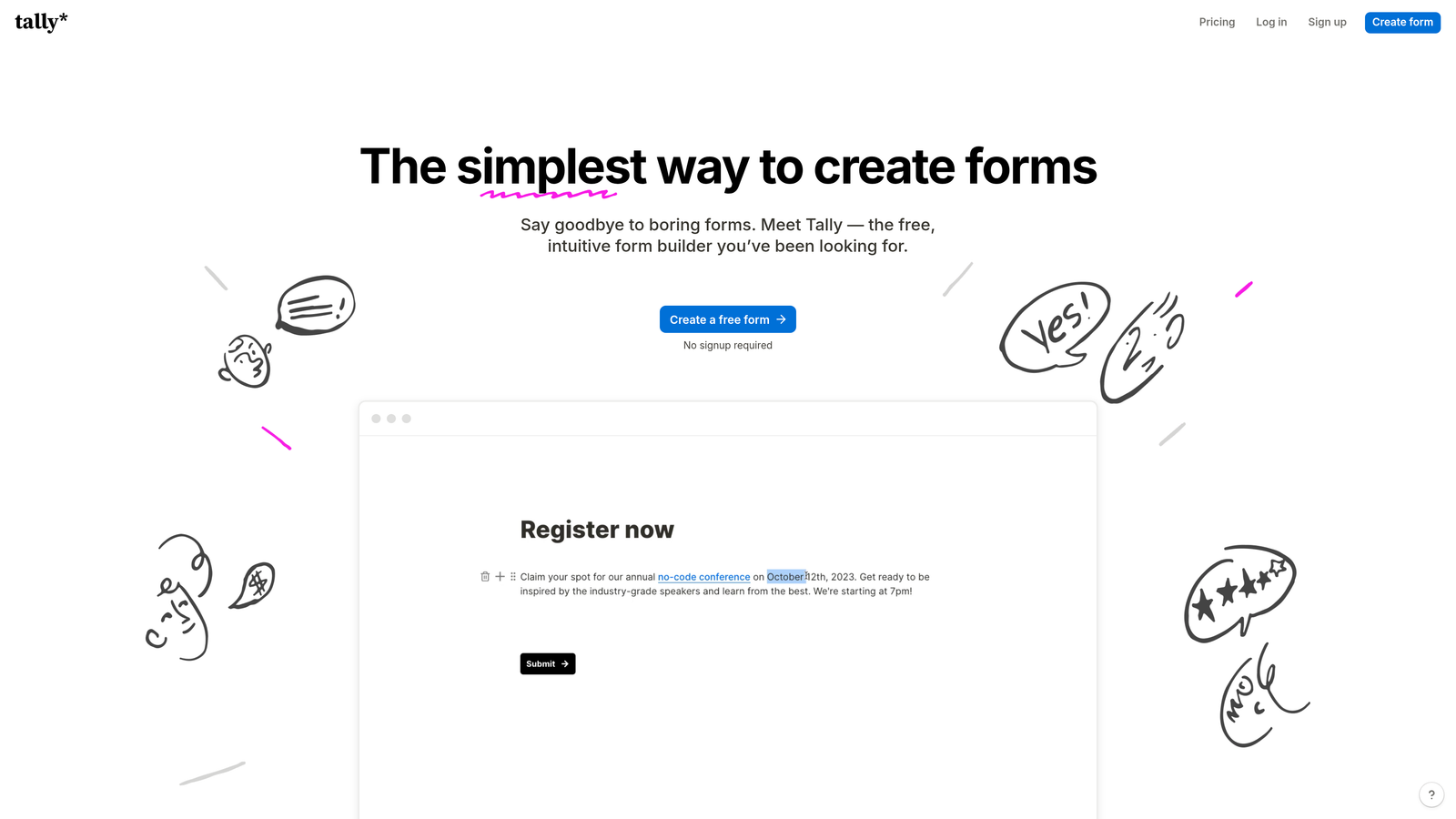
Tally brings a refreshingly minimalist approach to form building, with an interface that feels familiar to anyone who's used Notion.
Where This Tool Shines
Tally's standout feature is its genuinely generous free tier—unlimited forms with unlimited submissions. For bootstrapped startups or teams just getting started with structured data collection, this removes the financial barrier that limits experimentation with other platforms.
The Notion-style editor makes form creation feel intuitive rather than technical. You're essentially writing a document that happens to collect responses, which dramatically lowers the learning curve for non-technical team members.
Key Features
Unlimited Forms on Free Tier: No artificial limits on form creation or submissions, unlike most competitors.
Notion-Style Editor: Familiar block-based interface that feels more like writing than building.
Custom Domains: Use your own domain for forms even on free plans, maintaining brand consistency.
File Uploads: Collect documents, images, and other files directly through forms.
Calculation Fields: Build order forms, quote calculators, and dynamic pricing tools with built-in math functions.
Best For
Tally works well for small teams, indie creators, and early-stage startups that need professional form functionality without the professional price tag. The unlimited free tier makes it ideal for experimentation and rapid iteration without worrying about hitting plan limits.
Pricing
Generous free tier with unlimited forms and submissions. Pro plan at $29/month adds features like removing Tally branding, file upload limits increase, and priority support.
6. Paperform
Best for: Creating form-based landing pages with payment and booking functionality
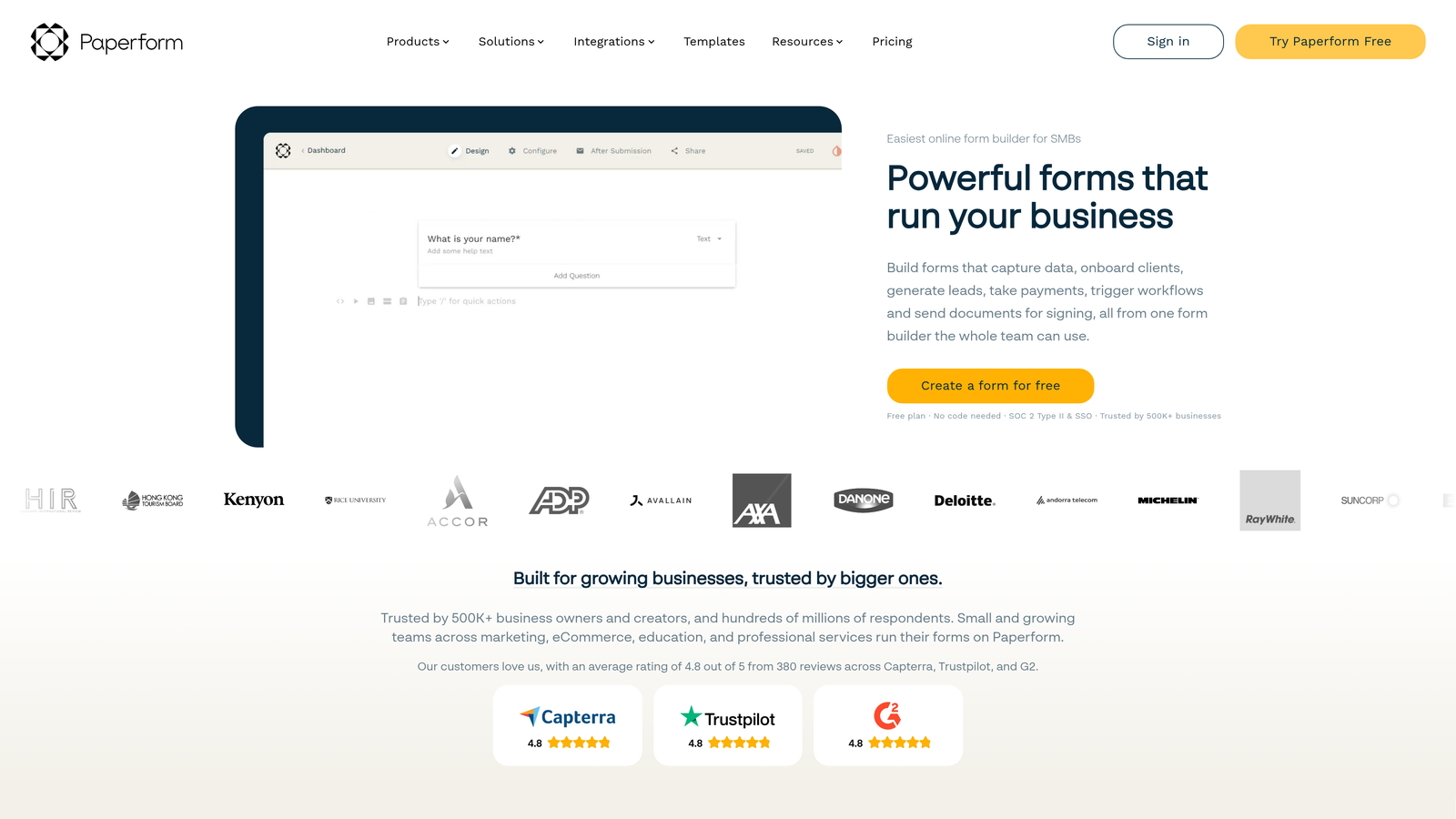
Paperform blurs the line between forms and landing pages, creating beautiful, conversion-focused experiences that go beyond traditional form builders.
Where This Tool Shines
Paperform excels when you need forms that double as complete landing pages. Instead of embedding a form widget into your site, you can create standalone pages that combine compelling copy, imagery, and data collection in one seamless experience. This is particularly powerful for product launches, event registrations, and sales pages.
The native payment processing integration transforms Paperform into a lightweight e-commerce platform. You can sell products, collect deposits, or process service bookings without needing separate checkout software—everything happens within the form experience.
Key Features
Landing Page-Style Forms: Create full-page experiences with rich text, images, and embedded media alongside form fields.
Native Payment Processing: Accept credit cards, PayPal, and Stripe payments directly within forms.
Appointment Scheduling: Built-in calendar integration for booking consultations, demos, or service appointments.
Product Catalogs: Display multiple products or service tiers with descriptions, images, and pricing within a single form.
Custom Success Pages: Design personalized thank-you pages with next steps, upsells, or additional resources.
Best For
Paperform serves businesses that need to collect payments or bookings alongside lead information. Coaches, consultants, event organizers, and small e-commerce businesses benefit from having form building, payment processing, and scheduling in one platform rather than stitching together multiple tools.
Pricing
Essentials plan starts at $24/month with core features. Higher tiers add advanced calculations, more submissions, and additional team members, with pricing scaling based on usage needs.
7. Formstack
Best for: Enterprise organizations requiring advanced compliance and security features
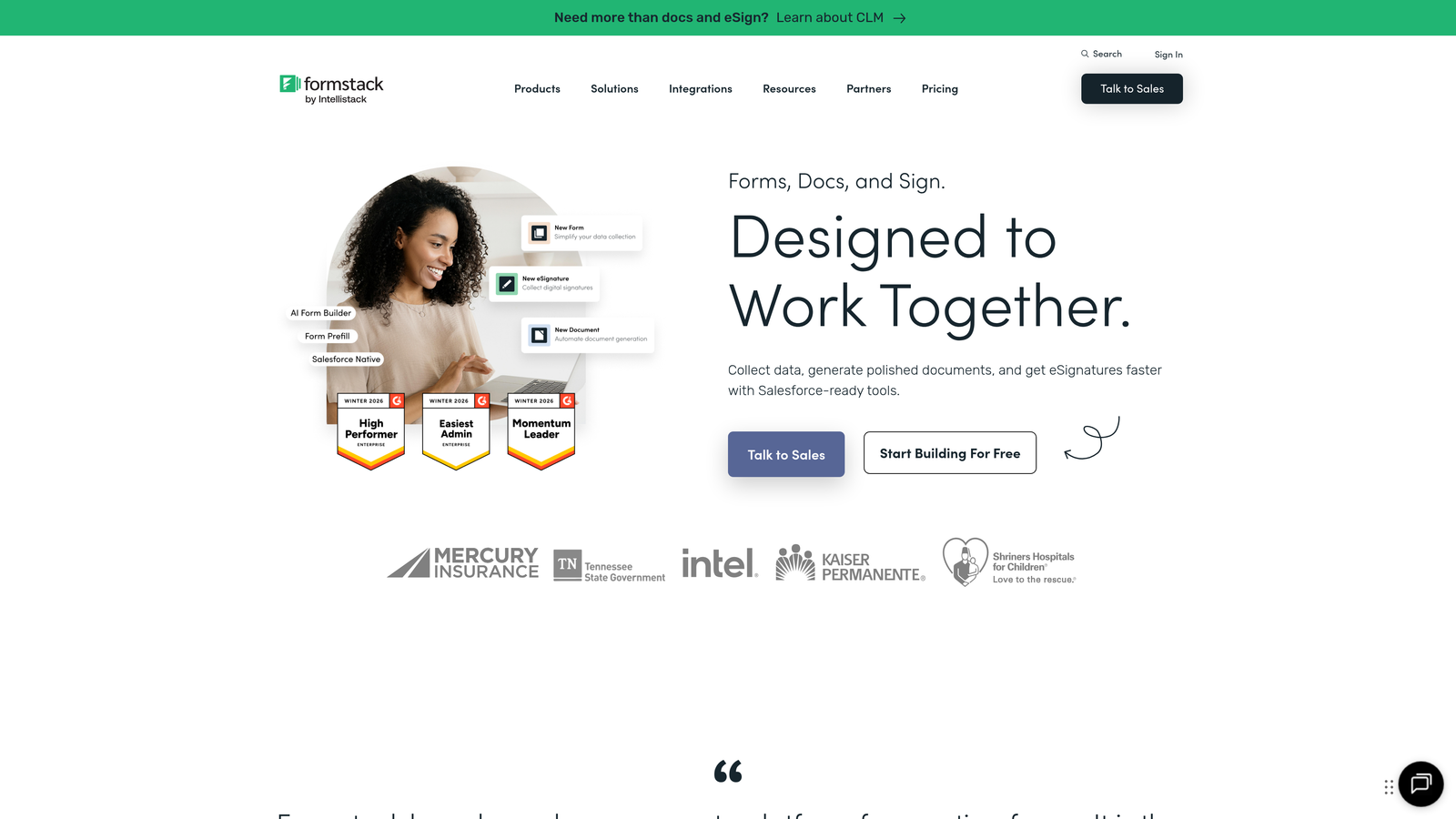
Formstack positions itself as the enterprise-grade form platform with robust security compliance and sophisticated workflow automation.
Where This Tool Shines
Formstack's compliance certifications set it apart in regulated industries. HIPAA compliance, SOC 2 certification, and advanced data encryption make it the go-to choice for healthcare providers, financial services firms, and government agencies that can't compromise on security.
The document generation and e-signature workflows create end-to-end automation for complex business processes. Collect information through a form, automatically generate a contract or agreement, route it for digital signatures, and store the completed document—all within a single platform.
Key Features
HIPAA and SOC 2 Compliance: Enterprise-grade security certifications for handling sensitive data in regulated industries.
Document Generation: Automatically create PDF documents, contracts, or reports from form submission data.
E-Signature Workflows: Built-in digital signature collection with audit trails for legally binding agreements.
Advanced Permissions: Granular user roles and access controls for large teams with complex organizational structures.
Salesforce Integration: Deep, native integration with Salesforce for enterprise CRM environments.
Best For
Formstack serves enterprise organizations with complex compliance requirements and sophisticated workflow needs. Healthcare systems collecting patient information, financial institutions processing applications, and large corporations managing multi-step approval processes all benefit from Formstack's enterprise-focused feature set.
Pricing
Plans start at $50/month for basic features, with enterprise pricing available for organizations needing compliance certifications, advanced security, and dedicated support. Custom quotes provided based on specific requirements.
8. Google Forms
Best for: Basic data collection with zero budget and Google Workspace integration
Google Forms offers straightforward form functionality completely free, with native integration into the Google Workspace ecosystem.
Where This Tool Shines
Google Forms' greatest strength is its complete lack of cost and complexity. There are no plans to compare, no feature gates to navigate, and no surprise charges. Every feature is available to anyone with a Google account, making it ideal for internal forms, quick surveys, or situations where budget is the primary constraint.
The Google Sheets integration creates instant, collaborative data analysis. Form responses populate a spreadsheet in real-time, where multiple team members can view, filter, and analyze results simultaneously without exporting or importing data.
Key Features
Completely Free: All features available at no cost, with no submission limits or hidden charges.
Google Sheets Integration: Automatic population of spreadsheets with form data for collaborative analysis.
Real-Time Collaboration: Multiple team members can edit forms simultaneously with change tracking.
Quiz Functionality: Built-in scoring and feedback features for educational assessments and training.
Basic Conditional Logic: Show or hide questions based on previous answers for smarter data collection.
Best For
Google Forms works well for internal data collection, employee surveys, event RSVPs, and other scenarios where brand customization and advanced features aren't critical. Schools, nonprofits, and teams already using Google Workspace benefit from the seamless ecosystem integration.
Pricing
Completely free with a Google account. No paid tiers, upgrades, or premium features—everything is included at no cost.
9. Cognito Forms
Best for: Complex forms requiring advanced calculations and conditional logic
Cognito Forms specializes in handling complex form logic, calculations, and multi-step processes that other platforms struggle with.
Where This Tool Shines
Cognito Forms' calculation engine is remarkably powerful. You can build sophisticated order forms that calculate totals, apply discounts, compute tax, and adjust pricing based on multiple variables—all without writing code. For businesses selling configurable products or services with complex pricing structures, this eliminates the need for custom development.
The repeating sections feature lets users add multiple items or entries within a single form submission. Think of it like adding multiple line items to an order or registering multiple attendees for an event—functionality that requires custom coding in most other platforms.
Key Features
Advanced Calculation Engine: Build complex pricing calculators, quote generators, and dynamic totals with spreadsheet-like formulas.
Repeating Sections: Allow users to add multiple entries or line items within a single form submission.
Multi-Page Forms: Break long forms into logical steps with progress indicators and conditional page routing.
Payment Integration: Accept credit card payments through Stripe or PayPal with calculated totals.
Data Encryption: Field-level encryption for sensitive information like Social Security numbers or financial data.
Best For
Cognito Forms serves businesses with complex order forms, registration processes, or applications requiring sophisticated calculations. Equipment rental companies, custom manufacturing businesses, and organizations with multi-tier pricing all benefit from the advanced calculation and logic capabilities.
Pricing
Free tier available with basic features and Cognito branding. Paid plans start at $15/month, with higher tiers adding more forms, submissions, and advanced features like payment processing and data encryption.
Making the Right Choice
The best form software for your business depends on what you're optimizing for. If AI-powered lead qualification and conversion optimization are your priorities, Orbit AI delivers the most sophisticated automation for high-growth teams. For companies already invested in HubSpot, the native forms integration eliminates technical complexity. Teams on tight budgets will appreciate Tally's unlimited free tier or Google Forms' zero-cost simplicity.
Here's a quick decision framework: Choose Orbit AI if lead quality and intelligent automation drive your ROI. Pick Typeform when engagement and completion rates matter more than advanced features. Select Formstack if compliance certifications are non-negotiable. Go with Paperform when you need forms that double as landing pages with payment processing.
For most B2B companies and SaaS businesses, the decision ultimately comes down to whether you're treating forms as simple data collection tools or as intelligent conversion assets. The platforms that integrate AI-powered qualification, sophisticated routing, and real-time analytics consistently deliver better results than those focused solely on data capture.
The form software market in 2026 has matured beyond basic field building. The winners are platforms that understand forms as part of a larger revenue generation system—where every submission gets qualified, routed, and acted upon automatically. That's the difference between collecting leads and actually converting them.
Transform your lead generation with AI-powered forms that qualify prospects automatically while delivering the modern, conversion-optimized experience your high-growth team needs. Start building free forms today and see how intelligent form design can elevate your conversion strategy.


