

If your forms aren't converting, you're leaving pipeline on the table. Whether you're capturing leads, qualifying prospects, or gathering customer feedback, the form tool you choose has a direct impact on conversion rates and data quality. The market is packed with options, from simple drag-and-drop builders to AI-powered platforms that qualify leads in real time.
This list cuts through the noise. We evaluated nine top-rated form creation tools based on ease of use, conversion optimization features, integrations, AI capabilities, and pricing. Whether you're a lean startup or a scaling SaaS team, there's a right tool for your stage. Let's get into it.
1. Orbit AI
Best for: High-growth SaaS and B2B teams focused on lead qualification and pipeline quality
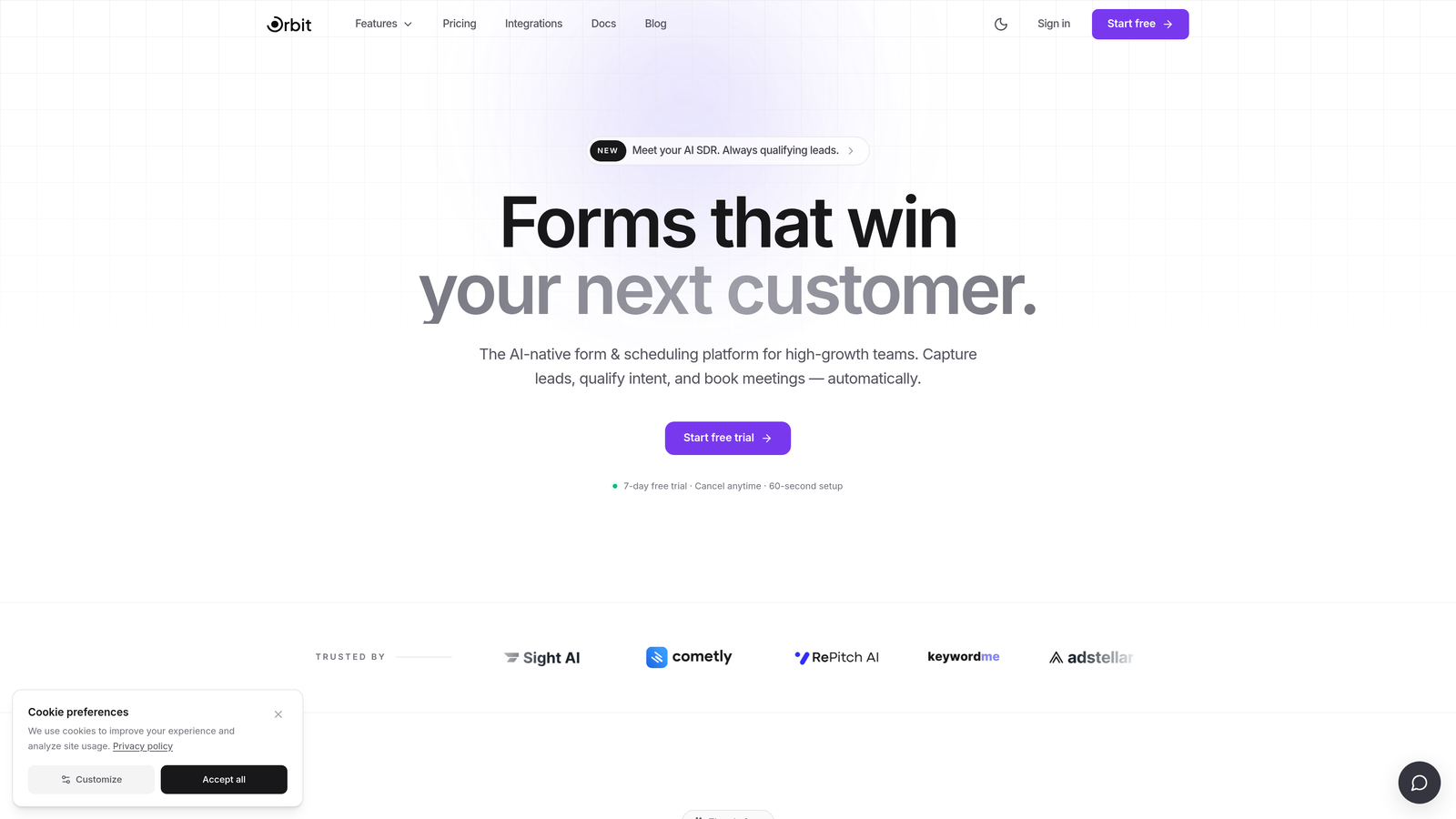
Orbit AI is an AI-powered form builder designed specifically for teams that care about pipeline quality, not just form completions.
Where This Tool Shines
Most form tools treat every submission the same. Orbit AI doesn't. Its built-in lead qualification logic scores and routes leads automatically based on how respondents answer, so your sales team spends time on the right prospects instead of manually sorting through noise.
The design side is equally strong. Orbit AI's templates are modern and conversion-optimized out of the box, which means you're not starting from a blank slate every time you need a new campaign form. For teams running multiple lead gen initiatives simultaneously, that speed matters.
Key Features
AI-Powered Lead Qualification: Automatically scores and routes leads based on responses, removing manual triage from your workflow.
Conversion-Optimized Templates: Modern, branded form designs built with completion rates in mind, not just aesthetics.
Conditional Logic and Dynamic Fields: Form questions adapt in real time based on user input, creating a personalized experience for each respondent.
CRM Integrations: Seamless lead handoff to your CRM ensures no submission falls through the cracks between form and follow-up.
Conversion Analytics Dashboard: Purpose-built reporting focused on what actually matters: where leads drop off and which forms are driving qualified pipeline.
Best For
Orbit AI is the right fit for B2B SaaS teams, growth marketers, and revenue operations professionals who need more than a form builder. If lead quality and conversion performance are KPIs you're accountable for, this tool is built around your workflow.
Pricing
Visit orbitforms.ai for current pricing details. A free starting option is available for teams ready to explore the platform.
2. Typeform
Best for: Teams that want a polished, conversational form experience with strong brand customization
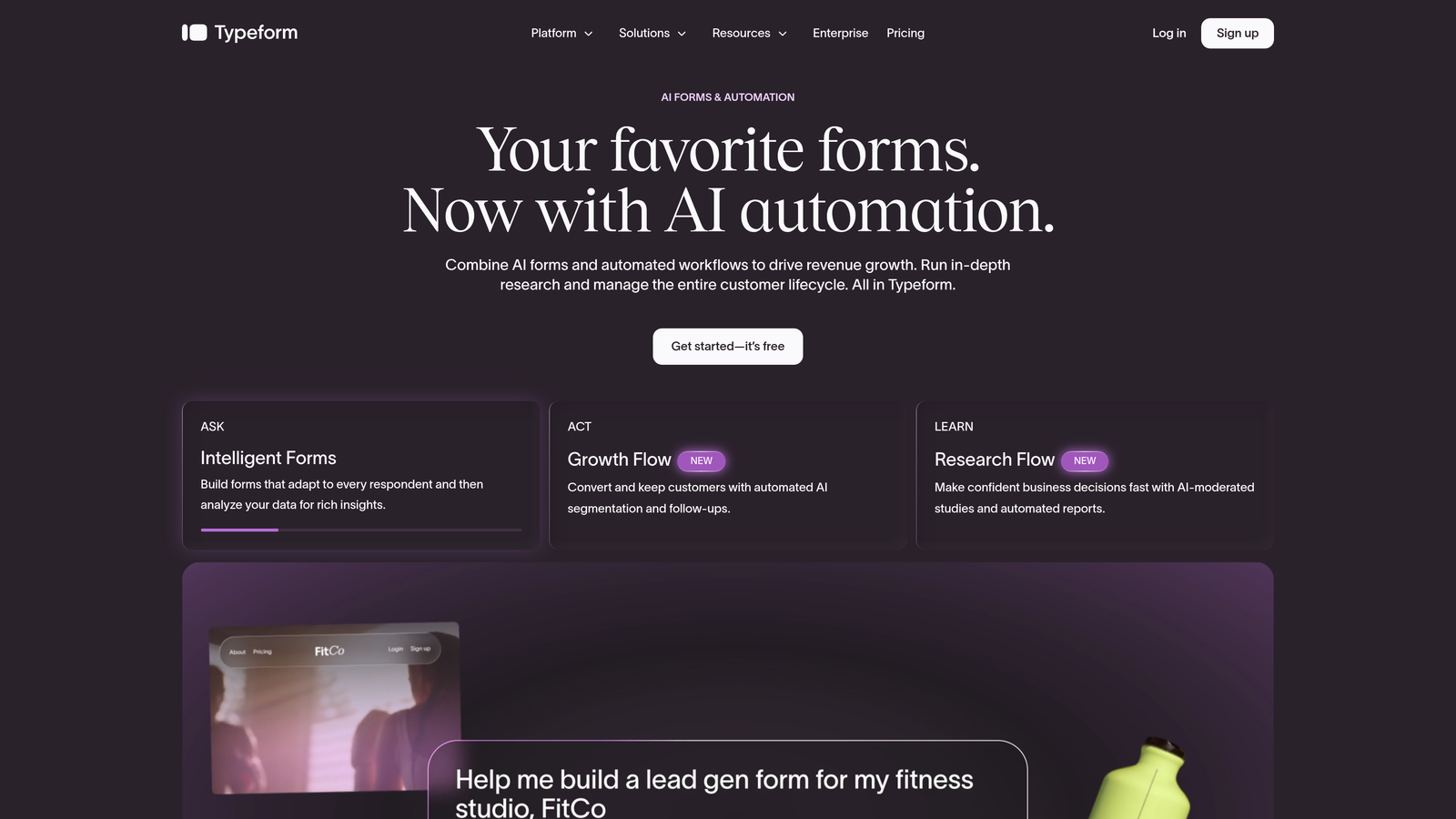
Typeform is a conversational form builder known for its one-question-at-a-time interface and visually refined design options.
Where This Tool Shines
Typeform pioneered the conversational form format, and it's still one of the best at it. The single-question flow feels less like filling out a form and more like having a conversation, which tends to work well for longer surveys or onboarding flows where friction is a real risk.
The visual customization options are genuinely impressive. You can match your brand closely, embed video and images within the flow, and create experiences that feel premium without needing a designer involved at every step.
Key Features
Conversational One-Question UX: Presents questions one at a time to reduce overwhelm and keep respondents engaged through longer forms.
Visual Customization and Brand Theming: Deep control over colors, fonts, backgrounds, and layout to match your brand identity.
Logic Jumps and Conditional Branching: Route respondents to different questions based on previous answers for a tailored experience.
500+ App Integrations: Native connectors and Zapier support cover most major CRMs, email tools, and data platforms.
Video and Image Embedding: Add rich media directly within the form flow to provide context or boost engagement.
Best For
Typeform works well for marketing teams running surveys, product feedback forms, or lead gen campaigns where brand presentation matters. It's less optimized for high-volume B2B lead qualification out of the box.
Pricing
Free plan available with limited responses. Paid plans start at approximately $25/month. Verify current pricing at typeform.com.
3. Jotform
Best for: Teams that need maximum template variety and broad integration support without writing code
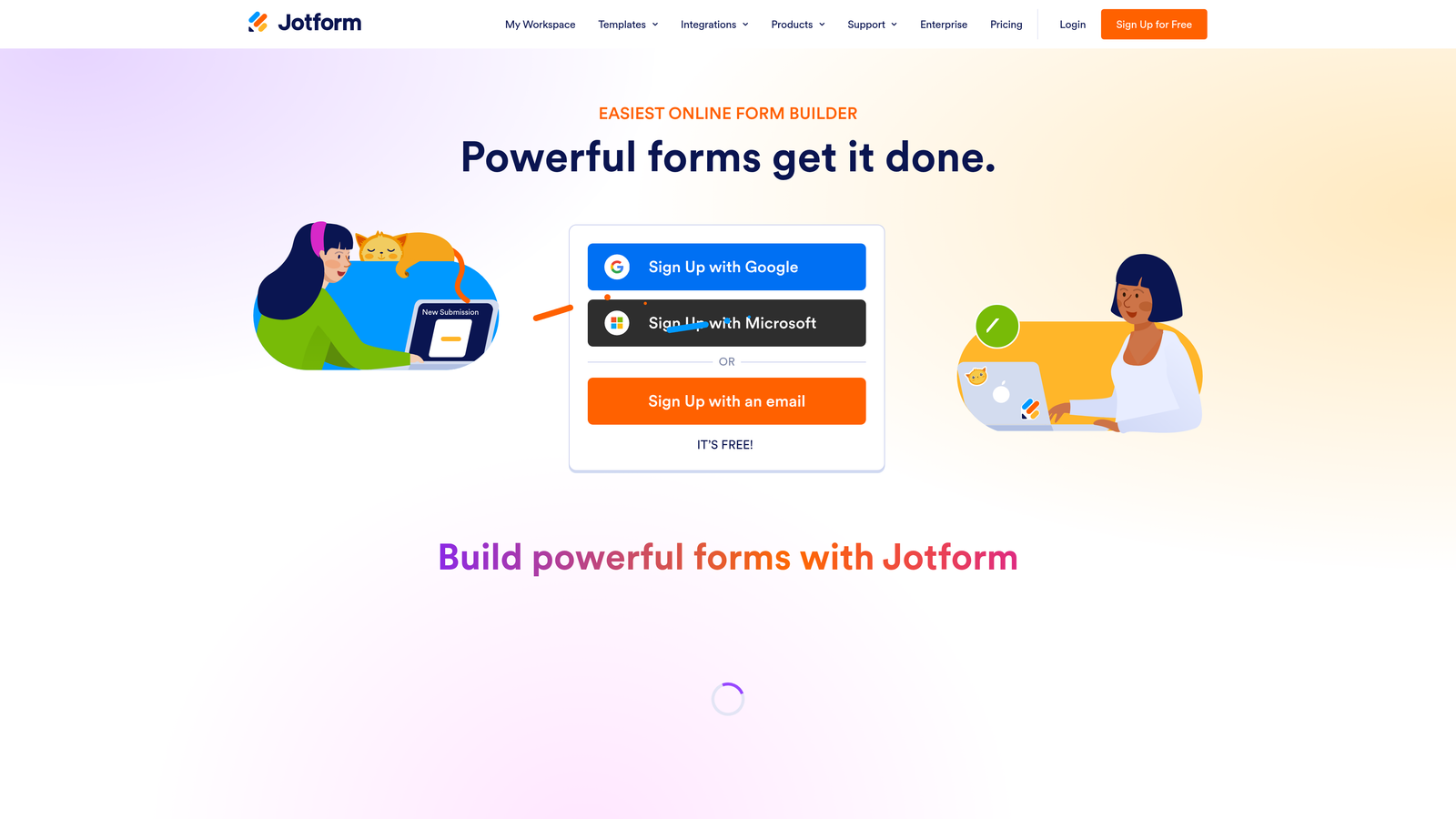
Jotform is a feature-rich form builder with one of the largest template libraries in the market and a wide range of native integrations.
Where This Tool Shines
If you need to build a form for an unusual use case, Jotform almost certainly has a template for it. With over 10,000 templates spanning industries from healthcare to e-commerce to education, the starting point is rarely a blank page. That breadth makes it a reliable choice for teams managing diverse form needs across departments.
Jotform also stands out for compliance-sensitive use cases. HIPAA-compliant forms are available on higher tiers, which is a meaningful differentiator for healthcare or regulated industries where most other tools fall short.
Key Features
10,000+ Templates: One of the largest template libraries available, spanning virtually every industry and use case.
Drag-and-Drop Builder: No coding required to build, customize, or publish forms of any complexity.
Payment Collection: Built-in support for Stripe, PayPal, and other payment processors directly within forms.
HIPAA-Compliant Forms: Available on higher-tier plans for teams operating in regulated industries.
Jotform Tables: Spreadsheet-style response management that makes organizing and reviewing submissions more intuitive.
Best For
Jotform is a strong fit for operations teams, agencies managing multiple clients, or any organization that needs a reliable all-purpose form builder with deep template coverage and compliance options.
Pricing
Free plan available with usage limits. Paid plans start at approximately $34/month. Check jotform.com for current tier details.
4. HubSpot Forms
Best for: Teams already using HubSpot CRM who want native form-to-contact automation
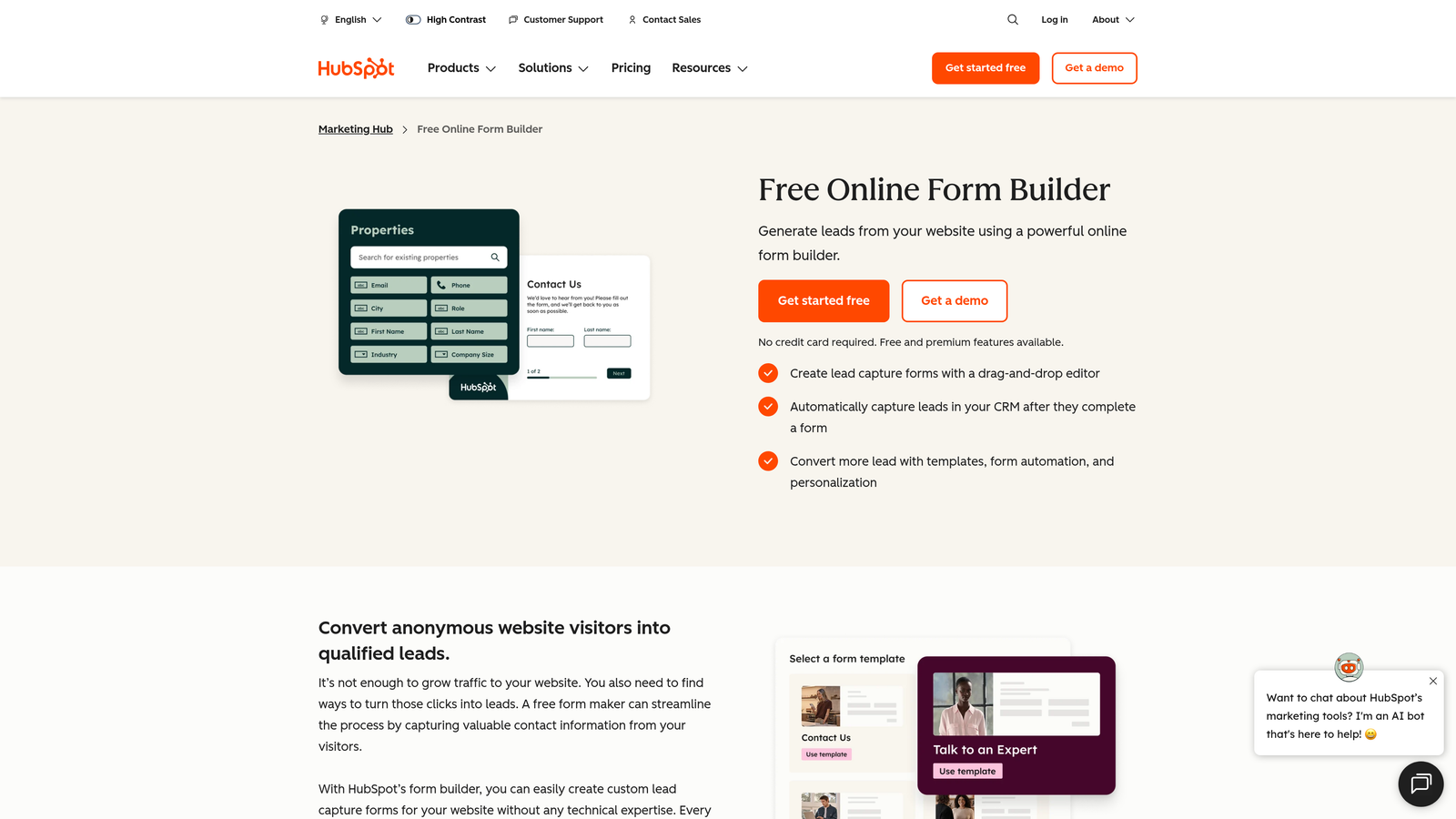
HubSpot Forms is a native form builder included in HubSpot's Marketing Hub, with automatic contact creation and CRM sync on every submission.
Where This Tool Shines
The value proposition here is tight ecosystem integration. When someone submits a HubSpot form, a contact is created or updated in the CRM instantly, and workflows, sequences, and lead scoring can trigger automatically. For teams already living in HubSpot, this removes an entire layer of manual data entry and integration maintenance.
Progressive profiling is another standout feature. Instead of asking known contacts the same questions repeatedly, HubSpot Forms surfaces new fields for returning visitors, building richer contact profiles over time without creating form fatigue.
Key Features
Automatic CRM Contact Creation: Every form submission instantly creates or updates a contact record in HubSpot with zero manual intervention.
Progressive Profiling: Dynamically replaces already-known fields with new questions to progressively enrich contact data.
Smart Forms: Adapt displayed fields based on what HubSpot already knows about a returning visitor.
Embedded and Pop-up Options: Flexible placement options for landing pages, blog posts, and exit-intent scenarios.
Native Workflow Triggers: Form submissions can instantly kick off email sequences, task assignments, or internal notifications.
Best For
HubSpot Forms is best for marketing and sales teams already invested in the HubSpot ecosystem. Standalone, it's fairly basic. Within HubSpot, it's a powerful automation anchor.
Pricing
Free with HubSpot CRM. Advanced features require a Marketing Hub subscription starting at approximately $15/month. See hubspot.com for full pricing.
5. Tally
Best for: Individuals and small teams who want a clean, capable form builder with a generous free tier
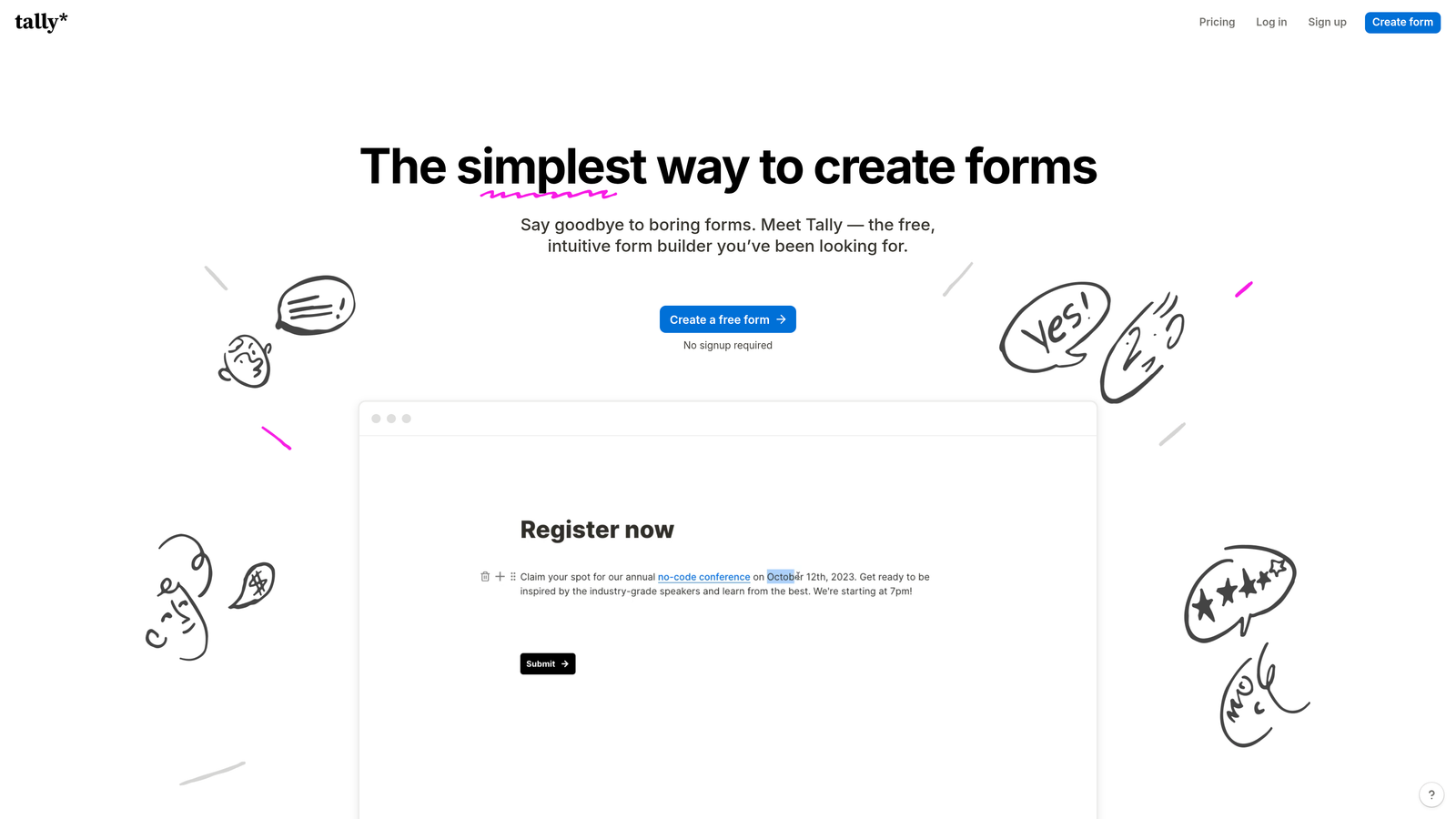
Tally is a minimalist, Notion-inspired form builder with unlimited forms and responses on its free plan and a block-based editing experience that feels immediately familiar.
Where This Tool Shines
Tally's free plan is genuinely generous. Unlimited forms, unlimited responses, and no Tally branding on free forms is an unusual combination in a market where most tools gate these features behind paid tiers. For early-stage teams or solo operators, this is a meaningful advantage.
The editing experience is clean and fast. If you've used Notion, you'll feel at home immediately. The block-based interface makes building forms feel less like configuring a tool and more like writing a document, which lowers the learning curve considerably.
Key Features
Unlimited Free Forms and Responses: No submission caps or form limits on the free plan, which is rare in this category.
Block-Based Editor: Notion-style editing interface that's intuitive for teams already comfortable with modern productivity tools.
Conditional Logic and Calculated Fields: Route respondents and perform calculations based on their answers without needing paid upgrades.
Custom Domain Support: Available on the paid plan for teams that want forms hosted under their own domain.
Zapier and Make Integrations: Connect Tally to your broader automation stack for data routing and follow-up workflows.
Best For
Tally is ideal for startups, freelancers, and small teams that need a capable, good-looking form tool without the overhead of a paid subscription. It scales reasonably well but isn't optimized for advanced lead qualification.
Pricing
Free plan available with strong feature access. Tally Pro starts at approximately $29/month. See tally.so for details.
6. Google Forms
Best for: Internal surveys, quick data collection, and teams working entirely within the Google Workspace ecosystem
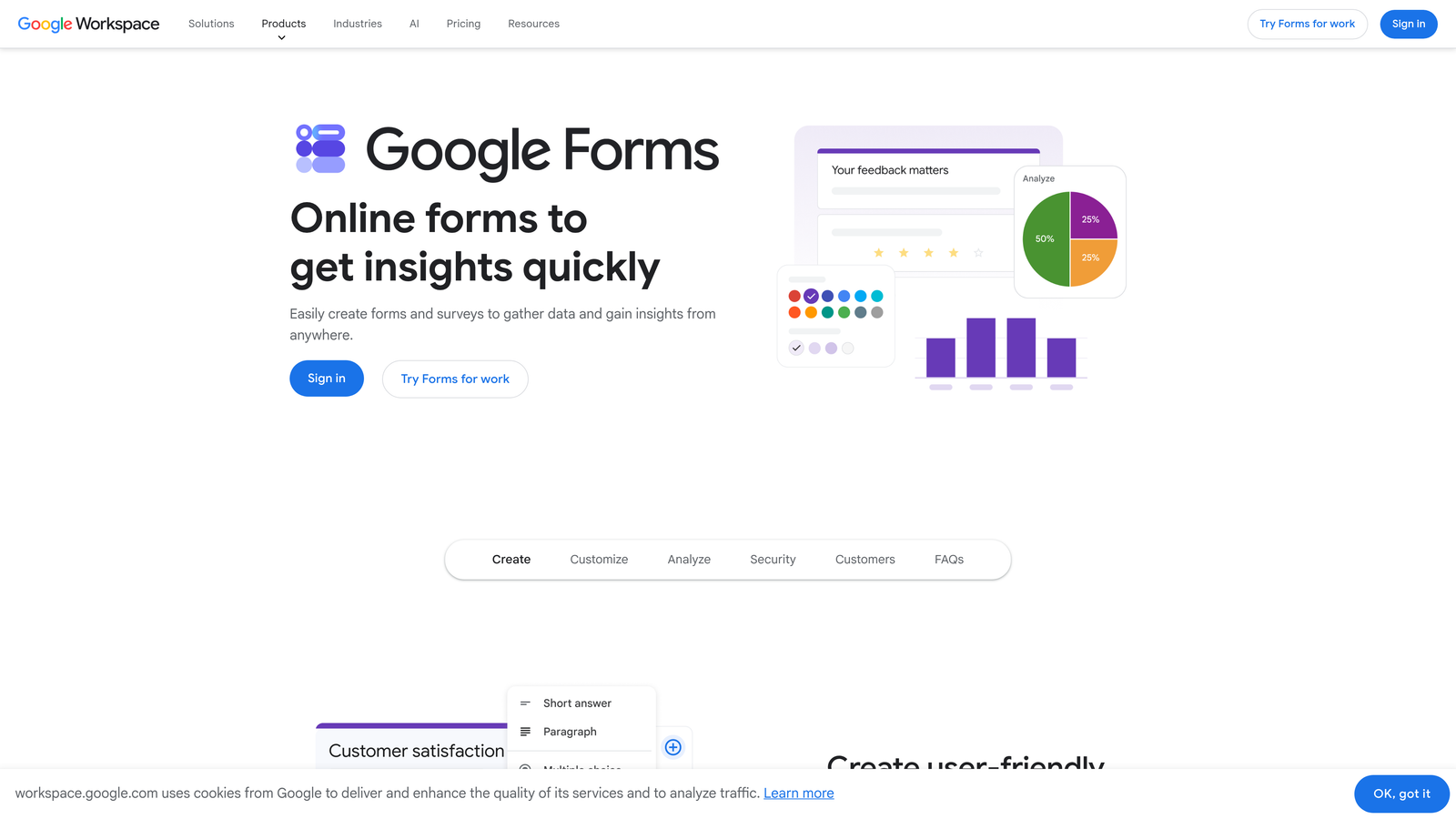
Google Forms is a free, no-frills form and survey tool with automatic response collection in Google Sheets.
Where This Tool Shines
There's no faster path from "I need a form" to "the form is live" than Google Forms. No account setup beyond a Google login, no templates to wade through, no pricing decisions to make. For internal data collection, quick polls, or event RSVPs, it's hard to argue against something that's completely free and takes minutes to deploy.
The automatic Google Sheets integration is genuinely useful for teams that already analyze data in spreadsheets. Every response populates in real time, and Sheets' existing formula and filtering capabilities handle basic analysis without any additional tools.
Key Features
Completely Free: No cost, no submission limits, no feature gating for core functionality.
Automatic Google Sheets Sync: Responses populate a connected spreadsheet in real time for instant data access.
Multiple Question Types: Supports grids, dropdowns, file uploads, linear scales, and more.
Simple Sharing: Share via link, email, or embed with a single click.
Basic Branching Logic: Route respondents to different sections based on answers for simple conditional flows.
Best For
Google Forms is the right choice for internal teams, educators, and anyone who needs a functional form quickly without budget or setup time. It's not built for external lead generation or conversion optimization.
Pricing
Free with any Google account. Included in Google Workspace plans at no additional cost.
7. Paperform
Best for: Teams that want forms to feel like branded landing pages, not data entry fields
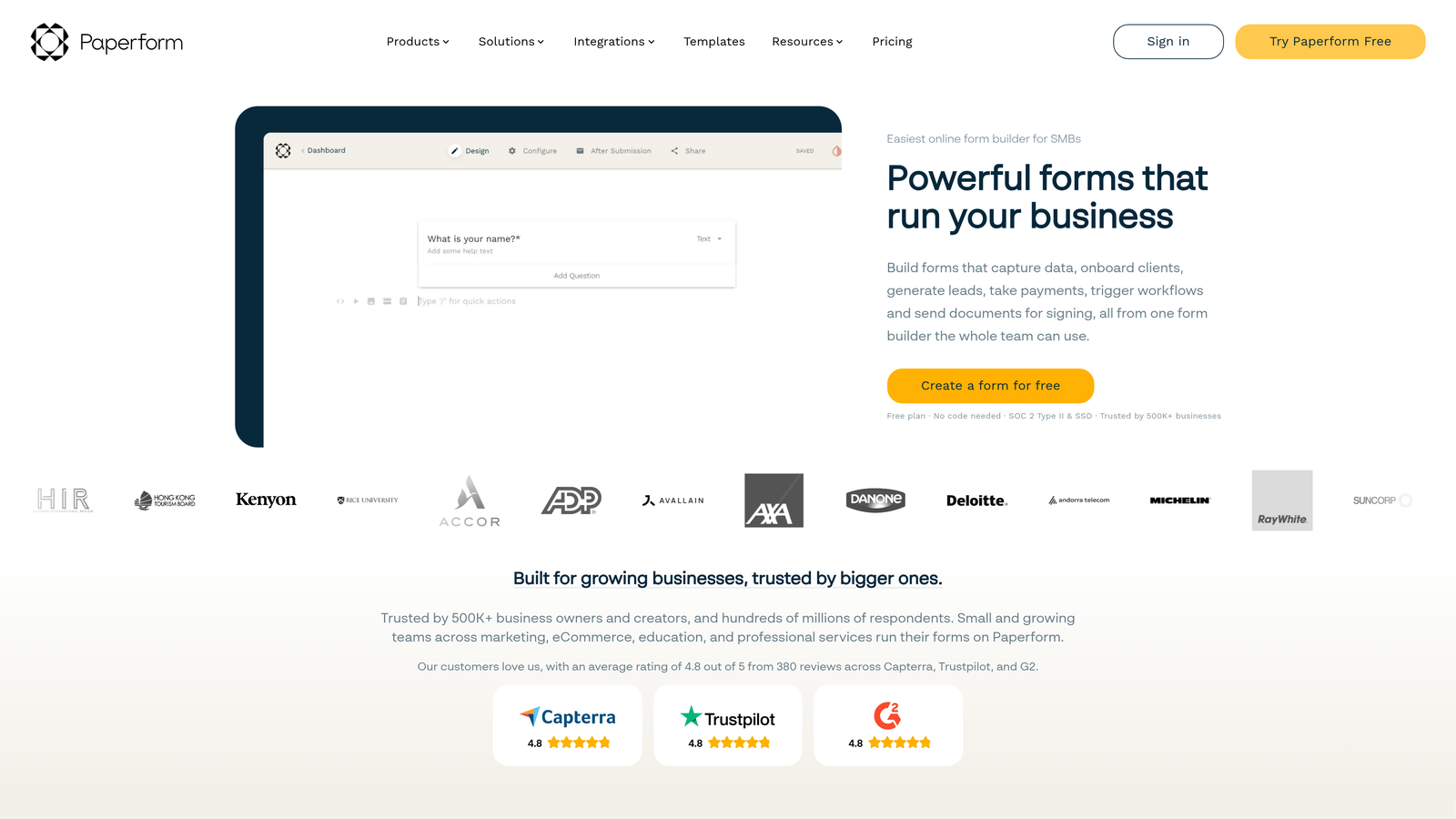
Paperform is a document-style form builder that lets you blend rich text, images, video, and form fields into a single, fully branded page.
Where This Tool Shines
Paperform sits in an interesting space between form builder and landing page creator. Instead of a traditional form layout, you build a freeform page where content and questions coexist. This works particularly well for product order forms, event registrations, or intake forms where context and copy matter as much as the fields themselves.
The design flexibility goes deep. Custom CSS support means designers can push the visual output well beyond what most no-code tools allow, while non-technical users can still produce polished results using the built-in customization controls.
Key Features
Freeform Page Layout: Mix rich text, images, video, and form fields freely on a single page without rigid structural constraints.
Custom CSS Support: Full styling control for teams that want pixel-level design precision.
Built-in Payment Collection: Accept payments directly within forms without a separate payment tool.
Conditional Logic and Calculations: Dynamic form behavior and real-time calculations based on user input.
500+ Integrations: Native connectors and Zapier support for connecting to CRMs, email tools, and automation platforms.
Best For
Paperform is well-suited for small businesses, service providers, and marketing teams that want forms to double as lightweight landing pages with a premium visual feel.
Pricing
Plans start at approximately $24/month. No permanent free plan is available. See paperform.co for current options.
8. Fillout
Best for: Teams building forms that need to read from and write to structured databases like Airtable or Notion
Fillout is a form builder with direct native integrations to databases including Airtable, Notion, and Supabase, enabling forms that interact with existing data records.
Where This Tool Shines
Most form tools push data into a destination. Fillout goes both directions. Its native database integrations allow forms to pre-fill fields from existing records, update entries on submission, and interact with structured data in ways that usually require custom development. For teams running operations on Airtable or Notion, this is a meaningful capability gap compared to general-purpose form builders.
The scheduling and booking form support is also worth noting. For teams that need intake forms connected to appointment workflows, Fillout handles that natively without requiring a separate scheduling tool in the stack.
Key Features
Native Airtable, Notion, and Supabase Integrations: Directly read and write to database records, not just push new rows.
Pre-fill from Existing Records: Populate form fields with data already in your database to reduce manual re-entry.
Multi-step and Conversational Layouts: Flexible form structures for both linear and branching experiences.
Scheduling and Booking Support: Built-in booking form capabilities for teams managing appointments or consultations.
Generous Free Tier: Up to 1,000 submissions per month on the free plan.
Best For
Fillout is the right tool for operations teams, no-code builders, and product teams that use Airtable, Notion, or Supabase as their source of truth and need forms that interact intelligently with that data.
Pricing
Free plan available with up to 1,000 submissions per month. Paid plans start at approximately $15/month. See fillout.com for current tiers.
9. Microsoft Forms
Best for: Organizations running on Microsoft 365 that need forms integrated with Teams, SharePoint, and Excel
Microsoft Forms is a survey and form tool built into Microsoft 365, with seamless integration across the Microsoft ecosystem.
Where This Tool Shines
Like Google Forms within Google Workspace, Microsoft Forms earns its place through deep ecosystem integration rather than standalone capability. For organizations already running on Microsoft 365, it's already available at no additional cost, and it connects natively with Teams, SharePoint, and Excel without any configuration work.
The real-time response summaries and automatic chart generation make it easy to share results quickly with stakeholders who don't want to dig through raw data. For internal surveys, HR forms, or event registrations within a Microsoft environment, it covers the essentials reliably.
Key Features
Included with Microsoft 365: No additional cost for organizations already subscribed to Microsoft 365.
Native Microsoft Integrations: Direct connections to Teams, SharePoint, and Excel without third-party connectors.
Real-time Response Charts: Automatic summaries and visualizations update as responses come in.
Branching Logic: Basic conditional routing for surveys that need different paths based on responses.
Multilingual Form Support: Translate forms into multiple languages to reach broader internal or external audiences.
Best For
Microsoft Forms is the practical choice for enterprise IT teams, HR departments, and education institutions operating within the Microsoft 365 ecosystem. It's not a competitive option outside that context.
Pricing
Included with Microsoft 365 subscriptions at no additional cost. No standalone pricing is available.
Which Tool Is Right for Your Team?
The best form tool depends on what you're actually trying to accomplish. Here's a quick way to think about it.
If lead qualification and pipeline quality are your primary goals, Orbit AI is purpose-built for exactly that. The AI-powered scoring and routing features address a problem that most other tools on this list don't even attempt to solve.
If you're running brand-forward surveys or campaigns where visual polish matters, Typeform or Paperform are strong choices, each with a distinct approach to form design.
If you need maximum template coverage and compliance options, Jotform is the most versatile all-purpose builder on the list. If your team lives in HubSpot or Microsoft 365, HubSpot Forms or Microsoft Forms will serve you better than any standalone tool simply because of how tightly they connect to your existing stack.
For teams on a budget or early in their journey, Tally and Google Forms offer genuine capability at no cost. And if your operations run on Airtable or Notion, Fillout's database-native approach is in a category of its own.
For high-growth teams where form performance directly affects revenue, the choice matters more than most people realize. Start building free forms today with Orbit AI and see how intelligent lead qualification built directly into your forms can change what your pipeline looks like on the other side.


