

Creating forms that actually convert requires more than drag-and-drop functionality—it demands intuitive visual design tools that let you craft experiences users want to complete. The right visual form designer software combines aesthetic flexibility with conversion optimization, helping you build forms that look stunning and perform even better.
We evaluated dozens of platforms based on design capabilities, ease of use, integration options, and conversion features to bring you this curated list. Whether you're building lead capture forms, surveys, or multi-step workflows, these tools represent the best visual form designers available today.
1. Orbit AI
Best for: High-growth teams needing AI-powered lead qualification with beautiful form design
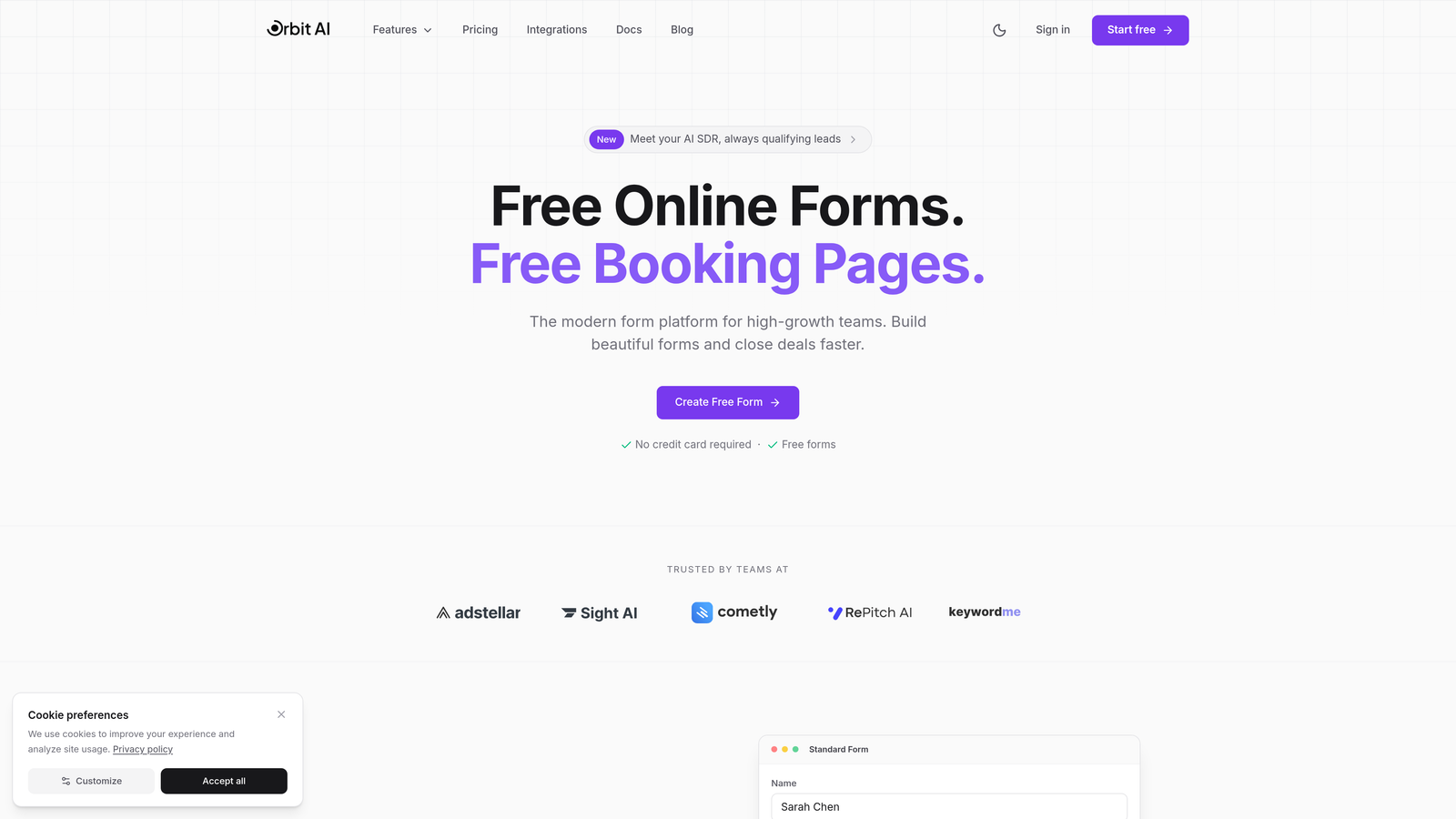
Orbit AI is a visual form builder that combines modern design capabilities with intelligent lead qualification to help you create forms that convert.
Where This Tool Shines
What sets Orbit AI apart is its AI-powered approach to lead qualification. While most form builders simply collect data, this platform analyzes responses in real-time to score and qualify leads automatically, helping your sales team focus on the prospects most likely to convert.
The visual designer itself is built for speed and flexibility. You can create multi-step workflows that guide users through complex forms without overwhelming them, all while maintaining a clean, modern aesthetic that matches your brand.
Key Features
AI-Powered Lead Qualification: Automatically scores and qualifies leads based on their form responses, routing high-value prospects to sales immediately.
Modern Drag-and-Drop Designer: Intuitive visual builder that lets you create professional forms without coding or design skills.
Multi-Step Form Workflows: Break complex forms into manageable steps to improve completion rates and user experience.
Native Integrations: Connects seamlessly with HubSpot, Salesforce, and 15+ other tools your team already uses.
Real-Time Analytics: Track conversion rates, drop-off points, and form performance with detailed analytics dashboards.
Best For
Orbit AI is ideal for B2B companies, SaaS businesses, and high-growth teams that need more than basic form functionality. If you're tired of sorting through unqualified leads and want your forms to do the heavy lifting of prospect qualification, this platform delivers.
Pricing
Free tier available with core features. Paid plans start at $29/month with advanced AI qualification and scalable form limits.
2. Typeform
Best for: Creating engaging conversational forms with distinctive one-question-at-a-time format
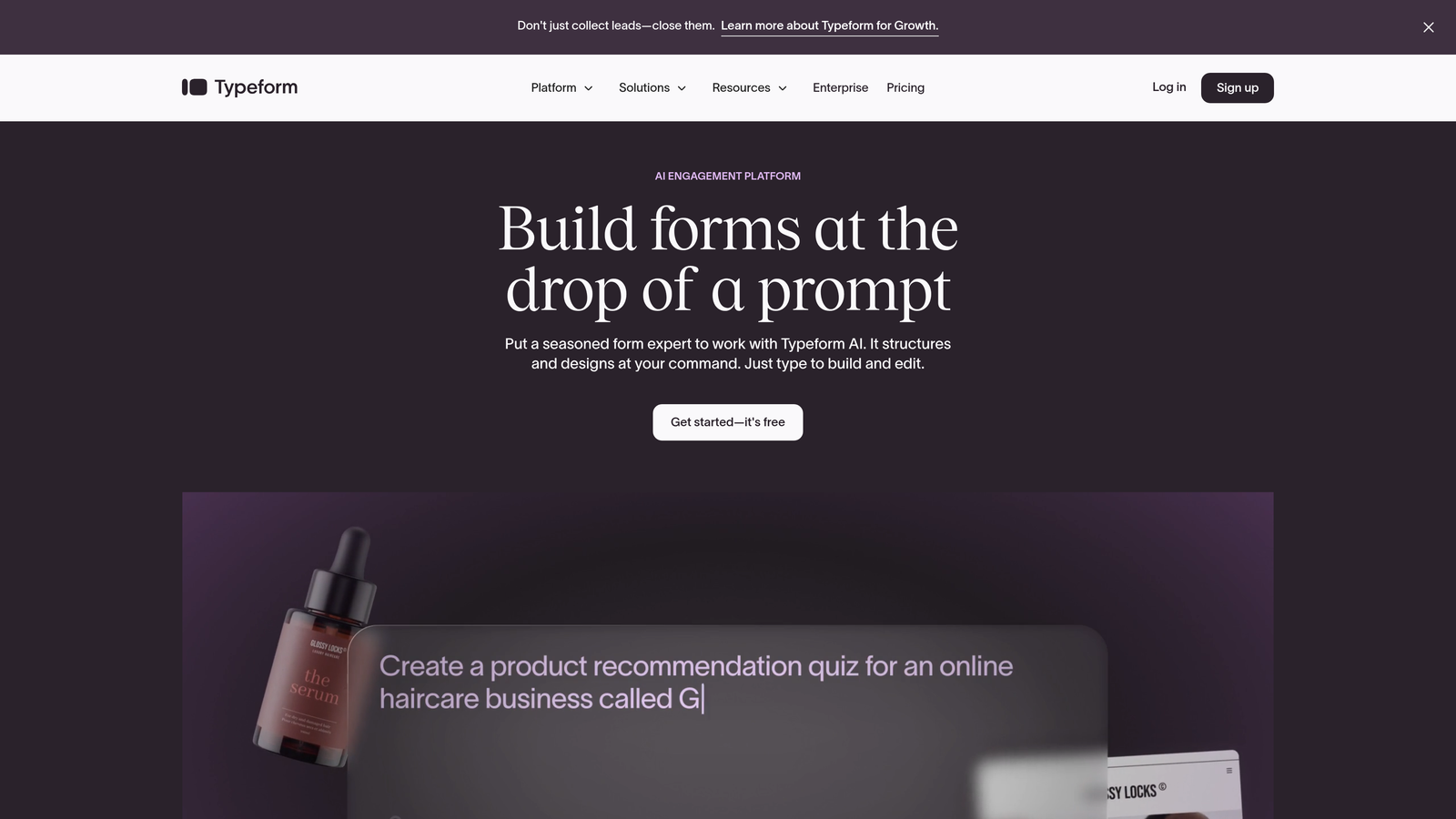
Typeform is the pioneer of conversational form design, transforming traditional multi-field layouts into interactive experiences.
Where This Tool Shines
Typeform's signature approach shows one question at a time, creating a conversation-like flow that feels less intimidating than traditional forms. This format has been shown to improve completion rates, especially for longer surveys and multi-step lead capture forms.
The platform excels at brand customization. You can control every visual element, from background images and colors to custom fonts and button styles, creating forms that feel like a natural extension of your website.
Key Features
Conversational Form Format: One-question-at-a-time interface that reduces cognitive load and improves completion rates.
Beautiful Templates: Professionally designed templates across dozens of categories, from customer feedback to event registration.
Logic Jumps: Create branching paths based on answers, showing different questions to different respondents.
Rich Media Integration: Embed videos, images, and GIFs directly into your forms for more engaging experiences.
Extensive Integrations: Connect with hundreds of tools through native integrations and Zapier.
Best For
Typeform works best for creative agencies, marketing teams, and brands that prioritize user experience. If your audience expects polished, engaging interactions, this platform delivers.
Pricing
Free tier available with basic features. Paid plans start at $25/month with logic jumps and custom branding.
3. Jotform
Best for: Teams needing extensive template options and feature-rich customization capabilities
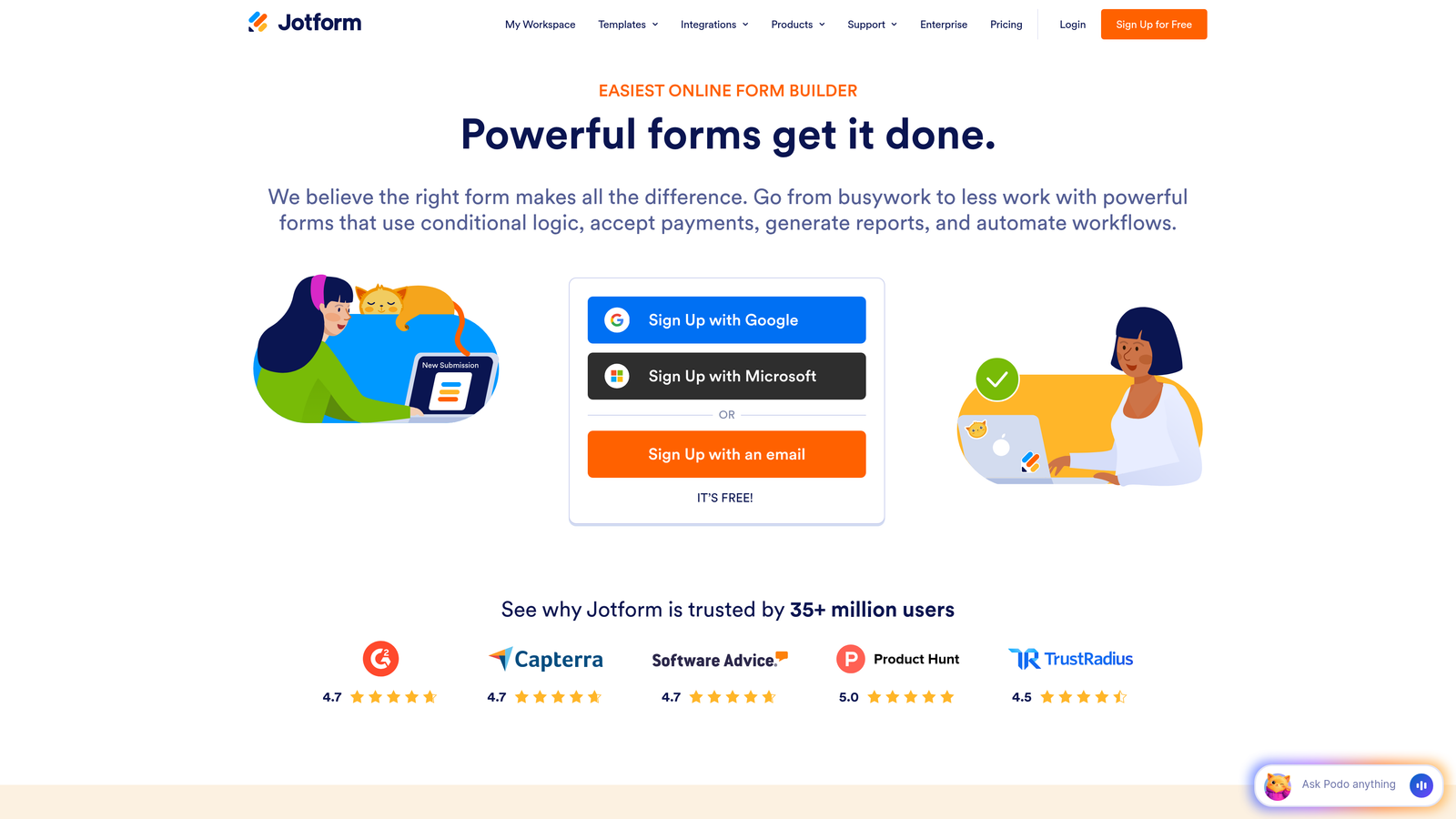
Jotform is a comprehensive form builder offering over 10,000 templates and advanced features for virtually any use case.
Where This Tool Shines
The sheer breadth of Jotform's template library is unmatched. Whether you need a contact form, registration form, survey, or something highly specialized like a medical intake form, there's likely a pre-built template ready to customize.
Beyond templates, Jotform offers powerful conditional logic capabilities. You can create complex form flows that show or hide fields based on previous answers, calculate values automatically, and even generate PDF documents from form submissions.
Key Features
10,000+ Templates: Massive library of pre-built forms covering every industry and use case imaginable.
Advanced Conditional Logic: Create sophisticated form flows with show/hide rules, calculations, and dynamic field updates.
PDF Form Generation: Automatically convert form submissions into formatted PDF documents.
Payment Processing: Accept payments through 30+ payment gateways including PayPal, Stripe, and Square.
HIPAA Compliance: Enterprise plans include HIPAA-compliant hosting and features for healthcare organizations.
Best For
Jotform suits organizations that need flexibility and feature depth, particularly those in healthcare, education, or government sectors requiring compliance features. It's also excellent for teams that want to start with templates rather than building from scratch.
Pricing
Free tier available with 100 monthly submissions. Paid plans start at $34/month with increased limits and advanced features.
4. Tally
Best for: Teams wanting Notion-like simplicity with powerful features on a generous free tier
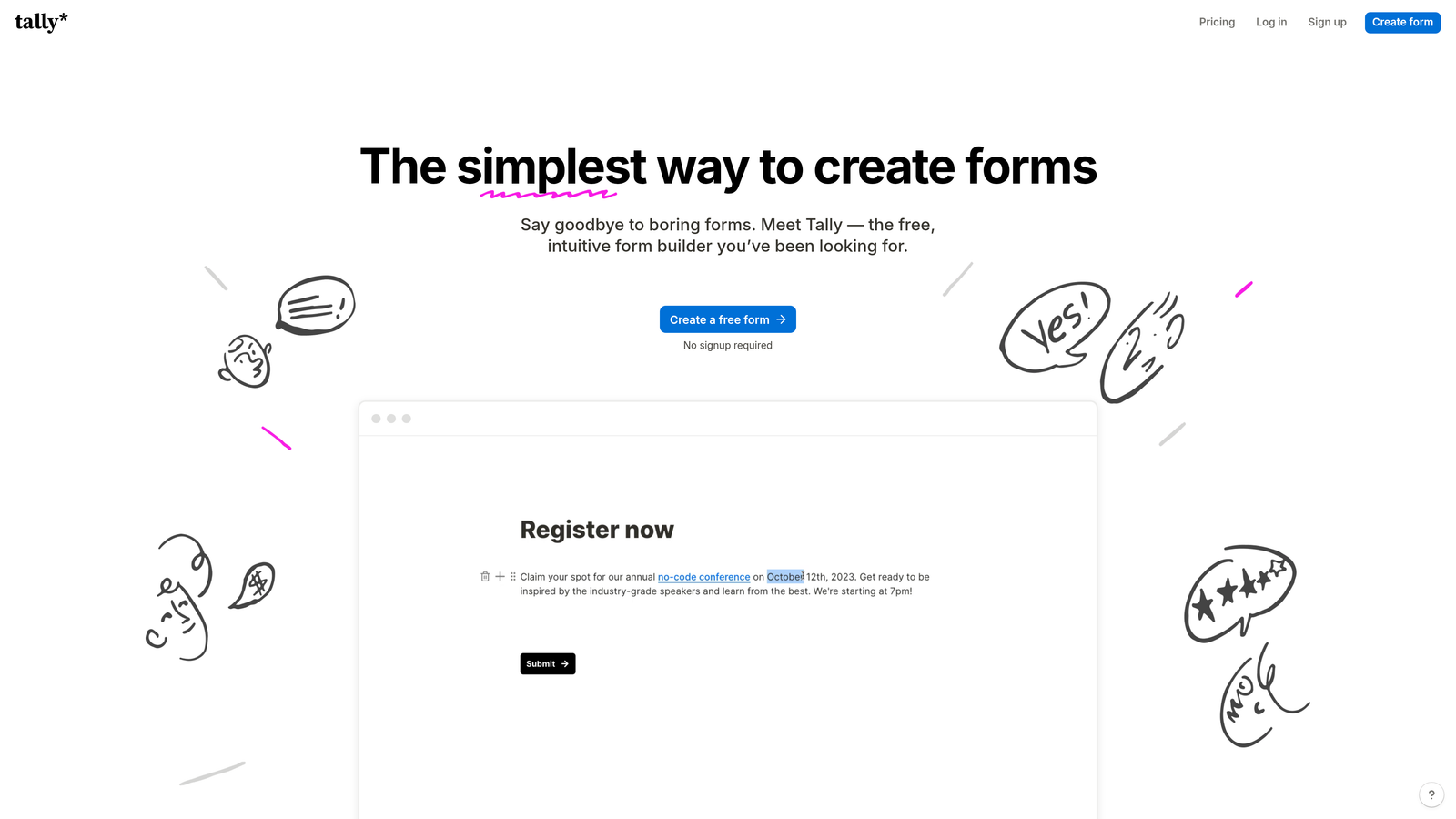
Tally is a minimalist form builder that brings Notion's clean, block-based editing approach to form creation.
Where This Tool Shines
Tally's interface feels refreshingly simple. If you've used Notion, you'll immediately understand how to build forms here. The block-based editor lets you add questions, text, images, and other elements by typing "/" and selecting from a menu.
What's remarkable is how much Tally offers on its free tier. Unlike competitors that restrict features or submissions, Tally provides unlimited forms, unlimited submissions, and most features completely free. This makes it an exceptional choice for startups and small teams.
Key Features
Notion-Style Editor: Block-based interface that feels intuitive and distraction-free.
Generous Free Tier: Unlimited forms and submissions with most features available at no cost.
Custom Domains: Use your own domain for forms, even on the free plan.
Clean Design: Forms automatically look modern and professional without extensive customization.
Webhook Integration: Connect to Zapier and other automation tools to route form data anywhere.
Best For
Tally is perfect for indie makers, startups, and small businesses that need professional forms without the monthly expense. It's also ideal for teams already using Notion who want a consistent editing experience.
Pricing
Free tier includes unlimited forms and submissions with most features. Pro plan at $29/month adds file uploads, payment collection, and priority support.
5. Paperform
Best for: Creative brands wanting document-style forms with rich media and unique layouts
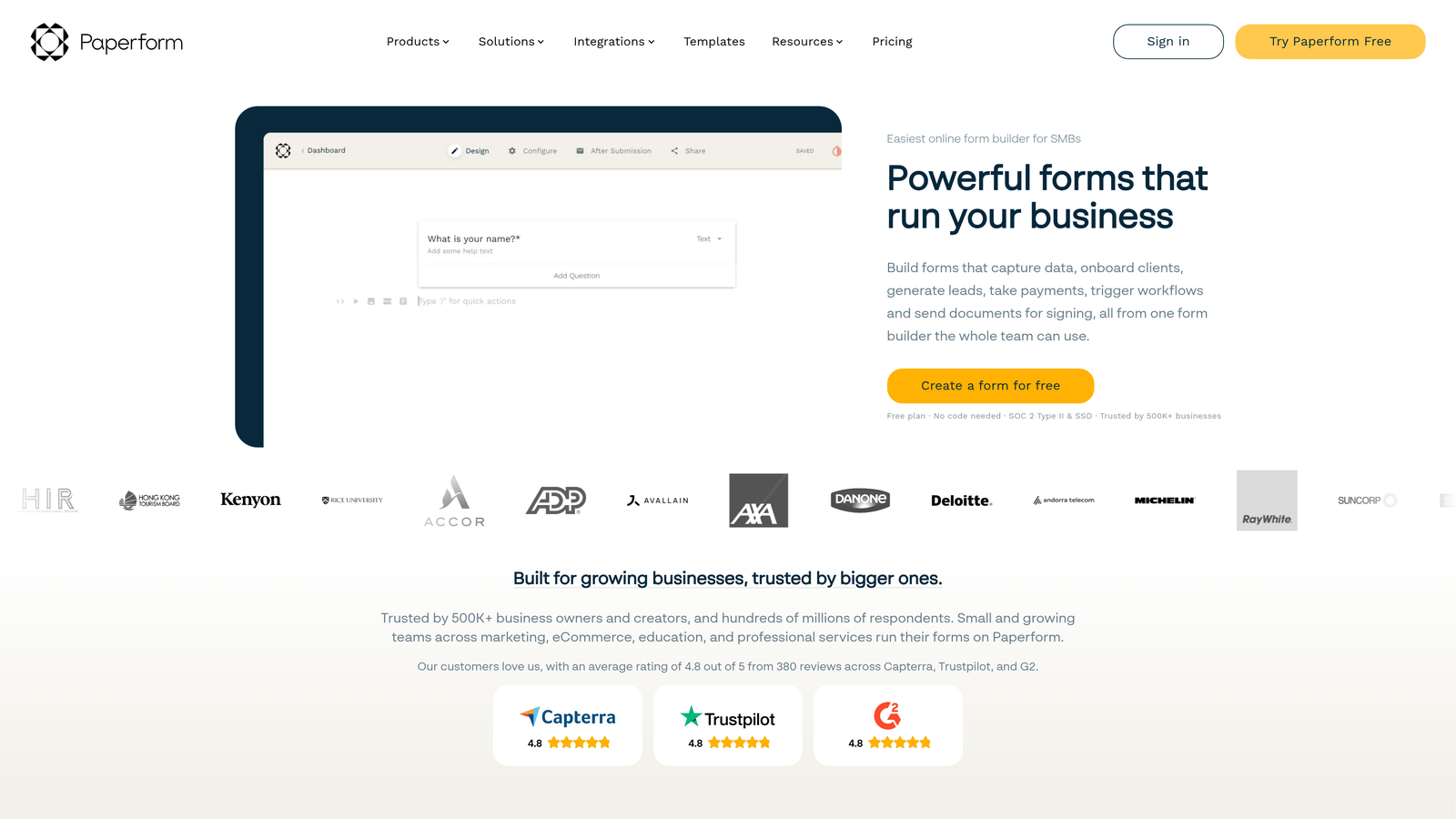
Paperform is a visual form builder that creates page-like experiences, blending forms with landing pages and rich content.
Where This Tool Shines
Paperform's document-style approach lets you create forms that feel more like interactive web pages than traditional questionnaires. You can intersperse form fields with text, images, videos, and other content, creating experiences that tell a story while collecting information.
The platform particularly excels at e-commerce and booking use cases. You can build product order forms with calculations, create appointment booking pages, and even set up subscription payments, all within a beautifully designed form interface.
Key Features
Document-Style Design: Create forms that look and feel like custom landing pages with embedded form fields.
Rich Media Embedding: Add videos, images, maps, and other media throughout your forms for engaging experiences.
E-commerce Capabilities: Accept payments, calculate totals, manage inventory, and process orders directly through forms.
Advanced Calculations: Build complex pricing calculators and quote generators with custom formulas.
Custom Success Pages: Design unique confirmation pages with personalized messaging based on form responses.
Best For
Paperform is ideal for creative agencies, consultants, and service businesses that want forms to reflect their brand personality. If you're selling products or services through forms, the e-commerce features are particularly valuable.
Pricing
Plans start at $24/month with unlimited forms and submissions. No free tier available.
6. Fillout
Best for: No-code teams needing native Airtable and Notion database integrations
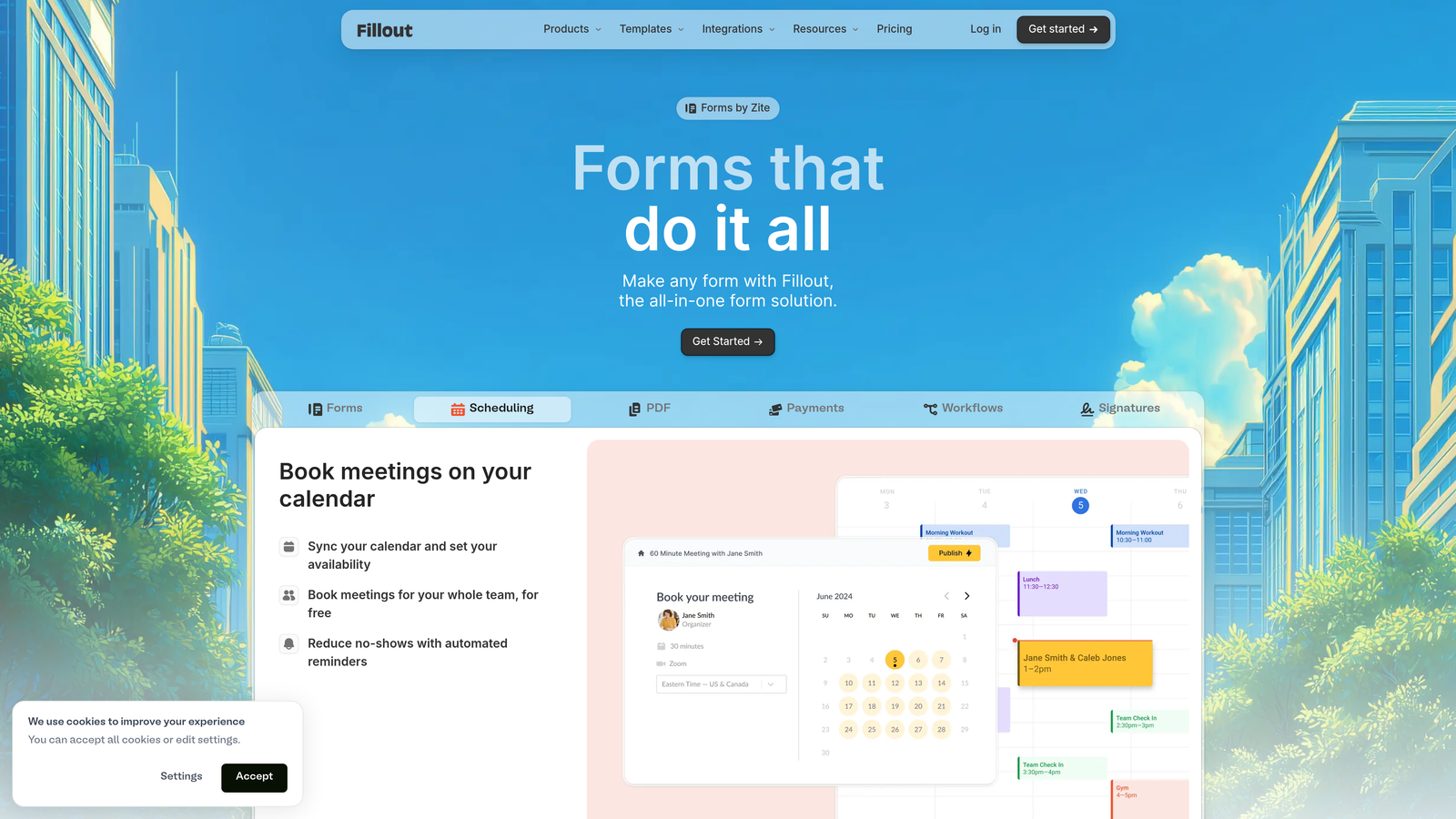
Fillout is a modern form builder designed specifically for teams working within no-code ecosystems like Airtable and Notion.
Where This Tool Shines
Fillout's killer feature is its native integration with Airtable and Notion databases. Instead of using Zapier or webhooks as middlemen, Fillout syncs directly with your databases, letting you create forms that write to Airtable bases or Notion databases in real-time.
The visual designer itself is clean and modern, offering conditional logic, multi-step forms, and custom branding without overwhelming complexity. It strikes a nice balance between power and simplicity.
Key Features
Native Airtable Sync: Create forms that write directly to Airtable bases without third-party integrations.
Notion Database Integration: Build forms that populate Notion databases automatically.
Modern Visual Designer: Intuitive drag-and-drop interface with conditional logic and multi-step capabilities.
Scheduling Features: Built-in appointment booking and calendar integration.
Payment Collection: Accept payments through Stripe with customizable pricing options.
Best For
Fillout is perfect for operations teams, project managers, and businesses already using Airtable or Notion as their system of record. If your workflows center on these platforms, Fillout eliminates integration headaches.
Pricing
Free tier available with unlimited forms. Paid plans start at $15/month with advanced features and higher submission limits.
7. Formstack
Best for: Enterprise organizations requiring advanced security, compliance, and workflow automation
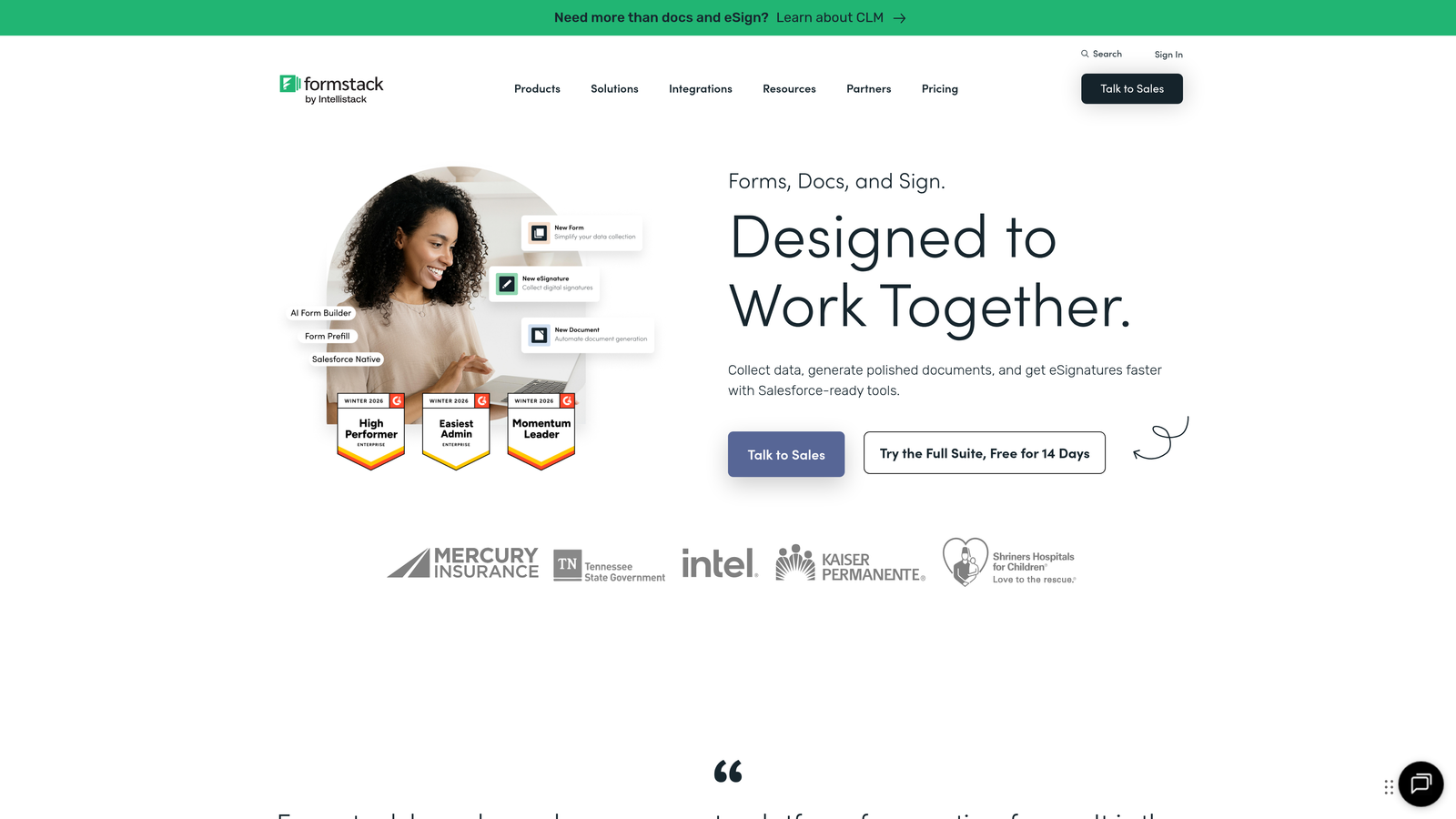
Formstack is an enterprise-grade form platform built for organizations with complex security and compliance requirements.
Where This Tool Shines
Formstack takes security seriously in ways that matter to regulated industries. The platform offers HIPAA compliance, SOC 2 Type II certification, and enterprise-grade encryption. If you're in healthcare, finance, or government, these certifications aren't optional extras but essential requirements.
Beyond security, Formstack's workflow automation capabilities are sophisticated. You can route submissions through approval chains, generate documents automatically, collect e-signatures, and integrate with enterprise systems like Salesforce and Microsoft Dynamics.
Key Features
Enterprise Security: HIPAA compliance, SOC 2 certification, and advanced encryption for sensitive data.
Workflow Automation: Build multi-step approval processes and automated routing based on form responses.
Document Generation: Automatically create PDFs, contracts, and other documents from form data.
E-Signature Integration: Collect legally binding signatures directly within form workflows.
SSO and Team Management: Enterprise authentication options and granular permission controls.
Best For
Formstack is built for enterprise IT teams, healthcare organizations, financial services firms, and government agencies that need compliance certifications and advanced security controls. It's overkill for small businesses but essential for regulated industries.
Pricing
Plans start at $50/month with enterprise pricing available for larger organizations requiring custom security configurations.
8. Cognito Forms
Best for: Small businesses needing powerful calculation and payment features at affordable prices
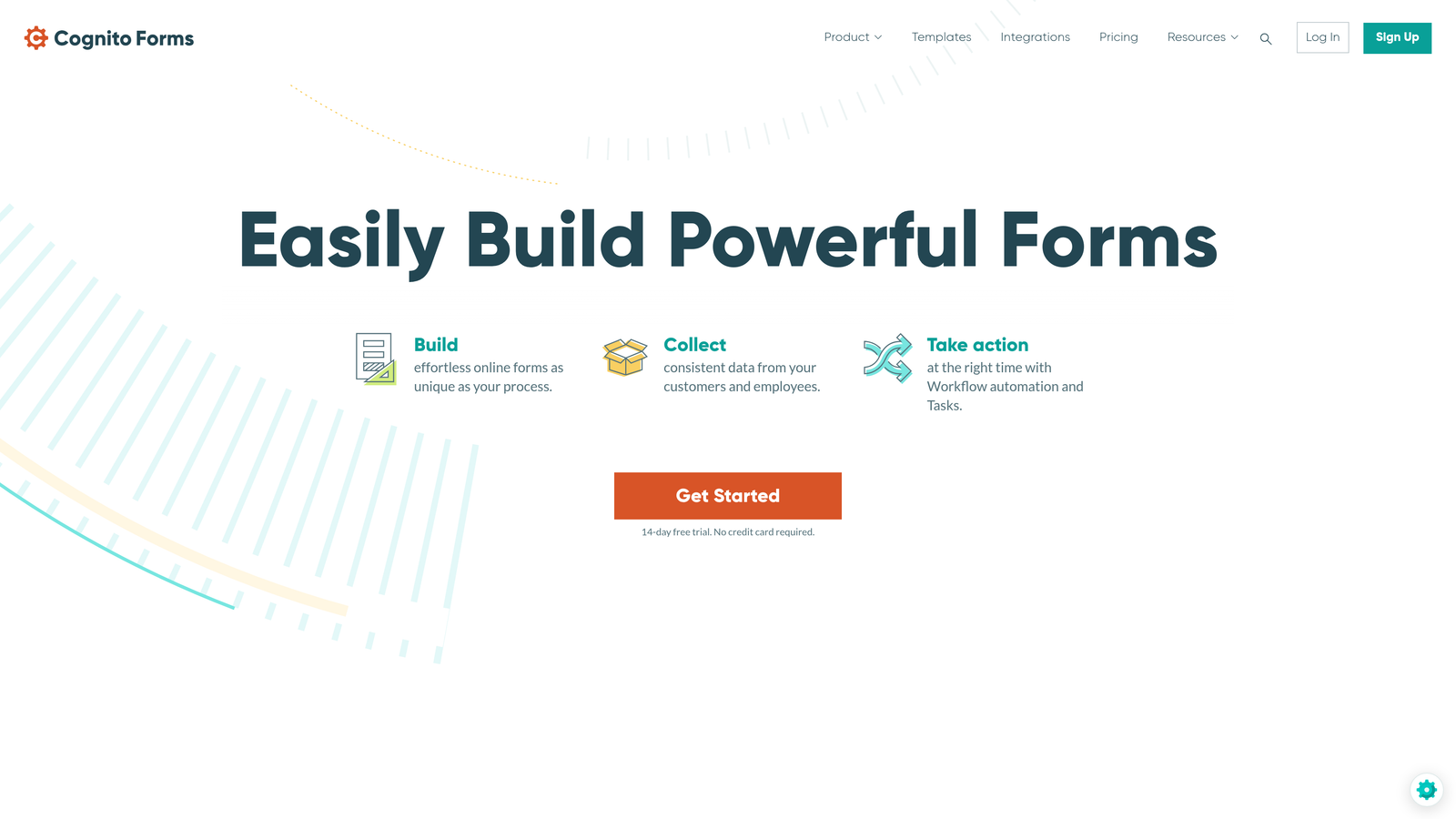
Cognito Forms is a feature-rich form builder that excels at complex calculations, payment processing, and conditional logic without enterprise pricing.
Where This Tool Shines
Cognito Forms offers remarkably sophisticated calculation capabilities. You can build quote calculators, pricing estimators, and order forms with complex math that updates in real-time as users fill out the form. This makes it excellent for service businesses that need to provide instant quotes.
The payment processing is another standout feature. Cognito Forms charges lower transaction fees than many competitors while offering flexible payment options including one-time charges, recurring subscriptions, and variable amounts based on calculations.
Key Features
Advanced Calculations: Build complex formulas that calculate totals, discounts, and custom pricing in real-time.
Low-Cost Payment Processing: Accept payments through Stripe and PayPal with competitive transaction fees.
Repeating Sections: Let users add multiple entries within a single form, perfect for event registrations or order forms.
Data Encryption: Encrypt sensitive form data at rest for compliance with privacy regulations.
Workflow Automation: Create approval workflows and automated email notifications based on form responses.
Best For
Cognito Forms is ideal for small to medium businesses, consultants, and service providers who need powerful features without paying enterprise prices. If you're collecting payments or need complex calculations, this platform delivers excellent value.
Pricing
Free tier available with basic features. Paid plans start at $15/month with payment processing and advanced logic.
9. Google Forms
Best for: Quick surveys and internal data collection within Google Workspace
Google Forms is a free, straightforward form tool integrated with Google Workspace, perfect for basic surveys and internal use.
Where This Tool Shines
Google Forms wins on simplicity and cost. It's completely free with no submission limits, no feature restrictions, and no hidden fees. For quick surveys, event RSVPs, or internal feedback collection, it does exactly what you need without complexity.
The Google Sheets integration is seamless. Responses flow directly into a spreadsheet where you can analyze data, create charts, and share results with your team. If you're already working in Google Workspace, this integration makes data management effortless.
Key Features
Completely Free: Unlimited forms and responses with no cost or feature restrictions.
Google Sheets Integration: Responses automatically populate spreadsheets for easy analysis and sharing.
Basic Conditional Logic: Show or hide questions based on previous answers for simple branching.
Collaborative Editing: Multiple team members can edit forms simultaneously with real-time updates.
Quiz Functionality: Create quizzes with automatic grading and instant feedback for educational use.
Best For
Google Forms is perfect for internal surveys, event planning, quick feedback collection, and educational quizzes. It's not built for lead generation or customer-facing forms where branding matters, but for internal use, it's hard to beat free.
Pricing
Completely free with unlimited forms and responses.
Making the Right Choice
The visual form designer you choose should align with your specific needs and technical ecosystem. If you're focused on lead generation and want forms that actively qualify prospects, Orbit AI combines beautiful design with intelligent automation. For conversational experiences that boost completion rates, Typeform's one-question format remains unmatched.
Budget-conscious teams should look at Tally's generous free tier or Cognito Forms' affordable pricing with powerful features. If you're already invested in Airtable or Notion, Fillout's native integrations eliminate middleware complexity. Creative agencies and brands prioritizing visual storytelling will appreciate Paperform's document-style approach.
Enterprise organizations in regulated industries need Formstack's compliance certifications and security controls. Teams wanting extensive templates and feature breadth benefit from Jotform's comprehensive platform. And for simple internal surveys where cost matters most, Google Forms remains the reliable free option.
The key is matching the tool to your primary use case. Lead generation teams need qualification features and CRM integrations. E-commerce businesses require payment processing and calculations. Creative agencies want brand customization and rich media support. Internal operations teams prioritize database integrations and workflow automation.
Consider your technical stack as well. If you're using HubSpot or Salesforce, native integrations save time and reduce errors. If you're building in a no-code environment, tools that sync directly with your databases streamline operations. If you need specific compliance certifications, narrow your options to platforms that meet those requirements.
Most platforms offer free tiers or trials, so test your top choices with real forms before committing. Build a lead capture form or survey, send it to a small group, and evaluate both the creation experience and how respondents interact with it. The best visual form designer is the one that makes form building effortless while delivering the results you need.
Start building free forms today and see how intelligent form design can elevate your conversion strategy. Transform your lead generation with AI-powered forms that qualify prospects automatically while delivering the modern, conversion-optimized experience your high-growth team needs.


