

For SaaS teams, forms aren't just data collection tools. They're pipeline starters. Whether you're qualifying leads, onboarding new users, or running NPS surveys, the form builder you choose directly impacts conversion rates and lead quality.
The problem? Most legacy form tools were built for generic use cases. They're clunky, require developer time to customize, and offer zero intelligence around the leads coming through your funnel.
This list focuses on no-code form builders that are genuinely useful for SaaS teams: tools that handle conditional logic, integrate with your CRM, support lead qualification, and don't require a single line of code to deploy. We've evaluated each on ease of use, SaaS-relevant integrations, lead qualification capabilities, design flexibility, and pricing transparency.
1. Orbit AI
Best for: SaaS teams that need forms to qualify leads automatically, not just collect contact details.
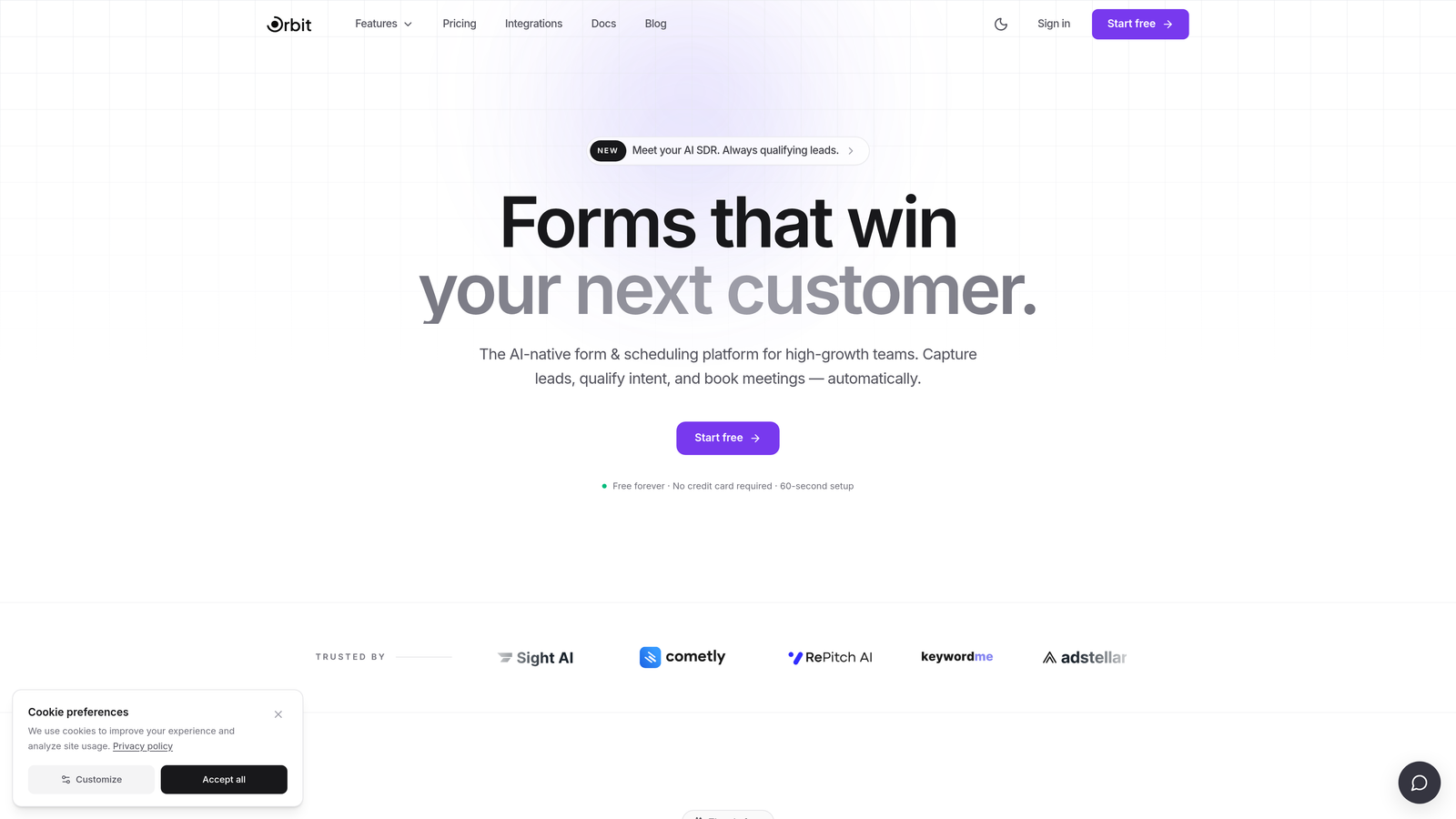
Orbit AI is an AI-powered no-code form builder built specifically for high-growth SaaS teams that want every form submission to move the pipeline forward.
Where This Tool Shines
Most form builders treat lead qualification as an afterthought. Orbit AI bakes it directly into the form experience. As prospects fill out a form, the platform scores and routes leads in real time, so your sales team isn't manually sorting through low-quality submissions.
The conversion-optimized templates are designed with SaaS use cases in mind: demo requests, free trial signups, onboarding flows, and more. You get a polished, brand-consistent experience without touching a single line of code.
Key Features
AI-Powered Lead Qualification: Scores and routes leads in real time based on form responses, so high-intent prospects reach your team faster.
Conversion-Optimized Templates: SaaS-specific form templates designed to maximize completion rates and capture meaningful qualification data.
Conditional Logic and Dynamic Fields: Personalize the form experience based on how respondents answer, reducing friction and improving data quality.
CRM and Marketing Automation Integrations: Connect directly to the tools your growth stack already relies on.
Lead Quality Analytics: A dashboard focused on lead quality signals, not just raw submission volume.
Best For
Growth teams at product-led or sales-led SaaS companies who are tired of manually qualifying leads from generic form submissions. Particularly valuable for teams running demo request flows or free trial signups where lead quality directly impacts revenue efficiency.
Pricing
Paid plans available. Visit orbitforms.ai for current pricing details and plan options.
2. Typeform
Best for: SaaS teams that want a polished, conversational form experience that improves completion rates.
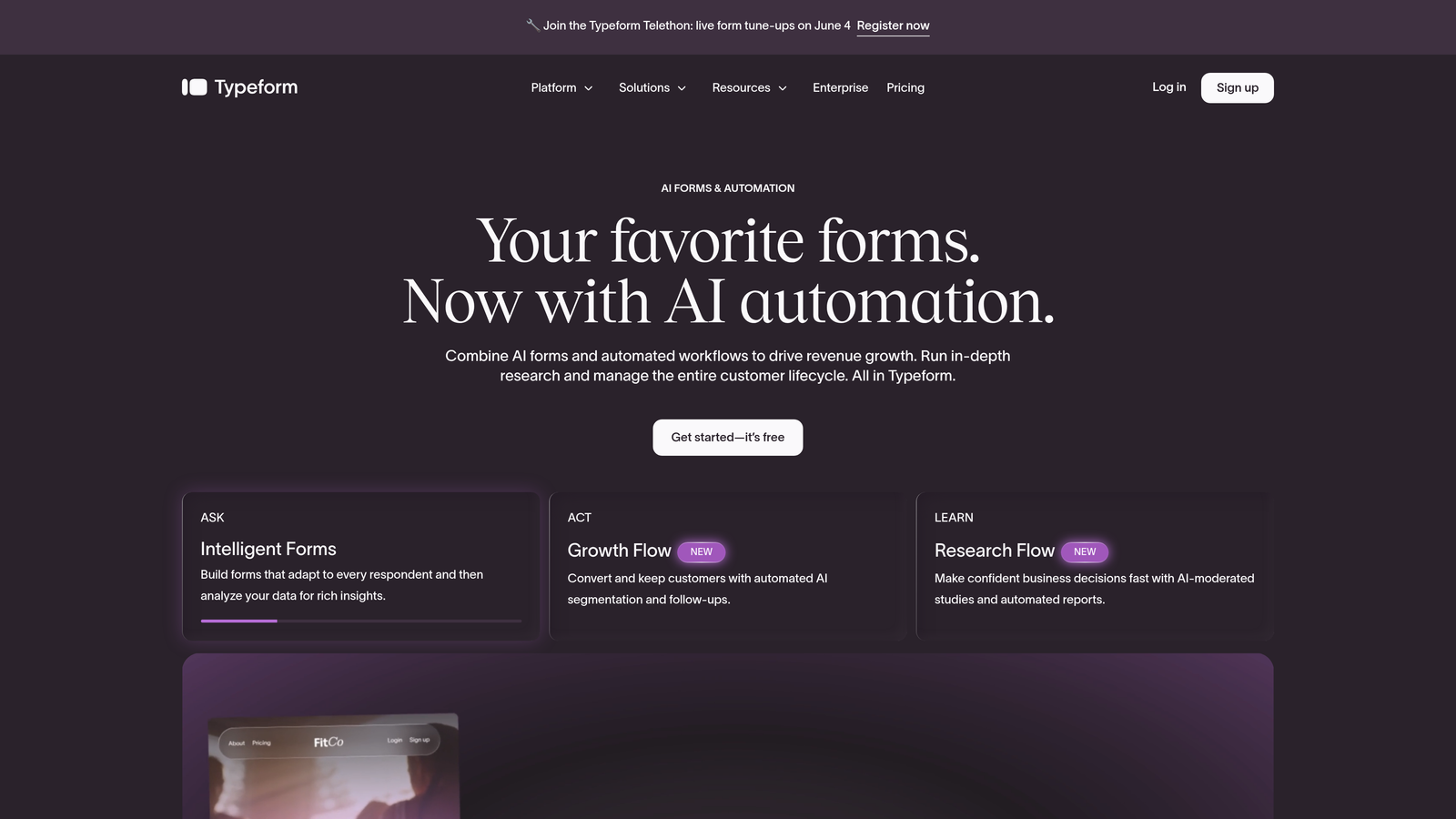
Typeform is a well-established conversational form builder known for its one-question-at-a-time interface and high-quality brand presentation.
Where This Tool Shines
Typeform's core strength is the experience it creates for the person filling out the form. Rather than presenting a wall of fields, it guides respondents through one question at a time, which typically leads to higher completion rates on longer forms. For SaaS onboarding surveys or user research, this format feels natural rather than laborious.
The platform has expanded its capabilities in recent years, adding Typeform AI for smarter follow-up questions. It's a mature product with a strong integration ecosystem, though pricing has increased over time, which has pushed some cost-conscious teams toward alternatives.
Key Features
Conversational One-Question-at-a-Time UX: Reduces form abandonment by presenting questions sequentially rather than as a full-page form.
Logic Jumps: Conditional branching that routes respondents to different questions based on their answers.
Native CRM Integrations: Direct connections to HubSpot, Salesforce, Slack, and other common SaaS tools.
Video and Image Embedding: Add rich media within form questions for more engaging experiences.
Typeform AI: A newer feature for generating smarter, adaptive follow-up questions based on responses.
Best For
SaaS teams focused on user research, onboarding surveys, or brand-forward lead capture where the form experience itself is part of the product impression. Less ideal for teams on tight budgets, as advanced logic and integrations require higher-tier plans.
Pricing
Free plan available. Paid plans start at $25/month (Basic). Advanced logic and integrations require higher tiers. Check the Typeform website for current plan details.
3. Tally
Best for: Early-stage SaaS teams and indie builders who need powerful forms without paying for them.
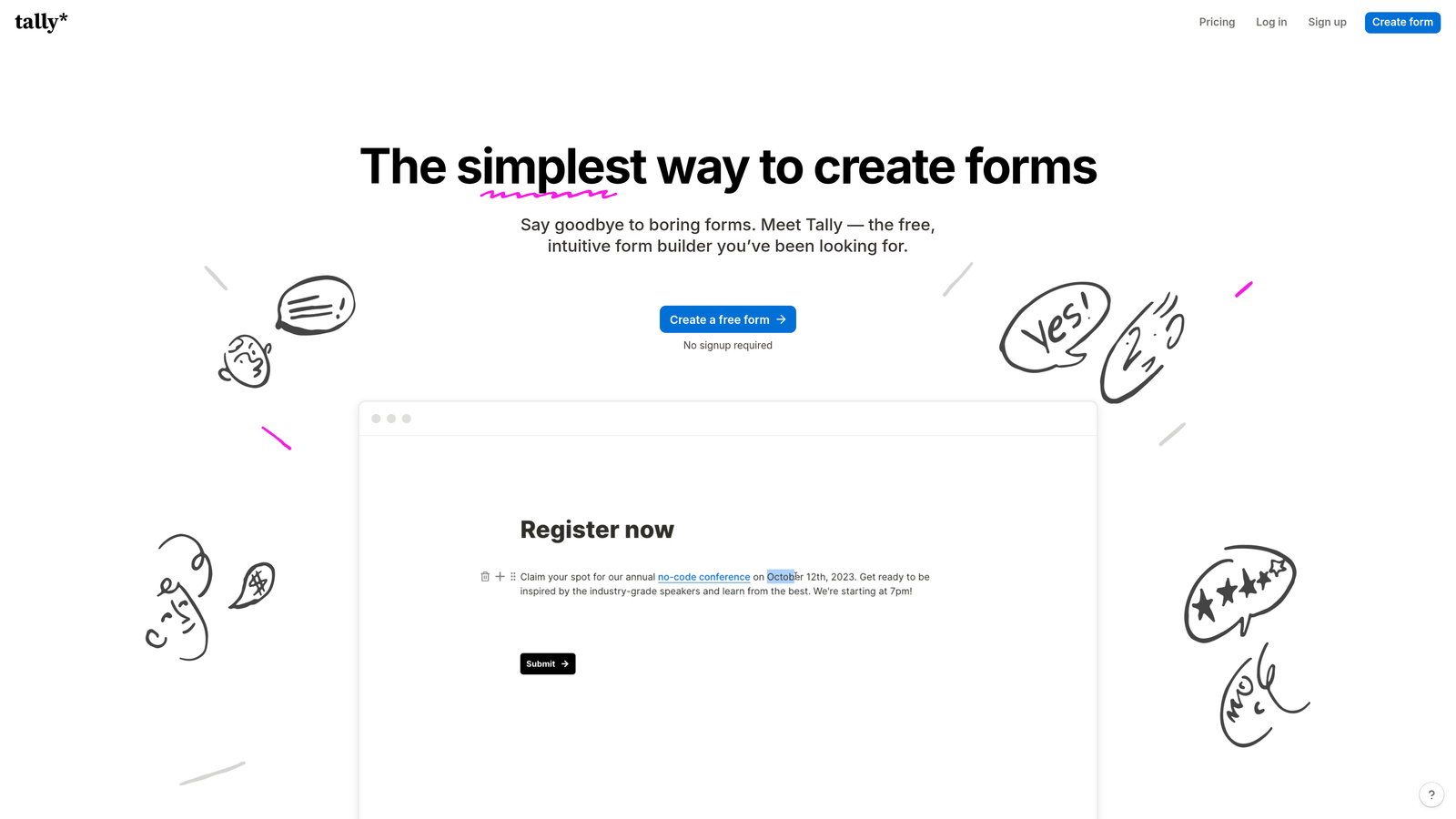
Tally is a modern, Notion-inspired no-code form builder with a genuinely generous free tier and an editing experience that feels immediately intuitive.
Where This Tool Shines
Tally's free plan is unusually generous. Unlike most tools that cap free users at a handful of forms or a low monthly submission limit, Tally offers unlimited forms and unlimited submissions at no cost. For a bootstrapped SaaS team or a solo founder validating an idea, that's a meaningful difference.
The block-based editor will feel familiar to anyone who uses Notion. You can build complex forms with conditional logic and calculated fields without any learning curve. It embeds cleanly into websites and Notion pages, which makes it a natural fit for teams already living in that ecosystem.
Key Features
Unlimited Free Forms and Submissions: The free plan doesn't cap your form count or submission volume, which is rare in this category.
Notion-Like Block Editor: Drag-and-drop editing that's immediately intuitive for non-technical users.
Conditional Logic and Calculated Fields: Build branching forms and dynamic scoring without writing code.
Clean Embeds: Drops into websites and Notion pages with minimal friction.
Zapier and Make Integrations: Connect to your broader workflow automation stack.
Best For
Early-stage SaaS teams, indie builders, and anyone who needs solid form functionality without a monthly bill. Tally lacks some enterprise-grade features, but for teams in the zero-to-one phase, it punches well above its weight.
Pricing
Free plan available with unlimited forms and submissions. Tally Pro at $29/month adds custom branding, file uploads, and priority support.
4. HubSpot Forms
Best for: SaaS teams already running on HubSpot who want zero-friction CRM integration.
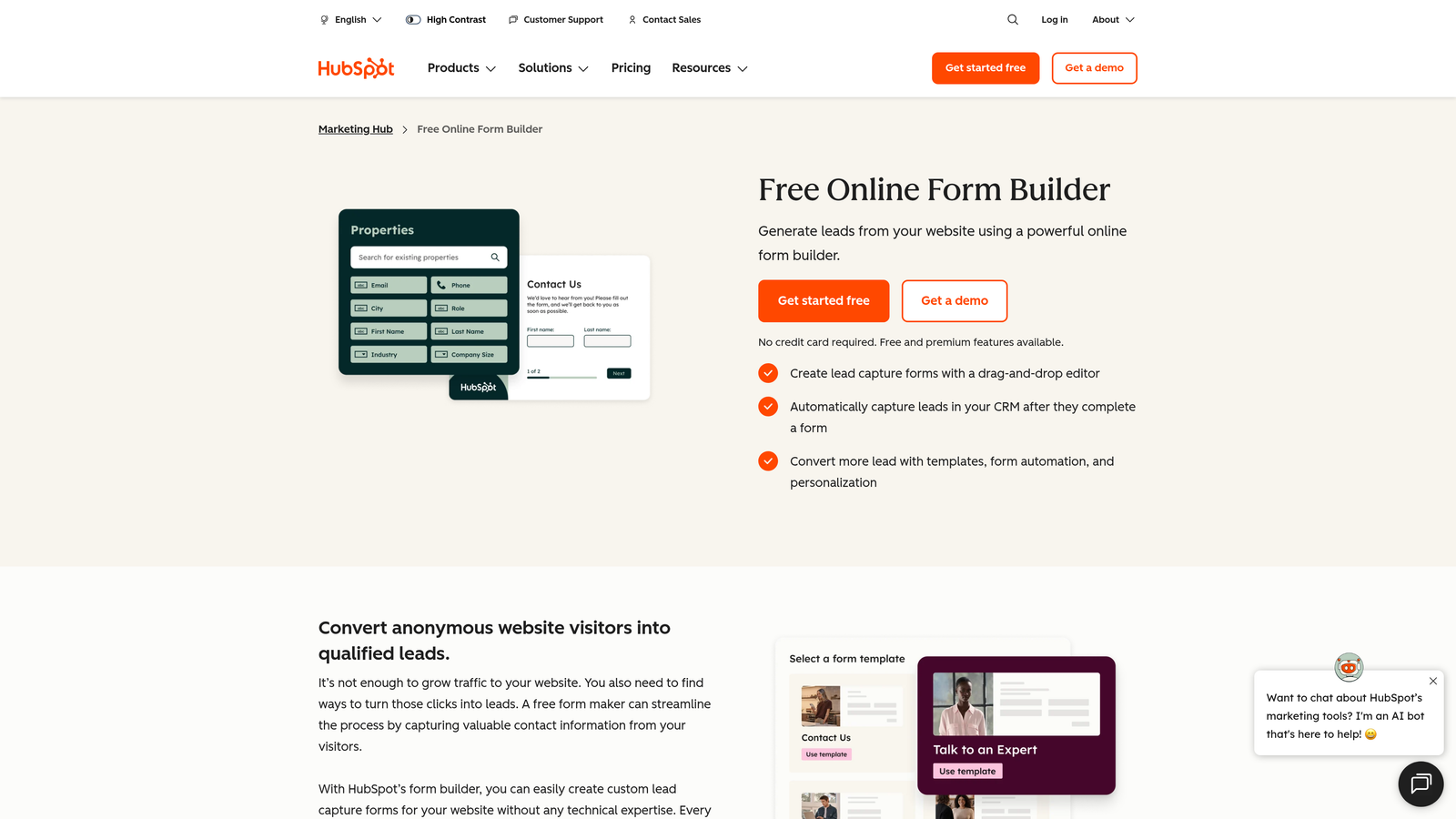
HubSpot Forms is a native form builder included within HubSpot's Marketing Hub, designed to feed directly into HubSpot's CRM and workflow automation engine.
Where This Tool Shines
If your team is already using HubSpot, the value proposition here is simple: forms that sync to your CRM without any integration setup. Every submission automatically creates or updates a contact record, and you can immediately enroll that contact into a workflow or sequence. No Zapier, no webhook, no manual import.
The smart fields feature is particularly useful for SaaS teams with existing contact databases. When a known contact fills out a form, HubSpot can auto-populate fields it already has, reducing friction for returning users. The trade-off is that HubSpot Forms isn't particularly flexible as a standalone tool. Its power is almost entirely derived from the HubSpot ecosystem around it.
Key Features
Native Two-Way CRM Sync: Submissions automatically create or update HubSpot contact records with no integration required.
Smart Fields: Auto-populate form fields for contacts already in your HubSpot database.
Workflow Enrollment: Automatically trigger HubSpot sequences and workflows on form submission.
A/B Testing: Available on higher Marketing Hub tiers for conversion optimization.
Built-In Reporting: Form analytics integrated directly into HubSpot's reporting dashboard.
Best For
SaaS teams that are HubSpot-native and want their forms to work seamlessly within that ecosystem. Not recommended as a standalone form tool if you're not already invested in HubSpot.
Pricing
Free with any HubSpot account. Advanced features require Marketing Hub Starter at $20/month or higher tiers.
5. Jotform
Best for: Multi-department SaaS organizations that need a wide range of form types, templates, and workflow capabilities.
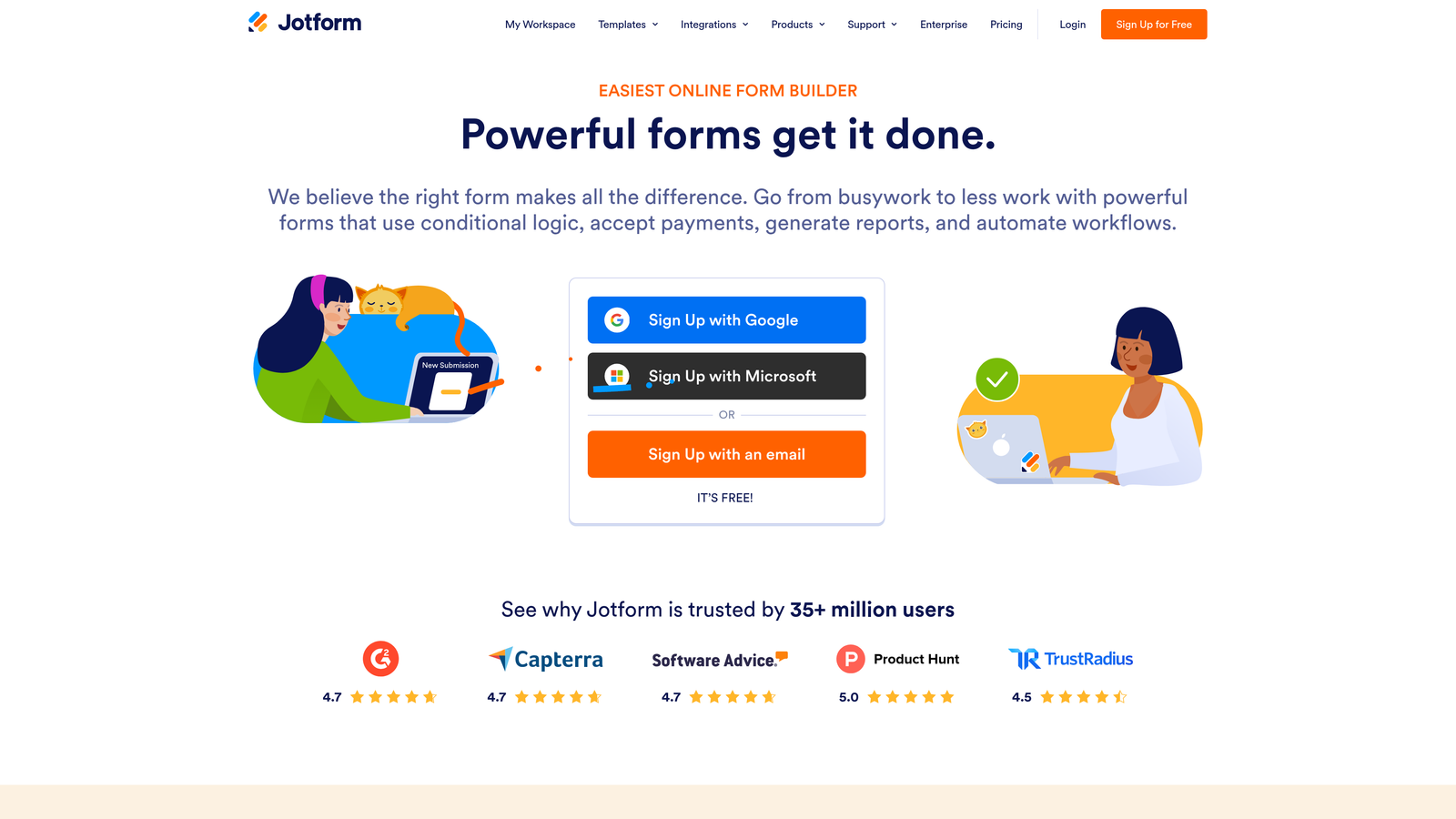
Jotform is one of the most feature-rich no-code form builders available, offering thousands of templates, payment integrations, and approval workflow capabilities.
Where This Tool Shines
Jotform's depth is its defining characteristic. With over 10,000 templates spanning dozens of categories, it can handle virtually any form use case a SaaS team might encounter: lead capture, event registration, payment collection, internal approvals, and more. For larger SaaS organizations where multiple teams need different form solutions, Jotform can serve as a single platform.
Jotform Tables adds a database-style layer on top of form submissions, making it easier to manage and review responses without exporting to a spreadsheet. The trade-off is that the interface can feel overwhelming for teams that just need a simple lead gen form. There's a lot of surface area here.
Key Features
10,000+ Templates: One of the largest template libraries in the category, covering virtually every form use case.
Payment Processing: Native integrations with Stripe, PayPal, and Square for collecting payments directly through forms.
Approval Workflows: Multi-step form routing and approval chains for internal processes.
HIPAA Compliance: Available on enterprise plans for SaaS companies in regulated industries.
Jotform Tables: Database-style submission management built directly into the platform.
Best For
Mid-size to enterprise SaaS teams with diverse form needs across multiple departments. Also well-suited for SaaS companies that need to collect payments or manage complex approval workflows alongside lead generation.
Pricing
Free plan available with 5 forms and 100 submissions per month. Paid plans start at $39/month (Bronze) and scale up to enterprise pricing.
6. Paperform
Best for: SaaS teams that want forms that look and feel like branded landing pages without involving a designer.
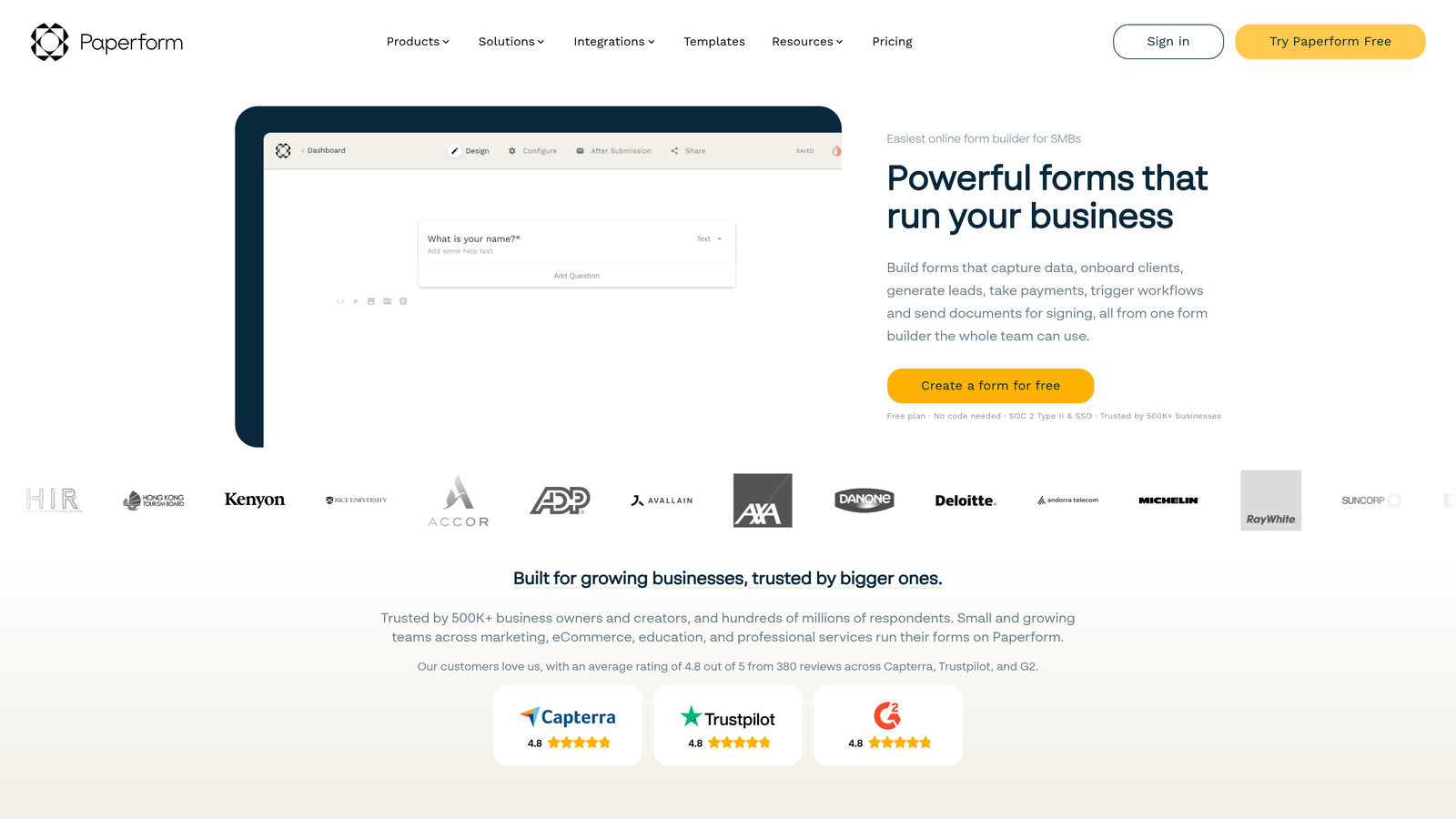
Paperform is a form builder that blurs the line between forms and landing pages, enabling media-rich, branded form experiences with no design skills required.
Where This Tool Shines
Paperform occupies an interesting niche. It's more expressive than a typical form builder but less complex than a full landing page tool. You can embed images, videos, and rich text directly alongside form fields, which creates a form experience that feels more like a guided page than a data collection exercise. For SaaS teams that care deeply about brand presentation, this is a meaningful differentiator.
The built-in calculations and scoring logic also make it useful for interactive tools like ROI calculators or assessment forms, which are popular lead magnets in the SaaS space. Custom domain support and full white-labeling make it suitable for client-facing or reseller scenarios as well.
Key Features
Rich Media Embedding: Add images, videos, and formatted text alongside form fields for a landing page-style experience.
Calculations and Scoring Logic: Build ROI calculators, assessments, and scored quizzes natively within forms.
Custom Domain and White-Labeling: Full brand control including custom domains on paid plans.
Payments and Product Selling: Accept payments and sell products directly through Paperform pages.
Conditional Sections and Branching: Dynamic form paths based on respondent answers.
Best For
SaaS marketing teams that want forms to double as branded content experiences. Particularly useful for interactive lead magnets like calculators, assessments, or product configurators.
Pricing
No free plan. Essentials plan starts at $29/month. Pro at $59/month. Agency plans available for teams managing multiple clients.
7. Fillout
Best for: Product-led SaaS teams using Notion, Airtable, or Supabase as their operational data layer.
Fillout is a no-code form builder with direct two-way database integrations, making it particularly strong for teams whose operational data lives outside a traditional CRM.

Where This Tool Shines
Fillout's standout feature is its native two-way sync with tools like Notion, Airtable, Supabase, and Google Sheets. For product-led SaaS teams that use these databases as their source of truth, Fillout means form submissions flow directly into the right place without any middleware. It's a meaningful time-saver for small teams managing operations with modern, lightweight tooling.
Beyond database integrations, Fillout also connects with HubSpot and Salesforce for CRM-connected forms, and includes scheduling and booking capabilities built in. It's a versatile option that covers a wide range of SaaS form use cases without requiring a complex setup.
Key Features
Native Two-Way Database Sync: Direct integrations with Notion, Airtable, Supabase, and Google Sheets without middleware.
HubSpot and Salesforce Integrations: CRM-connected forms for teams on traditional sales stacks.
Scheduling and Booking Forms: Built-in scheduling capabilities alongside standard form types.
Conditional Logic and Multi-Page Forms: Dynamic form paths and multi-step experiences.
Custom Branding and Embeds: Full brand control with flexible embedding options.
Best For
Product-led SaaS teams and early-stage companies using Notion, Airtable, or Supabase as operational databases. Also a strong choice for teams that need scheduling functionality alongside standard lead capture.
Pricing
Free plan available for up to 1,000 submissions per month. Paid plans from $19/month. Business plan at $59/month for higher volume and advanced features.
8. Growform
Best for: SaaS teams running paid acquisition campaigns where form completion rates directly impact customer acquisition cost.
Growform is a conversion-focused no-code form builder purpose-built for lead generation, with a multi-step UX designed to reduce perceived form length and improve completion rates.
Where This Tool Shines
Growform's core insight is that long forms kill conversion rates, but you still need the data. Its solution is to break forms into multiple short steps, which makes a 10-field form feel more like a quick conversation than a data collection exercise. For SaaS teams spending on paid search or social acquisition, even a modest improvement in form completion can meaningfully reduce CAC.
The platform also includes UTM parameter tracking, which is essential for connecting form submissions back to specific campaigns. If you're running paid acquisition and need to understand which channels are generating qualified leads, Growform's attribution features give you that visibility without custom development work.
Key Features
Multi-Step Form UX: Breaks longer forms into short steps to reduce abandonment and improve perceived simplicity.
Conversion-Optimized Templates: Templates designed specifically for lead generation campaigns, not generic use cases.
Conditional Logic and Branching: Qualify leads dynamically based on their responses throughout the form.
CRM and Ad Platform Integrations: Connects to major CRMs and advertising platforms for closed-loop reporting.
UTM Parameter Tracking: Built-in campaign attribution to connect form submissions to specific acquisition channels.
Best For
SaaS growth teams running paid acquisition campaigns on Google, Meta, or LinkedIn where form completion rates directly affect unit economics. Also well-suited for performance marketing agencies managing SaaS client campaigns.
Pricing
Plans start at $49/month. Higher tiers available for agencies and larger teams. No free plan listed.
9. Google Forms
Best for: Internal SaaS team use cases where cost is the primary constraint and branding doesn't matter.
Google Forms is a free, no-frills form builder included with every Google account, best suited for internal workflows rather than customer-facing lead generation.
Where This Tool Shines
There's no beating Google Forms on price. It's completely free, has no submission limits, and integrates natively with Google Sheets for response tracking. For internal use cases like employee surveys, team feedback collection, or quick internal polls, it gets the job done without any setup friction.
The honest caveat: Google Forms is not built for SaaS lead generation. There's no custom branding, no lead scoring, limited conditional logic, and minimal integration options beyond the Google ecosystem. If you're using it for customer-facing forms, you're likely leaving conversion rate and lead quality on the table.
Key Features
Completely Free: No cost, no submission limits, included with every Google account.
Native Google Sheets Integration: Responses flow automatically into a connected spreadsheet.
Basic Conditional Logic: Section branching based on multiple-choice answers.
Quiz and Scoring Functionality: Simple scoring for knowledge checks or assessments.
No Submission Limits: Collect as many responses as you need without hitting a cap.
Best For
Internal SaaS team workflows: employee surveys, feedback collection, quick team polls, or low-stakes data gathering. Not recommended for customer-facing lead generation, onboarding flows, or any form where brand impression and conversion rate matter.
Pricing
Free. Included with all Google accounts and Google Workspace subscriptions at no additional cost.
Which Form Builder Is Right for Your SaaS Team?
The right tool depends on what you're actually trying to accomplish. Here's a quick guide to help you cut through the options.
If AI-powered lead qualification is your priority: Orbit AI is the clear choice. It's the only tool on this list built specifically to score and route leads in real time, which is what high-growth SaaS teams actually need from a form builder.
If your team runs on HubSpot: HubSpot Forms wins by default. The native CRM sync and workflow automation are unmatched for teams already in that ecosystem.
If your budget is zero: Start with Tally. The free plan is genuinely capable, and you can always upgrade later. Google Forms works for internal use, but don't use it for customer-facing flows.
If paid acquisition is your primary growth channel: Growform is purpose-built for this. Its multi-step UX and UTM tracking are designed to improve completion rates and connect form data back to campaign spend.
If your operational data lives in Notion or Airtable: Fillout's native two-way sync makes it the most practical choice for product-led teams with modern data stacks.
The best form builder is ultimately the one your team will actually use consistently, and one that turns form submissions into qualified pipeline rather than just a spreadsheet of contact details. For most SaaS teams serious about lead quality, that means choosing a tool with intelligence built in from the start.
Transform your lead generation with AI-powered forms that qualify prospects automatically while delivering the modern, conversion-optimized experience your high-growth team needs. Start building free forms today and see how intelligent form design can elevate your conversion strategy.


