

Not all form builders are created equal, especially when your goal is conversions rather than just data collection. The difference between a form that converts at 3% and one that converts at 30% often comes down to the tool you're using: how it handles logic, how it qualifies leads, how it looks on mobile, and how frictionless the experience feels to the person filling it out.
This guide covers the best website form builders purpose-built for conversion performance. Whether you're capturing leads for a SaaS product, qualifying prospects before a sales call, or optimizing a high-traffic landing page, each tool here has been selected for its ability to turn visitors into actionable leads. We'll break down what each tool does best, who it's for, and how it's priced, so you can make the right call without wasting time on trials that don't fit your use case.
1. Orbit AI
Best for: High-growth SaaS and B2B teams that need AI-powered lead qualification built directly into their forms.
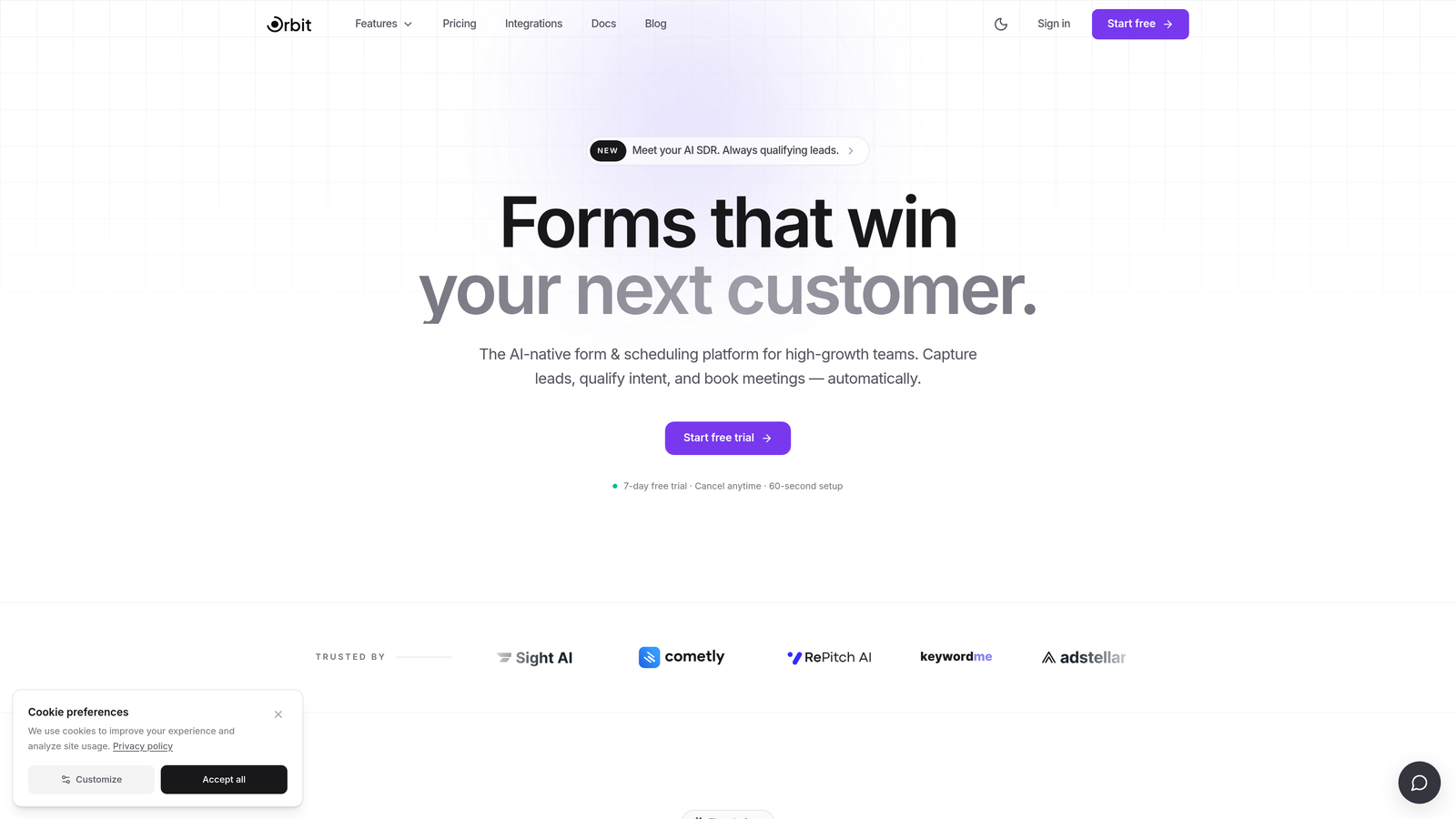
Orbit AI is an AI-powered form builder with built-in lead qualification and scoring, designed specifically for conversion-focused teams who need more than a submission counter.
Where This Tool Shines
Most form builders stop at collecting responses. Orbit AI goes further by using AI to evaluate those responses in real time, scoring leads and routing them based on fit. For sales teams tired of chasing unqualified submissions, this is a meaningful shift in how forms contribute to the pipeline.
The platform is also built with conversion-first design principles from the ground up. Forms are mobile-first, visually modern, and built to reduce abandonment at every step. If your team cares about the quality of leads as much as the quantity, Orbit AI's positioning as a qualification layer, not just a collection layer, is genuinely differentiated.
Key Features
AI-Powered Lead Qualification: Scores and routes leads automatically based on form responses, so your sales team focuses on the right prospects.
Conversion-Optimized Design System: Modern, mobile-first UI built to minimize friction and maximize completion rates across devices.
Conditional Logic and Dynamic Fields: Personalize the form experience based on how each respondent answers, keeping the flow relevant and concise.
Real-Time Lead Routing: Connects qualified leads with the right sales rep or workflow the moment they submit, reducing response time lag.
CRM and Sales Tool Integrations: Purpose-built integrations for high-growth teams, so leads flow directly into your existing stack without manual handling.
Best For
Orbit AI is the strongest fit for SaaS and B2B companies where lead quality matters as much as lead volume. If your team is running paid acquisition campaigns, qualifying inbound demo requests, or managing a sales-assisted motion, the AI qualification layer adds real operational value that general-purpose form tools simply don't offer.
Pricing
Pricing is available at orbitforms.ai and is designed for growing teams. The platform offers a free starting point, making it accessible to early-stage teams before scaling.
2. Typeform
Best for: Brand-conscious teams building conversational lead forms, onboarding flows, or longer survey-style experiences.
Typeform is a conversational form builder known for its one-question-at-a-time interface and polished, brand-forward design aesthetic.

Where This Tool Shines
Typeform's core insight is that forms feel less intimidating when they present one question at a time. For longer forms where abandonment is a real risk, this format creates a more guided, dialogue-like experience that tends to keep respondents engaged through to completion.
The design quality is consistently high, and the integration library is broad enough to fit most marketing stacks. Teams that care deeply about how their forms look and feel, particularly in brand-forward contexts like product launches or customer research, will find Typeform a natural fit.
Key Features
Conversational One-Question Format: Reduces cognitive load and abandonment on longer forms by presenting questions sequentially rather than all at once.
Conditional Logic and Branching: Supports complex form flows that adapt based on how respondents answer earlier questions.
Wide Integration Library: Connects with HubSpot, Salesforce, Zapier, and many other tools in the modern marketing and sales stack.
Video and Image Embedding: Allows teams to embed visual content directly within form questions for richer, more engaging experiences.
Analytics and Drop-Off Tracking: Built-in dashboard for monitoring completion rates and identifying where respondents disengage.
Best For
Typeform works well for marketing teams running lead generation campaigns where brand presentation matters, as well as for longer survey-style forms where the conversational format genuinely reduces drop-off. It's less focused on AI-assisted lead qualification, so teams with complex routing needs may find it limiting. If you're evaluating alternatives, Orbit AI's blog covers a detailed Typeform alternatives comparison worth reading.
Pricing
A free tier is available with limited responses and features. Paid plans start at approximately $25 per month, though pricing has evolved over time and is worth verifying directly on their site.
3. Paperform
Best for: Service businesses and creators who want forms that look and feel like polished landing pages without needing a developer.
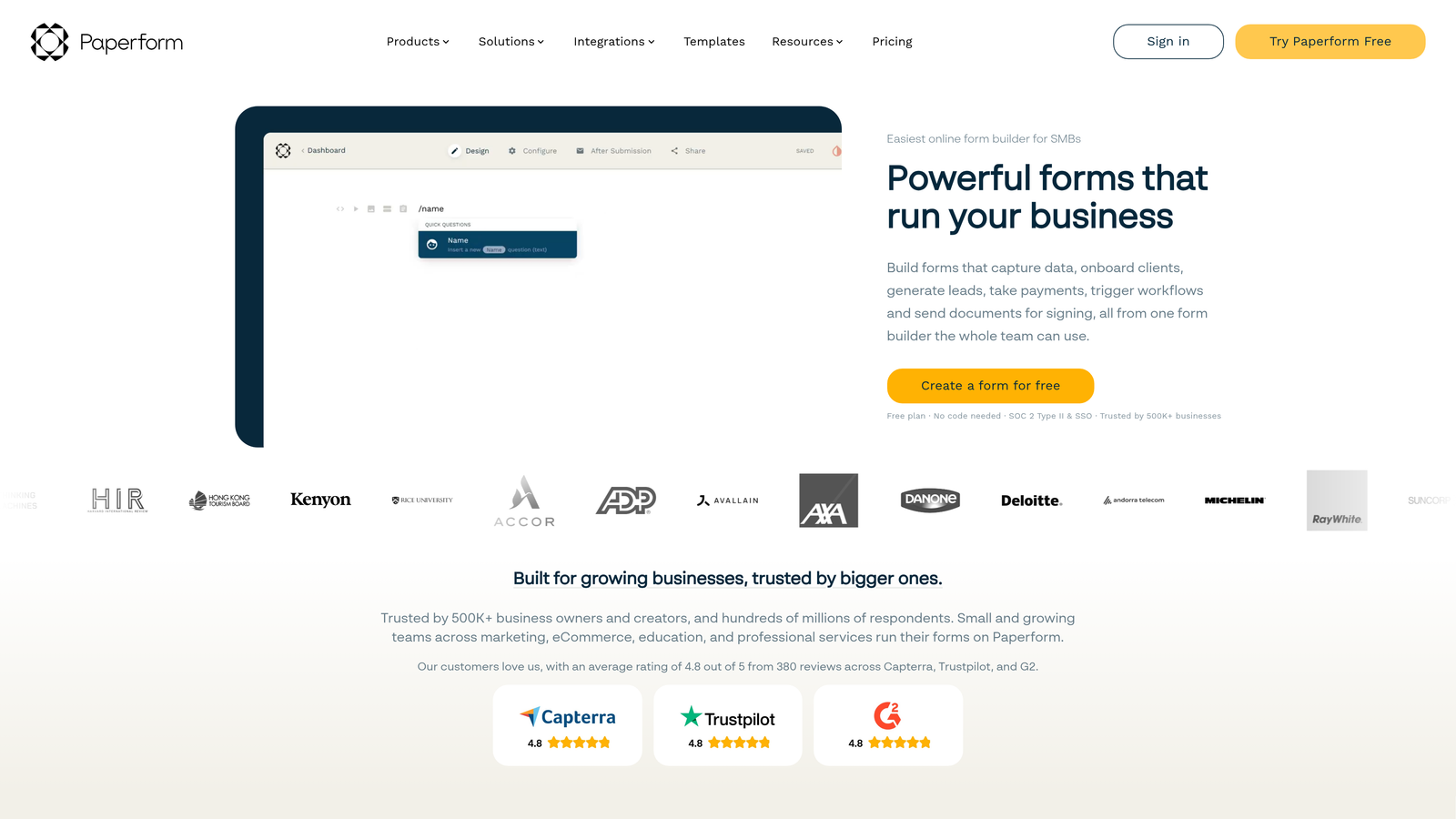
Paperform is a flexible form builder with a freeform, document-style editor that lets teams blend rich text, images, and form fields on a single canvas.
Where This Tool Shines
Paperform's biggest differentiator is its editor. Rather than dropping form fields into a fixed template, you build in a freeform document environment where copy, visuals, and inputs coexist naturally. The result is forms that feel more like landing pages than data entry screens, which can meaningfully reduce the psychological friction of filling something out.
It also handles commerce and scheduling natively, making it a strong choice for businesses that need to collect payments or book appointments alongside their lead capture. The white-label options and custom domain support make it easy to keep everything on-brand.
Key Features
Freeform Document Editor: Mix rich text, images, and form fields freely on the same canvas for a landing-page-style form experience.
Native Payment Collection: Accepts payments via Stripe, PayPal, and other processors directly within the form, without third-party workarounds.
Scheduling and Appointment Booking: Built-in booking functionality for service businesses that need to capture time alongside contact details.
Conditional Logic and Calculation Fields: Supports branching logic and dynamic calculations for pricing estimators or quote forms.
Custom Domains and White-Label Options: Full branding control for agencies and businesses that need to present forms under their own brand.
Best For
Paperform is an excellent fit for freelancers, agencies, and service businesses that want design flexibility and native commerce features. It's less focused on AI-driven lead qualification or deep CRM integrations, so pure lead generation teams with complex routing needs may find other options more suitable.
Pricing
Plans start at approximately $24 per month. There is no meaningful free tier, so teams should budget for a paid plan from the start.
4. Jotform
Best for: Teams with diverse, high-volume form needs across multiple departments, including compliance-sensitive use cases.
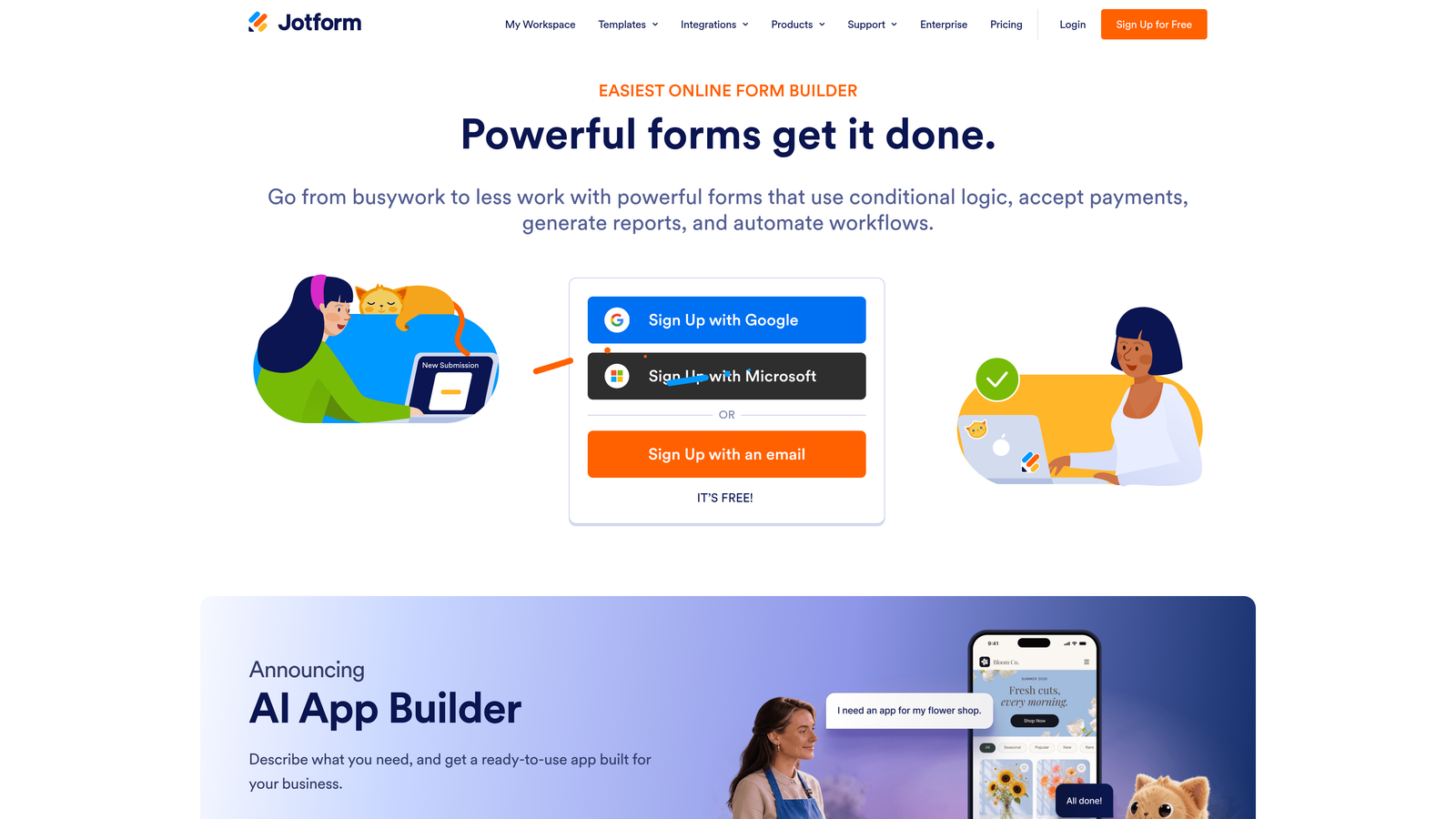
Jotform is a feature-rich form builder with one of the most extensive template libraries and broadest integration sets available in the market.
Where This Tool Shines
If breadth of capability is your primary requirement, Jotform is hard to beat. The platform covers an enormous range of use cases, from standard lead capture to e-signatures, payment collection, approval workflows, and HIPAA-compliant medical forms. For organizations running multiple form types across departments, having everything in one platform is a genuine operational advantage.
The template library is particularly useful for teams that need to move quickly. With over 10,000 pre-built templates (as cited in Jotform's published marketing materials), you can find a starting point for almost any use case and customize from there rather than building from scratch.
Key Features
Extensive Template Library: Over 10,000 pre-built templates spanning industries and use cases, making it fast to launch new forms.
Native Payments, E-Signatures, and Approval Workflows: Covers complex multi-step processes that go well beyond basic lead capture.
HIPAA-Compliant Forms: Available on higher-tier plans for healthcare and other regulated industries with strict data requirements.
Drag-and-Drop Builder: Broad field type support with an accessible interface that doesn't require technical expertise.
Jotform Tables: A built-in data management layer for organizing, filtering, and acting on form submission data.
Best For
Jotform is a strong fit for mid-size to larger organizations that need one platform to handle many different form types across teams. The interface can feel dense for simple use cases, and it's not specifically optimized for conversion-focused lead generation, but its breadth makes it valuable in complex environments.
Pricing
A free tier is available with limited monthly submissions. Paid plans start at approximately $34 per month, with higher tiers unlocking compliance features and higher submission limits.
5. Tally
Best for: Early-stage teams and individuals who need clean, functional forms quickly without a budget commitment.
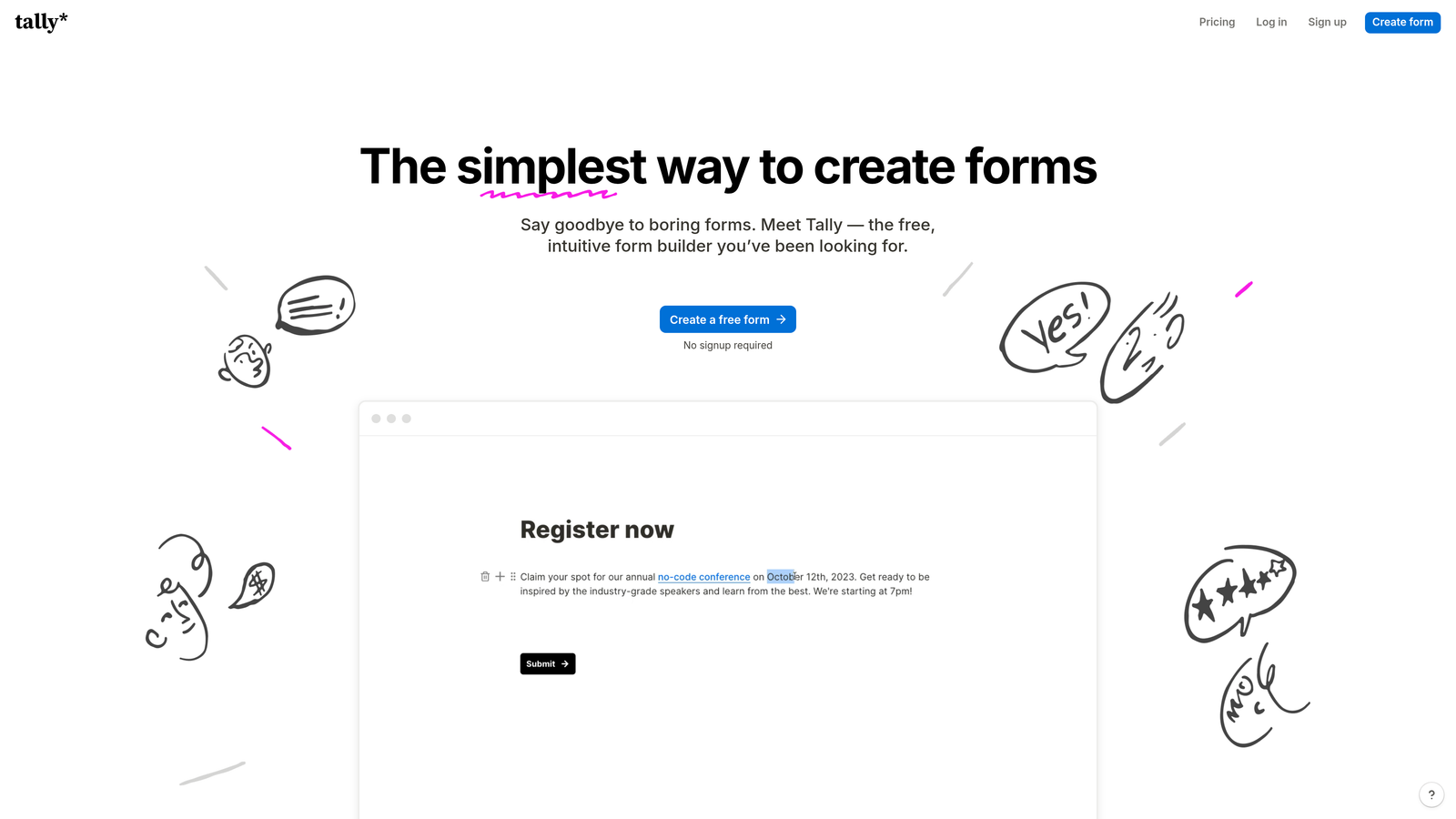
Tally is a Notion-inspired minimal form builder with a generous free tier and a distraction-free, block-based editing experience.
Where This Tool Shines
Tally's free tier is genuinely one of the most generous in the form builder space. Unlimited forms, unlimited responses, and no Tally branding on the free plan means early-stage teams can ship professional-looking forms without any upfront cost. That alone makes it worth considering for teams watching their tool budget closely.
The editing experience is clean and fast. If you're familiar with Notion's block-based interface, Tally will feel immediately intuitive. For internal forms, research surveys, or simple lead capture on lower-traffic pages, it delivers exactly what most teams need without unnecessary complexity.
Key Features
Unlimited Free Forms and Responses: The free plan includes no artificial submission caps or forced Tally branding, which is rare in the category.
Notion-Like Block Editor: Fast, intuitive form building for anyone already comfortable with block-based document tools.
Conditional Logic and Hidden Fields: Supports basic branching and pre-population for more dynamic form experiences.
Clean Website and Notion Embeds: Embeds smoothly into websites and Notion pages without requiring technical configuration.
Basic Integration Support: Connects with Zapier, Notion, and Google Sheets for lightweight automation needs.
Best For
Tally is ideal for early-stage startups, solo operators, and internal team use cases where simplicity and cost efficiency matter most. Teams that need deep CRM integrations, AI-assisted lead qualification, or advanced conversion optimization will likely outgrow Tally's feature set as they scale.
Pricing
The free plan is genuinely useful and unlimited. The Pro plan starts at approximately $29 per month for teams that need advanced features like custom domains and priority support.
6. Formstack
Best for: Enterprise teams that need workflow automation, document generation, and compliance-grade form infrastructure.
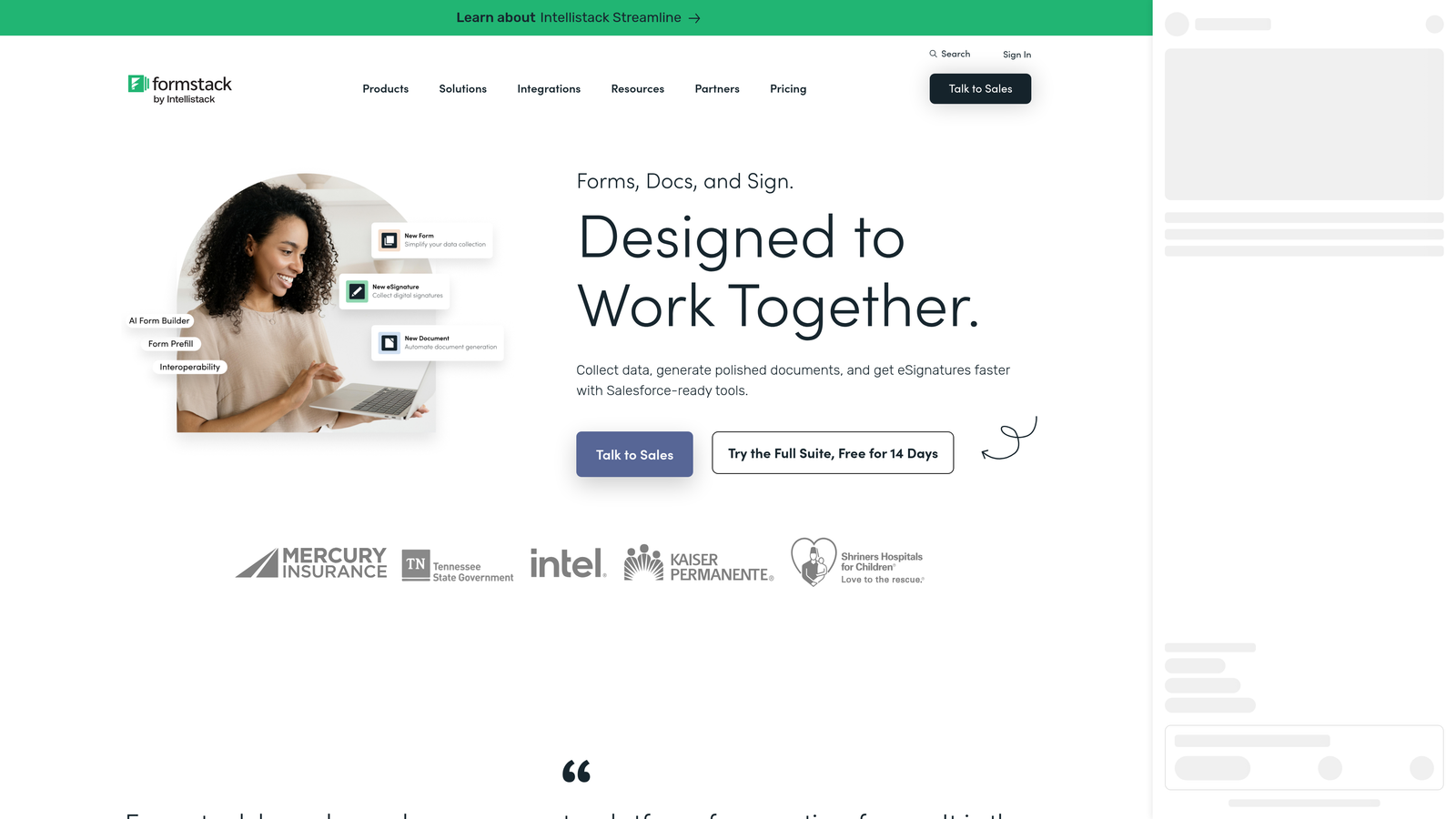
Formstack is an enterprise-grade form and workflow platform built for organizations that need forms to power complex operational processes, not just lead capture.
Where This Tool Shines
Formstack's strength is in workflow depth. Where most form builders stop at collecting a submission and sending a notification, Formstack can trigger multi-step approval chains, generate documents, collect e-signatures, and route work across teams automatically. For organizations where forms are part of a regulated or compliance-heavy process, that depth is hard to replicate elsewhere.
The platform also includes a Salesforce-native form builder, which is a meaningful differentiator for enterprise CRM teams that need forms to live and operate natively within their Salesforce environment rather than syncing from an external tool.
Key Features
Advanced Workflow Automation: Multi-step approval routing that connects form submissions to real operational processes across teams.
Document Generation and E-Signatures: Create and collect signed documents directly within the same platform, without stitching together separate tools.
Compliance Options: HIPAA, FERPA, and SOC 2 compliance available for organizations operating in regulated industries.
Salesforce-Native Form Builder: Build and manage forms natively within Salesforce for enterprise CRM teams that need deep platform integration.
Conversion Kit with A/B Testing: Includes analytics and A/B testing tools for teams that want to optimize form performance alongside process automation.
Best For
Formstack is best suited for enterprise operations, HR, legal, and compliance teams where forms are part of a larger workflow rather than a standalone lead capture tool. The higher price point reflects the enterprise feature set, and smaller teams focused purely on lead generation will likely find better value elsewhere.
Pricing
Plans start at approximately $83 per month, with enterprise pricing available on request for larger organizations with advanced requirements.
Which Tool Is Right for Your Team
Each tool in this list serves a genuinely different use case, so the right choice depends less on which tool is "best" overall and more on what your team actually needs from a form builder.
If lead qualification and conversion optimization are your primary goals, Orbit AI is the most purpose-built option. Its AI-powered scoring and routing means your forms don't just collect submissions, they actively contribute to pipeline quality. For high-growth SaaS and B2B teams running paid acquisition or managing inbound sales flows, that distinction matters.
Typeform is the right call if brand presentation and conversational form design are priorities, particularly for longer forms where the one-question format reduces abandonment. Paperform suits service businesses and creators who want design flexibility and native payment or booking support. Jotform is the strongest choice for organizations with diverse, high-volume form needs across multiple departments. Tally is an excellent starting point for early-stage teams that need clean, functional forms without a budget commitment. And Formstack fits enterprise teams where forms are part of a larger compliance or workflow automation process.
For teams prioritizing lead qualification and conversion performance, the gap between a general-purpose form tool and a purpose-built conversion platform is real. You can explore how Orbit AI approaches this in more depth through resources on how to qualify leads with forms and building a lead qualification framework for sales.
Transform your lead generation with AI-powered forms that qualify prospects automatically while delivering the modern, conversion-optimized experience your high-growth team needs. Start building free forms today and see how intelligent form design can elevate your conversion strategy.


