

For SaaS companies, a contact form isn't just a field on a page. It's the first handshake between your product and a potential customer. The right form builder can qualify leads automatically, reduce friction, and feed your CRM with clean, actionable data. The wrong one means missed opportunities and hours of manual cleanup.
This list covers the best contact form builders built or well-suited for SaaS teams: tools that go beyond basic HTML forms to support lead qualification, conditional logic, CRM integrations, and conversion optimization. Whether you're a PLG startup capturing trial signups or an enterprise SaaS team routing high-value inquiries, there's a right fit here.
Selection criteria: native integrations with SaaS-standard tools (HubSpot, Salesforce, Slack), conditional logic, customization depth, pricing transparency, and how well each tool handles lead qualification, not just data collection.
1. Orbit AI
Best for: SaaS teams that need AI-powered lead qualification built directly into the form layer.
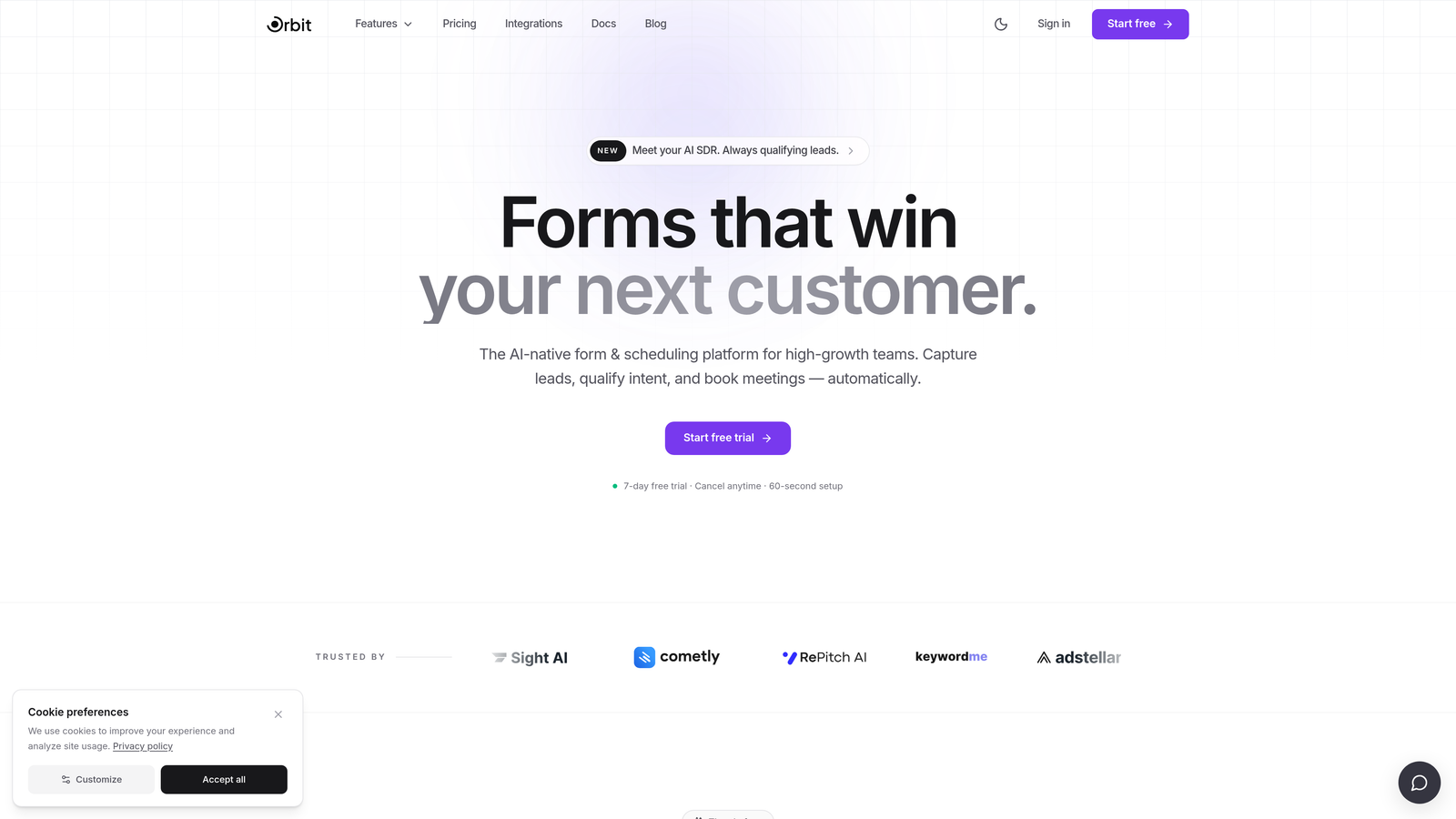
Orbit AI is an AI-powered form builder designed specifically for SaaS lead qualification and conversion optimization.
Where This Tool Shines
Most form builders treat qualification as an afterthought, something you bolt on after the submission arrives in your CRM. Orbit AI flips that model by scoring and routing leads at the exact moment of submission. That means your sales team sees prioritized, pre-qualified leads rather than a raw inbox of mixed-intent submissions.
The design layer is equally considered. Forms built with Orbit AI look like they belong on a modern SaaS marketing site, not a generic embed. For high-growth teams where brand perception matters at every touchpoint, that distinction adds up quickly.
Key Features
AI-Powered Lead Qualification: Scores and routes leads automatically at the point of submission, so high-intent prospects reach the right rep faster.
Conditional Logic and Dynamic Fields: Personalizes the form experience based on user responses, creating branching paths that feel conversational rather than interrogative.
Conversion-Optimized Design: Modern, beautiful form templates built for SaaS brands, with design quality that matches the rest of your product experience.
CRM and Sales Tool Integrations: Routes qualified leads directly to your CRM or sales tools automatically, reducing manual data handling.
Lead Quality Analytics: An analytics dashboard focused on lead quality and qualification outcomes, not just raw submission volume.
Best For
High-growth SaaS teams where lead quality matters as much as lead volume. Particularly well-suited for demand gen teams running paid acquisition who need to distinguish high-intent prospects from low-fit submissions without adding manual review steps.
Pricing
Visit orbitforms.ai for current pricing and plan details, as options are updated regularly.
2. Typeform
Best for: Teams that prioritize form completion rates and want a polished, conversational user experience.
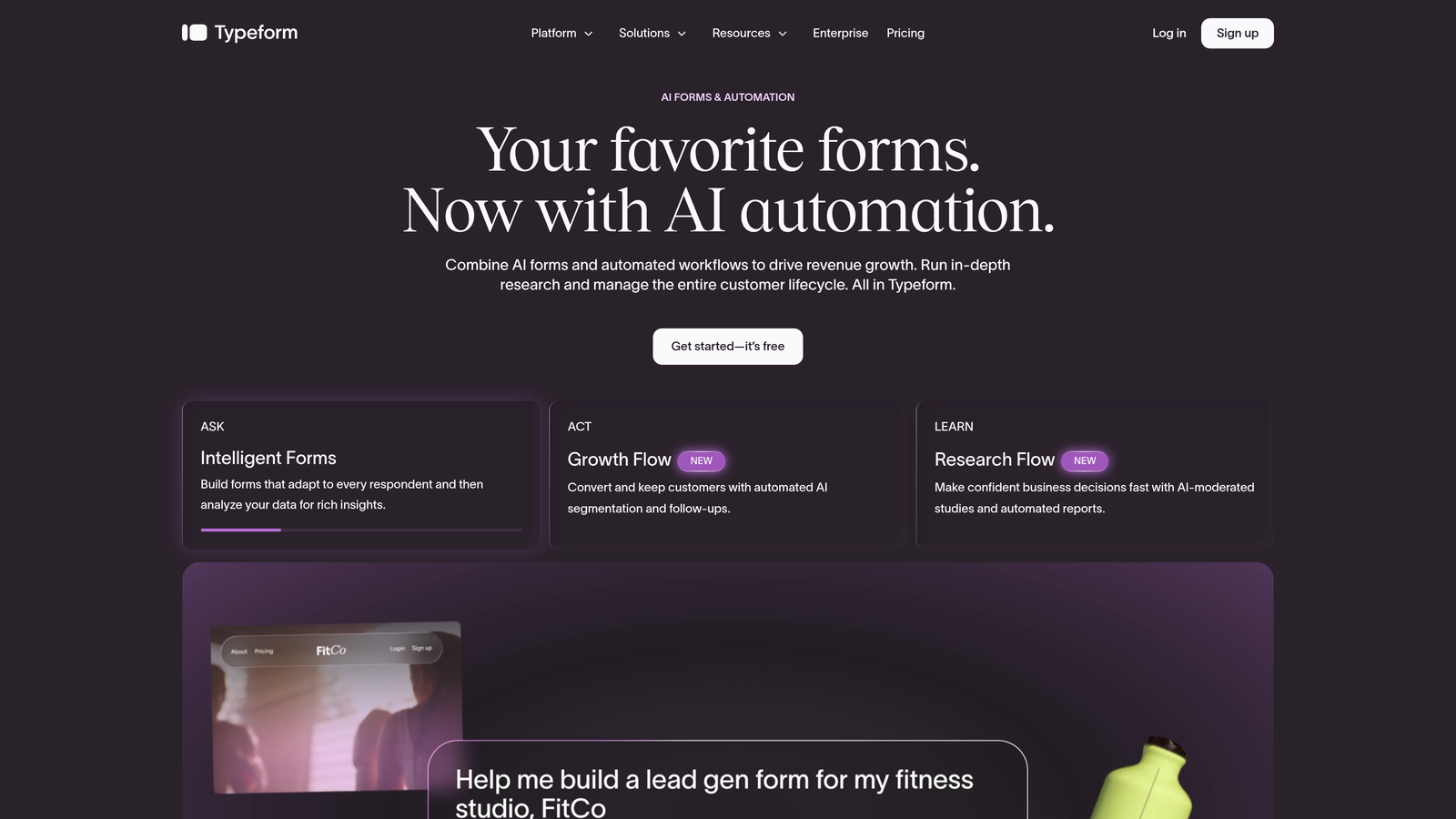
Typeform is a conversational form platform built around a one-question-at-a-time UX that reduces abandonment and keeps respondents engaged.
Where This Tool Shines
Typeform's core insight is simple: people complete shorter-feeling forms more often. By presenting one question at a time, the experience feels more like a conversation and less like a data extraction exercise. For SaaS teams running demos, trial signups, or discovery questionnaires, that UX improvement translates directly into more complete, usable submissions.
The integration ecosystem is mature. Native connections to HubSpot, Salesforce, Slack, and Zapier mean Typeform fits comfortably into most SaaS tech stacks without custom development work.
Key Features
Conversational One-Question Format: Presents questions sequentially to reduce cognitive load and improve completion rates.
Logic Jumps and Branching: Creates personalized form paths based on previous answers, so irrelevant questions never appear.
Native CRM Integrations: Direct connections to HubSpot, Salesforce, Slack, and Zapier for smooth data routing.
Video and Image Embedding: Supports rich media within forms, useful for product demos or context-setting questions.
Team Workspaces: Collaborative environment for managing forms across marketing, sales, and product teams.
Best For
SaaS teams focused on improving completion rates for discovery calls, demo requests, and onboarding surveys. Also works well for customer research and NPS-style feedback collection where engagement quality matters.
Pricing
Free plan available. Paid plans start at approximately $25/month. Verify current pricing at typeform.com as tiers change periodically.
3. HubSpot Forms
Best for: Teams already operating within the HubSpot ecosystem who want zero-friction CRM sync.
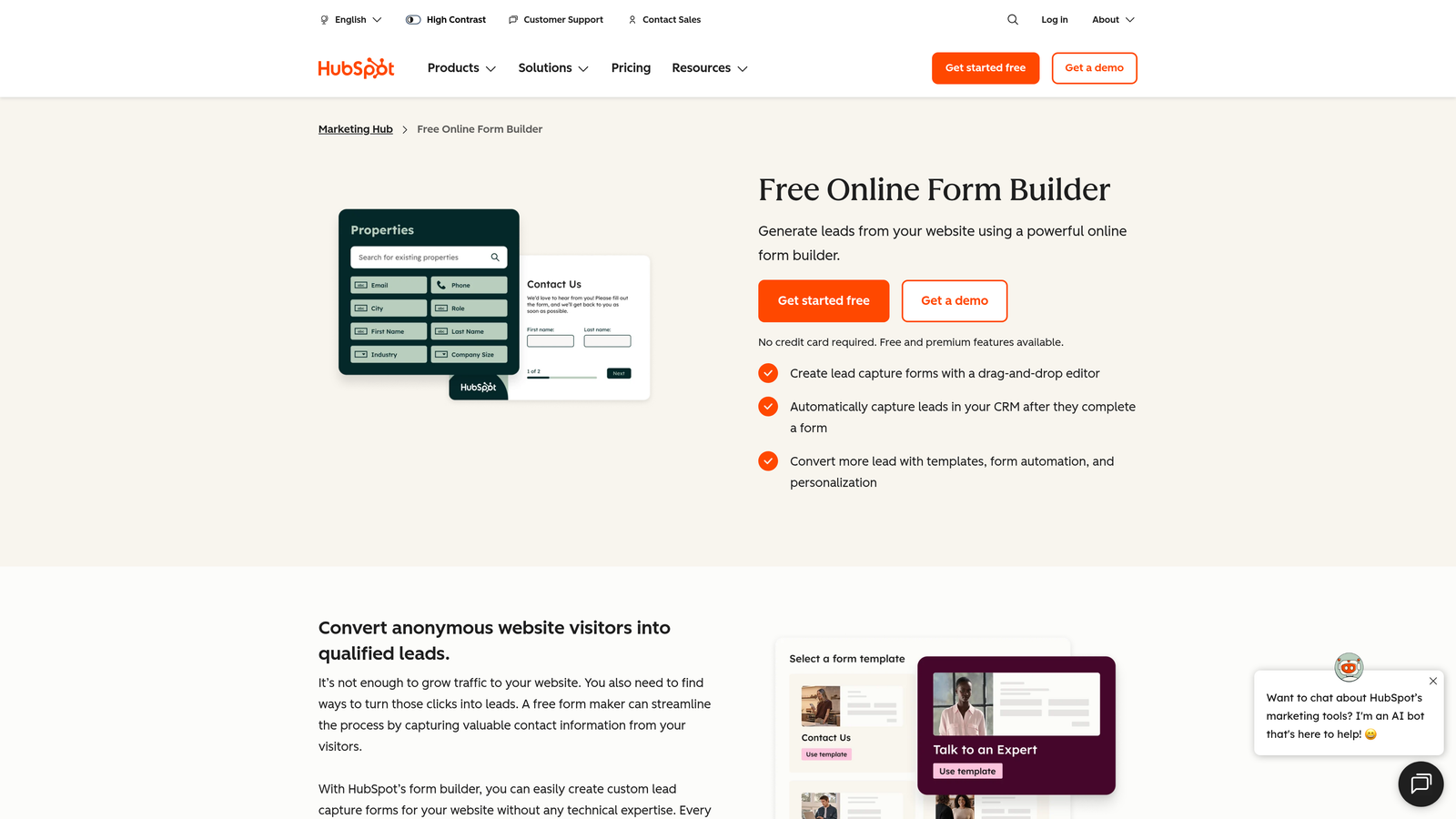
HubSpot Forms is a native form builder included with HubSpot's CRM platform, offering seamless contact record creation and marketing automation triggers.
Where This Tool Shines
If your revenue team lives in HubSpot, the case for HubSpot Forms is straightforward: every submission instantly becomes a CRM contact record with no middleware, no Zapier step, and no sync delay. Workflows, email sequences, and lead scoring rules trigger automatically. For teams that have invested in HubSpot's marketing automation layer, this native integration removes an entire category of technical friction.
Progressive profiling is the standout feature for SaaS specifically. Rather than asking returning visitors to fill in data HubSpot already has, the form surfaces only new fields, making repeat interactions feel smarter and less repetitive.
Key Features
Native CRM Sync: Every submission creates or updates a HubSpot contact record instantly, with no third-party connector required.
Progressive Profiling: Shows new fields to returning visitors rather than repeating questions already answered, improving the experience for known contacts.
Workflow Triggers: Automatically fires HubSpot workflows, email sequences, and internal notifications based on form submissions.
Flexible Embedding: Works embedded on any website or as a standalone HubSpot-hosted landing page.
Free with HubSpot CRM: Available at no additional cost on HubSpot's free tier, making it accessible for early-stage teams.
Best For
SaaS teams already using HubSpot as their CRM and marketing automation platform. Less compelling for teams outside the HubSpot ecosystem, where customization constraints and design limitations become more apparent.
Pricing
Free with HubSpot's free CRM tier. Advanced features like A/B testing and smart content require Marketing Hub paid plans. Check hubspot.com for current plan pricing.
4. Tally
Best for: Early-stage SaaS teams and indie builders who need a capable, no-cost form solution fast.
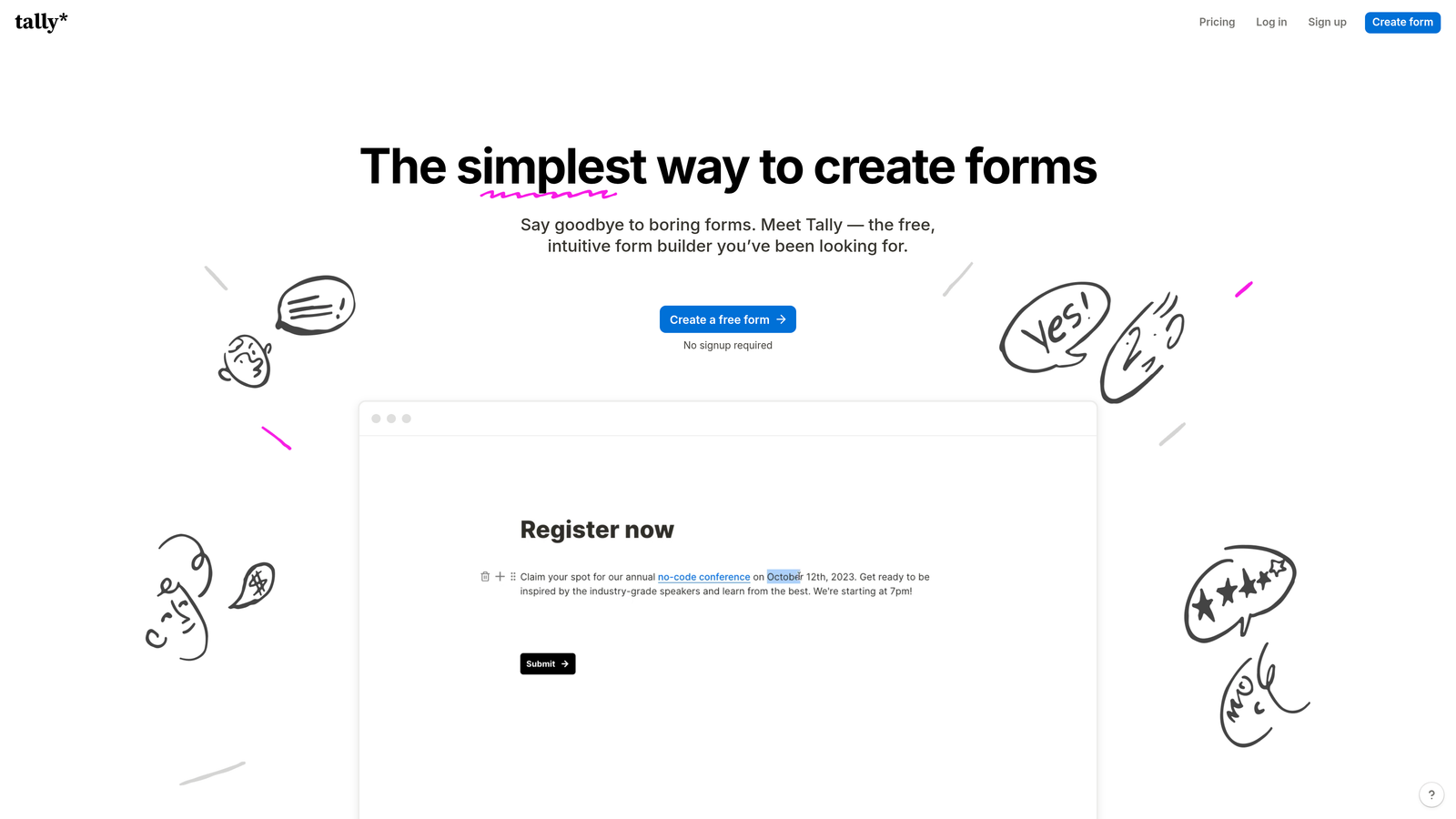
Tally is a lightweight, Notion-inspired form builder with a generous free tier and a clean editing experience that's unusually fast to learn.
Where This Tool Shines
Tally's free plan is genuinely generous: unlimited forms and unlimited responses, with no Tally branding on the free tier. For an early-stage SaaS team validating a market or capturing waitlist signups before committing to a paid stack, that combination is hard to beat. The block-based editor feels immediately familiar to anyone who's used Notion, which means near-zero onboarding time.
It's worth being clear about the ceiling, though. Tally is excellent for straightforward use cases but isn't built for enterprise lead qualification workflows. Teams that need deep CRM routing or AI-assisted lead scoring will quickly outgrow it.
Key Features
Unlimited Free Forms and Responses: No submission caps or form limits on the free plan, which is rare among form builders at any tier.
Notion-Like Block Editor: Familiar drag-and-drop building experience with a minimal learning curve for most SaaS teams.
Conditional Logic and Hidden Fields: Supports basic branching and URL parameter capture for pre-populated fields.
Zapier and Make Integrations: Connects to CRM and marketing tools via automation platforms, though native integrations are limited compared to larger tools.
No Branding on Free Tier: Forms look clean and unbranded even without a paid subscription.
Best For
Pre-seed and seed-stage SaaS teams, indie hackers, and product teams running quick internal surveys or beta signups. Not the right fit for revenue teams that need lead scoring, qualification routing, or enterprise compliance.
Pricing
Free plan available with no submission limits. Tally Pro adds additional features. Verify current pricing at tally.so.
5. Jotform
Best for: Enterprise SaaS teams with complex compliance requirements, payment collection, or high-volume template needs.
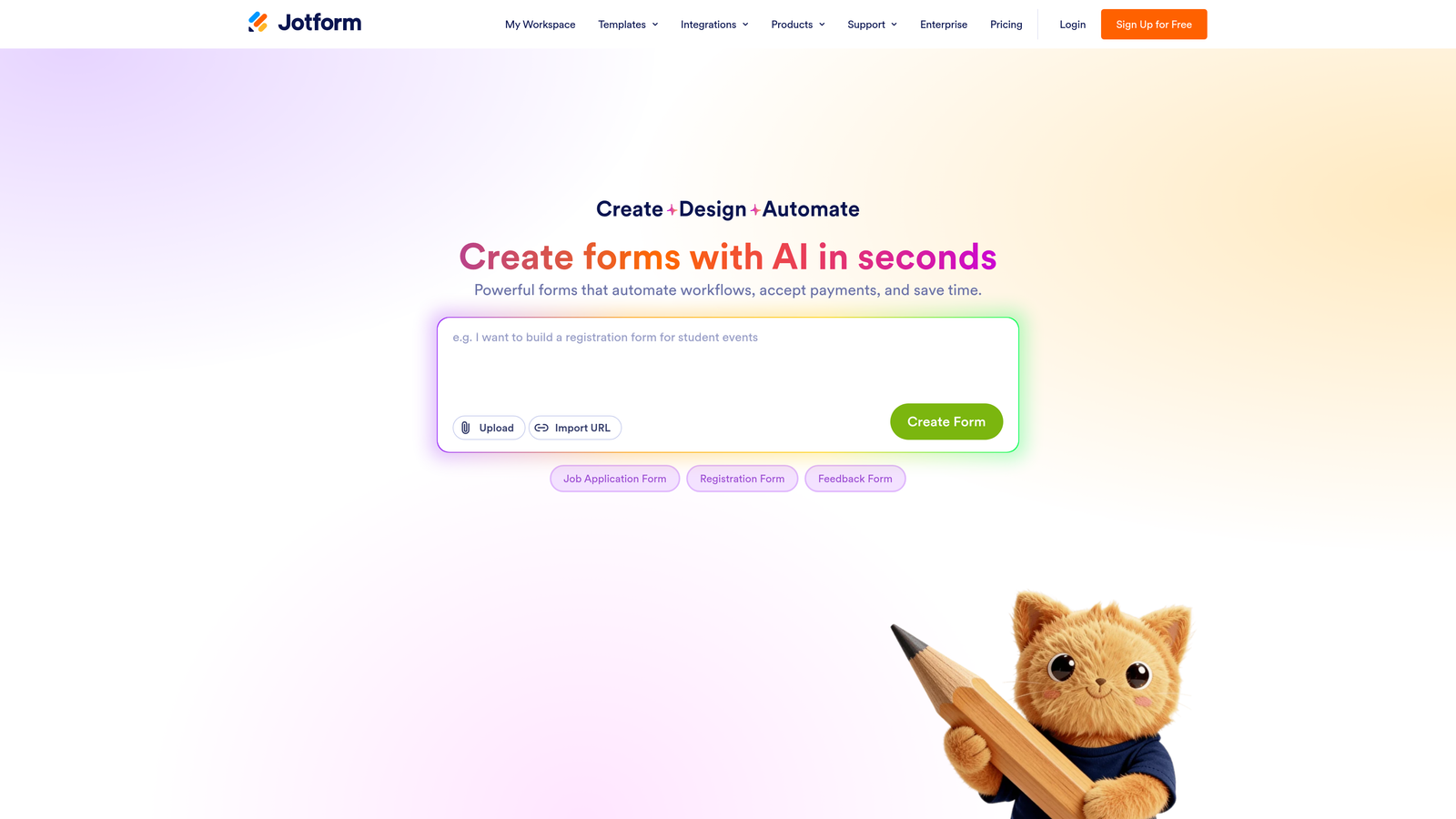
Jotform is a feature-rich enterprise form builder with thousands of templates, compliance certifications, and an extensive integration library.
Where This Tool Shines
Jotform's depth is its defining characteristic. With over 10,000 templates and a widget library covering everything from e-signatures to payment processors, it's one of the most complete form-building environments available. For SaaS companies operating in regulated industries like healthcare or fintech, Jotform's HIPAA-compliant plans and GDPR controls remove significant compliance burden.
The Jotform Tables feature is particularly useful for operations teams: it turns form responses into a structured, database-style view that's easier to work with than a raw spreadsheet export.
Key Features
10,000+ Templates: An extensive library covering virtually every industry and use case, accelerating form creation significantly.
HIPAA-Compliant Plans: Available for healthcare and regulated SaaS environments that require data handling agreements.
Payment Integrations: Native support for Stripe, PayPal, and Square within forms, useful for SaaS with hybrid payment flows.
Advanced Conditional Logic: Supports complex branching, calculation fields, and dynamic content based on user inputs.
Jotform Tables: Database-style response management that goes beyond basic spreadsheet exports for teams managing high submission volumes.
Best For
Enterprise SaaS and regulated-industry companies that need compliance certifications, complex form logic, and a large template library. Can feel heavyweight for simpler use cases where a leaner tool would move faster.
Pricing
Free plan available. Paid plans scale by submission volume and features. Verify current tiers at jotform.com.
6. Paperform
Best for: SaaS teams that need forms to double as branded landing pages with built-in payments or scheduling.
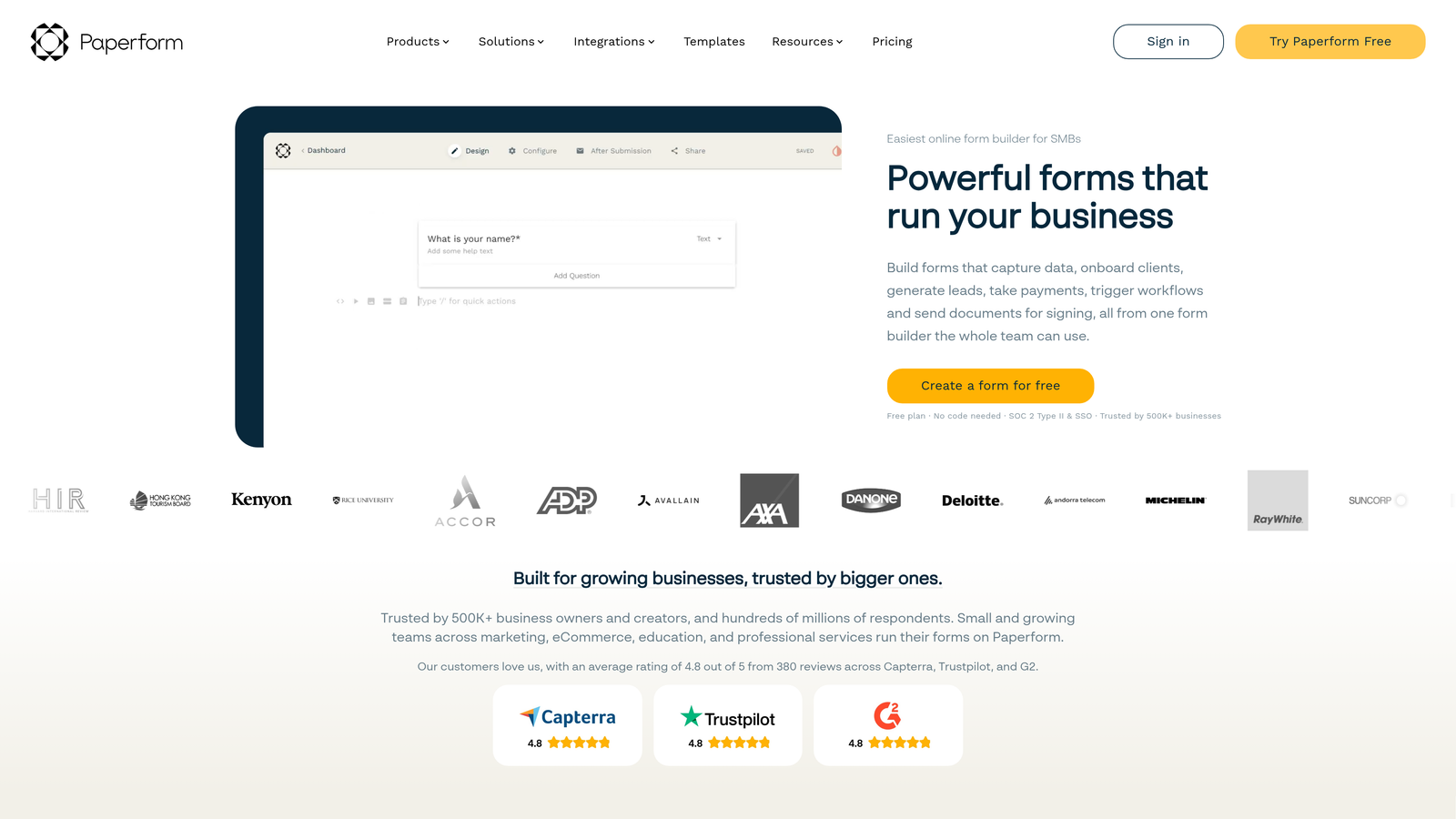
Paperform is a flexible form builder that combines traditional form functionality with payments, scheduling, and rich media, positioned as a mini-landing-page tool.
Where This Tool Shines
Paperform's freeform design editor sets it apart from grid-constrained form builders. Forms can incorporate text, images, and video in a way that looks more like a designed landing page than a data entry form. For SaaS teams that want a single URL to both present context and capture information, that combination reduces the need for a separate landing page tool.
The built-in Stripe integration and appointment booking support make Paperform particularly useful for SaaS companies that blend digital products with service components, think consulting SaaS, marketplace platforms, or tools with onboarding calls built into the purchase flow.
Key Features
Built-In Stripe Payments: Collects payment directly within the form without redirecting to a separate checkout page.
Scheduling Integration: Supports appointment booking and calendar-based scheduling natively within the form flow.
Freeform Design Editor: Allows forms to look like branded, designed pages rather than standard form embeds.
Rich Conditional Logic: Supports branching, calculation fields, and dynamic content based on user inputs.
Product Sales Support: Enables digital product and download sales directly through form submissions.
Best For
SaaS companies with hybrid product-service models, digital product sales, or teams that want forms to carry more design weight as standalone pages. Less suited for pure lead capture where simplicity and speed of completion are the priority.
Pricing
Paid plans only, starting at approximately $24/month. No free tier. Verify current pricing at paperform.co.
7. Gravity Forms
Best for: WordPress-based SaaS sites that need a developer-friendly, deeply extensible form solution.
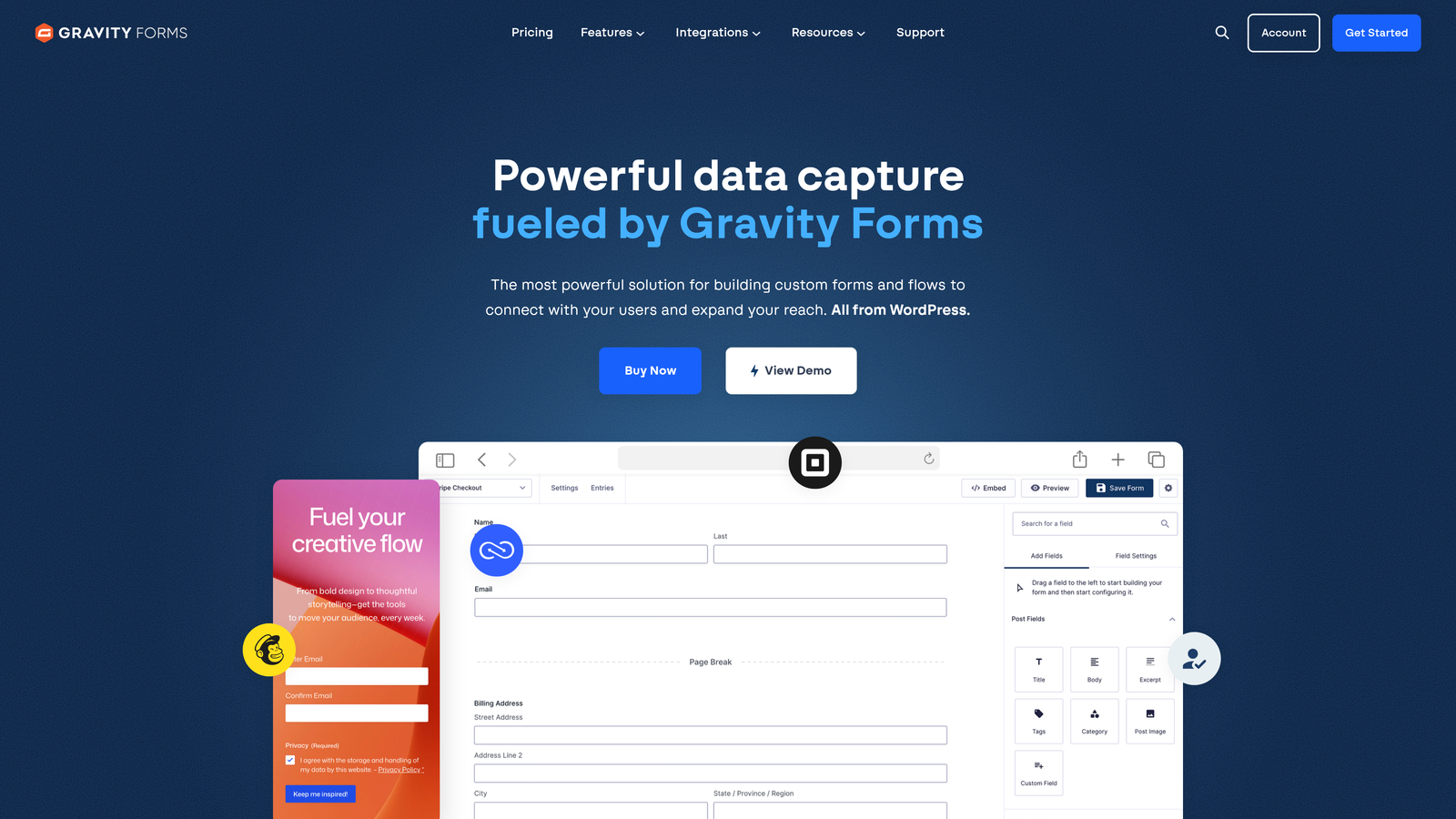
Gravity Forms is the leading WordPress-native form builder, offering deep WP integration, developer extensibility, and a large ecosystem of official add-ons.
Where This Tool Shines
For SaaS companies running their marketing site on WordPress, Gravity Forms is the default choice for good reason. The hooks, filters, and custom post type integrations give developers fine-grained control that generic SaaS form tools simply can't match within a WordPress environment. If your team has WordPress development capacity, Gravity Forms can be shaped into almost any form workflow imaginable.
The annual license model is also worth noting for budget-conscious teams. Unlike per-submission or per-user SaaS pricing, a Gravity Forms license covers unlimited submissions at a fixed annual cost, which makes it predictable and cost-effective at scale.
Key Features
Deep WordPress Integration: Leverages WordPress hooks, filters, and custom post types for developer-level customization within the WP ecosystem.
Official Add-Ons: Supported integrations for Stripe, HubSpot, Salesforce, Zapier, and more, available as official extensions.
Multi-Page Forms with Progress Indicators: Breaks long forms into steps with visual progress tracking to reduce abandonment.
Conditional Logic and Dynamic Population: Supports complex branching and pre-populating fields from URL parameters or user data.
Annual License Pricing: Fixed annual cost with no per-submission fees, making it economical for high-volume use cases.
Best For
SaaS companies with WordPress-based marketing sites and development resources to customize. Not relevant for teams on other CMS platforms or those who need a hosted, no-code-first solution.
Pricing
Annual license starting at approximately $59/year for a single site. Verify current pricing at gravityforms.com.
8. Formstack
Best for: Operations-heavy SaaS teams that need forms as part of a broader workflow automation and document generation stack.
Formstack is a workflow automation platform with form building at its core, extending into document generation and e-signature capabilities.
Where This Tool Shines
Formstack is best understood not as a form builder with extras, but as a workflow automation platform that starts with a form. The combination of Formstack Forms, Formstack Documents, and Formstack Sign means a single submission can trigger a complete downstream workflow: generating a contract PDF, routing it for e-signature, and updating a Salesforce record, all without human intervention.
For enterprise SaaS teams in healthcare, finance, or operations-intensive verticals, that end-to-end automation capability justifies the higher price point. For teams that just need a contact form, it's likely more platform than necessary.
Key Features
Multi-Step Approval Workflows: Triggers internal approval chains and routing rules based on form submission data.
Formstack Documents: Auto-generates PDFs, contracts, and custom documents from form data without manual formatting.
Formstack Sign: Collects legally binding e-signatures as part of the form submission flow.
Compliance Options: HIPAA and GDPR-compliant configurations available for regulated industries.
Salesforce Native App: Deep enterprise CRM integration for teams with Salesforce as their system of record.
Best For
Enterprise SaaS and operations teams in regulated industries that need forms to initiate multi-step document and approval workflows. The price point and complexity make it a poor fit for teams with straightforward lead capture needs.
Pricing
Higher price point reflecting the workflow automation scope of the platform. Verify current pricing at formstack.com.
9. Google Forms
Best for: Internal surveys, quick feedback collection, and pre-launch validation where branding and lead qualification aren't priorities.
Google Forms is a free, unlimited form builder from Google, best suited for internal use cases rather than customer-facing SaaS lead capture.
Where This Tool Shines
Google Forms earns its place on this list because it's genuinely useful within a specific scope. For internal team surveys, quick user research sprints, or pre-launch waitlist collection where you just need responses into a spreadsheet fast, it delivers with zero cost and zero setup friction. Every response flows directly into Google Sheets, which many teams already use.
The honest caveat for SaaS teams: Google Forms is not a lead capture tool in any meaningful sense. There's no branding customization, no lead scoring, no native CRM sync, and no conversion optimization. Using it as a customer-facing contact form signals a level of product polish that most SaaS buyers notice.
Key Features
Completely Free: No cost, no submission limits, and no storage caps with a standard Google account.
Unlimited Forms and Responses: No artificial caps that require upgrading to a paid plan.
Native Google Sheets Integration: All responses flow directly into a connected spreadsheet in real time.
Basic Conditional Logic: Supports simple section branching based on multiple-choice answers.
Easy Link Sharing: Forms can be shared via URL or embedded on a page in seconds.
Best For
Internal team surveys, quick customer feedback loops, pre-launch validation, and any use case where speed and zero cost matter more than branding or lead qualification. Not recommended as a primary customer-facing contact form for SaaS products.
Pricing
Free with any Google account. No paid tiers or premium features.
Which Contact Form Builder Is Right for Your SaaS Team?
The right tool depends almost entirely on where you are in your growth stage and what you need the form layer to actually do.
If lead qualification is central to your demand generation strategy, Orbit AI is the clearest fit. It's the only tool on this list built specifically to score and route leads at the point of submission, which removes a significant manual step from most SaaS sales workflows. The design quality also means your forms match the product experience you've worked hard to build.
For teams already running HubSpot as their CRM and marketing automation platform, HubSpot Forms is the path of least resistance. The native sync and progressive profiling alone justify using it over a third-party tool if you're already in that ecosystem.
Early-stage teams and indie builders who need capable forms without a budget should start with Tally. The unlimited free tier is genuinely useful, and the Notion-style editor means you can build and publish in minutes.
Enterprise requirements point in two directions: Jotform for compliance-heavy environments with complex template needs, and Formstack for teams that need forms to trigger multi-step document and approval workflows. Both carry more complexity and cost than most early-stage teams need, but they earn that for the right use cases.
WordPress-based SaaS sites with development capacity should look at Gravity Forms. It remains the most extensible option in the WordPress ecosystem by a wide margin.
Transform your lead generation with AI-powered forms that qualify prospects automatically while delivering the modern, conversion-optimized experience your high-growth team needs. Start building free forms today and see how intelligent form design can elevate your conversion strategy.


