

Static forms with fixed fields treat every visitor the same, and that's exactly why they underperform. Dynamic form builders adapt in real time, showing or hiding fields based on user responses, pre-filling data from integrations, and routing leads based on qualification criteria. For high-growth teams focused on conversion optimization, the right dynamic form tool can mean the difference between capturing a qualified lead and losing them to friction.
We evaluated dozens of form builders on their conditional logic capabilities, integration depth, AI features, design flexibility, and pricing to narrow it down to the best options available right now. Whether you need advanced lead qualification, complex multi-step workflows, or simple drag-and-drop conditional forms, this list has a tool for your use case.
1. Orbit AI
Best for: High-growth teams that need AI-powered lead qualification built directly into their forms.
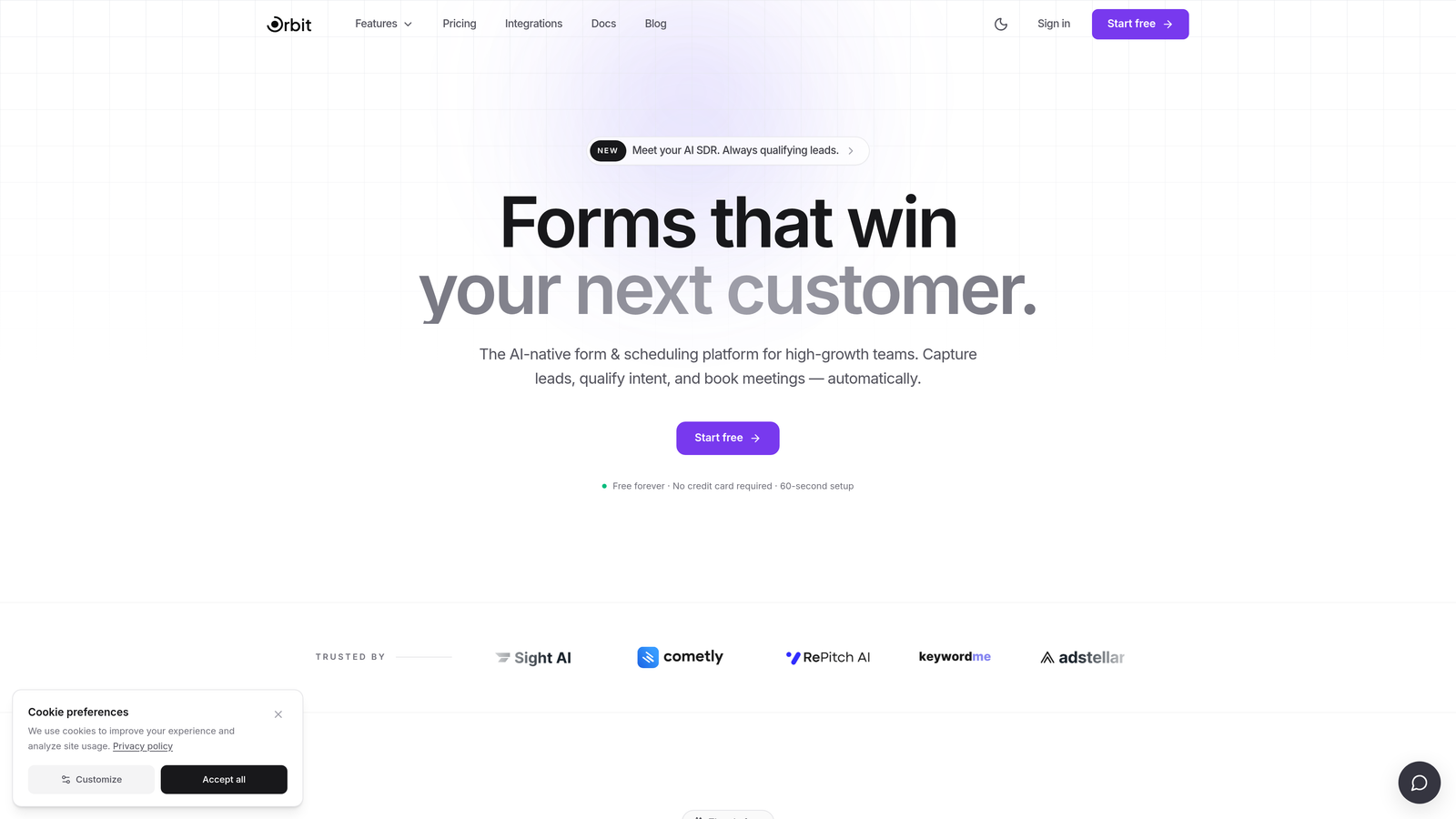
Orbit AI is an AI-native dynamic form builder that scores and routes leads in real time as respondents move through the form.
Where This Tool Shines
What separates Orbit AI from most form builders on this list is where the intelligence lives. Rather than relying on post-submission scoring in your CRM, Orbit AI qualifies leads during the form experience itself. Fields adapt based on answers, and the underlying logic scores respondents in real time, so your sales team receives pre-qualified leads rather than raw submissions to sort through manually.
The design quality is another standout. Orbit AI's templates are built specifically for conversion optimization, with mobile-first responsiveness and a visual polish that matches what high-growth SaaS and B2B teams expect from their brand touchpoints. It's the rare combination of smart logic and great aesthetics in one platform.
Key Features
AI-Driven Lead Qualification: Scores and routes leads automatically based on responses, reducing manual triage for sales teams.
Dynamic Field Rendering: Fields show, hide, or change based on respondent behavior and previous answers in real time.
Conversion-Optimized Templates: Pre-built form designs engineered for high-growth teams and lead generation workflows.
CRM and Marketing Integrations: Connects seamlessly with the tools your revenue team already uses to keep lead data flowing.
Mobile-First Design: Beautiful, responsive forms that perform consistently across devices without extra configuration.
Best For
Orbit AI is the best fit for SaaS companies, marketing teams, and growth-focused businesses that want lead qualification to happen inside the form, not after it. If your team spends significant time manually sorting form submissions, this tool is built to solve that problem directly.
Pricing
Visit orbitforms.ai for current pricing plans. A free starting option is available for teams ready to explore the platform.
2. Typeform
Best for: Teams that want a polished, conversational form experience with strong brand aesthetics.
Typeform is a conversational form builder known for its one-question-at-a-time format, logic jumps, and visually refined design.

Where This Tool Shines
Typeform's signature format presents one question at a time, which creates a more focused, interview-like experience for respondents. This approach tends to feel less overwhelming than a page full of fields, and many teams find it works well for longer surveys, lead qualification flows, and onboarding sequences where engagement matters.
The logic jump system is intuitive to set up, allowing you to branch respondents down different question paths based on their answers. Combined with Typeform's visual design quality, it's one of the most aesthetically consistent tools in this space.
Key Features
Conversational Format: One-question-at-a-time presentation reduces cognitive load and keeps respondents engaged through longer forms.
Logic Jumps and Branching: Route respondents to different questions or endings based on their previous answers.
Extensive Integration Library: Connects with Zapier, HubSpot, Slack, and hundreds of other tools natively.
Video and Image Embedding: Embed rich media directly within form flows to add context or personality.
Analytics and Completion Tracking: Built-in reporting shows drop-off points and completion rates by question.
Best For
Typeform works well for marketing teams, agencies, and brand-conscious businesses that prioritize the respondent experience. It's particularly strong for surveys, lead generation forms, and customer feedback flows where aesthetics and engagement are a priority.
Pricing
Free plan available with limited responses. Paid plans start at approximately $25/month, with higher tiers unlocking more responses, logic features, and integrations.
3. Jotform
Best for: Teams that need a wide template library, payment processing, and robust conditional logic in one platform.
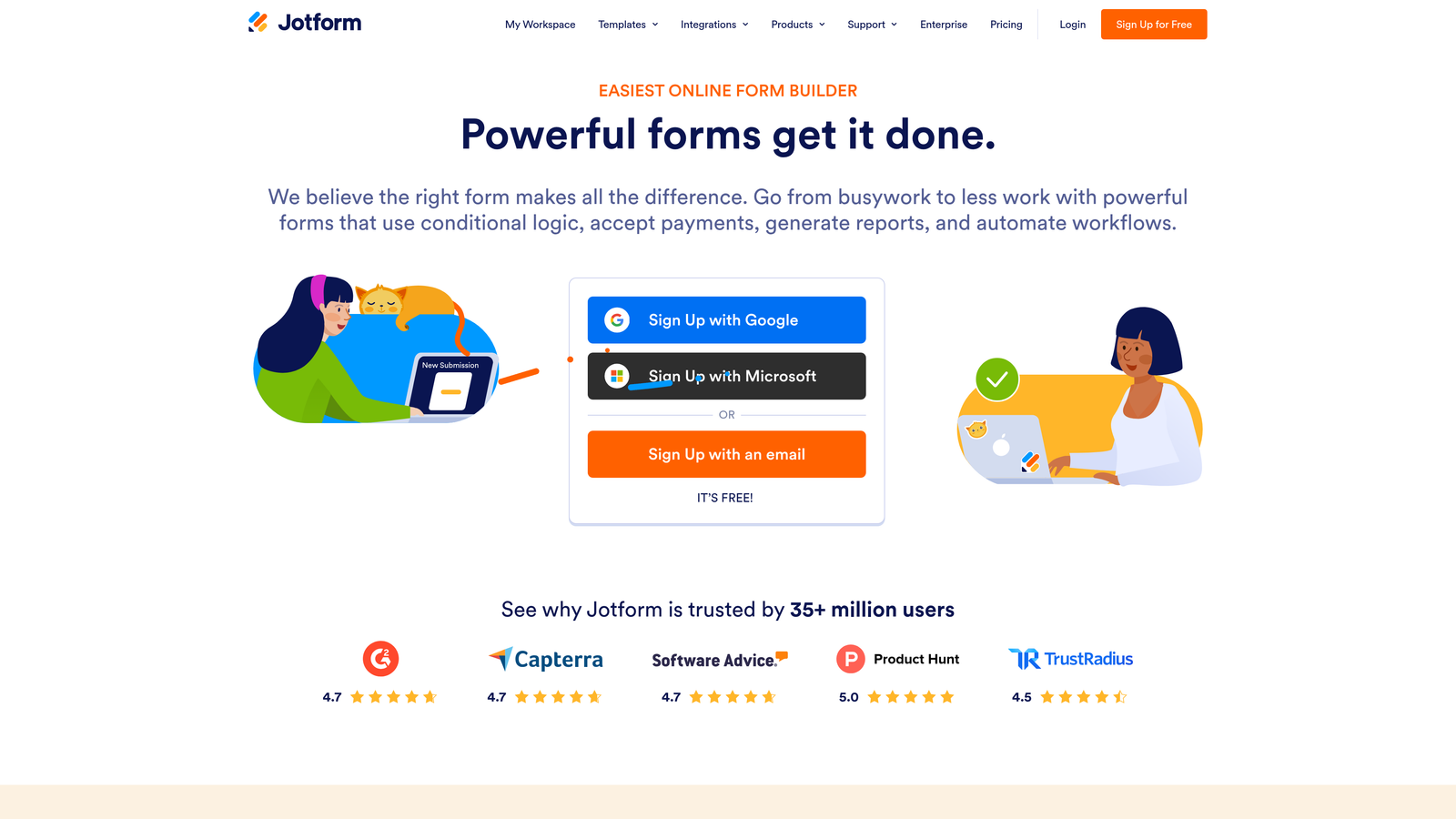
Jotform is a feature-rich form builder with over 10,000 templates, advanced conditional logic, and built-in payment processing across multiple providers.
Where This Tool Shines
Jotform's depth is its biggest asset. With more than 10,000 templates spanning industries from healthcare to e-commerce, there's a strong chance a starting point already exists for whatever you're building. The conditional logic system handles show/hide fields, page branching, and calculation-based rules without requiring any coding knowledge.
The built-in payment processing is a genuine differentiator for teams that need to collect payments alongside form data. Supporting PayPal, Stripe, and Square natively means you can build order forms, registration flows, and donation pages without adding a separate payment tool to the stack.
Key Features
10,000+ Templates: One of the largest template libraries available, covering nearly every industry and use case.
Advanced Conditional Logic: Show/hide fields, branch pages, and trigger actions based on respondent inputs.
Built-In Payment Processing: Accept payments via PayPal, Stripe, and Square directly within form submissions.
Jotform Tables: A built-in database view for managing and organizing form submissions without exporting to a spreadsheet.
HIPAA-Compliant Plan: A dedicated compliance option for healthcare organizations handling sensitive data.
Best For
Jotform is a strong choice for small businesses, nonprofits, healthcare organizations, and e-commerce teams that need a versatile, all-in-one form solution. It's especially valuable when payment collection and template variety are high priorities.
Pricing
Free plan supports up to 5 forms and 100 monthly submissions. Paid plans start at approximately $34/month with higher form and submission limits.
4. Formstack
Best for: Enterprise teams needing dynamic forms connected to document generation, e-signatures, and compliance workflows.
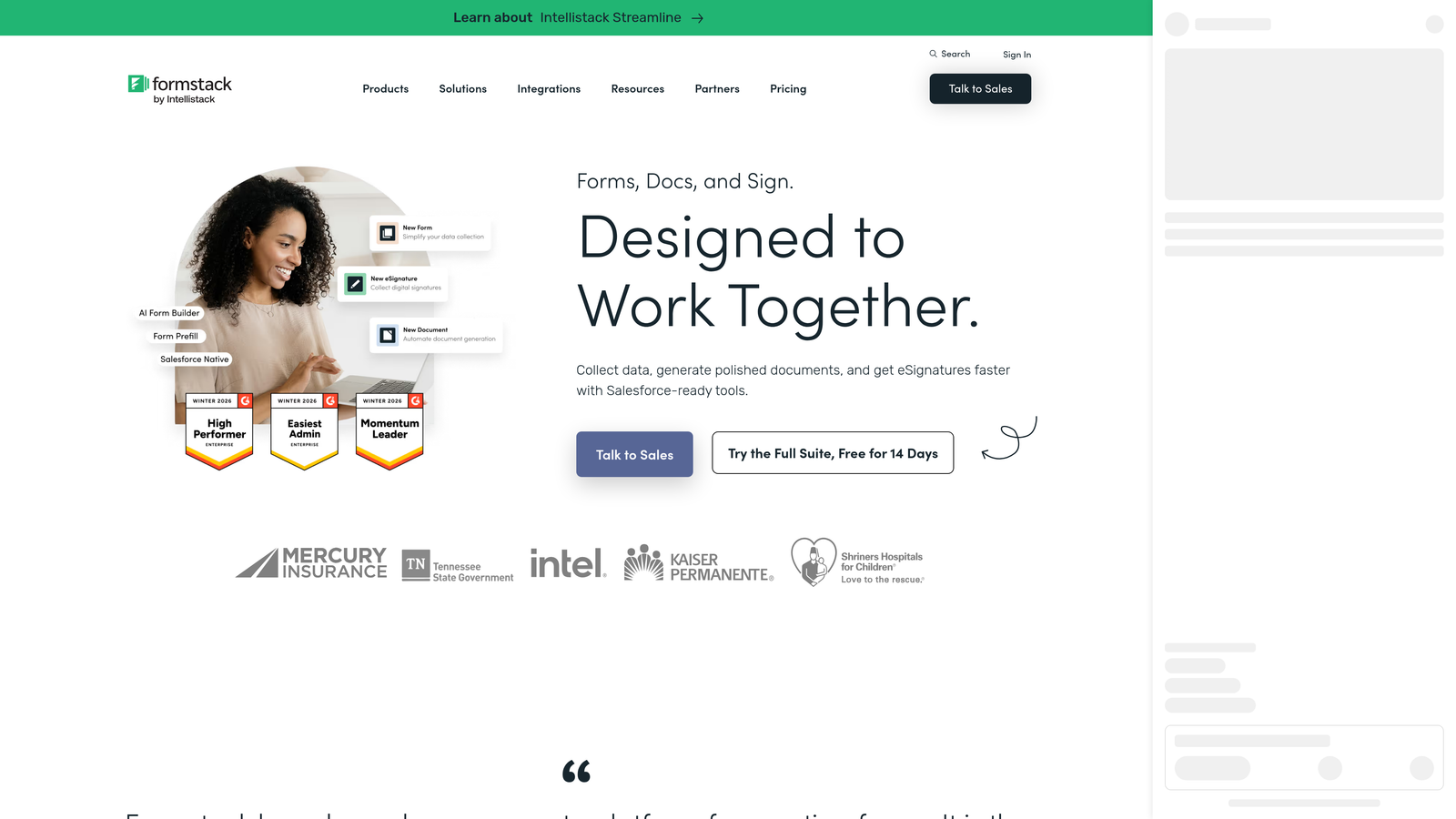
Formstack is an enterprise-grade platform that combines dynamic form building with document generation, e-signatures, and workflow automation in one connected suite.
Where This Tool Shines
Formstack is built for organizations where a form submission is the beginning of a longer workflow, not the end. After a form is submitted, the platform can automatically generate a pre-filled document, route it for e-signature, and push data into Salesforce, all within the same platform. That end-to-end capability is rare in the form builder category.
For compliance-heavy industries, Formstack's HIPAA, GDPR, and SOC 2 options provide the documentation and controls that enterprise procurement teams require. The A/B testing feature is also notable for teams that want to optimize form performance with data rather than guesswork.
Key Features
Advanced Conditional Logic: Field-level and page-level rules for highly dynamic form experiences.
Workflow Automation: Connect form submissions to document generation and e-signature workflows automatically.
Salesforce-Native Integration: Deep CRM connectivity for teams running revenue operations on Salesforce.
Compliance Options: HIPAA, GDPR, and SOC 2 compliance available for regulated industries.
A/B Testing: Test different form versions to identify which design or flow drives higher completion rates.
Best For
Formstack is best suited for mid-market and enterprise organizations in regulated industries like healthcare, financial services, and legal. It's particularly valuable when forms need to connect to downstream document and signature workflows.
Pricing
Forms plan starts at approximately $50/month. Full platform bundles combining forms, documents, and sign are priced higher and available on request.
5. HubSpot Forms
Best for: HubSpot users who want CRM-native forms with progressive profiling and smart field personalization.
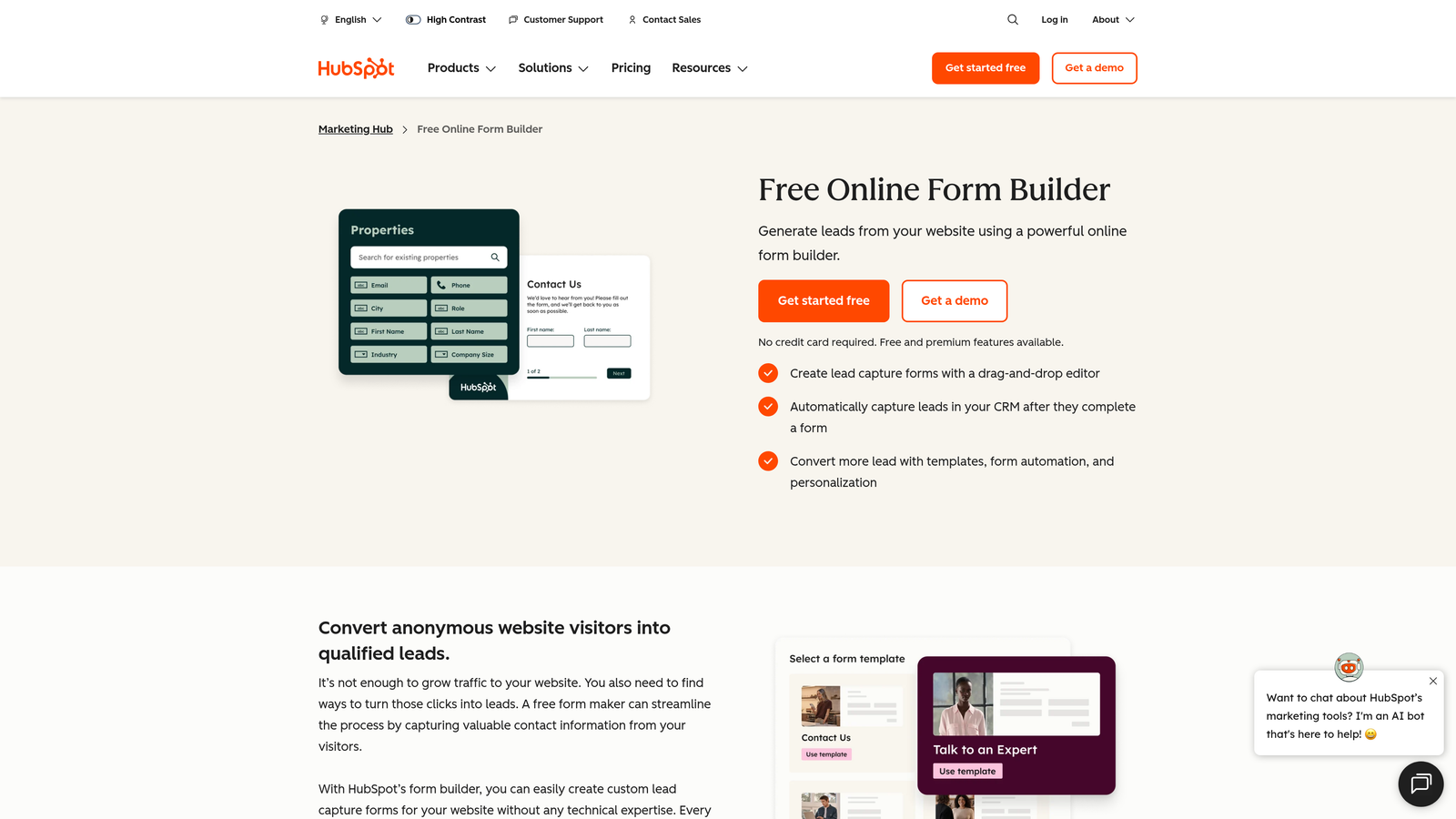
HubSpot Forms is a CRM-native form builder with progressive profiling and smart fields that dynamically adapt based on existing contact data.
Where This Tool Shines
If your team already lives in HubSpot, the forms tool offers something no standalone form builder can fully replicate: forms that already know your contacts. Progressive profiling replaces fields that a known contact has already answered with new questions, so returning visitors are never asked for information you already have. Over multiple form submissions, you build a richer contact profile without ever presenting a long, repetitive form.
The automatic contact creation and list segmentation mean that every form submission flows directly into your CRM workflows without any manual data entry or Zapier intermediaries. For teams managing high volumes of inbound leads, that native connectivity is genuinely valuable.
Key Features
Progressive Profiling: Dynamically swaps out already-answered fields for new questions on repeat visits.
Smart Fields: Personalizes form fields using existing CRM contact data for a tailored experience.
Automatic CRM Sync: Creates and updates contacts, triggers workflows, and segments lists on submission.
Dependent Fields: Show or hide fields based on respondent answers within the form.
Free Tier: Full form functionality included at no cost with HubSpot CRM.
Best For
HubSpot Forms is the obvious choice for teams already using HubSpot as their CRM. It's less compelling as a standalone tool but becomes a powerful asset when deeply integrated with the broader HubSpot ecosystem.
Pricing
Free with HubSpot CRM. Advanced smart features and higher-volume capabilities are available in Marketing Hub, starting at approximately $20/month.
6. Paperform
Best for: Creators and small businesses wanting forms that feel like branded, interactive landing pages.
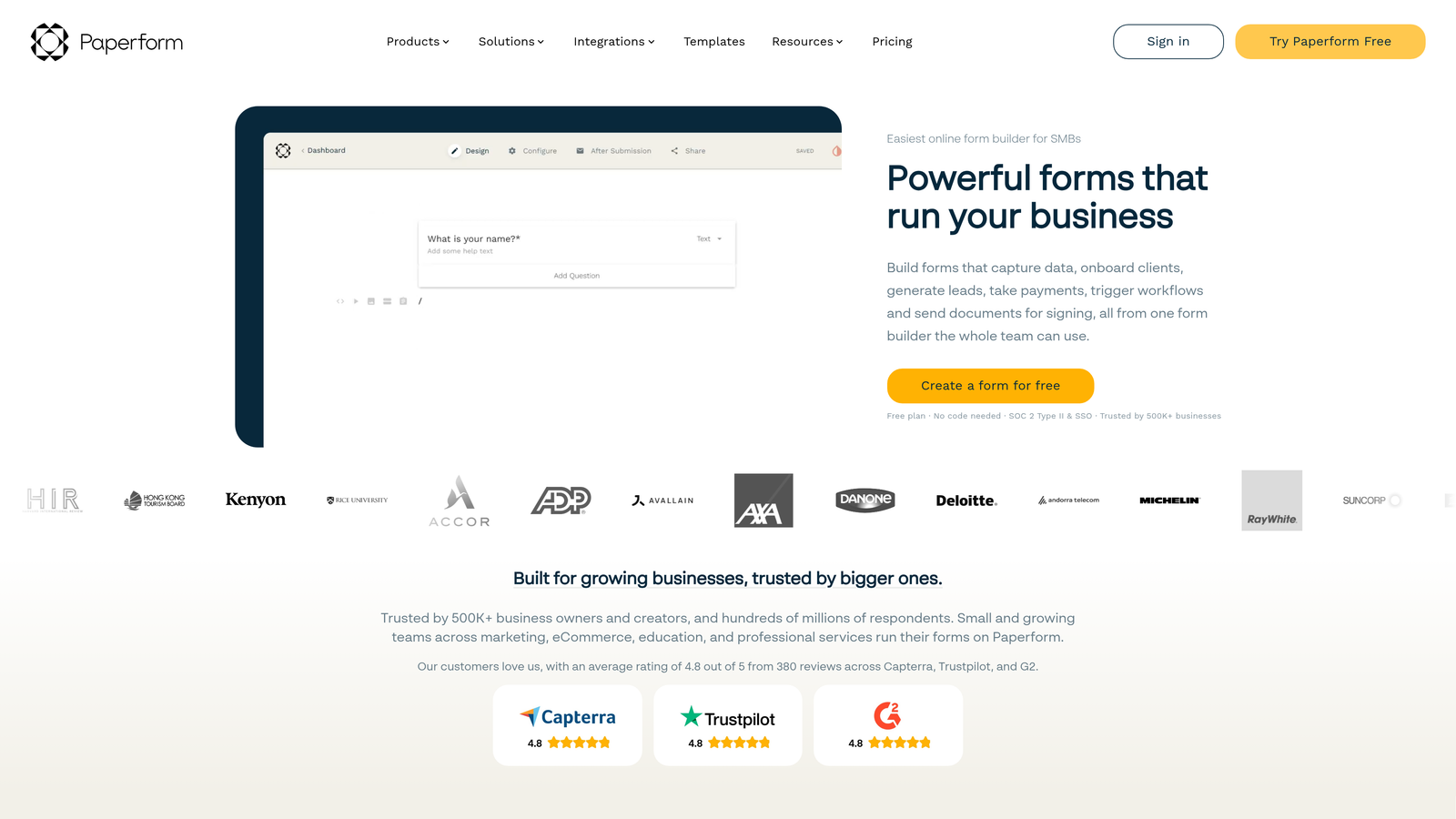
Paperform is a form builder that blends rich content editing with conditional logic, creating form experiences that feel like interactive landing pages rather than traditional data entry forms.
Where This Tool Shines
Paperform's editor is genuinely different from most tools in this category. Instead of a form-first interface, it feels closer to a rich document editor where you can mix text, images, video, and form fields freely. The result is forms that can carry context, explanation, and brand personality alongside the actual questions, which is particularly useful for product order forms, event registrations, and intake questionnaires.
The calculation fields are a standout feature for anyone building pricing configurators or quote request forms. You can create formulas that dynamically calculate totals, discounts, or custom values based on respondent inputs, all without writing any code.
Key Features
Rich Content Editor: Mix text, images, and video alongside form fields in a flexible document-style layout.
Conditional Logic: Show or hide fields and pages based on respondent answers.
Calculation Fields: Build dynamic pricing, totals, and custom values using formula-based fields.
Built-In Payments: Accept payments and manage a simple product catalog directly within forms.
Custom Success Pages: Configure post-submission redirects and personalized thank-you experiences.
Best For
Paperform is a strong fit for small businesses, freelancers, and creators who want forms that double as branded content experiences. It's especially well-suited for order forms, service intake flows, and event registrations.
Pricing
Essentials plan starts at approximately $24/month. Higher tiers unlock more submissions, additional users, and advanced features.
7. Feathery
Best for: Developer and product teams building complex, logic-heavy forms with full code-level customization.
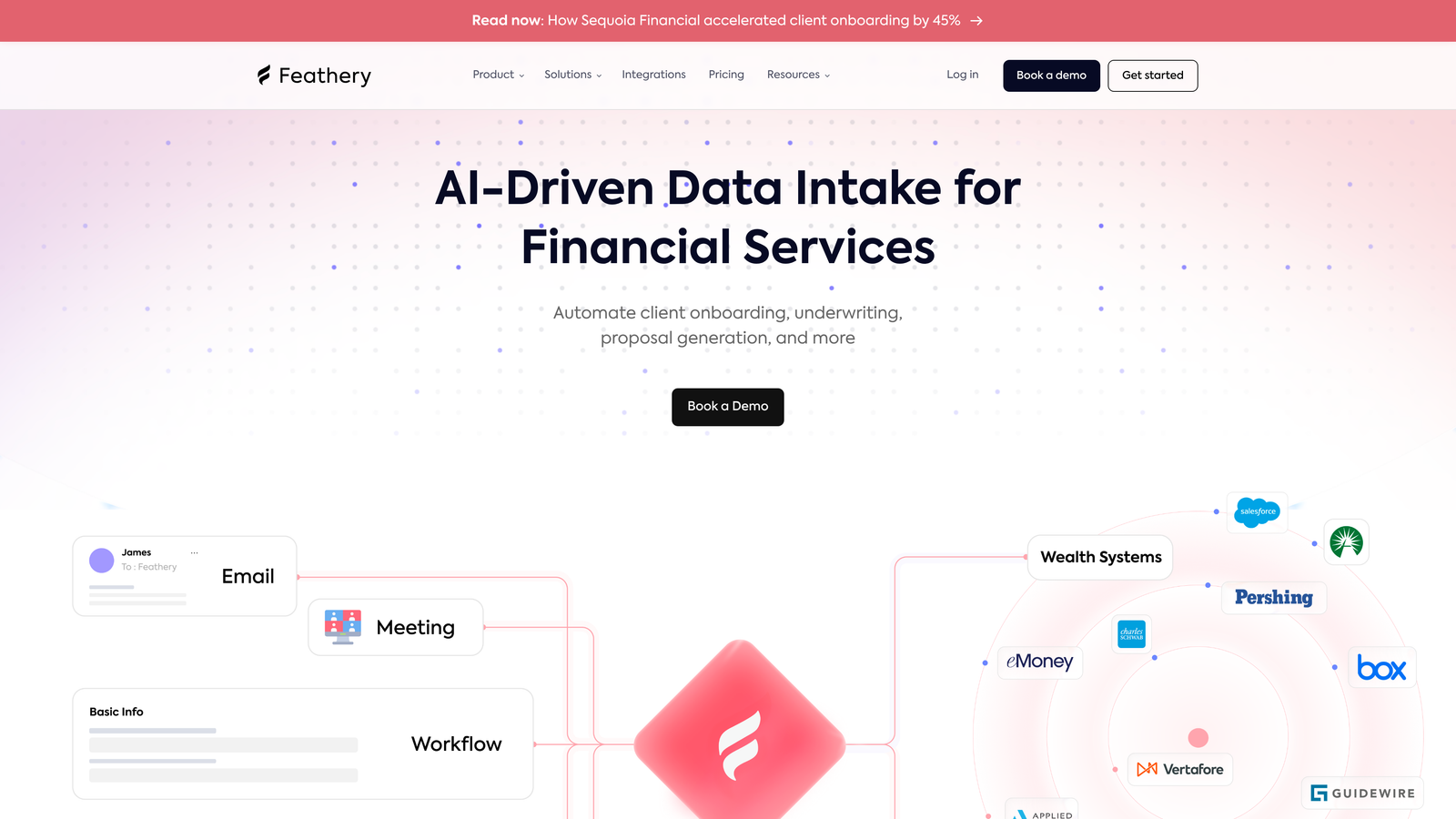
Feathery is a developer-friendly form builder that combines a visual editor with a React SDK, giving technical teams the flexibility to build sophisticated dynamic forms without sacrificing design control.
Where This Tool Shines
Feathery occupies a unique position: it's approachable enough for non-technical users through its visual builder, but powerful enough for engineering teams that need to extend functionality with code. The React SDK lets developers customize behavior, prefill fields via API, and integrate deeply with internal systems in ways that no-code tools simply can't accommodate.
It's particularly well-suited for onboarding flows, KYC (know your customer) processes, and application workflows where the form logic is complex, the data requirements are strict, and the user experience needs to be tightly controlled. Enterprise security features including SSO and audit logs make it viable for larger organizations with compliance requirements.
Key Features
Visual Builder Plus React SDK: Design in the visual editor and extend with full code-level customization when needed.
Advanced Conditional Logic: Multi-step branching and complex logic rules for sophisticated form flows.
API-Driven Prefilling: Dynamically populate fields with data from external systems via API.
Enterprise Security: SSO, audit logs, and role-based access controls for organizational compliance.
Onboarding and KYC Workflows: Pre-built patterns for common complex form use cases in fintech, legal, and SaaS.
Best For
Feathery is the right choice for product and engineering teams that need a form builder they can truly own. It's particularly valuable in fintech, legal tech, and SaaS onboarding contexts where form complexity is high and standard no-code tools hit their limits.
Pricing
Free tier available for getting started. Paid plans begin at approximately $49/month, with enterprise pricing available for larger teams.
8. Tally
Best for: Budget-conscious teams and individuals who need unlimited forms with conditional logic at no cost.
Tally is a free-first form builder with a Notion-like editing experience that offers unlimited forms and conditional logic without requiring a paid plan.
Where This Tool Shines
Tally's free tier is genuinely generous. Unlimited forms, unlimited submissions, conditional logic, hidden fields, and file uploads are all available at no cost. For early-stage startups, freelancers, and teams watching their tool spend carefully, that's a compelling starting point that most competitors simply can't match.
The block-based editor feels familiar to anyone who uses Notion, making it one of the more intuitive form-building experiences on this list. You add blocks for questions, text, images, and dividers in a freeform way, which gives forms a natural, readable flow rather than the rigid field-stacking feel of traditional form builders.
Key Features
Unlimited Free Forms: No limits on form count or submission volume on the free plan.
Conditional Logic for Free: Show/hide fields and branching logic included without a paid upgrade.
Notion-Style Editor: Block-based interface that's intuitive for anyone familiar with modern document tools.
Integration Support: Connect to Zapier, Make, and custom webhooks for workflow automation.
File Uploads and Payments: Accept file submissions and payments even on lower-tier plans.
Best For
Tally is ideal for early-stage startups, indie makers, freelancers, and small teams that need capable dynamic forms without a monthly subscription. It's also a solid choice for internal tools and low-stakes data collection where advanced analytics aren't required.
Pricing
Free plan is highly capable and suits most basic use cases. Tally Pro is approximately $29/month and adds custom branding, team collaboration features, and priority support.
9. Cognito Forms
Best for: Teams that need a powerful calculation engine for dynamic pricing, totals, and conditional field values.
Cognito Forms is a dynamic form builder with a sophisticated built-in calculation engine for creating forms with real-time pricing, running totals, and conditionally computed field values.
Where This Tool Shines
Cognito Forms does something most form builders handle poorly: math. The built-in calculation engine lets you build formulas that compute totals, apply discounts, calculate quantities, and display dynamic values in real time as respondents fill out the form. For businesses that need quote request forms, order configurators, or event registration forms with variable pricing, this capability is genuinely powerful.
The repeating sections feature is another differentiator. Unlike most form builders that assume a fixed number of fields, Cognito Forms lets respondents add multiple instances of a section, which is essential for things like itemized orders, multiple attendees, or variable line items on an invoice-style form.
Key Features
Calculation Engine: Build real-time pricing formulas, running totals, and computed field values directly in the form.
Conditional Logic: Show or hide fields, sections, and entire pages based on respondent inputs.
Repeating Sections: Allow respondents to add multiple instances of a section for variable-length data entry.
Payment Integrations: Accept payments via Stripe, PayPal, and Square with calculated totals passed automatically.
Quantity Limits and Inventory Tracking: Set limits on selectable options to manage inventory or capacity directly within the form.
Best For
Cognito Forms is the go-to option for businesses that need calculation-heavy forms: product configurators, event registrations with tiered pricing, quote request forms, and order management flows. It's also a solid budget-friendly option for small businesses needing payment-connected dynamic forms.
Pricing
Free plan available with basic features. Paid plans start at approximately $15/month, making it one of the more affordable options on this list for teams that need calculation and payment features.
Choosing the Right Dynamic Form Builder for Your Team
The best dynamic form builder depends entirely on what problem you're actually trying to solve. Here's a quick breakdown to help you match the right tool to your situation.
For AI-powered lead qualification: Orbit AI is the standout choice. If your team is spending time manually sorting form submissions to find qualified leads, a tool that scores and routes prospects during the form experience itself is a fundamentally different approach. Start building free forms today and see how intelligent form design can elevate your conversion strategy.
For design-first experiences: Typeform and Paperform both deliver polished, brand-forward form experiences. Typeform excels at conversational flows; Paperform is better when you want rich content mixed with form fields.
For enterprise and compliance requirements: Formstack is the most complete platform for organizations that need forms connected to document generation, e-signatures, and compliance frameworks. Feathery is the better choice when your team has engineering resources and needs code-level control.
For CRM-native workflows: HubSpot Forms wins if you're already in the HubSpot ecosystem. The progressive profiling capability alone makes it worth using over any standalone tool for HubSpot customers.
For budget-conscious teams: Tally's free tier is unmatched for teams that need capable dynamic forms without a monthly bill. Cognito Forms is the best value when calculation and payment features are required at a low price point.
The dynamic form category has matured significantly, and the gap between a basic static form and an intelligent, adaptive experience has never been larger. Transform your lead generation with AI-powered forms that qualify prospects automatically while delivering the modern, conversion-optimized experience your high-growth team needs.


