

Most forms ask everyone the same questions, even when half of those questions don't apply. A prospect at an enterprise company gets the same fields as a solo freelancer. A support ticket for billing issues goes through the same flow as a technical bug report. The result is friction, drop-offs, and messy data that slows down your team.
Dynamic form builders with conditional logic fix this by showing or hiding fields based on what users actually answer, creating leaner, smarter forms that convert better and collect cleaner data. Whether you're qualifying leads, routing support tickets, or running multi-step surveys, the right tool makes a real difference.
This guide covers the top dynamic form builders with conditional logic in 2026, evaluated on ease of use, logic depth, integrations, and value for high-growth teams. If you're also exploring how conditional logic fits into broader form strategy, our guide on form builder with conditional logic is worth a read before you dive in.
1. Orbit AI
Best for: AI-powered lead qualification and conversion-optimized forms for SaaS and B2B teams
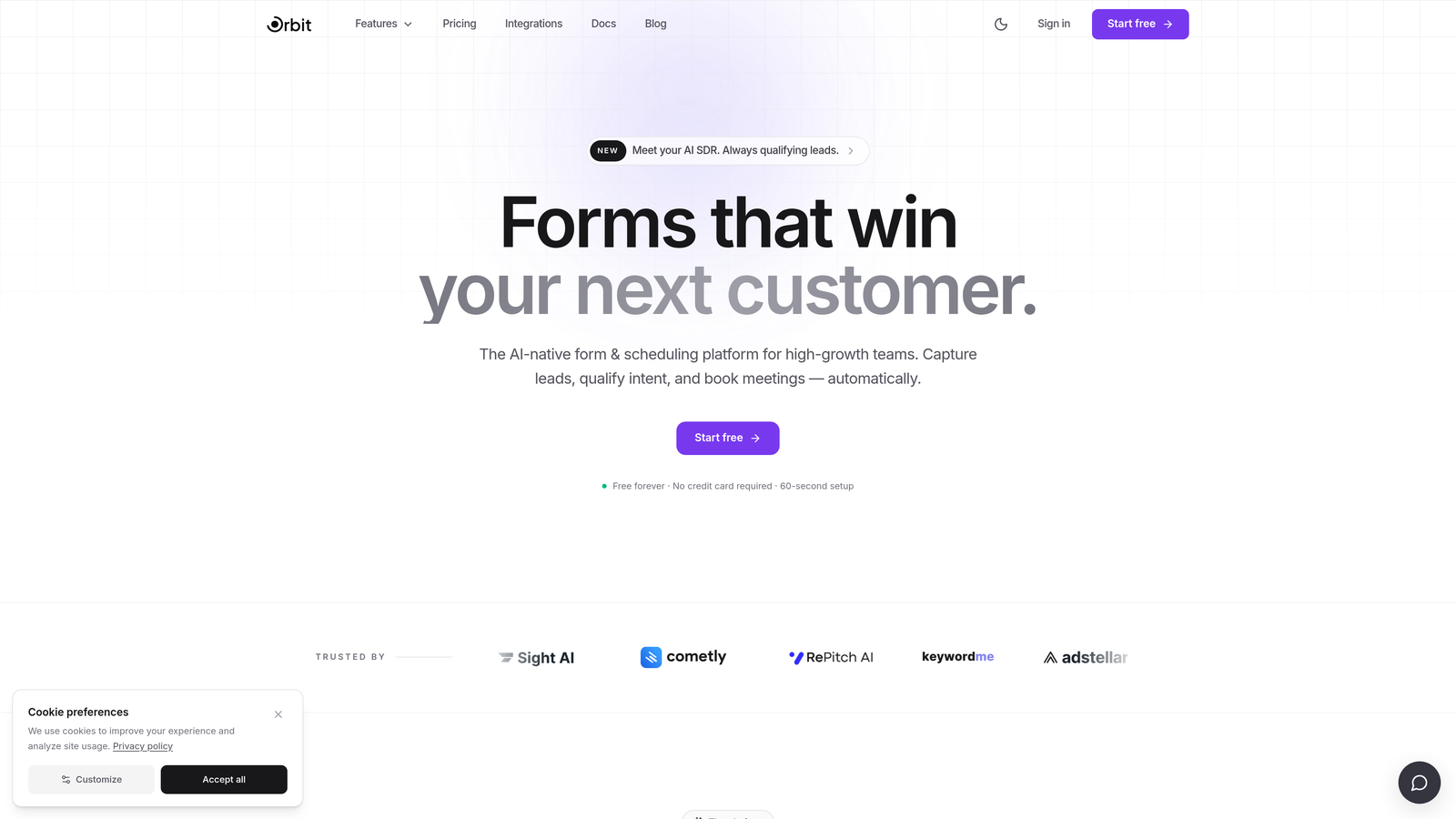
Orbit AI is an AI-powered form builder combining conditional logic with intelligent lead qualification, built specifically for high-growth teams.
Where This Tool Shines
Most conditional logic tools stop at show/hide fields. Orbit AI goes further by layering AI-driven lead scoring on top of that logic, so your form isn't just adapting to user input, it's actively evaluating prospect quality in real time. That's a meaningful leap for sales and marketing teams who care about lead quality, not just volume.
The platform is also designed with conversion in mind from the ground up. You get clean, modern form design out of the box without needing a designer, which matters when your form is often the first touchpoint a prospect has with your brand.
Key Features
AI-Driven Lead Qualification: Scores and routes leads automatically based on how they respond to form questions, so your sales team sees the highest-quality prospects first.
Dynamic Conditional Logic: Show, hide, or require fields based on user input, creating personalized form paths without manual complexity.
Conversion-Optimized Design: Modern, clean UI that looks polished by default, reducing the design work needed before you can go live.
Real-Time Lead Enrichment: Surfaces qualification signals alongside responses so your team has context before the first outreach.
CRM and Sales Tool Integrations: Connects with your existing pipeline tools for seamless lead handoff without manual data entry.
Best For
SaaS companies, B2B marketing teams, and growth-focused organizations that want conditional logic plus intelligent lead qualification in a single platform. Particularly strong for teams replacing static contact forms with smarter, self-qualifying intake flows.
Pricing
Visit orbitforms.ai for current pricing details and free trial options. Plans are designed for growing teams with conversion as a priority.
2. Typeform
Best for: Polished, conversational forms where user experience and brand presentation are top priorities
Typeform is a conversational form builder known for its one-question-at-a-time interface and Logic Jumps for branching.

Where This Tool Shines
Typeform's core strength is the experience it creates for respondents. By presenting one question at a time in a clean, distraction-free interface, it tends to feel more like a conversation than a form. For brand-sensitive use cases like customer onboarding, event registration, or marketing surveys, that polish makes a real difference.
Logic Jumps let you branch based on specific answers, routing respondents through different question paths depending on what they select. It's intuitive to set up and covers most branching scenarios without requiring technical knowledge.
Key Features
Logic Jumps: Branch respondents to different questions or endings based on their answers, creating personalized form paths.
Conversational UX: One-question-at-a-time interface that reduces visual overwhelm and often improves completion rates.
Design Customization: Strong brand theming options including fonts, colors, background images, and custom domains.
Native Integrations: Connects directly with HubSpot, Salesforce, Slack, Mailchimp, and more without needing Zapier.
Rich Media Embedding: Add videos and images within questions to provide context or make forms more engaging.
Best For
Marketing teams, agencies, and creators who prioritize respondent experience and brand presentation. Works well for surveys, lead gen forms, and onboarding flows where aesthetics matter as much as data collection.
Pricing
Free plan available with limited responses and features. Paid plans start at approximately $25/month, with higher tiers unlocking more responses, integrations, and logic capabilities.
3. Jotform
Best for: Feature-rich conditional logic with payment collection and approval workflows in one platform
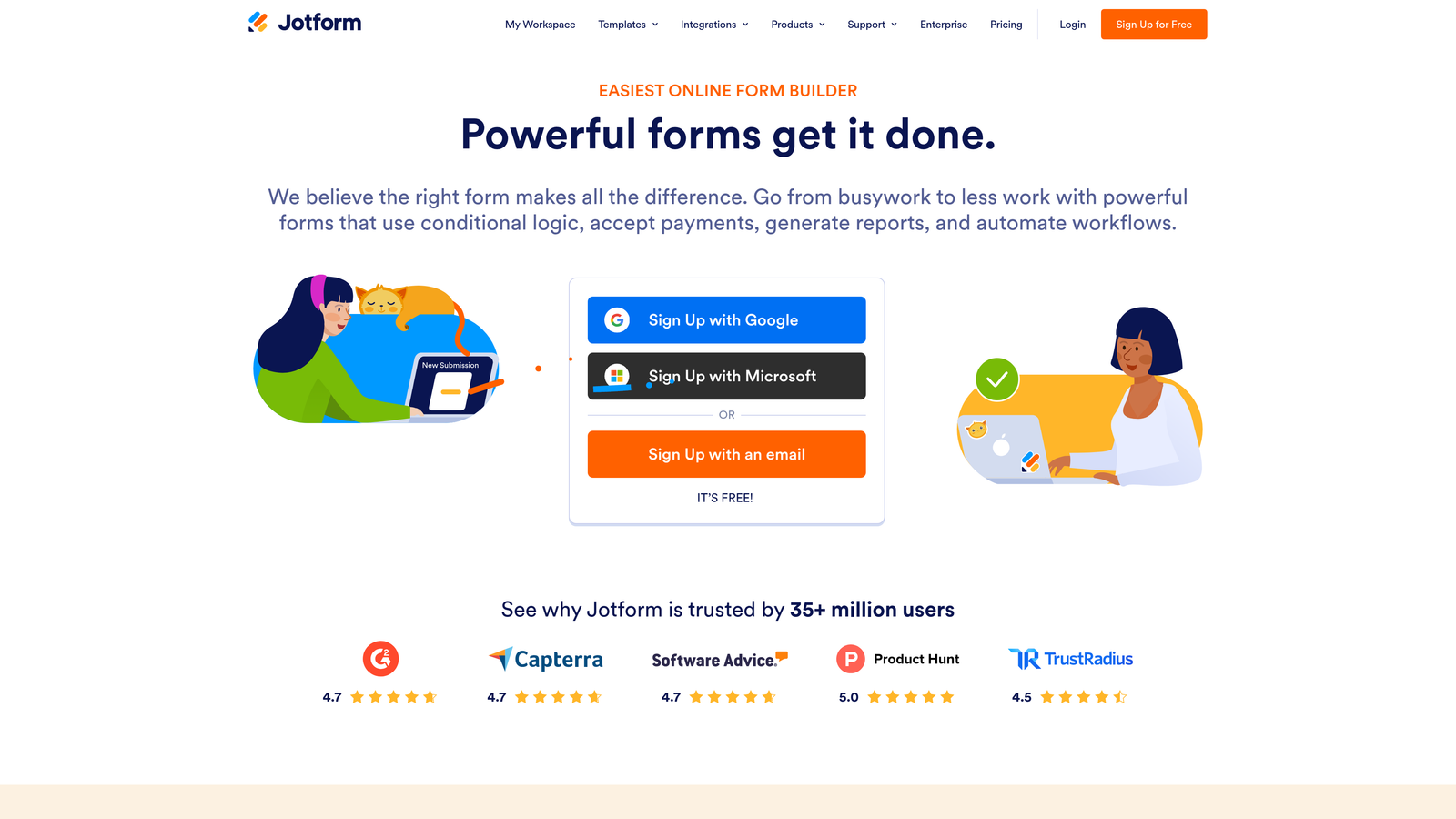
Jotform is one of the most comprehensive form builders available, with deep conditional logic, 150-plus integrations, and strong support for payment and approval workflows.
Where This Tool Shines
Jotform's conditional logic goes beyond basic show/hide. You can build multi-condition rules using AND/OR operators at both the field and page level, which gives you precise control over complex form flows. You can also trigger conditional email notifications and approval routing based on responses, making it useful for internal workflows, not just data collection.
The template library is genuinely extensive, covering everything from job applications to medical intake forms to payment orders. If you need HIPAA compliance, that's available on higher-tier plans, which makes Jotform viable for healthcare and regulated industries.
Key Features
Multi-Condition Logic Rules: Build AND/OR conditional rules at field and page level for precise branching control.
Conditional Notifications: Route email alerts and approval requests based on specific form responses.
150+ Native Integrations: Connects with Salesforce, PayPal, Google Sheets, Dropbox, and many more out of the box.
Massive Template Library: Over 10,000 templates across dozens of categories to speed up form creation.
HIPAA-Compliant Plans: Available for healthcare teams that need to collect protected health information securely.
Best For
Teams that need complex conditional logic, payment collection, and workflow automation without building everything from scratch. Strong fit for agencies, operations teams, and businesses in regulated industries.
Pricing
Free plan available with generous limits. Paid plans start at approximately $34/month, with HIPAA-compliant plans available at higher tiers.
4. HubSpot Forms
Best for: HubSpot users who want CRM-native forms with progressive profiling and smart field logic
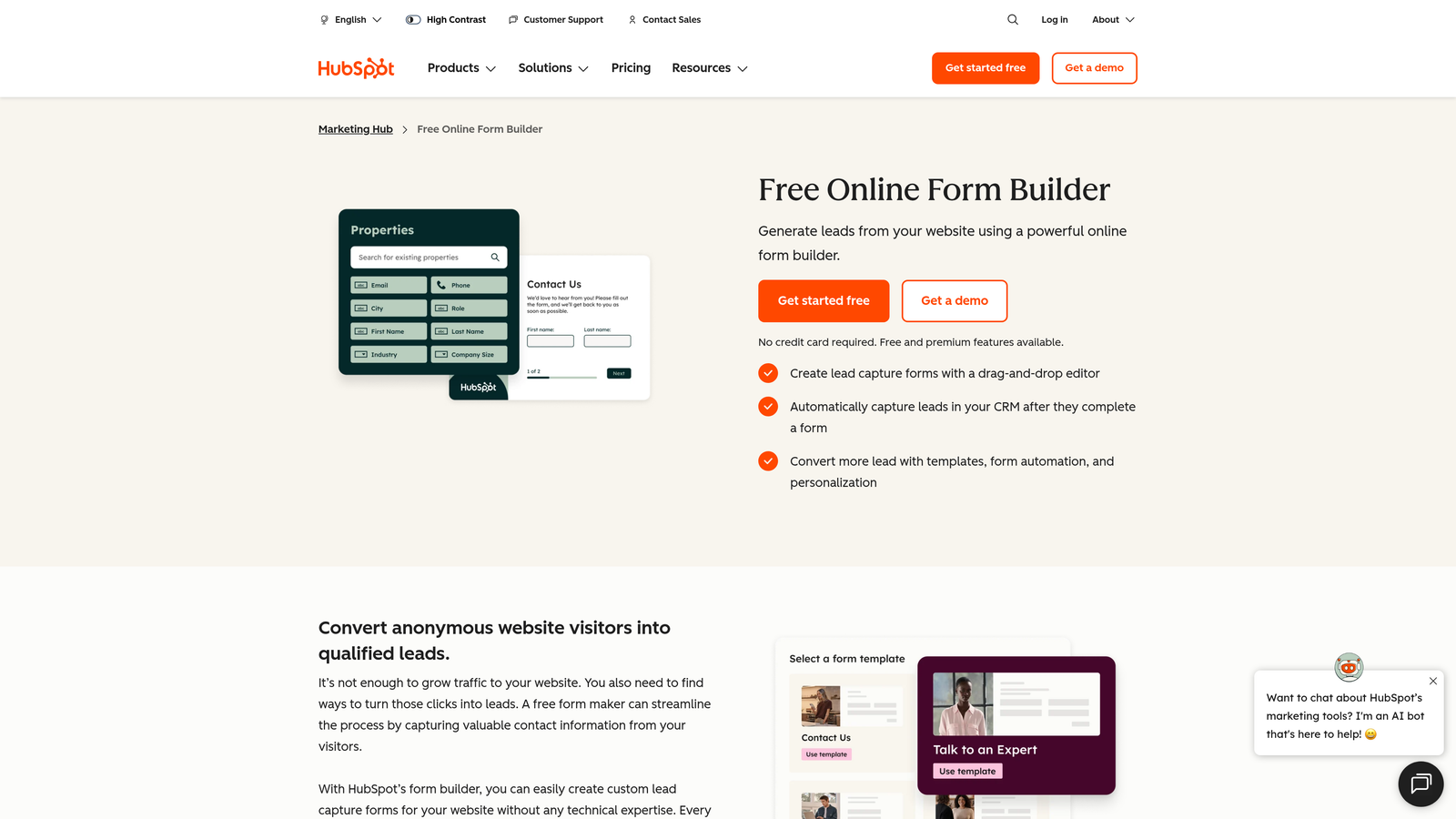
HubSpot Forms is a CRM-native form builder with progressive profiling and smart fields that adapt based on existing contact data.
Where This Tool Shines
The standout feature here is progressive profiling. When a known contact visits your form again, HubSpot automatically swaps out fields you've already captured for new ones, so you're always collecting fresh data without asking the same questions twice. For inbound marketing teams running content offers and gated assets, this is a meaningful advantage.
Because forms live natively inside HubSpot, every submission flows directly into your CRM, triggers workflows, and feeds into lead scoring without any integration setup. If your team already runs on HubSpot, this is the path of least resistance.
Key Features
Progressive Profiling: Automatically shows new fields to returning visitors whose data is already in your CRM, building richer contact records over time.
Smart Fields and Dependent Logic: Show or hide fields based on existing CRM contact properties, not just current form responses.
Native CRM Sync: Every submission instantly updates contact records, triggers workflows, and feeds lead scoring in HubSpot.
Free Embedded Forms: Basic forms are available at no cost on HubSpot's free tier, with no response limits.
A/B Testing: Available on higher-tier Marketing Hub plans for optimizing form performance over time.
Best For
Marketing and sales teams already invested in the HubSpot ecosystem. Limited value as a standalone tool, but deeply powerful when connected to HubSpot's CRM, workflows, and reporting.
Pricing
Free with a HubSpot account. Advanced smart form features require Marketing Hub paid plans, which start at approximately $800/month, making this a premium investment for teams outside the HubSpot ecosystem.
5. Gravity Forms
Best for: WordPress sites needing granular conditional logic, developer flexibility, and a rich add-on ecosystem
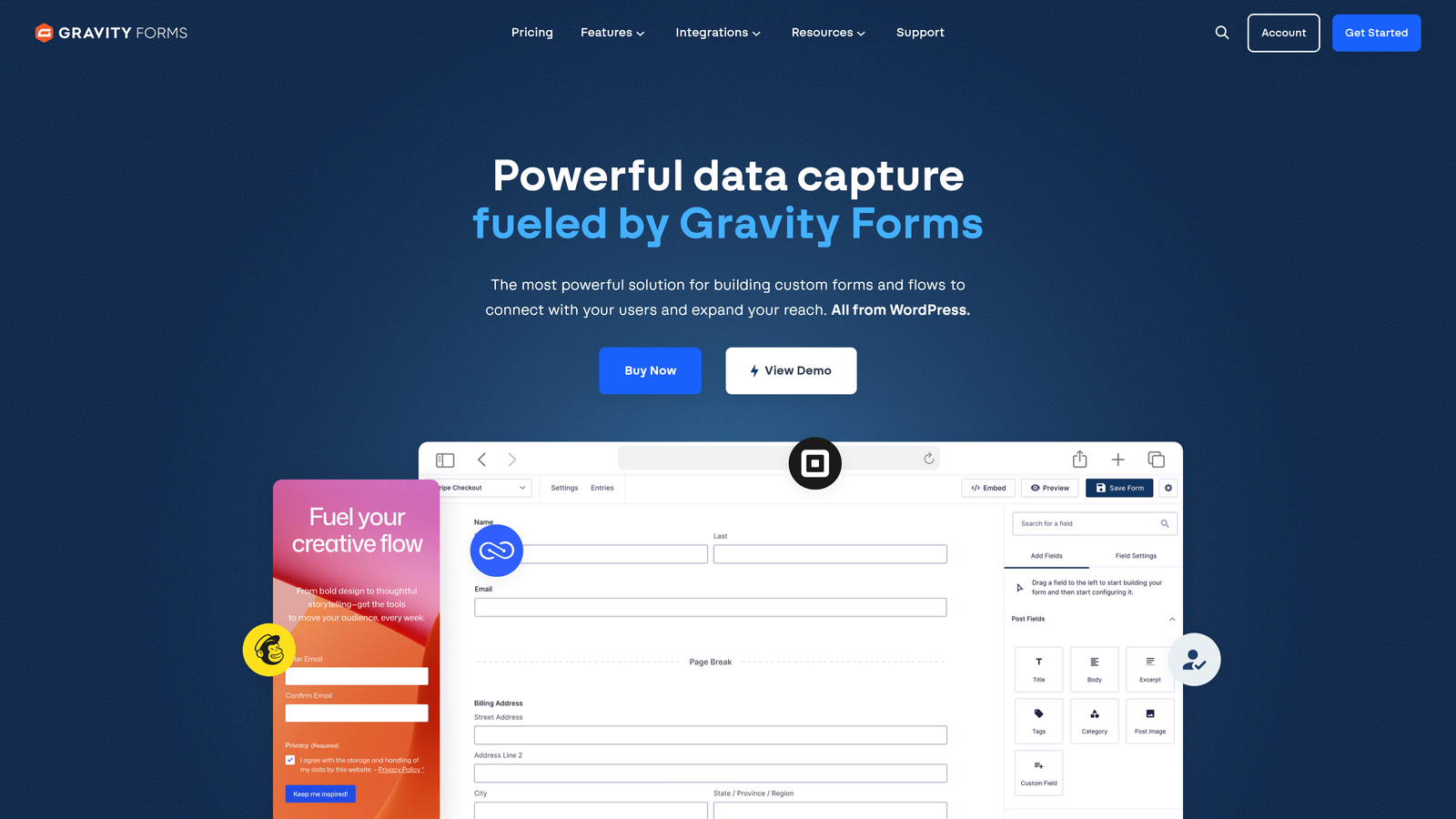
Gravity Forms is the leading WordPress form plugin for developers and agencies requiring precise conditional logic and extensive customization.
Where This Tool Shines
Gravity Forms gives you conditional logic at the field, section, and page level, which is more granular than many SaaS alternatives. You can also dynamically populate field values from URL parameters, which is useful for personalized landing pages and UTM-tracked campaigns. For WordPress developers, the hooks, filters, and REST API make it highly extensible.
The add-on library covers most integration needs: Stripe for payments, Zapier for automation, Mailchimp for email, and many more. Because it's a WordPress plugin rather than a hosted service, you own the data and the environment, which some teams prefer from a compliance standpoint.
Key Features
Granular Conditional Logic: Apply conditional rules at the field, section, and page level for precise control over complex form flows.
Dynamic Field Population: Auto-fill fields from URL parameters, enabling personalized forms tied to campaign data.
Calculation Fields: Build pricing calculators, scoring systems, and dynamic totals directly within forms.
Multi-Page Forms with Conditional Routing: Send users to different pages based on their answers within a single multi-step form.
Developer-Friendly Architecture: Hooks, filters, and a REST API for custom integrations and advanced functionality.
Best For
WordPress agencies, developers, and businesses that need complex form logic within a WordPress environment. Not suitable for teams not on WordPress.
Pricing
Starts at approximately $59/year for a single site license. Higher tiers unlock additional add-ons and multi-site licensing.
6. Formstack
Best for: Enterprise teams in regulated industries needing conditional logic with document generation and e-signatures
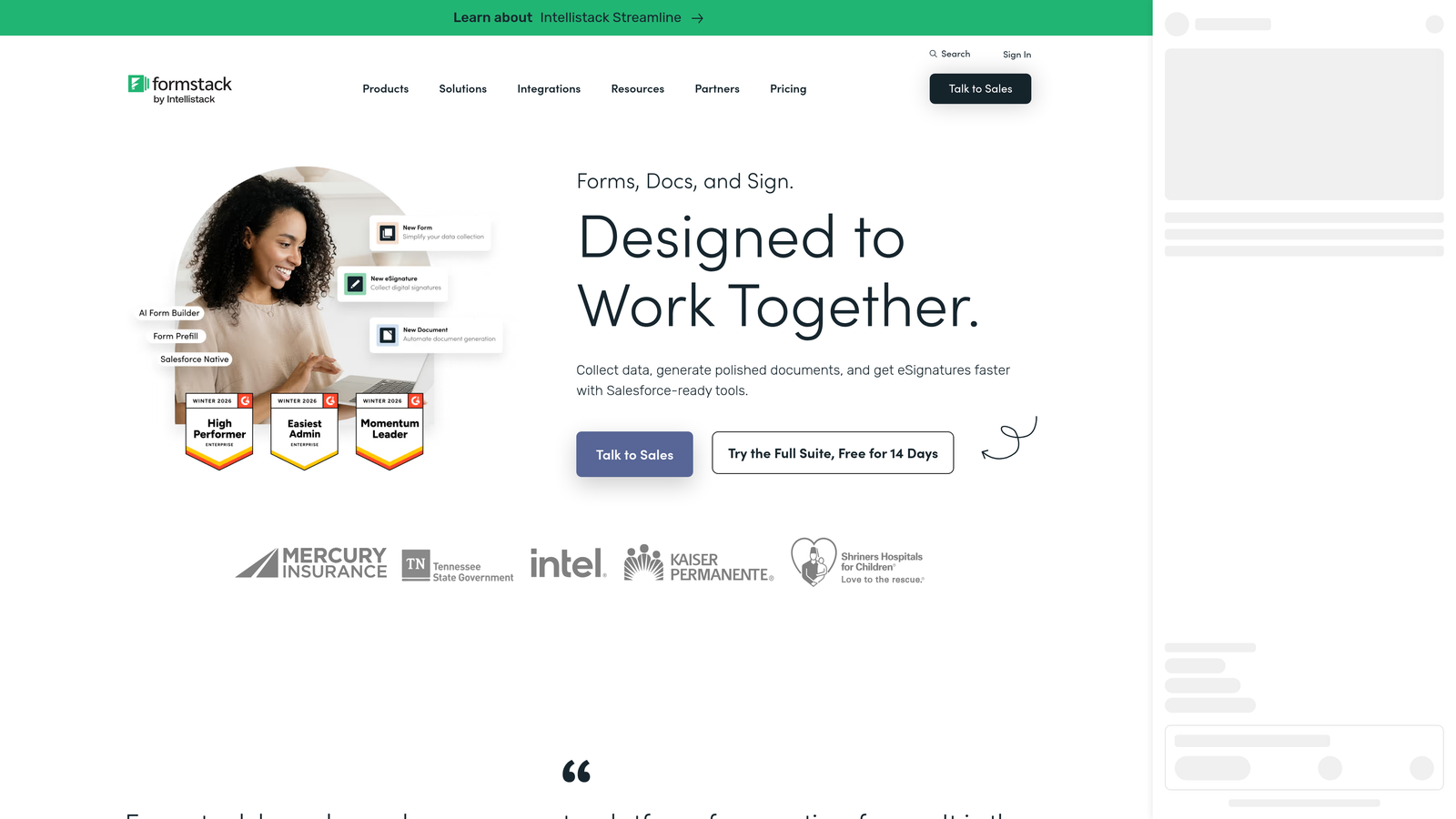
Formstack is an enterprise form platform that combines conditional logic with document generation and e-signature workflows, with HIPAA compliance built in.
Where This Tool Shines
Formstack's differentiation is its end-to-end workflow capability. A form submission can trigger a conditional logic path, generate a populated PDF document via Formstack Documents, and collect an e-signature, all within the same platform. For industries like healthcare, legal, and financial services, that integrated workflow removes a lot of stitching together separate tools.
The Salesforce integration is also notably deep, making Formstack a strong choice for enterprise teams whose CRM is the center of their operations. HIPAA-compliant data handling is available, which is a hard requirement for many regulated industries.
Key Features
Field-Level Conditional Logic: Branching and calculation logic applied at the field level with multi-condition support.
Native Document Generation: Integration with Formstack Documents auto-generates populated PDFs from form submissions.
Built-In E-Signature Collection: Collect legally binding signatures as part of the form workflow without a third-party tool.
HIPAA-Compliant Data Handling: Meets compliance requirements for healthcare and other regulated data environments.
Deep Salesforce Integration: Bidirectional sync with Salesforce for enterprise CRM workflows and reporting.
Best For
Enterprise teams in healthcare, legal, financial services, or any regulated industry that needs conditional logic as part of a larger document and signature workflow. Higher price point reflects the breadth of functionality.
Pricing
Plans start at approximately $83/month. Enterprise pricing is available for larger organizations with more complex requirements.
7. Paperform
Best for: Small businesses and creators who want flexible, document-style forms with conditional logic and payment collection
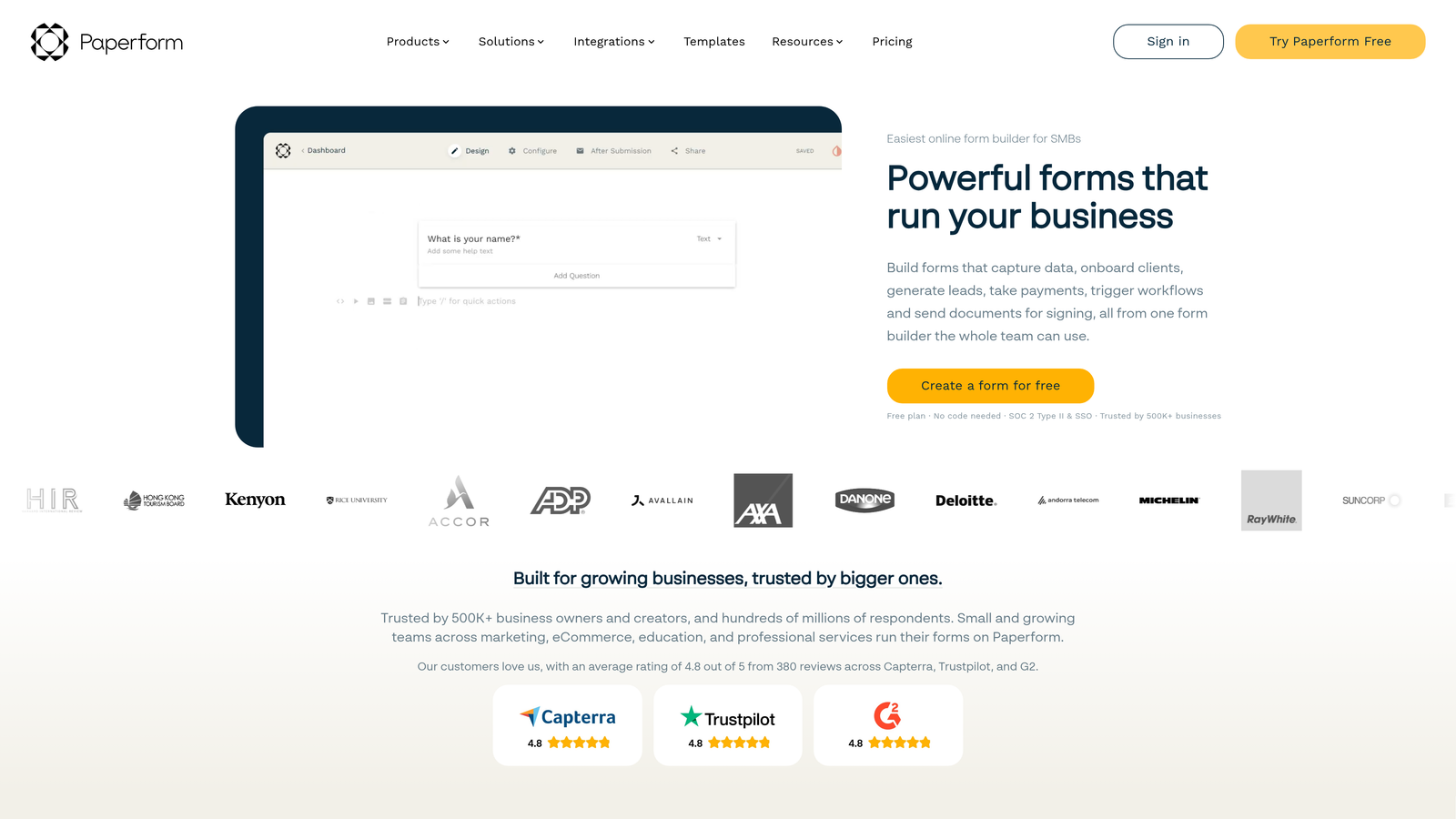
Paperform is a freeform editor that blends conditional logic with a document-like layout, popular with small businesses and independent creators.
Where This Tool Shines
Paperform's editor feels more like building a landing page than filling out a form template. You can mix text, images, videos, and form fields freely on the page, which makes it easy to create forms that provide context alongside the questions. That flexibility is particularly useful for product order forms, event registrations, and intake flows where explanation matters.
Conditional Sections let you show or hide entire content blocks based on answers, not just individual fields. Combined with calculation fields for pricing and scoring, Paperform handles more complex logic than its small-business positioning might suggest.
Key Features
Conditional Sections: Show or hide entire content blocks, including text and media, based on respondent answers.
Freeform Editor: Mix text, images, videos, and fields freely on the page without being constrained by a rigid form layout.
Calculation Fields: Build dynamic pricing, scoring, and totals that update based on form responses.
Payment Collection: Accept payments via Stripe, PayPal, and Square directly within the form.
500+ Integrations: Connect via native connectors and Zapier to extend functionality across your tech stack.
Best For
Solopreneurs, small businesses, and creators who need flexible form design with solid conditional logic and built-in payment collection, without enterprise complexity or pricing.
Pricing
Plans start at approximately $24/month with a free trial available to test before committing.
8. SurveySparrow
Best for: CX and HR teams running recurring surveys, NPS programs, and feedback automation with skip logic
SurveySparrow is a survey-focused platform with skip logic, chat-style forms, and recurring survey automation built for customer experience and HR use cases.
Where This Tool Shines
SurveySparrow is purpose-built for feedback programs rather than lead generation. Its recurring survey automation is a standout feature: you can configure surveys to go out on a schedule to a contact list, which is ideal for quarterly NPS programs, employee pulse checks, or ongoing CSAT measurement. The chat-style survey mode makes these feel more conversational and less like traditional surveys.
Skip logic and branching work across both chat-style and classic survey modes, so respondents only see questions relevant to their previous answers. The reporting dashboard includes sentiment analysis, which adds a layer of insight beyond raw response data.
Key Features
Skip Logic and Branching: Route respondents through different question paths in both chat-style and classic survey modes.
Recurring Survey Automation: Schedule and automate survey distribution to contact lists on configurable intervals.
NPS, CSAT, and CES Templates: Pre-built survey types for common customer experience measurement frameworks.
Audience Management: Segment contact lists and manage respondent groups directly within the platform.
Sentiment Analysis Reporting: Dashboard that goes beyond response counts to surface themes and sentiment patterns.
Best For
CX, HR, and operations teams running structured feedback programs. Better suited for recurring measurement and employee or customer surveys than for lead generation or sales qualification workflows.
Pricing
Free plan available. Paid plans start at approximately $19/month, making it one of the more affordable options for survey-focused use cases.
9. Google Forms
Best for: Internal data collection, quick surveys, and low-complexity use cases where free matters most
Google Forms is a free, straightforward form tool with section-based branching logic, best for internal or low-complexity data collection needs.
Where This Tool Shines
Google Forms wins on accessibility and zero cost. If you need a quick form for an internal survey, event RSVP, or team feedback collection, it's hard to argue against something that's free, requires no setup, and lives inside the Google Workspace tools your team already uses. Collaborative editing means multiple people can build and manage forms simultaneously.
The branching logic is section-based rather than field-level, meaning you route respondents to different sections of the form based on multiple-choice answers. It's simpler than what other tools on this list offer, but for straightforward use cases, it's often enough.
Key Features
Section-Based Branching: Route respondents to different form sections based on multiple-choice answers, covering basic conditional logic needs.
Completely Free: No cost with a Google account, making it accessible to any team regardless of budget.
Google Sheets Integration: Responses automatically populate a connected spreadsheet for easy analysis and sharing.
Collaborative Editing: Multiple team members can build and edit forms simultaneously, like any Google Workspace document.
Fast Setup: No learning curve, no configuration required, just open and start building.
Best For
Teams on tight budgets, internal use cases, and anyone who needs a simple form quickly without any technical setup. If you're looking for more power, our guide on alternatives to Google Forms covers stronger options worth considering.
Pricing
Free with a Google account. Google Workspace plans start at approximately $6/user/month and include additional storage and admin features.
Which Tool Is Right for Your Team
The best dynamic form builder depends almost entirely on what you're trying to accomplish. Here's how to think about the decision.
If lead qualification is your primary goal, Orbit AI is the clear choice. It's the only tool on this list that combines conditional logic with AI-driven lead scoring and enrichment, making it purpose-built for SaaS and B2B teams who need to turn form submissions into pipeline, not just spreadsheet rows.
For the best respondent experience and brand presentation, Typeform consistently delivers. Its conversational interface and strong design customization make it a go-to for marketing teams where first impressions matter.
If you're on WordPress and need granular logic with developer flexibility, Gravity Forms remains the dominant choice. For enterprise teams in regulated industries who need forms, documents, and e-signatures in one workflow, Formstack is built for exactly that.
On a tight budget or handling internal use cases? Google Forms gets the job done at zero cost, though you'll hit its limits quickly if your needs grow.
For most high-growth teams focused on conversion and lead quality, the combination of conditional logic and AI qualification that Orbit AI offers is hard to match. Start building free forms today and see how intelligent form design can transform your lead generation strategy, from the first field to the final handoff to your sales team.


