

Embedding forms directly into your website eliminates the friction of redirecting visitors to separate landing pages. When users can fill out forms without leaving your site, conversion rates improve significantly—they stay in context, trust remains high, and the experience feels seamless. The best embeddable form software combines ease of implementation with powerful customization, integration capabilities, and analytics that help you understand what's working. We evaluated these tools based on embed flexibility, mobile responsiveness, design customization, integration ecosystems, and overall value for lead capture teams.
Here are the top embeddable form software solutions transforming how businesses capture and qualify leads in 2026.
1. Orbit AI
Best for: High-growth teams needing AI-powered lead qualification built into their forms
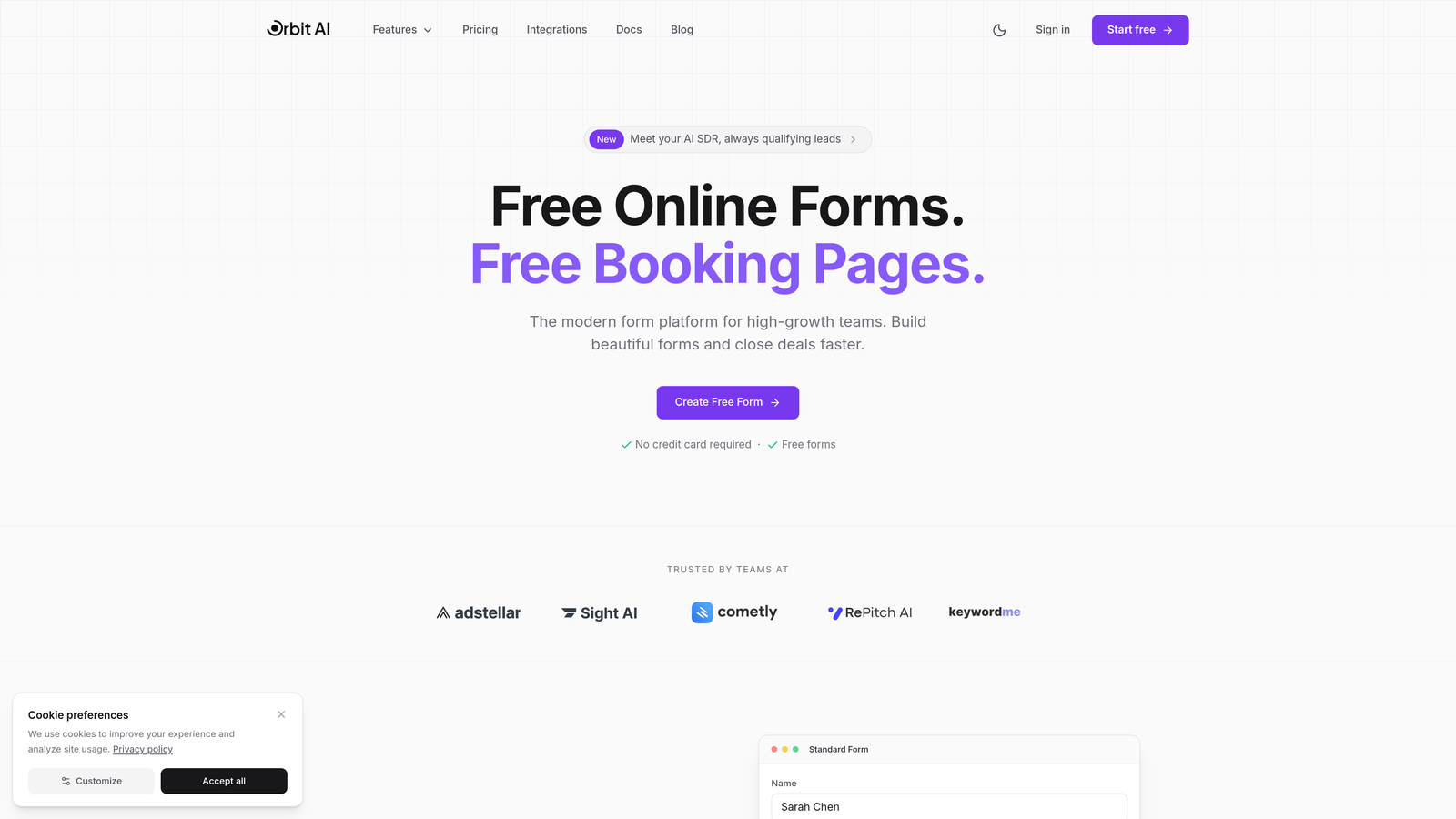
Orbit AI is an AI-powered form builder platform designed specifically for teams that need to capture and prioritize leads efficiently.
Where This Tool Shines
What sets Orbit AI apart is its built-in lead qualification engine. While most form builders simply collect responses, Orbit AI automatically scores and prioritizes leads based on their submission data, helping sales teams focus on the prospects most likely to convert.
The platform delivers modern, conversion-optimized form designs that embed seamlessly into any website with lightweight code that won't slow down your pages. For teams drowning in unqualified leads, this intelligent filtering changes everything.
Key Features
AI-Powered Lead Scoring: Automatically qualifies and prioritizes leads based on submission data and custom criteria.
Conversion-Optimized Designs: Modern templates built specifically to maximize completion rates and reduce abandonment.
Lightweight Embedding: Clean embed code that integrates smoothly without impacting site performance.
Native CRM Integrations: Direct connections to major CRMs and marketing tools for seamless workflow automation.
Real-Time Analytics: Detailed tracking of form performance, completion rates, and lead quality metrics.
Best For
Growing SaaS companies, marketing agencies, and B2B businesses that generate high volumes of leads and need intelligent qualification to separate prospects from tire-kickers. Perfect for teams where sales time is valuable and lead quality matters more than quantity.
Pricing
Free tier available for teams getting started. Paid plans begin at competitive rates designed for growing teams that need advanced qualification and analytics capabilities.
2. Typeform
Best for: Creating engaging, conversational form experiences with high completion rates
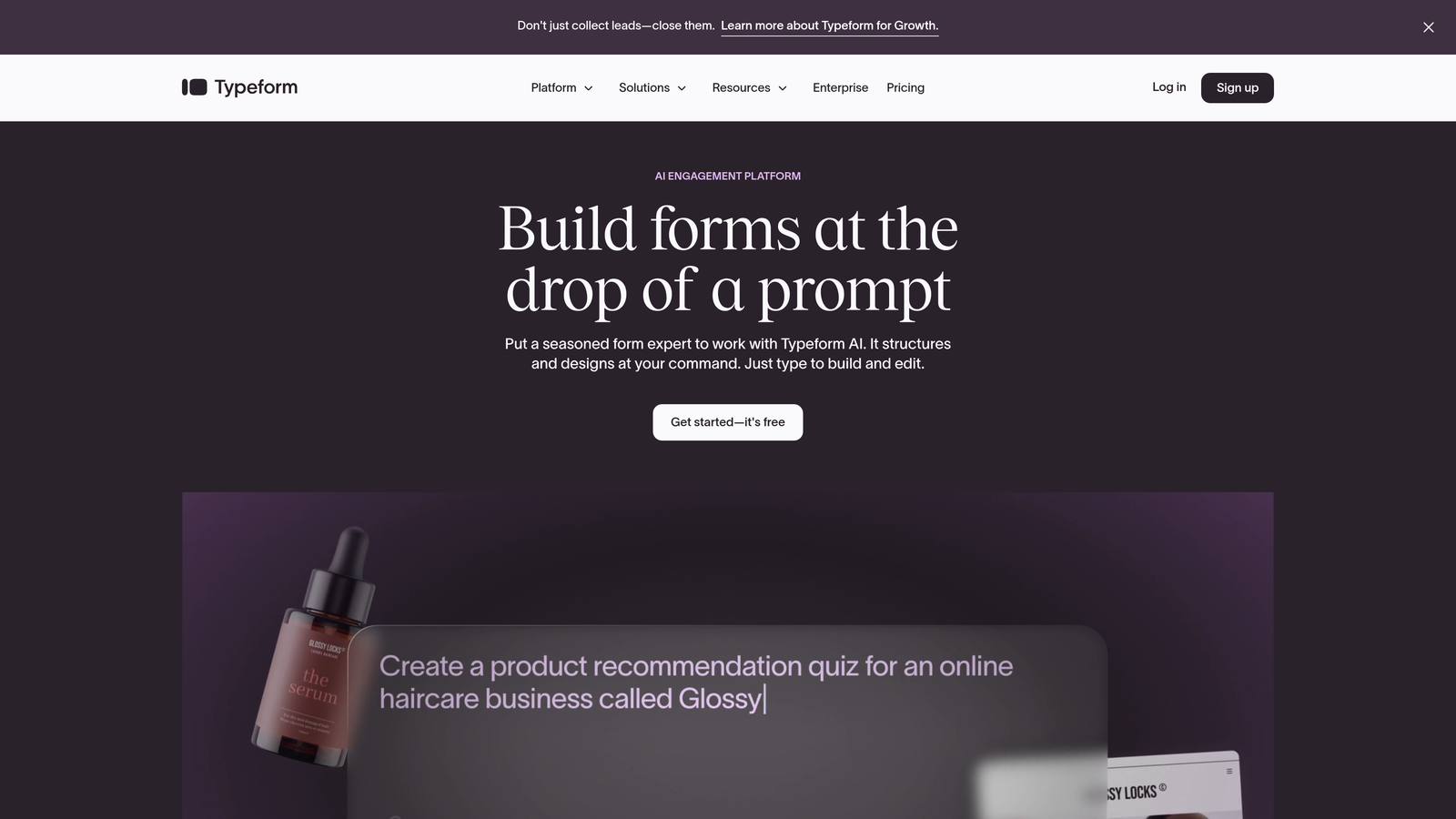
Typeform is a conversational form builder that presents questions one at a time, creating an interactive experience that feels more like a conversation than a traditional form.
Where This Tool Shines
Typeform's signature one-question-at-a-time format reduces cognitive load and keeps users focused. Instead of facing a wall of fields, respondents answer questions sequentially, which significantly improves completion rates for longer forms.
The platform excels at creating branded experiences with video, images, and GIFs embedded throughout the form journey. For businesses where engagement and brand experience matter as much as data collection, Typeform delivers a premium feel.
Key Features
Conversational Format: One-question-at-a-time interface that guides users through the form naturally.
Logic Jumps: Conditional branching that personalizes the form experience based on previous answers.
Rich Media Support: Embed videos, images, and GIFs directly into questions for visual engagement.
Extensive Integrations: Connects with hundreds of tools including Slack, HubSpot, Mailchimp, and Google Sheets.
Mobile Optimization: Fully responsive design that works beautifully on any device size.
Best For
Brands prioritizing user experience and engagement, particularly for surveys, quizzes, and multi-step lead qualification forms where traditional layouts feel too formal or overwhelming.
Pricing
Free plan allows 10 responses per month. Basic plan starts at $25/month for 100 responses, with higher tiers offering unlimited responses and advanced features.
3. Jotform
Best for: Teams needing extensive templates and widgets without custom development
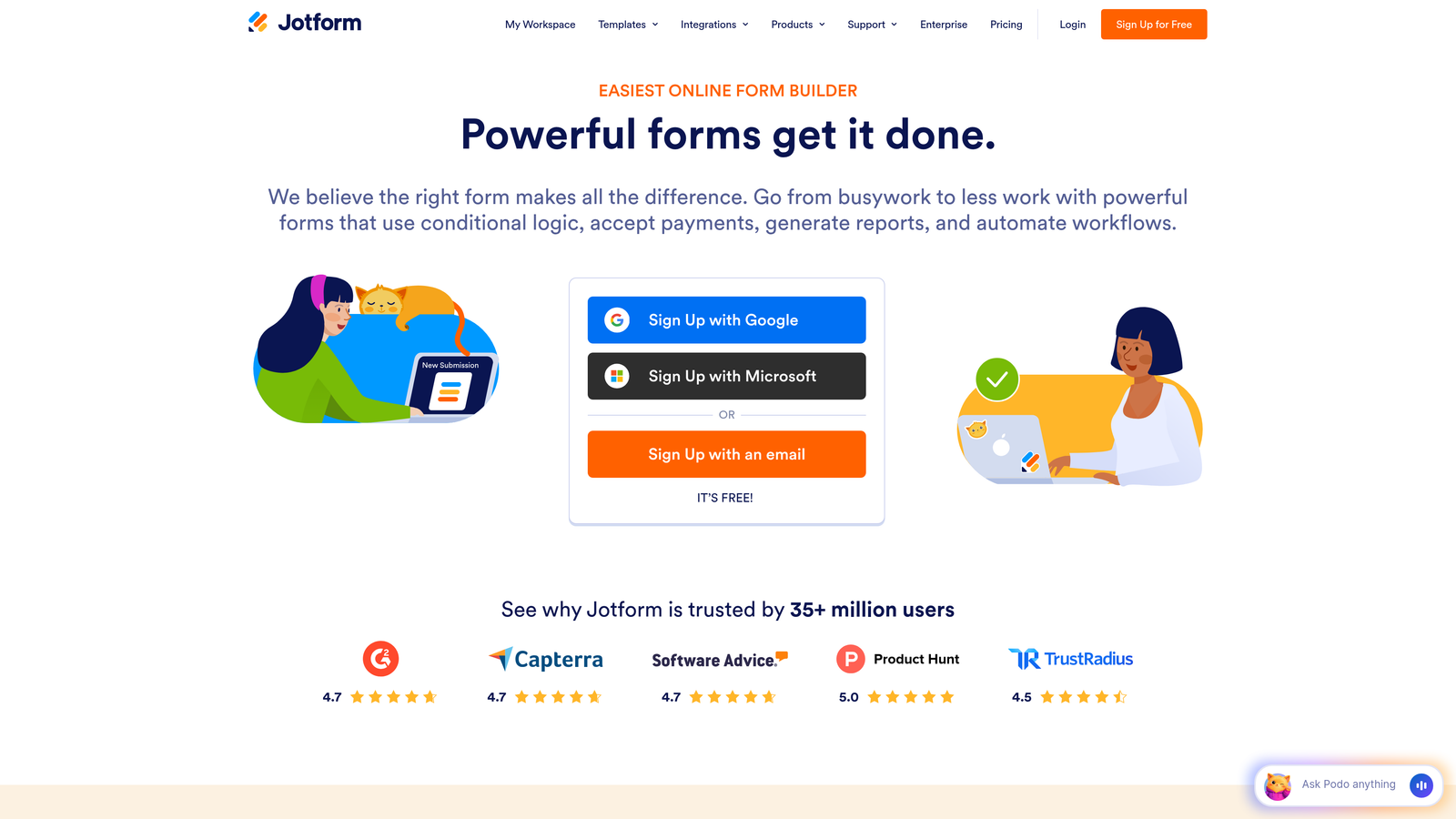
Jotform is a versatile form builder offering over 10,000 templates and a marketplace of widgets that extend functionality without requiring code.
Where This Tool Shines
Jotform's massive template library means you rarely start from scratch. Whether you need a contact form, registration form, or complex application, there's likely a pre-built template that gets you 80% of the way there immediately.
The widget marketplace adds functionality like appointment scheduling, signature capture, and file uploads through simple drag-and-drop additions. For teams without developers, this ecosystem provides enterprise-level capabilities at small business prices.
Key Features
10,000+ Templates: Pre-built forms for virtually every use case, fully customizable to match your brand.
Widget Marketplace: Hundreds of add-ons for extended functionality like maps, calculators, and payment processing.
PDF Conversion: Automatically generate PDF documents from form submissions for contracts and receipts.
Payment Integration: Built-in support for PayPal, Stripe, Square, and other payment processors.
Conditional Logic: Show or hide fields based on user responses, with calculation capabilities for complex forms.
Best For
Small to medium businesses that need versatile forms quickly, particularly those collecting payments, registrations, or applications where templates accelerate deployment.
Pricing
Free plan includes 5 forms and 100 monthly submissions. Bronze plan starts at $34/month for 25 forms and 1,000 submissions.
4. Tally
Best for: Startups and small teams wanting unlimited forms without subscription costs
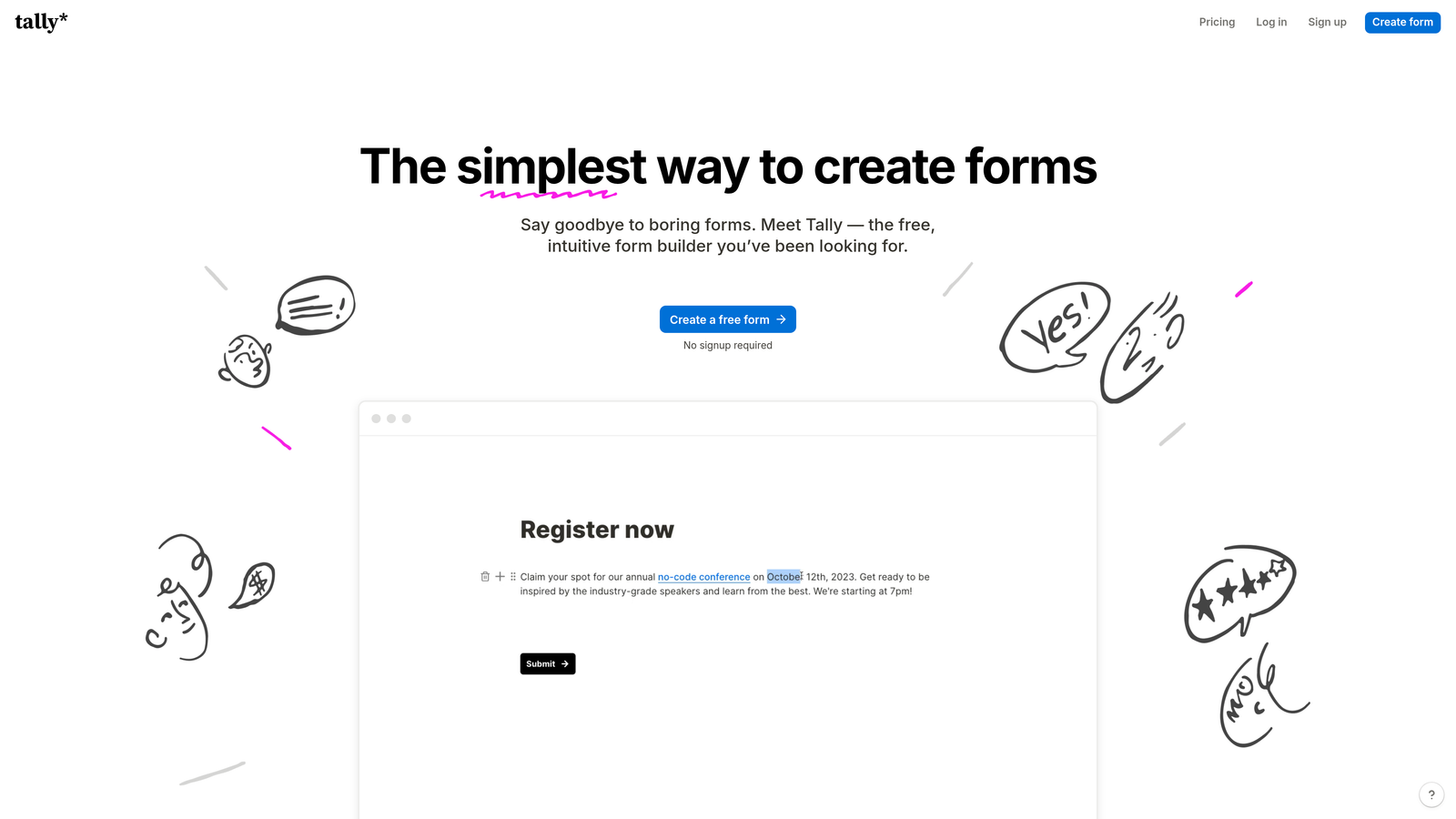
Tally is a minimalist form builder with a Notion-style interface and an exceptionally generous free tier that includes unlimited forms and responses.
Where This Tool Shines
Tally's free plan is genuinely unlimited—no artificial caps on forms or submissions. For bootstrapped startups and small teams, this removes the anxiety of choosing between features and budget constraints.
The Notion-inspired block-based editor feels immediately familiar to anyone who's used modern productivity tools. You build forms by adding blocks, rearranging them freely, and customizing without navigating complex menus or settings panels.
Key Features
Unlimited Free Forms: No restrictions on form count or monthly submissions on the free tier.
Block-Based Editor: Notion-style interface for intuitive form building without learning curves.
File Uploads: Collect documents, images, and signatures directly through form submissions.
Hidden Fields: Track UTM parameters and referral sources for attribution analysis.
Webhook Support: Connect to Zapier and custom workflows for automation without native integrations.
Best For
Early-stage startups, indie makers, and small teams that need professional forms without monthly subscription costs, particularly those already comfortable with Notion's interface paradigm.
Pricing
Free tier with unlimited forms and responses. Pro plan at $29/month adds custom domains, payment collection, and advanced customization.
5. Paperform
Best for: Creating branded, document-style forms that double as landing pages
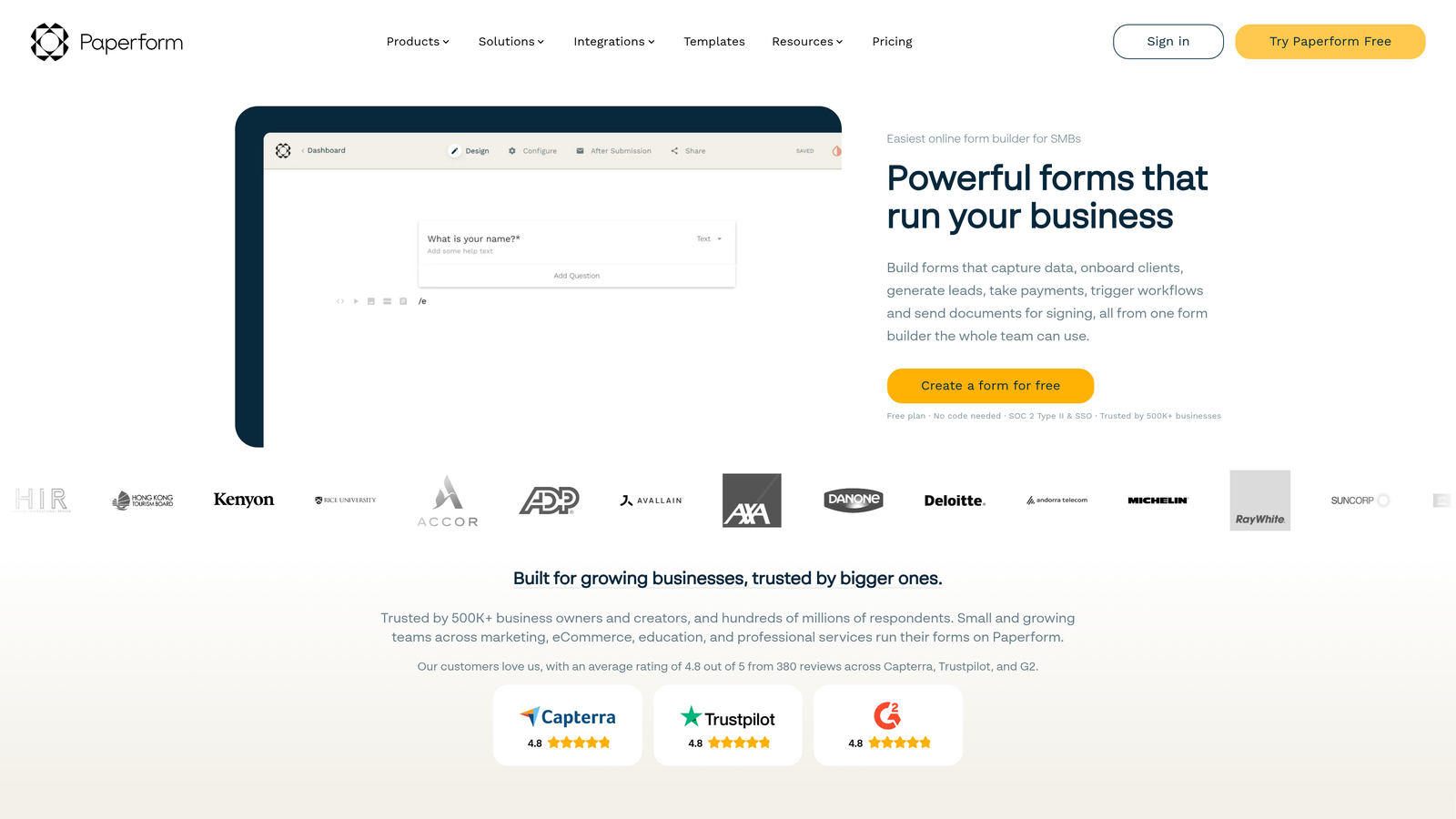
Paperform is a document-style form builder that allows rich media embedding and creates experiences that blur the line between forms and landing pages.
Where This Tool Shines
Paperform treats forms like documents rather than field collections. You can embed images, videos, and product catalogs directly within the form content, creating immersive branded experiences that feel custom-built.
This approach works brilliantly for order forms, booking pages, and lead magnets where context and visual appeal drive conversions. Instead of sterile input fields, you create narrative-driven pages that guide users through a story while collecting information.
Key Features
Rich Media Embedding: Add images, videos, and formatted text throughout forms for storytelling experiences.
Product Catalogs: Display products with images and descriptions, enabling e-commerce directly in forms.
Appointment Scheduling: Built-in calendar integration for booking meetings and services.
Custom Success Pages: Design branded confirmation pages with next steps and additional offers.
Advanced Conditional Logic: Complex branching and calculations for multi-step processes.
Best For
Service businesses, consultants, and e-commerce brands that want forms to match their premium brand experience rather than looking like generic data collection tools.
Pricing
Essentials plan at $24/month for basic features. Pro plan at $49/month includes advanced logic, payments, and custom code.
6. Cognito Forms
Best for: Collecting payments and handling complex calculations in order forms
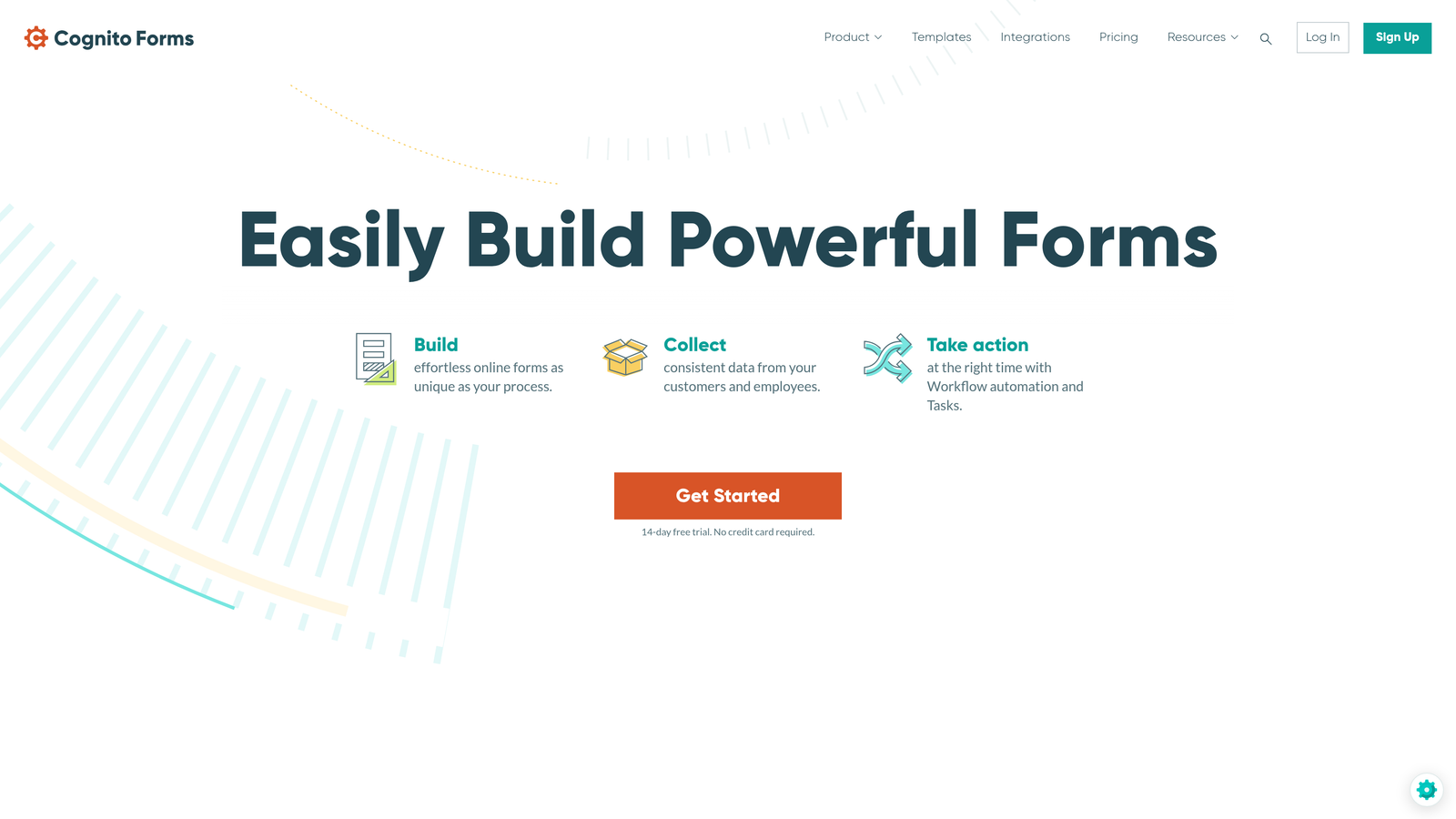
Cognito Forms is a form builder specializing in payment collection and advanced calculations, making it ideal for service businesses and order forms requiring financial processing.
Where This Tool Shines
Cognito Forms handles payment processing natively through Stripe, PayPal, and Square without requiring separate integrations or middleware. The calculation engine supports complex pricing scenarios with discounts, tax calculations, and conditional pricing based on selections.
For businesses selling services, products, or registrations through forms, this eliminates the need for separate e-commerce platforms. Everything from product selection to payment processing happens within a single embedded form.
Key Features
Native Payment Processing: Built-in support for Stripe, PayPal, and Square with no third-party connectors needed.
Advanced Calculations: Complex math fields for pricing, discounts, taxes, and conditional amounts.
Repeating Sections: Allow users to add multiple items or attendees within a single form submission.
Workflow Routing: Automatic approval processes and notification routing based on submission data.
HIPAA Compliance: Available on higher tiers for healthcare and sensitive data collection.
Best For
Service providers, event organizers, and businesses selling products or registrations where payment collection and complex pricing calculations are essential to the form experience.
Pricing
Free plan available with basic features. Pro plan starts at $15/month for payment processing and advanced calculations.
7. Formstack
Best for: Enterprise teams needing document generation and workflow automation
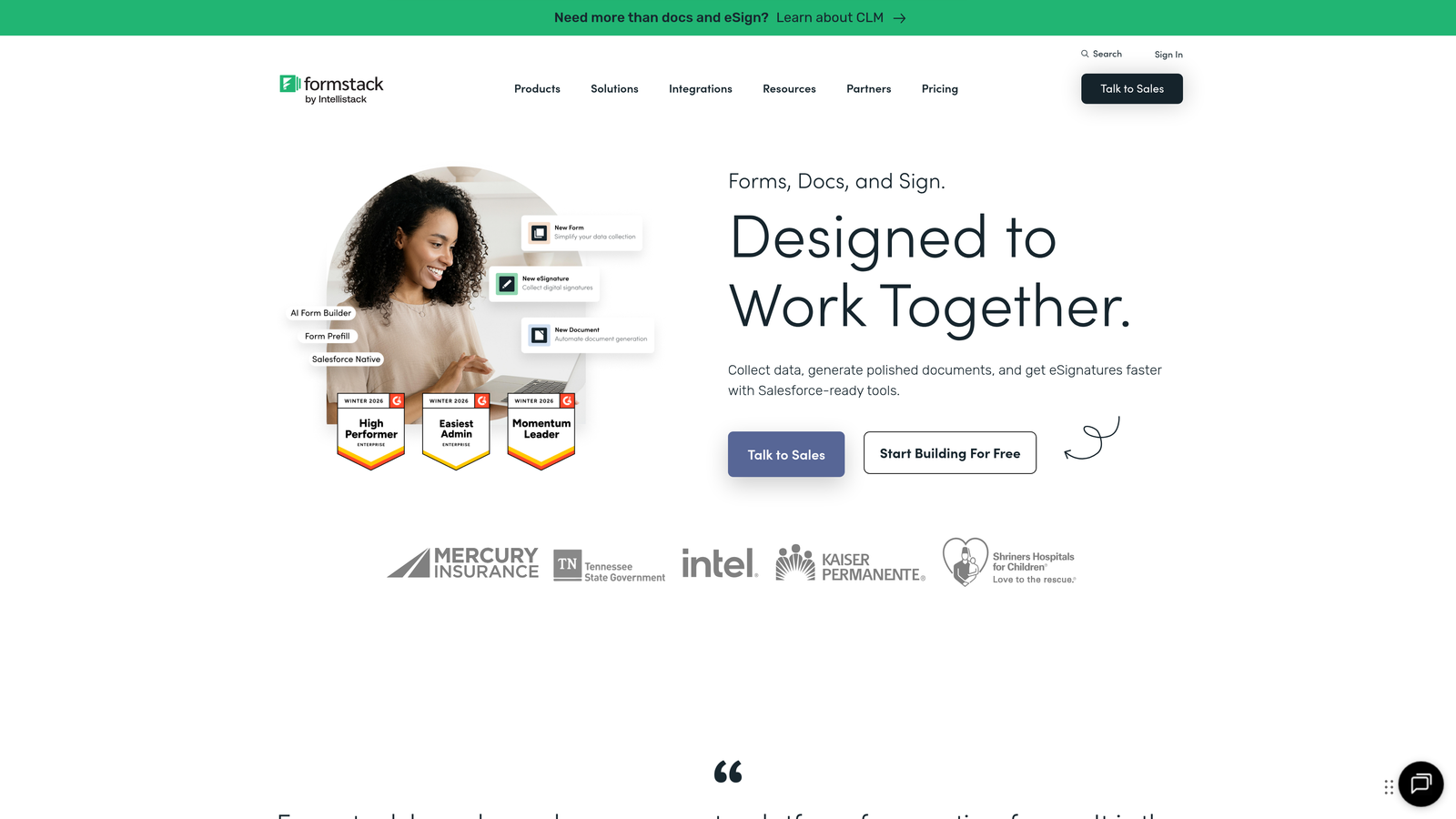
Formstack is an enterprise-grade form platform that combines data collection with document generation and workflow automation for complex business processes.
Where This Tool Shines
Formstack automatically generates PDF documents from form submissions, populating templates with submitted data for contracts, invoices, and reports. This eliminates manual document creation and ensures consistency across your organization.
The workflow automation capabilities route submissions through approval processes, trigger notifications based on conditions, and integrate deeply with enterprise systems like Salesforce. For regulated industries and large organizations, the security and compliance features meet stringent requirements.
Key Features
Document Generation: Automatically create PDFs from form data using custom templates.
E-Signature Integration: Collect legally binding signatures through DocuSign and Adobe Sign connections.
Workflow Automation: Route submissions through approval chains with conditional logic and notifications.
Enterprise Security: HIPAA, GDPR, and SOC 2 compliance with advanced encryption and audit logs.
Salesforce Native Integration: Deep two-way sync with Salesforce objects and workflows.
Best For
Enterprise organizations, healthcare providers, financial services, and regulated industries requiring robust security, compliance, and document workflow capabilities beyond basic form collection.
Pricing
Starter plan at $50/month for basic features. Teams plan at $83/month includes advanced workflows and integrations.
8. Google Forms
Best for: Simple data collection with zero budget and Google Workspace integration
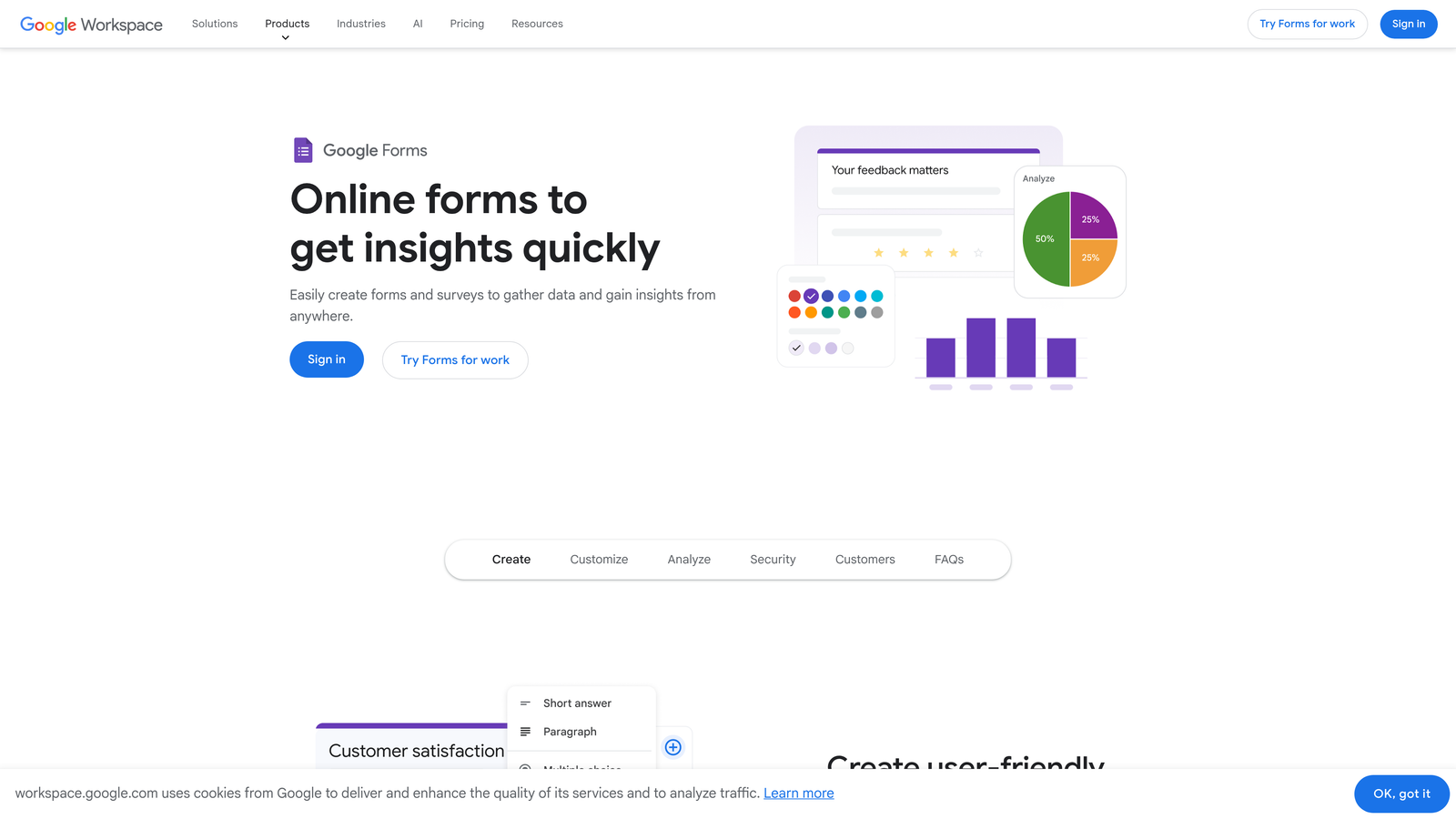
Google Forms is a free, straightforward form builder that integrates seamlessly with Google Sheets and the broader Google Workspace ecosystem.
Where This Tool Shines
Google Forms costs nothing and never will. For teams already using Google Workspace, the native integration with Sheets means responses flow directly into spreadsheets for immediate analysis and collaboration.
The simplicity is both limitation and strength. There's no learning curve, no feature overwhelm, and no decision fatigue. You create a form, share the link or embed code, and responses appear in a spreadsheet. For straightforward data collection, this directness is refreshing.
Key Features
Completely Free: No limits on forms, responses, or features with any Google account.
Google Sheets Integration: Automatic response collection in spreadsheets with real-time updates.
Real-Time Collaboration: Multiple team members can edit forms simultaneously.
Basic Conditional Logic: Show or hide questions based on previous answers.
Quiz Mode: Create assessments with automatic grading and feedback.
Best For
Internal surveys, event registrations, simple contact forms, and any scenario where budget is zero and Google Workspace integration provides sufficient functionality without advanced features.
Pricing
Completely free with any Google account. No paid tiers or upgrade options.
9. HubSpot Forms
Best for: Teams using HubSpot CRM who need native lead management integration
HubSpot Forms is a CRM-native form builder that syncs directly with HubSpot's marketing and sales platform for seamless lead management and nurturing.
Where This Tool Shines
HubSpot Forms eliminates the integration gap between form submissions and CRM records. Every submission automatically creates or updates a contact in HubSpot, triggering workflows, updating lead scores, and enabling immediate sales follow-up without manual data entry.
Progressive profiling is particularly powerful for companies with multiple touchpoints. Instead of asking for the same information repeatedly, HubSpot Forms remembers what it already knows and asks new questions each time, building complete contact profiles over time without annoying users.
Key Features
Direct CRM Sync: Automatic contact creation and updates in HubSpot with no middleware required.
Progressive Profiling: Show different questions to returning visitors to build complete profiles gradually.
Smart Content: Personalize form fields and messaging based on contact data and lifecycle stage.
Automated Follow-Up: Trigger email sequences and workflows immediately upon submission.
Detailed Analytics: Track form performance, conversion rates, and submission sources within HubSpot reporting.
Best For
Companies already invested in HubSpot's ecosystem who want forms that work as native parts of their marketing and sales workflows rather than external tools requiring integration maintenance.
Pricing
Free with HubSpot CRM account. Advanced features like progressive profiling and smart content require paid Marketing Hub subscriptions starting at $45/month.
Finding Your Perfect Match
The right embeddable form software depends entirely on your specific needs and existing infrastructure. If AI-powered lead qualification is critical to your sales process, Orbit AI delivers intelligent prioritization that helps teams focus on high-value prospects. For engagement-focused experiences, Typeform's conversational format keeps completion rates high. Budget-conscious teams will appreciate Tally's unlimited free tier or Google Forms' zero-cost simplicity.
Enterprise organizations handling complex workflows should evaluate Formstack's document generation and compliance features, while businesses collecting payments will find Cognito Forms' native processing capabilities eliminate integration headaches. Teams already using HubSpot benefit from the seamless CRM sync that turns form submissions into actionable sales opportunities immediately.
Consider your primary use case: Are you qualifying leads, collecting payments, gathering survey data, or managing complex approval workflows? Your answer points directly to the tool that will serve you best. The embedding process itself is straightforward across all these platforms—the real differentiator is what happens after someone clicks submit.
Transform your lead generation with AI-powered forms that qualify prospects automatically while delivering the modern, conversion-optimized experience your high-growth team needs. Start building free forms today and see how intelligent form design can elevate your conversion strategy.


