

Enterprise form software pricing can feel like navigating a maze blindfolded. With vendors offering everything from per-seat licensing to usage-based models, understanding the true cost of ownership requires more than scanning a pricing page. For high-growth teams managing thousands of form submissions monthly, the difference between pricing models can mean tens of thousands of dollars annually.
This guide breaks down nine leading enterprise form solutions, comparing their pricing structures, feature tiers, and hidden costs so you can make an informed decision that scales with your business.
1. Orbit AI
Best for: High-growth teams focused on lead quality and conversion optimization
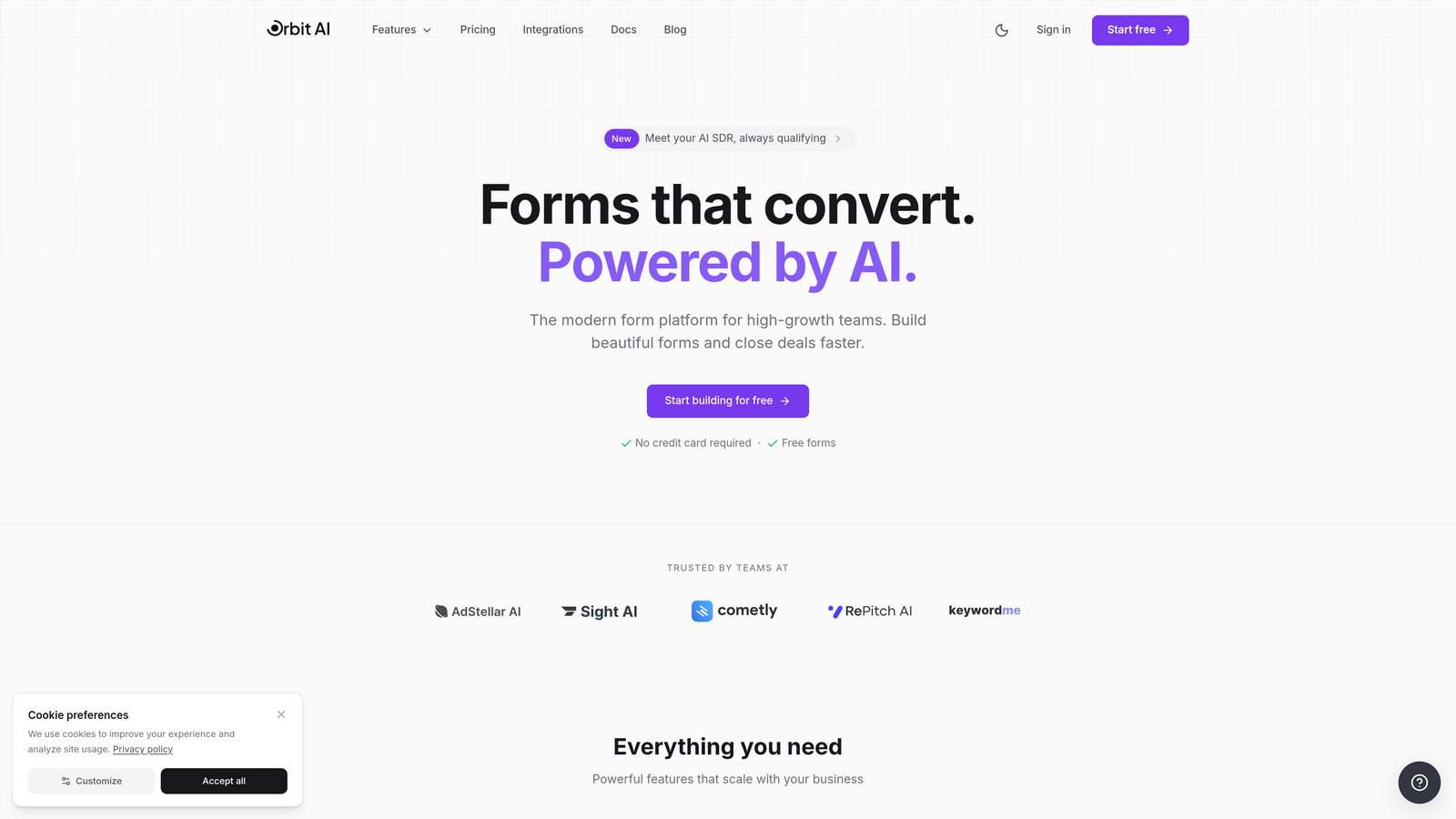
Orbit AI is an AI-powered form builder platform that automatically qualifies leads in real-time while prospects complete your forms.
Where This Tool Shines
Orbit AI transforms traditional form completion into intelligent conversations. Instead of collecting data and qualifying later, the platform uses AI agents to assess lead quality during the form interaction itself. This means your sales team receives pre-qualified leads with context about their intent and fit.
The platform's conversion-optimized templates are built specifically for high-growth teams who need forms that convert without sacrificing lead quality. Every template incorporates proven design patterns that balance information collection with user experience.
Key Features
AI Lead Qualification: Real-time prospect assessment during form completion identifies high-value leads automatically.
Conversion-Optimized Templates: Pre-built form designs based on conversion best practices reduce time to launch.
Advanced Analytics: Comprehensive reporting shows which form elements drive conversions and where prospects drop off.
Native CRM Integrations: Seamless connections to major CRMs ensure qualified leads flow directly into your sales pipeline.
Workflow Automation: Trigger actions based on lead scores, form responses, or qualification criteria.
Best For
Orbit AI works best for B2B companies and high-growth teams where lead quality matters more than volume. If you're tired of your sales team wasting time on unqualified prospects, or if you need forms that do more than just collect data, this platform delivers measurable ROI through automated qualification.
Pricing
Transparent tiered pricing with enterprise plans available. For teams with high submission volumes or specific infrastructure needs, contact sales for custom volume pricing that scales with your business.
2. Typeform
Best for: Brand-forward companies prioritizing engagement and user experience
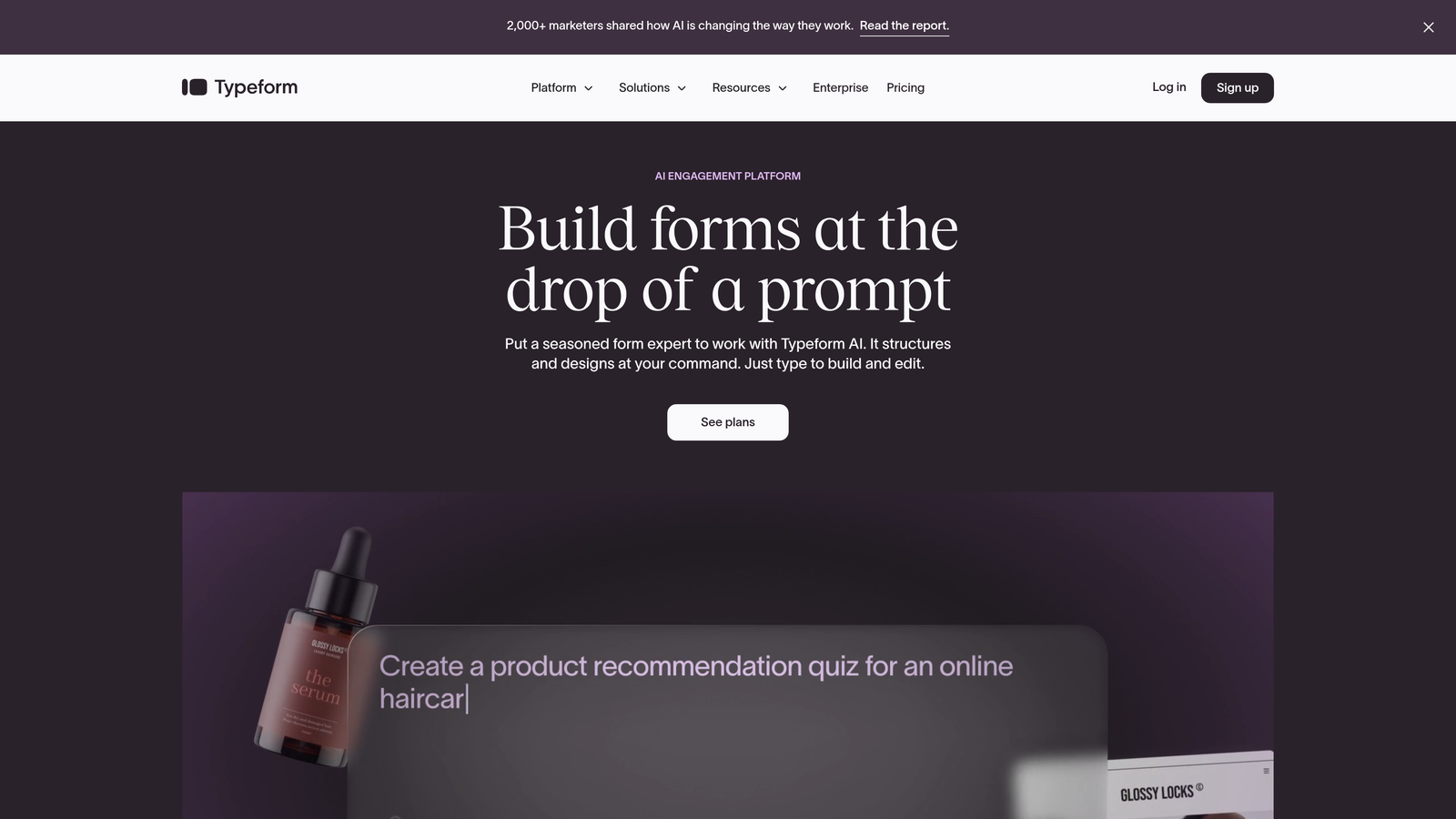
Typeform is a conversational form platform that presents one question at a time, creating highly engaging experiences.
Where This Tool Shines
Typeform revolutionized form design by eliminating the traditional multi-field layout in favor of conversational, one-question-at-a-time interactions. This approach significantly increases completion rates, particularly for longer surveys or complex data collection scenarios. The platform feels less like filling out a form and more like having a conversation.
The visual customization capabilities are industry-leading. From custom fonts and colors to embedded videos and images, Typeform lets you create forms that feel like natural extensions of your brand rather than generic data collection tools.
Key Features
Conversational Format: One-question-at-a-time presentation reduces cognitive load and improves completion rates.
Advanced Logic Branching: Create dynamic form paths that adapt based on previous responses.
Rich Media Integration: Embed videos, images, and GIFs directly into form questions for enhanced engagement.
Custom Branding: Complete visual control over fonts, colors, backgrounds, and themes.
Integration Marketplace: Connect to hundreds of tools through native integrations and Zapier.
Best For
Typeform excels for marketing teams, customer research, event registration, and any scenario where completion rates directly impact business outcomes. Companies with strong brand identities who want their forms to reflect that aesthetic will appreciate the customization depth.
Pricing
Business plan starts at $83/month when billed annually. Enterprise pricing requires a custom quote, with volume-based discounts available for organizations with high submission needs or requiring dedicated support.
3. Jotform Enterprise
Best for: Regulated industries requiring HIPAA compliance and dedicated infrastructure
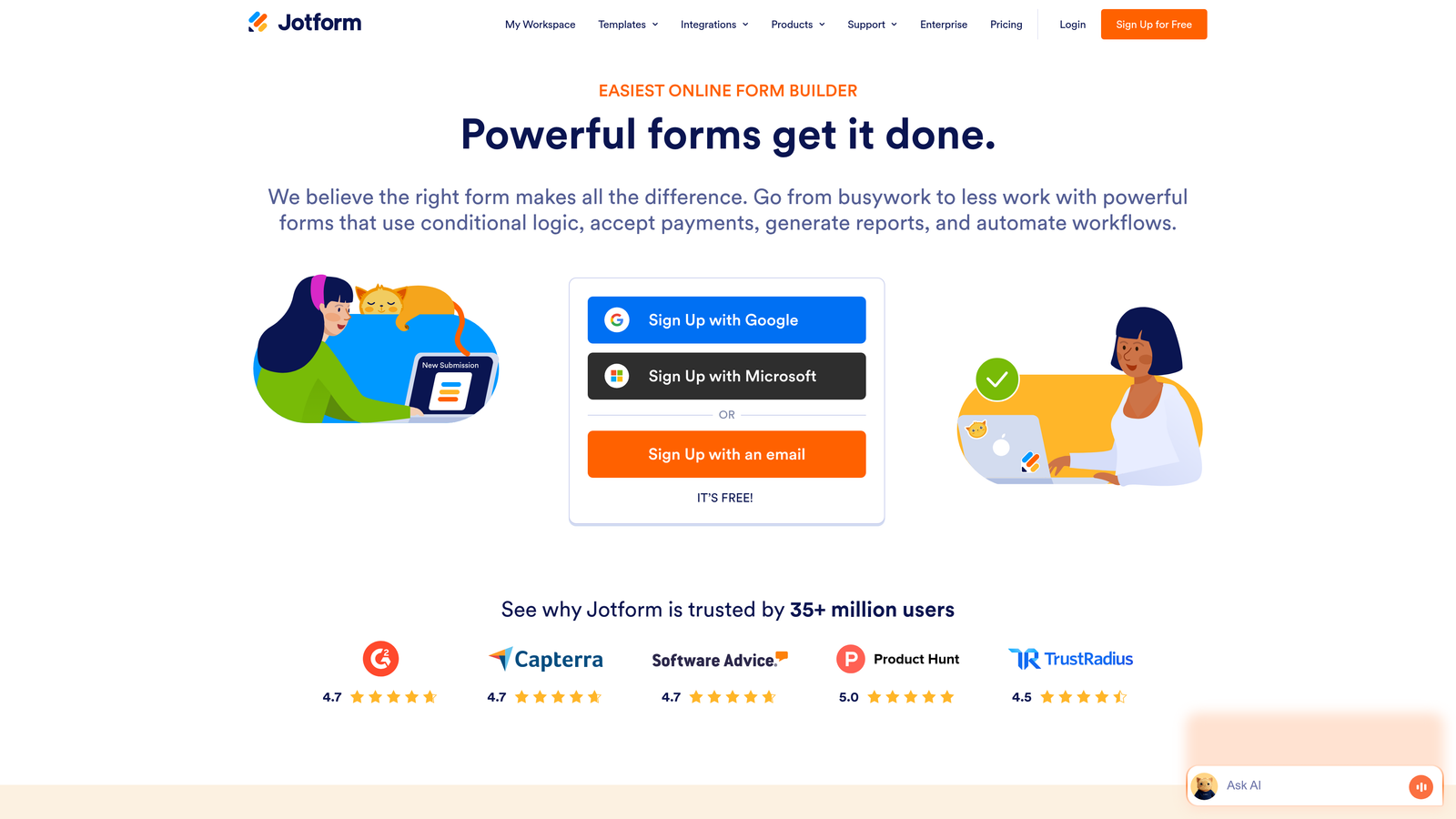
Jotform Enterprise provides enterprise-grade form solutions with dedicated cloud infrastructure and comprehensive compliance certifications.
Where This Tool Shines
Jotform Enterprise stands out for organizations with strict compliance requirements. The platform offers HIPAA-compliant forms with Business Associate Agreements, dedicated cloud infrastructure that keeps your data completely isolated, and comprehensive audit trails for regulatory reporting.
The white-label capabilities go beyond simple logo placement. You can deploy Jotform on custom domains, remove all Jotform branding, and create a completely branded experience that looks like proprietary software built specifically for your organization.
Key Features
HIPAA Compliance: Forms and data storage meet healthcare privacy requirements with BAA agreements available.
Dedicated Infrastructure: Isolated cloud environment ensures your data never shares resources with other customers.
White-Label Options: Custom domains, removed branding, and complete visual control create proprietary-feeling solutions.
Enterprise SSO: SAML-based single sign-on integrates with existing identity management systems.
Offline Capabilities: Mobile app allows field teams to collect data without internet connectivity.
Best For
Healthcare organizations, financial services firms, government agencies, and any enterprise with strict data sovereignty or compliance requirements. If you need to demonstrate regulatory compliance or require dedicated infrastructure for security policies, Jotform Enterprise delivers the necessary certifications and controls.
Pricing
Enterprise plans start around $99/month for basic tiers. Dedicated infrastructure plans with HIPAA compliance and white-label capabilities typically require custom quotes starting at $500+/month depending on submission volume and storage requirements.
4. Formstack
Best for: Organizations needing integrated document generation and e-signature workflows
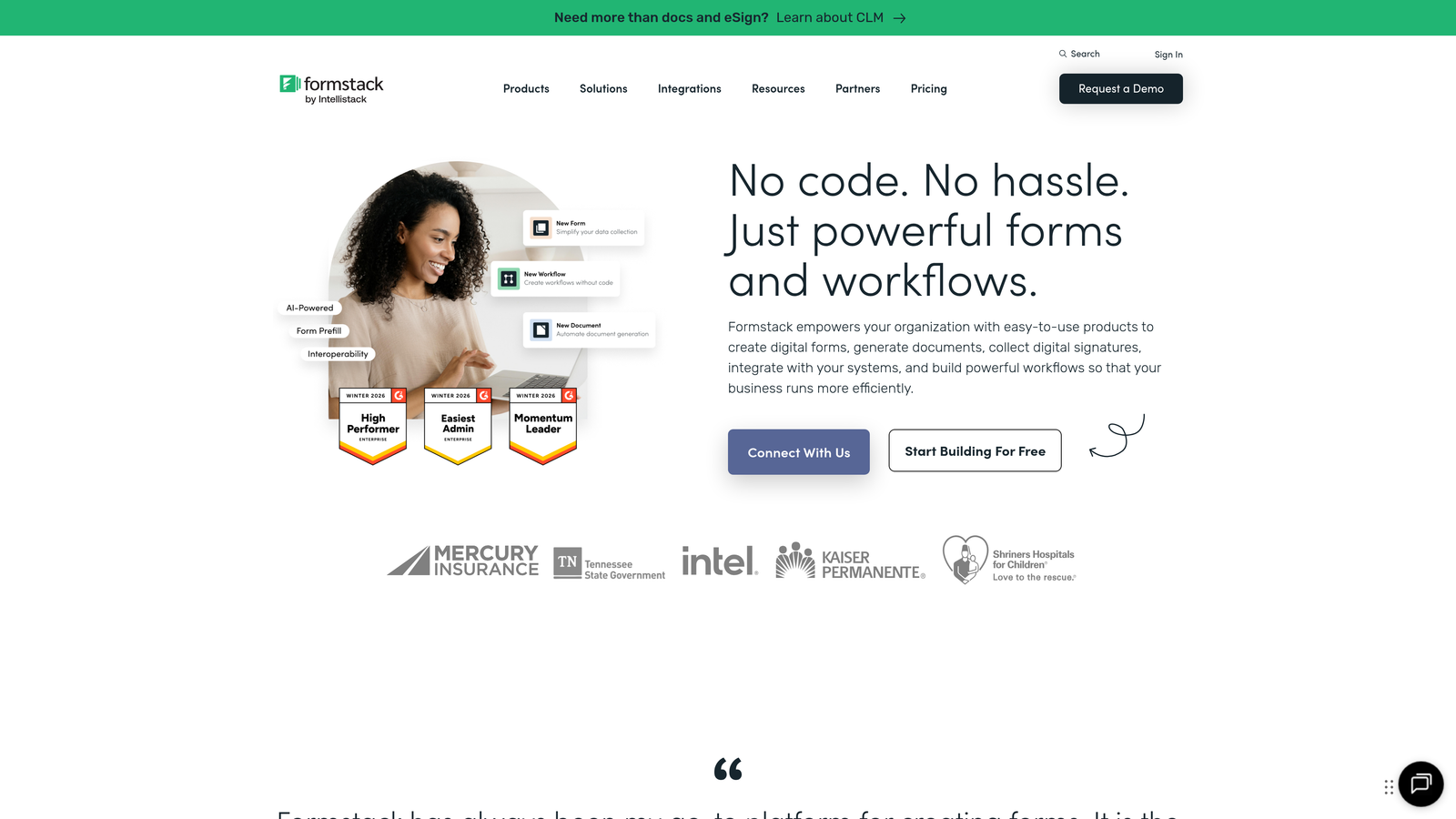
Formstack combines form building with document automation and e-signature collection in a unified platform.
Where This Tool Shines
Formstack's killer feature is the seamless connection between form data, document generation, and signature collection. When someone completes a form, the platform can automatically generate contracts, proposals, or reports populated with their responses, then route those documents for e-signatures—all within one workflow.
The multi-step approval workflows are particularly powerful for organizations with complex review processes. You can route form submissions through multiple approvers, set conditional approval paths, and maintain complete audit trails of who approved what and when.
Key Features
Document Generation: Automatically create PDFs, Word docs, or other files populated with form data.
Native E-Signatures: Collect legally binding signatures without third-party tools or additional fees.
Approval Workflows: Route submissions through multi-step approval processes with conditional logic.
Compliance Options: HIPAA and GDPR compliance features available for regulated industries.
Conditional Logic: Advanced branching creates dynamic forms that adapt to user responses.
Best For
Formstack works best for organizations with document-heavy processes—think contracts, agreements, applications, or proposals. If your workflow involves collecting data, generating documents from that data, and collecting signatures, Formstack eliminates the need for multiple disconnected tools.
Pricing
Forms alone starts at $83/month. The Platform bundle combining Forms, Documents, and Sign starts at $249/month. Enterprise pricing with dedicated support, advanced security features, and custom volume limits requires a custom quote.
5. Microsoft Forms
Best for: Organizations already invested in the Microsoft 365 ecosystem
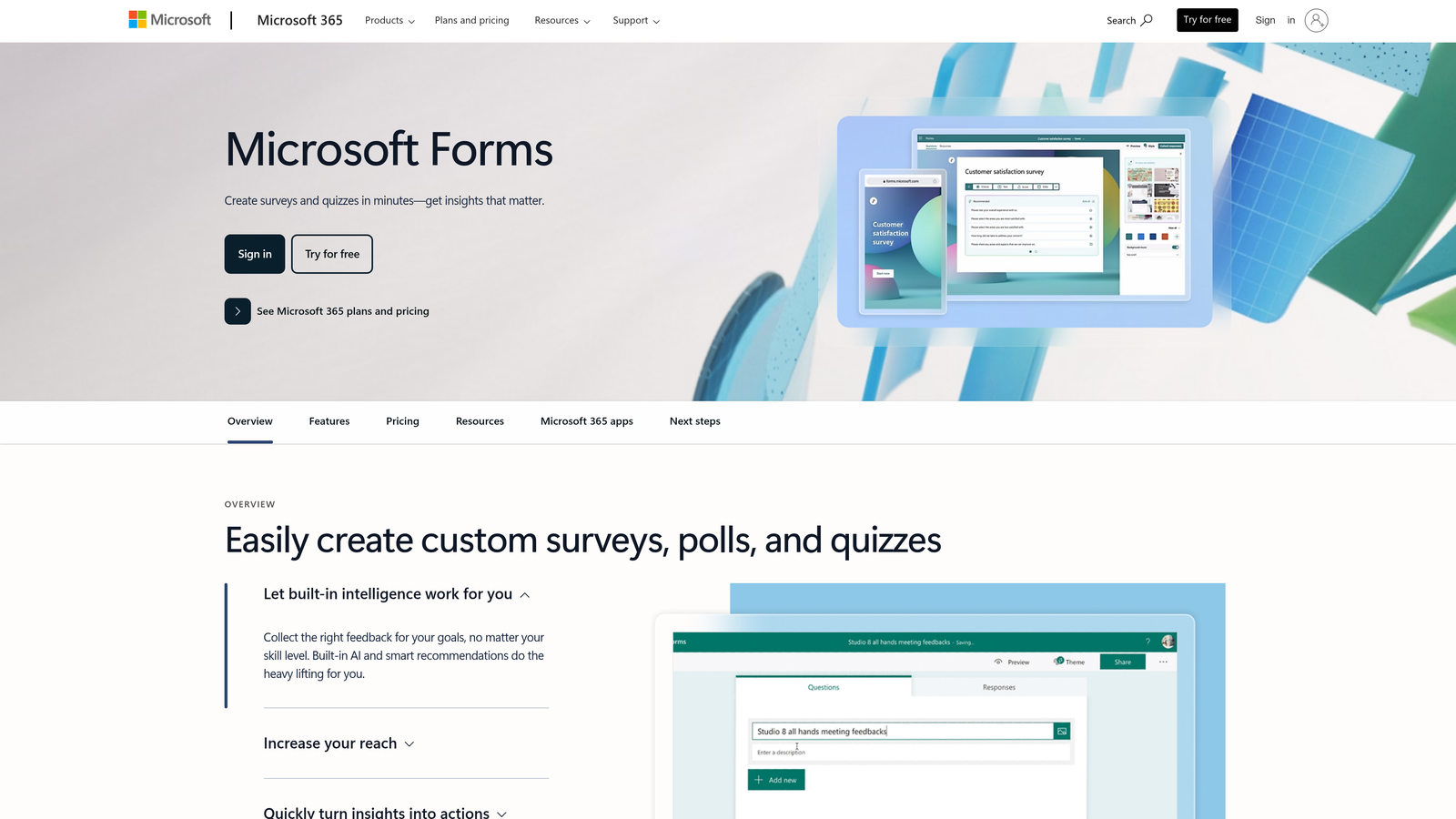
Microsoft Forms is a straightforward form builder included with Microsoft 365 subscriptions, with powerful automation through Power Automate.
Where This Tool Shines
Microsoft Forms delivers exceptional value for organizations already paying for Microsoft 365—you're essentially getting form functionality at no additional cost. The seamless integration with Teams, SharePoint, and Outlook means forms fit naturally into existing workflows without requiring employees to learn new tools.
The Power Automate integration transforms simple form responses into sophisticated workflows. Trigger approvals, update databases, send notifications, or create tasks—all based on form submissions. This connection to the broader Microsoft ecosystem makes Forms far more powerful than its simple interface suggests.
Key Features
Microsoft 365 Integration: Native connections to Teams, SharePoint, Outlook, and other Microsoft tools.
Power Automate Workflows: Build automated processes triggered by form submissions without coding.
Real-Time Analytics: Live response dashboards with automatic charts and summary statistics.
Branching Logic: Create conditional paths based on previous answers.
Collaboration Features: Multiple team members can co-author and manage forms together.
Best For
Microsoft Forms makes sense for organizations standardized on Microsoft 365, particularly those with employees already comfortable in the Microsoft ecosystem. If you need basic to intermediate form functionality and want to avoid adding another vendor to your stack, Forms delivers solid capabilities at an unbeatable price point.
Pricing
Included with Microsoft 365 Business Basic at $6/user/month and all higher tiers. Note that advanced Power Automate connectors may require premium licensing, which adds cost for complex automation scenarios.
6. Google Forms
Best for: Teams needing unlimited responses with automatic spreadsheet integration
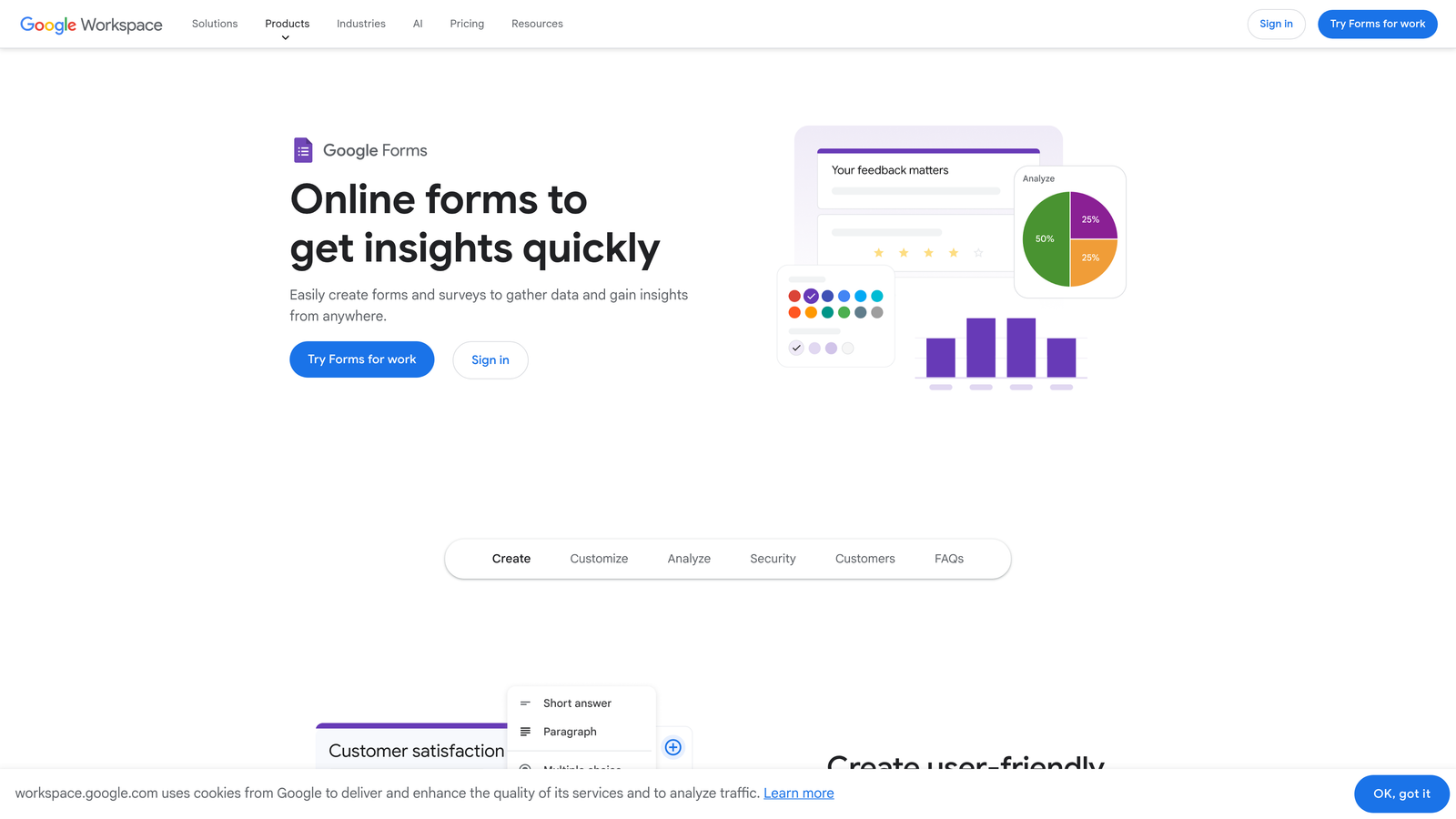
Google Forms is a free, straightforward form builder with unlimited responses, included with Google Workspace subscriptions.
Where This Tool Shines
Google Forms offers unlimited form submissions and unlimited responses at no cost—a pricing model that's unmatched in the industry. For organizations collecting high volumes of responses, this eliminates the submission caps and overage fees that plague other platforms.
The automatic Google Sheets integration creates a live, updating spreadsheet of all responses. This makes data analysis, sharing, and collaboration effortless. Your team can work with form data in a familiar spreadsheet environment without exports, imports, or data transfers.
Key Features
Unlimited Responses: No submission caps or volume-based pricing means predictable costs regardless of scale.
Google Sheets Integration: Automatic, real-time connection to spreadsheets for easy data analysis.
Conditional Logic: Basic skip logic and section branching based on responses.
Collaboration: Multiple users can edit forms simultaneously with comment threads and version history.
Add-On Ecosystem: Extend functionality through third-party add-ons for advanced features.
Best For
Google Forms works well for teams already using Google Workspace, particularly those collecting high volumes of responses where submission caps would be prohibitively expensive on other platforms. It's ideal for surveys, event registrations, feedback collection, and other scenarios where simplicity and cost matter more than advanced features.
Pricing
Free for personal use with unlimited forms and responses. Included with Google Workspace plans starting at $6/user/month for Business Starter. The only additional costs come from premium add-ons if you need extended functionality.
7. Cognito Forms
Best for: Organizations collecting payments through forms without transaction fees
Cognito Forms is a feature-rich form builder with powerful payment collection capabilities and zero platform transaction fees.
Where This Tool Shines
Cognito Forms eliminates the transaction fees that other platforms charge on payment collection. If you're processing thousands of dollars through forms monthly, this feature alone can save significant money compared to competitors who take 2-3% of every transaction plus platform fees.
The repeating sections and complex data capture capabilities handle scenarios that break simpler form builders. Need to collect information about multiple employees, family members, or line items in a single form? Cognito Forms lets users add, remove, and populate repeating sections dynamically—perfect for applications, registrations, or orders with variable quantities.
Key Features
Zero Transaction Fees: Collect payments through Stripe or Square without additional platform charges.
Repeating Sections: Let users add multiple entries of the same information set within one form.
Workflow Routing: Route submissions through approval processes with notifications and status tracking.
Document Merging: Generate PDF documents populated with form data using custom templates.
Calculation Fields: Build dynamic pricing, totals, and computed values based on user inputs.
Best For
Cognito Forms excels for organizations processing payments, registrations, orders, or applications with complex data requirements. If your forms need to handle variable quantities, calculate totals, or collect detailed information across multiple related items, Cognito Forms provides the flexibility without the complexity.
Pricing
Pro plan at $24/month for individual users. Team plan at $74/month adds collaboration features. Enterprise at $249/month includes advanced security, SSO, and priority support. Custom options available for high-volume organizations with specific requirements.
8. 123FormBuilder
Best for: Teams requiring extensive native integrations with enterprise tools
123FormBuilder is an integration-focused form platform with over 80 native connections to enterprise tools and CRMs.
Where This Tool Shines
123FormBuilder's integration library is exceptionally comprehensive. With 80+ native connections, you can push form data directly to Salesforce, HubSpot, Mailchimp, Slack, and dozens of other tools without relying on middleware like Zapier. Native integrations are typically faster, more reliable, and don't consume third-party automation credits.
The multi-page forms with save and resume functionality are crucial for lengthy applications or complex data collection. Users can complete forms across multiple sessions, saving progress and returning later—essential for applications that require gathering documents, consulting with others, or simply taking breaks during long forms.
Key Features
80+ Native Integrations: Direct connections to major CRMs, marketing tools, payment processors, and business applications.
Compliance Certifications: HIPAA and GDPR compliance options for regulated industries.
Save and Resume: Multi-page forms let users save progress and complete submissions across multiple sessions.
Advanced Reporting: Custom dashboards visualize submission data with charts, filters, and export options.
Team Collaboration: Multiple users can build, manage, and analyze forms with role-based permissions.
Best For
123FormBuilder works best for organizations with complex tech stacks requiring reliable integrations across multiple platforms. If you need form data flowing into several different systems without building custom APIs or paying for middleware, the native integration library delivers immediate value.
Pricing
Gold plan at $24.99/month for basic features. Platinum at $49.99/month adds advanced integrations and reporting. Enterprise pricing requires custom quotes based on submission volume, user count, and specific compliance requirements.
9. Zoho Forms
Best for: Organizations using Zoho's ecosystem or considering the Zoho One bundle
Zoho Forms is a versatile form builder with deep Zoho ecosystem integration and competitive bundle pricing through Zoho One.
Where This Tool Shines
Zoho Forms delivers exceptional value for organizations already using Zoho CRM, Zoho Projects, or other Zoho applications. The native integrations are seamless and powerful—form submissions can automatically create CRM leads, trigger project tasks, or update records across the Zoho ecosystem without third-party connectors.
The mobile app with offline data collection is particularly valuable for field teams. Sales reps, inspectors, or event staff can collect form data on tablets or phones without internet connectivity, then automatically sync submissions when connection is restored. This capability is rare at Zoho's price point.
Key Features
Zoho Ecosystem Integration: Native connections to Zoho CRM, Projects, Books, and other Zoho applications.
Offline Mobile App: Collect data without internet connectivity and sync automatically when online.
Payment Integration: Accept payments through multiple gateways including PayPal, Stripe, and Authorize.net.
Approval Workflows: Route submissions through multi-step approval processes with notifications.
Custom Branding: Apply custom themes, colors, and branding to match your organization's identity.
Best For
Zoho Forms makes the most sense for organizations already invested in the Zoho ecosystem or considering the Zoho One bundle, which includes 45+ applications for $37/user/month. If you're using multiple Zoho tools or need offline data collection for field teams, Zoho Forms delivers strong capabilities at competitive pricing.
Pricing
Basic plan at $10/month for individual users. Standard at $25/month adds integrations and advanced features. Professional at $50/month includes workflow automation and premium support. Alternatively, Zoho Forms is included in the Zoho One bundle at $37/user/month, which provides access to the entire Zoho application suite.
Making the Right Choice for Your Organization
Enterprise form software pricing ultimately comes down to three factors: your submission volume, required integrations, and compliance needs.
For high-growth teams prioritizing lead quality over quantity, AI-powered solutions like Orbit AI deliver ROI through automated qualification. Instead of your sales team spending hours sorting through unqualified prospects, the platform identifies high-value leads during the form interaction itself. Start building free forms today and see how intelligent form design can elevate your conversion strategy.
Organizations in regulated industries should prioritize Jotform Enterprise or Formstack for compliance features. The additional cost of HIPAA certification, dedicated infrastructure, and comprehensive audit trails is minimal compared to the risk of non-compliance. If you need to demonstrate regulatory adherence, these platforms provide the necessary documentation and controls.
Those already invested in Microsoft or Google ecosystems can leverage bundled pricing for significant savings. Why pay separately for form software when you're already licensing Microsoft 365 or Google Workspace? Microsoft Forms and Google Forms deliver solid capabilities at effectively no additional cost, particularly for organizations with straightforward form requirements.
Payment collection introduces another pricing consideration. If you're processing significant transaction volume through forms, Cognito Forms eliminates the 2-3% platform fees that other vendors charge. For organizations processing $50,000+ monthly through forms, this feature alone can justify the platform cost.
Before signing any enterprise contract, request a custom quote based on your actual usage patterns. Most vendors offer substantial discounts for annual commitments and volume tiers. Don't accept published pricing as final—enterprise buyers typically negotiate 20-40% discounts, particularly for multi-year agreements or bundled services.
The right enterprise form solution should scale with your growth, not penalize it. Watch for submission caps, user limits, and overage fees that create unpredictable costs as your organization expands. Platforms with unlimited responses or transparent volume-based pricing provide better long-term value than those with hidden fees and complicated tier structures.


