

Your event registration form is the first real interaction attendees have with your brand. Get it wrong, and you lose signups before they even begin. Get it right, and you turn curious visitors into confirmed attendees and qualified leads. Whether you're organizing a webinar, a multi-day conference, or a hybrid workshop series, the platform you choose shapes everything from conversion rates to post-event follow-up.
The best event registration form platforms balance ease of use with powerful customization, handle payment processing smoothly, connect with your existing marketing stack, and give you the analytics to keep improving. Some go even further, using AI to qualify and route registrants the moment they submit.
Here are the top event registration form platforms worth considering in 2026, covering everything from free simple tools to enterprise-grade systems to AI-powered lead qualification engines.
1. Orbit AI
Best for: High-growth SaaS teams that want registration forms to double as lead qualification engines
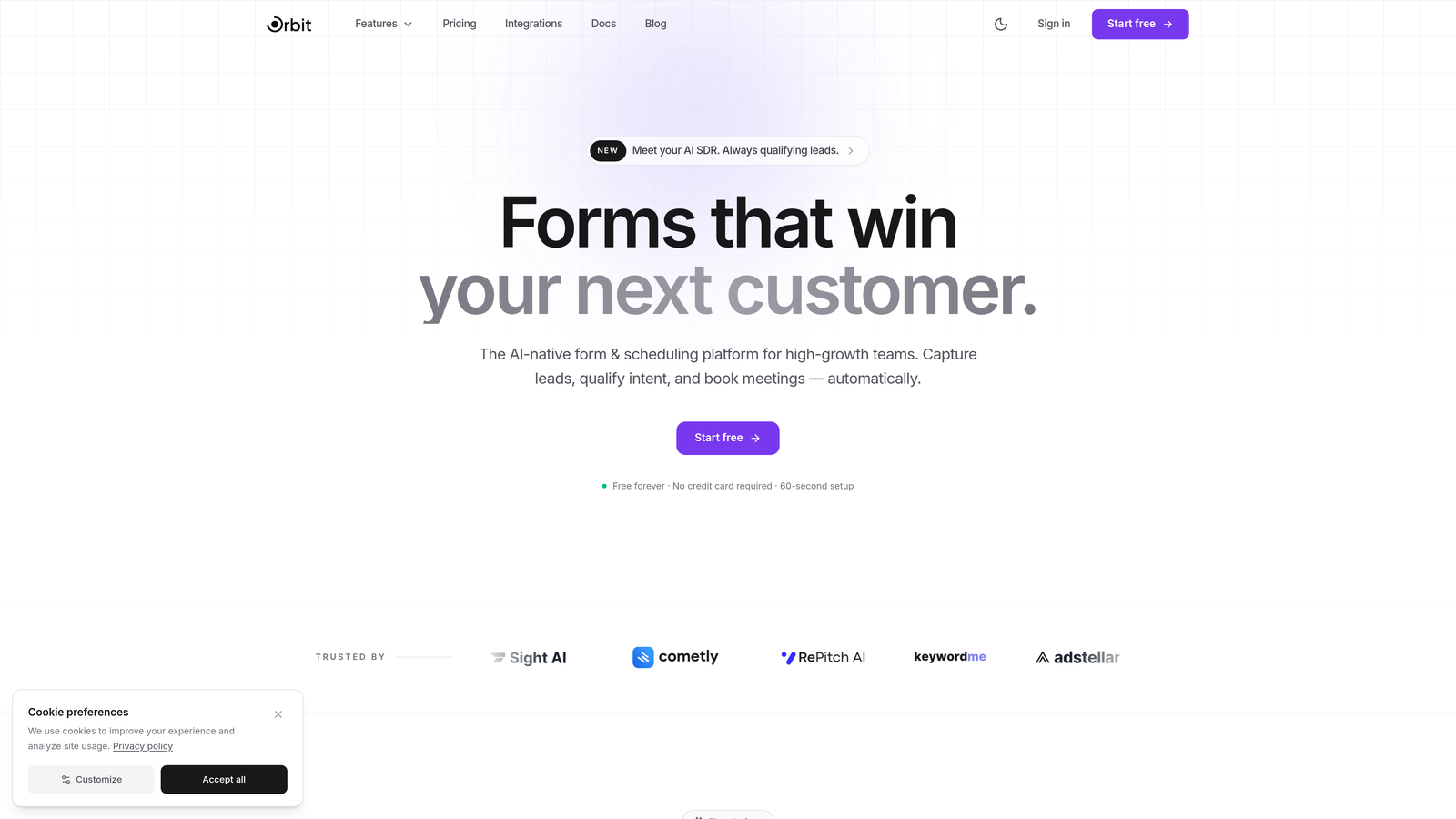
Orbit AI is an AI-powered form builder platform that transforms event registration into an intelligent lead qualification workflow, with built-in AI agents that score and route registrants automatically.
Where This Tool Shines
Most registration platforms treat forms as data collection tools. Orbit AI treats them as the first step in a revenue pipeline. The moment someone registers for your event, the AI engine evaluates their responses, scores their fit, and routes them to the right follow-up workflow, whether that's a sales outreach, a nurture sequence, or a VIP confirmation path.
For high-growth teams running events specifically to generate pipeline, this is a meaningful shift. You're not just collecting names and emails; you're qualifying leads in real-time without any manual review. The conversion-optimized templates are designed to maximize completions, not just look good.
Key Features
AI-Powered Lead Qualification: Built directly into the registration flow, the AI scores and categorizes registrants automatically based on their responses.
Conversion-Optimized Templates: Event-specific form templates designed to reduce drop-off and increase completed registrations.
AI Agents for Real-Time Engagement: Automated agents engage registrants during and after form submission, personalizing the experience without manual effort.
CRM and Tool Integrations: Native connections with HubSpot, Slack, Airtable, and other tools your team already uses to keep data flowing.
Real-Time Registration Analytics: Live performance data on form completion rates, drop-off points, and lead quality scores.
Best For
SaaS companies, marketing teams, and growth-focused organizations that run events as part of a demand generation strategy. If your events exist to build pipeline and not just fill seats, Orbit AI is built for exactly that use case.
Pricing
Free plan available. Paid plans with advanced AI features are detailed on the Orbit AI pricing page.
2. Eventbrite
Best for: Public-facing events where organic discovery and ticketing matter most
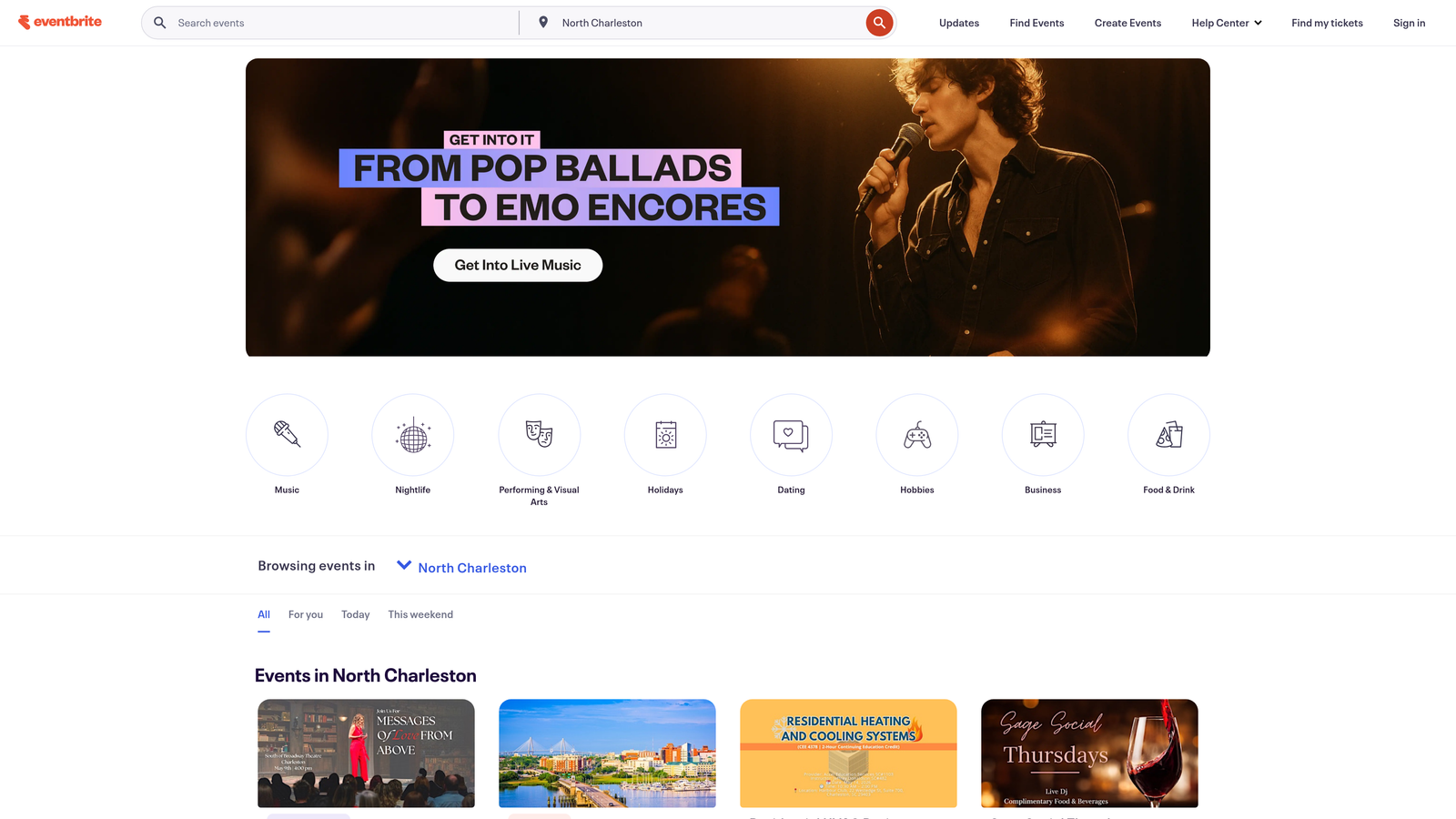
Eventbrite is one of the most recognized event platforms globally, combining ticketing, registration, and event discovery in a single marketplace.
Where This Tool Shines
Eventbrite's biggest advantage isn't just the registration form; it's the built-in audience. When you publish an event on Eventbrite, it becomes discoverable to people actively browsing for things to attend in their area or industry. For public events, that organic reach can meaningfully reduce your marketing spend.
The platform handles the full ticketing lifecycle cleanly: creating ticket tiers, processing payments, managing waitlists, and checking in attendees on the day. It's a reliable, well-understood tool that most attendees already trust.
Key Features
Built-In Discovery Marketplace: Events are listed on Eventbrite's platform, giving you exposure to an existing audience of event-goers.
Flexible Ticketing Options: Supports free, paid, donation-based, and tiered ticket structures in the same event.
Mobile-Optimized Check-In: The Eventbrite Organizer app handles day-of check-in smoothly without additional hardware.
Attendee Communication Tools: Built-in email tools for sending updates, reminders, and post-event messages to registrants.
Third-Party Integrations: Connects with Mailchimp, Salesforce, and major social platforms for marketing and CRM workflows.
Best For
Community organizers, event companies, and businesses running public ticketed events where discoverability and straightforward payment processing are the top priorities. Less ideal for private corporate events or teams that need deep CRM lead qualification.
Pricing
Free for free events. Paid events are charged at 3.7% plus $1.79 per ticket, with fees typically passed to attendees or absorbed by the organizer.
3. Cvent
Best for: Enterprise teams managing large-scale, complex events with strict compliance requirements
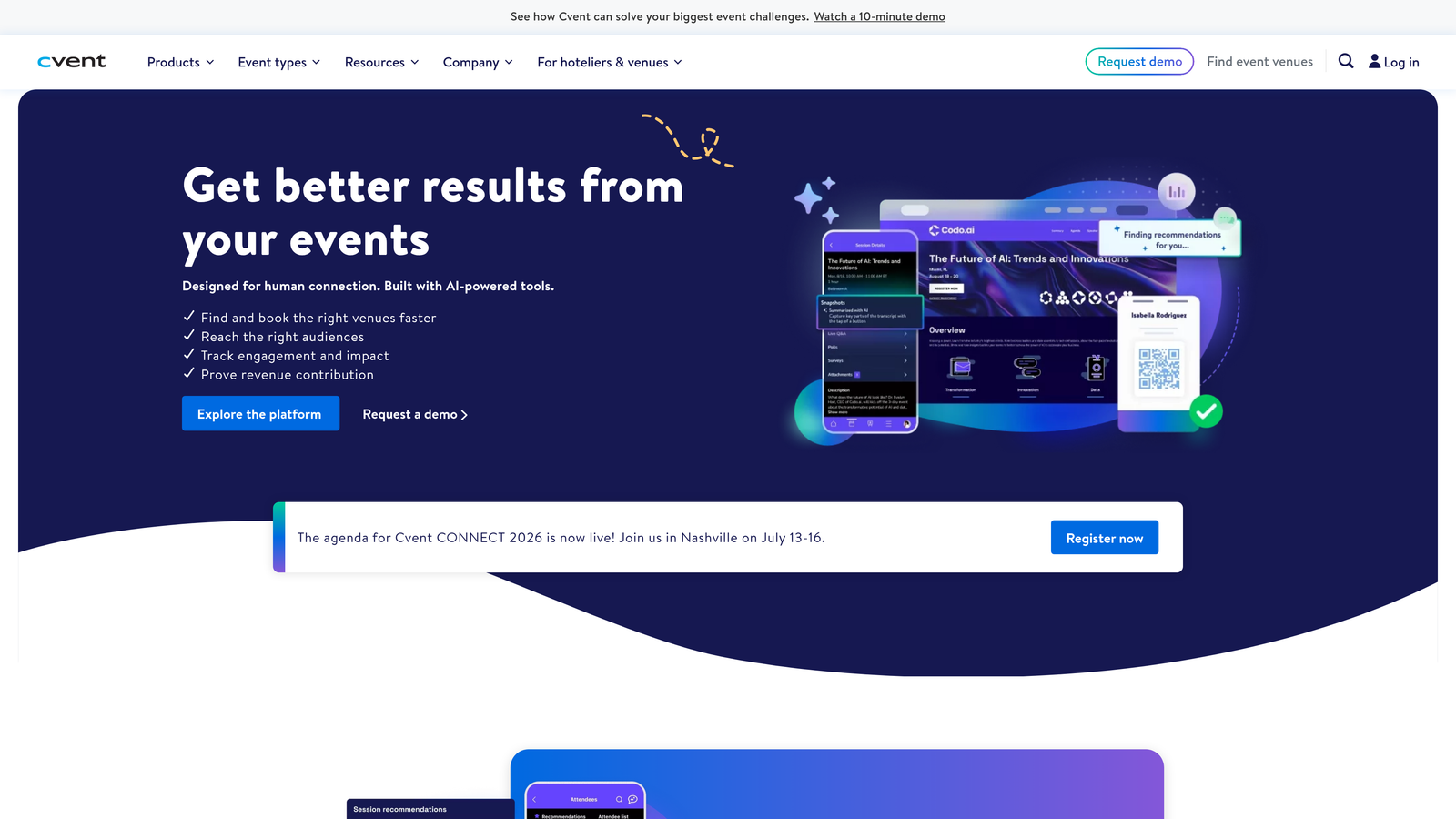
Cvent is an enterprise-grade event management platform offering end-to-end solutions from registration and venue sourcing to post-event analytics.
Where This Tool Shines
When an event involves multiple tracks, session-level capacity limits, approval workflows, and compliance reporting, Cvent is in its element. It's built for the kind of complexity that smaller tools simply can't handle: global conferences, multi-day summits, and regulated industry events where every detail needs documentation.
The venue sourcing module is a genuinely useful differentiator. Teams can source, compare, and contract venues directly within the platform, keeping the entire event lifecycle in one system rather than scattered across spreadsheets and emails.
Key Features
Multi-Track Registration with Conditional Logic: Handles complex registration paths with session selection, capacity controls, and approval gates.
Venue Sourcing and Management: Source, negotiate, and manage venue contracts directly within the platform.
Attendee Engagement and Networking: Built-in tools for matchmaking, agenda personalization, and in-event interaction.
Advanced ROI Reporting: Comprehensive post-event analytics covering attendance, engagement, and measurable business outcomes.
Enterprise Security and Compliance: Meets the security and data compliance standards required by large organizations and regulated industries.
Best For
Mid-to-large enterprises with dedicated event teams managing high-volume, high-complexity events. The learning curve and cost are significant, so it's best reserved for organizations where events are a core business function.
Pricing
Custom pricing based on event volume and feature requirements. Typically positioned for mid-to-large enterprise budgets; contact Cvent directly for a quote.
4. Jotform
Best for: Teams that need flexible, payment-enabled registration forms without technical complexity
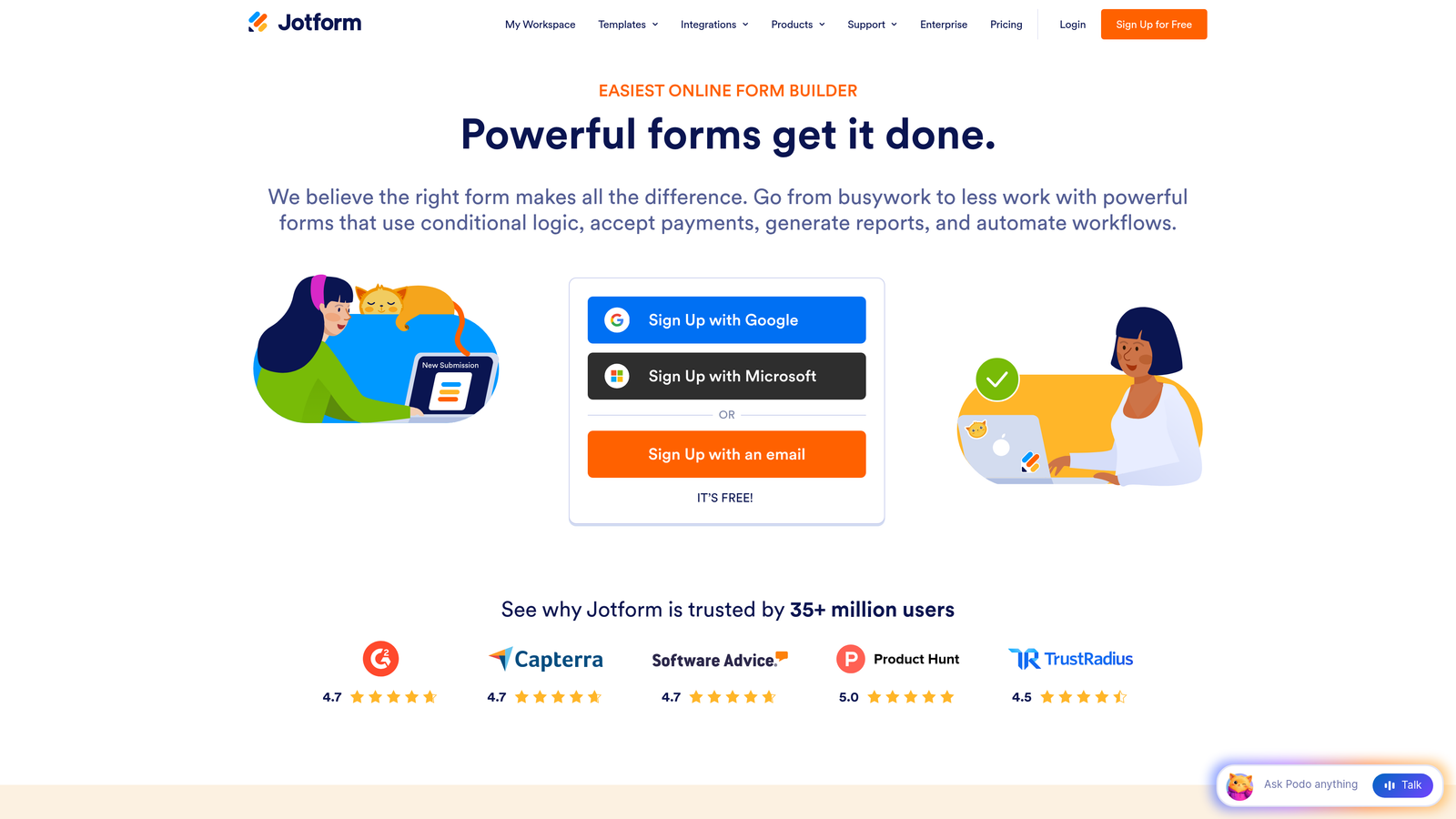
Jotform is a versatile online form builder with a massive template library and drag-and-drop editor, well-suited for event registration with built-in payment collection.
Where This Tool Shines
Jotform's depth comes from its sheer flexibility. With over 10,000 templates and support for virtually every form field type imaginable, you can build a registration form for almost any event type in minutes. The drag-and-drop builder genuinely requires no coding knowledge, and the built-in payment integrations mean you can collect ticket fees without setting up a separate payment tool.
PDF generation is a practical standout: Jotform can automatically create a branded confirmation ticket or receipt and send it directly to registrants, which is a feature many competitors charge extra for or don't offer at all.
Key Features
10,000+ Form Templates: Extensive library including dedicated event registration templates for conferences, workshops, and more.
Built-In Payment Processing: Native integrations with PayPal, Stripe, and Square for collecting registration fees directly in the form.
Conditional Logic: Show or hide fields based on previous answers to create personalized registration paths.
PDF Ticket Generation: Automatically generate and email branded PDF confirmations or tickets to registrants.
Multi-Page Forms: Break long registration forms into digestible steps to reduce abandonment.
Best For
Small businesses, nonprofits, educators, and teams that need reliable, customizable registration forms with payment collection and don't require advanced event management or AI-driven qualification features.
Pricing
Free plan includes 5 forms and 100 submissions per month. Paid plans start at $34 per month with higher submission limits and additional features.
5. Typeform
Best for: Brands that prioritize a premium, conversational registration experience
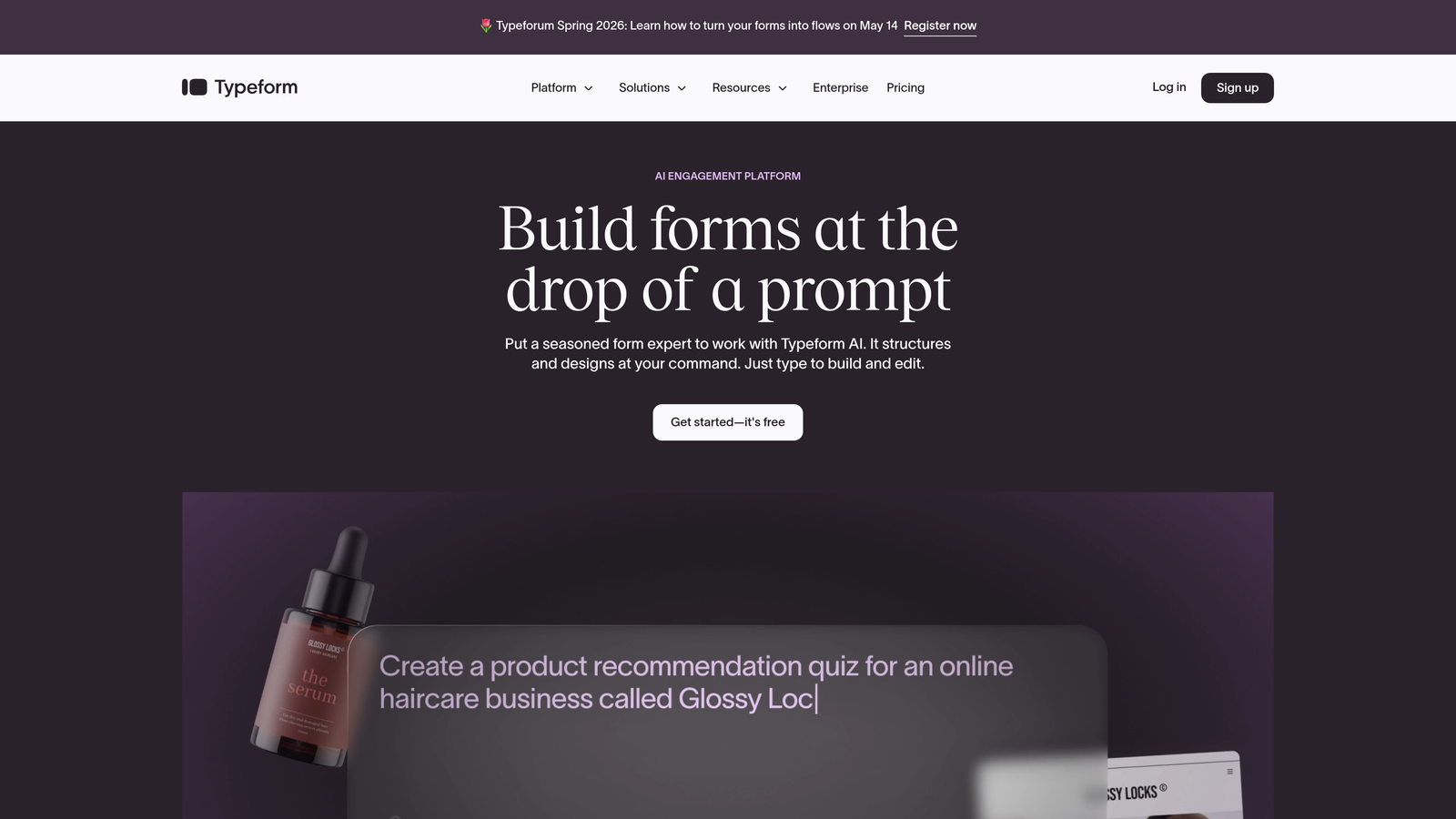
Typeform is a design-forward form platform known for its one-question-at-a-time conversational interface that creates engaging registration experiences.
Where This Tool Shines
Typeform's registration forms feel different from the moment an attendee encounters them. Instead of a wall of fields, respondents move through questions one at a time, which tends to feel less overwhelming and more like a conversation. For events where brand perception matters, this format creates a noticeably premium first impression.
The logic jumps feature allows you to branch the registration path based on answers, so a VIP attendee gets a different experience than a general admission registrant, all within the same form.
Key Features
Conversational One-Question UX: Presents questions one at a time to reduce cognitive load and improve completion rates.
Brand Customization: Full control over colors, fonts, imagery, and layout to match your event's visual identity.
Logic Jumps: Personalize the registration path based on respondent answers for a tailored experience.
Native Integrations: Connects directly with HubSpot, Zapier, Google Sheets, and other tools for seamless data routing.
Media Embedding: Add videos and images within the form to provide context or build excitement during registration.
Best For
Marketing teams, agencies, and brand-conscious organizations where the registration experience itself is part of the event's brand story. Works well for conferences, product launches, and exclusive invite-only events.
Pricing
Free plan available with limited responses. Paid plans start at $25 per month with higher response limits and advanced logic features.
6. Google Forms
Best for: Internal events, small gatherings, or teams that need something free and functional right now
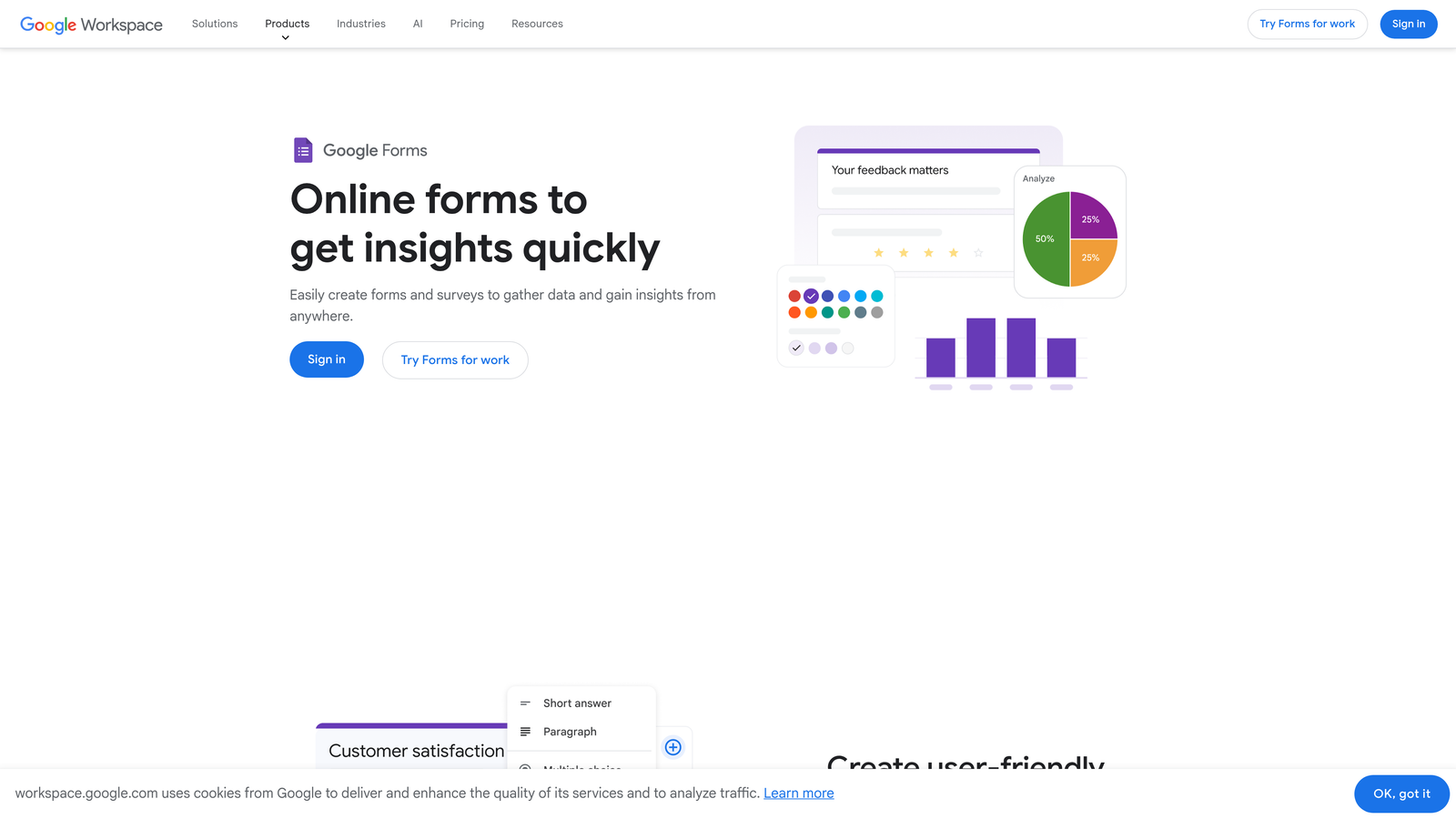
Google Forms is a free, no-frills form builder from Google that integrates natively with Google Workspace for quick and simple event registration.
Where This Tool Shines
There's no setup, no subscription, and no learning curve. If you have a Google account, you have Google Forms. For internal company events, small meetups, or situations where speed matters more than aesthetics, it's genuinely hard to beat something that's completely free and takes five minutes to build.
The automatic Google Sheets integration is the real workhorse here. Every response flows directly into a spreadsheet that multiple team members can access, filter, and work from simultaneously. For simple registration tracking, it's surprisingly capable.
Key Features
Completely Free: No submission limits, no paid tiers, no hidden costs for any Google account holder.
Instant Google Sheets Integration: All responses populate a live spreadsheet automatically for easy tracking and sharing.
Collaborative Editing: Multiple team members can build and edit the form simultaneously, just like any Google doc.
Basic Conditional Logic: Section branching allows for simple personalized paths based on answers.
Simple Question Builder: Drag-and-drop interface with multiple question types including multiple choice, short answer, and file upload.
Best For
Teams on zero budget, internal events, quick RSVPs, and situations where simplicity and speed matter more than branding or advanced features. Not suitable for paid ticketing, complex conditional logic, or events where attendee experience is a priority.
Pricing
Completely free with any Google account. No paid tiers or submission limits.
7. Splash
Best for: Marketing and field event teams that need branded event pages with integrated registration
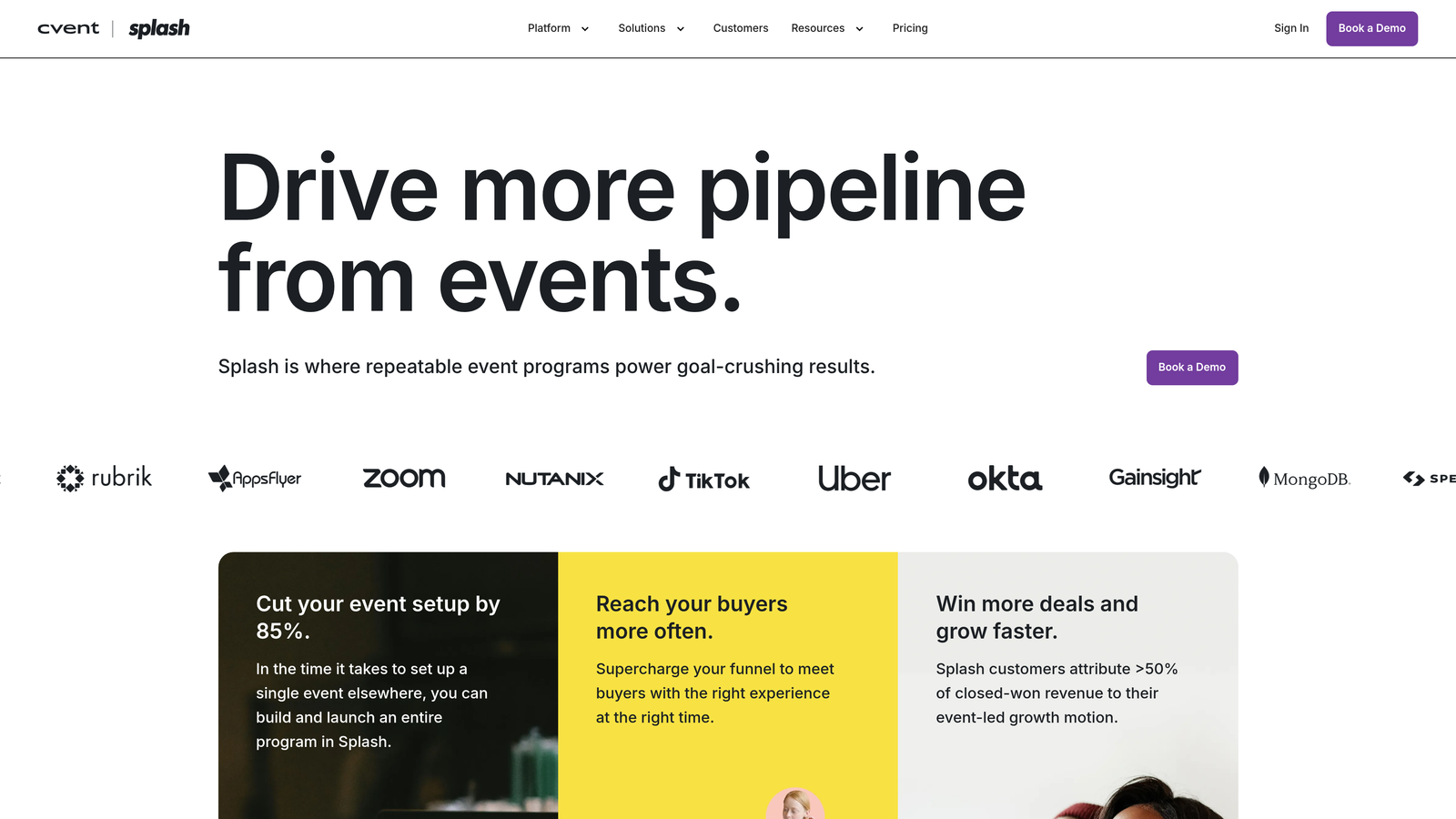
Splash is an event marketing platform that combines branded landing pages, email invitations, and registration into a cohesive, design-first experience.
Where This Tool Shines
Splash approaches event registration from the marketing side. Rather than starting with a form, it starts with the event page: a fully branded, visually polished landing page that creates anticipation before anyone even clicks "register." The registration form is embedded within that branded experience rather than existing as a separate tool.
For enterprise marketing teams running field events, roadshows, or executive dinners, Splash provides the kind of brand consistency and attribution tracking that justifies its position in the marketing tech stack. The CRM integrations are particularly strong, feeding attendee data directly into Salesforce, Marketo, or HubSpot.
Key Features
Branded Event Landing Pages: Build visually polished event pages with registration embedded directly, maintaining brand consistency throughout.
Email Invitation and RSVP Management: Send branded invitations and manage RSVPs from within the platform.
Guest List and Check-In Tools: Manage the full attendee list and handle day-of check-in from one place.
Event Attribution Analytics: Track which channels drove registrations and measure event performance against marketing goals.
CRM Integrations: Native connections with Salesforce, Marketo, and HubSpot for seamless lead data flow.
Best For
Enterprise marketing teams, field marketing managers, and event agencies that run branded, invite-only or semi-private events where the visual experience and CRM attribution are critical requirements.
Pricing
Custom pricing with a free tier available for basic events. Contact Splash directly for team and enterprise pricing details.
8. Whova
Best for: Conference organizers who want registration tied to a full attendee engagement app
Whova is an all-in-one event management platform that pairs registration with a dedicated attendee engagement app for networking, agendas, and in-event interaction.
Where This Tool Shines
Whova's key differentiator is what happens after registration. Most platforms treat the form as the endpoint; Whova treats it as the entry point to a full event experience. Registered attendees get access to a dedicated event app where they can browse the agenda, register for specific sessions, connect with other attendees, and interact with sponsors, all before the event even starts.
This is particularly valuable for conferences and multi-day events where attendee engagement and networking are part of the value proposition. The transition from registration to active participant happens within the same ecosystem.
Key Features
Registration Plus Attendee App: Registration flows directly into a branded attendee app with agenda, networking, and session features.
Session-Level Registration: Attendees can register for individual sessions, workshops, or breakouts within the main event registration.
Networking and Matchmaking: Built-in tools that help attendees connect with relevant peers before and during the event.
Sponsor and Exhibitor Management: Tools for managing sponsor visibility, lead retrieval, and exhibitor profiles within the event app.
Hybrid Event Support: Handles in-person, virtual, and hybrid event formats within the same platform.
Best For
Conference organizers, associations, and professional communities running multi-day events where attendee networking and session engagement are central to the event's value. Less suited for simple webinars or single-session events.
Pricing
Custom pricing based on event size and feature requirements. Contact Whova for a quote specific to your event type and attendee volume.
9. Zoho Forms
Best for: Teams already in the Zoho ecosystem that want seamless CRM-connected registration
Zoho Forms is an online form builder deeply integrated with the Zoho ecosystem, ideal for teams already using Zoho CRM and other Zoho business applications.
Where This Tool Shines
If your team runs on Zoho CRM, Zoho Campaigns, or other Zoho products, Zoho Forms is the natural choice for event registration. The native integration means registrant data flows directly into your CRM records without any Zapier workarounds or manual imports. Automated workflows can trigger follow-up emails, create CRM contacts, and update deal stages the moment someone registers.
For teams outside the Zoho ecosystem, it's a capable form builder that competes well on price, but the ecosystem integration is where it truly earns its place.
Key Features
Deep Zoho Ecosystem Integration: Native, no-code connections with Zoho CRM, Zoho Campaigns, and other Zoho applications.
Drag-and-Drop Builder with Conditional Rules: Build multi-step registration forms with conditional logic without writing any code.
Payment Collection: Accept registration fees via PayPal and Stripe directly within the form.
Automated Workflows: Trigger email notifications, CRM updates, and task assignments automatically when someone registers.
Offline Data Collection: Mobile-responsive forms that can collect data even without an internet connection, syncing when connectivity returns.
Best For
Small-to-mid-size businesses and teams already invested in the Zoho platform that want registration forms tightly connected to their CRM and marketing automation without additional integration tools.
Pricing
Free plan includes 3 forms. Paid plans start at $10 per month, making it one of the more affordable options on this list.
Finding Your Perfect Registration Platform
The right platform depends less on which tool has the longest feature list and more on what you actually need your registration form to do beyond collecting names and emails.
Here's a quick way to think through the decision:
Building a lead qualification pipeline through events: Orbit AI is the clear choice. It's the only platform on this list that treats registration as the beginning of a sales qualification workflow rather than the end of a marketing task.
Running public ticketed events where discoverability matters: Eventbrite's marketplace gives you organic reach that no other platform on this list can replicate. For community events, consumer experiences, and anything where you want people to find you, it's hard to argue against.
Managing large enterprise conferences with complex logistics: Cvent handles the kind of multi-track, multi-approval complexity that mid-market tools simply weren't designed for. If your events team is managing hundreds of sessions and thousands of attendees, the investment is justified.
Prioritizing attendee experience at conferences: Whova's combination of registration and attendee app creates an engagement continuity that standalone form tools can't match.
Working with a tight budget: Google Forms costs nothing and Zoho Forms starts at $10 per month. Both are legitimate options when resources are constrained.
For high-growth teams that run events as part of a demand generation strategy, the biggest opportunity is in platforms that do more than collect registrations. When your form can qualify leads, route them to the right follow-up, and feed clean data into your CRM automatically, every event becomes a more efficient pipeline-building exercise. Start building free forms today and see how intelligent form design can turn your next event registration into your best lead generation touchpoint yet.


