

If your forms don't connect to the rest of your stack, you're leaving leads stranded. The best form builders with Zapier support let you pipe submissions directly into your CRM, email sequences, Slack channels, project management tools, and thousands of other apps — automatically, without writing a single line of code.
But not all Zapier integrations are created equal. Some tools offer deep, multi-step trigger support with rich payload data; others give you a basic "new submission" trigger and call it a day. The right choice depends on whether you need simple notification routing or a full lead qualification and distribution workflow.
This list covers six form builders that genuinely excel at Zapier connectivity, evaluated on integration depth, form-building flexibility, and how well they serve high-growth teams focused on conversion. Whether you're routing qualified leads to sales or syncing survey responses to your data warehouse, one of these tools will fit your workflow.
1. Orbit AI
Best for: High-growth SaaS and demand gen teams that need AI-powered lead qualification baked into every Zapier trigger.
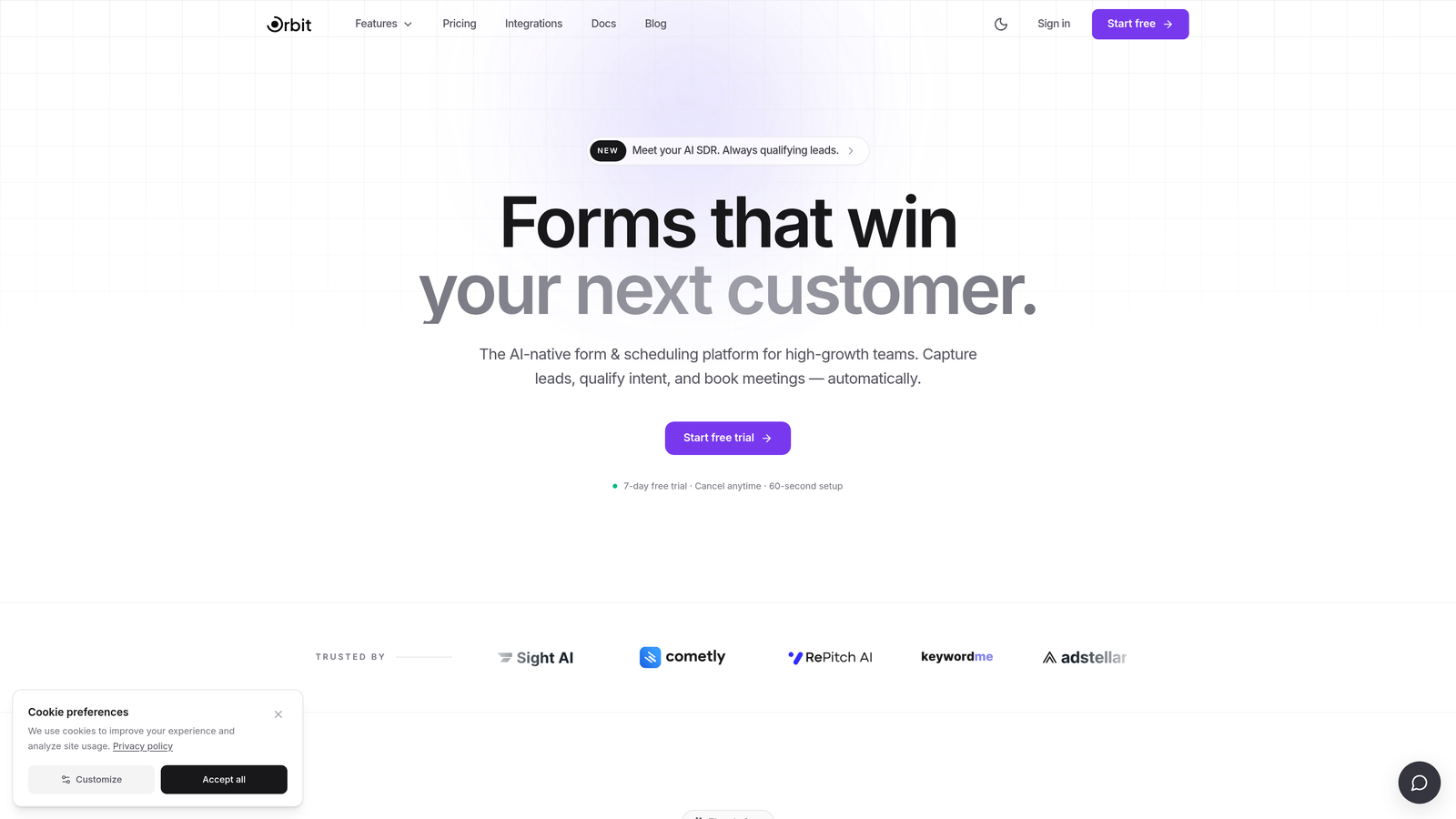
Orbit AI is an AI-powered form builder with built-in lead qualification and scoring, designed specifically for conversion-focused teams.
Where This Tool Shines
Most form builders send Zapier a raw dump of field values and leave you to figure out what to do with them. Orbit AI does something fundamentally different: every Zapier trigger payload includes AI-generated qualification metadata, meaning your downstream automations can branch on lead quality rather than just submission volume. That's a meaningful shift for teams running multi-touch lead distribution workflows.
The form builder itself is built with conversion in mind. You get a modern, flexible design interface, conditional logic, and dynamic fields that adapt to respondent input — all without the clunky UI that plagues older platforms. It's a tool that feels like it was built for 2026, not retrofitted from 2014.
Key Features
AI Lead Qualification Scores in Zapier Payloads: Every trigger includes AI-generated qualification data, so you can route high-intent leads to sales instantly and nurture lower-scored submissions separately.
Conversion-Optimized Form Builder: Modern design tools with flexible layouts built to maximize completion rates and capture quality responses.
Conditional Logic and Dynamic Fields: Personalize the form experience based on previous answers, keeping forms short and relevant for each respondent.
Score-Based Routing via Zapier: Use qualification scores as Zap conditions to route leads into different CRM pipelines, Slack channels, or email sequences automatically.
Built for High-Growth Teams: Purpose-built for SaaS and demand generation workflows, not general-purpose form collection.
Best For
Teams that treat form submissions as the start of a lead qualification workflow, not just a data collection event. Particularly valuable for SaaS companies, demand gen marketers, and growth teams where lead quality matters as much as lead volume.
Pricing
Visit orbitforms.ai for current pricing plans. A signup option is available to get started directly.
2. Typeform
Best for: Teams that prioritize form completion rates and need a reliable, well-documented Zapier integration.
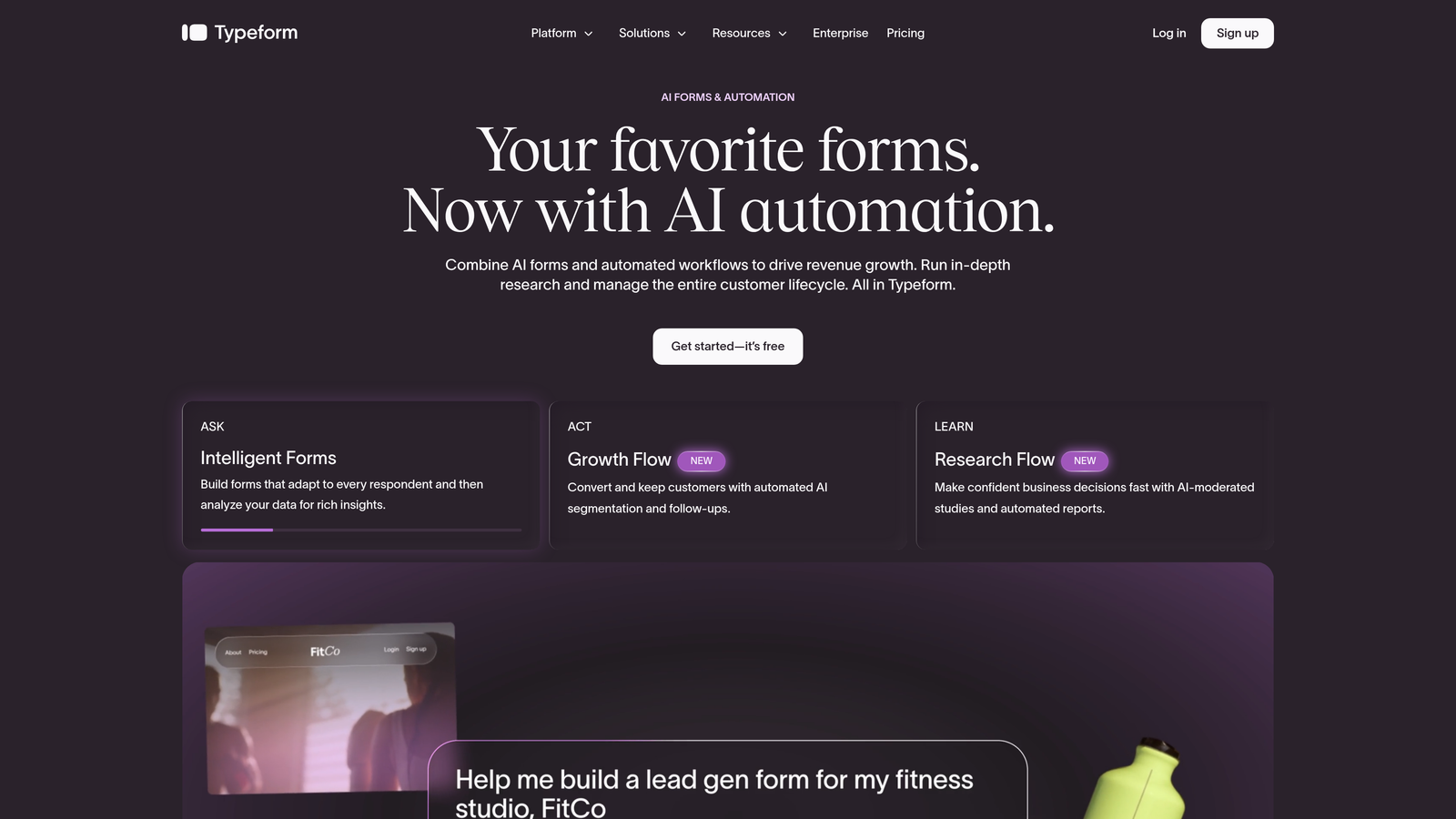
Typeform is a conversational form builder known for its one-question-at-a-time format and consistently high completion rates across lead gen and survey use cases.
Where This Tool Shines
Typeform's biggest advantage is its UX philosophy. By presenting one question at a time, it reduces cognitive load and keeps respondents engaged through the full form. For lead capture forms and NPS surveys, this format tends to outperform traditional multi-field layouts in completion rate.
The Zapier integration is mature and widely documented, which matters more than it sounds. When you're building multi-step Zaps at 11pm before a campaign launch, clean field mapping and reliable triggers save real time. Typeform's "new entry" trigger is straightforward and passes field data cleanly to downstream tools.
Key Features
Conversational Single-Question Format: Presents one question at a time to reduce drop-off and improve the respondent experience.
Reliable New Entry Zapier Trigger: Well-documented integration with clean field mapping, making it easy to build and maintain Zaps.
Logic Jumps: Branch respondents through different question paths based on previous answers, enabling personalized lead gen and survey flows.
Wide Template Library: Hundreds of templates covering lead capture, NPS, event registration, and more — useful for getting started quickly.
Embeddable and Mobile-Responsive: Works cleanly embedded in landing pages or shared as a standalone link, on any device.
Best For
Marketing teams running lead gen campaigns, customer research, or NPS programs where form completion rate is a primary metric. Also a solid choice for teams new to Zapier who want a well-supported integration with plenty of documentation.
Pricing
A free tier is available with limited responses. Paid plans start at a monthly fee — verify current pricing at typeform.com.
3. Jotform
Best for: Teams with complex form requirements who need multiple Zapier triggers beyond basic submission events.
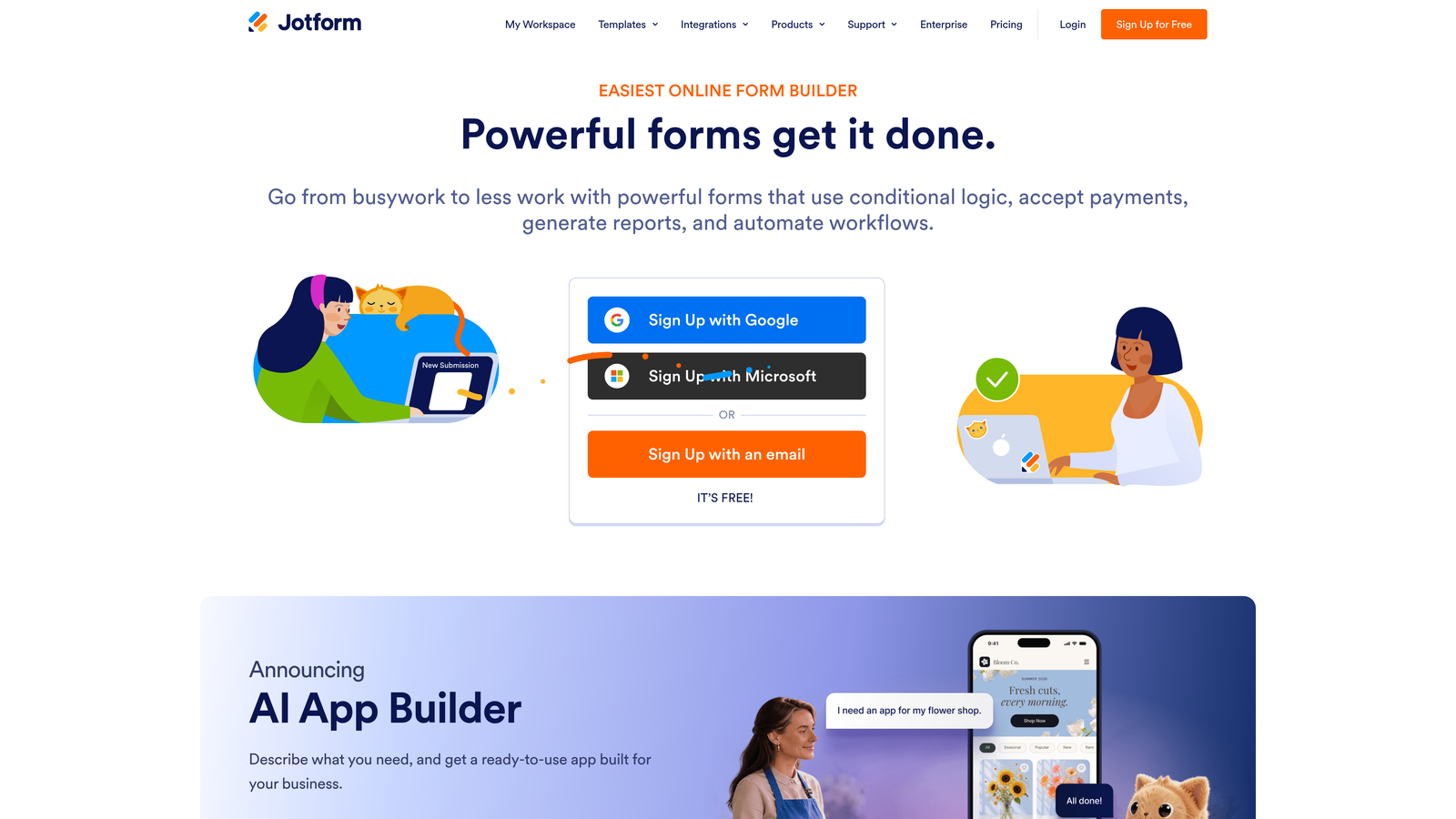
Jotform is a feature-rich form builder with one of the broadest field libraries available, supporting complex Zapier workflows including payment and approval triggers.
Where This Tool Shines
Where most form builders offer a single "new submission" Zapier trigger, Jotform goes further. You can trigger Zaps on new payments, approval status changes, and other form-specific events. This makes it genuinely useful for workflows that extend beyond simple lead capture into order processing, internal approvals, and multi-stage data collection.
The field library is exceptional. E-signatures, file uploads, payment fields, and advanced conditional logic are all available out of the box. If you've ever had to stitch together multiple tools to handle a complex form requirement, Jotform likely handles it natively — which simplifies your Zapier workflow considerably.
Key Features
Multiple Zapier Triggers: Triggers for new submissions, new payments, and approval status changes give you more workflow flexibility than most competitors.
Extensive Field Library: E-signatures, file uploads, payment fields, and more — covering use cases well beyond standard lead capture.
Advanced Conditional Logic: Multi-branch form flows that adapt based on respondent input, supporting complex data collection scenarios.
Large Template Library: Hundreds of pre-built templates spanning industries and use cases, reducing setup time significantly.
Free Tier with Reasonable Limits: The free plan covers a meaningful number of submissions, making it accessible for smaller teams getting started.
Best For
Operations teams, agencies, and businesses with diverse form needs: order forms, approval workflows, event registrations, and payment collection alongside standard lead gen. Power users who want maximum flexibility from a single platform.
Pricing
Free tier available; paid plans scale by submission volume. Verify current pricing at jotform.com.
4. Tally
Best for: Teams that need clean, fast forms with Zapier support and don't want to pay for features they'll never use.
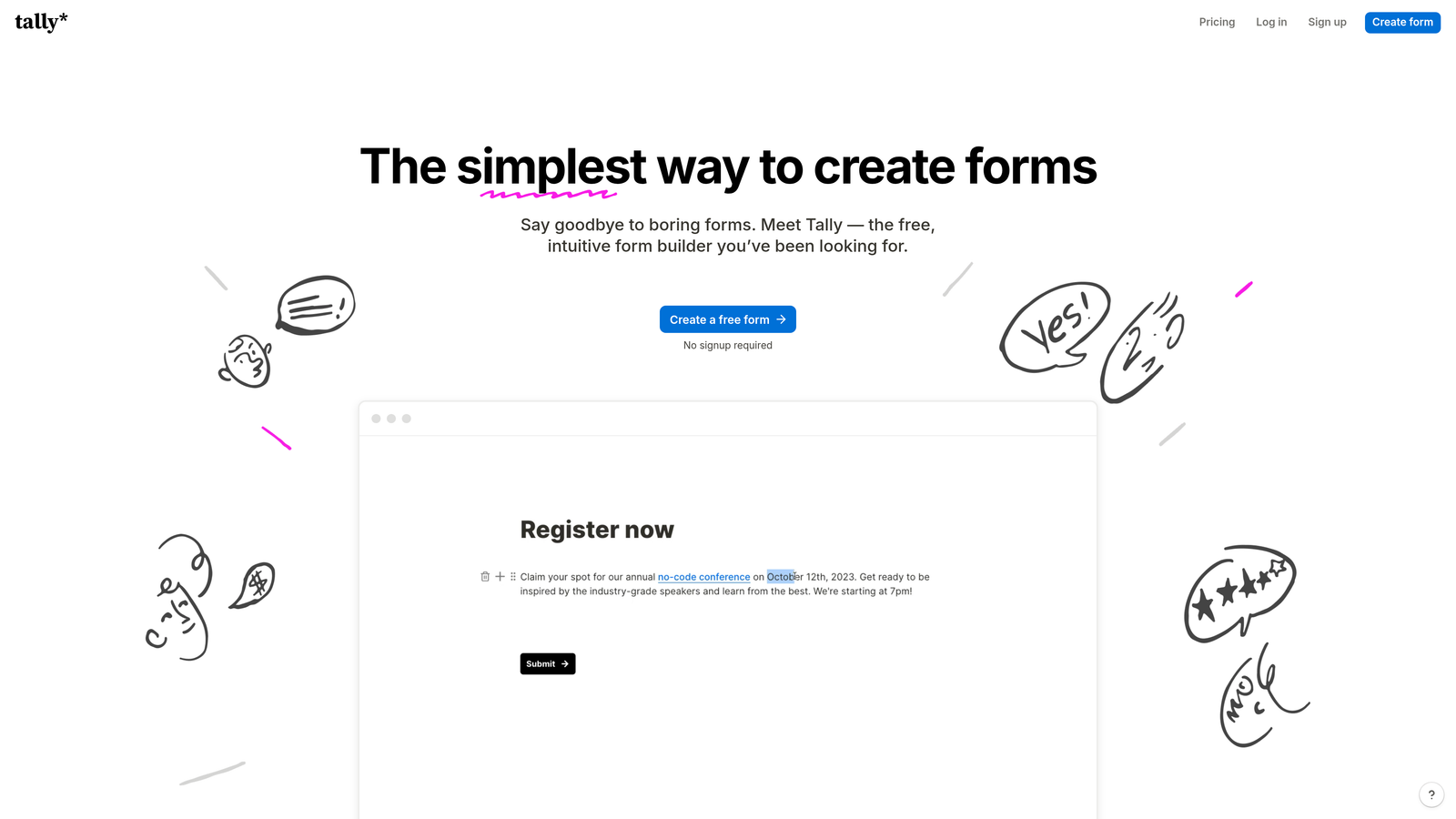
Tally is a minimalist, Notion-inspired form builder with a generous free tier and native Zapier integration, ideal for teams that value simplicity and speed.
Where This Tool Shines
Tally's block-based editor feels immediately familiar if you've spent any time in Notion. Building a form takes minutes rather than the half-hour you might spend wrestling with a more complex platform. For teams that need to spin up forms quickly and get them connected to their stack, that speed-to-deployment is genuinely valuable.
The free tier is notably generous: unlimited forms and unlimited responses without a subscription. The native Zapier integration is available across plans, meaning you're not gated behind a premium tier just to connect your form to your CRM. For early-stage teams or those with straightforward automation needs, Tally punches well above its price point.
Key Features
Native Zapier Integration on Free and Paid Plans: No paywall on the core integration — connect your forms to Zapier without upgrading.
Notion-Like Block Editor: Fast, intuitive form creation that feels familiar to anyone using modern productivity tools.
Unlimited Forms and Responses on Free Tier: Genuinely useful free plan without the restrictive caps common on other platforms.
Clean Embed Options: Embed forms into websites and landing pages with minimal friction and no design conflicts.
Logic and Calculations on Paid Plans: Conditional branching and calculation fields are available when your needs grow beyond simple data collection.
Best For
Early-stage startups, indie makers, and lean teams that need reliable Zapier-connected forms without complexity or cost. Less suited for teams with advanced lead qualification needs or multi-trigger automation requirements.
Pricing
Generous free plan with no submission caps. Pro plan available for advanced features — verify current pricing at tally.so.
5. Paperform
Best for: Campaign teams that need forms to function as standalone landing pages with built-in payments and scheduling.
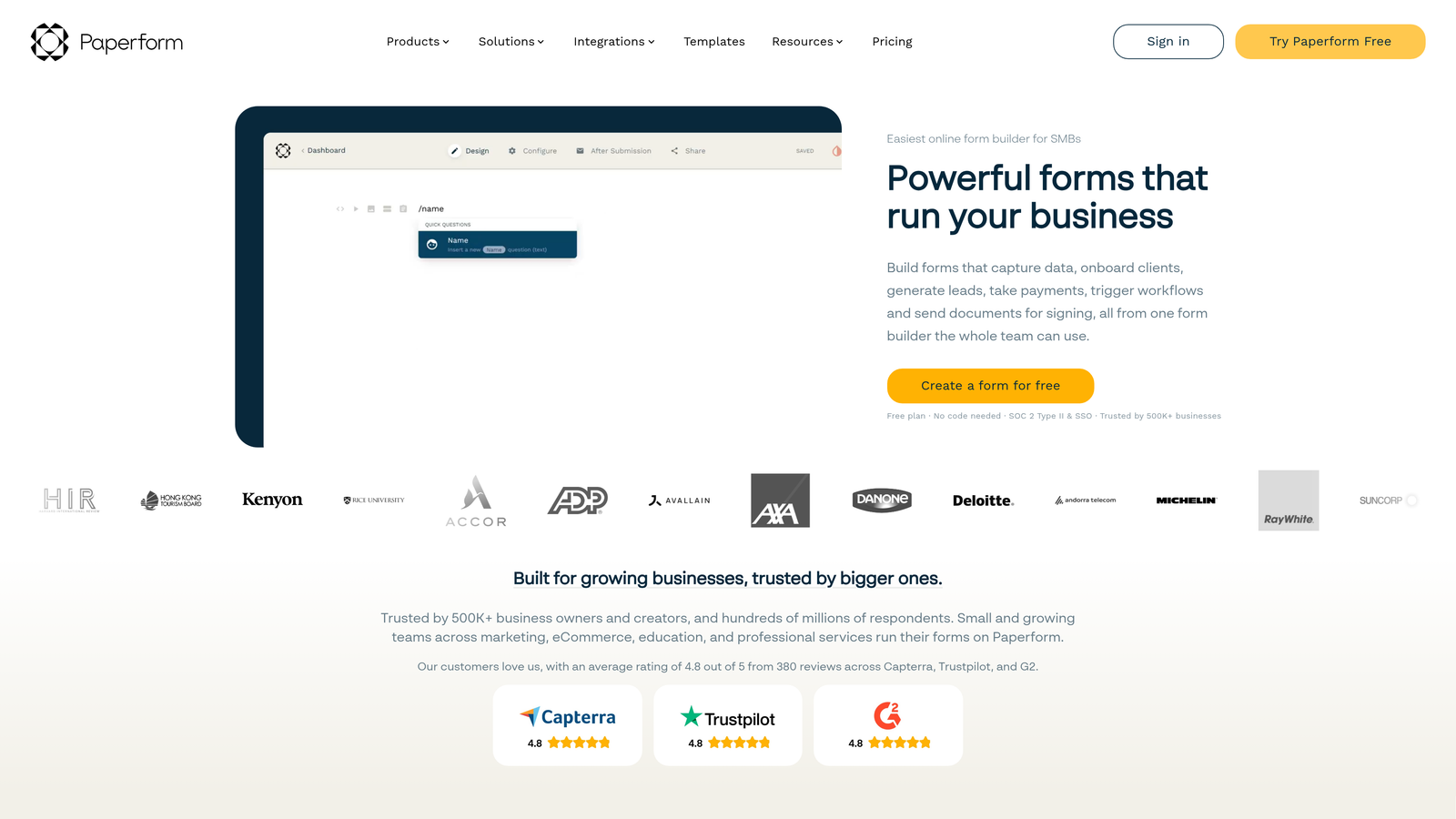
Paperform is a hybrid form and landing page builder that combines rich media, payments, and scheduling with Zapier support, built for campaigns that need more than a basic form.
Where This Tool Shines
Paperform occupies a unique position: it's not just a form builder, it's a form-as-landing-page platform. You can embed images, video, product blocks, and rich copy directly alongside your form fields, creating a complete campaign experience without needing a separate page builder. For teams running paid campaigns to a specific offer, this consolidation is a genuine workflow advantage.
The Zapier integration passes all field data from submissions cleanly, and the combination of payment, scheduling, and calculator features means your Zap payloads can include transactional data alongside lead information. That opens up automation workflows that go beyond simple CRM syncing.
Key Features
Full-Payload Zapier Integration: All field data from submissions passes through to Zapier, including data from payment and scheduling fields.
Rich Media Support: Images, video, and product blocks can be embedded directly within forms, creating a complete campaign experience.
Built-in Payments, Scheduling, and Calculators: Handle transactions and bookings within the same form, reducing the need for additional tools.
Forms as Standalone Landing Pages: No separate page builder required — forms can function as complete campaign destinations with custom domains.
Custom Domains and Branding: Maintain brand consistency on paid plans with custom domain support and full visual customization.
Best For
Marketing teams running campaigns where the form is the destination, not just a page element. Particularly useful for product launches, event registrations, and service bookings where payment or scheduling needs to happen in the same flow.
Pricing
Paid plans only — no permanent free tier. Verify current pricing at paperform.co.
6. Formstack
Best for: Enterprise teams and regulated industries that need compliance features alongside robust Zapier and native CRM connectivity.
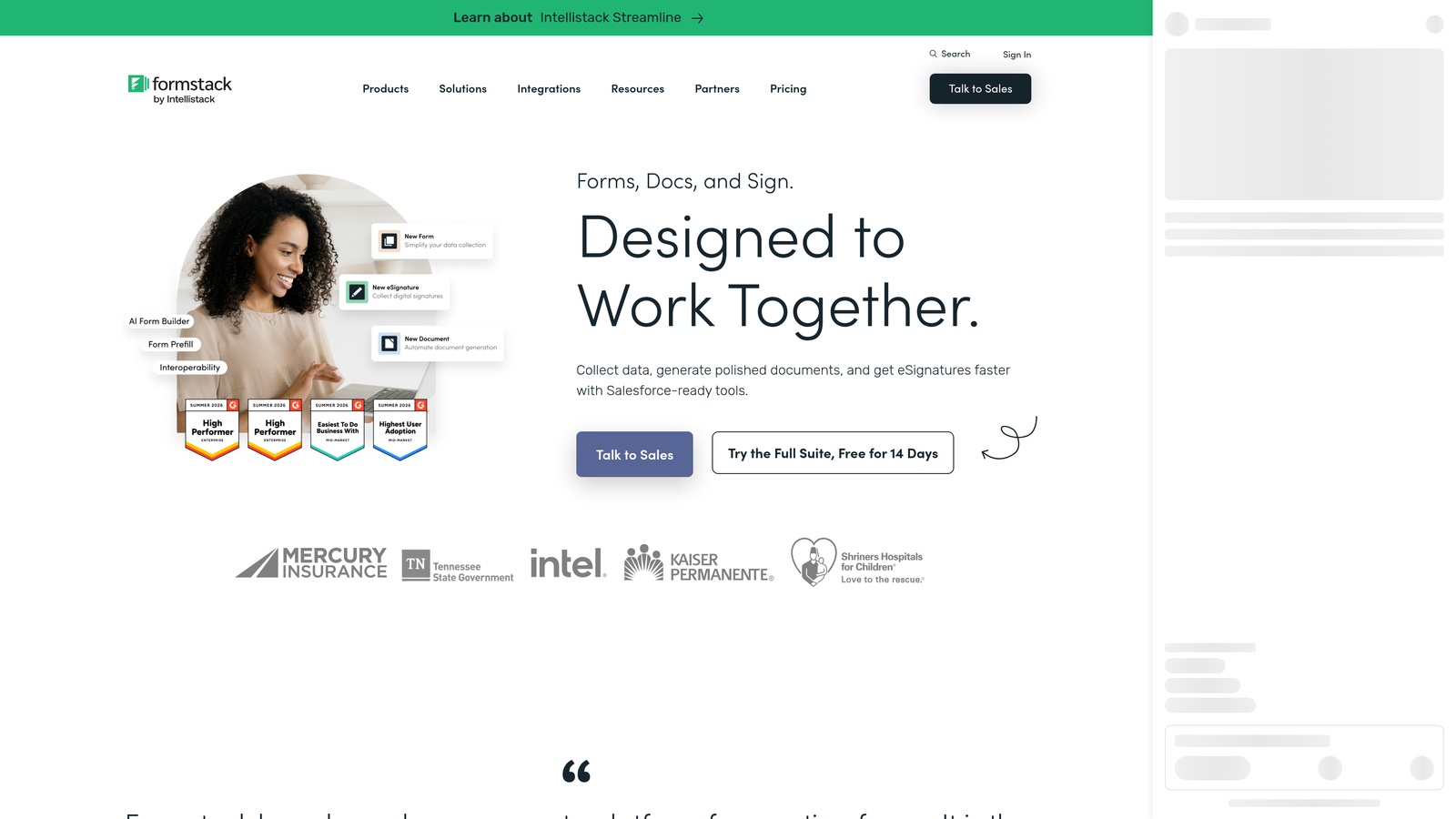
Formstack is an enterprise-grade form and workflow platform with compliance features including HIPAA-ready plans, built for larger organizations with complex data governance requirements.
Where This Tool Shines
Formstack's differentiator is compliance. HIPAA-ready plans make it one of the few form builders genuinely suited for healthcare organizations and other regulated industries where data handling requirements are non-negotiable. For teams that have struggled to find a form tool that passes their security review, this is often the answer.
Beyond compliance, Formstack offers workflow and approval routing built directly into the platform, meaning you can handle multi-stage processes without relying entirely on Zapier to stitch things together. The Zapier integration is robust, and native connectors to Salesforce and other enterprise CRMs mean you have flexibility in how you architect your data flows.
Key Features
HIPAA-Compliant Plans: Purpose-built for regulated industries where standard form builders don't meet data handling requirements.
Robust Zapier Integration with Native CRM Connectors: Zapier support alongside native Salesforce and HubSpot integrations gives flexibility in workflow architecture.
Built-in Workflow and Approval Routing: Multi-stage approval processes handled natively, reducing dependency on external automation tools.
Advanced Form Features: Conditional logic, prefill, and multi-page support for complex data collection scenarios.
Audit Trails and Data Governance: Compliance-focused features including audit trails for teams with strict data accountability requirements.
Best For
Healthcare organizations, financial services firms, and enterprise teams with compliance requirements that disqualify lighter-weight tools. Also well-suited for larger organizations that need workflow automation built into the platform rather than bolted on via Zapier alone.
Pricing
Enterprise pricing reflecting the platform's compliance and workflow capabilities. Verify current plans at formstack.com.
Which Tool Is Right for Your Workflow?
The right form builder with Zapier support depends almost entirely on what you need that Zapier connection to actually do.
For AI-powered lead qualification and score-based routing: Orbit AI is the clear choice. It's the only tool on this list where the Zapier payload includes AI-generated qualification metadata, making it purpose-built for high-growth teams that need to act on lead quality, not just lead volume.
For maximizing form completion rates: Typeform's conversational format and mature Zapier integration make it a reliable pick for lead gen and survey campaigns.
For complex multi-trigger workflows: Jotform's range of Zapier triggers (submissions, payments, approvals) gives operations and agency teams the flexibility they need.
For fast, free, no-fuss forms: Tally delivers a genuinely useful free tier with native Zapier support and zero complexity.
For forms that function as campaign landing pages: Paperform's hybrid approach works well when your form is the entire campaign destination.
For regulated industries with compliance requirements: Formstack's HIPAA-ready plans and enterprise workflow features make it the go-to for healthcare and financial services teams.
If you're running a high-growth SaaS or demand gen operation, the gap between "a form that collects submissions" and "a form that qualifies and routes leads automatically" is where Orbit AI earns its place at the top of this list. Start building free forms today and see how AI-powered qualification built directly into your Zapier workflows can change the way your team handles lead generation.


