

Not every form needs complex branching logic and conditional rules. Sometimes, the simplest approach delivers the best results—especially when you need forms that work immediately, require minimal setup, and keep your workflow clean. Whether you're collecting leads, gathering feedback, or managing event registrations, straightforward form builders let you focus on what matters: getting responses and converting visitors.
The best form builders without conditional logic stand out through exceptional design quality, seamless integrations, and pricing that makes sense for teams of any size. Here are the top tools that prove simplicity doesn't mean sacrificing power.
1. Orbit AI
Best for: Teams wanting intelligent lead qualification without manual logic configuration
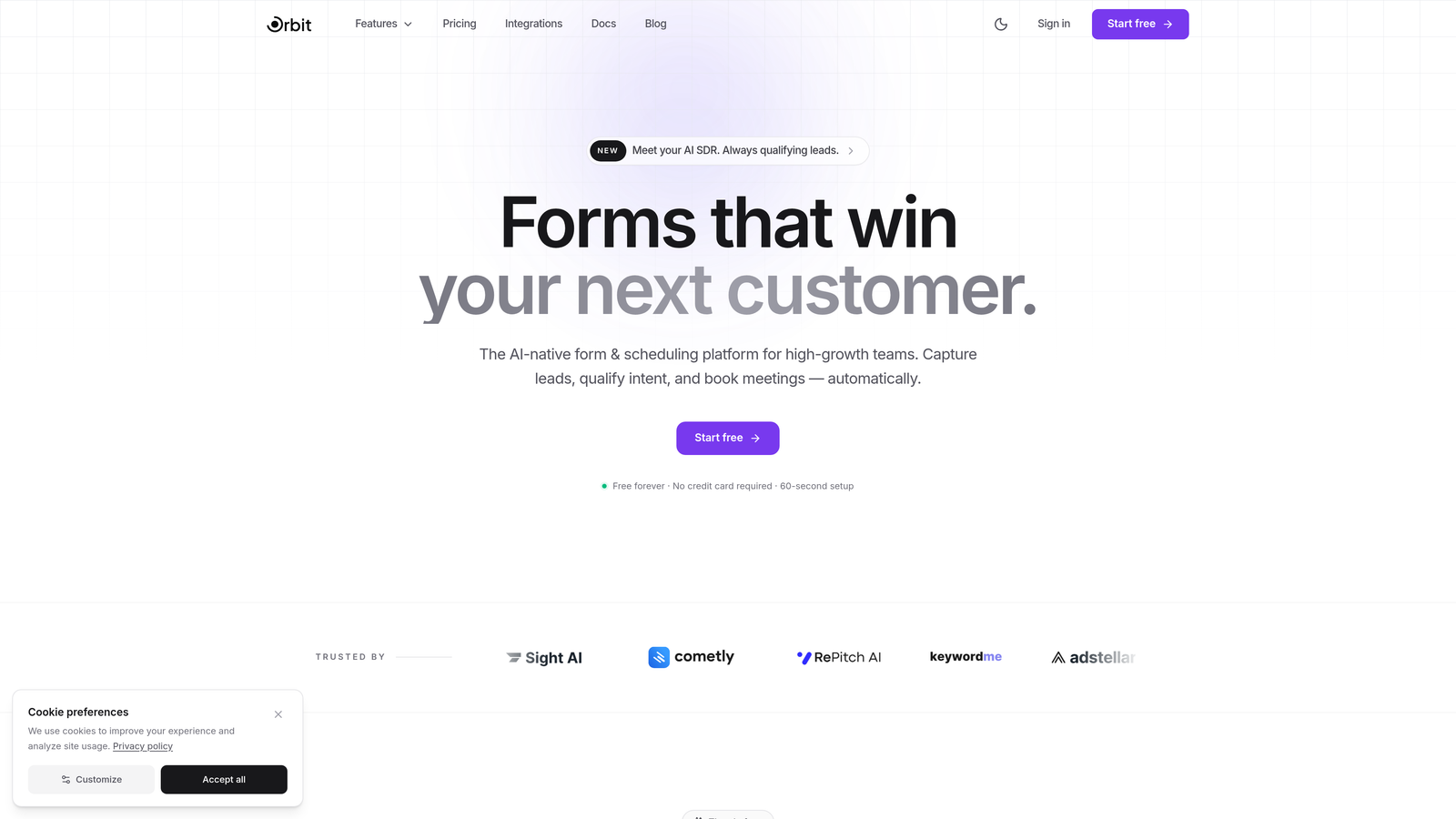
Orbit AI delivers AI-powered form intelligence that eliminates the need for complex conditional logic while still qualifying leads automatically.
Where This Tool Shines
Orbit AI takes a fundamentally different approach to form building. Instead of requiring you to map out every possible user path with conditional rules, it uses AI to understand lead quality and intent automatically. This means you get sophisticated lead qualification without the setup headache.
The platform focuses specifically on high-growth teams that need conversion-optimized forms fast. You're not wrestling with logic builders—you're launching beautiful forms that start working immediately.
Key Features
AI-Powered Lead Qualification: Automatically identifies high-quality prospects without manual scoring rules or complex workflows.
Conversion-Optimized Design: Modern, professionally designed form templates built specifically to maximize completion rates.
Smart Workflows: Intelligent routing and follow-up actions happen automatically based on AI analysis, not manual configuration.
Growth-Focused Analytics: Track what matters for conversion optimization without getting lost in data complexity.
Seamless Integrations: Connect with your existing tools while maintaining the simple, streamlined approach throughout your stack.
Best For
High-growth teams and businesses focused on lead generation who want intelligent automation without technical complexity. Perfect for companies that need sophisticated results but don't have time to become form logic experts.
Pricing
Free tier available to get started. Paid plans begin at competitive rates designed for growing teams, with pricing that scales as your conversion needs expand.
2. Tally
Best for: Budget-conscious creators who want unlimited forms with a familiar editing experience
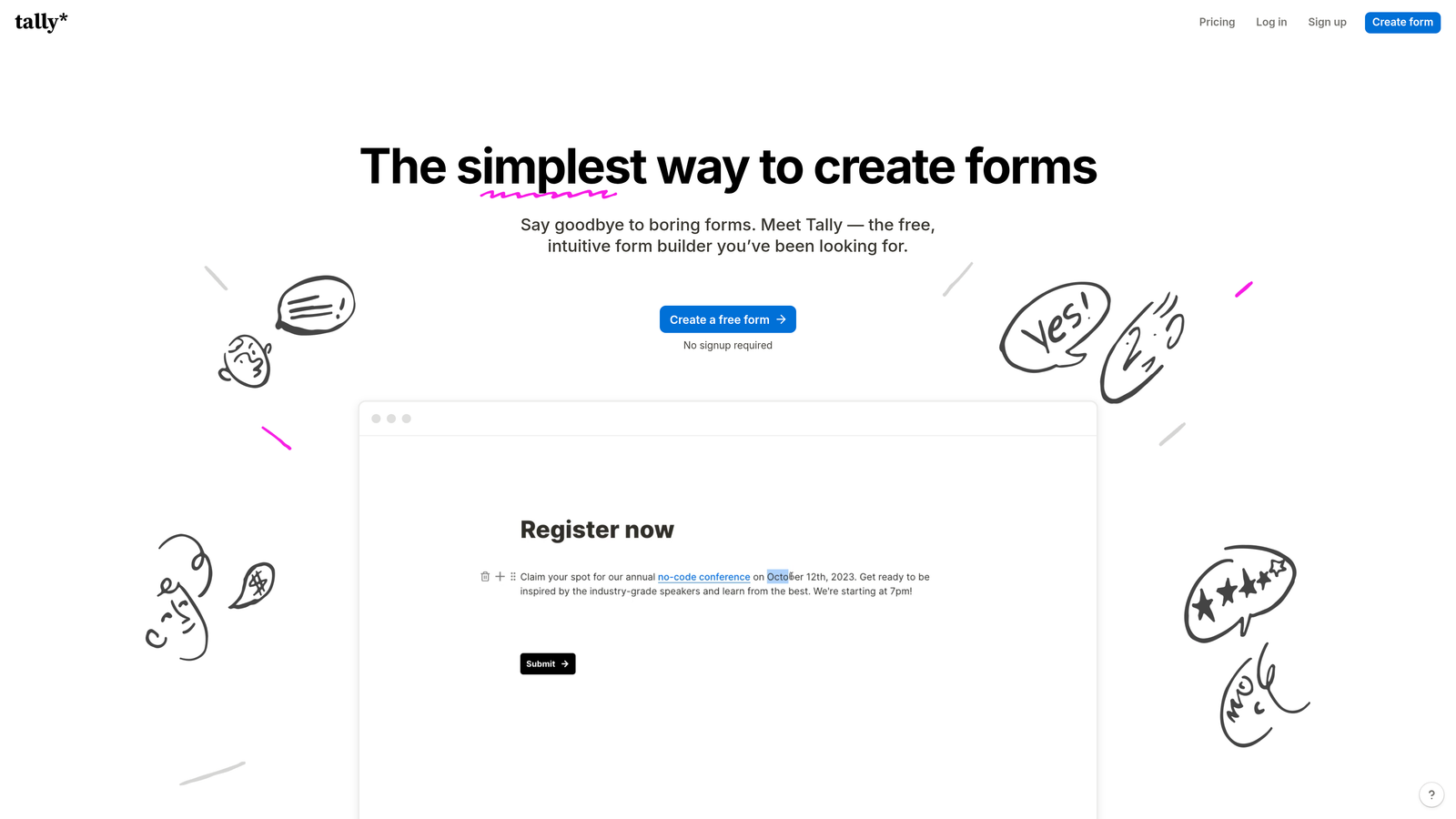
Tally brings Notion-style block editing to form building with an unbeatable free tier that includes unlimited forms.
Where This Tool Shines
If you've ever used Notion, Tally feels instantly familiar. The block-based editor lets you build forms by simply typing and adding elements as you go—no dragging, no complex menus, just straightforward creation. It's remarkably fast once you understand the flow.
The free plan is genuinely generous. Unlimited forms means you can create separate forms for every campaign, landing page, or use case without worrying about hitting limits or upgrading.
Key Features
Unlimited Free Forms: Create as many forms as you need without paying, making it ideal for agencies or high-volume users.
Block-Based Editor: Notion-style interface that feels natural if you're already comfortable with modern document editors.
Clean Design Aesthetic: Forms look professional and minimal by default, requiring little customization to match modern brands.
Basic Integrations Included: Connect to popular tools even on the free plan, though advanced integrations require upgrading.
Collaboration Features: Share and co-edit forms with team members, similar to collaborative document editing.
Best For
Content creators, small agencies, and teams already using Notion who want a familiar interface. Excellent for anyone needing multiple simple forms without ongoing costs.
Pricing
Free for unlimited forms with basic features. Pro plan at $29/month adds advanced integrations, custom domains, and premium features.
3. Google Forms
Best for: Quick surveys and data collection for teams already using Google Workspace
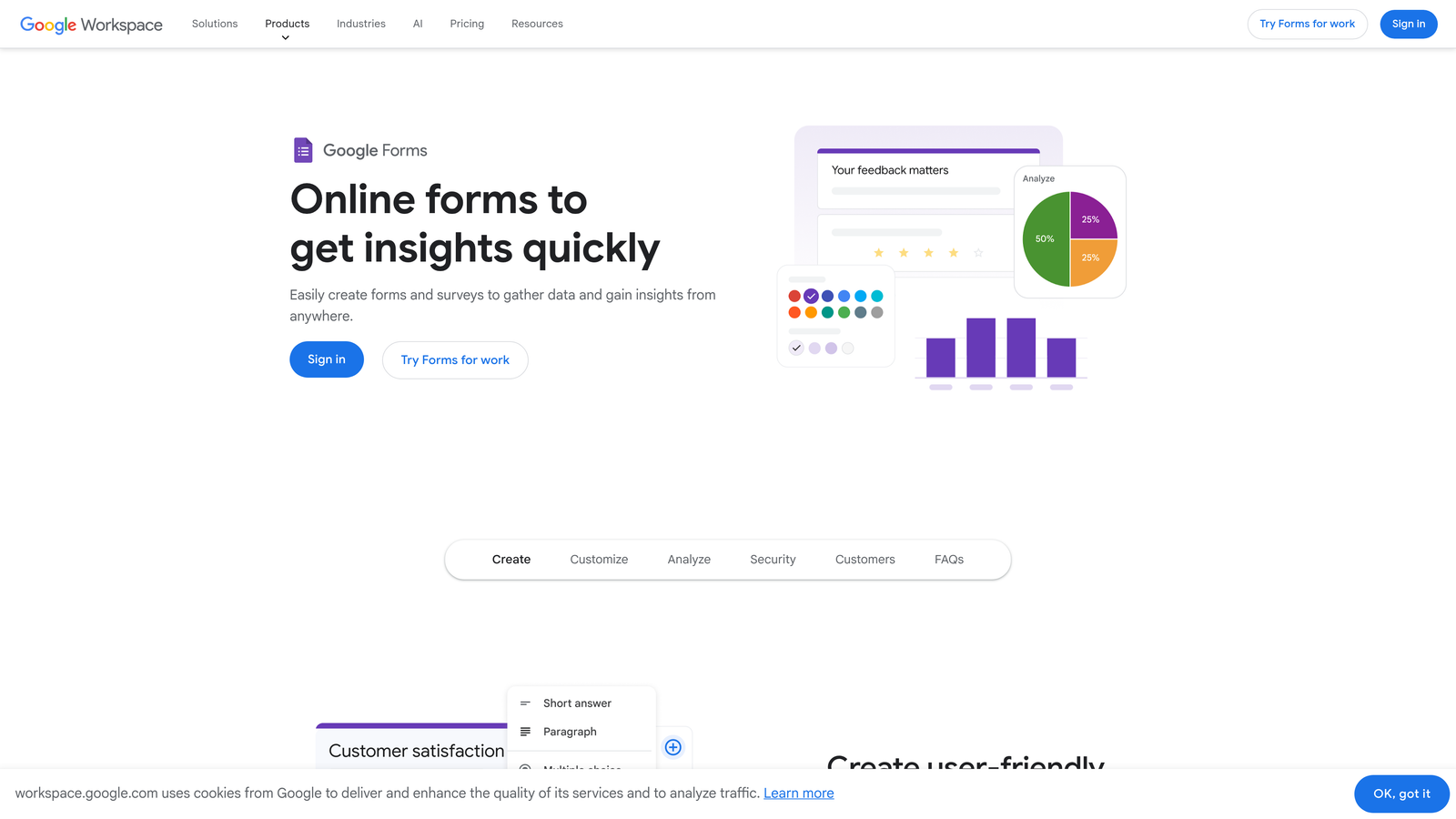
Google Forms offers the simplest possible form creation integrated directly with Google Sheets for instant data access.
Where This Tool Shines
Google Forms excels at one thing: getting a functional form live in under five minutes. There's no account setup if you have Gmail, no payment required, and responses flow directly into a Google Sheet you can share with your entire team instantly.
Real-time collaboration means multiple people can edit the same form simultaneously, seeing each other's changes live. For teams already living in Google Workspace, this integration is seamless and familiar.
Key Features
Completely Free: No hidden costs, no form limits, no response caps—just free, forever, with any Google account.
Google Sheets Integration: Responses appear in a spreadsheet automatically, ready for analysis, filtering, or sharing.
Real-Time Collaboration: Edit forms together with team members, just like Google Docs or Sheets.
Basic Quiz Functionality: Built-in quiz mode with automatic grading for educational use cases.
Mobile-Responsive: Forms work perfectly on any device without additional configuration.
Best For
Schools, nonprofits, small businesses, and any team already using Google Workspace. Perfect for internal surveys, event RSVPs, and simple data collection where design isn't the priority.
Pricing
Completely free with any Google account. No paid tiers or upgrade paths—what you see is what you get.
4. Microsoft Forms
Best for: Organizations standardized on Microsoft 365 who want native ecosystem integration
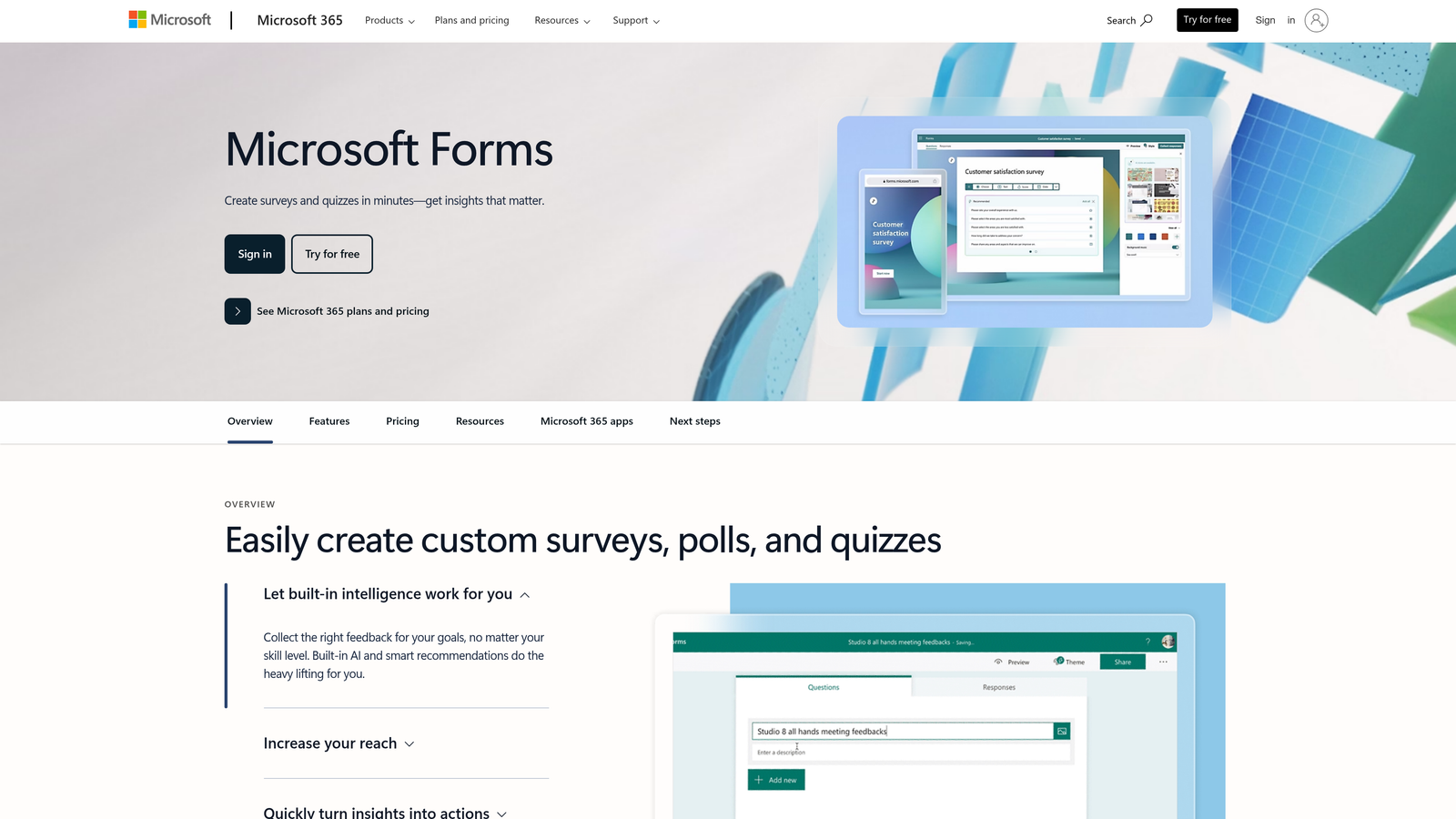
Microsoft Forms provides straightforward form and quiz creation for teams already invested in the Microsoft ecosystem.
Where This Tool Shines
Microsoft Forms integrates seamlessly with Excel for response analysis and Teams for distribution. If your organization runs on Microsoft 365, you already have access—no new tools to approve or budget for.
The interface is clean and corporate-friendly, making it easy to create professional-looking forms that match Microsoft's design language. While basic branching exists, the tool works perfectly well without ever touching those features.
Key Features
Included with Microsoft 365: No additional cost if you're already a Microsoft 365 subscriber, making it essentially free for existing users.
Excel Integration: Export responses directly to Excel for advanced analysis using familiar spreadsheet tools.
Teams Integration: Share forms in Teams channels and collect responses from your organization seamlessly.
Simple Branching Available: Optional basic branching exists but isn't required for most use cases.
Quiz Mode: Built-in assessment features with automatic scoring for training and education scenarios.
Best For
Enterprise teams, corporate environments, and educational institutions already using Microsoft 365. Ideal for internal feedback, employee surveys, and training assessments.
Pricing
Included with Microsoft 365 subscription at no additional cost. Standalone access available through free Microsoft accounts with limited features.
5. Jotform
Best for: Teams wanting ready-to-use templates that require minimal customization
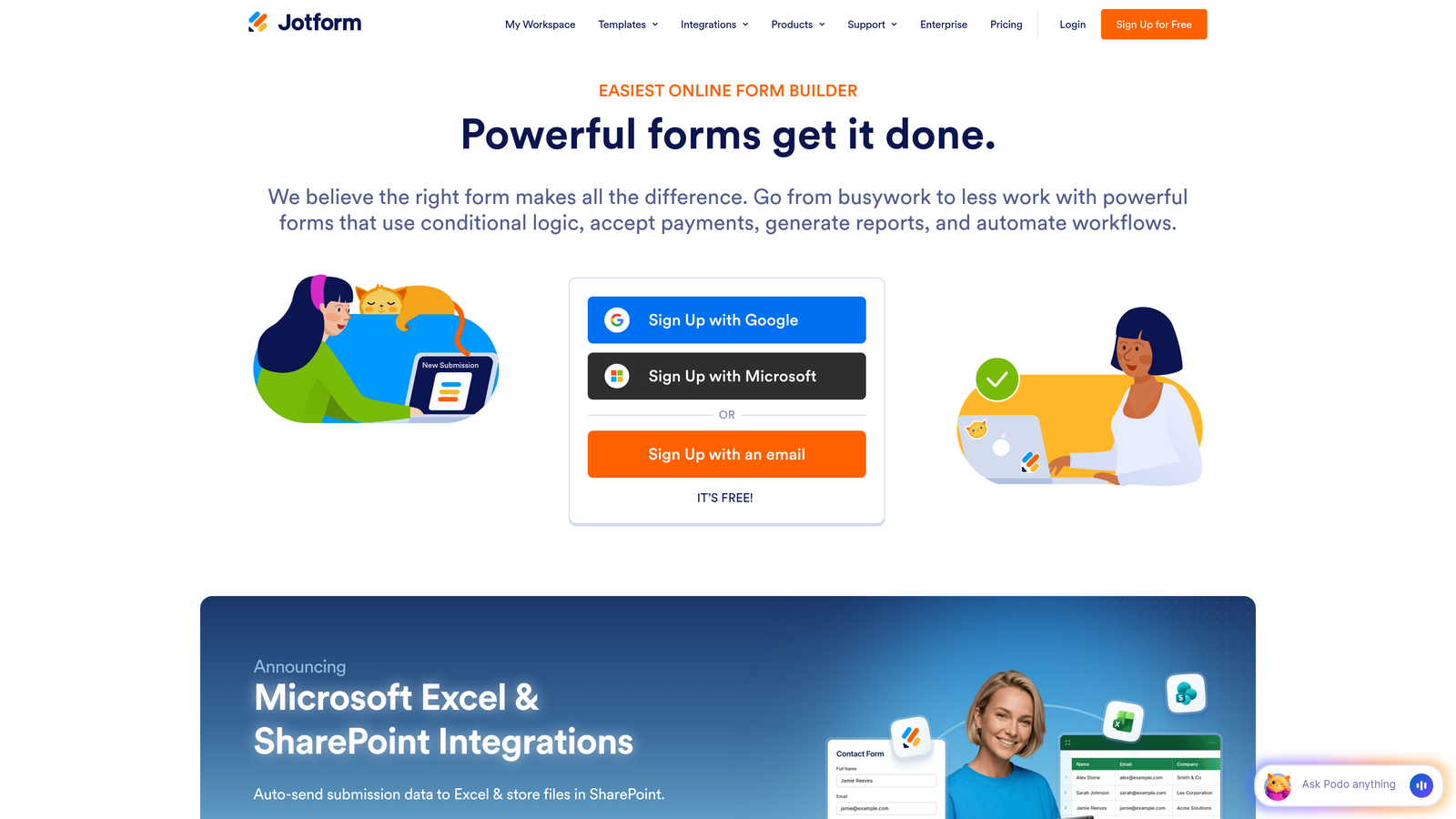
Jotform offers over 10,000 pre-built form templates covering nearly every conceivable use case.
Where This Tool Shines
Jotform's massive template library means you rarely build from scratch. Need a contact form? There are hundreds. Event registration? Dozens of options. The templates aren't just layouts—they include relevant fields, logical flow, and professional design ready to deploy.
The drag-and-drop builder makes customization intuitive even for non-technical users. Payment collection is built-in, supporting multiple processors without requiring separate integrations or coding.
Key Features
10,000+ Templates: Pre-built forms for virtually every industry and use case, dramatically reducing setup time.
Drag-and-Drop Builder: Visual editor that makes customization straightforward without technical skills required.
Payment Collection: Built-in support for PayPal, Stripe, Square, and other payment processors for selling and donations.
PDF Form Generation: Automatically convert submissions into formatted PDF documents for records and distribution.
Mobile Forms App: Collect responses offline using mobile devices, syncing when connectivity returns.
Best For
Small businesses, event organizers, and teams that want professional forms fast without starting from blank templates. Excellent for payment collection and registration scenarios.
Pricing
Free plan includes 5 forms with 100 monthly submissions. Bronze plan at $34/month increases limits significantly with 25 forms and 1,000 submissions.
6. Paperform
Best for: Design-focused teams wanting beautiful, branded forms with a unique creation experience
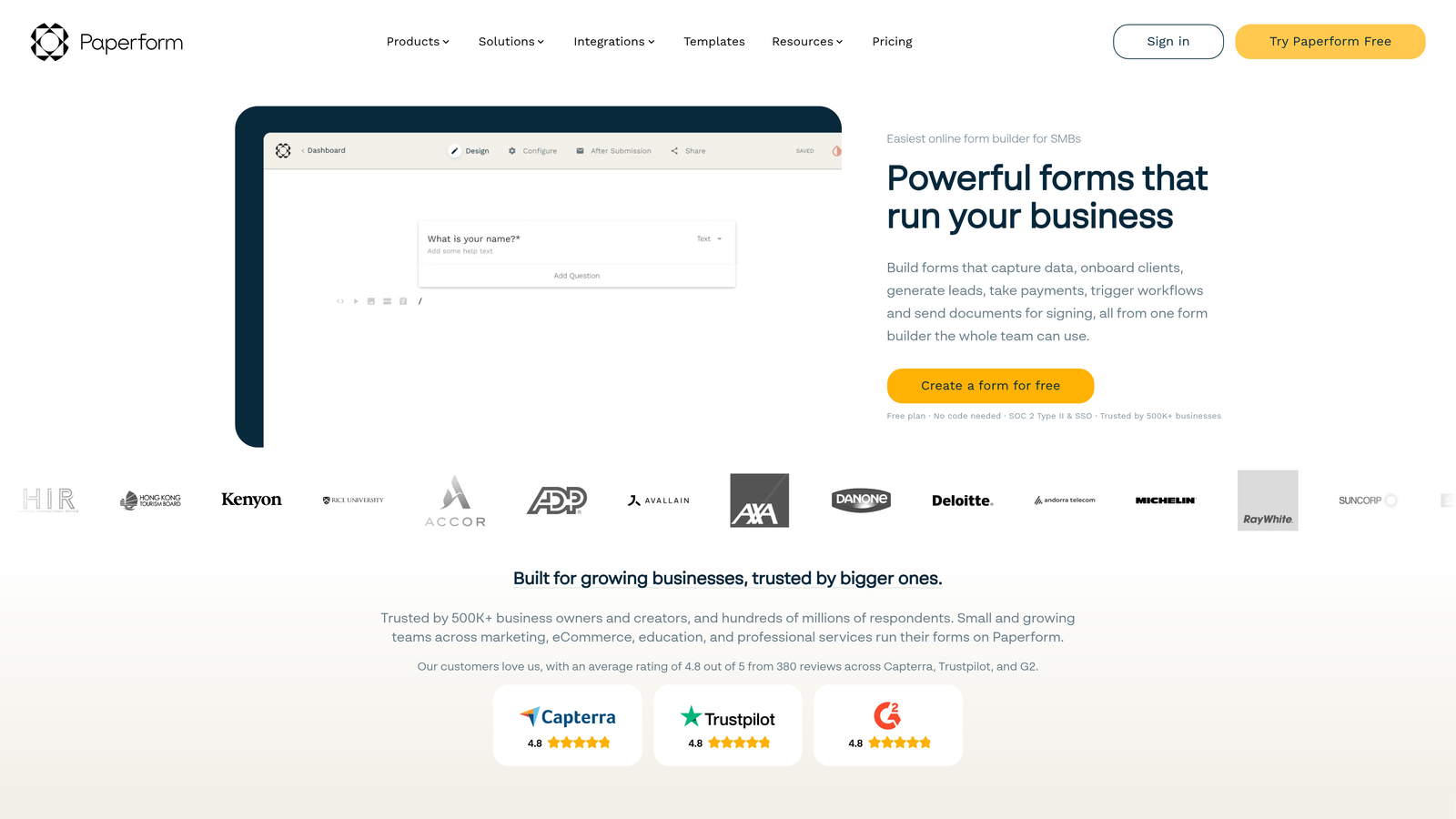
Paperform uses a document-style interface to create forms that look more like landing pages than traditional surveys.
Where This Tool Shines
Paperform's document-based approach feels different from typical form builders. You type naturally, and the platform converts your text into form elements—almost like writing a letter that becomes interactive. This creates forms that feel more conversational and less clinical.
The branding customization is exceptional. You can match your exact brand colors, fonts, and style without wrestling with limited theme options. Forms genuinely look like native parts of your website.
Key Features
Document-Style Creation: Type naturally and watch text transform into form fields, creating a unique editing experience.
Strong Branding Customization: Deep control over colors, fonts, layouts, and styling to match your exact brand guidelines.
Built-In Payment Processing: Accept payments through Stripe and PayPal without external integrations or coding.
Guided Selling Features: Create product recommendation flows and pricing calculators that feel natural, not robotic.
Advanced Embed Options: Embed forms seamlessly into websites with extensive customization of how they appear.
Best For
Design-conscious brands, creative agencies, and businesses where form aesthetics directly impact conversion rates. Perfect for product sales, consultations, and premium service bookings.
Pricing
Essentials plan at $24/month for basic features. Pro plan at $49/month adds advanced customization, integrations, and higher submission limits.
7. Formspree
Best for: Developers who build custom form frontends and need reliable backend handling
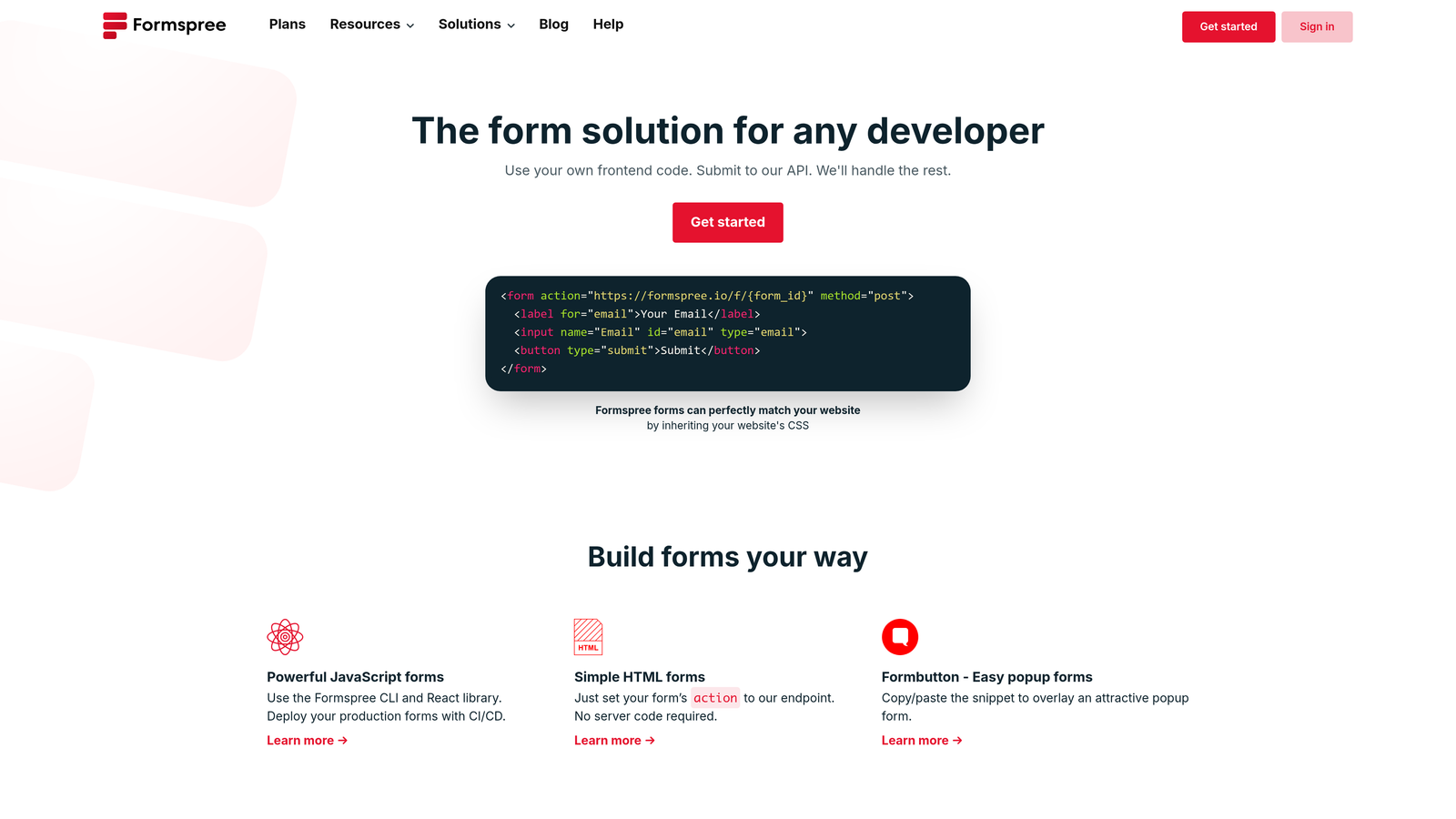
Formspree provides form endpoint APIs for developers who create their own HTML forms but need submission handling.
Where This Tool Shines
Formspree solves a specific developer problem: you've built a beautiful custom form in HTML, but you need somewhere to send the data. Instead of building your own backend, you point your form to a Formspree endpoint and they handle everything else.
The service includes spam filtering, file uploads, and email notifications out of the box. You maintain complete control over your form's design and functionality while outsourcing the infrastructure headaches.
Key Features
Form Endpoint API: Simple API endpoints that receive form submissions from any HTML form you create.
Works with Any Frontend: Compatible with React, Vue, plain HTML, or any technology that can submit HTTP requests.
Spam Filtering Included: Built-in protection against spam submissions without requiring additional services.
File Upload Support: Handle file attachments in form submissions with automatic storage and delivery.
Webhook Integrations: Trigger custom workflows by sending submission data to your own endpoints or third-party services.
Best For
Frontend developers, agencies building custom sites, and teams with specific design requirements that template builders can't accommodate. Ideal for JAMstack sites and static site generators.
Pricing
Free tier includes 50 submissions per month. Paid plans start at $8/month for increased submission limits and advanced features like custom redirect URLs.
8. Basin
Best for: Static sites and JAMstack applications needing lightweight form handling
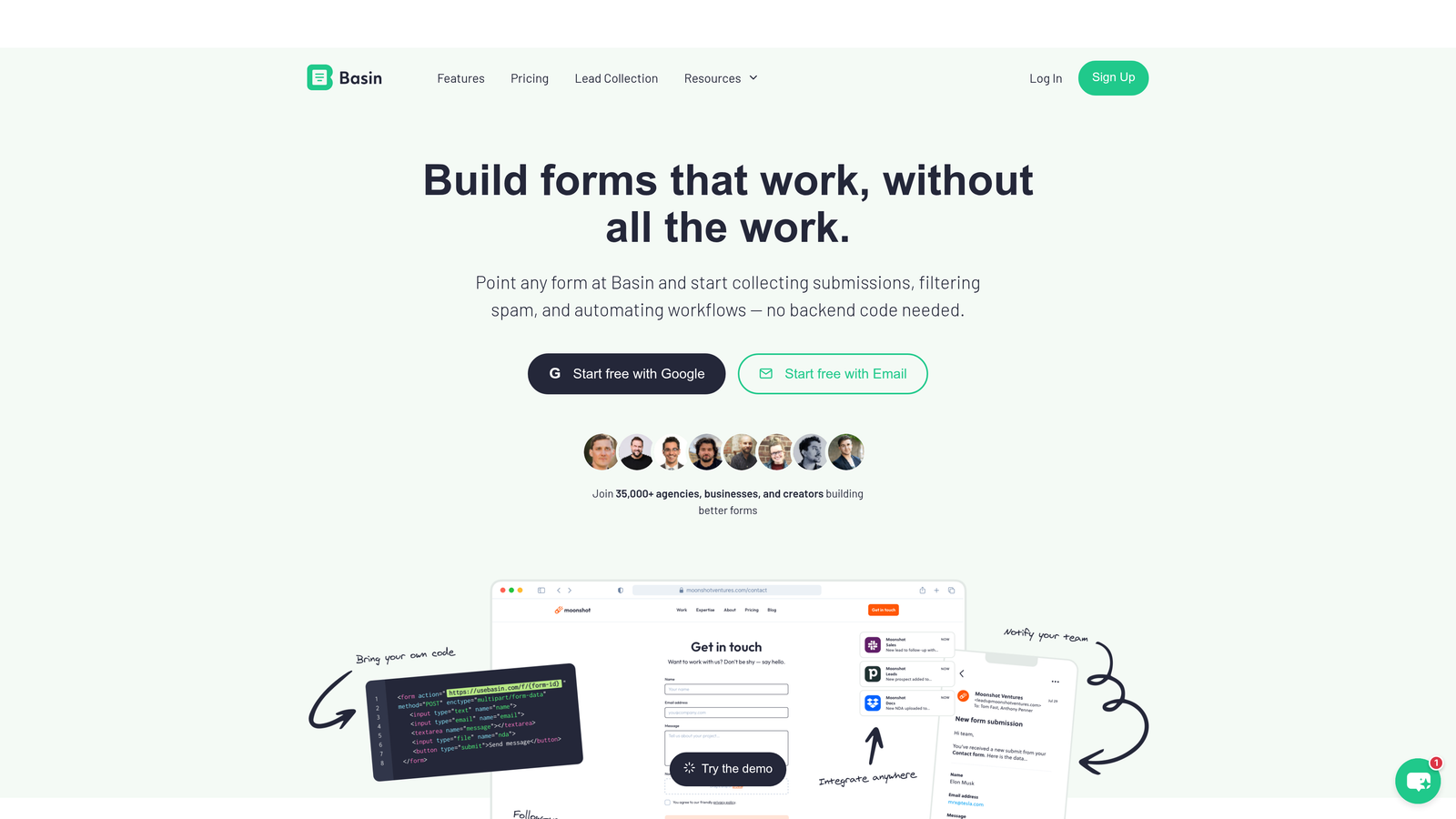
Basin offers minimal-configuration form backends specifically designed for static site workflows.
Where This Tool Shines
Basin embraces the static site philosophy: no JavaScript required, no complex setup, just HTML forms that work. You add a simple endpoint to your form's action attribute, and Basin handles the rest—no client-side code needed.
The honeypot spam protection works without CAPTCHAs or user friction. Forms stay fast and accessible while blocking automated spam effectively. For static sites hosted on platforms like GitHub Pages or Netlify, this simplicity is perfect.
Key Features
No JavaScript Required: Works with pure HTML forms, keeping your site fast and accessible without additional client-side code.
Honeypot Spam Protection: Invisible spam filtering that doesn't impact legitimate users with CAPTCHAs or verification steps.
Webhook Integrations: Send submission data to other services or custom endpoints for automated workflows.
Custom Redirect URLs: Send users to specific thank-you pages after submission without JavaScript redirects.
Simple Dashboard: Clean interface for viewing submissions and managing forms without unnecessary complexity.
Best For
Developers building static sites, portfolio sites, and JAMstack applications where minimal JavaScript and fast performance are priorities. Perfect for contact forms on marketing sites.
Pricing
Free plan includes 100 submissions per month. Pro plan at $4.17/month (billed annually) increases limits and adds features like file uploads.
9. Netlify Forms
Best for: Sites hosted on Netlify that need zero-configuration form handling
Netlify Forms automatically detects and handles forms in your HTML with no setup required.
Where This Tool Shines
If your site is hosted on Netlify, form handling couldn't be simpler. Add a single attribute to your HTML form, and Netlify automatically processes submissions—no endpoints to configure, no separate services to integrate. It just works.
The native dashboard integration means you view submissions alongside your deployment history and site analytics. Everything lives in one place, which dramatically simplifies workflow for teams managing multiple sites.
Key Features
Automatic Form Detection: Netlify scans your HTML during deployment and automatically sets up form handling without configuration.
Built-In Spam Filtering: Intelligent spam protection included by default, keeping your submissions clean without additional services.
Serverless Function Triggers: Automatically trigger Netlify Functions when forms are submitted for custom processing workflows.
Native Dashboard Integration: View and manage form submissions directly in the Netlify dashboard alongside site deployments.
Email Notifications: Receive instant email alerts when forms are submitted, configurable per form.
Best For
Developers and teams already hosting sites on Netlify who want the absolute simplest form solution. Perfect for contact forms, newsletter signups, and simple data collection on static sites.
Pricing
100 form submissions per month included free with Netlify hosting. Additional submissions available at $19 per site per month for unlimited submissions.
Finding Your Perfect Match
The right form builder depends entirely on your specific needs and existing workflow. For teams focused on lead generation who want intelligent qualification without configuration complexity, Orbit AI delivers AI-powered results that feel simple while working smart. Budget-conscious creators building multiple forms will appreciate Tally's unlimited free tier and familiar editing experience.
Already living in Google Workspace or Microsoft 365? The native form tools included with those ecosystems make the most sense—no new tools to learn, no additional costs, and instant integration with your existing workflow. For developers building custom experiences, Formspree, Basin, and Netlify Forms each solve the backend problem elegantly, letting you maintain complete design control while outsourcing the infrastructure.
The beauty of these straightforward form builders is they prove you don't need complex conditional logic to create powerful, conversion-focused forms. Sometimes the smartest approach is the simplest one—especially when that simplicity comes with intelligent automation working behind the scenes.
Transform your lead generation with AI-powered forms that qualify prospects automatically while delivering the modern, conversion-optimized experience your high-growth team needs. Start building free forms today and see how intelligent form design can elevate your conversion strategy.


