

Your first interaction with a new client, lead, or partner sets the tone for the entire relationship. A clunky, confusing, or generic intake process creates friction, wastes time, and can lose you valuable business before it even starts. The solution isn't just a better form-it's a smarter intake strategy powered by the right intake form templates and technology. This guide moves beyond simple field lists to explore the strategy behind each template: how to balance comprehensive data collection with a seamless user experience, ask questions that qualify leads automatically, and integrate form data directly into your CRM and sales workflows.
We've compiled a definitive list of the best platforms and resources for deploying high-converting intake forms. For each option, you will find a detailed breakdown of its purpose, key fields, conversion tips, and sample copy. We'll show you exactly how to transform your intake process from a tedious administrative task into a powerful, automated engine for growth. While the principles here apply broadly, some industries have highly specific needs. For example, to illustrate a specialized application of these principles, explore this comprehensive guide to legal client intake documents.
This resource list is designed for action. You'll find direct links and screenshots to help you quickly assess which solution fits your business needs, whether you're capturing high-intent demo requests, onboarding new agency clients, or registering attendees for a virtual event. We will cover a curated selection of tools, starting with the platform leading the charge in AI-powered qualification, Orbit AI, and then exploring a variety of powerful alternatives like Jotform, Typeform, and Formstack.
1. Orbit AI
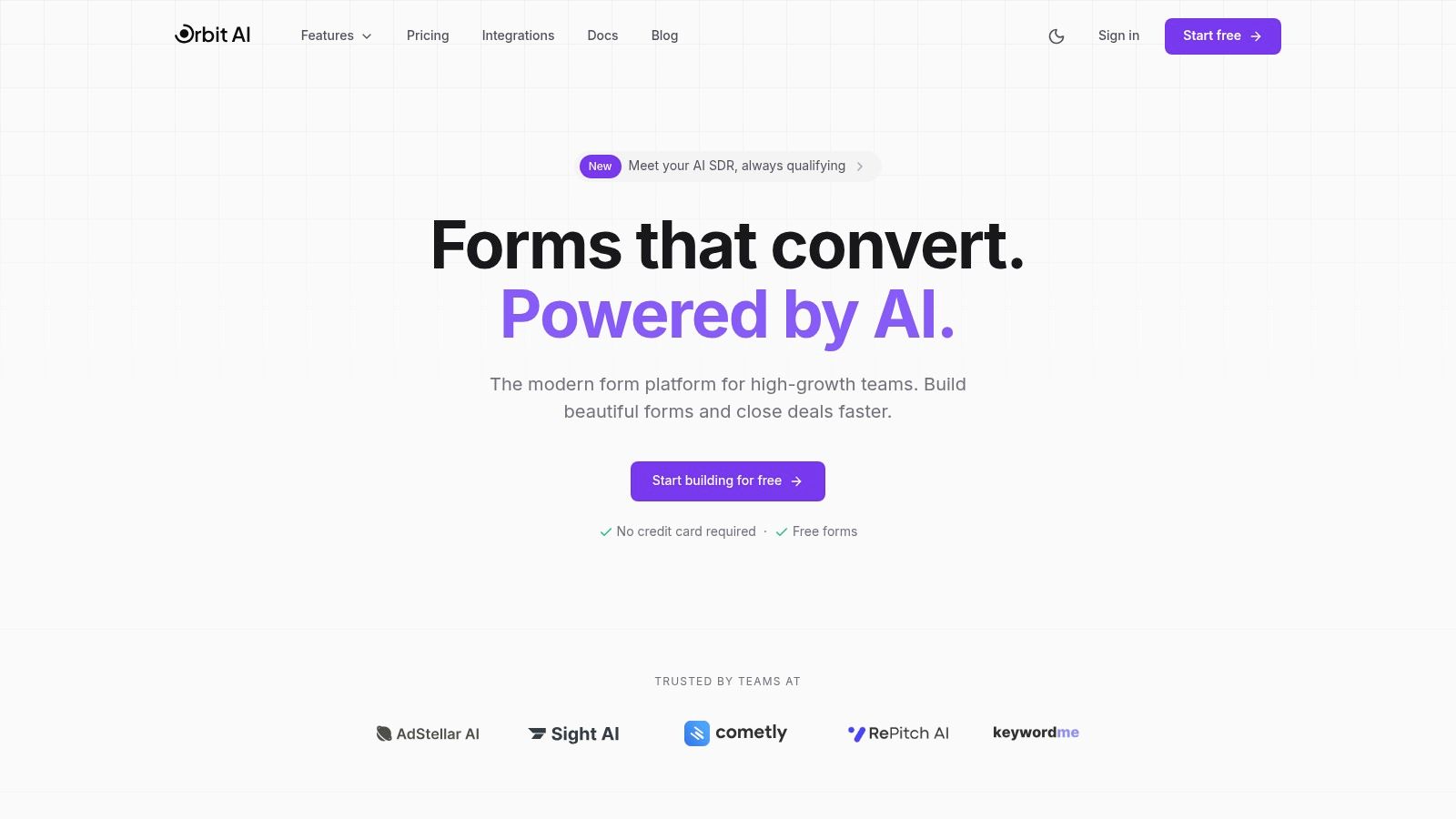
Orbit AI earns its top position by fundamentally rethinking what an intake form should do. Instead of just collecting information, it actively qualifies and enriches it, transforming a simple submission into a sales-ready opportunity. This AI-powered platform is engineered for high-growth B2B teams that demand more than just data entry; they need intelligent lead processing built directly into their capture mechanism.
The platform excels with its clean, intuitive visual builder that allows marketing and product teams to create polished, high-converting forms without writing a single line of code. User testimonials frequently highlight superior load times and conversion rates compared to legacy solutions like Typeform. This focus on user experience ensures that potential leads are not lost due to friction or slow-loading elements.
Key Differentiators and Use Cases
What truly sets Orbit AI apart is its built-in AI SDR. This feature works 24/7 to analyze submissions, enrich lead data with additional context, and apply smart lead scoring. This means your sales team receives a prioritized list of genuinely qualified leads, eliminating manual triage and accelerating response times. The platform's real-time analytics also provide deep insights into form performance, identifying drop-off points and conversion trends to guide optimization efforts.
For teams requiring robust security and seamless integration, Orbit AI delivers. It offers enterprise-grade encryption and GDPR readiness, making it a reliable choice for B2B SaaS and other regulated industries. With over 50 native integrations for CRMs and marketing automation tools, it ensures that qualified leads flow directly into your existing workflows without delay.
Practical Implementation
Orbit AI is designed for rapid deployment and immediate impact.
- Best For: B2B SaaS companies, digital marketing agencies, and sales teams focused on generating and converting high-quality pipeline.
- Pricing: A free starter tier is available, allowing teams to begin building immediately without a credit card. Specific details for paid tiers are available on their website.
- Key Consideration: The AI qualification model is powerful but requires initial tuning. Teams should plan for a brief period of monitoring and occasional manual review to ensure the AI's scoring aligns perfectly with their ideal customer profile.
To see how these features come together in practice, you can explore their library of ready-to-use intake form templates designed for various business needs.
Website: https://orbitforms.ai
2. Jotform
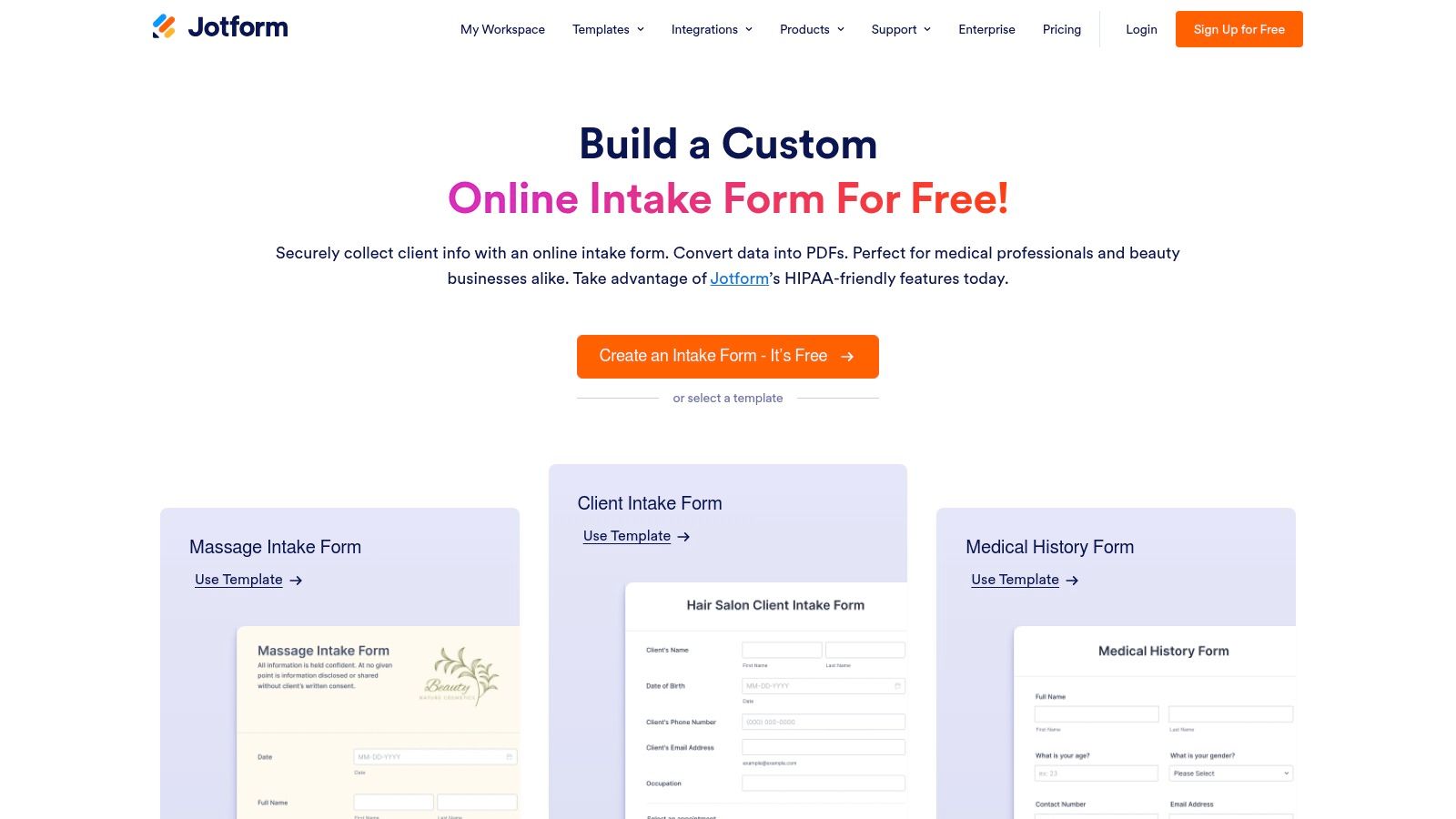
Jotform is a veteran in the online form space, offering one of the largest and most diverse collections of intake form templates available. Its drag-and-drop builder makes customization straightforward, allowing teams to quickly adapt a pre-built template or create a new form from scratch without writing a single line of code. The platform is particularly strong for businesses needing a wide variety of forms for different departments, from marketing to HR and client services.
What sets Jotform apart is its sheer volume of ready-to-use templates and its focus on specific industry needs. For instance, its HIPAA-compliant features and willingness to sign a Business Associate Agreement (BAA) on select plans make it a trusted choice for patient intake in healthcare. This specialization, combined with robust PDF generation and an extensive integration library, solidifies its position as a versatile and reliable tool.
Key Features & Use Cases
- Massive Template Library: With hundreds of intake form templates, users can find a starting point for almost any scenario, including new client onboarding, patient registration, and event sign-ups.
- No-Code Customization: The intuitive interface allows for easy modification of form fields, logic, and design, ensuring brand alignment. Proper form structure is crucial for conversions, so be sure to review current web form design best practices.
- Advanced Integrations: Connects seamlessly with over 100 popular tools like Salesforce, HubSpot, Slack, and Google Workspace, automating data transfer and follow-up actions.
- HIPAA Compliance: Offers specialized plans with enhanced security and privacy features for handling protected health information (PHI), a critical requirement for medical practices.
Orbit AI Implementation Notes
Jotform’s webhook and Zapier integrations make it easy to connect with Orbit AI. You can configure your intake form to send submission data directly to Orbit, triggering the AI qualification and scoring engine in real-time. This setup allows you to leverage Jotform’s user-friendly front-end while benefiting from Orbit’s powerful back-end lead processing.
| Feature | Availability |
|---|---|
| Pricing | Free plan available; Paid plans start at $34/month (billed annually) |
| HIPAA Compliance | Available on Gold and Enterprise plans |
| Template Access | All plans, including Free |
| Primary Use Cases | Client Onboarding, Patient Intake, Lead Generation, Registration |
Website: Jotform Intake Form Templates
3. Typeform
Typeform revolutionized the online form experience by popularizing the one-question-at-a-time, conversational format. This approach turns data collection into an interactive dialogue, which can significantly reduce user friction and boost completion rates. Its templates are designed to feel more like a conversation and less like a chore, making it an excellent choice for businesses focused on delivering a friendly and engaging user experience, particularly on mobile devices.
The platform excels at creating visually appealing and highly branded intake forms without requiring technical skills. Typeform’s strength lies in its user-centric design philosophy, which guides respondents smoothly through the intake process. While it offers a great front-end experience, businesses with high submission volumes or those needing advanced HIPAA compliance may find its pricing or features limiting compared to other Typeform alternatives.
Key Features & Use Cases
- Conversational Logic: Guides users through questions based on previous answers, creating a personalized and dynamic intake experience for client onboarding or lead qualification.
- Engaging User Experience: The one-question-at-a-time flow is less intimidating than traditional long forms, making it ideal for creative briefs, patient pre-registration, and feedback collection.
- Extensive Integrations: Connects to over 300 applications, including Slack, HubSpot, Salesforce, and Zapier, to streamline data transfer and automate post-submission workflows.
- Custom Branding & Design: Offers powerful styling options on paid plans, allowing businesses to create intake form templates that perfectly match their brand identity.
Orbit AI Implementation Notes
Typeform integrates seamlessly with Orbit AI via its native webhook capabilities or through a Zapier connection. When a user completes an intake form, the data can be instantly sent to Orbit AI for real-time analysis, lead scoring, and qualification. This allows you to combine Typeform’s engaging front-end with Orbit’s intelligent back-end processing to qualify leads more effectively.
| Feature | Availability |
|---|---|
| Pricing | Free plan available; Paid plans start at $25/month (billed annually) |
| HIPAA Compliance | Available on Enterprise plans |
| Template Access | All plans, including Free |
| Primary Use Cases | Lead Generation, Client Intake, Creative Briefs, User Feedback |
Website: Typeform Intake Form Templates
4. Formstack
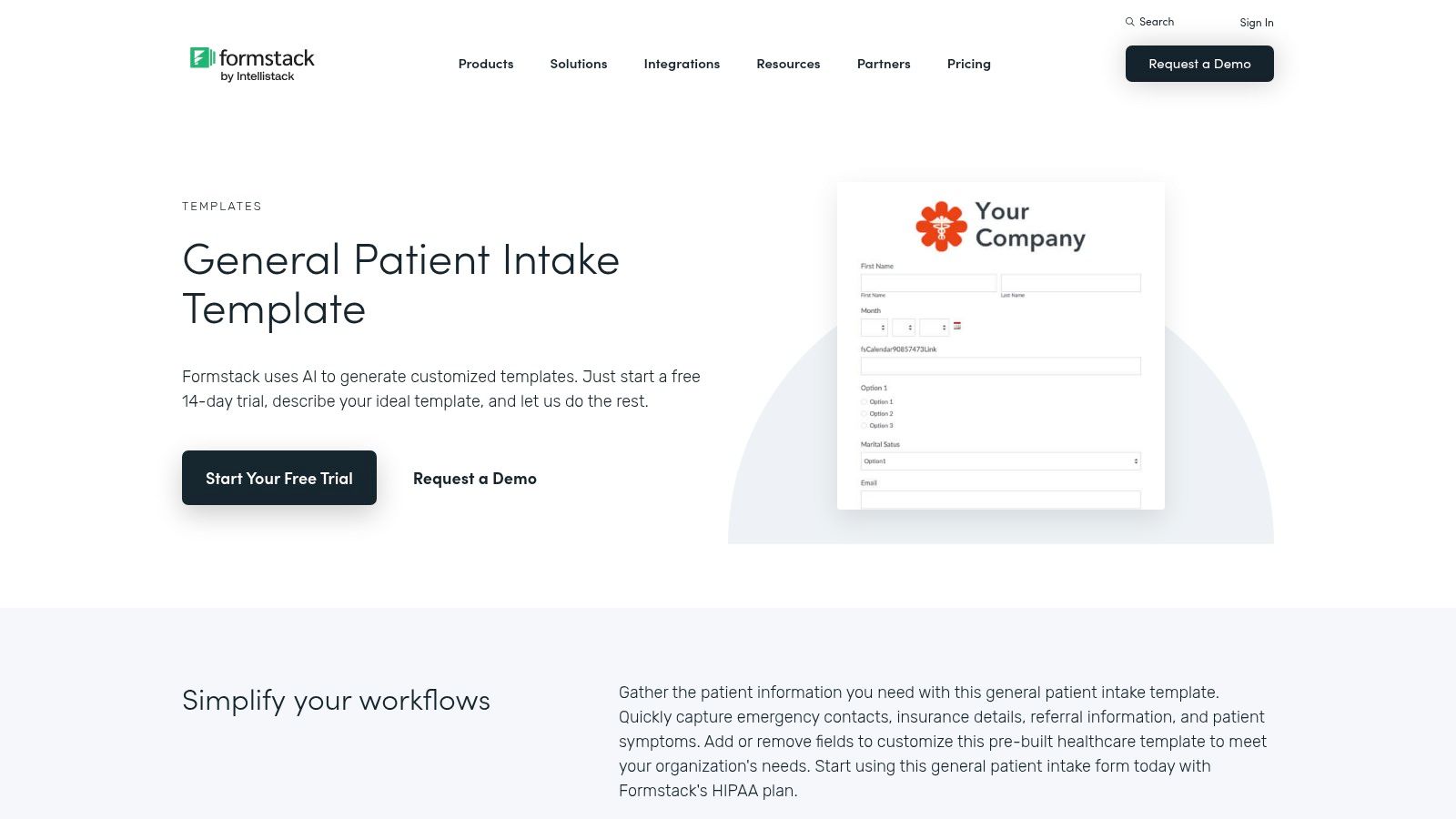
Formstack is an enterprise-grade platform designed for organizations that need more than just a form builder. It offers a comprehensive suite of tools for data collection, document generation, and digital signatures, making it a powerful solution for complex intake workflows. The platform is particularly well-suited for regulated industries like healthcare and finance, where security, compliance, and governance are paramount.
What sets Formstack apart is its focus on end-to-end process automation. Instead of just capturing data, its "Workflows" feature allows teams to build multi-step approval processes and automate document creation directly from form submissions. This capability, combined with its Salesforce-native option and HIPAA-compliant features, makes it a go-to for businesses looking to integrate intake forms deeply into their core operational systems.
Key Features & Use Cases
- Pre-Built Intake Templates: Provides a solid library of templates for patient intake, client onboarding, and counseling, which can be customized with conditional logic to create dynamic user experiences. You can learn more by exploring different options for a form builder with conditional logic.
- HIPAA Compliance: Offers robust security measures and a willingness to sign a BAA, making it a reliable choice for collecting protected health information (PHI).
- Workflow Automation: Enables the creation of automated approval chains and handoffs, streamlining processes for HR, client services, and operations teams.
- Salesforce Native Option: A dedicated version built on the Salesforce platform allows for seamless data integration and management without leaving the CRM environment.
Orbit AI Implementation Notes
Formstack’s webhook capabilities allow for a straightforward integration with Orbit AI. By setting up a webhook to trigger on form submission, you can send new lead data directly to the Orbit AI engine. This connection enables real-time AI qualification, scoring, and routing, allowing you to leverage Formstack's secure front-end while automating your lead management with Orbit.
| Feature | Availability |
|---|---|
| Pricing | Plans start at $50/month (billed annually) |
| HIPAA Compliance | Available on specific plans within the Formstack Suite |
| Template Access | All plans |
| Primary Use Cases | Patient Intake, Financial Client Onboarding, Internal Approvals |
Website: Formstack Intake Form Templates
5. Paperform
Paperform is a highly flexible form builder that excels in creating elegant, landing-page-style forms. It’s particularly well-suited for service-based businesses, agencies, and consultants who need a modern aesthetic combined with powerful functionality like scheduling and payments directly within their intake process. Its free-form editor feels more like designing a webpage than building a traditional form, offering extensive control over branding and layout.
What makes Paperform stand out is its seamless integration of appointment scheduling and payment processing. This all-in-one approach is perfect for scenarios like booking a paid consultation or scheduling an initial client meeting directly from the intake form, reducing friction and streamlining the onboarding workflow. Its strong design controls ensure that the intake form templates look polished and professional, perfectly matching a company's brand identity.
Key Features & Use Cases
- Elegant Design & UX: Offers extensive customization options, allowing businesses to create visually appealing forms that feel like a natural part of their website.
- Integrated Payments & Scheduling: Natively supports payment gateways like Stripe and PayPal, plus appointment fields, making it ideal for paid consultations, service bookings, and event registrations.
- Powerful Logic & Calculations: Supports conditional logic to show or hide questions based on user answers and includes calculation fields for quotes or scoring.
- Extensive Template Library: Provides a wide range of intake form templates for client onboarding, counseling services, and beauty salon appointments.
Orbit AI Implementation Notes
Paperform’s webhook and Zapier integrations allow for a direct connection to Orbit AI. By setting up a webhook on form submission, you can instantly send new lead data to Orbit for real-time AI qualification and analysis. This enables you to maintain Paperform’s beautiful front-end experience while leveraging Orbit’s advanced lead scoring and routing capabilities.
| Feature | Availability |
|---|---|
| Pricing | Starts at $20/month (billed annually); no free plan available |
| HIPAA Compliance | Not explicitly offered; may require other alternatives for PHI |
| Template Access | All plans |
| Primary Use Cases | Agency Client Intake, Paid Consultations, Service Bookings, Event Registration |
Website: Paperform Client Intake Form Templates
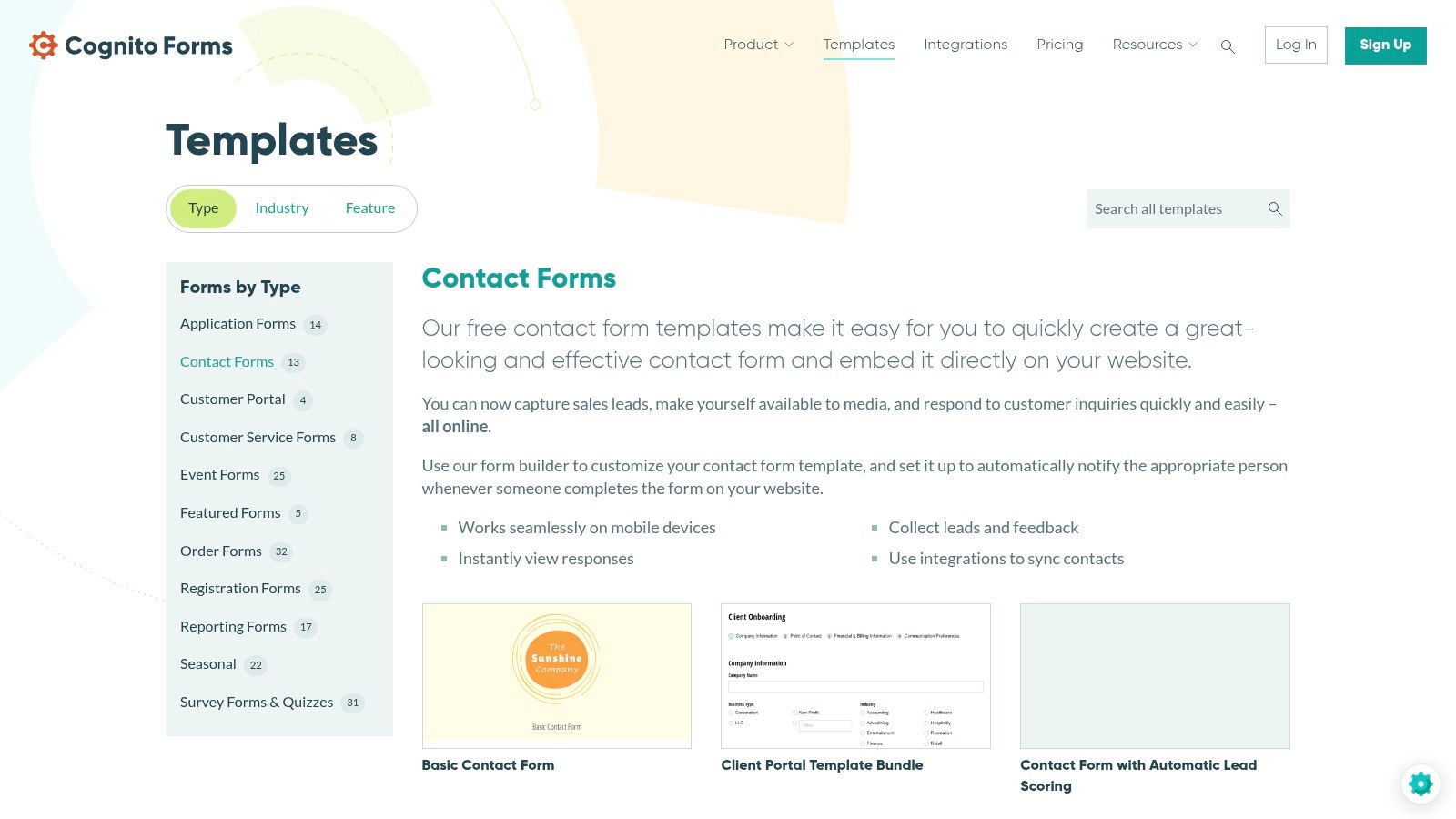
6. Cognito Forms
Cognito Forms is a powerful and affordable form builder known for its robust data handling and calculation capabilities. While its gallery of intake form templates may not be as extensive as some competitors, its strength lies in creating complex, logic-driven forms that can handle dynamic user inputs. This makes it an excellent choice for businesses that need more than a simple contact form, such as detailed project briefs, service quotes, or multi-step registration processes.
What sets Cognito Forms apart is its focus on advanced functionality at an accessible price point. Features like repeating sections, which allow users to add multiple entries for a single field (e.g., listing multiple team members), and built-in payment processing make it highly versatile. It’s a practical solution for businesses that require sophisticated data collection without the enterprise-level price tag.
Key Features & Use Cases
- Conditional Logic and Calculations: Build smart forms that adapt to user answers and perform calculations in real-time, ideal for instant quotes or complex order forms.
- Repeating Sections: Allows users to dynamically add multiple sets of fields within a form, perfect for detailed client intake, team registrations, or multi-item orders.
- Integrated Payments: Securely accept payments through Stripe, PayPal, and Square directly on your intake forms, streamlining client onboarding and service sign-ups.
- Easy Embedding: Provides seamless embedding options, including a dedicated WordPress plugin, to integrate forms directly into your website.
Orbit AI Implementation Notes
Cognito Forms can be connected to Orbit AI using its Zapier integration or through webhooks available on higher-tier plans. When a user submits an intake form, the data can be sent to Orbit AI to initiate the qualification and routing process. This is particularly effective for forms that capture complex service requirements, as Orbit can parse the detailed data and score the lead accordingly.
| Feature | Availability |
|---|---|
| Pricing | Free plan available; Paid plans start at $15/month (billed annually) |
| HIPAA Compliance | Available on Enterprise plans |
| Template Access | All plans, including Free |
| Primary Use Cases | Client Intake, Order Forms, Event Registration, Service Applications |
Website: Cognito Forms Templates
7. Smartsheet
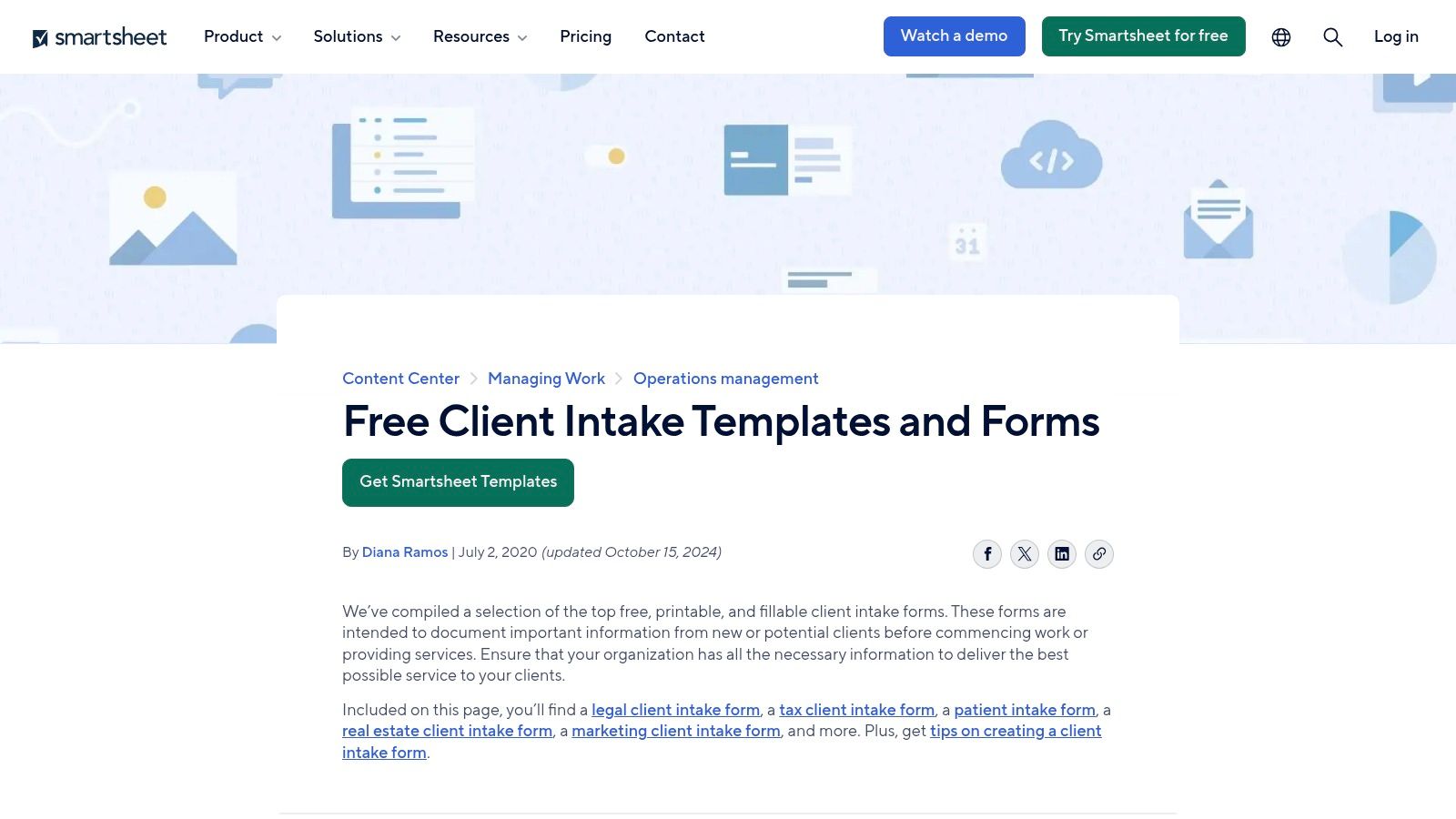
Smartsheet takes a unique approach to intake forms, positioning them as the starting point for powerful, automated workflows rather than just data collection. It provides a variety of free downloadable intake templates in common formats like Word, Excel, and PDF, but its real strength lies in its live forms feature. These forms feed submissions directly into a Smartsheet grid, turning each entry into a trackable item ready for project management, triage, and reporting. This makes it ideal for teams managing complex internal requests or cross-functional projects.
What differentiates Smartsheet is its end-to-end process management. An intake form submission can automatically trigger approval workflows, assign tasks, and update dashboards, providing complete visibility from initial request to final delivery. While the downloadable templates are a useful entry point, the true value is unlocked when using Smartsheet's full platform to manage the entire lifecycle of an intake request, making it a go-to for project management offices (PMOs) and operations teams.
Key Features & Use Cases
- Workflow Integration: Forms are natively connected to Smartsheet grids, enabling powerful automations for task assignment, status updates, and approval routing.
- Downloadable & Live Forms: Offers free, static templates (Word, Excel) for simple use cases and dynamic, web-based forms for integrated, live data capture.
- Dashboards and Reporting: Aggregates form submission data into real-time dashboards, giving stakeholders visibility into request volume, status, and team workload.
- Template Sets: Provides comprehensive sets of templates for specific processes like project requests, marketing campaign intake, and IT support tickets.
Orbit AI Implementation Notes
You can connect Smartsheet to Orbit AI using a webhook or Zapier. When a new row is created in a sheet from a form submission, an automation can send that data to Orbit AI. This allows you to qualify and score client or project requests automatically, enriching the Smartsheet row with qualification data before it enters your project management workflow.
| Feature | Availability |
|---|---|
| Pricing | Free plan available; Paid plans start at $7/user/month (billed annually) |
| HIPAA Compliance | Available on Enterprise plan |
| Template Access | Free downloadable templates; Live forms require a paid plan |
| Primary Use Cases | Project Intake, Marketing Requests, IT Tickets, Client Onboarding Workflows |
Website: Smartsheet Client Intake Form Templates
8. ClickUp
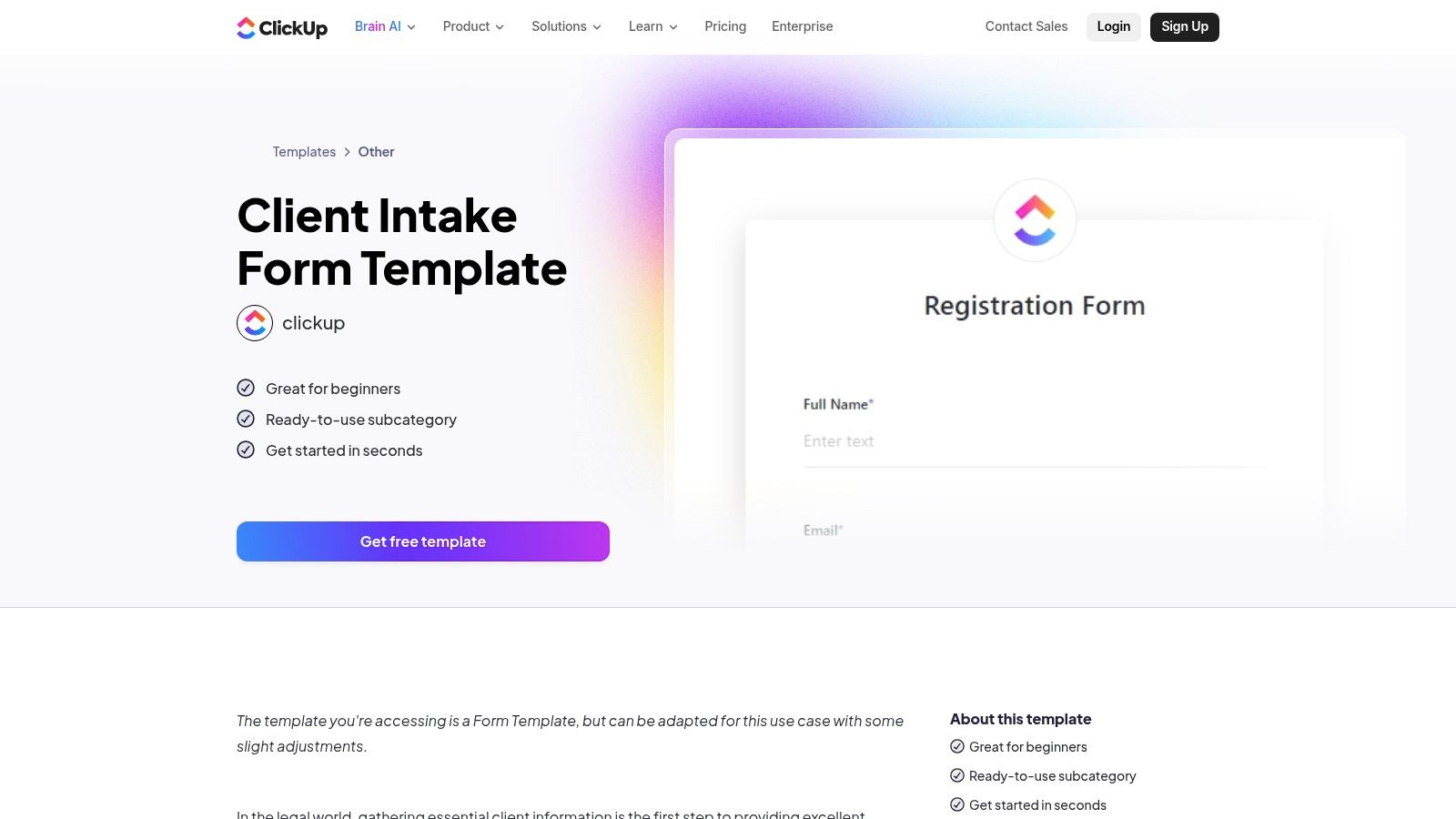
ClickUp approaches intake forms from a project management perspective, integrating form submissions directly into its powerful workflow and task management ecosystem. Its Form view allows teams to create forms that, upon submission, automatically generate tasks within a specific project list. This is a game-changer for agencies and service-based businesses that need a seamless handoff from client intake to project execution. The platform offers a variety of client intake form templates to get started quickly.
What makes ClickUp unique is its ability to eliminate the gap between data collection and action. Instead of routing form data to a separate system, the information instantly becomes a trackable task, complete with assignees, due dates, and all submitted details. This centralization ensures that new client requests or project briefs never fall through the cracks and are immediately integrated into the team's existing workload and sprint planning.
Key Features & Use Cases
- Form-to-Task Automation: Every form submission automatically creates a new task in a designated ClickUp List, streamlining the handoff from intake to execution.
- Template Hub: Provides a collection of ready-to-use form templates, including several for client intake, which can be customized within the ClickUp environment.
- Unified Workspace: All client data, communication, and project tasks are centralized in one platform, providing a single source of truth for the entire team.
- Embedding and Sharing: Forms can be easily shared via a direct link or embedded onto a website, allowing for flexible deployment.
Orbit AI Implementation Notes
By using ClickUp’s webhook capabilities or a Zapier connection, you can send new form submission data to Orbit AI for instant analysis. This allows you to qualify and score new client requests before they are even assigned as tasks in ClickUp. The qualified data can then be passed back to the ClickUp task, enriching it with crucial insights and prioritization flags for your project managers.
| Feature | Availability |
|---|---|
| Pricing | Free Forever plan available; Paid plans start at $7/user/month (billed annually) |
| HIPAA Compliance | Available on Enterprise plan |
| Template Access | All plans, including Free |
| Primary Use Cases | Agency Client Intake, Project Briefs, Creative Requests, Bug Reports |
Website: ClickUp Intake Form Templates
9. Airtable
Airtable is a powerful no-code database that has evolved into a comprehensive application-building platform, with intake forms serving as a primary data entry point. Unlike dedicated form builders, Airtable forms are directly linked to tables within a base, meaning every submission instantly populates a structured database. This approach is ideal for teams that need to manage intake data as part of a larger, more complex operational workflow.
What makes Airtable unique is its ability to turn form submissions into actionable items within a connected system. A client intake form can automatically create a new project in a Kanban view, a support request can trigger a series of automated tasks, and a partner application can be routed through a multi-step approval process. This integration of data capture and workflow management makes it a powerful tool for building custom internal systems and client pipelines without extensive development.
Key Features & Use Cases
- Database-Integrated Forms: Every form is a direct interface to an Airtable base, ensuring data is instantly structured, organized, and ready for use in different views like Kanban, Gantt, and Calendar.
- Conditional Logic: On paid plans, you can create dynamic forms that show or hide fields based on a user's previous answers, simplifying the user experience for complex intake processes.
- Custom Interfaces: Build dedicated, branded landing pages or apps for your forms, providing a more polished and professional front-end experience for client and partner intake.
- Built-in Automations: Trigger multi-step workflows directly from a form submission, such as sending notifications, assigning records, or integrating with other tools like Slack and Google Workspace.
Orbit AI Implementation Notes
Airtable’s native automations can be configured to send a webhook upon a new form submission. You can use this to pass new intake data directly to Orbit AI’s API endpoint. This setup allows your team to manage intake and internal workflows within Airtable while leveraging Orbit’s AI engine to qualify, score, and enrich the data in real-time.
| Feature | Availability |
|---|---|
| Pricing | Free plan available; Paid plans start at $20/seat/month (billed annually) |
| HIPAA Compliance | Available on Enterprise Scale plans |
| Template Access | All plans, but templates are more for bases than standalone forms |
| Primary Use Cases | Project Requests, Client Intake, Bug Reporting, Application Management |
Website: Airtable Forms
10. HubSpot (Downloadable Intake Templates)
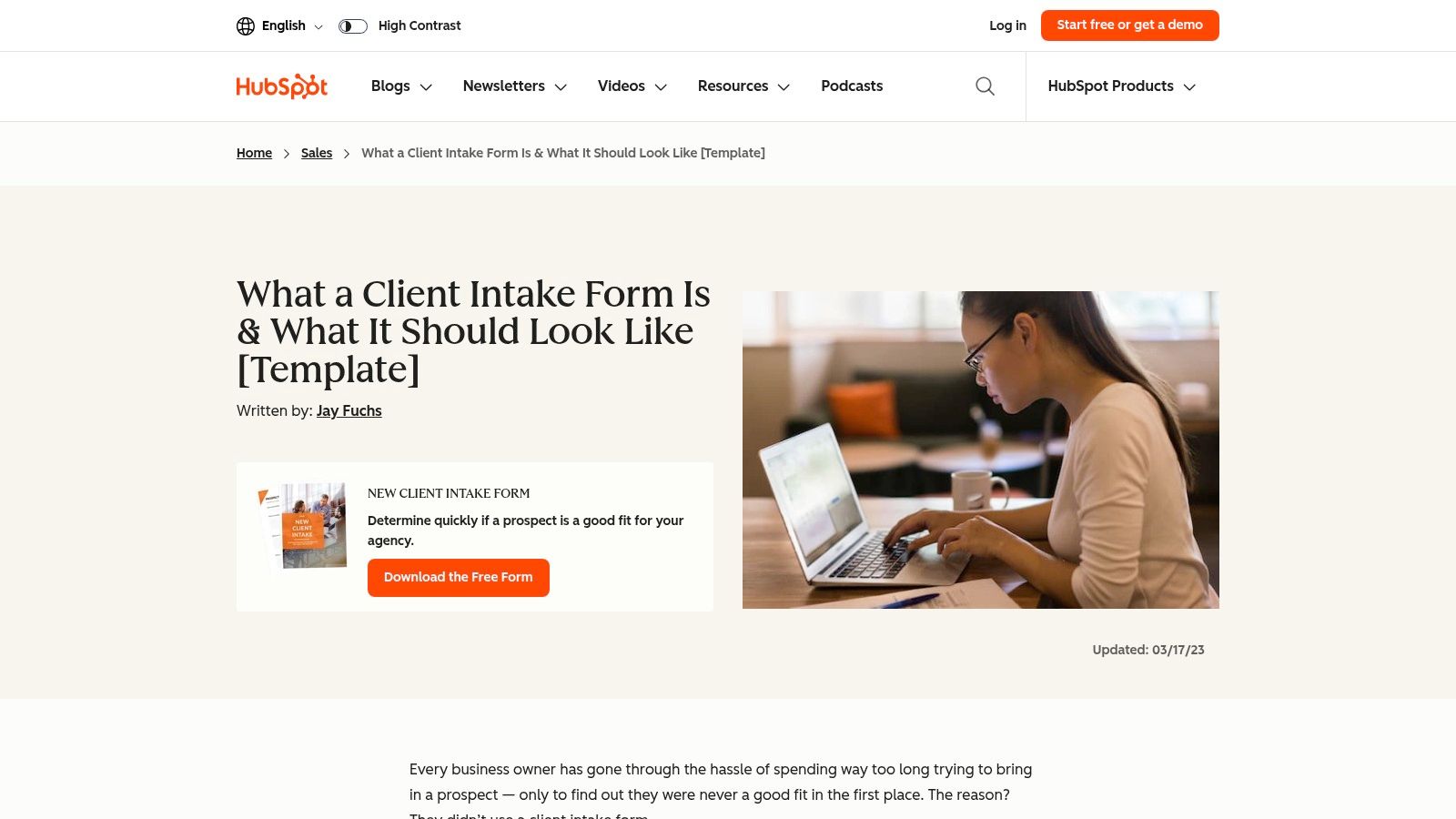
HubSpot offers a different approach by providing free, downloadable client intake form templates and comprehensive onboarding guides. Rather than a dynamic builder, this resource is a collection of static documents designed to structure your intake process, which can then be implemented using HubSpot's free form builder or another tool. It’s an educational-first approach, ideal for agencies and B2B service providers who want to build a foundational client intake process tied directly to their CRM.
What makes HubSpot's offering valuable is its tight integration with its own ecosystem. The templates provide guidance on what to ask and how to frame questions for better qualification, all designed to feed high-quality data directly into the HubSpot CRM. This positions it perfectly for sales and marketing teams already invested in the platform, allowing them to standardize their client onboarding from the very first touchpoint.
Key Features & Use Cases
- Downloadable Template Packs: Provides new client intake forms and onboarding checklists as downloadable files, offering a solid starting point.
- CRM-Centric Guidance: The content is built around best practices for gathering data that is useful within a CRM for sales and marketing automation. Get more tips on how to integrate forms with a CRM for a seamless workflow.
- Educational Content: The resources include advice on structuring intake questions and qualifying new clients effectively.
- HubSpot Ecosystem Synergy: Designed to work perfectly alongside HubSpot's free form builder and CRM, creating a unified intake and client management system.
Orbit AI Implementation Notes
You can easily build a digital version of HubSpot's downloadable templates using HubSpot Forms. By connecting HubSpot Forms to Orbit AI via native integration or webhooks, you can send every new submission for immediate AI-driven analysis. Orbit AI can then score the lead, qualify their needs, and push the enriched data back into the HubSpot CRM, automating the handoff to your sales team.
| Feature | Availability |
|---|---|
| Pricing | Templates are free (often requires email signup); HubSpot has free tools |
| HIPAA Compliance | Not applicable to the templates; available in HubSpot's paid plans |
| Template Access | Free download |
| Primary Use Cases | Agency Client Onboarding, B2B Service Intake, Sales Qualification |
Website: HubSpot Client Intake Form Templates
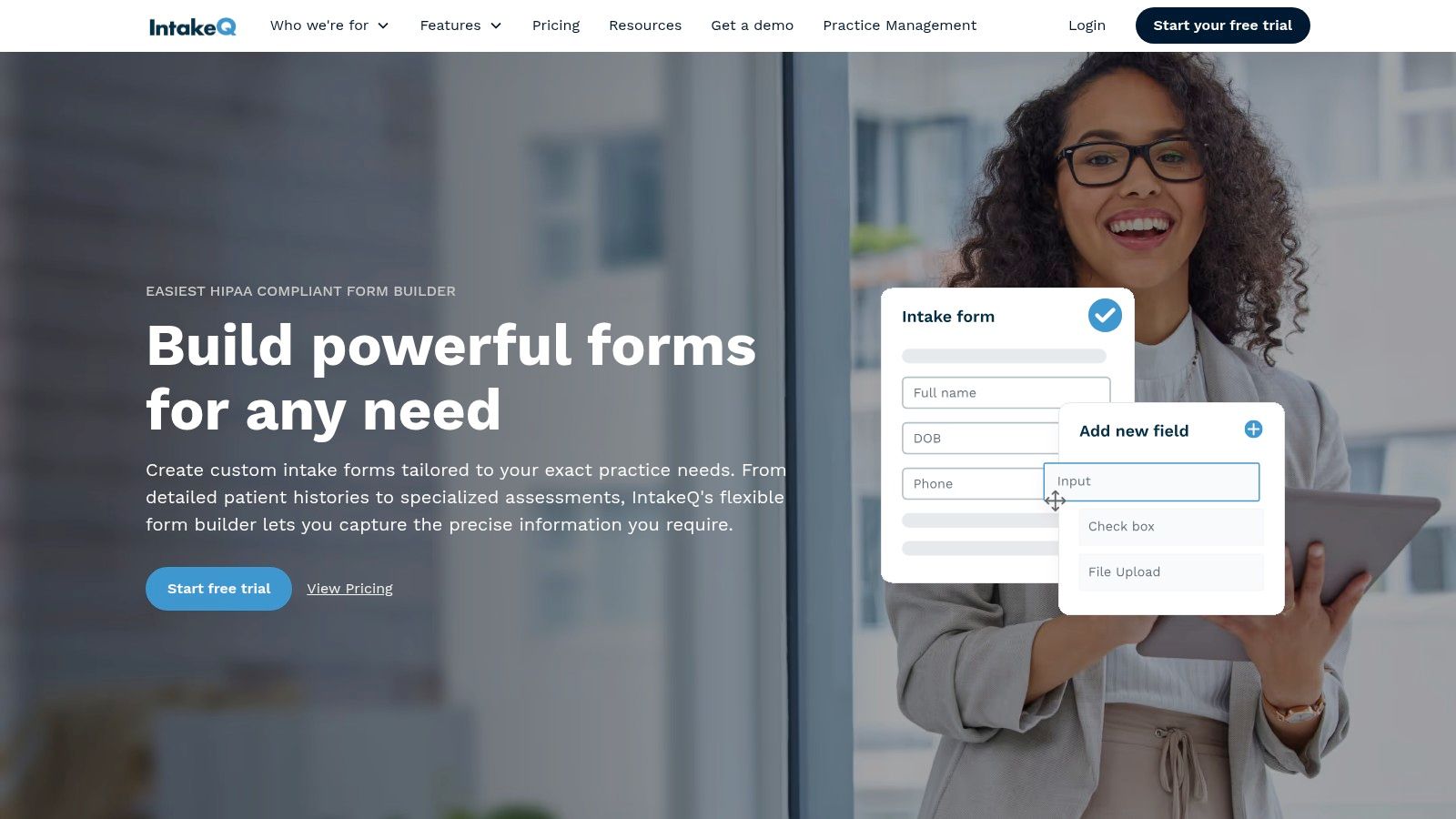
11. IntakeQ
IntakeQ is a specialized platform designed from the ground up for healthcare professionals, offering secure, HIPAA-compliant patient intake forms. It moves beyond a simple form builder to provide a comprehensive solution that includes scheduling, billing, and patient portals. This focus makes it an ideal choice for clinics, private practices, and telehealth providers who need to manage sensitive patient data and streamline administrative workflows, effectively replacing paper-based processes.
What makes IntakeQ stand out is its deep integration into the clinical workflow. It’s not just about collecting information; it’s about making that information accessible and actionable for practitioners. Features like automated reminders, secure client messaging, and e-signatures are purpose-built to reduce no-shows and administrative overhead. For any practice handling protected health information (PHI), IntakeQ provides a robust and compliant framework that general-purpose form builders often lack.
Key Features & Use Cases
- HIPAA Compliance with BAA: The platform is fully HIPAA-compliant and provides a Business Associate Agreement (BAA), ensuring patient data is handled securely and legally.
- Healthcare-Specific Templates: Offers a rich library of intake form templates for medical histories, consent forms, SOAP notes, and treatment plans.
- Integrated Practice Management: Beyond forms, it includes optional tools for appointment scheduling, automated reminders, secure messaging, and invoicing.
- E-Signatures & Secure Portals: Allows patients to securely sign documents electronically and access their information through a dedicated patient portal.
Orbit AI Implementation Notes
While IntakeQ is a closed system focused on healthcare, you can use its Zapier integration to connect with Orbit AI for non-PHI use cases. For example, a wellness clinic could send initial inquiry form data (e.g., name, contact info, service of interest) to Orbit for pre-qualification before the prospect is entered into the secure patient system. This allows you to leverage AI for initial lead routing while maintaining strict compliance for all subsequent patient data.
| Feature | Availability |
|---|---|
| Pricing | Starts at $59.90/month for the basic form package |
| HIPAA Compliance | Included in all plans |
| Template Access | All plans |
| Primary Use Cases | Patient Intake, Medical Histories, Consent Forms, Telehealth Onboarding |
Website: IntakeQ
12. SimplePractice
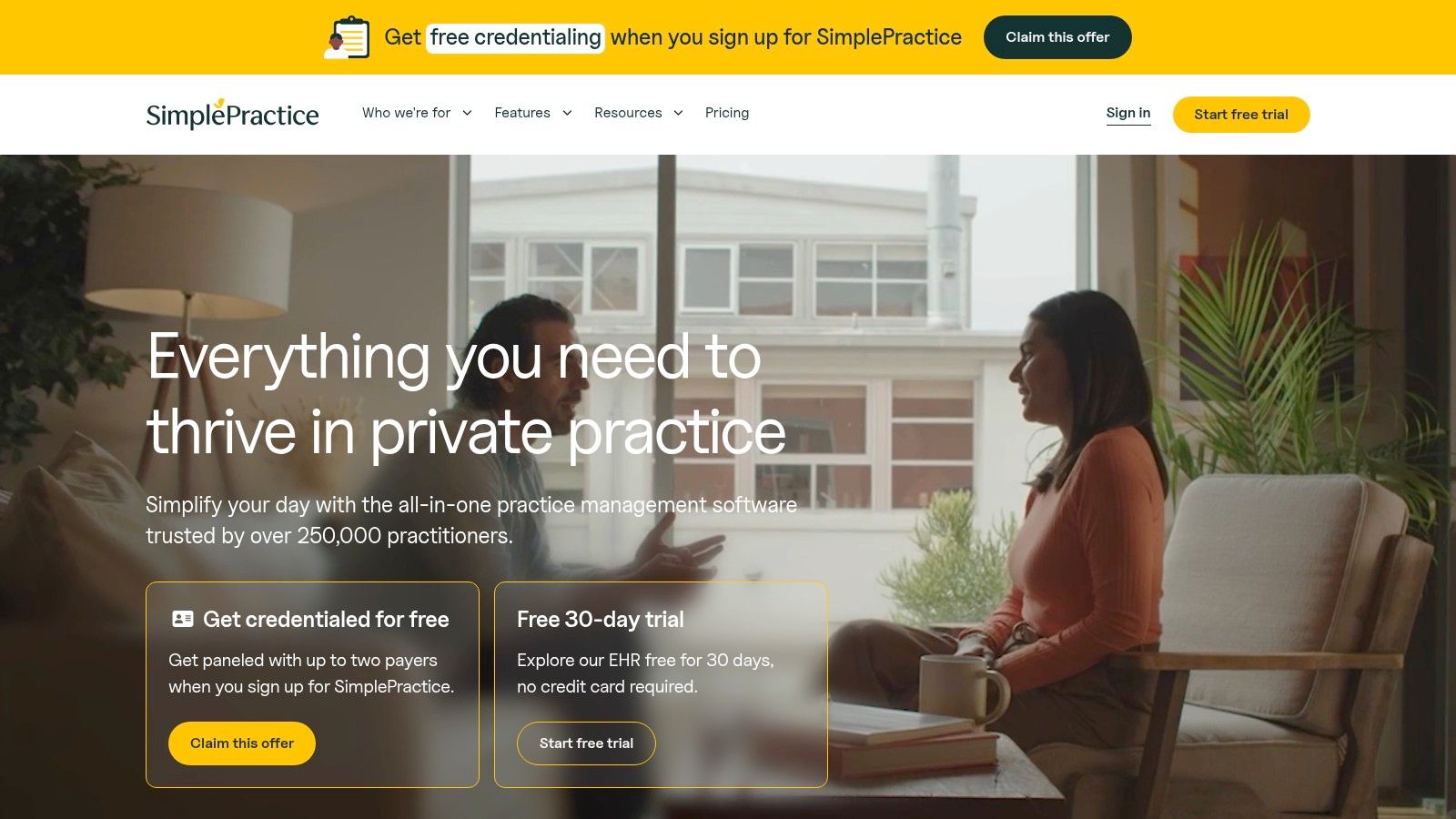
SimplePractice is a practice management platform designed specifically for health and wellness professionals, offering a highly specialized library of intake form templates. Its strength lies in providing pre-built forms tailored to disciplines like counseling, therapy, acupuncture, and Applied Behavior Analysis (ABA). These forms are integrated directly into a secure client portal, streamlining the entire patient onboarding process from initial contact to the first session.
What makes SimplePractice stand out is its all-in-one, HIPAA-ready ecosystem. Instead of just offering standalone forms, it embeds them within a complete workflow that includes scheduling, telehealth, billing, and e-signatures. For private practices in behavioral and allied health, this integrated approach eliminates the need to piece together multiple tools, ensuring compliance and a seamless client experience from the very beginning.
Key Features & Use Cases
- Specialty-Specific Templates: Access a deep library of intake forms crafted for various behavioral health fields, covering everything from consent forms to detailed patient history questionnaires.
- Integrated Client Portal: Securely send and receive completed intake paperwork through a dedicated portal, enhancing patient privacy and administrative efficiency.
- HIPAA-Ready Platform: The entire system is built with HIPAA compliance in mind, making it a trusted choice for handling sensitive Protected Health Information (PHI).
- Custom Form Builder: While pre-built templates are available, users can also customize forms or create new ones from scratch to meet unique practice requirements.
Orbit AI Implementation Notes
SimplePractice operates as a closed system to maintain HIPAA compliance, which limits direct API or webhook access for external tools like Orbit AI. An effective workaround is to use Zapier to connect Orbit with your practice management email. You can configure an email notification in SimplePractice for new client inquiries and use Zapier to parse that email and send the contact details to Orbit for initial qualification or routing before the client is formally added to the SimplePractice system.
| Feature | Availability |
|---|---|
| Pricing | Plans start at $29/month (billed annually) |
| HIPAA Compliance | Included on all plans |
| Template Access | All plans |
| Primary Use Cases | Patient Intake, New Client Onboarding, Consent Forms, Telehealth & Therapy Notes |
Website: SimplePractice
Top 12 Intake Form Template Comparison
| Product | Core features | UX & performance | Best for (target audience) | Unique selling points / Price & compliance |
|---|---|---|---|---|
| Orbit AI | Visual form builder, AI SDR (qualification & enrichment), real-time analytics, 50+ integrations, unlimited team members | Clean UX, fast load times, high conversion vs legacy builders | High-growth B2B SaaS, marketing & sales teams focused on lead qualification | AI-driven lead scoring & enrichment, GDPR-ready, enterprise-grade security, free starter tier (no CC); paid tiers undisclosed |
| Jotform | Large template gallery, drag-and-drop builder, PDF generation, 100+ integrations | Quick launches via templates | Teams needing many industry templates; healthcare intake | HIPAA-friendly plans & BAA available; free tier with limits, advanced features on paid plans |
| Typeform | Conversational, one-question-at-a-time flows, logic & styling, 300+ integrations | Mobile-first, high completion rates | Customer-facing surveys, B2B conversational intake | Excellent UX; pricing scales with response volume, limited HIPAA support |
| Formstack | Enterprise forms, conditional logic, workflows, document generation, eSign, Salesforce-native | Robust automation—more complex setup | Regulated orgs, healthcare, enterprise intake & approvals | Strong compliance/HIPAA options; higher pricing and steeper learning curve |
| Paperform | Design-first builder, unlimited forms, payments & scheduling, conditional logic, 2000+ integrations | Modern branding and flexible layouts | Agencies, service businesses needing payments & appointments | Great design control and value; advanced features (SSO/API) on higher tiers; not HIPAA-focused |
| Cognito Forms | Repeating sections, file uploads, calculations, payments, conditional logic | Powerful data handling at affordable price | Teams needing advanced data/calculation features; WordPress sites | Good price-to-capability; HIPAA on qualifying plans; API/request limits by plan |
| Smartsheet | Downloadable templates, live form views feeding sheets, automation, dashboards | Strong for intake → reporting workflows | PMOs, cross-functional teams needing triage & reporting | Scales well for operations; best value if already using Smartsheet; paid licenses required |
| ClickUp | Form view → tasks, templates hub, dashboards, AI analysis | Fast handoff to execution (tasks) | Agencies & service teams that tie intake directly to work | Centralizes intake into task workflows; good free tier; not HIPAA-specific |
| Airtable | Forms into bases, conditional fields, interfaces, automations | Structured data, multiple views (Kanban/Gantt/Calendar) | Teams building custom intake pipelines & ops | Powerful database-driven intake; templates more DIY; advanced security on paid plans |
| HubSpot (Downloadable Templates) | Downloadable intake forms and onboarding packs; pairs with HubSpot Forms/CRM | Helpful guidance but static files | HubSpot users and agencies starting CRM-driven intake | Free starter templates and best-practice guidance; files need a builder to automate |
| IntakeQ | HIPAA-compliant forms with BAA, e-signatures, reminders, patient portal, optional practice management | Patient-friendly; mobile & SMS-enabled | Clinics, solo practitioners, healthcare providers | Purpose-built for healthcare; strong compliance and practice features; higher cost for specialty use |
| SimplePractice | Specialty intake templates, client portal, telehealth, e-sign, HIPAA-ready | Streamlined intake → care workflow | Behavioral health and allied health practices | Deep specialty templates and integrated practice management; best when using full platform |
From Template to Transformation: Activating Your New Intake Strategy
Choosing the right starting point from a list of intake form templates is a critical first step, but the real business transformation begins when that template becomes a dynamic, intelligent part of your operational workflow. Throughout this guide, we've explored a diverse landscape of tools, each offering a unique approach to data collection and processing. The central theme is clear: modern intake is no longer a passive administrative task but an active strategic advantage.
We've seen how tools like Jotform and Typeform excel at user experience, making data submission frictionless. We've also examined how platforms like Smartsheet and ClickUp embed intake directly into project management ecosystems, turning submissions into actionable tasks. However, the most significant evolution is the infusion of artificial intelligence into the process.
This shift represents a move from mere data collection to intelligent data activation. An intake form isn't just a digital box to be filled; it's the very first touchpoint in a customer relationship. The quality of that initial interaction, the speed of the follow-up, and the relevance of the conversation all hinge on the intelligence built into your intake process.
Key Takeaways and Your Path Forward
As you move from evaluation to implementation, keep these core principles in mind. They are the difference between a functional form and a high-performing growth engine.
- Context is Everything: The "best" intake form template is the one that perfectly aligns with a specific use case. A lead capture form for a SaaS demo requires different fields, logic, and follow-up actions than a creative brief for a marketing agency. Start with the end goal and work backward.
- Intelligence Over Information: Raw data is a liability until it's qualified and enriched. Tools like Orbit AI demonstrate that the real value lies in what happens after the user clicks "submit." Prioritize solutions that can instantly score, qualify, and route leads, saving your team from manual triage.
- Integration is Non-Negotiable: Your intake form cannot be an island. It must seamlessly connect to your CRM, marketing automation platform, and internal communication tools. This ensures data flows where it's needed most, triggering workflows and empowering your teams with real-time context.
- User Experience Drives Conversion: A clunky, confusing, or overly long form is a conversion killer. No matter how powerful your backend system is, a poor front-end experience will prevent you from capturing the data you need. Always optimize for simplicity and clarity from the user's perspective.
Choosing Your Tool and Taking Action
Your next steps should be deliberate and strategic. Revisit the list and evaluate your top contenders based on your specific operational needs, technical stack, and budget. For B2B companies focused on pipeline generation, an AI-powered solution like Orbit AI is a clear front-runner. For healthcare providers, the HIPAA compliance of IntakeQ or SimplePractice is paramount. For teams deeply embedded in a project management ecosystem, Airtable or ClickUp might be the most logical choice.
Once you’ve selected a platform, don't just copy a generic template. Use the examples in this article as a foundation. Customize the fields, refine the copy to match your brand voice, and, most importantly, configure the backend automation. Test the entire flow, from submission to CRM entry to sales notification. This is how you build a reliable, scalable system that turns simple inquiries into tangible business opportunities. The right intake form templates, when activated with the right technology, are the gateway to a more efficient and profitable operation.
Ready to transform your static forms into an automated qualification engine? Orbit AI uses advanced AI to qualify, enrich, and route leads from your forms in real time, so your sales team only talks to the best-fit prospects. Explore our AI-powered Orbit AI to see how you can supercharge your intake process today.


