

Your landing page is only as good as the forms collecting your leads. A beautiful design means nothing if your form software creates friction, loses data, or fails to qualify prospects. The difference between a 2% and 20% conversion rate often comes down to your form technology.
The best landing page form software combines intuitive design with powerful conversion features—conditional logic that personalizes experiences, analytics that reveal drop-off points, and integrations that route leads instantly to your sales team. Some tools excel at creating conversational experiences, others prioritize AI-powered qualification, and a few offer enterprise-grade security for regulated industries.
We evaluated dozens of platforms based on ease of use, conversion optimization capabilities, integration ecosystems, and pricing transparency. Here are the top landing page form software solutions transforming how high-growth teams capture and qualify leads in 2026.
1. Orbit AI
Best for: High-growth teams needing AI-powered lead qualification and conversion optimization
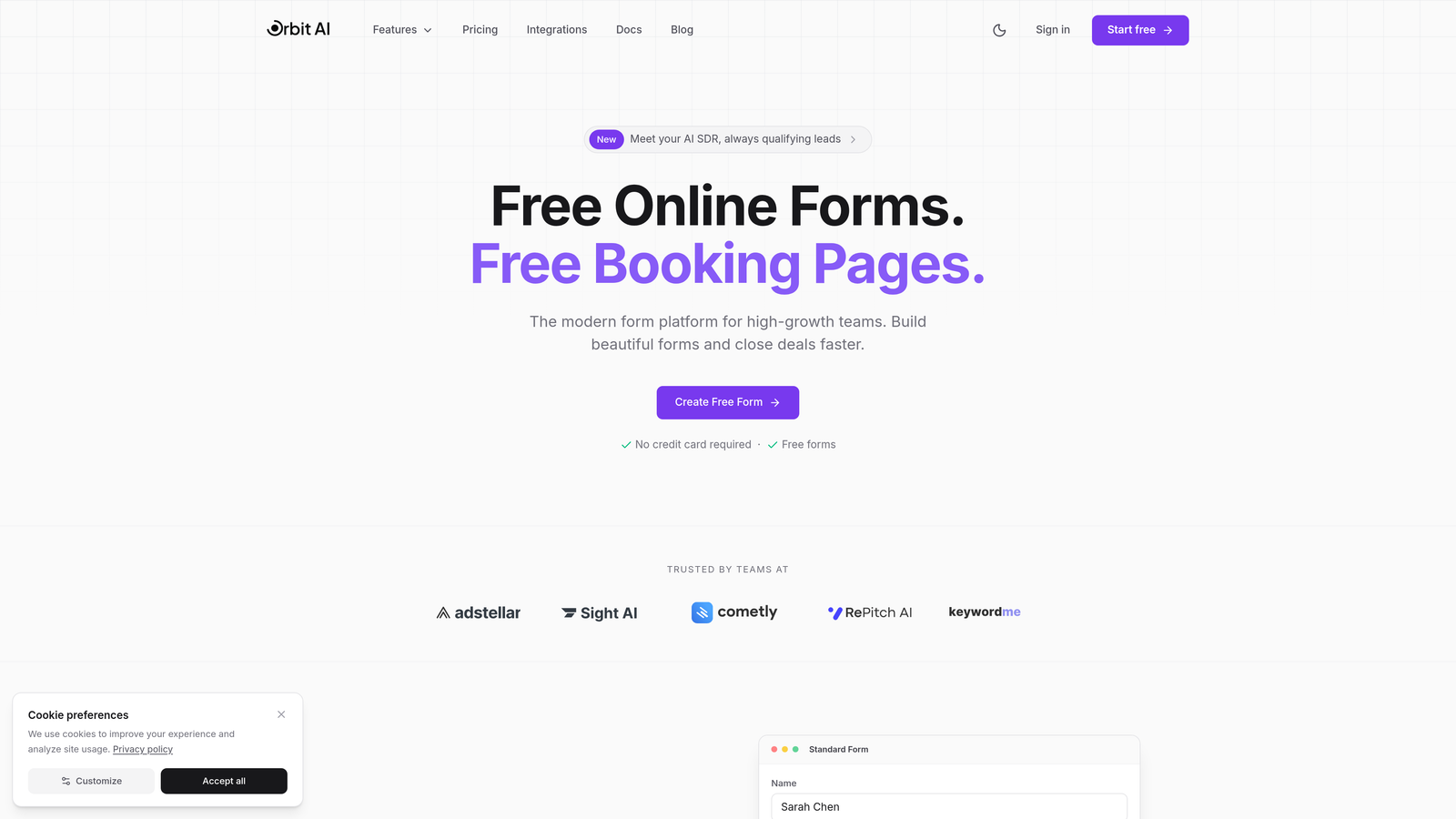
Orbit AI is an AI-powered form builder that automatically qualifies and scores leads in real-time while delivering conversion-optimized experiences.
Where This Tool Shines
Orbit AI separates itself through intelligent lead qualification that happens automatically as prospects fill out forms. The platform analyzes responses in real-time, scoring leads based on your criteria and routing high-value prospects to sales immediately while nurturing others through automated workflows.
The conversion-optimized templates are built on data from thousands of high-performing forms, giving you a head start on design choices that actually drive submissions. The real-time analytics dashboard reveals exactly where prospects drop off and which form variations perform best.
Key Features
AI-Powered Lead Qualification: Automatically scores and routes leads based on their responses and engagement patterns.
Conversion-Optimized Templates: Pre-built form designs based on high-conversion patterns across industries.
Real-Time Analytics: Track submission rates, drop-off points, and lead quality metrics as they happen.
Native CRM Integrations: Connect directly to major CRMs with two-way data sync and automated workflows.
Workflow Automation: Trigger actions based on form responses, lead scores, or custom conditions.
Best For
Orbit AI works best for B2B companies and high-growth teams where lead quality matters as much as quantity. If you're tired of sales teams wasting time on unqualified prospects, or if you need intelligent routing based on form responses, this platform delivers the automation and insights to scale your lead generation efficiently.
Pricing
Free plan available for teams getting started. Paid plans offer advanced AI qualification features, scalable form limits, and priority support at competitive rates for growing businesses.
2. Typeform
Best for: Creating engaging, conversational form experiences with beautiful design
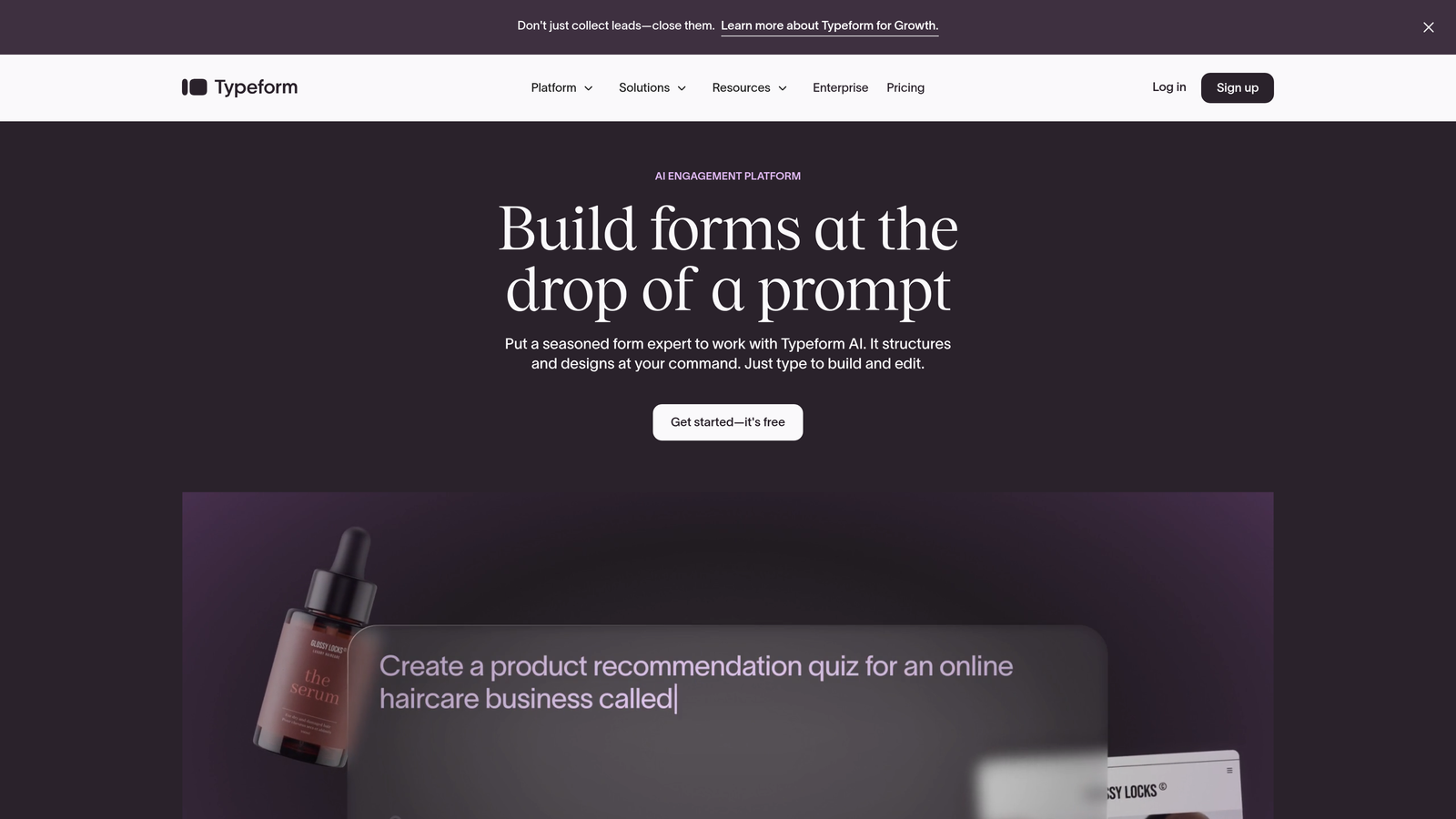
Typeform is a conversational form builder that presents one question at a time for higher engagement and completion rates.
Where This Tool Shines
Typeform pioneered the one-question-at-a-time format that feels more like a conversation than an interrogation. This approach significantly reduces form intimidation—instead of facing a wall of fields, respondents answer questions sequentially, creating a more engaging experience that often leads to higher completion rates.
The platform's design capabilities are exceptional. You can embed videos, images, and GIFs throughout the form experience, creating visually rich interactions that align with your brand. The logic jumps let you create branching paths based on answers, personalizing the experience for each respondent.
Key Features
One-Question-at-a-Time Format: Reduces cognitive load and improves completion rates through sequential presentation.
Logic Jumps and Branching: Create personalized paths based on previous answers for relevant experiences.
Rich Media Embedding: Add videos, images, and GIFs to create visually engaging forms.
Custom Branding: Match forms to your brand with custom colors, fonts, and backgrounds.
Integration Ecosystem: Connect to 120+ tools including CRMs, email platforms, and analytics software.
Best For
Typeform excels for brands prioritizing user experience and engagement over pure data collection. If you're running surveys, collecting event registrations, or creating interactive quizzes where the journey matters as much as the destination, this platform delivers the conversational approach that keeps respondents engaged.
Pricing
Free tier available with Typeform branding and basic features. Basic plan starts at $25/month for custom branding and logic jumps.
3. Unbounce Smart Builder
Best for: AI-powered landing page optimization with integrated form building
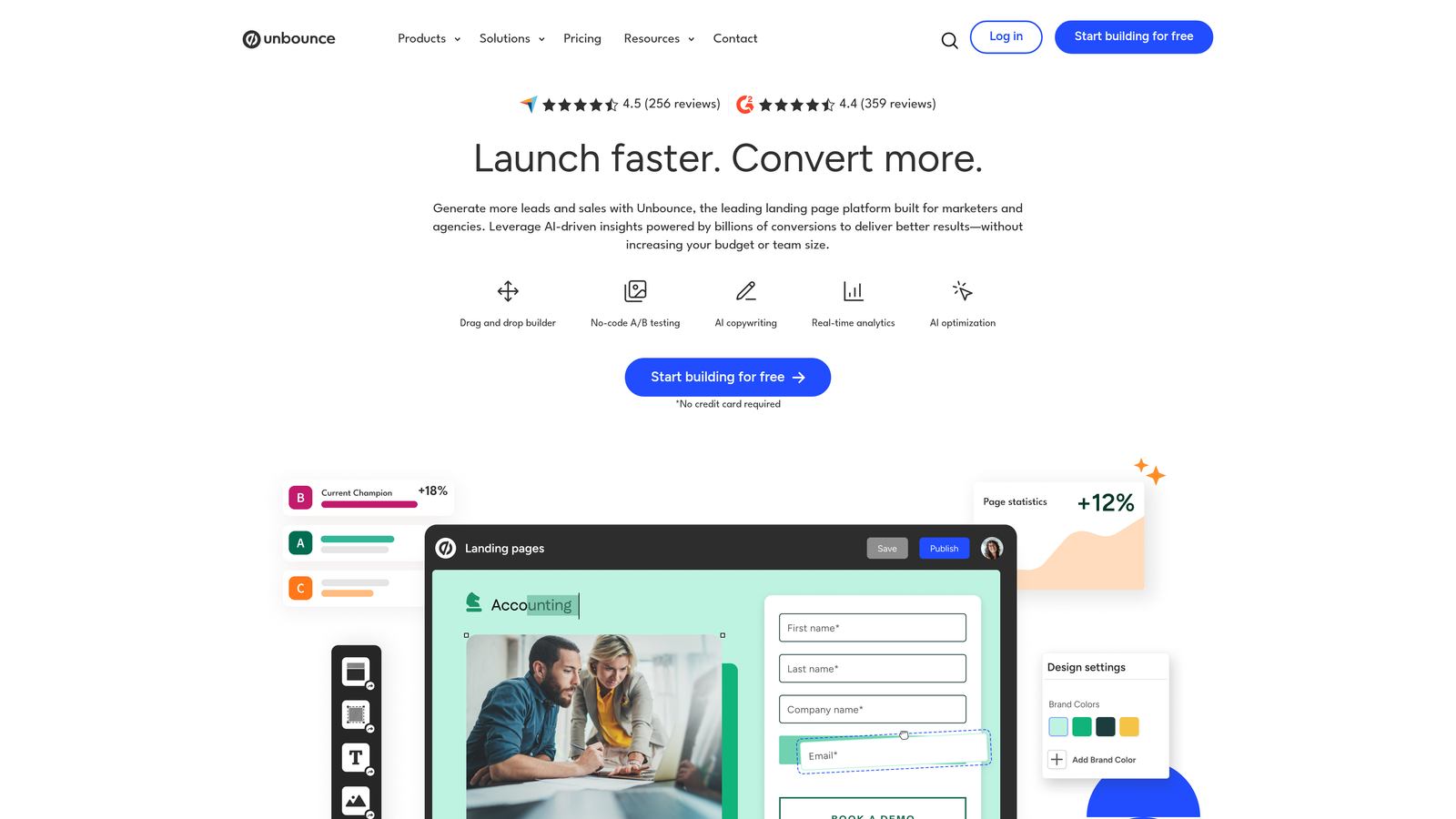
Unbounce Smart Builder is an AI-powered landing page platform that optimizes both page design and form performance automatically.
Where This Tool Shines
Unbounce treats forms as integral parts of complete landing page experiences rather than standalone elements. The Smart Builder uses AI to suggest layout improvements, copy changes, and form field optimizations based on conversion data from thousands of campaigns.
The Smart Traffic feature automatically sends visitors to the page variant most likely to convert them based on their characteristics. This goes beyond basic A/B testing—the AI learns continuously and adjusts traffic distribution in real-time, maximizing conversions without manual intervention.
Key Features
AI-Powered Optimization: Automatically suggests and tests improvements to both page layout and form design.
Smart Traffic: AI-driven visitor routing to the best-performing page variant for each prospect.
Drag-and-Drop Builder: Intuitive visual editor for creating landing pages and forms without coding.
Pop-Ups and Sticky Bars: Additional conversion tools beyond standard forms for lead capture.
Dynamic Text Replacement: Personalize form and page content based on ad keywords or UTM parameters.
Best For
Unbounce works best for marketing teams running paid advertising campaigns who need landing pages and forms to work together seamlessly. If you're spending significant budget on ads and want AI to continuously optimize your conversion paths, this platform delivers the automation and testing capabilities to maximize ROI.
Pricing
Plans start at $99/month for the Build plan with basic features. Smart Traffic and advanced AI capabilities available on higher tiers.
4. HubSpot Forms
Best for: Deep CRM integration with progressive profiling and marketing automation
HubSpot Forms is a CRM-integrated form builder that connects lead capture directly to your entire marketing and sales workflow.
Where This Tool Shines
HubSpot Forms lives inside a complete CRM ecosystem, which means every form submission automatically creates or updates contact records with full context. The progressive profiling feature is particularly valuable—returning visitors see different questions based on what you already know about them, reducing friction while enriching data over time.
The automated follow-up workflows trigger instantly based on form submissions. Someone downloads a pricing guide? They're automatically enrolled in a nurture sequence. A high-value lead requests a demo? Sales gets notified immediately with full context from previous interactions.
Key Features
Progressive Profiling: Show different questions to returning visitors to gather more data without overwhelming new prospects.
Deep CRM Integration: Every submission automatically updates contact records with full interaction history.
Smart Form Fields: Pre-populate known information and dynamically adjust fields based on contact data.
Automated Workflows: Trigger email sequences, task assignments, and lead routing based on form submissions.
Analytics Dashboard: Track form performance, submission sources, and conversion rates across campaigns.
Best For
HubSpot Forms is ideal for companies already using or planning to adopt HubSpot's CRM ecosystem. If you need forms that feed directly into sophisticated marketing automation and sales processes, and you value having all your data in one system, this integrated approach eliminates the friction of connecting separate tools.
Pricing
Free with HubSpot CRM, including basic form features and unlimited forms. Advanced capabilities like progressive profiling and sophisticated automation available in paid Marketing Hub tiers starting at $45/month.
5. Leadpages
Best for: Small businesses and entrepreneurs needing simple, conversion-focused forms
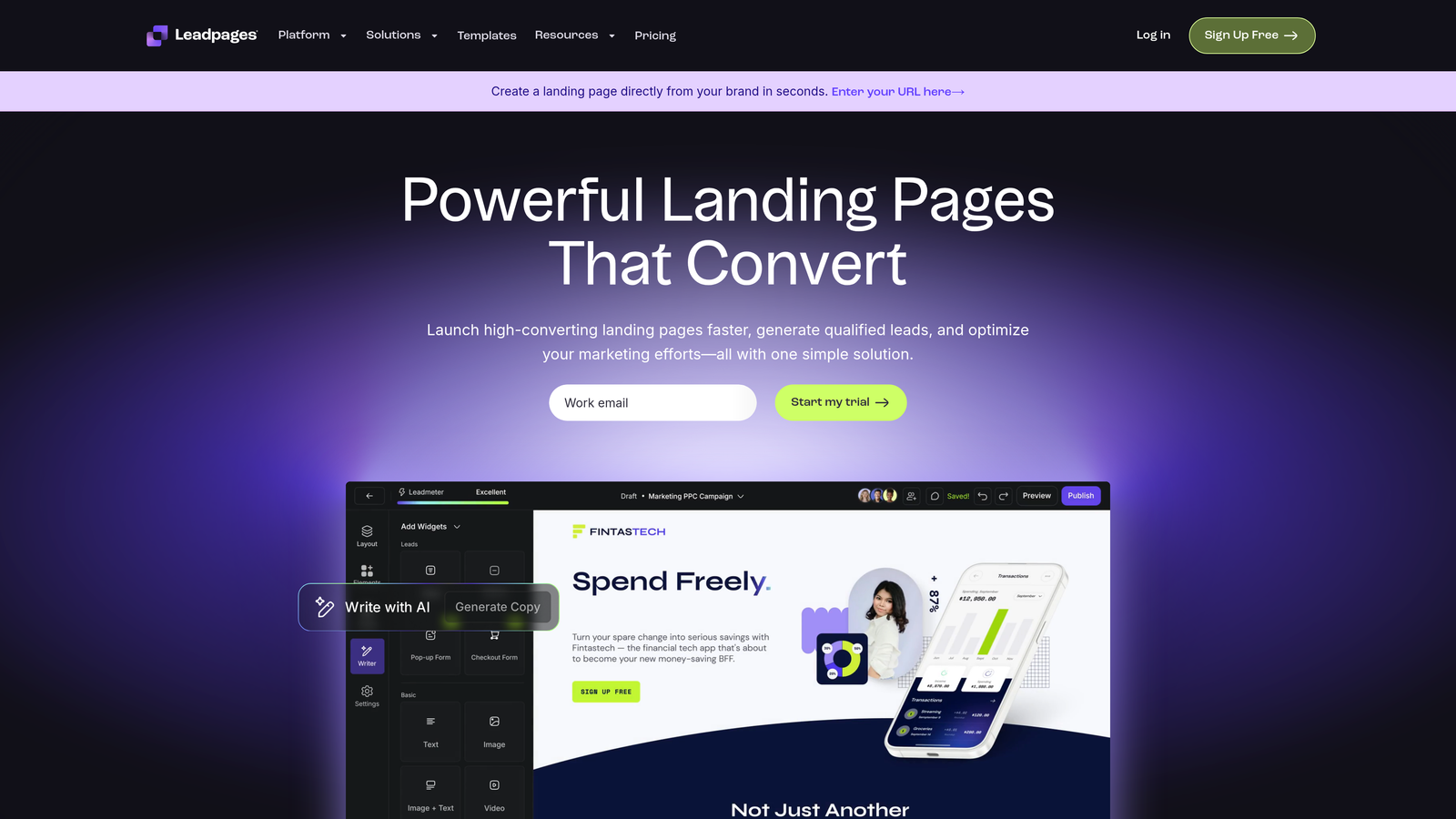
Leadpages is a straightforward landing page and form builder designed for speed and simplicity without sacrificing conversion features.
Where This Tool Shines
Leadpages removes the complexity that often slows down other platforms. The drag-and-drop builder is genuinely intuitive—you can create a professional landing page with an embedded form in minutes, not hours. The conversion-focused templates are pre-optimized based on industry benchmarks, giving solo entrepreneurs and small teams a professional starting point.
The built-in payment processing is a standout feature for businesses selling products or services directly through landing pages. You can collect payments without leaving the platform or integrating third-party processors, streamlining the entire conversion funnel from ad click to purchase.
Key Features
Drag-and-Drop Simplicity: Create forms and landing pages quickly without technical knowledge or design skills.
Conversion-Focused Templates: Pre-built designs optimized for lead capture across common use cases.
Built-In Payment Processing: Accept payments directly through forms without additional integrations.
A/B Testing: Test different form variations to identify highest-converting designs.
Lead Notifications: Get instant alerts when high-value prospects submit forms.
Best For
Leadpages works best for small businesses, coaches, consultants, and entrepreneurs who need to launch landing pages and forms quickly without wrestling with complex features. If you're a solopreneur or small team that values speed and simplicity over advanced automation, this platform gets you live fast.
Pricing
Standard plan starts at $49/month with unlimited landing pages, pop-ups, and forms. Higher tiers add A/B testing and advanced integrations.
6. Jotform
Best for: Versatile form building with extensive templates and payment collection
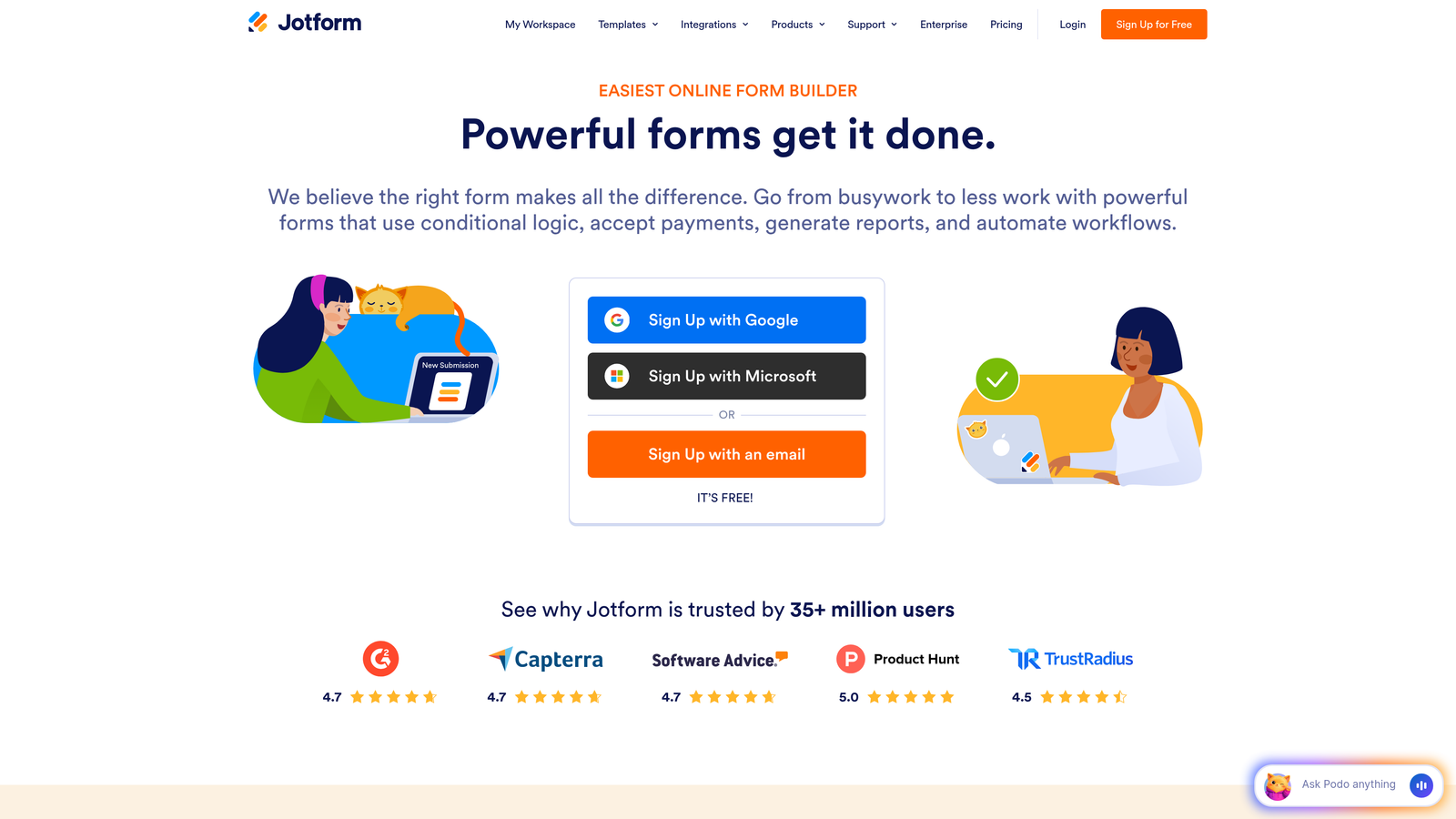
Jotform is a comprehensive form builder offering thousands of templates and built-in payment processing for diverse use cases.
Where This Tool Shines
Jotform's template library is unmatched—over 10,000 pre-built forms covering virtually every industry and use case imaginable. Whether you need event registration, application forms, order forms, or survey templates, you'll find multiple starting points that require minimal customization to match your needs.
The payment collection integrations are particularly robust. Jotform connects to over 30 payment processors including PayPal, Stripe, Square, and Authorize.net, letting you accept payments, donations, or registrations directly through forms. The PDF generation feature automatically creates professional documents from form submissions, valuable for contracts, receipts, or reports.
Key Features
10,000+ Form Templates: Extensive library covering every industry and form type imaginable.
Payment Collection: Integrate with 30+ payment processors to accept money through forms.
Conditional Logic: Show or hide fields based on previous answers for personalized experiences.
PDF Generation: Automatically create professional documents from form submissions.
Team Collaboration: Share forms, assign tasks, and manage submissions across team members.
Best For
Jotform excels for organizations needing versatile form capabilities across multiple departments or use cases. If you need everything from simple contact forms to complex application processes with payment collection, this platform's breadth of features and templates handles diverse requirements without requiring multiple tools.
Pricing
Free tier includes 5 forms with 100 monthly submissions. Bronze plan starts at $39/month for 25 forms and 1,000 submissions, with higher tiers adding storage and features.
7. Formstack
Best for: Enterprise-grade security, compliance, and workflow automation
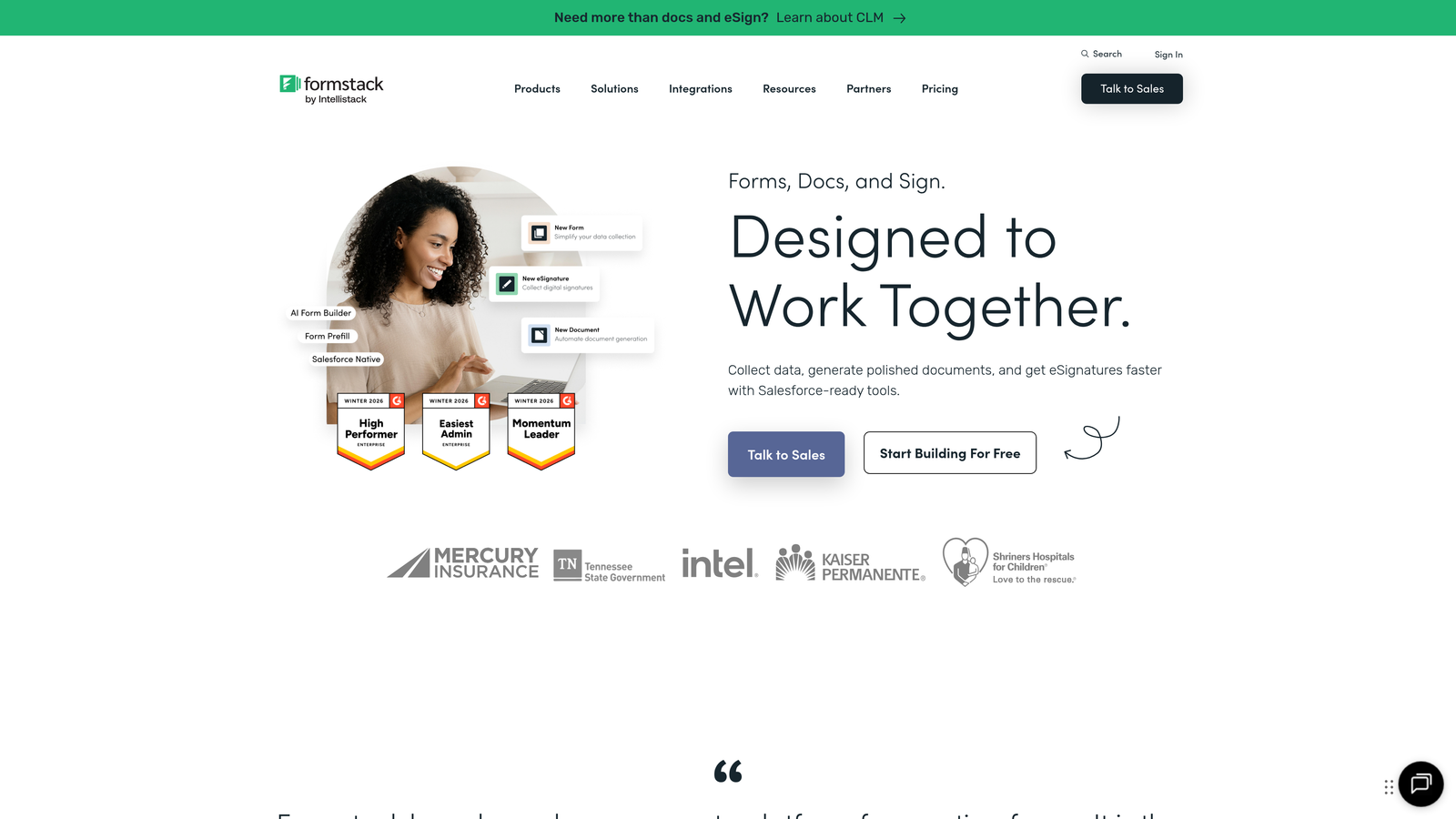
Formstack is an enterprise-focused form platform prioritizing security, compliance, and sophisticated workflow automation.
Where This Tool Shines
Formstack takes security and compliance seriously in ways consumer-grade form builders don't. The platform offers HIPAA compliance for healthcare organizations and GDPR compliance features for companies handling European data, including data processing agreements, encryption at rest and in transit, and comprehensive audit trails.
The workflow automation capabilities go beyond basic email notifications. You can build complex multi-step processes that route submissions through approval chains, trigger document generation, update databases, and integrate with enterprise systems. The e-signature integration lets you collect legally binding signatures directly within forms, streamlining contract and agreement processes.
Key Features
HIPAA and GDPR Compliance: Enterprise-grade security with compliance features for regulated industries.
Advanced Workflow Automation: Build complex approval processes and multi-step workflows triggered by submissions.
E-Signature Integration: Collect legally binding electronic signatures directly within forms.
Conditional Logic: Create sophisticated branching paths based on multiple conditions and variables.
Enterprise Security: SSO, advanced user permissions, audit logs, and data encryption.
Best For
Formstack is built for enterprises, healthcare organizations, financial services firms, and any business requiring strict compliance and security standards. If you're in a regulated industry or need sophisticated workflow automation with enterprise-grade security controls, this platform delivers the features and compliance certifications you can't compromise on.
Pricing
Forms product starts at $83/month for the base tier. Enterprise pricing available for organizations requiring compliance features and advanced security controls.
8. Paperform
Best for: Content-rich forms that feel like branded web pages
Paperform is a unique form builder that creates experiences feeling more like interactive web pages than traditional forms.
Where This Tool Shines
Paperform breaks the traditional form mold by letting you embed rich content between questions—images, videos, text blocks, and even product listings. This creates experiences that feel more like guided journeys through branded content rather than sterile data collection forms. The result is higher engagement and completion rates for complex forms.
The custom branding capabilities are exceptional. You can match every aspect of the form to your brand identity—custom fonts, colors, backgrounds, and even custom CSS for pixel-perfect control. The calculations and scoring features let you build interactive tools like pricing calculators, quizzes with instant results, or assessment forms that provide immediate feedback.
Key Features
Rich Content Embedding: Add images, videos, and text blocks between form fields for engaging experiences.
Custom Branding and Themes: Complete control over design including custom CSS for brand consistency.
Payment Processing: Accept payments through Stripe or PayPal directly within forms.
Calculations and Scoring: Build interactive calculators, quizzes, and assessment tools with instant results.
Appointment Scheduling: Integrate calendar booking directly into forms for seamless scheduling.
Best For
Paperform works best for brands creating premium experiences where form aesthetics and engagement matter as much as data collection. If you're building product configurators, interactive quizzes, booking systems, or any form where rich content and brand presentation elevate the experience, this platform delivers the flexibility to create something unique.
Pricing
Essentials plan starts at $29/month for unlimited forms and submissions. Higher tiers add custom branding removal and advanced features.
9. Gravity Forms
Best for: WordPress-native forms with extensive customization and developer tools
Gravity Forms is a WordPress plugin offering deep platform integration and extensive developer-friendly customization options.
Where This Tool Shines
Gravity Forms is built specifically for WordPress, which means it integrates seamlessly with your site's theme, users, and content. The forms feel native to your WordPress site rather than embedded widgets from external services. This deep integration extends to user registration—you can create custom registration forms that automatically create WordPress user accounts with specific roles and permissions.
The add-on ecosystem is extensive, with official and third-party extensions covering everything from payment processing to CRM integrations to advanced calculations. For developers, the hooks and filters provide complete control over form behavior, appearance, and functionality, making it possible to build virtually any form-based application within WordPress.
Key Features
Deep WordPress Integration: Native integration with WordPress users, posts, and theme styling.
Extensive Add-On Ecosystem: Hundreds of official and third-party extensions for specialized functionality.
Conditional Logic: Show or hide fields, sections, and pages based on user selections.
Multi-Page Forms: Break long forms into multiple pages with progress indicators.
Developer-Friendly: Comprehensive hooks, filters, and APIs for custom functionality.
Best For
Gravity Forms is ideal for WordPress-based businesses, agencies building client sites, and developers needing complete control over form functionality. If your website runs on WordPress and you need forms that integrate deeply with your site's content and users, this plugin delivers the native integration and customization capabilities other platforms can't match.
Pricing
Basic license starts at $59/year for a single site with core features. Pro and Elite licenses add advanced add-ons and support for multiple sites.
Making the Right Choice
The best landing page form software depends on your specific needs and existing tech stack. For high-growth teams needing AI-powered lead qualification that automatically routes and scores prospects, Orbit AI delivers the intelligence to focus sales efforts on qualified leads. If conversational, beautifully designed experiences matter most, Typeform's one-question-at-a-time approach creates engaging interactions that boost completion rates.
WordPress users should seriously consider Gravity Forms for its deep platform integration and developer-friendly customization. Enterprises in regulated industries need Formstack's HIPAA compliance and enterprise security features. Small businesses and entrepreneurs often find Leadpages offers the simplest path to professional landing pages without overwhelming complexity.
The integration ecosystem matters significantly—choose tools that connect seamlessly with your CRM, email platform, and marketing automation software. HubSpot Forms excels here for HubSpot users, while platforms like Jotform and Typeform offer broad integration libraries for diverse tech stacks.
Most platforms offer free trials or free tiers. Test your top two or three choices with real landing pages before committing. Pay attention to completion rates, ease of setup, and how smoothly data flows into your existing systems. The right form software should feel invisible to your prospects while giving your team the insights and automation to convert more leads efficiently.
Start building free forms today and see how intelligent form design can elevate your conversion strategy. Transform your lead generation with AI-powered forms that qualify prospects automatically while delivering the modern, conversion-optimized experience your high-growth team needs.


