

Marketing teams live and die by their lead capture. A clunky form means lost conversions, frustrated prospects, and missed revenue targets. The right form builder does more than collect data—it qualifies leads, integrates with your stack, and makes your campaigns measurably more effective.
We evaluated dozens of form builders based on what actually matters to marketing teams: conversion optimization features, CRM integrations, analytics depth, and collaboration capabilities. Here are the top tools that stood out.
1. Orbit AI
Best for: High-growth marketing teams that need intelligent lead qualification built into their forms
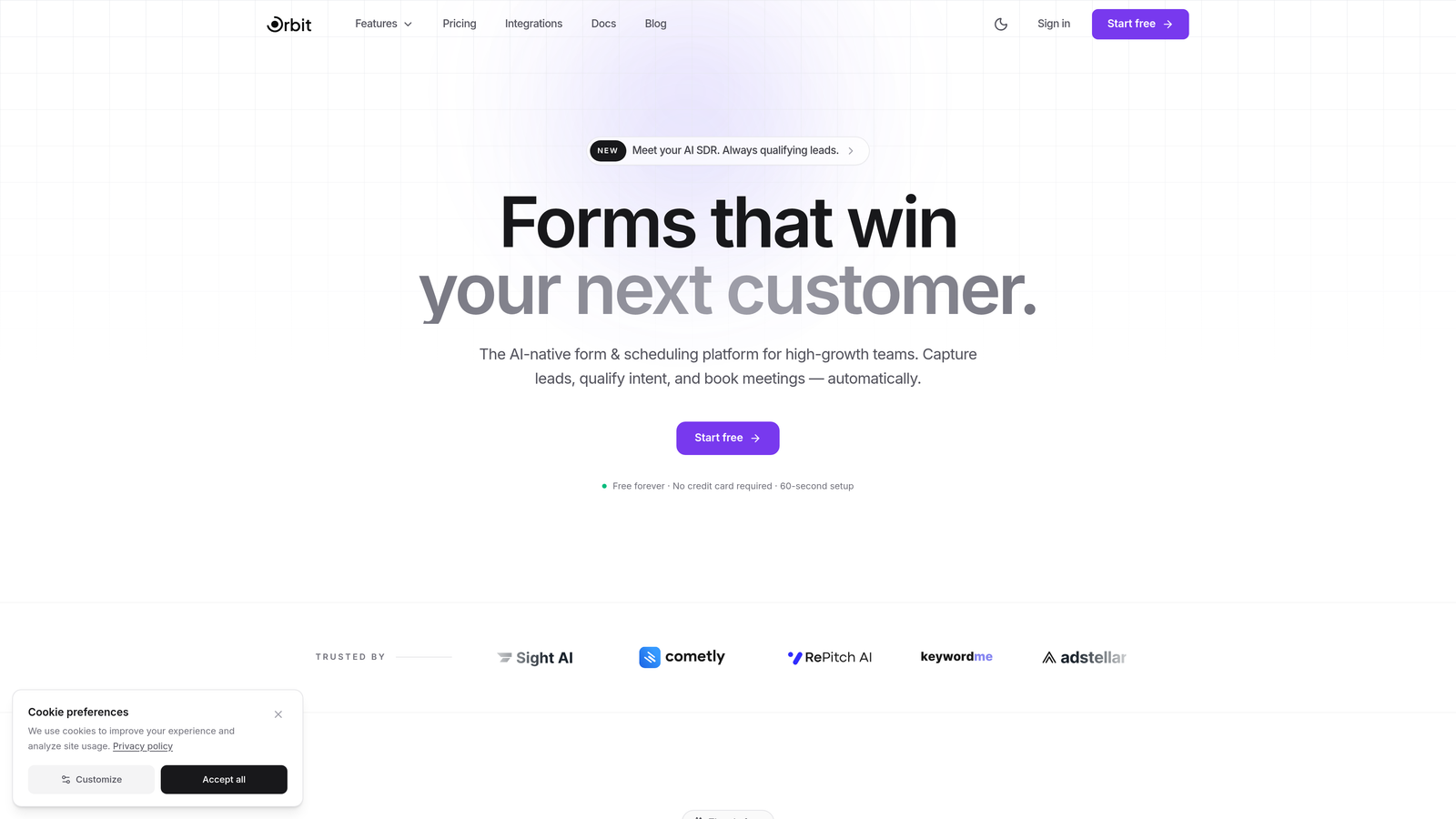
Orbit AI is an AI-powered form builder designed specifically for marketing teams who want to qualify leads automatically while capturing them.
Where This Tool Shines
Think of it like having a sales development rep built into every form. Orbit AI analyzes responses in real-time and assigns qualification scores to each lead before they even hit your CRM. This means your sales team stops wasting time on tire-kickers and focuses on prospects who are actually ready to buy.
The platform combines beautiful, conversion-optimized form design with intelligent automation. Your marketing team gets the modern form experience prospects expect, while your sales team gets pre-qualified leads with context about why they scored high or low.
Key Features
AI-Powered Lead Qualification: Automatically scores and qualifies leads based on their responses, saving hours of manual review.
Conversion-Optimized Templates: Pre-built form templates designed specifically for marketing campaigns with proven conversion patterns.
Native CRM Integrations: Direct connections to HubSpot, Close, Attio, and Slack with qualified lead data flowing automatically.
Built-In Analytics Dashboard: Track conversion rates, completion rates, and lead quality metrics without connecting external tools.
Workflow Automation: Route high-quality leads to sales immediately while nurturing lower-scored prospects through marketing automation.
Best For
Marketing teams at B2B SaaS companies, agencies, and high-growth startups who generate significant lead volume and need to prioritize quality over quantity. Particularly valuable if your sales team currently spends substantial time manually qualifying inbound leads.
Pricing
Free tier available for teams getting started. Paid plans begin at $29/month with advanced AI qualification features and unlimited form submissions.
2. Typeform
Best for: Brand-forward campaigns where engagement and completion rates matter most
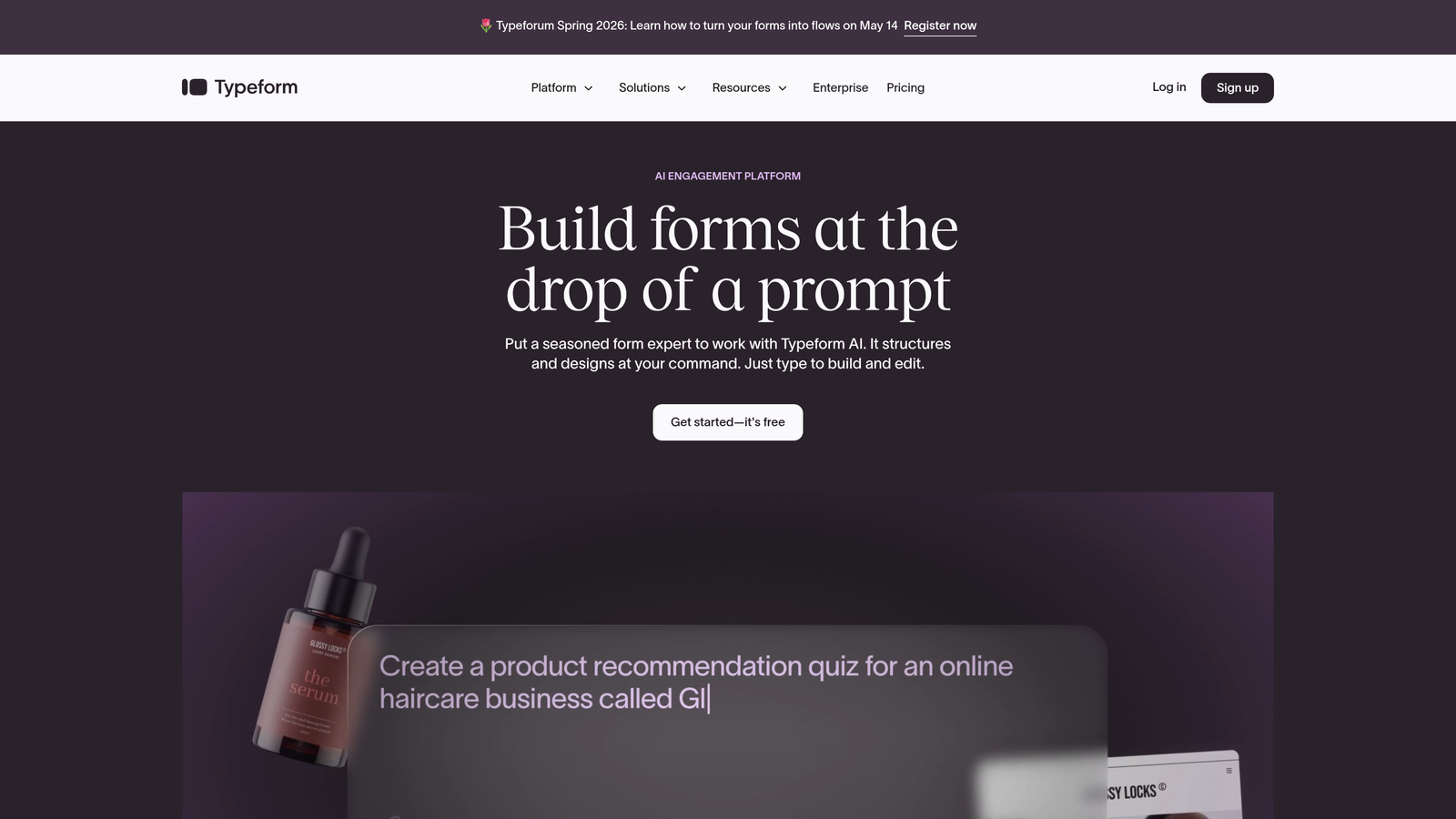
Typeform is a conversational form builder that presents one question at a time, creating an engaging experience that feels more like a conversation than a traditional form.
Where This Tool Shines
Typeform transformed form design by ditching the endless scroll of fields for a one-question-at-a-time approach. This simple change dramatically improves completion rates because prospects aren't overwhelmed by seeing every question upfront. Each interaction feels manageable, almost enjoyable.
The platform's design flexibility is exceptional. You can match your brand perfectly with custom fonts, colors, and images. For marketing teams obsessed with brand consistency, Typeform delivers forms that feel like a natural extension of your website rather than a generic data collection tool.
Key Features
One-Question-at-a-Time Format: Reduces form abandonment by making the experience feel conversational rather than overwhelming.
Extensive Brand Customization: Custom fonts, colors, images, and videos ensure forms match your brand guidelines perfectly.
Logic Jumps: Create personalized form paths based on responses, showing relevant questions and hiding irrelevant ones.
Native Marketing Integrations: Connect directly to HubSpot, Mailchimp, Salesforce, and dozens of other marketing tools.
Rich Media Embedding: Add videos, GIFs, and high-quality images to make forms visually engaging.
Best For
Consumer-facing brands, creative agencies, and marketing teams where brand experience is paramount. Ideal for surveys, lead magnets, event registrations, and any scenario where completion rates directly impact campaign success.
Pricing
Free tier includes 10 responses per month. Basic plan starts at $25/month with 100 responses, while higher tiers unlock advanced features and increased response limits.
3. HubSpot Forms
Best for: Marketing teams already using HubSpot who need seamless CRM integration
HubSpot Forms is the native form builder within HubSpot's marketing platform, offering zero-friction integration with their CRM and marketing automation tools.

Where This Tool Shines
If you're already in the HubSpot ecosystem, this is the obvious choice. Form submissions automatically create or update contact records with zero configuration. No Zapier connections, no API setup, no data sync delays. The form and CRM speak the same language natively.
Progressive profiling is where HubSpot Forms truly excels. Instead of asking returning visitors the same questions repeatedly, the forms automatically show new fields based on what you already know about each contact. This creates a better user experience while steadily enriching your contact database over time.
Key Features
Direct CRM Integration: Form submissions instantly appear in HubSpot CRM with full contact history and interaction timeline.
Progressive Profiling: Automatically replace known fields with new questions for returning visitors, gathering more data without annoying prospects.
Smart Fields: Forms remember returning visitors and pre-fill their information, reducing friction and improving completion rates.
Built-In Analytics: Track form performance directly in HubSpot with conversion rates tied to specific contacts and campaigns.
Flexible Deployment: Embed forms on your website or create standalone landing pages within HubSpot.
Best For
Marketing teams already invested in HubSpot's ecosystem who want maximum integration efficiency. Makes less sense if you're using a different CRM, as the tight integration is the primary advantage.
Pricing
Free with HubSpot CRM, which includes basic form functionality. Advanced features like progressive profiling require Marketing Hub, starting at $800/month for professional features.
4. Jotform
Best for: Teams that need versatility and want access to thousands of pre-built templates
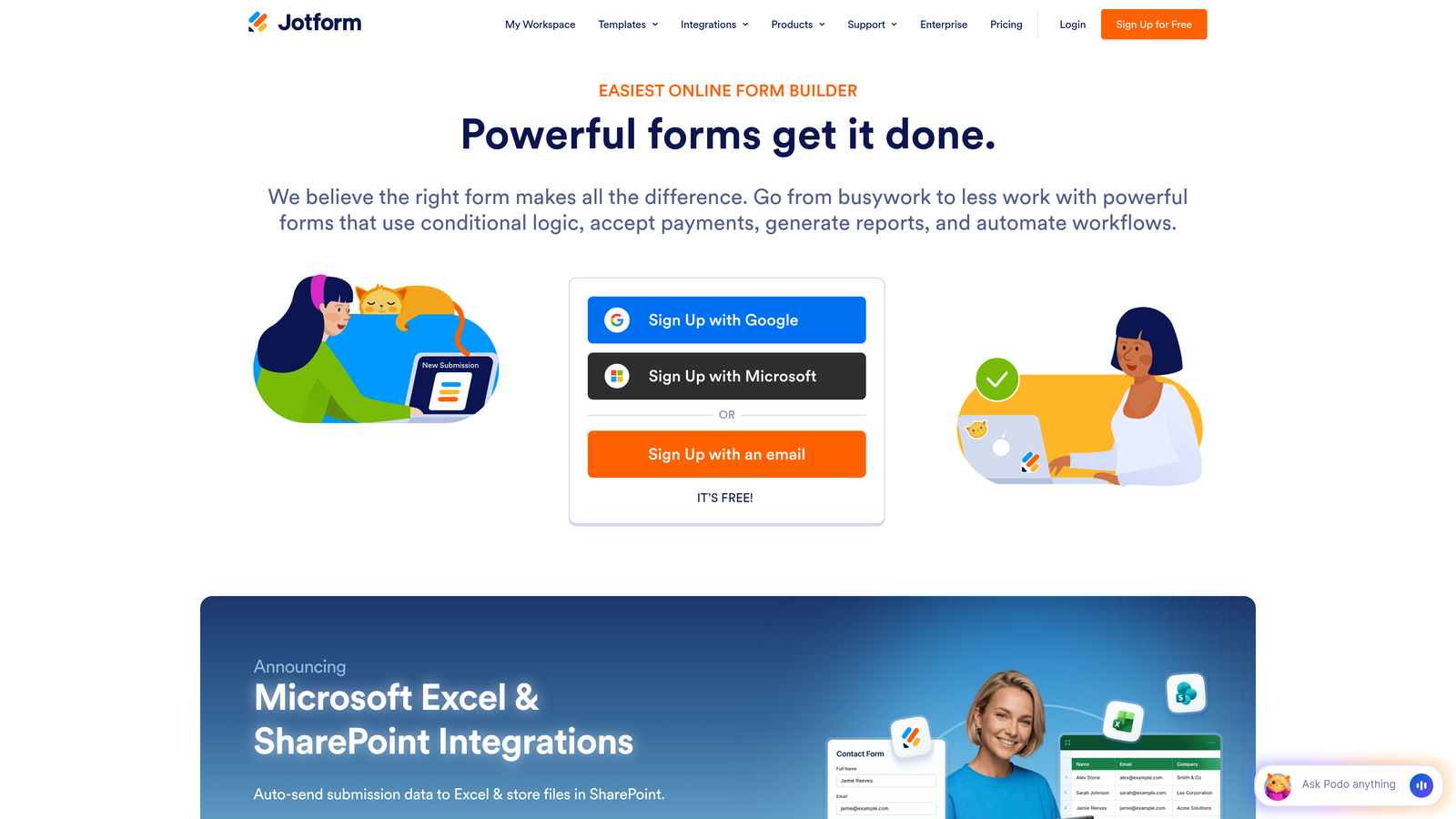
Jotform is a comprehensive form builder with one of the largest template libraries in the industry and extensive customization options.
Where This Tool Shines
Jotform's template library is genuinely impressive. Over 10,000 pre-built forms covering virtually every use case imaginable. Need a webinar registration form? There are dozens of options. Event surveys? Covered. Lead capture forms? You'll find templates optimized for every industry.
The platform also handles payment collection exceptionally well. Native integrations with PayPal, Stripe, and Square mean you can collect payments directly within forms without technical setup. For marketing teams running paid events, product launches, or premium content offers, this eliminates a major friction point.
Key Features
10,000+ Templates: Massive library of pre-built forms covering virtually every marketing use case and industry.
Drag-and-Drop Builder: Intuitive visual editor requires zero coding knowledge while offering extensive customization.
Payment Integrations: Built-in payment processing through PayPal, Stripe, Square, and other major processors.
HIPAA Compliance: Enterprise plans offer HIPAA-compliant forms for healthcare marketing teams with strict data requirements.
Mobile App: Manage forms, view submissions, and respond to leads directly from iOS or Android devices.
Best For
Marketing teams that value speed and convenience over cutting-edge features. Particularly strong for agencies managing forms across multiple clients or teams that frequently launch new campaign types and need templates fast.
Pricing
Free tier includes 5 forms with 100 monthly submissions. Bronze plan starts at $34/month with 25 forms and 1,000 submissions, scaling up for higher volume needs.
5. Formstack
Best for: Enterprise marketing teams with complex workflows and strict compliance requirements
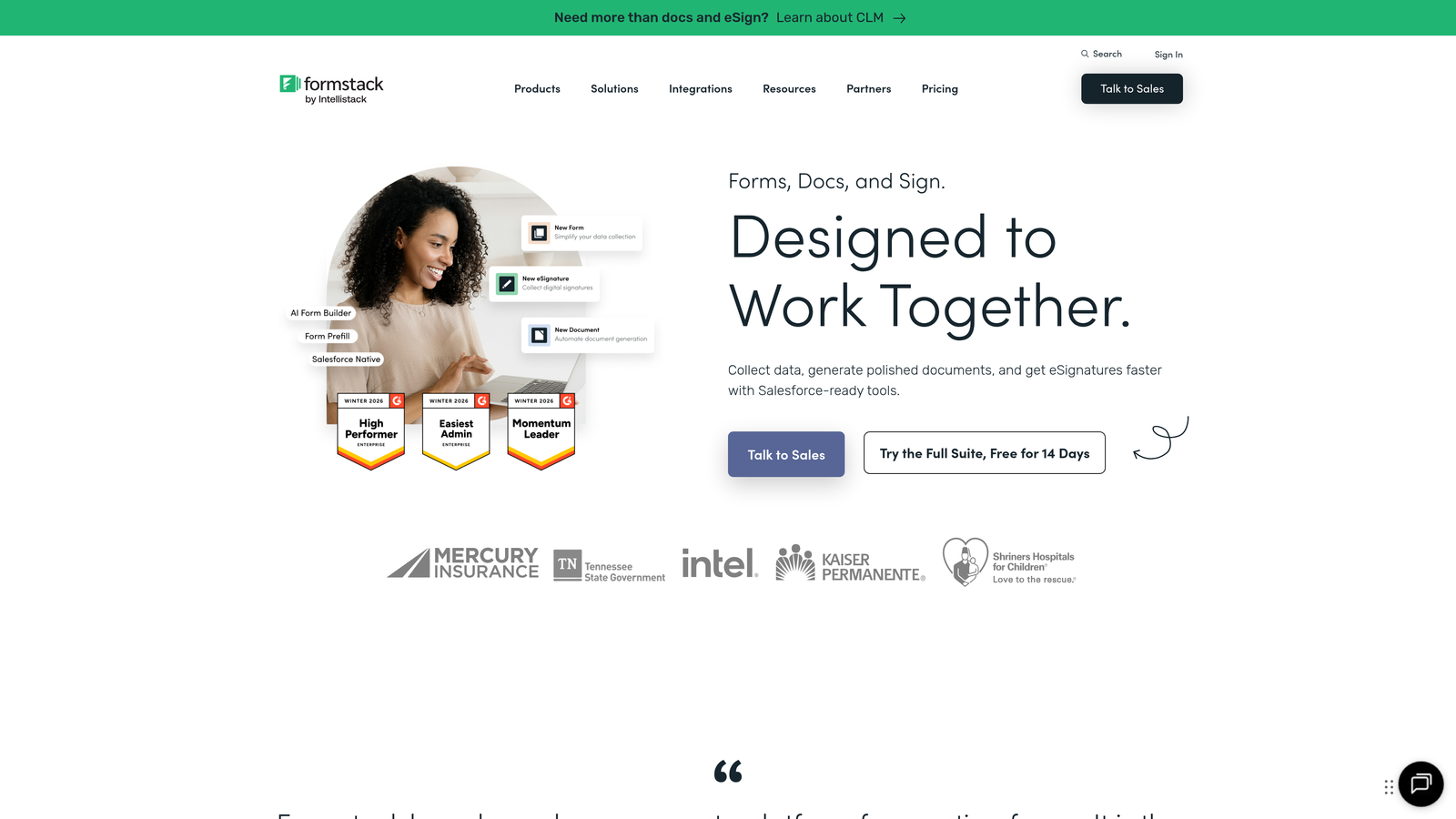
Formstack is an enterprise-grade form platform focused on advanced automation, workflow management, and regulatory compliance.
Where This Tool Shines
Formstack takes workflow automation seriously. You can build sophisticated approval processes where form submissions route through multiple stakeholders based on conditional logic. Picture a partnership inquiry form that automatically routes to different regional managers based on location, then requires approval before creating a deal in your CRM.
Compliance features set Formstack apart for regulated industries. The platform offers HIPAA, GDPR, and SOC 2 compliance certifications, making it suitable for healthcare marketing, financial services, and other industries with strict data handling requirements. If your legal team has compliance concerns about form data, Formstack addresses them comprehensively.
Key Features
Advanced Conditional Logic: Build complex form paths with calculations, multi-level conditions, and dynamic field visibility.
Workflow Automation: Route submissions through approval processes, trigger notifications, and update multiple systems automatically.
Enterprise Compliance: HIPAA, GDPR, and SOC 2 compliance with audit trails and data encryption.
Electronic Signatures: Collect legally binding signatures directly within forms for contracts and agreements.
Offline Data Collection: Capture form submissions even without internet connectivity, syncing when connection returns.
Best For
Enterprise marketing teams in regulated industries, organizations with complex approval workflows, and companies that need ironclad compliance documentation. Overkill for small teams with simple lead capture needs.
Pricing
Starter plan begins at $50/month for individual users. Teams plan starts at $83/month with collaboration features and advanced workflow capabilities.
6. Gravity Forms
Best for: WordPress-based marketing sites that need deep platform integration
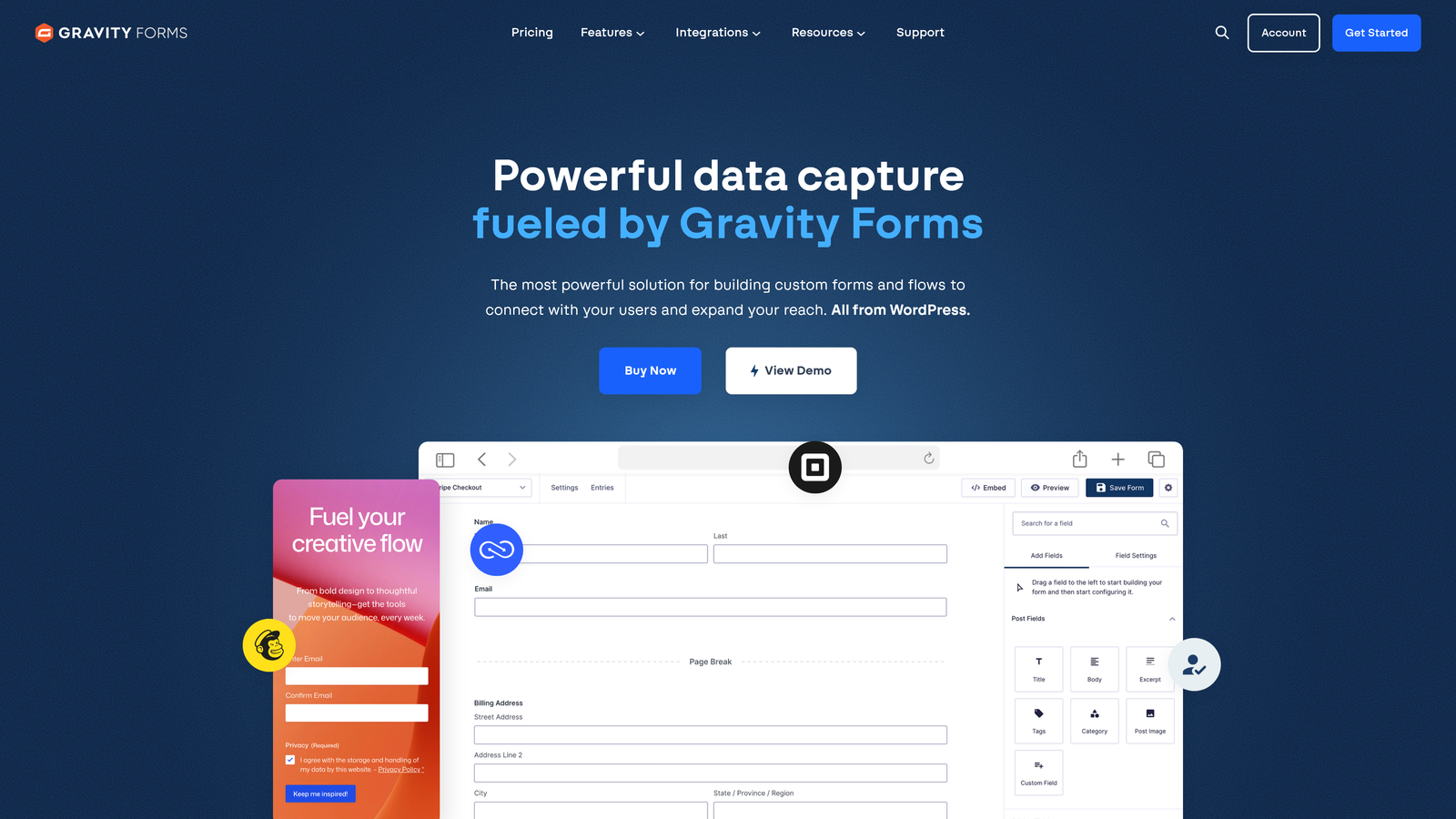
Gravity Forms is a WordPress plugin that integrates natively with WordPress sites, offering extensive functionality through a robust add-on ecosystem.
Where This Tool Shines
If your marketing site runs on WordPress, Gravity Forms feels like a natural extension of the platform rather than a bolted-on third-party tool. It uses WordPress's native systems for user management, permissions, and data storage, creating a seamless experience for marketing teams already comfortable with WordPress.
The add-on ecosystem is exceptional. Over 30 official add-ons extend functionality to cover payment processing, CRM integration, email marketing, and advanced features like partial entries and quiz scoring. The one-time licensing fee also makes it cost-effective for teams managing multiple WordPress sites.
Key Features
Deep WordPress Integration: Uses native WordPress systems for a seamless experience that feels built into your CMS.
30+ Official Add-Ons: Extend functionality with payment processors, CRM integrations, advanced fields, and specialized features.
Conditional Logic: Show or hide fields based on user responses, create multi-page forms with dynamic paths.
One-Time Licensing: Pay annually instead of monthly, with licenses covering unlimited sites at higher tiers.
Developer-Friendly: Extensive hooks and filters allow custom functionality for teams with development resources.
Best For
Marketing teams running WordPress sites who want forms that integrate natively with their CMS. Less relevant if you're on Webflow, Squarespace, or other platforms.
Pricing
Basic license starts at $59/year for one site. Pro license at $159/year covers three sites. Elite license at $259/year includes unlimited sites and all add-ons.
7. Paperform
Best for: Creating landing page-style forms with built-in payment processing
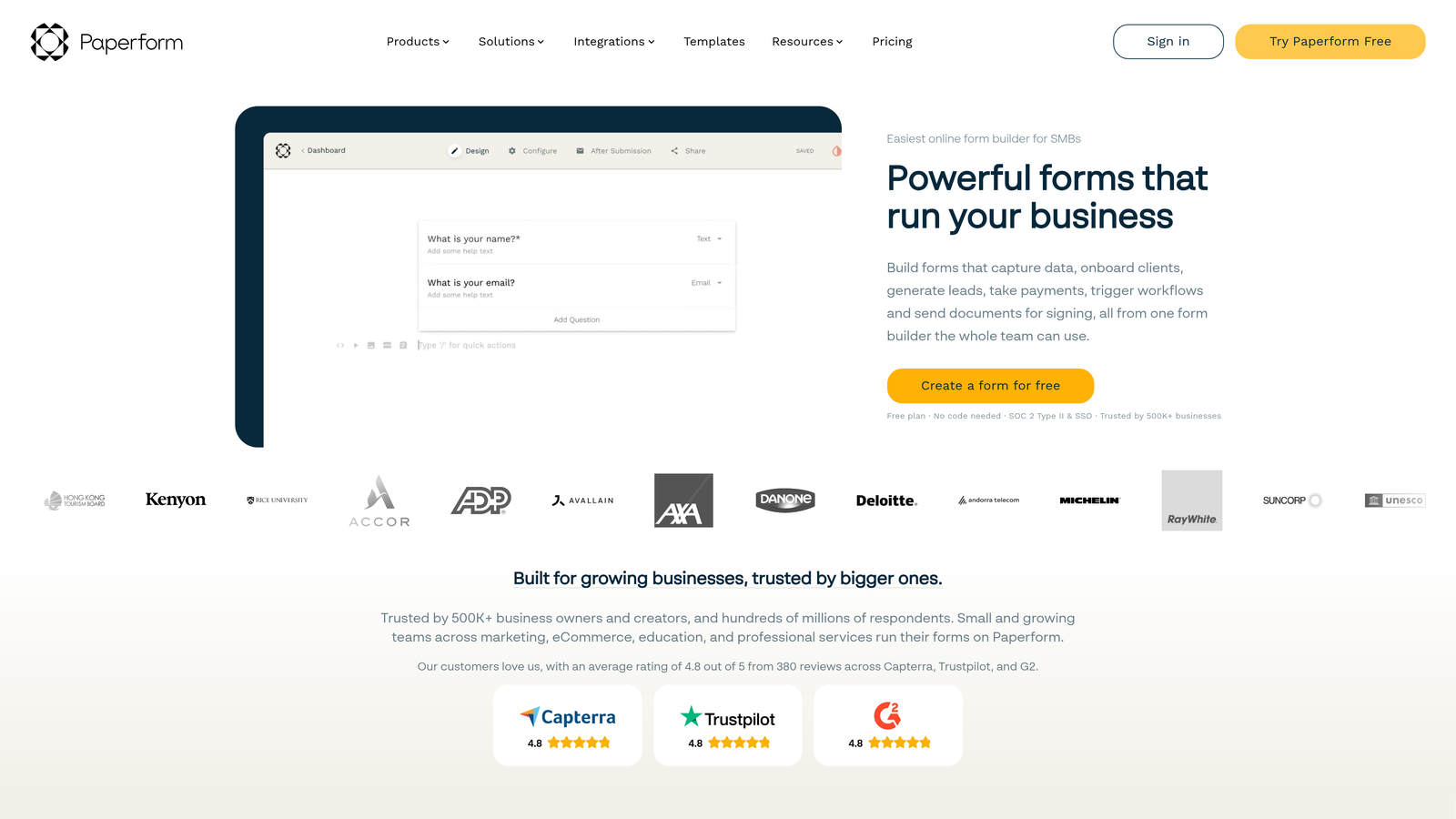
Paperform blurs the line between forms and landing pages, creating rich, content-heavy form experiences with integrated payment capabilities.
Where This Tool Shines
Paperform lets you build forms that look like full landing pages. Add headings, paragraphs, images, videos, and dividers between form fields to create experiences that tell a story while collecting data. This approach works exceptionally well for product launches, event registrations, and premium content offers where context matters.
The payment integration is particularly smooth. Stripe, PayPal, and Braintree connect natively, allowing you to collect payments, set up subscriptions, or accept donations directly within your forms. For marketing teams running paid webinars, courses, or events, this eliminates the need for separate checkout tools.
Key Features
Rich Content Blocks: Mix form fields with headings, paragraphs, images, and videos to create landing page-style experiences.
Built-In Payment Processing: Accept payments through Stripe, PayPal, Braintree with no additional tools required.
Conditional Logic: Show or hide questions based on responses, calculate totals, and create dynamic form paths.
Custom Domains: Host forms on your own domain with white-labeling options to maintain brand consistency.
Scheduling Integration: Built-in booking functionality for appointments, consultations, and event registrations.
Best For
Marketing teams selling digital products, running paid events, or creating premium content experiences. Particularly valuable when you need forms that double as persuasive landing pages rather than simple data collection tools.
Pricing
Essentials plan starts at $24/month with core features. Pro plan at $49/month adds advanced integrations, custom domains, and increased submission limits.
8. Tally
Best for: Teams just getting started or those wanting a simple, Notion-like form experience
Tally is a straightforward form builder with a Notion-style block-based editor and an exceptionally generous free tier.
Where This Tool Shines
Tally's free tier is genuinely remarkable. Unlimited forms, unlimited submissions, no branding requirements. Most form builders severely limit free plans to push upgrades, but Tally provides real value without the pressure. For bootstrapped marketing teams or those just testing form strategies, this removes a significant barrier.
The Notion integration is seamless if you're already managing marketing operations in Notion. Form submissions can automatically create database entries in Notion, keeping all your lead data where your team already works. The block-based editor will also feel immediately familiar to anyone comfortable with Notion's interface.
Key Features
Unlimited Free Plan: Create unlimited forms with unlimited submissions on the free tier, with no forced branding.
Notion-Style Editor: Block-based interface that feels intuitive for teams already familiar with Notion.
Conditional Logic: Show or hide fields based on responses, create branching form paths.
Native Notion Integration: Send form submissions directly to Notion databases for centralized data management.
Hidden Fields: Pass UTM parameters and tracking data through forms for attribution tracking.
Best For
Small marketing teams with limited budgets, startups testing lead generation strategies, or Notion-based teams who want forms integrated into their existing workspace. The simplicity is both a strength and limitation depending on your needs.
Pricing
Free tier includes core features with unlimited forms and submissions. Pro plan at $29/month adds advanced features, custom domains, and priority support.
9. Leadpages
Best for: Marketing teams prioritizing conversion optimization through integrated landing pages and forms
Leadpages combines landing page building with integrated forms, focusing specifically on conversion rate optimization.
Where This Tool Shines
Leadpages approaches forms differently by treating them as inseparable from the landing page experience. You're not just building a form, you're building a complete conversion experience with the form as one component. This integrated approach makes A/B testing seamless since you can test variations of both the page and form simultaneously.
The built-in conversion optimization features provide real-time tips as you build. The platform analyzes your landing page and suggests improvements based on conversion best practices. For marketing teams without dedicated conversion rate optimization expertise, this guidance is genuinely valuable.
Key Features
Landing Page + Form Integration: Build complete conversion experiences with forms as integrated components rather than standalone tools.
Built-In A/B Testing: Test landing page and form variations simultaneously to optimize conversion rates.
Conversion-Focused Templates: Pre-built templates designed specifically for lead generation with proven conversion patterns.
Pop-Up and Alert Bar Forms: Create exit-intent pop-ups, timed overlays, and alert bars for additional conversion opportunities.
Real-Time Conversion Tips: Get optimization suggestions as you build based on conversion rate best practices.
Best For
Marketing teams running paid advertising campaigns where landing page conversion rates directly impact ROI. Less suitable if you only need forms for existing website pages rather than standalone landing pages.
Pricing
Standard plan starts at $49/month with core landing page and form features. Pro plan at $99/month adds advanced integrations and increased traffic limits.
Choosing the Right Form Builder for Your Team
The best form builder depends on your specific situation and priorities. Here's how to think about it:
If lead quality matters more than volume, Orbit AI eliminates the manual qualification work that typically bogs down sales teams. The AI scoring means your team focuses on prospects who are actually ready to buy rather than sorting through tire-kickers.
Already deeply invested in HubSpot? HubSpot Forms is the obvious choice. The native integration eliminates data sync headaches and progressive profiling steadily enriches your contact database without annoying prospects.
For brand-forward campaigns where completion rates matter most, Typeform's one-question-at-a-time approach and extensive design customization create experiences that feel premium rather than transactional.
Just getting started or working with a limited budget? Tally's generous free tier provides real functionality without the pressure to upgrade, making it ideal for testing strategies before committing to paid tools.
The form builder market has evolved well beyond simple data collection. Modern tools now offer intelligent lead qualification, sophisticated workflow automation, and deep integration with your existing marketing stack. The right choice aligns with your tech ecosystem, budget constraints, and whether you prioritize lead quantity or quality.
Transform your lead generation with AI-powered forms that qualify prospects automatically while delivering the modern, conversion-optimized experience your high-growth team needs. Start building free forms today and see how intelligent form design can elevate your conversion strategy.


