

Paperform has long been a go-to for teams that want more design flexibility than Google Forms offers. But as AI reshapes how businesses capture, qualify, and act on lead data, many high-growth teams are finding that Paperform's capabilities don't keep pace with what they actually need.
Whether you're running multi-step lead qualification flows, trying to reduce form abandonment, or need your form tool to integrate seamlessly with a modern CRM stack, the limitations become real friction fast. Forms that simply collect data aren't enough anymore. The best teams treat forms as active conversion assets that qualify prospects, route leads intelligently, and feed clean data directly into their pipelines.
This article covers the seven best Paperform alternatives with AI capabilities, evaluated on AI-powered features, ease of use, integration depth, and fit for lead generation and conversion optimization use cases. If you're a SaaS company, a marketing agency, or a B2B team that depends on inbound leads, at least one of these tools will be a meaningful upgrade over what you're using today.
1. Orbit AI: AI-Native Lead Qualification Built for Conversion
The Challenge It Solves
Most form tools were designed to collect data, not qualify it. High-growth B2B and SaaS teams often end up with inboxes full of form submissions that require manual SDR review before anyone knows which leads are worth pursuing. That lag between submission and qualification costs pipeline velocity and sales team bandwidth.
The Strategy Explained
Orbit AI is built from the ground up as an AI-native form builder with lead qualification, scoring, and routing baked directly into the platform. Rather than relying on third-party integrations to add intelligence after the fact, Orbit AI evaluates leads as they move through the form experience and routes them based on qualification criteria your team defines.
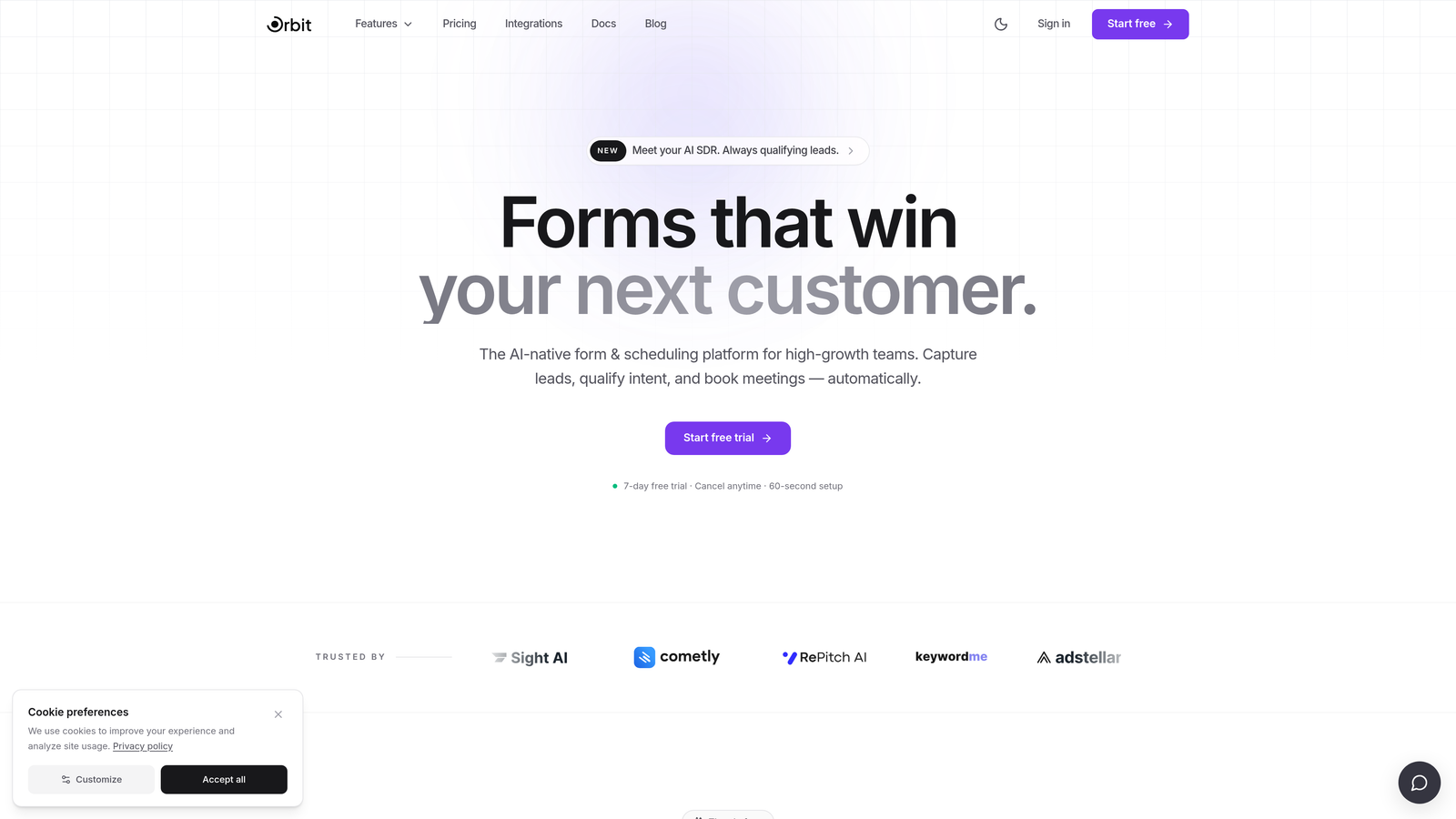
This means your highest-value prospects can be flagged, fast-tracked, or even routed to a live booking flow before they ever leave the page. For teams running high-volume inbound, that kind of real-time qualification is a genuine competitive advantage. The forms themselves are designed to be conversion-optimized and visually polished, so you're not trading aesthetics for functionality.
Implementation Steps
1. Define your ideal customer profile criteria and map them to form fields that capture qualifying signals like company size, role, use case, or budget range.
2. Use Orbit AI's qualification logic to assign scores or routing rules based on how respondents answer key questions, separating high-intent leads from general inquiries automatically.
3. Connect your CRM and set up automated handoff flows so qualified leads arrive in your sales team's pipeline with context already attached, reducing manual data entry and follow-up delays.
Pro Tips
Start with your most important lead generation form rather than rebuilding everything at once. Identify the two or three qualification signals that most reliably predict deal quality, and build your scoring logic around those first. Complexity can come later once you see how the baseline performs. Explore what's possible at orbitforms.ai.
2. Typeform: Conversational Forms with Brand-Forward Design
The Challenge It Solves
Traditional multi-field forms create cognitive overload. Respondents see a wall of questions and either rush through without thinking or abandon the form entirely. For teams where form completion quality matters as much as quantity, that's a problem that affects the integrity of every lead in the pipeline.
The Strategy Explained
Typeform's one-question-at-a-time format reduces cognitive load by presenting the form experience more like a conversation than a spreadsheet. Each question appears individually, which UX researchers widely cite as a way to improve engagement and completion rates, particularly for longer or more complex forms.
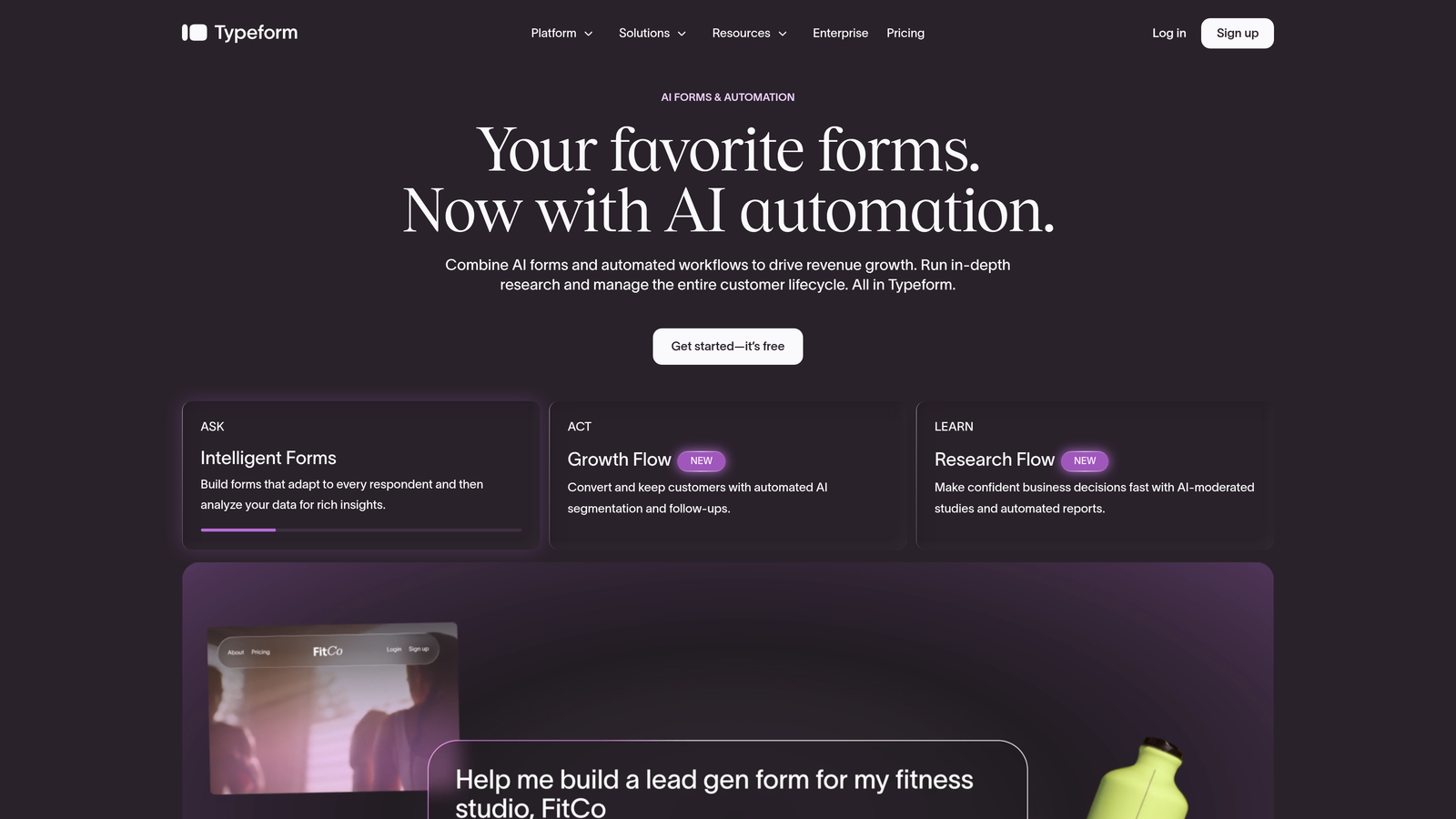
Typeform has also added AI-powered features in recent product updates, including form generation from text prompts and logic suggestions. For teams that care deeply about brand presentation, Typeform's design customization options are among the strongest in this category. It integrates with most major CRM and marketing automation platforms, making it a workable option for teams that don't need native AI qualification but want a polished, conversion-friendly experience.
Implementation Steps
1. Map out your form as a conversation flow rather than a field list, thinking about how each question naturally leads to the next based on what you already know about the respondent.
2. Use Typeform's conditional logic to branch the experience based on early answers, so respondents only see questions that are relevant to their situation.
3. Connect Typeform to your CRM via native integrations or Zapier to ensure completed responses flow directly into your pipeline without manual export steps.
Pro Tips
Keep your Typeform short. The conversational format works best when the form has a clear purpose and a defined endpoint. If you need more than eight to ten questions, consider whether some can be asked after initial qualification rather than upfront. Fewer questions at the right moment beats more questions all at once. Teams exploring other options may also want to review Typeform alternatives for lead generation to compare how different platforms handle conversion.
3. Jotform: Broad-Use Platform with AI Form Generation
The Challenge It Solves
Building forms from scratch takes time, especially when you need multiple form types across different use cases: lead capture, event registration, customer feedback, onboarding surveys. Teams without dedicated ops or design resources often end up with inconsistent, underperforming forms because nobody has the bandwidth to build them properly.
The Strategy Explained
Jotform's AI form builder lets users generate complete form structures from a text prompt, dramatically reducing the time from idea to live form. Describe what you need in plain language, and Jotform's AI produces a starting point with relevant fields, basic logic, and formatting already in place. From there, you customize to match your brand and workflow.
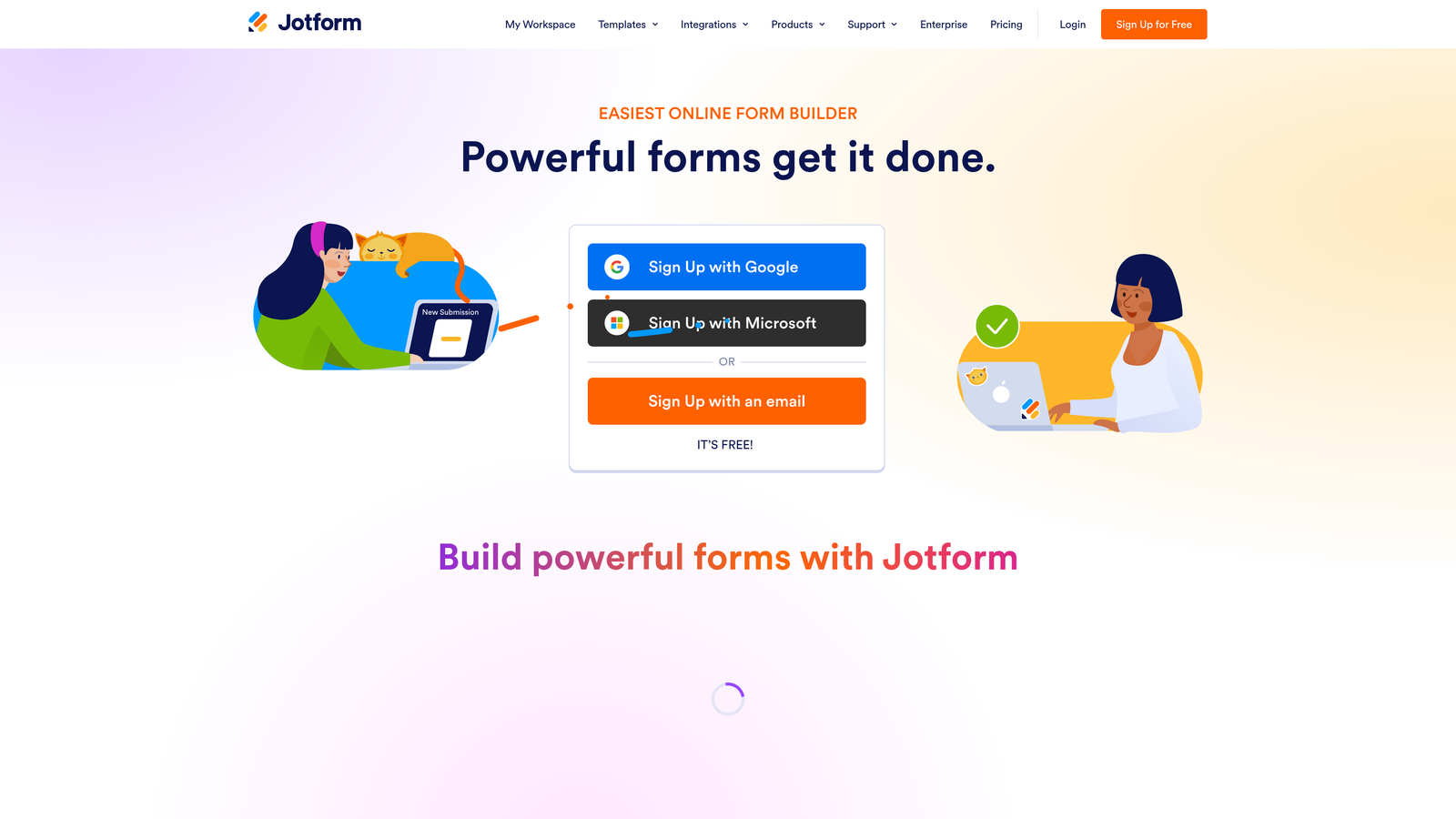
Jotform's real strength is breadth. It has one of the largest template libraries in the category and supports an extensive range of third-party integrations, making it a practical choice for teams that need forms across many different functions. It's less specialized for B2B lead qualification than tools like Orbit AI, but for teams that need a versatile, reliable form platform with AI generation capabilities, it covers a lot of ground.
Implementation Steps
1. Use Jotform's AI form builder to generate a draft by describing your use case in a single prompt, then review and refine the output to match your specific requirements.
2. Apply conditional logic to personalize the experience based on respondent answers, reducing irrelevant questions and keeping completion rates healthy.
3. Set up integrations with your existing tools, whether that's a CRM, a spreadsheet, a payment processor, or a project management platform, using Jotform's native connectors.
Pro Tips
Jotform's template library is genuinely useful for getting started quickly, but treat templates as a starting point rather than a finished product. Customize field labels, order, and logic to reflect how your specific audience thinks about the problem you're solving. Generic forms get generic results. If Jotform's AI capabilities fall short of your needs, explore a dedicated Jotform alternative with AI built specifically for lead qualification.
4. Tally: Minimalist Forms with Surprisingly Powerful Logic
The Challenge It Solves
Many form tools are overkill for teams that need clean, fast forms without a steep learning curve or a large monthly bill. But "simple" tools often mean sacrificing conditional logic or personalization, which limits how useful the forms actually are for lead capture and qualification.
The Strategy Explained
Tally takes a document-like approach to form building: clean, distraction-free, and fast to set up. Its free tier is notably generous compared to most competitors, making it a practical starting point for early-stage teams or those running forms for lower-stakes use cases alongside a primary lead gen tool.
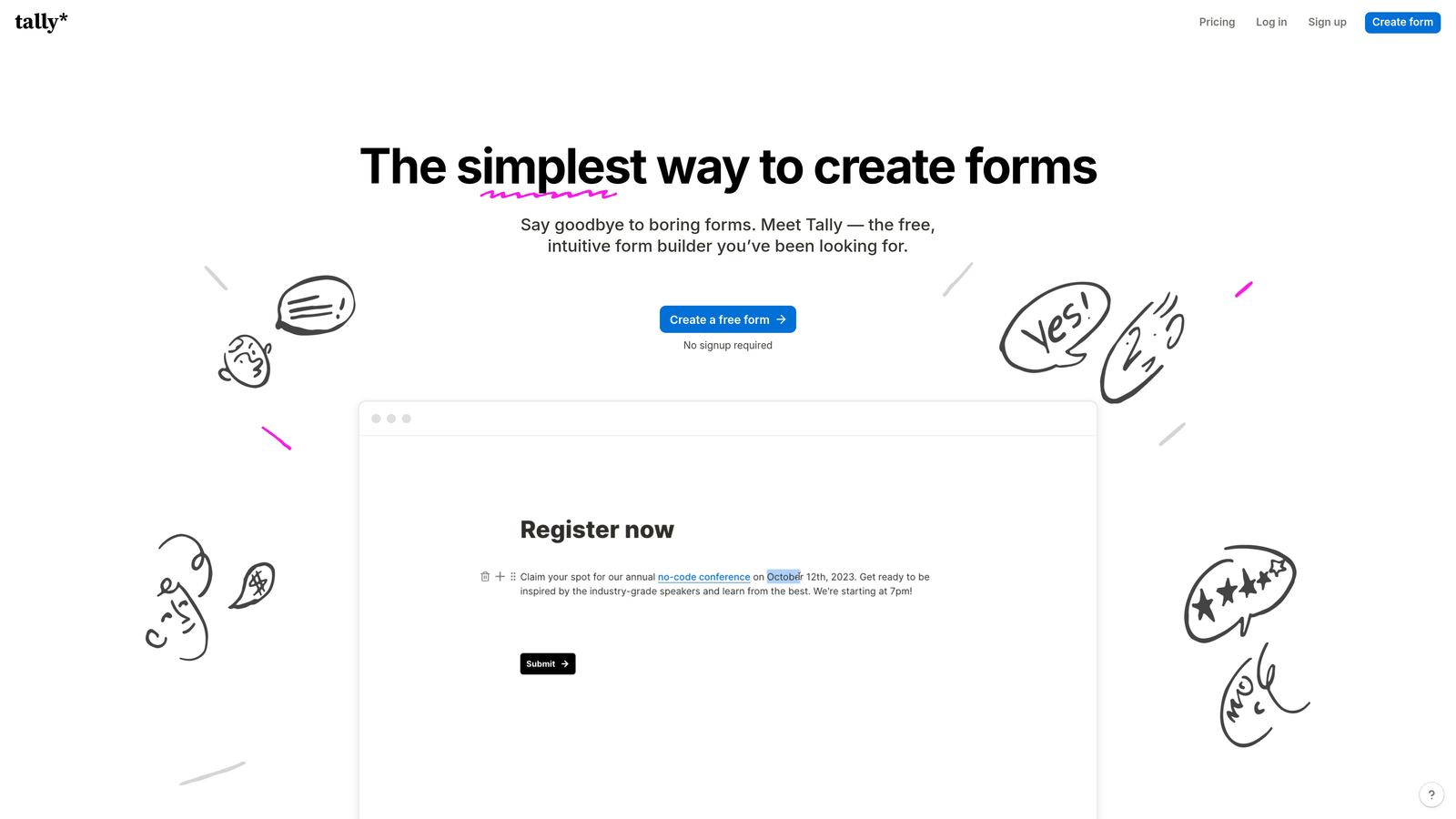
Despite its minimalist aesthetic, Tally supports conditional logic, hidden fields, and calculated fields, which means you can build personalized form experiences without a complex platform. It's not AI-native in the way Orbit AI is, but it covers the fundamentals well and integrates with tools like Notion, Airtable, and Google Sheets for teams running lean, flexible data stacks.
Implementation Steps
1. Start with Tally's free tier to build and test forms quickly, using the document-style editor to add fields, logic, and branching without a learning curve.
2. Use hidden fields to pass UTM parameters or other contextual data into your form submissions, giving your team better attribution information alongside the lead data.
3. Connect Tally to your data stack via native integrations or Zapier, routing responses to the right destination based on form type or respondent answers.
Pro Tips
Tally works particularly well as a secondary form tool: use it for lower-friction touchpoints like event registrations or feedback surveys while reserving a more AI-capable platform for your primary lead qualification flows. That way you get the cost efficiency of Tally's free tier without compromising on your most important conversion moments.
5. HubSpot Forms: CRM-Native Forms with Progressive Profiling
The Challenge It Solves
Teams using multiple disconnected tools for forms, CRM, and lead scoring often struggle with data fragmentation. Leads get captured in one place, scored in another, and routed manually between systems. Every handoff is a potential point of failure, and the friction compounds as lead volume grows.
The Strategy Explained
HubSpot Forms are purpose-built to work within HubSpot's broader marketing and sales platform. For teams already invested in that ecosystem, the native integration eliminates the data fragmentation problem entirely. Form submissions flow directly into contact records, trigger workflows, and feed HubSpot's AI-assisted lead scoring without any additional configuration.
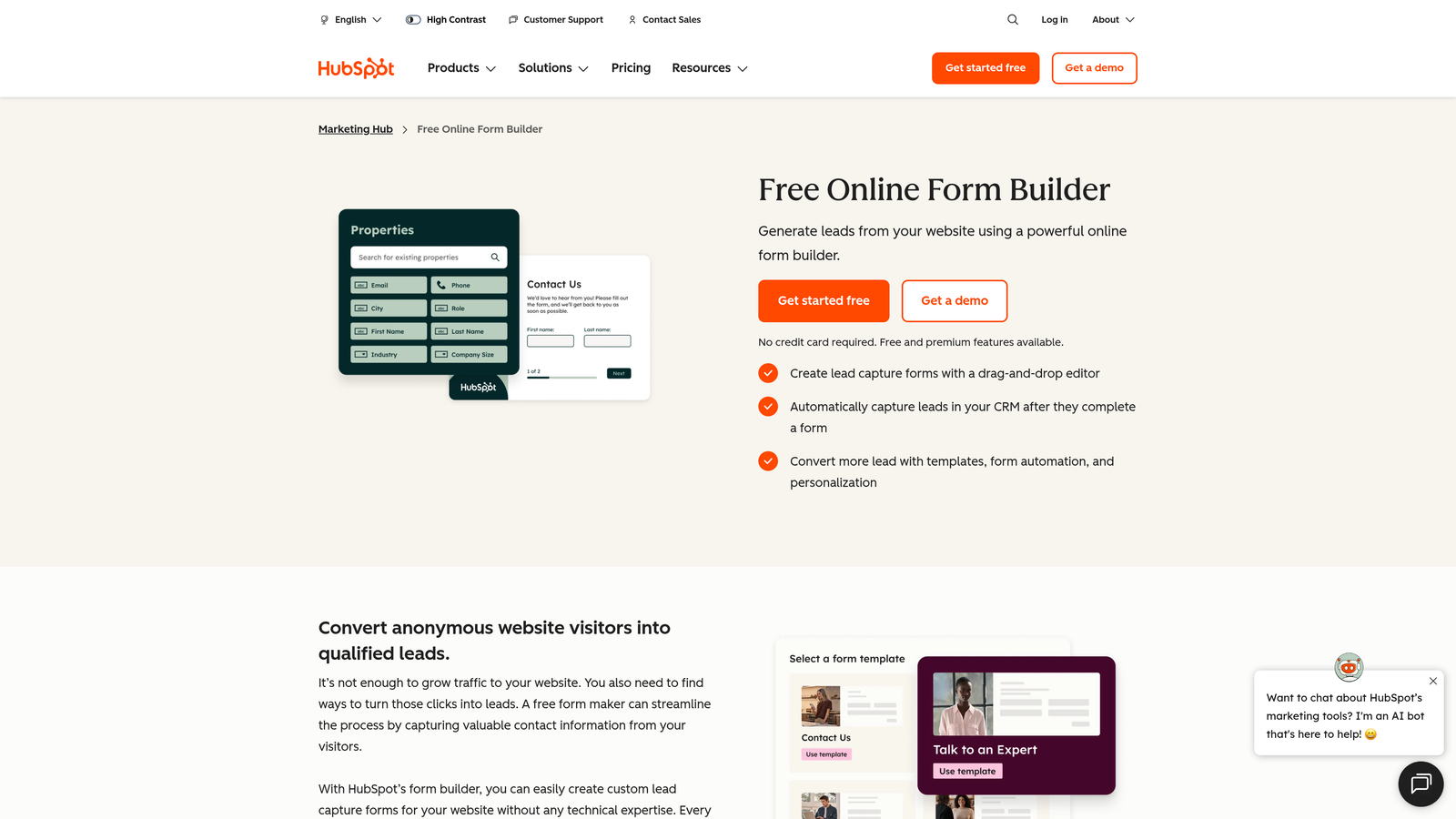
Progressive profiling is one of HubSpot Forms' most valuable features. Rather than asking the same questions every time a known contact fills out a form, HubSpot automatically replaces already-answered fields with new questions, gradually building a richer contact profile over time. This reduces friction for returning visitors while improving the depth of data in your CRM. For teams running content-driven inbound strategies with multiple conversion points, that compounding data advantage is significant.
Implementation Steps
1. Audit your existing HubSpot contact properties and identify the data gaps that most affect your lead scoring and segmentation accuracy, then build forms designed to fill those specific gaps.
2. Enable progressive profiling on forms embedded across high-traffic content pages so returning visitors are asked new questions rather than repeating ones you already have answers to.
3. Connect form submissions to HubSpot workflows that trigger lead scoring updates, sales notifications, and nurture enrollment automatically based on the qualifying data captured.
Pro Tips
HubSpot Forms deliver the most value when you're using them as part of a connected HubSpot strategy, not as a standalone form tool. If you're already paying for HubSpot's Marketing Hub, there's rarely a reason to add a separate form platform for your primary lead capture flows. Use what you already have, and invest the saved budget in improving your offer and content strategy instead. For teams evaluating whether their CRM integration with forms is working as intended, it's worth auditing the full data flow before assuming the problem lies with the form tool itself.
6. Fillout: Modern Forms with Deep Logic and Ops-Friendly Integrations
The Challenge It Solves
Operations-focused teams running data workflows in Notion, Airtable, or similar tools often find that traditional form builders don't play well with their stack. Data arrives in the wrong format, integrations break, or the form logic isn't sophisticated enough to handle the branching complexity their workflows require.
The Strategy Explained
Fillout is a modern form builder with a strong emphasis on deep logic branching and native integrations with the tools that ops and product teams actually use. Its connections to Notion and Airtable in particular are more robust than what most competitors offer, making it a natural fit for teams that have built their operational infrastructure around those platforms.

Fillout also includes AI form generation, allowing users to create form structures from text prompts and iterate quickly. Its logic capabilities support complex conditional branching, making it possible to build sophisticated multi-path form experiences without resorting to workarounds. For teams where forms feed directly into operational workflows rather than just CRM pipelines, Fillout's approach to integrations is a meaningful differentiator.
Implementation Steps
1. Map your form's intended data destination first: identify which Notion database, Airtable base, or other system the responses need to populate, and configure your fields to match the schema before building the form.
2. Use Fillout's AI generation feature to create an initial form structure from a prompt, then apply your logic branching rules to create the multi-path experience your workflow requires.
3. Test the full submission-to-destination flow before going live, verifying that data arrives in the correct fields and format so downstream automation triggers work as expected.
Pro Tips
Fillout's strength is in the connection between form data and operational workflows. If your team's primary need is CRM-centric lead qualification, other tools on this list may serve you better. But if your forms feed product, operations, or project management systems as much as they feed sales, Fillout's integration depth is worth prioritizing over more marketing-native alternatives.
7. Microsoft Forms + Copilot: Enterprise AI for Microsoft 365 Teams
The Challenge It Solves
Large enterprise teams often face a different problem than startups and growth-stage companies: they have too many tools, not too few. Adding yet another SaaS platform to an already complex stack creates governance challenges, security reviews, and adoption friction. For these teams, the best form tool is often the one they already have access to.
The Strategy Explained
Microsoft Forms, enhanced by Microsoft Copilot as part of the Microsoft 365 Copilot rollout, brings AI-powered form generation and response summarization to teams already operating within the Microsoft ecosystem. Copilot can generate form structures from natural language prompts and summarize open-ended responses at scale, reducing the manual work of reviewing large volumes of submissions.
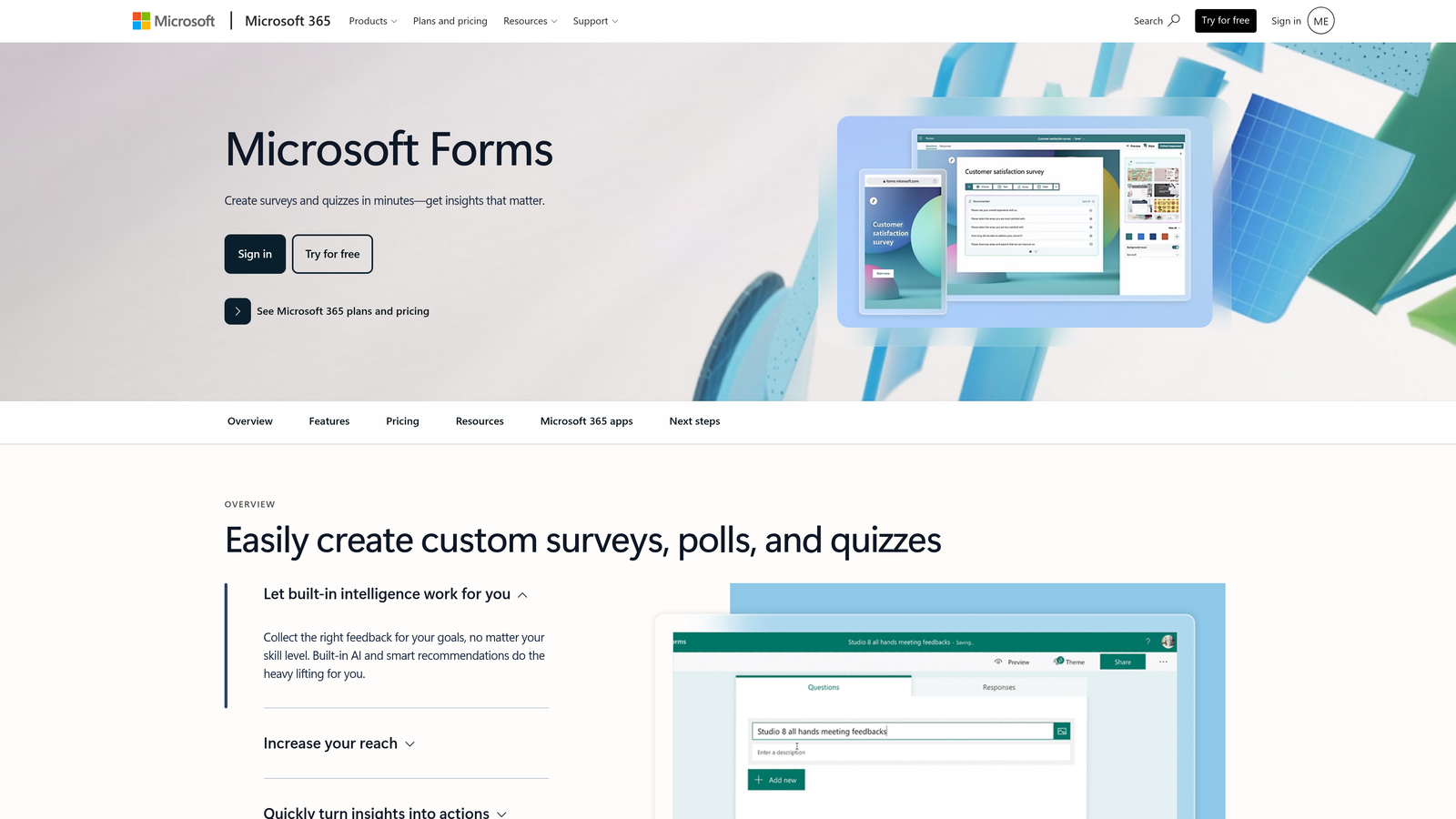
For enterprise teams where Microsoft 365 is the standard environment, this combination offers a low-friction path to AI-assisted form creation without procurement, onboarding, or integration overhead. It's not the most sophisticated lead qualification tool in this list, but for internal surveys, event registrations, HR processes, and lower-stakes data collection at scale, it covers the requirements efficiently within an environment IT teams already control and trust.
Implementation Steps
1. Verify that your Microsoft 365 license includes Copilot access, then use the Copilot prompt interface within Microsoft Forms to generate a form structure from a plain-language description of your use case.
2. Distribute the form through your existing Microsoft 365 channels, including Teams, SharePoint, or email, to maximize reach within your organization without requiring respondents to create new accounts.
3. Use Copilot's response summarization feature to extract key themes and patterns from open-ended answers, reducing the time required to analyze large response sets and surface actionable insights.
Pro Tips
Microsoft Forms with Copilot is best suited for internal use cases and enterprise environments where security and compliance requirements make external SaaS tools difficult to deploy quickly. For external-facing lead generation where conversion optimization and AI qualification are priorities, a purpose-built tool like Orbit AI will deliver meaningfully better results. Use Microsoft Forms where it fits naturally, and invest in a specialist tool where conversion performance actually matters.
Putting It All Together: Choosing the Right Tool for Your Team
Choosing the right Paperform alternative comes down to what your team actually needs from a form tool in 2026. Not every platform on this list is right for every situation, and the best choice depends on where your current tool is creating the most friction.
Here's a practical way to think about it:
For lead generation and conversion optimization: Tools with native AI qualification give you a meaningful edge over platforms that bolt AI on as an afterthought. Orbit AI is the clearest choice here, built specifically for B2B and SaaS teams that treat forms as revenue infrastructure rather than data collection utilities.
For teams already in the HubSpot ecosystem: Lean into HubSpot Forms and progressive profiling before adding another tool to your stack. The native CRM integration and AI-assisted lead scoring are difficult to replicate with third-party connections.
For enterprise teams in Microsoft 365: Microsoft Forms with Copilot is the lowest-friction path to AI-assisted form creation without procurement overhead. It's not a specialist lead gen tool, but it's the right tool for internal and compliance-sensitive use cases.
For design-forward conversational experiences: Typeform and Tally remain strong contenders, particularly for teams where brand presentation matters and form complexity is moderate.
For ops-centric teams using Notion or Airtable: Fillout's integration depth and logic capabilities make it the natural fit when forms feed operational workflows as much as they feed sales pipelines.
The bottom line: modern form tools should do more than collect data. They should qualify leads, reduce friction, and feed your CRM with actionable information automatically. Start by auditing your current form completion rates and lead quality scores. Those two metrics will tell you exactly where your current tool is letting you down and which alternative is worth testing first.
Ready to see what AI-powered form building looks like in practice? Transform your lead generation with AI-powered forms that qualify prospects automatically while delivering the modern, conversion-optimized experience your high-growth team needs. Start building free forms today and see how intelligent form design can elevate your conversion strategy.


