

Paperform has earned its place as a capable form builder, but for teams obsessed with conversion optimization and brand experience, its design ceiling can feel frustratingly low. If your forms are the first touchpoint prospects have with your brand, a clunky or generic-looking form isn't just an aesthetic problem. It's a revenue problem.
High-growth SaaS teams and lead-generation-focused businesses are increasingly demanding form tools that combine visual polish with intelligent functionality: conditional logic, AI-powered lead qualification, seamless CRM integrations, and mobile-first layouts that don't require a design degree to build.
Paperform is frequently cited in user reviews on G2 and Capterra for limited template modernity, constrained custom CSS options, and a pricing structure that becomes expensive as submission volume grows. If any of those pain points sound familiar, you're in the right place.
This article breaks down seven of the best Paperform alternatives evaluated specifically through a design and conversion lens. We'll cover what makes each alternative stand out visually and functionally, who each tool is best suited for, and what to look for when making the switch. By the end, you'll have a clear picture of which platform can turn your forms from forgettable data-collection widgets into genuine conversion assets.
1. Orbit AI: AI-Powered Forms Built for Conversion-Obsessed Teams
The Challenge It Solves
Most form builders treat lead qualification as an afterthought, leaving sales teams to manually sort through submissions and waste cycles on prospects who were never a fit. At the same time, many tools force a trade-off between design quality and functional depth. Teams end up with either beautiful forms that can't qualify leads or powerful logic engines wrapped in dated, uninspiring interfaces.
The Strategy Explained
Orbit AI was built specifically for the intersection that high-growth teams care about most: beautiful, conversion-optimized design paired with intelligent lead qualification at the form level. The platform's AI-powered qualification layer lets you define what a qualified lead looks like, then automatically scores, routes, or filters responses without any manual triage. Templates are modern and visually refined, designed to reflect the kind of brand experience that builds trust from the first interaction.
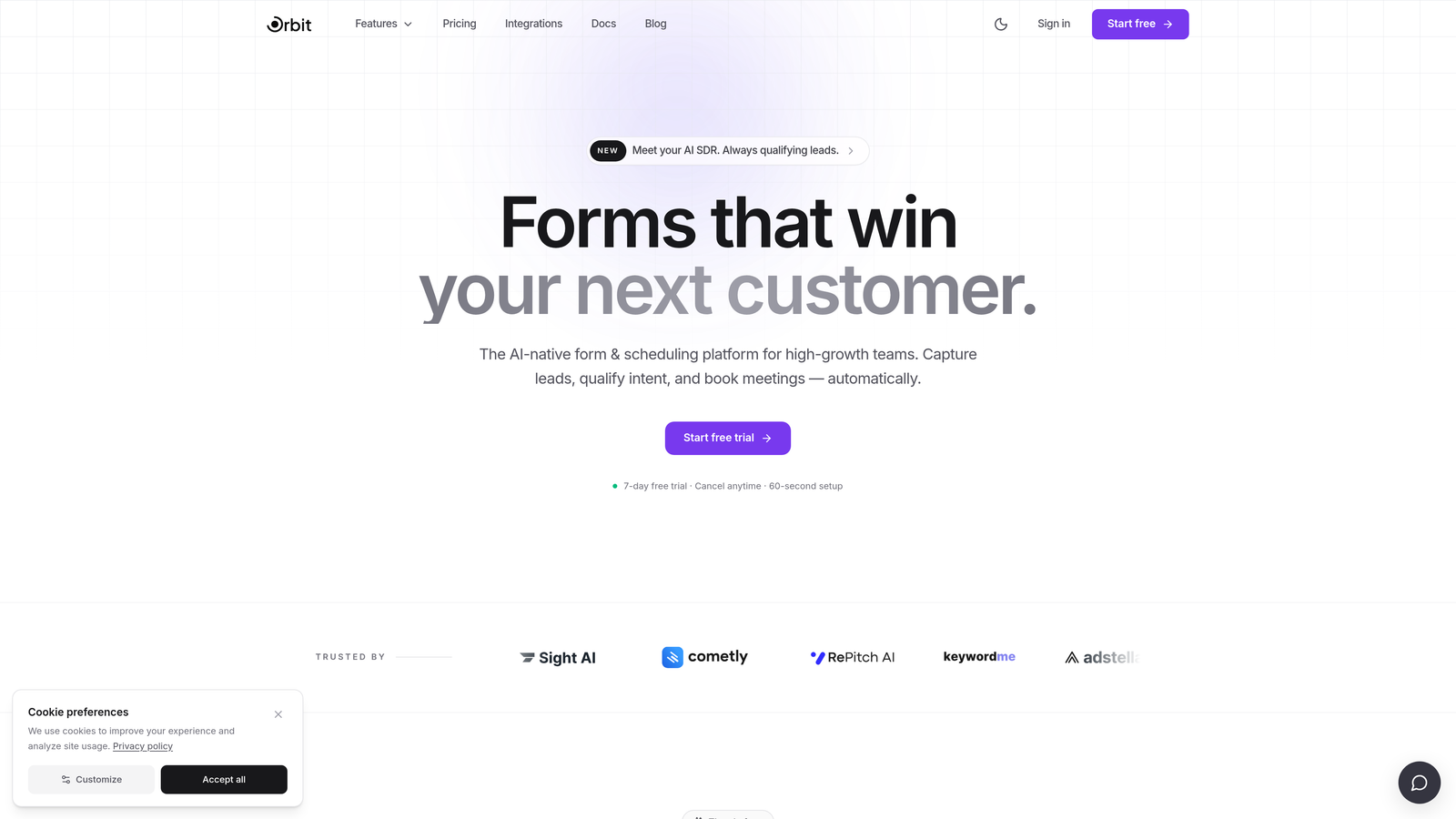
For SaaS teams running demand generation or product-led growth motions, this means your forms aren't just collecting data. They're doing pre-sales work. Think of it like having a junior SDR embedded directly in your form flow, one who never sleeps and never misqualifies a lead out of politeness.
Implementation Steps
1. Choose a conversion-optimized template from the library and customize it to match your brand colors, typography, and logo without touching a line of code.
2. Configure your lead qualification logic using the AI settings panel, defining the criteria that separate high-intent prospects from low-fit submissions.
3. Connect your CRM or marketing automation platform so qualified leads route instantly to the right pipeline stage or sales rep.
4. Publish your form and monitor completion rates and qualification scores through the analytics dashboard to iterate on performance over time.
Pro Tips
Use Orbit AI's multi-step form structure to progressively reveal fields based on earlier answers. This keeps the form visually clean and reduces perceived length, which practitioners widely note as a key driver of higher completion rates. Pair this with mobile-first preview mode before every launch, since a significant share of your traffic is likely arriving on mobile devices.
2. Typeform: Conversational Design That Reduces Perceived Friction
The Challenge It Solves
Traditional multi-field forms present respondents with a wall of inputs all at once, which creates cognitive overload and drives abandonment. Teams running top-of-funnel lead capture or customer surveys need a format that feels less like filling out a tax return and more like a natural conversation. The visual presentation of your form shapes how prospects perceive your brand before they've even submitted a single answer.
The Strategy Explained
Typeform pioneered the one-question-at-a-time conversational format, and it remains one of the most visually distinctive form experiences available. Each question gets its own full-screen moment, with smooth transitions and clean typography that makes even long forms feel manageable. The design customization options are strong, covering background images, brand colors, button styles, and font choices that let you build forms that feel like an extension of your website rather than a bolted-on widget.

Typeform works especially well for top-of-funnel lead capture flows, onboarding surveys, and NPS collection where the goal is maximum completion and a positive brand impression. Its logic jump and branching features add functional depth without sacrificing the clean interface. You can learn more about how conversational form design impacts completion in Orbit AI's resources on form UX.
Implementation Steps
1. Start with a Typeform template relevant to your use case and apply your brand kit through the design settings panel.
2. Map out your question flow and add logic jumps to branch respondents toward relevant follow-up questions based on earlier answers.
3. Connect Typeform to your CRM or email platform via native integrations or Zapier to automate lead routing after submission.
4. A/B test your welcome screen copy and opening question to optimize first-impression engagement before scaling traffic to the form.
Pro Tips
Keep your Typeform flows under ten questions whenever possible. The conversational format is powerful, but length fatigue still applies. Use the welcome screen as a value proposition moment, telling respondents exactly what they'll get in exchange for their time. This framing shift alone commonly improves completion rates for lead capture forms.
3. Jotform: Enterprise Template Depth With Flexible Design at Scale
The Challenge It Solves
Multi-department organizations often struggle with form tools that work beautifully for one team but can't handle the workflow complexity another team needs. Marketing wants branded, conversion-focused lead forms. Operations needs multi-step approval workflows. Finance requires payment-enabled submission flows. Finding one tool that handles all of this without reverting to a generic, institutional look is genuinely difficult.
The Strategy Explained
Jotform's core strength is breadth. With one of the largest template libraries in the category, it covers an enormous range of use cases while offering enough design flexibility to keep forms looking polished rather than utilitarian. Its conditional logic engine is enterprise-grade, supporting complex branching, field visibility rules, and calculation fields that power sophisticated multi-step workflows.
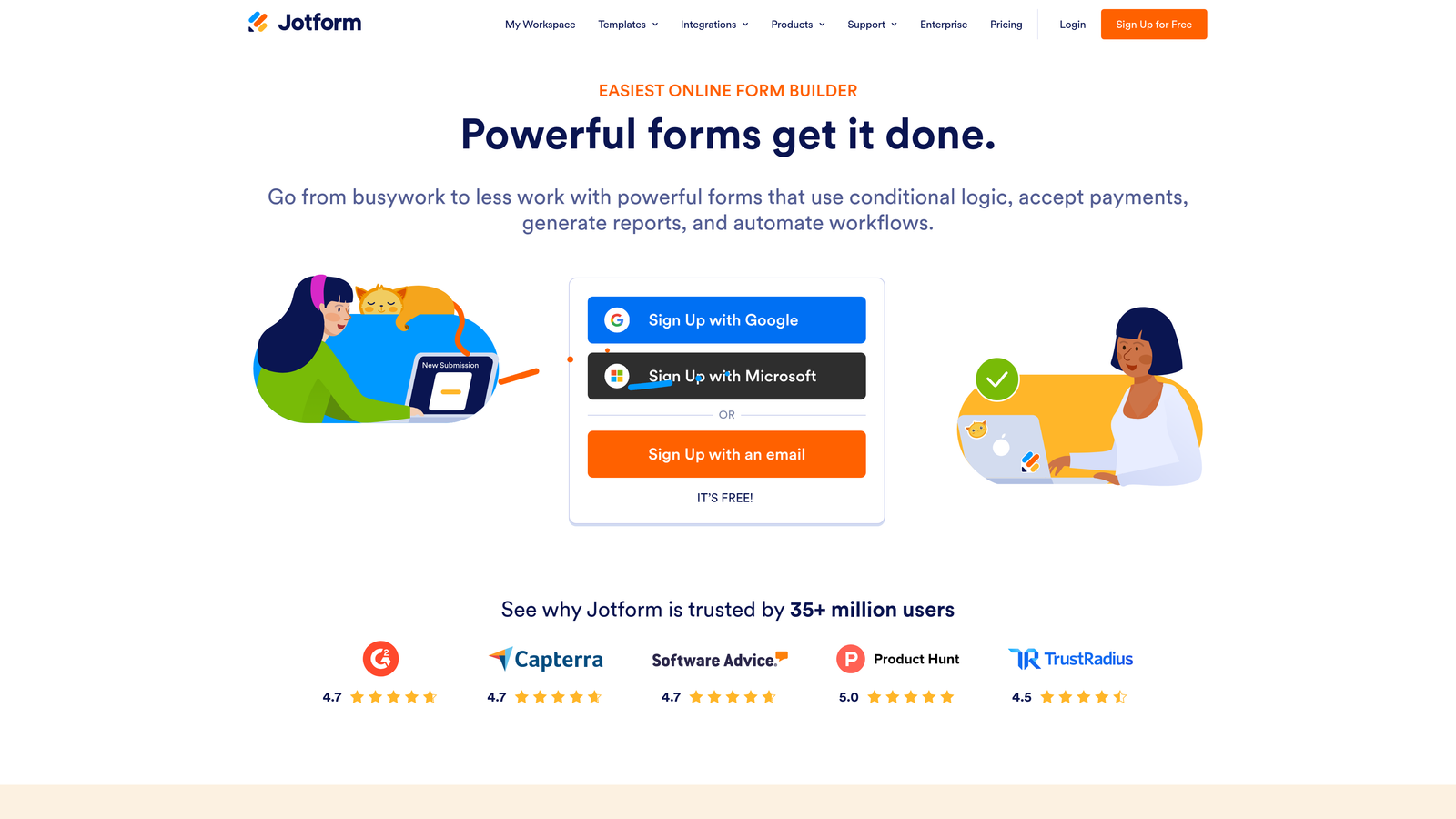
Payment integrations with Stripe, PayPal, and Square make it a natural fit for teams that need to collect fees or process orders alongside form data. The drag-and-drop builder is approachable for non-technical users, and the CSS customization options give design-savvy teams room to push further when needed.
Implementation Steps
1. Browse Jotform's template library filtered by your specific use case and select a starting point that's closest to your visual and functional requirements.
2. Apply your brand styling through the Form Designer panel, adjusting colors, fonts, and layout structure to match your visual identity.
3. Build out your conditional logic rules to show or hide fields dynamically based on respondent inputs, reducing visual clutter and improving the experience.
4. Set up your integrations and notification workflows so submissions trigger the right downstream actions in your CRM, project management tool, or payment processor.
Pro Tips
Jotform's form analytics feature is underused by most teams. Before optimizing design, check where respondents are dropping off in multi-step forms. That data will tell you whether you have a design problem, a question sequencing problem, or a length problem, and each requires a different fix.
4. Fillout: Clean Modern UI for Product and Ops Teams Handling Complex Data
The Challenge It Solves
Product and operations teams frequently build forms that need to connect directly to structured data sources like Notion databases or Airtable bases. Most form builders treat these integrations as an afterthought, creating clunky sync setups or requiring middleware workarounds. Meanwhile, the forms themselves often look like they were designed in 2015, which creates a jarring experience when they're embedded in modern product interfaces or documentation hubs.
The Strategy Explained
Fillout has carved out a strong niche by combining a genuinely clean, modern visual builder with native, deep integrations into Notion and Airtable. For teams already operating their workflows inside these tools, Fillout essentially turns their existing databases into the backend for sophisticated multi-step forms without requiring any additional infrastructure.

The UI builder produces forms that look contemporary and professional out of the box, with responsive layouts that hold up well on mobile. Multi-step form logic is handled smoothly, and the platform supports conditional branching, URL parameter passing, and hidden fields that give technically oriented teams significant control over form behavior.
Implementation Steps
1. Connect your Notion or Airtable workspace to Fillout and select the database or base you want to use as the form's data destination.
2. Map your form fields to the corresponding database columns, ensuring data lands in the right place without manual cleanup after submission.
3. Design your form using Fillout's visual builder, applying your brand styling and configuring multi-step flow and conditional logic as needed.
4. Embed the form in your product, documentation site, or internal tool and test the full submission-to-database flow with real inputs before going live.
Pro Tips
Fillout's URL parameter feature is particularly powerful for product teams. You can pre-populate form fields with user data passed from your app, reducing friction for authenticated users and improving data quality by eliminating manual entry errors. Set this up early in your implementation rather than retrofitting it later.
5. Tally: Minimalist Speed for Lean Teams Who Need Forms Fast
The Challenge It Solves
Not every form needs to be a conversion engineering project. Lean teams, early-stage startups, and internal ops workflows often need something that looks clean, deploys in minutes, and doesn't require a monthly budget line item. The challenge is finding a tool that's genuinely fast to use without producing forms that look embarrassingly basic or feel disconnected from the team's brand.
The Strategy Explained
Tally takes a Notion-inspired approach to form building, using a block-based editor that feels immediately familiar to anyone who has spent time in modern productivity tools. The result is an interface that's genuinely fast to work in, with a minimal aesthetic that produces clean, readable forms without much design effort.
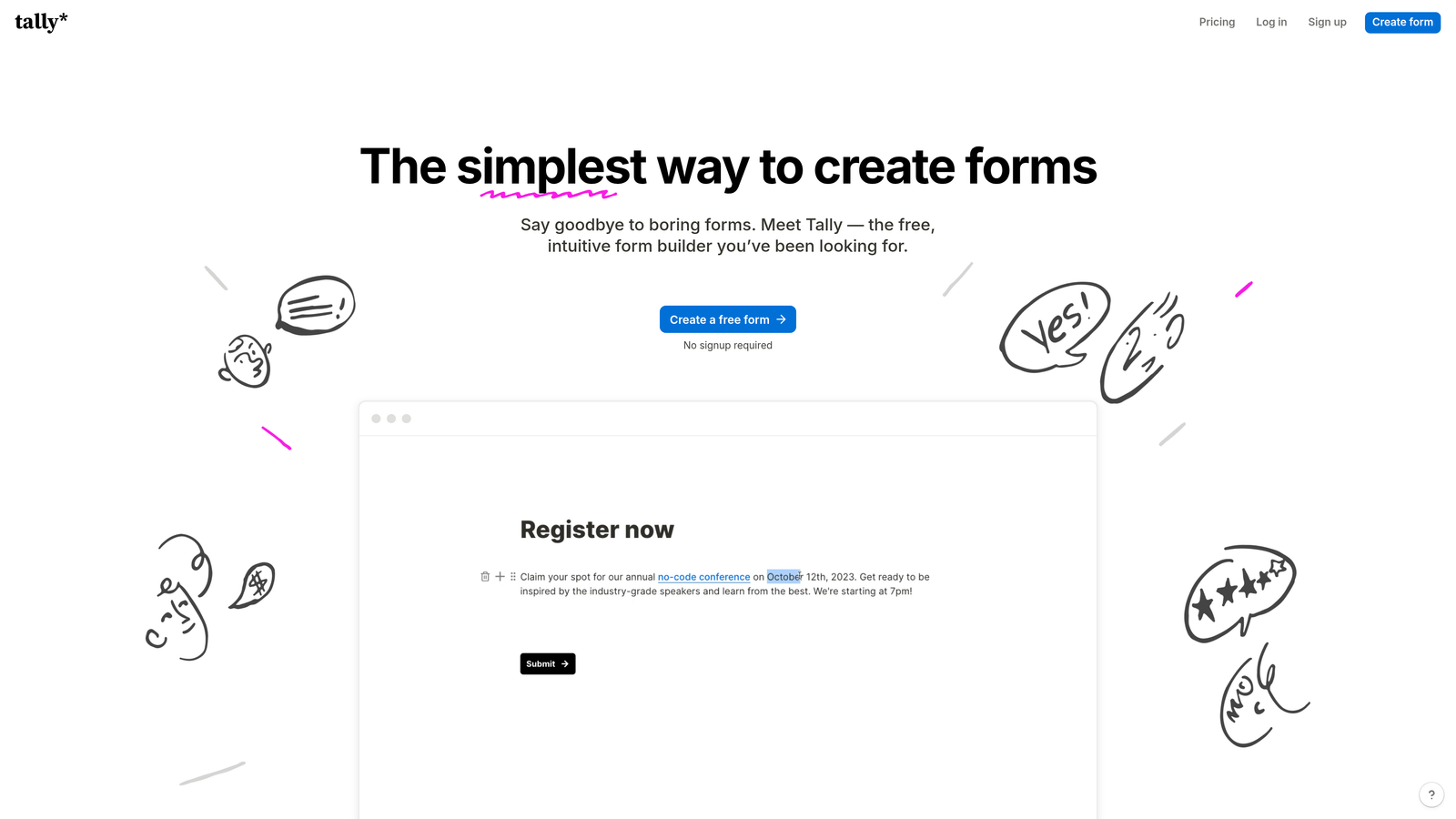
Tally's free tier is notably generous compared to most competitors, making it a realistic option for bootstrapped teams or internal use cases where budget is a constraint. The forms themselves have a quiet, typographic elegance that works well for surveys, feedback collection, and lightweight lead capture. Deep brand customization is limited compared to tools like Typeform or Orbit AI, but for teams where speed of deployment matters more than pixel-perfect brand alignment, Tally delivers.
Implementation Steps
1. Open a new Tally form and use the block editor to add your questions, choosing from text, multiple choice, rating, file upload, and other input types.
2. Apply basic branding through the form settings, adding your logo and adjusting the background or accent color to create a minimal brand connection.
3. Set up email notifications or connect Tally to your tool stack via Zapier or Make for automated submission handling.
4. Share via direct link or embed code, and use Tally's built-in response view to monitor submissions without needing a separate analytics tool.
Pro Tips
Tally's hidden fields and calculated fields features are more powerful than most users realize. Even on the free tier, you can build reasonably sophisticated logic flows. If you outgrow Tally's design capabilities but love the speed of the editor, use it for internal forms and invest in a more design-forward tool for external-facing lead capture.
6. HubSpot Forms: Where Design Meets Your Revenue Stack
The Challenge It Solves
For teams already running their marketing and sales operations inside HubSpot, using a third-party form tool creates an unnecessary data translation layer. Every submission has to sync, every field has to map, and every piece of progressive profiling logic has to be rebuilt outside the CRM. This friction compounds over time and creates data quality issues that undermine the very lead intelligence you're trying to build.
The Strategy Explained
HubSpot Forms solves this by living natively inside the HubSpot ecosystem. Submissions write directly to contact records, smart fields use existing contact data to avoid asking the same question twice, and progressive profiling builds richer profiles over multiple touchpoints without overwhelming prospects in a single form session.
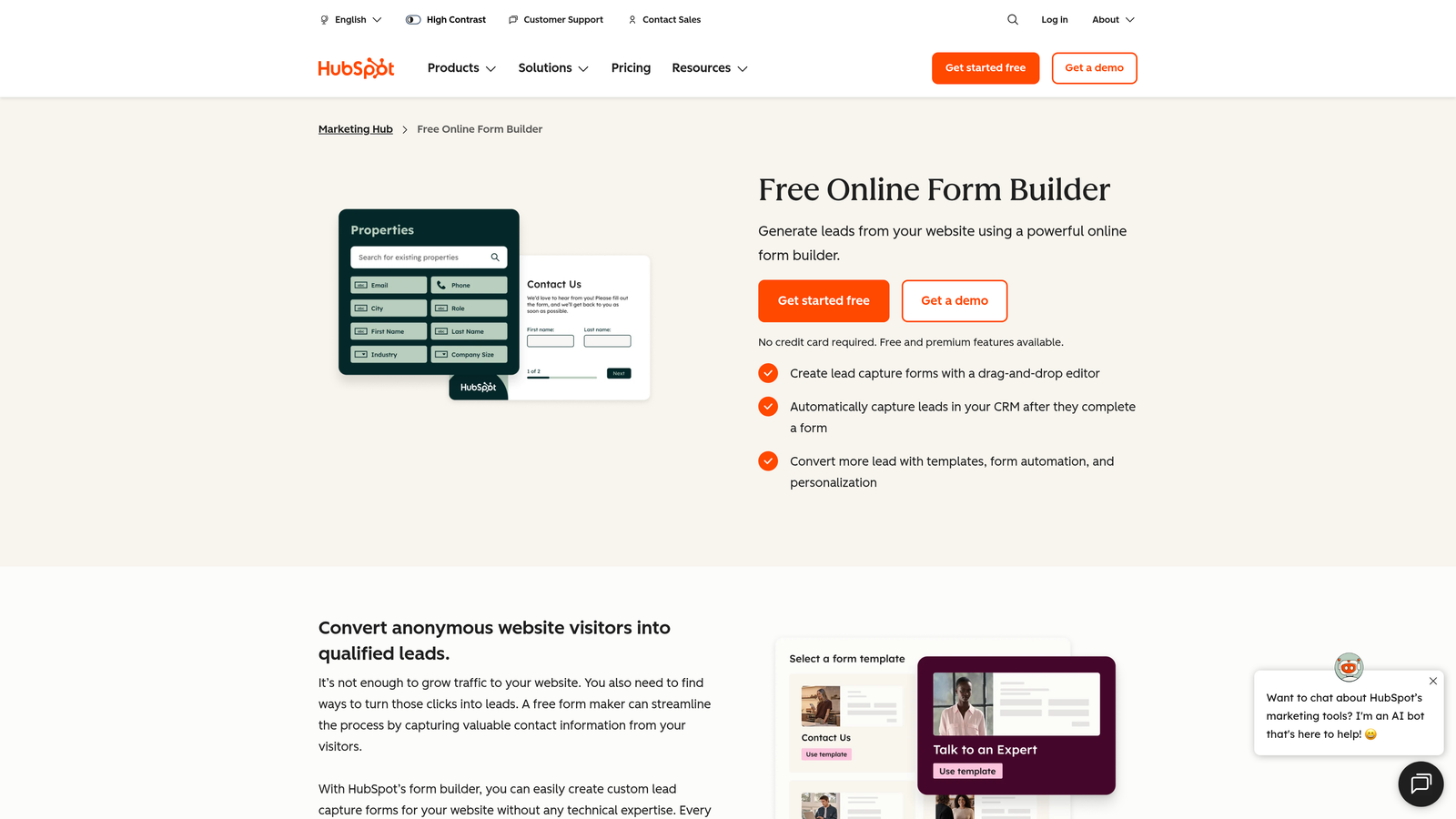
The design options have improved significantly in recent years, with customizable themes, multi-column layouts, and embed styles that integrate cleanly into modern websites. For teams prioritizing revenue attribution and lead intelligence over pure design differentiation, HubSpot Forms offers a compelling combination of functional depth and native CRM intelligence. If your forms are a key step in a CRM integration workflow, having that data land directly in your CRM without transformation is a meaningful operational advantage.
Implementation Steps
1. Build your form inside HubSpot's form editor, mapping each field to the appropriate contact property in your CRM for clean data capture.
2. Enable smart fields for any properties you've already collected from returning visitors to reduce redundancy and improve the experience for known contacts.
3. Set up progressive profiling to rotate in new questions for returning visitors, gradually enriching contact records across multiple form interactions.
4. Connect your form to a HubSpot workflow to trigger automated follow-up sequences, lead scoring updates, or internal notifications immediately after submission.
Pro Tips
HubSpot Forms is most powerful when paired with HubSpot's lead scoring and lifecycle stage tools. Configure your form submission triggers to automatically update lifecycle stages and enroll contacts in nurture sequences. This turns your form from a passive data collector into an active piece of your revenue engine, which is exactly how high-growth teams should be thinking about every form touchpoint.
7. Formless by Typeform: AI-First Conversational Lead Capture for Innovators
The Challenge It Solves
Traditional form fields, even beautifully designed ones, still feel like forms. Respondents know they're filling something out, which creates a psychological distance that can suppress candid answers and reduce engagement. For teams targeting sophisticated buyers or running research-heavy lead capture flows, the standard question-and-answer format may be leaving insight and conversion potential on the table.
The Strategy Explained
Formless by Typeform takes conversational forms to their logical extreme by eliminating traditional fields entirely. Instead, an AI model conducts a natural language conversation with the respondent, adapting its questions in real time based on previous answers. The result feels less like a form and more like a chat with a knowledgeable assistant, which can meaningfully change how prospects engage with the experience.
For innovative teams willing to experiment with AI-first lead capture, Formless represents a genuinely different approach to top-of-funnel interaction. The format is particularly well-suited to discovery conversations, complex qualification flows, and research studies where the depth and nuance of responses matter as much as the volume of submissions. It's worth noting that this format requires more careful prompt engineering and lead capture testing than traditional form builders, and it's still an emerging product category. Teams should approach it as an experiment with real upside rather than a plug-and-play replacement.
Implementation Steps
1. Define your conversation goal clearly before building: what information do you need to collect, and what constitutes a qualified outcome from the interaction?
2. Write your AI prompt and conversation guidelines in Formless, specifying the tone, topics to cover, and any qualifying questions that must be addressed.
3. Test the conversation extensively with varied inputs to identify edge cases where the AI might go off-script or produce responses that don't align with your brand voice.
4. Deploy to a segment of your traffic initially, comparing completion rates and lead quality against your existing form before rolling out more broadly.
Pro Tips
The biggest risk with AI-driven conversational forms is prompt drift, where the conversation wanders away from your intended qualification flow. Build in clear guardrails in your prompt configuration and review conversation transcripts regularly in the early weeks after launch. The teams that get the most out of Formless treat it as an ongoing optimization project, not a set-and-forget deployment.
Putting It All Together: Your Implementation Roadmap
Choosing the right Paperform alternative comes down to three questions. How important is visual brand consistency to your team? How much does lead qualification logic matter at the form level? And how deeply does the tool need to integrate with your existing revenue stack?
Here's a quick orientation to help you map your needs to the right tool:
For AI-powered qualification plus modern design: Orbit AI was built specifically for that intersection, making it the strongest choice for high-growth SaaS and lead-gen teams who want forms that do pre-sales work automatically.
For conversational UX and brand-forward design: Typeform remains the gold standard for top-of-funnel flows, while Formless is the right bet for teams ready to experiment with AI-first interactions.
For enterprise workflow depth and template volume: Jotform delivers the broadest functional coverage across multi-department use cases.
For native Notion or Airtable data workflows: Fillout is the most purpose-built solution with a clean modern interface to match.
For lean teams prioritizing deployment speed: Tally's generous free tier and minimalist editor are hard to beat for internal tools and lightweight external forms.
For teams already inside HubSpot: HubSpot Forms eliminates the data translation layer and turns every submission into a CRM event.
Start by auditing your current form abandonment rates and conversion benchmarks, then map those gaps to the strengths of each tool covered here. If you're unsure where your forms are losing people, our resources on form abandonment and completion rate optimization can help you identify the right starting point.
Most platforms offer free trials. Use them to test with real traffic before committing. Your forms are often the first conversion moment in your funnel, and the tool you choose should treat them that way.
Transform your lead generation with AI-powered forms that qualify prospects automatically while delivering the modern, conversion-optimized experience your high-growth team needs. Start building free forms today and see how intelligent form design can elevate your entire conversion strategy.


