

Not all form builders are created equal. Some are built for quick surveys, others for enterprise data collection, and a growing number are designed specifically to qualify leads and drive conversions. If you're a high-growth team trying to capture, qualify, and convert leads at scale, the platform you choose matters more than most people realize.
This list covers the best survey and form builder platforms in 2026, evaluated on ease of use, conditional logic, AI capabilities, integrations, and conversion-focused features. Whether you're running customer feedback surveys, building multi-step lead capture flows, or routing qualified prospects directly into your CRM, there's a platform here built for your use case.
We've included tools across a range of price points and specializations, from AI-native builders to established enterprise players, so you can find the right fit without the guesswork.
1. Orbit AI
Best for: High-growth B2B teams that need AI-powered lead qualification built into every form submission.
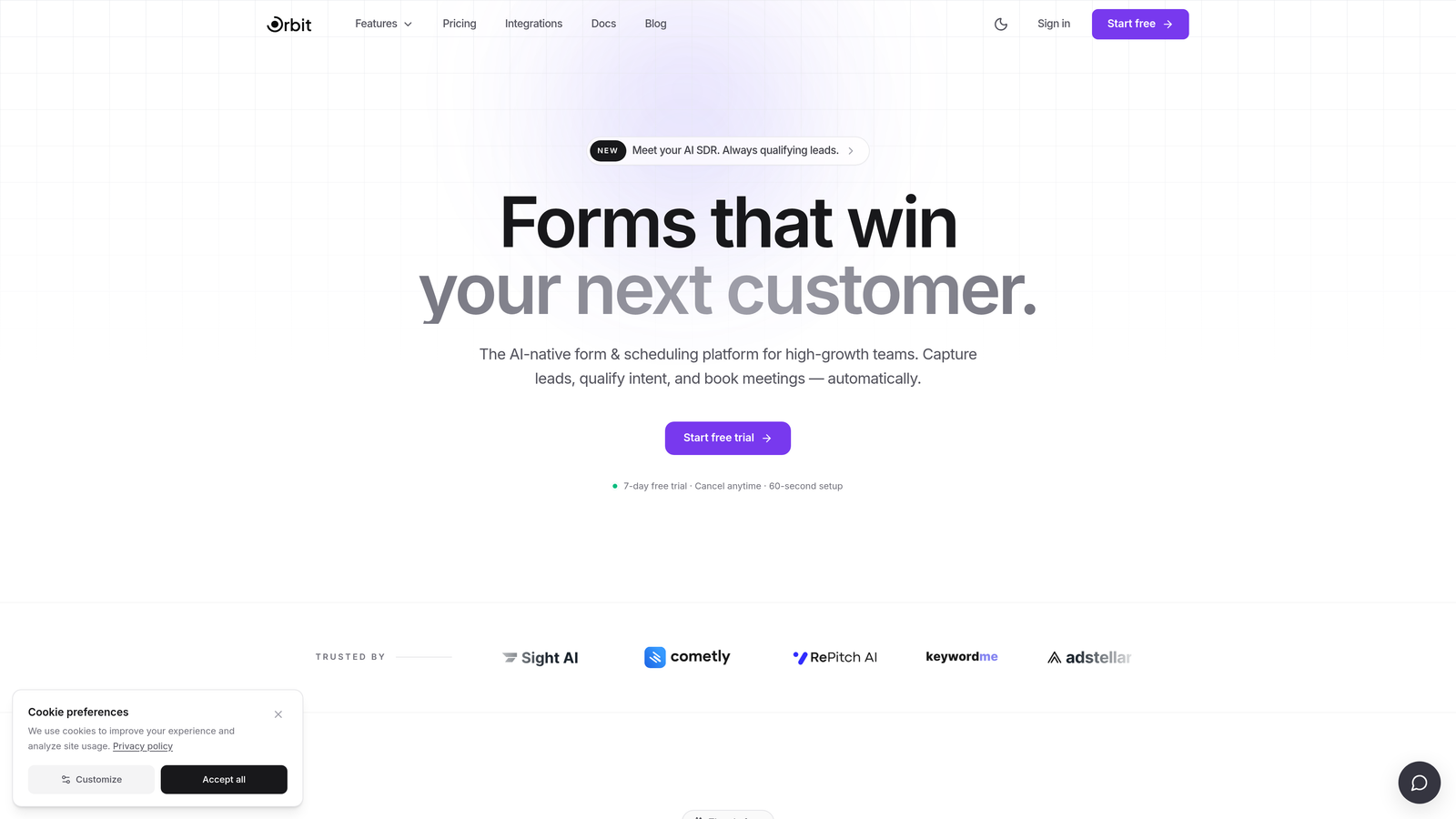
Orbit AI is an AI-powered form builder platform designed specifically to capture, qualify, and prioritize leads at the point of submission.
Where This Tool Shines
Most form builders stop at data collection. Orbit AI goes a step further by scoring and qualifying leads the moment someone hits submit, so your sales team spends time on the right prospects rather than manually triaging every response.
The platform is built with high-growth SaaS and B2B teams in mind. That focus shows in the product: multi-step form flows, smart conditional routing, and modern design aesthetics come together in a way that feels purpose-built for conversion, not just data collection.
Key Features
AI-Powered Lead Qualification: Automatically scores and qualifies leads at the point of form submission, reducing manual sales triage and helping teams prioritize their highest-value prospects.
Multi-Step Form Builder: Create conversion-optimized multi-step flows that guide prospects through a structured experience without overwhelming them on a single page.
Conditional Logic and Smart Routing: Show or hide questions based on previous answers and route qualified leads to the right destination automatically.
No-Code Design: Build beautiful, brand-consistent forms without writing a single line of code, keeping your team moving fast.
B2B Growth Workflow Integration: Built to connect with the CRMs, sales tools, and automation platforms that high-growth teams already use.
Best For
Orbit AI is the right choice for SaaS companies, growth marketers, and B2B sales teams who need forms that do more than collect responses. If lead qualification is a bottleneck in your pipeline, this platform directly addresses that problem.
Pricing
Visit orbitforms.ai for current pricing details. A free plan is available to get started.
2. Typeform
Best for: Teams that want a conversational, beautifully designed form experience that keeps respondents engaged.
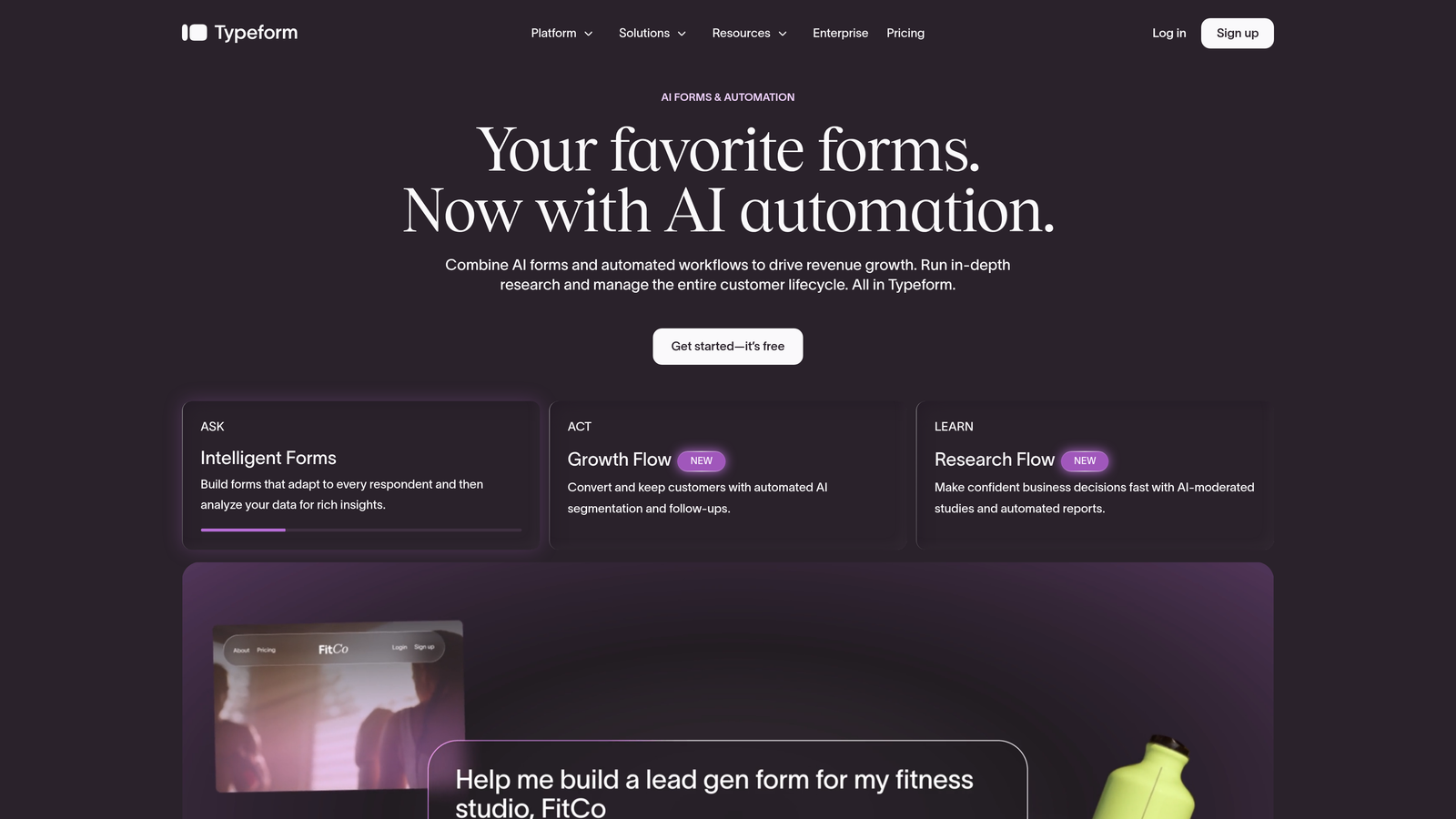
Typeform is a conversational form and survey builder known for its one-question-at-a-time interface and polished visual design.
Where This Tool Shines
Typeform's core strength is the respondent experience. By presenting one question at a time, it reduces cognitive load and typically drives higher completion rates compared to traditional long-form surveys. For brand-forward teams, the design customization options are among the best in the category.
The addition of VideoAsk, its video-based form product, gives Typeform a genuinely unique angle for teams exploring more personal or interactive lead capture formats. That said, Typeform is less optimized for high-volume lead qualification workflows compared to AI-native tools.
Key Features
Conversational UX: One-question-at-a-time interface keeps respondents focused and engaged through the entire form.
Conditional Logic and Branching: Tailor the form path based on previous answers for a more relevant respondent experience.
CRM Integrations: Native integrations with HubSpot, Salesforce, Slack, and Zapier for connecting form data to your existing stack.
VideoAsk: A separate but connected product that enables video-based forms for more personal, human-feeling interactions.
Brand Customization: Extensive design controls let you match the form experience to your brand identity.
Best For
Typeform is ideal for marketing teams, agencies, and product teams that prioritize respondent experience and brand presentation. It works well for lead capture, NPS surveys, and onboarding flows where design quality matters.
Pricing
Free tier available. Paid plans start from approximately $25/month. Verify current pricing at typeform.com.
3. Google Forms
Best for: Teams that need a completely free, no-frills survey tool with zero setup friction.
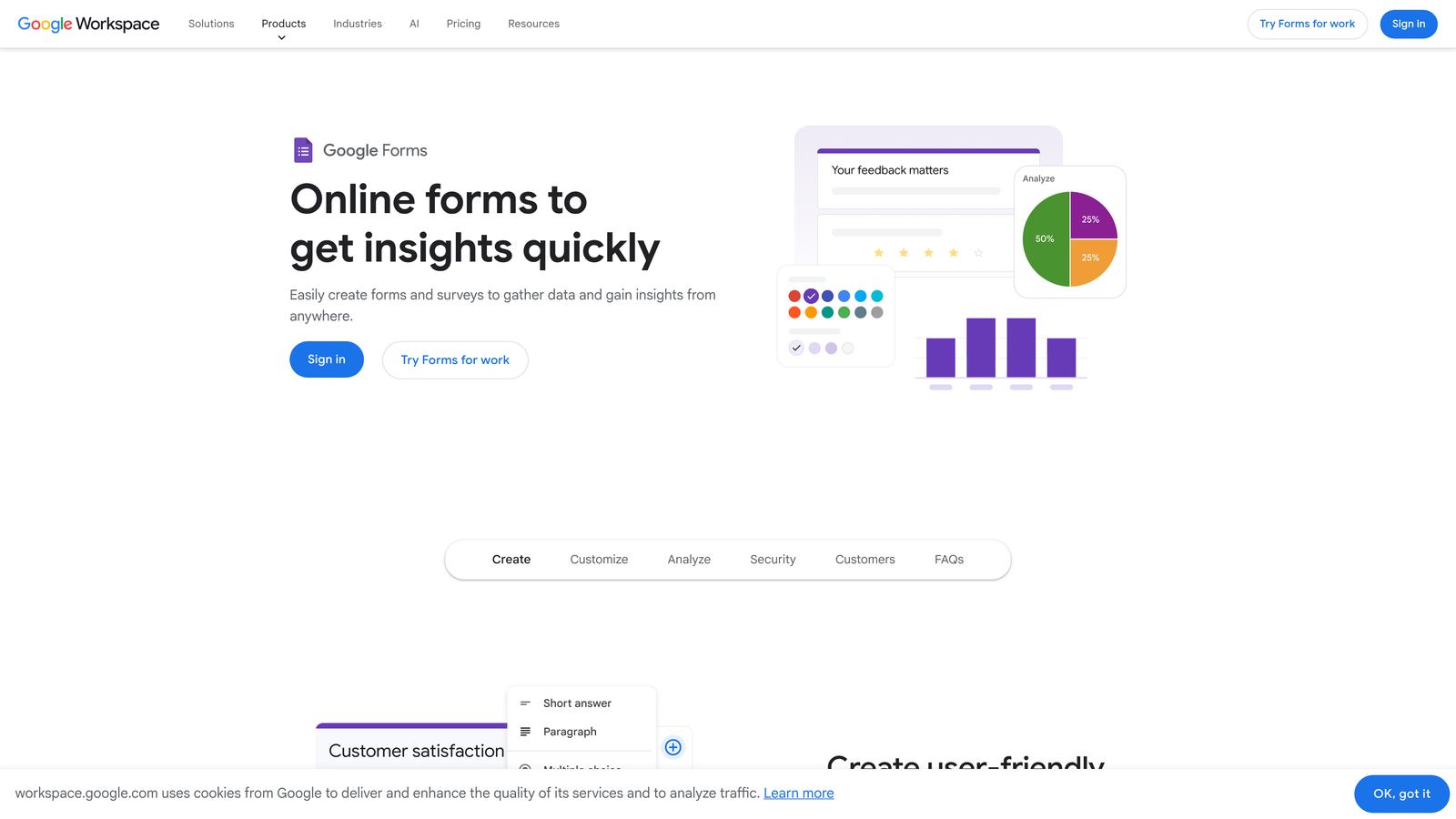
Google Forms is a free survey and form tool deeply integrated with Google Workspace, offering unlimited responses at no cost.
Where This Tool Shines
When simplicity and cost are the primary constraints, Google Forms is hard to beat. There's no subscription to manage, no response limits to worry about, and every response flows automatically into Google Sheets for easy analysis. For internal surveys, quick polls, or event registrations within a Google Workspace environment, it handles the basics reliably.
The honest trade-off is that Google Forms wasn't built for conversion or lead qualification. Design customization is minimal, there are no native CRM integrations, and the experience feels functional rather than brand-forward. It's a starting point, not a growth tool.
Key Features
Completely Free: No response limits, no paid tiers required, accessible with any Google account.
Google Sheets Integration: Responses feed automatically into a connected spreadsheet for instant data access.
Basic Conditional Logic: Section branching lets you direct respondents to different parts of the form based on their answers.
Collaborative Editing: Multiple team members can edit forms simultaneously through Google Workspace.
Quiz and Grading: Built-in quiz functionality with automatic scoring, useful for training and assessments.
Best For
Google Forms is best for small teams, educators, and organizations already embedded in Google Workspace who need quick, free surveys for internal use. It's not the right choice for lead gen or conversion-focused workflows.
Pricing
Completely free with a Google account. No paid tiers required.
4. Jotform
Best for: Teams that need a wide range of form types, payment collection, and workflow automation in one platform.
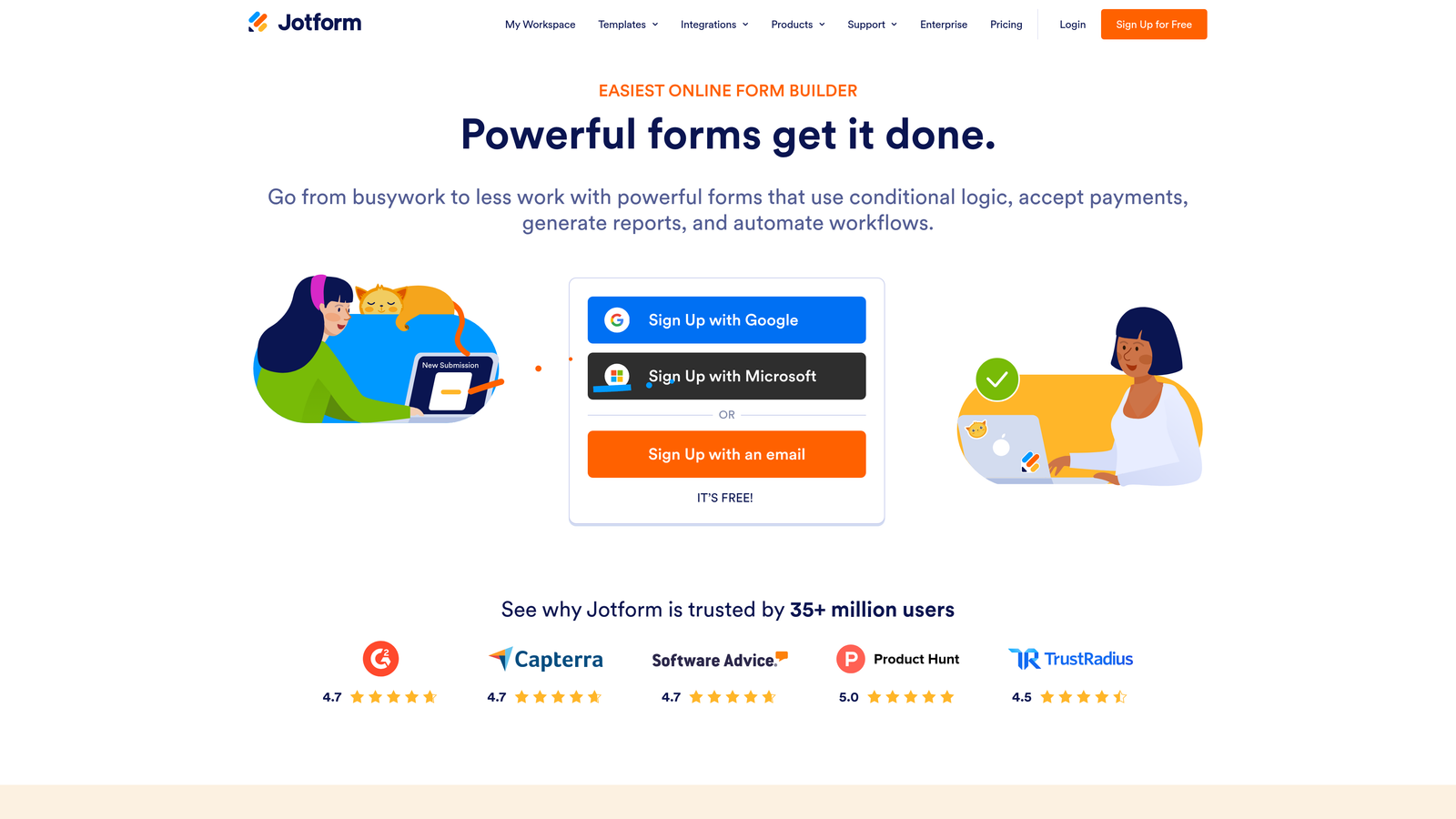
Jotform is a feature-rich form builder with one of the largest template libraries available and built-in tools for payments, approvals, and e-signatures.
Where This Tool Shines
Jotform's depth of features is genuinely impressive. With over 10,000 pre-built templates, it covers virtually every form use case imaginable, from job applications to medical intake forms to payment collection. The addition of Jotform Tables, Approvals, and Sign turns it into a lightweight workflow platform, not just a form builder.
Where Jotform shows its age is in the interface. Compared to newer, more design-forward tools, the editing experience can feel cluttered. For teams prioritizing modern UX or AI-driven lead qualification, there are better-suited options in this list.
Key Features
10,000+ Templates: An enormous library of pre-built forms covering nearly every industry and use case.
Payment Collection: Native integrations with Stripe, PayPal, and Square for collecting payments directly through forms.
Jotform Approvals: Workflow automation that routes form submissions through custom approval chains.
Jotform Sign: Built-in e-signature functionality for contracts, agreements, and consent forms.
Jotform Tables: A database view of all form responses for teams that want spreadsheet-style data management.
Best For
Jotform suits operations teams, small businesses, and organizations that need a broad range of form types, particularly those involving payments or multi-step approvals. It's a strong all-rounder for non-lead-gen use cases.
Pricing
Free tier available with limits. Paid plans start from approximately $34/month. Verify current pricing at jotform.com.
5. SurveyMonkey
Best for: Research teams and enterprise organizations that need rigorous survey methodology and deep analytics.
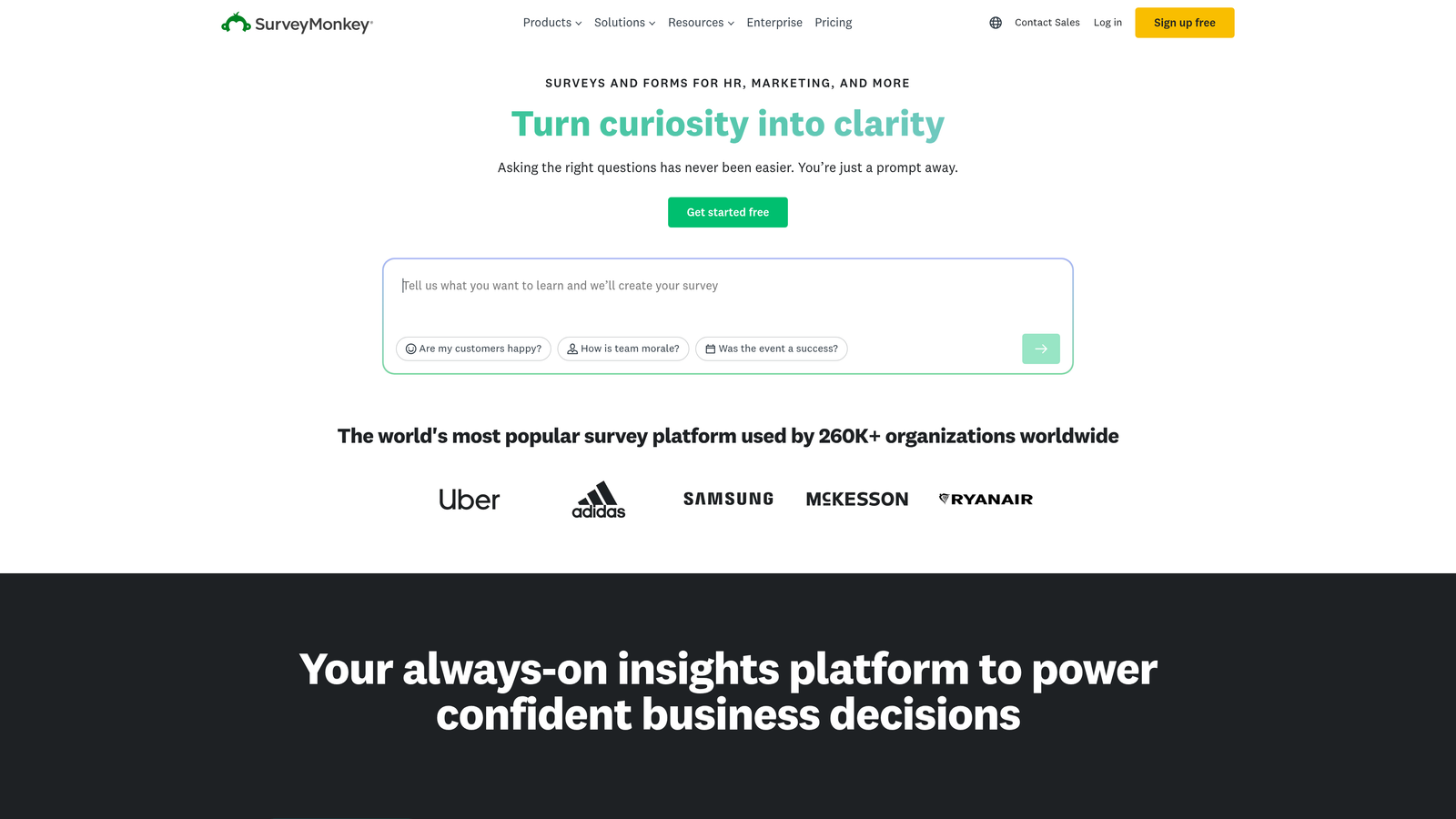
SurveyMonkey is one of the most established survey platforms, built for research-grade data collection with strong reporting and audience panel capabilities.
Where This Tool Shines
SurveyMonkey's credibility in research and analytics is well-earned. The platform offers advanced survey logic, skip patterns, and reporting dashboards that go well beyond what most form builders provide. For customer experience programs, academic research, or market research that requires statistical rigor, it's a trusted choice.
The platform's audience panel feature is a genuine differentiator: you can pay to survey a targeted external audience directly through the platform, which is useful for market research without an existing respondent pool. For pure lead generation workflows, though, SurveyMonkey isn't optimized for conversion.
Key Features
Advanced Survey Logic: Sophisticated skip logic, branching, and question randomization for research-quality surveys.
Analytics Dashboards: Built-in reporting with filtering, cross-tabulation, and data visualization tools.
Audience Panel: Access to a paid panel of survey respondents for external market research.
HIPAA Compliance: Available on enterprise plans for healthcare-adjacent research and data collection.
Benchmarking Data: Industry benchmarks for customer experience and satisfaction surveys to contextualize your results.
Best For
SurveyMonkey is the right fit for research teams, customer insights professionals, and enterprise organizations running structured survey programs. It's less suited for sales-focused lead gen or conversion optimization workflows.
Pricing
Free tier available. Paid plans start from approximately $25/month per user. Verify current pricing at surveymonkey.com.
6. Tally
Best for: Individuals and small teams who want a genuinely useful free plan with a clean, intuitive editing experience.
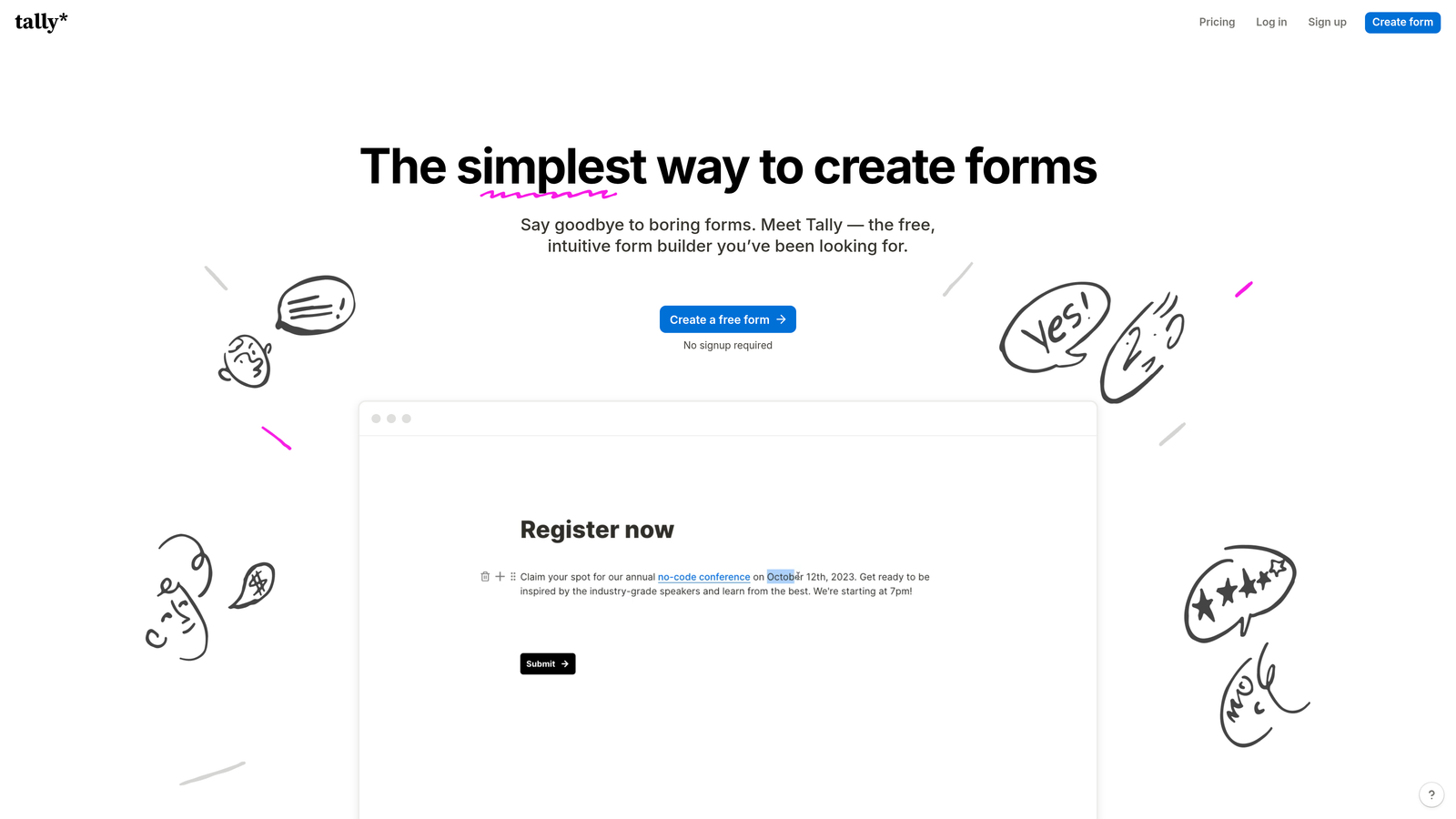
Tally is a minimal, Notion-inspired form builder with unlimited forms and responses on its free plan and a block-based editor that makes form creation feel natural.
Where This Tool Shines
Tally's free plan is legitimately generous. Unlimited forms, unlimited responses, conditional logic, and Stripe payment collection, all without paying a cent. For freelancers, early-stage startups, or teams testing a new workflow, that's a compelling offer that most competitors can't match.
The Notion-like editing experience is a genuine differentiator for users already comfortable with that style of interface. Forms feel less like form-building and more like writing a document, which lowers the barrier to getting started. The trade-off is that Tally has fewer native integrations than more established players, which can limit it for teams with complex tech stacks.
Key Features
Unlimited Free Plan: Unlimited forms and unlimited responses on the free tier, with no response caps or form limits.
Block-Based Editor: Notion-inspired interface that makes form building intuitive for teams already familiar with modern document tools.
Conditional Logic: Show or hide fields based on previous answers, with calculated fields also supported.
Stripe Payments: Collect payments directly through Tally forms without upgrading to a paid plan.
Clean Embeds: Embeds neatly into websites and Notion pages with minimal friction.
Best For
Tally is ideal for freelancers, early-stage startups, and individuals who need capable forms without a subscription. Teams with heavy integration requirements may find the native connector library limiting.
Pricing
Free plan available. Pro plan approximately $29/month. Verify current pricing at tally.so.
7. Paperform
Best for: Creative teams and solopreneurs who want forms that feel like polished landing pages rather than data collection tools.
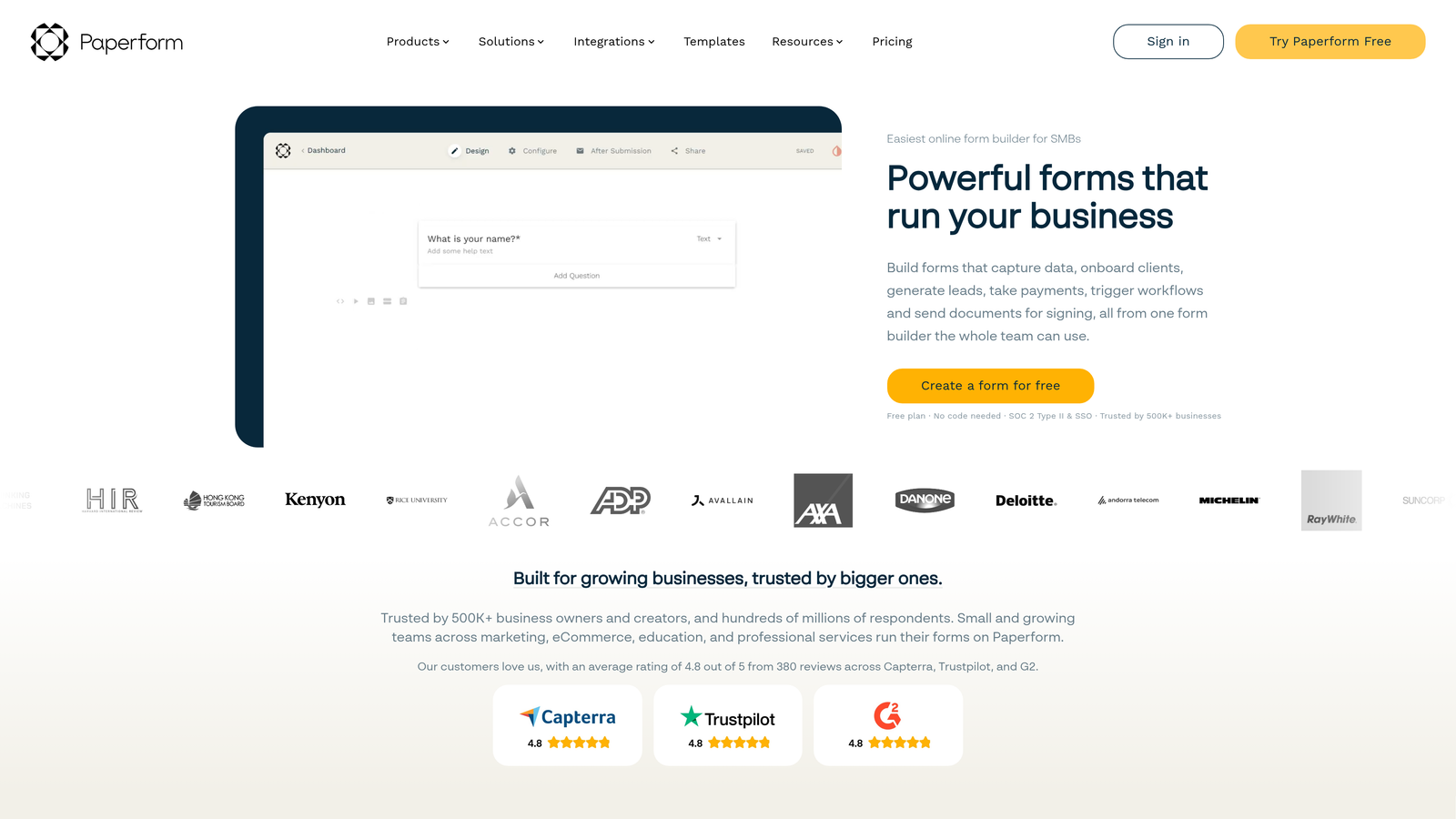
Paperform is a flexible form builder that treats each form as a mini landing page, combining rich content with data collection in a single, design-forward experience.
Where This Tool Shines
Paperform's key differentiator is the way it blends content and form fields. You can embed images, video, rich text, and product listings alongside your questions, which makes it well-suited for product sales, event registrations, coaching intake, and any scenario where context enhances the form experience.
The design customization is strong, giving teams the ability to create brand-consistent experiences without needing a developer. It's not the most enterprise-ready tool in this list, but for small-to-mid-sized teams focused on aesthetics and flexibility, it punches above its weight class.
Key Features
Rich Media Embedding: Add images, video, and formatted text within forms to create a more engaging, contextual experience.
Product Sales and Payments: Built-in product listing and payment collection for selling directly through forms.
Conditional Logic: Multi-page forms with conditional logic for tailored respondent paths.
Integrations: Connects with Zapier, Notion, Slack, and major CRMs for workflow automation.
Design Customization: Extensive styling controls for brand-consistent form experiences without code.
Best For
Paperform works well for coaches, consultants, small businesses, and creative teams who want forms that double as branded experiences. Less suited for high-volume enterprise data collection or compliance-heavy industries.
Pricing
Plans start from approximately $24/month. Verify current pricing at paperform.co.
8. Microsoft Forms
Best for: Enterprise organizations already running Microsoft 365 who need quick internal surveys and quizzes.
Microsoft Forms is a straightforward survey and quiz tool included with Microsoft 365, built primarily for internal enterprise use cases.
Where This Tool Shines
For organizations deep in the Microsoft ecosystem, Forms is the path of least resistance. It's already included in your Microsoft 365 subscription, integrates natively with Teams, SharePoint, OneDrive, and Excel, and requires no additional setup or cost. For employee surveys, training quizzes, event RSVPs, and internal polls, it handles the basics cleanly.
The honest limitation is that Microsoft Forms was designed for internal use, not external-facing lead generation or brand-forward experiences. Customization options are limited, and it's not built to connect with CRMs or marketing automation platforms in any meaningful way.
Key Features
Included with Microsoft 365: No additional cost for organizations already on Microsoft 365 subscriptions.
Native Microsoft Integration: Direct connections to Teams, SharePoint, OneDrive, and Excel for seamless data flow.
Branching Logic: Basic conditional branching for surveys and quizzes to direct respondents appropriately.
Real-Time Response Tracking: View response data as it comes in through a simple built-in dashboard.
Quiz Grading: Automatic scoring for quiz-style forms, useful for training and assessments.
Best For
Microsoft Forms is best for HR teams, IT departments, and enterprise organizations running internal surveys, training assessments, or event registrations within a Microsoft 365 environment. It's not the right tool for external lead gen or conversion-focused workflows.
Pricing
Included with Microsoft 365 subscriptions at no additional cost.
9. Formstack
Best for: Regulated industries like healthcare, legal, and financial services that require compliance certifications and document workflows.
Formstack is an enterprise-grade form platform with HIPAA compliance, Salesforce-native integration, document generation, and e-signature capabilities built for complex organizational workflows.
Where This Tool Shines
Formstack occupies a specific and important niche: organizations in regulated industries that need forms with serious compliance credentials. HIPAA-compliant forms, SOC 2 certification, and deep Salesforce integration make it a natural fit for healthcare providers, legal firms, and financial services teams where data security isn't optional.
The document generation and e-signature workflow capabilities extend Formstack beyond simple data collection into contract management and patient intake territory. For most SMBs or growth-stage startups, it's likely more platform than you need at a price point that reflects its enterprise positioning.
Key Features
HIPAA Compliance: Certified HIPAA-compliant forms for healthcare organizations handling protected health information.
Salesforce-Native Integration: Deep, bidirectional Salesforce integration for organizations with complex CRM workflows.
Document Generation: Automatically generate populated documents from form submissions, streamlining contract and agreement workflows.
E-Signature Support: Built-in e-signature capabilities for completing document workflows end-to-end.
SOC 2 Compliance: Enterprise-grade data security certification for organizations with strict security requirements.
Best For
Formstack is the right choice for healthcare organizations, legal teams, and enterprise companies in regulated industries that need compliance-certified forms integrated with Salesforce and document generation workflows.
Pricing
Plans start from approximately $83/month. Verify current pricing at formstack.com.
Which Platform Is Right for Your Use Case?
The right survey and form builder depends entirely on what you're trying to accomplish. Here's a quick guide to cut through the noise.
If your primary goal is AI-powered lead qualification, Orbit AI is the clear choice. It's the only platform on this list built specifically to score and prioritize leads at the point of submission, which is a meaningful advantage for any B2B or SaaS team where sales efficiency matters.
For beautiful, conversational surveys where respondent experience is the priority, Typeform remains the benchmark. Its one-question-at-a-time format and design quality are hard to match.
If you need something free and functional right now, Google Forms works for simple internal surveys, while Tally's free plan is the better option if you need conditional logic, payments, or a more modern editing experience without paying.
For research-grade analytics and structured survey programs, SurveyMonkey's depth of reporting and audience panel access make it the specialist's choice.
And for regulated industries with compliance requirements, Formstack's HIPAA and SOC 2 certifications make it the only realistic option on this list.
For high-growth teams serious about conversion, though, the platform that stands apart is Orbit AI. Transform your lead generation with AI-powered forms that qualify prospects automatically while delivering the modern, conversion-optimized experience your team needs. Start building free forms today and see how intelligent form design can elevate your conversion strategy.


