

Tally is a genuinely useful tool for individuals and small teams who need clean, simple forms fast. But when your enterprise needs SSO, granular permissions, SLA-backed support, and AI-driven lead qualification baked into the form layer itself, Tally's simplicity becomes a constraint rather than a feature.
High-growth teams scaling lead generation and conversion workflows need tools built for complexity at scale. This guide covers the top Tally alternatives for enterprise use cases in 2026, evaluated on the criteria that actually matter: conditional logic depth, CRM integrations, team collaboration controls, compliance certifications, and conversion optimization. Whether you're running multi-step lead capture flows, qualifying inbound pipeline, or managing forms across multiple departments, there's a purpose-built solution here for you.
For more on optimizing your form strategy, see our guides on lead forms for B2B companies and how to improve lead quality.
1. Orbit AI
Best for: Enterprise teams that need AI-powered lead qualification and conversion-optimized form design in one platform.
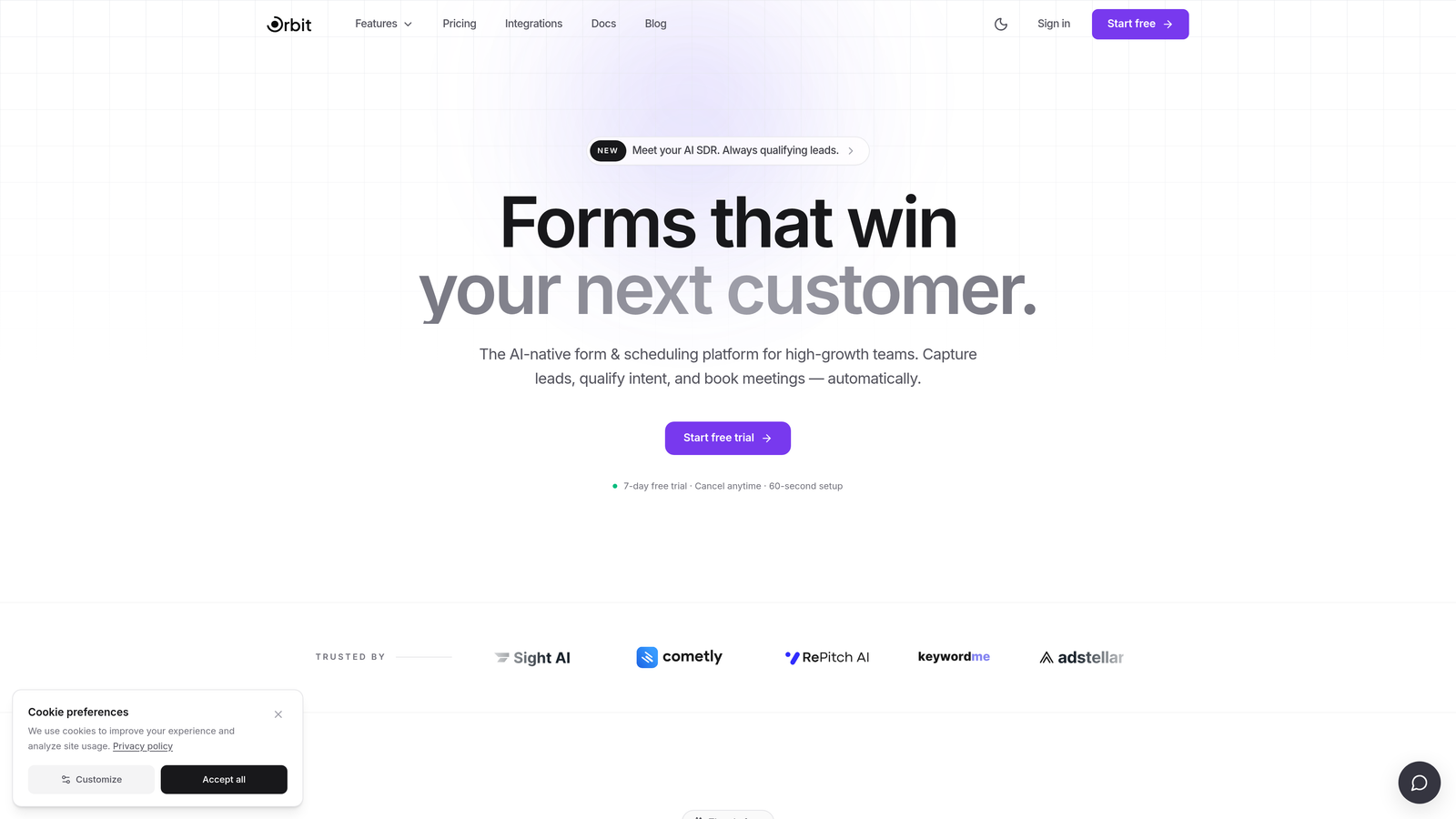
Orbit AI is an AI-native form builder built specifically for high-growth teams who need more than a form builder: they need a lead qualification engine embedded at the point of capture.
Where This Tool Shines
Orbit AI's core differentiator is that lead scoring and routing happen at the form layer itself. Instead of collecting raw submissions and then running them through a separate enrichment or scoring tool, Orbit AI qualifies leads in real time as respondents move through the form. For revenue and marketing ops teams managing high-volume inbound, this removes a significant layer of manual work and tool sprawl.
The builder is also designed with conversion in mind. Modern, visually polished templates and a clean interface help you create forms that feel like a natural extension of your brand rather than a generic data collection widget. For enterprise teams where form experience directly impacts pipeline quality, that distinction matters.
Key Features
AI-Powered Lead Qualification: Scores, segments, and routes leads automatically at the form layer without requiring a separate enrichment tool.
Conversion-Optimized Templates: Modern, beautifully designed form templates built to maximize completion rates and brand consistency.
Advanced Conditional Logic: Multi-step branching and logic flows that support complex lead capture sequences tailored to different audience segments.
CRM and Marketing Stack Integrations: Connects with CRM and marketing tools to ensure lead data flows directly into your existing workflows without manual data handling.
Role-Based Access Controls: Team collaboration features that allow enterprise teams to manage form ownership, editing permissions, and data access by role.
Best For
Orbit AI is the strongest fit for high-growth SaaS and B2B teams where lead quality and conversion rate are primary KPIs. If your team is running multi-step qualification flows, managing forms across departments, or looking to consolidate form creation and lead scoring into a single modern platform, this is built for that exact use case.
Pricing
Contact for enterprise pricing. Visit orbitforms.ai for current plan details and to explore available tiers.
2. Typeform
Best for: Enterprise teams that prioritize respondent experience and conversational form design with strong brand customization.
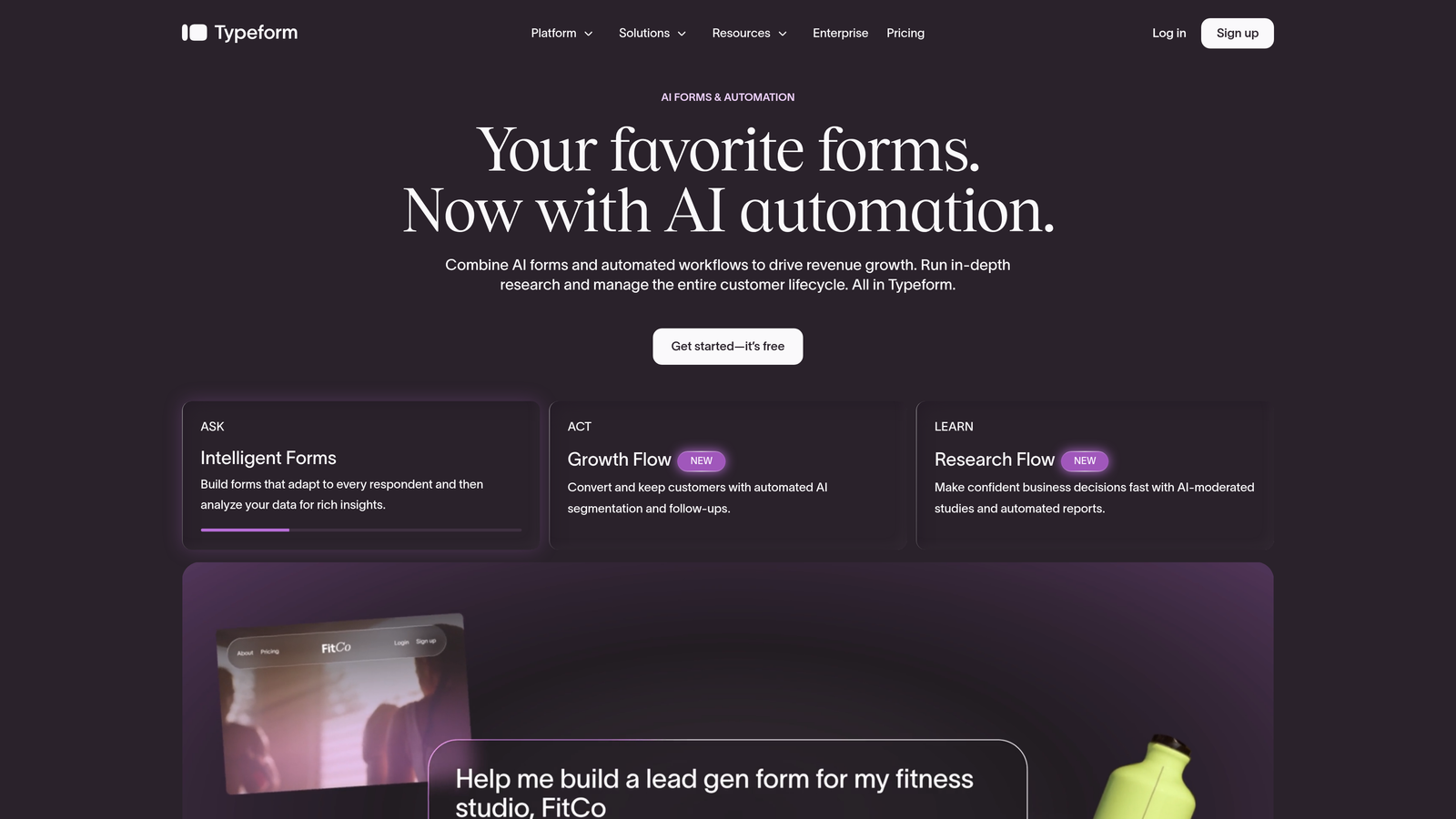
Typeform is a conversational form builder known for its one-question-at-a-time interface that reduces cognitive load and typically improves form completion rates.
Where This Tool Shines
Typeform's UX philosophy is distinctive: rather than presenting respondents with a wall of fields, it surfaces one question at a time in a clean, focused interface. For enterprise teams running customer-facing surveys, lead capture flows, or onboarding sequences where completion rate is critical, this approach has proven effective across many SaaS and tech organizations.
On the enterprise side, Typeform offers SSO, custom subdomains, priority support, and native integrations with Salesforce and HubSpot. Its white-labeling and brand customization options are also among the strongest in this category, making it a good fit for teams where form experience is a brand touchpoint.
Key Features
Conversational Interface: One-question-at-a-time format that creates a guided, engaging respondent experience.
Enterprise SSO and Admin Controls: Single sign-on, custom subdomains, and priority support available on enterprise plans.
Native CRM Integrations: Direct integrations with Salesforce and HubSpot for seamless lead data routing.
Logic Jumps and Branching: Conditional paths that personalize the form experience based on previous answers.
White-Labeling and Brand Customization: Full control over colors, fonts, and domain for on-brand form experiences.
Best For
Typeform is well-suited for marketing and growth teams in SaaS and tech organizations where form completion rate and brand experience are the primary concerns. It's particularly strong for customer-facing flows: surveys, NPS forms, lead capture, and onboarding sequences where a polished, conversational experience drives better data quality.
Pricing
Enterprise pricing is available on request. Paid plans start at a mid-to-high price point relative to other tools in this list. Check typeform.com for current tier details.
3. Jotform
Best for: Enterprise organizations with diverse, cross-departmental form needs and strict compliance requirements.
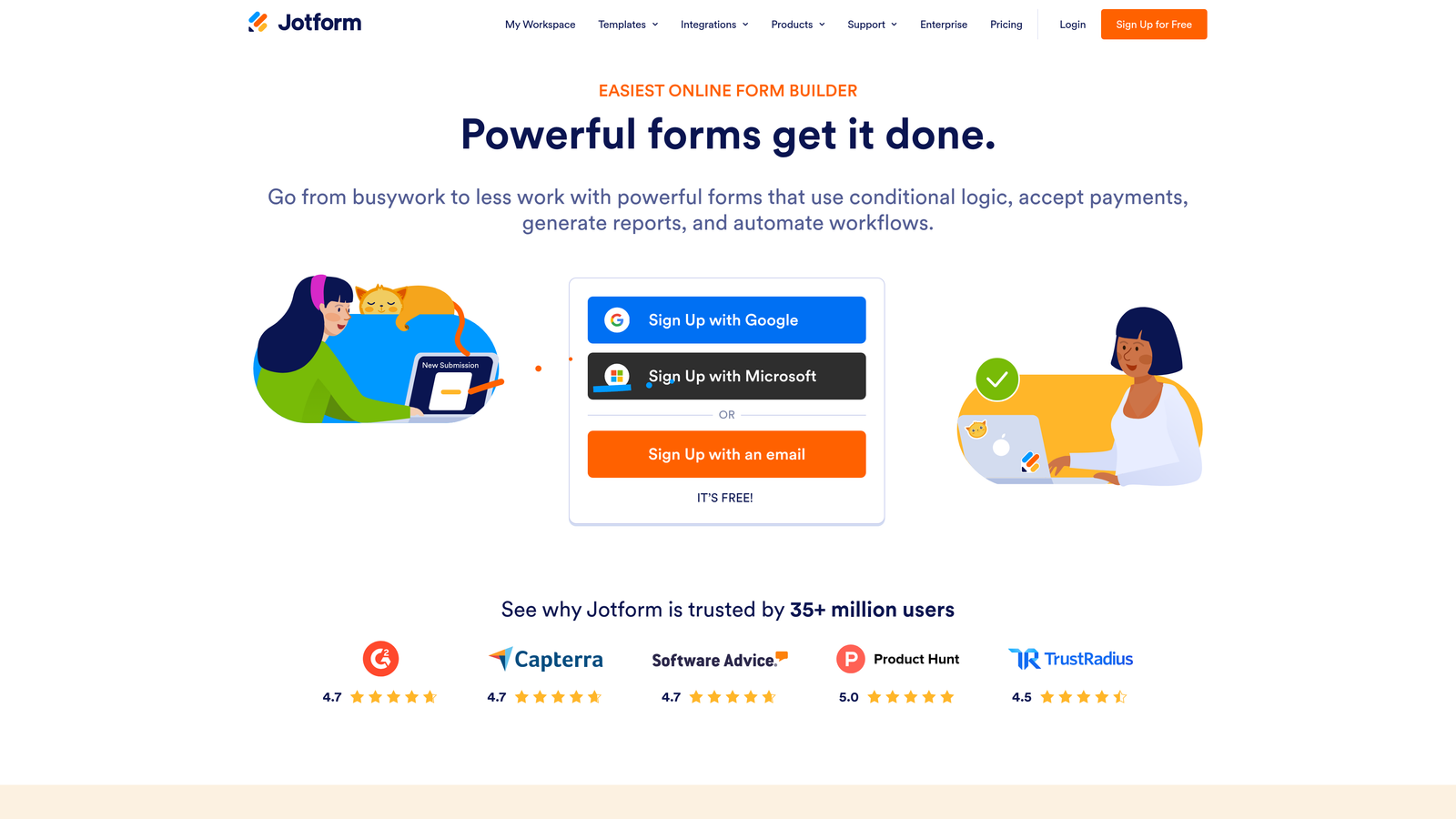
Jotform is one of the most feature-rich form platforms available, combining an extensive template library with enterprise-grade security and compliance credentials.
Where This Tool Shines
Jotform's breadth is genuinely impressive. With over 10,000 form templates spanning HR, operations, finance, customer service, healthcare, and more, it's one of the few platforms that can serve an entire enterprise organization rather than just a single team or use case. For IT and procurement teams evaluating a single vendor to standardize on, that breadth is a real advantage.
The compliance story is also strong. Jotform offers HIPAA compliance and SOC 2 certification options, which makes it one of the few form builders that can serve regulated industries without significant custom configuration. Enterprise plans add SSO, dedicated support, advanced permissions, and audit controls.
Key Features
10,000+ Templates: One of the largest template libraries in the category, covering virtually every industry and department use case.
HIPAA and SOC 2 Compliance: Certification options that make Jotform viable for regulated industries including healthcare and finance.
Extensive Integration Ecosystem: Over 100 native integrations with CRMs, payment processors, project management tools, and more.
Enterprise SSO and Permissions: Single sign-on, role-based access controls, dedicated support, and advanced admin features on enterprise plans.
Payment and Workflow Support: Built-in payment collection, e-signature capabilities, and approval workflow functionality alongside standard form features.
Best For
Jotform is the strongest choice for large organizations that need to standardize on a single form platform across multiple departments with varying requirements. It's particularly well-suited for teams in regulated industries where HIPAA or SOC 2 compliance is a procurement requirement, and for ops and HR teams that need approval workflows alongside data collection.
Pricing
Enterprise plan pricing is available by contacting Jotform directly. Lower tiers include a free plan and mid-market paid options. See jotform.com for current pricing details.
4. Formstack
Best for: Revenue operations and sales ops teams that need forms as part of a broader workflow automation and document generation process.
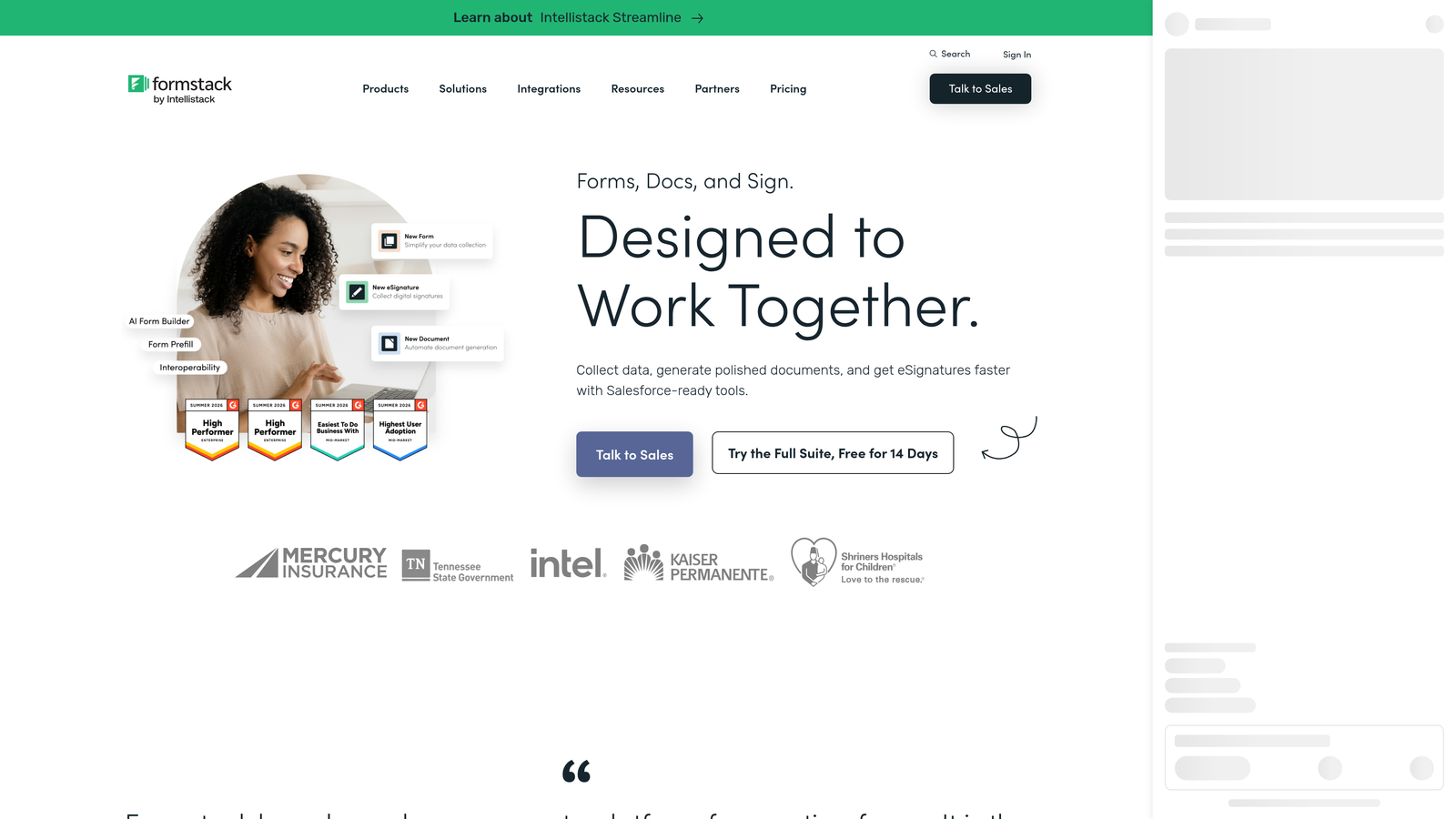
Formstack is an enterprise workflow automation platform that goes well beyond form creation, combining forms with document generation, e-signatures, and multi-step data routing.
Where This Tool Shines
Formstack's positioning is distinct from most tools on this list: it treats forms as one component of a larger data collection and workflow automation system. If your enterprise needs forms that trigger document generation, route data through approval chains, and sync deeply with Salesforce, Formstack is purpose-built for that complexity. It's particularly strong for revenue operations teams where forms are embedded in sales and contract processes.
The compliance credentials are also notable. Formstack holds HIPAA, SOC 2, and GDPR certifications, which means it can serve regulated industries across healthcare, finance, and organizations with European data residency requirements. Enterprise plans add SSO, audit logs, and advanced admin controls that satisfy most enterprise procurement checklists.
Key Features
Native Workflow Builder: Multi-step approval and data routing workflows that connect form submissions to downstream processes automatically.
Document Generation and E-Signatures: Create, send, and collect signatures on documents generated directly from form data.
HIPAA, SOC 2, and GDPR Compliance: Certifications that cover regulated industries and international data privacy requirements.
Salesforce-Native Integration: Deep CRM data sync that goes beyond basic field mapping to support complex Salesforce object relationships.
Enterprise SSO and Audit Logs: Single sign-on, comprehensive audit trails, and advanced admin controls for enterprise security requirements.
Best For
Formstack is the right choice for enterprise teams where forms are part of a larger operational workflow rather than standalone data collection tools. Revenue operations, sales ops, legal, and HR teams that need forms connected to document generation, e-signatures, and multi-step approvals will find the most value here. If you need a simple lead capture form, it may be more platform than you need.
Pricing
Formstack pricing varies by product bundle and use case. Contact Formstack directly for enterprise pricing. See formstack.com for current options.
5. Paperform
Best for: Marketing and creative teams that need design-forward, richly branded form experiences with solid logic and payment capabilities.
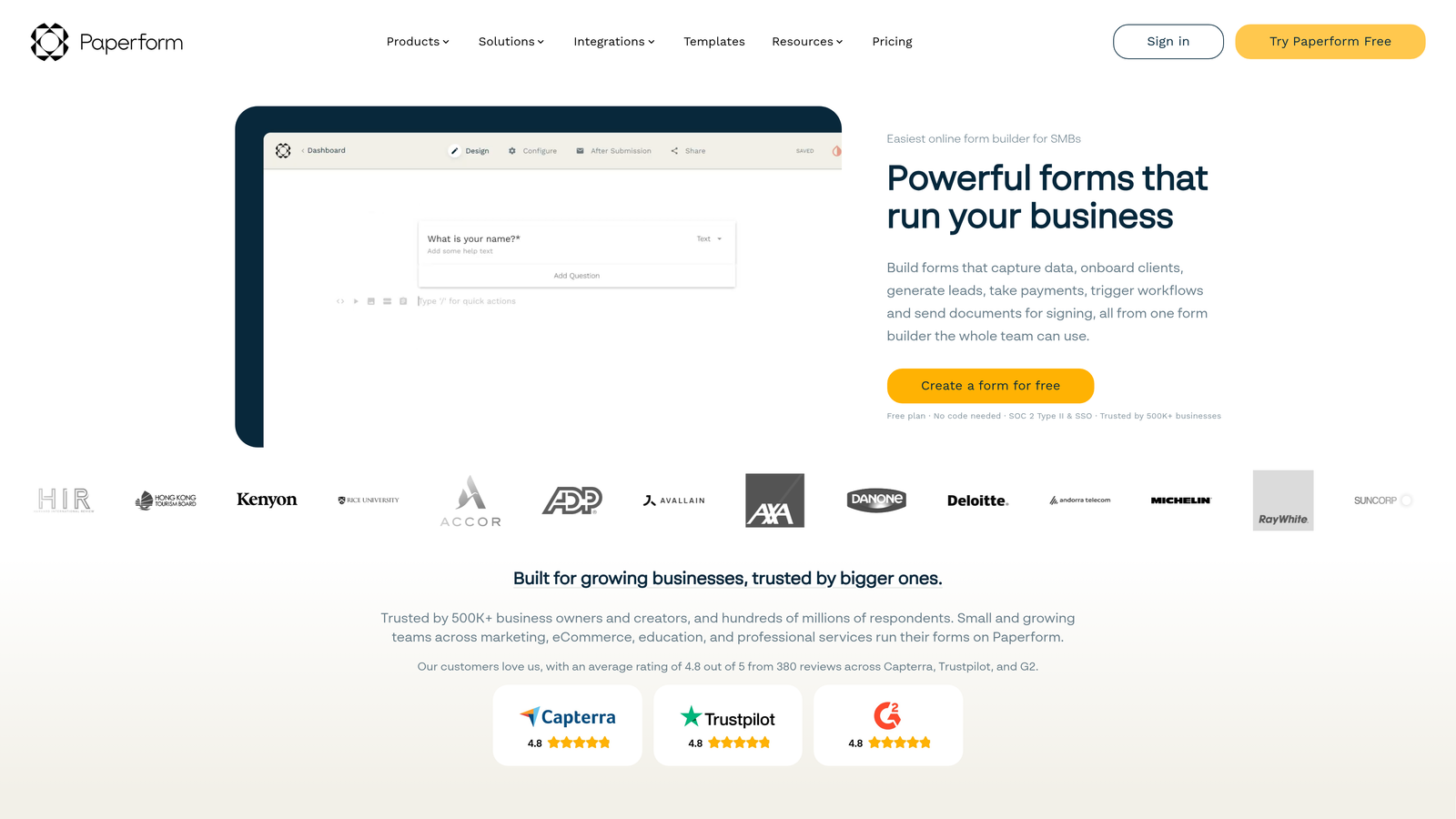
Paperform is a design-forward form builder that uses a document-style editor where text, images, and form fields coexist naturally on the same page.
Where This Tool Shines
Paperform's editor is genuinely different from most form builders. Rather than a structured field-by-field interface, it works more like a rich document where you can weave form fields into narrative content, embed images, and create branded page experiences that feel like landing pages as much as forms. For marketing teams creating lead capture pages, event registration forms, or product inquiry flows, this flexibility is a meaningful advantage.
The conditional logic and calculation fields are also more capable than Paperform's accessible price point might suggest. It handles branching, scoring, and dynamic field visibility well. Built-in payment processing via Stripe, PayPal, and Square adds further utility for teams that need to collect payments or deposits alongside form submissions.
Key Features
Document-Style Editor: Freeform page layout that combines text, images, and form fields for rich, branded form experiences.
Conditional Logic and Calculation Fields: Branching logic and dynamic calculations that support personalized form paths and scoring.
Built-In Payment Processing: Native integrations with Stripe, PayPal, and Square for collecting payments directly through form submissions.
Wide Integration Library: Native connections and Zapier support for connecting to CRMs, marketing tools, and other platforms.
Custom Domains and Brand Customization: Full control over domain and visual design for on-brand form experiences.
Best For
Paperform is the strongest fit for marketing, creative, and agency teams that prioritize design flexibility and branded experience over deep enterprise compliance features. It's a particularly good option for teams that need payment collection built into their forms, or for organizations that want a more accessible price point without sacrificing design quality. Note that Paperform does not offer a dedicated enterprise plan, though higher-tier Agency plans can accommodate team workflows.
Pricing
Paid plans are available at a more accessible price point than many enterprise-focused competitors on this list. No dedicated enterprise plan is offered. See paperform.co for current tier pricing.
6. Tally
Best for: Internal forms, lightweight use cases, and small teams that do not require enterprise compliance, SSO, or advanced lead qualification.
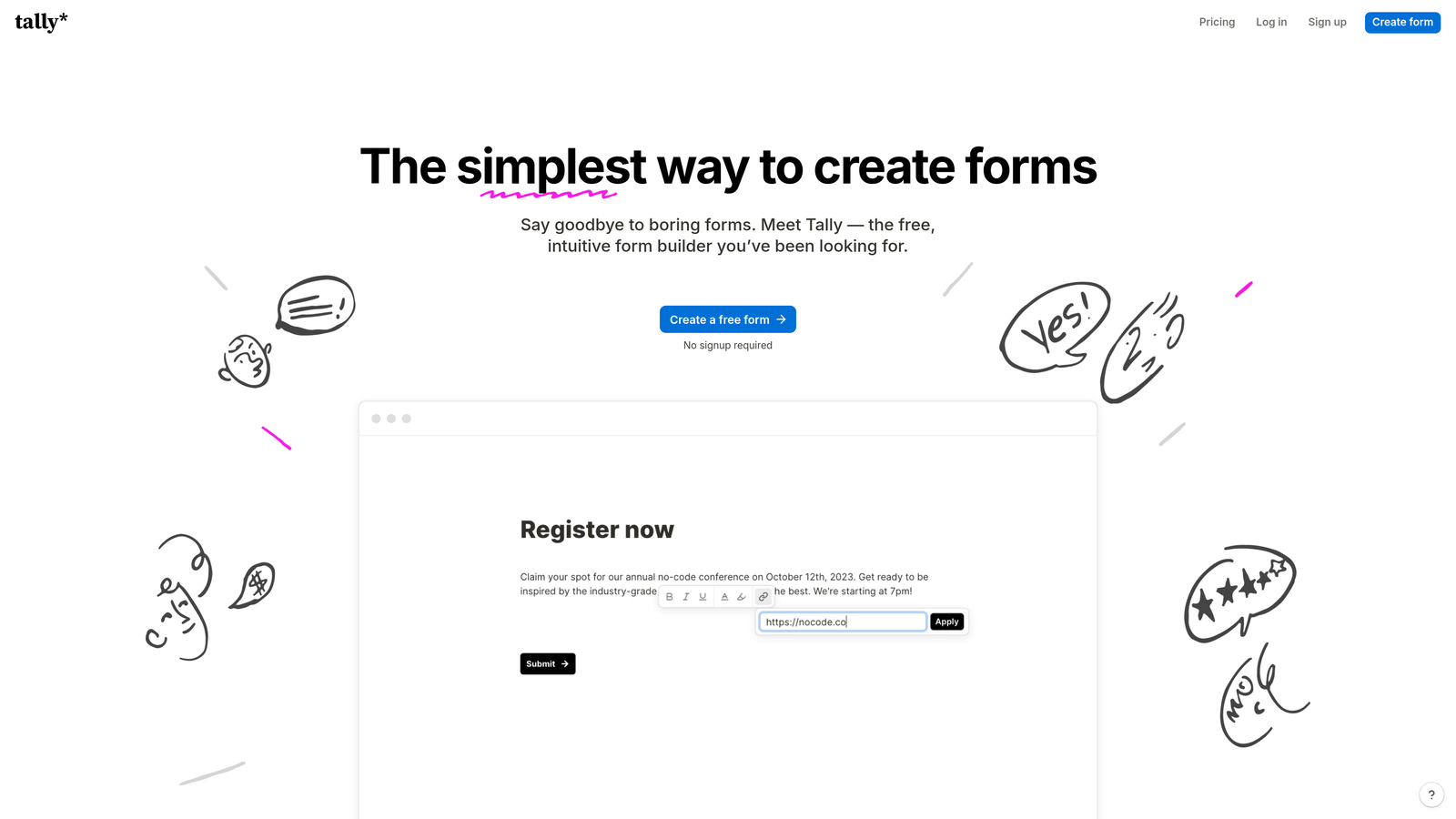
Tally is a free, Notion-inspired form builder with a clean block editor that makes creating simple forms fast and frictionless.
Where This Tool Shines
Tally earns its place on this list because its free tier is genuinely generous: unlimited forms, unlimited responses, and a clean interface that requires almost no learning curve. For internal use cases like employee surveys, event sign-ups, or lightweight data collection, it delivers real value at zero cost. If a sub-team within your enterprise has simple needs and no compliance requirements, Tally is a legitimate option for that specific context.
The Notion-like block editor will feel immediately familiar to teams already working in that ecosystem. Basic conditional logic and embed options cover most simple use cases. The paid Pro plan adds custom domains and some additional features, though it still does not close the gap on enterprise requirements like SSO, SAML, advanced permissions, or SLA-backed support.
Key Features
Generous Free Tier: Unlimited forms and responses at no cost, making it accessible for teams with simple, budget-constrained needs.
Notion-Like Block Editor: Familiar, intuitive interface for teams already working in Notion or similar block-based tools.
Basic Conditional Logic: Simple branching and logic options that cover straightforward form personalization needs.
Embed Options: Straightforward embedding for websites and internal tools without technical complexity.
Pro Plan Upgrades: Custom domains and additional features available on the paid plan for teams that need a step up from the free tier.
Best For
Tally is best for individuals, freelancers, and small teams with simple internal form needs and no enterprise procurement requirements. It is not the right choice for organizations that need SSO, role-based access controls, compliance certifications, advanced CRM integrations, or AI-powered lead qualification. If those are your requirements, one of the other tools on this list will serve you significantly better.
Pricing
Free tier available with no credit card required. Pro plan available at a low monthly cost. See tally.so for current pricing.
Which Tool Is Right for Your Enterprise Team?
Each tool on this list serves a distinct enterprise use case, and the right choice depends on where your team's priorities actually sit.
If AI-powered lead qualification and conversion optimization are central to your strategy, Orbit AI is the purpose-built choice. It's the only platform on this list that embeds lead scoring and routing directly at the form layer, making it the strongest fit for high-growth SaaS and B2B teams where pipeline quality is the primary metric.
For conversational, brand-forward forms: Typeform remains the benchmark for one-question-at-a-time UX with strong enterprise controls and native Salesforce and HubSpot integrations.
For cross-departmental standardization and compliance: Jotform's breadth of templates and HIPAA and SOC 2 certifications make it the logical choice for large organizations that need a single platform across HR, ops, finance, and customer service.
For workflow automation beyond form creation: Formstack is built for revenue operations and sales ops teams that need forms connected to document generation, e-signatures, and approval workflows with deep Salesforce sync.
For design-forward marketing forms: Paperform's document-style editor and built-in payment processing make it the right fit for marketing and creative teams that prioritize visual flexibility at an accessible price point.
For simple internal use cases: Tally's free tier is genuinely useful for lightweight, internal-only needs where enterprise compliance and advanced features are not requirements.
The clearest signal for which tool to prioritize: if your team is actively trying to improve lead quality, reduce manual qualification work, and create form experiences that convert, Start building free forms today with Orbit AI and see how intelligent form design can transform your conversion strategy.
For deeper reading on building a high-performance lead capture strategy, explore our guides on lead forms for B2B companies and how to improve lead quality.


