

When you're scaling a high-growth business, the form builder you choose isn't just a productivity decision. It's a conversion decision. Typeform and Paperform are two of the most popular options on the market, and on the surface, they look remarkably similar: both offer conversational interfaces, conditional logic, and integrations with popular tools.
But the differences between them can meaningfully impact your lead quality, completion rates, and overall funnel performance. The wrong choice at this level doesn't just cost you money. It costs you pipeline.
This guide breaks down seven strategic lenses for evaluating Typeform vs Paperform for business use, covering everything from pricing models and design flexibility to lead qualification depth and analytics. Whether you're a SaaS team optimizing a demo request flow, a marketing agency building client forms, or a B2B company looking to capture and qualify leads at scale, this comparison will help you make a genuinely informed decision.
And if neither tool fully meets your needs, particularly around AI-powered lead qualification and conversion optimization, we'll also introduce Orbit AI as a modern alternative worth exploring. Let's get into it.
1. Evaluate Pricing Models Against Your Business Growth Stage
The Challenge It Solves
Pricing surprises at scale are one of the most common complaints teams have when switching form builders. What looks affordable at 500 responses per month can become a significant line item during a high-traffic product launch or seasonal campaign. Understanding how each platform's pricing model behaves under growth pressure is essential before you commit.
The Strategy Explained
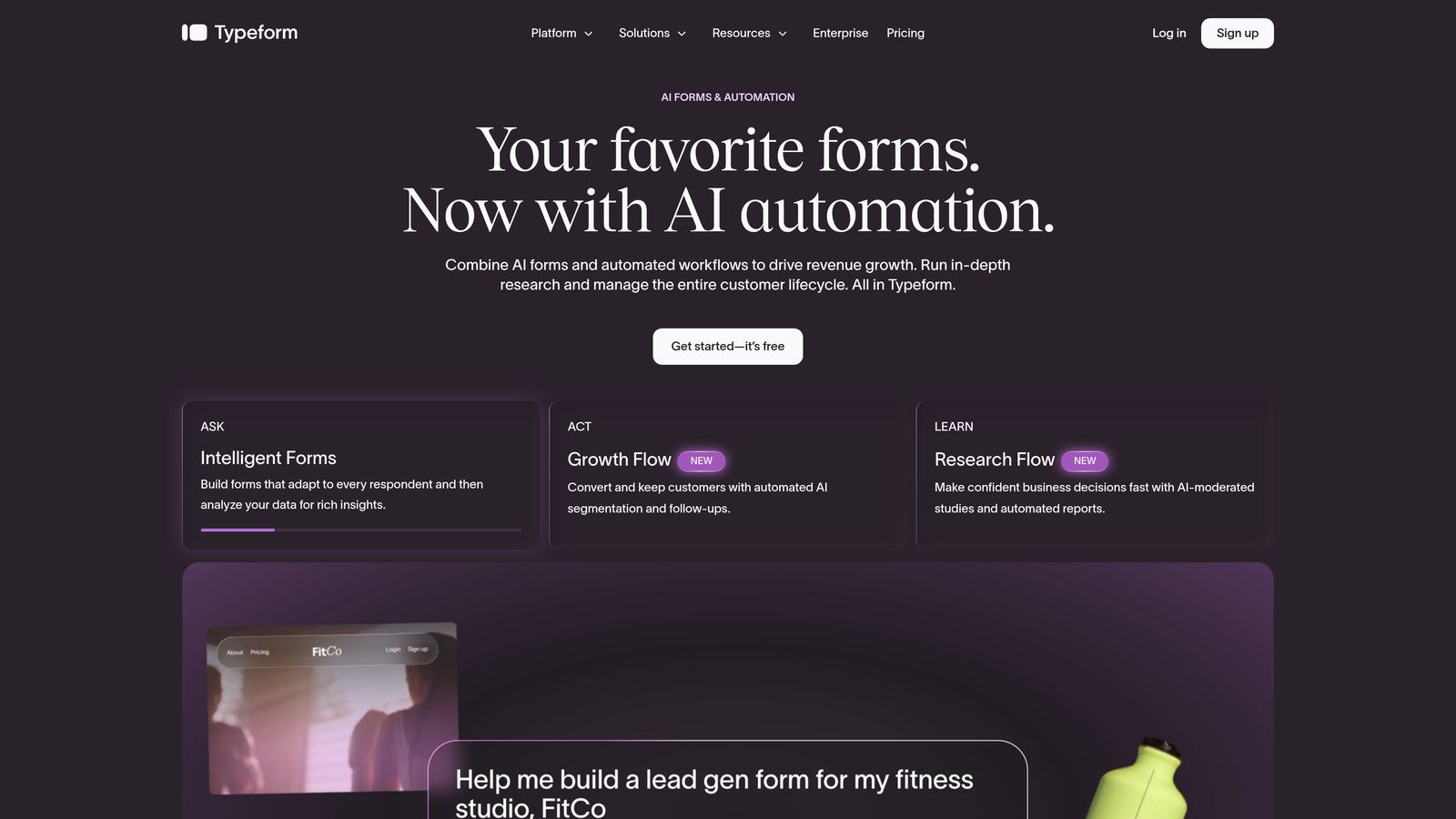
Typeform has historically structured its pricing around response volume. That means the more submissions your forms receive, the higher your monthly bill. For predictable, low-volume use cases, this works fine. But for teams running paid campaigns, product launches, or high-traffic lead gen flows, it introduces real cost unpredictability.
Paperform has typically offered per-user or flat-tier pricing, which can be more budget-friendly for growing teams where submission volume fluctuates. The key question isn't which tool is cheaper at a given moment. It's which pricing model aligns with how your business actually grows.
Implementation Steps
1. Audit your current and projected monthly form submission volume across all active forms, including lead gen, surveys, and onboarding flows.
2. Visit the current pricing pages at typeform.com and paperform.io directly. SaaS pricing changes frequently, so always verify before making a decision based on published comparisons.
3. Model out your costs at three growth scenarios: your current volume, a 3x spike during a campaign, and your projected volume 12 months from now. The tool that stays predictable across all three scenarios wins for your stage.
Pro Tips
Watch for response limits that reset monthly. If you're running a time-sensitive campaign that drives a volume spike, hitting a cap mid-campaign can mean losing leads entirely or scrambling to upgrade mid-flight. Build buffer into your tier selection, and always check whether partial responses count toward your limit. For a detailed breakdown of what different platforms charge, our guide on form builder pricing for small business is a useful reference point.
2. Match Form Design Flexibility to Your Brand Standards
The Challenge It Solves
Your forms are often the first interactive touchpoint a prospect has with your brand. A form that feels off-brand, clunky, or visually inconsistent can quietly erode trust before a lead even completes a submission. The question isn't just "does it look good?" It's "does it look like us, and does it feel right for this specific use case?"
The Strategy Explained
Typeform popularized the one-question-at-a-time conversational format. This approach is well-documented in UX literature as effective for reducing cognitive load in certain contexts, particularly shorter forms and surveys. The tradeoff is constraint: you have limited control over layout, and the experience is largely defined by Typeform's design system.
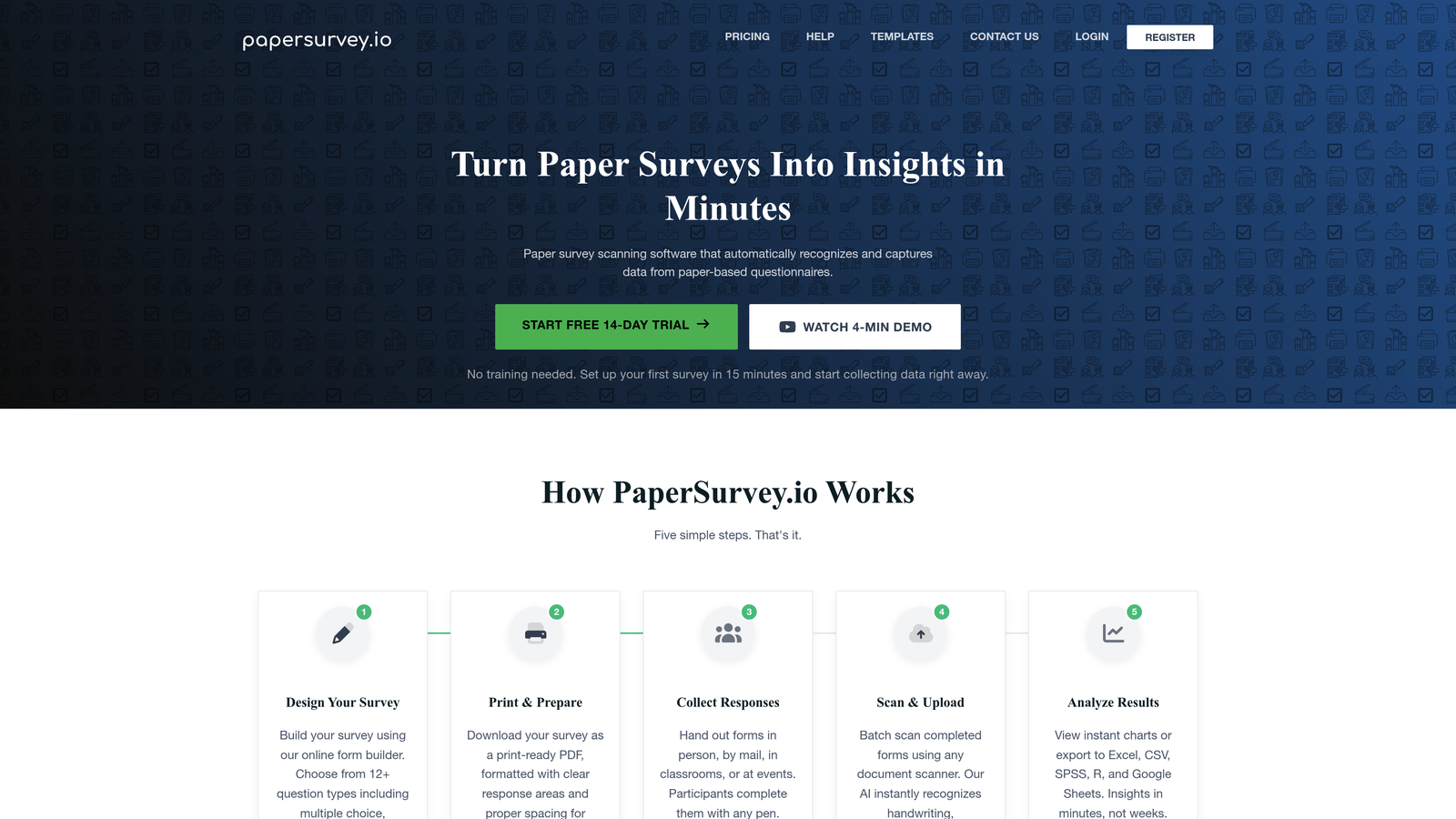
Paperform takes a more flexible, document-style approach. You can mix images, video, descriptive text, and form fields in a single view, creating richer, more content-forward experiences. This suits use cases like event registrations, applications, or product order forms where context matters alongside the fields themselves.
Implementation Steps
1. Define your brand requirements clearly before evaluating: custom fonts, color palette, logo placement, and any specific layout needs like multi-column fields or embedded media.
2. Build the same test form in both tools using a real use case from your business. Don't rely on templates. Build something representative of your actual workflow to surface real constraints.
3. Test the form experience on mobile. Design flexibility that breaks on smaller screens is not actually flexibility. Evaluate both tools on the devices your audience actually uses.
Pro Tips
If your primary use case is a short, focused lead capture form, Typeform's constrained format may actually work in your favor. If you're building longer qualification flows or forms that require contextual explanation alongside fields, Paperform's flexibility gives you more room to work with. Our guide on best practices for mobile form design covers the key principles that apply regardless of which platform you choose.
3. Assess Conditional Logic Depth for Lead Qualification Workflows
The Challenge It Solves
Not all leads are equal, and your form should know the difference. For B2B teams trying to separate enterprise prospects from SMB inquiries, or qualify by budget, role, or use case, shallow conditional logic creates a ceiling on what your forms can actually do. This is where many mid-market form builders quietly fall short.
The Strategy Explained
Both Typeform and Paperform support conditional logic and branching. Typeform's logic jump feature allows you to route respondents to different questions based on prior answers. Paperform offers conditional sections that show or hide content dynamically. The difference lies in the complexity of logic you can build without hitting platform limits or needing workarounds.
For sophisticated lead qualification workflows, you'll want to evaluate whether the platform supports scoring, multi-condition branching (if X and Y, then Z), and dynamic routing to different outcomes or confirmation pages based on lead profile. These capabilities are what separate a basic form from a genuine qualification engine.
Implementation Steps
1. Map out your ideal lead qualification logic on paper first. Define the key qualifying questions, the branching paths, and the desired outcomes for different lead segments before touching either platform.
2. Attempt to build that exact logic flow in both tools. Note where you hit walls, where the interface becomes unintuitive, and where you'd need to simplify your logic to make it work.
3. Check whether each platform supports hidden fields and URL parameter passing, which are essential for passing lead data downstream to your CRM without asking redundant questions.
Pro Tips
A form builder with deep conditional logic can do the qualification work your sales team would otherwise do manually. If your current form sends every submission to the same place regardless of answers, you're leaving segmentation on the table.
4. Compare Integration Ecosystems for Your Tech Stack
The Challenge It Solves
A form that doesn't talk to your CRM, email platform, or sales tools in real time isn't a lead generation asset. It's a data collection dead end. Integration reliability is one of the most underestimated factors in form builder selection, and the difference between a native integration and a Zapier-dependent one matters more than most teams realize until something breaks during a live campaign.
The Strategy Explained
Both Typeform and Paperform integrate with major CRMs like HubSpot and Salesforce, as well as popular email and marketing automation tools. However, the depth and reliability of those integrations vary. Native integrations, built directly into the platform, tend to be more stable, faster, and capable of passing richer data than middleware-dependent connections.
When a form submission triggers a Zapier workflow that then pushes data to your CRM, you've introduced a dependency that can fail silently, introduce latency, or require maintenance when either tool updates its API. For high-volume lead gen, that's a real operational risk. Mapping your tech stack against each tool's native integration list is a non-negotiable step in this evaluation. For a deeper look at this, see our guide on how to integrate forms with your CRM.
Implementation Steps
1. List every tool in your current stack that needs to receive or act on form submission data: your CRM, email platform, Slack notifications, project management tools, and any sales engagement platforms.
2. Cross-reference that list against the native integration libraries for both Typeform and Paperform. Note which connections are native versus Zapier/Make-dependent.
3. For your most critical integrations, especially your CRM, test the actual data flow. Submit a test lead and verify that the right fields map correctly, that data arrives in real time, and that no manual cleanup is required.
Pro Tips
Pay attention to bidirectional data flow. Some integrations only push data from the form to your CRM. But if you want to pre-populate form fields with known contact data or suppress forms for existing customers, you need a platform that supports pulling data in as well. Teams evaluating this space may also want to review our HubSpot Forms vs custom form builder comparison for additional context on CRM-native versus standalone options.
5. Analyze Analytics and Reporting Capabilities
The Challenge It Solves
Most form builders will tell you your completion rate. Very few will tell you where people are dropping off, which specific field is causing abandonment, or how different traffic sources affect form performance. Without that granularity, form optimization becomes guesswork rather than a data-driven practice.
The Strategy Explained
Form analytics is a known weakness across most mid-market form builders. Basic completion rate data is table stakes. What separates genuinely useful analytics from vanity metrics is field-level drop-off tracking, time-on-field data, device and browser segmentation, and the ability to correlate form performance with downstream conversion outcomes.
When evaluating Typeform vs Paperform on this dimension, look beyond the dashboard screenshots and test the reporting in a real scenario. Can you identify which specific question causes the most abandonment? Can you segment performance by traffic source? Can you track partial submissions? These capabilities directly inform your form conversion rate optimization work. For a broader look at available tools, our guide on form analytics and tracking tools covers the landscape in more depth.
Implementation Steps
1. Define the three to five specific questions your analytics need to answer. For example: Which field has the highest abandonment rate? What is the average time to complete? How does mobile completion compare to desktop?
2. Run a live test with real traffic on both platforms and evaluate whether the built-in reporting answers those questions without requiring you to export data to a separate analytics tool.
3. Check whether each platform supports Google Analytics or Segment integration for event tracking. If you need richer behavioral data, you'll want form events firing into your existing analytics stack.
Pro Tips
If neither platform's native analytics meets your needs, that's important signal. It may indicate that the right solution is a platform built with conversion optimization as a first-class feature rather than an afterthought.
6. Test Completion Rate Optimization Features
The Challenge It Solves
A form with a low completion rate isn't a form. It's a leak in your funnel. And the features that drive completion aren't always obvious from a feature list. Mobile experience, partial submission saving, progress indicators, and the quality of the conversational flow all have meaningful impact on whether a prospect finishes what they started or abandons halfway through.
The Strategy Explained
Typeform's one-question-at-a-time format was specifically designed to reduce abandonment by making forms feel less overwhelming. For short flows, this can work well. For longer qualification forms, the format can actually increase friction because respondents can't scan ahead or understand how much time the form will take.
Paperform's document-style layout lets respondents see the full form at once, which can improve completion for users who prefer to review before committing. The tradeoff is that a long form can look daunting upfront. Both platforms offer mobile-responsive designs, but the quality of that mobile experience varies in practice. For practical tactics on reducing abandonment, our guide on how to increase form submissions and how to reduce form completion time are worth reviewing alongside this comparison.
Implementation Steps
1. Build a representative version of your most important form in both tools and test it yourself on mobile. Note friction points, loading speed, keyboard behavior, and whether the experience feels native or awkward on a small screen.
2. Check whether each platform supports partial submission saving. If a user drops off halfway through a longer form, can you recover that partial data and follow up? This feature alone can meaningfully impact lead recovery rates.
3. Evaluate progress indicators. For forms longer than five fields, respondents benefit from knowing how far along they are. Test whether each platform's progress display is clear, accurate, and visible without scrolling.
Pro Tips
The best predictor of completion rate isn't the platform. It's the form design. But the platform sets the ceiling on what's possible. Choose one that gives you enough control to optimize, not just enough features to get started. Our guide on how to optimize form fields for conversions covers the specific design decisions that move the needle most.
7. Consider When Neither Tool Is the Right Fit
The Challenge It Solves
Sometimes the real answer to a tool comparison isn't "A or B." It's "neither, and here's why." For high-growth teams where lead qualification, conversion optimization, and scalability are non-negotiable requirements, both Typeform and Paperform have meaningful limitations that become more visible as your needs mature.
The Strategy Explained
Both Typeform and Paperform were built primarily as form builders with some lead capture capability layered on. Neither was designed from the ground up for AI-driven lead qualification, dynamic scoring, or intelligent routing based on prospect profile. That's not a criticism. It's a positioning reality. For teams whose form is genuinely a critical piece of their revenue funnel, the absence of native AI qualification can create a gap that no amount of Zapier automation fully closes.
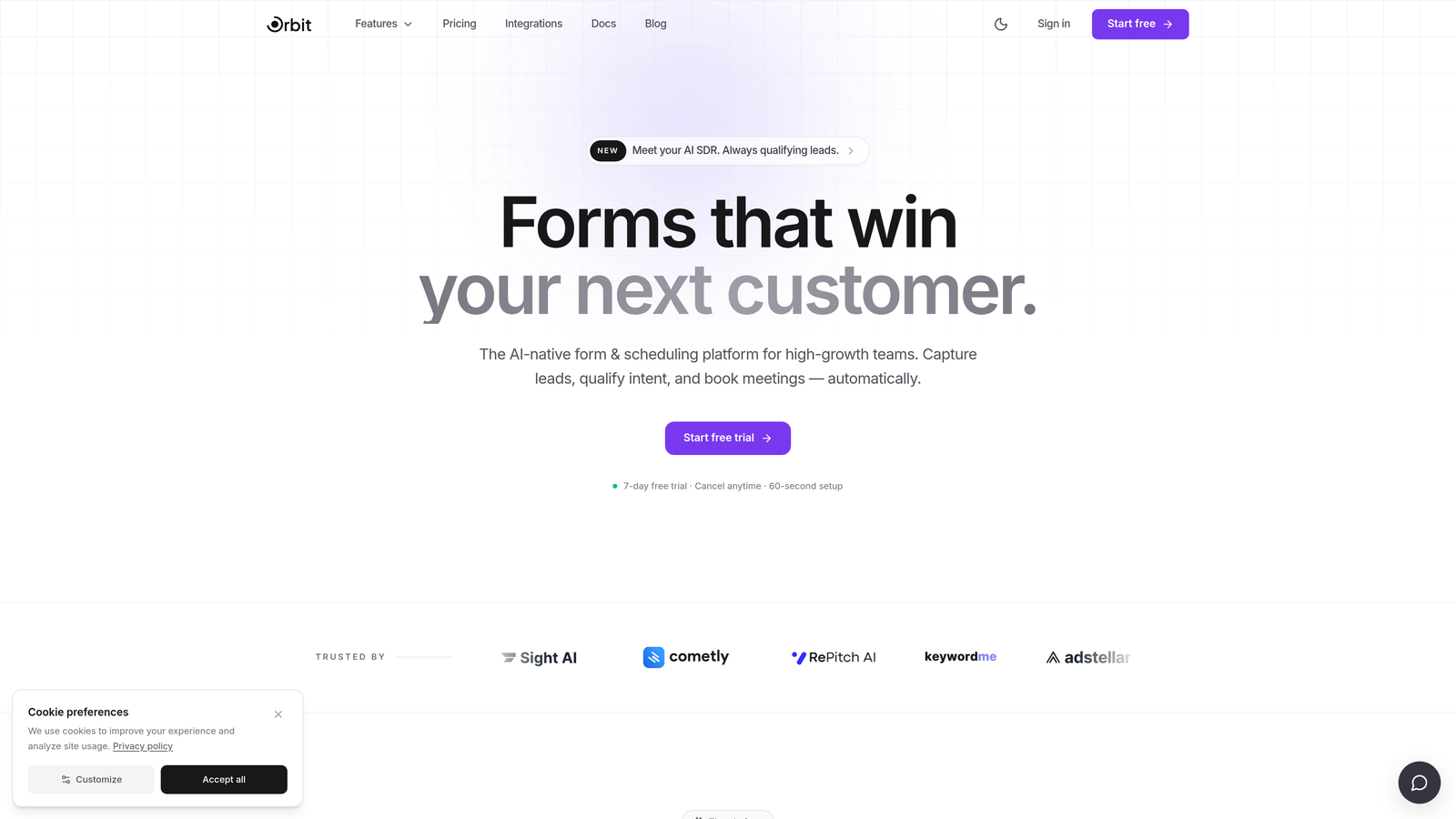
This is the space that Orbit AI was built to address. As an AI-powered form builder with native lead qualification capabilities, Orbit AI is designed specifically for conversion-focused teams who need more than a form that collects data. They need a form that understands what that data means and acts on it intelligently. If you've been exploring the best Typeform alternatives, Orbit AI belongs on that shortlist for exactly this reason.
Implementation Steps
1. Audit your current form performance honestly. Look at completion rates, lead quality scores coming out of your forms, and how much manual work your sales team does to qualify leads that forms should have pre-qualified.
2. Define your non-negotiables. If AI-powered lead scoring, intelligent routing, and conversion optimization are requirements rather than nice-to-haves, evaluate platforms built around those capabilities rather than retrofitting tools that weren't designed for them.
3. Run a parallel test. Build the same lead qualification form in your current tool and in Orbit AI. Compare the quality of leads that come through, the time your team spends on qualification, and the overall conversion rate from form submission to qualified opportunity.
Pro Tips
The cost of the wrong form builder isn't just the subscription fee. It's the pipeline you didn't capture, the leads your team had to manually sort, and the conversion rate you left on the table. Evaluate on total impact, not just feature lists.
Your Implementation Roadmap
Choosing between Typeform and Paperform ultimately comes down to your business's specific priorities. If you need polished, conversational single-question flows and your submission volume is manageable and predictable, Typeform delivers a strong experience. If you need more layout flexibility, richer content integration within your forms, and a flatter pricing model, Paperform offers real advantages worth considering.
But for high-growth teams where lead qualification, conversion optimization, and scalability are non-negotiable, both tools show meaningful limitations. The analytics are shallow, the AI capabilities are absent, and the pricing models weren't designed for teams running high-volume acquisition campaigns.
Start by auditing your current form performance: check your completion rates, lead quality scores, and integration reliability. Then map those gaps against the seven strategies outlined here. The right form builder isn't just a tool. It's a growth lever.
If you're ready to move beyond basic form builders and explore what AI-powered lead qualification can actually do for your pipeline, start building free forms today and see how intelligent form design can transform your conversion strategy. Your next qualified lead might be one form rebuild away.


