

For SaaS companies, the forms embedded in your product pages, pricing flows, and onboarding sequences aren't just data collectors. They're revenue infrastructure. A clunky iframe that breaks on mobile or a generic contact form that treats every lead the same can quietly bleed conversions before your sales team ever gets involved.
The right embedded form solution integrates seamlessly into your site or app, matches your brand, and works intelligently to qualify leads at the point of capture. We evaluated dozens of form platforms on embedding flexibility, SaaS-specific integrations, customization depth, and conversion optimization features. Here are the solutions that stand out for SaaS teams in 2026.
1. Orbit AI
Best for: High-growth SaaS teams that want to capture and qualify leads in a single step.
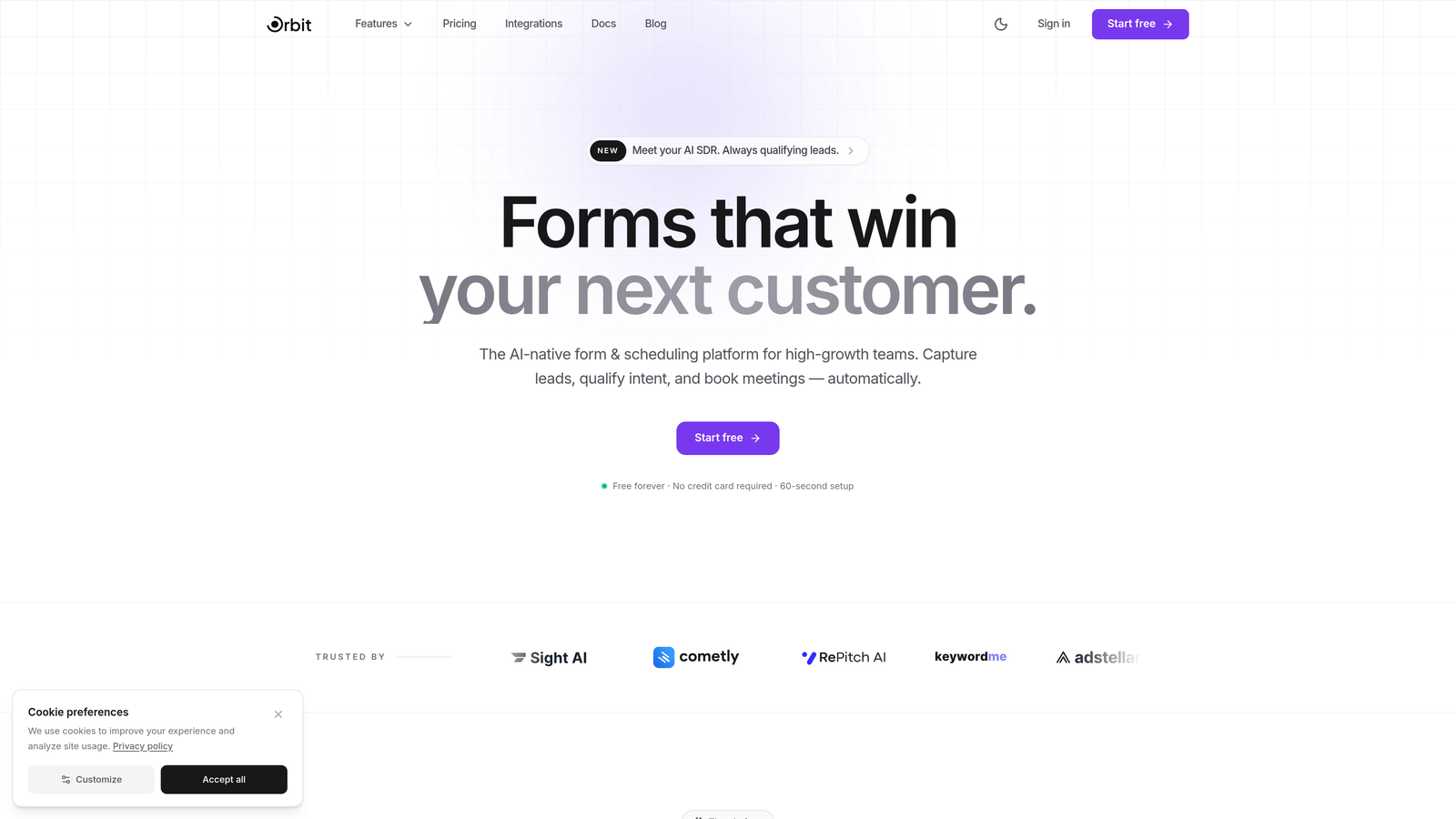
Orbit AI is an AI-powered form builder platform with built-in lead qualification, purpose-built for SaaS teams that can't afford to let good leads slip through generic intake flows.
Where This Tool Shines
Most form builders collect data and stop there. Orbit AI goes further by scoring and qualifying leads at the moment of submission, so your sales team receives prospects that are already ranked by fit and intent. That shift from passive data collection to active lead intelligence is what separates it from general-purpose tools on this list.
The embedding experience is built on a JavaScript SDK rather than an iframe, which means full styling control, better performance, and no sandboxing headaches. For SaaS teams who care about how their forms look and behave inside a polished product environment, that distinction matters.
Key Features
AI-Powered Lead Scoring: Qualifies and scores leads automatically at the point of capture, reducing manual triage downstream.
SaaS-Optimized Templates: Conversion-focused form templates designed around common SaaS use cases like demo requests, free trial signups, and pricing inquiries.
JavaScript SDK Embedding: Native SDK embed gives you complete styling control without iframe constraints or performance penalties.
Conditional Logic and Dynamic Fields: Forms adapt in real time based on user input, creating personalized paths that improve completion rates.
CRM and Marketing Automation Integrations: Connects with the CRM and automation tools your revenue team already relies on, keeping your stack unified.
Best For
SaaS companies running high-volume lead generation who want qualification baked into the form experience itself. Particularly valuable for teams with a sales motion that depends on lead scoring, or for growth teams tired of passing unqualified contacts to sales.
Pricing
Visit orbitforms.ai for current plan details. A free starting option is available.
2. Typeform
Best for: Teams that prioritize form engagement and completion rates through conversational design.
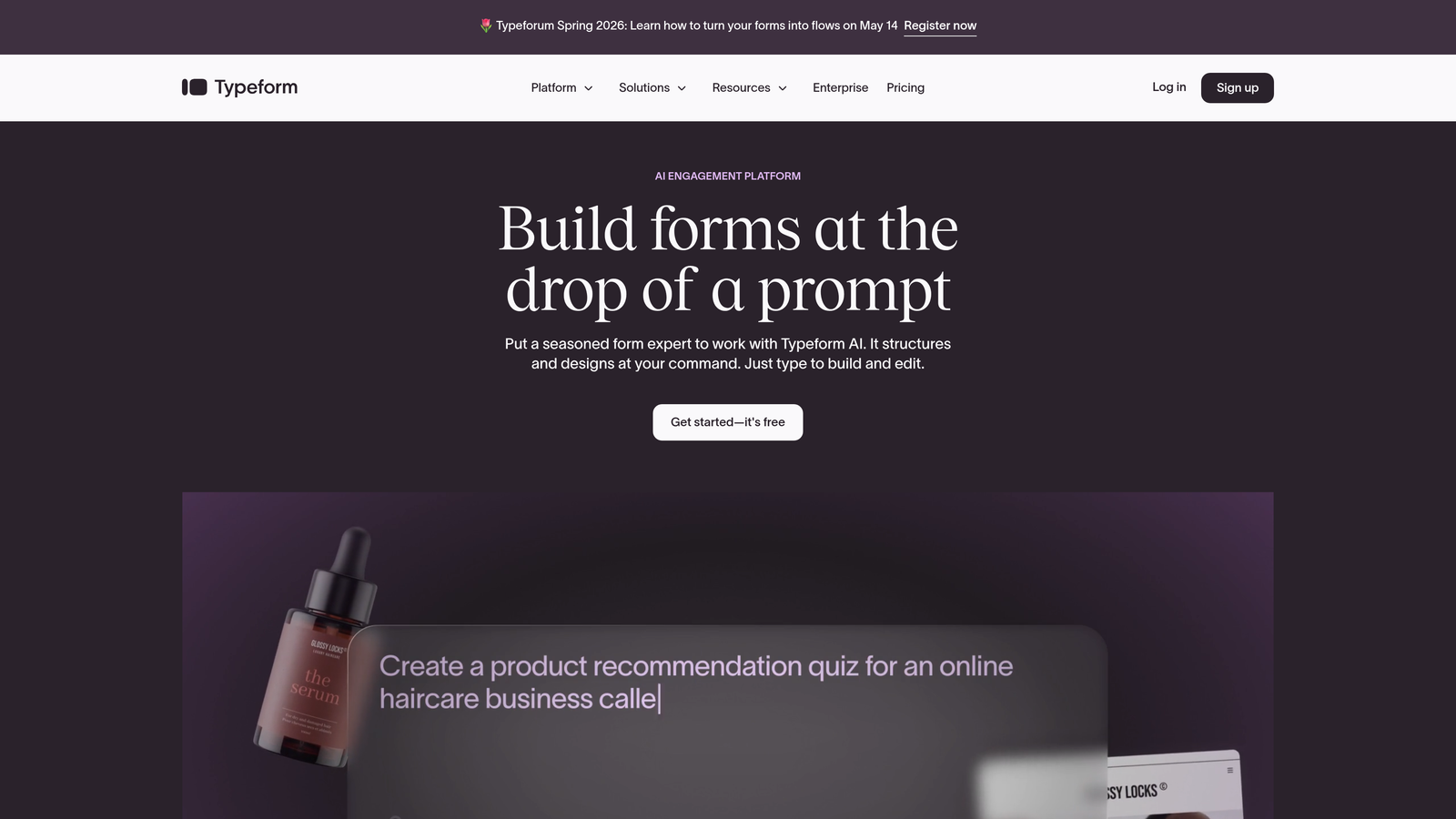
Typeform is a conversational form builder known for its one-question-at-a-time interface that creates engaging, high-completion embedded experiences.
Where This Tool Shines
Typeform's signature format makes forms feel less like forms and more like conversations. For SaaS products where brand experience matters, that distinction can meaningfully improve how prospects perceive your company from their very first interaction.
The embed options are flexible: inline, popup, slider, and full-page takeover. Combined with strong visual customization, Typeform can feel native to almost any SaaS product or marketing site without looking like a bolted-on third-party tool.
Key Features
Conversational One-Question Format: Reduces cognitive load and improves completion by presenting one field at a time.
Brand Customization: Fonts, colors, backgrounds, and button styles can be matched precisely to your product's visual identity.
Logic Jumps and Branching: Personalized form paths based on answers keep the experience relevant to each respondent.
Native SaaS Integrations: Connects directly with HubSpot, Slack, Zapier, and other tools common in SaaS stacks.
Multiple Embed Types: Popup, slider, inline, and side tab options give you flexibility in how and where forms appear.
Best For
Marketing and growth teams focused on top-of-funnel engagement where form aesthetics and completion rates are the primary concern. Less ideal for teams that need deep lead scoring or complex CRM routing logic out of the box.
Pricing
Free plan available. Paid plans start at approximately $25 per month, with higher tiers unlocking advanced logic and integrations.
3. Jotform
Best for: SaaS teams that need extensive templates and native payment processing in one platform.
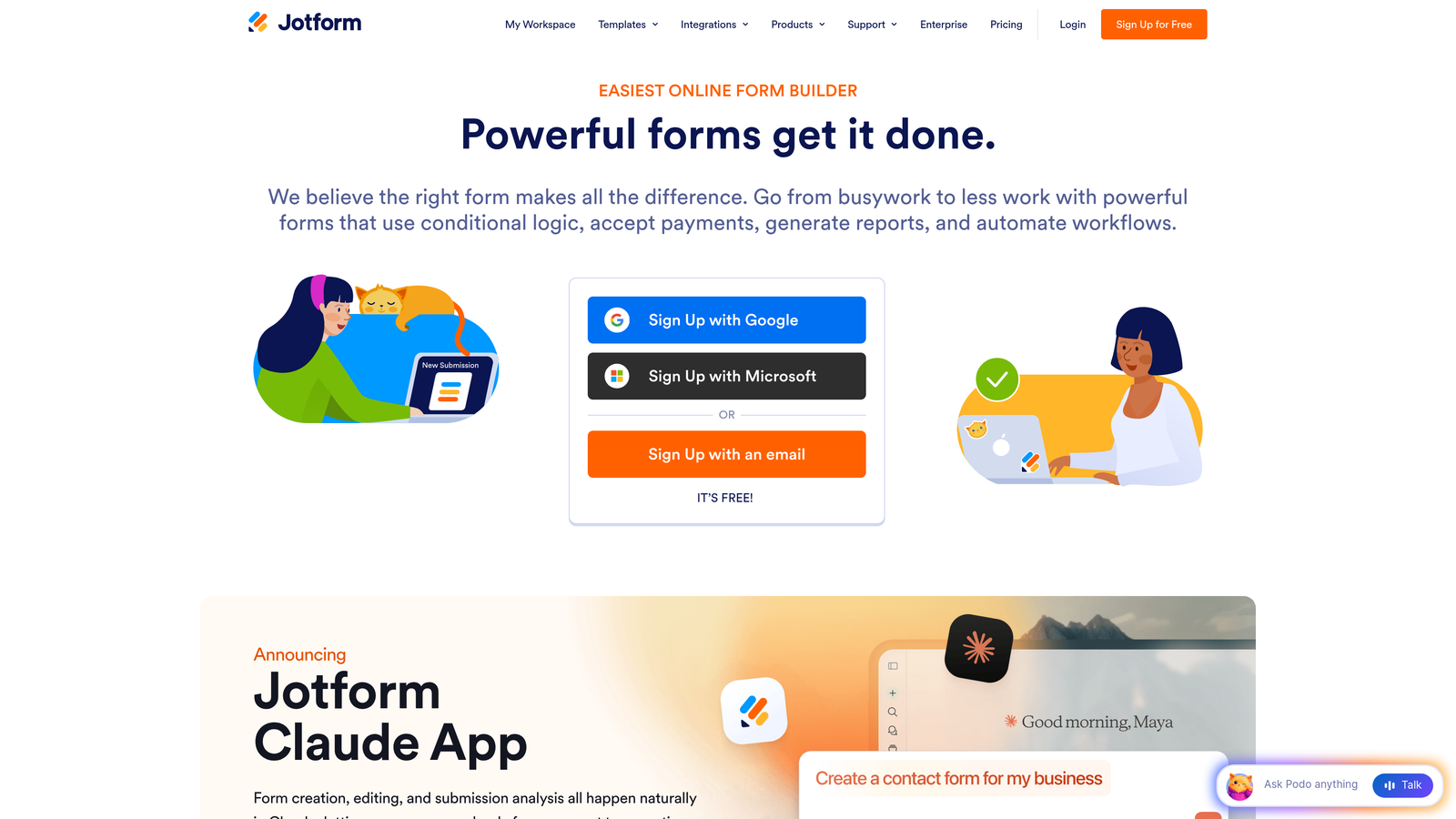
Jotform is a feature-rich form builder with thousands of templates, native payment processing, and flexible embedding options suited to complex SaaS workflows.
Where This Tool Shines
Jotform's template library is genuinely vast, covering virtually every SaaS intake scenario you can imagine. If your team needs to spin up forms quickly without starting from scratch, that library alone saves significant time.
The native payment integrations with Stripe, PayPal, and Square make Jotform particularly useful for SaaS companies that collect payments directly through forms, whether for one-time purchases, deposits, or plan upgrades. That capability is built in rather than bolted on.
Key Features
10,000+ Templates: Covers virtually every form use case, from lead capture to onboarding surveys to payment collection.
Native Payment Processing: Built-in integrations with Stripe, PayPal, and Square for direct payment collection.
Conditional Logic and Multi-Page Forms: Complex branching and multi-step flows without requiring custom code.
Multiple Embed Methods: Iframe, lightbox, and inline embedding give teams flexibility across different page types.
Jotform Tables: A built-in submission management interface that keeps response data organized without needing a separate tool.
Best For
Operations-heavy SaaS teams managing a high volume of form types, or companies that need payment collection alongside standard lead capture without stitching together multiple platforms.
Pricing
Free plan available with usage limits. Paid plans start at approximately $34 per month.
4. Tally
Best for: Lean SaaS teams that need unlimited forms without a large monthly commitment.
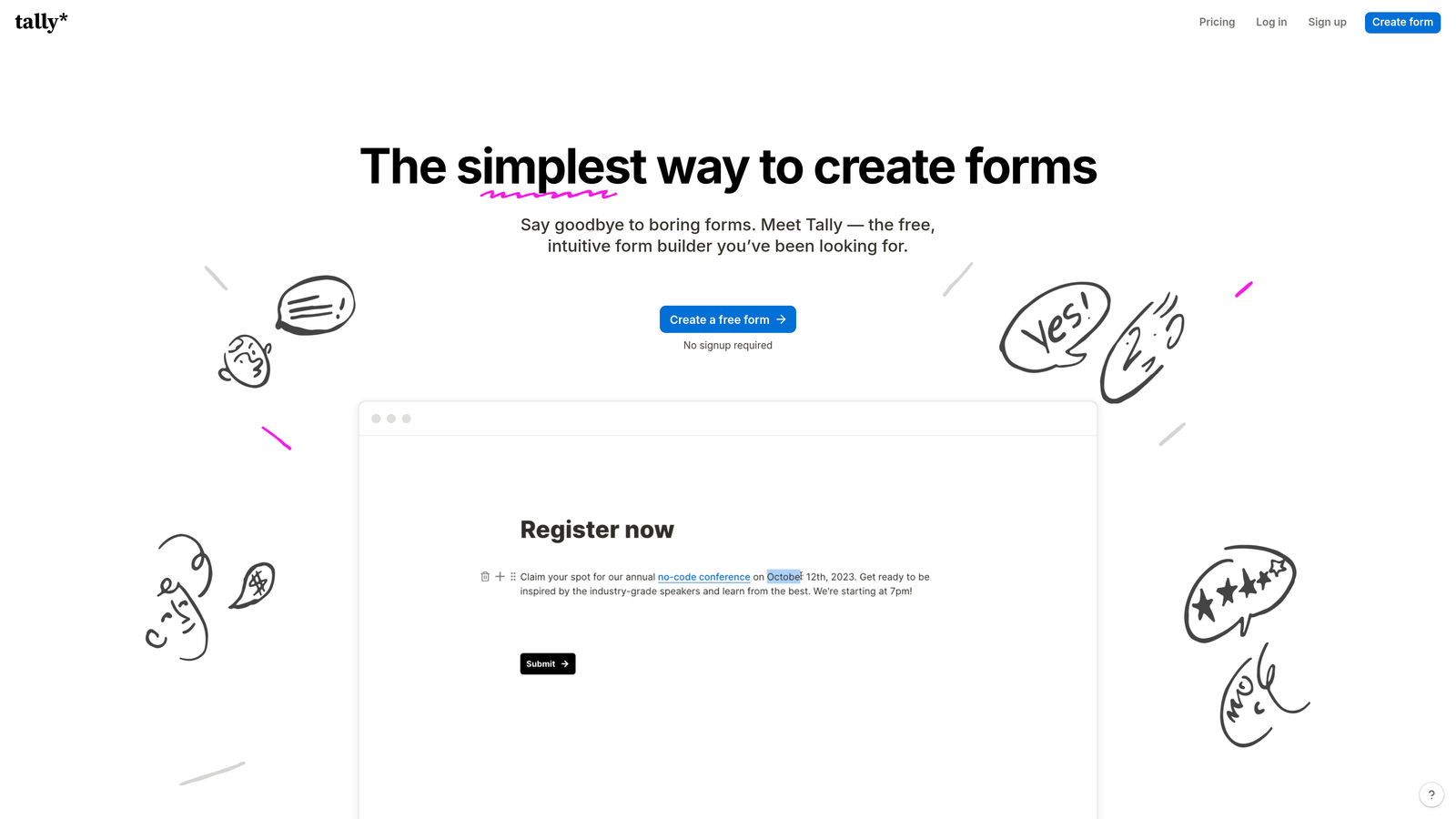
Tally is a minimalist, Notion-style form builder offering unlimited forms and submissions on its free plan, making it a standout option for early-stage or resource-conscious SaaS teams.
Where This Tool Shines
Tally's free tier is genuinely generous in a market where most competitors cap submissions or features quickly. For startups and growth-stage teams running experiments across multiple form types, unlimited forms and submissions remove a friction point that would otherwise require constant plan monitoring.
The editor experience mirrors Notion's block-based interface, which means anyone comfortable with modern productivity tools can build a form in minutes. There's no steep learning curve, which matters when your team is moving fast.
Key Features
Unlimited Free Forms and Submissions: No artificial caps on the free tier, which is rare in this category.
Notion-Style Editor: Block-based form building that's fast and intuitive for teams already in the Notion ecosystem.
Conditional Logic and Hidden Fields: Smart form behavior without requiring a paid upgrade.
White-Label Embedding: Remove Tally branding and apply custom styling on the Pro plan.
Zapier, Webhooks, and Native Connectors: Integrates with the tools in your stack without requiring custom development.
Best For
Early-stage SaaS companies, indie hackers, and lean product teams that need reliable, good-looking forms without a large monthly bill. Teams that need enterprise-grade lead scoring or deep CRM routing will likely outgrow it.
Pricing
Free plan is genuinely capable. Tally Pro is approximately $29 per month and adds white-labeling and priority support.
5. HubSpot Forms
Best for: SaaS teams already running their revenue operations inside HubSpot's CRM ecosystem.
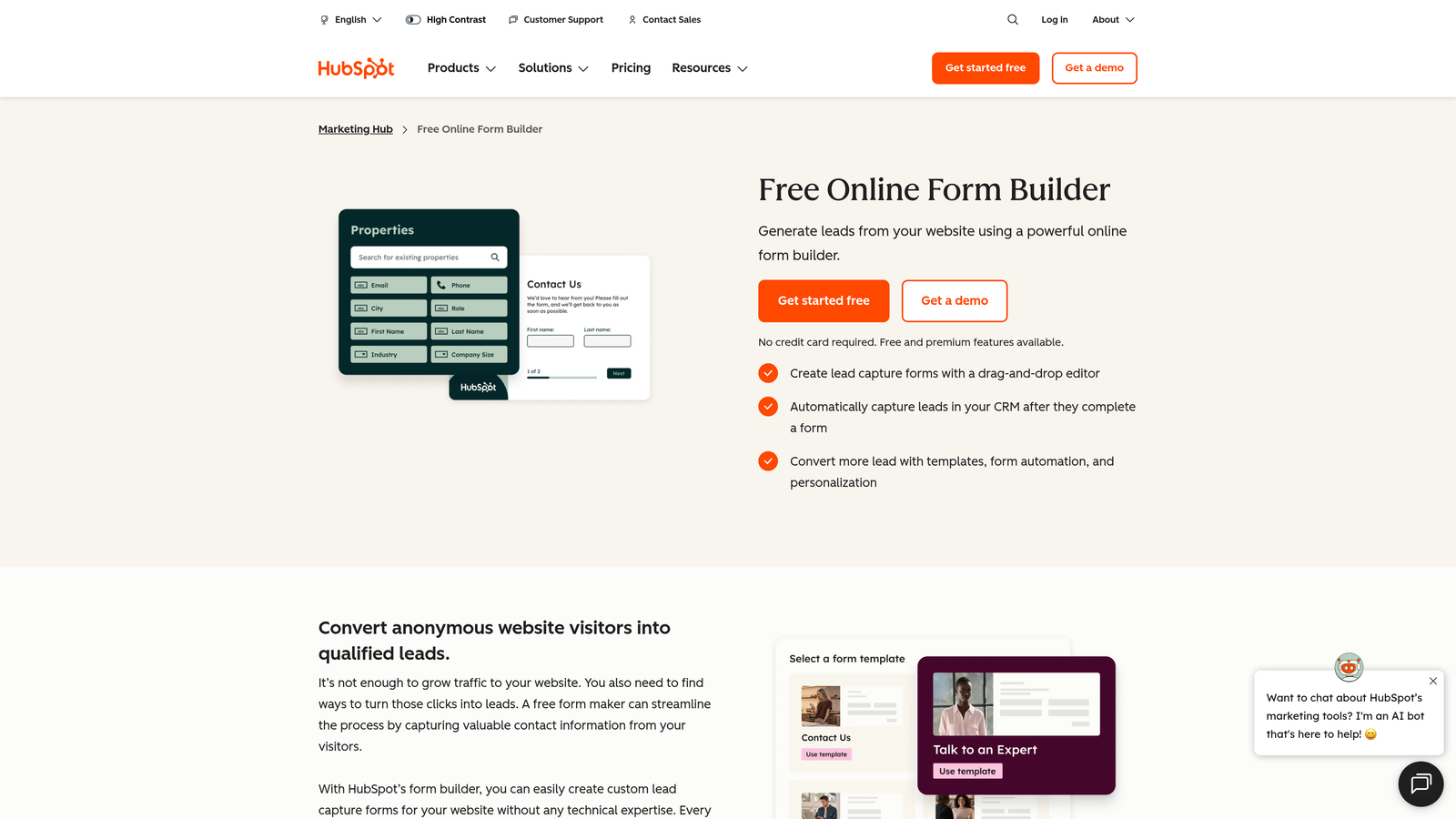
HubSpot Forms is a CRM-native form builder that feeds submissions directly into HubSpot's contact records, workflows, and lead scoring system without any middleware required.
Where This Tool Shines
If your team lives in HubSpot, this is the path of least resistance. Every form submission automatically creates or updates a contact record, triggers workflows, and feeds into your lead scoring model. That native integration eliminates the sync delays and field mapping errors that come with connecting a third-party form tool to your CRM.
Progressive profiling is a standout feature: returning visitors won't see fields they've already filled in. Instead, HubSpot surfaces new questions to enrich the contact record over time. For SaaS companies running content-heavy inbound strategies, that capability meaningfully reduces friction for repeat visitors.
Key Features
Native CRM Integration: Submissions auto-create or update contact records with zero manual sync required.
Progressive Profiling: Returning visitors see new questions instead of repeated fields, enriching CRM data incrementally.
Smart and Dependent Fields: Fields adapt based on existing CRM data about the visitor.
Embedded, Popup, and Standalone Options: Flexible placement across your marketing and product surfaces.
Free Tier Within HubSpot CRM: Basic form functionality available at no cost for teams already using HubSpot.
Best For
Revenue teams with HubSpot as their system of record. If you're not already in HubSpot, the value proposition diminishes significantly since you'd be adopting an entire CRM platform just for form functionality.
Pricing
Free within HubSpot CRM. Advanced features unlock in Marketing Hub Starter at approximately $20 per month, scaling up with contact volume and feature tiers.
6. Fillout
Best for: Product and ops teams that need smart forms with native database integrations and advanced logic.
Fillout is a modern form builder with powerful conditional logic, calculation fields, and native connections to databases like Airtable, Notion, and Supabase.

Where This Tool Shines
Fillout sits in an interesting position: it's more capable than most lightweight builders but more accessible than enterprise platforms. The native integrations with Airtable, Notion, Google Sheets, and Supabase make it particularly well-suited for product teams that manage their data outside of traditional CRMs.
The calculation fields deserve specific mention. If your SaaS product involves pricing configurators, quoting tools, or intake forms that need to do math based on user inputs, Fillout handles that without custom code. That's a capability many competitors in this price range simply don't offer.
Key Features
Advanced Conditional Logic: Complex branching and show/hide rules that respond dynamically to user input.
Calculated Fields: Perform math and logic operations based on form inputs, useful for pricing and quoting flows.
Native Database Integrations: Direct connections to Airtable, Notion, Google Sheets, and Supabase without middleware.
Custom Themes and CSS: Full visual control for brand-matched embeds that feel native to your product.
Multi-Page Forms with Progress Indicators: Reduces drop-off on longer forms by giving respondents a sense of progress.
Best For
Product teams and technical operators who work with modern data stacks and need forms that connect directly to their databases. Also strong for teams building pricing calculators or intake flows that require in-form computation.
Pricing
Free plan available. Paid plans start at approximately $19 per month, making it one of the more affordable options with this level of technical capability.
7. Paperform
Best for: SaaS teams that want to combine rich content and form functionality in a single embedded experience.
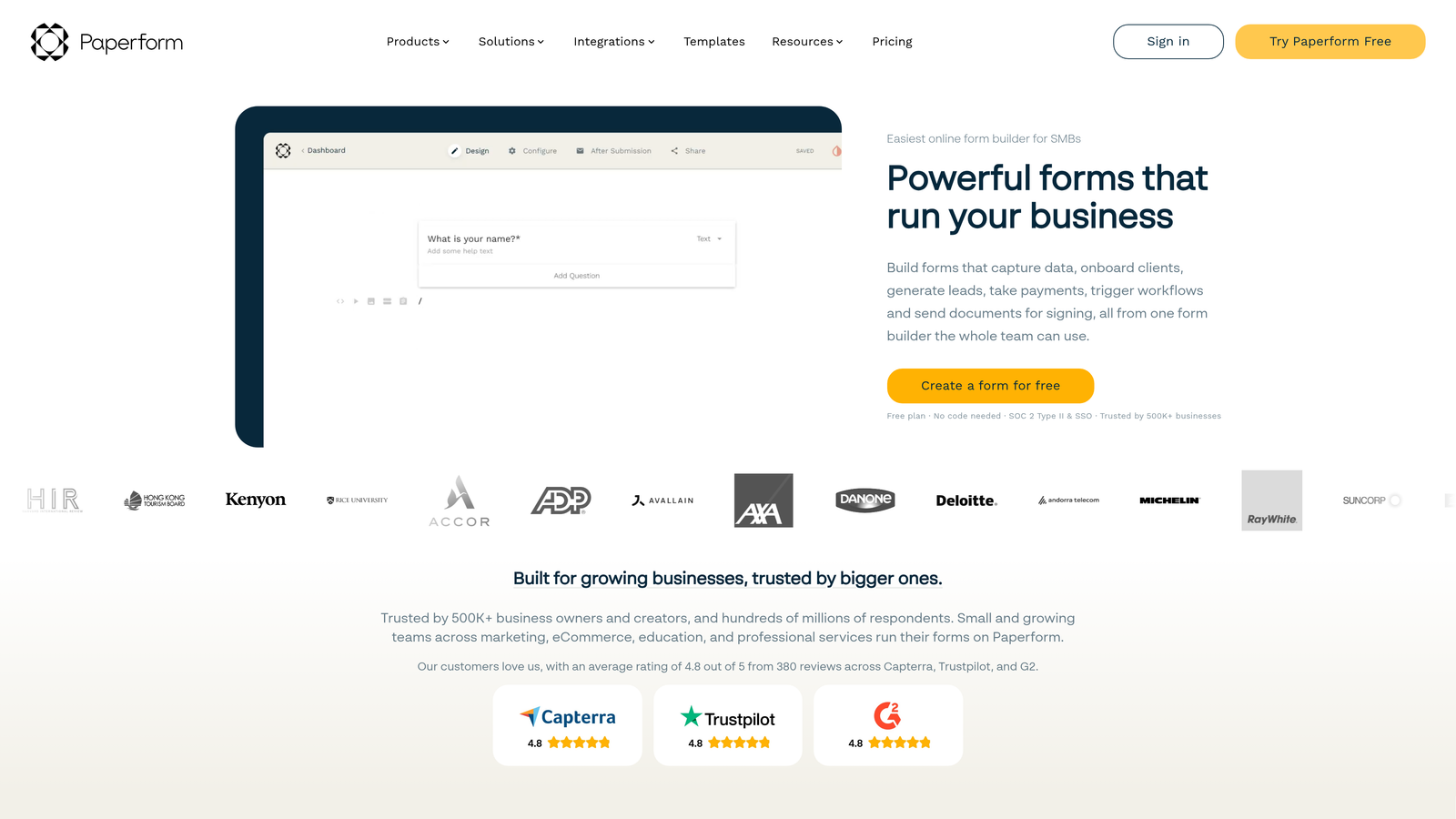
Paperform is a form builder that doubles as a lightweight landing page creator, letting teams embed rich, content-heavy form experiences with text, images, and video woven directly into the layout.
Where This Tool Shines
Paperform's core differentiator is that it blurs the line between a form and a landing page. You can embed explanatory copy, product screenshots, or video alongside your form fields in a single cohesive layout. For SaaS demo requests or onboarding flows where context helps conversion, that flexibility is genuinely useful.
The built-in payment processing via Stripe, Braintree, and Square means you can handle transactions directly within the form experience, without redirecting users to a separate checkout page. That's a meaningful UX improvement for SaaS products that want to reduce friction in paid conversion flows.
Key Features
Rich Content Embedding: Mix text, images, and video directly into form layouts for context-rich experiences.
Built-In Payment Processing: Accept payments via Stripe, Braintree, and Square without a separate checkout tool.
Conditional Logic and Calculations: Smart form behavior and in-form math for dynamic, personalized flows.
SEO-Friendly Standalone Pages: Forms can live as standalone pages or be embedded via flexible embed codes.
1,000+ Integrations: Connects to your existing stack via Zapier and direct native connectors.
Best For
Marketing teams building conversion-focused demo request pages, event registration flows, or paid onboarding sequences where content and form functionality need to coexist in one place.
Pricing
Plans start at approximately $24 per month. No free tier is available, though a trial period is offered.
8. Formstack
Best for: Enterprise SaaS teams in regulated industries that need compliance certifications and advanced workflow automation.
Formstack is an enterprise-grade form platform with HIPAA, GDPR, and SOC 2 compliance options, advanced approval workflows, and document generation capabilities.
Where This Tool Shines
Formstack is built for organizations where data handling isn't just a preference but a legal requirement. If your SaaS product operates in healthcare, finance, or any regulated vertical, the compliance certifications alone can justify the platform over alternatives that treat security as an afterthought.
The document generation feature sets Formstack apart from most competitors on this list. Submissions can automatically populate branded documents, contracts, or reports, which is particularly valuable for SaaS companies with complex sales processes that require signed agreements or custom proposals as part of the onboarding flow.
Key Features
Compliance Certifications: HIPAA, GDPR, and SOC 2 options for regulated SaaS environments.
Advanced Workflow Automation: Approval routing and multi-step workflows that go beyond basic form-to-email notifications.
Document Generation: Automatically populate documents, contracts, and reports from form submission data.
Role-Based Access Controls: Team management and permission settings for larger organizations with multiple stakeholders.
Salesforce-Native Edition: Deep CRM integration for teams running their revenue operations in Salesforce.
Best For
Enterprise SaaS companies in regulated industries, or organizations with complex internal approval workflows that require more than a simple form-to-CRM connection. Overkill for early-stage teams.
Pricing
Plans start at approximately $50 per month. Enterprise pricing is available for larger organizations with advanced compliance and workflow needs.
9. Cognito Forms
Best for: Cost-conscious SaaS teams that need calculation-heavy forms and payment collection without a large budget.
Cognito Forms is a budget-friendly form builder with surprisingly powerful calculation logic and native payment collection, well-suited for teams that need capability without the premium price tag.
Where This Tool Shines
Cognito Forms punches above its weight on calculation fields. If you're building pricing configurators, quote request forms, or intake flows that need to compute totals, apply discounts, or run conditional math based on user selections, Cognito handles this more robustly than most tools in its price range.
The repeating sections feature is genuinely rare and useful: respondents can add multiple instances of a field group, which is ideal for SaaS companies collecting information about multiple team members, multiple products, or multiple line items in a single form submission.
Key Features
Advanced Calculation Fields: Pricing logic, totals, and conditional math built directly into form fields.
Payment Collection: Native integrations with Stripe, PayPal, and Square for direct transaction processing.
Repeating Sections: Allow respondents to add multiple instances of a field group within a single submission.
Data Encryption and HIPAA Compliance: Available on higher tiers for teams with data security requirements.
Generous Free Plan: Core features including calculations and conditional logic are accessible without a paid subscription.
Best For
Bootstrapped SaaS teams, early-stage startups, or companies building pricing calculators and quoting tools that need calculation power without paying enterprise rates. Teams that prioritize design polish or AI-driven features will find it limiting.
Pricing
Free plan available with core features included. Paid plans start at approximately $15 per month, making it one of the most affordable options with this level of calculation capability.
Finding the Right Fit for Your SaaS Stack
The best embedded form solution for your SaaS team depends on where you are in your growth journey and what your form needs to do beyond collecting data.
If you're a high-growth team that wants forms to actively qualify and score leads at the point of capture, Orbit AI is the purpose-built choice. It's the only platform on this list that brings AI-powered lead qualification into the form experience itself, which means less manual triage and better-quality leads handed to sales.
For teams already deep in HubSpot, HubSpot Forms is the obvious path for seamless CRM sync and progressive profiling. If compliance is a hard requirement, Formstack is the enterprise-grade option with the certifications to back it up. For lean teams watching budget, Tally and Cognito Forms offer remarkable capability at low or no cost.
Here's a quick selection guide by use case:
AI lead qualification at capture: Orbit AI
Conversational, high-engagement forms: Typeform
Deep CRM-native integration: HubSpot Forms
Regulated or enterprise environments: Formstack
Database-connected smart forms: Fillout
Maximum capability on a minimal budget: Tally or Cognito Forms
The trend in 2026 is clear: forms that simply collect data are being replaced by forms that actively work for your revenue team. Start building free forms today with Orbit AI and see how intelligent form design, built around AI-powered lead qualification and conversion-optimized templates, can transform the first touchpoint in your sales pipeline into a genuine competitive advantage.


