

Paperform has carved out a niche as a visually flexible form builder, but high-growth teams often outgrow its limitations. Whether that's insufficient lead qualification capabilities, pricing that doesn't scale, or a lack of AI-powered features that modern conversion teams expect, the frustration is real and increasingly common.
The form builder market has matured significantly. Several platforms now offer capabilities that go well beyond what Paperform provides, and choosing the wrong one can mean leaving serious pipeline value on the table.
This guide breaks down the seven best Paperform alternatives worth considering in 2026, with a focus on what matters most to teams serious about lead generation and conversion optimization: intelligent qualification, seamless integrations, conversion-first design, and the ability to scale without friction.
Whether you're a SaaS team looking to qualify inbound leads more efficiently, a marketing agency managing multiple client forms, or a growth team trying to squeeze more conversions out of every touchpoint, this list will help you identify the right fit. Each alternative is evaluated on its own merits — not just as a Paperform replacement, but as a platform capable of driving real pipeline outcomes.
1. Orbit AI — Built for Lead Qualification, Not Just Data Collection
The Challenge It Solves
Most form builders treat every submission equally. They capture data, send a notification, and leave your sales team to manually sort through responses to find the leads worth pursuing. For high-growth B2B and SaaS teams, that manual review process becomes a bottleneck fast. The real problem isn't volume — it's the lack of intelligence at the point of capture.
The Strategy Explained
Orbit AI is an AI-powered form builder designed from the ground up for lead qualification and conversion optimization. Rather than treating forms as static data collection tools, Orbit AI embeds qualification logic directly into the form experience. Think conditional branching that adapts based on responses, lead scoring that surfaces high-intent prospects automatically, and pipeline-focused analytics that connect form performance to actual revenue outcomes.
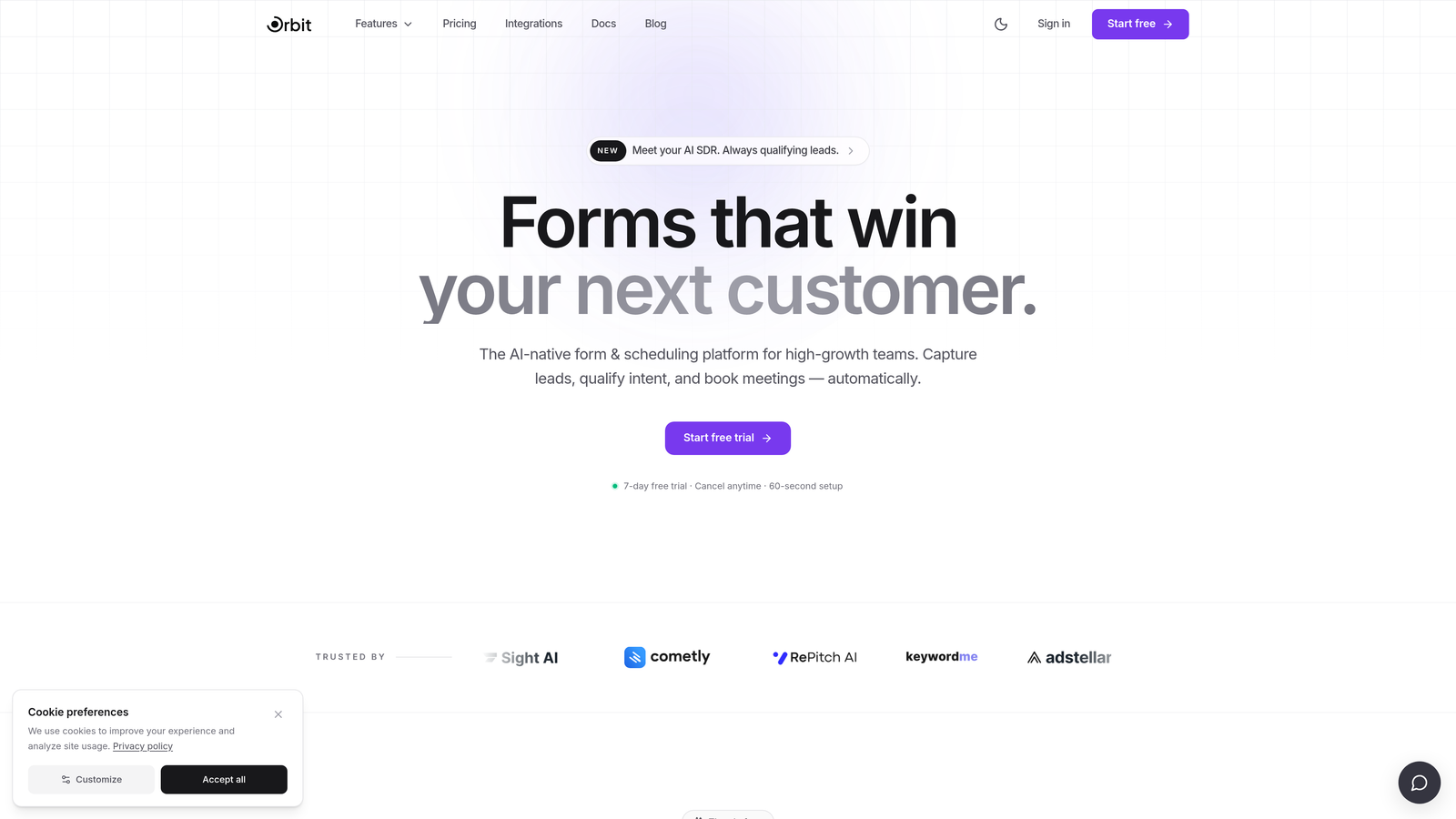
The platform is built for teams who treat their forms as revenue infrastructure. You get beautiful, conversion-optimized design without needing a developer, and intelligent routing that ensures the right leads reach the right people without manual intervention. For teams that have outgrown Paperform's visual flexibility but need something smarter, Orbit AI is the natural next step.
Implementation Steps
1. Map your current qualification criteria — whether that's BANT, CHAMP, or a custom framework — and identify which questions are essential for scoring lead quality. Check out this guide on lead qualification frameworks for sales to structure your thinking.
2. Build your form using Orbit AI's drag-and-drop builder, embedding conditional logic so the form adapts based on how prospects respond — revealing only the questions relevant to their situation.
3. Configure lead scoring rules so high-intent submissions trigger immediate notifications or CRM updates, while lower-quality leads enter a nurture sequence automatically.
4. Connect Orbit AI to your existing CRM and marketing automation stack via native integrations, ensuring no lead data lives in isolation.
5. Monitor conversion performance using Orbit AI's pipeline-focused analytics and iterate on form fields, copy, and logic based on what the data shows.
Pro Tips
Start with fewer fields than you think you need. Form field friction is one of the most commonly cited reasons for low submission rates, and Orbit AI's qualification logic means you can gather intelligence progressively rather than front-loading your form with every possible question. Learn more about optimal form length for lead generation to maximize your completion rates from day one.
2. Typeform — Conversational Design with Strong Brand Appeal
The Challenge It Solves
Long, static forms are intimidating. When a prospect lands on a form with fifteen visible fields, a meaningful portion will abandon before completing it. The challenge is making the data-gathering experience feel less like a questionnaire and more like a conversation — particularly for longer forms where drop-off is most pronounced.
The Strategy Explained
Typeform's one-question-at-a-time format is its defining feature, and it works well for creating a more engaging form experience. The platform has strong brand recognition and a polished design aesthetic that makes it a popular choice for teams where visual presentation matters. Its conversational flow tends to reduce the perceived effort of completing a form, which can improve completion rates on longer sequences.
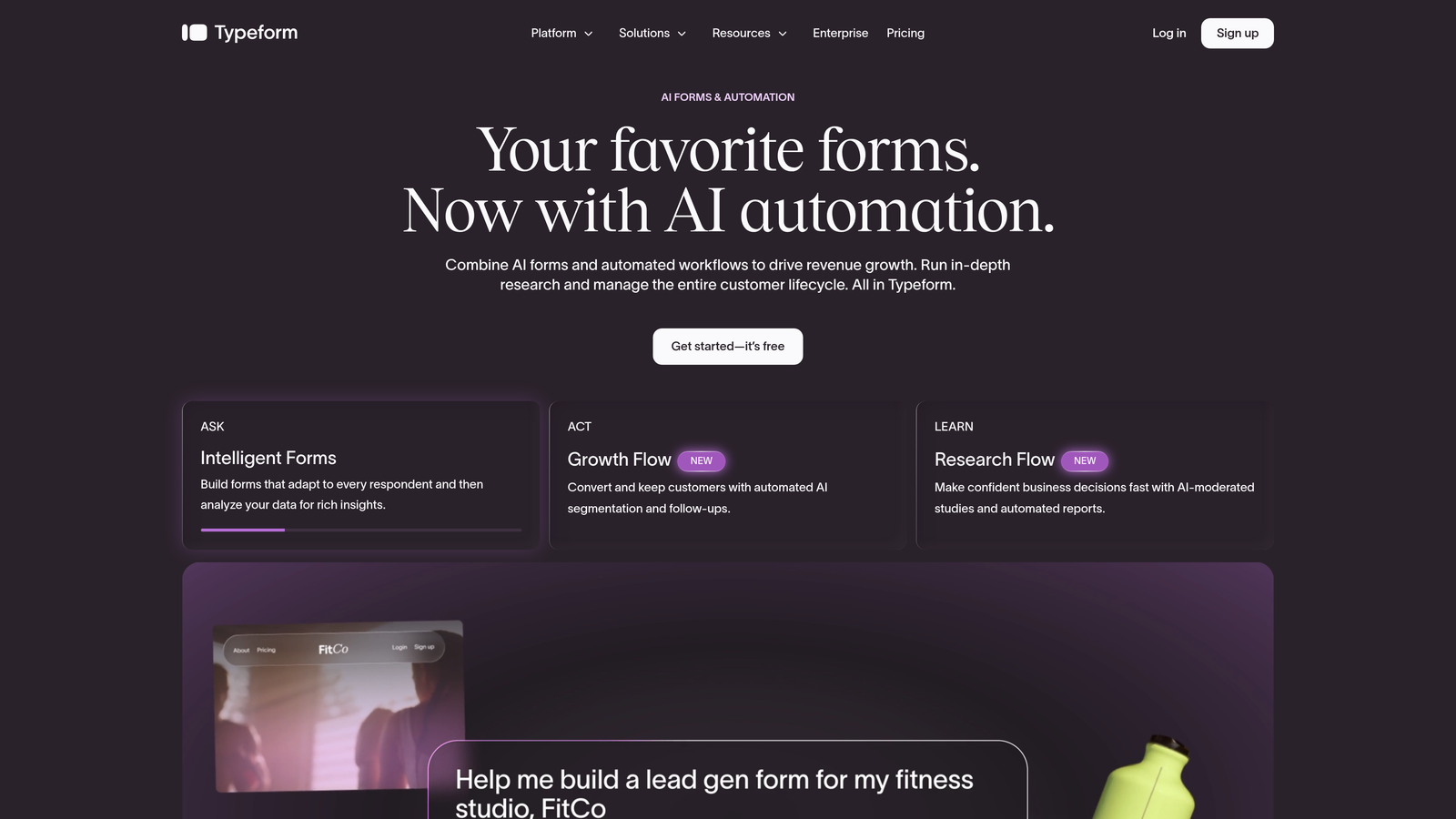
That said, Typeform is not a lead qualification platform in the true sense. It lacks native AI-powered lead scoring, meaning teams that need intelligent qualification will need to layer in third-party integrations to replicate that functionality. For teams whose primary need is a beautiful, on-brand form experience rather than pipeline intelligence, Typeform remains a strong contender. But if qualification is central to your workflow, you'll be building workarounds from day one.
Implementation Steps
1. Identify the forms in your stack where conversational flow would have the highest impact — typically longer surveys, onboarding sequences, or high-stakes lead capture forms.
2. Build your Typeform using logic jumps to create branching paths based on responses, simulating a qualification flow even without native scoring.
3. Connect Typeform to your CRM via Zapier or a native integration, and set up tagging rules to segment submissions based on key response combinations.
Pro Tips
Typeform works best when the brand experience is a primary concern — think high-touch B2C campaigns or enterprise sales processes where first impressions carry significant weight. If you're evaluating it as a Paperform alternative, also consider exploring Typeform alternatives for lead generation to understand what's available across the broader market before committing. Teams with complex B2B lead generation needs often find that the integration overhead required to replicate qualification logic adds more friction than it removes.
3. Tally — A Lightweight Option for Simple Use Cases
The Challenge It Solves
Not every form needs to be a lead qualification engine. Early-stage teams, indie makers, and solo operators often need a fast, simple way to collect information without a steep learning curve or a monthly subscription that feels disproportionate to their current needs. The challenge is finding something functional without the overhead.
The Strategy Explained
Tally is a Notion-inspired form builder with a generous free tier that has made it popular among early-stage startups and lightweight use cases. Its block-based editor feels familiar to anyone who has used Notion, and the platform handles basic form creation with minimal friction. For simple data collection — event registrations, internal surveys, feedback forms — it gets the job done efficiently.
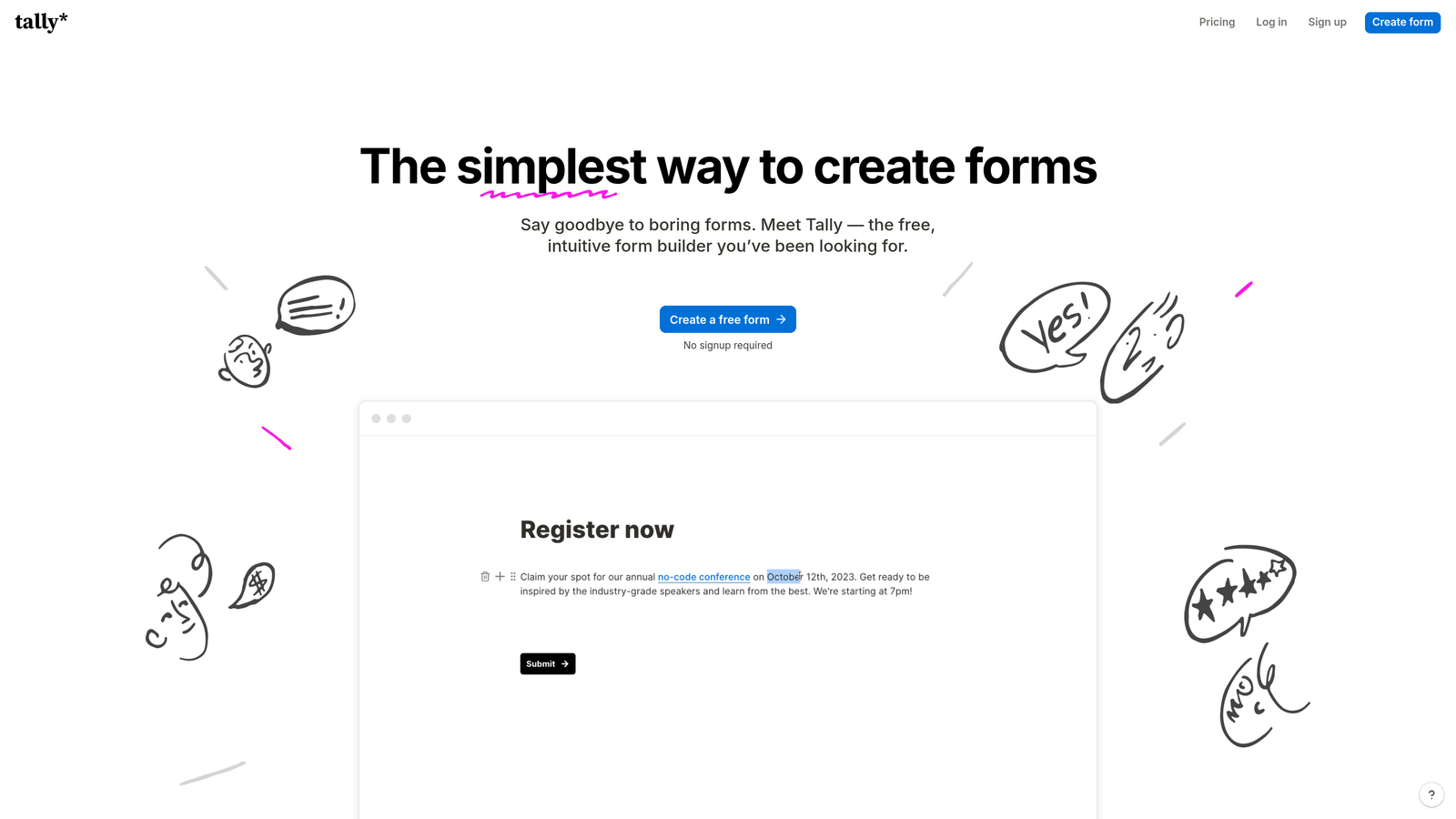
Where Tally falls short is in the complexity that high-growth teams require. Advanced conditional logic, lead scoring, CRM-native integrations, and conversion analytics are either limited or absent. Teams managing sophisticated lead generation workflows will quickly find themselves working around Tally's constraints rather than being supported by them. It's an excellent starting point, but not a platform built to scale with your pipeline ambitions.
Implementation Steps
1. Assess whether your use case genuinely requires advanced qualification logic. If you're collecting simple responses without scoring or routing needs, Tally may be sufficient.
2. Use Tally's free tier to build and test basic forms, integrating with tools like Notion or Google Sheets for response management.
3. Establish clear criteria for when you'll migrate to a more capable platform — for most growth teams, that moment arrives when manual lead review starts consuming meaningful sales time.
Pro Tips
Think of Tally as a stepping stone rather than a long-term solution for lead generation. It's well-suited to teams in the zero-to-one phase who need something functional today and plan to invest in more sophisticated infrastructure as they scale. When that moment arrives, exploring the best lead capture tools for startups will help you identify platforms with native qualification capabilities that pay dividends quickly.
4. Jotform — Enterprise-Grade Features with Broad Template Coverage
The Challenge It Solves
Regulated industries and enterprise teams face a specific set of challenges around form building: compliance requirements, security standards, and the need for deep integration with complex tech stacks. Finding a platform that can handle HIPAA compliance, advanced permissions, and thousands of use cases without requiring custom development is a genuine pain point for these organizations.
The Strategy Explained
Jotform is one of the most established players in the form builder market, and its depth is genuinely impressive. With thousands of templates, extensive integration options, and strong compliance credentials including HIPAA support, it's a natural fit for healthcare, legal, financial services, and enterprise teams with strict security requirements. The platform can handle complex workflows and has the breadth to support a wide range of organizational needs.
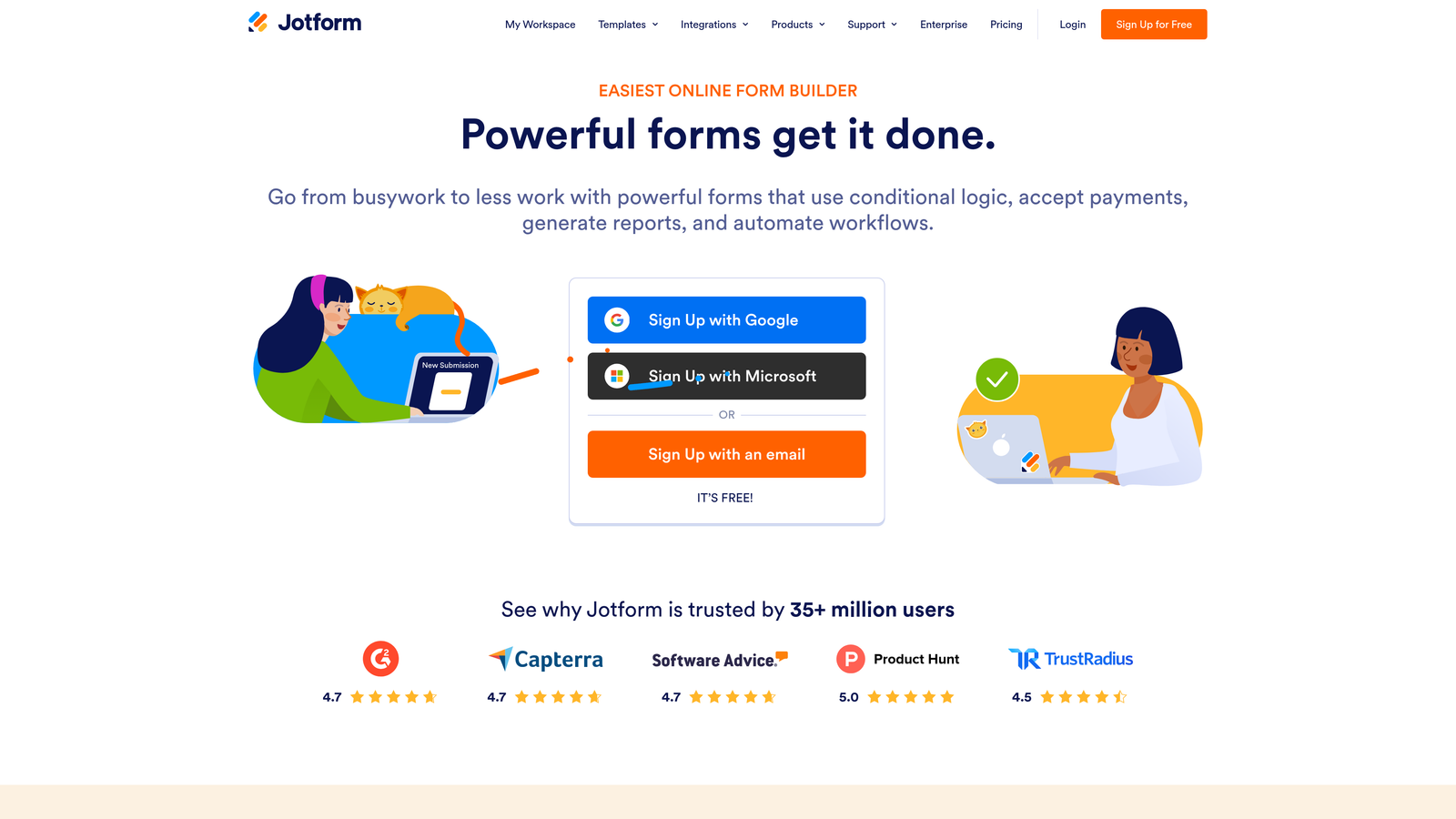
The trade-off is that Jotform can feel heavy for lean, fast-moving growth teams. The interface is feature-rich to the point of complexity, and navigating its capabilities requires a meaningful time investment. For teams prioritizing speed, conversion optimization, and AI-powered lead qualification over compliance depth and template volume, Jotform's strengths may not align with their priorities. It's a powerful tool — but powerful in ways that matter most to enterprise and regulated-industry buyers. Understanding form design best practices for conversions specific to your industry will help you determine whether Jotform's compliance capabilities are genuinely necessary for your situation.
Implementation Steps
1. Audit your compliance requirements first. If HIPAA, GDPR, or other regulatory frameworks are non-negotiable, Jotform's compliance infrastructure may justify its complexity.
2. Explore Jotform's template library to find a starting point relevant to your use case, then customize using the drag-and-drop builder.
3. Connect Jotform to your existing systems using its integration library, prioritizing your CRM and any compliance-specific tools your organization requires.
Pro Tips
Jotform is genuinely excellent for what it's designed to do — serve complex, compliance-sensitive enterprise environments. If that's your context, it deserves serious consideration. But if you're a growth-focused SaaS team evaluating it as a Paperform alternative because you need better lead qualification and conversion performance, the platform's enterprise orientation may introduce more complexity than it resolves. Evaluate it honestly against your actual use case, not its feature count.
5. Form Stack — Workflow Automation for Operations-Heavy Teams
The Challenge It Solves
Operations teams managing multi-step internal processes — approvals, document workflows, employee onboarding, procurement requests — need more than a form builder. They need a platform that can route submissions through defined approval chains, generate documents automatically, and integrate with the operational systems their organization runs on. Standard form builders often fall short here.
The Strategy Explained
Form Stack is positioned more as a workflow automation platform than a pure form builder, and that distinction matters. Its strength lies in orchestrating complex internal processes: multi-step approvals, document generation, e-signatures, and operational data flows. For teams managing internal workflows where forms are the trigger for a broader process, Form Stack provides meaningful infrastructure.
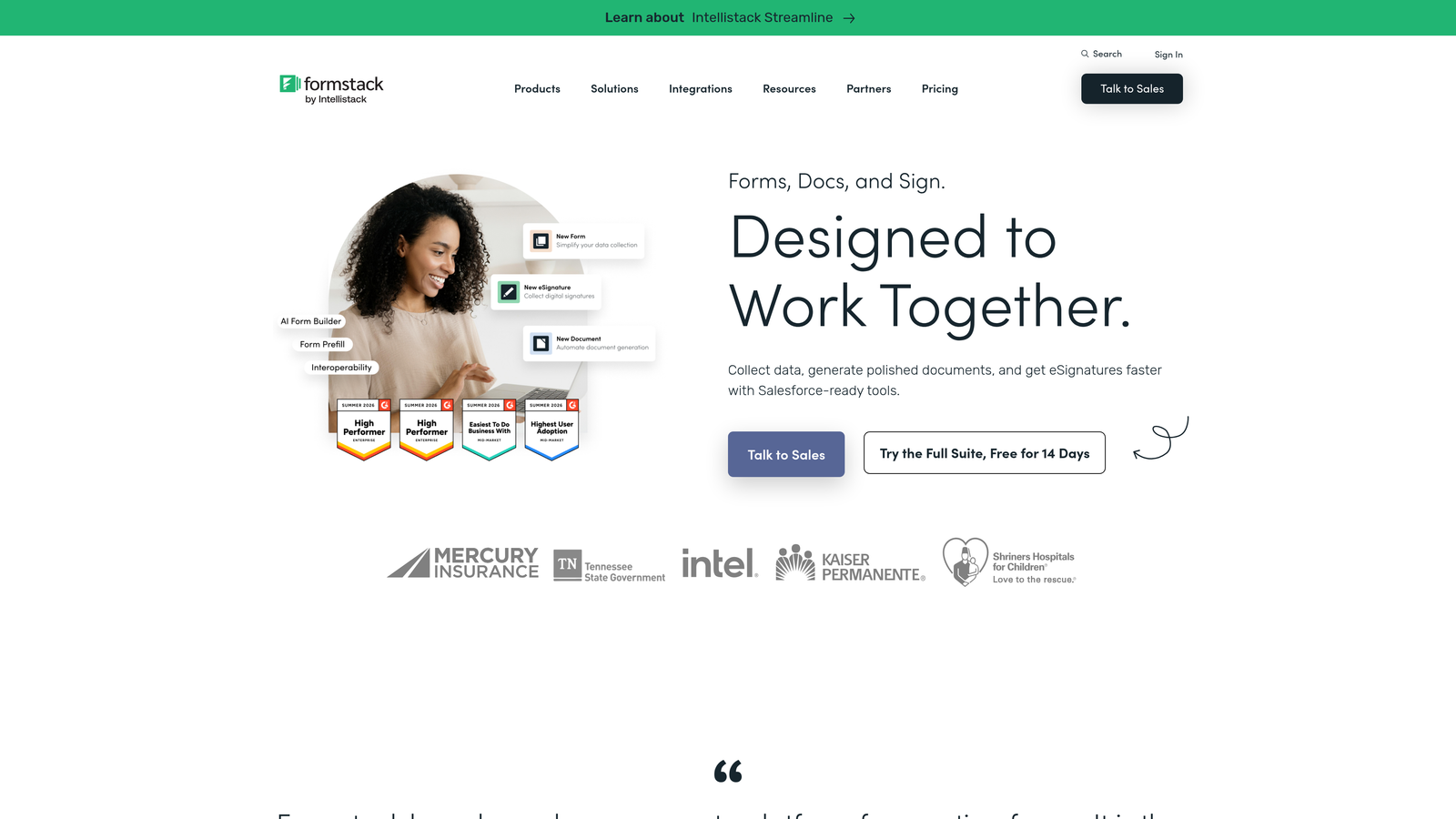
Where Form Stack is less suited is front-facing lead generation and conversion optimization. Its design aesthetic and feature prioritization reflect its operational orientation, and teams looking to maximize conversion rates on public-facing forms will find the platform's focus misaligned with their goals. It's a strong tool for the right context — but that context is operations, not pipeline generation. Teams evaluating it as a Paperform alternative for lead generation purposes should look elsewhere.
Implementation Steps
1. Clarify whether your primary need is internal workflow automation or external lead capture. Form Stack is most valuable when the answer is clearly the former.
2. Map your approval workflows and document generation requirements before building in Form Stack, as its value is most apparent when these processes are well-defined.
3. Integrate Form Stack with your operational systems — HR platforms, ERP tools, document management systems — to create end-to-end workflow automation rather than isolated form submissions.
Pro Tips
Form Stack earns its place on this list for a specific type of buyer: operations leaders who need workflow automation with forms as the entry point. If that's you, it's worth a serious evaluation alongside a review of Formstack alternatives with better analytics to ensure you're not sacrificing visibility into performance. If you're a growth or marketing team focused on improving form conversion rates and lead quality, Form Stack's operational orientation means you'd be using it against its natural grain. The better path is a platform built with conversion in mind from the start.
Putting It All Together: Choosing the Right Platform for Your Team
The right Paperform alternative depends entirely on what you're trying to accomplish. This guide has covered five distinct platforms, each with a genuine strength — but they serve meaningfully different needs.
If your primary goal is collecting simple responses and building lightweight workflows, Tally offers an accessible starting point with minimal overhead. If compliance and enterprise-grade security are non-negotiable, Jotform's depth is hard to match. If internal workflow automation is your priority, Form Stack is purpose-built for that context. If conversational design and brand experience are paramount, Typeform delivers a polished, engaging form experience.
But if you're a high-growth team where every form submission is a potential pipeline opportunity, the calculus is different. You need a platform built around lead qualification and conversion — not just data capture. The ability to score leads at the point of submission, route high-intent prospects automatically, and connect form performance directly to pipeline outcomes isn't a nice-to-have. It's the difference between forms that generate revenue and forms that generate spreadsheets.
Start by auditing your current form performance. Look at form submission rate benchmarks relevant to your industry, then assess your lead quality and how much manual work your team does post-submission. Map those pain points against the alternatives in this guide.
The best platform isn't the one with the most features. It's the one that removes friction between your audience and your pipeline — and gives your team the intelligence to act on every submission with confidence.
Orbit AI was designed specifically for teams that treat their forms as revenue infrastructure. With AI-powered lead qualification, conversion-optimized design, and a modern builder that doesn't require a developer, it's the natural next step for teams that have outgrown what Paperform offers. Start building free forms today and see how intelligent form design can transform your lead generation results.


