

Client onboarding sets the tone for every new relationship, and a clunky intake form can undermine even the best first impression. The right client onboarding form builder does more than collect information: it qualifies leads, routes responses intelligently, integrates with your CRM and project management stack, and makes clients feel like they're working with a modern, organized team from day one.
This list covers nine tools worth considering in 2026, evaluated on ease of use, onboarding-specific features like conditional logic, file uploads, e-signatures, and automation, plus integrations and pricing. Whether you're a solo consultant, a SaaS team onboarding hundreds of customers a month, or an agency managing multiple client workflows, there's a strong option here for you.
1. Orbit AI
Best for: High-growth SaaS teams that want AI-powered lead qualification built into the onboarding flow.
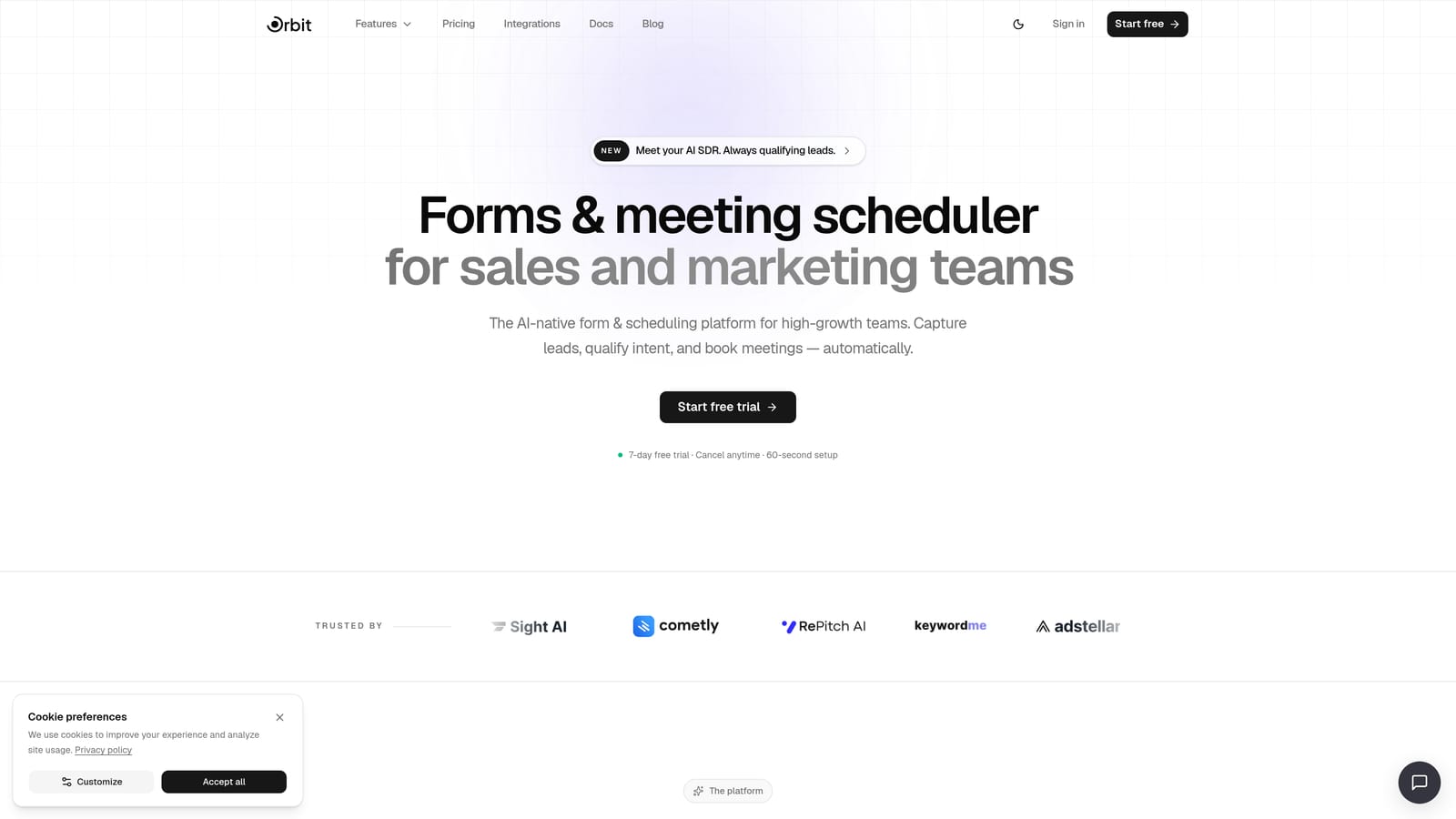
Orbit AI is an AI-powered form builder with built-in lead qualification, workflow automation, and conversion-optimized design built specifically for high-growth teams.
Where This Tool Shines
Most form builders stop at data collection. Orbit AI goes further by using AI agents to score and route incoming clients based on their form responses, turning a standard intake form into an intelligent qualification layer. That means your team spends time on the right clients from the very first interaction.
The design quality is also a genuine differentiator. Templates are built with conversion in mind, so your onboarding forms don't just function well, they look like an extension of a polished brand. For teams where first impressions matter, that combination of smart automation and beautiful design is hard to beat.
Key Features
AI Lead Qualification: Automatically scores and routes clients based on form responses, so high-value prospects get immediate attention.
Conditional Logic and Multi-Step Flows: Build adaptive forms that show only relevant questions based on previous answers, reducing friction for clients.
Native Workflow Automation and Email Sequences: Trigger follow-up emails, internal notifications, or CRM updates the moment a form is submitted.
Analytics Dashboard: Track form performance, completion rates, and drop-off points to continuously improve your onboarding funnel.
Contact Management: Form submissions feed directly into a built-in contact system, eliminating manual data entry between tools.
Brandable Templates: Conversion-optimized designs that can be styled to match your brand without needing a designer.
Best For
Orbit AI is the strongest fit for SaaS companies and high-growth teams that need onboarding forms to do double duty as a qualification and routing layer. If you're processing significant lead volume and want automation that kicks in immediately after submission, this is built for that workflow.
Pricing
Visit orbitforms.ai/pricing for current plan details. A free starting option is available.
2. Typeform
Best for: Teams that prioritize a polished, conversational onboarding experience with high completion rates.
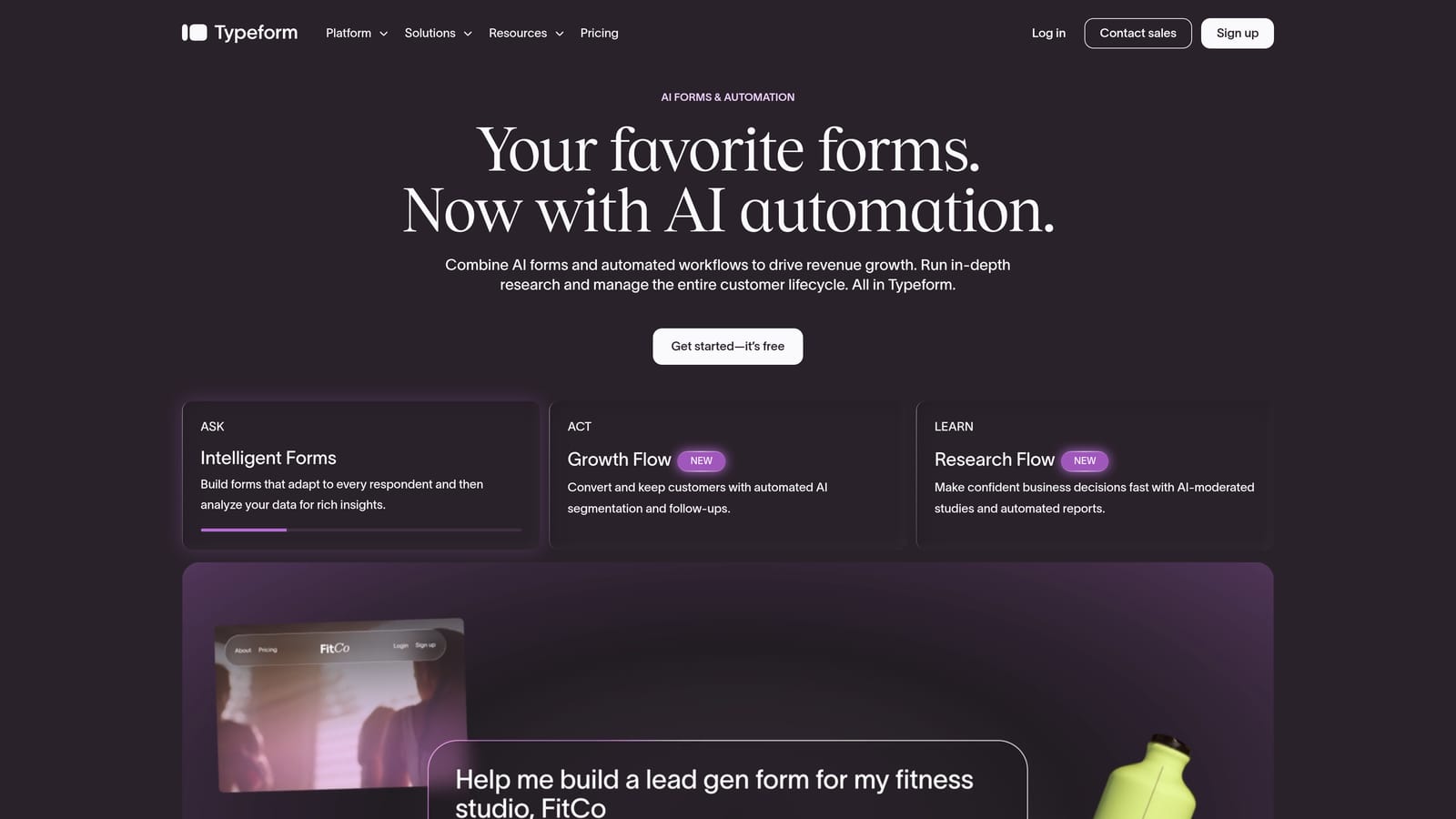
Typeform is a conversational form builder known for its one-question-at-a-time interface that drives higher engagement than traditional multi-field forms.
Where This Tool Shines
Typeform's core strength is the experience it creates for the person filling out the form. Rather than presenting a wall of fields, it guides clients through questions one at a time, which tends to feel less overwhelming and more like a conversation. For onboarding flows where you're asking clients to share detailed information, that format can meaningfully improve completion rates.
The design quality is consistently high, and logic jumps allow you to build branching flows that adapt based on client answers. If a client selects "Agency" instead of "Freelancer," they can be routed through an entirely different set of questions without any awkward irrelevant fields appearing.
Key Features
Conversational Single-Question UI: Presents one question at a time to reduce cognitive load and improve form completion.
Logic Jumps: Build branching onboarding flows that adapt based on how clients respond to earlier questions.
Native Integrations: Connects directly with HubSpot, Salesforce, Slack, and Zapier for downstream automation.
Video and Image Embeds: Add welcome videos or visual context directly within the form to personalize the onboarding experience.
Drop-Off Analytics: See exactly where clients abandon the form so you can optimize for completion.
Best For
Typeform works well for teams that want a premium-feeling onboarding experience and are willing to pay for it. It's a strong choice for B2B SaaS companies, consultants, and agencies where the form itself is a brand touchpoint. Less ideal for clients who prefer to see all fields at once before starting.
Pricing
A free plan is available with limited responses. Paid plans start at approximately $25 per month. Verify current pricing at typeform.com, as plans are updated periodically.
3. JotForm
Best for: Teams needing native e-signatures, payment collection, and deep conditional logic in a single form tool.
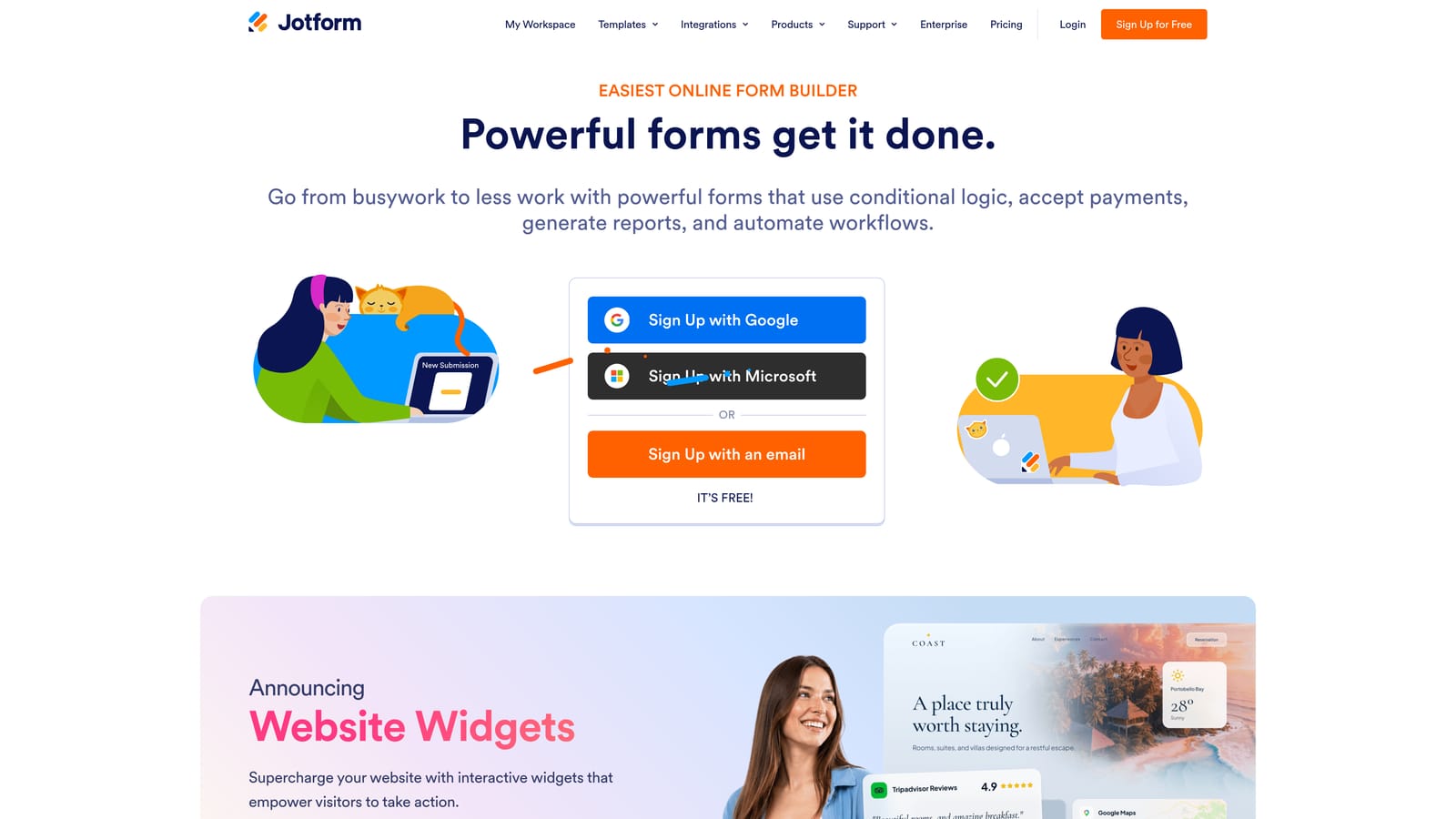
JotForm is a feature-rich form builder with over 10,000 templates, native e-signature support, payment collection, and robust conditional logic for complex onboarding workflows.
Where This Tool Shines
JotForm's depth of features is genuinely impressive. Native e-signatures via JotSign, payment collection through Stripe, PayPal, and Square, and an approval workflow builder mean you can handle a significant portion of the client onboarding process without stitching together multiple tools. For teams that need clients to sign a contract, pay a deposit, and complete an intake questionnaire in one flow, JotForm can handle all three.
The template library is the largest of any tool on this list, with onboarding-specific templates that give you a strong starting point. Conditional logic is well-documented and reliable, which matters when you're building complex multi-branch flows.
Key Features
Native E-Signatures (JotSign): Collect legally binding signatures directly within the form without a third-party integration.
Advanced Conditional Logic: Show, hide, or calculate fields based on previous answers with granular control over branching behavior.
Payment Collection: Accept payments via Stripe, PayPal, or Square as part of the onboarding flow.
Approval Workflow Builder: Route form submissions through internal review steps before triggering downstream actions.
10,000+ Templates: A massive library including onboarding-specific forms across industries and use cases.
Best For
JotForm is a strong fit for businesses that need e-signatures and payments bundled with their intake forms, including agencies, legal and financial services, and consultants who collect retainers upfront. The free plan is restrictive at 100 submissions per month, so teams with higher volume will need a paid plan quickly.
Pricing
Free plan includes 5 forms and 100 submissions per month. Paid plans start at approximately $34 per month. Verify current pricing at jotform.com.
4. HoneyBook
Best for: Independent professionals and small agencies who want intake forms, contracts, invoicing, and scheduling in one platform.
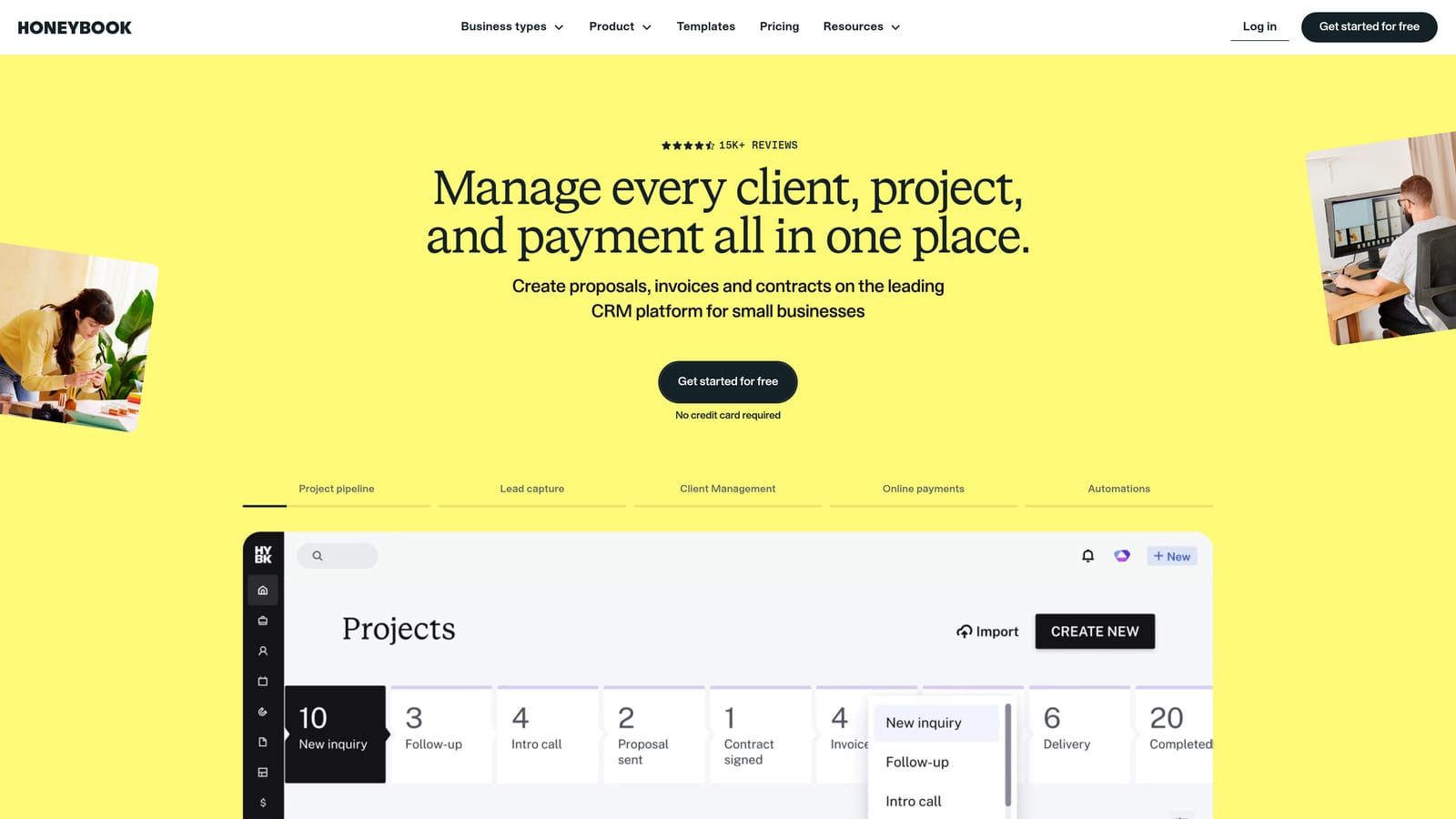
HoneyBook is an all-in-one client management platform combining intake forms, proposals, contracts, invoicing, and scheduling in a single connected workflow.
Where This Tool Shines
HoneyBook isn't really a form builder in the traditional sense. It's a complete client management system where forms are one piece of a larger connected workflow. When a client submits an intake form, it can automatically trigger a proposal, a contract, an invoice, and a scheduling link, all without manual intervention. For independent professionals managing multiple clients, that level of automation across the entire client lifecycle is a significant time saver.
The client portal gives clients a centralized place to view their documents, submit information, and communicate, which adds a layer of professionalism that standalone form tools can't match.
Key Features
Intake Forms, Proposals, and Contracts: Build and send all client-facing documents from a single platform with consistent branding.
Clientflow Automation: Trigger automated sequences of actions when a form is submitted, including emails, contract sends, and invoice creation.
Built-In Scheduling and Invoicing: Book onboarding calls and collect payments without switching tools.
Client Portal: Give clients a branded hub to access their documents and communicate with your team.
Mobile App: Manage client interactions and review submissions from any device.
Best For
HoneyBook is purpose-built for photographers, designers, coaches, consultants, and other independent professionals who want to replace a stack of disconnected tools with one platform. It's overkill if you only need forms; it's ideal if you need the full client management workflow.
Pricing
Subscription-based with multiple tiers. Check honeybook.com for current pricing, as plans and promotional rates change regularly.
5. Dubsado
Best for: Service businesses that want form submissions to automatically trigger complete onboarding sequences.
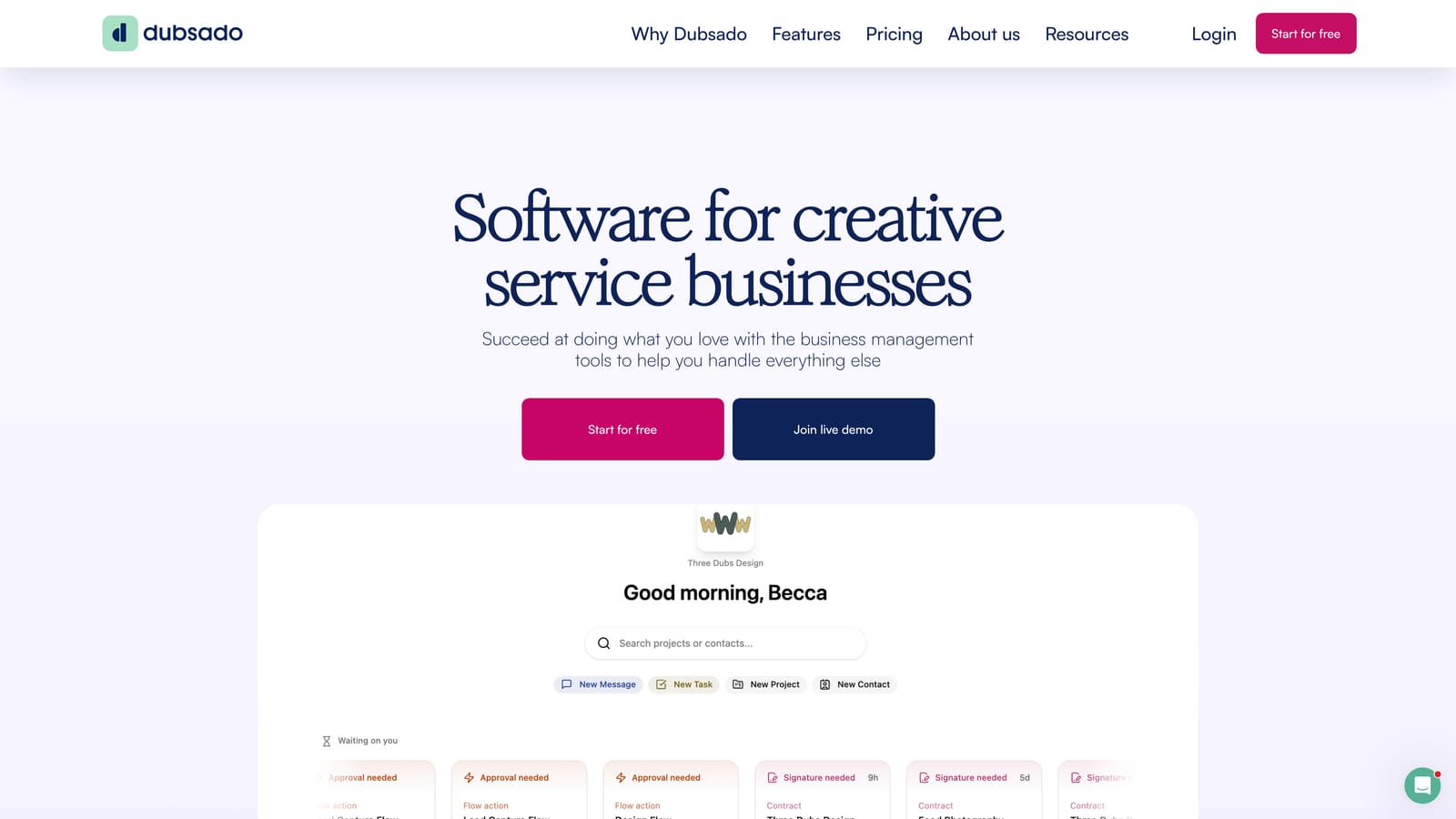
Dubsado is a CRM and workflow automation platform for service businesses where forms are the entry point to fully automated onboarding pipelines.
Where This Tool Shines
Dubsado's automation capabilities are its defining feature. When a client submits a form, Dubsado can automatically send a contract, schedule a kickoff call, create an invoice, and send a welcome email sequence, all in a predefined workflow you configure once. For coaches, photographers, event planners, and other service providers with repeatable onboarding processes, this eliminates hours of manual follow-up work per client.
The platform also supports questionnaires, proposals, and sub-agreements, so the entire pre-project paper trail can live in one place. The tradeoff is that setting up those workflows takes meaningful time upfront.
Key Features
Workflow Automation: Connect forms, contracts, emails, and invoices into automated sequences that run without manual intervention.
Questionnaires and Proposals: Build detailed intake questionnaires and send branded proposals as part of the onboarding flow.
Branded Client Portal: Give clients a consistent, white-labeled experience throughout the onboarding process.
Scheduler Integration: Automatically offer onboarding call booking as part of the post-submission workflow.
Payment Collection and Invoicing: Handle deposits and retainers within the same platform as your intake forms.
Best For
Dubsado suits established service businesses with repeatable onboarding workflows and the patience to configure automation properly. The learning curve is real, and teams looking for a quick setup may find it frustrating initially. Once configured, though, the automation payoff is substantial.
Pricing
Free plan available for up to 3 clients. Paid plans are flat-rate. Verify current pricing at dubsado.com.
6. Tally
Best for: Startups and small teams that want unlimited forms and responses without paying for a subscription.
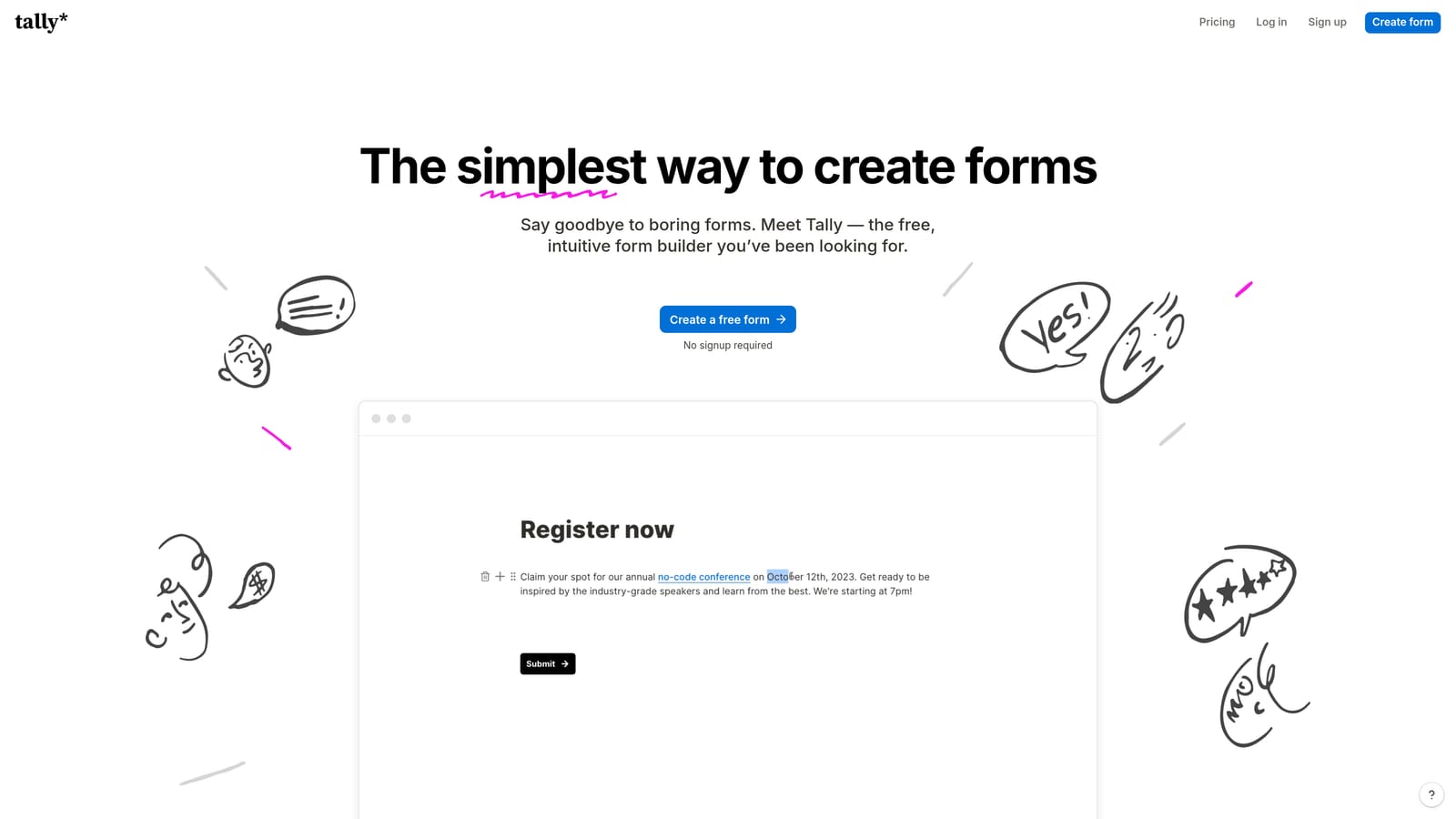
Tally is a Notion-inspired form builder with a generous free tier, unlimited forms, and a clean editing experience that feels immediately familiar to teams already working in block-based tools.
Where This Tool Shines
Tally's free plan is genuinely generous compared to most competitors. Unlimited forms, unlimited responses, conditional logic, and file uploads are all available without spending a dollar. For early-stage startups or small teams that need functional onboarding forms quickly and can't justify a monthly subscription, Tally removes the cost barrier entirely.
The block-based editor is intuitive for anyone familiar with Notion, and the forms themselves have a clean, minimal aesthetic that works well for professional onboarding contexts. It won't win design awards against Typeform or Orbit AI, but it's far from embarrassing.
Key Features
Unlimited Forms and Responses (Free): No submission caps or form limits on the free plan, which is rare among form builders at this level.
Conditional Logic and File Uploads (Free): Core onboarding features available without upgrading to a paid tier.
Payment Collection: Accept payments through Stripe directly within Tally forms.
Zapier and Make Integrations: Connect to your existing stack via automation platforms; native integrations require the Pro plan.
Notion-Like Block Editor: Intuitive drag-and-drop building experience that reduces the learning curve significantly.
Best For
Tally is the right choice for bootstrapped teams, early-stage startups, or anyone who needs solid onboarding forms without a budget. Teams that want more polished design output or native CRM integrations will eventually hit the limits of the free tier and may want to evaluate paid alternatives.
Pricing
Free forever plan with core features included. Pro plan at approximately $29 per month. Verify current pricing at tally.so.
7. Google Forms
Best for: Teams already in Google Workspace who need a zero-cost, no-setup intake form connected to Google Sheets.
Google Forms is a free, no-frills form builder that syncs responses to Google Sheets in real time, with no submission limits and no account required beyond a standard Google login.
Where This Tool Shines
Google Forms wins on accessibility and cost. If your team lives in Google Workspace, spinning up an intake form takes minutes, and every submission appears instantly in a connected Google Sheet where you can sort, filter, and analyze responses without any additional setup. For internal onboarding processes or low-stakes client intake, that simplicity is genuinely valuable.
The real-time Sheets sync also makes it easy to build lightweight reporting or connect to other Google tools like Looker Studio for basic analytics. For teams that are already running their operations in Google's ecosystem, the zero-friction integration is hard to argue with.
Key Features
Completely Free: No subscription, no submission limits, no hidden tiers.
Real-Time Google Sheets Sync: Every form submission populates a connected spreadsheet automatically.
Basic Section Branching: Route respondents to different sections based on their answers to key questions.
Easy Sharing: Share via link, embed on a page, or restrict to specific Google accounts for internal use.
Unlimited Responses: No caps on how many clients can submit, which matters for high-volume onboarding.
Best For
Google Forms is best for internal onboarding workflows, low-budget operations, or situations where speed of setup matters more than design quality. It's not appropriate for client-facing onboarding where brand impression matters, as customization is minimal and the interface is immediately recognizable as a generic Google form.
Pricing
Completely free with any Google account. No paid tiers or upgrades required.
8. Paperform
Best for: Agencies and consultants who want onboarding forms that function as fully branded landing pages.
Paperform is a freeform canvas editor that lets you mix text, images, video, and form fields on a single page, creating onboarding experiences that look and feel like polished branded documents rather than standard forms.
Where This Tool Shines
Paperform's editing experience is genuinely different from most form builders. Instead of working within a rigid form structure, you're building something closer to a landing page where form fields happen to be one of the elements. That flexibility makes it easy to add context, instructions, or brand messaging directly within the form itself, which is particularly useful for onboarding flows where clients need guidance alongside the questions.
Custom domain support means you can host your onboarding form at your own URL, which reinforces brand consistency throughout the client experience. For agencies that white-label their services, that detail matters.
Key Features
Freeform Canvas Editor: Mix text, media, and form fields freely on a single page rather than working within a rigid form structure.
Conditional Logic and Multi-Step Forms: Build adaptive flows that respond to client input and guide them through complex onboarding processes.
Payment Collection: Accept payments via Stripe directly within Paperform pages.
2,000+ App Integrations: Connect to your existing stack via Zapier for downstream automation.
Custom Domain Support: Host forms on your own domain for a fully white-labeled client experience.
Best For
Paperform is a strong fit for agencies, consultants, and creative professionals who want their onboarding intake to feel like a premium brand experience. The pricing is higher than tools like Tally for comparable features, so the design flexibility needs to justify the cost for your use case.
Pricing
Plans start at approximately $24 per month. No permanent free plan beyond a trial period. Verify current pricing at paperform.co.
9. Wufoo
Best for: Teams with established workflows that need a reliable, straightforward form builder without a learning curve.
Wufoo is one of the original online form builders, now owned by SurveyMonkey, offering dependable drag-and-drop form creation with solid reporting and basic conditional logic.
Where This Tool Shines
Wufoo's main advantage is familiarity and reliability. It's been around long enough that many teams have existing forms, workflows, and integrations built around it. If that describes your situation, there's a reasonable argument for staying rather than migrating. The form builder is straightforward, the reporting is functional, and Zapier integration means you can connect it to most modern tools.
For teams that need a simple, no-surprises intake form and have no interest in AI features or advanced automation, Wufoo delivers the basics without complexity. It's not exciting, but it works.
Key Features
Drag-and-Drop Builder: Straightforward form creation with basic conditional logic for branching question flows.
Built-In Reporting: View and manage form entries with built-in reporting tools without exporting to another platform.
Payment Integrations: Accept payments via Stripe and PayPal within Wufoo forms.
Zapier Integration: Connect to hundreds of downstream tools for basic automation of form submissions.
Embed Options: Embed forms on websites or client portals with standard embed code.
Best For
Wufoo suits teams that have legacy workflows built around it and aren't ready to migrate, or organizations that need the simplest possible form solution at a low price point. Teams building new onboarding workflows in 2026 will likely find more capable options elsewhere on this list, particularly if automation or design quality are priorities.
Pricing
Free plan available with limited submissions. Paid plans start at approximately $14.08 per month. Verify current pricing at wufoo.com.
Which Tool Is Right for Your Onboarding Stack?
The right client onboarding form builder depends on what you're actually trying to solve. Here's a quick breakdown to help you match tool to use case.
AI-driven onboarding with lead qualification: Orbit AI is the clear choice for high-growth teams that want forms to score and route clients automatically, not just collect data.
Conversational client experience: Typeform delivers the most polished one-question-at-a-time flow, making it ideal when the form itself is a brand touchpoint.
Complex logic with e-signatures and payments: JotForm handles the most feature-dense onboarding scenarios, including contract signing and deposit collection in a single flow.
Freelancers and independent professionals: HoneyBook bundles forms, contracts, invoicing, and scheduling into one platform built specifically for that audience.
Full workflow automation for service businesses: Dubsado's automation depth is unmatched for teams with repeatable onboarding pipelines, once you've invested the setup time.
Maximum value on a zero budget: Tally's free plan includes unlimited forms, conditional logic, and file uploads, making it the strongest free option available.
Google Workspace teams: Google Forms is the fastest path to a functional intake form if your team already lives in Google's ecosystem and brand customization isn't a priority.
Branded landing page experience: Paperform's freeform canvas editor is the right call for agencies that want onboarding forms to feel like premium client-facing documents.
Simple and reliable with minimal setup: Wufoo works for teams maintaining existing workflows or anyone who needs the most straightforward form solution at a low price point.
Before committing to any tool, consider three things: how much automation you want triggered by form submissions, which integrations are non-negotiable for your current stack, and how much the form itself reflects your brand. A form that qualifies clients, routes them intelligently, and looks like it belongs to your brand is doing far more work than a basic intake sheet.
If you're building or rebuilding your onboarding workflow in 2026 and want AI-powered qualification from the first touchpoint, book a demo with Orbit AI and see how intelligent form design can change what your onboarding process is capable of. You can also explore plan options at orbitforms.ai/pricing to find the right fit for your team size and volume.


