

Cognito Forms has earned its reputation as a reliable, no-nonsense form builder. If you need calculation fields, repeating sections, and payment integrations without paying enterprise prices, it does the job well. But "does the job" isn't always enough, especially when your team is focused on lead generation, conversion optimization, or building forms that actually reflect your brand.
Teams often start looking for alternatives when they hit Cognito's design ceiling, miss native AI capabilities, or find the interface feels a generation behind what modern tools offer. The good news: the form builder market has expanded significantly, and there's a strong option for almost every use case and budget.
This guide breaks down the top Cognito Forms alternatives across features, pricing, and ideal use cases, covering everything from AI-native platforms to open-source-friendly options. Whether you're ready to switch or just validating your current choice, you'll find a clear answer here. For broader context on the category, check out our best online form builders roundup.
1. Orbit AI
Best for: High-growth teams that need AI-powered lead qualification built directly into their forms.
Orbit AI is an AI-native form builder designed specifically for teams where lead generation and conversion optimization are top priorities, not afterthoughts.
Where This Tool Shines
Most form builders treat data collection as the finish line. Orbit AI treats it as the starting line. The platform's standout feature is AI-powered lead scoring and qualification that happens at the point of capture, meaning your sales team receives pre-qualified leads rather than a raw list of form submissions to manually sort through.
The design quality is also a genuine differentiator. Forms built on Orbit AI look modern and intentional, with brand customization that goes beyond swapping a logo color. For teams where form UX directly impacts conversion rates, this matters in a way that functional-but-dated builders simply can't match.
Key Features
AI Lead Scoring: Automatically qualifies and scores leads at the moment of form submission, routing high-intent prospects to the right team members instantly.
Conversion-Optimized Templates: Pre-built form templates designed specifically for lead generation scenarios, not generic contact forms.
Intelligent Conditional Logic: Field routing that adapts based on responses, creating a personalized experience for each respondent without complex manual setup.
Brand Customization: Full control over fonts, colors, layouts, and visual identity so forms feel like a natural extension of your product or website.
CRM and Marketing Integrations: Native connections with popular CRMs and marketing automation tools to keep your lead pipeline flowing without manual exports.
Best For
Orbit AI is built for SaaS companies, growth marketers, and sales teams who need forms that do more than collect data. If lead quality matters as much as lead volume, and you want AI working in the background to separate high-intent prospects from casual browsers, this is the platform designed for exactly that.
Pricing
Visit orbitforms.ai for current plan details and pricing. A free starting option is available for teams that want to explore the platform before committing.
2. Typeform
Best for: Teams that want a visually engaging, conversational form experience with high completion rates.
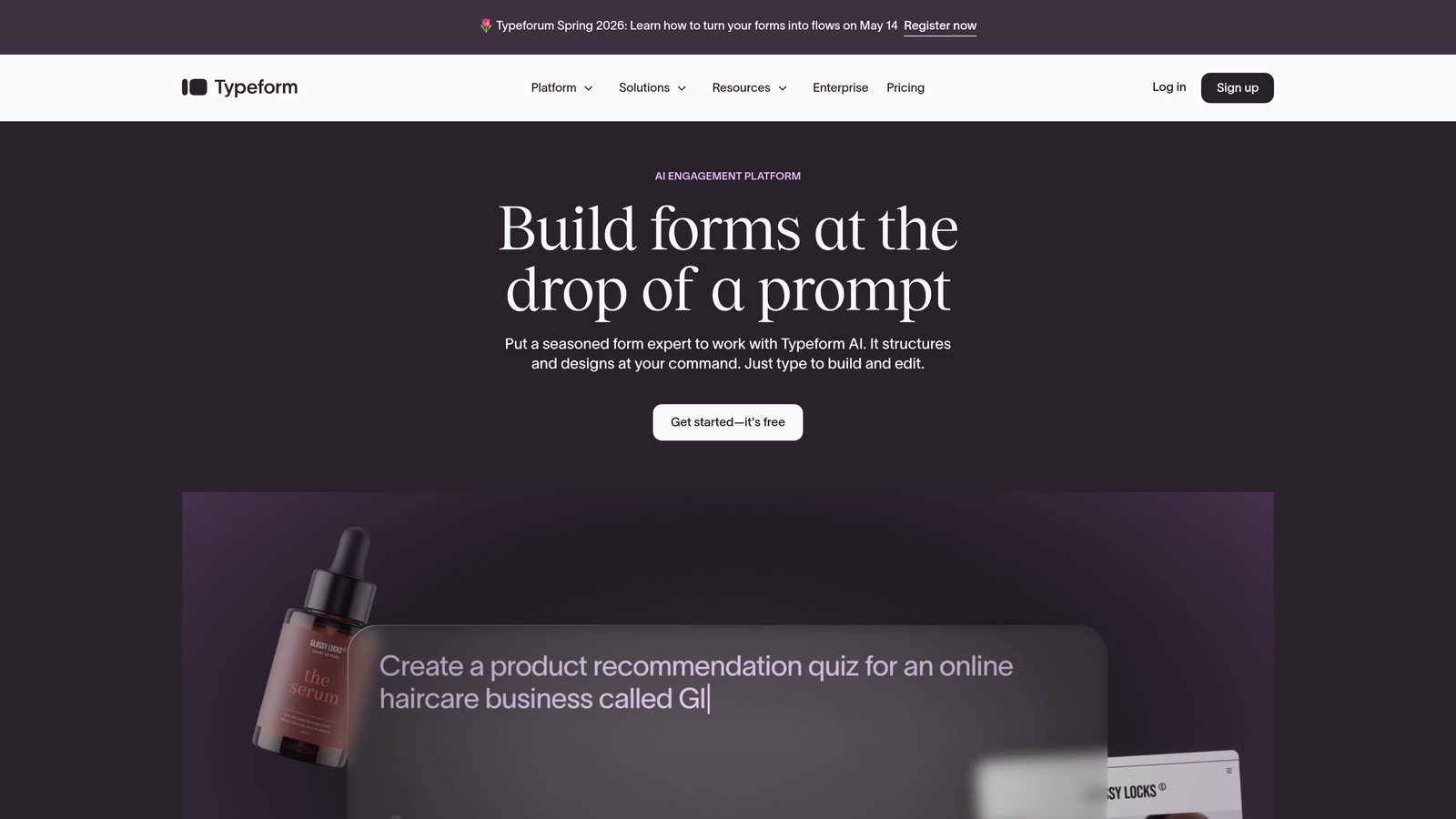
Typeform is a conversational form builder built around a one-question-at-a-time format that consistently drives strong engagement.
Where This Tool Shines
Typeform's core insight is that forms feel less like forms when they present one question at a time. This approach reduces cognitive overload and tends to produce higher completion rates, particularly for longer surveys or applications where respondent fatigue is a real concern.
The design quality is genuinely impressive. Typeform gives you control over backgrounds, fonts, colors, and media embedding, making it one of the better-looking options in the market without requiring design expertise.
Key Features
Conversational Format: One-question-at-a-time flow that mimics a real conversation rather than a static form.
Logic Jumps: Branching paths based on responses, so each respondent only sees relevant questions.
Video and Image Embedding: Add rich media directly within form questions to provide context or increase engagement.
Native Integrations: Direct connections with HubSpot, Salesforce, Zapier, Slack, and dozens of other tools.
Brand Customization: Full visual control to match your brand identity across every form you publish.
Best For
Typeform works well for marketing teams running lead gen campaigns, HR teams building application flows, and anyone who needs a form that makes a strong first impression. It's less ideal if you need complex calculations, heavy data processing, or built-in lead scoring without additional integrations.
Pricing
Free plan available with limited responses. Paid plans start at around $25/month, with higher tiers unlocking more responses, logic features, and integrations.
3. Jotform
Best for: Teams that need a versatile, template-rich builder with built-in payment processing and submission management.
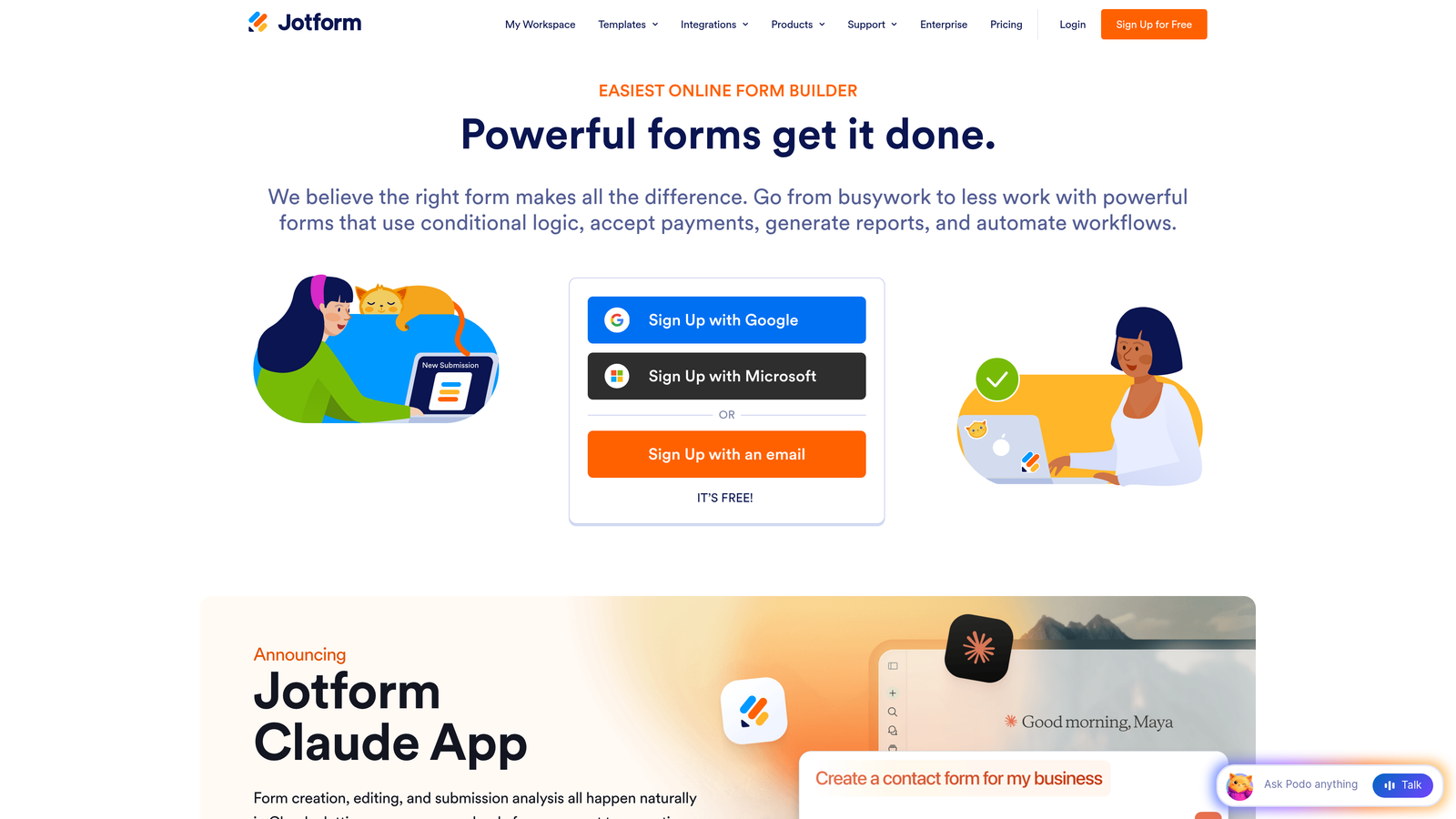
Jotform is one of the most feature-complete no-code form builders available, with a library of over 10,000 templates and a wide range of built-in capabilities.
Where This Tool Shines
Jotform's breadth is its biggest strength. Whether you need a simple contact form, a multi-step application, a payment collection page, or a PDF-generating contract form, there's likely a template and workflow already built for your exact scenario. The drag-and-drop builder is approachable for non-technical users while still offering enough depth for complex forms.
Jotform Tables, the platform's submission management layer, adds a spreadsheet-style view of all your responses, making it easier to manage incoming data without immediately exporting to another tool.
Key Features
10,000+ Templates: One of the largest template libraries in the category, covering virtually every industry and use case.
Payment Integrations: Native support for PayPal, Stripe, Square, and other processors for direct payment collection within forms.
Jotform Tables: Built-in database view for managing and organizing form submissions without a separate tool.
PDF Generation: Automatically create formatted PDF documents from form submissions.
E-Signatures: Collect legally binding signatures directly within forms.
Best For
Jotform is a strong fit for small businesses, nonprofits, and operations teams that need a reliable all-rounder. It's particularly well-suited for payment collection, document workflows, and teams that want to move fast using pre-built templates.
Pricing
Free plan covers 5 forms and 100 submissions per month. Paid plans start at around $34/month with significantly higher limits and access to advanced features.
4. Google Forms
Best for: Teams already in the Google Workspace ecosystem that need a completely free, no-frills form tool.
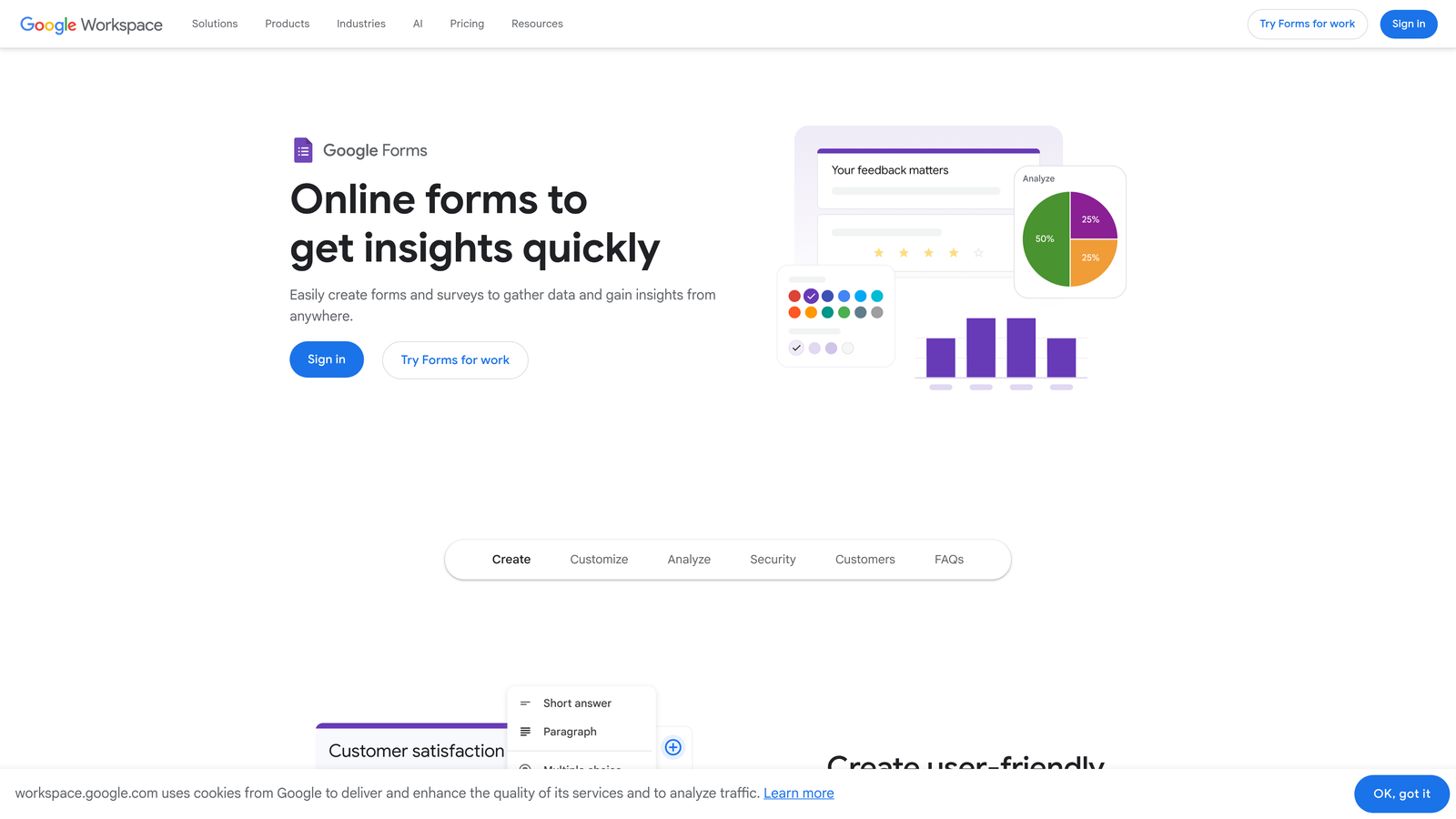
Google Forms is a free, straightforward form builder that integrates seamlessly with Google Sheets and the broader Workspace suite.
Where This Tool Shines
The case for Google Forms is simple: it's free, it's fast to set up, and if your team lives in Google Workspace, the workflow is completely frictionless. Responses flow automatically into Google Sheets, collaboration is built in, and there's zero learning curve for anyone who has used any Google product before.
For internal surveys, event registrations, or quick data collection tasks where design and advanced logic aren't priorities, Google Forms is genuinely hard to beat on value.
Key Features
Completely Free: Unlimited forms and responses with any Google account, no subscription required.
Google Sheets Integration: Responses automatically populate a connected spreadsheet in real time.
Real-Time Collaboration: Multiple team members can edit and manage forms simultaneously.
Basic Conditional Logic: Simple branching to show or hide sections based on answers.
Add-Ons Ecosystem: Extend functionality through Google Workspace Marketplace add-ons for notifications, analytics, and more.
Best For
Google Forms is ideal for internal teams, educators, and anyone with basic data collection needs and no budget for a paid tool. It's not the right choice for lead generation, conversion optimization, or any scenario where form design and brand experience matter.
Pricing
Completely free with any Google account. No paid tiers or usage limits on forms and responses.
5. Microsoft Forms
Best for: Organizations running on Microsoft 365 that need native integration with Teams, SharePoint, and Power Automate.
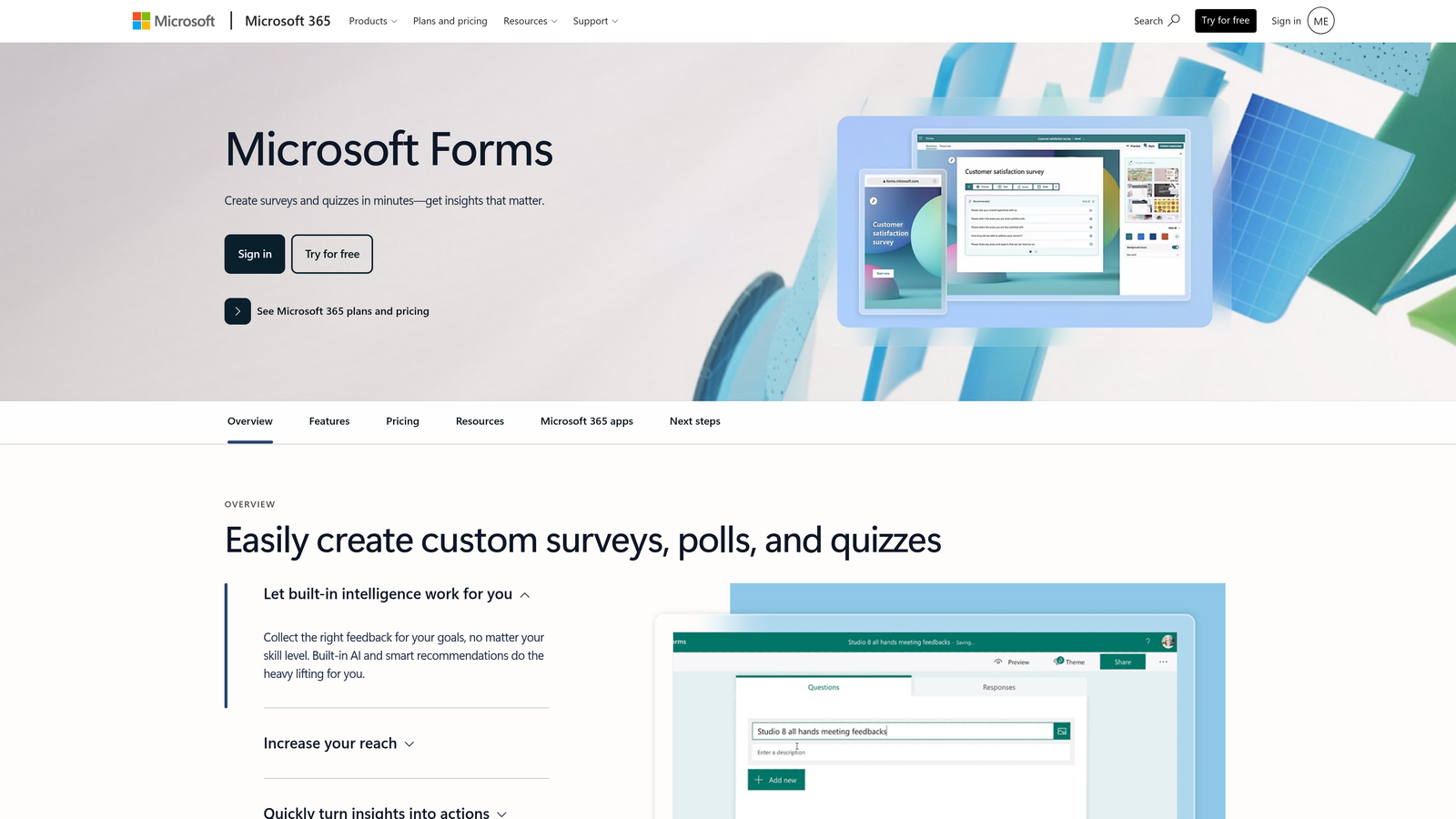
Microsoft Forms is a survey and form tool built directly into the Microsoft 365 ecosystem, with enterprise-grade security and automation capabilities.
Where This Tool Shines
If your organization is already invested in Microsoft 365, Microsoft Forms removes almost all friction from form creation and data management. Forms can be embedded directly in Teams channels, responses feed into Excel automatically, and Power Automate can trigger sophisticated workflows the moment a submission arrives.
The platform also includes built-in AI suggestions that recommend question types and phrasing as you build, which speeds up form creation for less experienced users without requiring any technical knowledge.
Key Features
Microsoft 365 Integration: Native connections with Teams, SharePoint, Excel, and OneDrive for seamless collaboration.
Power Automate Workflows: Trigger automated workflows from form submissions without third-party tools.
AI Question Suggestions: Built-in recommendations for question types and wording as you build.
Branching Logic: Conditional paths based on respondent answers.
Enterprise Security: Compliance with enterprise data governance standards, including access controls and encryption.
Best For
Microsoft Forms is purpose-built for enterprise teams and organizations already standardized on Microsoft 365. It's not a strong choice for external-facing lead generation or teams outside the Microsoft ecosystem, but for internal workflows and surveys, it's a natural fit.
Pricing
Included with Microsoft 365 subscriptions. A limited free version is available for personal Microsoft accounts without a paid subscription.
6. Formstack
Best for: Enterprise teams that need forms, documents, and e-signatures unified in a single workflow automation platform.
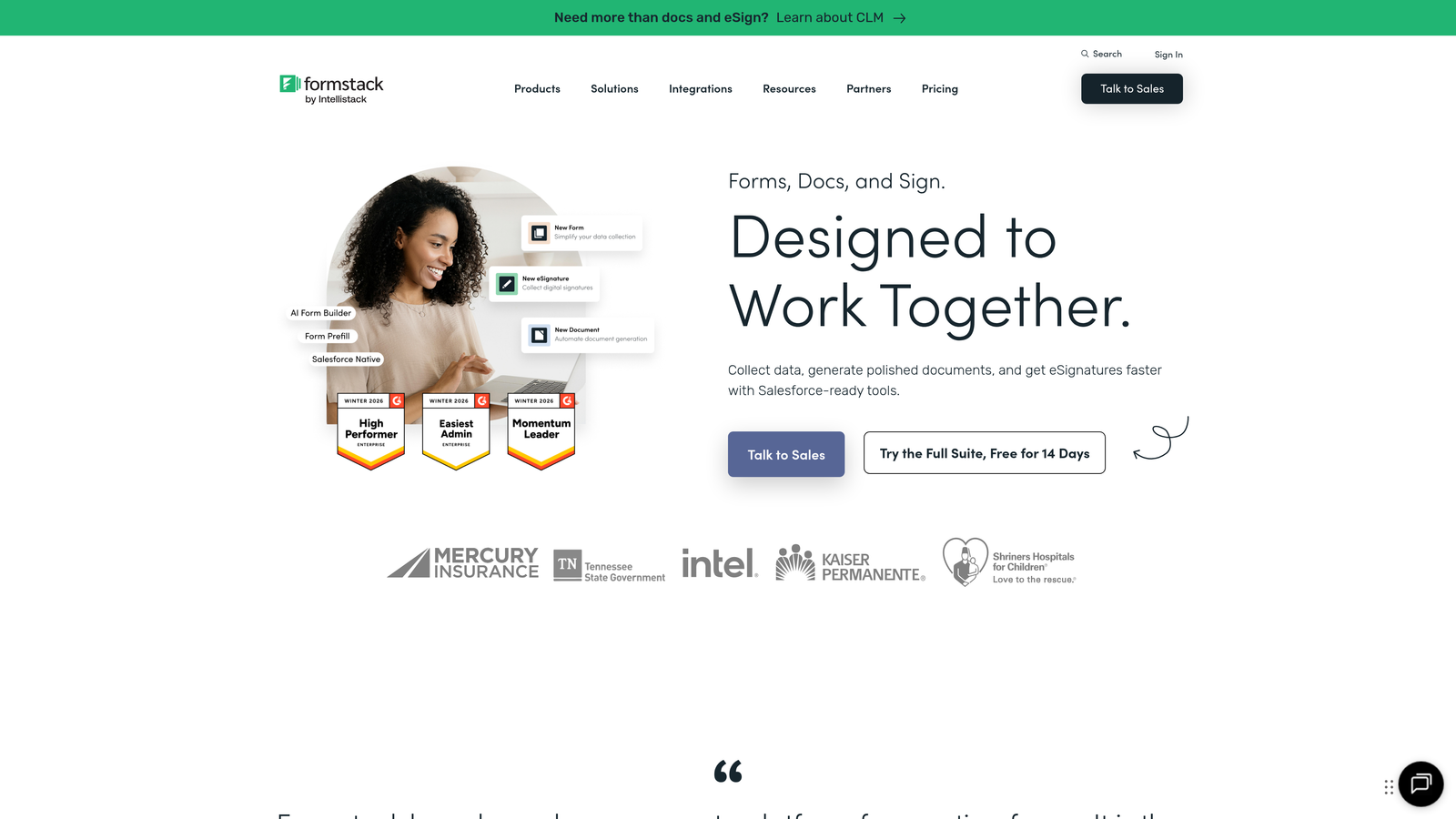
Formstack is a comprehensive workflow automation suite that combines form building with document generation and electronic signatures.
Where This Tool Shines
Formstack goes well beyond data collection. The platform is designed for teams that need to turn form submissions into documents, route those documents for signature, and trigger downstream workflows, all without stitching together multiple tools. This makes it particularly powerful for regulated industries where documentation and compliance are non-negotiable.
Its Salesforce-native integration is also a significant advantage for teams with Salesforce as their CRM backbone, offering deeper data sync and workflow triggers than most competitors can provide through third-party connectors.
Key Features
Forms, Documents, and Signatures: End-to-end workflow automation from data capture to signed document delivery in one platform.
Advanced Conditional Logic: Complex branching, calculation fields, and dynamic form behavior.
HIPAA Compliance: Built-in data encryption and compliance features for healthcare and other regulated industries.
Salesforce-Native Integration: Deep, bidirectional data sync with Salesforce for CRM-driven workflows.
A/B Testing: Test different form versions to optimize completion rates over time.
Best For
Formstack is best suited for enterprise teams in healthcare, financial services, legal, and other compliance-heavy industries that need a unified platform for forms, documents, and signatures. The pricing reflects its enterprise positioning, so smaller teams may find it more than they need.
Pricing
Plans start at around $50/month billed annually. Full platform access with documents and signatures requires higher-tier plans.
7. 123FormBuilder
Best for: Teams that need strong compliance certifications and data security alongside standard form building capabilities.
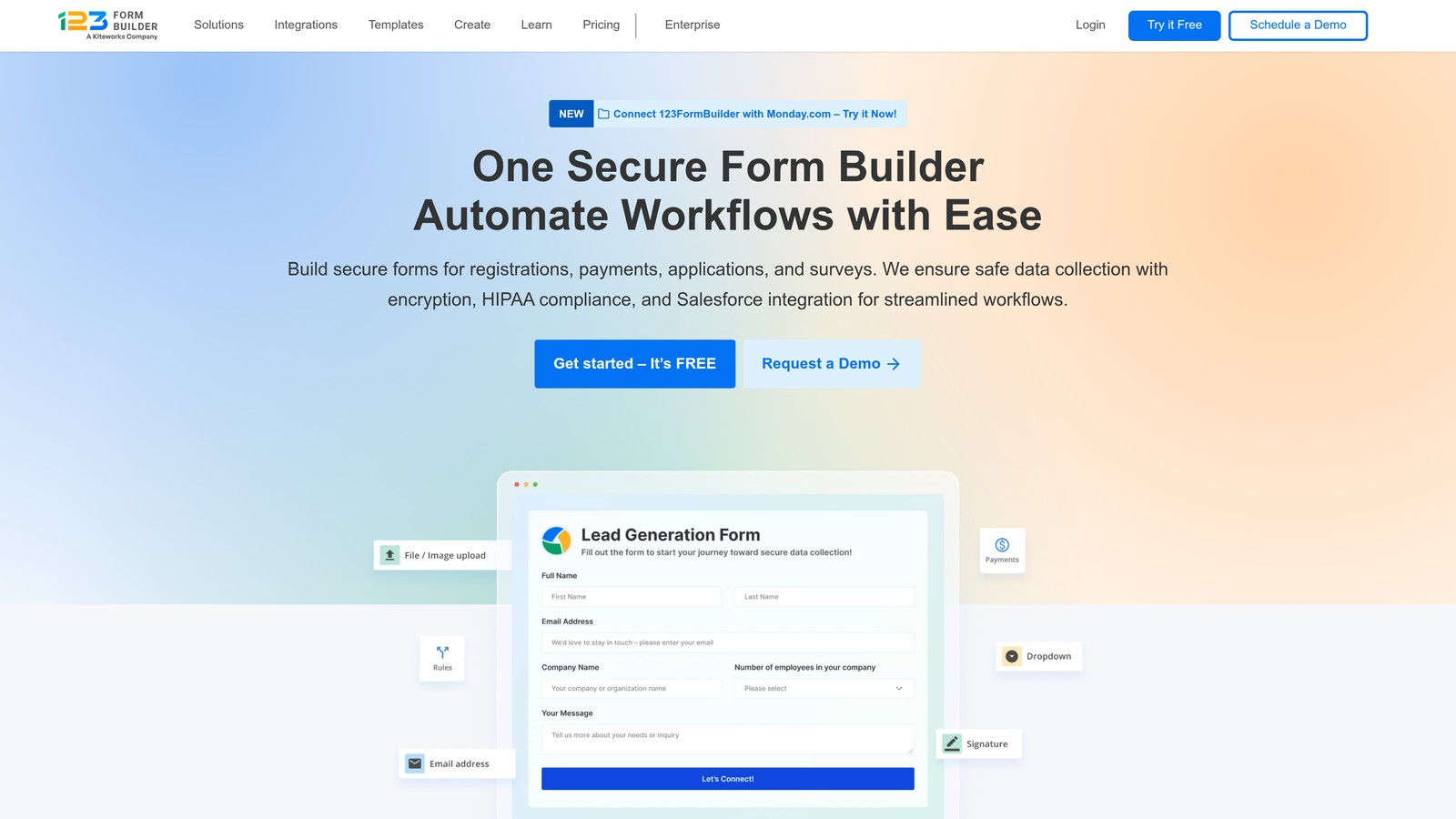
123FormBuilder is a compliance-focused form builder with HIPAA and GDPR certifications built into the platform at a more accessible price point than enterprise alternatives.
Where This Tool Shines
For teams in regulated industries that can't afford to compromise on data security but also don't need the full complexity of an enterprise suite, 123FormBuilder hits a useful middle ground. HIPAA compliance, GDPR tools, data encryption, and access controls are available without requiring a six-figure contract or a dedicated implementation team.
The builder itself is straightforward and covers the standard feature set well: conditional logic, multi-page forms, payment collection, and CRM integrations are all present and functional.
Key Features
HIPAA and GDPR Compliance: Built-in compliance certifications for regulated industries and European data requirements.
Data Encryption and Access Controls: Granular security settings to protect sensitive form data.
Payment Collection: Integrations with Stripe, PayPal, and other processors for transactions within forms.
Conditional Logic: Multi-page forms with branching paths based on respondent answers.
CRM Integrations: Connections with popular CRM and project management tools to route submissions automatically.
Best For
Healthcare providers, legal teams, financial services firms, and any organization collecting sensitive personal data that needs compliance baked in rather than bolted on. Not the best fit for teams prioritizing design-forward forms or AI-driven lead qualification.
Pricing
Free plan available with basic features. Paid plans start at around $24/month, with HIPAA-compliant plans available at higher tiers.
8. Paperform
Best for: Creators and small businesses that want forms that double as branded landing pages with rich content and media.
Paperform is a document-style form builder that blends written content, images, video, and form fields into a single cohesive page experience.
Where This Tool Shines
Paperform's approach is genuinely different from most form builders. Instead of a traditional field-by-field form layout, you build in a free-text editor that lets you mix paragraphs, headings, media, and form inputs on the same page. The result feels more like a branded landing page than a data collection form, which can significantly improve the experience for respondents.
The platform also handles e-commerce, booking, and scheduling natively, making it a useful all-in-one option for small businesses that need multiple functions without managing multiple tools.
Key Features
Free-Text Editor: Mix content and form fields freely on the same page, creating a landing page-style experience.
Built-In Payments: Product pages and payment processing without a separate e-commerce tool.
Scheduling and Booking: Native appointment booking capabilities alongside form collection.
Custom Branding: Full control over fonts, colors, images, and layout for a polished, on-brand result.
Conditional Logic and Calculations: Dynamic fields and calculated outputs within the same document-style interface.
Best For
Paperform is a strong fit for consultants, coaches, small business owners, and creative teams who want forms that make a visual statement. It's less suited for high-volume enterprise data collection or teams that need advanced compliance certifications.
Pricing
Plans start at around $24/month. No permanent free plan, though a trial period is available to explore the platform before committing.
9. Tally
Best for: Startups and indie builders that want unlimited forms and submissions on a generous free tier with a clean, Notion-style interface.
Tally is a block-based form builder offering one of the most generous free plans in the category, with unlimited forms and unlimited submissions at no cost.
Where This Tool Shines
Tally's free tier is genuinely exceptional. Most form builders impose strict limits on forms, submissions, or features at the free level, but Tally removes those constraints entirely. For bootstrapped teams, indie makers, and early-stage startups, this makes it an easy choice for getting forms up and running without any upfront investment.
The Notion-style block editor also feels intuitive for teams already comfortable with that style of interface. Building a form in Tally feels less like configuring a tool and more like writing a document, which lowers the barrier to getting started.
Key Features
Unlimited Free Forms and Submissions: No caps on form count or response volume on the free plan, which is rare in this category.
Block-Based Editor: Notion-style interface that makes form building feel natural and fast.
Conditional Logic and Hidden Fields: Dynamic form behavior and calculated fields without upgrading to a paid plan.
File Uploads and Payments: Collect files and process payments directly within forms.
Webhooks and Integrations: Connect to Zapier, Make, and custom webhooks for workflow automation.
Best For
Tally is ideal for individual creators, early-stage startups, and small teams that need capable forms without a budget. As teams scale and need features like custom domains, priority support, or advanced branding, the Pro plan at $29/month is a reasonable step up.
Pricing
Free plan with unlimited forms and submissions. Pro plan at $29/month unlocks custom domains, full branding control, and priority support.
Finding Your Perfect Form Builder Fit
Every tool on this list is a legitimate step up from Cognito Forms in at least one meaningful dimension. The right choice depends entirely on what dimension matters most to your team.
If you're running internal surveys or need a zero-cost solution and live in Google Workspace, Google Forms is the obvious answer. If your organization runs on Microsoft 365 and needs workflow automation without new tools, Microsoft Forms handles that cleanly. For compliance-heavy industries where HIPAA and GDPR certifications are non-negotiable, 123FormBuilder or Formstack are worth the closer look, with Formstack being the stronger choice for enterprise teams that also need document and signature workflows.
For teams that want design-forward forms with strong engagement, Typeform and Paperform both deliver. Typeform's conversational format works especially well for longer flows, while Paperform's landing page-style editor suits creators and small businesses building branded experiences. Jotform remains the best all-rounder for teams that need a massive template library and built-in payment processing. And Tally earns its place for any bootstrapped team that needs capable forms without spending a dollar.
For high-growth teams where lead generation and conversion optimization are the core objective, the calculus is different. You need forms that don't just collect data but actively work to qualify and route leads the moment they arrive. That's the gap Orbit AI was built to fill. With AI-powered lead scoring at the point of capture, conversion-optimized templates, and modern design that reflects your brand, it's built for teams where form performance is a growth lever, not a checkbox.
If you're ready to see what forms designed for conversion can do for your pipeline, start building free forms today and experience the difference that intelligent form design makes. And if you're still refining your strategy, our guides on how to improve form conversion rates and building an effective lead capture form are solid next reads.


