

Your forms are often the first real conversation you have with a potential customer. If that experience feels clunky, generic, or disconnected from your brand, you're leaving conversions on the table before the relationship even starts.
Generic form builders can get you started, but high-growth teams quickly run into their limits: no conditional logic, poor branding control, weak CRM integrations, and zero intelligence around lead qualification. The best custom form creation platforms go far beyond collecting data. They qualify leads, trigger workflows, adapt to user behavior, and fit seamlessly into your tech stack.
This roundup evaluates platforms across four key dimensions: customization depth, ease of use, integration ecosystem, and pricing. Whether you're optimizing a web form from scratch or looking for ways to improve your form conversion rates, there's a tool here for your team's needs. Let's get into it.
1. Orbit AI
Best for: High-growth teams that need AI-powered lead qualification built directly into their forms.
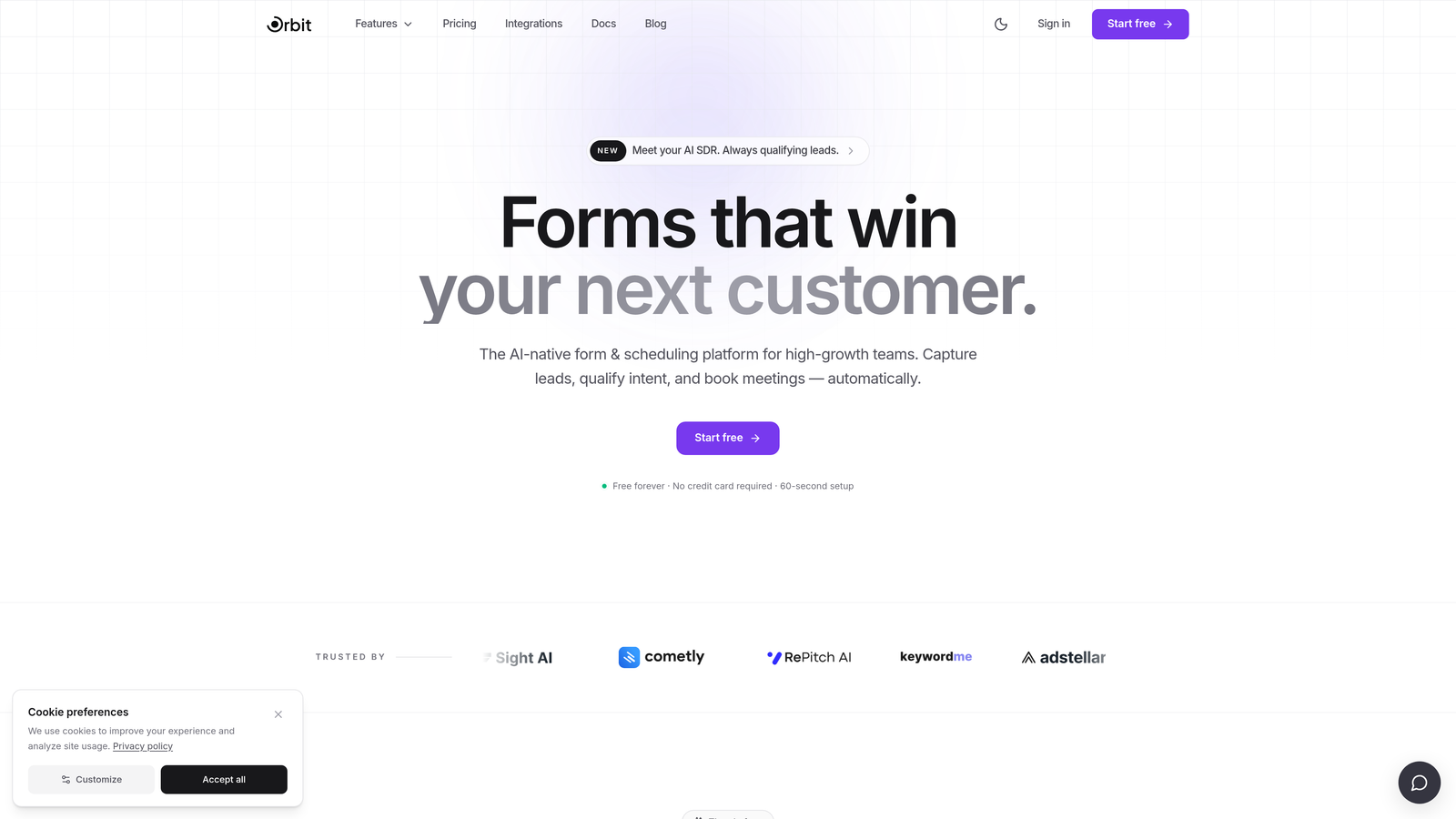
Orbit AI is an AI-powered custom form creation platform designed specifically for teams where lead quality matters as much as lead volume.
Where This Tool Shines
Most form builders treat qualification as something that happens after submission, inside your CRM. Orbit AI flips that model by embedding lead scoring and qualification logic directly into the form experience itself. This means your forms can adapt in real time based on how a prospect responds, routing high-intent leads differently without any manual sorting.
The platform is built with conversion optimization at its core. Templates are designed around performance, not just aesthetics, and the drag-and-drop builder makes it accessible for non-technical marketers while still offering the depth that growth engineers expect.
Key Features
AI-Powered Lead Scoring: Qualification logic runs inside the form, automatically scoring and segmenting leads based on their responses before they ever hit your CRM.
Dynamic Form Fields: Fields adapt and branch based on user input, creating a personalized experience that feels more like a conversation than a data collection exercise.
Conversion-Optimized Templates: Pre-built templates are designed around proven conversion patterns, giving teams a performance head start.
Modern Drag-and-Drop Builder: Build and customize forms visually without writing code, with full branding control over colors, fonts, and layout.
CRM and Marketing Tool Integrations: Native connections to the tools high-growth teams already use, ensuring qualified leads flow directly into the right workflows.
Best For
Orbit AI is the strongest fit for SaaS companies, marketing teams, and growth-focused businesses that want their forms to do more than collect data. If lead qualification is a priority and you're tired of manually sorting form submissions inside your CRM, this platform was built with you in mind.
Pricing
Visit orbitforms.ai for current plan details. A free starting option is available for teams ready to explore the platform.
2. Typeform
Best for: Teams that prioritize a polished, conversational form experience with strong design defaults.
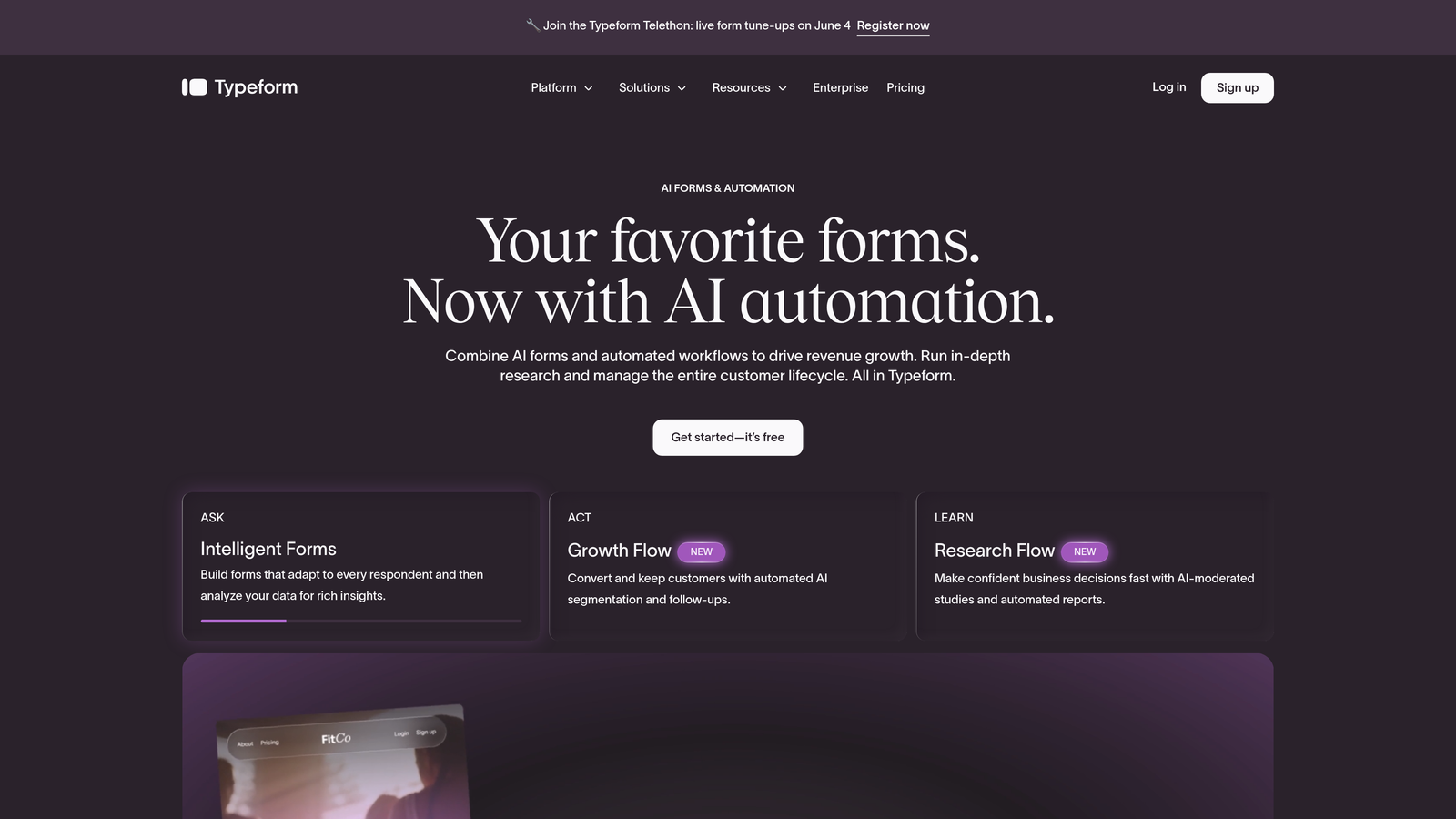
Typeform is a conversational form builder that presents one question at a time, creating an experience that feels more like a dialogue than a traditional form.
Where This Tool Shines
Typeform's one-question-at-a-time format significantly reduces the visual overwhelm that kills completion rates on long forms. The design defaults are polished out of the box, which means even teams without dedicated designers can produce forms that look professional and on-brand.
It's a particularly strong choice for surveys, lead capture, and onboarding flows where the experience itself is part of the message you're sending about your brand.
Key Features
Conversational UX: One-question-at-a-time interface reduces friction and keeps respondents engaged throughout the form.
Brand Customization: Full control over colors, fonts, backgrounds, and imagery to match your visual identity.
Logic Jumps: Conditional branching routes respondents through different paths based on their answers.
Integration Ecosystem: Connects natively with Zapier, HubSpot, Slack, Salesforce, and dozens of other tools.
Analytics Dashboard: Built-in drop-off and completion analytics help identify where respondents abandon forms.
Best For
Typeform works best for marketing teams, researchers, and agencies that need beautiful, branded forms for surveys, lead generation, and customer feedback. It's less suited for teams with complex qualification logic or database-heavy workflows.
Pricing
Free plan available with limited responses. Paid plans start at approximately $25/month, with higher tiers unlocking more responses and advanced features.
3. Jotform
Best for: Teams that need a versatile, template-rich builder for a wide range of form types and industries.
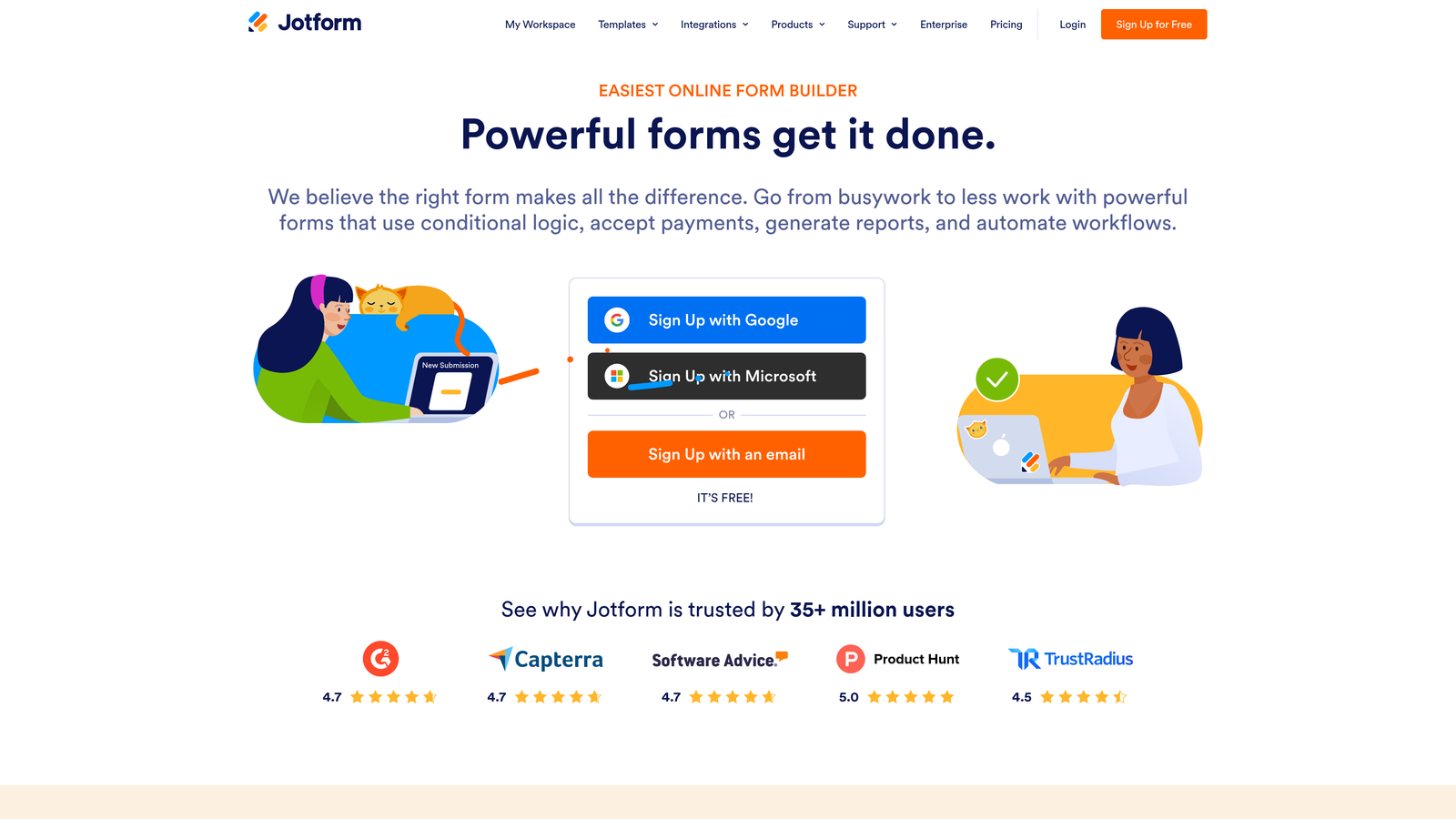
Jotform is one of the most feature-complete form builders available, offering over 10,000 templates and an extensive widget marketplace for no-code customization.
Where This Tool Shines
Jotform's depth is its defining strength. Whether you need a payment form, a registration page, a HIPAA-compliant intake form, or a multi-step survey, there's almost certainly a template and a widget combination that gets you there without custom development.
The built-in submission management through Jotform Tables gives teams a lightweight database layer on top of their forms, which is genuinely useful for ops and admin workflows that don't need a full CRM.
Key Features
10,000+ Templates: The largest template library in the category, covering virtually every industry and use case.
Widget Marketplace: Hundreds of add-on widgets extend functionality without code, from signature capture to product configurators.
Built-In Payment Processing: Native integrations with PayPal, Stripe, and Square for order forms and registrations.
Jotform Tables: A spreadsheet-style interface for managing and organizing form submissions directly within the platform.
HIPAA-Compliant Plans: Dedicated compliance options for healthcare teams handling sensitive data.
Best For
Jotform suits small businesses, nonprofits, healthcare organizations, and operations teams that need broad versatility and a massive template library. It's a strong all-rounder but may feel heavy for teams with simple, high-volume lead capture needs.
Pricing
Free plan supports up to 5 forms. Paid plans start at approximately $34/month, scaling with form count, submission volume, and storage.
4. Tally
Best for: Startups and indie teams that want unlimited forms and submissions without paying anything.
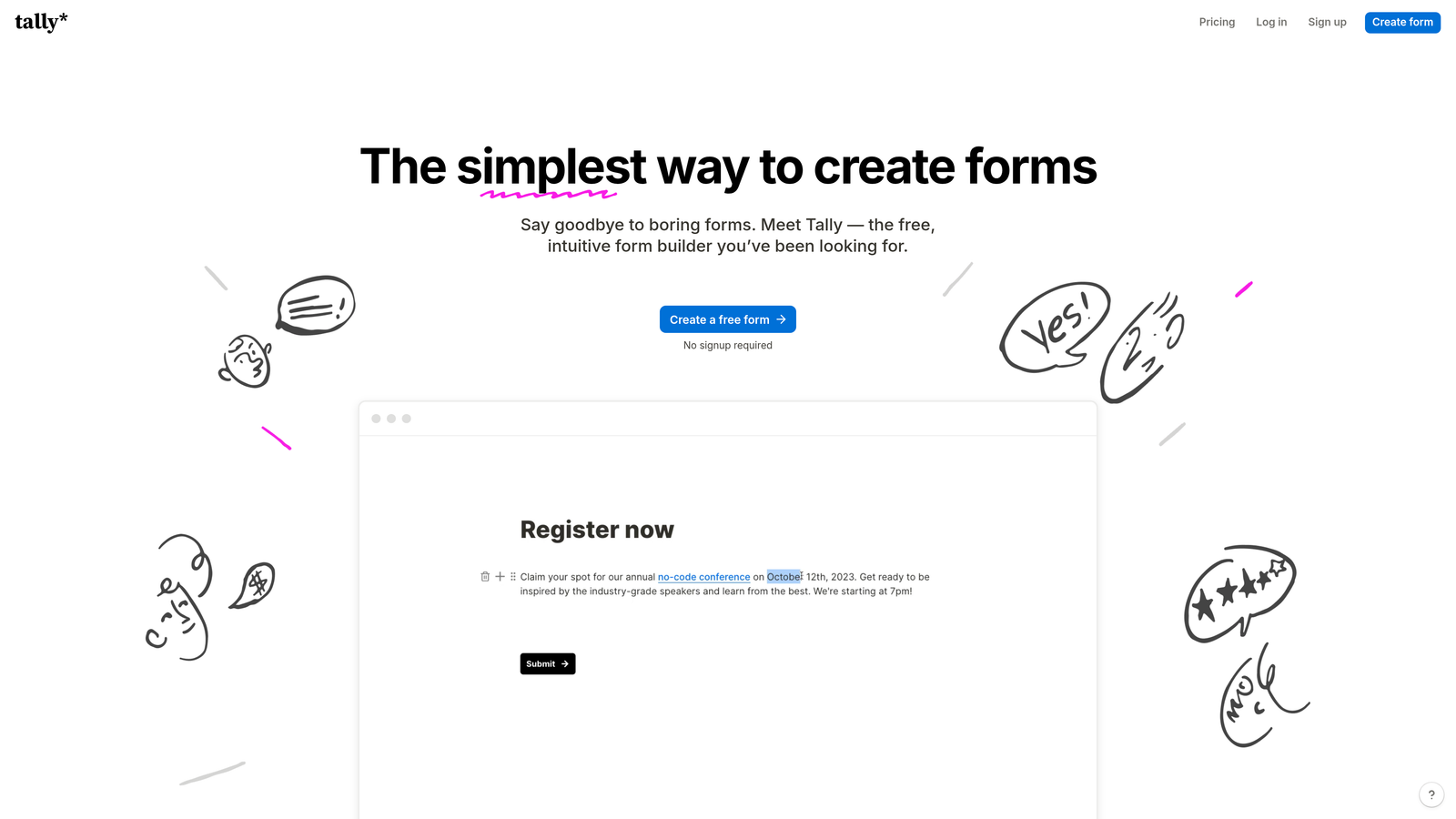
Tally is a minimalist, Notion-inspired form builder that offers a genuinely generous free tier: unlimited forms and unlimited submissions at no cost.
Where This Tool Shines
Tally's block-based editor will feel immediately familiar to anyone who uses Notion. The building experience is clean and fast, and the free tier is unusually generous compared to most competitors, making it a go-to for early-stage teams watching their tool spend carefully.
For teams that need conditional logic, calculator fields, and webhook-based integrations without a monthly bill, Tally delivers more than its price tag suggests.
Key Features
Unlimited Free Forms: No cap on form count or submission volume on the free plan, which is rare in this category.
Block-Based Editor: Notion-like building experience that feels intuitive for teams already in that ecosystem.
Conditional Logic: Show or hide fields based on previous answers, supporting more intelligent form flows.
Calculator Fields: Built-in calculation logic for pricing estimators, scoring, and other dynamic outputs.
Webhooks and Native Integrations: Connect to external tools via webhooks or native integrations for data routing.
Best For
Tally is ideal for early-stage startups, freelancers, and indie makers who need solid form functionality without the cost. Teams that outgrow the free tier and need custom branding or advanced features can upgrade to Tally Pro.
Pricing
Core features are free indefinitely. Tally Pro is approximately $29/month and adds custom branding, custom domains, and priority support.
5. HubSpot Forms
Best for: HubSpot-native teams that want forms deeply integrated with their CRM and marketing workflows.
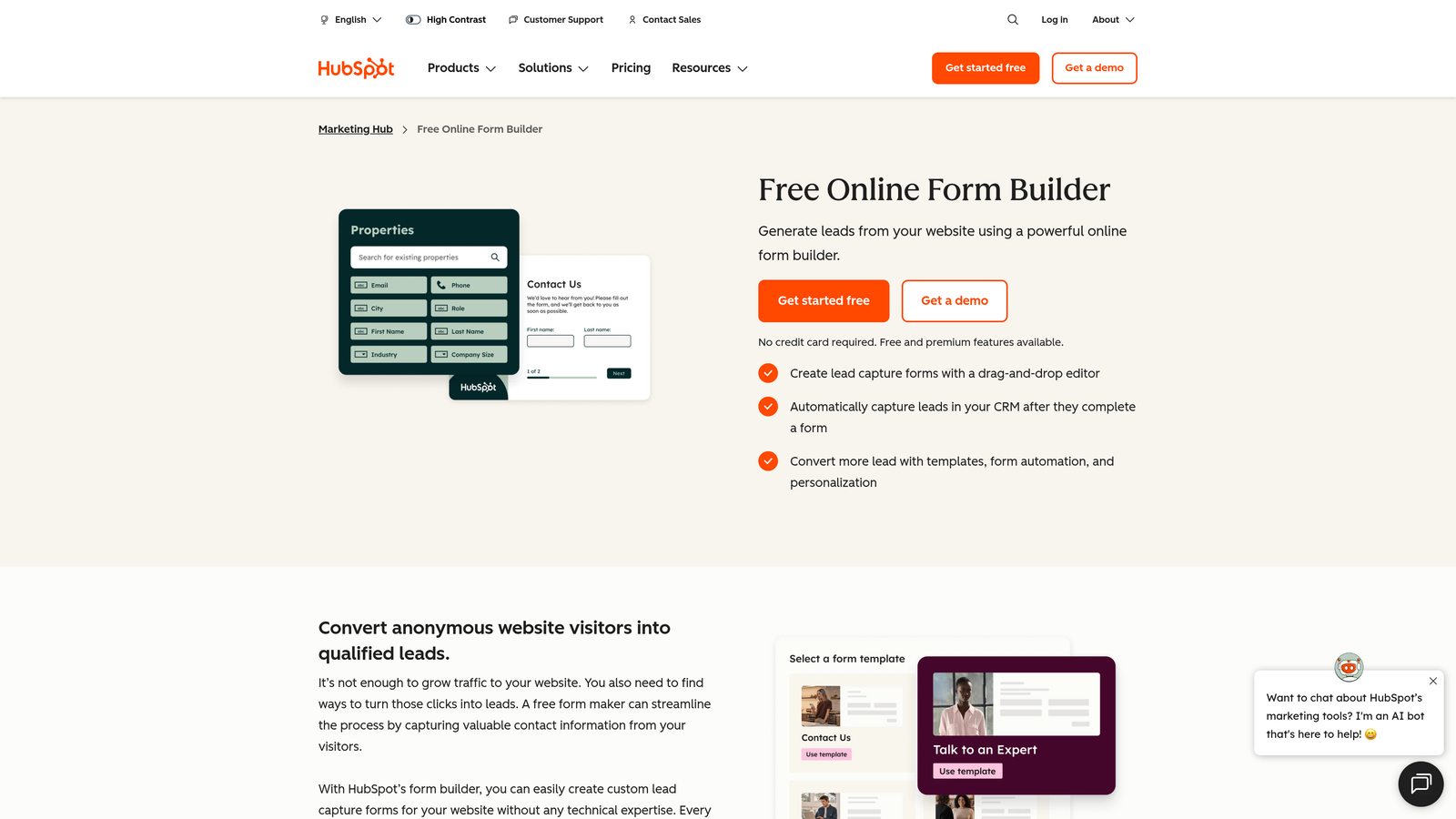
HubSpot Forms is a CRM-native form builder that automatically creates or updates contact records on every submission and feeds directly into HubSpot's marketing and sales automation.
Where This Tool Shines
If your team already lives in HubSpot, the forms tool is a natural extension of that ecosystem. Every submission instantly becomes a CRM contact, and you can trigger enrollment in workflows, sequences, or lead routing rules without any additional setup or third-party connectors.
Progressive profiling is a standout capability: HubSpot Forms can automatically skip questions it already has answers for, reducing friction for returning visitors while gradually building richer contact profiles over time.
Key Features
Automatic CRM Sync: Every submission creates or updates a HubSpot contact record instantly, with no manual import required.
Progressive Profiling: Forms adapt for known contacts, replacing already-answered fields with new questions to enrich data over time.
Workflow Triggers: Submissions can automatically enroll contacts in nurture sequences, notify sales reps, or trigger routing logic.
Embedded and Standalone Options: Deploy forms as embedded modules on any page or as standalone HubSpot-hosted pages.
Best For
HubSpot Forms is the obvious choice for any team already using HubSpot as their CRM. For teams outside the HubSpot ecosystem, the value proposition weakens significantly since the tool is designed to shine within that platform.
Pricing
Free with HubSpot CRM. Advanced features like A/B testing and smart forms are available in Marketing Hub paid tiers starting at approximately $20/month.
6. Paperform
Best for: Teams that want forms that look and feel like branded landing pages, not traditional data collection tools.
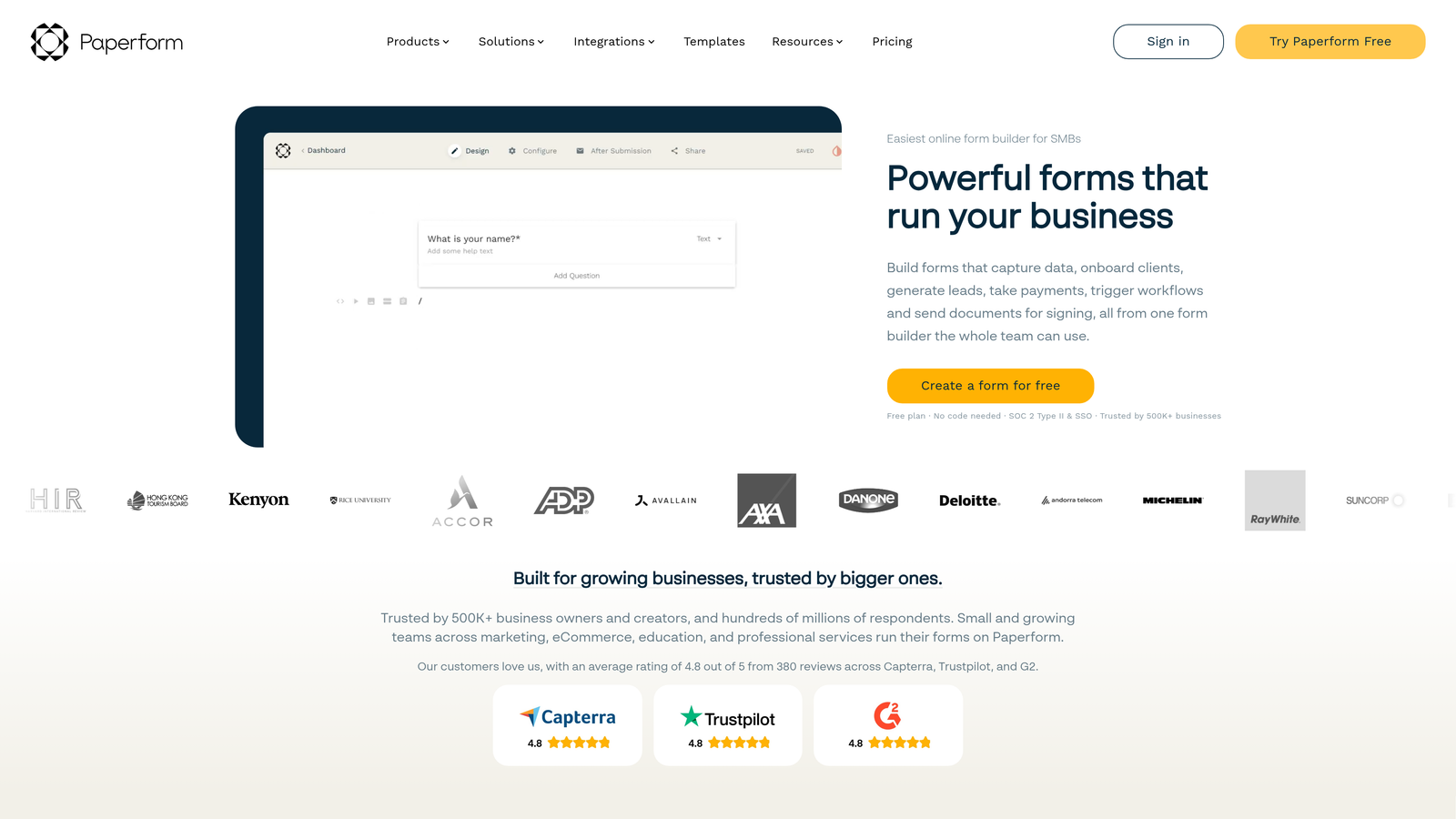
Paperform is a form builder that blends rich content, including images, video, and text blocks, directly with form fields to create immersive, branded experiences.
Where This Tool Shines
Paperform occupies a unique middle ground between a landing page builder and a form tool. You can embed images, write long-form copy, add video, and intersperse form fields throughout, creating an experience that guides respondents through context before asking for information.
This makes it particularly effective for product order forms, event registrations, and high-touch lead capture pages where context and brand storytelling matter alongside the data collection itself.
Key Features
Rich Content Embedding: Add images, video, and formatted text blocks anywhere within the form layout, not just at the top.
Conditional Logic and Calculations: Dynamic field visibility and calculation fields for pricing, scoring, and personalized outputs.
Built-In Payments: Accept payments directly through forms with Stripe integration and product field support.
Custom Thank-You Pages: Fully customizable post-submission experiences with redirect logic based on responses.
Best For
Paperform suits small businesses, creators, and marketing teams that want their forms to double as branded content experiences. It's especially strong for product sales, event sign-ups, and any use case where context and design are part of the conversion strategy.
Pricing
Plans start at approximately $24/month. No permanent free tier, but a trial is available to explore the platform before committing.
7. Fillout
Best for: Operations and data teams that need forms connected directly to Airtable, Notion, or other database backends.
Fillout is a database-first form builder with native integrations to Airtable, Notion, Supabase, Google Sheets, and other data sources, making it a strong choice for ops-heavy workflows.

Where This Tool Shines
Where most form builders push data to a CRM or spreadsheet after submission, Fillout treats your database as the primary backend from the start. You connect your Airtable base or Notion database first, then build a form around it, which keeps data structured and eliminates the messy mapping step.
The platform also handles more complex form flows well, including multi-page forms, scheduling fields, file uploads, and URL pre-fill for tracking parameters, making it versatile beyond simple data entry.
Key Features
Database-Native Integrations: Forms connect directly to Airtable, Notion, Supabase, and Google Sheets as the primary data store.
Advanced Conditional Logic: Multi-step workflows with sophisticated branching based on field values and user behavior.
Scheduling and Payment Fields: Built-in scheduling, Stripe payment collection, and file upload capabilities.
URL Pre-Fill and Hidden Fields: Pass UTM parameters and tracking data into form submissions automatically for attribution.
Best For
Fillout is the go-to for operations teams, product managers, and startups already built around Airtable or Notion who want forms that feed data cleanly into their existing infrastructure without extra automation layers.
Pricing
Free plan available with core features. Paid plans start at approximately $15/month, making it one of the more accessible options for database-connected workflows.
8. Cognito Forms
Best for: Teams with calculation-heavy or payment-focused form needs, such as order forms and event registrations.
Cognito Forms is a calculation and payment-focused builder that excels at transactional form use cases where pricing logic, order totals, and repeating data structures are required.
Where This Tool Shines
Cognito Forms handles complex calculation logic better than most general-purpose builders. If you need a form that calculates a custom quote, totals a multi-item order, or applies conditional pricing rules, the built-in calculation engine handles it without custom code.
Repeating sections are another differentiator: respondents can dynamically add rows of data, which is invaluable for order forms, expense reports, and event registrations with variable line items.
Key Features
Advanced Calculation Fields: Formula-based calculations for pricing, scoring, totals, and conditional outputs built directly into the form.
Repeating Sections: Dynamic data entry where respondents can add multiple rows, ideal for order forms and itemized submissions.
Built-In Payment Processing: Native Stripe, Square, and PayPal integrations for transactional forms.
Multi-Page Forms with Conditional Logic: Complex branching across multiple form pages for longer workflows.
HIPAA-Compliant Option: Available for healthcare teams requiring compliant data handling.
Best For
Cognito Forms is a strong fit for small businesses, event organizers, and service providers who need robust calculation and payment logic without the cost of enterprise platforms. It's purpose-built for transactional complexity.
Pricing
Free plan available. Paid plans start at approximately $15/month, with HIPAA-compliant plans at a higher tier.
9. Formstack
Best for: Enterprise teams that need forms, document generation, and e-signatures in a single compliance-ready platform.
Formstack is an enterprise-grade workflow automation suite that combines forms, document generation, and e-signatures into a unified platform for complex organizational processes.
Where This Tool Shines
Formstack is in a different category from most tools on this list. It's not just a form builder; it's a full workflow automation platform where forms are the entry point for document generation, approval routing, and e-signature collection. For organizations managing complex multi-step processes, that end-to-end capability is genuinely valuable.
The compliance credentials are also enterprise-grade. HIPAA, GDPR, and SOC 2 options make it one of the few platforms that can serve regulated industries without requiring additional compliance tooling.
Key Features
Unified Workflow Suite: Forms, document generation, and e-signatures in a single platform for end-to-end process automation.
Approval and Routing Workflows: Advanced submission routing with multi-step approval chains and conditional escalation.
Enterprise Compliance: HIPAA, GDPR, and SOC 2 compliance options for regulated industries and enterprise security requirements.
Salesforce-Native Integration: Deep Salesforce connectivity for teams running enterprise sales and service operations.
A/B Testing: Built-in form optimization testing to improve conversion rates on high-traffic forms.
Best For
Formstack is built for enterprise organizations, healthcare systems, financial services firms, and large ops teams that need compliance, document workflows, and approval routing alongside their forms. It's overkill for most startups and SMBs but genuinely powerful at scale.
Pricing
Plans start at approximately $50/month. Enterprise pricing is available for larger organizations with custom requirements.
Which Platform Is Right for Your Team?
The right custom form creation platform depends heavily on what you actually need your forms to do. Here's a quick way to think through the decision.
If lead qualification is your primary goal and you want AI to do the heavy lifting before submissions ever reach your CRM, Orbit AI is the most purpose-built option in this list. It's the only platform here that embeds qualification intelligence directly into the form experience rather than treating it as a downstream CRM task.
For teams that prioritize conversational design and brand aesthetics, Typeform remains the benchmark. For sheer template volume and versatility across industries, Jotform is hard to beat. If you're deep in the HubSpot ecosystem, their native forms tool is the path of least resistance.
Startups watching their budget will find Tally's unlimited free tier genuinely hard to argue with. Ops teams built around Airtable or Notion should look closely at Fillout. Transactional use cases with complex pricing logic point to Cognito Forms. Rich, landing-page-style form experiences belong to Paperform. And enterprise organizations with compliance requirements and multi-step workflows should evaluate Formstack seriously.
The broader shift in 2026 is clear: the best form platforms are no longer passive data collectors. They qualify, route, adapt, and integrate. If your current form tool is just capturing submissions and dumping them into a spreadsheet, you're leaving significant conversion value on the table.
Transform your lead generation with AI-powered forms that qualify prospects automatically while delivering the modern, conversion-optimized experience your high-growth team needs. Start building free forms today and see how intelligent form design can elevate your conversion strategy.


