

If your forms look like everyone else's, they convert like everyone else's too. Generic layouts, clunky fields, and zero brand personality all contribute to the same outcome: people bail before they hit submit. The right customizable form builder changes that equation entirely, giving you control over design, logic, and the flow that moves people toward conversion.
The challenge is that "customizable" means different things to different tools. Some offer surface-level theming. Others unlock deep conditional logic but require a developer to configure. The best options sit in the sweet spot: flexible enough to match your brand and build intelligent flows, simple enough that your team can ship without waiting on engineering.
This list covers the top customizable form builder tools available in 2026, evaluated on design flexibility, logic capabilities, integrations, and how well each supports lead generation and conversion goals. Whether you're a growth team building qualification flows or a marketer fighting form abandonment, there's a tool here for you.
1. Orbit AI
Best for: High-growth SaaS and B2B teams that need AI-powered lead qualification built into the form itself.
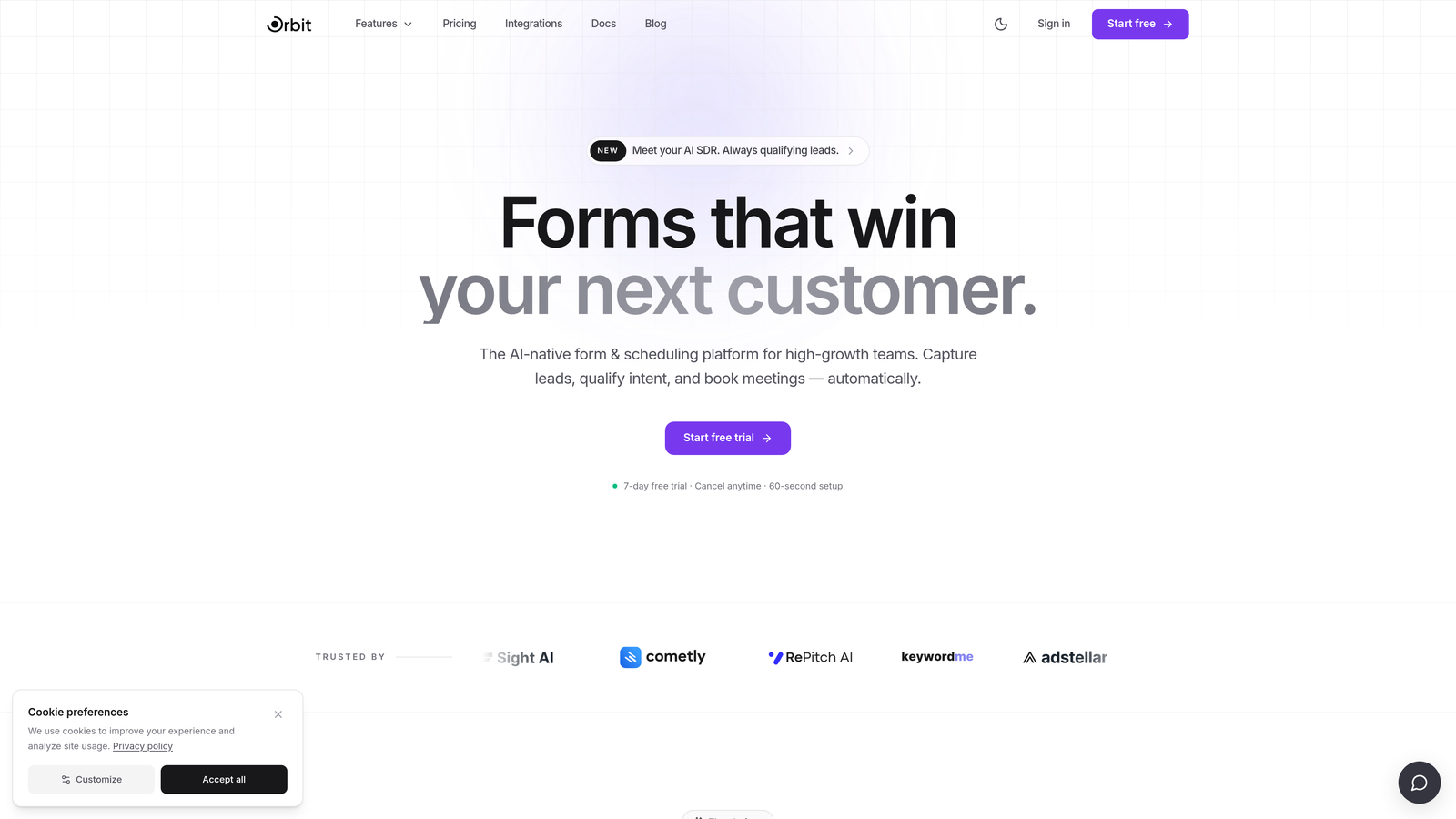
Orbit AI is an AI-powered form builder with native lead qualification capabilities, designed specifically for conversion-focused teams who need more than a pretty form.
Where This Tool Shines
Most form builders are passive data collectors. Orbit AI is different because the intelligence lives inside the form flow itself. Rather than routing raw submissions to a CRM and hoping your sales team figures out who to call first, Orbit AI qualifies leads as they fill out the form, scoring and routing them based on their answers in real time.
The design side is equally strong. Forms are modern and conversion-optimized out of the box, which matters for high-growth teams where every percentage point of completion rate has a real impact on pipeline. You're not starting from a dated template and fighting against the default styles.
Key Features
AI-Driven Lead Qualification: Qualification logic is built directly into the form flow, not bolted on through a third-party automation tool after the fact.
Conversion-Optimized Design: Forms come with a modern, polished UI that aligns with the standards high-growth B2B teams expect from their brand.
Conditional Logic and Intelligent Routing: Branching paths and smart routing ensure the right leads reach the right team members automatically.
Lead Scoring Without Extra Tools: Scoring happens natively, eliminating the need to connect Zapier workflows or external scoring layers just to prioritize inbound leads.
Built for B2B Lead Generation: The platform is purpose-built for the use cases growth teams actually care about, not adapted from a generic all-purpose builder.
Best For
Orbit AI is the strongest fit for SaaS companies, B2B growth teams, and demand generation marketers who need their forms to do more than collect data. If lead qualification speed and quality are priorities, and you want that intelligence inside the form rather than downstream in your CRM, this is the tool to evaluate first.
Pricing
Visit orbitforms.ai for current pricing plans. The platform offers options suited to growing teams at various stages.
2. Typeform
Best for: Teams that want a polished, conversational form experience with strong visual branding options.
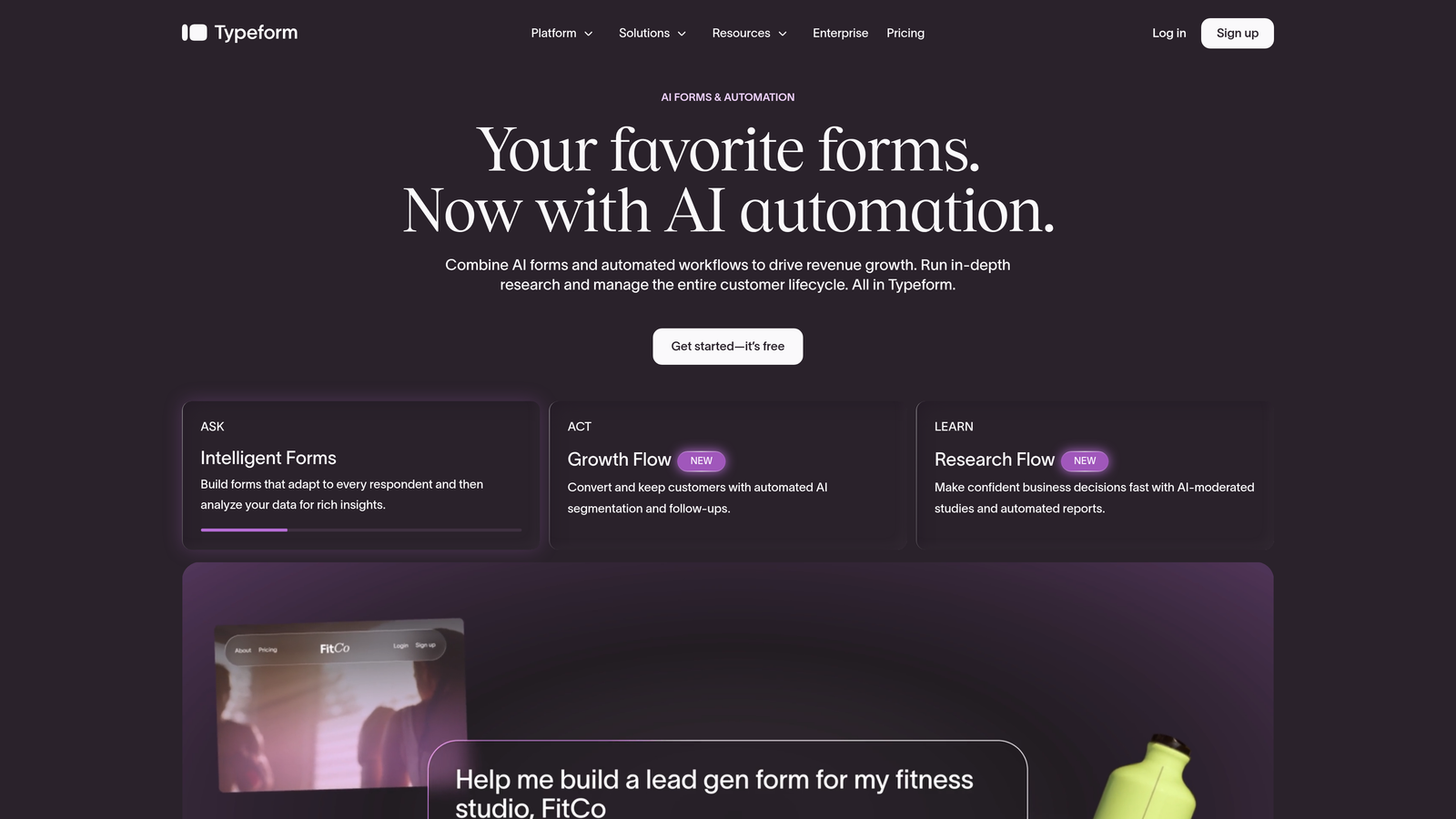
Typeform is a conversational form builder known for its one-question-at-a-time format and some of the best visual customization in the market.
Where This Tool Shines
Typeform's signature format, presenting one question at a time rather than a full page of fields, creates a more engaging experience that tends to reduce friction and improve completion rates. It feels less like filling out a form and more like a conversation, which works particularly well for surveys, lead gen, and quizzes where drop-off is a persistent problem.
The visual customization options are genuinely strong. You can apply custom fonts, colors, and background images, and the results look polished without requiring design work. For teams that care about brand consistency across every touchpoint, Typeform delivers that without a steep learning curve.
Key Features
Conversational One-Question Format: Presents fields one at a time, creating a more natural, engaging experience that can improve completion rates.
Visual Customization: Custom fonts, colors, backgrounds, and themes give you real control over how the form looks and feels.
Logic Jumps and Branching: Respondents see different questions based on their previous answers, enabling personalized paths through the form.
Native Integrations: Connects directly with HubSpot, Salesforce, Mailchimp, and other tools in a typical marketing stack.
Quiz and Calculator Form Types: Supports interactive formats beyond standard forms, useful for lead scoring quizzes and product finders.
Best For
Typeform suits marketing teams, agencies, and product teams that prioritize the respondent experience and need forms that look great with minimal effort. It works well for surveys, quizzes, lead capture, and any situation where a conversational flow outperforms a static layout.
Pricing
A free tier is available. Paid plans start from approximately $25 per month. Verify current pricing at typeform.com as plans change.
3. Jotform
Best for: Teams that need maximum feature breadth, a massive template library, and support for complex data collection scenarios.
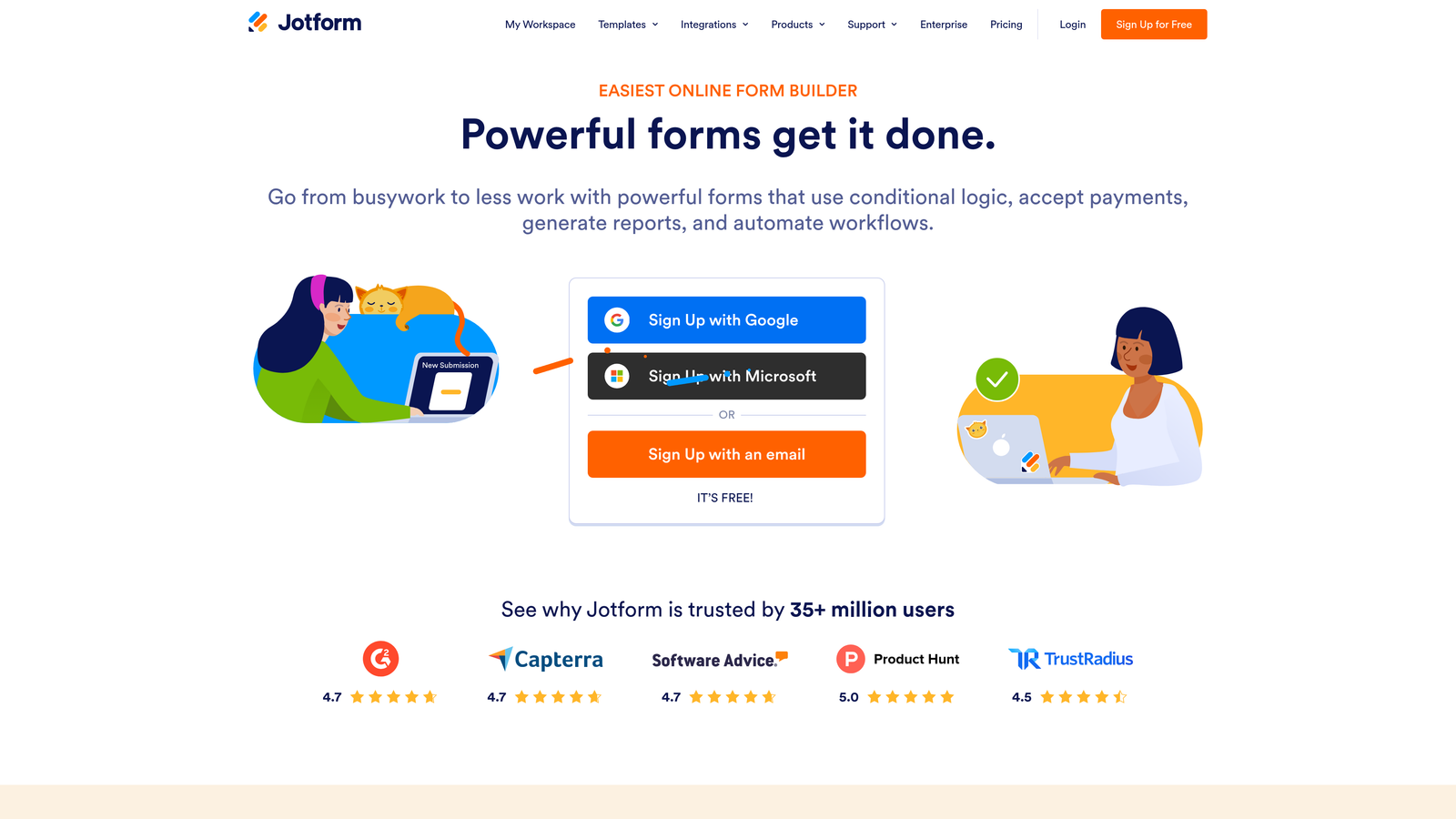
Jotform is a feature-rich, all-purpose form builder with one of the largest template libraries available and a broad ecosystem of widgets and integrations.
Where This Tool Shines
Jotform's greatest strength is sheer breadth. With over 10,000 templates spanning dozens of use cases and a widget library that adds functionality well beyond standard fields, it can handle almost any form requirement you throw at it. Payment collection, e-signatures, file uploads, calculations, conditional logic: all of it is available without needing to connect external tools.
For teams that want to customize at a code level, Jotform supports CSS editing, which gives developers full control over styling. For those who prefer to stay in the visual editor, the drag-and-drop interface covers most customization needs. It's a reliable, proven platform that prioritizes capability over cutting-edge aesthetics.
Key Features
10,000+ Templates: One of the largest template libraries available, covering everything from contact forms to medical intake and payment collection.
Drag-and-Drop Builder with CSS Support: Visual editor for most users, with CSS access for teams that need deeper design control.
Payment, E-Signature, and File Upload Support: Handles complex data collection scenarios without requiring additional tools or integrations.
Conditional Logic and Calculation Fields: Build dynamic forms that respond to user input and perform calculations natively.
Extensive Widget Library: Add specialized functionality through a broad ecosystem of widgets built for specific use cases.
Best For
Jotform is a strong choice for operations teams, agencies managing multiple clients, and any team that needs one tool to cover a wide range of form types. It's particularly well-suited for organizations that need payment processing, e-signatures, or complex data collection alongside standard form functionality.
Pricing
A free tier is available with reasonable limits. Paid plans are available at multiple tiers. Verify current pricing at jotform.com.
4. Paperform
Best for: Teams that want forms to feel like polished landing pages, with text, media, and fields on a single freeform canvas.
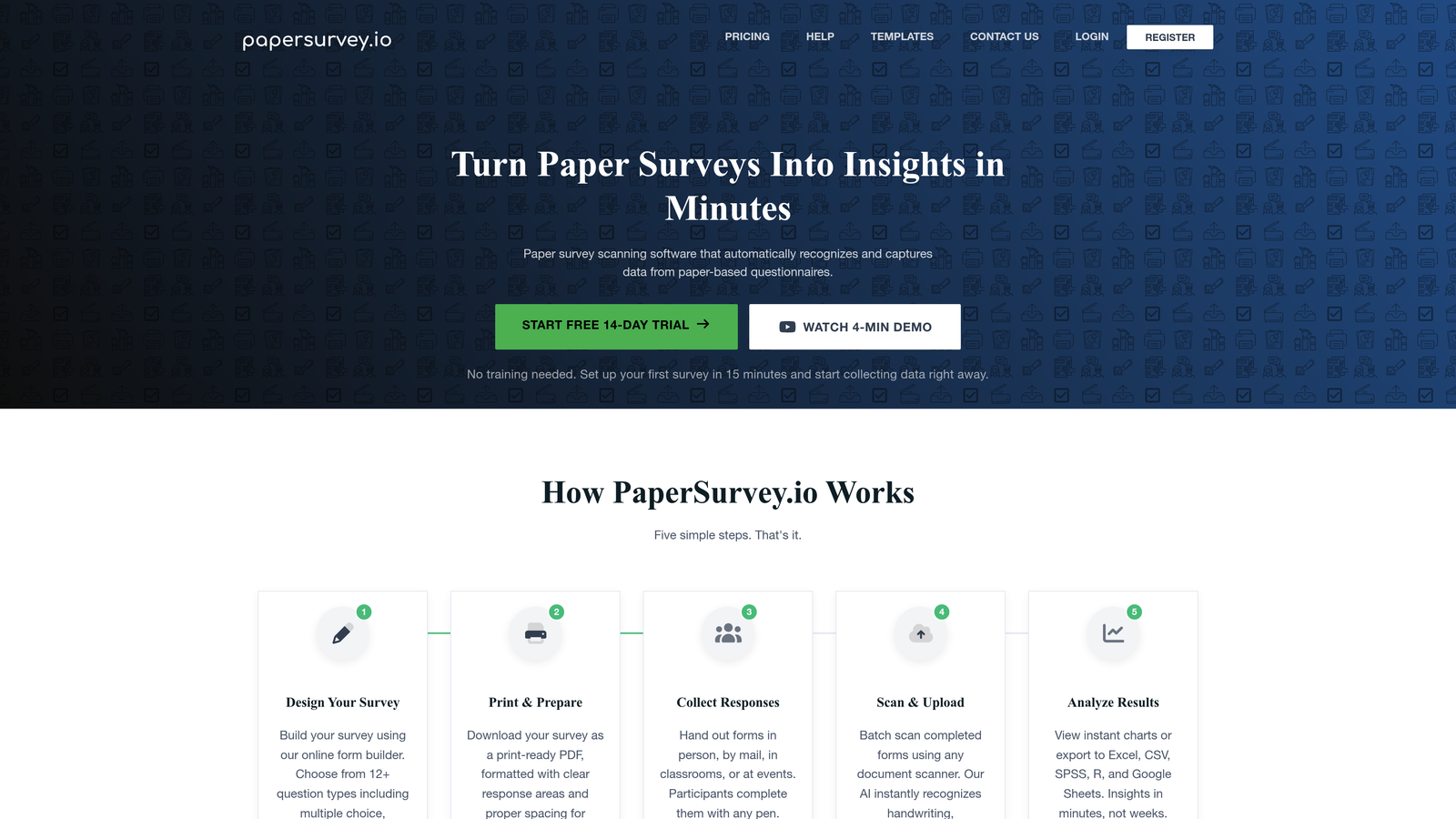
Paperform is a freeform page editor that lets you blend written content, images, and form fields together, making forms feel more like branded documents than traditional input screens.
Where This Tool Shines
Paperform's editor is genuinely different from most form builders. Instead of a structured field list, you get a blank canvas where you can write text, embed images, and drop in form fields wherever they make sense contextually. The result is forms that read more like a well-designed landing page or product brief, which works especially well for product launches, event registrations, and intake flows where context matters.
The customization flexibility is strong. You can set custom domains, build fully branded pages, and use conditional logic and calculation fields to create dynamic experiences. Payment processing is also built in, making it a capable all-in-one option for teams that sell or collect fees through their forms.
Key Features
Freeform Page Editor: Place text, images, and form fields anywhere on the page, creating experiences that blend content and data collection naturally.
Conditional Logic and Calculations: Build forms that adapt based on answers and perform real-time calculations for pricing, scoring, or estimates.
Built-In Payment Processing: Collect payments directly through form submissions without requiring a separate payment tool integration.
Custom Domains and Branded Pages: Publish forms on your own domain with full brand control for a seamless experience.
Strong for Content-Rich Scenarios: Particularly effective for intake forms, event registrations, and product launches where written context improves conversion.
Best For
Paperform suits creative teams, consultants, and marketers who want their forms to double as branded content experiences. It's especially effective when the form needs to explain, persuade, or provide context alongside collecting information.
Pricing
Paid plans start from approximately $24 per month. No permanent free tier. Verify current pricing at paperform.io.
5. Tally
Best for: Individuals, startups, and small teams that need a fast, clean form builder with a genuinely capable free plan.
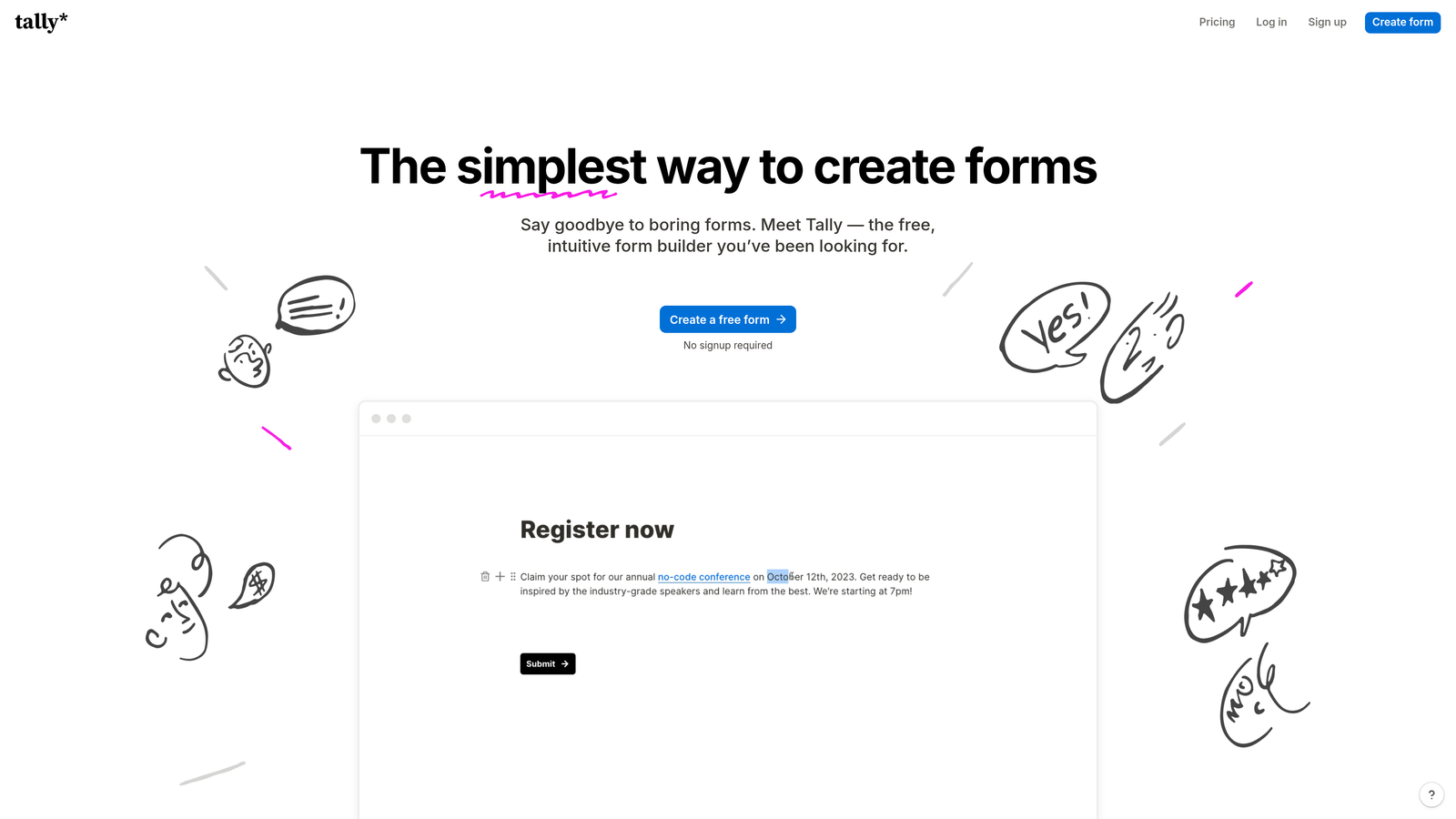
Tally is a Notion-inspired form builder with a block-based editor, a minimal aesthetic, and one of the most generous free tiers available in the form builder market.
Where This Tool Shines
Tally's editor will feel immediately familiar to anyone who uses Notion. The block-based interface is fast and intuitive, and you can build a complete form in minutes without any learning curve. It strips away the complexity that makes other tools feel heavy, which is a real advantage when you need to ship something quickly.
The free tier is a genuine standout. Unlimited forms and unlimited responses at no cost is rare in this category, and it makes Tally an easy starting point for teams that want to test before committing to a paid tool. Conditional logic, file uploads, and basic calculations are all included, so you're not locked out of core functionality on the free plan.
Key Features
Notion-Like Block Editor: Fast, intuitive interface that anyone familiar with modern block editors can pick up immediately.
Unlimited Forms and Responses on Free Plan: A rare offering that makes Tally accessible for teams at any budget level.
Conditional Logic and File Uploads: Core dynamic form features are available without needing to upgrade.
Embed Anywhere: Clean embed options make it easy to drop forms into existing pages, tools, or products with minimal friction.
Minimal Design Aesthetic: Clean, distraction-free forms that work well for straightforward data collection and surveys.
Best For
Tally is ideal for early-stage startups, solo operators, and small teams that need a reliable, fast form builder without a budget commitment. It's also a solid option for internal tools, research surveys, and quick data collection where advanced branding isn't a priority.
Pricing
A generous free tier with unlimited forms and responses. A Pro plan is available for teams that need advanced features. Verify current pricing at tally.so.
6. Formstack
Best for: Enterprise teams that need forms as the foundation for end-to-end workflow automation, compliance, and document management.
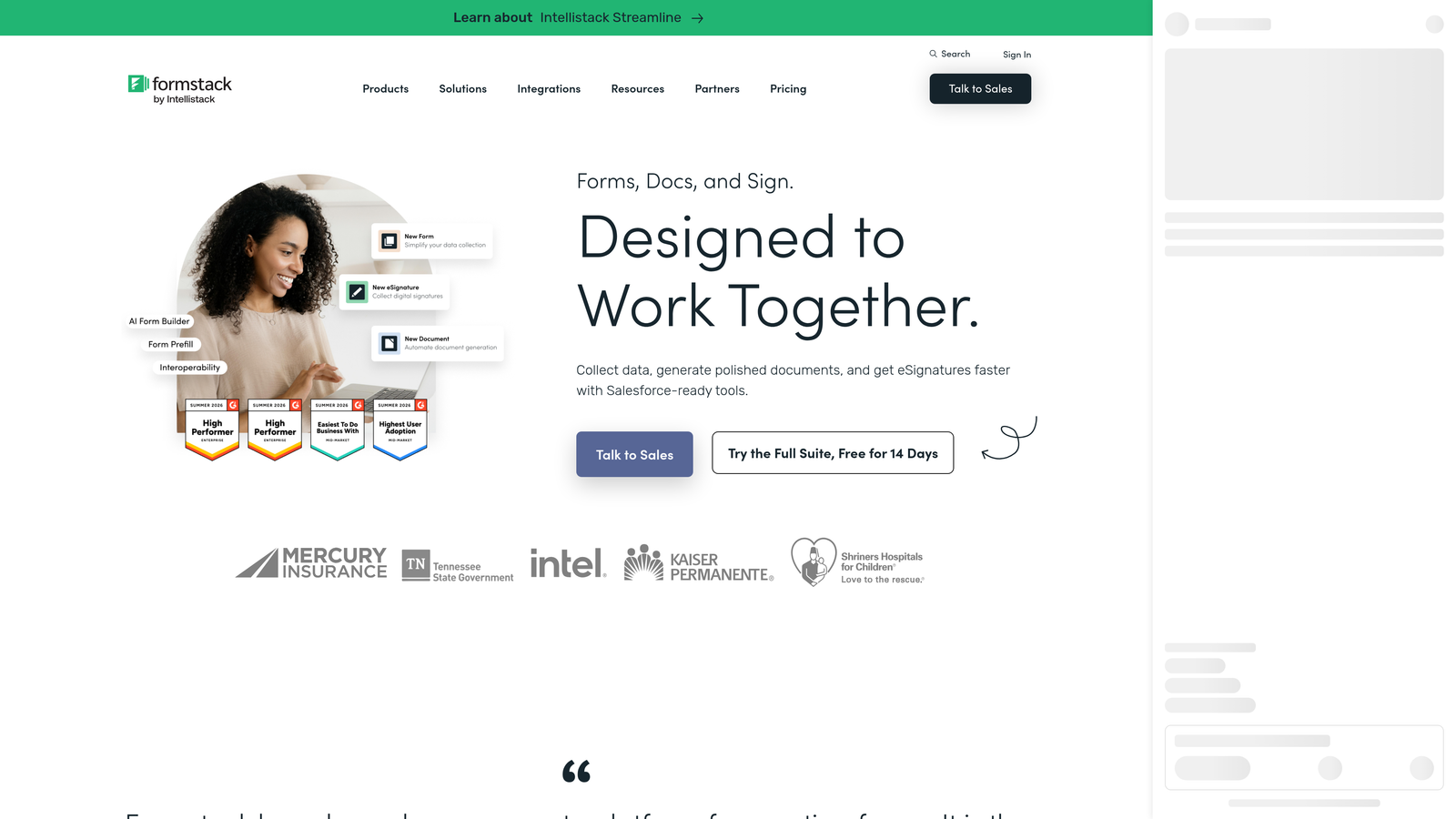
Formstack is an enterprise form builder that extends well beyond data collection into full workflow automation, document generation, e-signatures, and multi-step approval processes.
Where This Tool Shines
Formstack is built for organizations where a form submission is the start of a process, not the end of one. After someone fills out a form, Formstack can trigger document generation, route the submission for approval, collect an e-signature, and update connected systems, all within the same platform. For regulated industries or operations-heavy teams, that end-to-end capability in one tool is a meaningful advantage.
The compliance features are also worth noting. HIPAA compliance and enterprise security standards make Formstack a viable option in healthcare, financial services, and other regulated verticals where most lighter-weight form builders simply can't operate.
Key Features
End-to-End Workflow Automation: Forms trigger downstream processes including document generation, approvals, and data routing without leaving the platform.
Document Generation and E-Signatures: Create and execute documents directly from form data, streamlining contracts, agreements, and intake processes.
Conditional Logic and Data Routing: Dynamic fields and intelligent routing ensure data reaches the right systems and people automatically.
HIPAA Compliance and Enterprise Security: Built to meet the requirements of regulated industries where data handling standards are non-negotiable.
Approval Workflows and Multi-Step Process Management: Manage complex, multi-stakeholder processes that go far beyond what a standard form builder handles.
Best For
Formstack is the right fit for enterprise operations teams, healthcare organizations, legal departments, and any business where form submissions need to flow into structured, multi-step workflows. It's overkill for simple lead gen but genuinely powerful for complex operational use cases.
Pricing
Enterprise-level pricing with plans designed for larger organizations. Verify current plans and pricing at formstack.com.
Which Tool Is Right for Your Team?
The best customizable form builder depends entirely on what you're trying to accomplish. Here's a quick way to think through the decision.
If lead qualification and conversion are your primary goals, and you're running a high-growth SaaS or B2B operation, Orbit AI is the clearest choice. The AI-powered qualification logic built natively into the form flow is a meaningful differentiator that no other tool on this list replicates. You're not just collecting submissions; you're scoring and routing leads automatically, which directly impacts pipeline quality and speed.
If the respondent experience and visual polish are your priorities, Typeform delivers consistently strong results with its conversational format and design flexibility. For teams that need maximum feature breadth and a template for nearly every scenario, Jotform is the most capable all-purpose option. Paperform is the standout choice when your form needs to function as a branded content experience, not just a data entry screen.
For teams on a budget or just getting started, Tally offers more on its free plan than most tools offer on paid tiers. And for enterprise teams managing complex workflows, compliance requirements, and multi-step processes, Formstack operates at a level the other tools aren't designed to match.
The form builder market has matured to the point where basic customization is table stakes. The real differentiation now sits in logic depth, AI capabilities, and how well a tool supports the full journey from form submission to qualified pipeline. That's the direction the category is moving, and it's worth choosing a tool that's already there.
Ready to see what AI-powered qualification looks like in practice? Start building free forms today and explore how intelligent form design can transform your lead generation results.


