

Finding the right form builder shouldn't require a leap of faith. With dozens of platforms competing for your attention, the smartest move is to test before you commit. Free trials let you experience the actual interface, build real forms, and evaluate whether a tool fits your workflow—not just read about features on a marketing page.
We've compiled form builders offering meaningful free trials, ranging from AI-powered lead qualification tools to simple drag-and-drop builders. Whether you're optimizing for conversions, collecting survey data, or streamlining internal workflows, there's a trial waiting for you below.
1. Orbit AI
Best for: High-growth teams needing AI-powered lead qualification alongside conversion-optimized forms
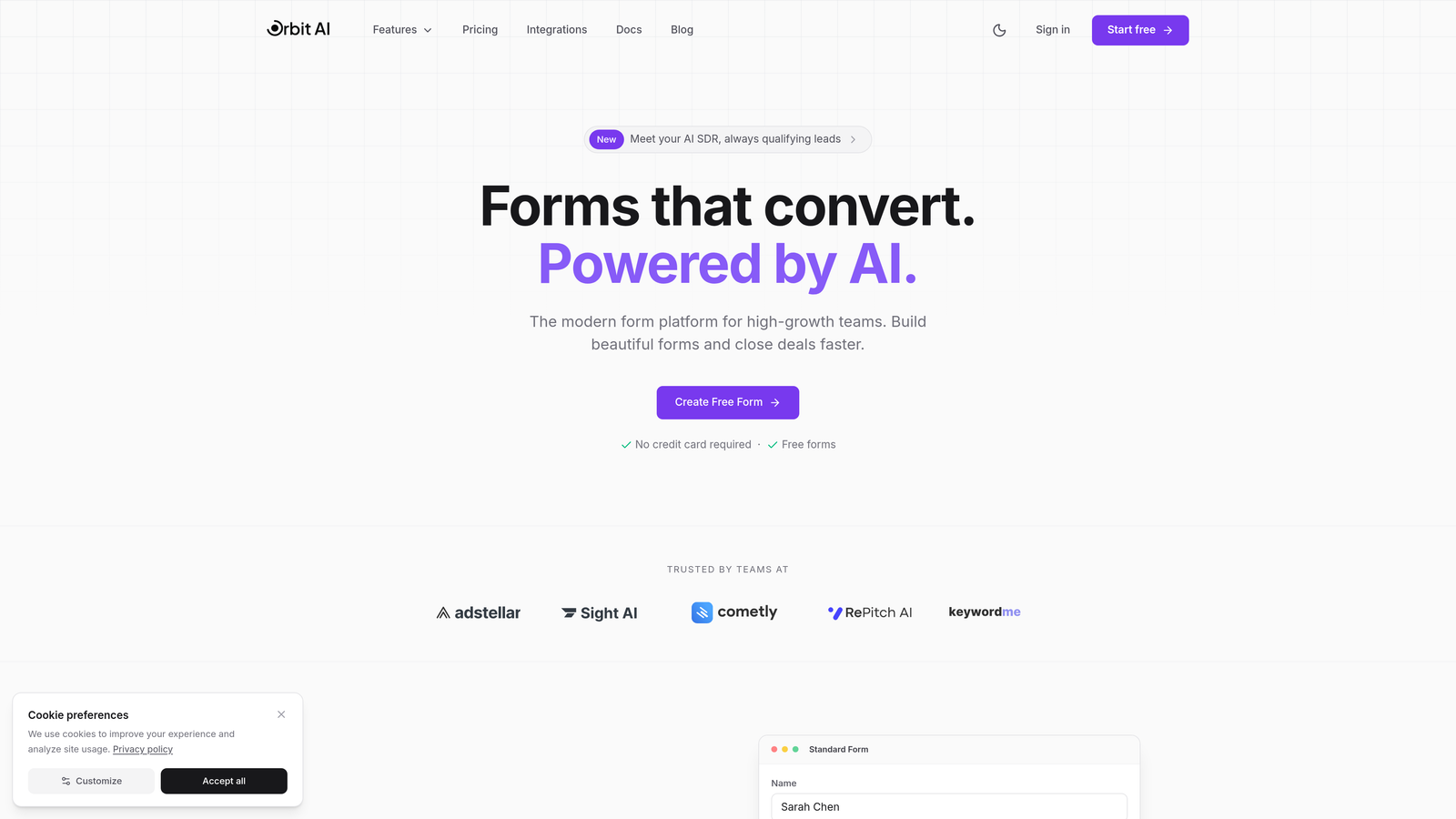
Orbit AI is an intelligent form builder platform that automatically qualifies and scores leads while delivering modern, high-converting form experiences.
Where This Tool Shines
The platform stands out by combining beautiful form design with intelligent lead qualification. While most form builders simply collect data, Orbit AI analyzes responses in real-time to score and prioritize leads based on your criteria.
This becomes particularly valuable for sales teams drowning in form submissions. Instead of manually reviewing every entry, your team receives leads already sorted by conversion potential, letting them focus energy where it matters most.
Key Features
AI-Powered Lead Qualification: Automatically scores and prioritizes form submissions based on response patterns and qualification criteria you define.
Conversion-Optimized Templates: Pre-built form designs tested for maximum completion rates across industries and use cases.
Native CRM Integrations: Direct connections to sales tools and CRMs ensure qualified leads flow seamlessly into your existing workflow.
Real-Time Analytics Dashboard: Track form performance, conversion rates, and lead quality metrics as submissions arrive.
Conditional Logic Workflows: Create dynamic forms that adapt based on responses, showing relevant questions while hiding unnecessary fields.
Best For
High-growth B2B teams and SaaS companies where lead quality matters as much as quantity. If your sales team struggles to prioritize inbound leads or your current forms generate too many unqualified submissions, the AI qualification layer solves both problems simultaneously.
Pricing
Free trial available to test the full platform. Paid plans start at competitive rates designed for growing teams, with pricing that scales as your form submission volume increases.
2. Typeform
Best for: Creating engaging, conversational experiences with one-question-at-a-time presentation
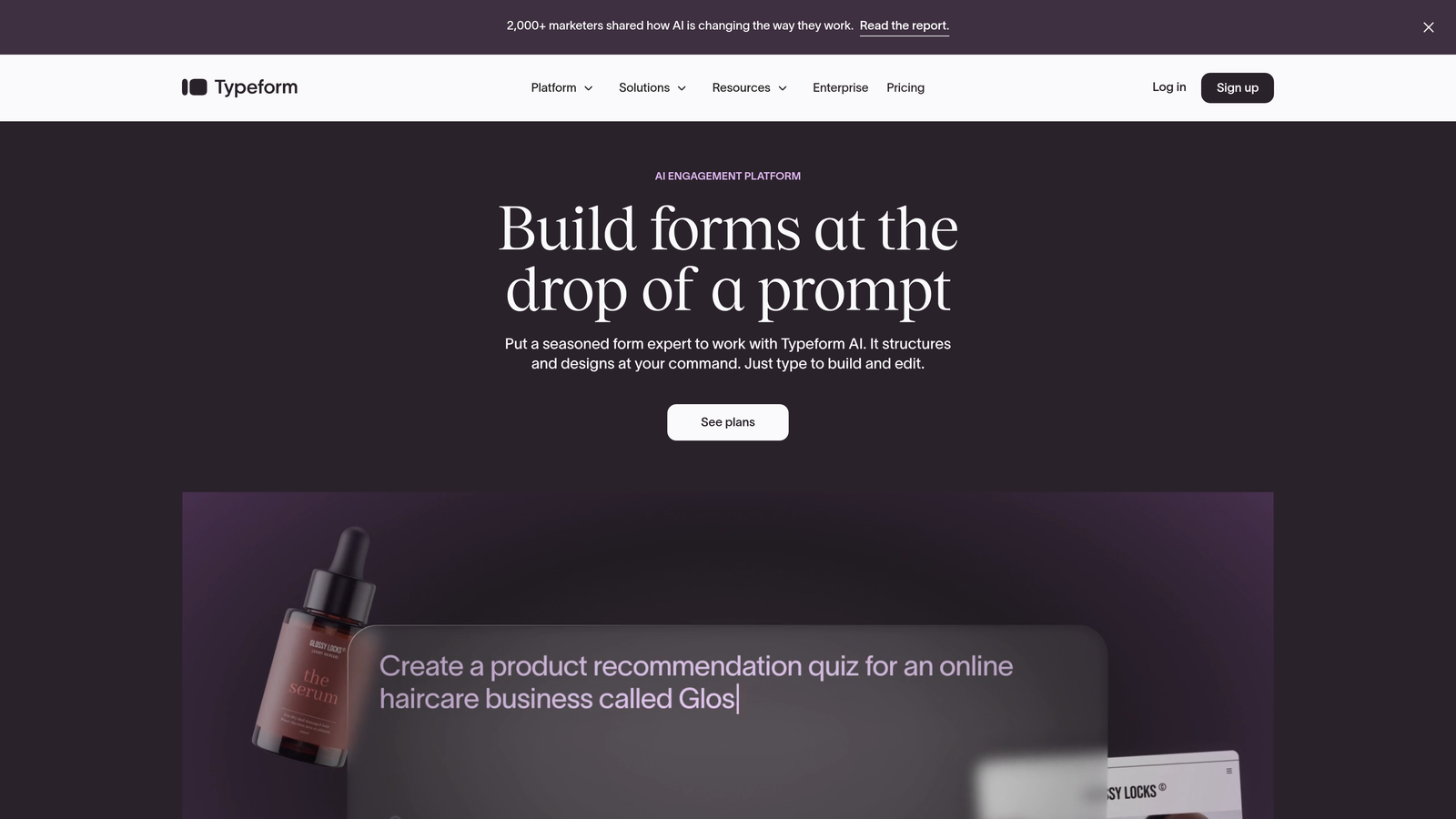
Typeform is a conversational form builder that presents questions individually, creating a more human, engaging experience than traditional multi-field forms.
Where This Tool Shines
The conversational approach fundamentally changes how respondents interact with your forms. By showing one question at a time, Typeform reduces cognitive overload and creates a more focused, less intimidating experience.
This design philosophy particularly excels for surveys, customer feedback, and lead capture where completion rates matter. The interface feels more like a conversation than an interrogation, which translates to higher engagement and more thoughtful responses.
Key Features
One-Question-at-a-Time Interface: Presents questions sequentially rather than as a long scrolling form, improving focus and completion rates.
Brand Customization: Extensive design controls let you match forms to your visual identity with custom colors, fonts, and backgrounds.
Logic Jumps: Create branching paths where subsequent questions change based on previous answers, personalizing the experience.
Rich Media Embedding: Add videos, images, and GIFs directly into questions to create more engaging, visually interesting forms.
Native Integrations: Connect directly to popular tools including Google Sheets, Slack, HubSpot, and hundreds of others via Zapier.
Best For
Marketing teams running surveys, collecting event registrations, or capturing leads where user experience directly impacts completion rates. The conversational format works especially well for longer forms that might otherwise feel overwhelming.
Pricing
Free plan available with basic features and Typeform branding. Basic plan starts at $25 per month when billed annually, removing branding and adding logic jumps.
3. Jotform
Best for: Teams needing extensive template variety and customization options across diverse use cases
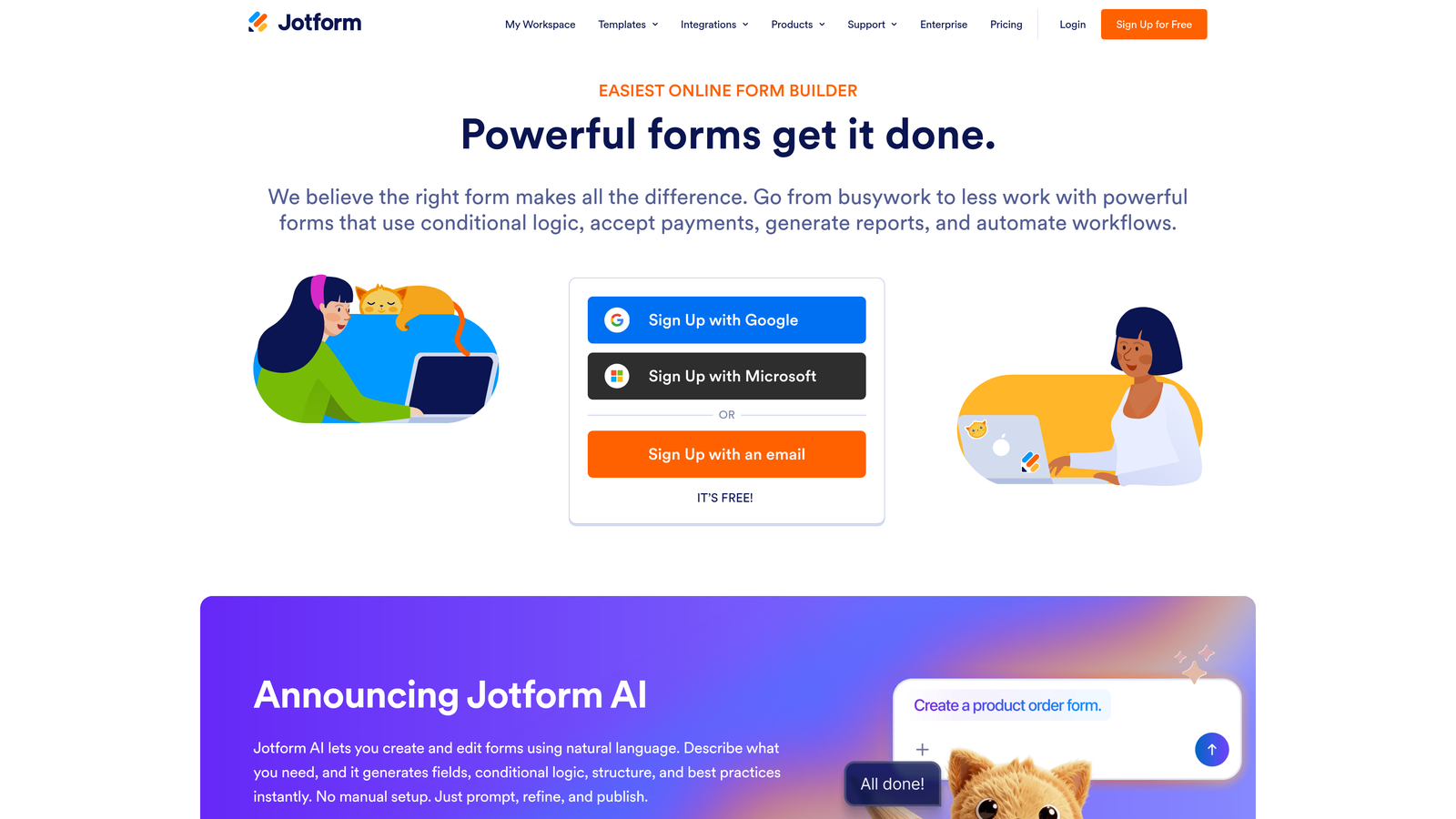
Jotform is a feature-rich form builder offering over 10,000 pre-built templates and comprehensive customization for virtually any form requirement.
Where This Tool Shines
The sheer breadth of templates means you'll rarely build from scratch. Whether you need a complex job application, event registration, customer satisfaction survey, or payment form, there's likely a template that gets you 80% of the way there.
Beyond templates, Jotform packs in features that more specialized builders often skip. PDF generation, payment collection, appointment scheduling, and even table-based forms all live under one roof, making it a genuine Swiss Army knife for form needs.
Key Features
10,000+ Templates: Pre-built forms across industries and use cases, from healthcare intake forms to real estate applications.
Drag-and-Drop Builder: Intuitive visual editor lets you customize templates or build forms from scratch without coding.
Payment Integration: Accept payments directly through forms via PayPal, Stripe, Square, and other processors.
PDF Form Generation: Automatically convert submissions into formatted PDF documents for easy sharing and archiving.
Mobile App: Manage forms, view submissions, and make edits from iOS or Android devices when away from your desk.
Best For
Organizations with diverse form needs across departments, from HR to sales to operations. The template library and feature breadth make it particularly valuable when you need one platform handling multiple form types rather than juggling specialized tools.
Pricing
Free tier includes up to 5 forms with 100 monthly submissions. Bronze plan starts at $34 per month for 25 forms and 1,000 submissions, removing Jotform branding.
4. Tally
Best for: Startups and creators wanting unlimited forms without paying for a subscription
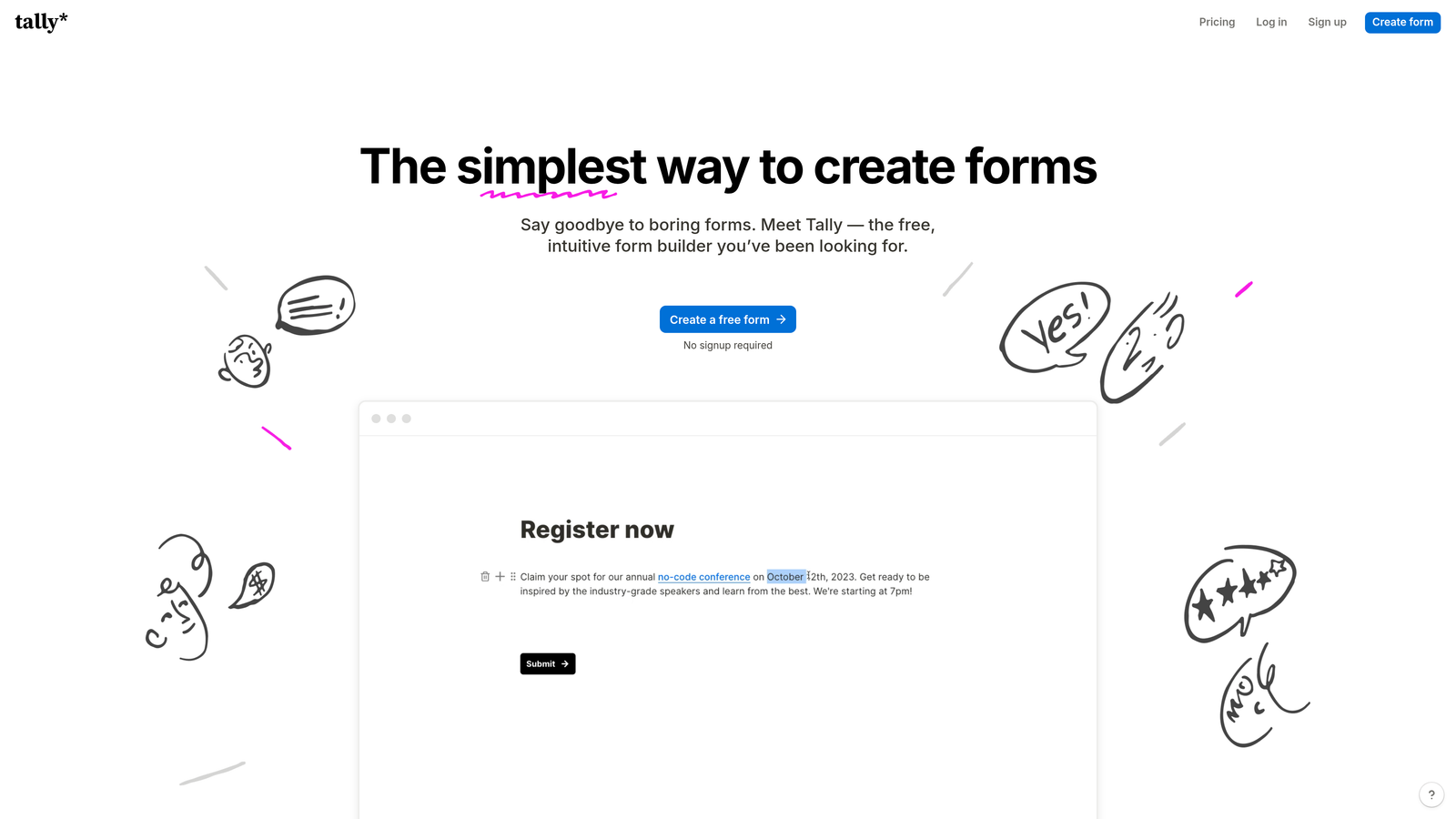
Tally is a minimalist form builder offering unlimited forms on its free tier, with a Notion-like editing experience that feels instantly familiar.
Where This Tool Shines
The generous free tier changes the economics of form building. While most platforms limit free users to 3-5 forms, Tally lets you create unlimited forms with unlimited submissions, making it viable for actual business use rather than just testing.
The Notion-style interface means there's virtually no learning curve if you're already comfortable with block-based editors. You type, format, and structure forms the same way you'd write a document, which feels more natural than traditional form builders.
Key Features
Unlimited Free Forms: Create as many forms as needed without hitting artificial limits or paying subscription fees.
Notion-Like Editor: Block-based editing that feels familiar to anyone who's used modern document editors.
No Branding on Free Tier: Forms appear completely white-labeled even on the free plan, maintaining your professional image.
File Upload Support: Accept file submissions from respondents, useful for applications, portfolios, and document collection.
Conditional Logic: Show or hide questions based on previous answers to create dynamic, personalized form experiences.
Best For
Individual creators, freelancers, and early-stage startups where budget constraints make paid tools difficult to justify. The unlimited free tier means you can scale form usage without worrying about hitting plan limits.
Pricing
Free tier with unlimited forms and submissions. Pro plan at $29 per month adds features like custom domains, file storage upgrades, and priority support.
5. Paperform
Best for: Creating forms that look like standalone landing pages with rich media and custom design
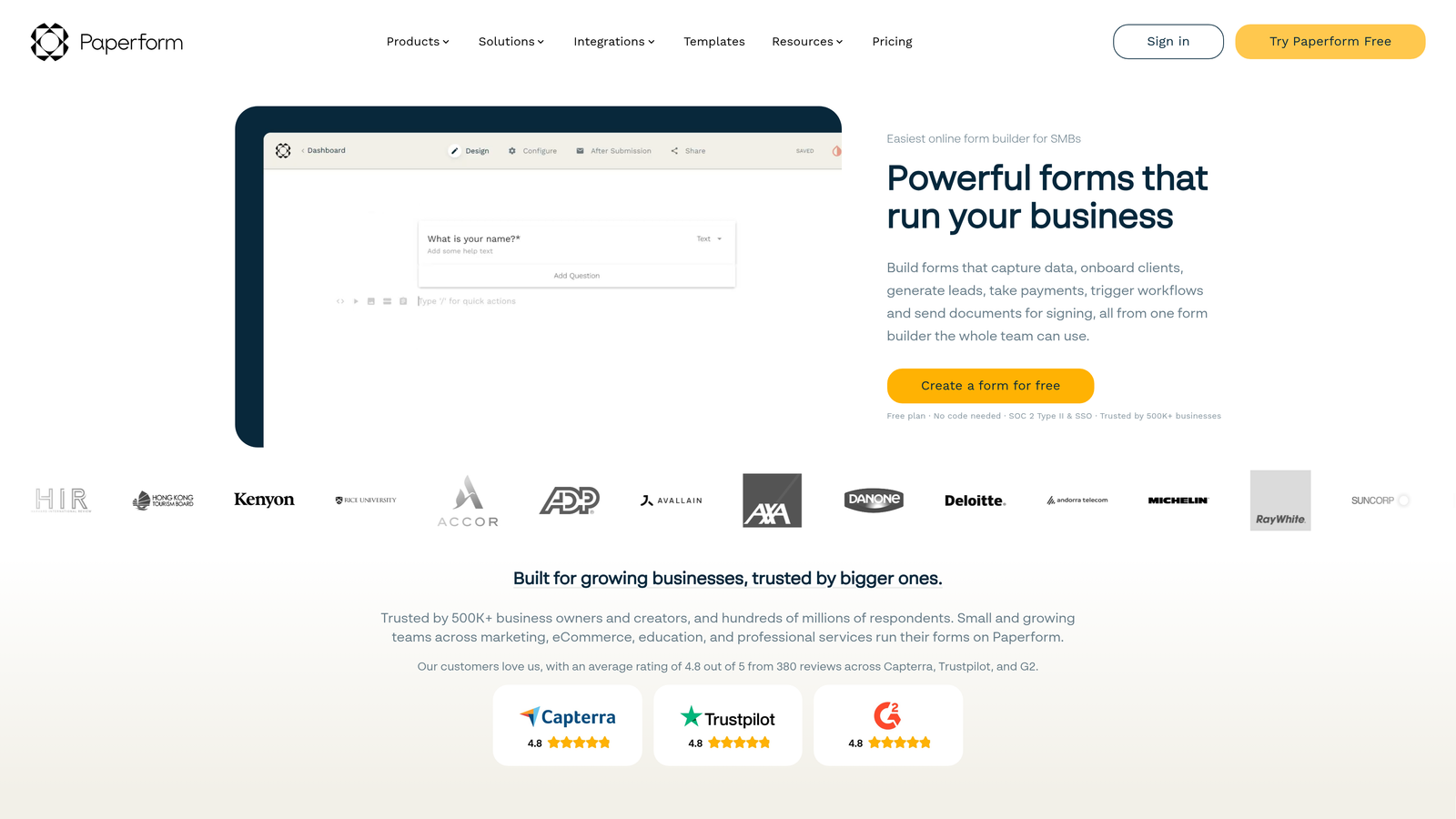
Paperform is a form builder that creates beautiful, landing page-style forms with extensive design flexibility and rich media support.
Where This Tool Shines
Paperform blurs the line between forms and landing pages. Instead of traditional form layouts, you get a canvas that supports full-width images, custom typography, embedded videos, and layout control that rivals dedicated page builders.
This design-first approach makes your forms feel less like data collection tools and more like branded experiences. When the form itself needs to convey professionalism or creativity—think creative agency intake forms or premium service bookings—the visual polish matters.
Key Features
Landing Page Design: Forms look and feel like standalone pages rather than embedded widgets, with full design control.
Rich Media Embedding: Add videos, images, custom HTML, and formatted text blocks anywhere in your form.
E-Commerce Capabilities: Sell products, accept bookings, and process payments directly through forms with pricing calculations.
Advanced Calculations: Build complex pricing formulas, automatic discounts, and dynamic totals based on form inputs.
Custom Success Pages: Design unique confirmation experiences rather than generic "thank you" messages.
Best For
Service businesses, creative agencies, and brands where form design directly reflects on professional image. The landing page approach works particularly well for booking forms, applications, and product orders where the form IS the conversion page.
Pricing
14-day free trial available. Essentials plan starts at $24 per month for 1,000 submissions, including payment processing and custom branding.
6. Formstack
Best for: Enterprise teams needing advanced compliance, security, and workflow automation
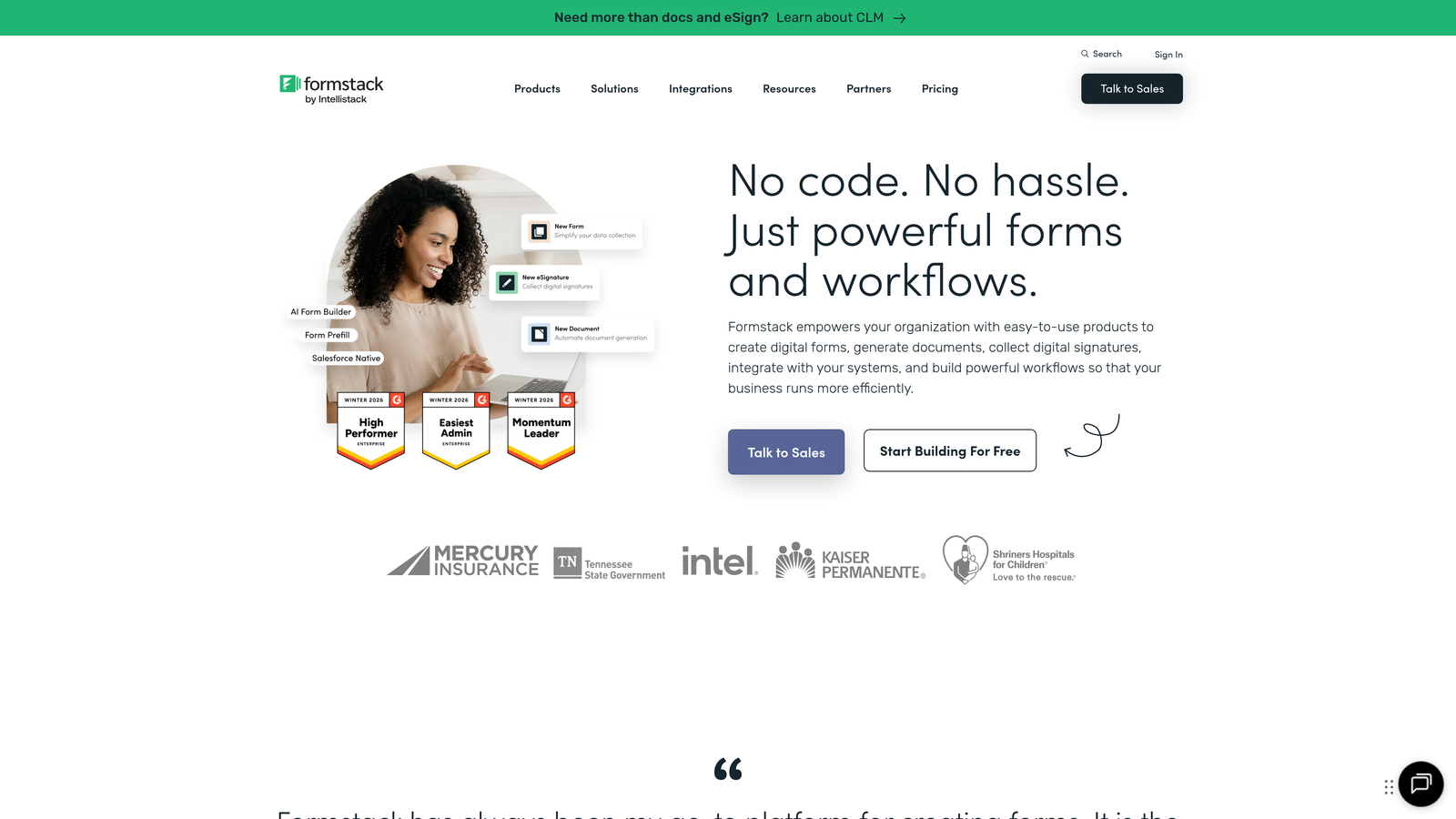
Formstack is an enterprise-grade form builder with robust workflow automation, security compliance certifications, and document generation capabilities.
Where This Tool Shines
Formstack tackles enterprise requirements that simpler builders ignore. SOC 2 compliance, HIPAA-ready infrastructure, and advanced user permissions make it viable for regulated industries where data security isn't optional.
The workflow automation extends beyond basic form submission notifications. You can route approvals, generate contracts from submissions, trigger multi-step processes, and integrate with enterprise systems—all without custom development work.
Key Features
Workflow Automation: Build multi-step approval processes, conditional routing, and automated actions triggered by form submissions.
Compliance Certifications: SOC 2 Type II and HIPAA compliance options for healthcare, finance, and other regulated industries.
Document Generation: Automatically create PDFs, contracts, and formatted documents from submission data using custom templates.
Electronic Signatures: Collect legally binding signatures directly within forms for contracts and agreements.
Enterprise Security: Advanced encryption, audit logs, user permissions, and SSO support for large organizations.
Best For
Healthcare organizations, financial services, government agencies, and large enterprises where compliance requirements, security audits, and complex workflows are standard operating procedure. The enterprise features justify the higher price point when regulatory compliance is mandatory.
Pricing
14-day free trial available. Forms plan starts at $50 per month, with enterprise pricing available for organizations requiring compliance certifications and advanced security.
7. Cognito Forms
Best for: Service businesses and nonprofits needing robust payment processing and complex calculations
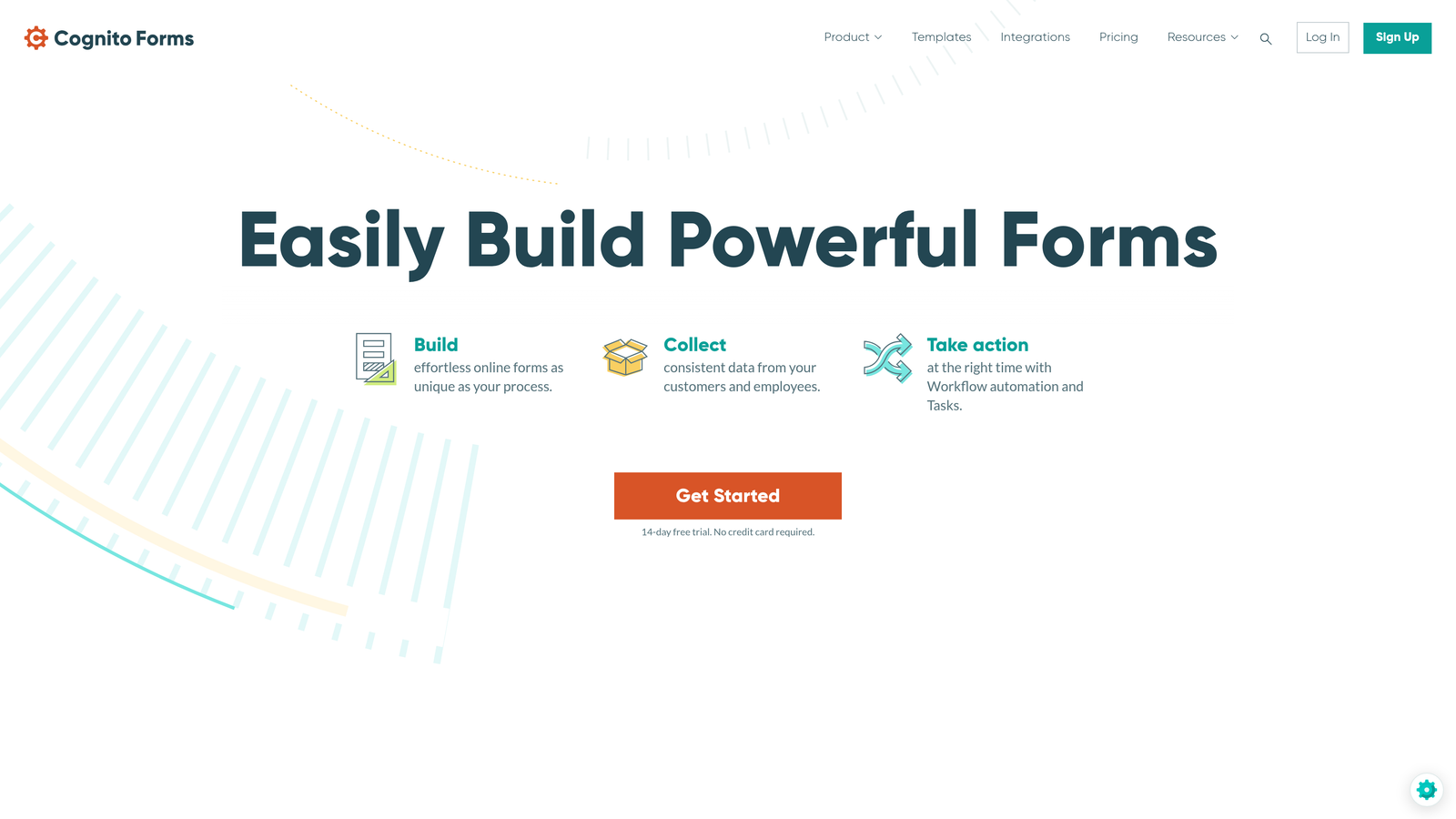
Cognito Forms is a form builder specializing in payment collection and advanced calculation fields, popular with service providers and nonprofit organizations.
Where This Tool Shines
The calculation engine handles complexity that breaks other form builders. Need to calculate pricing based on multiple variables, apply conditional discounts, or build custom formulas? Cognito Forms treats calculations as a first-class feature rather than an afterthought.
Payment processing integrates deeply rather than feeling bolted on. You can build complete order forms with item selection, quantity adjustments, automatic tax calculations, and payment processing—essentially creating a lightweight e-commerce experience within a form.
Key Features
Built-In Payment Processing: Accept credit cards and ACH payments through Stripe and Square with transparent transaction fees.
Advanced Calculations: Create complex formulas, conditional pricing, automatic discounts, and dynamic totals based on user selections.
Repeating Sections: Let users add multiple items or entries within a single form submission, perfect for orders or registrations.
Workflow Routing: Route submissions to different team members based on form data, with approval and review capabilities.
Data Security: Encryption at rest and in transit, with compliance options for sensitive data collection.
Best For
Service businesses handling bookings, event organizers managing registrations with variable pricing, and nonprofits collecting donations or program applications. The calculation features particularly shine when pricing depends on multiple factors rather than fixed amounts.
Pricing
Free tier available with basic features. Pro plan starts at $15 per month for advanced features, with Team and Enterprise plans adding collaboration and compliance options.
8. 123FormBuilder
Best for: Healthcare and regulated industries requiring HIPAA compliance and robust security
123FormBuilder is a security-focused form builder offering HIPAA compliance and comprehensive features for healthcare providers and regulated industries.
Where This Tool Shines
HIPAA compliance isn't just a checkbox feature here—it's built into the platform architecture. Healthcare providers can collect patient information, medical histories, and protected health data with confidence that the infrastructure meets regulatory requirements.
Beyond healthcare, the security features appeal to any organization handling sensitive data. Business Associate Agreements, encryption standards, and audit trails provide the documentation needed during compliance reviews and security audits.
Key Features
HIPAA and GDPR Compliance: Full compliance with healthcare privacy regulations and European data protection requirements.
Electronic Signatures: Collect legally binding signatures for consent forms, contracts, and agreements with audit trails.
Payment Integrations: Accept payments through PayPal, Stripe, Authorize.net, and other processors with PCI compliance.
Conditional Logic: Show or hide fields, sections, and pages based on previous answers to create dynamic forms.
White-Label Options: Remove all 123FormBuilder branding and use custom domains for completely branded experiences.
Best For
Healthcare practices, medical billing companies, therapy offices, and any organization subject to HIPAA regulations. The compliance features also benefit legal firms, financial advisors, and consultants handling confidential client information.
Pricing
Free tier with 5 forms available. Gold plan starts at $24.99 per month, with Platinum and Diamond plans adding HIPAA compliance and advanced security features.
9. Fillout
Best for: Teams using Notion, Airtable, or similar databases who want native form integration
Fillout is a modern form builder with native integrations for Notion, Airtable, and other databases, perfect for teams already using these platforms.
Where This Tool Shines
The native database connections transform how you handle form data. Instead of submissions sitting in a separate form platform requiring export, responses flow directly into your Notion workspace or Airtable base where your team already works.
This tight integration eliminates the awkward middleware step most form builders require. Your Notion database becomes the source of truth, and forms become just another input method—as natural as manually adding a row.
Key Features
Native Notion Integration: Forms write directly to Notion databases, treating form submissions as database entries without middleware.
Airtable Connection: Direct integration with Airtable bases, syncing form data in real-time to your existing tables.
Database-Connected Forms: Pull data from your databases to pre-fill fields or create dynamic dropdown options.
Scheduling Forms: Built-in booking and appointment scheduling with calendar integration for service-based workflows.
File Upload Support: Accept file submissions that store alongside form data in your connected database.
Best For
Teams already managing workflows in Notion or Airtable who want forms to feel like a native extension rather than a separate tool. The database-first approach particularly benefits project management teams, content operations, and collaborative workflows.
Pricing
Free tier available with generous limits. Starter plan at $15 per month removes branding and adds advanced features like custom domains and priority support.
Making the Right Choice
Matching your trial to your actual needs ensures you're testing what matters. For AI-driven lead qualification that helps prioritize your best prospects, start with Orbit AI. If conversational design and user experience are your priority, Typeform delivers that engaging one-question-at-a-time flow.
Teams needing enterprise compliance and advanced security should explore Formstack, while budget-conscious creators will appreciate Tally's generous free tier with unlimited forms. Service businesses handling complex pricing will find Cognito Forms' calculation engine invaluable, and teams already living in Notion or Airtable should test Fillout's native database integration.
The key is to actually build during your trial—create a real form for an upcoming project, connect your existing integrations, and submit test entries. That hands-on experience reveals more than any feature comparison ever could. Pay attention to how quickly you can build, whether the interface feels intuitive, and if the platform handles your specific workflow requirements without forcing workarounds.
Ready to start building free forms today? Transform your lead generation with AI-powered forms that qualify prospects automatically while delivering the modern, conversion-optimized experience your high-growth team needs. The trial period is your opportunity to see how intelligent form design can elevate your conversion strategy before committing to a platform.


