

If you've been searching for the right form builder and landed on JotForm vs Gravity Forms, you're probably already deep in research mode. Comparing pricing pages, watching demo videos, reading forum threads that somehow raise more questions than they answer. Both tools have loyal user bases, and both can technically "build forms." But the real question isn't which one is better in the abstract — it's which one is better for your specific use case, team, and growth goals.
JotForm is a standalone SaaS platform with a massive template library and a no-code-friendly interface. Gravity Forms is a WordPress plugin that plugs directly into your existing site and gives developers a powerful, extensible foundation. They're built on fundamentally different philosophies, which means the "right" answer depends entirely on your context.
This guide breaks down seven key decision criteria — from pricing and ease of use to lead qualification and conversion optimization — so you can make a confident, informed choice. And if you find that neither tool fully meets your needs, especially around AI-powered lead capture and conversion, we'll show you what modern teams are choosing instead.
1. Platform Architecture: Hosted SaaS vs WordPress Plugin
The Challenge It Solves
Before you compare a single feature, you need to answer one foundational question: where does your website live? This single factor determines whether either tool is even viable for your team. Choosing the wrong architecture means you're either locked into a platform dependency you didn't anticipate or paying for infrastructure you don't need.
The Strategy Explained
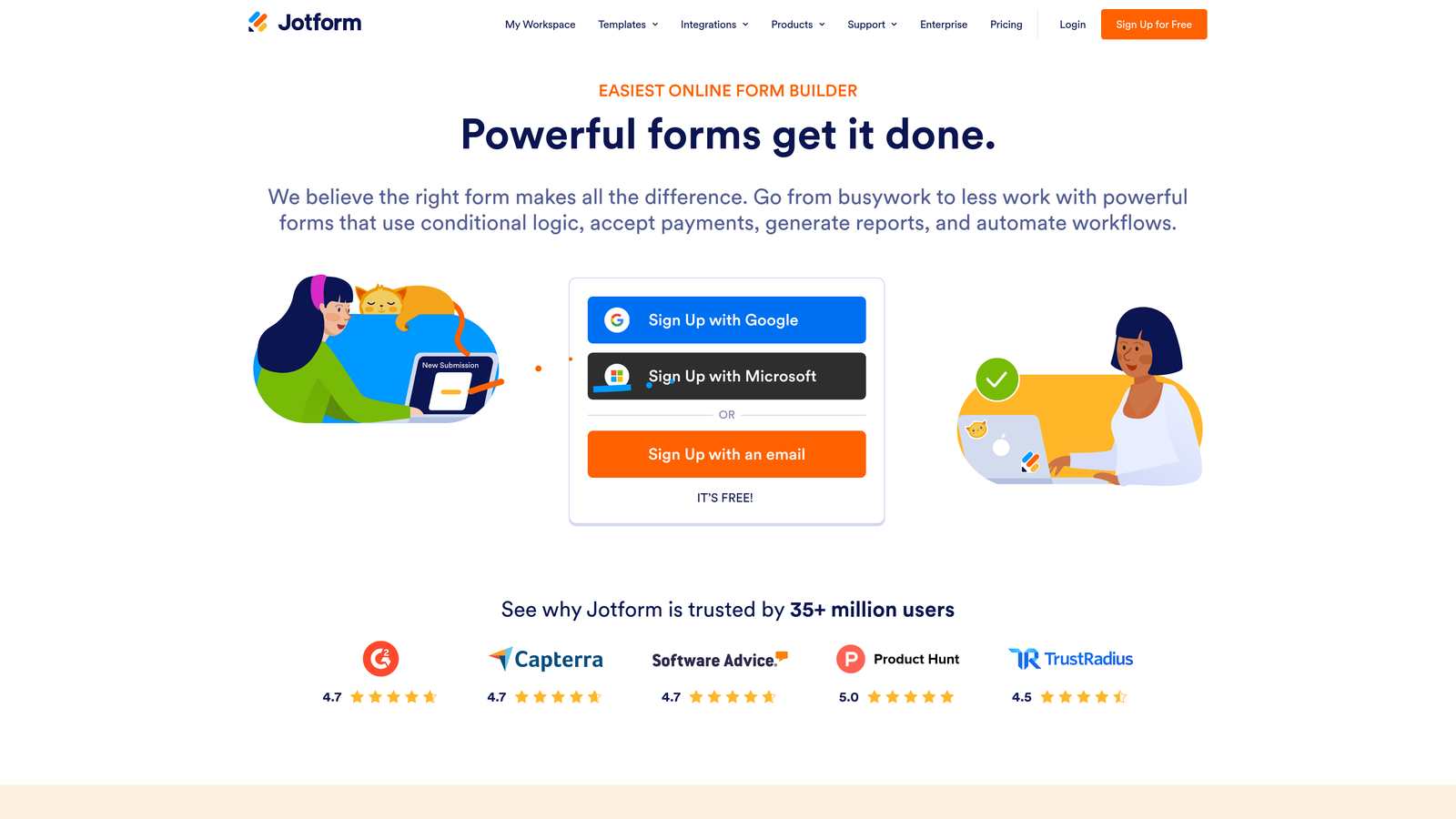
JotForm operates as a fully hosted SaaS platform, founded in 2006. Your forms live on JotForm's infrastructure, completely independent of any CMS. You can embed them anywhere, share them via direct link, or use them as standalone landing pages. There's no server to manage, no WordPress installation to maintain, and no plugin conflicts to troubleshoot.
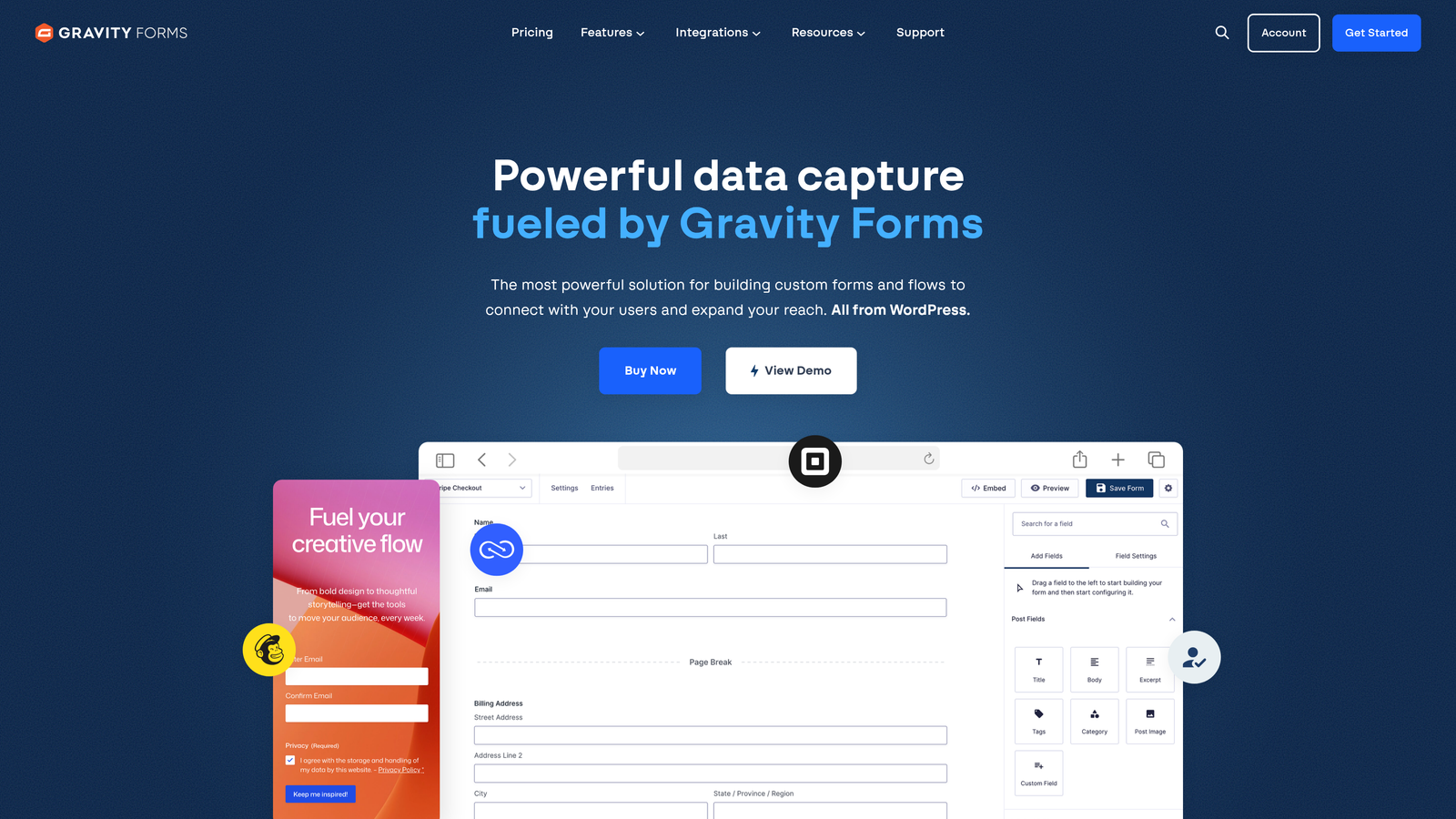
Gravity Forms, launched in 2009 by Rocketgenius, is a WordPress-only plugin. Full stop. It cannot function outside of a WordPress environment. This means if your site runs on Webflow, Squarespace, Shopify, or a custom-built stack, Gravity Forms is simply not an option. But if you're already running self-hosted WordPress, it integrates deeply with your existing site architecture. Teams evaluating a cloud-based Gravity Forms alternative often discover that hosted platforms remove this dependency entirely.
Implementation Steps
1. Audit your current website infrastructure before evaluating either tool — confirm whether you're on WordPress or another platform.
2. If you're on WordPress, assess your team's capacity to manage plugin updates, WordPress core updates, and hosting security alongside Gravity Forms.
3. If you're not on WordPress or need forms that work across multiple platforms, eliminate Gravity Forms from your shortlist immediately and focus on hosted SaaS options.
Pro Tips
Don't underestimate the hidden cost of WordPress dependency. Gravity Forms inherits every vulnerability, update cycle, and hosting decision of your WordPress environment. For teams without dedicated WordPress developers, this overhead compounds quickly. JotForm's hosted model removes that layer entirely, which is a genuine operational advantage for lean teams.
2. Pricing Transparency and True Cost of Ownership
The Challenge It Solves
Surface-level pricing comparisons are almost always misleading. The number you see on a pricing page rarely reflects what you'll actually pay once you factor in submission limits, required add-ons, developer time, and hosting overhead. Understanding the true cost of each platform protects your budget from unpleasant surprises six months into your contract.
The Strategy Explained
JotForm offers a free tier with submission limits and paid plans that scale by submission volume and feature access. As your form usage grows, you'll likely need to upgrade tiers to avoid hitting submission caps. The pricing is transparent and self-service, which is convenient, but high-volume teams can find costs escalating faster than expected as submission counts grow. Teams comparing JotForm against modern form platforms often find that total cost of ownership tells a very different story than the headline price.
Gravity Forms uses an annual license model with Basic, Pro, and Elite tiers. The base license price is relatively low compared to SaaS alternatives, which makes it appear affordable at first glance. However, many critical integrations — including Salesforce and HubSpot — are available only as separate paid add-ons. Add your WordPress hosting costs, developer time for setup and maintenance, and the occasional plugin conflict resolution, and the true cost of ownership rises considerably.
Implementation Steps
1. Map your expected monthly form submission volume for the next 12 months and check how that aligns with JotForm's tier limits at jotform.com/pricing.
2. List every integration you need from day one, then check Gravity Forms' add-on pricing at gravityforms.com to calculate the real annual cost including add-ons.
3. Add an honest estimate of developer hours for setup, ongoing maintenance, and troubleshooting to your Gravity Forms cost calculation.
Pro Tips
The "cheaper" option is rarely the one with the lower sticker price. When evaluating cost, always calculate the total cost including integrations, developer time, and the opportunity cost of delayed implementation. A tool that takes weeks to configure properly has a real price, even if it doesn't appear on an invoice.
3. Ease of Use and No-Code Accessibility
The Challenge It Solves
Choosing a form builder that doesn't match your team's technical skill set creates friction at every stage — from initial setup to ongoing edits. If your marketing team needs to ship a new lead capture form without waiting on a developer, that capability gap becomes a growth bottleneck. Understanding which tool matches your team prevents costly adoption mistakes.
The Strategy Explained
JotForm is built for speed and accessibility. Its drag-and-drop builder is genuinely intuitive, and its template library — spanning hundreds of pre-built forms across industries — means most teams can launch a polished form within minutes. Non-technical users can configure conditional logic, add integrations, and customize design without writing a single line of code.
Gravity Forms rewards developer investment. The form builder is functional, but it's designed with extensibility in mind rather than ease of use for non-developers. Its real power comes from WordPress hooks and filters that let developers build highly customized workflows. For teams with developer resources, this depth is valuable. For teams that need marketing autonomy, it creates a dependency that slows execution. If your marketing team needs better form data without relying on developers for every change, this distinction matters enormously.
Implementation Steps
1. Identify who on your team will own form creation and maintenance day-to-day — is it a developer, a marketer, or both?
2. Run a simple test: have your intended form owner build a basic multi-field lead capture form in each platform's trial environment and measure time to completion.
3. Assess how often you expect to update forms. If iteration speed matters, prioritize the platform your non-technical team members can operate independently.
Pro Tips
Ease of use isn't just about the initial build — it's about every edit, every A/B test, and every new campaign. Teams that underestimate this ongoing friction often find themselves with a technically capable tool that nobody actually uses because it requires too much developer involvement to change a single field.
4. Conditional Logic and Dynamic Form Capabilities
The Challenge It Solves
Static, one-size-fits-all forms are a conversion killer. When every respondent sees the same questions regardless of their previous answers, you lose relevance and increase drop-off. Conditional logic lets forms adapt in real time, showing or hiding fields based on user input — but the depth, flexibility, and accessibility of that logic varies significantly between platforms.
The Strategy Explained
Both JotForm and Gravity Forms support conditional logic, but they approach it differently. JotForm's conditional logic is configured visually within the form builder. You can set rules to show, hide, require, or skip fields based on previous answers without touching code. It's accessible to non-developers and covers the majority of common use cases cleanly.
Gravity Forms exposes conditional logic to developers through WordPress hooks and filters, making it far more extensible for complex, custom workflows. If you need logic that integrates with external data sources, triggers custom PHP functions, or feeds into highly specific WordPress-based workflows, Gravity Forms gives developers the tools to build it. The trade-off is that this depth requires technical expertise to unlock. For a deeper look at how conditional logic works across platforms, the conditional logic forms tutorial covers the key concepts and implementation patterns.
Implementation Steps
1. Document your most complex form logic requirements — multi-path flows, external data lookups, or conditional routing to different team members.
2. Test JotForm's visual logic builder against your documented requirements to see how far it gets you without code.
3. If your requirements exceed visual logic capabilities and you have developer resources, evaluate Gravity Forms' hook-based extensibility as a potential fit.
Pro Tips
For most lead generation use cases, visual conditional logic is sufficient. The scenarios where Gravity Forms' developer-level extensibility becomes genuinely necessary are narrower than many teams assume. If you're reaching for complex custom logic, it's worth asking whether your form tool is the right place to build that complexity, or whether a dedicated workflow automation tool would serve you better.
5. Lead Qualification and CRM Integration
The Challenge It Solves
High-growth teams need forms that do more than collect data. They need forms that qualify leads, score responses, and route the right prospects to the right people automatically. When your form tool is just a data collection vessel, your sales team spends time manually triaging submissions instead of engaging high-intent prospects. That gap has a direct cost to pipeline velocity.
The Strategy Explained
JotForm officially supports 150+ integrations including Salesforce, HubSpot, Mailchimp, Google Sheets, Slack, and Zapier. This means you can push form data into your CRM and trigger basic automation workflows. However, JotForm doesn't natively qualify or score leads — it collects responses and sends them somewhere else. The intelligence layer has to be built separately.
Gravity Forms offers CRM integrations through its add-on ecosystem, with Salesforce and HubSpot available as separate paid add-ons. Like JotForm, it passes data to your CRM but doesn't perform native lead qualification. The integration depth can be extended by developers, but the out-of-the-box experience is still fundamentally about data transfer, not lead intelligence. Teams struggling with CRM integration with forms not working as expected often find the root cause is that neither platform was designed with qualification logic built in.
Neither platform natively qualifies leads, scores responses based on ideal customer profile criteria, or makes routing decisions automatically. For teams running high-volume lead generation, this gap means manual work, delayed follow-up, and lost opportunities.
Implementation Steps
1. Map your current lead qualification process — what criteria determine a qualified lead, and who currently makes that determination?
2. Identify how much time your team spends manually reviewing and routing form submissions each week.
3. Evaluate whether your CRM's automation capabilities can compensate for your form tool's lack of native qualification, and what that configuration effort costs in developer or admin time.
Pro Tips
The best lead qualification happens at the point of capture, not after the fact. When your form tool can assess a respondent's answers in real time and route them appropriately, you eliminate the lag between submission and follow-up. That speed matters: many sales qualification forms for B2B teams confirm that response time is one of the strongest predictors of conversion, and every hour of delay reduces the likelihood of engagement.
6. Conversion Optimization Features
The Challenge It Solves
A form that collects data but doesn't convert visitors is just friction with a submit button. Conversion optimization features — multi-step flows, progress indicators, abandonment tracking, and smart UX design — are what separate forms that generate pipeline from forms that generate frustration. The gap between platforms here is wider than most teams realize until they're already committed.
The Strategy Explained
JotForm offers multi-step forms, a form analytics dashboard, and payment collection natively. You can see where users drop off, track completion trends, and build visually engaging multi-page experiences without additional tools. This is a meaningful advantage for teams that want conversion visibility without stitching together third-party analytics.
Gravity Forms supports multi-page forms, but analytics typically require third-party WordPress plugins or Google Analytics integration. This means your conversion data is fragmented across tools, and setting up meaningful funnel tracking requires additional configuration. For teams that want a clean, native analytics loop, Gravity Forms requires more assembly.
That said, neither platform offers truly conversion-first features like AI-driven question sequencing, real-time response scoring, or adaptive form experiences that change based on a respondent's behavior patterns. These capabilities are increasingly what makes forms convert better and separates high-performing lead capture from average form completion.
Implementation Steps
1. Audit your current form completion rates by reviewing whatever analytics you have access to today — even rough estimates reveal where the biggest drop-off points are.
2. Identify which conversion features matter most for your use case: is it multi-step UX, abandonment recovery, analytics visibility, or something else?
3. Test JotForm's native analytics dashboard against your current measurement setup to assess whether it closes your visibility gaps without additional tooling.
Pro Tips
Multi-step forms consistently outperform single-page forms for complex lead capture because they reduce cognitive load and create a sense of progression. If conversion optimization is a priority, understanding the difference between multi-step and single-page forms can help you choose the right approach before committing to a platform.
7. When Neither Tool Is the Right Fit — And What to Consider Instead
The Challenge It Solves
There's a specific type of frustration that comes from using a tool that's almost right. JotForm and Gravity Forms are both capable platforms, but they were designed for a different era of form building — one focused on data collection rather than lead intelligence. If your team is focused on pipeline growth, conversion optimization, and automated lead qualification, you may be hitting the ceiling of what either tool can deliver.
The Strategy Explained
The signals that you've outgrown legacy form tools tend to show up in the same places. Your sales team is spending meaningful time manually reviewing and triaging submissions. Your form data reaches your CRM but doesn't carry qualification signals. Your conversion rates feel flat despite efforts to improve form design. You're stitching together multiple tools to approximate the intelligence layer your form tool doesn't natively provide.
AI-native form platforms like Orbit AI are built around a fundamentally different premise: forms should actively contribute to pipeline quality, not just capture responses. That means AI-powered lead qualification that scores and routes prospects automatically based on their answers, conversion-optimized form experiences designed to reduce drop-off, and a modern interface that high-growth teams can operate without developer dependency.
For teams that have already invested heavily in WordPress, Gravity Forms may still make sense as a developer-extensible foundation. For teams that need fast, no-code deployment, JotForm remains a solid option for standard use cases. But for teams where form performance is directly tied to revenue growth, the question worth asking is whether your form tool is actively contributing to pipeline or just sitting at the top of it.
Implementation Steps
1. Conduct an honest audit: how much of your team's time is spent on post-submission lead triage that could be automated at the form level?
2. Calculate the cost of your current form stack including all integrations, automation tools, and developer time required to approximate lead qualification.
3. Evaluate AI-native alternatives against that total cost of ownership, not just the sticker price of your current form tool.
Pro Tips
The most important question isn't "which form builder has more features?" It's "which tool is designed to solve the problem I actually have?" If your problem is lead quality and conversion performance, choose a platform built specifically for that outcome rather than adapting a general-purpose form tool to approximate it.
Putting It All Together: Your Decision Framework
Choosing between JotForm and Gravity Forms ultimately comes down to your infrastructure and team. If you're running WordPress and have developer resources, Gravity Forms gives you deep extensibility and tight site integration. If you need a fast, no-code solution that works independently of any CMS, JotForm is the more accessible and immediately deployable choice.
But here's the honest assessment: both tools were designed for a different era of form building. They prioritize data collection over lead intelligence, and form completion over conversion optimization. The seven criteria covered in this guide reveal where each platform excels and, more importantly, where both fall short for teams with serious pipeline growth objectives.
High-growth teams in 2026 need more than a form that submits. They need forms that qualify, score, and route leads automatically. They need conversion-first design that reduces drop-off without requiring developer intervention for every iteration. And they need analytics that close the loop between form performance and pipeline outcomes.
That's exactly what Orbit AI was built to do. Before you commit to either platform, consider whether your form tool is actively contributing to pipeline growth or just capturing responses. If it's the latter, it might be time to explore what a purpose-built AI form platform can do for your conversion rates and lead quality.
Transform your lead generation with AI-powered forms that qualify prospects automatically while delivering the modern, conversion-optimized experience your high-growth team needs. Start building free forms today and see how intelligent form design can elevate your conversion strategy.


