

Google Forms is reliable, free, and deeply embedded in the Google ecosystem. But it was built for simplicity, not conversion. If your team is trying to qualify leads, reduce form abandonment, or create forms that actually reflect your brand, you've likely already hit its ceiling.
The good news: the form builder landscape has evolved dramatically. Today's best tools offer AI-powered logic, conversational interfaces, deep CRM integrations, and analytics that go far beyond what Google Forms can deliver.
This guide covers the top modern alternatives to Google Forms, selected based on conversion optimization capabilities, design flexibility, AI and automation features, integration depth, and pricing transparency. Whether you're a high-growth SaaS team capturing qualified leads or an agency building forms for clients, there's a better tool for your workflow.
1. Orbit AI
Best for: High-growth SaaS and B2B teams focused on lead qualification and conversion optimization.
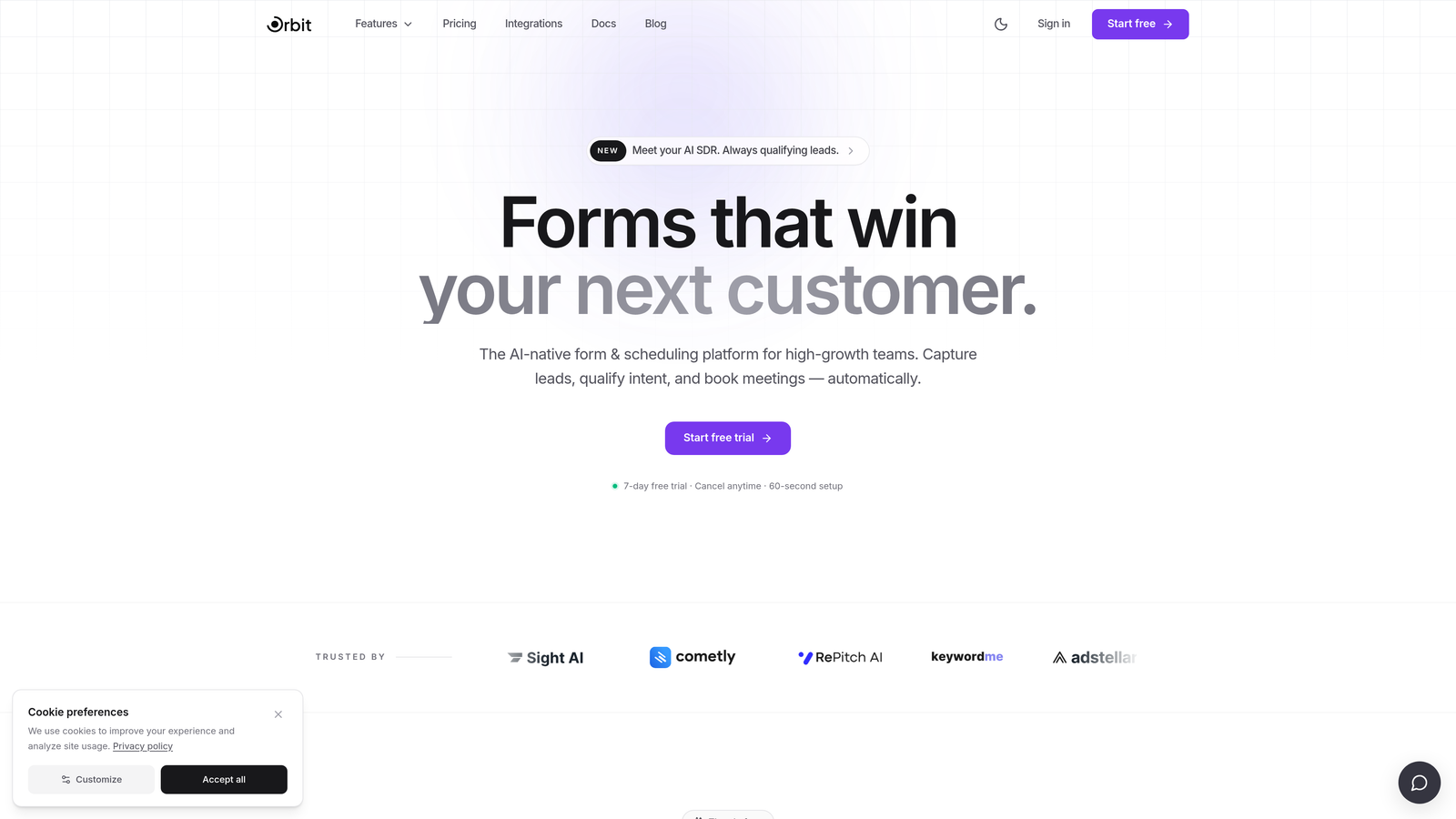
Orbit AI is an AI-powered form builder with built-in lead qualification designed for teams that need forms to do more than collect data.
Where This Tool Shines
Most form builders treat lead qualification as an afterthought, leaving your sales team to manually sort through submissions. Orbit AI flips this by scoring and segmenting leads as they fill out the form, so your team knows exactly who to prioritize before a single follow-up email is sent.
The design side is equally strong. Templates are modern and brand-forward rather than generic, which matters when your form is often the first real touchpoint a prospect has with your product. For SaaS teams where first impressions drive pipeline, that distinction is meaningful.
Key Features
AI-Powered Lead Qualification: Automatically scores and segments leads in real time as respondents complete the form.
Conversion-Optimized Templates: Modern, brand-forward form designs built to reduce drop-off and increase completion rates.
Conditional Logic: Adapts form paths dynamically based on user input, creating a personalized experience for each respondent.
Conversion Analytics Dashboard: Tracks conversion metrics and drop-off points so you can identify and fix friction in your forms.
CRM Integration: Built for SaaS and B2B workflows with integrations that push qualified lead data directly into your existing stack.
Best For
Orbit AI is the right fit for SaaS companies, B2B marketing teams, and growth-focused organizations that need their forms to actively contribute to pipeline quality, not just data collection. If lead qualification is a priority, this is where to start.
Pricing
Check current plans and available tiers at orbitforms.ai. A free starting option is available for teams ready to explore the platform.
2. Typeform
Best for: Teams that want a conversational, engaging form experience with strong brand customization.
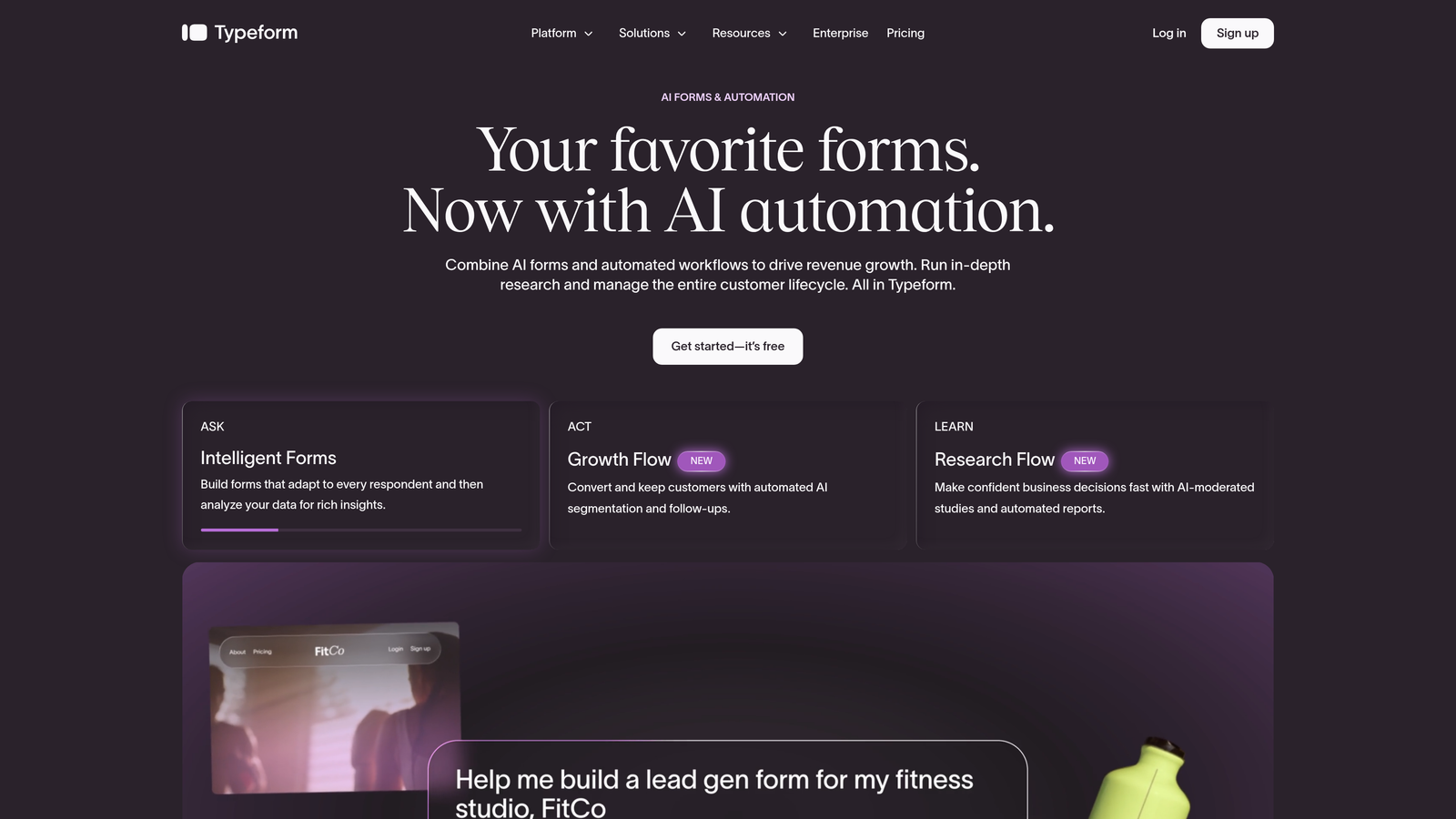
Typeform is a conversational form builder known for its one-question-at-a-time interface that creates a dialogue-like experience for respondents.
Where This Tool Shines
Typeform's biggest differentiator is its format. By presenting one question at a time, it reduces the visual overwhelm that kills completion rates on traditional multi-field forms. The result feels less like filling out a form and more like having a conversation, which tends to keep respondents engaged longer.
The design and customization options are genuinely strong. You can align the form closely with your brand's visual identity, and the integration library covers most major marketing and CRM tools teams already use.
Key Features
Conversational Interface: One-question-at-a-time format reduces friction and keeps respondents moving through the form.
Logic Jumps: Conditional routing that sends respondents down different paths based on their answers.
Brand Customization: Strong visual design controls including fonts, colors, backgrounds, and custom domains.
Integration Library: Connects with HubSpot, Slack, Google Sheets, Mailchimp, and dozens of other tools.
Rich Media Support: Supports video questions and image embeds for more dynamic form experiences.
Best For
Typeform works well for marketing teams running surveys, lead capture campaigns, and customer research where engagement quality matters. It's less suited for teams that need deep lead scoring or database-level integrations out of the box.
Pricing
A free plan is available with limitations. Paid plans start at a mid-tier monthly rate. Verify current pricing at typeform.com.
3. Jotform
Best for: SMBs and nonprofits that need a wide range of templates, payment processing, and workflow automation.
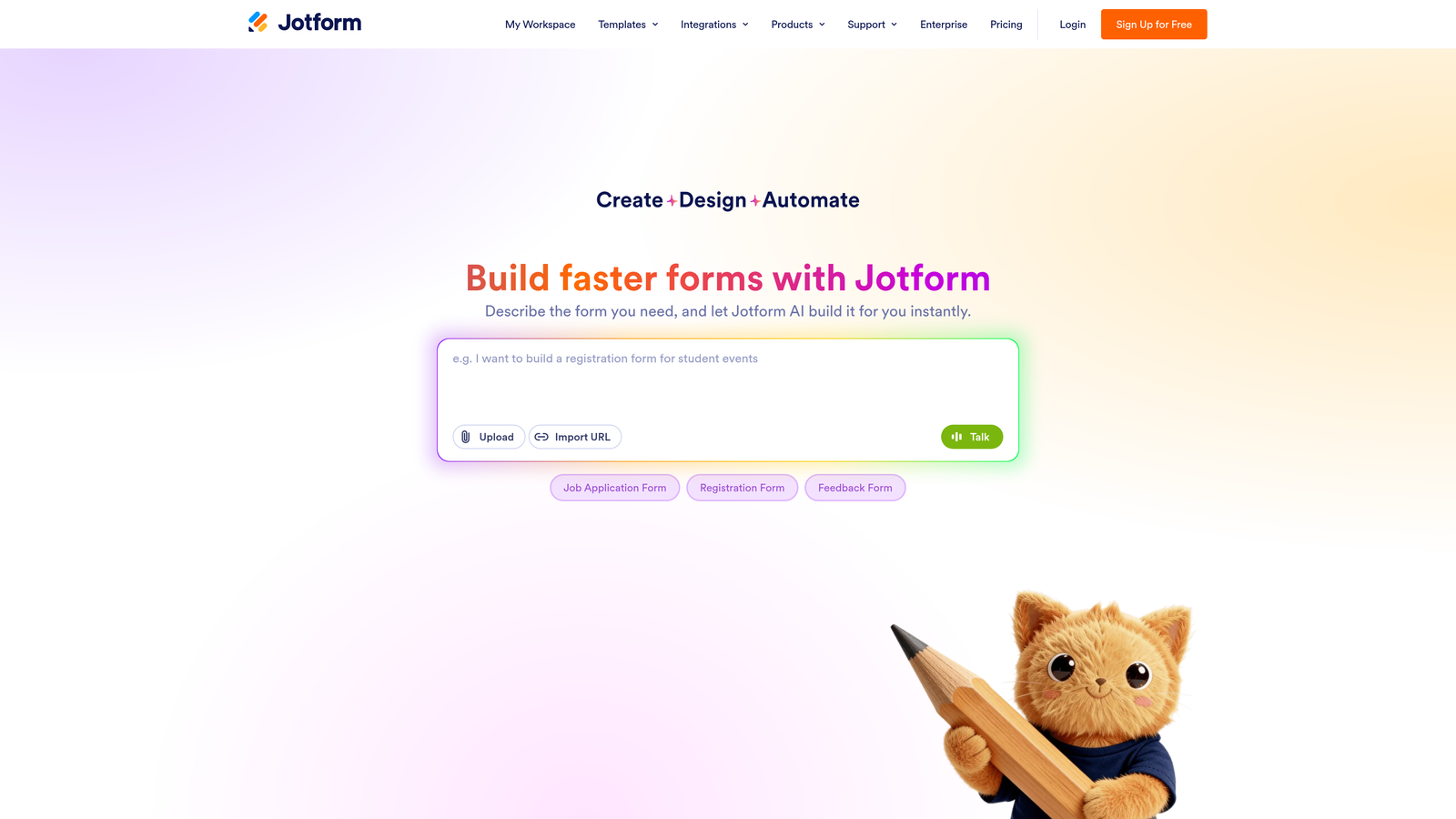
Jotform is a feature-rich form builder with thousands of templates, native payment integrations, and a broad automation ecosystem.
Where This Tool Shines
If breadth is what you need, Jotform delivers. The template library is one of the largest in the industry, covering use cases from event registration to medical intake forms. For teams that need to spin up a functional form quickly without building from scratch, that's a genuine time-saver.
Jotform's payment processing capabilities are also a standout. Native integrations with Stripe, PayPal, and Square make it a practical choice for organizations collecting payments directly through forms, without needing a separate e-commerce layer.
Key Features
Extensive Template Library: Thousands of pre-built templates spanning industries and use cases.
Native Payment Integrations: Direct connections to Stripe, PayPal, and Square for in-form payment collection.
Drag-and-Drop Builder: Intuitive builder with advanced field types including file uploads, e-signatures, and calculations.
Jotform Workflows: Multi-step approval processes that route submissions through defined review chains.
HIPAA-Compliant Plans: Available for healthcare organizations that need compliant data handling.
Best For
Jotform is a strong pick for small businesses, nonprofits, and teams that need a versatile all-in-one form builder. Organizations in healthcare that need HIPAA compliance without moving to an enterprise platform will also find it a practical option.
Pricing
A free plan is available with response and submission limits. Paid plans are available at multiple tiers. Verify current pricing at jotform.com.
4. Tally
Best for: Startups, indie teams, and internal workflows that need a clean, powerful form builder with a generous free tier.
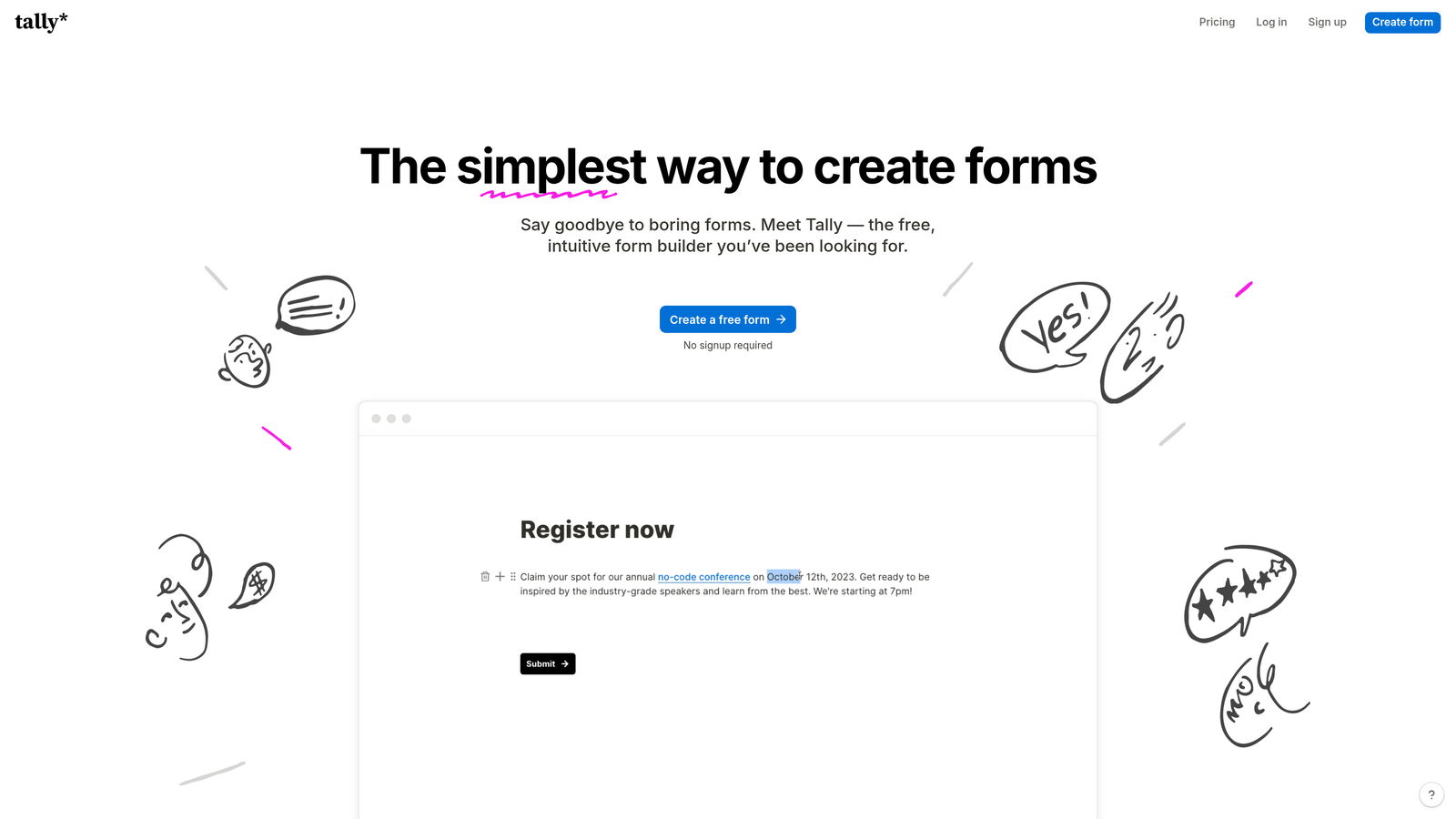
Tally is a Notion-inspired form builder offering unlimited forms and responses on its free plan, making it one of the most compelling no-cost Google Forms alternatives available.
Where This Tool Shines
Tally's free plan is genuinely generous in a market where most tools gate core features behind paywalls. Unlimited forms, unlimited responses, and no Tally branding on the free tier sets it apart from nearly every competitor at the same price point.
The block-based editor will feel immediately familiar to anyone who uses Notion. Building a form is intuitive and fast, and the resulting forms are clean and minimal by default. For teams that want something that looks good without heavy customization effort, Tally delivers.
Key Features
Unlimited Free Tier: Unlimited forms and responses with no Tally branding, even on the free plan.
Notion-Style Block Editor: Intuitive drag-and-drop building experience familiar to Notion users.
Conditional Logic: Branching and hidden fields for more dynamic form experiences.
Seamless Embeds: Embeds cleanly into websites, Notion pages, and other tools without friction.
Simple, Focused Interface: Minimal UI that prioritizes speed and clarity over feature overload.
Best For
Tally is ideal for startups, solopreneurs, and internal teams that want a capable, modern form builder without a monthly bill. It's also a natural fit for Notion-heavy workflows where embedded forms need to match the surrounding environment.
Pricing
Generous free plan available. A Pro plan unlocks additional features. Verify current pricing at tally.so.
5. Paperform
Best for: Solopreneurs, coaches, and small agencies that want forms with the visual richness of a landing page.
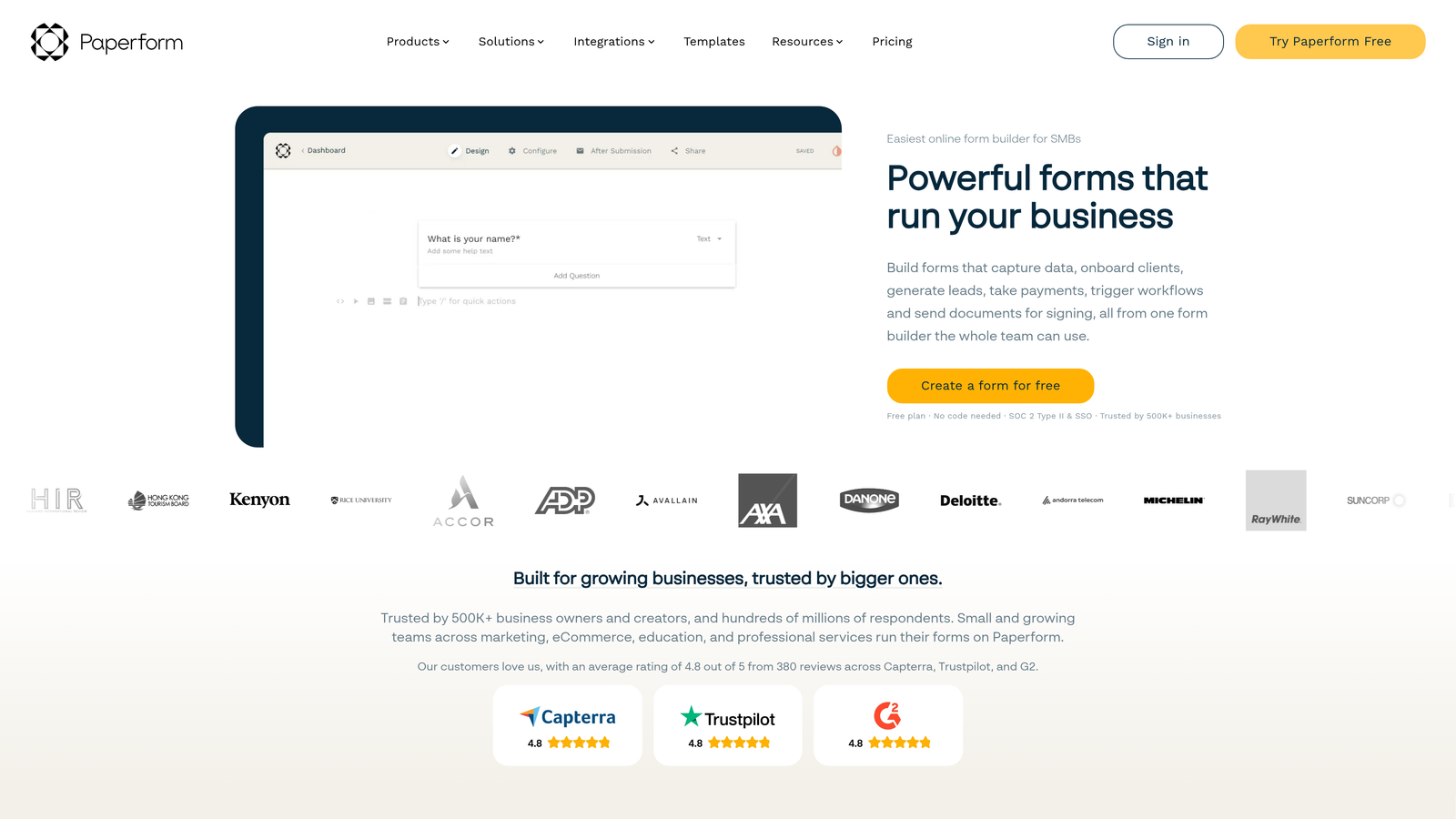
Paperform is a hybrid form and landing page builder that lets teams create rich, media-forward forms that function like standalone pages rather than simple data collection tools.
Where This Tool Shines
Paperform sits in a unique category: it's not quite a form builder and not quite a landing page builder, but it does both well. You can embed rich text, images, video, and product listings directly within the form itself, creating an experience that's closer to a branded microsite than a traditional form.
For teams selling products, booking services, or running intake flows where context matters, this format gives you a lot more room to tell a story and guide the respondent before they answer a single question.
Key Features
Rich Media Embedding: Add images, video, text blocks, and product listings directly within the form layout.
Built-In Payments: Collect payments and sell products without a separate e-commerce platform.
Custom CSS: Full design control for teams that want pixel-perfect brand alignment.
Conditional Sections: Show or hide entire sections of the form based on respondent answers.
Scheduling Integrations: Connect to booking and calendar tools for appointment-based workflows.
Best For
Paperform is best suited for solopreneurs, coaches, consultants, and small agencies that need forms to do double duty as branded experiences. It's not designed for large enterprise compliance needs or high-volume B2B lead qualification workflows.
Pricing
No permanent free plan. Paid plans start at a lower monthly tier. Verify current pricing at paperform.co.
6. HubSpot Forms
Best for: Teams already using HubSpot CRM who want zero-friction form-to-CRM data flow.
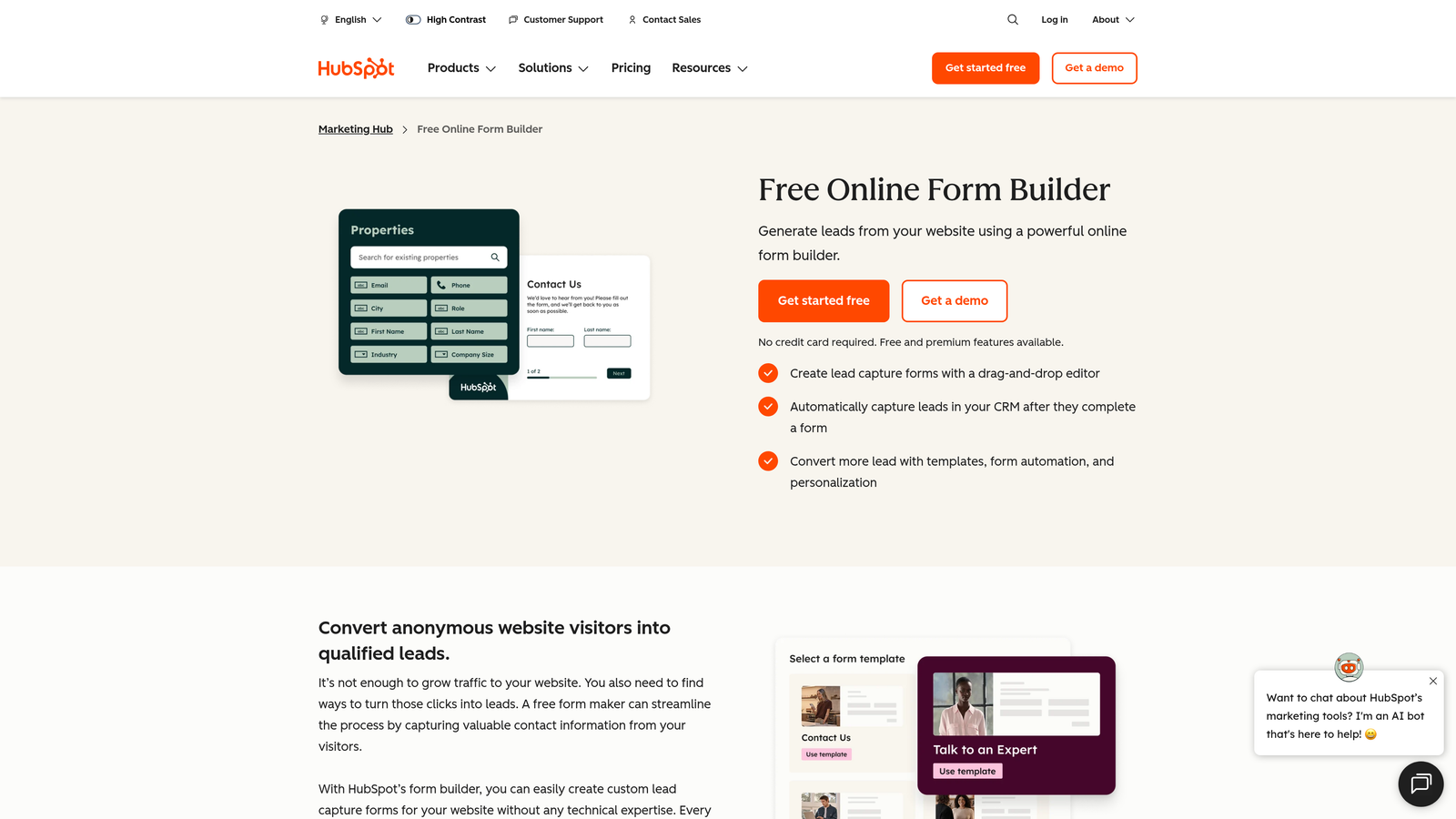
HubSpot Forms is a CRM-native form builder that feeds directly into HubSpot's contact database, workflows, and marketing automation.
Where This Tool Shines
The core value proposition here is integration depth, not form flexibility. When a prospect submits a HubSpot form, they're automatically created as a contact in your CRM, added to the right lists, and can trigger email sequences or sales notifications immediately. No Zapier, no manual syncing, no data gaps.
Progressive profiling is another feature worth highlighting. Instead of asking the same questions repeatedly, HubSpot Forms can detect existing contact properties and swap in new questions, so you're always enriching your data without annoying returning visitors.
Key Features
Native CRM Sync: Automatic contact creation and property updates in HubSpot with zero integration setup required.
List Segmentation: Automatically add contacts to specific lists based on form submission data.
Progressive Profiling: Dynamically replace already-answered questions with new ones for returning visitors.
Workflow Triggers: Fire HubSpot automation sequences directly from form submissions.
Free with HubSpot CRM: Available at no additional cost as part of HubSpot's free tier.
Best For
HubSpot Forms is the obvious choice for any team already running on HubSpot. Outside of that ecosystem, its standalone value is limited compared to purpose-built form builders with richer design and logic options.
Pricing
Free with HubSpot's free CRM plan. Advanced features are gated behind paid Marketing Hub tiers. Verify current pricing at hubspot.com.
7. Microsoft Forms
Best for: Enterprise organizations standardized on Microsoft 365 that need simple internal surveys and data collection.
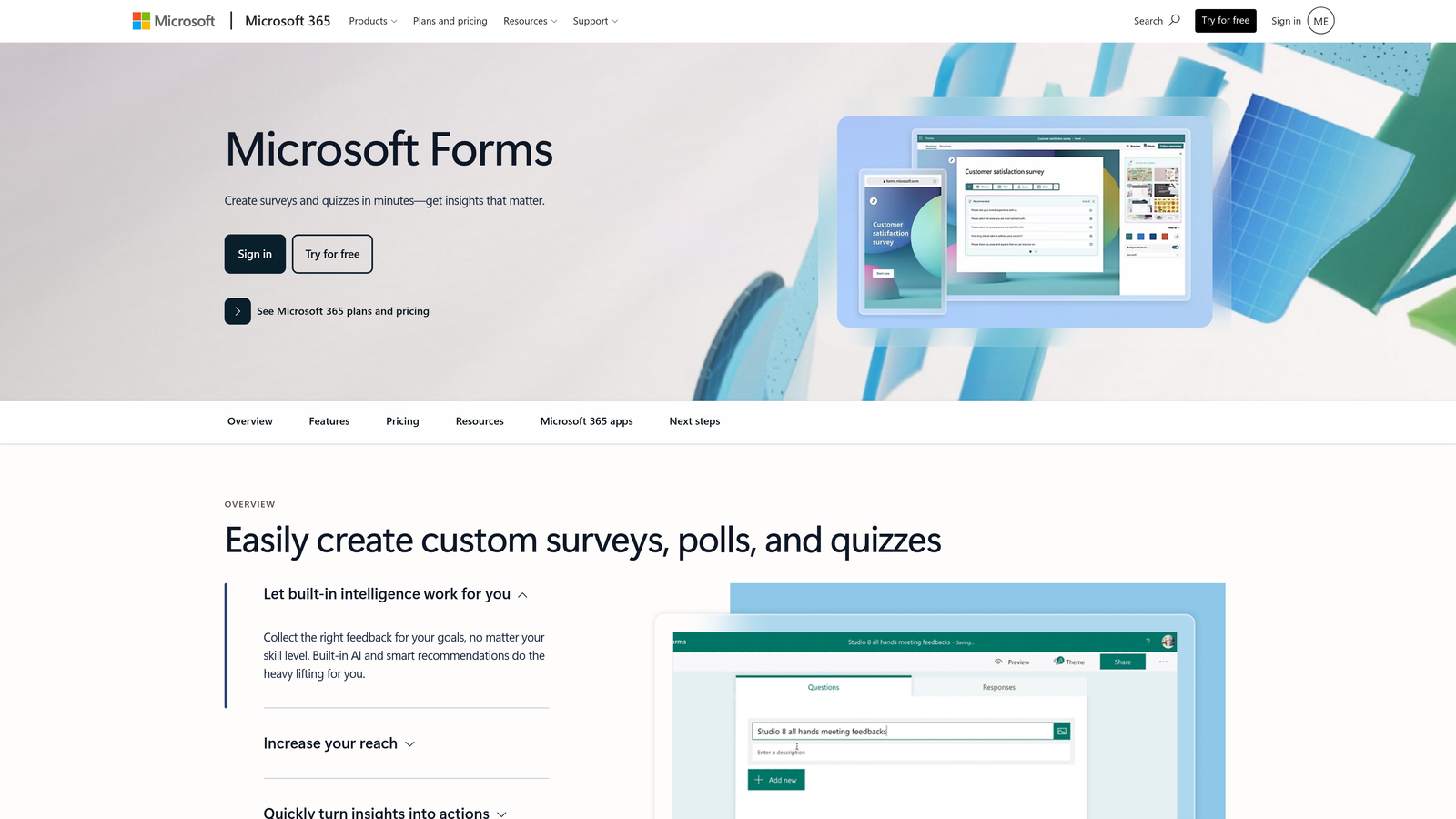
Microsoft Forms is Microsoft's native form and survey tool, built into Microsoft 365 for teams already operating within the Microsoft ecosystem.
Where This Tool Shines
Think of Microsoft Forms as the Google Forms equivalent for Microsoft shops. If your organization runs on Teams, SharePoint, and Excel, Microsoft Forms fits naturally into that workflow without requiring any additional setup, cost, or training. It's already there.
For internal use cases like employee surveys, event registrations, and quick polls, it handles the basics reliably. Results flow directly into Excel for analysis, and forms can be embedded in SharePoint pages or shared through Teams channels with minimal friction.
Key Features
Included with Microsoft 365: No additional cost for organizations already subscribed to Microsoft 365.
Native Microsoft Integrations: Direct connections to Teams, SharePoint, and Excel for seamless data flow.
Basic Branching Logic: Simple conditional logic for routing respondents based on answers.
Real-Time Response Charts: Visual summaries of responses with direct Excel export for deeper analysis.
Familiar Interface: Low learning curve for teams already comfortable with Microsoft tools.
Best For
Microsoft Forms is the right call for large enterprises standardized on Microsoft 365 that need simple, internal data collection without adding another tool to the stack. It's not suited for external lead generation, advanced design needs, or conversion-focused workflows.
Pricing
Included with Microsoft 365 subscriptions at no additional cost.
8. Fillout
Best for: Product and ops teams that need forms connected directly to databases like Notion, Airtable, and Supabase.
Fillout is a modern form builder designed for teams who need forms that connect directly to databases, allowing them to read from and write to data sources in real time.
Where This Tool Shines
Fillout occupies a niche that most form builders ignore entirely: database-connected forms. Rather than just collecting data and pushing it somewhere, Fillout lets you build forms that pull existing records from Notion, Airtable, or Supabase and update them based on submissions. This is particularly powerful for internal tools, client portals, and ops workflows where forms need to interact with live data.
The tool is actively developed, and its feature set has expanded quickly. Teams that adopt it early tend to find it growing with their needs rather than hitting walls.
Key Features
Database-Native Integrations: Native connections to Notion, Airtable, and Supabase for direct read and write operations.
Two-Way Data Flow: Forms can pull existing records and update them, not just create new entries.
Conditional Logic: Multi-page forms with branching logic for more sophisticated respondent experiences.
Scheduling Forms: Built-in calendar and booking form capabilities for appointment-based workflows.
Active Development: Rapidly expanding feature set with frequent updates based on user feedback.
Best For
Fillout is a strong fit for product teams, operations managers, and technical teams that use Notion or Airtable as their primary data layer. It's less suited for marketing-focused lead generation where conversion optimization and CRM depth matter most.
Pricing
A free plan is available. Paid plans are offered at multiple tiers. Verify current pricing at fillout.com.
9. Formstack
Best for: Enterprise teams in regulated industries requiring compliance, e-signatures, and multi-step approval workflows.
Formstack is an enterprise form and document workflow platform built for organizations in healthcare, legal, financial services, and other regulated sectors.
Where This Tool Shines
Formstack isn't trying to compete on price or simplicity. Its value is in compliance depth and workflow sophistication. HIPAA-compliant data handling, built-in e-signatures, and document generation capabilities make it one of the few form platforms that can support complex, regulated business processes end to end.
The Salesforce-native integration is particularly strong for enterprise sales and service teams. Rather than a basic field sync, Formstack can interact deeply with Salesforce objects, making it a practical choice for organizations that have invested heavily in the Salesforce ecosystem.
Key Features
HIPAA Compliance: Meets healthcare data handling requirements for medical and clinical use cases.
E-Signatures and Document Generation: Built-in tools for collecting signatures and generating documents from form data.
Approval Workflows: Multi-step review and approval chains for complex internal processes.
Salesforce-Native Integration: Deep integration with Salesforce objects beyond basic field mapping.
Enterprise Security: SSO, advanced access controls, and audit trails for enterprise compliance requirements.
Best For
Formstack is built for enterprise organizations in healthcare, legal, and financial services where compliance isn't optional. The higher price point reflects its positioning, and it's not the right fit for startups or teams that don't have regulatory requirements driving their form strategy.
Pricing
Higher-tier pricing reflecting enterprise positioning. Verify current plans at formstack.com.
Which Tool Is Right for Your Team?
The right Google Forms alternative depends entirely on what you're actually trying to accomplish. Here's a quick breakdown to help you match the tool to the need.
For lead qualification and conversion optimization: Orbit AI is the clear starting point. Its AI-powered scoring, conditional logic, and conversion analytics are purpose-built for SaaS and B2B teams that need their forms to actively contribute to pipeline quality.
For conversational engagement and brand-forward surveys: Typeform remains a strong choice, particularly for marketing teams running research or top-of-funnel campaigns where respondent experience drives completion.
For maximum features on a budget: Tally's free tier is hard to beat for startups and internal teams. Jotform is the better pick when you need payment processing or HIPAA compliance without moving to enterprise pricing.
For ecosystem-native simplicity: HubSpot Forms wins if you're already in HubSpot. Microsoft Forms is the equivalent for Microsoft 365 organizations. Neither is a standalone powerhouse, but both eliminate integration overhead entirely.
For database-connected workflows: Fillout is the standout option for ops and product teams working with Notion or Airtable as their primary data layer.
For enterprise compliance requirements: Formstack is built for regulated industries and is the appropriate choice when HIPAA compliance, e-signatures, and approval workflows are non-negotiable.
If you're a high-growth team and lead quality is your primary concern, the place to start is clear. Transform your lead generation with AI-powered forms that qualify prospects automatically while delivering the modern, conversion-optimized experience your team needs. Start building free forms today and see how intelligent form design can elevate your conversion strategy.


