

If you're still looping in a developer every time your team needs a new lead form, contact page, or intake survey, you're burning time that compounds into real revenue loss. No-code form builders have matured well beyond simple drag-and-drop fields. The best platforms in 2026 handle conditional logic, AI-powered lead qualification, CRM sync, payment collection, and conversion analytics without a single line of code.
This list covers the top no-code form builder tools evaluated on ease of use, design flexibility, lead capture capabilities, integration depth, and pricing. Whether you're a high-growth SaaS team optimizing your lead funnel or a marketing agency managing forms across multiple clients, there's a right tool for your situation. We'll be direct about who each platform genuinely serves best, including where Orbit AI stands out and where a competitor might be the smarter pick.
1. Orbit AI
Best for: High-growth SaaS and B2B teams that need AI-powered lead qualification built into their forms.
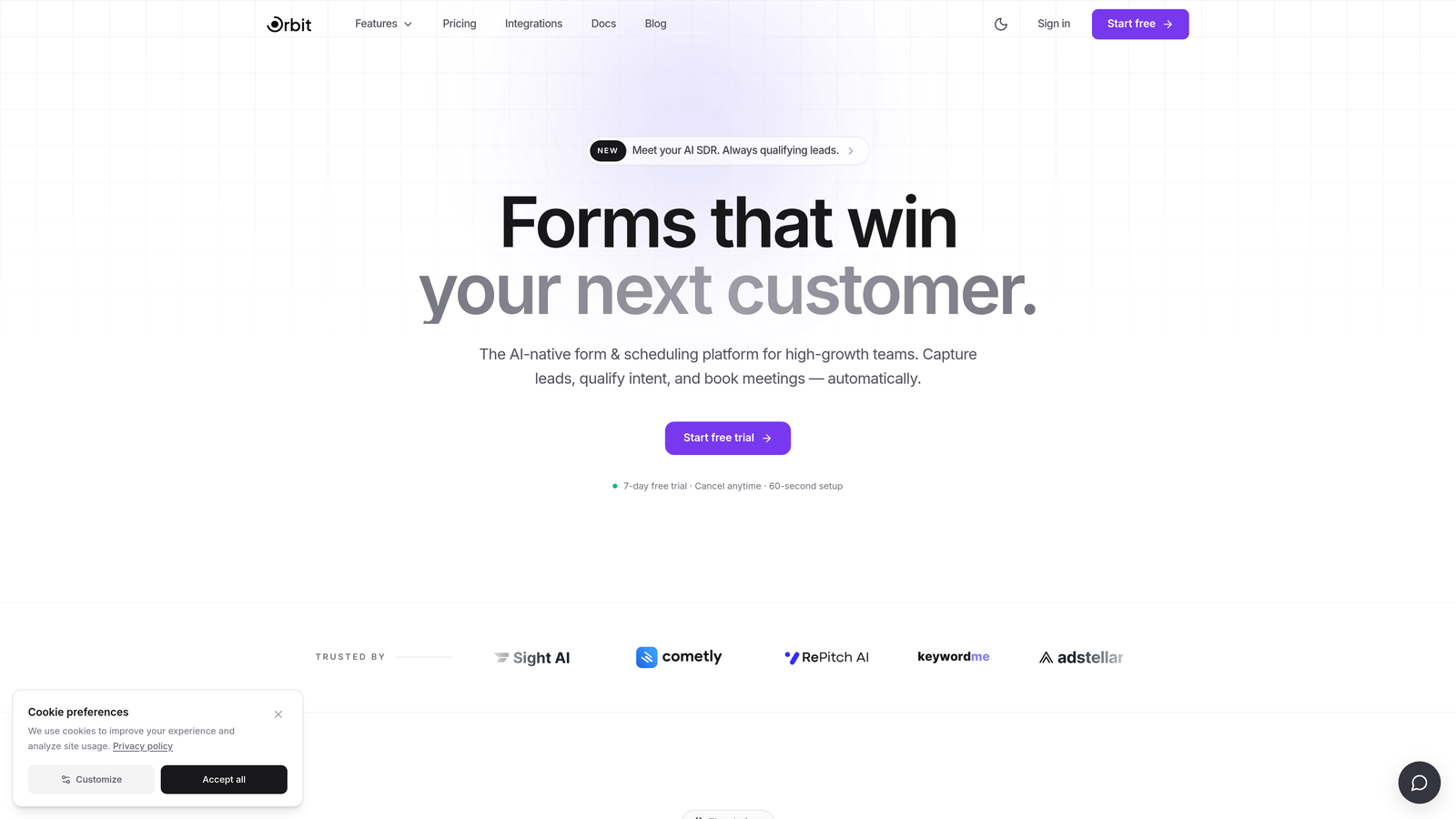
Orbit AI is an AI-powered no-code form builder designed specifically for teams where lead quality matters as much as lead volume.
Where This Tool Shines
Most form builders stop at collecting data. Orbit AI goes a step further by layering intelligence on top of form responses, scoring and routing leads based on what respondents actually submit. For a B2B sales team, this means high-intent leads can be flagged, prioritized, or routed to the right rep automatically, without manual review or a separate qualification workflow bolted on afterward.
The form building experience itself is modern and polished. Templates are conversion-optimized by design, not as an afterthought, and the drag-and-drop builder requires no technical background. For teams where brand experience matters at every touchpoint, the design quality here is a genuine differentiator compared to more utilitarian tools in this category.
Key Features
AI Lead Qualification: Scores and routes leads automatically based on form responses, reducing manual triage for sales teams.
No-Code Drag-and-Drop Builder: Build and publish forms without developer involvement, with an intuitive visual editor.
Conversion-Optimized Templates: Branded, beautifully designed templates built with completion rates and conversion in mind.
CRM and Sales Tool Integrations: Connects with the CRMs and sales platforms high-growth teams already use.
Purpose-Built for B2B and SaaS: The entire product is oriented around lead generation and qualification workflows, not generic data collection.
Best For
SaaS companies, B2B marketing teams, and sales-led organizations that want their forms to do more than collect data. If your team spends meaningful time manually qualifying inbound leads, Orbit AI's intelligence layer addresses that problem directly at the form level.
Pricing
Visit orbitforms.ai for current plans and pricing. Plans are designed for high-growth teams, with options that scale as your lead volume grows.
2. Typeform
Best for: Teams that prioritize respondent experience and want higher form completion rates through conversational design.
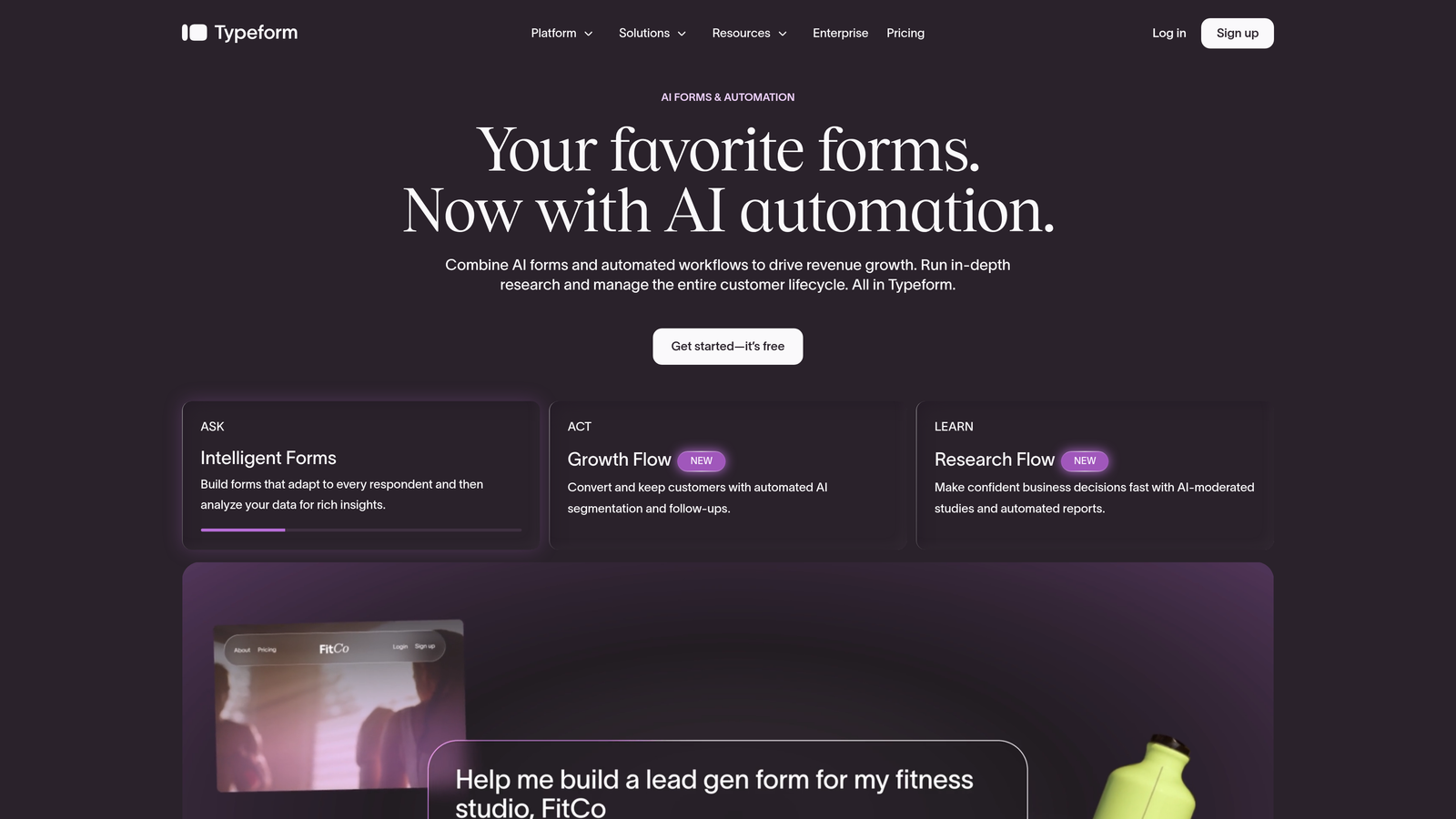
Typeform is a conversational form builder built around a one-question-at-a-time format that makes filling out forms feel less like a chore.
Where This Tool Shines
Typeform's signature format works particularly well for surveys, quizzes, and lead generation forms where respondent drop-off is a real concern. Presenting one question at a time reduces cognitive load and tends to improve completion rates compared to traditional multi-field forms. The experience feels more like a conversation than a form, which resonates especially well for customer-facing use cases.
The template library is extensive, covering everything from NPS surveys to job applications to product feedback forms. Logic jumps and conditional branching are well-implemented, allowing you to build sophisticated flows without technical complexity.
Key Features
Conversational One-Question Format: Presents fields sequentially for a smoother, more engaging respondent experience.
Logic Jumps and Conditional Branching: Route respondents to different questions based on previous answers.
Large Template Library: Hundreds of templates for surveys, quizzes, lead forms, and more.
Native CRM Integrations: Connects directly with HubSpot, Salesforce, Zapier, and other major platforms.
Best For
Marketing teams running surveys, product teams collecting user feedback, and anyone building lead gen forms where completion rate is the primary metric. Less ideal for teams that need deep lead qualification logic or enterprise compliance features.
Pricing
Free tier available. Paid plans start around $25/month. Typeform has adjusted its pricing structure in recent years, so verify current plans at typeform.com.
3. Jotform
Best for: Teams with diverse, high-volume form needs spanning payments, e-signatures, and complex workflows.
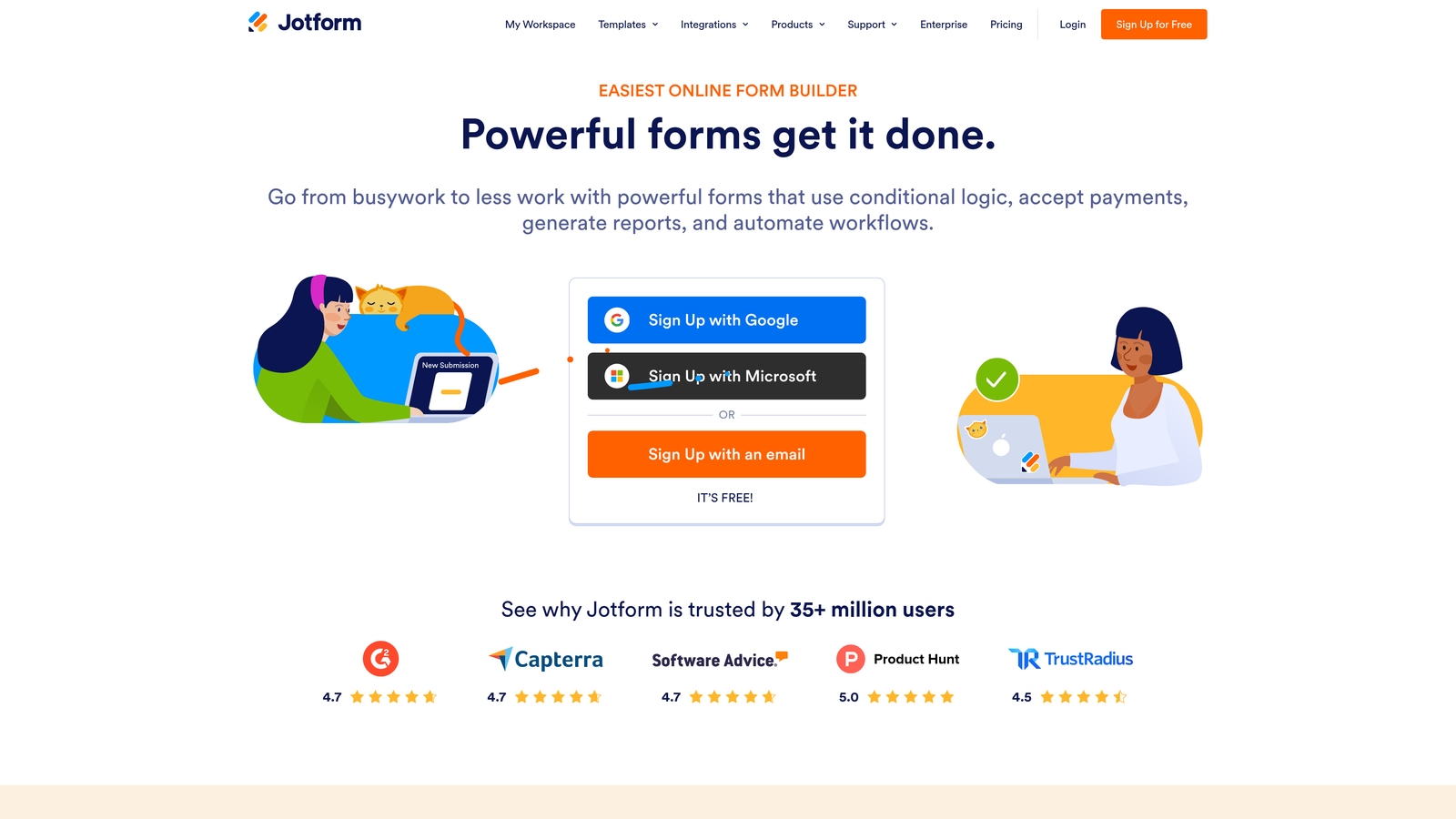
Jotform is one of the most feature-complete no-code form builders available, with over 10,000 templates and support for payments, approvals, and offline data collection.
Where This Tool Shines
Jotform's breadth is its biggest asset. Whether you need a simple contact form, a multi-step payment checkout, an e-signature workflow, or an offline data collection form for field teams, Jotform likely has a template and native feature for it. This makes it particularly valuable for operations teams or agencies that manage a wide variety of form types across different departments or clients.
The platform's approval and workflow features are more developed than most competitors at a similar price point. If your forms need to trigger multi-step internal processes, Jotform handles that without requiring a separate automation tool.
Key Features
10,000+ Templates: Covers virtually every industry and use case, from HR to healthcare to e-commerce.
Built-In Payment Collection: Native support for Stripe, PayPal, and Square without third-party workarounds.
E-Signature and Approval Workflows: Collect signatures and route submissions through internal approval chains.
Offline Form Capability: Collect data without an internet connection, syncing when connectivity is restored.
Extensive Native Integrations: Connects with hundreds of apps across CRM, storage, communication, and more.
Best For
Operations teams, HR departments, small businesses, and agencies that need one platform to handle many different form types. Strong choice when payment collection or e-signatures are core requirements.
Pricing
Free tier available with generous limits. Paid plans start around $34/month. Verify current pricing at jotform.com.
4. Tally
Best for: Startups, indie hackers, and budget-conscious teams that want serious form capabilities at zero cost.
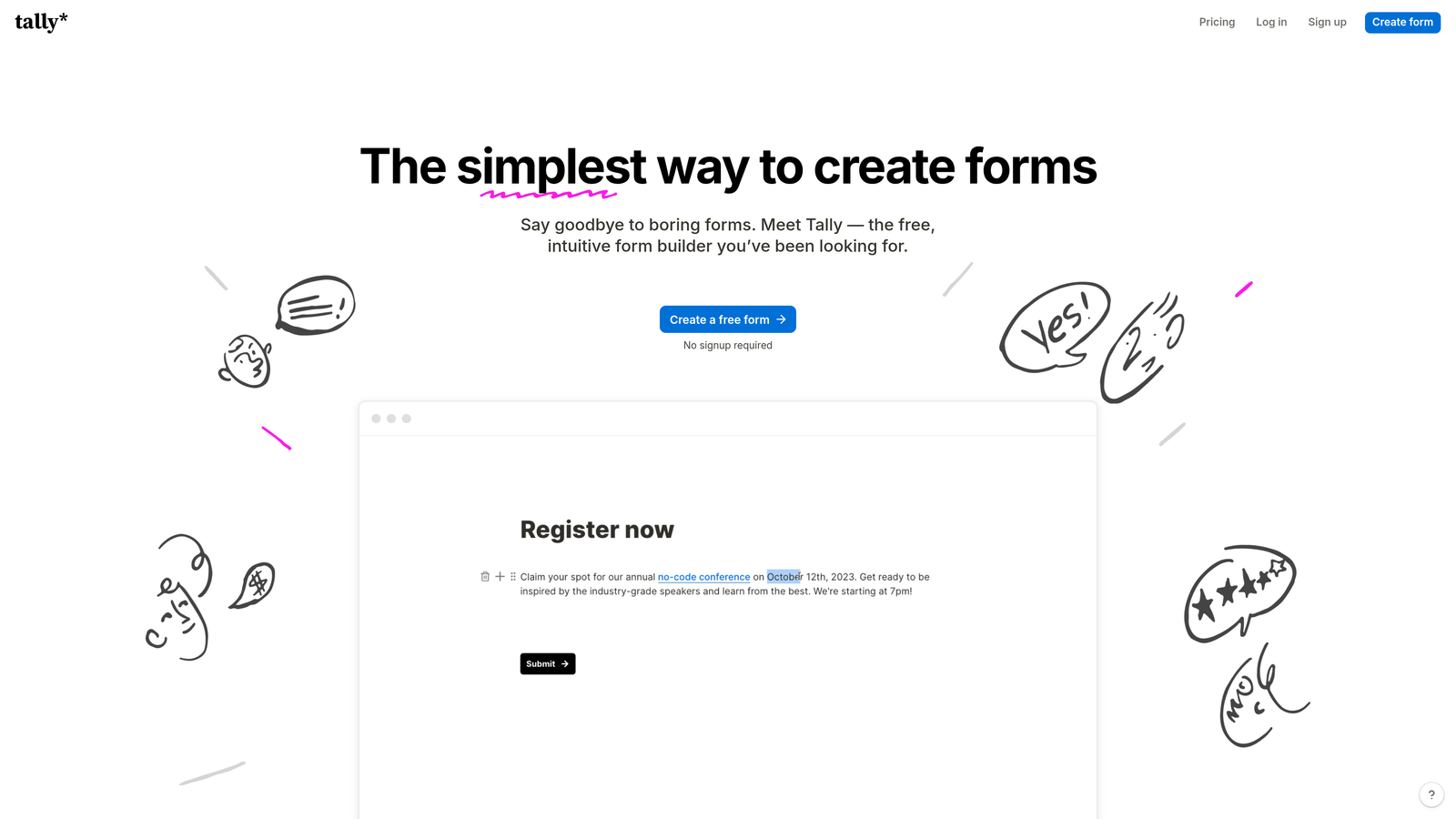
Tally is a Notion-style no-code form builder with one of the most genuinely generous free tiers in the category.
Where This Tool Shines
Tally's free tier includes unlimited forms, unlimited responses, and conditional logic. That's not a typo. Most competitors gate these features behind paid plans, making Tally an obvious starting point for early-stage teams or anyone who wants to test a form builder before committing to a subscription.
The document-style editor feels familiar if you've used Notion. Building a form feels like writing a page, which lowers the learning curve significantly. The result is a tool that's fast to pick up and fast to ship with, even for non-technical users.
Key Features
Document-Style Editor: Build forms the same way you'd write a document, with a minimal and intuitive interface.
Unlimited Free Tier: Unlimited forms, responses, and conditional logic included at no cost.
Calculations and Logic: Conditional branching and calculation fields available without upgrading.
Integrations with No-Code Stack: Connects with Zapier, Make, Notion, and Airtable for workflow automation.
Best For
Early-stage startups, solo founders, and teams operating lean budgets. Also a strong fit for internal tools and quick surveys where enterprise polish isn't a requirement. Less suited for teams that need deep CRM integrations or branded, conversion-optimized customer-facing forms.
Pricing
Free tier is genuinely powerful and covers most use cases. Pro plan runs around $29/month. Verify at tally.so.
5. HubSpot Forms
Best for: Teams already in the HubSpot ecosystem who want seamless CRM sync without additional tools or cost.
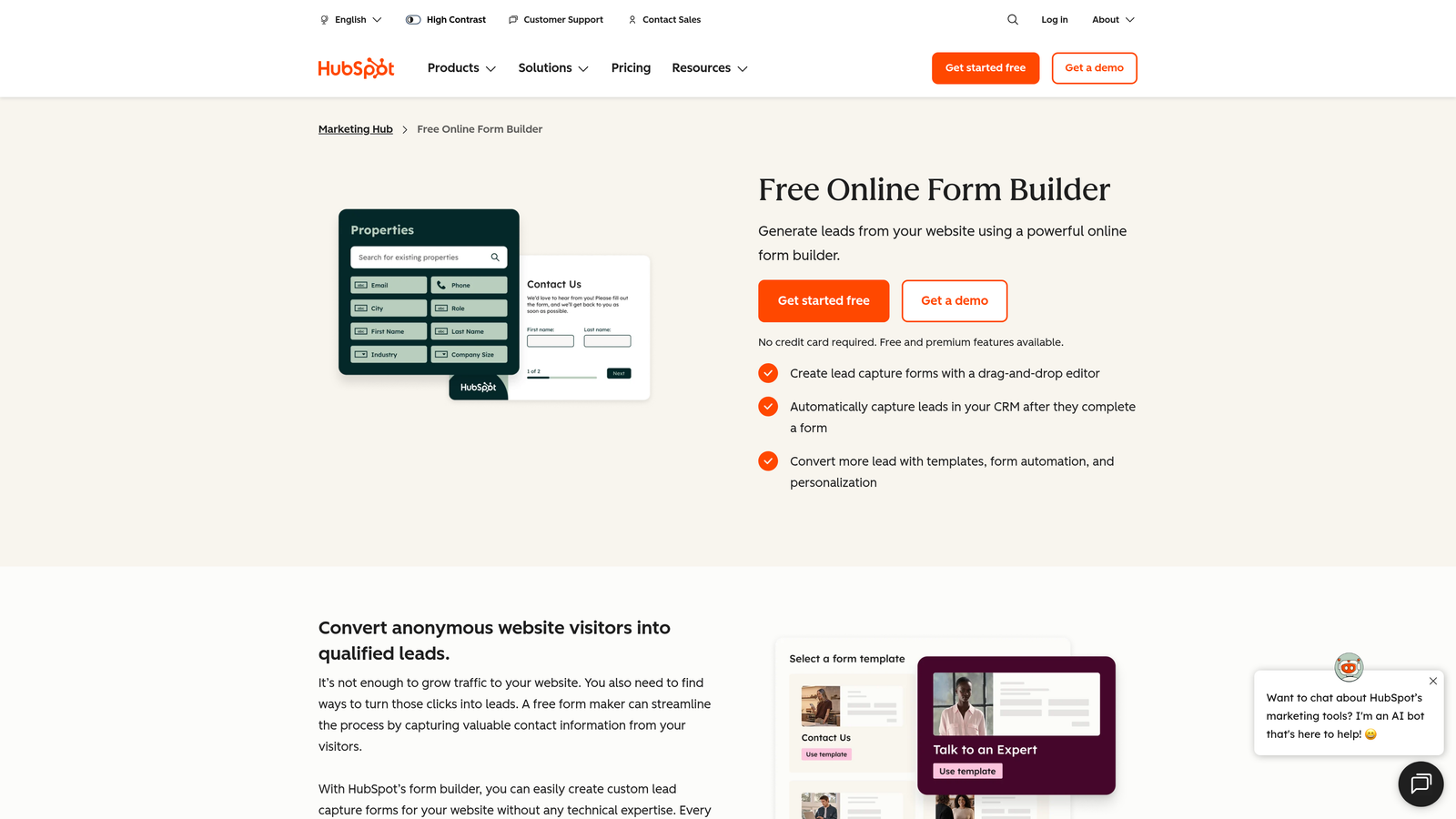
HubSpot Forms is a native form builder that feeds directly into HubSpot's CRM, automating contact creation and lifecycle tracking on every submission.
Where This Tool Shines
The core value proposition is tight CRM integration. When someone submits a HubSpot form, a contact is created or updated in the CRM automatically, with no Zapier zap or manual export required. For teams running inbound marketing through HubSpot, this removes a layer of friction that causes data gaps in other setups.
Progressive profiling is a standout feature. Instead of asking returning visitors the same questions they've already answered, HubSpot Forms shows new fields to fill in profile gaps over time. This is smart design for nurture-heavy marketing programs where enriching contact data progressively matters.
Key Features
Automatic CRM Contact Creation: Every submission creates or updates a contact in HubSpot with no manual sync required.
Progressive Profiling: Returning visitors see new fields rather than repeated questions, enriching data over multiple visits.
Flexible Embedding: Embed forms on any website or use them natively within HubSpot landing pages.
Free with HubSpot CRM: No additional cost for teams already on HubSpot's free tier.
Best For
Marketing and sales teams already using HubSpot as their CRM. The value drops significantly if you're not in the HubSpot ecosystem, since design flexibility is limited compared to dedicated form builders.
Pricing
Free as part of HubSpot's free CRM tier. Advanced features require Marketing Hub upgrades. Verify current plans at hubspot.com.
6. Paperform
Best for: Teams that want forms to function as mini landing pages, blending rich content with data collection.
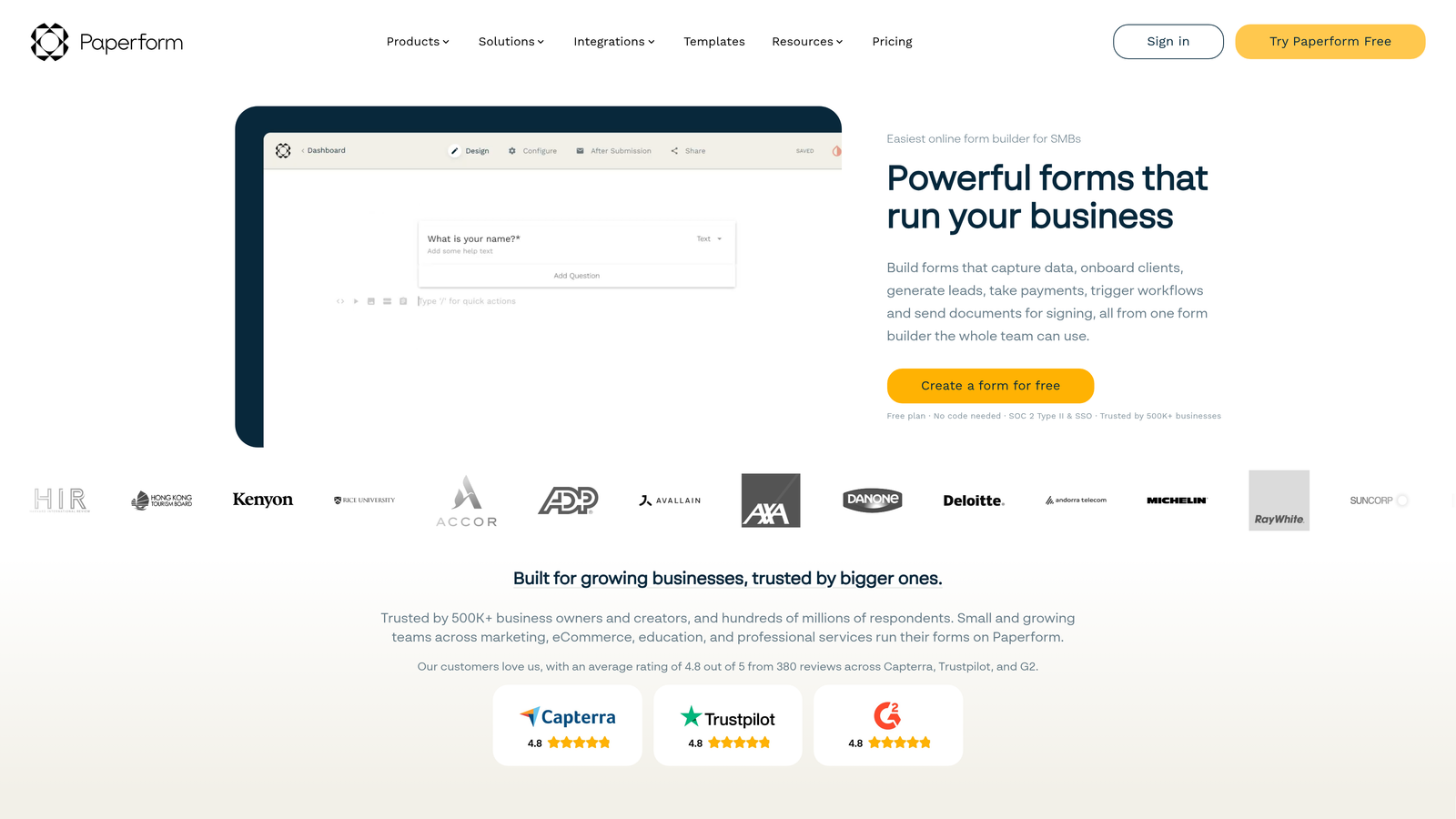
Paperform is a hybrid form builder that lets you mix rich text, images, video, and form fields on a single canvas.
Where This Tool Shines
Paperform occupies a unique niche: it sits between a landing page builder and a form tool. You can write a compelling pitch, embed a product image, and collect payment or registration information all within the same form. This makes it particularly effective for coaching intake forms, event registrations, and order forms where context and persuasion matter alongside data collection.
The calculation fields and conditional logic are well-developed, supporting use cases like pricing calculators or quote request forms where the form itself needs to compute values based on user inputs.
Key Features
Rich Media Canvas: Embed text, images, and video directly alongside form fields for a landing page-like experience.
Built-In Payment Support: Accept payments and list products natively without a separate e-commerce tool.
Conditional Logic and Calculations: Build dynamic forms that compute values and adapt based on responses.
Versatile Use Cases: Strong for order forms, event signups, coaching intake, and content-heavy lead forms.
Best For
Service businesses, coaches, consultants, and small e-commerce teams who want a form that tells a story while collecting data. Less suited for high-volume lead generation funnels where speed and CRM integration take priority over rich content.
Pricing
Starts around $24/month. Verify current plans at paperform.co.
7. Fillout
Best for: No-code teams building on Notion, Airtable, or Supabase who need forms that write directly to their databases.
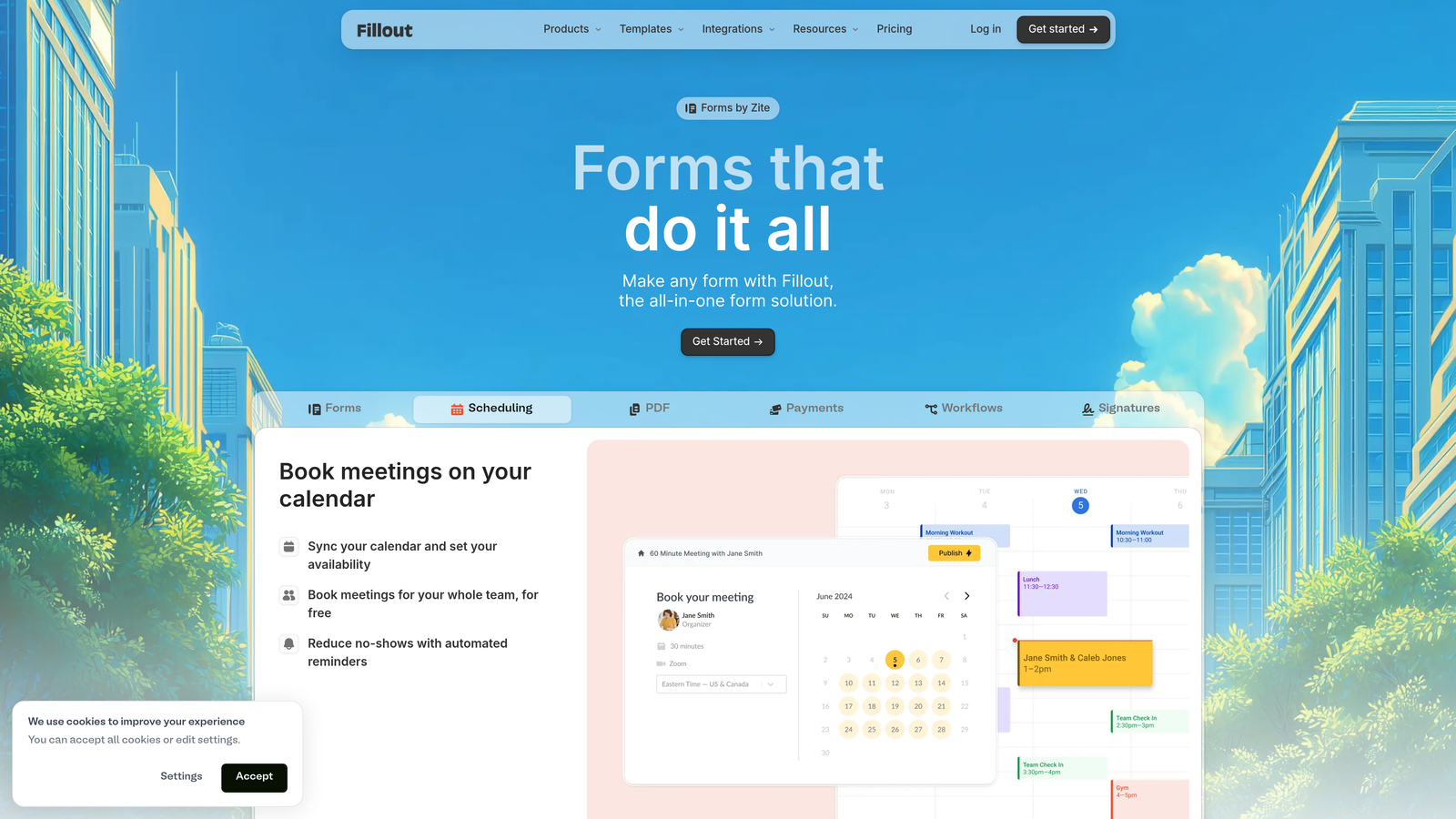
Fillout is a modern no-code form builder that has gained traction for its advanced conditional logic and standout native database integrations.
Where This Tool Shines
Fillout's native Notion and Airtable integrations are genuinely differentiated in this category. Most form builders connect to these tools via Zapier, adding latency and complexity. Fillout connects directly, meaning form submissions write to your Notion database or Airtable base in real time without middleware. For no-code teams that have built their operations on these platforms, this is a significant practical advantage.
The logic engine is also more capable than many competitors at a similar price point, supporting complex multi-step branching, scheduling forms, quiz scoring, and calculator-style flows within the same builder.
Key Features
Native Notion and Airtable Integrations: Write form submissions directly to your databases without Zapier or Make.
Advanced Conditional Logic: Handle complex multi-step branching and routing without workarounds.
Multi-Format Support: Build quizzes, calculators, scheduling forms, and standard lead forms in one tool.
Competitive Free Tier: Core features accessible without a paid plan, making it easy to evaluate before committing.
Best For
No-code operators and product teams running on Notion, Airtable, or Supabase. Also a strong option for anyone who needs advanced logic without paying enterprise-tier pricing.
Pricing
Free tier available. Paid plans start around $15/month. Verify current pricing at fillout.com.
8. Google Forms
Best for: Internal surveys, quick polls, and basic data collection where cost and setup time are the only constraints.
Google Forms is Google's free, no-frills form tool built into Google Workspace, with responses feeding directly into Google Sheets.
Where This Tool Shines
The honest answer: Google Forms shines when you need something live in five minutes and you don't care about branding, design, or lead qualification. It's completely free, requires no setup beyond a Google account, and every response lands automatically in a connected Google Sheet. For internal use cases, that workflow is hard to beat on simplicity.
Collaboration is seamless for teams already in Google Workspace. Multiple people can edit the same form simultaneously, and sharing is as straightforward as any other Google Doc.
Key Features
Completely Free: No cost, no submission limits, no paid tier required.
Google Sheets Integration: Responses populate a connected spreadsheet automatically for easy analysis.
Built-In Collaboration: Multiple editors, comment threads, and sharing via Google Workspace.
Zero Learning Curve: If you've used any Google product, you already know how to use Google Forms.
Best For
Internal teams collecting employee feedback, running quick polls, or gathering simple data. Not suitable for customer-facing lead generation, branded forms, or any use case where design, conditional logic depth, or CRM integration matters.
Pricing
Free with any Google account. No paid tier exists.
9. Formstack
Best for: Enterprise teams in regulated industries that require HIPAA compliance, document generation, and audit-ready workflows.
Formstack is an enterprise-grade no-code form platform built for organizations where compliance, security, and workflow automation are non-negotiable.
Where This Tool Shines
Formstack operates in a different tier than most tools on this list. HIPAA compliance, GDPR tools, and detailed audit trails make it the default choice for healthcare organizations, legal teams, HR departments, and financial services firms where data handling requirements are strict. Most other form builders in this category cannot meet these compliance standards out of the box.
Beyond compliance, Formstack's document generation and e-signature capabilities mean a single platform can handle the full lifecycle of a regulated workflow: collect data via form, generate a compliant document, route for signature, and archive with a full audit trail. That end-to-end capability justifies the higher price point for the right buyer.
Key Features
HIPAA-Compliant Forms: Built for healthcare and regulated industries with the data handling standards those sectors require.
Document Generation: Automatically generate populated documents from form submissions.
E-Signature and Approval Routing: Collect signatures and route submissions through multi-step approval workflows.
GDPR Compliance and Audit Trails: Data governance tools and full submission history for regulatory accountability.
Best For
Healthcare organizations, legal firms, HR teams, and financial services companies that need compliance baked in. The price point and complexity are overkill for most small businesses or growth-stage SaaS teams.
Pricing
Starts around $83/month. Enterprise pricing varies based on features and volume. Verify current plans at formstack.com.
Which Tool Is Right for Your Team?
The honest summary: there's no single best no-code form builder. The right choice depends entirely on what you're trying to accomplish.
If lead generation and qualification are your primary goals, Orbit AI is the standout choice. The AI-powered qualification layer is genuinely differentiated in this category. No other tool on this list scores and routes leads automatically based on form responses, which is a meaningful operational advantage for B2B sales teams and high-growth SaaS companies tired of manually triaging inbound submissions.
If respondent experience and completion rates are your main concern, Typeform's conversational format is hard to match. For teams running entirely on a shoestring budget, Tally delivers more free capability than any competitor. For enterprise and regulated industries, Formstack is the only tool on this list built to meet HIPAA and GDPR requirements at scale.
Here's a quick use-case guide to help you decide:
AI lead qualification for B2B and SaaS: Orbit AI
Conversational surveys and quizzes: Typeform
Payments, e-signatures, and workflow automation: Jotform
Maximum free tier value: Tally
Already using HubSpot CRM: HubSpot Forms
Forms as mini landing pages: Paperform
Notion or Airtable database integrations: Fillout
Internal surveys with zero budget: Google Forms
Regulated industries and compliance requirements: Formstack
For high-growth teams specifically, the form layer is often where lead quality is won or lost. Generic form builders collect data. Orbit AI qualifies it. Transform your lead generation with AI-powered forms that qualify prospects automatically while delivering the modern, conversion-optimized experience your team needs. Start building free forms today and see how intelligent form design can elevate your conversion strategy.


