

Paperform is a solid form builder, but it's not built for every team. If you're running a high-growth operation where forms need to qualify leads, route prospects intelligently, and plug into a modern sales stack, you may have already noticed the gaps. Limited collaboration seats on lower plans, no native AI qualification, and fewer CRM-focused integrations are common friction points that push growing teams to look elsewhere.
This list focuses on what actually matters for teams: collaboration features, lead generation capabilities, integration depth, and pricing that scales without surprises. Each tool has been evaluated with those criteria in mind.
If you're also comparing other builders, our Typeform alternatives breakdown and best online form builder guide cover adjacent options worth reviewing.
1. Orbit AI
Best for: High-growth teams that need AI-powered lead qualification built directly into the form flow.
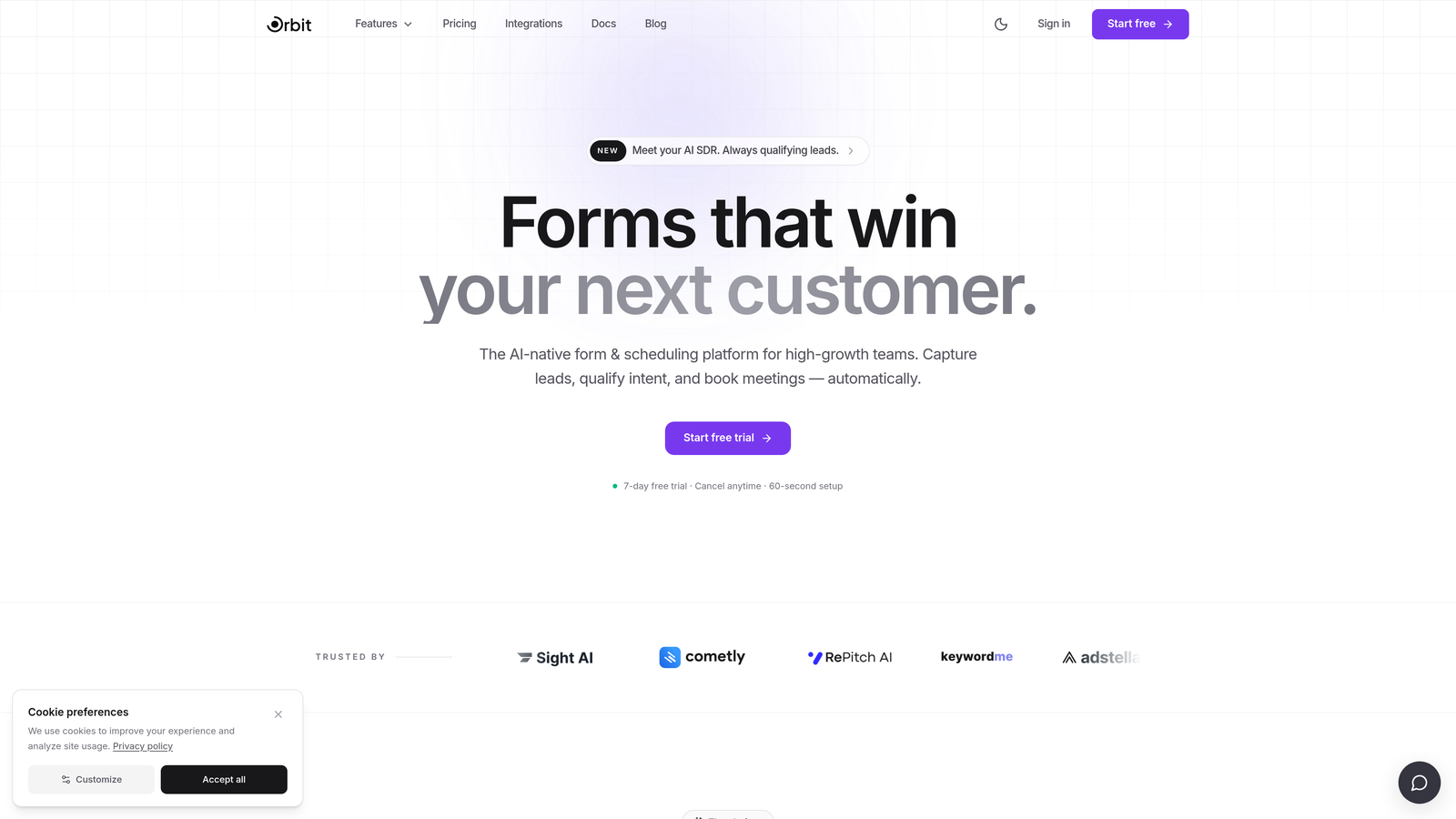
Orbit AI is an AI-powered form builder designed specifically for conversion optimization and pipeline generation.
Where This Tool Shines
Most form builders collect data and hand it off. Orbit AI goes a step further by qualifying leads within the form experience itself. Smart routing and conditional logic adapt in real time based on how a respondent answers, so your sales team receives pre-qualified leads rather than a raw list of submissions.
The platform is purpose-built for teams that care about pipeline outcomes, not just response counts. The modern, clean UI helps forms feel like a natural extension of your brand rather than a friction point, which matters when conversion rate is the metric you're optimizing for.
Key Features
AI-Powered Lead Qualification: Automatically scores and routes leads based on responses, reducing manual triage for sales teams.
Conversion-Optimized Design: Clean, modern form UI built to reduce drop-off and improve completion rates.
Conditional Logic and Smart Routing: Adapts the form path dynamically based on each respondent's answers.
Team Collaboration Workspaces: Shared workspaces allow teams to build, manage, and iterate on forms together.
Lead Generation Focus: Built around pipeline outcomes, not just data collection, making it distinct from general-purpose form tools.
Best For
SaaS teams, demand generation marketers, and sales-led organizations that need forms to do more than collect responses. Particularly strong for teams running inbound lead flows where qualification speed and quality directly impact revenue.
Pricing
Visit orbitforms.ai for current pricing details and plan options.
2. Typeform
Best for: Teams that prioritize conversational UX and strong visual branding in their forms.
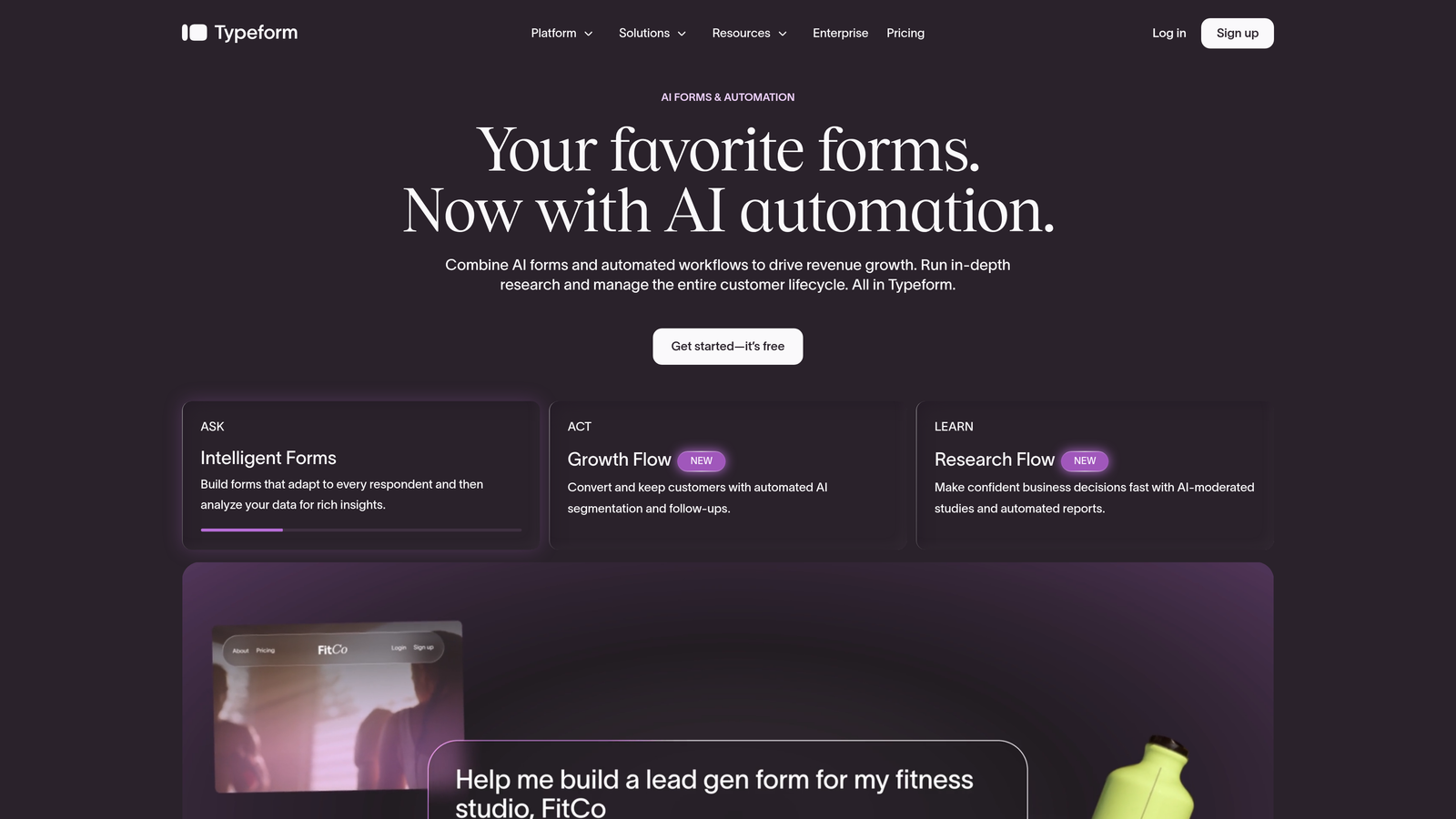
Typeform is a conversational form builder known for its one-question-at-a-time format and polished design capabilities.
Where This Tool Shines
Typeform's biggest differentiator is the experience it creates for respondents. The sequential format feels more like a conversation than a form, which tends to work well for surveys, lead capture flows, and onboarding questionnaires where engagement matters.
Design customization is genuinely strong here. Teams with brand standards can build forms that feel cohesive with their marketing assets. Logic jumps and conditional branching add flexibility for more complex flows.
Key Features
Conversational One-Question Format: Presents questions sequentially to create a more engaging respondent experience.
Branding and Design Customization: Extensive control over colors, fonts, backgrounds, and visual identity.
Logic Jumps and Conditional Branching: Routes respondents through different paths based on their answers.
Team Workspaces: Available on Business and higher plans for collaborative form management.
Wide Integration Library: Connects with HubSpot, Salesforce, Slack, Google Sheets, and many more via native integrations and Zapier.
Best For
Marketing and brand teams that want forms to feel premium. Also well-suited for customer research, NPS surveys, and lead capture flows where the respondent experience is a priority. Teams on tighter budgets may find the pricing challenging at scale.
Pricing
Free plan available; paid plans start around $25/month. Verify current pricing at typeform.com/pricing.
3. Jotform
Best for: Teams that need a feature-rich builder with extensive templates and workflow automation.
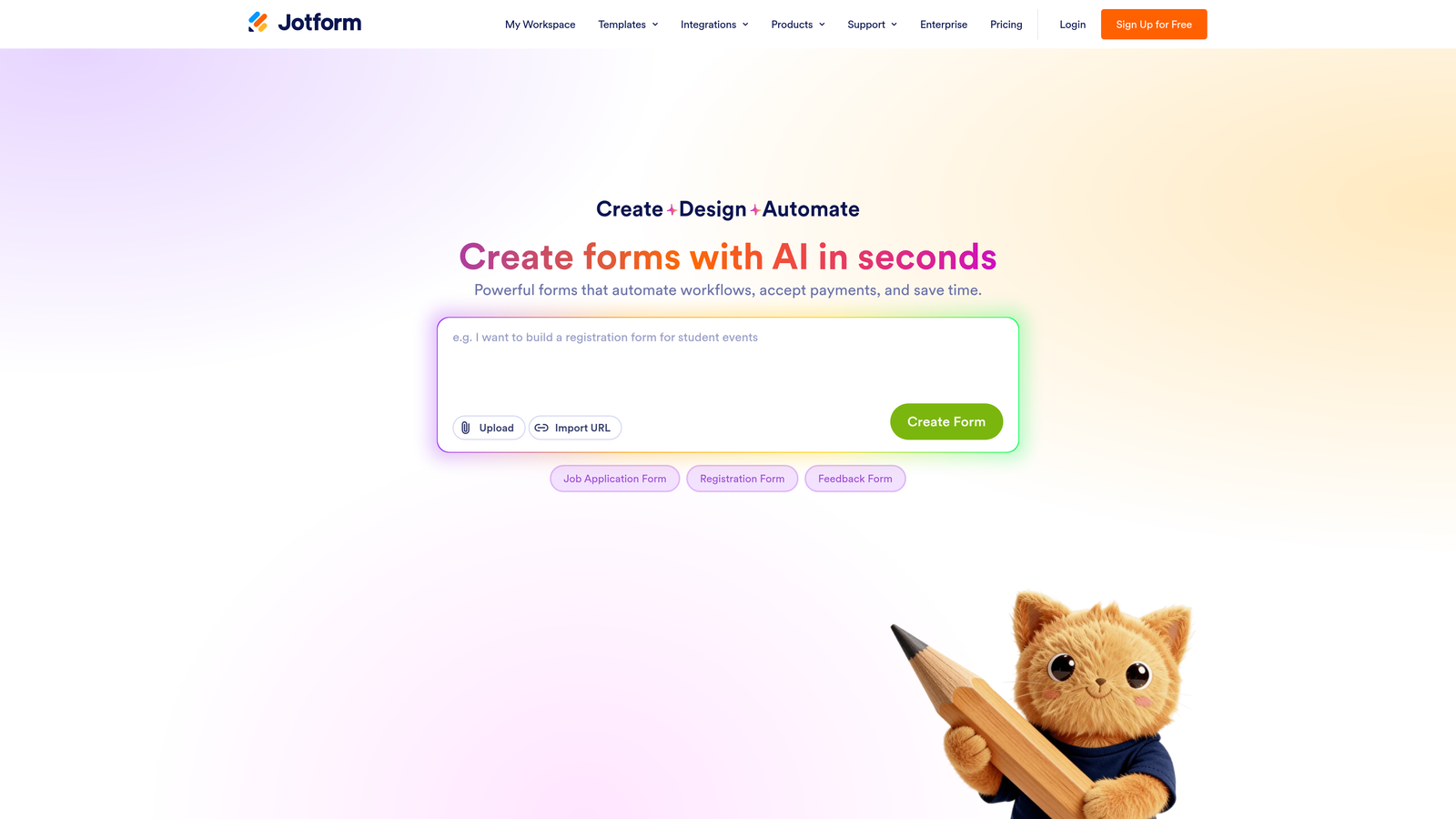
Jotform is one of the most comprehensive form builders available, covering everything from simple surveys to complex multi-step workflows.
Where This Tool Shines
The sheer breadth of Jotform's feature set is hard to match. With over 10,000 templates spanning industries from healthcare to e-commerce, most teams can find a starting point that's close to what they need. The Jotform Approvals feature is particularly useful for teams that need forms to trigger internal review processes rather than just collect data.
Collaboration is well-supported, with shared workspaces and team management tools available on team plans. The integration ecosystem is broad, including direct connections to Salesforce, HubSpot, and Slack.
Key Features
10,000+ Templates: One of the largest template libraries available, covering nearly every industry and use case.
Jotform Approvals: Multi-step workflow automation that routes submissions through internal approval processes.
Team Workspaces: Shared environments for collaborative form building and management.
Payment and E-Signature Support: Accepts payments via Stripe, PayPal, and others, plus supports e-signature collection.
Broad Integration Ecosystem: Native connections to major CRMs, marketing platforms, and productivity tools.
Best For
Operations, HR, and marketing teams that need a versatile tool capable of handling a wide range of form types. Strong choice for organizations that want one platform to cover everything from lead capture to internal approval workflows.
Pricing
Free plan available; paid plans scale for larger teams. Verify current pricing at jotform.com/pricing.
4. Tally
Best for: Startups and no-code teams that want unlimited forms on a generous free tier.
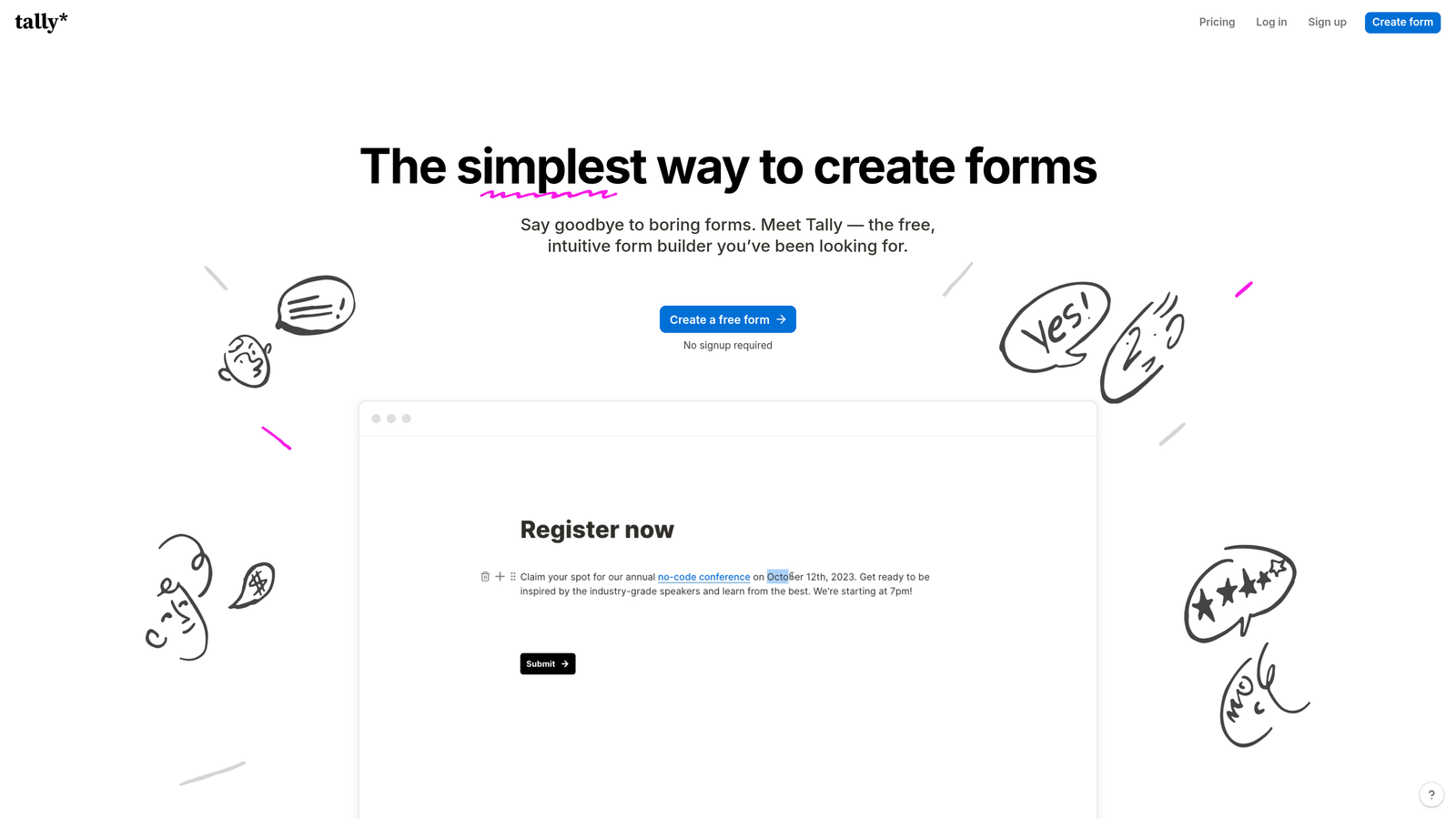
Tally is a minimalist, Notion-inspired form builder with a block-based editor and a notably generous free plan.
Where This Tool Shines
Tally has built a strong following in the startup and no-code community, largely because of how little it asks of you to get started. The block-based editor will feel immediately familiar to anyone who uses Notion, and the free plan includes unlimited forms, which is rare in this category.
It's not the most feature-dense option on this list, but for teams that need clean, functional forms without complexity, Tally delivers. It also embeds smoothly into websites and Notion pages, making it a natural fit for product-led teams.
Key Features
Unlimited Forms on Free Plan: No artificial caps on form creation, making it accessible for early-stage teams.
Block-Based Editor: Familiar interface for Notion users that makes form building intuitive and fast.
Conditional Logic and Hidden Fields: Core logic features for building adaptive form flows.
Team Workspace Sharing: Collaborate with teammates on form creation and management.
Clean Embed Support: Integrates smoothly into websites and Notion pages without heavy configuration.
Best For
Early-stage startups, indie makers, and no-code teams that prioritize simplicity and cost efficiency. Less ideal for teams that need advanced lead qualification, AI features, or deep CRM integrations.
Pricing
Free plan with unlimited forms; Pro plan available for additional features. Verify current details at tally.so/pricing.
5. HubSpot Forms
Best for: Teams already using HubSpot CRM who want native form-to-pipeline integration.
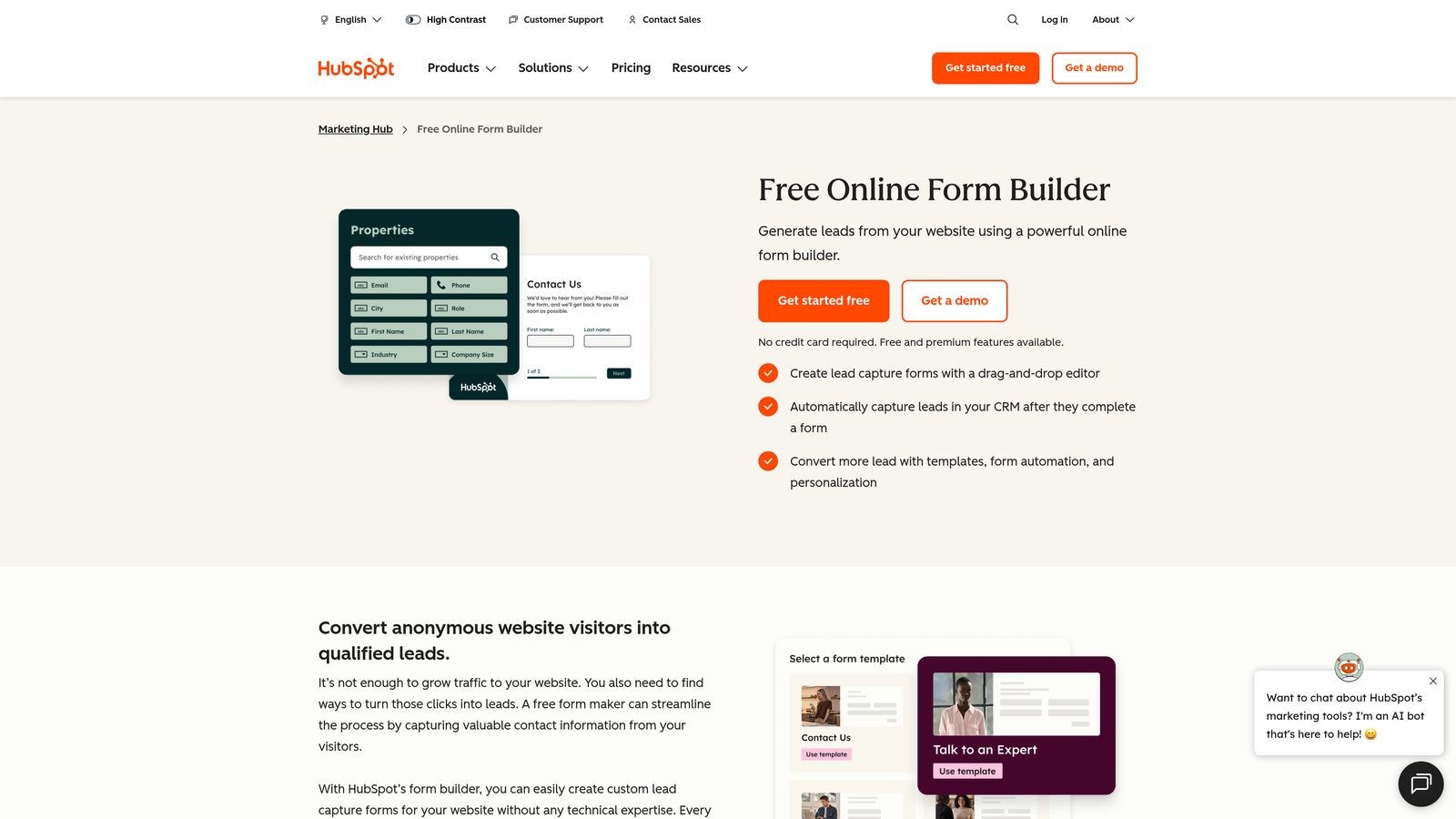
HubSpot Forms is the native form builder within the HubSpot ecosystem, tightly integrated with HubSpot CRM and Marketing Hub.
Where This Tool Shines
If your team lives in HubSpot, this is the most frictionless path from form submission to CRM record. Contact data flows automatically into HubSpot, triggering workflows, sequences, and lifecycle stage updates without any middleware required. That kind of native integration is genuinely hard to replicate with third-party tools.
Progressive profiling is a standout feature: forms adapt for known contacts by skipping fields already on record and collecting new information instead. This reduces friction for returning visitors while enriching your contact data over time.
Key Features
Seamless CRM Sync: Form submissions automatically create or update HubSpot contact records in real time.
Smart Forms with Progressive Profiling: Adapts form fields based on existing contact data to reduce redundancy and improve UX.
Workflow and Sequence Triggers: Submissions can automatically enroll contacts in HubSpot workflows or sales sequences.
Available on Free Tier: Basic form functionality included in HubSpot's free CRM plan.
Conversion Tracking: Native analytics within HubSpot dashboards for tracking form performance alongside other marketing data.
Best For
Marketing and sales teams that are already committed to the HubSpot platform. Not recommended as a standalone form tool for teams outside the HubSpot ecosystem, where the value proposition is significantly reduced.
Pricing
Free with HubSpot's free CRM; advanced features require paid Marketing Hub plans. See current pricing at hubspot.com/pricing.
6. Fillout
Best for: Product and ops teams building forms that connect directly to databases like Airtable, Notion, or Supabase.
Fillout is a flexible form builder with native two-way sync to modern data infrastructure and a competitive free tier.

Where This Tool Shines
Fillout has carved out a distinct niche by connecting forms directly to the databases that modern product and operations teams actually use. Native integrations with Airtable, Notion, Supabase, and Google Sheets go beyond simple data export, supporting two-way sync that keeps records updated without manual intervention.
Beyond database connectivity, Fillout handles multi-page forms, scheduling, and payment collection in a single platform. It's a strong option for teams that need forms to do operational work, not just capture leads.
Key Features
Native Database Integrations: Two-way sync with Airtable, Notion, Supabase, and Google Sheets out of the box.
Multi-Page Forms: Build longer, structured forms with logical page breaks and navigation.
Scheduling and Payment Support: Handles appointment booking and payment collection alongside standard form functions.
Conditional Logic and Branching: Adaptive form paths based on respondent input.
Team Collaboration Features: Shared access for team members to build and manage forms together.
Best For
Operations teams, product managers, and developers working with modern data stacks. Particularly strong for use cases where form data needs to feed directly into a database rather than a CRM.
Pricing
Free plan available; paid plans for teams with higher volume needs. Verify current pricing at fillout.com/pricing.
7. Formstack
Best for: Mid-market and enterprise teams with compliance requirements and complex workflow needs.
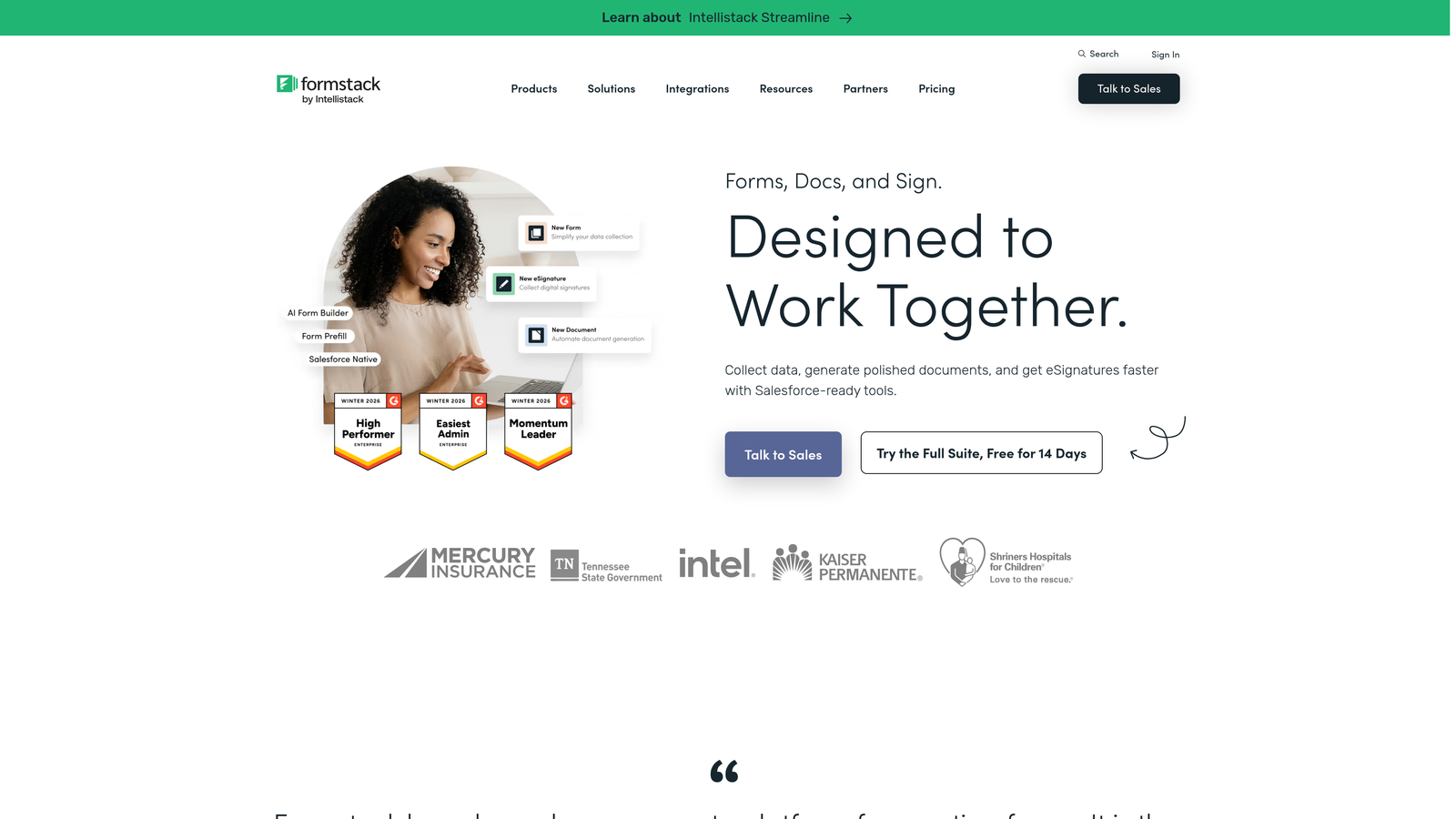
Formstack is an enterprise-grade form builder with compliance controls, document generation, and advanced team management capabilities.
Where This Tool Shines
Formstack is the go-to option when compliance is non-negotiable. HIPAA-compliant form handling makes it a practical choice for healthcare organizations, and the audit trails and access controls satisfy the governance requirements common in regulated industries.
The document generation and e-signature workflows extend Formstack beyond basic data collection into full process automation. For teams that need forms to initiate contracts, approvals, or compliance documentation, that added capability is meaningful.
Key Features
HIPAA-Compliant Forms: Built-in compliance controls for healthcare and other regulated industries.
Document Generation and E-Signature: Converts form submissions into documents and supports digital signature collection.
Advanced Team Access Controls: Granular permissions, audit trails, and team management tools for enterprise environments.
Conditional Logic and Multi-Step Forms: Flexible form logic for complex data collection scenarios.
Enterprise Integrations: Native connections to Salesforce, HubSpot, and other enterprise platforms.
Best For
Healthcare organizations, financial services teams, and enterprise operations that need compliance-grade form handling. The higher price point is justified for teams where regulatory requirements make compliance features essential rather than optional.
Pricing
Higher price point aimed at mid-market and enterprise buyers. Verify current pricing at formstack.com/pricing.
8. Google Forms
Best for: Internal team data collection where cost and simplicity matter more than design or lead qualification.
Google Forms is a free, no-frills form builder included with every Google account and Google Workspace subscription.
Where This Tool Shines
Google Forms wins on accessibility and zero cost. Any team with a Google account can build and share a form in minutes, with responses automatically collected in a linked Google Sheet. For internal surveys, quick polls, event registrations, or employee feedback, it covers the basics without any setup overhead.
Real-time collaboration on form editing is a genuine advantage for teams already working in Google Workspace. Multiple editors can work on the same form simultaneously, which is useful for quickly iterating on internal tools.
Key Features
Completely Free: No paid tier required; included with any Google account or Workspace subscription.
Automatic Google Sheets Integration: Responses flow directly into a linked spreadsheet for easy analysis.
Real-Time Collaborative Editing: Multiple team members can edit forms simultaneously, similar to Google Docs.
Basic Conditional Logic: Simple branching to show different sections based on responses.
Quiz and Survey Functionality: Built-in scoring and feedback tools for assessments and surveys.
Best For
Teams that need a quick, free solution for internal data collection. Not recommended for external-facing lead generation, branded experiences, or any use case where design quality, advanced logic, or CRM integration matters.
Pricing
Free with any Google account; included in all Google Workspace plans at no additional cost.
9. Cognito Forms
Best for: Teams that need calculation-heavy forms, order forms, or complex repeating data entry.
Cognito Forms is a form builder that specializes in calculation fields, repeating sections, and integrated payment collection.
Where This Tool Shines
Cognito Forms occupies a specific niche that most general-purpose builders handle poorly: forms that need to calculate totals, prices, or scores dynamically based on user input. If you're building an order form, event registration with variable pricing, or any form where math needs to happen in real time, Cognito Forms handles it more elegantly than most alternatives.
Repeating sections are another standout capability. These allow respondents to add multiple entries of the same data type within a single form, which is useful for scenarios like itemized expense reports or multi-attendee registrations.
Key Features
Advanced Calculation Fields: Dynamic math within forms for pricing, scoring, and order totals without custom code.
Repeating Sections: Allows respondents to add multiple entries of the same data type within a single submission.
Stripe Payment Integration: Built-in payment collection without requiring third-party middleware.
Conditional Logic and Multi-Page Forms: Standard branching and multi-step form support for complex flows.
Affordable Pricing with Functional Free Tier: Accessible entry point with paid plans that remain competitively priced.
Best For
Teams building order forms, event registrations, pricing calculators, or any form where dynamic calculations are central to the user experience. Less suited for lead generation or conversational form flows.
Pricing
Free plan available; paid plans are affordably priced for small to mid-sized teams. Verify current details at cognitoforms.com/pricing.
Which Tool Is Right for Your Team?
The right Paperform alternative depends heavily on what's actually holding your team back. Here's a quick way to think through the decision.
If lead qualification and pipeline outcomes are the priority, Orbit AI is the most purpose-built option on this list. The AI-powered qualification logic and conversion-focused design make it the strongest fit for high-growth teams running inbound lead flows.
If your team is already in HubSpot, HubSpot Forms is the path of least resistance. The native CRM sync and progressive profiling create a seamless lead-to-pipeline experience without any additional tooling.
If you need enterprise compliance controls, Formstack is the clear choice. HIPAA compliance, audit trails, and document generation make it the only realistic option for heavily regulated industries.
For teams that want maximum features at accessible pricing, Jotform offers the broadest capability set. For database-connected workflows, Fillout is worth a close look. And for teams that just need something free and functional for internal use, Google Forms will always be there.
The common thread across the strongest options is that they go beyond data collection. They help you act on what you capture, whether that's through AI qualification, CRM sync, or workflow automation.
Transform your lead generation with AI-powered forms that qualify prospects automatically while delivering the modern, conversion-optimized experience your high-growth team needs. Start building free forms today and see how intelligent form design can elevate your conversion strategy.
For more context on the broader landscape, our guides on Typeform alternatives and the best online form builders cover additional options worth considering as you finalize your stack.


