

When your team is scaling rapidly, every lead matters—and clunky, outdated forms can quietly kill your conversion rates. Wufoo served many businesses well in its early days, but high-growth teams in 2026 need form builders that do more than collect data. You need tools that qualify leads automatically, integrate seamlessly with your tech stack, and look stunning without requiring a design degree.
This guide compares nine form builders specifically chosen for teams focused on lead generation and conversion optimization. We evaluated each tool on AI capabilities, integration depth, scalability, and pricing flexibility to help you find the right fit for your growth trajectory.
1. Orbit AI
Best for: Teams that need AI-powered lead qualification built directly into their forms
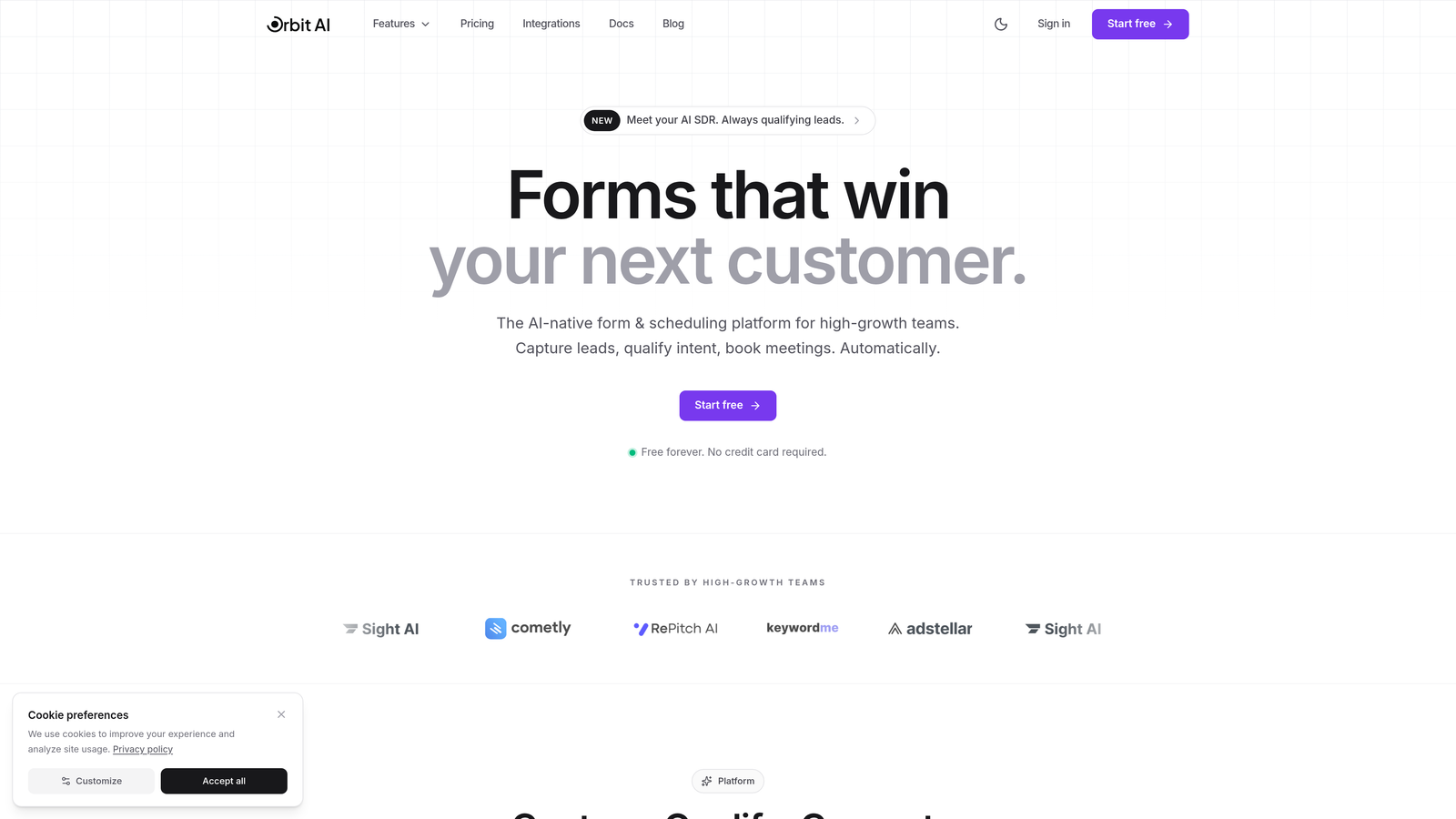
Orbit AI is an AI-powered form builder designed specifically for high-growth teams focused on conversion optimization and lead quality.
Where This Tool Shines
The standout feature here is intelligent lead qualification that happens automatically as prospects fill out your forms. Instead of collecting data and manually sorting through submissions later, the AI scores and prioritizes leads in real-time based on your criteria.
The platform combines beautiful, conversion-optimized templates with intelligent workflows that route high-value leads to your sales team immediately. This means your team spends less time on manual qualification and more time talking to prospects who are actually ready to buy.
Key Features
AI-Powered Lead Qualification: Automatically scores and prioritizes leads based on responses and engagement patterns.
Conversion-Optimized Templates: Pre-built form designs tested for maximum completion rates across industries.
Intelligent Workflows: Automated sequences that route leads, trigger follow-ups, and sync with your CRM.
Modern Form Design: Beautiful, on-brand forms that work flawlessly on any device without custom coding.
Deep CRM Integrations: Native connections to popular CRMs with bi-directional data sync.
Best For
Orbit AI is ideal for high-growth teams where lead quality directly impacts revenue. If you're tired of sifting through unqualified submissions or losing hot leads in the noise, the AI qualification features will transform your pipeline. Perfect for B2B SaaS teams, agencies, and any business where conversion optimization is a priority.
Pricing
Free tier available to get started. Paid plans scale with usage, making it accessible for startups while supporting enterprise-level volume.
2. Typeform
Best for: Teams prioritizing engagement and completion rates through conversational design
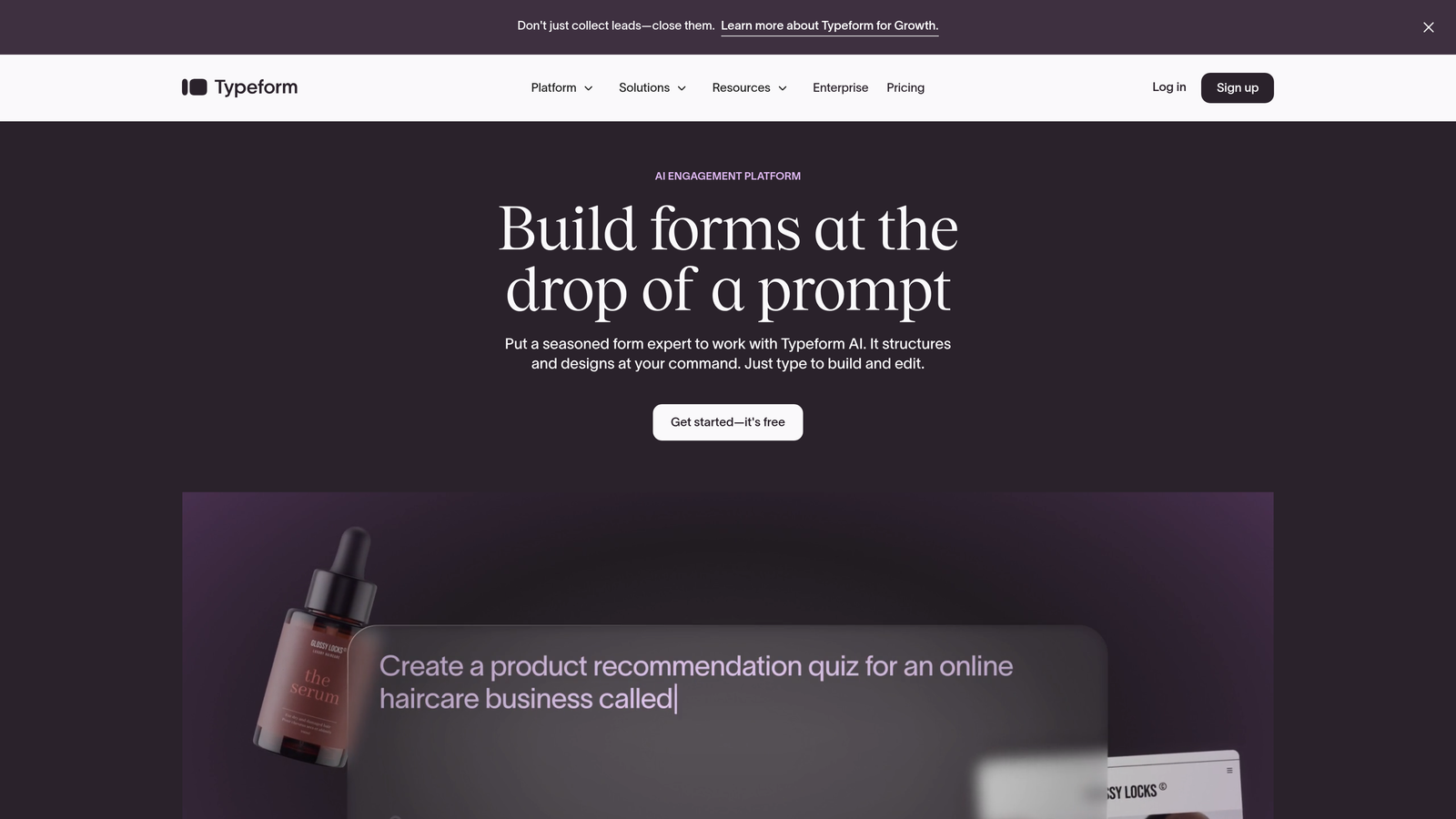
Typeform is a conversational form builder known for its one-question-at-a-time format that drives higher completion rates.
Where This Tool Shines
Typeform revolutionized form design by treating data collection like a conversation. Instead of overwhelming users with a wall of fields, you present one question at a time with smooth transitions. This approach consistently delivers higher completion rates compared to traditional forms.
The platform excels at creating engaging experiences that feel less like paperwork and more like dialogue. For teams running surveys, lead qualification quizzes, or any scenario where keeping users engaged matters, Typeform's conversational approach delivers measurable results.
Key Features
Conversational Interface: One-question-at-a-time format that reduces form abandonment.
Logic Jumps: Dynamic branching that personalizes the form experience based on previous answers.
Rich Media Support: Embed videos, images, and GIFs to create visually compelling forms.
Extensive Integrations: Connects with hundreds of tools including Slack, HubSpot, and Google Sheets.
Analytics Dashboard: Track completion rates, drop-off points, and response patterns.
Best For
Typeform works best for teams creating customer surveys, lead magnets, or qualification forms where engagement is critical. The conversational approach particularly shines for consumer-facing brands and companies collecting feedback or research data.
Pricing
Free tier with limited responses. Basic plan starts at $25/month, with higher tiers offering advanced logic and integrations.
3. Jotform
Best for: Teams needing maximum flexibility with thousands of templates and customization options
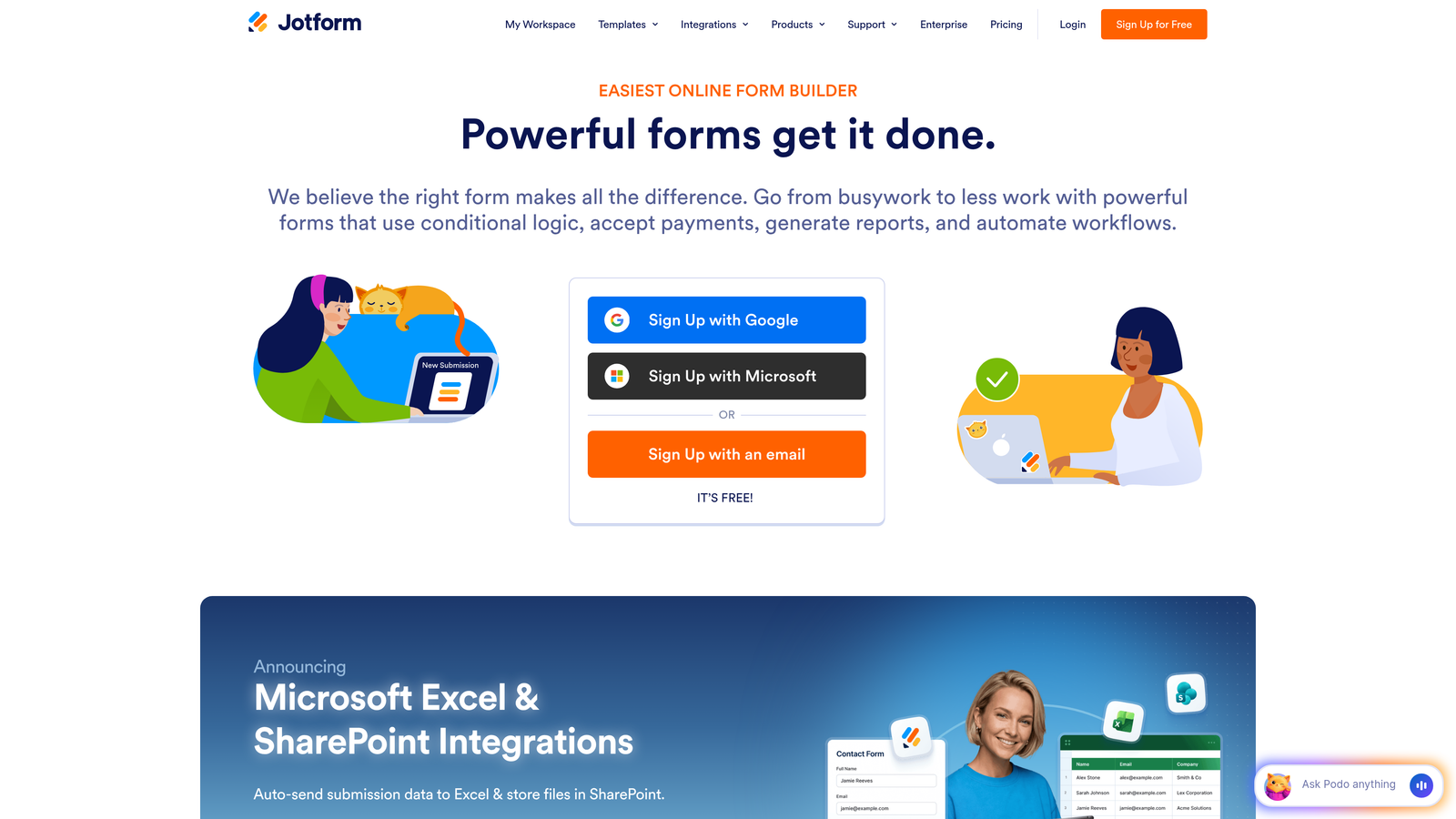
Jotform is a feature-rich form builder with extensive template library and customization capabilities for virtually any use case.
Where This Tool Shines
With over 10,000 templates covering everything from event registrations to job applications, Jotform eliminates the blank-canvas problem. You can find a pre-built form for almost any scenario, then customize it with their drag-and-drop builder.
The platform packs in features that specialized tools charge extra for—payment processing, PDF generation, approval workflows, and widgets for specific industries. If you need a Swiss Army knife approach to form building, Jotform delivers that versatility without requiring technical expertise.
Key Features
10,000+ Templates: Pre-built forms for virtually every industry and use case imaginable.
Widget Library: Hundreds of add-ons for specific functionality like signatures, file uploads, and calculations.
Payment Integrations: Built-in support for PayPal, Stripe, Square, and other payment processors.
PDF Generation: Automatically create PDF documents from form submissions.
Approval Workflows: Route submissions through multi-step approval processes.
Best For
Jotform suits teams that need to build many different types of forms across departments. If your use cases vary widely—from HR onboarding to customer orders to event registrations—the template library and flexibility make it a practical choice.
Pricing
Free tier allows 5 forms with 100 monthly submissions. Bronze plan starts at $34/month for more forms and submissions.
4. Tally
Best for: Lean teams and startups needing unlimited forms without budget constraints
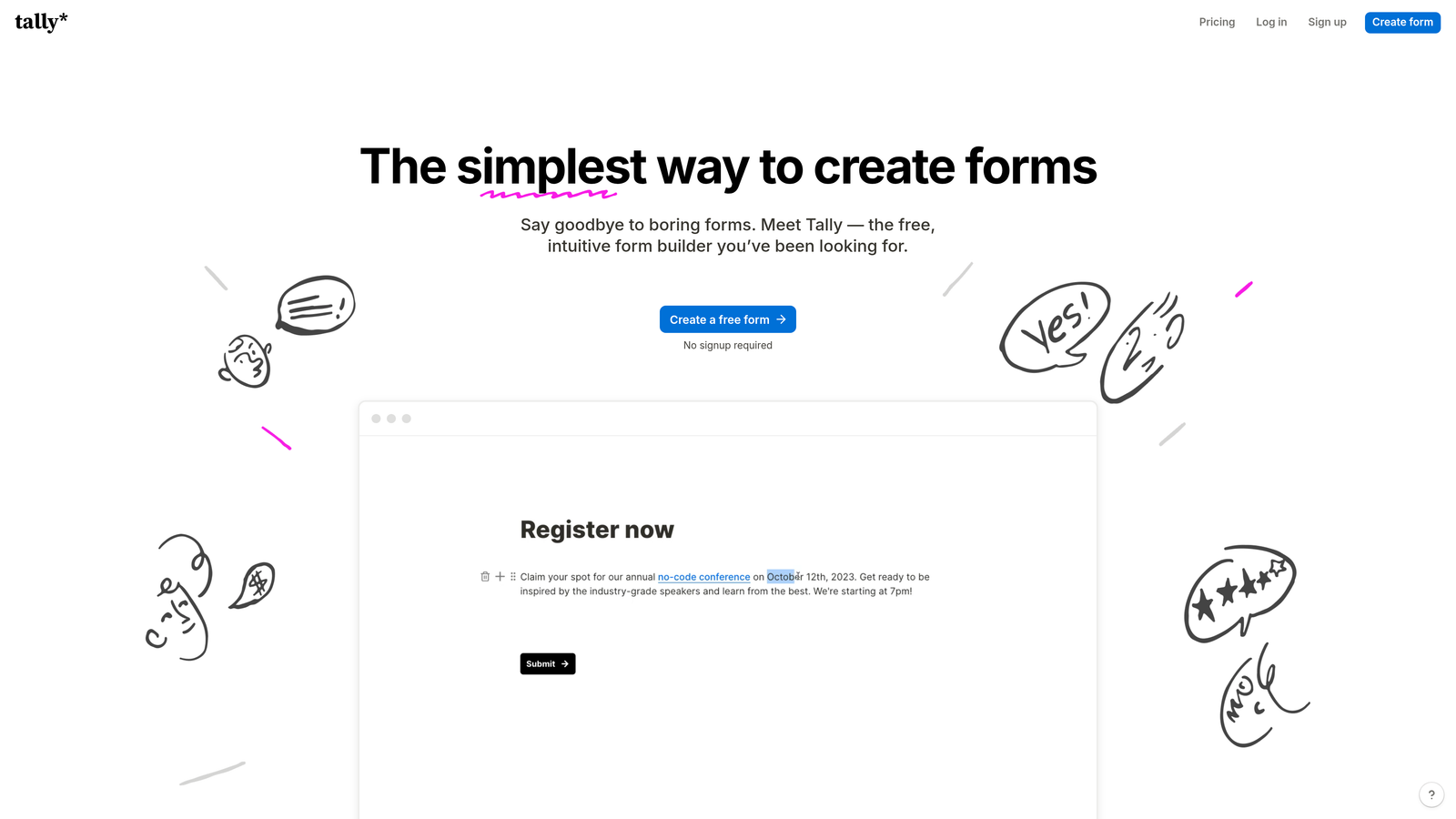
Tally is a simple, Notion-like form builder with a generous free tier that makes it accessible for budget-conscious teams.
Where This Tool Shines
Tally's free tier is genuinely useful—unlimited forms, unlimited submissions, and conditional logic included. For startups watching every dollar, this removes the typical paywall that limits experimentation with form optimization.
The Notion-style block-based editor feels immediately familiar if you're already using Notion for documentation. You build forms by adding blocks, rearranging them, and setting conditions—no learning curve required. The minimalist design aesthetic works well for modern brands that prefer clean, distraction-free interfaces.
Key Features
Unlimited Free Tier: No caps on forms or submissions, even on the free plan.
Block-Based Editor: Notion-style interface that's intuitive for teams already using similar tools.
Conditional Logic: Show or hide questions based on previous answers, included in free tier.
Clean Design: Minimal, modern aesthetic that looks professional without customization.
Notion Integration: Direct connection to Notion databases for seamless workflow integration.
Best For
Tally is perfect for early-stage startups, solo founders, and lean teams that need professional forms without monthly fees. The Notion integration makes it especially valuable for teams already managing their operations in Notion.
Pricing
Free tier includes most features. Pro plan at $29/month adds custom domains, file uploads, and priority support.
5. Formstack
Best for: Enterprise teams requiring advanced workflows, compliance, and document automation
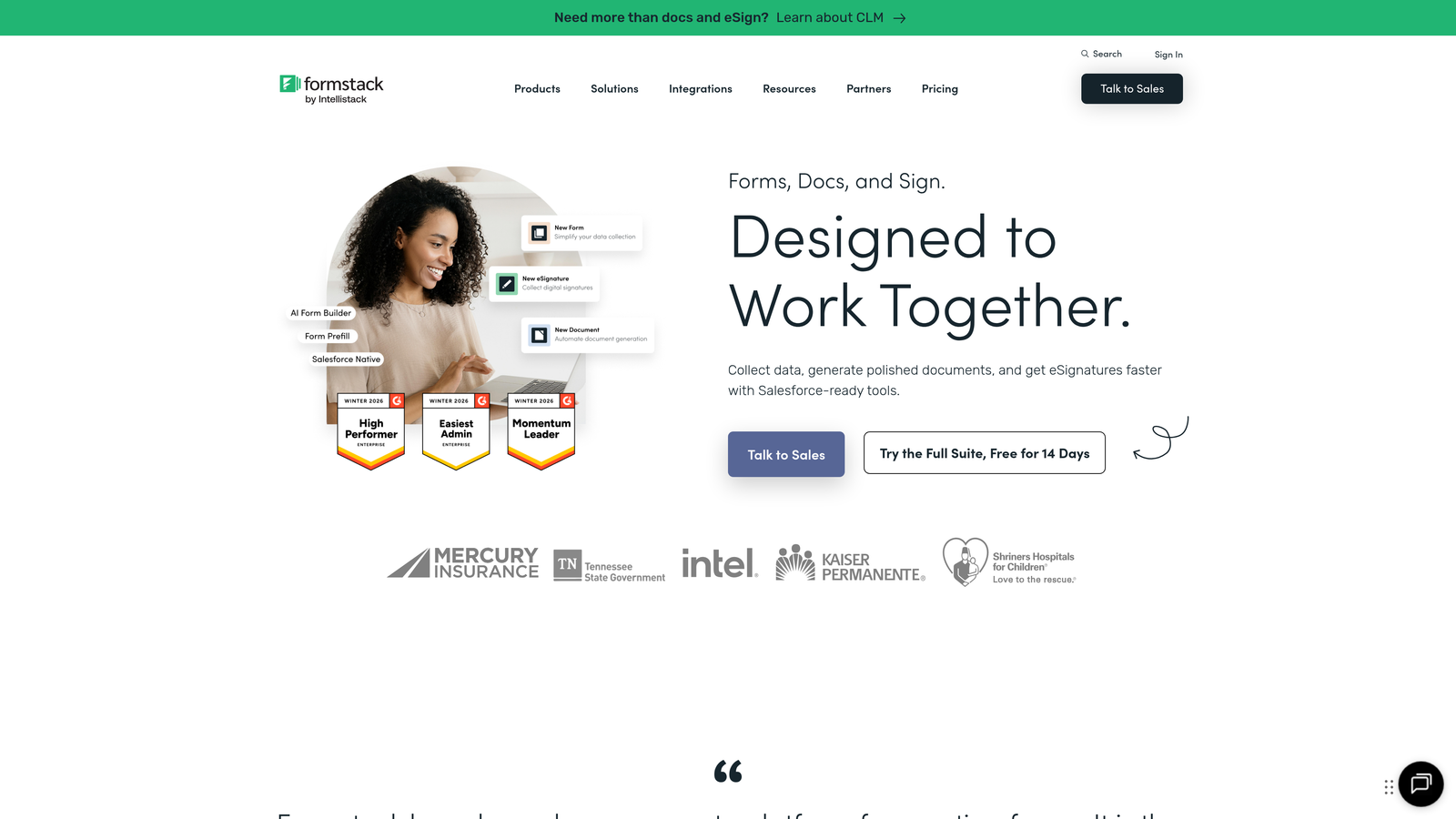
Formstack is an enterprise-grade form and workflow platform built for organizations with complex data collection and approval processes.
Where This Tool Shines
Formstack goes beyond simple data collection to handle sophisticated workflows that span departments. You can build approval chains, generate documents automatically from form data, and enforce compliance requirements like HIPAA.
The Salesforce-native integration is particularly powerful for teams already invested in that ecosystem. Data flows bidirectionally without middleware, and you can trigger Salesforce workflows directly from form submissions. For regulated industries or large organizations with strict data governance, Formstack provides the controls and audit trails required.
Key Features
Advanced Workflow Automation: Multi-step approval processes with routing rules and notifications.
Document Generation: Automatically create contracts, invoices, or reports from submission data.
HIPAA Compliance: Security features and business associate agreements for healthcare organizations.
Salesforce Integration: Native connection with bi-directional data sync and workflow triggers.
Team Collaboration: Role-based permissions, shared templates, and centralized management.
Best For
Formstack serves enterprise teams in regulated industries, large organizations with complex approval workflows, and companies deeply integrated with Salesforce. The platform handles scenarios where compliance, security, and sophisticated automation justify the higher price point.
Pricing
Plans start at $50/month for basic features. Enterprise pricing available for advanced compliance and workflow capabilities.
6. Cognito Forms
Best for: Service businesses collecting payments and managing complex calculations within forms
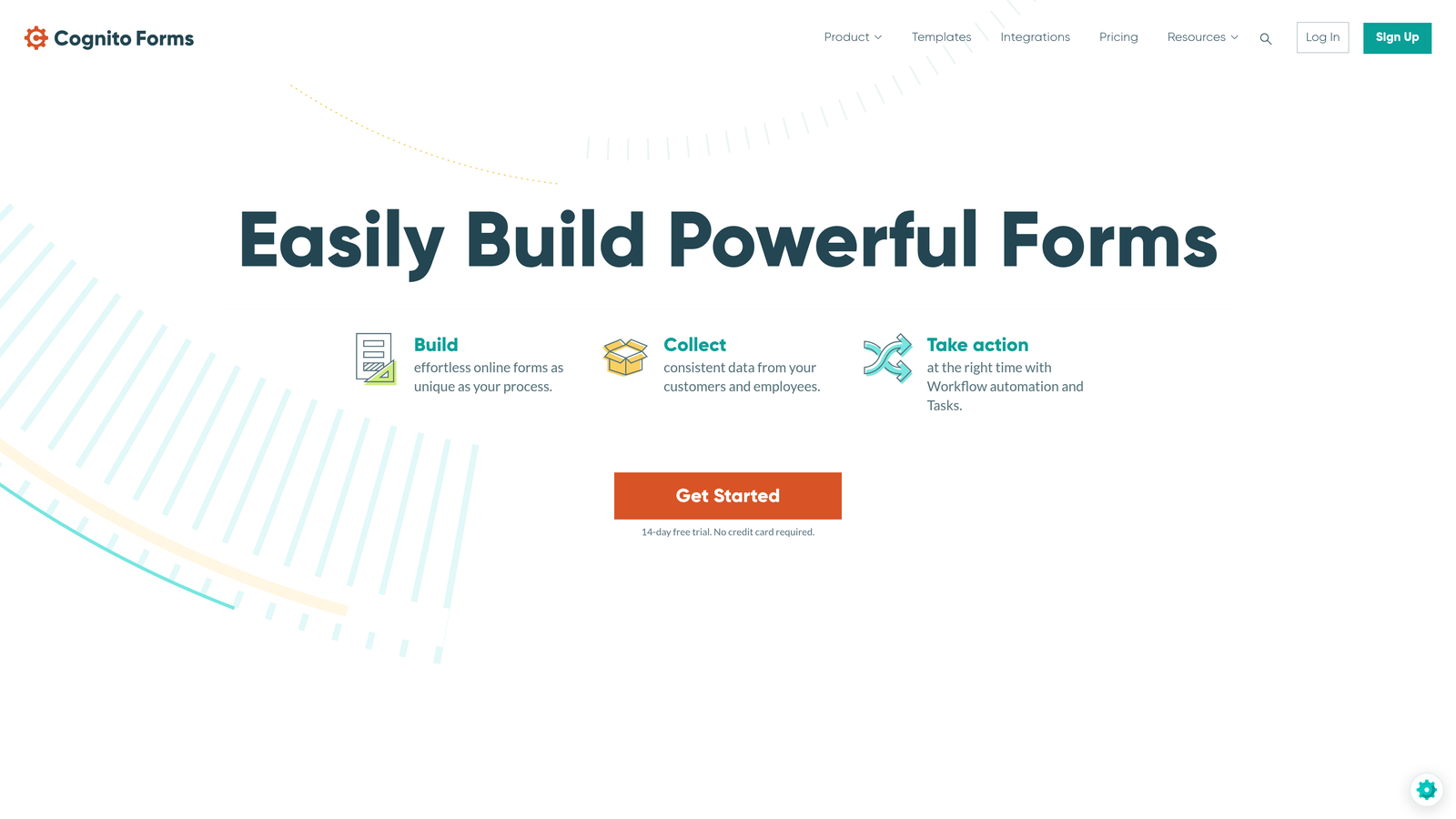
Cognito Forms is a form builder specializing in payment collection and advanced calculations, ideal for service-based businesses.
Where This Tool Shines
Payment processing is built directly into the form experience, not tacked on as an afterthought. You can calculate totals based on user selections, apply discounts, handle recurring payments, and process transactions through Stripe, PayPal, or Square without leaving the form.
The calculation engine handles complex math including conditional pricing, quantity-based totals, and date calculations. This makes it particularly valuable for businesses selling services, event tickets, or products with variable pricing. Repeating sections let users add multiple line items dynamically, perfect for order forms or registration scenarios.
Key Features
Built-In Payment Processing: Native support for Stripe, PayPal, and Square with no transaction fees from Cognito.
Advanced Calculations: Complex math fields with conditional logic and custom formulas.
Repeating Sections: Let users add multiple entries dynamically within a single form.
Conditional Logic: Show, hide, or require fields based on previous answers or calculations.
Data Encryption: Field-level encryption and compliance features for sensitive data.
Best For
Cognito Forms excels for service businesses, event organizers, and anyone collecting payments through forms. If you're selling coaching packages, event tickets, or services with variable pricing, the calculation and payment features eliminate the need for separate tools.
Pricing
Free tier available for basic forms. Pro plan starts at $15/month with unlimited forms and advanced features.
7. HubSpot Forms
Best for: Teams already using HubSpot who want native CRM integration and progressive profiling
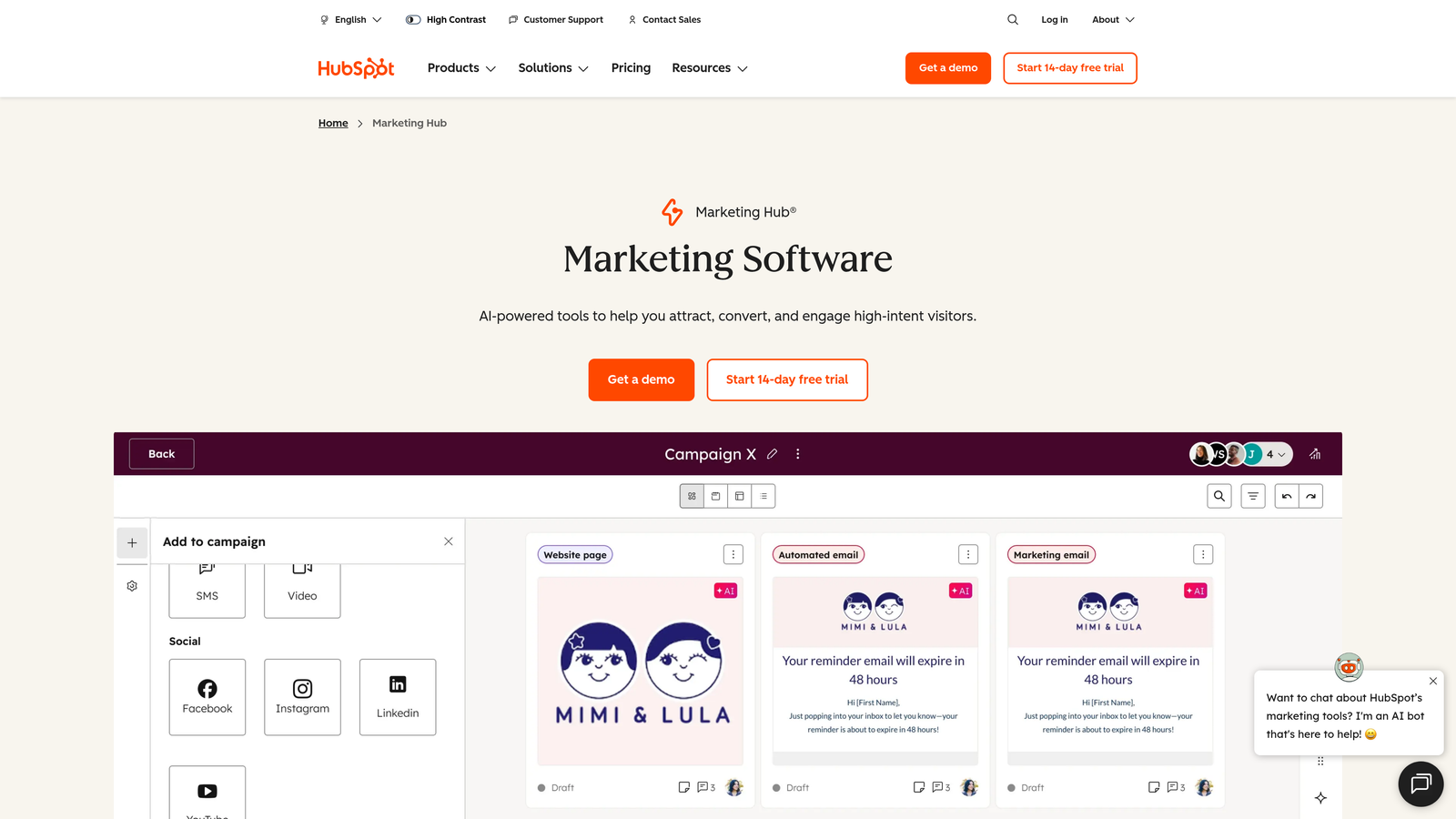
HubSpot Forms is the native form builder within the HubSpot ecosystem that automatically syncs leads to your CRM.
Where This Tool Shines
If you're already using HubSpot CRM, the native form integration eliminates data sync headaches entirely. Submissions flow directly into contact records, trigger workflows, and update deal stages without middleware or manual imports.
Progressive profiling is the standout feature—forms automatically hide questions you've already asked a contact and replace them with new fields. This means returning visitors see shorter forms while you gradually build complete profiles. Combined with smart fields that pre-populate known information, you create friction-free experiences for known contacts while capturing comprehensive data over time.
Key Features
Native CRM Integration: Submissions automatically create or update HubSpot contact records.
Progressive Profiling: Forms adapt based on what you already know about each contact.
Smart Fields: Pre-populate information for known contacts to reduce form friction.
Automatic Lead Routing: Assign leads to sales reps based on territory, product interest, or custom rules.
A/B Testing: Test different form variations to optimize conversion rates.
Best For
HubSpot Forms is the obvious choice if you're already invested in the HubSpot ecosystem. The native integration and progressive profiling features deliver value that third-party form builders can't match within that environment.
Pricing
Free with HubSpot CRM. Advanced features like A/B testing and advanced automation require paid Marketing Hub tiers starting at higher price points.
8. Paperform
Best for: Design-conscious teams creating beautiful, branded form experiences without coding
Paperform is a design-focused form builder that creates beautiful, branded experiences without requiring design skills.
Where This Tool Shines
Paperform treats forms as content pages, not just data collection tools. You can mix form fields with rich text, images, videos, and custom branding to create experiences that feel like landing pages. This approach works particularly well for product launches, event registrations, or any scenario where brand presentation matters.
The templates are genuinely beautiful and require minimal tweaking to match your brand. You can handle e-commerce transactions, appointment bookings, and content delivery all within the same tool. For creative agencies or brands where visual presentation directly impacts conversion, Paperform delivers the aesthetic quality that generic form builders lack.
Key Features
Rich Content Pages: Combine forms with text, images, and videos for landing page-style experiences.
Beautiful Templates: Design-forward starting points that require minimal customization.
E-commerce Capabilities: Sell products, services, or digital goods directly through forms.
Booking and Scheduling: Built-in calendar integration for appointment scheduling.
Custom Branding: Full control over colors, fonts, and styling to match your brand.
Best For
Paperform suits design-conscious brands, creative agencies, and businesses where form aesthetics impact brand perception. If you're launching products, running events, or selling services where presentation matters, the design capabilities justify the investment.
Pricing
Essentials plan at $24/month for basic features. Pro plan at $49/month adds advanced integrations and customization.
9. Fillout
Best for: Operations teams deeply integrated with Notion, Airtable, or other database tools
Fillout is a modern form builder with deep integrations for Notion, Airtable, and other database tools popular with ops-focused teams.
Where This Tool Shines
Fillout's native integrations with Notion and Airtable eliminate the typical export-import dance. Form submissions flow directly into your databases as new rows, and you can even pre-populate forms with existing database data. This makes it perfect for teams already running operations through these tools.
The platform handles multi-page forms with sophisticated logic, scheduling forms for bookings, quiz forms with scoring, and calculator forms for estimates. Custom domains and white-labeling options let you present forms under your brand without Fillout branding appearing. For operations teams that live in Notion or Airtable, this tight integration streamlines workflows significantly.
Key Features
Native Database Integrations: Direct connection to Notion and Airtable with bi-directional data sync.
Multi-Page Forms: Break long forms into multiple steps with progress indicators and logic.
Scheduling Forms: Calendar integration for appointment booking and event registration.
Quiz and Calculator Forms: Built-in scoring and calculation capabilities for assessments and estimates.
Custom Domains: Host forms on your own domain with white-label options.
Best For
Fillout is ideal for operations teams that have standardized on Notion or Airtable as their system of record. If your workflows already live in these databases, Fillout provides the form layer without forcing you to adopt yet another tool.
Pricing
Free tier available for basic usage. Starter plan at $15/month adds custom domains and advanced features.
Making the Right Choice
For high-growth teams, the right form builder directly impacts pipeline quality. If AI-powered lead qualification is your priority, Orbit AI delivers the most value by automatically scoring and routing leads based on quality signals. Teams prioritizing engagement should consider Typeform's conversational approach, while those needing maximum flexibility will appreciate Jotform's extensive template library and feature set.
HubSpot users benefit most from staying within their ecosystem where native integration and progressive profiling work seamlessly. Budget-conscious startups can accomplish a lot with Tally's generous free tier. Service businesses collecting payments will find Cognito Forms' calculation engine invaluable, while design-focused brands should explore Paperform's beautiful templates.
The best choice depends on your specific workflow, required integrations, and growth stage. Consider where your leads go after form submission—if you're manually qualifying every lead, that's a signal you need smarter automation. If forms feel disconnected from your CRM, prioritize native integrations. If completion rates are low, test conversational formats.
Any of these nine tools will serve you better than an outdated Wufoo setup, but the right choice aligns with how your team actually works. Transform your lead generation with AI-powered forms that qualify prospects automatically while delivering the modern, conversion-optimized experience your high-growth team needs. Start building free forms today and see how intelligent form design can elevate your conversion strategy.


