

Small businesses live and die by their ability to capture leads, collect payments, and gather customer feedback. The right form builder quietly powers all of it. The wrong one leaks conversions, frustrates visitors, and leaves your team sorting through unqualified submissions manually.
With dozens of options on the market, choosing a tool that balances ease of use, smart features, and honest pricing is genuinely difficult. This guide cuts through the noise by evaluating nine form builders on what actually matters to small businesses: conversion-focused design, lead qualification capabilities, integration depth, mobile performance, and pricing transparency.
We've placed Orbit AI at the top because it's purpose-built for conversion-focused teams, but every tool here has earned its spot on merit. Whether you're a solo founder building your first contact form or a growing team optimizing every touchpoint in your funnel, there's a strong option here for you.
1. Orbit AI
Best for: High-growth small businesses that want AI-powered lead qualification built into every form.
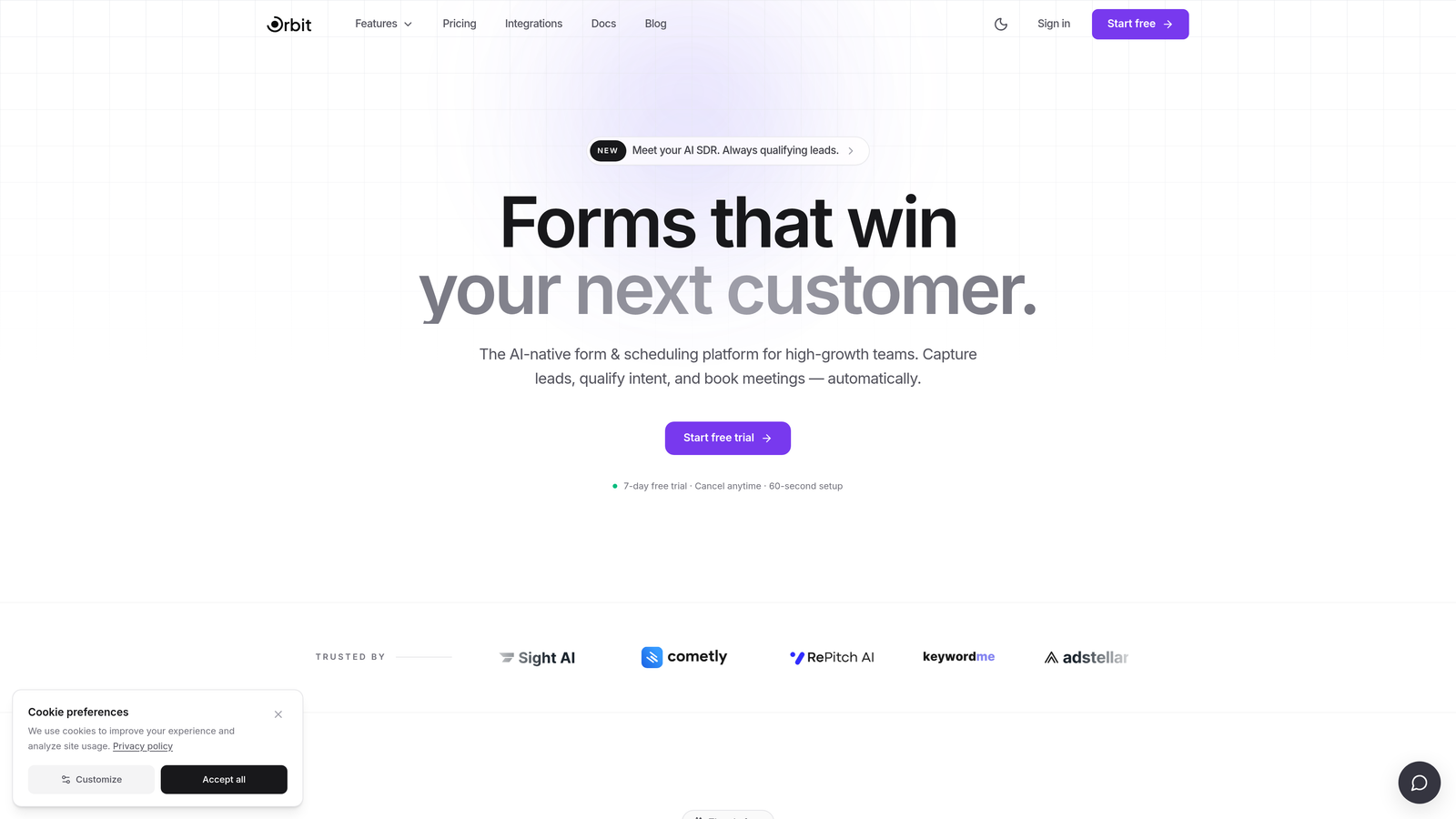
Orbit AI is an AI-powered form builder designed specifically for conversion-focused teams who want to qualify leads at the point of capture, not hours later in a spreadsheet.
Where This Tool Shines
Most form builders treat every submission equally. Orbit AI doesn't. Its built-in lead qualification layer scores and segments prospects the moment they submit a form, so your team wakes up to prioritized leads instead of a raw, unsorted list. That's a meaningful shift for small businesses where sales capacity is limited.
The platform also takes a modern approach to form design. Templates are conversion-optimized out of the box, the drag-and-drop builder produces genuinely polished results without design expertise, and the analytics surface what's actually driving completions rather than just how many you received.
Key Features
AI-Powered Lead Qualification: Scores and segments leads automatically at the point of form submission, eliminating manual triage.
Conversion-Optimized Templates: Pre-built form designs engineered for high completion rates across common small business use cases.
Modern Drag-and-Drop Builder: Beautiful design defaults that produce professional results without requiring a designer.
Lead Scoring and Segmentation: Built-in logic to categorize leads by quality, intent, or custom criteria defined by your team.
Conversion-Focused Analytics: Dashboard built around the metrics that matter most: completion rates, drop-off points, and lead quality distribution.
Best For
Small businesses and growing teams where lead quality matters as much as lead volume. Particularly strong for SaaS companies, service providers, and anyone running paid acquisition campaigns where every submission needs to count. If you're tired of manually sorting through form submissions to find the real opportunities, this is built for you.
Pricing
Visit orbitforms.ai for current pricing plans, as they are updated regularly. Pricing is designed with high-growth teams in mind.
2. Typeform
Best for: Marketing teams wanting a polished, conversational form experience that boosts completion rates.
Typeform is a conversational form builder that presents one question at a time, creating an experience that feels more like a dialogue than a data entry form.

Where This Tool Shines
Typeform's signature one-field-at-a-time format reduces cognitive load for respondents and tends to produce higher completion rates on longer forms. If you're running surveys, lead gen questionnaires, or customer research, the experience feels significantly more engaging than a traditional stacked form.
The design and brand customization options are among the best in the market. You can match forms to your brand identity with custom fonts, colors, and imagery, which matters for businesses where presentation signals professionalism to prospects.
Key Features
Conversational One-Field Format: Presents questions sequentially to reduce overwhelm and improve completion rates on complex forms.
Strong Brand Customization: Custom fonts, colors, backgrounds, and imagery to match your visual identity.
Logic Jumps and Conditional Branching: Route respondents to different questions based on previous answers.
CRM and Marketing Integrations: Connects with HubSpot, Salesforce, Mailchimp, and other major platforms.
Video and Image Embedding: Embed rich media directly within forms to add context or personality.
Best For
Marketing teams, researchers, and service businesses running longer, more nuanced forms where user experience is a priority. Less ideal for businesses that need lead scoring or AI-driven qualification built in, or for those on tight budgets where the free tier's 10-response monthly cap will quickly become limiting.
Pricing
Free plan available (limited to 10 responses per month); paid plans start at approximately $25/month. Visit typeform.com for current plan details.
3. Google Forms
Best for: Budget-conscious businesses needing a no-cost, no-setup solution for basic data collection.
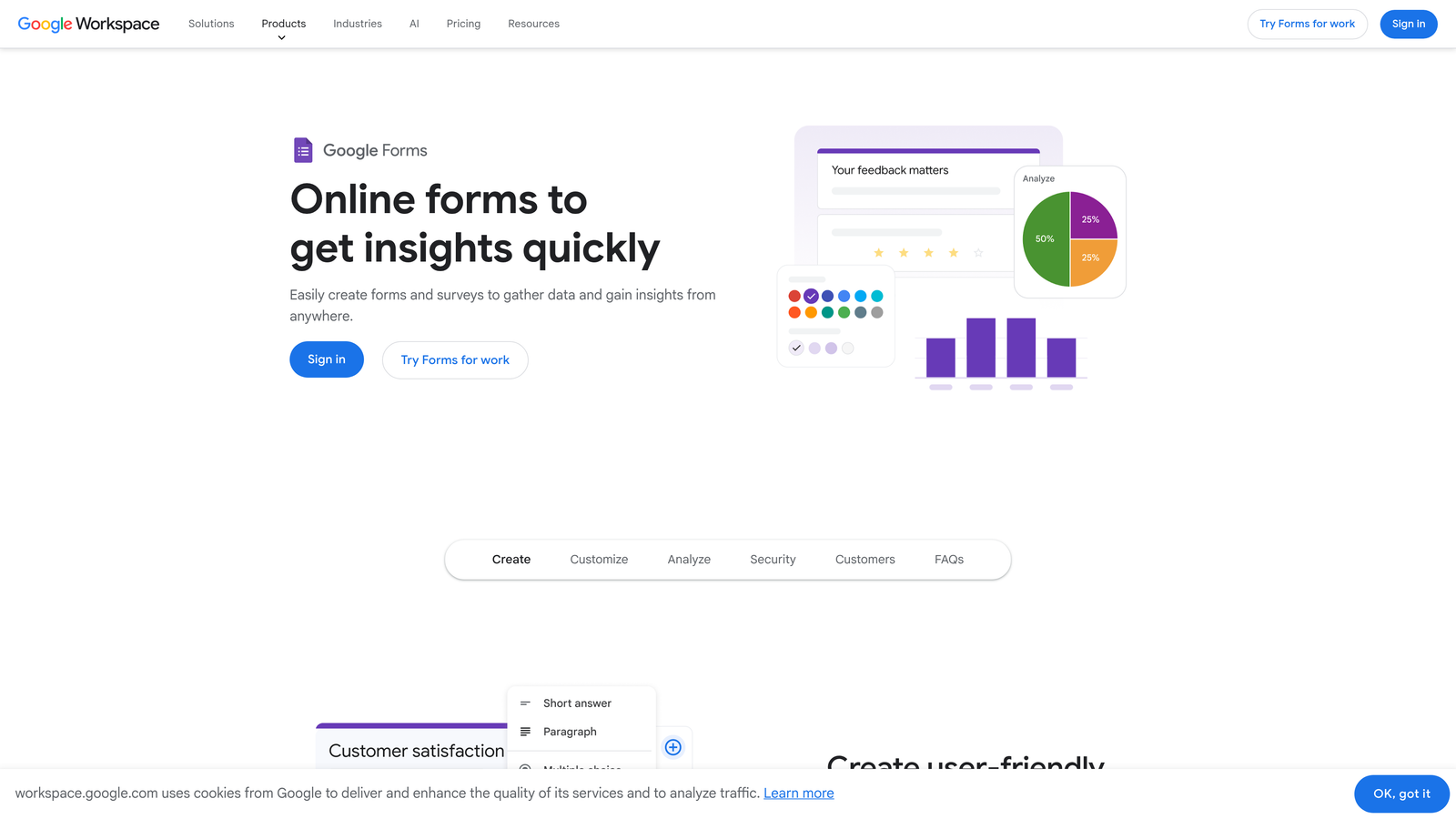
Google Forms is a completely free form builder with unlimited responses and seamless Google Sheets integration, backed by infrastructure you already trust.
Where This Tool Shines
There's no easier entry point into form building. If you have a Google account, you have Google Forms. Setup takes minutes, forms are mobile-responsive by default, and every submission automatically populates a connected Google Sheet for easy analysis. For internal surveys, event registrations, or simple feedback collection, it genuinely gets the job done.
The collaborative editing capability is also underrated. Multiple team members can work on a form simultaneously via Google Workspace, which is useful for small teams building intake forms or onboarding questionnaires together.
Key Features
Completely Free: No submission limits, no form limits, no paywalls. Unlimited use at zero cost.
Google Sheets Auto-Sync: Every response flows directly into a connected spreadsheet in real time.
Basic Conditional Logic: Show or hide sections based on previous answers, though logic options are limited compared to paid tools.
Collaborative Editing: Multiple editors can work on the same form simultaneously via Google Workspace.
Zero Setup Required: No account creation beyond an existing Google account; forms are live in minutes.
Best For
Bootstrapped founders, nonprofits, and businesses with simple, internal data collection needs. Not the right fit for lead generation, conversion optimization, or any use case requiring branded design, payment collection, or lead scoring.
Pricing
Completely free with a Google account. No paid tiers or submission limits.
4. Jotform
Best for: Service businesses needing templates, payment processing, and workflow automation in one platform.
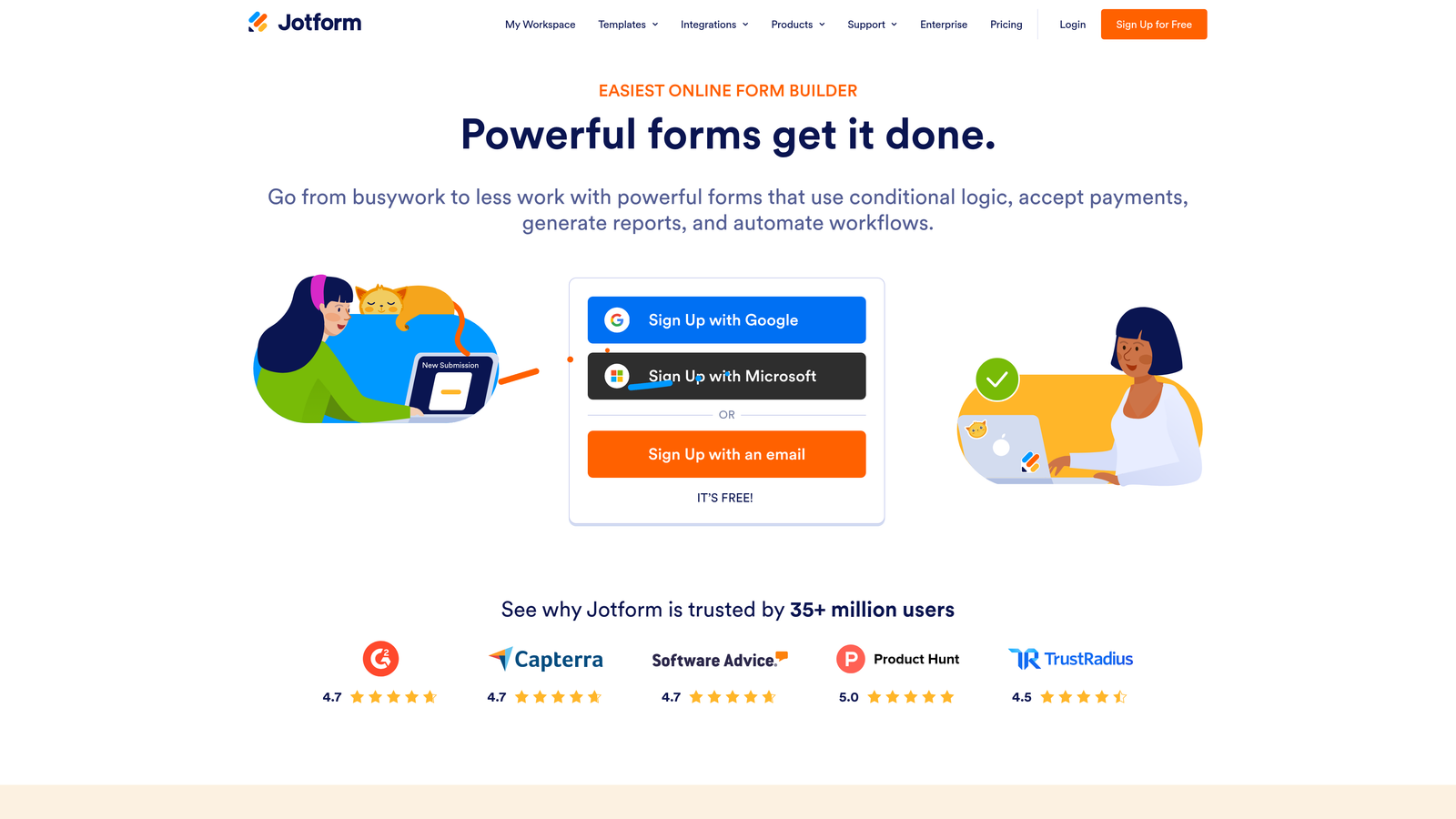
Jotform is one of the most feature-rich form builders available, offering over 10,000 templates, native payment processing, and approval workflows without requiring third-party tools for most use cases.
Where This Tool Shines
The template library is genuinely impressive. Whatever your industry or use case, there's almost certainly a Jotform template that gets you 80% of the way there before you've customized a single field. This dramatically reduces setup time for small businesses that need forms up quickly.
The native payment integrations are another standout. Accepting payments via Stripe, PayPal, or Square through a Jotform doesn't require Zapier or custom development. For service providers collecting deposits, selling digital products, or processing event registrations, this is a significant convenience.
Key Features
10,000+ Pre-Built Templates: Covers virtually every industry and use case, reducing build time substantially.
Native Payment Processing: Accept payments via Stripe, PayPal, and Square directly within forms, no middleware required.
Approval Workflow Automation: Route submissions through multi-step approval processes automatically.
HIPAA-Compliant Plans: Available for healthcare and medical businesses with compliance requirements.
Offline Mobile Collection: Collect form responses without an internet connection via the mobile app.
Best For
Service businesses, healthcare providers, event organizers, and teams that need a feature-complete solution without heavy technical setup. The free tier is limited to 5 forms and 100 monthly submissions, so growing businesses will likely need a paid plan relatively quickly.
Pricing
Free plan available (5 forms, 100 submissions/month); paid plans start at approximately $34/month. Visit jotform.com for current pricing.
5. Gravity Forms
Best for: WordPress developers and agencies needing deep customization, extensibility, and add-on integrations.
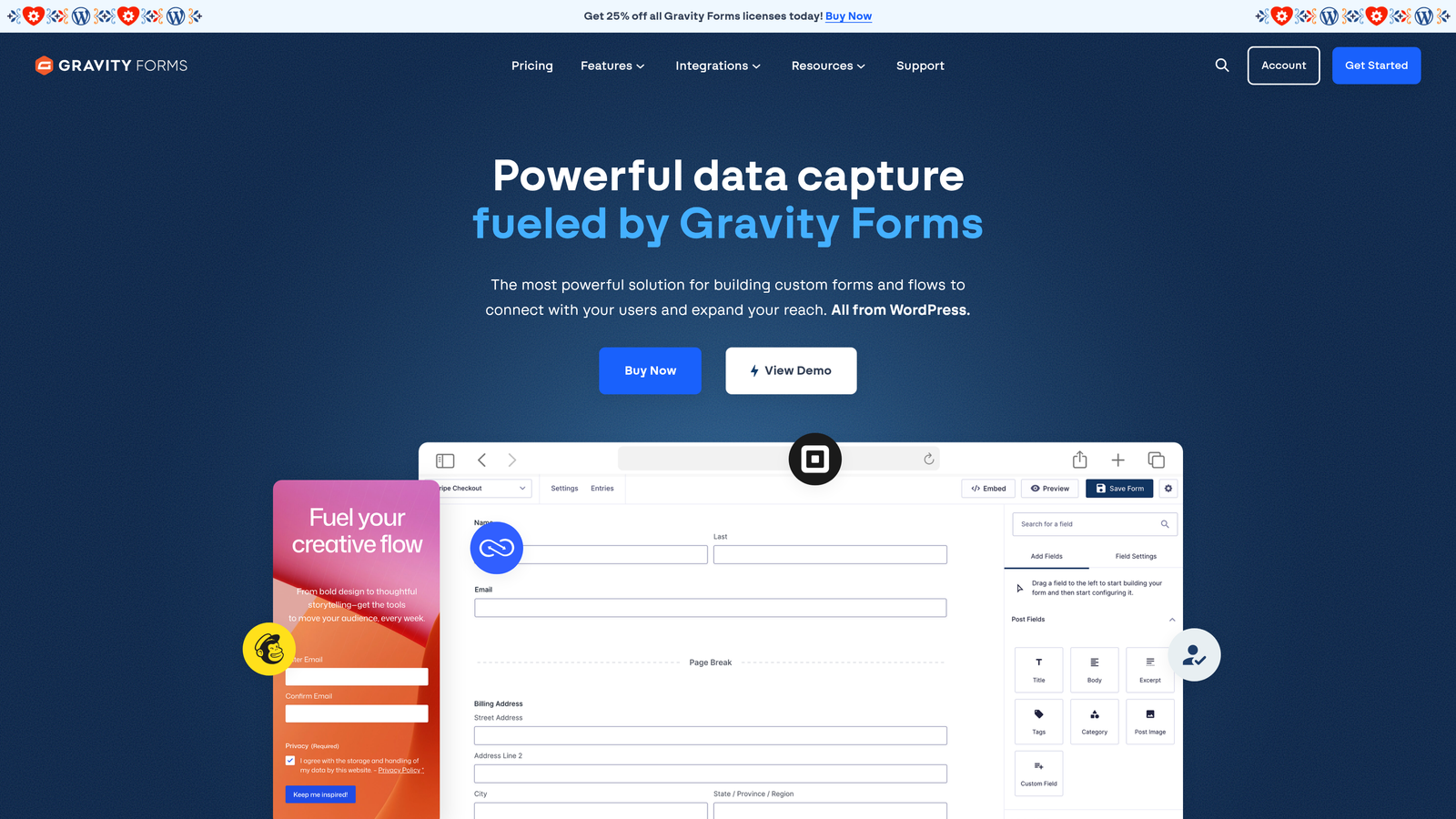
Gravity Forms is the most extensible WordPress form plugin available, built for teams that need precise control over form behavior, data handling, and third-party integrations.
Where This Tool Shines
If your business runs on WordPress and you have developer resources, Gravity Forms is hard to beat. The add-on library covers nearly every integration you'd need: CRM connections, payment gateways, survey logic, signature capture, and more. The core plugin is robust, and the ecosystem built around it is extensive.
The advanced conditional logic and calculation fields are particularly powerful for businesses building quote forms, multi-step applications, or complex intake flows. You can build sophisticated form logic without writing custom code, which is a real advantage for small businesses without dedicated development teams.
Key Features
Deep WordPress Integration: Designed specifically for WordPress, with native hooks and filters for developer customization.
Extensive Add-On Library: Official add-ons for payments, CRM platforms, surveys, signatures, and more.
Advanced Conditional Logic: Complex branching and field visibility rules based on user input.
Multi-Page Forms with Progress Bars: Break long forms into digestible steps with visual progress indicators.
Developer-Friendly API: Robust REST API and action/filter hooks for custom development.
Best For
WordPress-based businesses, agencies, and developers who need maximum control and extensibility. Not suitable for non-WordPress sites, and the lack of a free plan means there's an upfront cost to evaluate the tool properly.
Pricing
Starts at approximately $59/year for a Basic license. No free plan available. Visit gravityforms.com for current tier details.
6. Tally
Best for: Freelancers and early-stage businesses wanting a generous free plan with no submission limits.
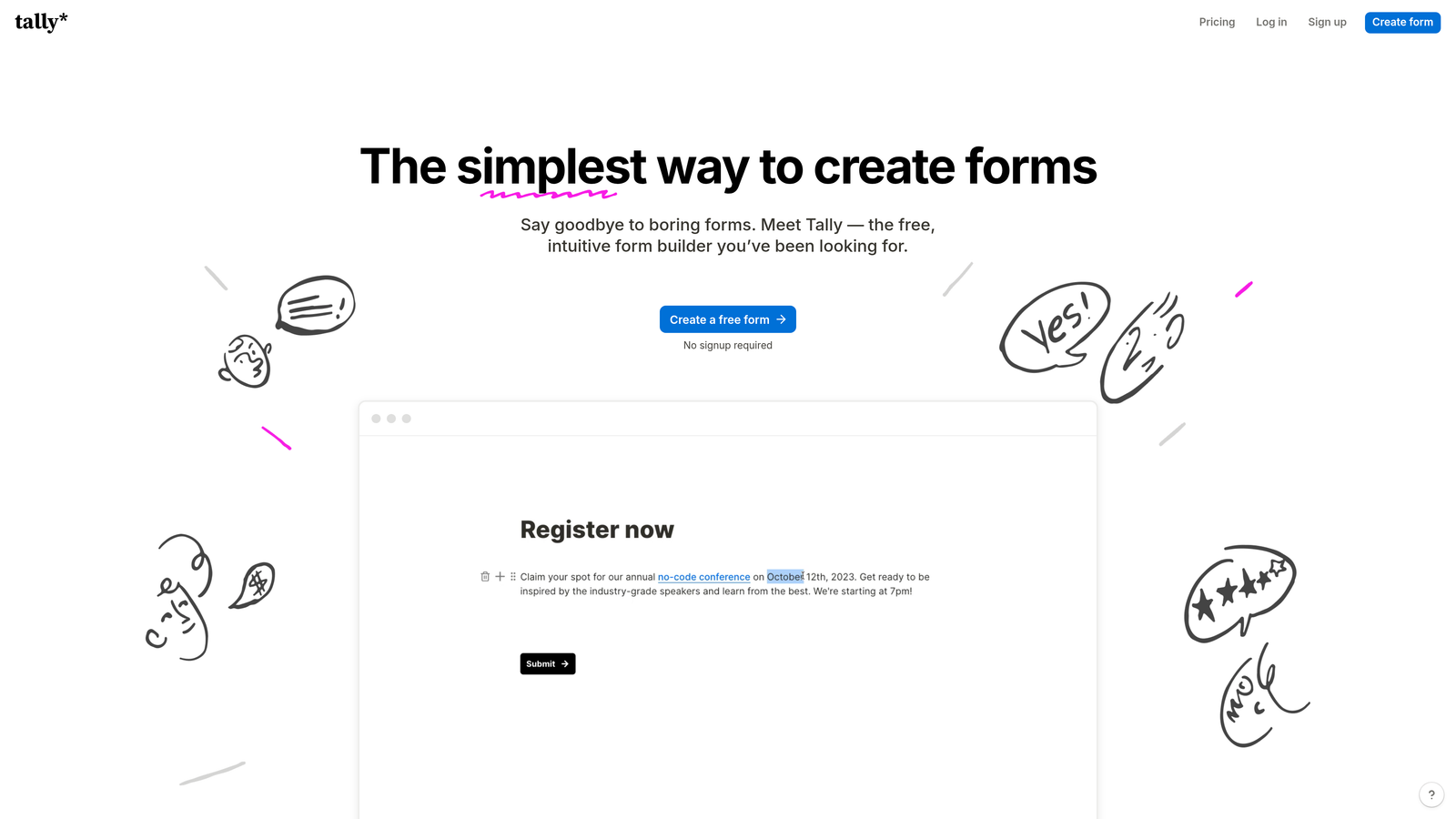
Tally is a Notion-inspired form builder with a clean, block-based editor and one of the most generous free plans in the market, including unlimited submissions at no cost.
Where This Tool Shines
The free plan is genuinely unusual. Most form builders cap submissions on free tiers, but Tally offers unlimited responses without charging you. For early-stage businesses or freelancers who need functional forms without a monthly bill, this is a compelling starting point.
The editor will feel immediately familiar to anyone who uses Notion. Building a form is as simple as typing content and selecting field types from a block menu, which makes the learning curve extremely shallow. Conditional logic is also available on the free tier, which is rare among competitors.
Key Features
Unlimited Free Submissions: No response caps on the free plan, unlike most competitors in the market.
Conditional Logic on Free Tier: Show or hide fields based on previous answers without upgrading.
Stripe Payment Collection: Accept payments directly through forms, available across plans.
Clean Website Embeds: Forms embed seamlessly on any website with minimal styling conflicts.
Block-Based Editor: Notion-style interface that's intuitive for anyone familiar with modern document tools.
Best For
Freelancers, early-stage startups, and small businesses that prioritize cost efficiency and simplicity. Tally lacks advanced analytics, AI features, and the conversion-optimization focus of premium tools, but for straightforward data collection it punches well above its price point.
Pricing
Generous free tier with no submission limits; Pro plan starts at approximately $29/month. Visit tally.so for current details.
7. HubSpot Forms
Best for: Businesses already using HubSpot CRM who want forms that feed directly into their contact database.
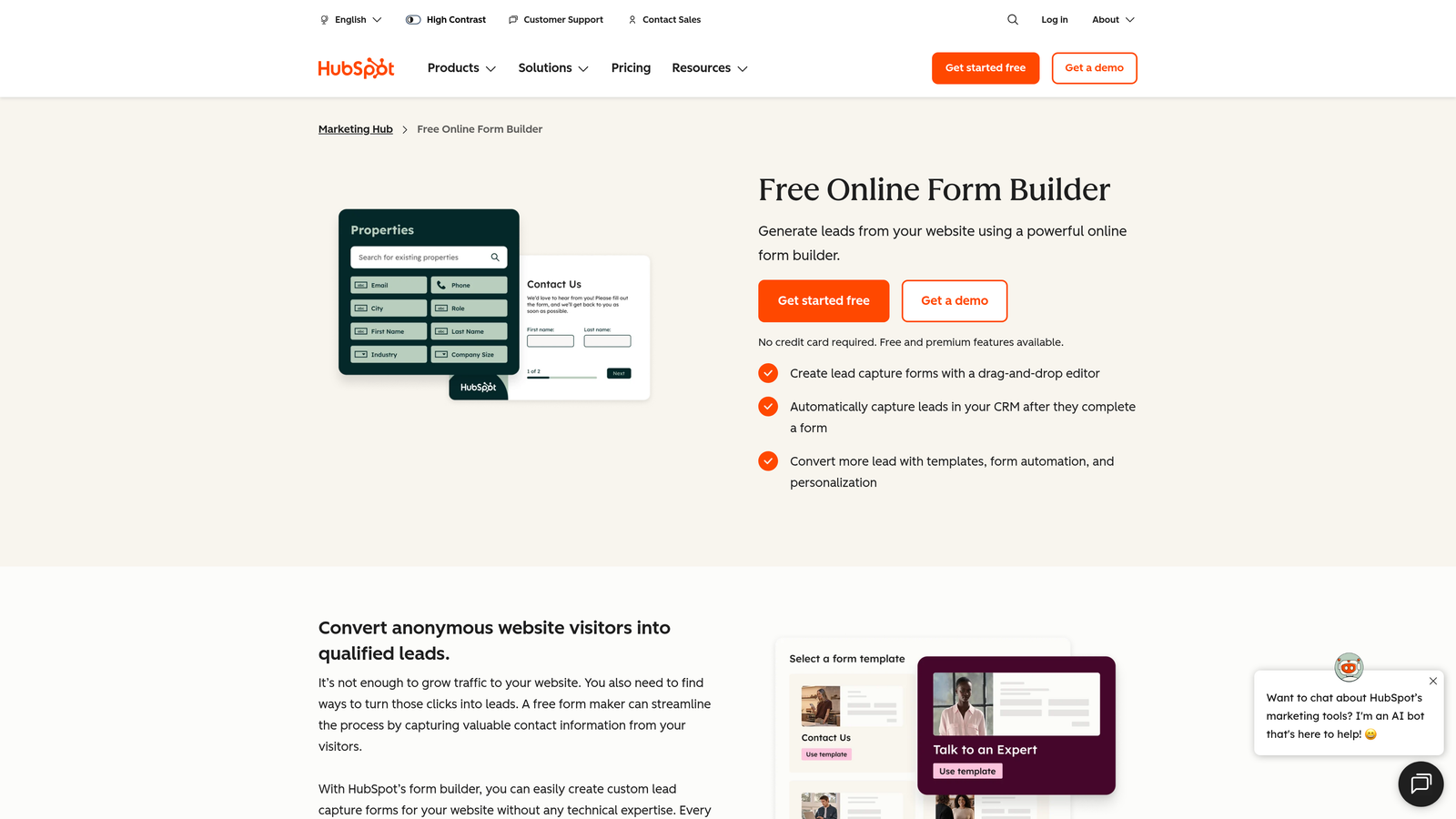
HubSpot Forms is the native form tool within HubSpot's platform, automatically creating or updating CRM contact records with every submission.
Where This Tool Shines
The CRM integration is seamless in a way that third-party integrations simply aren't. When someone submits a HubSpot form, a contact record is created or enriched instantly, with no Zapier step, no sync delay, and no field mapping errors. For businesses where follow-up speed matters, this is a genuine operational advantage.
Progressive profiling is another feature worth highlighting. Rather than showing the same fields to returning visitors, HubSpot Forms can display new questions to people it already recognizes, gradually building richer contact profiles over multiple interactions without overwhelming anyone with a long form on first visit.
Key Features
Automatic CRM Contact Creation: Every submission instantly creates or updates a contact record in HubSpot CRM.
Progressive Profiling: Shows new fields to returning visitors to collect richer data over time without form fatigue.
Follow-Up Email Automation: Trigger HubSpot workflows and automated emails directly from form submissions.
Form Analytics Dashboard: View submission rates and form performance within the HubSpot reporting suite.
Free with HubSpot CRM: Full form functionality available at no additional cost on the free CRM tier.
Best For
Small businesses already invested in the HubSpot ecosystem. The value proposition depends heavily on using HubSpot as your CRM. Customization is limited unless you're on a paid Marketing Hub plan, and the forms themselves are fairly basic compared to dedicated form builders.
Pricing
Free with a HubSpot CRM account; Marketing Hub plans start at approximately $15/month. Visit hubspot.com for current pricing.
8. Paperform
Best for: Consultants and service providers who want forms that blend seamlessly with written content and proposals.
Paperform is a document-style form builder that lets you combine written content and form fields inline, creating experiences that feel like rich pages rather than traditional forms.
Where This Tool Shines
The document-style approach is genuinely different from anything else on this list. You type content as you would in a word processor, then insert form fields inline wherever they make sense. The result looks like a well-designed landing page or proposal document rather than a form, which can meaningfully reduce friction for service-based businesses.
Paperform also handles a surprising range of use cases within a single platform: client intake, product sales, appointment bookings, event registrations, and custom quote calculators. The calculation fields are particularly useful for service providers who want to build pricing estimators that qualify prospects before they ever speak to a salesperson.
Key Features
Inline Content-and-Form Builder: Mix written content, images, and form fields in a document-style layout.
Multi-Use Case Handling: Manages bookings, product sales, surveys, and intake forms in one platform.
Custom Calculation Fields: Build dynamic pricing estimators and quote generators within forms.
300+ Integrations: Native and Zapier-powered connections to CRMs, email tools, and payment platforms.
Strong Conditional Logic: Sophisticated branching and field visibility rules for complex form flows.
Best For
Consultants, coaches, agencies, and service providers where the form experience needs to reflect brand quality and professionalism. There's no free plan, only a 14-day trial, so it requires a financial commitment to evaluate properly.
Pricing
Starts at approximately $24/month after a 14-day free trial. No ongoing free tier. Visit paperform.co for current plan details.
9. WPForms
Best for: WordPress users who want a beginner-friendly form builder with a solid free version and low learning curve.
WPForms is a beginner-friendly WordPress form plugin with a drag-and-drop builder, a large template library, and a free version that covers most basic small business needs.
Where This Tool Shines
WPForms is the accessible alternative to Gravity Forms for WordPress users who don't have developer resources. The drag-and-drop interface is intuitive enough that most small business owners can build a functional contact or lead form in under 15 minutes without touching a line of code.
The built-in anti-spam tools are a practical advantage that often goes unmentioned. CAPTCHA and honeypot protection come standard, which matters for small businesses that don't have time to manually filter bot submissions out of their inbox every morning.
Key Features
Drag-and-Drop Builder: Visual form construction requiring zero coding knowledge or technical background.
Large Template Library: Pre-built templates covering contact forms, order forms, surveys, and more common use cases.
Built-In Anti-Spam Protection: CAPTCHA and honeypot fields included by default to filter bot submissions.
Payment Integrations on Paid Plans: Accept payments via Stripe and PayPal on Pro and above tiers.
Lightweight WordPress Performance: Optimized to minimize impact on WordPress site speed and Core Web Vitals.
Best For
Small business owners running WordPress sites who want an easy, reliable form solution without a steep learning curve. Conditional logic, payment processing, and deeper integrations require a paid plan, so businesses with more complex needs will outgrow the free version relatively quickly.
Pricing
Free version (WPForms Lite) available via WordPress.org; paid plans start at approximately $49.50/year. Visit wpforms.com for current pricing.
Which Form Builder Is Right for Your Business?
The right choice comes down to what you're actually optimizing for. Here's a quick breakdown to help you decide.
For lead qualification and conversion optimization: Orbit AI is the clear choice. No other tool on this list qualifies and scores leads at the point of capture. If lead quality matters to your business, the AI-powered approach pays for itself quickly in time saved and better sales conversations.
For polished, conversational forms: Typeform delivers the best respondent experience for longer forms and surveys, particularly when brand presentation matters.
For zero budget: Google Forms and Tally are both genuinely capable free options. Tally edges ahead for external-facing forms thanks to better design defaults; Google Forms wins for internal data collection tied to Google Workspace.
For WordPress sites: WPForms for simplicity, Gravity Forms for power and extensibility.
For service businesses needing payments and workflows: Jotform and Paperform are both strong. Jotform offers more templates; Paperform offers a more polished document-style experience for client-facing forms.
For HubSpot users: HubSpot Forms is the obvious starting point. The CRM sync alone makes it worth using if you're already in the ecosystem.
If you're a high-growth small business serious about turning form submissions into qualified pipeline, start with Orbit AI. The combination of AI-powered lead qualification, conversion-optimized templates, and built-in analytics is purpose-built for exactly that challenge. Start building free forms today and see what a conversion-first form strategy actually looks like in practice.


