

When your team is scaling fast, the last thing you want is a form tool that nickel-and-dimes you per seat or locks critical collaboration features behind enterprise tiers. Choosing form software isn't just about features: it's about finding a pricing model that grows with your team without blowing your budget.
Whether you're a five-person startup or a 200-person revenue org, the right plan should give every teammate access to build, edit, and analyze forms without friction. We evaluated nine of the most popular form platforms specifically through the lens of team pricing: What do you actually pay per seat? Which collaboration features are included at each tier? Where are the hidden costs?
This guide breaks down each tool's pricing structure, team-specific features, and best-fit scenarios so you can make a confident, budget-aligned decision.
1. Orbit AI
Best for: High-growth teams that want AI-powered lead qualification built directly into their forms.
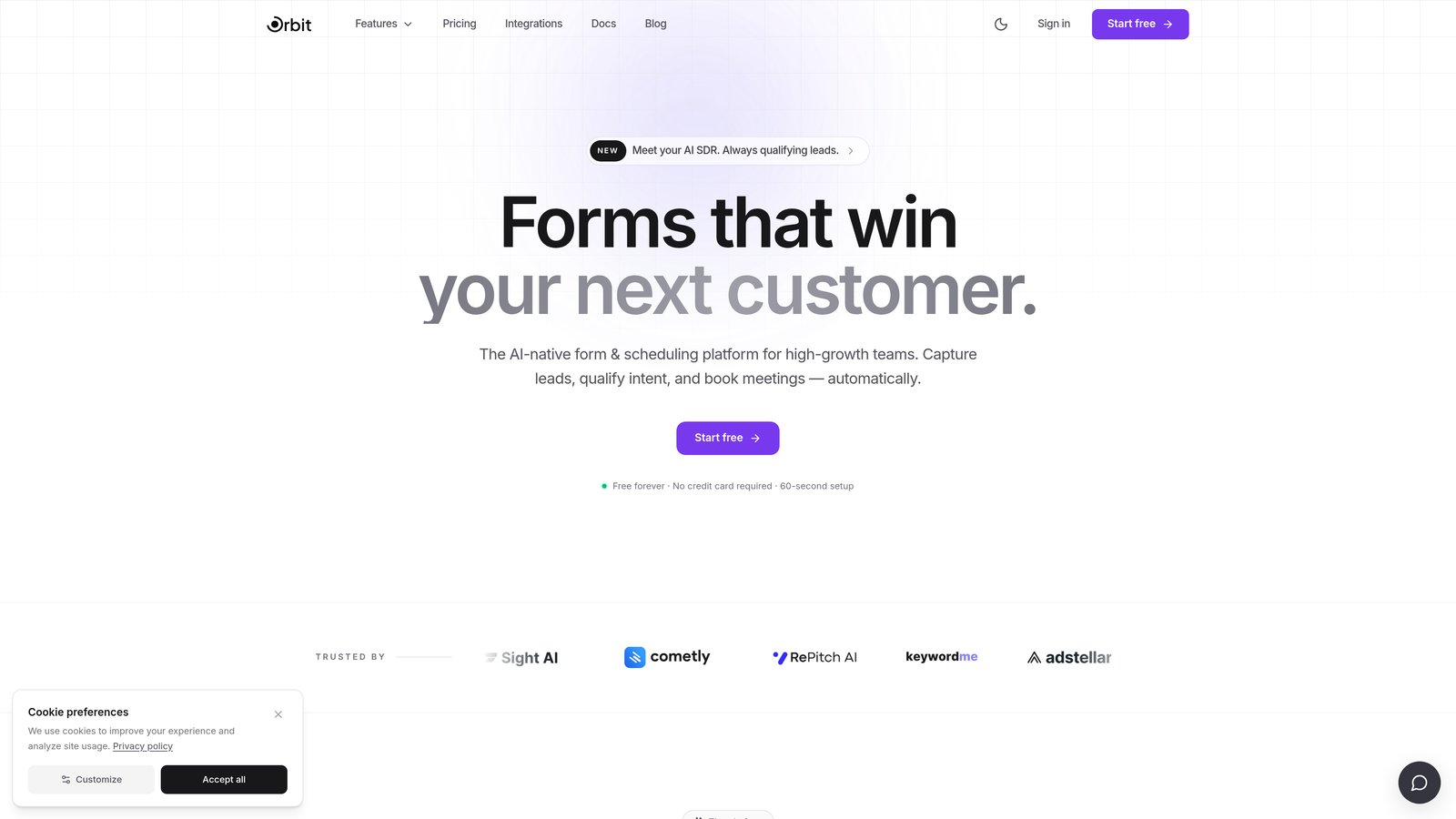
Orbit AI is a modern, AI-powered form builder designed for revenue-focused teams that want more than just data collection.
Where This Tool Shines
Most form tools treat lead qualification as an afterthought, something you bolt on with a separate scoring tool after submissions come in. Orbit AI flips that model by embedding AI-powered lead qualification directly into the form experience itself. Your forms don't just collect responses: they actively assess and score prospects in real time.
This is a meaningful cost consideration for growth teams. If you're currently paying for a form builder plus a separate lead scoring or enrichment tool, consolidating into Orbit AI can simplify your stack considerably. The team collaboration features, including shared workspaces, mean your marketing, sales, and ops teams can all work from the same forms without duplicating effort.
Key Features
AI-Powered Lead Qualification: Automatically scores and qualifies leads based on form responses, reducing manual review time for your sales team.
Shared Team Workspaces: Collaborate across departments with centralized access to all forms, submissions, and analytics.
Conversion-Optimized Templates: Pre-built templates designed with conversion best practices, not just aesthetics.
Dynamic Form Fields: Forms adapt based on user input, creating a personalized experience that improves completion rates.
Modern Form Builder: A design-forward interface that produces forms that look and feel premium without requiring a designer.
Best For
Orbit AI is the strongest fit for SaaS companies, marketing teams, and revenue operations teams that treat their forms as a core part of the lead funnel, not just a data collection checkbox. If lead quality matters as much as lead volume, the built-in qualification layer is a genuine differentiator.
Pricing
Visit orbitforms.ai for current team pricing tiers. A free plan is available to get started without a credit card.
2. Typeform
Best for: Brand-conscious teams that prioritize a polished, conversational form experience.
Typeform is a conversational form builder famous for its one-question-at-a-time interface and premium visual design.

Where This Tool Shines
Typeform's biggest strength is the respondent experience. The one-question-at-a-time format feels more like a conversation than a form, which can improve completion rates for longer surveys and qualification flows. For teams that care deeply about brand consistency, the advanced brand kit customization is genuinely impressive.
The challenge for teams is pricing. Collaboration features are gated behind the Business tier, which means smaller teams can find themselves paying significantly more than expected once they add multiple users. If you need logic jumps, HubSpot integration, and team access all at once, the per-seat costs add up quickly.
Key Features
Conversational One-Question UX: Presents one question at a time to reduce cognitive load and improve completion rates.
Advanced Brand Kit: Full control over fonts, colors, backgrounds, and brand assets across all forms.
Logic Jumps and Conditional Branching: Route respondents through different question paths based on their answers.
Native Integrations: Connects directly with HubSpot, Salesforce, Zapier, and dozens of other tools.
Video and Image Embedding: Add rich media directly into form questions to boost engagement.
Best For
Typeform works best for marketing teams running high-visibility campaigns, customer research projects, or lead generation flows where the visual experience matters. It's less ideal for budget-conscious teams that need multi-user access without paying Business-tier rates.
Pricing
Business plan starts around $33/user/month billed annually. Collaboration features require the Business tier or higher, making team costs scale quickly with headcount.
3. Jotform
Best for: Teams that need a massive template library and centralized billing for multiple form builders.
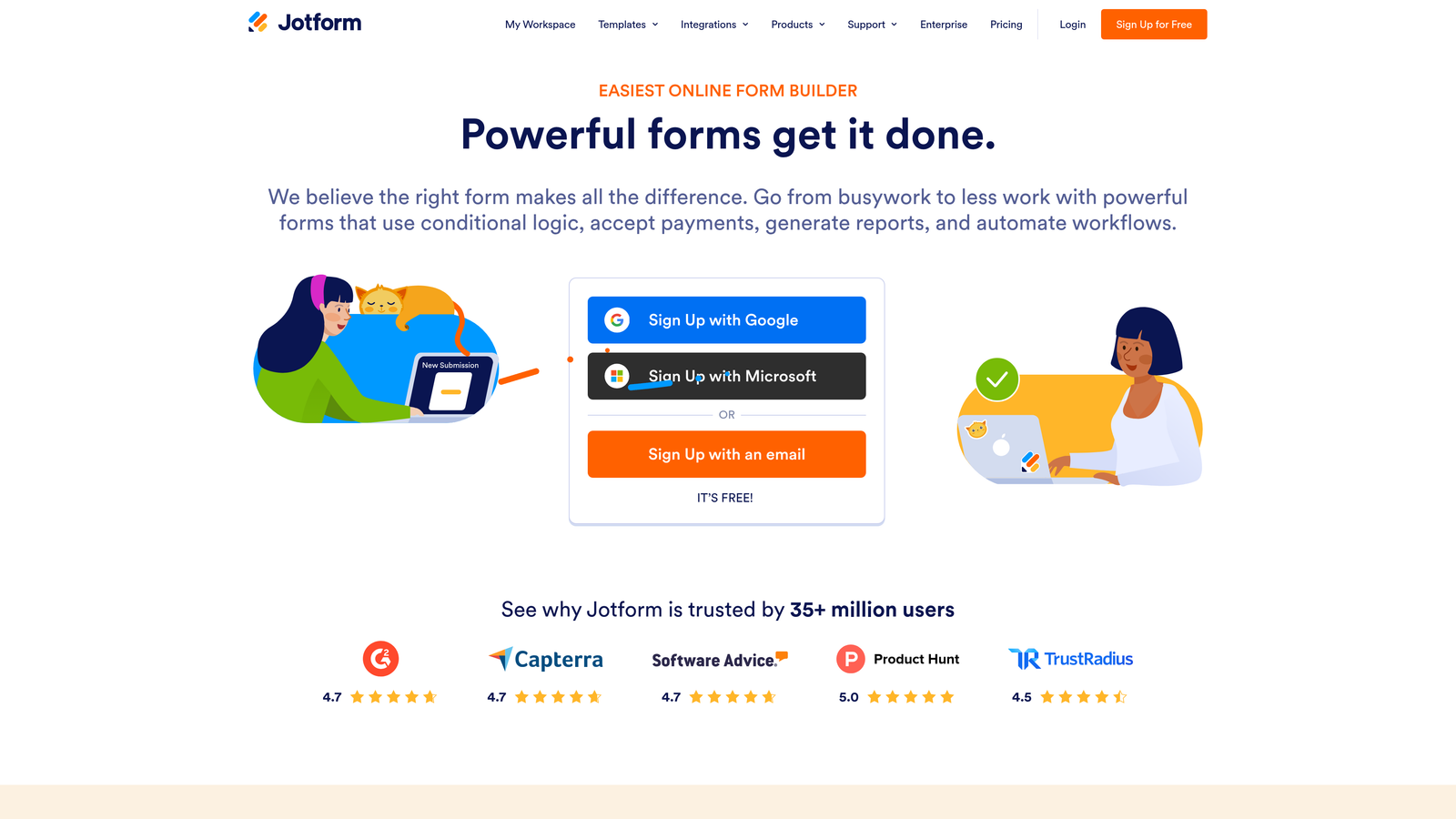
Jotform is a feature-rich form builder with one of the largest template libraries in the market and a dedicated Teams plan.
Where This Tool Shines
Jotform's depth is hard to match. With over 10,000 form templates covering everything from HR onboarding to payment collection, teams can get productive quickly without building from scratch. The Jotform Teams plan introduces shared workspaces and centralized billing, which simplifies administration for larger organizations managing multiple departments or projects.
One thing to watch: Jotform's pricing is tied to submission volume, not just seat count. As your forms scale and submissions increase, you may find yourself upgrading plans to accommodate volume rather than features. It's worth mapping your expected submission volume before committing to a tier.
Key Features
10,000+ Templates: An enormous library covering virtually every use case, from lead gen to event registration to payments.
Jotform Teams: Shared workspace with centralized billing, allowing teams to collaborate on forms under one account.
Conditional Logic: Show or hide fields based on previous answers to create dynamic, personalized forms.
Payment Integrations: Accept payments directly through forms via Stripe, Square, PayPal, and more.
PDF and Report Generation: Automatically generate formatted PDFs or summary reports from form submissions.
Best For
Jotform is a strong choice for operations teams, HR departments, and agencies that need a broad feature set and a centralized way to manage multiple form builders across a team. It's especially well-suited for use cases involving payments or document generation.
Pricing
A free tier is available. The Teams plan with shared workspace pricing varies by submission volume. Check Jotform's pricing page for current tier details as submission limits can significantly affect total cost.
4. Google Forms
Best for: Teams already on Google Workspace that need quick, no-cost form creation with real-time collaboration.
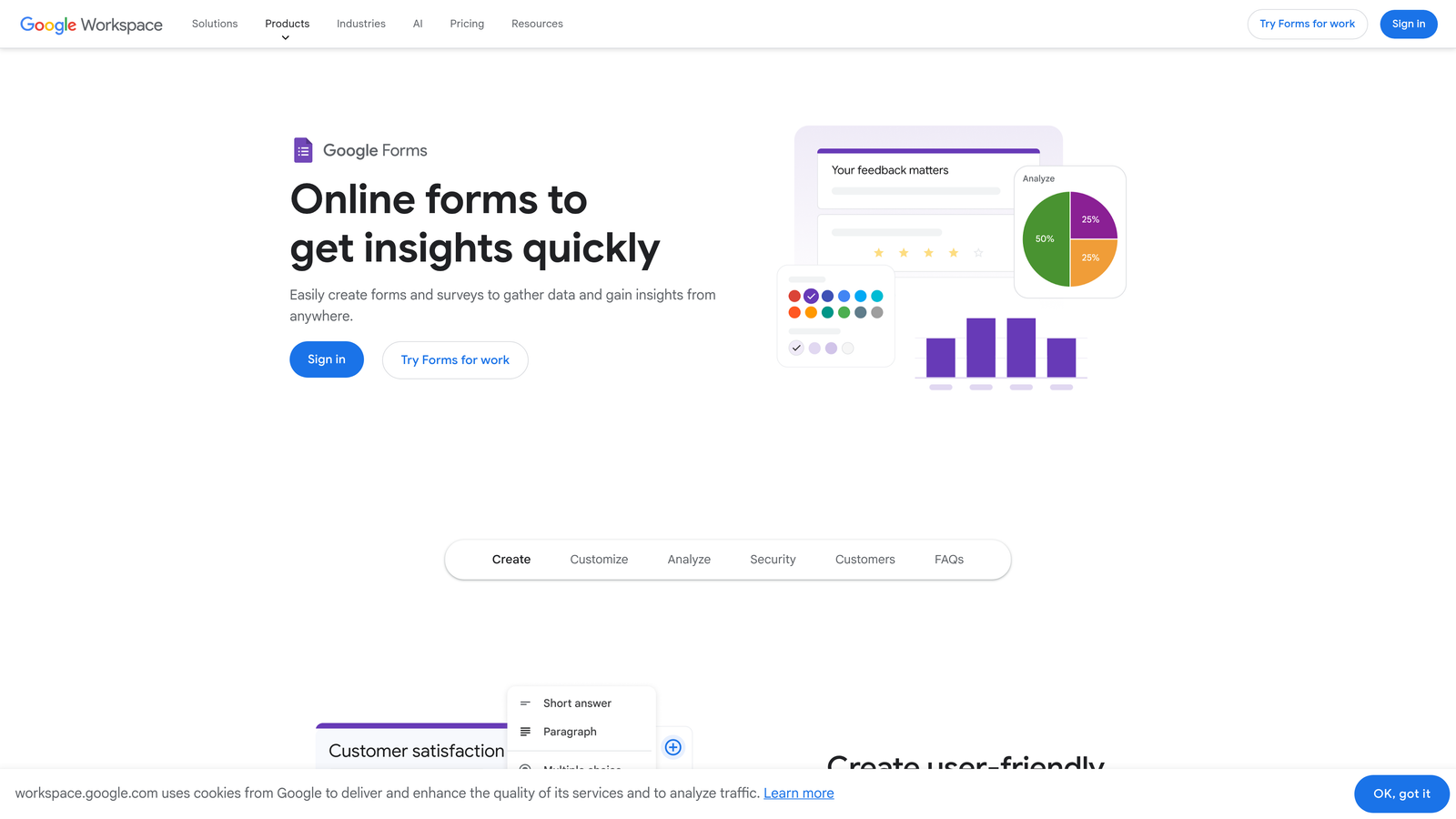
Google Forms is a completely free form builder with native Google Workspace integration and unlimited multi-user editing.
Where This Tool Shines
If your team lives in Google Workspace, Google Forms is the path of least resistance. There's no additional cost, no seat limits, and no submission caps. Multiple team members can edit the same form simultaneously, and responses flow directly into Google Sheets for analysis. For internal surveys, event registrations, or quick data collection, it's genuinely hard to beat on price.
The trade-off is feature depth. Google Forms offers only basic conditional logic, limited design customization, and no native lead scoring, payment processing, or advanced analytics. It's a tool that does the basics well but hits a ceiling quickly for teams with more sophisticated needs.
Key Features
Completely Free: No submission limits, no seat costs, no paywalled features within the tool itself.
Real-Time Multi-User Editing: Multiple team members can collaborate on a form simultaneously, just like Google Docs.
Google Sheets Integration: Responses auto-populate into a connected spreadsheet for instant analysis.
Basic Conditional Logic: Show different sections based on respondent answers, though with limited complexity.
Best For
Google Forms is ideal for internal team use cases: HR surveys, meeting feedback, event sign-ups, and quick polls. It's not the right choice for customer-facing lead generation, branded experiences, or any workflow requiring advanced logic or integrations.
Pricing
Free with any Google account. Google Workspace business plans start at $7/user/month and unlock additional admin controls, but Google Forms itself remains free within those plans.
5. Tally
Best for: Budget-conscious teams that want a modern form builder without paying for basic features.
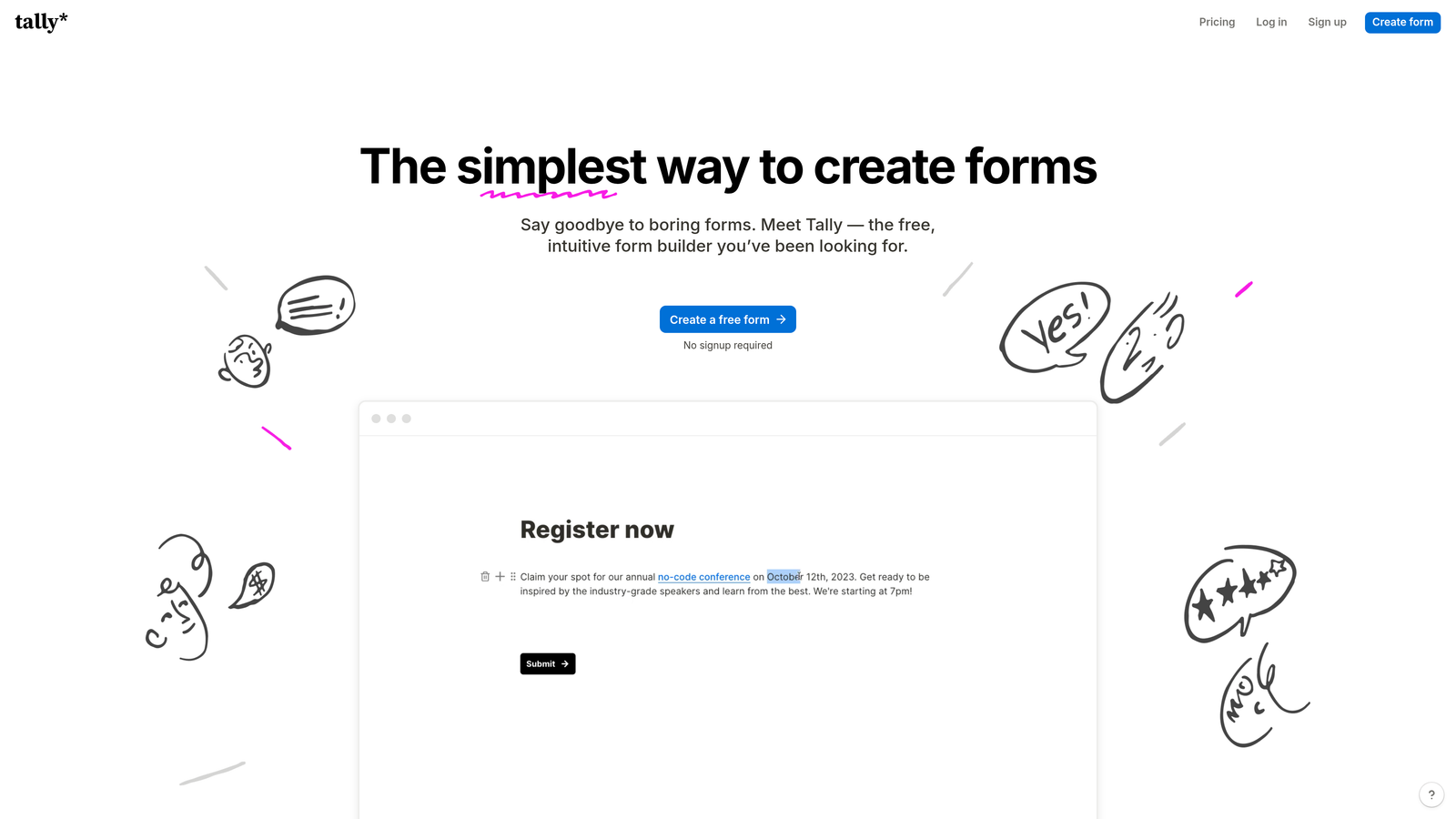
Tally is a Notion-style block-based form builder with an unusually generous free tier and affordable flat-rate Pro plans.
Where This Tool Shines
Tally has genuinely disrupted the form builder space by offering unlimited forms and unlimited submissions on its free plan, something almost no competitor matches. The block-based editor feels intuitive for anyone familiar with Notion, making it easy for non-technical team members to build sophisticated forms without a learning curve.
The Pro plan adds team workspaces, custom domains, and branding removal at a flat monthly rate rather than per-seat pricing. For small to mid-sized teams, this flat-rate model can be significantly more affordable than per-user tools as the team grows.
Key Features
Unlimited Forms and Submissions on Free Plan: No artificial caps that force you to upgrade before you're ready.
Block-Based Editor: A Notion-like editing experience that makes form building feel natural and flexible.
Team Workspaces on Pro: Shared access for collaborators with centralized form management.
Custom Domains and White-Labeling: Remove Tally branding and host forms on your own domain on paid tiers.
Conditional Logic and Calculations: Build dynamic forms with branching logic and calculated fields.
Best For
Tally is an excellent fit for startups, indie teams, and small businesses that need a capable form builder without a significant budget commitment. It's also a smart choice for teams that want to test a tool thoroughly before paying anything.
Pricing
Free plan includes unlimited forms and submissions. Pro plan is available at a flat monthly rate that covers team workspace features. Check Tally's pricing page for current rates, as flat-rate pricing is a key advantage over per-seat alternatives.
6. Fillout
Best for: Teams that use Airtable, Notion, or Supabase and want forms that write directly to their databases.
Fillout is a form builder built around deep native integrations with popular databases and no-code tools.

Where This Tool Shines
Fillout's core differentiator is its ability to not just send data to a database, but to update existing records. Most form tools create new rows on submission. Fillout can find an existing Airtable record and update it, which opens up use cases like customer self-service portals, renewal forms, and profile updates that other tools handle awkwardly.
For teams already invested in an Airtable or Notion workflow, Fillout can eliminate the need for complex Zapier automations to connect form submissions to their data layer. The team workspace features allow shared form management, though the per-seat pricing model means costs scale with team size.
Key Features
Native Database Integrations: Direct connections to Airtable, Notion, and Supabase without needing middleware.
Record Update Capability: Update existing database records from form submissions, not just create new ones.
Team Workspaces: Shared form libraries and collaboration tools for teams on paid plans.
Multiple Form Types: Supports scheduling forms, payment collection, quizzes, and standard lead capture.
Conditional Logic: Dynamic question paths based on respondent answers.
Best For
Fillout is the strongest choice for product, operations, or no-code teams that have Airtable or Notion at the center of their workflow. If your data lives in those tools and you need forms that interact with existing records, Fillout is purpose-built for that use case.
Pricing
A free tier is available with basic features. Paid plans with team workspace features use per-seat pricing. Visit Fillout's pricing page for current seat costs and tier details.
7. Cognito Forms
Best for: Teams that need built-in payment processing, complex calculations, and role-based access controls.
Cognito Forms is a form builder with native payment processing, advanced calculation fields, and organization-level team management.
Where This Tool Shines
Cognito Forms handles complexity that simpler tools can't. The calculation engine lets you build forms that compute totals, apply conditional pricing, and perform mathematical operations on the fly, which is invaluable for order forms, quote requests, and registration flows with variable pricing. Built-in support for Stripe, Square, and PayPal means you don't need a separate payment tool.
On the team side, Cognito Forms offers role-based access controls that let administrators define exactly what each team member can view, edit, or manage. For organizations with compliance requirements, HIPAA compliance is available on higher tiers without needing to move to a completely different platform.
Key Features
Built-In Payment Processing: Accept payments via Stripe, Square, and PayPal directly through your forms.
Advanced Calculation Fields: Perform real-time calculations and conditional pricing within form logic.
Role-Based Access Controls: Define granular permissions for each team member at the organization level.
HIPAA Compliance: Available on higher tiers for healthcare teams handling sensitive data.
Repeating Sections: Allow respondents to add multiple entries within a single form submission.
Best For
Cognito Forms is well-suited for finance teams, healthcare organizations, and any team building order forms or quote generators that require calculation logic and payment collection in one place. The role-based access controls make it manageable for teams with different permission requirements across departments.
Pricing
Free plan available. Paid plans start around $15/month with organization-level features on Team and Enterprise tiers. Pricing is relatively accessible compared to enterprise alternatives with similar compliance features.
8. Formstack
Best for: Enterprise teams that need forms, document generation, and e-signatures in a single compliant platform.
Formstack is an enterprise-grade workflow automation suite combining forms, documents, and e-signatures under one roof.
Where This Tool Shines
Formstack isn't just a form builder: it's a workflow automation platform that happens to start with forms. The ability to trigger document generation and collect e-signatures from a single form submission makes it powerful for contract workflows, onboarding processes, and any use case where a form is the beginning of a multi-step document flow.
For compliance-heavy industries, Formstack's HIPAA, GDPR, and SOC 2 certifications are a significant draw. SSO and enterprise admin controls make it manageable at scale. The trade-off is cost: Formstack is priced for enterprise budgets, and smaller teams may find they're paying for capabilities they don't yet need.
Key Features
Forms, Documents, and E-Signatures: A unified platform covering the full document workflow from data collection to signed agreement.
Compliance Certifications: HIPAA, GDPR, and SOC 2 compliance options for regulated industries.
Advanced Workflow Automation: Multi-step approval routing and conditional workflow logic.
SSO and Enterprise Admin Controls: Centralized user management, single sign-on, and audit trails.
Approval Workflows: Route submissions through defined approval chains before processing.
Best For
Formstack is the right choice for enterprise teams in healthcare, finance, or legal that need a fully compliant, integrated workflow platform. It's overkill for teams that only need form collection, but genuinely valuable for organizations where forms trigger complex downstream document processes.
Pricing
Forms-only plans start around $50/month. Suite pricing covering forms, documents, and signatures is significantly higher. Per-seat costs apply on team plans. Request a quote for enterprise pricing.
9. 123FormBuilder
Best for: Agencies and distributed teams that need granular user permissions and sub-account management.
123FormBuilder is a form builder with detailed role-based permissions and sub-account structures built for multi-client or multi-department management.
Where This Tool Shines
123FormBuilder's standout feature for teams is its permission architecture. Where most form tools offer basic "editor" or "viewer" roles, 123FormBuilder lets administrators define granular access at the form, folder, and account level. This makes it particularly useful for agencies managing multiple client accounts or large organizations with distinct departments that shouldn't have access to each other's forms.
The sub-account model allows a parent account to create and manage child accounts, each with their own form libraries and settings. It's a structure that agencies and enterprise IT teams will recognize as familiar and practical.
Key Features
Granular User Roles and Permissions: Define specific access rights at the form and folder level, beyond simple editor/viewer distinctions.
Sub-Account Management: Create and manage multiple child accounts under a parent account for client or department separation.
Shared Form Library: Centralize approved form templates that team members can access and deploy.
Payment Integrations: Accept payments through popular processors directly within forms.
Conditional Logic: Dynamic form paths based on respondent input.
Best For
123FormBuilder is the strongest fit for digital agencies managing multiple client accounts, enterprise IT teams administering forms across departments, or any organization where access control and account separation are a compliance or operational requirement.
Pricing
A free plan is available. Team plans with multi-user features start at mid-tier pricing levels. Visit 123FormBuilder's pricing page for current rates, as plan structures can vary by region and use case.
Which Form Software Is Right for Your Team?
The honest answer is that there's no single winner here: the best tool depends entirely on what your team actually needs and how your budget is structured.
If you're optimizing for lead generation and want AI-powered qualification built into your forms from day one, Orbit AI is the strongest starting point. It's purpose-built for growth teams that treat forms as a revenue asset, not just a data collection mechanism.
For teams on a tight budget or just getting started, Tally's unlimited free tier and Google Forms' zero-cost collaboration are genuinely hard to argue with. Both let you move fast without financial commitment.
If your workflow revolves around Airtable or Notion, Fillout's native database integration will save you hours of automation setup. If you need payments and calculation logic in one place, Cognito Forms handles that better than most. And if you're in an enterprise environment with compliance requirements and complex document workflows, Formstack is built for exactly that scenario.
The pricing model matters as much as the feature list. Per-seat tools like Typeform scale in cost as your team grows. Flat-rate tools like Tally become more cost-effective as you add collaborators. Volume-based tools like Jotform can surprise you with upgrade pressure as submissions increase. Map your expected team size and submission volume before committing.
For high-growth teams that want to turn every form into a qualified pipeline opportunity, Start building free forms today with Orbit AI and see how intelligent form design can elevate your conversion strategy. The right form software doesn't just collect data: it works as hard as your team does.


