

Not all form software is created equal, especially when your forms are doing real business work like qualifying leads, booking demos, or capturing high-intent buyers. A generic form tool might collect submissions just fine, but if it can't tell your sales team which leads are worth calling first, you're leaving pipeline on the table.
This guide ranks the top form software options available in 2026, evaluated on conversion optimization, lead qualification capabilities, ease of use, integrations, and value for money. Whether you're a SaaS team scaling outbound, an agency managing multiple clients, or a B2B company trying to improve lead quality, there's a tool on this list built for your workflow.
One quick note on transparency: Orbit AI is our own product, and we've placed it first. We've done our best to evaluate every tool on genuine strengths, not hype. Every option here earns its spot.
1. Orbit AI
Best for: High-growth SaaS and B2B teams prioritizing lead qualification and conversion optimization.
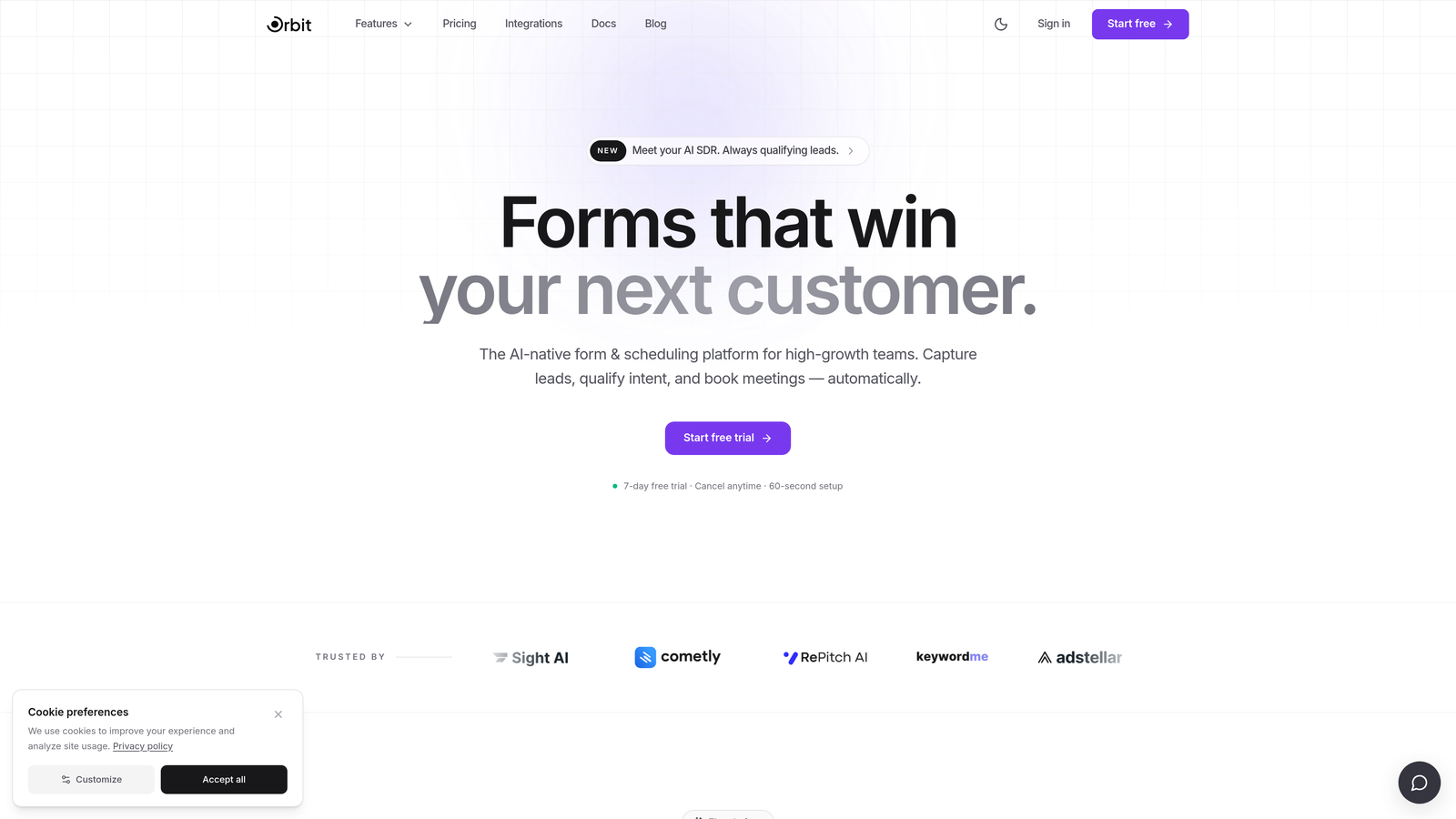
Orbit AI is an AI-powered form builder with built-in lead qualification scoring, designed specifically for revenue-focused teams.
Where This Tool Shines
Most form tools collect data and hand it off to your CRM to figure out lead quality later. Orbit AI flips that model. Lead qualification logic is embedded directly into the form experience, so your sales team receives real-time quality signals the moment a submission comes in, without waiting on post-submission CRM rules to fire.
The conversion-optimized templates are built around multi-step flows that reduce drop-off at every stage. If you've ever watched a long, single-page form kill your conversion rate, you'll appreciate how much thought has gone into the default UX here.
Key Features
AI-Powered Lead Qualification Scoring: Qualification logic runs inside the form flow itself, surfacing lead quality signals before the submission even hits your CRM.
Conversion-Optimized Multi-Step Templates: Pre-built form structures designed to reduce abandonment and guide high-intent prospects through to completion.
Smart Conditional Logic: Questions adapt dynamically based on previous responses, creating a personalized experience that feels more like a conversation than a form.
CRM and Marketing Automation Integrations: Connects with the tools your revenue team already uses, keeping lead data flowing without manual intervention.
Real-Time Lead Quality Signals: Sales teams see enriched context on incoming leads, enabling faster and more confident outreach prioritization.
Best For
Orbit AI is the strongest fit for SaaS companies, B2B revenue teams, and growth-focused businesses where form submissions feed directly into a sales pipeline. If lead quality matters more than just lead volume, this is the tool built around that problem.
Pricing
Visit orbitforms.ai for current pricing details and free trial options. Pricing is updated regularly as the product evolves.
2. Typeform
Best for: Teams wanting polished, conversational form experiences with strong brand presentation.
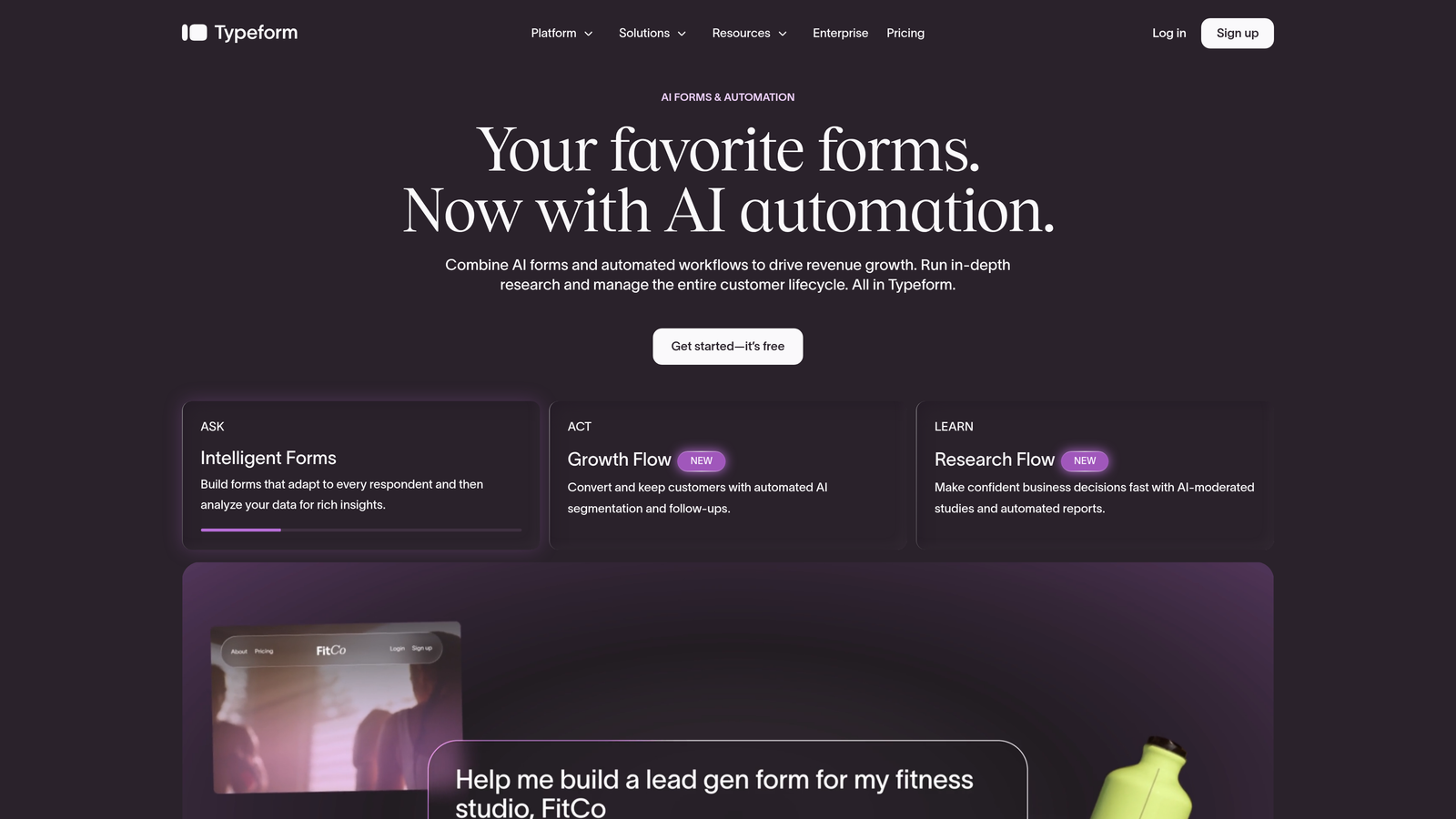
Typeform is a conversational form builder known for its one-question-at-a-time format and premium visual design.
Where This Tool Shines
Typeform's signature UX, presenting one question at a time, tends to feel less overwhelming than a wall of form fields, which can help with completion rates on longer surveys and qualification flows. The design customization options are genuinely impressive, making it easy to create forms that feel like a natural extension of your brand.
It's worth noting that power users sometimes find the conditional logic less flexible than tools like Jotform or Gravity Forms. For straightforward conversational flows, though, Typeform is hard to beat on polish. If you're already evaluating this category, our Typeform alternatives breakdown covers where other tools pull ahead.
Key Features
One-Question-at-a-Time Format: Reduces cognitive load and can improve completion rates on longer form flows.
Brand Theming and Design Customization: Extensive control over colors, fonts, and imagery to match your visual identity.
Logic Jumps and Conditional Branching: Route respondents through different question paths based on their answers.
Broad Integration Library: Connects with Zapier, HubSpot, Salesforce, and many other platforms.
Quiz and Survey Templates: Pre-built templates for common use cases across marketing, HR, and customer research.
Best For
Typeform suits marketing teams, agencies, and brand-conscious businesses where form aesthetics and respondent experience are top priorities. It works well for surveys, lead capture, and product feedback forms where a premium feel matters.
Pricing
Free plan available with limited responses. Paid plans start around $25 per month, with pricing scaling based on response volume and feature access.
3. HubSpot Forms
Best for: Teams already running their CRM and marketing automation inside HubSpot.
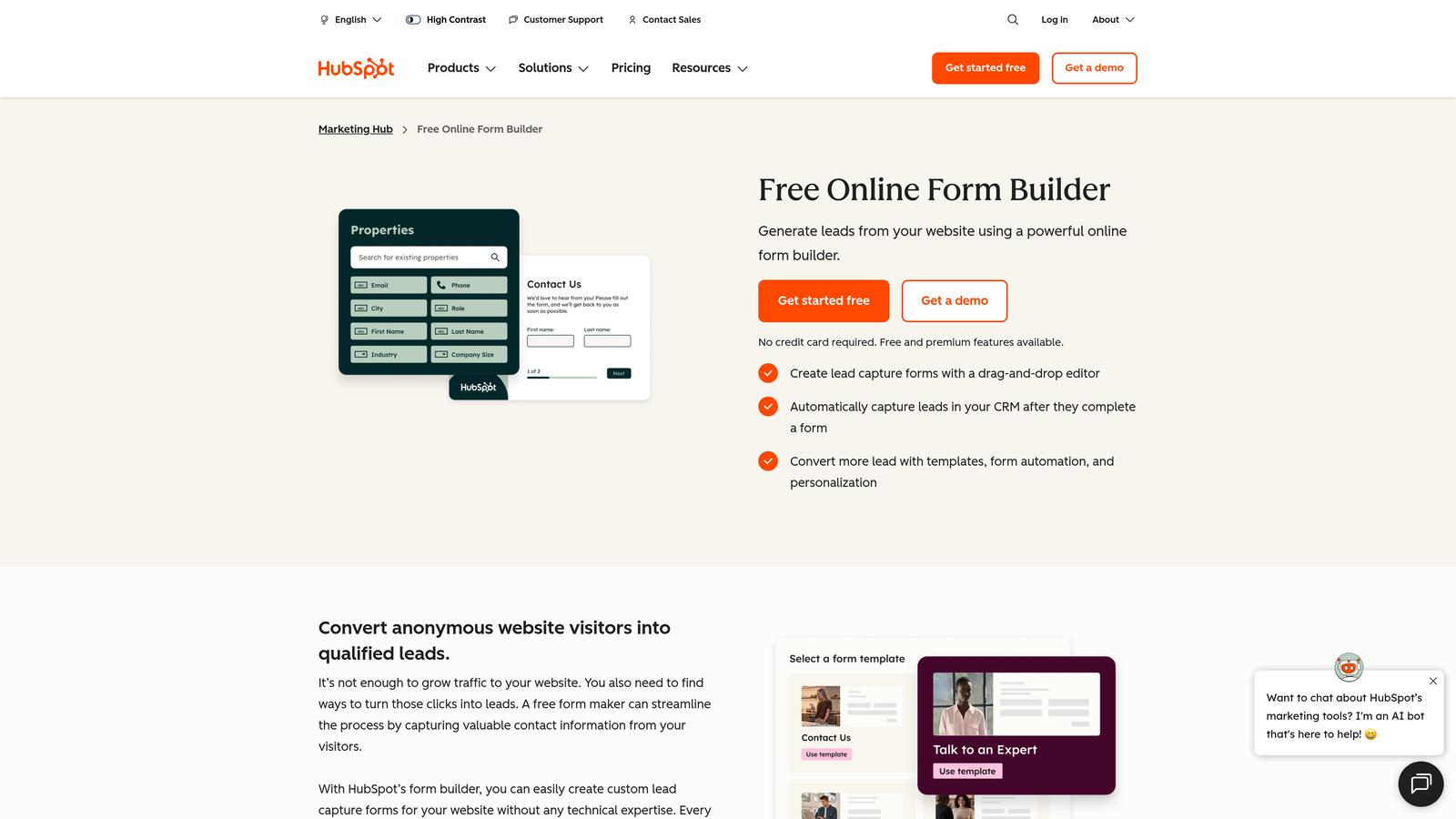
HubSpot Forms is a native form builder included with HubSpot CRM, offering seamless pipeline integration for existing HubSpot users.
Where This Tool Shines
The core value here is zero-friction data flow. When a lead submits a HubSpot form, they're immediately synced as a contact, enrolled in the right lists, and can trigger automation workflows, all without any third-party integration setup. For teams already living in HubSpot, that native connectivity is genuinely powerful.
Where HubSpot Forms shows its limits is outside the HubSpot ecosystem. Design customization is more constrained than dedicated form tools, and using it as a standalone product without the broader HubSpot suite reduces its value significantly.
Key Features
Native HubSpot CRM Contact Sync: Form submissions automatically create or update contact records in your CRM without any middleware.
Automatic List Segmentation and Workflow Triggers: Submissions can instantly enroll contacts into lists and kick off email sequences or internal notifications.
Progressive Profiling: Replaces fields the contact has already filled in with new questions over time, reducing friction on repeat visits.
Embedded and Pop-Up Form Options: Flexible placement across your website and landing pages.
Free with HubSpot CRM Free Tier: Accessible without any upfront cost for teams on the free CRM plan.
Best For
HubSpot Forms is the obvious choice for companies already using HubSpot as their CRM. It's less compelling as a standalone purchase and not the right fit for teams that need advanced design control or complex qualification logic outside the HubSpot ecosystem.
Pricing
Free with HubSpot CRM's free tier. Advanced features, including more automation and reporting, require paid Marketing Hub plans starting around $15 per month per seat.
4. Jotform
Best for: Teams needing deep functionality across payments, approvals, and complex conditional logic.
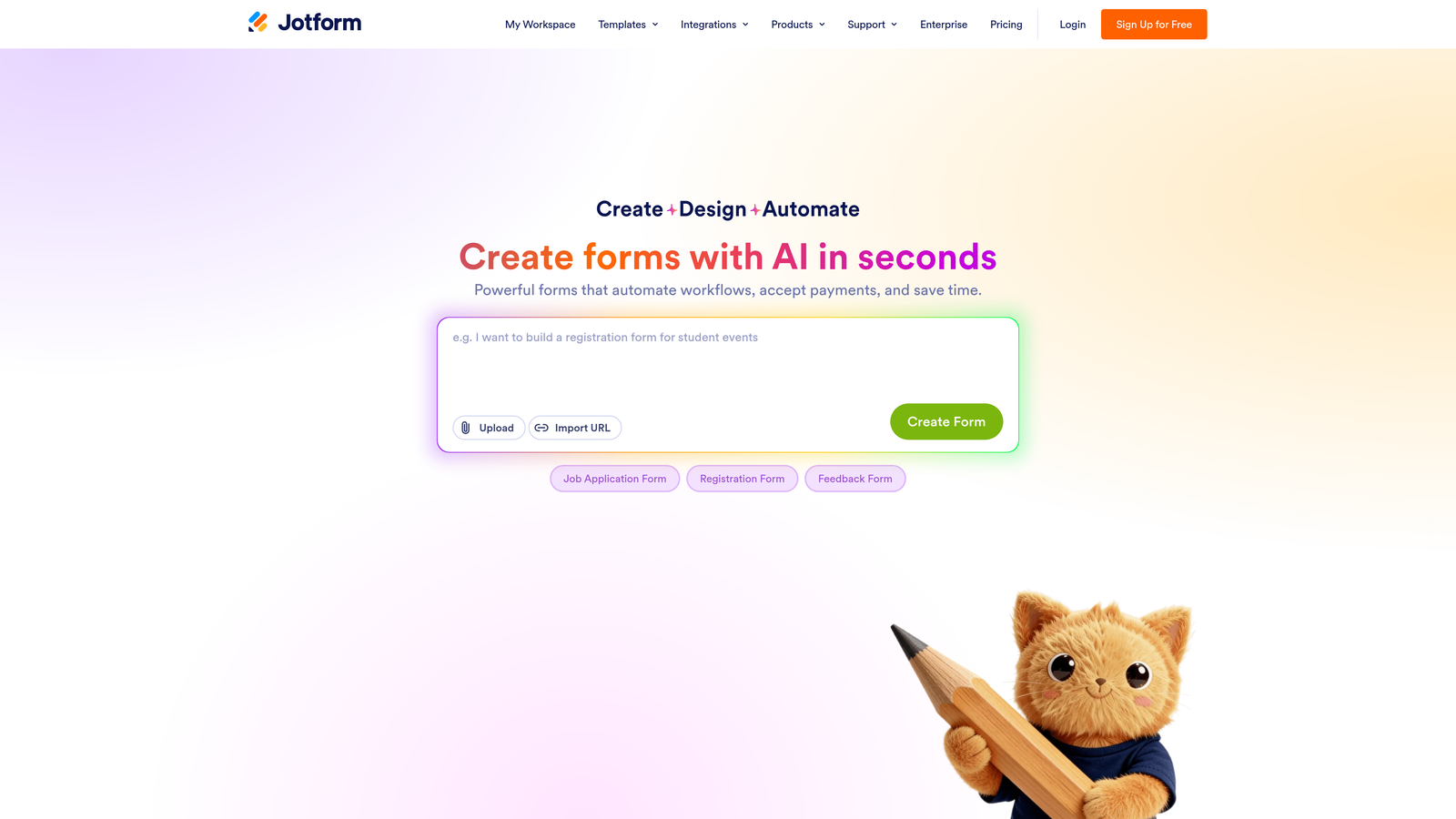
Jotform is a feature-rich form builder with one of the largest template libraries available and broad support for operational workflows.
Where This Tool Shines
If breadth of functionality is your priority, Jotform is difficult to match. It handles everything from simple contact forms to multi-step approval chains, payment collection, and automated PDF generation. The template library alone, covering more than 10,000 pre-built forms across industries, means most teams can find a starting point without building from scratch.
The UI feels more dated than newer entrants like Tally or Typeform, and the sheer number of options can feel overwhelming for teams with simpler needs. But for organizations that need operational complexity, that depth is exactly the point.
Key Features
10,000+ Form Templates: One of the largest template libraries in the category, covering virtually every industry and use case.
Payment Collection: Native integrations with Stripe, PayPal, and Square for order forms, registrations, and donations.
Approval Workflows and Team Collaboration: Route submissions through multi-step approval chains with team assignment and status tracking.
Conditional Logic and Calculation Fields: Complex branching and real-time calculations built into the form experience.
PDF Generation from Submissions: Automatically create formatted PDF documents from form data, useful for contracts and reports.
Best For
Jotform fits operations teams, HR departments, and businesses with complex internal workflows. It's particularly strong for use cases that mix data collection with payment processing or document generation.
Pricing
Free plan available with limited submissions and storage. Paid plans start around $34 per month, with higher tiers unlocking more submissions, storage, and advanced features.
5. Tally
Best for: Startups and lean teams wanting a generous free tier with a modern, intuitive editor.
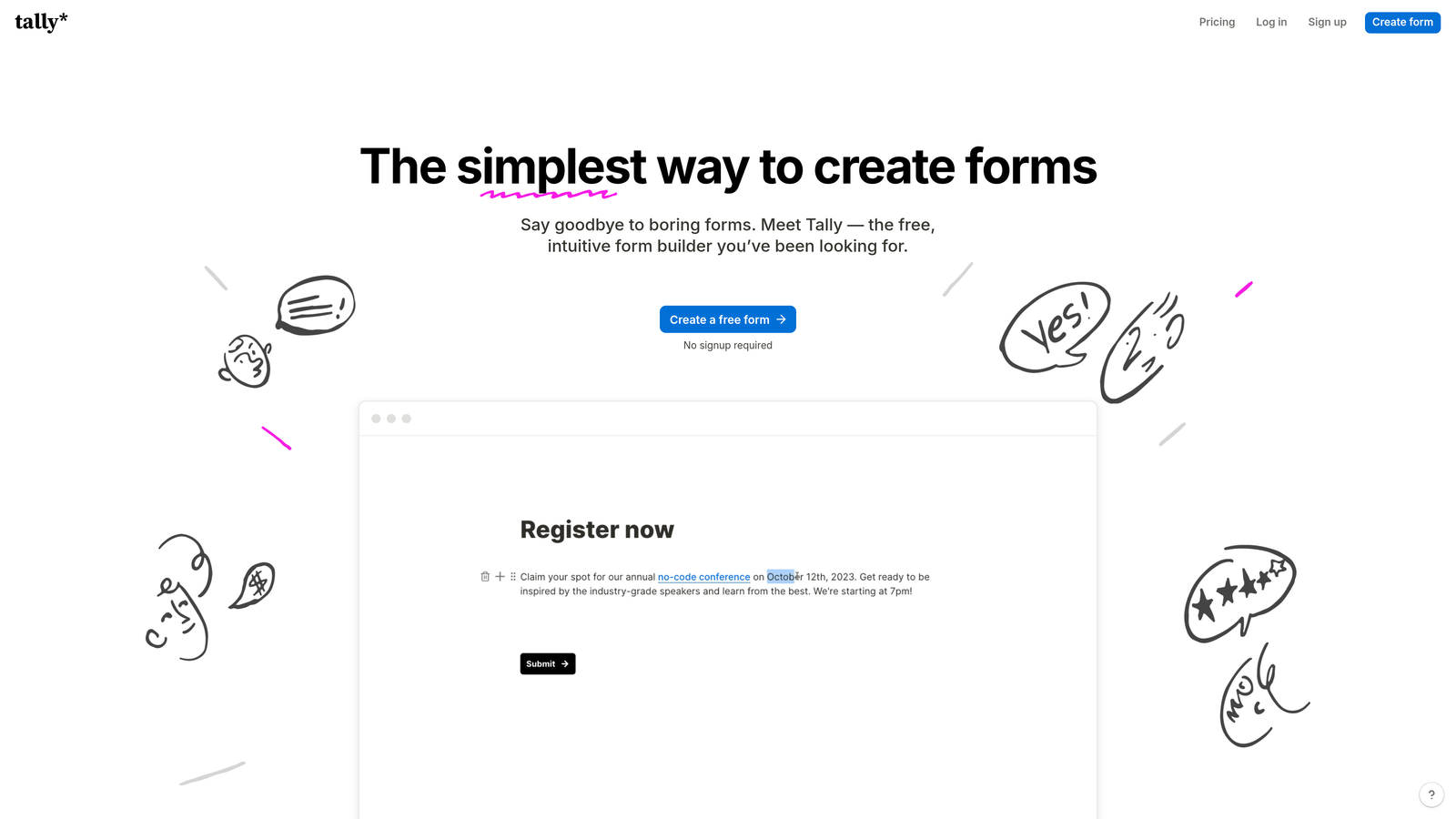
Tally is a Notion-inspired free form builder with unlimited forms and responses on its free plan, built for teams that want simplicity without sacrificing capability.
Where This Tool Shines
Tally's free plan is genuinely generous in a category where most tools aggressively gate features. Unlimited forms and unlimited responses on the free tier means early-stage teams can use it as a serious tool without hitting a paywall every few weeks. The block-based editor feels familiar to anyone who uses Notion, which shortens the learning curve considerably.
It's not the right tool if you need advanced enterprise features or deep CRM integrations out of the box. But for its target audience, lean teams and startups moving fast, Tally punches well above its price point.
Key Features
Unlimited Forms and Responses on Free Plan: No artificial submission limits that force an upgrade before you're ready.
Notion-Style Block Editor: Intuitive drag-and-drop building experience that feels natural for modern teams.
Conditional Logic and Multi-Page Forms: Branching and multi-step flows available even on the free tier.
Embed Anywhere: Paid plan removes Tally branding for a fully white-labeled embed experience.
Zapier and Native Integrations: Connect to your existing stack without complex configuration.
Best For
Tally is ideal for early-stage startups, solo founders, and small teams that need capable form tooling without a budget commitment. It also works well as a quick internal tool for surveys, feedback collection, and lightweight lead capture.
Pricing
Free plan with unlimited forms and responses. Pro plan starts around $29 per month, adding custom domains, removed branding, and priority support.
6. Gravity Forms
Best for: WordPress-native businesses needing deep customization and an extensive plugin ecosystem.
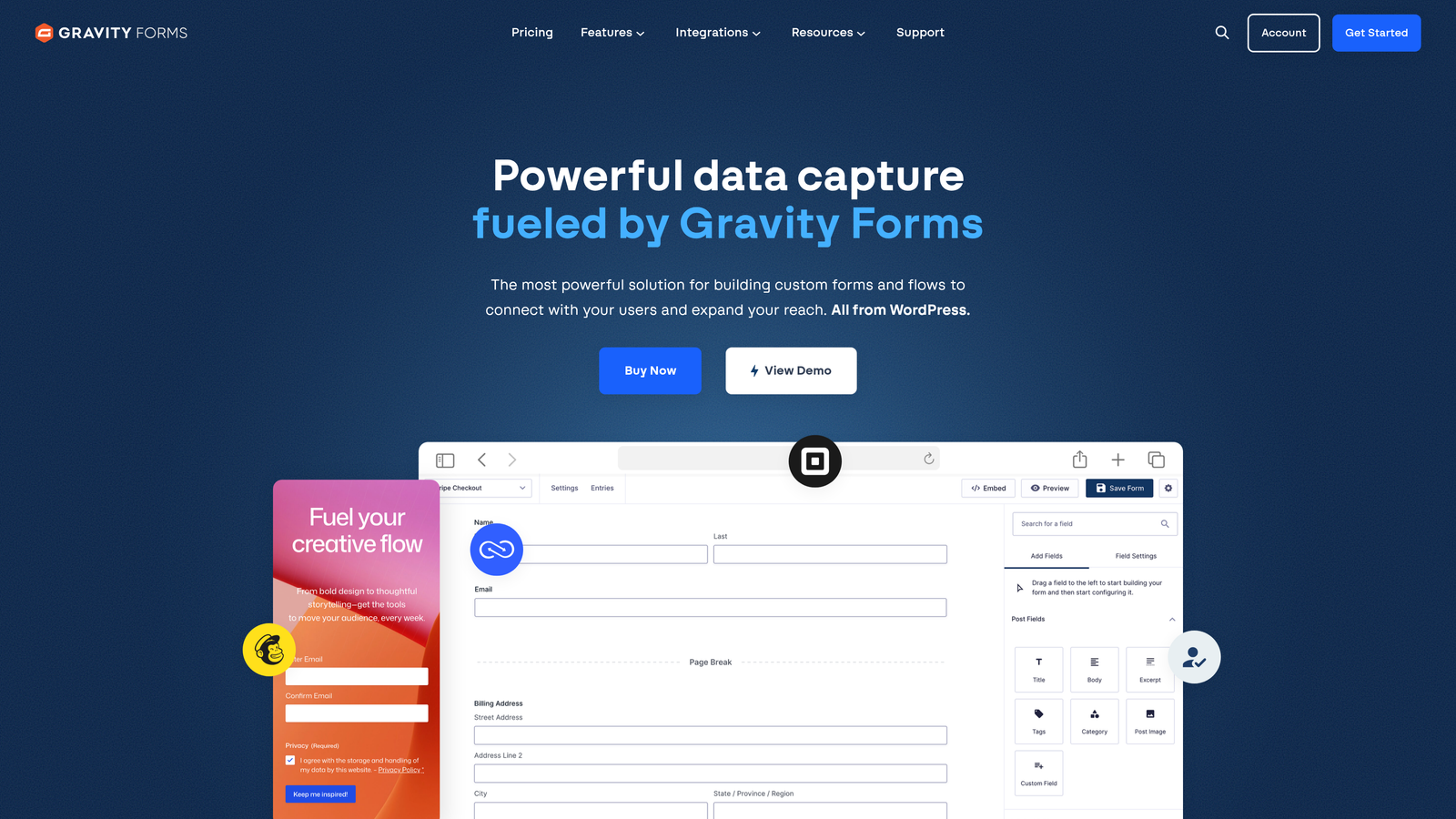
Gravity Forms is the leading WordPress form plugin, offering developer-friendly customization and a broad library of add-ons for WordPress-powered sites.
Where This Tool Shines
For businesses running on WordPress, Gravity Forms has been the gold standard for years, and that reputation is well-earned. The add-on ecosystem covers payments, CRM connections, email marketing platforms, and more. Developers appreciate the hooks and filters that make deep customization possible without hacking core functionality.
The critical constraint is the WordPress dependency. This is not a standalone SaaS product. If your site isn't on WordPress, Gravity Forms isn't an option. For WordPress shops, though, the annual license model offers strong value compared to monthly SaaS pricing.
Key Features
Deep WordPress Integration: Works natively within the WordPress admin, with full compatibility across themes and plugins.
Extensive Add-On Library: Official and third-party add-ons for Stripe, Mailchimp, Salesforce, Zapier, and many more.
Advanced Conditional Logic and Calculations: Complex branching and real-time math calculations built into the form builder.
Multi-Page Forms with Save and Continue: Long forms can be broken into pages, with the option for users to save progress and return later.
Developer-Friendly Architecture: Extensive hooks and filters for custom functionality without modifying core plugin files.
Best For
Gravity Forms is the go-to choice for WordPress agencies, developers, and businesses whose entire web presence lives on WordPress. It's overkill for non-WordPress environments and not relevant for SaaS teams without a WordPress dependency.
Pricing
Annual license starting around $59 per year for the basic tier, with higher tiers unlocking more add-ons. No monthly subscription option available.
7. Paperform
Best for: Consultants and small businesses wanting content-rich, landing page-style form experiences.
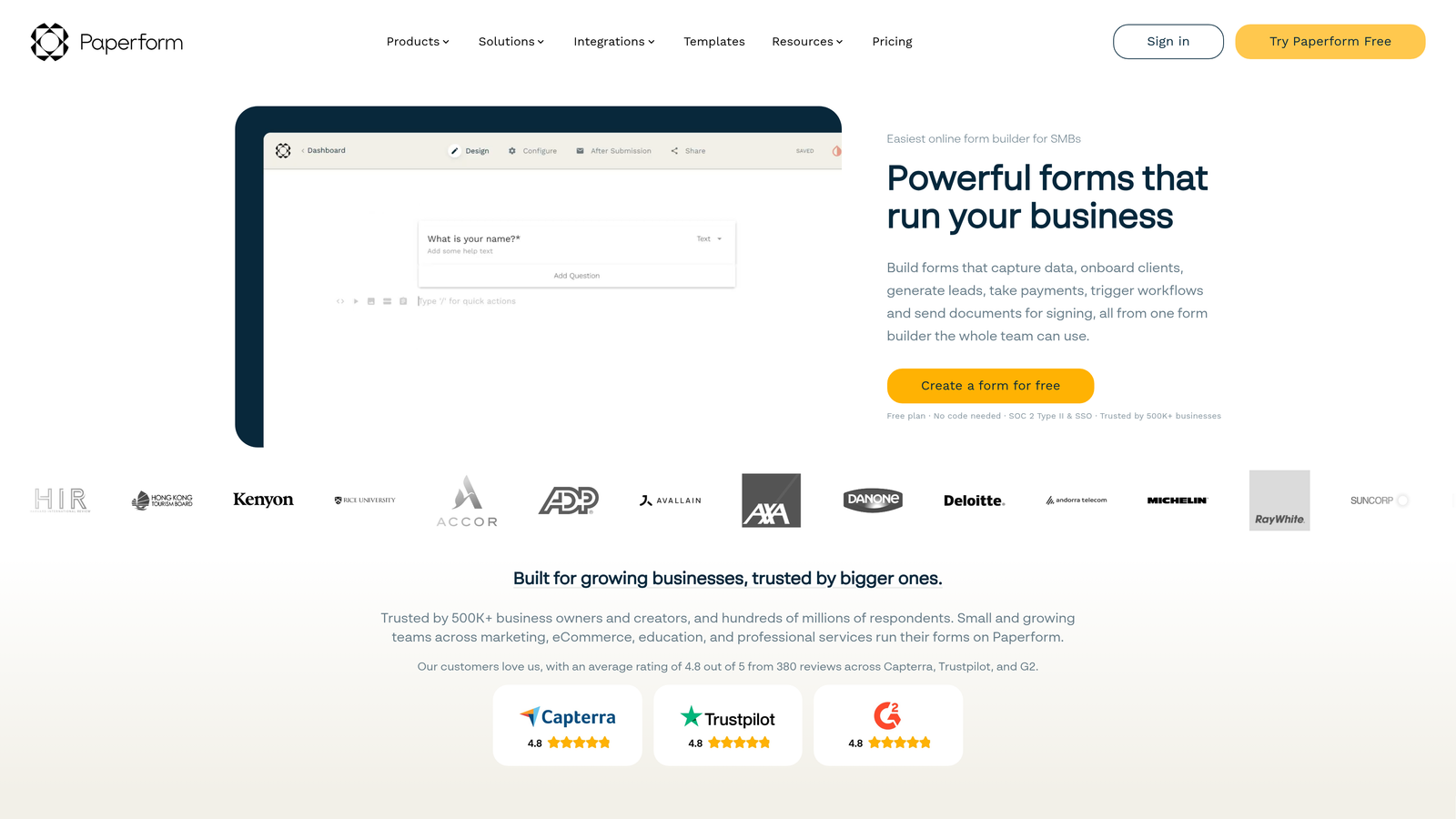
Paperform is a form builder that blends rich content blocks with form fields to create immersive, branded form pages without a developer.
Where This Tool Shines
Paperform's defining characteristic is the ability to mix form fields with images, video, and rich text in a single page, creating something that feels more like a landing page than a traditional form. For consultants, coaches, and small businesses that want a premium experience without hiring a web designer, this approach works remarkably well.
It's worth noting there's no permanent free tier, which puts it at a disadvantage compared to Tally or Google Forms for budget-constrained teams. But for the audience it's designed for, the design flexibility justifies the cost.
Key Features
Rich Content Blocks Mixed with Form Fields: Combine images, video, and formatted text alongside form questions on a single page.
Product Listings and Payment Collection: Built-in support for selling products or services directly through the form.
Conditional Logic and Calculation Support: Dynamic question paths and real-time calculations for more intelligent form flows.
Custom Domain and Full Design Control: Host forms on your own domain with complete visual customization.
Booking and Scheduling Integrations: Connect with calendar tools to enable appointment booking directly within the form.
Best For
Paperform is a strong fit for freelancers, consultants, coaches, and small businesses that want beautifully designed intake forms, order forms, or booking pages without needing a developer or a full website platform.
Pricing
Plans start around $24 per month. There is no permanent free tier, though trial access is available to test the platform before committing.
8. Google Forms
Best for: Internal surveys and simple data collection within Google Workspace environments.
Google Forms is Google's completely free form tool, offering basic data collection with native Google Sheets integration and no cost whatsoever.
Where This Tool Shines
The value proposition is simple: it's free, it works, and everyone already has access through their Google account. For internal surveys, event registrations, or quick team feedback collection, Google Forms gets the job done without any setup friction. The native Google Sheets integration means responses flow directly into a spreadsheet that your team likely already knows how to use.
For customer-facing lead capture in competitive contexts, Google Forms falls short. There's no design customization worth speaking of, no lead scoring, no conversion optimization, and no CRM integration. It's a utility tool, not a growth tool.
Key Features
Completely Free with No Response Limits: No paywalls, no submission caps, and no credit card required.
Native Google Sheets Integration: All responses automatically populate a connected spreadsheet in real time.
Basic Branching and Multiple Question Types: Section-based logic for simple routing between question groups.
Real-Time Collaboration on Form Building: Multiple team members can edit the same form simultaneously, like any Google Workspace document.
Seamless Google Workspace Compatibility: Works natively with Drive, Sheets, and Gmail for teams already in the Google ecosystem.
Best For
Google Forms is the right choice for internal use cases: employee surveys, event sign-ups, feedback collection, and quick polls. It's not suitable for lead generation, sales qualification, or any customer-facing form where conversion rate and data quality matter.
Pricing
Completely free with any Google account. No paid tiers or feature upgrades available.
9. Formstack
Best for: Enterprise teams in regulated industries requiring HIPAA compliance and complex workflow routing.
Formstack is an enterprise-grade form and workflow platform with compliance certifications, document generation, and advanced approval routing built for regulated environments.
Where This Tool Shines
Formstack occupies a distinct niche in this list: it's built for organizations where data security and regulatory compliance are non-negotiable. HIPAA compliance and SOC 2 certification make it one of the few form platforms suitable for healthcare, finance, and other regulated industries. The addition of document generation and e-signature through Formstack Sign rounds out a genuinely comprehensive workflow platform.
For most SMB or startup use cases, Formstack is significant overkill, and the pricing reflects its enterprise positioning. But for compliance-heavy organizations, the security infrastructure alone justifies the investment.
Key Features
HIPAA-Compliant and SOC 2 Certified: Meets the security and compliance requirements for healthcare, finance, and other regulated industries.
Advanced Workflow Routing and Approval Chains: Route submissions through multi-level approval processes with conditional routing logic.
Document Generation and E-Signature: Create formatted documents from form data and collect legally binding signatures through Formstack Sign.
Salesforce Native Integration: Deep, native Salesforce connectivity for enterprise revenue teams using Salesforce as their CRM.
Audit Trails and Data Security Controls: Full activity logging and granular access controls to satisfy compliance and security requirements.
Best For
Formstack is purpose-built for enterprise buyers in healthcare, legal, financial services, and other compliance-heavy sectors. It's the right call when your form data is subject to regulatory requirements that consumer-grade tools simply can't meet.
Pricing
Plans start around $83 per month, with enterprise pricing available on request for organizations needing custom configurations or volume agreements.
Which Tool Is Right for Your Team?
The right form software purchase comes down to three things: where your leads go after submission, how much qualification logic you need built in, and how much your team will realistically maintain over time. Get those three answers right, and the choice becomes much clearer.
Here's a quick decision guide based on the most common scenarios.
Lead qualification and conversion optimization are your priority: Orbit AI is built for exactly this. The AI-powered qualification scoring embedded in the form flow, combined with conversion-optimized templates, makes it the strongest fit for SaaS and B2B revenue teams.
You need polished conversational UX with strong brand control: Typeform is the proven choice here, with a design quality that's hard to match in the category.
You're already running HubSpot: HubSpot Forms is the obvious answer. The native CRM sync and workflow triggers make it the most frictionless option for existing HubSpot users.
Your site runs on WordPress: Gravity Forms remains the gold standard for WordPress-native businesses, with a depth of customization and add-on support that no standalone SaaS can replicate in that environment.
Budget is the primary constraint: Tally and Google Forms are your best options. Tally wins on modern UX and flexibility; Google Forms wins on zero-friction access within Google Workspace.
You need operational complexity, payments, or approvals: Jotform's depth of functionality is difficult to match at its price point. Paperform is the better fit if you want that functionality wrapped in a content-rich, design-forward experience.
You're in a regulated industry with compliance requirements: Formstack is the enterprise pick. The HIPAA compliance and SOC 2 certification make it the only option on this list suited to healthcare and finance environments.
Start with your workflow, then match the tool. A beautiful form that sends leads into a black hole is no better than a plain one. The best investment is a form that qualifies, converts, and connects seamlessly to the rest of your revenue stack.
If you're ready to see what AI-powered lead qualification looks like in practice, Start building free forms today and see how intelligent form design can elevate your conversion strategy.


