

JotForm has earned its place as a reliable workhorse for basic form building. But if you're running a high-growth team focused on lead generation and conversion optimization, you've probably started noticing the cracks. Maybe it's the clunky lead qualification workflows. Maybe it's pricing that climbs uncomfortably as your submission volume grows. Maybe it's the rigid design constraints that make your forms look like every other form on the internet.
Whatever's driving the evaluation, here's the reality: "JotForm alternatives" isn't a single answer. It's a decision that depends entirely on what you actually need from a form platform. Tally, Paperform, Typeform, Formstack, and Orbit AI each have genuinely distinct strengths profiles. Choosing the wrong one means migrating twice, which is a painful and expensive outcome for teams running live lead generation campaigns.
This guide gives you seven practical strategies for evaluating alternatives based on what actually matters to revenue-focused teams. Not marketing comparisons. Not feature checklists. A structured framework that starts with your operational reality and ends with a confident decision.
1. Audit Your Current JotForm Pain Points Before You Shop
The Challenge It Solves
Most teams start evaluating alternatives by browsing comparison articles, which means they end up shopping for solutions to problems they haven't clearly defined. The result is a switch that solves one frustration while quietly introducing three others. A structured pain point audit prevents this by anchoring the entire evaluation in your actual operational experience rather than vendor marketing.
The Strategy Explained
Before opening a single free trial, gather your team and systematically document every friction point with your current JotForm setup. Organize these into four categories: UX friction (things that slow down your team or your respondents), missing features (capabilities you've had to work around or abandon), pricing pressure (costs that are already high or will become high as you grow), and integration gaps (data handoffs that break or require manual intervention).
Once you have the list, rank each item by business impact. A form that takes too long to load is annoying. A qualification workflow that sends unqualified leads directly to your sales team is expensive. The ranking matters because it tells you which category of alternative to prioritize. For a broader view of how JotForm stacks up, the JotForm vs other form builders comparison provides useful context before you begin your audit.
Implementation Steps
1. Schedule a 60-minute team session to collect pain points from everyone who touches your forms: marketers, salespeople, ops, and developers if applicable.
2. Categorize each pain point into one of the four buckets: UX friction, missing features, pricing pressure, or integration gaps.
3. Score each item on a simple 1-5 scale for business impact, then sort your list by score to create a prioritized requirements document.
4. Use the top five items as your non-negotiable criteria when evaluating every alternative. If a platform doesn't address them, it's not the right fit regardless of how impressive the demo looks.
Pro Tips
Include your sales team in this audit, especially if lead qualification is part of your workflow. They experience the downstream consequences of poor form design and weak qualification logic more acutely than anyone else. Their input often surfaces requirements that marketing teams overlook entirely.
2. Match Each Alternative to Its Genuine Strengths
The Challenge It Solves
Generic "best alternatives" lists treat all form builders as roughly interchangeable, which they aren't. Each platform in the approved comparison set has been built with a specific user in mind. Evaluating them without understanding their core design intent leads to mismatched selections, where a team focused on B2B lead generation ends up on a platform optimized for service business bookings.
The Strategy Explained
Map your primary use case to the platform that genuinely serves it best, rather than defaulting to whichever alternative has the longest feature list. Here's an honest breakdown of the approved alternatives:
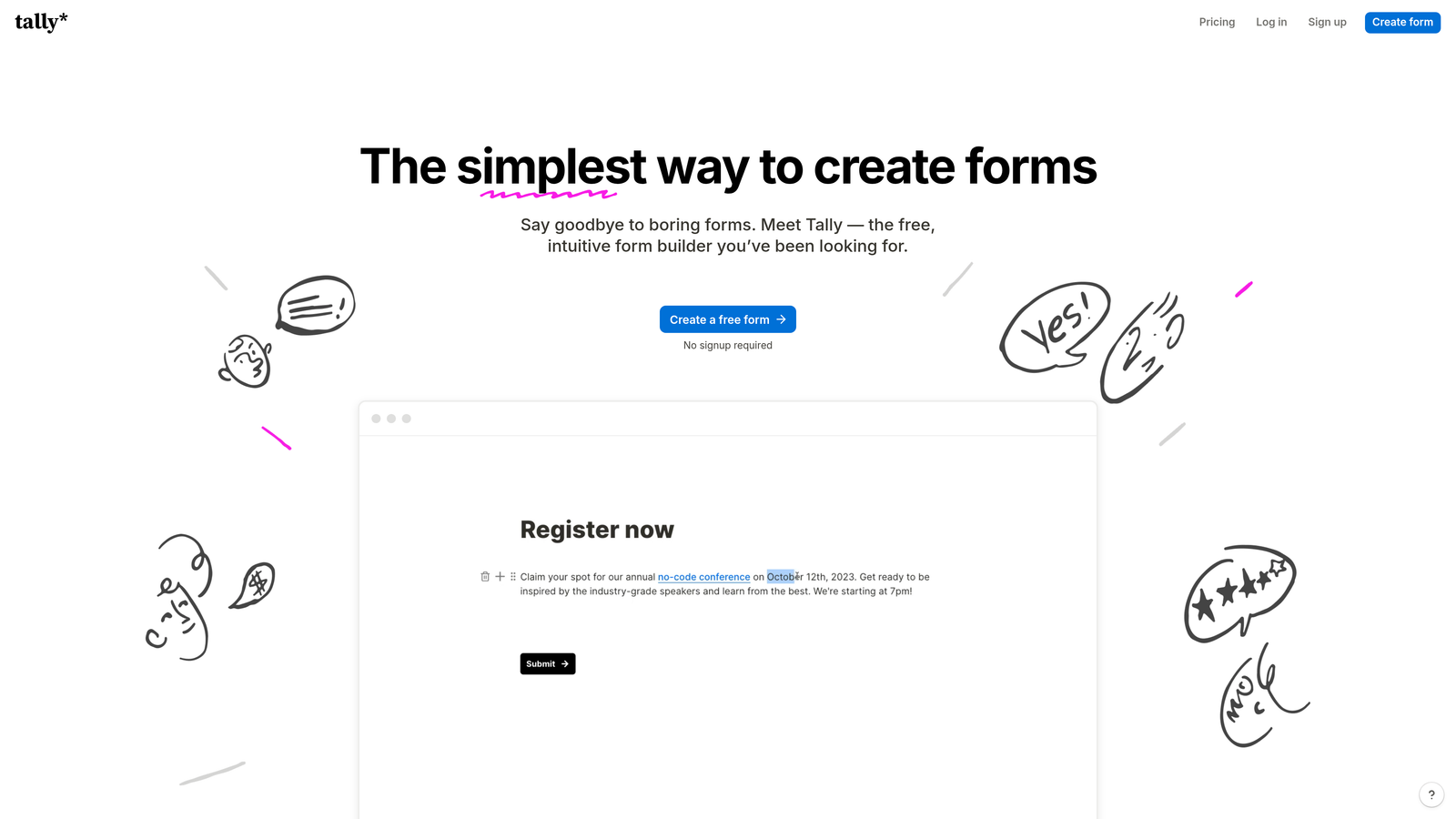
Tally: Clean, free-tier offering with a simple embed experience. Strong for lightweight internal forms and basic data collection. Less optimized for advanced lead qualification or high-conversion revenue workflows.
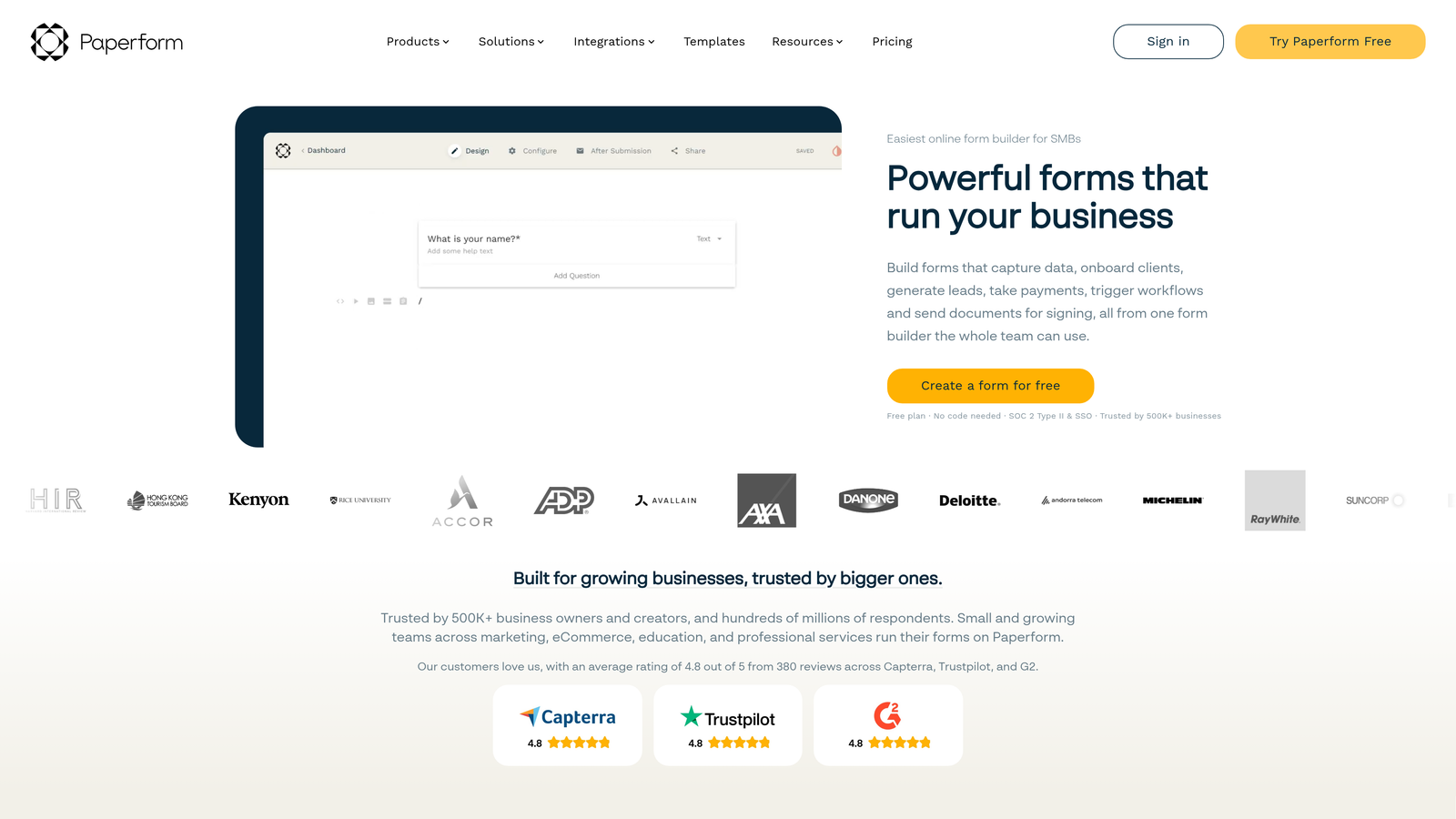
Paperform: Design-forward with solid payment and scheduling integrations. Popular with service businesses and solo operators. Less emphasis on B2B lead qualification or conversion optimization at scale.
Typeform: Recognized for conversational, one-question-at-a-time UX that can improve completion rates for certain audiences. Pricing scales quickly, and lead scoring capabilities are limited compared to dedicated lead generation platforms. If you're evaluating Typeform specifically, the Typeform alternatives for businesses breakdown offers useful context.

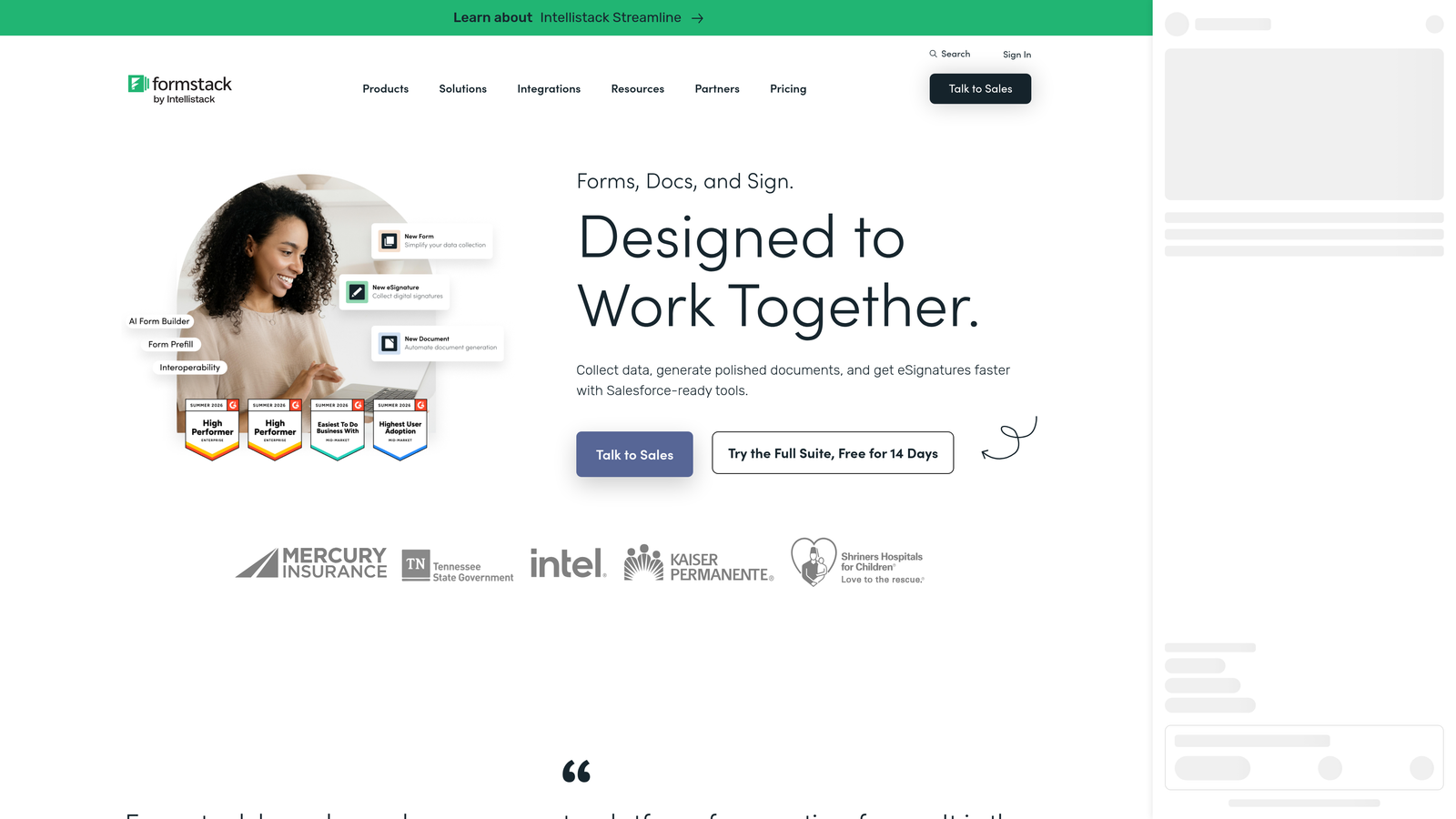
Formstack: Enterprise-focused with strong workflow automation and compliance features including HIPAA support. Better suited to regulated industries and complex internal processes than high-velocity lead generation. Teams evaluating this space should also review the Formstack alternatives with better analytics breakdown for a fuller picture.
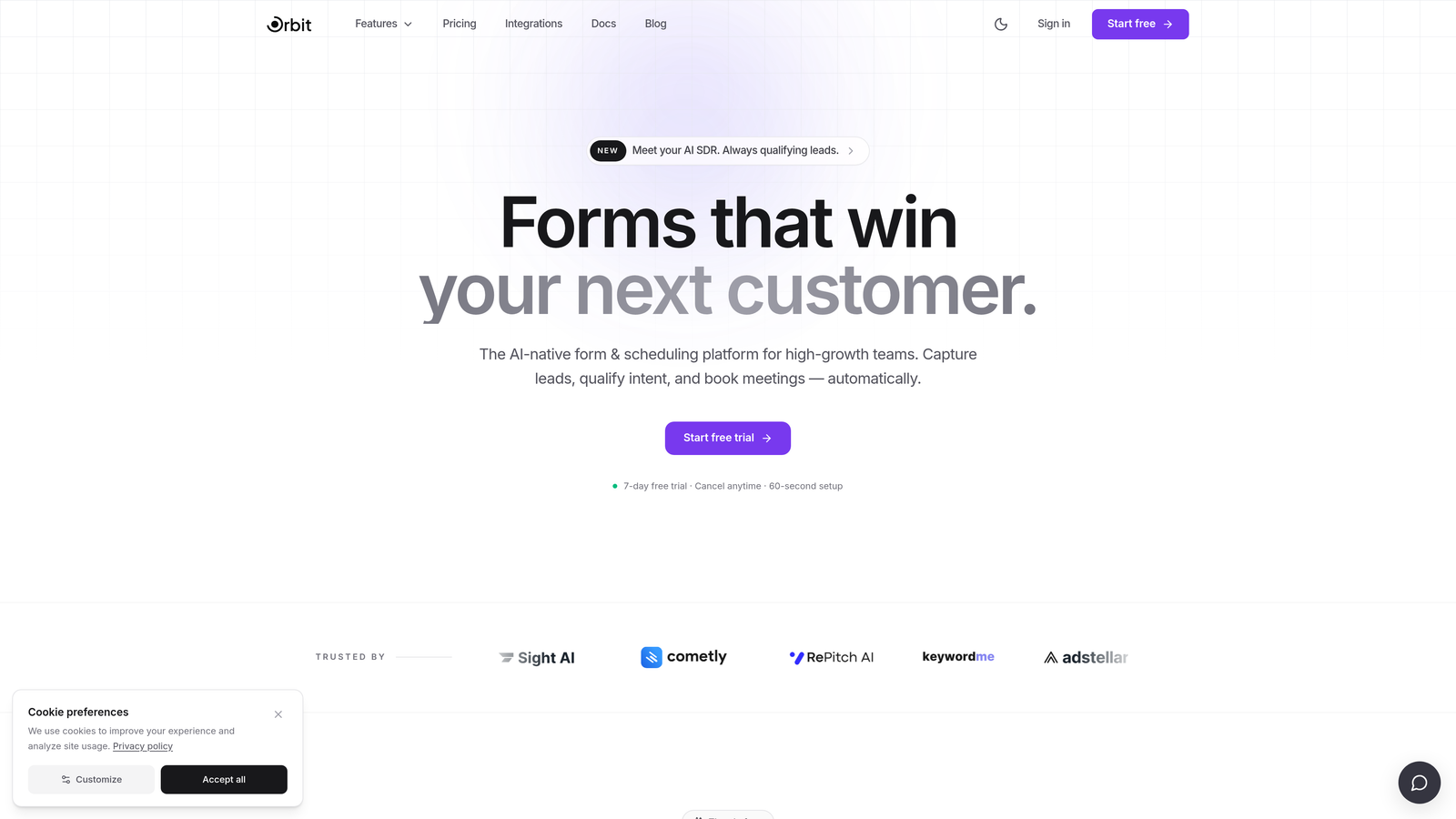
Orbit AI: Built specifically for high-growth teams prioritizing conversion optimization and lead qualification. Differentiates on AI-driven lead scoring, conditional logic depth, and modern form design.
Implementation Steps
1. Identify your primary use case driver from this list: lead generation and qualification, payments and bookings, consumer surveys, enterprise compliance, or internal tooling.
2. Use the use case as your primary filter before looking at any other feature. A platform that's not designed for your core use case won't serve you well regardless of its other capabilities.
3. Shortlist two or three platforms that align with your primary driver, then use the remaining strategies in this guide to narrow further.
Pro Tips
Resist the temptation to choose a platform based on what you might need someday. Optimize for your dominant use case today and evaluate migration paths later. Overbuilding your platform selection for hypothetical future needs is a common and costly mistake.
3. Evaluate Lead Qualification Capabilities, Not Just Form Features
The Challenge It Solves
Most form builder comparisons focus on field types, design flexibility, and integration counts. For revenue-focused teams, these are table stakes. The real differentiator is whether a platform can filter, score, and route leads intelligently at the form level, before a submission ever reaches your CRM or your sales team's inbox. Without this capability, your form is a collection tool, not a qualification engine.
The Strategy Explained
Lead qualification at the form level means more than showing or hiding fields based on previous answers. It means the platform can evaluate a submission against defined criteria and take intelligent action: routing a qualified lead to a sales rep, sending a disqualified lead to a nurture sequence, or triggering a different follow-up based on lead score. Reviewing a dedicated lead qualification software comparison is a useful starting point before you begin evaluating platforms on this dimension.
When evaluating any alternative, ask specifically about these capabilities: AI-powered qualification logic, lead scoring rules that evaluate multiple fields simultaneously, disqualification flows that redirect low-quality submissions without manual review, and CRM routing that segments leads automatically based on qualification outcome. Platforms like Orbit AI are built with these capabilities as core features. General-purpose form builders, including JotForm, typically treat them as afterthoughts if they exist at all. For a deeper look at how forms can drive qualification, the lead scoring software comparison is worth reviewing.
Implementation Steps
1. Define your ideal lead profile before evaluating any platform. What combination of answers indicates a qualified lead for your team?
2. Build a test qualification scenario using that profile and attempt to implement it in each platform's free trial. Can you create scoring rules? Can you route based on score? Can you disqualify automatically?
3. Ask vendors directly: "How does your platform handle lead disqualification?" The specificity of their answer tells you a lot about how seriously they've built this capability.
Pro Tips
If a platform's answer to lead qualification is "use Zapier to send data to your CRM and handle it there," that's a red flag for high-volume teams. Qualification logic that lives outside the form creates latency, adds failure points, and puts the burden on your ops team to maintain. Native qualification is meaningfully better.
4. Test Conversion Performance With a Live Form, Not a Demo
The Challenge It Solves
Vendor demos are optimized to impress, not to reflect real-world performance. A form that looks beautiful in a recorded walkthrough may have friction points that kill completion rates when actual respondents encounter it. The only way to know how a platform performs for your audience is to test it with your audience, using a real form in a real context.
The Strategy Explained
During your free trial period, don't just build a sample form to explore the interface. Build the actual lead generation form you'd deploy in production and run it against a real traffic source. Track the metrics that matter: form completion rate, drop-off points by field, and average time to submit. These numbers tell you far more than any demo.
You can run a lightweight A/B test by directing a portion of your existing traffic to the new platform's form while keeping your JotForm version live. This gives you a direct performance comparison before you commit to a full migration. For a structured look at platforms built around this outcome, the conversion-focused form tools comparison provides a useful benchmark across the leading options.
Implementation Steps
1. Recreate your highest-traffic lead generation form in the trial platform as accurately as possible, including conditional logic and field order.
2. Direct a defined segment of real traffic to the trial form for a minimum of one week, or until you have a statistically meaningful number of submissions.
3. Compare completion rate, drop-off by field, and time-to-submit against your JotForm baseline. Document the delta before making any decision.
4. If completion rate is lower on the alternative, investigate whether the issue is platform-level (load speed, mobile rendering) or configuration-level (field friction, copy) before drawing conclusions.
Pro Tips
Mobile rendering deserves specific attention during this test. A meaningful portion of form traffic typically comes from mobile devices, and platforms vary significantly in how well their forms perform on smaller screens. Test on multiple device types before concluding your evaluation.
5. Stress-Test Integration Depth, Not Just Integration Count
The Challenge It Solves
A platform advertising hundreds of integrations sounds impressive until you discover that most of them are shallow Zapier pass-throughs rather than native, bi-directional data sync. For teams running CRM-connected lead generation workflows, the difference between a native integration and a Zapier bridge is the difference between a reliable system and a fragile one that breaks during high-volume periods.
The Strategy Explained
When evaluating integrations, ask two questions for each connection that matters to your workflow: Is this a native integration or a third-party connector? And does data flow in both directions, or only one? A native CRM integration should sync lead data immediately on submission, update records when form data changes, and ideally pull CRM data into the form to pre-populate fields for known contacts. A Zapier bridge does none of this reliably at scale.
Prioritize verifying these specific integrations during your trial before anything else: your CRM (bidirectional sync and field mapping accuracy), your marketing automation platform (trigger reliability and segmentation accuracy), your team communication tool for lead alerts, and your payment processor if applicable. The marketing automation tools comparison is a helpful reference for understanding how different platforms handle these connections.
Implementation Steps
1. List every integration your current JotForm setup uses, including any Zapier automations that connect to downstream tools.
2. For each integration on your list, ask the alternative vendor: "Is this a native integration or does it route through a third-party connector?"
3. During the trial, submit test leads through the form and verify that data arrives in your CRM with the correct field mapping, within an acceptable time window.
4. Test failure scenarios: what happens when an integration breaks? Does the platform notify you? Does it queue submissions for retry? The answer matters for live campaigns.
Pro Tips
Pay particular attention to how each platform handles webhook reliability. For teams running real-time lead routing, a webhook that occasionally fails silently is a serious operational risk. Ask vendors specifically about their webhook retry logic and failure notification system.
6. Calculate Total Cost of Ownership Across Growth Scenarios
The Challenge It Solves
Form platform pricing rarely reflects what you'll actually pay once your team scales. Entry-level pricing is designed to look accessible. The real costs emerge when you hit submission limits, add team seats, enable white-labeling, or need API access. Teams that choose a platform based on current pricing often find themselves facing uncomfortable cost increases at exactly the moment they can least afford friction: during a growth phase.
The Strategy Explained
Rather than evaluating pricing at your current usage level, model what each platform costs at two growth scenarios: twice your current volume and five times your current volume. For each scenario, calculate the cost impact of submission or response limits, additional user seats, any features that are gated behind higher tiers, and API access if your tech stack requires it.
This exercise frequently surfaces surprising differences between platforms. A tool that appears affordable today may have a pricing structure that scales poorly, while a platform with a higher entry price may offer flat-rate pricing that becomes significantly more cost-effective at scale. The form builder pricing comparison breaks down how the leading platforms structure their costs across different usage tiers, which makes this modeling exercise considerably faster.
Implementation Steps
1. Document your current monthly submission volume, number of active users, and any premium features you currently use or anticipate needing.
2. For each shortlisted platform, model the monthly cost at 1x, 2x, and 5x your current submission volume using their published pricing pages.
3. Add any feature-gating costs: does white-labeling require an upgrade? Does API access cost extra? Are there per-seat fees that compound with team growth?
4. Build a simple comparison table with each platform's projected cost at each growth scenario, then evaluate cost trajectory alongside capability fit.
Pro Tips
Ask vendors directly about their pricing roadmap. Some platforms have historically changed pricing structures in ways that affected existing customers. Understanding how stable a platform's pricing model has been is a reasonable due diligence question, especially if you're planning a long-term commitment.
7. Run a Migration Readiness Check Before You Commit
The Challenge It Solves
Switching form platforms involves migrating considerably more than form fields. Conditional logic, hidden fields, webhook configurations, branding assets, embedded form code across multiple pages, and historical submission data all need to move. Teams that underestimate migration complexity often disrupt live lead generation campaigns mid-switch, which is a painful and avoidable outcome.
The Strategy Explained
Before signing a contract with any alternative, run a migration readiness check that maps everything you'd need to move and evaluates how much of that migration the new platform supports natively. Some platforms offer migration assistance or import tools. Others leave the work entirely to you. Knowing this upfront lets you factor migration cost and risk into your decision.
A phased migration approach is almost always safer than a hard cutover for teams running live campaigns. Plan to migrate lower-traffic forms first, verify that everything works correctly in the new environment, then progressively move higher-traffic and higher-stakes forms. The form builder comparison for businesses includes useful guidance on evaluating platform maturity and support quality, both of which directly affect how smooth a migration will be. Keep your JotForm versions live until each migrated form has been validated against real traffic.
Implementation Steps
1. Create a complete inventory of every form you're migrating, including its conditional logic complexity, integrations, embedded locations, and monthly submission volume.
2. Ask each vendor on your shortlist: "What migration support do you provide? Do you have import tools? Do you offer assisted migration for enterprise accounts?"
3. Categorize your forms into three tiers: low-complexity forms with minimal integrations, medium-complexity forms with conditional logic and CRM connections, and high-stakes forms running live campaigns with significant traffic.
4. Plan your migration sequence starting with Tier 1, then Tier 2, then Tier 3. Set a validation checkpoint after each tier before proceeding to the next.
5. Update embedded form code on your website and landing pages only after the migrated form has been tested and confirmed working in the new environment.
Pro Tips
Don't forget about historical submission data. If your team uses past submission records for reporting, compliance, or sales context, confirm with the new vendor how you'll export that data from JotForm and whether the new platform can import it in a usable format. This is frequently an afterthought that creates problems post-migration.
Putting It All Together
Choosing a JotForm alternative is a strategic decision, not a tool swap. The platform you select shapes how your team captures, qualifies, and converts leads at scale. Get it wrong and you're migrating again in twelve months. Get it right and you have infrastructure that accelerates growth rather than constraining it.
The seven strategies above give you a structured path from vague dissatisfaction to confident selection. Start with your audit to ground the evaluation in operational reality. Use the use case mapping to filter quickly. Pressure-test your shortlist on lead qualification depth, real-world conversion performance, integration reliability, total cost trajectory, and migration complexity.
If lead qualification and conversion optimization are your core priorities, platforms built specifically for those outcomes will consistently outperform general-purpose form builders. Orbit AI was designed from the ground up for high-growth teams that need forms to do more than collect submissions: to filter lead quality, score prospects automatically, and route the right leads to the right people without manual intervention.
Use the framework here to benchmark every option honestly, including Orbit AI. The best switch is an informed one. Start building free forms today and see how intelligent form design can elevate your conversion strategy across every campaign you run.


